Describe each environment once Mechanism
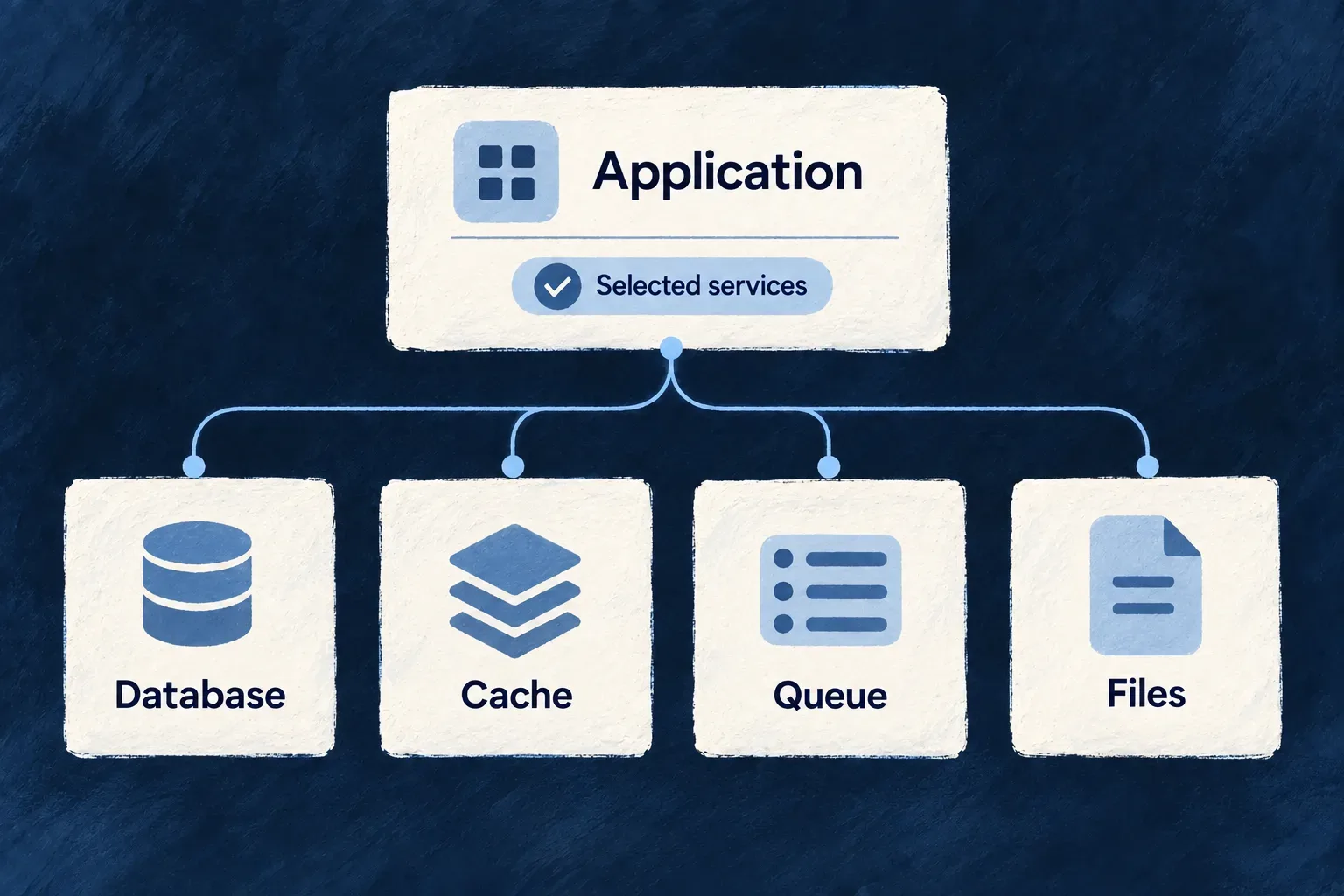
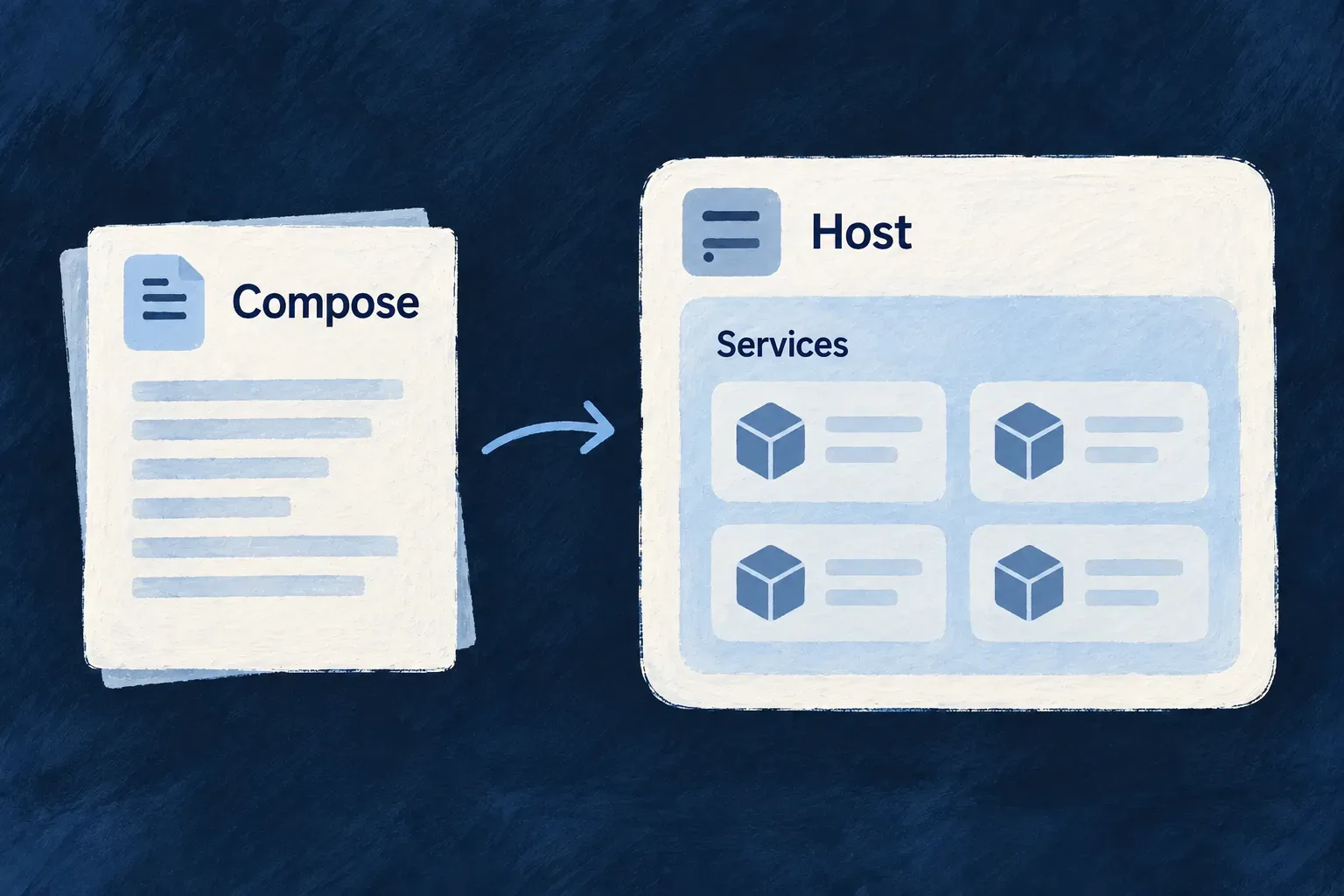
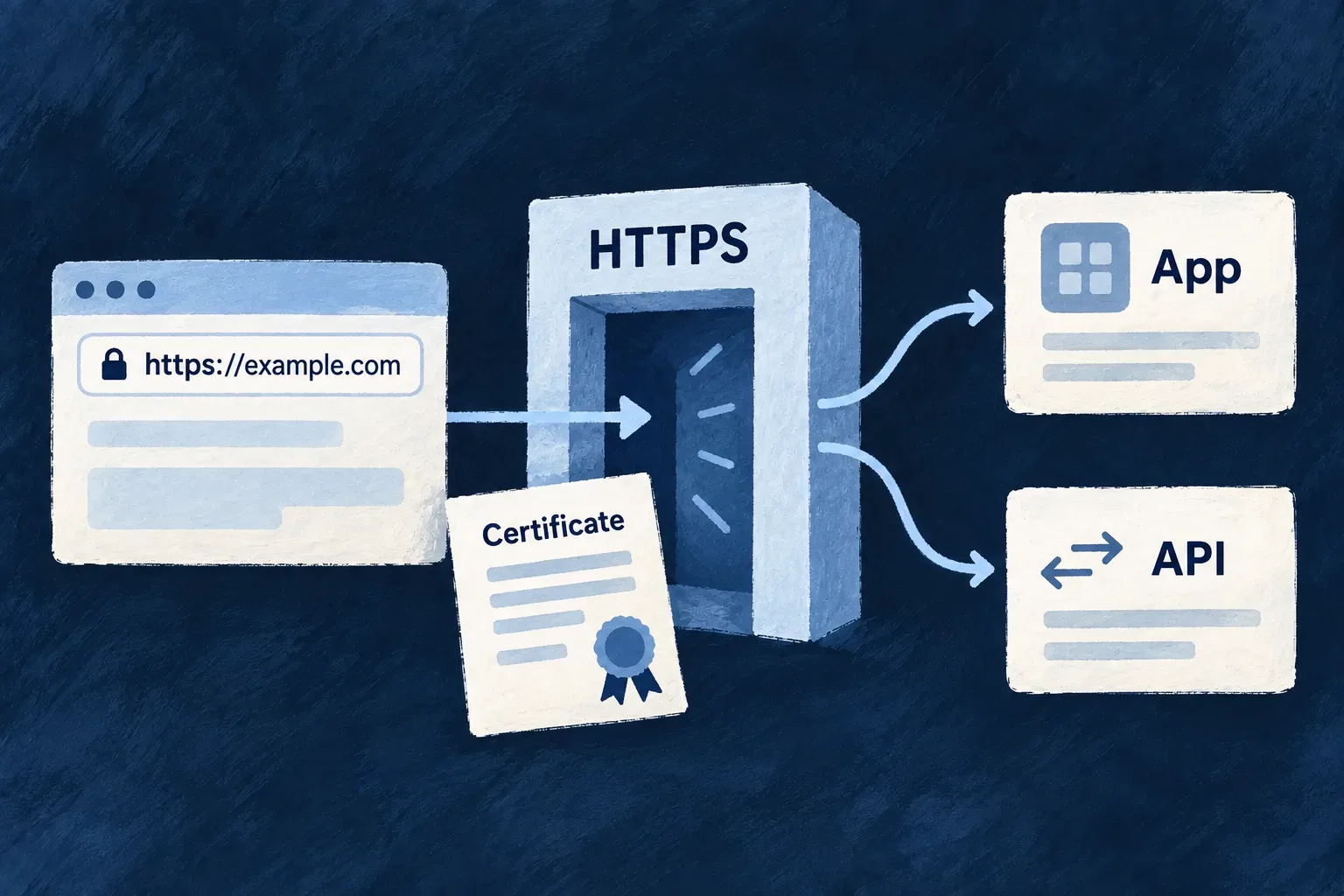
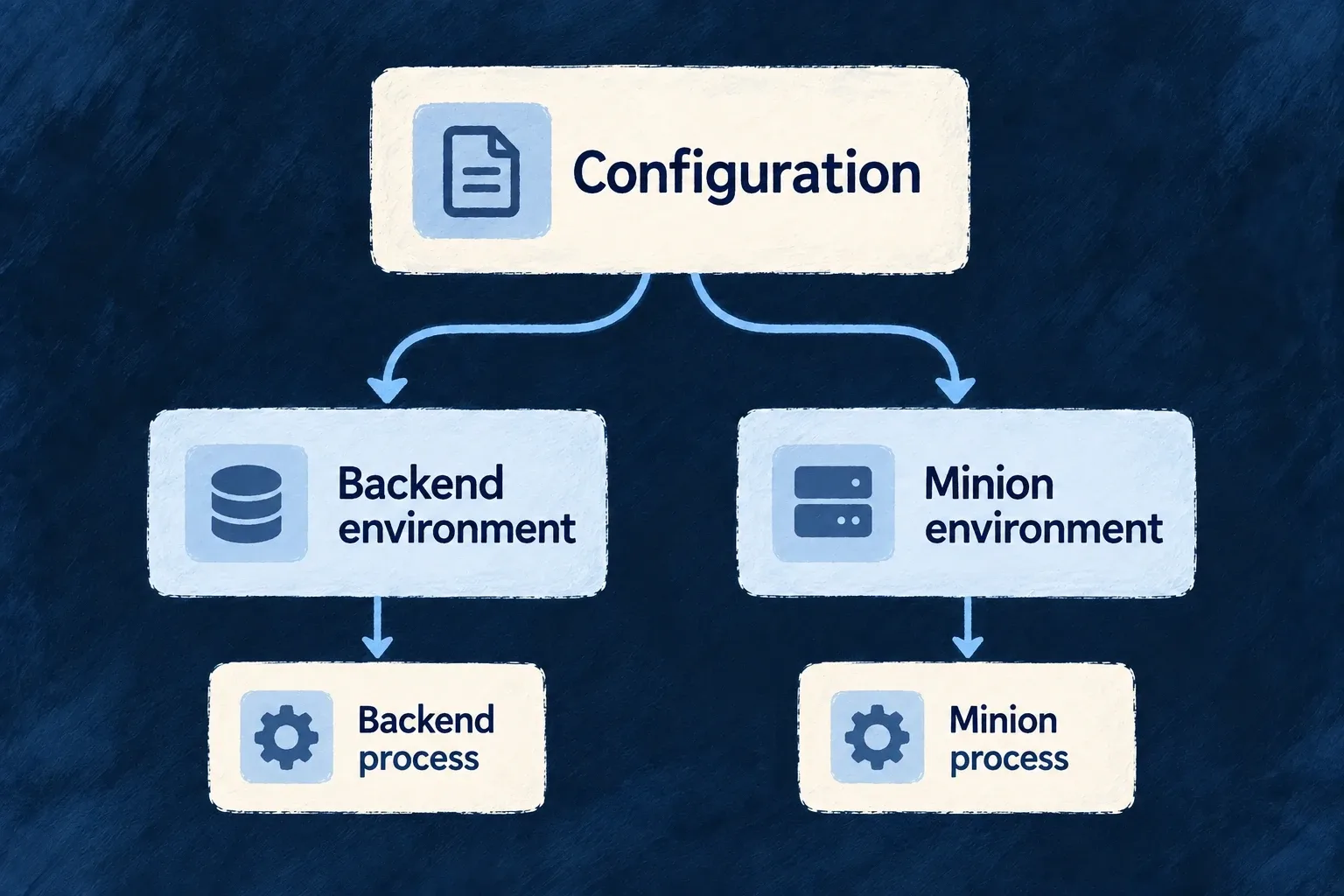
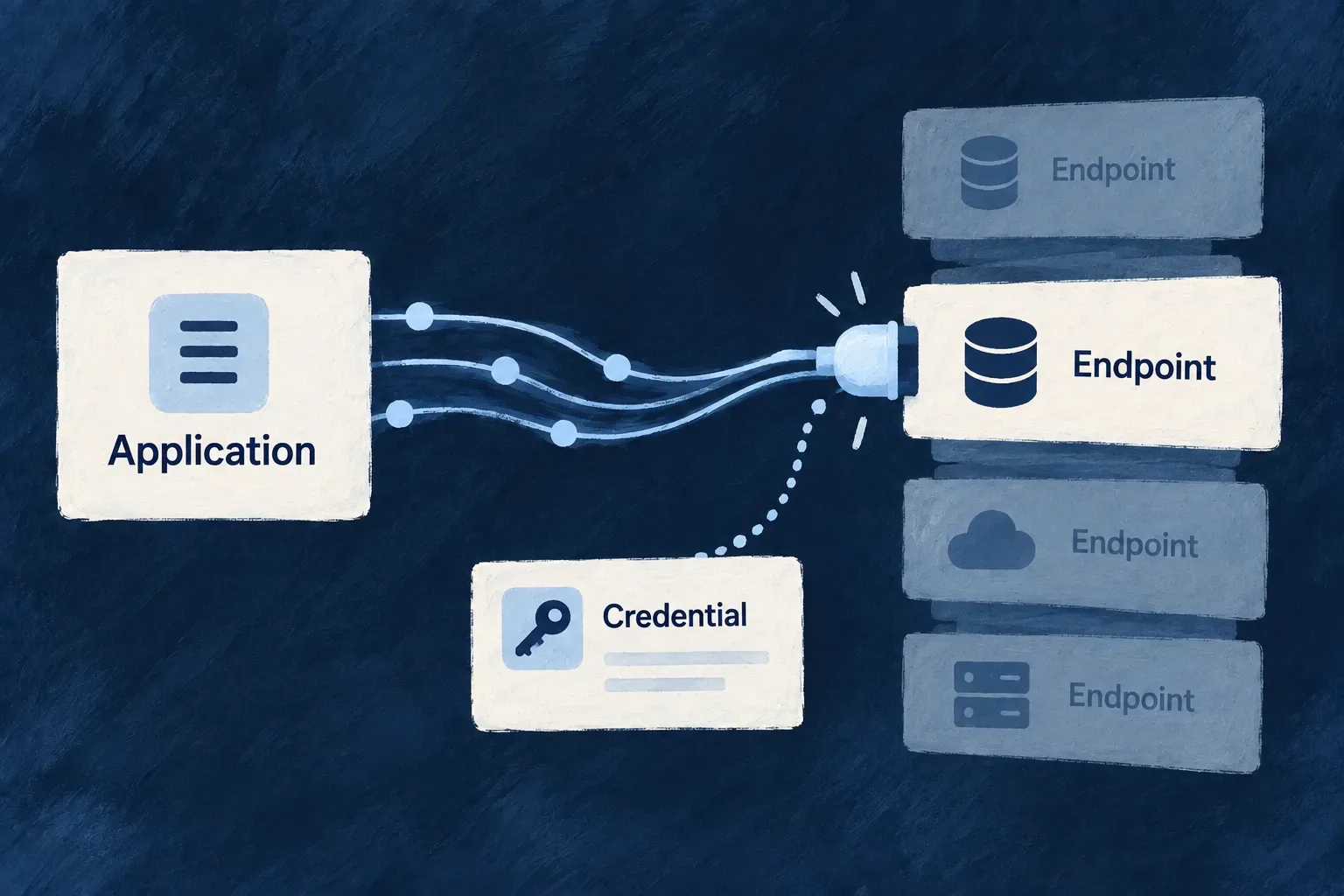
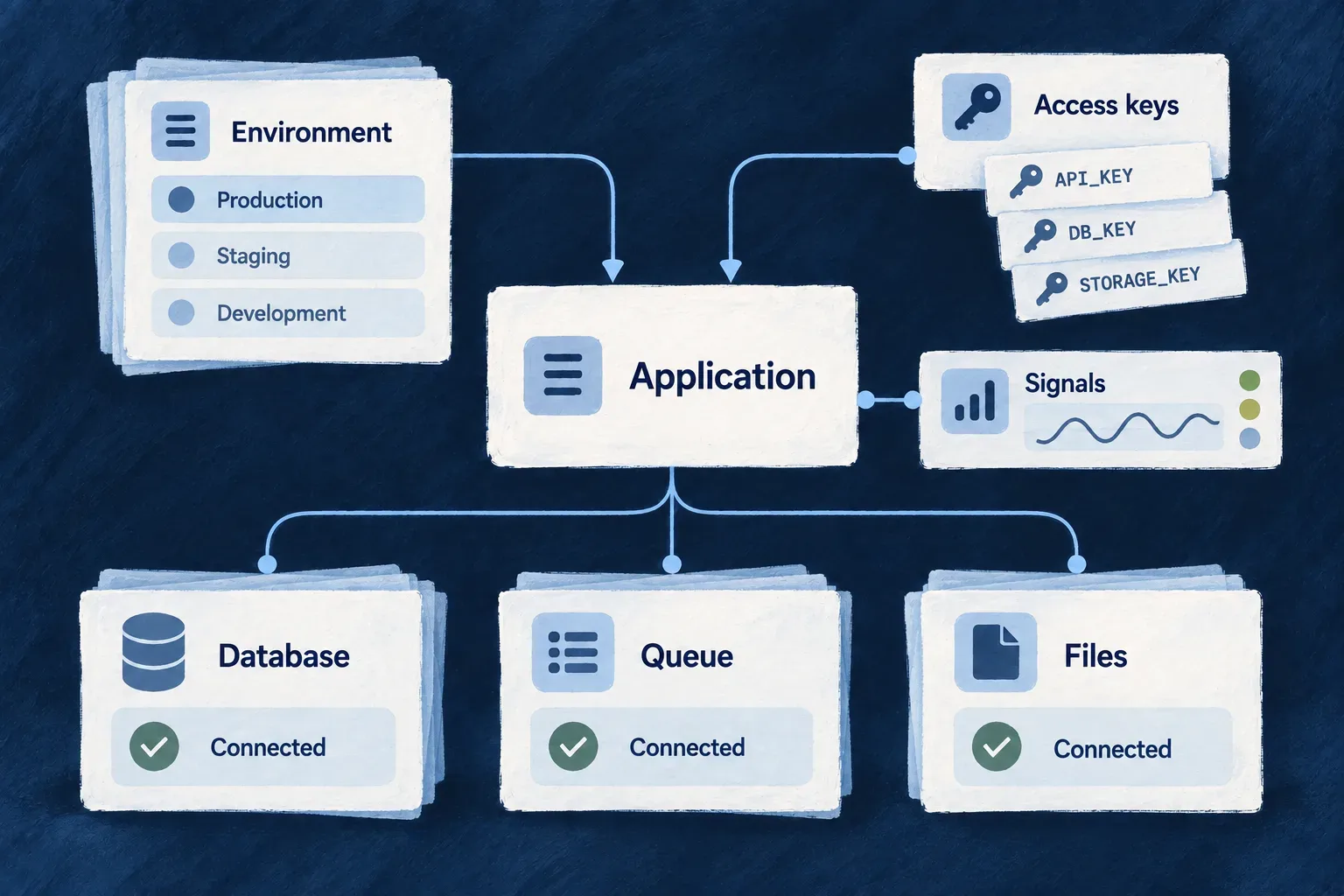
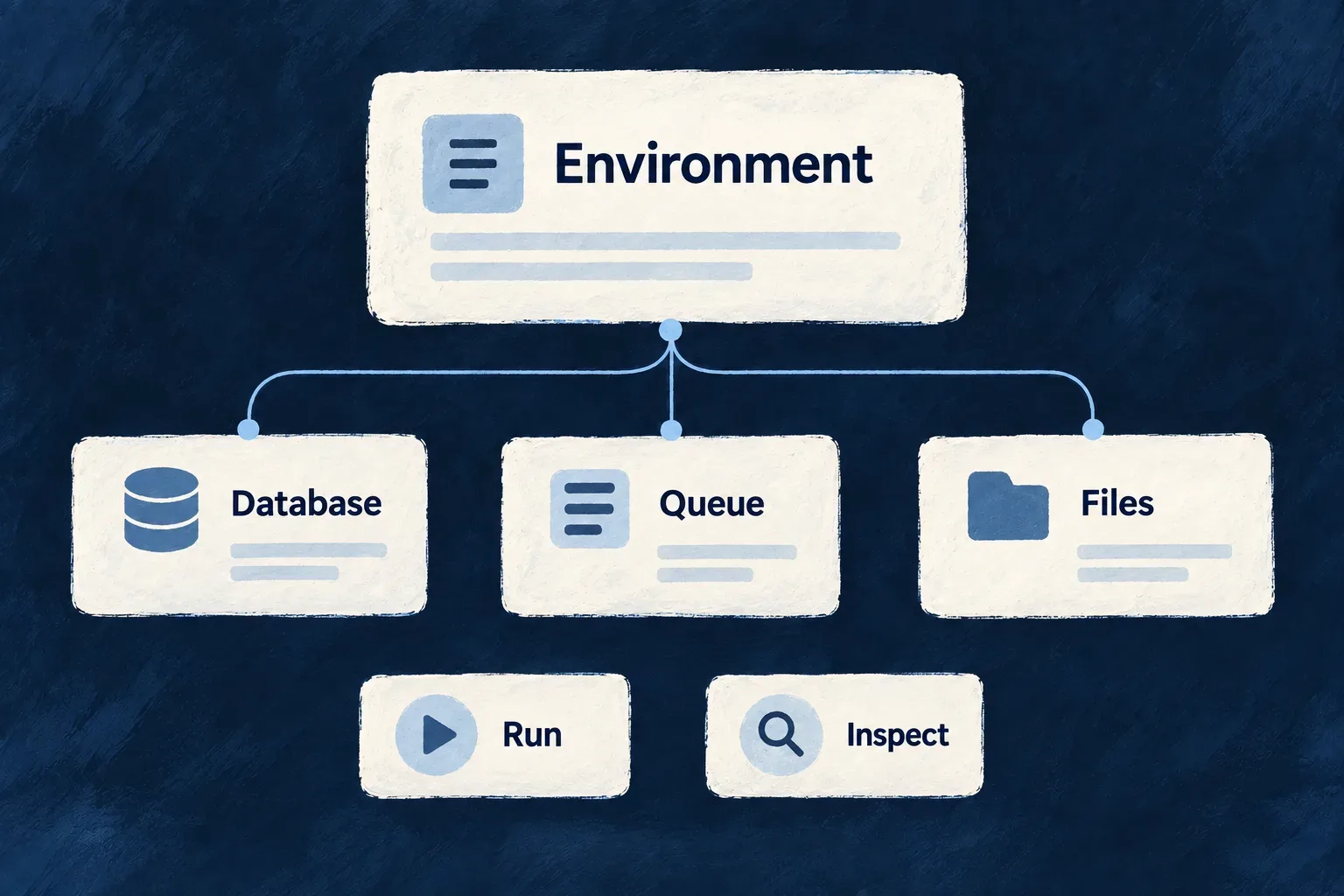
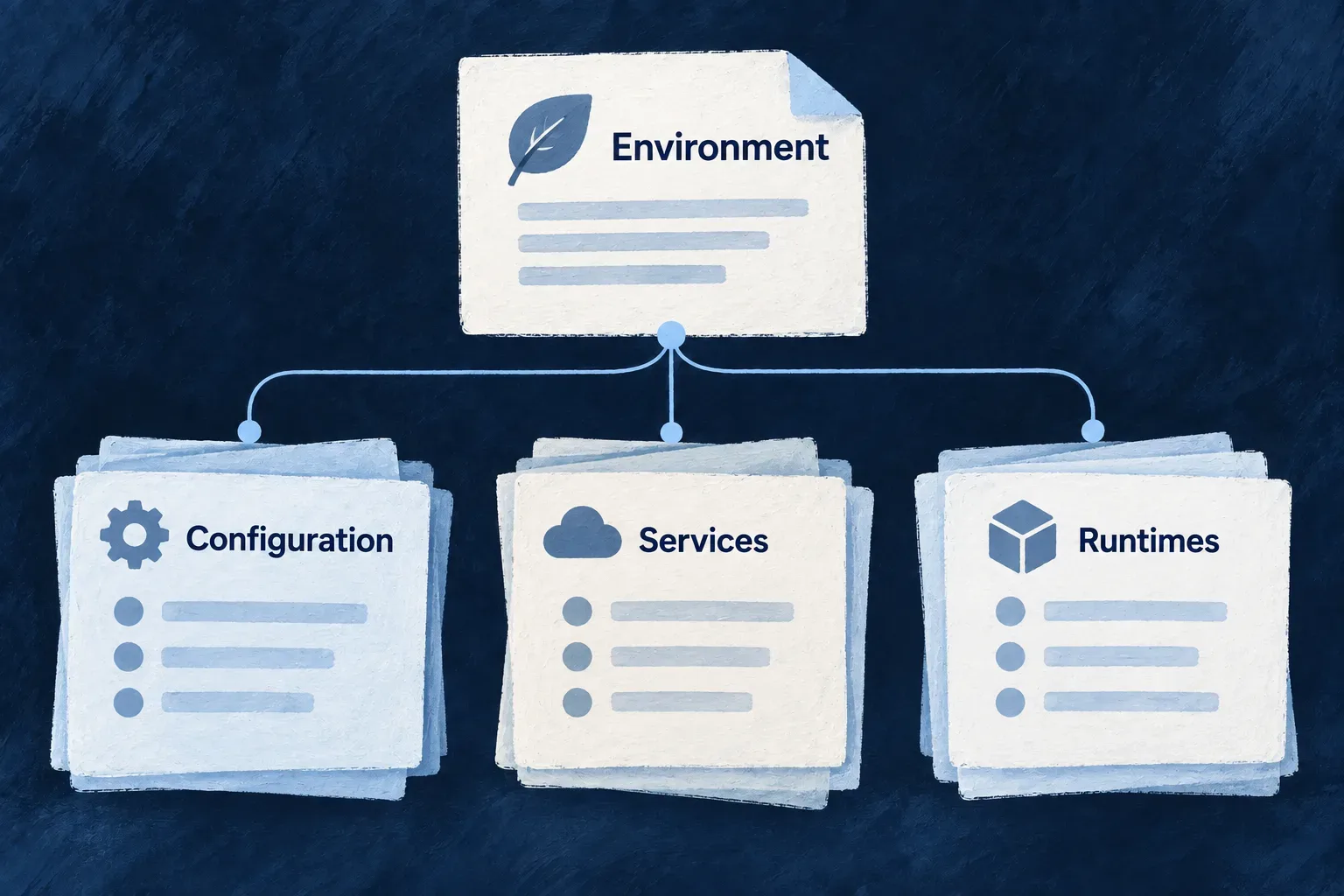
An environment describes where an application runs and which services it uses. Wildo turns that definition into the configuration its processes and deployment tools need, reducing separate files to keep aligned.
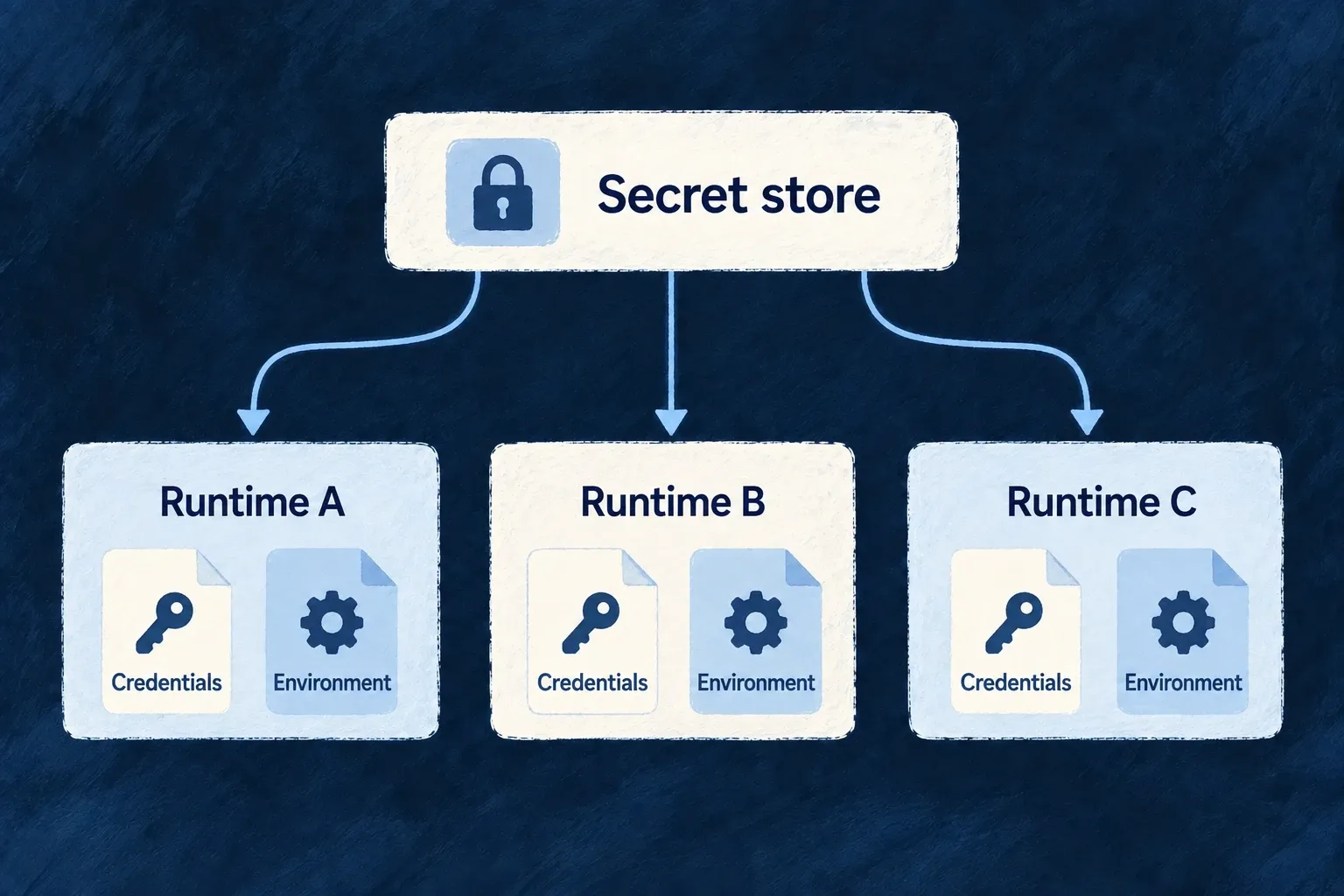
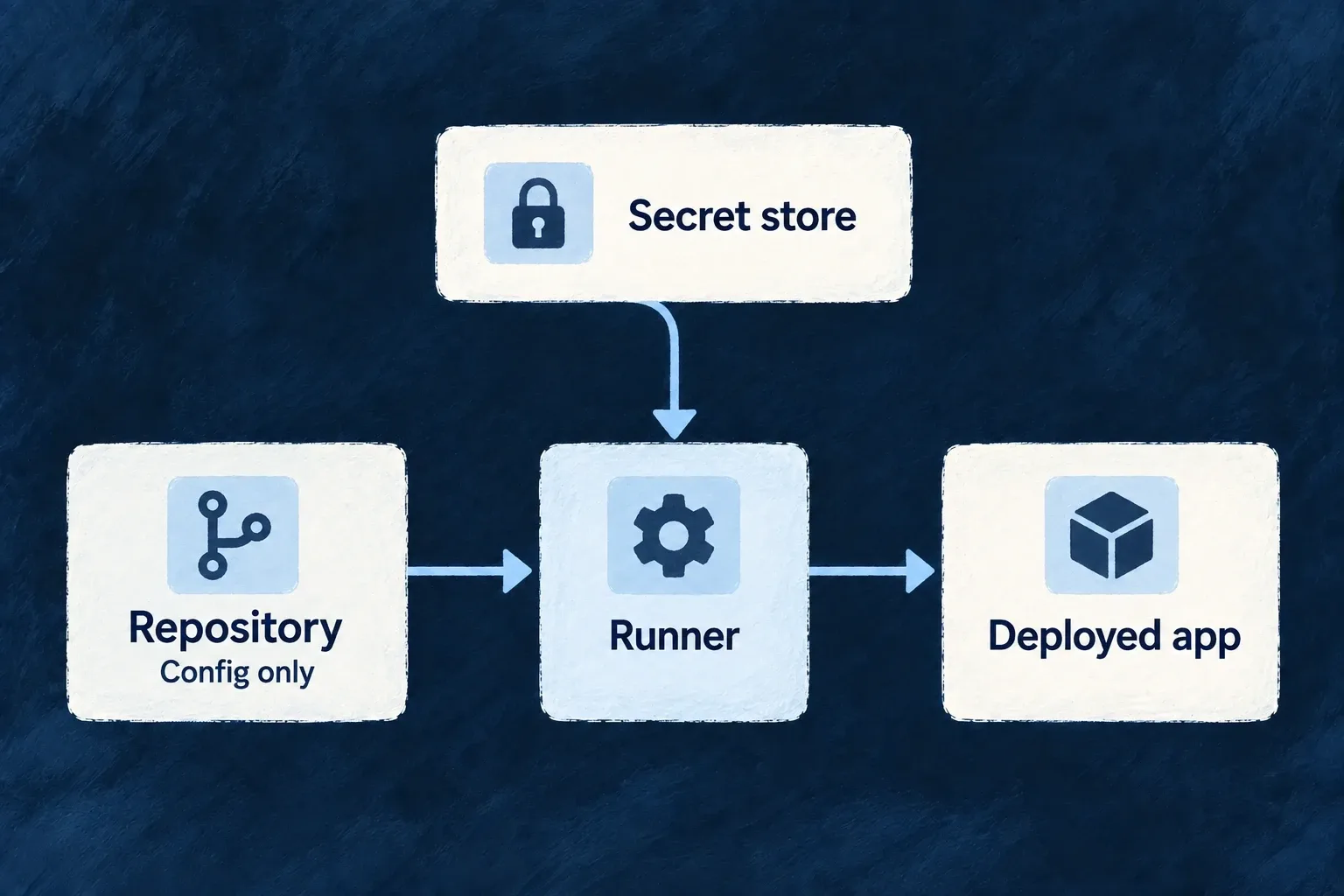
Choose the runtime, public addresses and service connections in a typed file. Keep credentials in the environment’s secret store; synchronize the derived files when the definition changes.
Example: Use the same database engine for different responsibilities
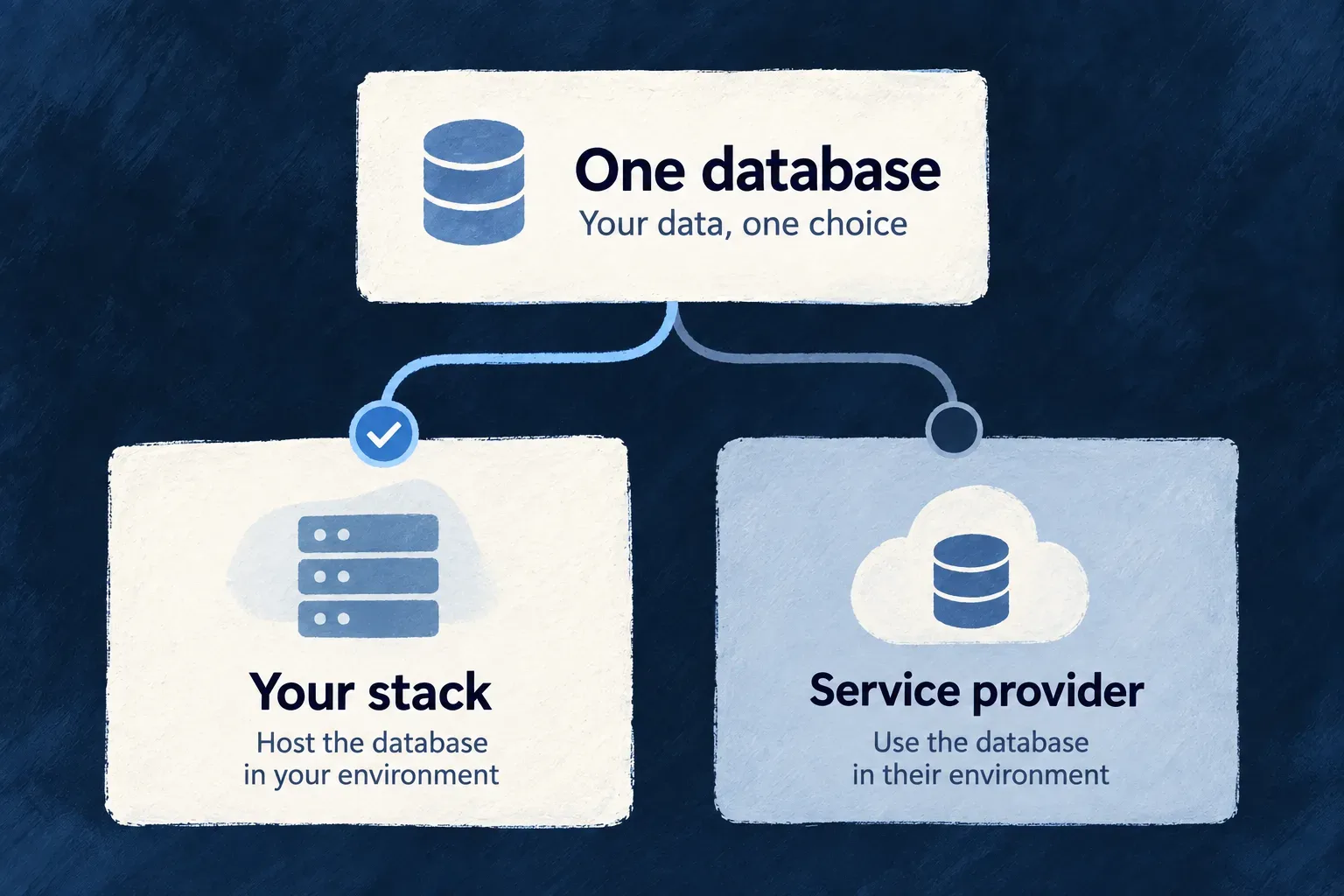
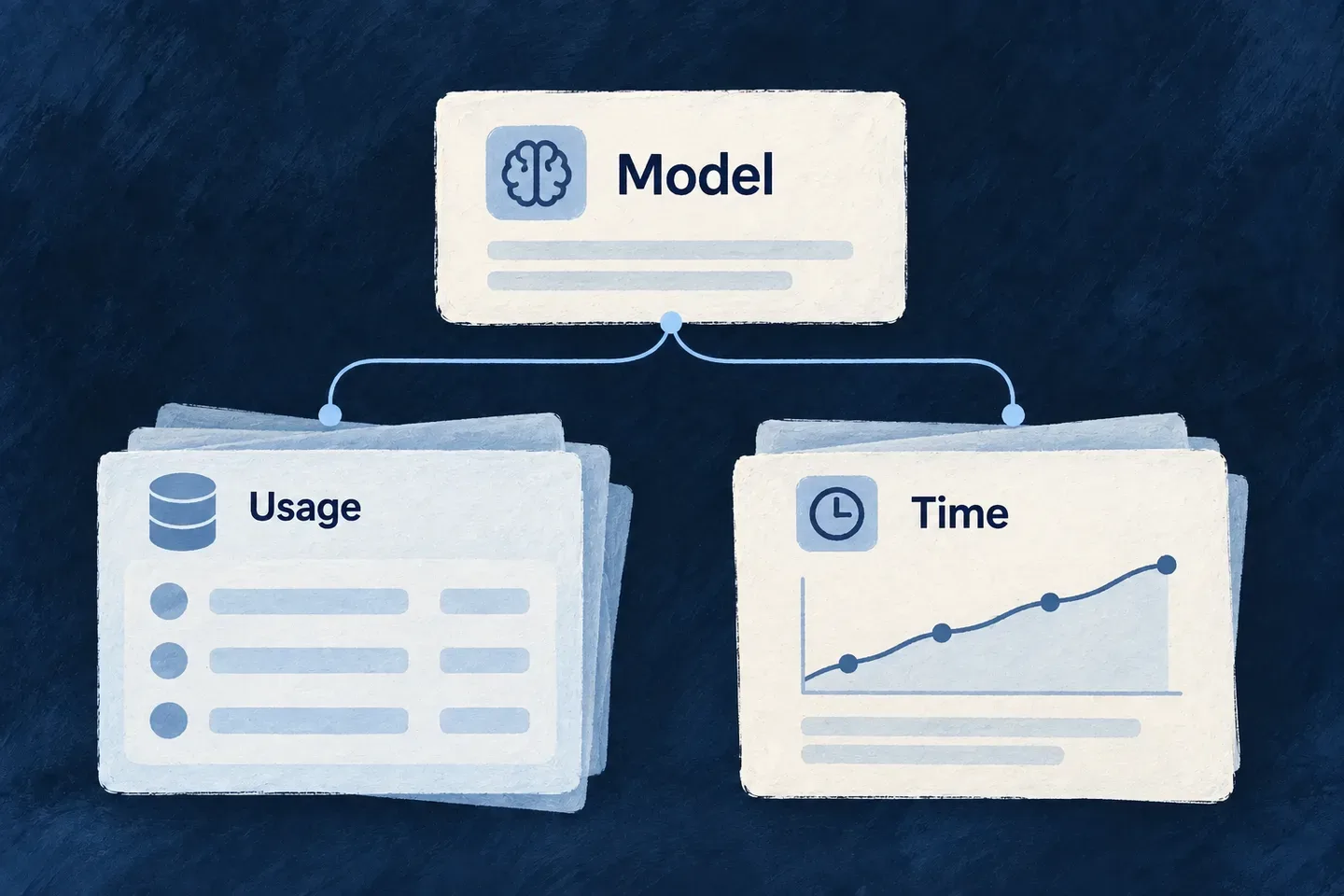
A local application can use PostgreSQL for its business records while the platform uses PostgreSQL for registrations and operating state. These remain separate selections, even when both connect to the same server.
For engineers
Give the environment a canonical home
Use defineInfraEnvConfig in the filename the loader discovers:
| Environment | Authored file |
|---|---|
| Local | infrastructure/local/wildo.infra.local.config.ts |
| Any non-local environment | infrastructure/<environment>/wildo.infra.remote.config.ts |
| Example custom environment | infrastructure/review-team/wildo.infra.remote.config.ts |
The directory selects the environment; a custom name does not change the remote filename. Environment identifiers accept lowercase alphanumeric segments separated by hyphens, so names such as review-team are possible; the common local, staging and production enum values are conveniences, not the complete vocabulary. Follow the existing project’s discovered environment-file layout when adding another environment.
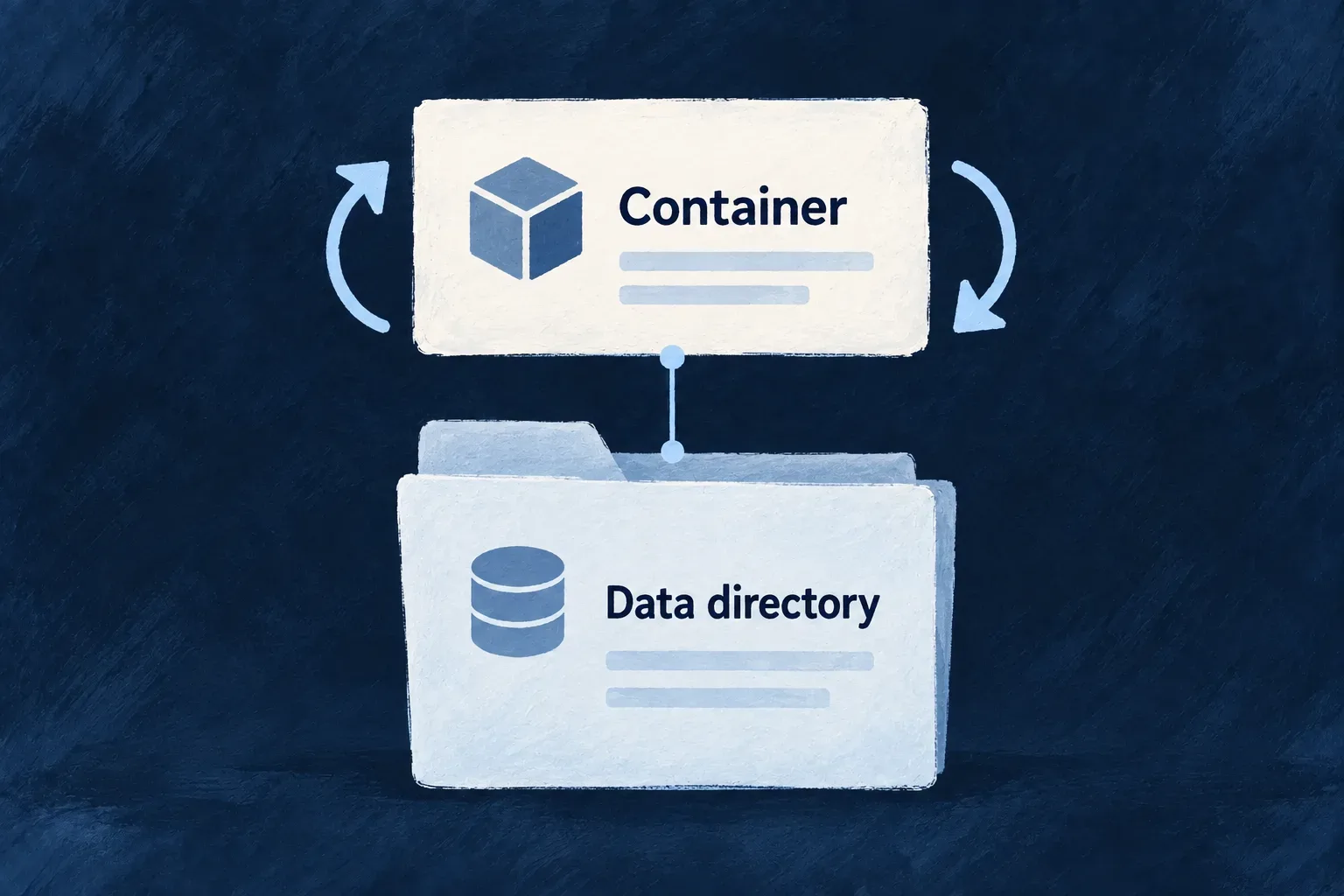
Separate the service from the data it serves
This excerpt follows Wonder Todos’ local declaration. Its other backing services and policy blocks are omitted; it is the database portion of an environment, not a complete stack recipe.
import {
defineInfraEnvConfig, WildoEnvironment, WildoDeploymentRuntime,
BackingServiceSource, DatabaseEngine,
} from '@wildo-ai/platform-config-lib';
export default defineInfraEnvConfig({
environment: WildoEnvironment.LOCAL,
runtime: WildoDeploymentRuntime.DOCKER_COMPOSE,
publicDomain: 'localhost',
database: { engine: DatabaseEngine.POSTGRESQL, source: BackingServiceSource.SELF },
applicationDatabase: { engine: DatabaseEngine.POSTGRESQL },
backingServices: {
postgresql: {
source: BackingServiceSource.SELF,
host: 'localhost', port: 5432,
database: 'wonder-todos-db',
},
},
});
database selects the platform’s persistence engine. applicationDatabase selects the application’s default persistence engine. backingServices.postgresql describes the supplied connection. Naming a server is not itself a request to move existing business data to it.
Ship the PostgreSQL schema with the connection change
Selecting PostgreSQL supplies a default engine and connection; it does not create the application’s tables or transfer existing records. Resource and module schema changes need reviewed migrations and an updated accepted schema baseline, shipped together with the release.
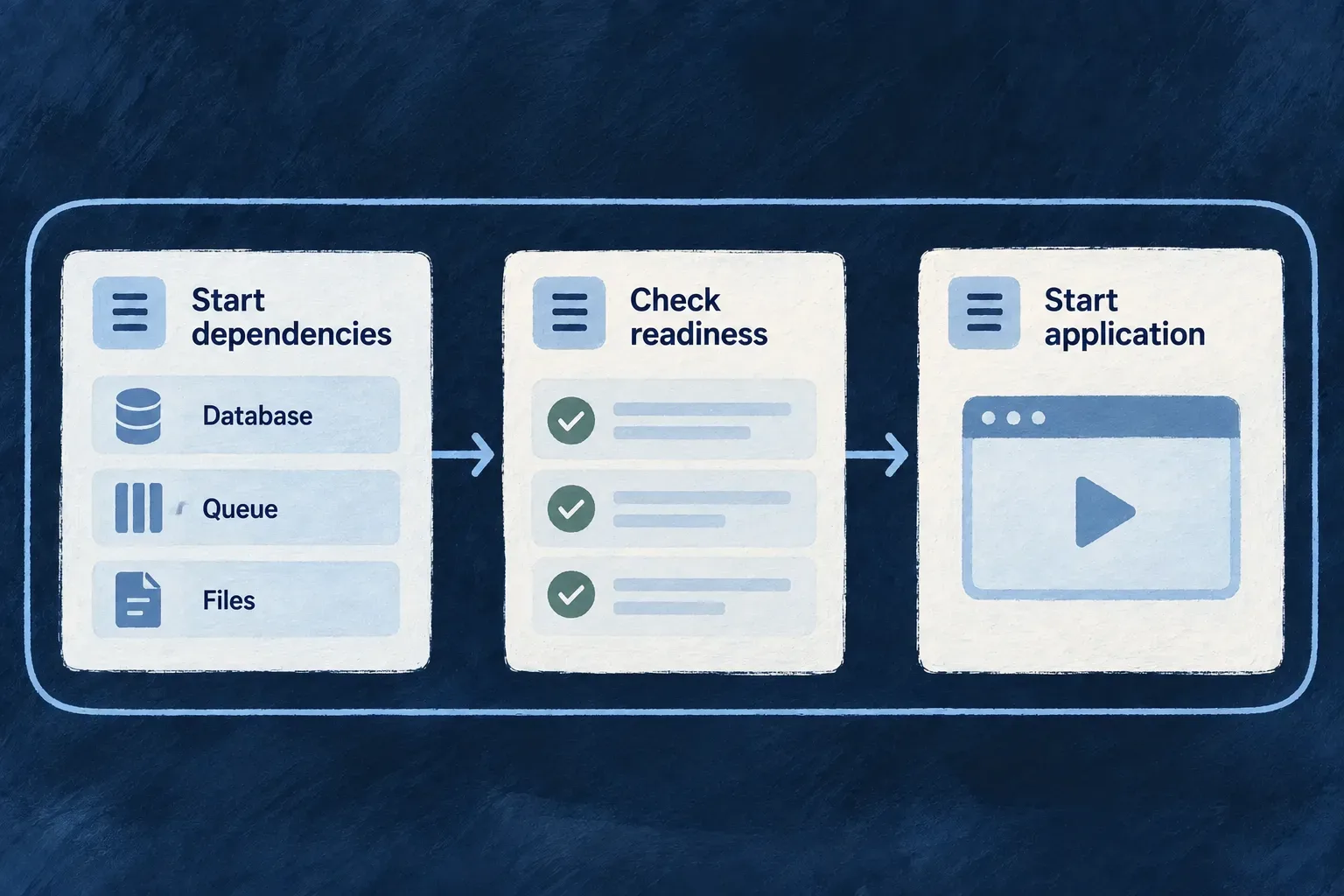
For non-platform applications, startup applies shipped PostgreSQL migrations before checking the physical tables against the resource plan. Platform services run that work in their own startup phase. An absent or incompatible table can therefore stop startup even when the connection is valid.
Follow database schema planning and migration for the workflow. The application’s application-database-migrations guidance covers migration authoring and baseline review; moving existing business data between stores is separate work.
Let each field keep its meaning
| Declaration | What it identifies |
|---|---|
PostgreSQL or MongoDB database | A database name |
Redis database | An integer logical index from 0 through 15 |
RabbitMQ vhost | A broker namespace |
S3 endpoint and bucket | An object-storage address and bucket |
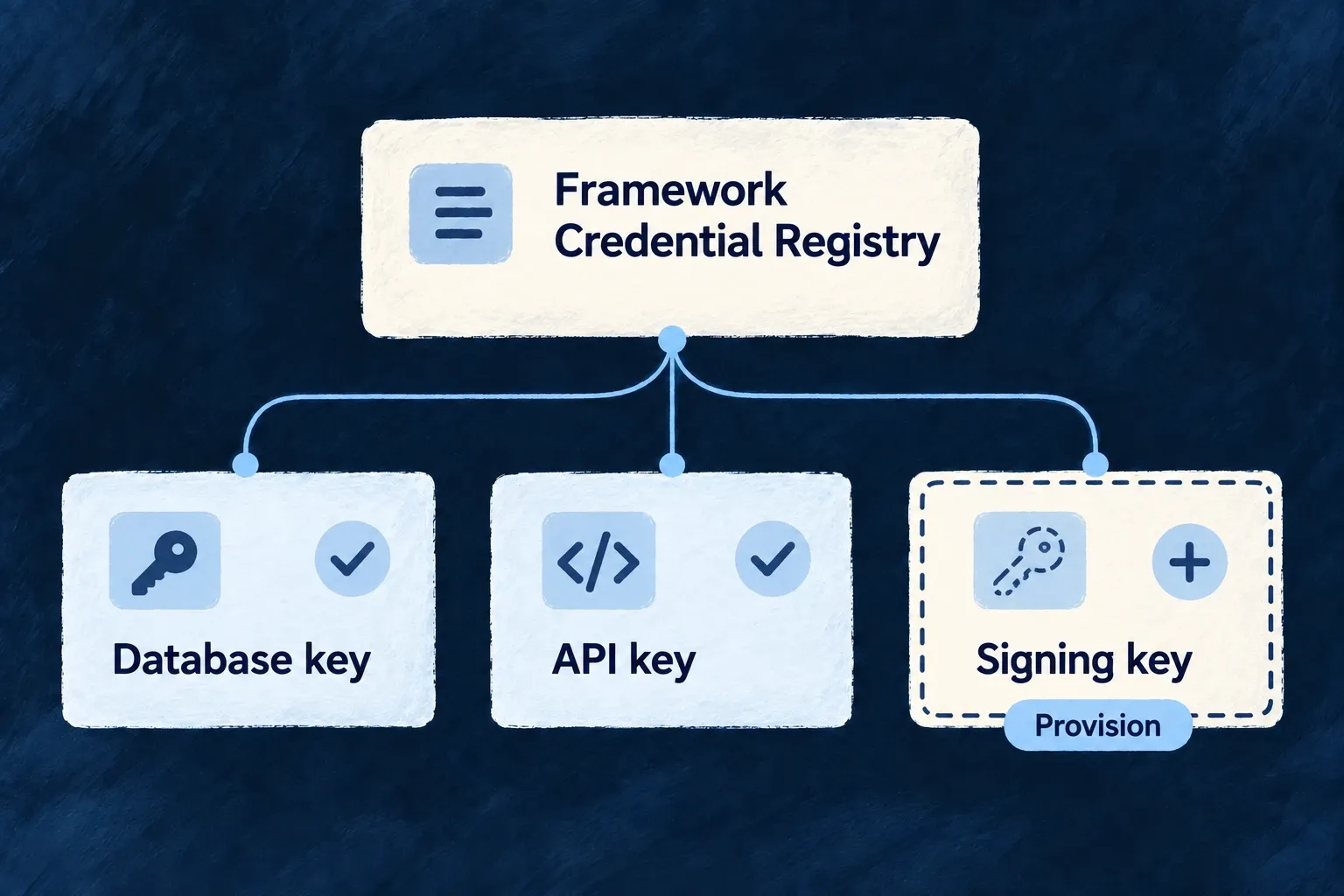
The per-kind schemas reject unrelated fields and incorrect types. defineInfraEnvConfig validates the authored shape; a valid shape still needs usable service addresses and credentials.
Regenerate at the configuration boundary
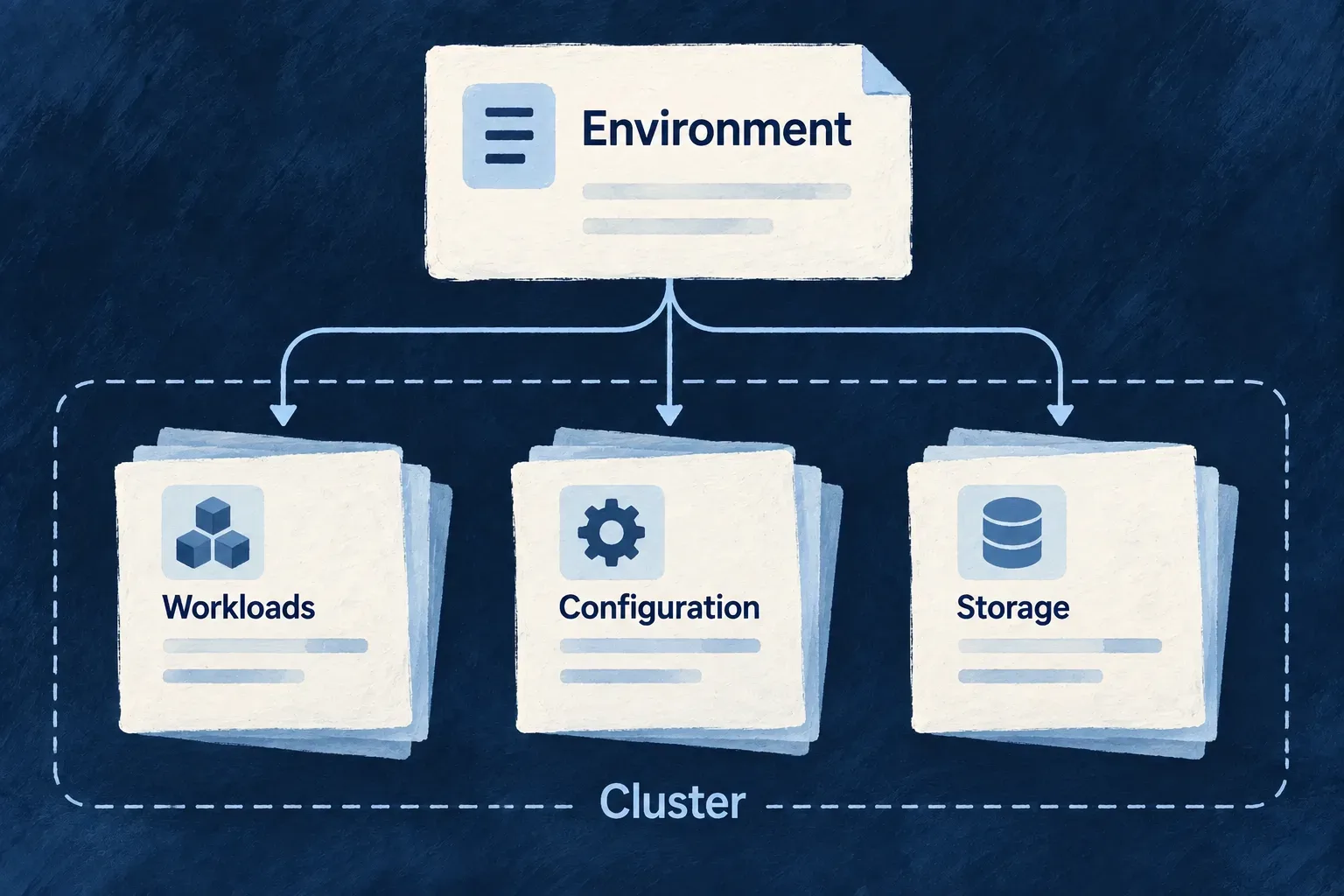
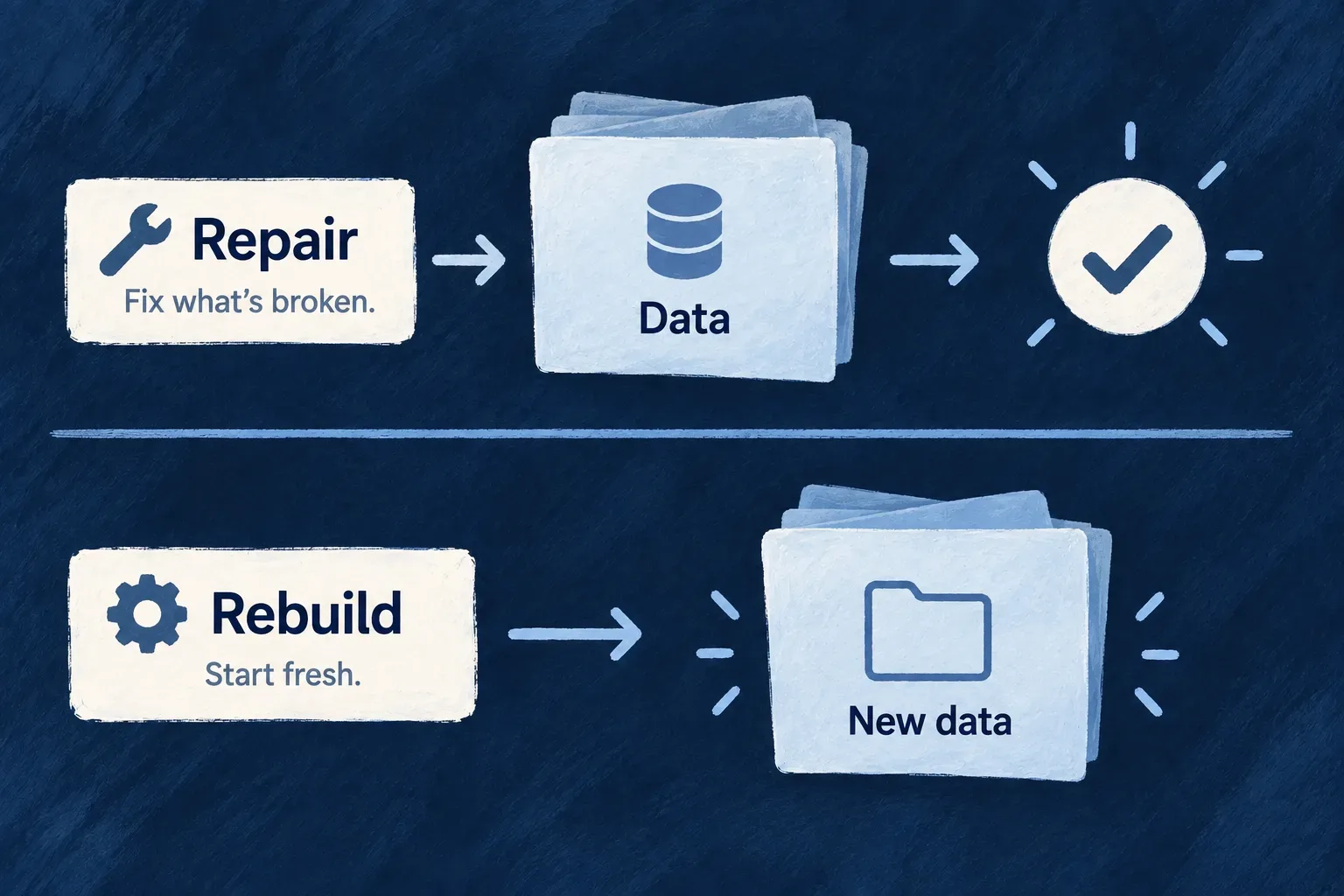
From a configured application workspace, wildo config sync projects the selected environment into runtime and deployment artifacts. Change the authored file, rather than editing generated connection values. Restart affected processes or apply the deployment through its normal lane to make the new configuration active.
For remote public services, serviceHosts and publicDomain feed the shared hostname resolver used by runtime addresses and ingress routes. Conflicting resolved hostnames are rejected. The descriptor expresses intended configuration; it is not a continuously running cluster reconciler.
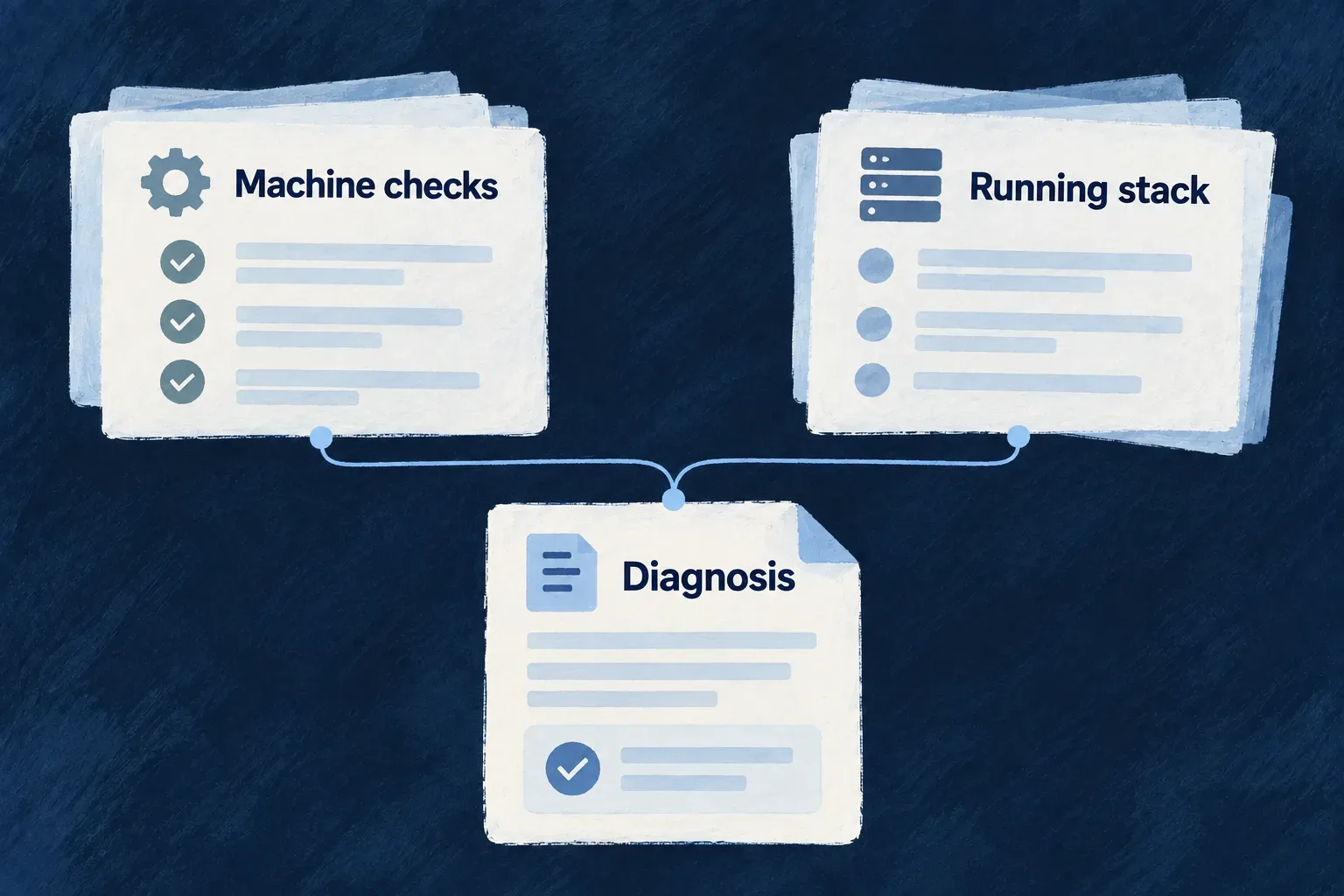
Check the generated configuration before deployment
Run these from the configured application workspace with a registered production Kubernetes environment; select the environment whose application artifacts you intend to check:
wildo config sync --env=production --domain config
wildo config validate --env=production --domain manifest --deployment-artifacts
Confirm synchronization actually produced the deployment artifacts. A skip message can mean the platform is unavailable or the application credential was refused; restore platform access and application registration before retrying.
The manifest check renders infrastructure/platform Kubernetes files into a temporary directory. --deployment-artifacts also checks the saved application YAML and refuses missing or empty output. Both parse YAML and check required document fields. It leaves the persisted manifests intact and does not contact a cluster. Inspect the generated service addresses and mounts before applying them; this check establishes render consistency, not cluster admission or working credentials.