Wildo.ai Coming soon

AI, retrieval & agent protocols

Build assistants that retrieve knowledge, call application tools and interact through agent protocols.

6 LLM runtime providers · retrieval · structured outputs · toolsMCP · A2A

> From information to grounded answers > From requests to authorized actions > From conversations to connected agents

AI features help people understand information, create content and carry out work. They need more than a model connection: useful context, clear actions and a place in the application’s experience.

Wildo connects configured models, retrieval, conversations and agent interfaces to the application’s resource definitions and access rules.

You choose the purpose, the information and the actions. Wildo supplies the mechanisms that bring them together.

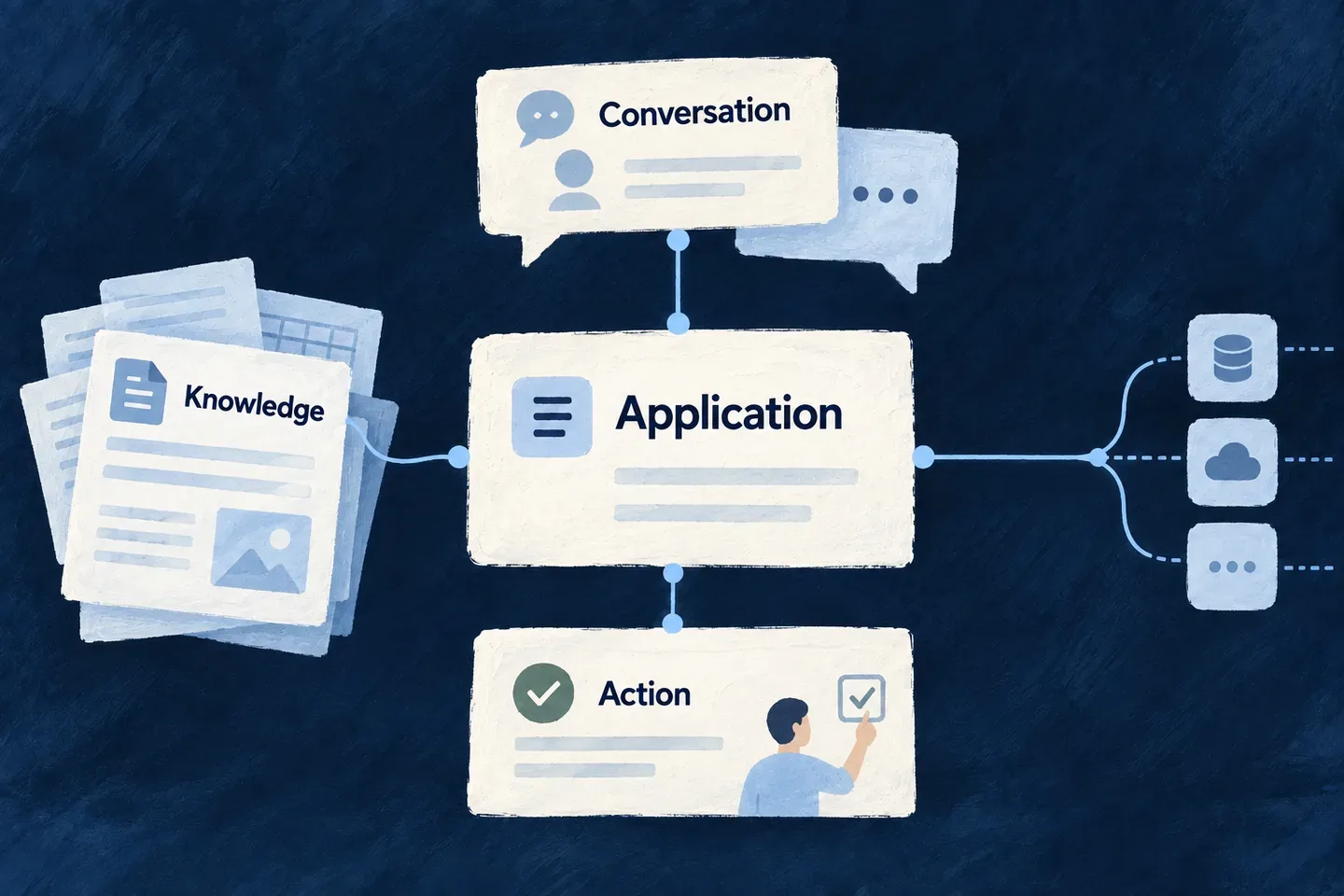
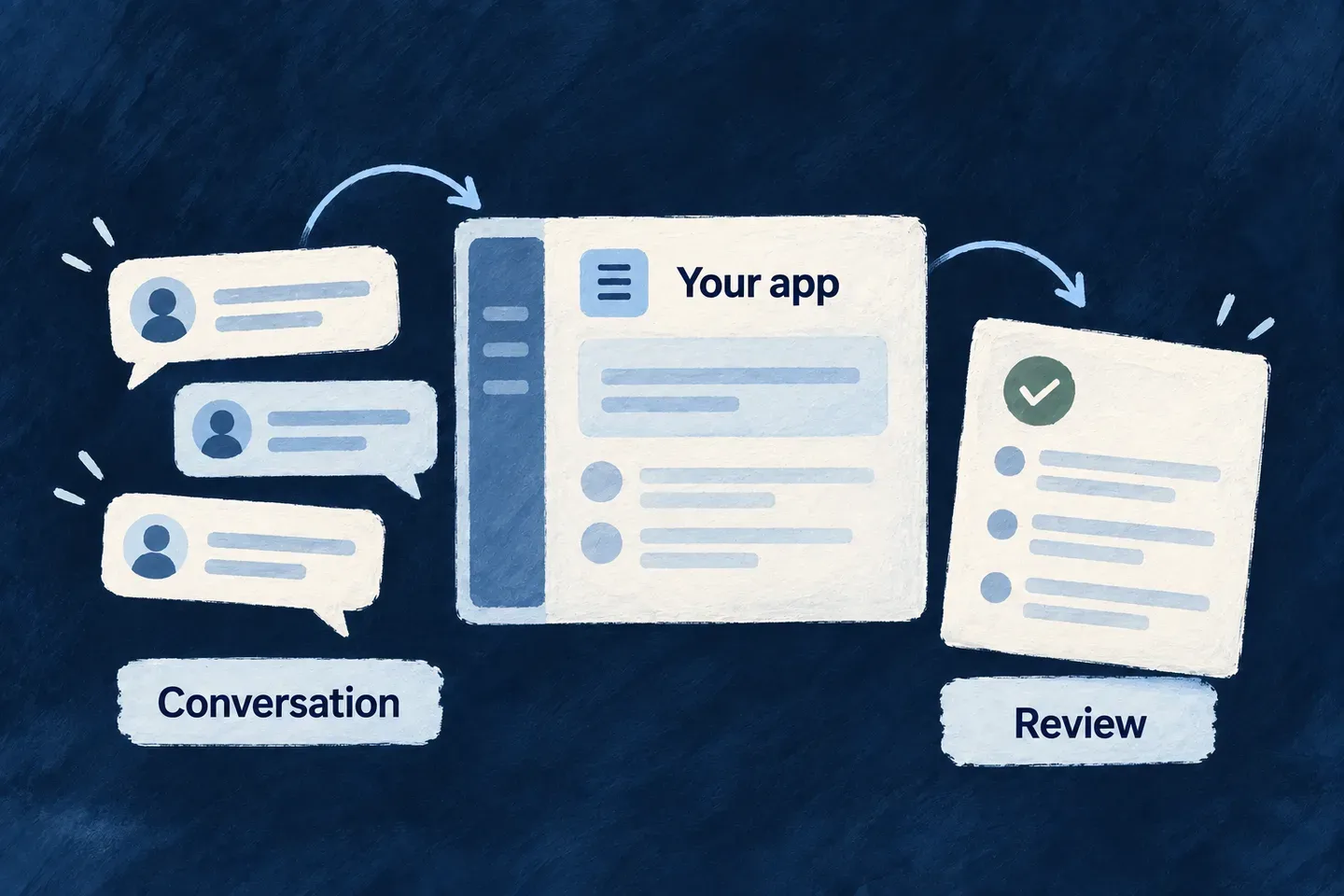
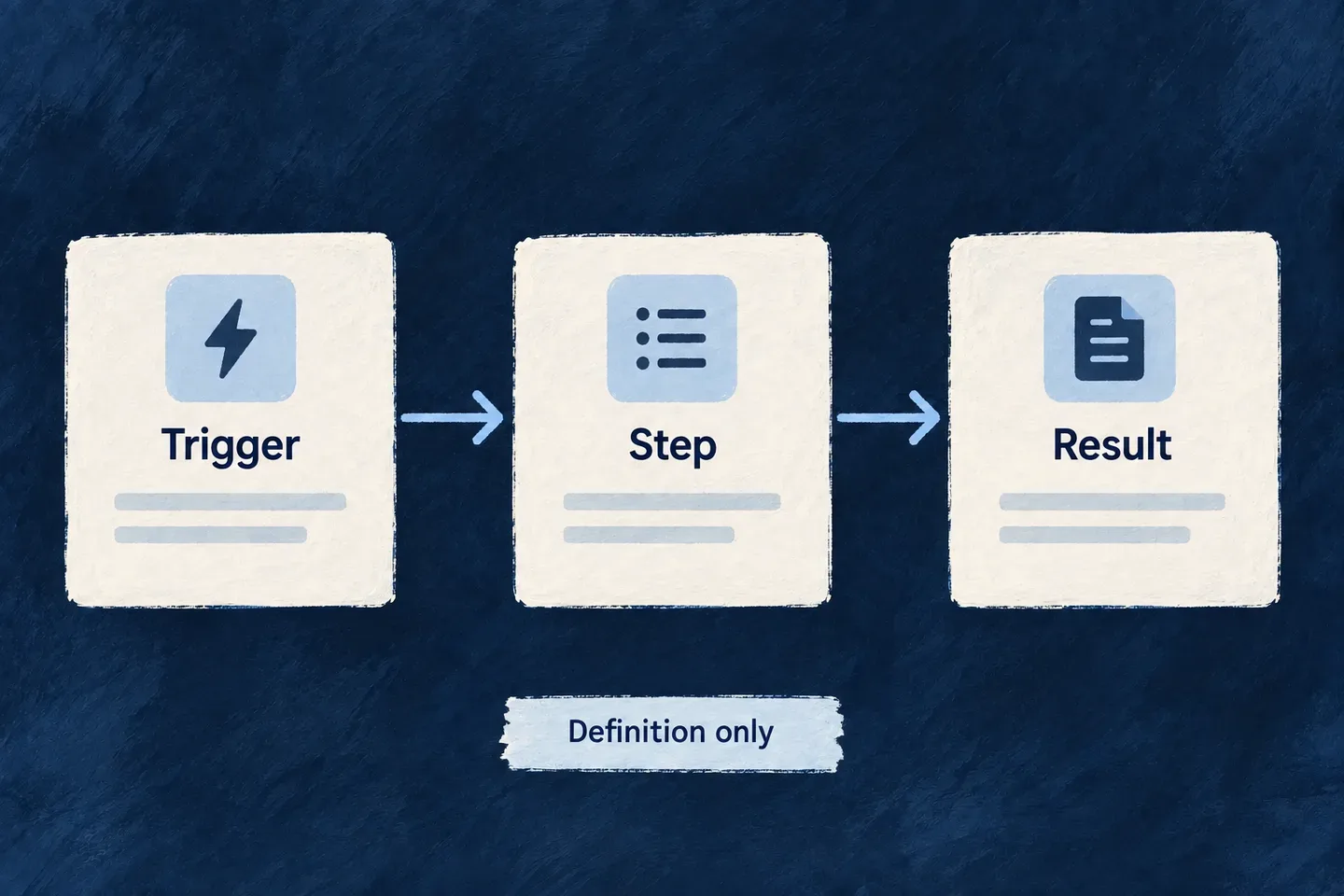
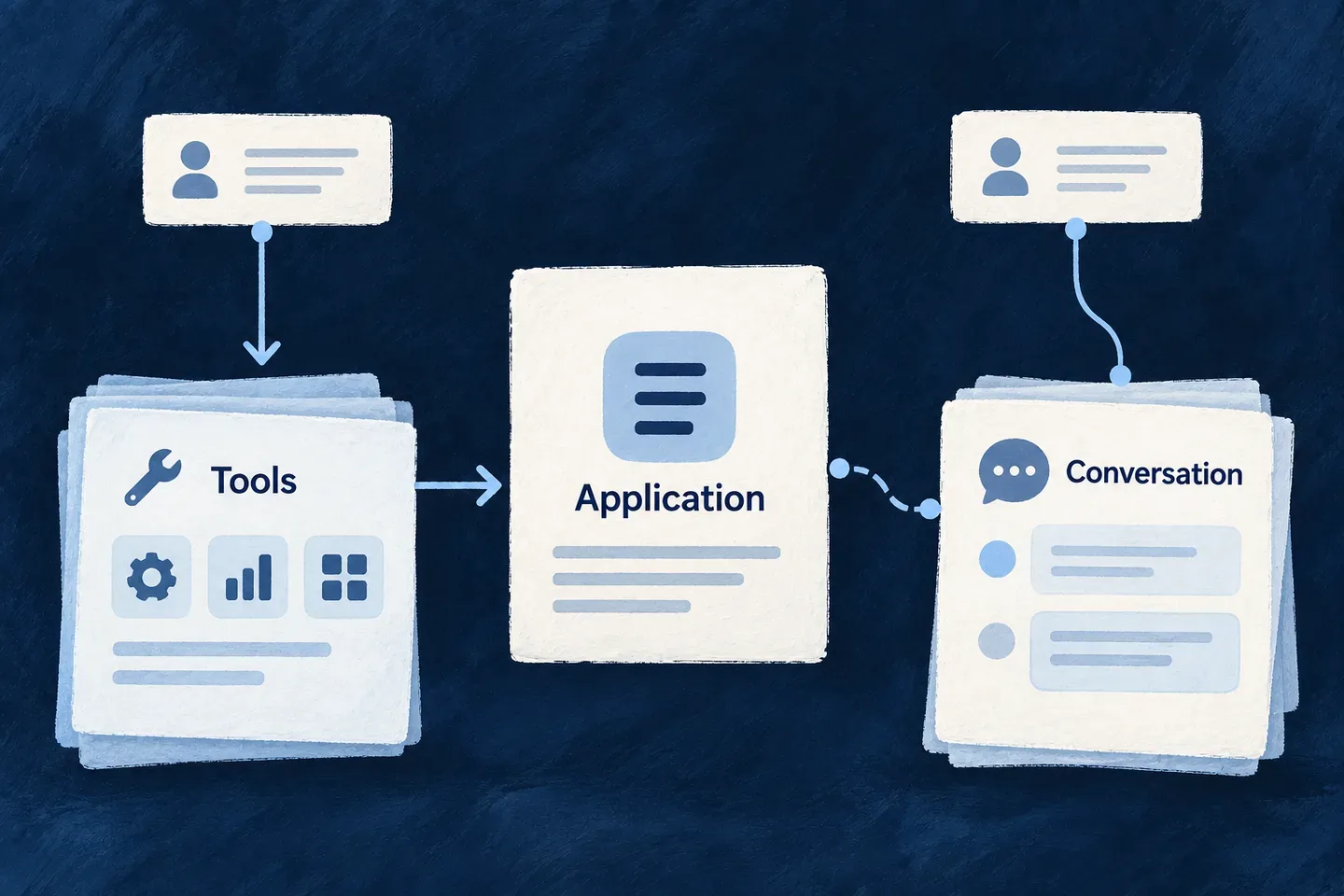
Knowledge, conversations and deliberate actions surround a shared application.

Give intelligence a place in the application

Start with information people can use

Select the records and documents that contribute knowledge. Retrieval keeps source attribution and caller access in the path from stored information to a useful answer.

Turn a request into a deliberate action

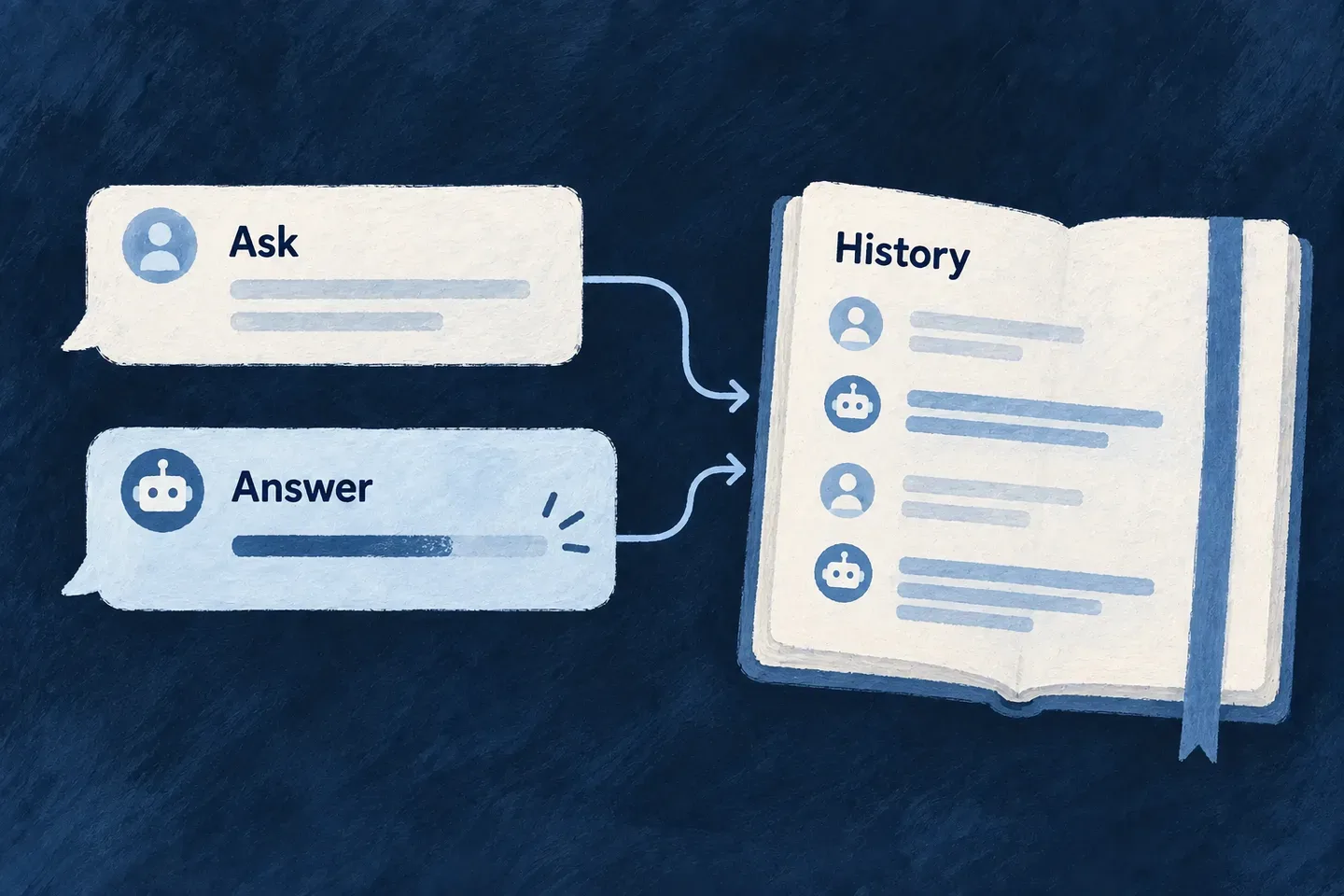
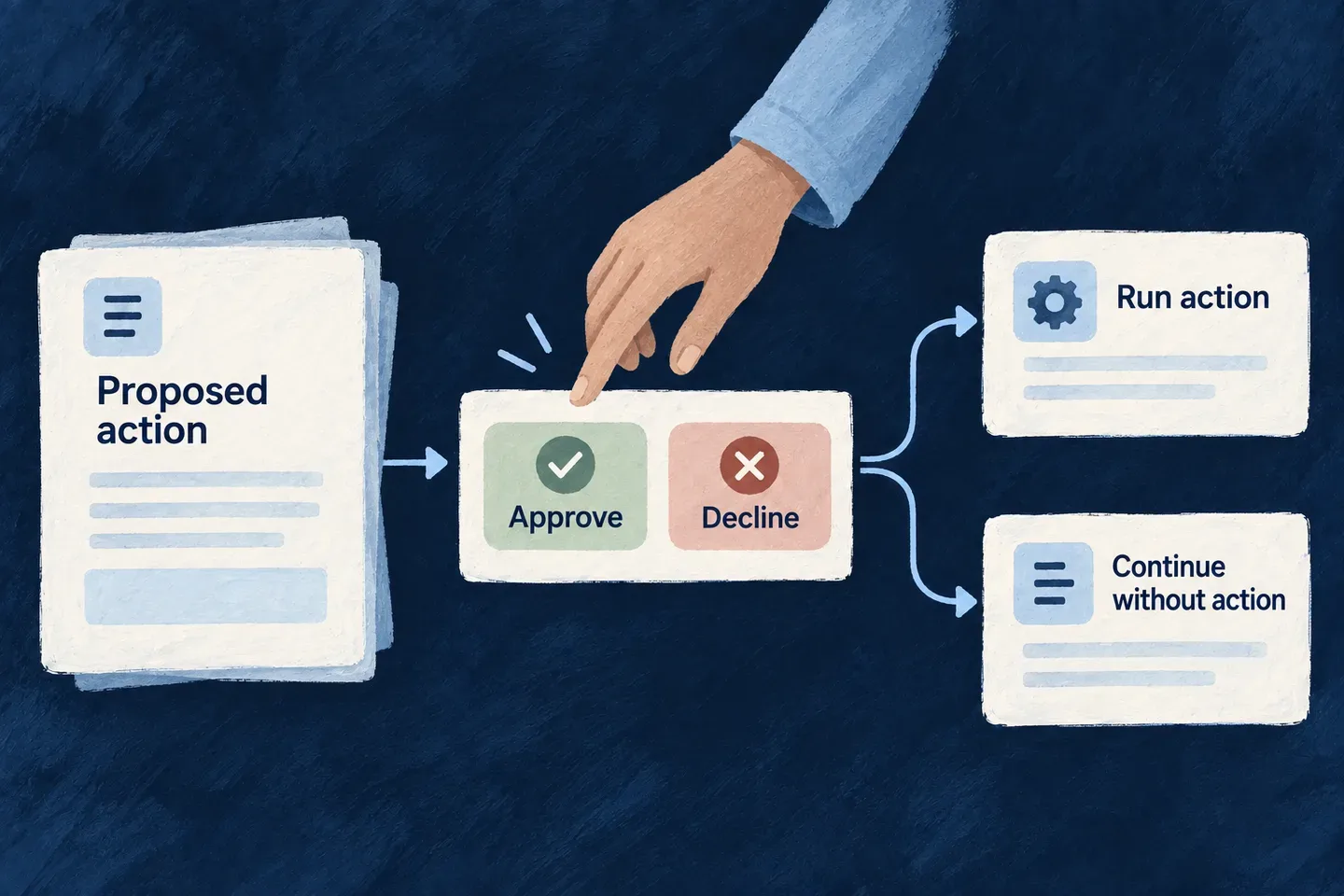
Give an assistant selected operations with clear inputs. Conversations retain their history, and selected writes can pause for a person’s review before running.

Open the right interface to other agents

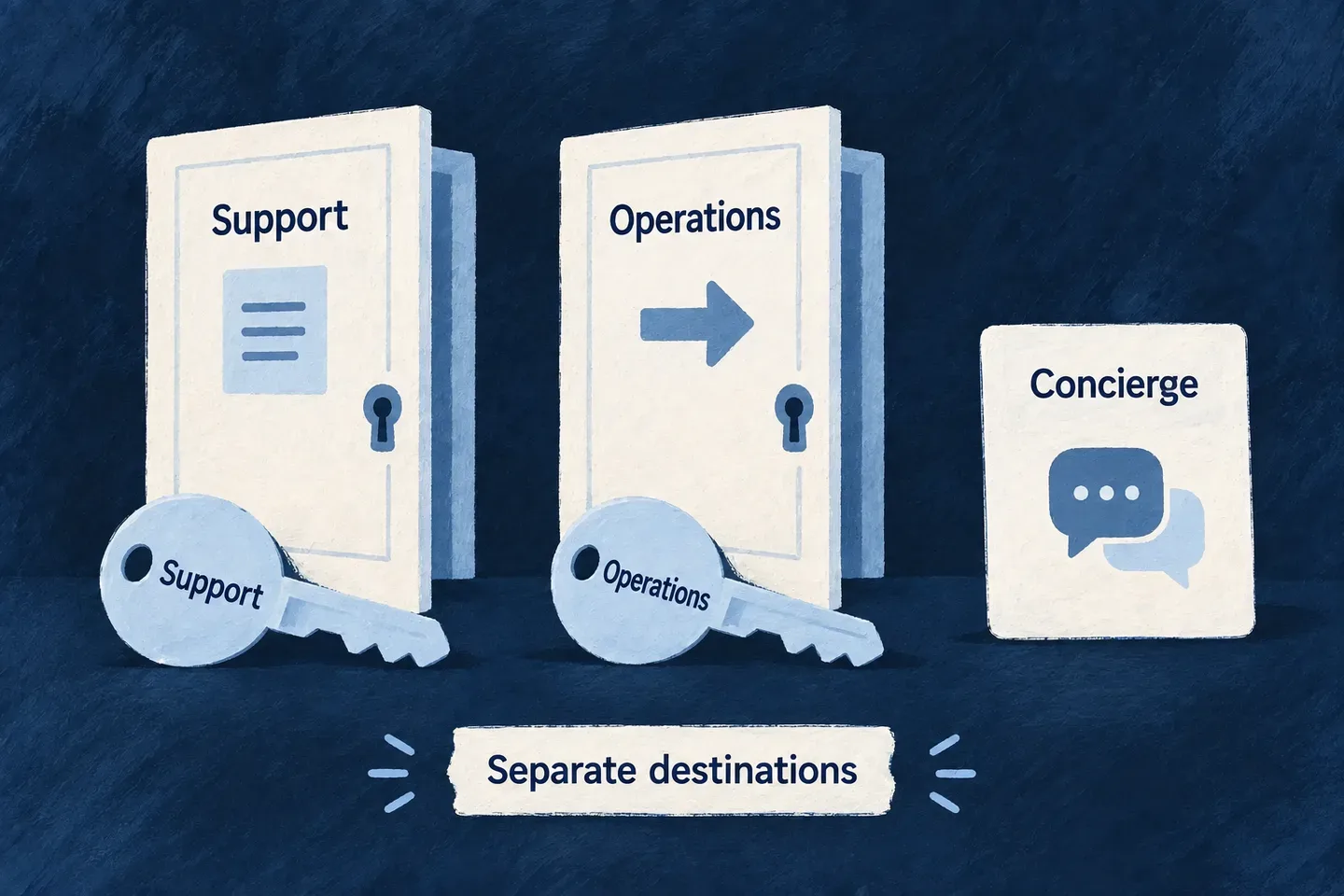
Publish tools or conversational agents for external clients. Named endpoints, credentials, task progress and usage records make those connections part of operating the application.

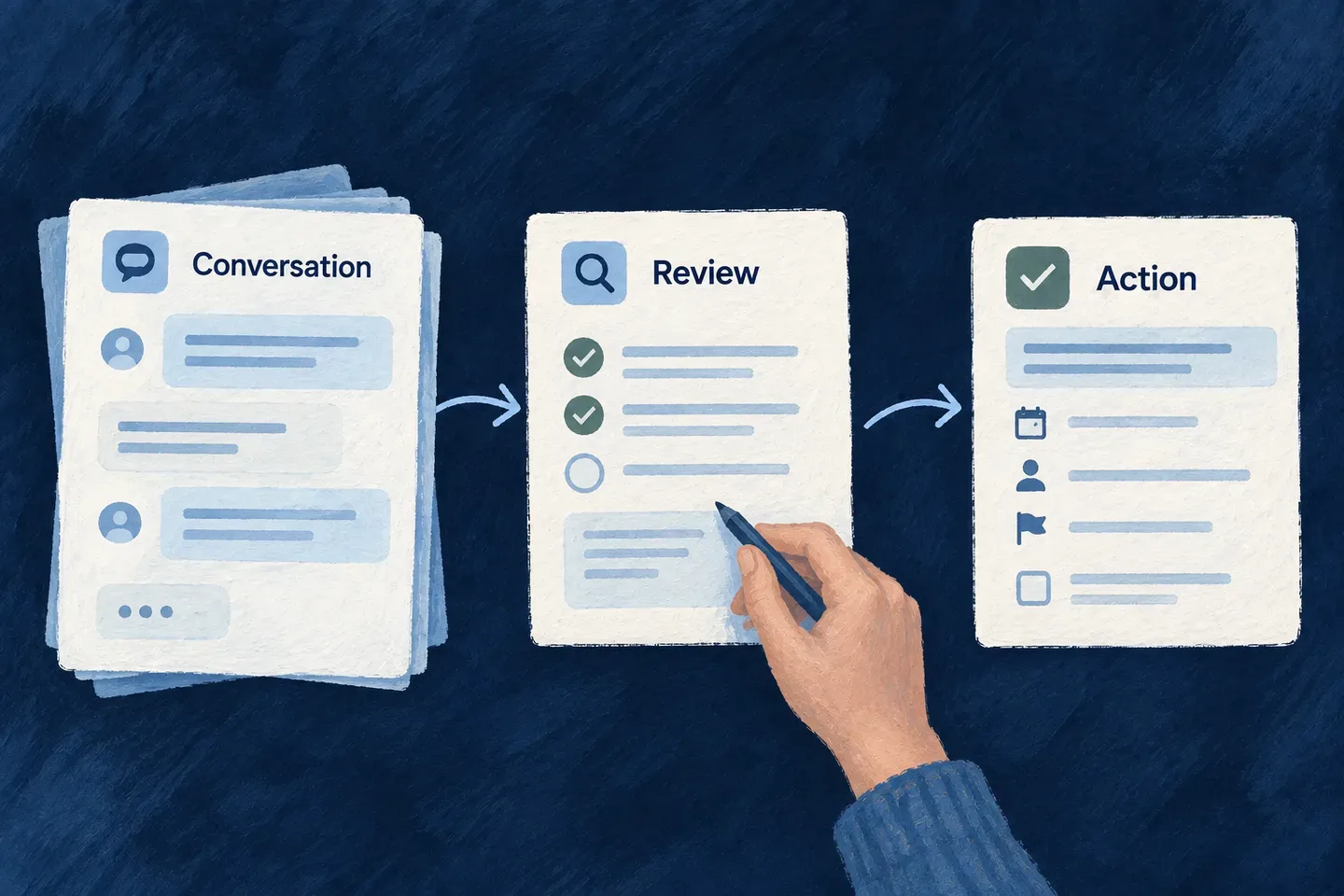
Example: Help a team understand a policy and update its work

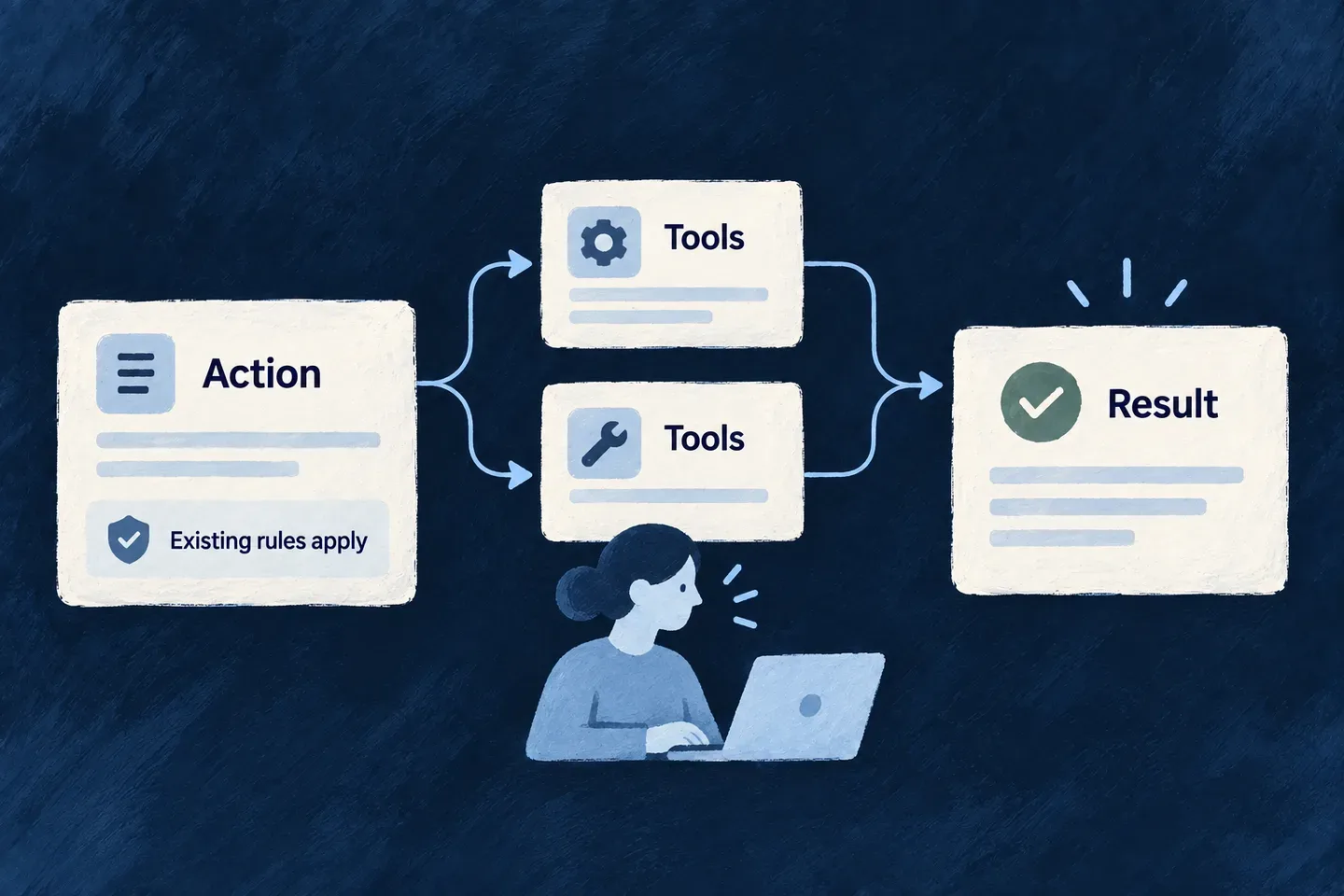
A team member asks about a policy and receives an explanation grounded in readable documents. They then ask the assistant to rename a related task. The assistant proposes the change for review and uses the task’s operation after approval. A connected tool can reach selected application actions through its own agent endpoint.

For engineers

Give each contract one job

A provider makes model invocation available to a runtime. An agent supplies the task and output contract. An actor system exposes a conversation. Resource tools and retrieval bring in application behavior under a verified caller. The frontend and external protocols are different ways of reaching that work.

LayerWhat you authorWhat follows
ProviderEnabled capabilities and scoped bindingsAvailable model connections
AgentProvider, model policy, prompt and tool referencesPurpose-specific invocation
KnowledgeSource fields, file policy and retrieval callAttributable passages in the caller’s context
ActionResource operation, tool inputs and approval choiceChecked application behavior
ExperienceActor system and view or external endpointConversation, decisions and task progress

Configure the agent for its purpose

The following is the configuration portion of the framework’s support-ticket example in llm-agent-invocation.example.ts. It belongs in a registered FlowsActors_Agent, with its matching operation definition and structured prompt. The runtime must already enable the provider; credentials stay in its configured secret channel.

config: {
  providerRef: 'anthropic',
  modelApplicability: LLM_Model_Applicability.STRUCTURED_AUTHORING,
  operationKey: LLMProvider_OperationKey.GENERATE_STRUCTURED,
  reasoningEffort: LLMProvider_ReasoningEffort.LOW,
  accessControl: [{
    primaryScope: ResourcePrimaryScope.APPLICATION,
    requiresApproval: false,
  }],
  riskLevel: ResourceOperationRiskLevel.LOW,
},

Registration resolves applicability within the chosen provider. An explicit model is an alternative, not an additional field. The operation definition declares its input, output and context schemas; the invocation supplies the ticket and its response schema. That is a structured-generation path. A conversational assistant instead uses its chat operation, registered actor system and selected tools.

Reach records through a declared tool

This adapted Wonder Todos example places the human decision on a narrow update tool. It assumes the application’s resource enum, Zod and public resourceWriteTool factory are in scope:

resourceWriteTool(TasksManager_ResourceType.TODOS, CoreResourceOperation.UPDATE, {
  requiresHumanApproval: true,
  inputSchema: z.object({
    id: z.string().min(1).describe('The task selected by the person.'),
    title: z.string().min(1).max(200)
      .describe('The proposed title to review.'),
  }),
})

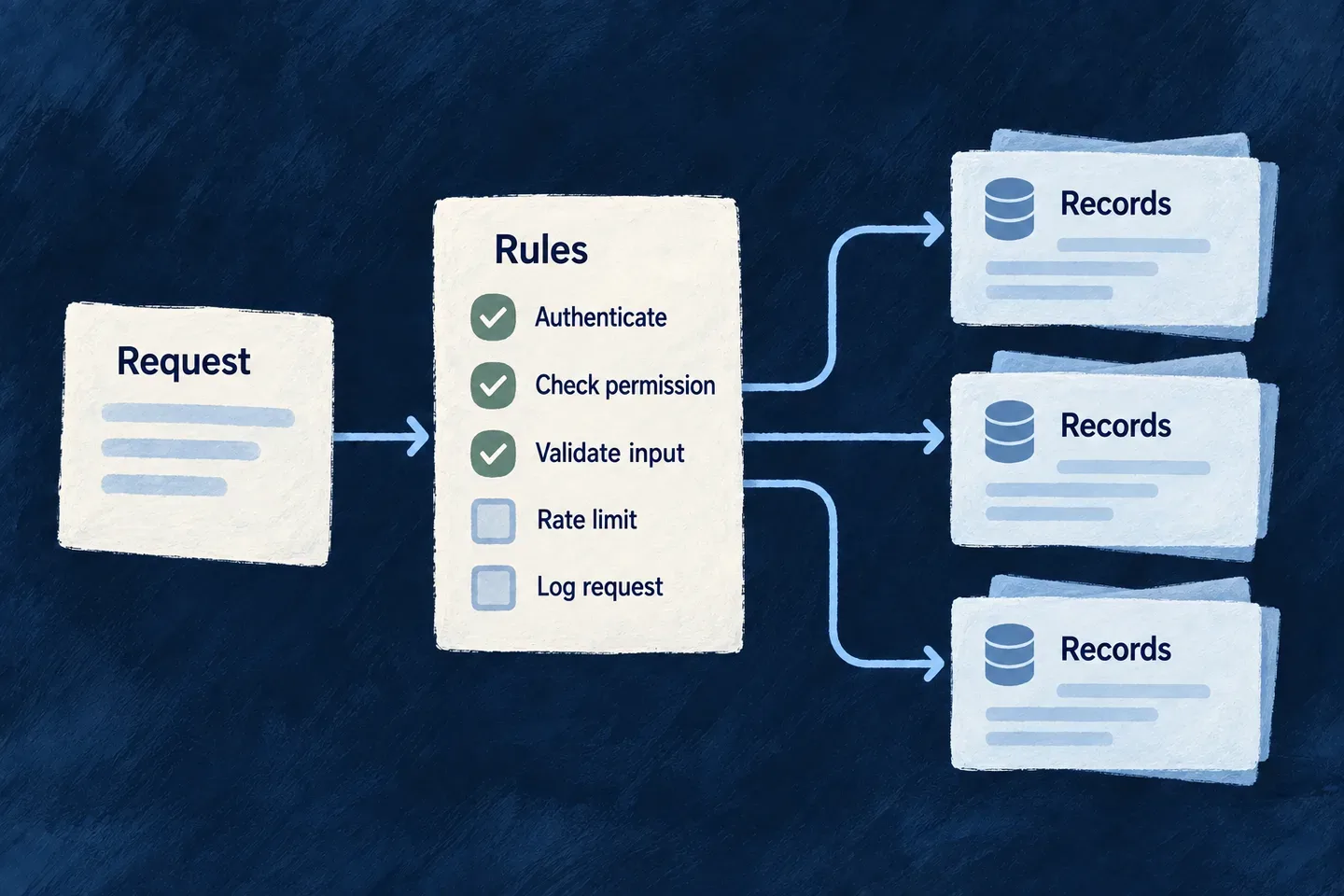
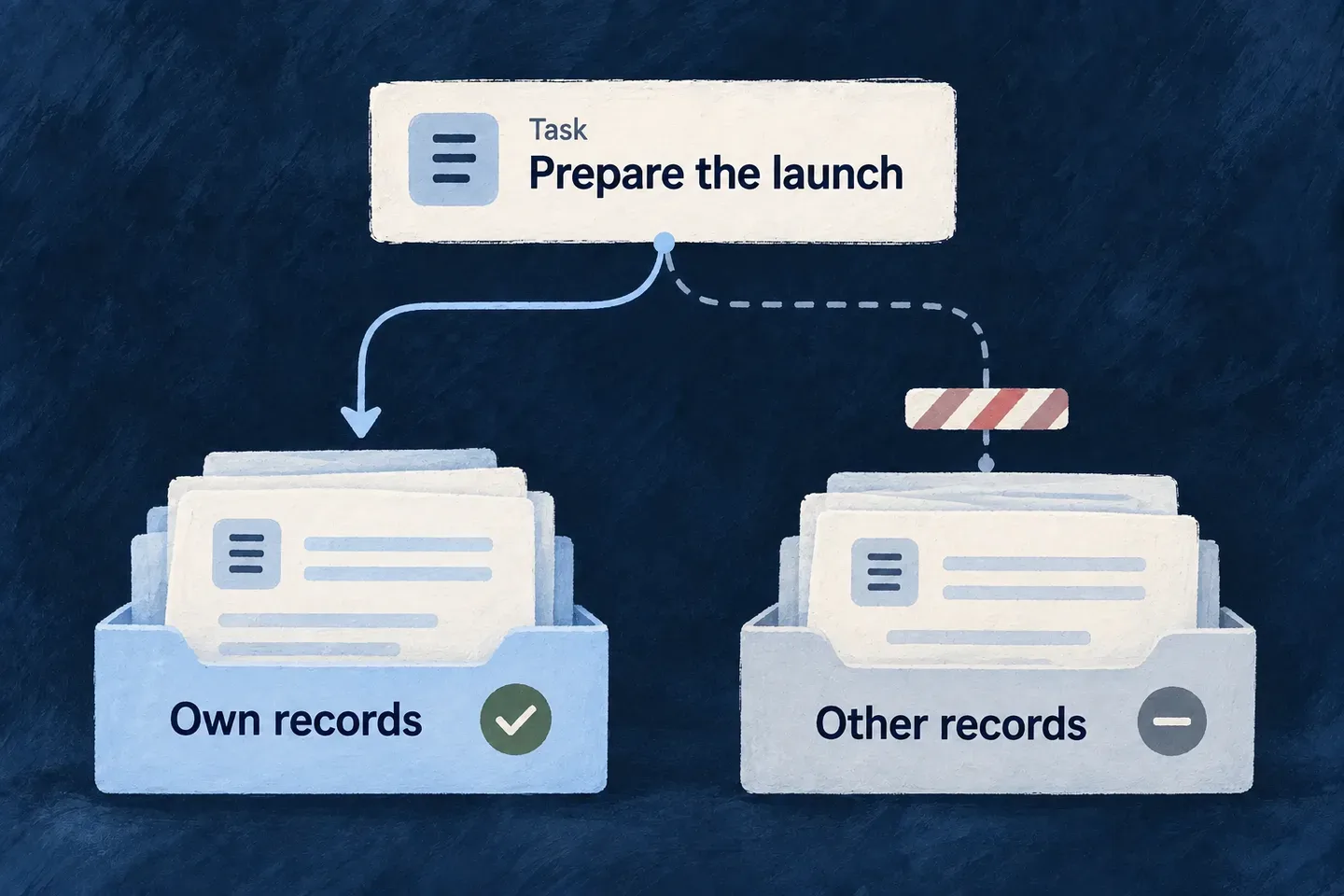
Register it under the module’s flowsActors.functionTools and select its reference in the agent’s functionRefs. The verified conversation context supplies identity. The operation’s authorization, rate limit and service pipeline remain responsible for the write. Approval can adjust or refuse the proposed call; it does not grant another tenant’s authority.

Retrieval follows the same separation of intent and authority: declare source fields, then pass the operation’s existing execution context to RagRetrievalBackendService.retrieve. Preserve returned source passages and refusal/truncation information. Handing those passages to a model creates grounded input, not permission for the model to change which records are readable.

Choose the surface that fits the caller

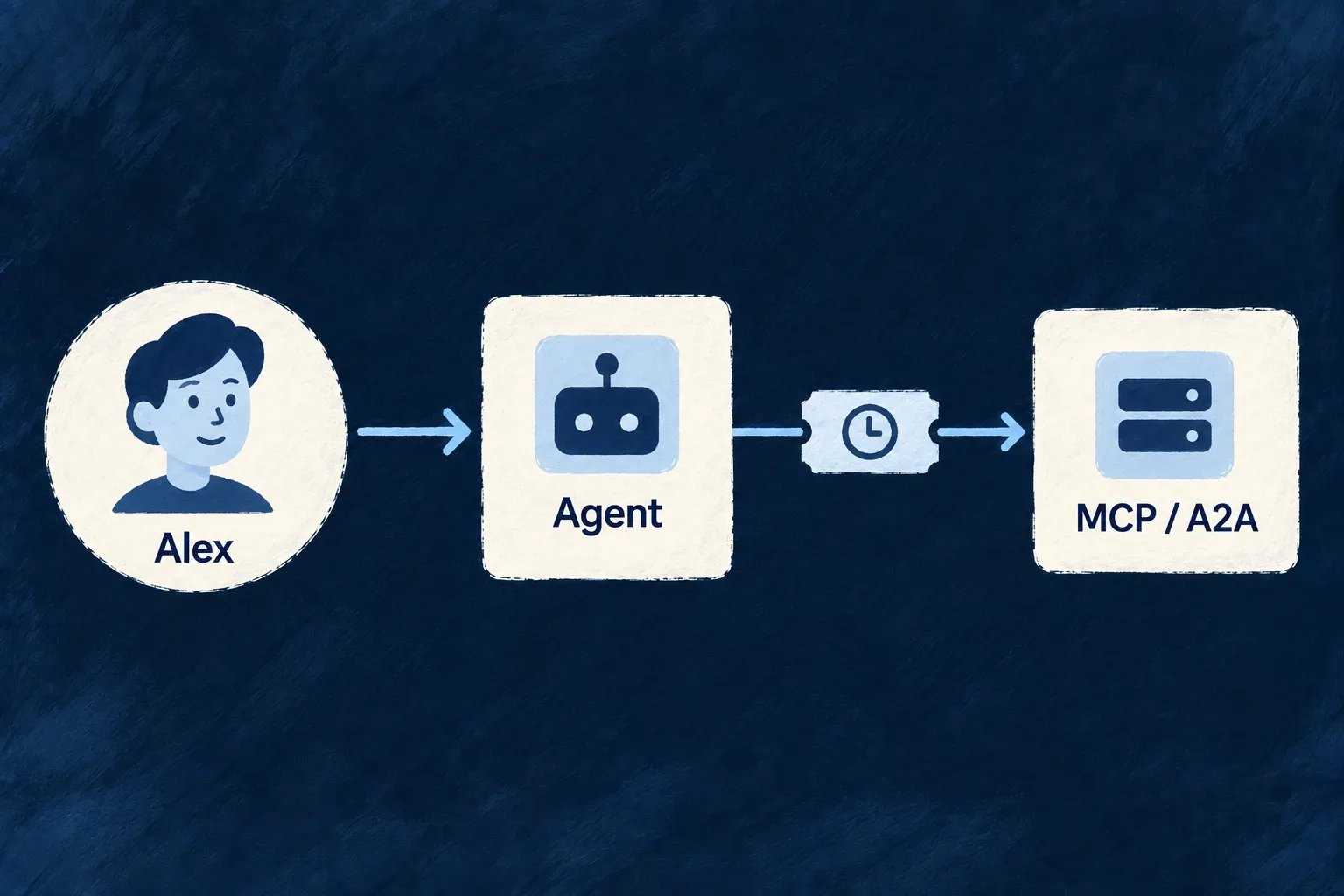
Use an addressable flows-actors view for people inside the application. Publish selected resource operations over MCP when an external assistant should call tools. Publish an eligible actor system over A2A when the integration needs a conversation and task lifecycle.

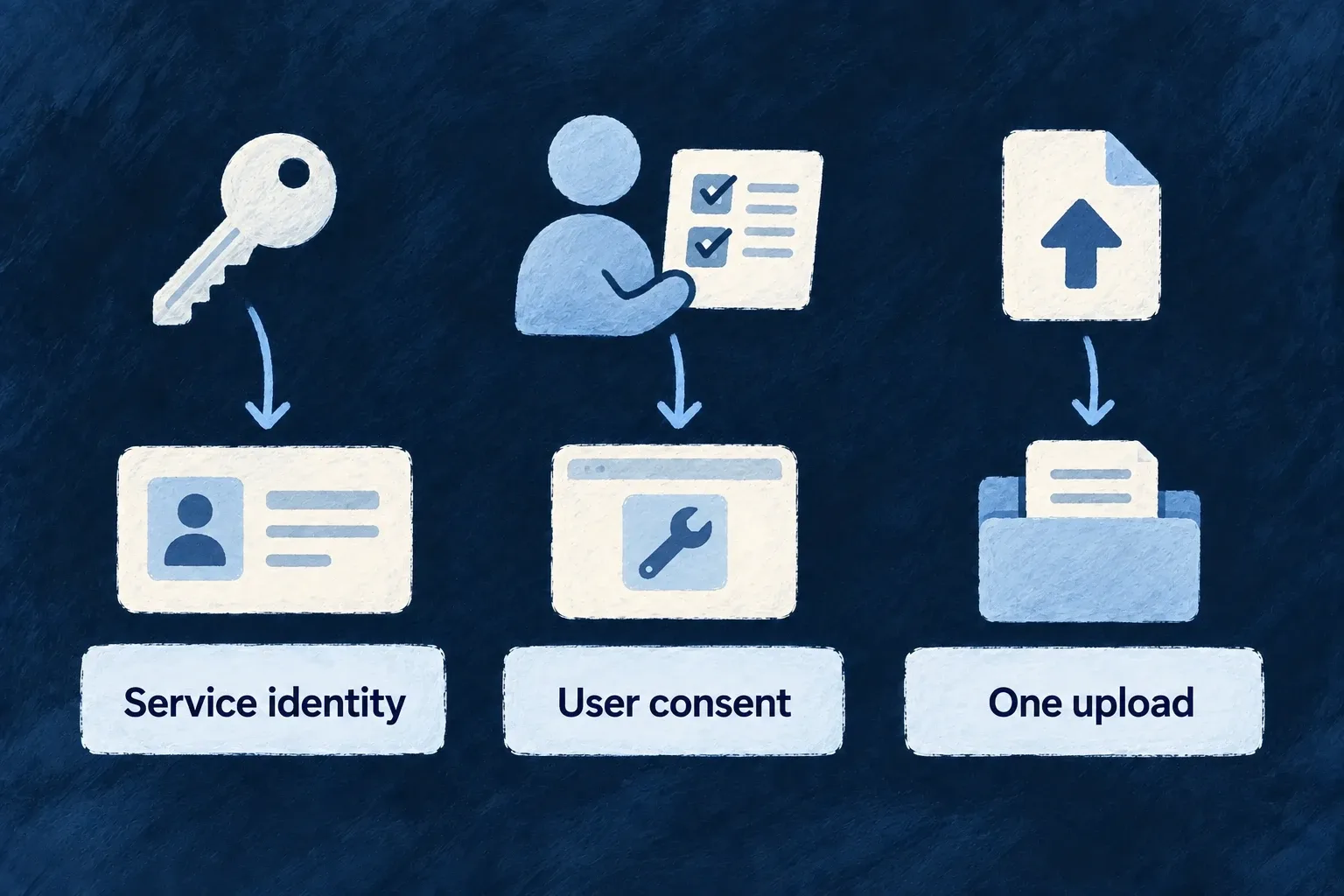
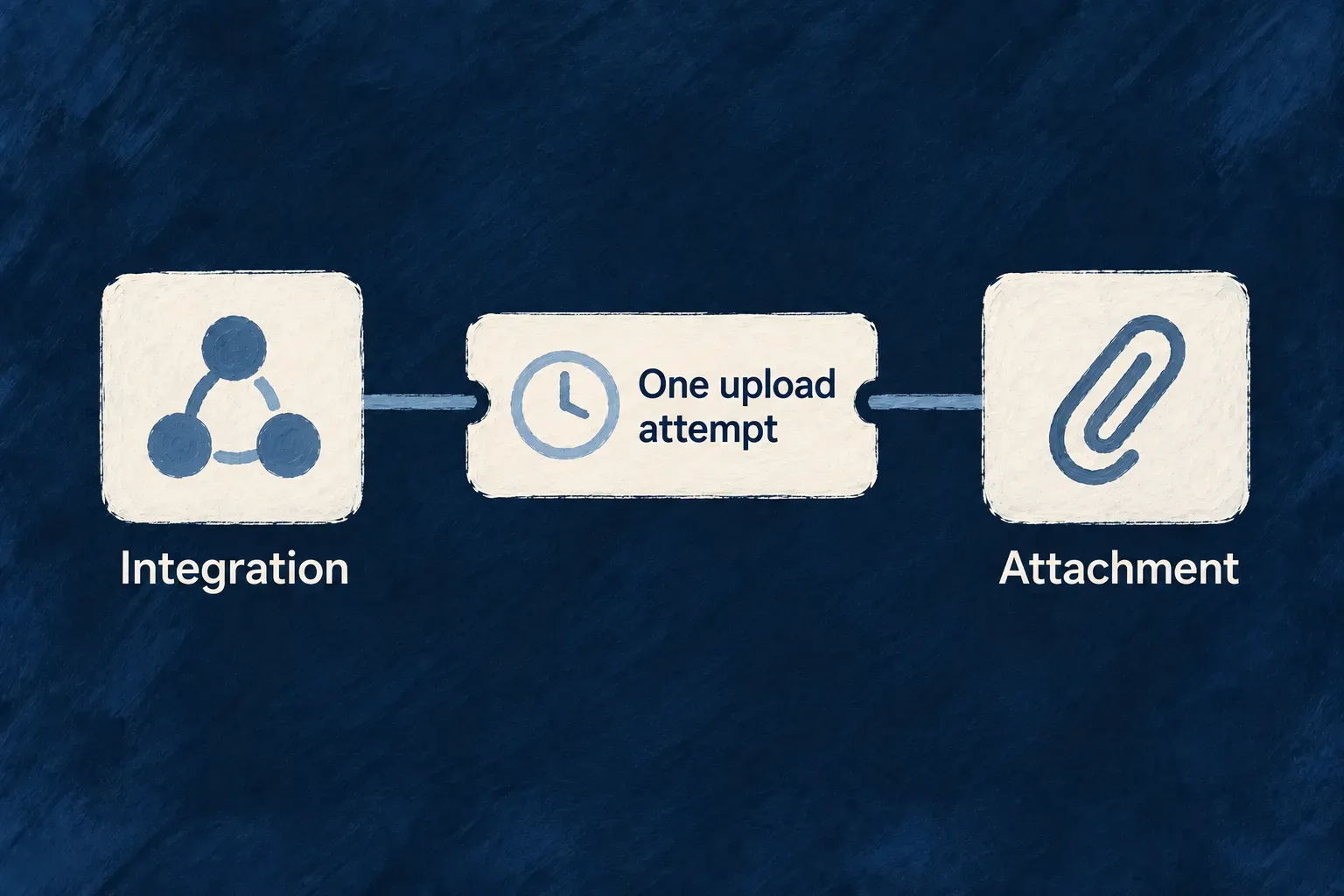
Each external caller needs an appropriate identity and endpoint audience. Machine credentials, user delegation and one-file upload grants serve different relationships. Burst throttles, optional token budgets and telemetry also serve different purposes; combining them does not turn a request budget into an exact spending cap.

The domains below explain these choices from setup through use. Their engineering guides keep configuration examples beside the behavior they control.

Follow the connected assistant example for the matching agent, tool registry and knowledge-operation bridge, including search outcomes and the approval-gated rename.

Flows and actors

Flows and actors is the part of Wildo that runs AI agents and multi-step work inside an application, and shows that work to the people using it. An application declares an agent (which model answers, what it is for, which records it may read or change), groups agents into a system, and the engine does the rest: it talks to the model vendor, streams the answer into a chat screen, persists the conversation as an ordinary record, pauses when a person must approve an action, and opens the same agent to outside agents over standard protocols. The leverage is that the agent reaches a record through the same operation, the same role checks and the same tenant isolation as a web request, so giving an application an assistant does not open a second door into its data.

The idea

You declare, once, a FlowsActors_Agent (provider, model, prompt as structure, tools by reference) and a FlowActorSystem that binds actors to agents. Everything else is derived: the provider client and its secret, the provider-shaped prompt, the streaming channel, the persisted conversation in three owner scopes, the approval pause and its resume, the tracing of every model call, the chat screen, and the A2A agent card that lets another organisation’s agent talk to yours. A tool is a resource operation the application already has, run as the caller, so authorisation is never re-implemented for the agent. The same word, execution, also names a second, separate runtime on the frontend: an execution view is a rich screen that choreographs ordinary resource operations with frontend-only state, declared on the resource it belongs to. This document covers both, and says which parts are type-only today.

What you get for free

  • Provider client construction, secret resolution and rate limiting per provider, from a providerRef on the agent.
  • A provider-shaped system prompt compiled from a structured promptSpec, with trust-level separation of context.
  • Token streaming to the browser over the application’s existing WebSocket, with rate limiting per event.
  • A persisted transcript per conversation, in the caller’s own scope, with read, list and delete as ordinary operations and the engine’s privacy treatment applied.
  • Tool execution as the caller: the operation’s role checks, tenant scope and server-set fields hold without a line of agent-specific authorisation.
  • A human-in-the-loop pause that survives the turn, with approve and deny both resuming.
  • A streaming chat screen, addressable at /flows-actors/:ref, from one view declaration.
  • A trace of every model call, and an analytics sink when an observability provider is selected.
  • An A2A agent card and task plane, and MCP tools over exposed operations, from the same declarations.
  • On the frontend runtime: participations hydrated through ordinary operations, per-action status, dirty and error aggregation, and a local pane, from one useExecution() call.

Where you plug in

  • flowsActors on a backend module: flowActorSystemsFactoryMap, agents, functionTools.
  • FlowsActors_Agent.promptSpec for behaviour; capabilities.tools.functionRefs for reach.
  • resourceReadTool(type), resourceWriteTool(type, op, { inputSchema, requiresHumanApproval }), or a hand-written FunctionTool for anything that is not a record set.
  • executionProfileRef, and the execution profiles under the provider’s Agent Client Protocol transport in wildo.saas.config.ts, for a coding agent.
  • flowsActorsViews on a frontend module: FlowsActorsViewDefinition with systemRefs.
  • frontendConfiguration.executionViews on a resource: resourceExecutionView(Component, ...) with anchor, participations and surfaceInOperations.
  • mcp: { exposed, description } on a resource operation, to publish it as a tool.
  • AgentCallTraceSink, to route traces somewhere the engine does not.
  • AgentTraceabilityPolicy.level, to decide how much of each call is recorded.
For engineers

How it is built

One model, two kinds of system

The shared model lives in flows-actors. A system is FlowActorSystem = ActorSystem | FlowSystem (flows-actors.system.shared.definitions.ts), a discriminated union on kind with FlowActorSystem_Kind.ACTOR and FLOW. Both leaves extend FlowActorSystem_BaseSchema (flows-actors.system.shared.schemas.ts): ref, displayName, description, kind, status (FlowActorSystem_Status: draft, active, inactive, deprecated, archived), visibility (BACKEND_ONLY or FRONTEND) and a config typed by FlowsActors_Configuration_Schema (flows-actors.configuration.shared.schemas.ts): access control with a primary scope and an approval requirement, and resilience settings for circuit breaker, rate limit and bulkhead.

ActorSystemSchema (actors.shared.schemas.ts) is the leaf that owns an actors list. An Actor has a roleCategory (Actor_Role_Category: coordinator, task planner, operator, analyzer, reviewer, human in the loop, flow execution), an executionMode (Actor_ExecutionMode: AGENTIC, FLOW_EXECUTION, HUMAN_INTERACTION) and an agentRef or a flowRef.

FlowSystem (flows.shared.schemas.ts) owns a graph: triggers (Flow_Trigger_Type: manual, schedule, webhook, resource event, event, task completion), steps (Flow_Step_Kind: an agent call, a resource operation, a sub-flow, branch, switch, loop, parallel, delay, retry, memory read and write, event emit and wait, error catch, compensate and finally, a human-in-the-loop step and an actor-system call), edges and finishes. It is a hand-written TypeScript type: Flow_Trigger and Flow_Step have no runtime schema yet, which is why the union is type-only rather than a z.discriminatedUnion, and why a system is validated with the schema of its kind.

Around the two kinds sit the vocabularies they share: tasks.actors.shared.schemas.ts (the canonical Actors_Task_Schema with Actor_Task_Topics, actor memory, an execution plan), flows-actors.io.shared.schemas.ts (FlowsActors_IO_PartKind: text, file, raw data, structured, image; audio and video are declared and reserved) and the execution envelope FlowActorSystem_ExecutionSchema with FlowsActors_Status.

Drawn from index.ts:

const todoAssistantActorSystem: ActorSystem = {
  ref: 'todo-assistant',
  displayName: 'Todo Assistant',
  description: 'Ask questions about your todos and lists, grounded in your own data.',
  kind: FlowActorSystem_Kind.ACTOR,
  status: FlowActorSystem_Status.ACTIVE,
  visibility: FlowActorSystem_Visibility.FRONTEND,
  config: { timeout: 60000, accessControl: [{ primaryScope: ResourcePrimaryScope.APPLICATION,
    requiresApproval: false }], riskLevel: ResourceOperationRiskLevel.LOW },
  actors: [{ ref: 'assistant', displayName: 'Assistant',
    roleCategory: Actor_Role_Category.OPERATOR,
    executionMode: Actor_ExecutionMode.AGENTIC, agentRef: 'todo-assistant.chat.agent' }],
};

What an agent is

FlowsActors_Agent (agents.shared.schemas.ts) is the whole authoring surface for a callable AI unit. Its config is discriminated by modality on operationKey: an LLM arm (FlowsActors_Agent_LLMConfiguration, text and structured output), an image arm and a coding arm (FlowsActors_Agent_CodingConfiguration). Its operationDefinition carries the input and output schemas of the provider operation. Its promptSpec (FlowsActors_Agent_PromptSpec) is a prompt authored as structure, not prose: role, persona, skillType, constraints (prohibitions, highest precedence), instructions, hints, an output specification and an uncertainty policy; the compiler renders it in each provider’s preferred format. capabilities.tools.functionRefs names the tools the agent may call.

Three things about model and transport selection are worth stating precisely.

  • An agent names providerRef and model directly. The model catalogue also defines LLM_Model_Applicability (deep judgement, structured authoring, high-volume mechanical, long-context analysis, visual judgement) with a fail-closed resolveModelForApplicability (llm.external-connectors-models.schemas.ts). Today the embeddings and document-extraction services resolve their sibling applicabilities; the agent runtime does not, and the dogfood chat agent pins a concrete LLM_Model.
  • executionProfileRef selects a transport profile declared by the provider. It is optional on the LLM and image arms and required on the coding arm: a coding agent has no default API path, and the profile is where its environment gate and permission ceiling live.
  • The coding arm is a real agent, declared like any other, reached over the Agent Client Protocol (JSON-RPC over stdio). acp-session-runner.backend.utils.ts spawns the agent, negotiates initialize, opens a session against a confined working directory and drives one turn at a time (startACPAgentSession, with runACPCodingSession as the single-turn wrapper). The permission ceiling is enforced by the runner’s answer to every session/request_permission, never by trusting the agent’s own session mode. The application authors the policy half in wildo.saas.config.ts: runner host, authentication mode, permitted environments, working directory policy, permission ceiling.

Tools are FunctionTool values (function-tools.backend.definitions.ts). Two factories cover the common case: resourceReadTool(type) and resourceWriteTool(type, op, { inputSchema, requiresHumanApproval }). Each rebuilds an ExecutionContext from the caller’s verified authentication and routes through the ordinary services handler, so the operation’s own role checks apply and server-set fields cannot be spoofed through tool arguments. The default functionRef is resource.<type>.<op>. Agent facets and catalogs (agent-facets.backend.definitions.ts, agent-catalogs.backend.definitions.ts) are reusable prompt fragments and presets an agent can be composed from through AgentFacetsBackendService.

Drawn from index.ts:

resourceWriteTool(TasksManager_ResourceType.TODOS, CoreResourceOperation.UPDATE, {
  requiresHumanApproval: true,
  inputSchema: z.object({
    id: z.string().min(1).describe('Id of the todo to update. Required.'),
    title: z.string().min(1).max(200).optional().describe('New title, if asked.'),
    status: z.enum(Todos_Status).optional().describe('New status.'),
  }),
}),

The backend runtime

flows-actors holds the runtime.

application module  ──registers──▶  FlowsActorsRegistryService
  (systems factory map, agents,        systems by kind · agents by ref, provider, operation
   function tools)                     function tools by ref
                                              │
WebSocket flows-actors:start ─┐               ▼
A2A message/send, stream ─────┼──▶ ConversationalExecutionBackendService
                              │      owner scope → persisted variant · server-held history
                              │      chat actor → agentRef · approval pause and resume
                              │               │
                              │               ▼
                              │     AgentsBackendService.invokeAgentStreaming
                              │       PromptCompilerBackendService (trust levels)
                              │       provider client + secret · tools as the caller
                              │       AgentCallTraceSink (usage, latency, outcome)
                              │               │
                              └───◀ emitter: started · message deltas · approval request
                                             · status update · completed · error
  • FlowsActorsRegistryService (flows-actors-registry.service.ts) is initialised with the application’s FlowActorSystem_InitializationFactoryMap, its agents and its function tools, and answers getSystem(ref, kind), getAgentOrThrow(ref) and getFunctionTool(ref).
  • AgentsBackendService (agents.backend.service.ts) has two entry points. invokeAgent runs one agent once and awaits the answer; tools are inert on this path, so a one-shot agent must be handed its data. invokeAgentStreaming forwards real token deltas and is the only path that resolves and executes functionRefs, in a bounded multi-step loop. Image configurations branch to an image executor; coding configurations open an ACP session.
  • PromptCompilerBackendService (prompt-compiler.backend.service.ts) compiles the agent and the invocation into a provider-shaped prompt, separating context items by PromptIR_TrustLevel (prompt-ir.shared.schemas.ts: high for system data, medium for owned documents and prior artifacts, low for user input and external sources). ContextCurationBackendService runs before it and is a basic filter today.
  • ConversationalExecutionBackendService (conversational-execution.backend.service.ts) is the turn runtime: it resolves the owner scope to a persisted variant, loads the server-held transcript (no client-supplied history is trusted), finds the system’s agentic actor, streams the turn through a transport-agnostic emitter, and persists every message. respondToApproval resumes a paused turn; readExecutionStatus answers a poll.
  • Approval is a status, not a side channel. An approval-gated tool moves the execution to FlowsActors_Status.AWAITING_APPROVAL, the resume state is serialised into the record’s pausedApproval field (FlowActorExecution_PausedApprovalSchema), and a decision resumes the same execution; a denial resumes it too, so the agent can explain rather than leave a dead thread. Machine principals are refused at the gate, because no named person can answer it.
  • The WebSocket channel is CoreWebSocketEvent.FLOWS_ACTORS_START, STARTED, MESSAGE, APPROVAL_REQUEST, APPROVAL_RESPONSE, STATUS_UPDATE, COMPLETED and ERROR (websocket.shared.schemas.ts), handled in websocket.service.ts with a per-event rate limit; flows-actors.controller.ts serves /flows-actors/frontend-info and /flows-actors/history over HTTP.
  • FlowsBackendService.executeFlow and ActorsSystemBackendService.executeActor validate the system and its status, then mark the execution completed without executing steps or actor behaviour. They are placeholders; the conversational path above is the runtime that runs.

Executions and tasks as resources

A conversation and a unit of work are ordinary resources, stamped out in three owner scopes by declarePolymorphicSchemas. flowActorExecutionsPolymorphicDeclaration (flows-actors-execution.shared.schemas.ts) yields userFlowActorExecutions, organizationFlowActorExecutions and applicationFlowActorExecutions, each carrying executionId, systemRef, kind, a status, and a messages[] log with FlowsActors_ConversationRole. Its configuration (flows-actors-execution.shared.resources-config.schemas.ts) makes read and list the owner’s chat-history surface, keeps create and update internal to the runtime, and gives delete a role floor distinct from read. flowActorTasksPolymorphicDeclaration (flows-actors-task.shared.schemas.ts, configured in flows-actors-task.shared.resources-config.schemas.ts) is the addressable, pollable, cancelable work record, derived from Actors_Task_Schema and linked to its conversation by a soft field, so deleting a conversation never deletes its work. Both families carry the engine’s privacy decorations, and both have framework-owned specifications (resources). The heavy orchestration state (plan, walkthrough, standaloneTasks) is not persisted today.

The frontend execution runtime

The second runtime is execution. An execution view is a rich interaction surface over persisted data, with frontend-only runtime state. It is declared on the resource it belongs to, under frontendConfiguration.executionViews, with the resourceExecutionView(Component, config) factory (execution-view.schemas.ts): an anchor (the business subject), participations sourced from the anchor, a parent requirement or a relationship projection, surfaceInOperations naming the operation hosts it appears in, and view-local labels. ExecutionViewDefinition is RESOURCE-scoped by construction. The host is ExecutionView.tsx; the renderer consumes one hook, useExecution(), whose ExecutionValue exposes the anchor, the participations, actions that run resource operations with per-action status, loading, dirty (fed by useExecutionDirtyBridge from any embedded form), errors, embeddedContent and a local pane. The dogfood surface is TodoListFlowExecutionView, a graph of a todo list, its todos, tasks and links, composed through ordinary operations.

Drawn from todo-lists.ui-behavior.tsx:

executionViews: {
  [TODO_LIST_FLOW_EXECUTION_VIEW_REF]: resourceExecutionView(TodoListFlowExecutionView, {
    labels: todoListFlowExecutionViewLabels,
    surfaceInOperations: [Op.READ],
    anchor: { bindingKey: R.TODO_LISTS,
      source: ExecutionViewAnchorBindingSource.PARENT_RESOURCE_REQUIREMENT },
    participations: {
      anchor: { source: ExecutionParticipationSource.ANCHOR },
      todoList: { source: ExecutionParticipationSource.PARENT_RESOURCE_REQUIREMENT,
        bindingKey: R.TODO_LISTS },
      todos: { source: ExecutionParticipationSource.RELATIONSHIP_PROJECTION,
        fromParticipationRef: 'todoList', targetResourceType: R.TODOS },
    },
  }),
},

The agent and chat interface

A frontend module contributes flowsActorsViews: a FlowsActorsViewDefinition (flows-actors-view.schemas.ts) names one or more systemRefs, a layoutPreset and whether it is addressable at /flows-actors/:ref. The engine host FlowsActorsView.tsx renders a streaming chat over the system or systems the definition names; FlowsActorsContext.tsx subscribes to the WebSocket events and merges streamed deltas into one message by messageId. A kind-agnostic node and edge projection of the system (flows-actors.frontend.shared.schemas.ts, extracted by flows-actors-frontend-extractor.utils.ts) is what lets an actor system and a flow system be described through one shape, and the graph canvas presets that draw it are used by the low-level actor and flow-execution slots. The addressable host does not itself compose a graph beside the chat today.

The screen pieces are the ai-elements preset family (ai-elements): chat (conversation, message, prompt input, sources, suggestion), trace (reasoning, chain of thought, plan, checkpoint, inline citation), decision (approval, decision request), execution (task, tool, queue, confirmation), graph (canvas, node, edge, controls, panel, toolbar), artifacts (artifact, code block, image, web preview), meta (agent, context, model selector, open in chat) and the execution stream. Beneath them the framework’s own low-level slots (flows-actors: actor, agent config, approval, artifact browser, execution plan, flow execution, flow node, system catalog, task detail, task memory) each carry a specification under flows-actors.

Drawn from app-level-views.definitions.module.frontend.ts:

const flowsActorsViewsConfig: FlowsActorsViewDefinition[] = [{
  ref: 'todo-assistant-view',
  scope: FrontendView_ScopeMode.APPLICATION,
  isAddressable: true,
  operationLike: CoreResourceOperation.READ,
  primaryScope: ResourcePrimaryScope.ORGANIZATIONS,
  systemRefs: ['todo-assistant'],
  layoutPreset: 'Default',
}];

Deliberations and expert panels

For a judgement call, the framework can convene a panel rather than ask one model once. The vocabulary is deliberation.shared.schemas.ts: an ExpertWorkDomain an expert is narrow on (visual brand mark, marketing copy, UI design coherence, brand strategy, information architecture), a RuntimeExpertProfile, an EvaluationRubric whose criteria travel as data in the judge prompt, a fixed RubricVerdict keyed by criterion reference, DeliberationRound, DeliberationSynthesis and a DeliberationRecord with a DeliberationStatus (running, converged, budget exhausted, failed). Weighted aggregation is deterministic code (aggregateWeightedScore), and a verdict citing a criterion the rubric does not contain is rejected. The engine round loop is ActorsSystemBackendService.executeDeliberation(plan), which returns the record and never writes disk; the build-time companion supplies the experts, the candidate producers and the persistence (deliberations and src/expert-personas/, with the committed charter contracts in expert-personas). Deliberations are engine and companion machinery, not a surface a generated application exposes to its users today.

Traceability

Every model call produces an AgentCallTrace (agent-traceability.shared.schemas.ts): outcome, model, token usage, latency, and, at AgentTraceabilityLevel.DEBUG_VERBOSE, the resolved prompt and raw output. AgentCallTraceKind separates a generation from an embedding, whose vectors never reach a log or an analytics vendor at any level. Sinks implement AgentCallTraceSink and are best-effort by contract: a sink failure never fails the call. The engine ships a structured-log sink (agent-call-trace-sink.backend.ts) and a lazy sink that resolves the provider selected for EngineCapability.LLM_OBSERVABILITY on first use (llm-observability-agent-call-trace-sink.backend.ts).

The doors for outside agents

Two protocols expose an application, on two different planes.

  • Agent2Agent exposes conversations: the same actor systems, through a2a. a2a.controller.ts serves the public agent card at /a2a/.well-known/agent-card.json and a JSON-RPC endpoint for message/send, message/stream (token deltas as server-sent events), tasks/get, tasks/cancel, tasks/resubscribe and the push-notification configuration methods; a named agent mounts at /a2a/:instanceRef with its own card. Work becomes a flowActorTasks row when the client asks for an immediate return or when an approval gate suspends the turn, and services cover the task lifecycle, cancellation, push delivery and a per-tenant token budget. A dialect codec (a2a-dialect.backend.schemas.ts) lets one handler set answer two protocol revisions.
  • The Model Context Protocol exposes operations, not agents: mcp turns every resource operation that declares mcp: { exposed, description } into a tool, builds its JSON schema, and dispatches a call back through the ordinary services handler. An agent’s capabilities.tools.mcpRefs is declared in the model and consumed by no runtime path today; the tools an agent can call are its functionRefs.

Both doors are driven against the running dogfood stack by the a2a-* and mcp-* scenarios under e2e, including hostile probes of tenant isolation and approval tampering.

The dogfood application

Wonder Todos declares one agent, one actor system and five tools in index.ts: two read tools, a create tool, an approval-gated update tool and a hand-written knowledge-base tool that calls the application’s own custom operation. They are registered through moduleBackend_FlowsActorsRegistry (flowActorSystemsFactoryMap, agents, functionTools). The chat screen is the todo-assistant-view above; the execution view is the todo-list graph. The engine also ships its own systems, for example the market-generation agent (market-generation.actors-system.backend.definitions.ts) that an application may override under the same ref. Wonder CRM declares no actor system.

Boundaries and known limits

  • FlowSystem is a type without a runtime schema, and FlowsBackendService.executeFlow executes no steps. The flow kind is modelled end to end and does not run; the conversational path refuses a flow system with a typed not-implemented error.
  • ActorsSystemBackendService.executeActor is likewise a placeholder; the runtime that runs is the conversational execution of an actor system’s agentic actor.
  • One-shot invokeAgent ignores an agent’s tools; only the streaming path executes them.
  • Streaming covers text-producing operations over the API transport; structured, image and coding invocations do not stream.
  • Approval pauses are user-delegated only; a machine principal is refused at the gate.
  • The applicability-class model selection exists in the catalogue and is used by the embeddings and document-extraction services, not by the agent runtime.
  • mcpRefs on an agent is declarative; no runtime resolves it.
  • Context curation before prompt compilation is a basic filter, not retrieval reranking.
  • Audio and video modalities are declared and reserved; the executor fails closed on them.
  • The coding lane runs as a backend subprocess and, in the dogfood profile, only in a development environment; multi-turn continuation on a persistent session is implemented but has not yet been driven against a real agent adapter.
  • The persisted execution record carries the transcript and status, not the plan, walkthrough or standalone task state of the orchestration model.
  • Execution views are resource-scoped only; their runtime state is frontend-only and is not persisted.
  • Deliberations run in the engine and the build-time companion; no generated application exposes a panel to its users.

Choose the right AI for the result

An answer, an image and a code change need different kinds of execution. Wildo separates language models, image generation and workspace coding, with provider and model choices for each task.

For answers grounded in your information, select the records and documents that contribute knowledge. Retrieval supplies readable passages with source references; background jobs refresh that material as it changes. Your application decides how to turn it into an answer.

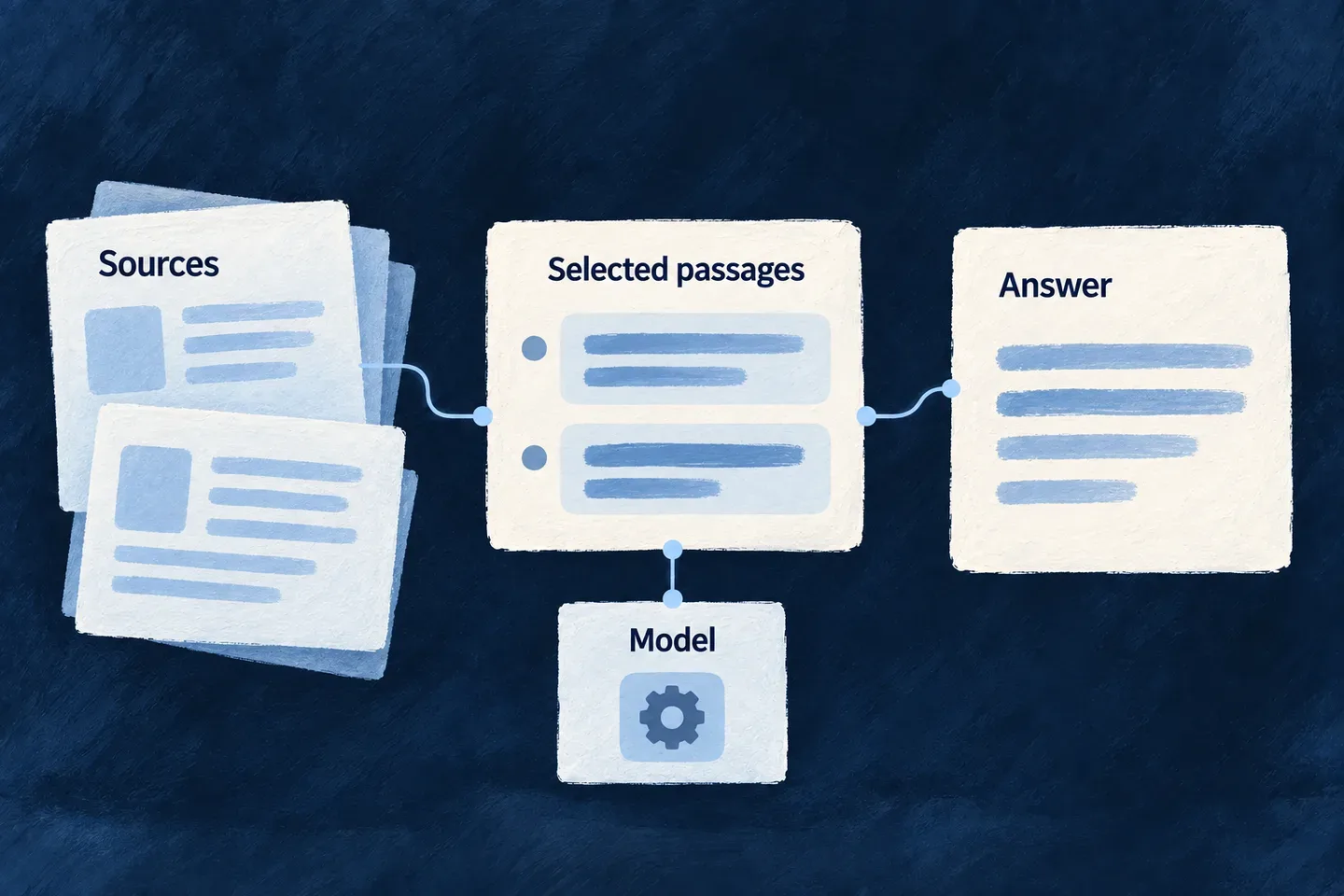
Source information, a selected model and an attributed answer form distinct parts of AI work.

Different results, connected to your work

Turn information into useful answers

Generate text or structured results for your application. Add retrieved passages when an answer needs your own sources; keep their references available for people to check.

Create images from a visual brief

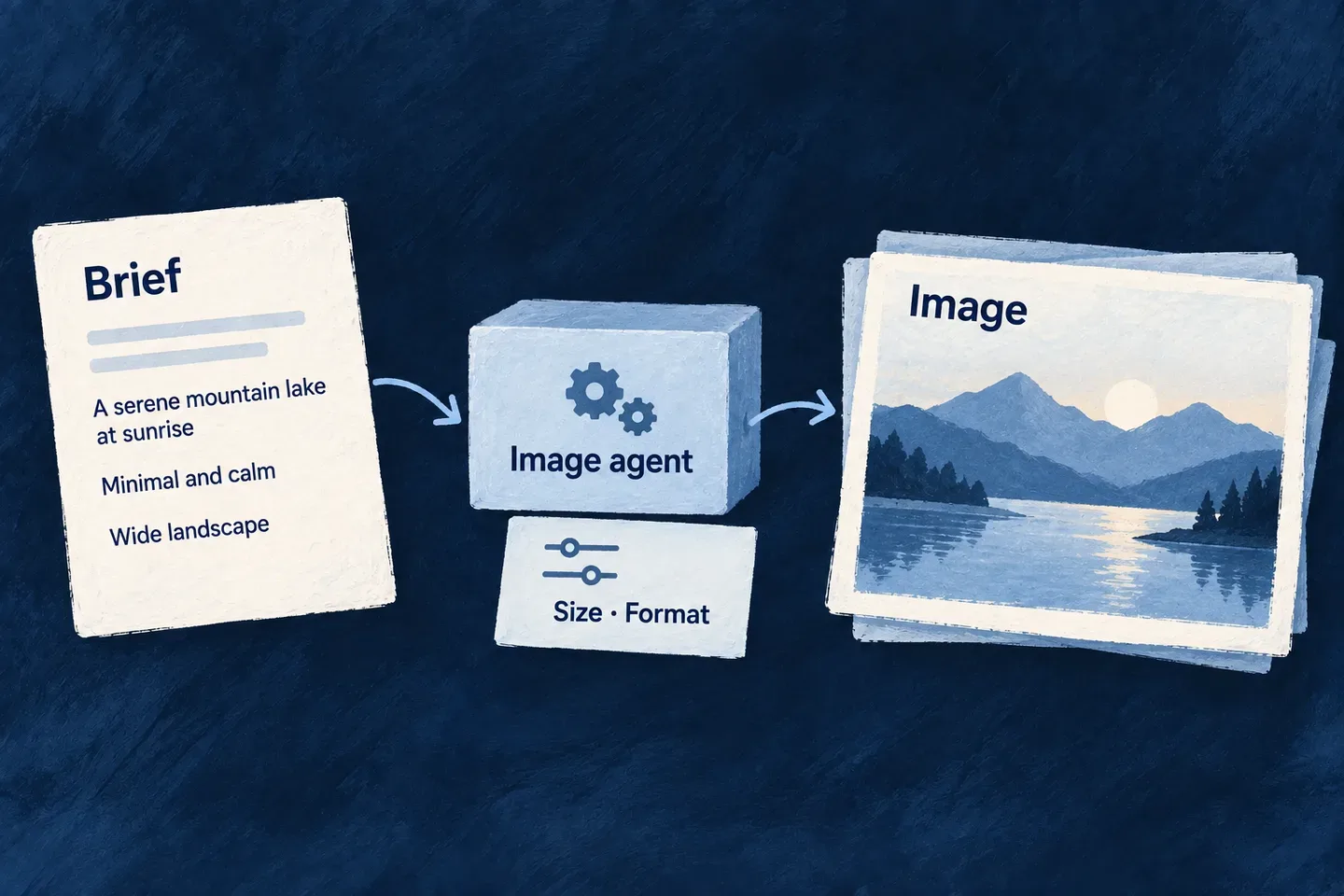
Generate image assets with their own size, quality and format settings. Your application supplies the brief and decides where the returned images are saved and used.

Make changes in a development workspace

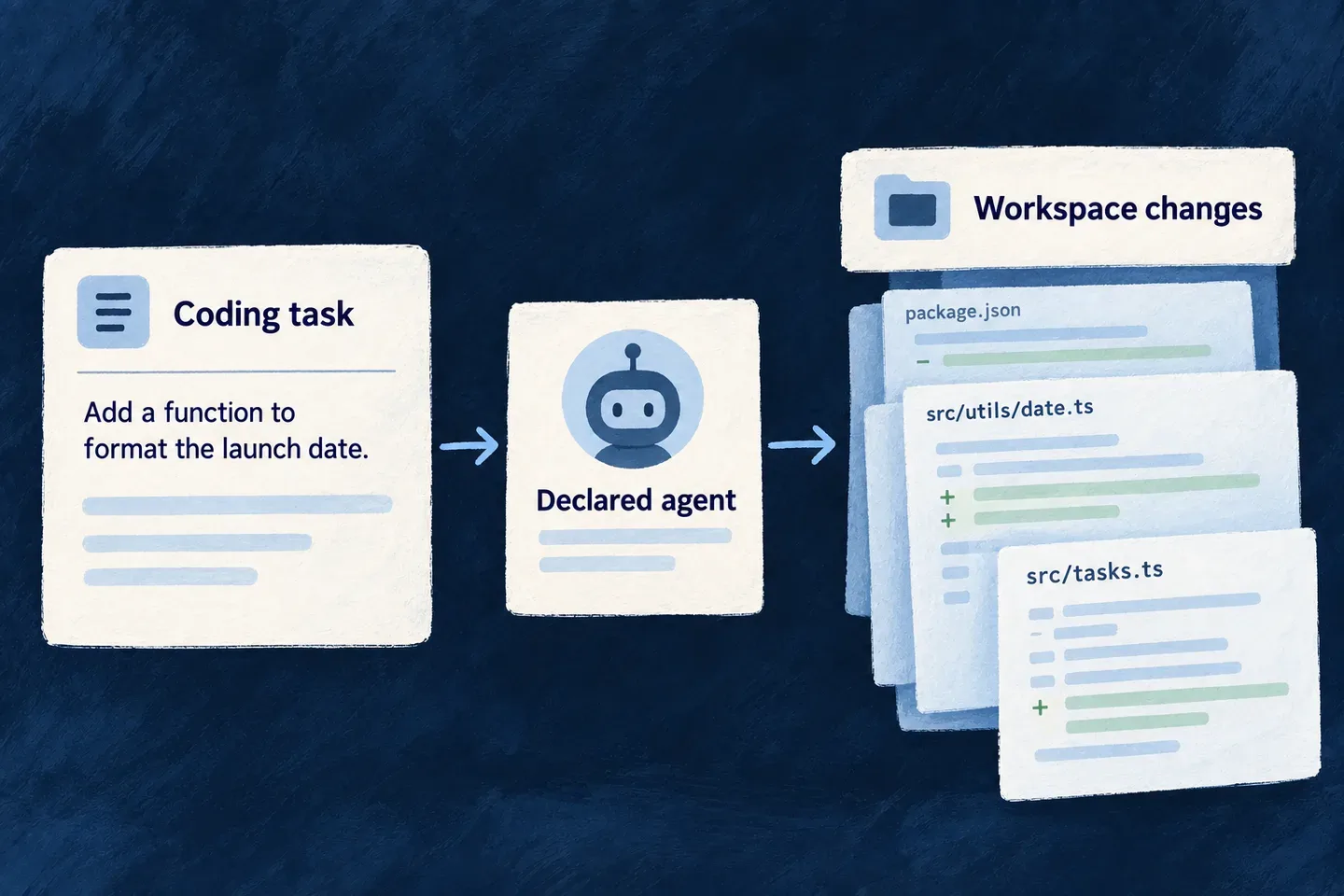
The development companion can dispatch a coding agent to work on application files. The run uses a declared execution profile and a host-supplied workspace. The resulting changes still need review and verification.

Example: Explain a policy from the documents people can read

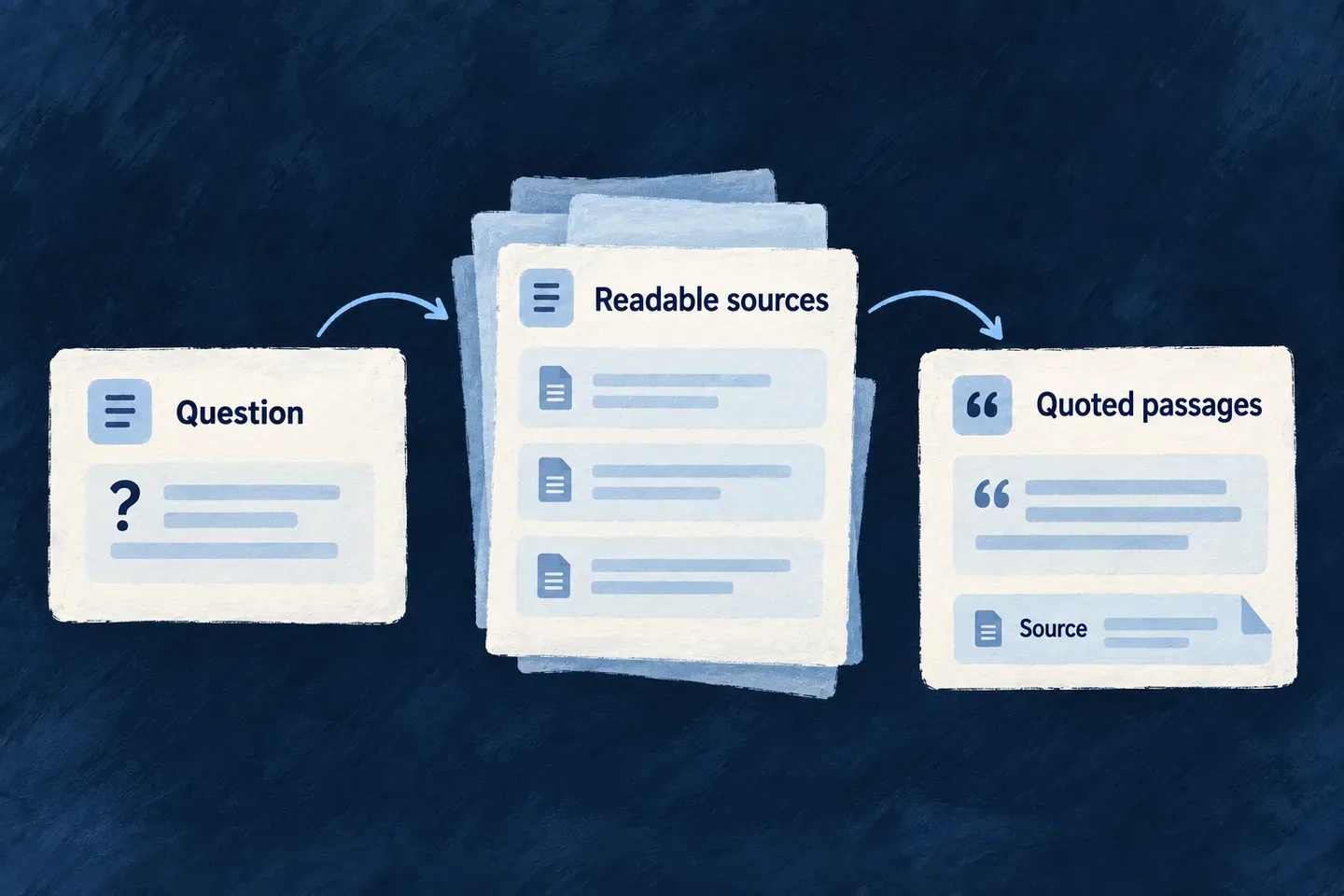
A team member asks about travel expenses. The application retrieves relevant passages from readable policy documents, then an agent uses that context to explain the policy. The source references remain available for the person to check.

For engineers

Separate model invocation from retrieval

AI_LLM supplies language-model connections. AI_EMBEDDINGS supplies vectors for similarity search; it can use a different provider. Document extraction produces text from files, while retrieval selects passages from an already derived corpus. An image or coding agent uses a different operation configuration again.

DecisionAuthored atEffect
Which providers a runtime can useApplication capability and scoped provider configurationConnection availability
Which model an agent usesAgent providerRef plus modelApplicability or modelRegistration resolves the model for that agent
Which text enters the corpusResource field .ragSource() / file ragSourceChunking and source attribution
Who may retrieve itCaller execution context and resource accessReadable result set
How a result becomes an answerApplication operation or agent promptPresentation, citations and business behavior

Declare useful text, not the whole record

This selected schema is adapted from Wonder Todos’ knowledge documents. Initialize the decorators in the shared schema module, and use this shape in the resource’s normal schema/configuration. A plain field does not enter retrieval just because it is nearby.

import { z } from 'zod';
import { initZodDecorators, RAGChunkingStrategy } from '@wildo-ai/zod-decorators';

initZodDecorators(z);

const knowledgeText = z.object({
  title: z.string().min(1).max(200).ragSource(),
  body: z.string().max(200_000).ragSource({
    chunkingStrategy: RAGChunkingStrategy.MARKDOWN,
    chunkSize: 1_200,
    chunkOverlap: 150,
  }).optional(),
  internalReviewNotes: z.string().optional(),
});

Use the existing schema, identifiers and resource registration in a real application; this excerpt illustrates field participation. File-backed text additionally follows its extraction policy. The ingestion path and reconciliation use the declared chunking configuration, rather than separate application-owned chunking scripts.

Retrieve through the current operation’s authority

Within the registered knowledge ask operation, the service call keeps the caller context. This is the Wonder Todos call shape after lazy resolution of RagRetrievalBackendService; request fields have already passed the operation’s input validation.

const result = await retrievalService.retrieve({
  query: question,
  executionContext,
  resourceTypes: [TasksManager_ResourceType.KNOWLEDGE_DOCUMENTS],
  ...(limit !== undefined && { limit }),
  ...(maxContextCharacters !== undefined && { maxContextCharacters }),
});

return projectAnswer(question, result);

The application’s projectAnswer preserves source IDs, passages, mode and truncation information. Keep refused resource types distinct from a valid query with no matches. PostgreSQL and MongoDB have their own search implementations and infrastructure requirements; neither a configured schema nor an embeddings provider proves that a deployment has indexed its corpus.

The model receives the selected context, not authority to choose another tenant. Semantic search is useful grounding, not a confidence percentage or a guarantee that a generated answer is correct. See the capabilities below for source maintenance, provider selection and the different generation contracts.

Follow the connected assistant example for the matching agent, tool registry and knowledge-operation bridge, including search outcomes and the approval-gated rename.

Choose the model and output

Choose the providers your AI can use Mechanism

Language models become a configured application capability. The application names the providers it can use; each agent selects its provider, operation and instructions.

This separates the connection to a vendor from the business task. Several agents can reuse that connection while keeping different prompts, output contracts and model choices.

Example: Give support and research different agents

A support classifier can request structured output while a research assistant holds a conversation. Both use the application’s declared providers; their behavior belongs to their own agent definitions.

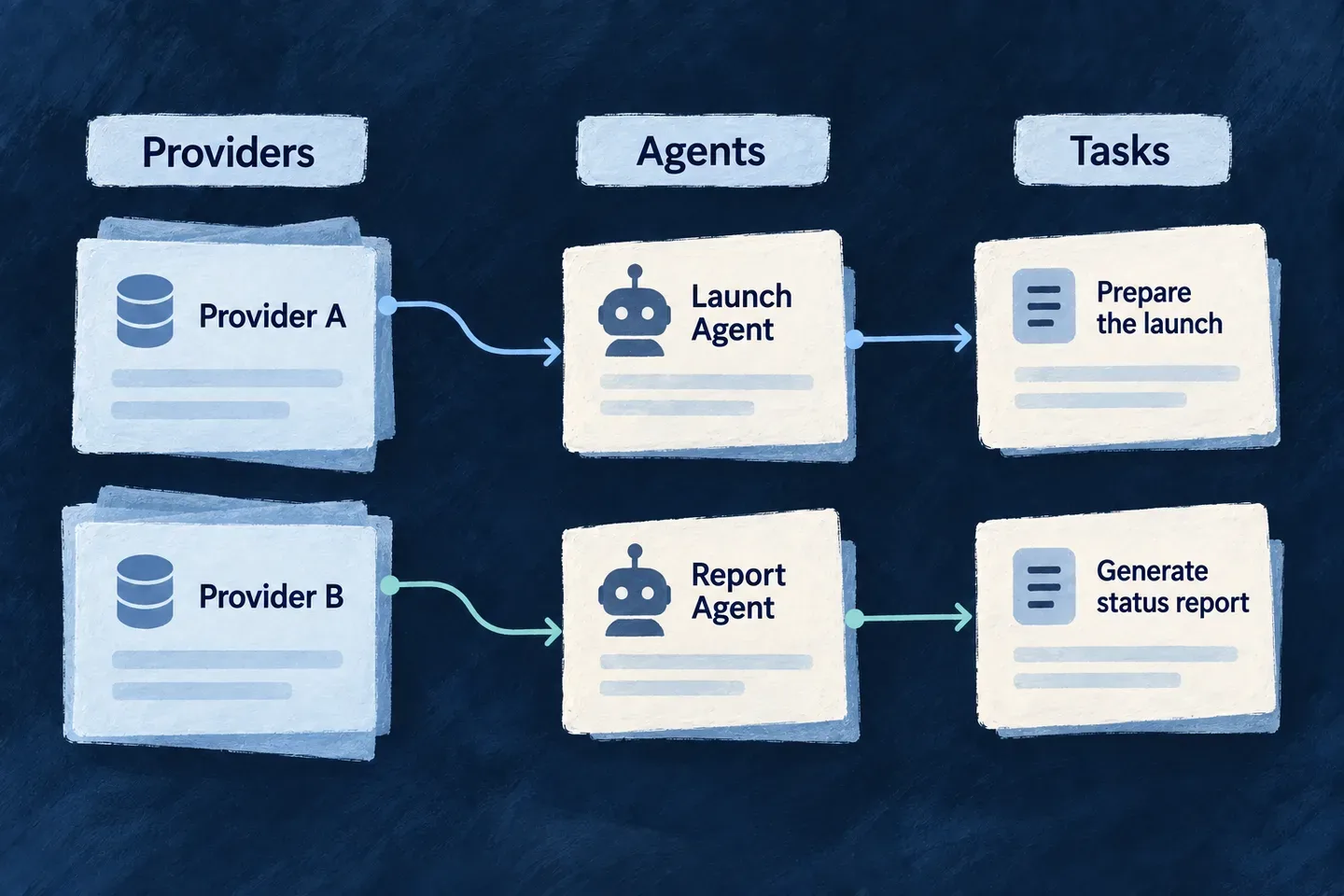
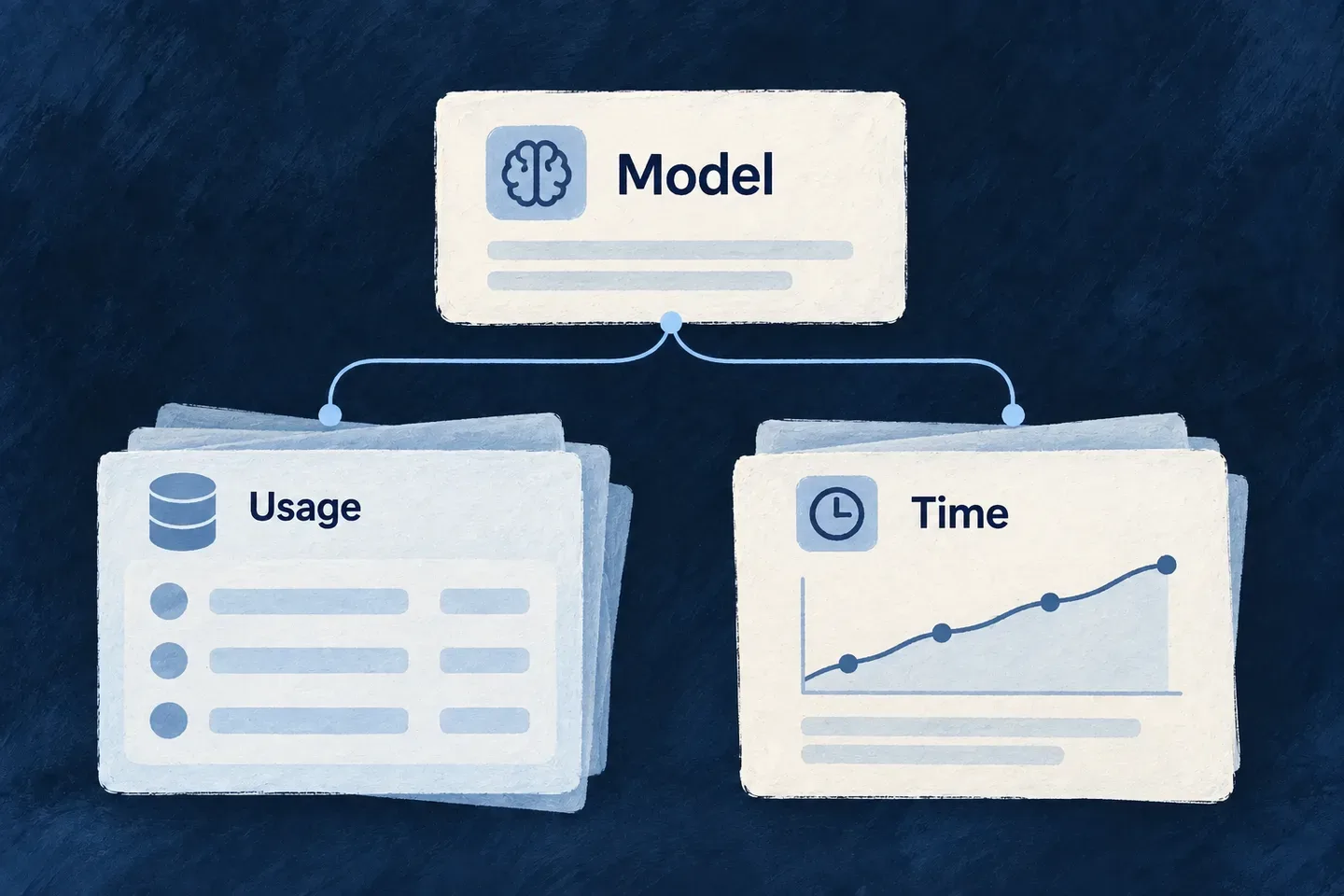
An application selects a configured model provider behind a common language-model connection.
For engineers

In wildo.saas.config.ts, capability enablement and runtime-scoped provider declarations are separate. This reduced selection follows Wonder Todos; merge these properties into the existing configuration. Import EngineCapability from @wildo-ai/saas-models and defineSaaSProviders from @wildo-ai/platform-config-lib. WildoDiscoveredProviderCatalog comes from the application’s generated .wildo-saas/generated/provider-catalog.types.

engineCapabilities: {
  [EngineCapability.AI_LLM]: { enabled: true },
},
providers: defineSaaSProviders<WildoDiscoveredProviderCatalog>({
  scopes: {
    backend: {
      providers: {
        anthropic: {
          engineCapabilities: [EngineCapability.AI_LLM],
          providerCapabilities: ['LLM_CHAT'],
          protocols: ['LLM_PROVIDER'],
        },
      },
      selection: {
        [EngineCapability.AI_LLM]: { primary: 'anthropic', whenUnavailable: [] },
      },
    },
  },
}),

The deployment must also supply the selected provider’s credentials through its secret configuration. Synchronize the application configuration with wildo config sync so the backend consumes the generated provider runtime. This backend declaration does not enable a provider in the companion or frontend scopes. The agent below explicitly names anthropic; the selection policy does not rewrite that agent’s provider after a failed request.

Define an agent, then register it

The declaration below is the framework’s support-ticket example. Its agent is active, its provider and operation agree in both configuration and operation definition, and its prompt specifies the business task. The module must include it in flowsActors.agents; a file existing on disk does not register an agent.

export const ticketTriageAgent: FlowsActors_Agent = {
  ref: TICKET_TRIAGE_AGENT_REF,
  displayName: 'Support Ticket Triage',
  status: FlowsActors_Agent_Status.ACTIVE,
  config: {
    providerRef: 'anthropic',
    modelApplicability: LLM_Model_Applicability.STRUCTURED_AUTHORING,
    operationKey: LLMProvider_OperationKey.GENERATE_STRUCTURED,
    reasoningEffort: LLMProvider_ReasoningEffort.LOW,
    accessControl: [{ primaryScope: ResourcePrimaryScope.APPLICATION, requiresApproval: false }],
    riskLevel: ResourceOperationRiskLevel.LOW,
  },
  operationDefinition: {
    operationKey: LLMProvider_OperationKey.GENERATE_STRUCTURED,
    providerRef: 'anthropic',
    inputSchema: LLMProvider_GenerateStructuredInputSchema,
    outputSchema: LLMProvider_GenerateStructuredOutputSchema,
    operationContextSchema: LLMProvider_OperationContext_BaseSchema,
  } satisfies LLMProvider_OperationDefinitionBase,
  promptSpec: {
    role: 'You triage inbound customer support tickets for a SaaS product.',
    persona: 'You are terse and literal. You classify only what the ticket actually says.',
    skillType: FlowsActors_Agent_Skill_Type.ANALYSIS,
    instructions: [
      'Choose exactly one category. When a ticket spans several, pick the one the customer is asking you to ACT on.',
      'Reserve "high" urgency for outages, data loss, or failed payments. Frustrated tone alone is not urgency.',
      'Summarize what the customer wants, never what you would do about it.',
      'Never infer facts the ticket does not state — no account ids, no product names, no dates.',
    ],
  },
  createdAt: '2026-08-01T00:00:00.000Z',
};

Provider availability and agent selection are different decisions. A provider selection list does not mean a pinned agent automatically switches vendors after a failed request. Keep providerRef aligned with the operation contract and enable the corresponding provider in the runtime scope. Per-call material belongs in invocation input, not in the durable agent prompt.

Register the declaration and define the result

The backend module contributes the agent through flowsActors. This excerpt is the registration object from the example; include it in the owning module’s existing contribution rather than replacing other registered agents:

export const moduleBackend_FlowsActorsRegistry: { agents: FlowsActors_Agent[] } = {
  agents: [ticketTriageAgent],
};

The invocation below uses this application-owned response contract. The descriptions tell the model what the fields mean; parsing the returned value establishes that it has the expected shape.

enum TicketCategory {
  BILLING = 'billing',
  BUG = 'bug',
  FEATURE_REQUEST = 'feature_request',
  ACCOUNT = 'account',
  OTHER = 'other',
}
enum TicketUrgency {
  LOW = 'low',
  MEDIUM = 'medium',
  HIGH = 'high',
}

const TicketTriageSchema = z.object({
  category: z.enum(TicketCategory)
    .describe('The single best-fitting category for the ticket.'),
  urgency: z.enum(TicketUrgency)
    .describe(`How quickly a human must respond. "${TicketUrgency.HIGH}" only for outages, data loss, or billing failures.`),
  summary: z.string().max(200)
    .describe('One-sentence neutral summary of what the customer is asking for.'),
});

A successful call returns a category, urgency and summary. The application still decides how those values affect routing or service commitments; a valid enum is not proof that the model classified the ticket correctly.

Invoke it with a response contract

The same example calls the registered agent with its ticket schema and validates the returned object. TicketTriageSchema is the application-owned Zod output contract; the service receives AgentsBackendService through dependency injection.

@injectable()
export class TicketTriageBackendService {
  constructor(
    @inject(SAAS_SERVICE_TYPES.AgentsBackendService) private readonly agentsService: AgentsBackendService,
  ) {}
  public async triageTicket(ticketBody: string): Promise<z.infer<typeof TicketTriageSchema>> {
    const invocation: FlowsActors_Agent_Invocation<
      typeof LLMProvider_GenerateStructuredInputSchema,
      typeof LLMProvider_GenerateStructuredOutputSchema,
      typeof LLMProvider_OperationContext_BaseSchema
    > = {
      agentRef: TICKET_TRIAGE_AGENT_REF,
      initiator: {},
      invocationContext: [],
      input: {
        prompt: `Triage this support ticket:\n\n${ticketBody}`,
        schema: TicketTriageSchema,
      },
      output: { object: {} },
      executionContext: { callTimestamp: new Date().toISOString() },
      artifactBindings: [],
    };
    const result = await this.agentsService.invokeAgent(invocation);
    return TicketTriageSchema.parse((result.output as { object: unknown }).object);
  }
}

Choose a model for the work Mechanism

A classification task and a difficult review do not need the same model choice. Applicability classes describe the work—such as structured authoring or deep judgment—so agent definitions can express intent without repeating a particular model version.

Wildo resolves that choice when the agent is registered. Catalog preferences can evolve while the agent keeps the same purpose.

Example: Match the model to ticket triage

A ticket classifier declares structured authoring. A separate review agent can declare deep judgment without adopting the classifier’s cost and quality trade-off.

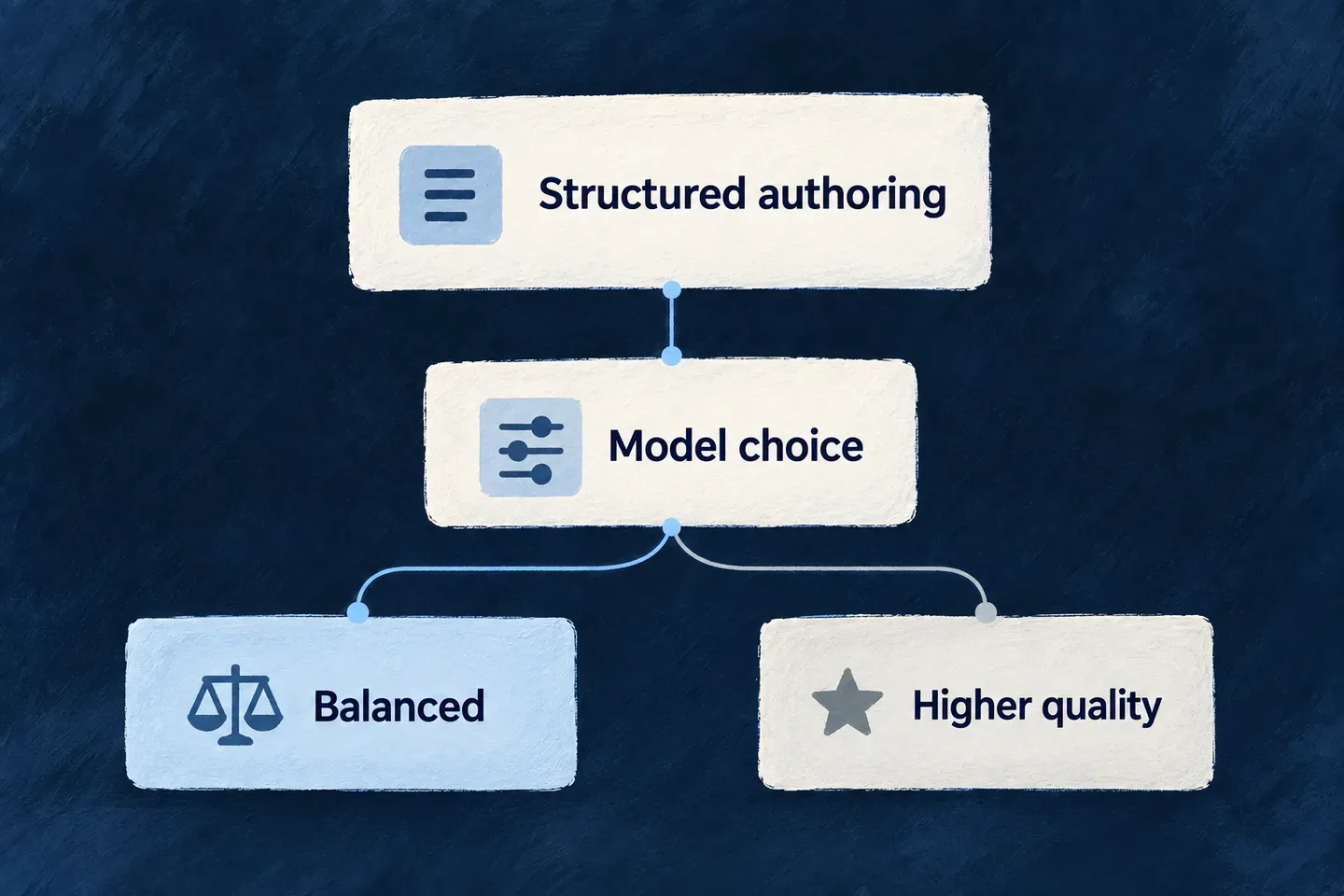
Different agent purposes select different model policies.
For engineers

This excerpt from llm-agent-invocation.example.ts selects STRUCTURED_AUTHORING within Anthropic. The registry resolves it to a concrete model before requests run; downstream execution receives that resolved configuration.

export const ticketTriageAgent: FlowsActors_Agent = {
  ref: TICKET_TRIAGE_AGENT_REF,
  displayName: 'Support Ticket Triage',
  status: FlowsActors_Agent_Status.ACTIVE,
  config: {
    providerRef: 'anthropic',
    modelApplicability: LLM_Model_Applicability.STRUCTURED_AUTHORING,
    operationKey: LLMProvider_OperationKey.GENERATE_STRUCTURED,
    reasoningEffort: LLMProvider_ReasoningEffort.LOW,
    accessControl: [{ primaryScope: ResourcePrimaryScope.APPLICATION, requiresApproval: false }],
    riskLevel: ResourceOperationRiskLevel.LOW,
  },
  operationDefinition: {
    operationKey: LLMProvider_OperationKey.GENERATE_STRUCTURED,
    providerRef: 'anthropic',
    inputSchema: LLMProvider_GenerateStructuredInputSchema,
    outputSchema: LLMProvider_GenerateStructuredOutputSchema,
    operationContextSchema: LLMProvider_OperationContext_BaseSchema,
  } satisfies LLMProvider_OperationDefinitionBase,
  promptSpec: {
    role: 'You triage inbound customer support tickets for a SaaS product.',
    persona: 'You are terse and literal. You classify only what the ticket actually says.',
    skillType: FlowsActors_Agent_Skill_Type.ANALYSIS,
    instructions: [
      'Choose exactly one category. When a ticket spans several, pick the one the customer is asking you to ACT on.',
      'Reserve "high" urgency for outages, data loss, or failed payments. Frustrated tone alone is not urgency.',
      'Summarize what the customer wants, never what you would do about it.',
      'Never infer facts the ticket does not state — no account ids, no product names, no dates.',
    ],
  },
  createdAt: '2026-08-01T00:00:00.000Z',
};

Author exactly one of modelApplicability or model. The explicit model is the escape hatch for a pinned or custom deployment. Registration refuses a class the selected provider cannot serve; it does not silently substitute another type of work. Reasoning settings are validated against the resolved model. This is registration-time policy, not dynamic per-request benchmarking or vendor failover.

Generate images through your application Mechanism

Image generation is an operation with its own controls: dimensions, quality, background and output format. Wildo routes it through an image-capable provider instead of treating an image as an unusual text response.

Your application supplies the visual brief and decides how the resulting asset is used. The same execution machinery can serve a branding workflow or another image-producing feature.

Example: Create an application logo

The development companion uses an image agent to produce a logo from a visual brief. Its configuration requests a square PNG with a transparent background. Those are the logo workflow’s choices. The illustration shows another possible output; this example follows the companion’s logo workflow.

A written image request becomes a generated illustration through a configured image provider.
For engineers

This is the companion’s actual logo-agent definition. It separates image settings from language-model sampling and declares image output explicitly. Register the agent in its owning runtime and enable an image provider there before invoking it.

export const LOGO_GENERATION_AGENT_REF = 'brand.logo.generation.agent';
export function buildLogoGenerationAgent(): FlowsActors_Agent {
  return {
    ref: LOGO_GENERATION_AGENT_REF,
    displayName: 'Logo Generation Agent',
    status: FlowsActors_Agent_Status.ACTIVE,
    outputModality: FlowsActors_IO_PartKind.IMAGE,
    inputModalities: [FlowsActors_IO_PartKind.TEXT],
    config: {
      providerRef: 'openai',
      model: ImageProvider_Model.OPEN_AI_GPT_IMAGE_1_5,
      operationKey: ImageProvider_OperationKey.GENERATE_IMAGE,
      size: ImageProvider_Size.SQUARE_1024,
      quality: ImageProvider_Quality.HIGH,
      background: ImageProvider_Background.TRANSPARENT,
      outputFormat: ImageProvider_OutputFormat.PNG,
      n: 1,
      accessControl: [{
        primaryScope: ResourcePrimaryScope.APPLICATION,
        requiresApproval: false,
      }],
      riskLevel: ResourceOperationRiskLevel.LOW,
    },
    operationDefinition: {
      operationKey: ImageProvider_OperationKey.GENERATE_IMAGE,
      providerRef: 'openai',
      inputSchema: ImageProvider_GenerateImageInputSchema,
      outputSchema: ImageProvider_GenerateImageOutputSchema,
      operationContextSchema: ImageProvider_OperationContext_BaseSchema,
    } satisfies ImageProvider_OperationDefinitionBase,
    promptSpec: {
      role: 'You are a brand identity designer generating a single application logo. You receive a '
        + 'fully-assembled visual brief (brand name, mark direction, visual tone, symbolism) and render '
        + 'exactly one clean, production-ready logo mark that honours it.',
      skillType: FlowsActors_Agent_Skill_Type.GENERATION,
      instructions: [],
    },
    createdAt: '2026-07-11T00:00:00.000Z',
  };
}

The executor validates provider enablement, credentials and the image runtime binding, then runs the provider call through its limiter. Output contains images, each with base64 and mediaType; persistence and publication are separate application decisions. The current executor generates from the text prompt. It does not pass reference images to the provider, so this execution path does not support reference-image editing.

Supply a brief and consume the image

This selected companion call runs the registered logo agent. render.prompt is the visual brief already assembled by the workflow; traceContext identifies this run for observation. The invocation uses the image schemas imported alongside the declaration.

const invocation: FlowsActors_Agent_Invocation<
  typeof ImageProvider_GenerateImageInputSchema,
  typeof ImageProvider_GenerateImageOutputSchema,
  typeof ImageProvider_OperationContext_BaseSchema
> = {
  agentRef: LOGO_GENERATION_AGENT_REF,
  initiator: {},
  invocationContext: [],
  input: { prompt: render.prompt },
  output: { images: [] },
  executionContext: { callTimestamp: new Date().toISOString() },
  artifactBindings: [],
};

const result = await this.agentsService.invokeAgent(invocation, traceContext);
const output = result.output as ImageProvider_GenerateImageOutput;
const masterImage = output?.images?.[0];

The workflow checks that masterImage.base64 is nonempty before decoding and processing it. Its logo-specific cleanup, asset staging and derived icons happen afterward. Keep those application decisions separate from generation: another image feature may store the returned bytes through its own file resource instead.

Run a coding agent in a workspace Mechanism

A coding agent produces changes to a workspace. Wildo gives that work an execution path distinct from generating text or an image, with a declared agent provider and execution profile.

The runtime manages the session, task exchange and cancellation. The application chooses the agent and the host policies under which it may run.

Example: Implement a change in an application

A development workflow hands a coding task to a registered agent. The run records the agent binding and returns the coding outcome; the changed workspace can then be inspected and verified.

A coding agent works through a supervised connection to an application workspace.
For engineers

This excerpt adapts the companion’s registered binding; ApplicationCodingAgentBinding is its application-owned type. The matching execution profile must be authored in runtime configuration. It keeps provider, model and execution profile together. A coding agent requires executionProfileRef; unlike a language-model API call, it cannot omit the authority and environment under which its subprocess runs.

const codingAgentBinding = {
  ref: 'application-coding.agent',
  displayName: 'Application Coding Agent',
  providerRef: 'anthropic',
  executionProfileRef: 'claude-code-acp',
  model: LLM_Model.CLAUDE_OPUS_5,
} satisfies ApplicationCodingAgentBinding;

The ACP runner negotiates the protocol, opens or resumes the session, exchanges turns and answers permission requests. Enforcement depends on which callbacks the provider actually raises. The dispatch layer checks the provider’s declared permission-escalation behavior before accepting a restrictive ceiling. Do not describe mutation scope as an operating-system sandbox: a child doing its own I/O without a relevant callback is a different boundary, and the recorded run/change set remains important.

Author the matching companion execution profile

The binding above names claude-code-acp. Declare that same key under providerConfigurations.anthropic[ExternalProvider_ExchangeProtocol_Kind.AGENT_CLIENT_PROTOCOL].executionProfiles in wildo.saas.config.ts. This selected profile follows Wonder Todos’ development setup; the omitted settings govern recording and data-processing declarations, not provider selection. The AgentClientProtocol_* enums, APPLICATION_ENVIRONMENT and ExternalProvider_ExchangeProtocol_Kind come from @wildo-ai/external-connectors-models.

providerConfigurations: {
  anthropic: {
    [ExternalProvider_ExchangeProtocol_Kind.AGENT_CLIENT_PROTOCOL]: {
      defaultExecutionProfileRef: 'claude-code-acp',
      executionProfiles: {
        'claude-code-acp': {
          runnerHost: AgentClientProtocol_RunnerHost.BACKEND_SUBPROCESS,
          authMode: AgentClientProtocol_AuthMode.HOST_MANAGED,
          allowedApplicationEnvironments: [APPLICATION_ENVIRONMENT.DEVELOPMENT],
          workingDirectoryPolicy: AgentClientProtocol_WorkingDirectoryPolicy.WORKSPACE_ROOT,
          permissionCeiling: AgentClientProtocol_PermissionCeiling.UNRESTRICTED,
          hostConfigurationInheritance: AgentClientProtocol_HostConfigurationInheritance.APPLICATION_SCOPED,
          turnTimeoutMs: 30 * 60_000,
          maxAutoContinuations: 12,
          awaitingInputTtlMs: 30 * 60_000,
        },
      },
    },
  },
},

HOST_MANAGED uses the operator’s existing agent login. The provider owns its launch command; the host supplies the workspace at invocation. The unrestricted ceiling admits all tool categories; declared locations and available approval options still govern individual requests. It is not a sandbox: filesystem confinement still depends on participating callbacks, and the host must inspect the resulting changes.

Enable EngineCapability.AI_CODING_AGENT, then merge this entry into providers.scopes.companion.providers. EngineCapability comes from @wildo-ai/saas-models. An AI_LLM backend entry cannot substitute for this companion transport:
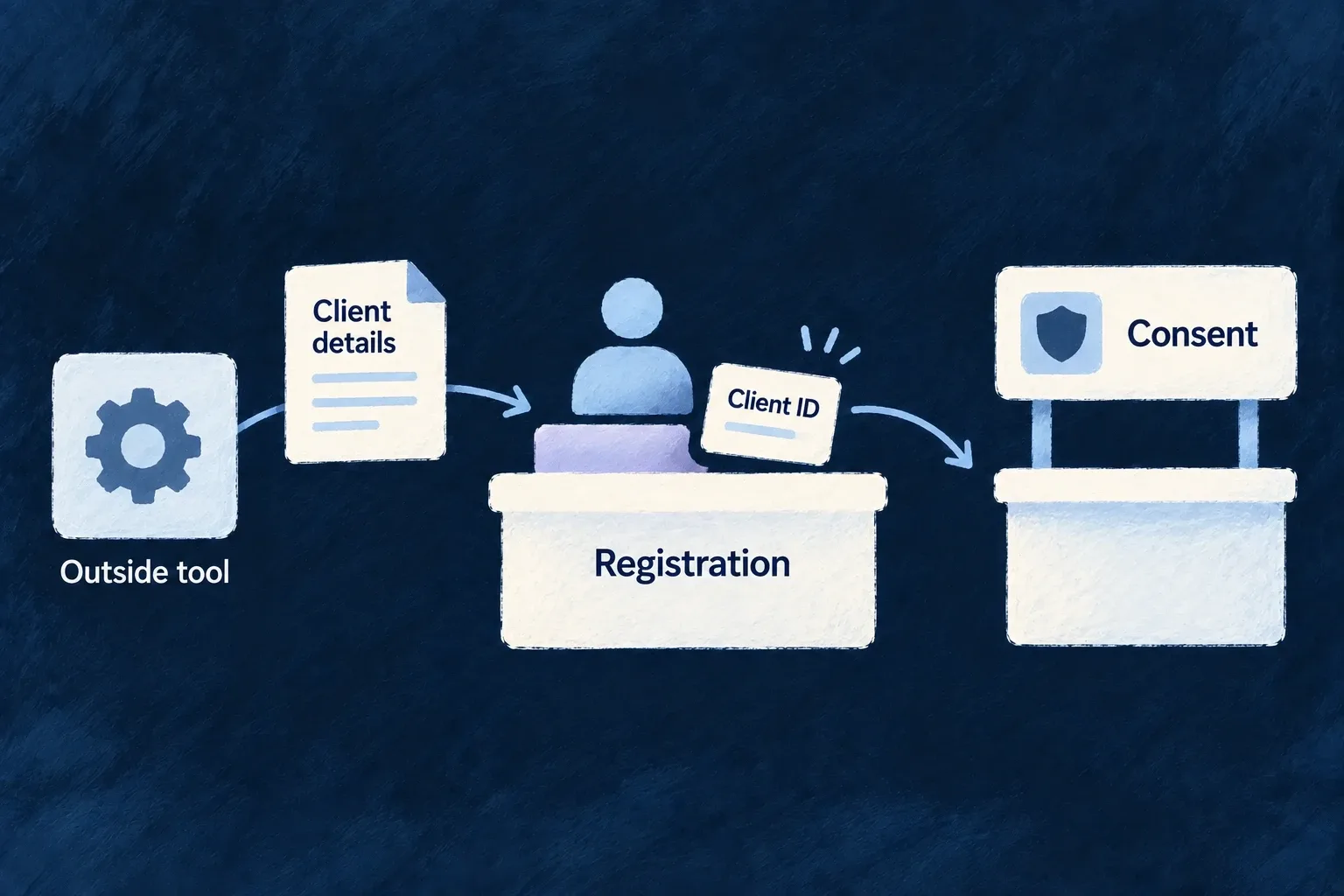
anthropic: {
  engineCapabilities: [EngineCapability.AI_CODING_AGENT],
  providerCapabilities: ['CODING_AGENT'],
  protocols: ['AGENT_CLIENT_PROTOCOL'],
},

Run wildo config sync after configuration changes. The host needs the provider’s supported agent installation and login before dispatch; selecting a model does not install or authenticate the subprocess. Application runtime language generation has its own backend provider setup.

Dispatch the task in a trusted workspace

The companion constructs this invocation after admitting its typed task and rendering the task prompt. A resumed run supplies the operator’s answer and the existing session ID; a new run supplies the rendered task.

const invocation: FlowsActors_Agent_Invocation<
  typeof CodingAgent_RunTaskInputSchema,
  typeof CodingAgent_RunTaskOutputSchema,
  typeof CodingAgent_OperationContext_BaseSchema
> = {
  agentRef: APPLICATION_CODING_AGENT_REF,
  initiator: {},
  invocationContext: [],
  input: resume
    ? { prompt: resume.answerPrompt, continuationOfSessionId: resume.continuationOfSessionId }
    : { prompt: renderedPrompt },
  output: { finalMessage: '', stopReason: CodingAgent_StopReason.END_TURN },
  executionContext: { callTimestamp: new Date().toISOString() },
  artifactBindings: [],
};

The call also receives the trusted workspace and task-location predicate. This reduced excerpt omits the companion’s event collection and turn-classification callbacks; it shows where workspace and cancellation enter the runtime:

const response = await this.agentsService.invokeAgent(
  invocation,
  traceContext,
  {
    workspaceRootPath: this.companionContext.saasRoot,
    isPermittedCodingLocation: buildApplicationCodingTaskLocationPredicate(
      this.companionContext.saasRoot,
      task.mutationScope.allowedPathPrefixes,
      task.mutationScope.prohibitedPathPrefixes,
    ),
    ...(this.activeRun ? { codingSessionAbortSignal: this.activeRun.abortController.signal } : {}),
  },
);
const codingOutput = response.output as Partial<CodingAgent_RunTaskOutput> | undefined;
const text = codingOutput?.finalMessage;
const stopReason = codingOutput?.stopReason;

finalMessage is not itself acceptance of the changes. The host checks the stop reason, records the run and inspects the resulting change set. A parked run is asking for input, not reporting a finished implementation. Permission callbacks constrain participating operations; they do not turn arbitrary subprocess I/O into a filesystem sandbox.

Ground answers in application knowledge

Read the text already inside your documents Mechanism

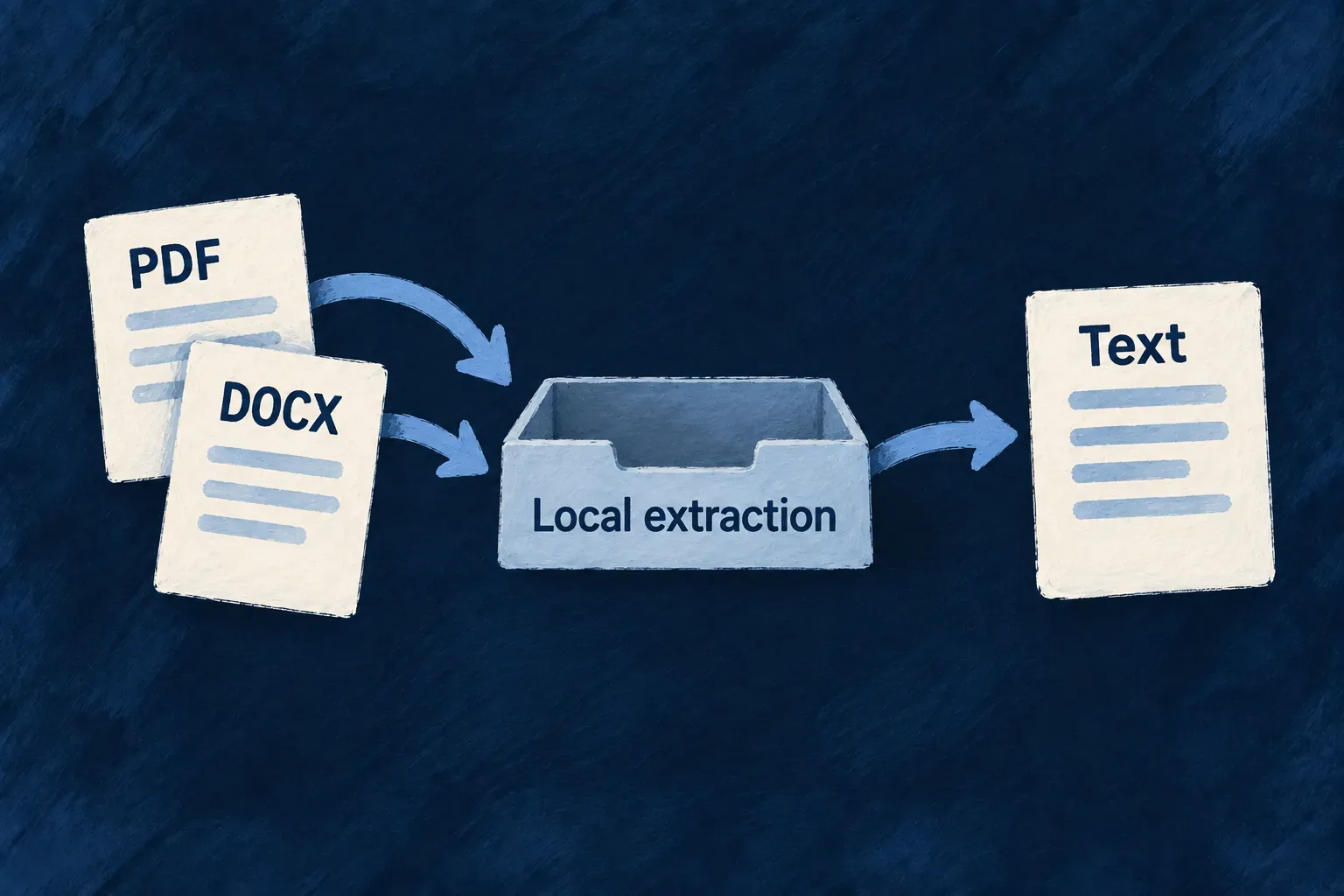
Many documents already contain readable text. Wildo can extract it inside your deployment, making the contents available to processing and retrieval without requiring a document-reading provider.

The local readers handle PDF text layers, plain text and supported modern Office and OpenDocument formats. A scanned page is different: it contains an image of words and needs the separately configured recognition path.

Example: Read a brief without copying its contents

Upload a text-based PDF or a modern Word document to a knowledge field. Extraction makes the text available for indexing, so someone can later find a passage without manually copying the document into the application.

PDF and modern Word documents yield text through local extraction.
For engineers
Match the reader to the document format

The extraction service downloads the file through its resolved storage provider. Plain text is read directly. PDFs use the local text-layer reader; .docx, .xlsx, .pptx, .odt, .ods and .odp use the ZIP/XML reader.

The Office reader extracts text from the document’s parts. Its partCount represents those units—for example, slides in a presentation—rather than inventing a printed page count. Extraction returns text plus metadata such as character and word counts.

A PDF with no text layer needs provider-backed recognition. Legacy binary .doc, .xls and .ppt also require a provider that declares support for their media type. Choose accepted upload formats according to the paths your deployment enables.

Make the local path an intentional field choice

This shared-schema declaration is adapted from Wonder Todos’ knowledge documents. It selects a smaller, locally readable MIME set from that application’s full list. Keep it in the resource schema used by the factory; a standalone unused schema does not register a corpus.

import { z } from 'zod';
import { initZodDecorators, z_file, RAGChunkingStrategy } from '@wildo-ai/zod-decorators';

initZodDecorators(z);

export const KnowledgeDocument = z.object({
  document: z_file({
    allowedMimeTypes: [
      'application/pdf',
      'text/plain',
      'application/vnd.openxmlformats-officedocument.wordprocessingml.document',
    ],
    multiple: false,
    textExtraction: { ocr: false },
    ragSource: {
      chunkingStrategy: RAGChunkingStrategy.RECURSIVE,
      chunkSize: 1_500,
      chunkOverlap: 200,
    },
  }).optional(),
});

These options make separate decisions: the MIME list admits uploads, textExtraction chooses whether a provider may read them, and ragSource selects the extracted text for chunking. A PDF MIME type does not establish that its pages contain a readable text layer. Do not add legacy binary Office formats to a local-only field merely because the general document MIME group includes them.

After a normal upload and record write, this single-file field holds { fileId, updatedAt }. Ingestion reads the stored bytes once the file is eligible, extracts text and derives chunks; retrieval becomes usable after successful ingestion and search-index readiness. The retrieval guide connects those chunks to an authorized query. Upload success alone is not an indexing receipt.

When ingestion reads a file field, it passes that field’s extraction choice to the service. This is the connection in rag-ingestion.backend.service.ts:

extracted = await this.fileTextExtraction.extractText(file, input.executionContext, {
  allowProviderExtraction: input.fieldMeta.textExtraction?.ocr === true,
});

Only an explicit ocr: true permits provider-backed extraction. An absent setting or false keeps the field on its local path. Even with a provider selected, plain text is handled directly.

Read the outcome according to the input
Input on the local pathExpected reader
Plain textDecode the stored text directly.
PDF containing textExtract its text layer.
Modern Office documentExtract text from the supported ZIP/XML parts.
Scan without a text layerLocal reading cannot recover the pictured words; provider recognition needs its own opt-in.

These are format paths, not a guarantee that every file with that extension is readable. Keep failed downloads and parser outcomes distinct from successful extraction of an empty document.

Distinguish unreadable content from an unavailable service

A malformed document and a failed storage download need different treatment. Parsing failures identify unreadable bytes; storage and provider availability failures remain failures that can be retried. When a provider fails, a usable local text layer can still supply the result.

If neither path can read a scan during a provider outage, extraction fails rather than reporting an empty document. That preserves an existing retrieval corpus for a later retry. The extracted text can then flow into the field’s retrieval configuration, which separately controls indexing and chunking.

Find answers in your application’s knowledge Mechanism

Choose which resource fields contribute knowledge, then retrieve relevant passages from those records and attached documents. Results keep their source identity, so an assistant can explain where an answer came from.

Retrieval respects the caller’s resource access and tenancy. It supplies grounding material; your application decides how to present it or use it in a generated answer.

Example: Ask about a policy

A person asks what the organization’s policy says about expenses. The application retrieves passages from readable knowledge documents and hands them to an assistant with their document and field attribution.

Selected source records contribute attributed passages to an answer.
For engineers

Declare source fields, then call retrieval from an authorized operation using the caller’s context.

Use .ragSource() on selected text fields and z_file({ ragSource: ... }) for file-backed text. Forward the operation’s executionContext unchanged to retrieve. Narrow with resourceTypes where the feature should search only a specific corpus. Inspect searchStatus, embeddingStatus, refusedResourceTypes and truncation; a failed search, refused corpus and healthy empty search are separate outcomes. Search execution errors remain in operational logs; the result exposes safe availability diagnostics. Scores rank one query’s results and are not universal confidence percentages. PostgreSQL and MongoDB stores exist, with adapter-specific search infrastructure requirements.

Prepare the store that owns the records

Chunk storage follows the resource’s persistence adapter. Do not introduce a second database solely because a field becomes a corpus source.

Resource adapterDeployment prerequisiteWhat to check before querying
PostgreSQLThe vector extension, including for a currently lexical-only corpusStartup capability probe and framework-managed chunk table/indexes
MongoDBSearch-capable deployment with $search and $vectorSearch, and permission to manage search indexesStartup probe and queryability of the framework-managed search indexes; an ordinary database connection is insufficient
HTTP API or introspectionNo owned persistent rows for derived chunksCorpus declarations are refused on these adapters

MongoDB indexes build asynchronously. A ready lexical arm can serve without vectors, and an available vector arm can operate while lexical search is unavailable. If neither usable arm can run, their availability reports produce failed search status. If only one requested arm runs, search status is degraded. Execution exceptions are still caught and logged, preserving the turn with failed search status and empty context. When an aggregate aborts before returning reliable arm reports, those requested arms are marked unknown. None of these outcomes should be described as an empty knowledge base.

Connect the declaration to the query

The following declaration is adapted from Wonder Todos’ knowledge-document schema. The decorator initialization and imports belong in the shared schema module. Fields without ragSource remain outside the corpus.

import { z } from 'zod';
import { initZodDecorators, RAGChunkingStrategy } from '@wildo-ai/zod-decorators';

initZodDecorators(z);

const KnowledgeText = z.object({
  title: z.string().min(1).max(200).ragSource(),
  body: z.string().max(200_000).ragSource({
    chunkingStrategy: RAGChunkingStrategy.MARKDOWN,
    chunkSize: 1_200,
    chunkOverlap: 150,
  }).optional(),
  internalReviewNotes: z.string().optional(),
});

Inside the registered ask custom-operation handler, the application resolves the retrieval service lazily from its container and forwards the caller’s existing context. This is the actual call shape; question, limit and maxContextCharacters come from the operation’s validated request. projectAnswer is the operation’s response mapper; it retains source identifiers and passages.

retrievalService ??= container.get<RagRetrievalBackendService>(
  SAAS_SERVICE_TYPES.RagRetrievalService,
);

const result = await retrievalService.retrieve({
  query: question,
  executionContext,
  resourceTypes: [TasksManager_ResourceType.KNOWLEDGE_DOCUMENTS],
  expandRelationships: false,
  ...(limit !== undefined && { limit }),
  ...(maxContextCharacters !== undefined && { maxContextCharacters }),
});

return projectAnswer(question, result);

The surrounding operation owns its request/response DTOs and role declaration, and registers through createResourceCustomServiceImplementation. The assistant’s function tool calls that same operation through executeCustomOperation; it does not expose an unscoped retrieval endpoint or accept tenant identity from the model.

Size the context and keep its attribution
ChoiceMeaningConsequence for the application
resourceTypesNarrows eligible resource types; does not grant accessA requested type can still appear in refusedResourceTypes
limitNumber of chunk hits, clamped to the engine maximumSeveral hits can form one returned row; do not expect that many documents
expandRelationshipsOne-hop related-record reads, off by defaultEnable deliberately when related context adds value; it adds reads and context
maxContextCharactersBudget for assembled contextLater rows can be omitted, but the best row is retained even if it alone exceeds the budget; this is not a hard model-token limit

Inside the operation, consume the actual result instead of treating a passages array as a complete answer. This illustrative projection preserves the service’s attribution and diagnostics; keep operational refusal details in an appropriate authenticated response or diagnostics surface.

const sources = result.rows.map((row) => ({
  resourceType: row.resourceType,
  resourceId: row.resourceId,
  header: row.header,
  passages: row.passages,
}));

return {
  context: result.rows.map((row) => row.contextText).join('\n\n'),
  sources,
  mode: result.mode,
  searchStatus: result.searchStatus,
  embeddingStatus: result.embeddingStatus,
  searches: result.searches,
  chunkHitCount: result.chunkHitCount,
  contextCharacters: result.contextCharacters,
  refusedResourceTypes: result.refusedResourceTypes,
  truncation: result.truncation,
};

searchStatus distinguishes a healthy search from a degraded, failed or unattempted one. embeddingStatus separately distinguishes an intentionally absent provider from a failed query embedding. mode describes the requested search; searches reports actual arm outcomes for each admitted resource type. If an aggregate call aborts before returning those outcomes, requested arms are marked unknown rather than claiming they ran.

contextText retains the row/field framing already assembled by the engine. Keep the source IDs beside the generated answer so the interface can provide citations. The model still needs instructions about how to use that context and what to do when it cannot support an answer.

Observed resultAppropriate interpretation
Healthy search, embeddings not configuredSupported wording-based search; an embeddings provider is optional
Embedding failed, search healthyWording-based search completed, but semantic matching was unavailable for this call
Search degradedSome requested search arms or stores were unavailable; explain the reduced coverage
Healthy search, empty rowsNo usable context was returned; inspect access refusals and dropped-row counts before concluding nothing matched
Search failed or not runDo not claim the knowledge base contains no answer; explain that the search was unavailable or not performed
Refused resource types or dropped rowsInspect the specific refusal/truncation reason: access and scope refusals differ from failed row reads; do not elevate the caller to hide a refusal
Context budget reachedSome context was omitted; use the truncation report and the model’s own input budget
Logged search-store failureThe service preserves turn availability and reports failed search explicitly; private database error details remain in operational logs

For attached documents, use the local extraction declaration or explicitly configure provider-backed recognition. Source-field chunking, background ingestion and this query are separate stages of the same corpus.

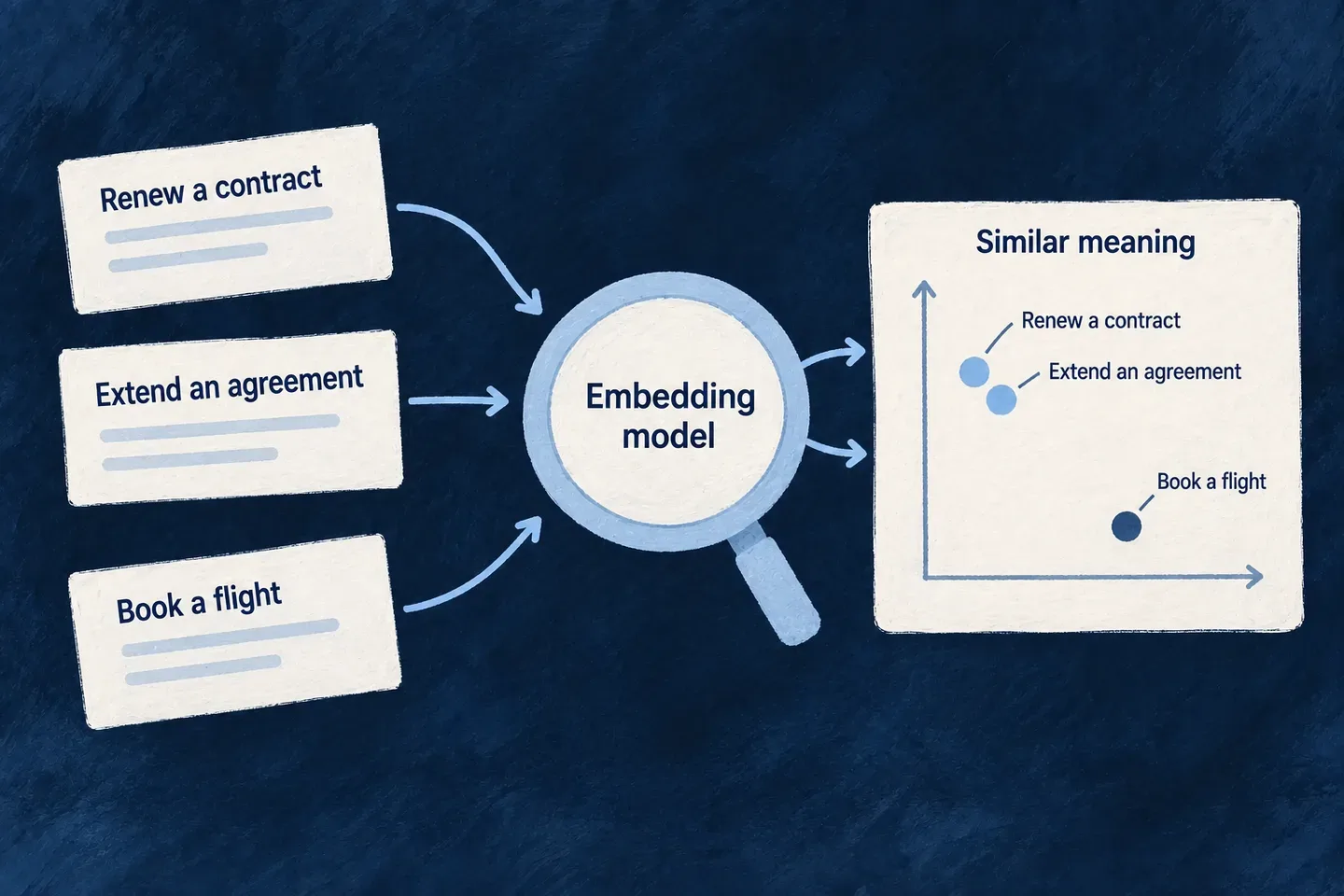
Search by meaning as well as words Mechanism

Embeddings turn text into vectors that support similarity search. Wildo gives this work its own capability, so the service finding relevant material can be configured separately from the model composing an answer.

Corpus passages and search queries use the same model binding. This keeps the two sides of semantic search in the same vector space.

Example: Find a policy with different wording

A question about reimbursing a journey can retrieve relevant travel-expense passages even when its wording differs. Lexical search remains part of retrieval rather than being replaced by embeddings.
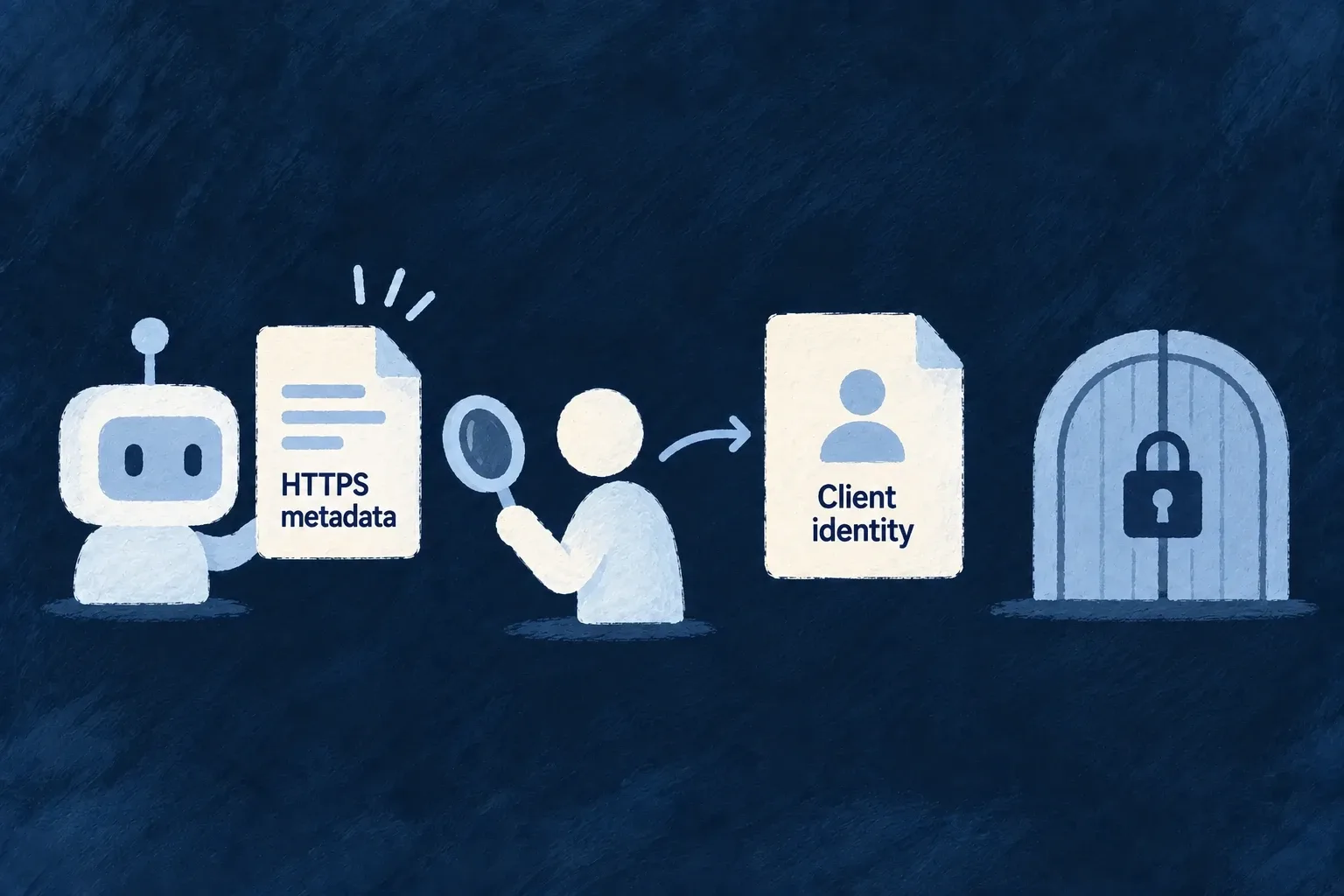
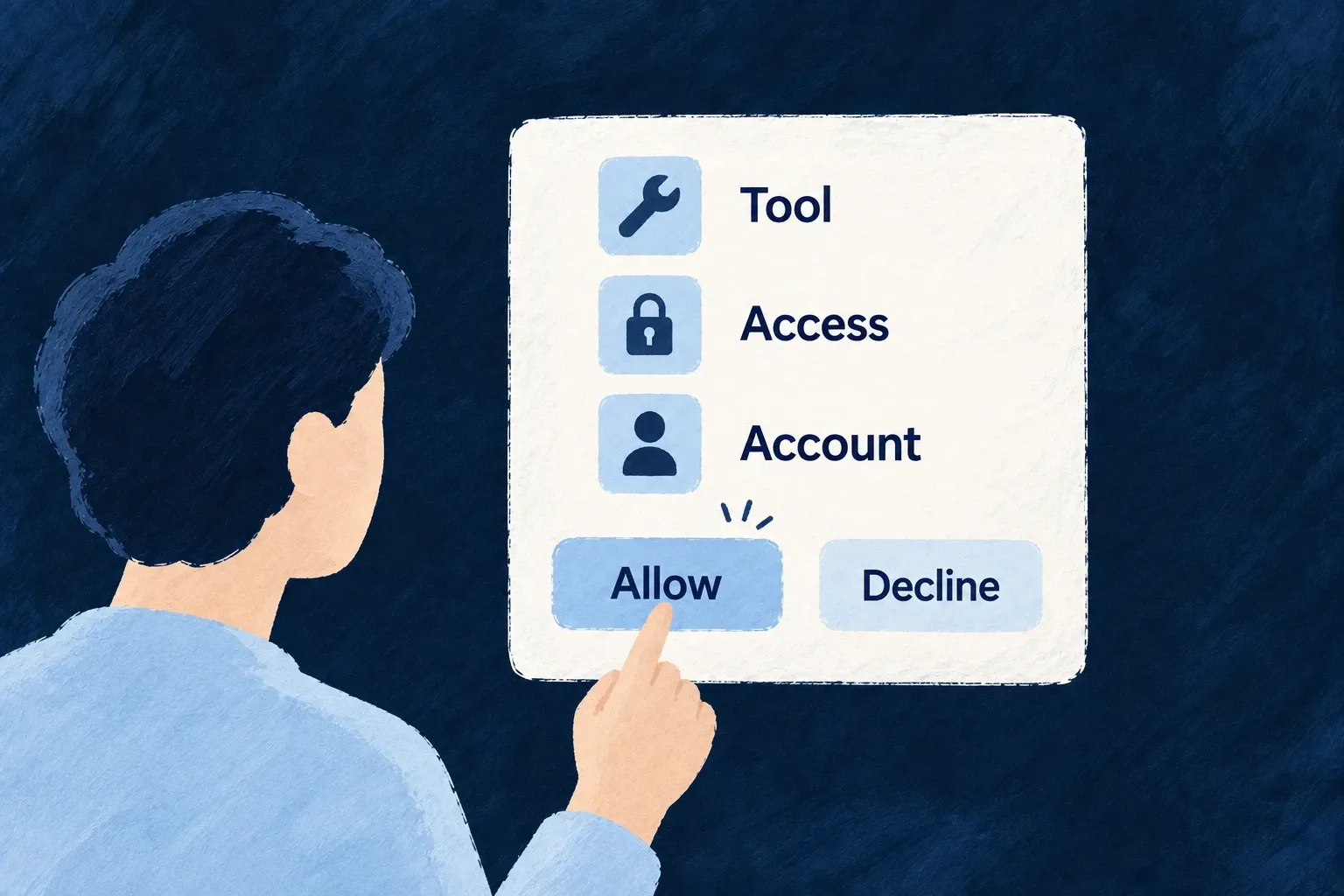
Text passages become comparable semantic representations.
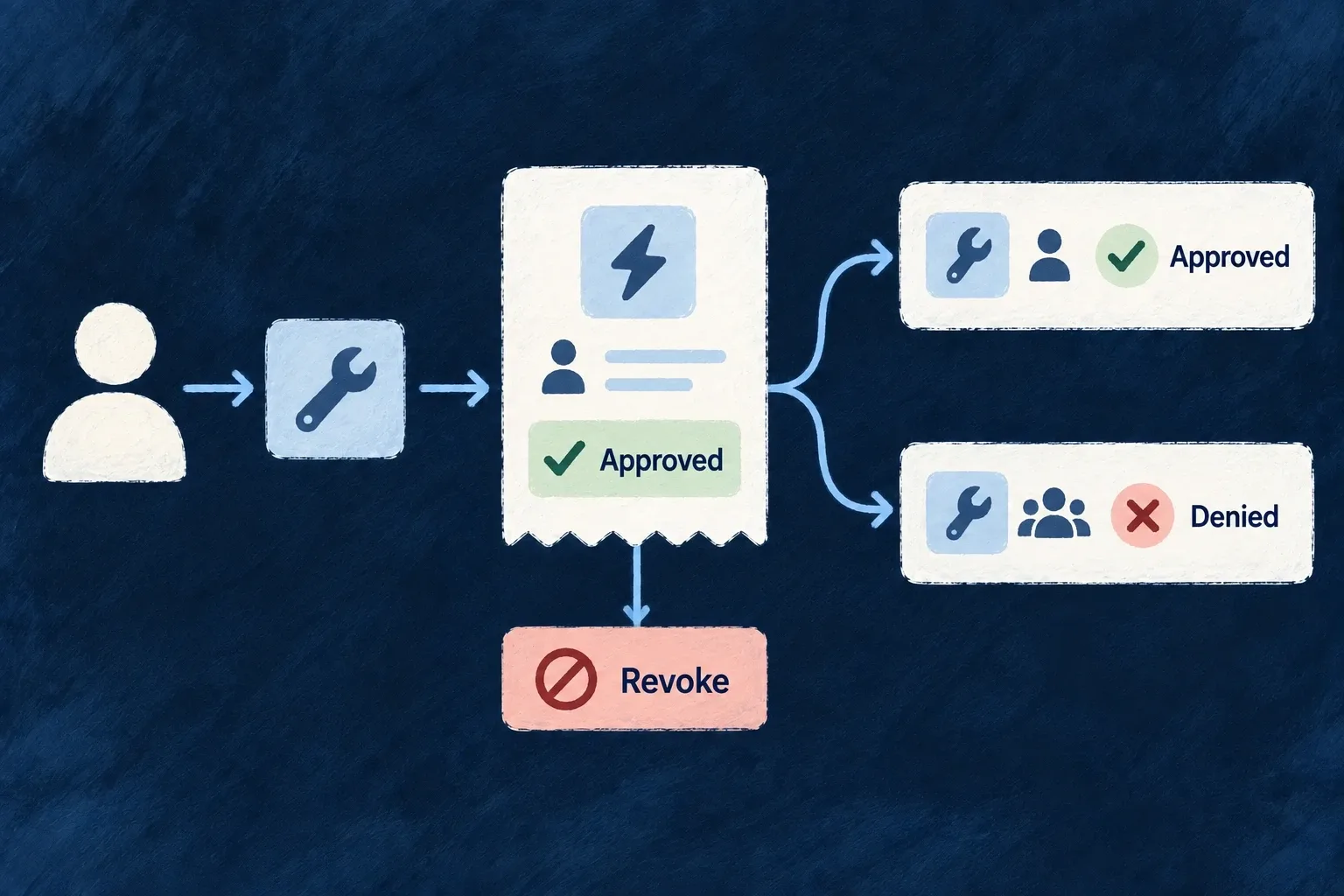
For engineers

The following configuration excerpts belong in three existing configuration sections, not one object. Preserve any capabilities already declared for OpenAI when adding embeddings. Application setup enables AI_EMBEDDINGS, declares a provider serving it and selects that provider for the runtime scope.

// In engineCapabilities:
[EngineCapability.AI_EMBEDDINGS]: { enabled: true },

// In the runtime scope's providers:
openai: {
  engineCapabilities: [EngineCapability.AI_EMBEDDINGS],
  providerCapabilities: ['LLM_EMBEDDINGS'],
  protocols: ['EMBEDDINGS_PROVIDER'],
},

// In that scope's selection:
[EngineCapability.AI_EMBEDDINGS]: {
  primary: 'openai',
  whenUnavailable: [],
},

EmbeddingsBackendService.resolveBinding distinguishes a deliberately absent provider from a selected but broken configuration. With no provider, successfully ingested corpus text remains lexically searchable once its search indexes are ready; vectors can be produced later. The binding records provider, model and dimensions; changing the model requires the corpus to converge to the new vector space. Applications should not write a separate embedding loop for resource-backed retrieval.

Keep queries in the corpus’s vector space

Resource retrieval consumes embeddings through this service path after resolving its binding. The excerpt is internal framework code: query is the validated search text, applicability is the selected retrieval class, and resolution.binding is the configured binding checked earlier.

const embedded = await this.embeddings.embedTexts({
  texts: [query],
  purpose: EmbeddingsProvider_TextPurpose.QUERY,
  applicability,
});
const vector = embedded.vectors[0];
if (!vector) {
  throw new Error('Embeddings provider returned no vector for the query text.');
}
return {
  embeddingClass: resolution.binding.applicability,
  embeddingModel: embedded.model,
  embeddingDims: embedded.dims,
  vector,
};

The corpus worker uses the corresponding corpus purpose. Model and dimensions travel with the vector so retrieval can distinguish matching bindings from stale embeddings. Application features normally call resource retrieval and consume attributed passages; they do not need to manipulate these vectors directly. Configure AI_EMBEDDINGS and its provider in the runtime that runs both retrieval and the embedding worker.

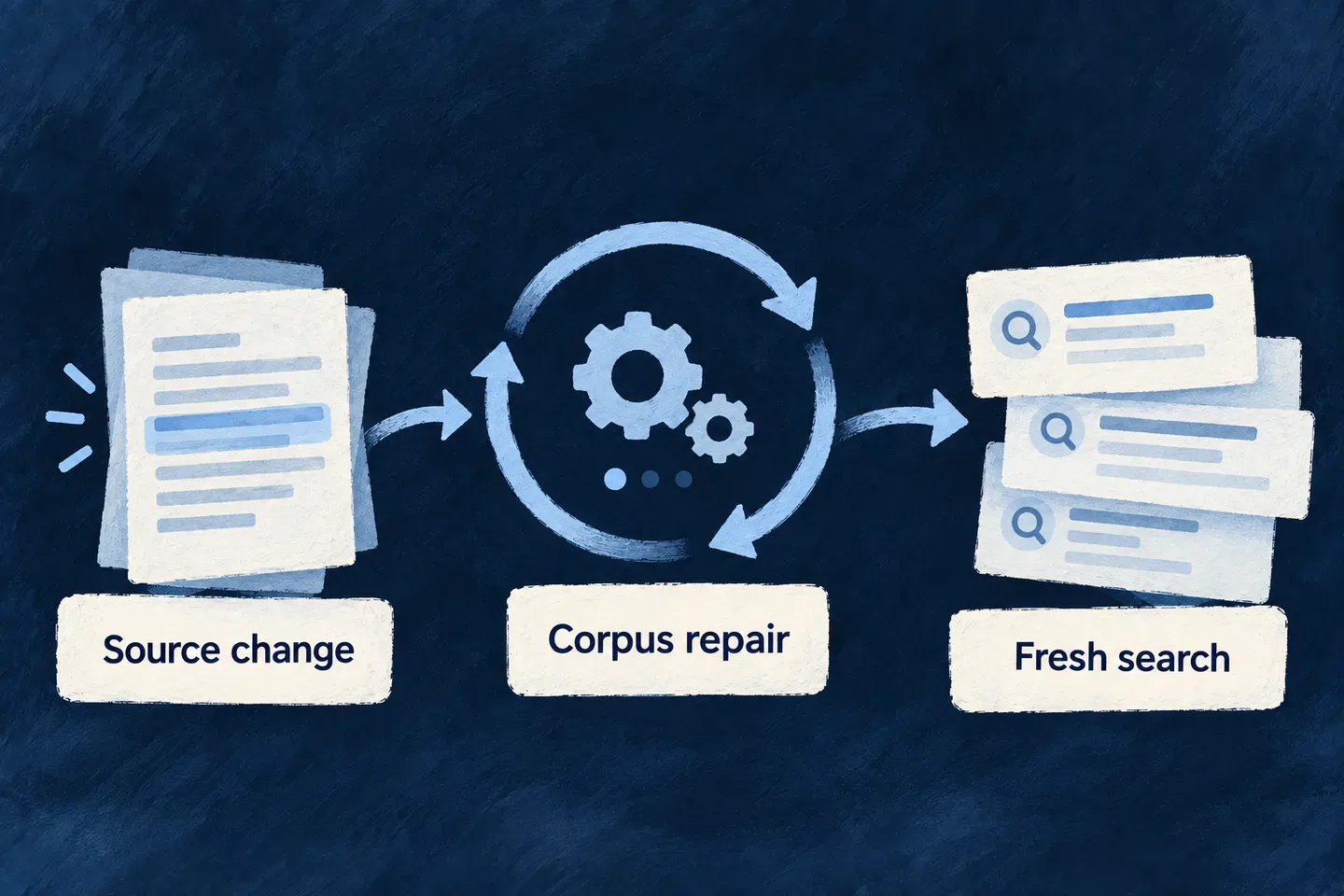
Keep searchable knowledge up to date Mechanism

A useful knowledge base must follow the information it comes from. Wildo derives passages from declared resource fields and maintains the derived corpus in background work.

Embedding work and reconciliation have separate jobs: one produces vectors, while the other checks that stored knowledge still matches the source records and declarations.

Example: Update a document after it is indexed

Changing a knowledge document updates its derived passages. Background embedding produces vectors for the new content, while reconciliation can recover missed changes and remove passages whose source no longer exists.

Changed source material is reconciled with its searchable passages and embeddings.
For engineers

This declaration selects markdown chunking and a deliberate overlap. The same ingestion pipeline is used by the live write path and reconciliation, so a later chunking change can rebuild existing material as well as future writes.

const knowledgeText = z.object({
  title: z.string().min(1).max(200).ragSource(),
  body: z.string().max(200_000).ragSource({
    chunkingStrategy: RAGChunkingStrategy.MARKDOWN,
    chunkSize: 1_200,
    chunkOverlap: 150,
  }).optional(),
});

The embedding drain runs on its five-minute schedule and processes a bounded backlog, including embeddings stamped with an old model binding. The hourly sweep checks content and chunking stamps, removes orphan sets, repairs scope stamps and reports embedding backlog; it also visits missing sets. These are converging background mechanisms, not a promise that every change becomes semantically searchable synchronously. No application-owned chunk cleanup or embedding scheduler is needed for this path.

Run the workers and inspect convergence

The engine registers both batch factories during application startup. The deployment must run its batch/cron execution infrastructure, with the RAG chunk store and ingestion services available. Vector work additionally needs an enabled embeddings provider and its credentials in the worker runtime. The drain reports an absent provider rather than manufacturing vectors; it leaves the text corpus available for lexical retrieval.

Inspect the completed batch results and their structured summary logs. A declaration alone does not establish that a worker ran or that the backlog cleared:

ResultWhat it tells you
Drain providerConfigured, embeddingModelWhether vector work had a resolved model binding
Drain chunksEmbedded, chunksReembeddedForMigrationNew vectors versus migration to another model binding
Drain failedEmbedCallsProvider calls needing investigation; their chunks remain for retry
Sweep hashMismatchReingested, configMismatchReingestedContent updates versus changed chunking declarations
Sweep orphanedChunkSetsDeleted, missingSetsIngestedRemoved sources versus sources being indexed for the first time
Sweep embeddingBacklogChunksText chunks still waiting for vectors; the sweep counts, the drain produces them
Either reachedRunCeilingWork remains for subsequent bounded runs

After a source or model change, expect migration and backlog counters to converge. Repeated failures or a backlog that does not drain need inspection of the recorded provider/ingestion errors, rather than another application-owned scheduler.

Understand the reserved interfaces

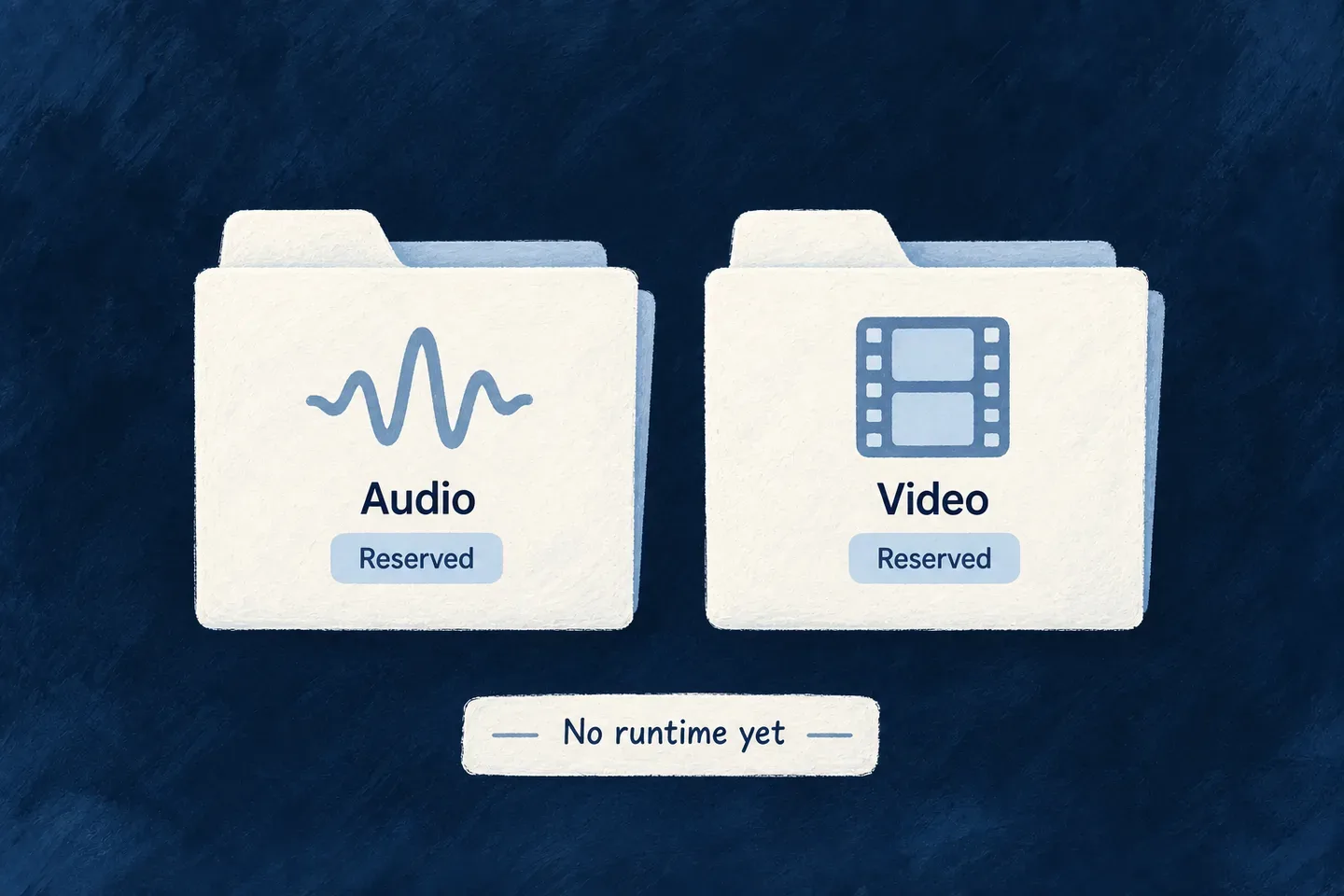
See where audio and video fit Planned Mechanism

Planned — not available yet.

The model distinguishes different kinds of generated output. Audio and video have named places in that vocabulary, preserving a clear path for future implementations.

These names are reserved today; they do not provide executable audio or video generation operations.

Example: Plan an additional media workflow

An application may need narrated or animated content later. The vocabulary can describe the direction, while implementation work still has to supply the provider contract, execution path and application integration.

Audio and video are reserved contracts with no generation runtime yet.
For engineers

These reserved provider kinds are intentionally absent from executable backend protocol arms. The agent configuration union currently has language-model, image and coding arms.

// Reserved exchange-protocol names; not runnable backend protocols.
AUDIO_PROVIDER = "audio_provider",
VIDEO_PROVIDER = "video_provider",

To add audio or video generation, implement the operation schemas, provider runtime binding, modality-specific agent configuration, dispatch and output handling. Those layers must work together before an application can invoke the new generation operation. The vocabulary drift tests keep reserved protocol names distinct from executable contracts.

Make assistance part of everyday work

An assistant can help people understand information and act on it inside the application. Wildo connects the conversation to registered agents, selected tools and the person’s current access.

Start with the standard conversation view or compose your own experience. You define the assistant’s purpose and the actions it may attempt; the runtime manages turns, streaming and decisions around those actions.

An application conversation can lead to a reviewed action.

Move from a question to useful work

Keep the discussion connected

Stream answers while retaining previous turns. Follow-up questions stay in the same discussion, with current records supplied by tools when needed.

Act through application rules

Expose selected resource operations with narrow inputs. The assistant works through authorization, validation and business behavior instead of inventing a separate path to the data.

Put people at the right decision

Require approval for selected writes. A person can review or adjust the proposed arguments before the conversation continues, with the operation’s permissions still in force.

Example: Review a change before it happens

A person asks the assistant to rename a task. It finds the record and proposes the new title. The person adjusts the wording and approves; the update runs through the task’s operation rules, and the assistant continues the discussion.

For engineers

Keep the definitions separate

An agent defines provider, model, prompt and tool references. An actor system contains the agentic actor and gives it a discoverable identity. The backend module registers both with its tools. A frontend view names the system through systemRef.

PieceThe application suppliesWildo connects
AgentPurpose, model and selected toolsInvocation and prompt compilation
Actor systemAgent reference, status and visibilityConversation identity and execution
Resource toolOperation and narrow argument schemaVerified caller, operation authorization and service behavior
ViewRegistered system reference and placementHistory, streaming and live approvals

Register the same tools the agent names

This selected configuration follows Wonder Todos’ assistant. The surrounding module already imports its resource enums, Zod and the public tool factories. The update accepts an existing ID and a title; it does not let the model supply a user or organization identity.

const functionTools = [
  resourceReadTool(TasksManager_ResourceType.TODOS),
  resourceWriteTool(TasksManager_ResourceType.TODOS, CoreResourceOperation.UPDATE, {
    requiresHumanApproval: true,
    inputSchema: z.object({
      id: z.string().min(1)
        .describe('Resolve the todo identifier with the read tool.'),
      title: z.string().min(1).max(200)
        .describe('The new title requested by the person.'),
    }),
  }),
];

Contribute this array as flowsActors.functionTools and select those exact references on the registered agent:

capabilities: {
  tools: {
    functionRefs: [
      `resource.${TasksManager_ResourceType.TODOS}.read`,
      `resource.${TasksManager_ResourceType.TODOS}.${CoreResourceOperation.UPDATE}`,
    ],
    mcpRefs: [],
  },
},

This is an adapted, narrower input contract, not a replacement for the entire agent declaration. mcpRefs serves configured external tools; it does not name local resource operations. The streaming conversational path executes tools, whereas a buffered one-shot invocation has a different contract.

Complete the experience around the decision

The standard host displays an approval request for the active pending conversation. Edited arguments are checked against the tool schema; approval resumes with the responder’s verified context. Refusal also resumes, allowing an answer without that write. Persistence of a pause is distinct from restoring an actionable decision after a browser reload, so check that path when building a custom surface.

Conversation history uses the execution identifier together with owner, credential and agent-instance scope. Do not treat a client-supplied ID as sufficient authority. Keep custom tools on the shared dispatch path when they need resource-operation checks.

The flow graph described below is a separate modeling surface. Its step executor is not implemented; use the actor-based conversation runtime for this assistant path.

Follow the connected assistant example for the matching agent, tool registry and knowledge-operation bridge, including search outcomes and the approval-gated rename.

Build a useful conversation

Keep a conversation going Feature

An in-app assistant needs more than a text box. Wildo streams its answer as it arrives, keeps previous turns in the application and lets the person continue the same discussion.

You define the assistant’s purpose, model and available tools. The conversation runtime handles the exchange and retrieves its history from the server, so a browser does not have to reconstruct the model’s memory.

Example: Continue a discussion about current work

A person asks which tasks need attention, then asks about one of the results. The second turn belongs to the same conversation and can use its earlier messages. Resource tools supply current records when the answer needs fresh data.

A conversation passes through an agent and returns an answer in successive pieces.
For engineers

This connected example adapts Wonder Todos to one narrow workflow: read a task, retrieve policy passages and request a reviewed rename. It deliberately omits the reference assistant’s list and create tools. First complete the backend provider setup; this agent needs an enabled Anthropic connection and credentials in that runtime.

The agent, system and registry below share the same references. knowledgeBaseAskTool is the application-owned tool explained below; import it and its reference from the adjacent knowledge-base-tool.ts. The other imports use the package roots:

import { z } from 'zod';
import {
  resourceReadTool, resourceWriteTool,
  type FlowActorSystem_InitializationFactoryMap, type FunctionTool,
} from '@wildo-ai/saas-backend-lib';
import {
  Actor_ExecutionMode, Actor_Role_Category, CoreResourceOperation,
  FlowActorSystem_Kind, FlowActorSystem_Status, FlowActorSystem_Visibility,
  FlowsActors_Agent_Skill_Type, FlowsActors_Agent_Status,
  ResourceOperationRiskLevel, ResourcePrimaryScope,
  type ActorSystem, type FlowsActors_Agent,
} from '@wildo-ai/saas-models';
import {
  LLMProvider_ChatCompletionInputSchema, LLMProvider_ChatCompletionOutputSchema,
  LLMProvider_OperationContext_BaseSchema, LLMProvider_OperationKey, LLM_Model,
  type LLMProvider_OperationDefinitionBase,
} from '@wildo-ai/external-connectors-models';
import { TasksManager_ResourceType } from '@wonder-todos/shared-lib';
import { knowledgeBaseAskTool, KNOWLEDGE_BASE_ASK_TOOL_REF } from './knowledge-base-tool';

const TODO_ASSISTANT_CHAT_AGENT_REF = 'todo-assistant.chat.agent';
const TODO_ASSISTANT_SYSTEM_REF = 'todo-assistant';
const readTask = resourceReadTool(TasksManager_ResourceType.TODOS);
const renameTask = resourceWriteTool(TasksManager_ResourceType.TODOS, CoreResourceOperation.UPDATE, {
  requiresHumanApproval: true,
  inputSchema: z.object({
    id: z.string().min(1).describe('Task id returned by the read tool.'),
    title: z.string().min(1).max(200).describe('The new title explicitly requested by the user.'),
  }),
});

The rename tool exposes only the record ID and new title. Its approval flag pauses that particular call; approval does not replace the operation’s access checks. Reusing the tools’ functionRef values below prevents a separate list of hand-typed names drifting away from the registry.

const todoAssistantChatAgent: FlowsActors_Agent = {
  ref: TODO_ASSISTANT_CHAT_AGENT_REF,
  displayName: 'Todo Assistant',
  status: FlowsActors_Agent_Status.ACTIVE,
  config: {
    providerRef: 'anthropic',
    model: LLM_Model.CLAUDE_SONNET_5,
    operationKey: LLMProvider_OperationKey.CHAT_COMPLETION,
    accessControl: [{ primaryScope: ResourcePrimaryScope.APPLICATION, requiresApproval: false }],
    riskLevel: ResourceOperationRiskLevel.LOW,
  },
  operationDefinition: {
    operationKey: LLMProvider_OperationKey.CHAT_COMPLETION,
    providerRef: 'anthropic',
    inputSchema: LLMProvider_ChatCompletionInputSchema,
    outputSchema: LLMProvider_ChatCompletionOutputSchema,
    operationContextSchema: LLMProvider_OperationContext_BaseSchema,
  } satisfies LLMProvider_OperationDefinitionBase,
  promptSpec: {
    role: 'Help the user understand policy documents and rename their tasks when asked.',
    skillType: FlowsActors_Agent_Skill_Type.CHAT,
    instructions: [
      `Use ${readTask.functionRef} to resolve an existing task before proposing a rename.`,
      `Use ${KNOWLEDGE_BASE_ASK_TOOL_REF} for policy questions. Read outcome and notes before answering.`,
      'For matched results, answer only from the returned passages and name their documents.',
      'For nothing-matched, say no relevant passages were found. For refused, explain access was refused; do not claim the information is absent.',
      'If notes report withheld or truncated material, explain that the answer covers only the returned material.',
      `Call ${renameTask.functionRef} only for an explicitly requested rename. Its approval request is the review step.`,
      'Report a rename as completed only after the tool returns a successful result.',
    ],
  },
  capabilities: {
    tools: { functionRefs: [readTask.functionRef, KNOWLEDGE_BASE_ASK_TOOL_REF, renameTask.functionRef], mcpRefs: [] },
  },
  createdAt: '2026-07-12T00:00:00.000Z',
};

The prompt gives the tools their conversational purpose. The tool schemas, execution context and operation checks enforce the application contract; instructions alone do not establish access control. A refused search and an empty search require different answers even though both can return no sources.

Connect an agent, a system and a view

A FlowsActors_Agent defines the model invocation and structured prompt. An ActorSystem gives that agent a frontend-visible identity. A frontend view points to the system; it does not duplicate the prompt or tool definitions.

This actor-system declaration follows Wonder Todos and points to the agent just declared:

const todoAssistantActorSystem: ActorSystem = {
  ref: TODO_ASSISTANT_SYSTEM_REF,
  displayName: 'Todo Assistant',
  description: 'Read tasks, explain policy passages and request reviewed task renames.',
  kind: FlowActorSystem_Kind.ACTOR,
  status: FlowActorSystem_Status.ACTIVE,
  visibility: FlowActorSystem_Visibility.FRONTEND,
  config: {
    timeout: 60000,
    accessControl: [{
      primaryScope: ResourcePrimaryScope.APPLICATION,
      requiresApproval: false,
    }],
    riskLevel: ResourceOperationRiskLevel.LOW,
  },
  actors: [{
    ref: 'assistant',
    displayName: 'Assistant',
    roleCategory: Actor_Role_Category.OPERATOR,
    executionMode: Actor_ExecutionMode.AGENTIC,
    agentRef: TODO_ASSISTANT_CHAT_AGENT_REF,
  }],
  createdAt: '2026-07-12T00:00:00.000Z',
};

FRONTEND makes the system discoverable by the view. AGENTIC and agentRef select the conversational agent; the system is not itself the prompt. Register the system factory, agent and tools on the backend module’s flowsActors contribution:

export const moduleBackend_FlowsActorsRegistry: {
  flowActorSystemsFactoryMap: FlowActorSystem_InitializationFactoryMap;
  agents: FlowsActors_Agent[];
  functionTools: FunctionTool[];
} = {
  flowActorSystemsFactoryMap: { [TODO_ASSISTANT_SYSTEM_REF]: () => todoAssistantActorSystem },
  agents: [todoAssistantChatAgent],
  functionTools: [readTask, knowledgeBaseAskTool, renameTask],
};

Mount the registry on the owning backend module. This is the relevant composition in backend-api/src/modules/tasks-manager/index.ts; retain the module’s other contributions:

import type { BackendDomainModule } from '@wildo-ai/saas-backend-lib';
import resourcesModule from './resources';
import { moduleBackend_FlowsActorsRegistry } from './addons/flows-actors';

const backendModule: BackendDomainModule = {
  ...resourcesModule,
  flowsActors: moduleBackend_FlowsActorsRegistry,
};

That module must remain in the application’s backend module registry. Exporting an agent file alone does not make it available. The frontend view names todo-assistant, the system names todo-assistant.chat.agent, and that agent names exactly the three registered function tools.

Connect a policy question to the knowledge operation

Wonder Todos’ adjacent knowledge-base-tool.ts owns knowledgeBaseAskTool and KNOWLEDGE_BASE_ASK_TOOL_REF. Its model-facing input contains a question and optional passage limit; identity comes from the conversation. These selected declarations show the tool’s entry contract; the execution body follows separately.

import { z } from 'zod';
import type { FunctionTool, FunctionToolExecutionContext } from '@wildo-ai/saas-backend-lib';
import { KnowledgeDocuments_Operations, TasksManager_ResourceType, type AskKnowledgeBaseResponse } from '@wonder-todos/shared-lib';

export const KNOWLEDGE_BASE_ASK_TOOL_REF =
  `resource.${TasksManager_ResourceType.KNOWLEDGE_DOCUMENTS}.${KnowledgeDocuments_Operations.ASK}`;

const knowledgeToolContract: Pick<FunctionTool, 'functionRef' | 'description' | 'inputSchema'> = {
  functionRef: KNOWLEDGE_BASE_ASK_TOOL_REF,
  description: 'Search readable policy documents. Read outcome and notes; answer from attributed passages.',
  inputSchema: z.object({
    question: z.string().min(3).max(1_000),
    limit: z.number().int().min(1).max(25).optional(),
  }),
};

Inside execute(args, ctx), the reference implementation resolves the declared ASK operation and reconstructs its context from verified authentication. These are the actual dispatch steps, with explanatory comments shortened:

const { resourcesRegistry, servicesRegistryHandler, executionContextCreator } = ctx.services;
const askOperation = resourcesRegistry.getOperationFromPath(
  resourcesRegistry.getServiceOperationPathDefault(
    TasksManager_ResourceType.KNOWLEDGE_DOCUMENTS,
    KnowledgeDocuments_Operations.ASK,
  ),
);

const contextIds: Record<string, string> = ctx.organizationId ? { organizationId: ctx.organizationId } : {};
const executionContext = await executionContextCreator.buildContextFromSocketAuth(ctx.auth, askOperation, contextIds);

const answer = await servicesRegistryHandler.executeCustomOperation<AskKnowledgeBaseResponse>(
  TasksManager_ResourceType.KNOWLEDGE_DOCUMENTS,
  KnowledgeDocuments_Operations.ASK,
  executionContext,
  undefined,
  { question: args.question, ...(args.limit !== undefined && { limit: args.limit }) },
);

ASK is a collection operation, so there is no record ID in this dispatch. The operation invokes retrieval with this execution context and projects its response. Context construction is not operation admission: this handwritten reference tool calls the service directly, whereas the generic read/write tool factories explicitly run authorization and operation-rate policy checks first. A custom tool needs those checks at its dispatch boundary; executeCustomOperation does not supply controller-equivalent admission by itself.

Preserve what the search actually established

The ASK operation returns passages and their provenance, plus refusal, withheld-row and truncation information. The tool projects that into the model’s result. These selected steps follow the reference tool’s result handling:

const sources = answer.sources.map(source => ({
  knowledgeDocumentId: source.knowledgeDocumentId,
  header: source.header,
  contextText: source.contextText,
}));
const withheldRows = answer.droppedUnreadableRows + answer.droppedByReadFailure;
const notes: string[] = [];
if (withheldRows > 0) notes.push('Some matching documents were withheld; the answer is partial.');
if (answer.reachedContextCharacterBudget) notes.push('The matched text reached the context budget; narrow the question.');
if (sources.length === 0 && answer.refusedResourceTypes.length > 0) {
  notes.push('Search was refused; this does not establish that the information is absent.');
} else if (sources.length === 0) {
  notes.push('No matching passages were found; do not substitute an unsupported answer.');
}
return {
  question: answer.question,
  mode: answer.mode,
  sources,
  outcome: sources.length > 0
    ? 'matched'
    : (answer.refusedResourceTypes.length > 0 ? 'refused' : 'nothing-matched'),
  notes,
};

contextText retains the framing that associates passages with their document. mode distinguishes hybrid from lexical-only retrieval; lexical-only is a supported result. The agent’s instructions above consume outcome and notes instead of treating every empty result as proof that no policy exists. The returned text becomes input to the conversational model, which can explain it and name its sources; a later rename follows the separate approval-gated resource tool.

What happens during a turn
StageEngine behavior
StartResolve the system and the conversation’s owner scope.
ContinueRead the stored transcript using the conversation identifier and its isolation fields.
AnswerCompile the prompt, invoke the agent and emit growing text to the client.
Tool callResolve only the tools declared by the agent and run them in the caller’s context.
FinishPersist the messages and execution status for the next turn.

The browser continues a discussion by reusing its executionId. It sends the new message; the server loads previous turns. Owner, credential and agent-instance fields remain part of the persistence lookup rather than trusting an identifier by itself.

Use the streaming conversational path for tool-using chat. The buffered one-shot invocation is a different contract: declared function tools do not execute there. Coding sessions also have their own progress events rather than this token-delta channel.

Let the assistant work with real records Feature

Give the assistant selected operations from your application so it can look up information and make requested changes. Calls run with the person’s verified identity and the selected operation’s rules.

The model supplies the question or proposed fields. Your application supplies access, validation and behavior, keeping assistant actions connected to the same resource definitions as other interactions.

Example: Find a task before updating it

Someone asks to rename a task. The assistant first looks up matching records, then proposes an update to the chosen identifier. The operation checks whether that person may make the change; a persuasive prompt cannot supply a different identity.

An assistant reaches application actions through declared resource tools.
For engineers

resourceReadTool supplies a bounded lookup. resourceWriteTool covers creating or updating one record and takes the model-facing input schema you author. Import both from @wildo-ai/saas-backend-lib; use your application’s resource enum rather than copying a string from an example.

This excerpt follows Wonder Todos’ lookup and update tools, with a reduced set of editable fields. It preserves the update’s human approval gate:

const functionTools = [
  resourceReadTool(TasksManager_ResourceType.TODOS),
  resourceWriteTool(TasksManager_ResourceType.TODOS, CoreResourceOperation.UPDATE, {
    requiresHumanApproval: true,
    inputSchema: z.object({
      id: z.string().min(1)
        .describe('Id of the todo to update. Resolve it with the read tool.'),
      title: z.string().min(1).max(200).optional()
        .describe('New title, if the user asked to rename it.'),
      status: z.enum(Todos_Status).optional()
        .describe('New status.'),
    }),
  }),
];

requiresHumanApproval: true pauses the proposed update for review before execution. Approval does not replace the operation’s authorization: the person must still be allowed to update that record.

The id addresses the existing record; the remaining fields become the patch. Do not include ownership fields or identity in this schema. The factory reconstructs execution context from verified authentication and the active organization.

Register these tools under the backend module’s flowsActors.functionTools, then list their exact references on the agent:

capabilities: {
  tools: {
    functionRefs: [
      `resource.${TasksManager_ResourceType.TODOS}.read`,
      `resource.${TasksManager_ResourceType.TODOS}.${CoreResourceOperation.UPDATE}`,
    ],
    mcpRefs: [],
  },
},

This is a fragment of the registered agent declaration. The model only receives registered tools selected by its references. A tool declaration elsewhere in a module does not grant it automatically to every agent.

Preserve the operation’s behavior

The shared dispatch path resolves the public operation, checks authorization, charges its declared rate limit and then invokes the service pipeline. Updates authorize the same record identifier they dispatch. The result is projected through the operation’s response contract before it reaches the model.

ConcernWhere it belongs
Which fields the model may proposeTool inputSchema
Who is actingVerified caller context
Whether the action is allowedSelected resource operation and scope
Validation, custom behavior and hooksResource service pipeline
What information comes backOperation response projection

A read uses search when a query is supplied and an exposed search operation is available, otherwise list. Authorization and rate-limit refusals are not converted into a successful list fallback. The default lookup is bounded; this is not an unrestricted dataset export.

For a custom tool, use the shared resource-operation dispatch contract and an explicit response projection. Calling a service directly does not automatically reproduce controller-boundary authorization and rate limits. Prompt instructions describe intended use; they do not replace those checks.

Keep local and external tools distinct

functionRefs selects registered local tools. mcpRefs selects configured external MCP servers whose tools are discovered at turn start. External calls use their server connection and credential policy; they do not become local resource operations merely because the same assistant calls them.

An unavailable external server contributes no tools to that turn and the runtime logs the reason. This avoids showing the model tools that could not be discovered, while allowing the conversation to continue with the available set.

Shape the experience and decisions

Let people decide before a change Feature

Some assistant actions should wait for a person. Mark a write tool for approval and Wildo pauses the turn, presents the proposed call and continues after the decision.

The person can approve, refuse or adjust the proposed arguments. The operation’s access rules still apply when the action runs, so approval adds a decision without granting extra authority.

Example: Review a proposed rename

An assistant proposes a new task title. The person sees the proposed value and can correct it before approving. If they refuse, the assistant continues the conversation without making that change.

A proposed action pauses at a human review before continuing.
For engineers

The gate is declared on the callable tool, not in prompt prose. This application excerpt keeps the update schema narrow and enables the gate:

resourceWriteTool(TasksManager_ResourceType.TODOS, CoreResourceOperation.UPDATE, {
  requiresHumanApproval: true,
  inputSchema: z.object({
    id: z.string().min(1)
      .describe('Id of the todo to update. Resolve it with the read tool.'),
    title: z.string().min(1).max(200).optional()
      .describe('New title, if requested.'),
    description: z.string().max(1000).optional()
      .describe('New description or notes.'),
    status: z.enum(Todos_Status).optional()
      .describe('New status.'),
  }),
})

Register this tool on the backend module and include its generated resource.<type>.update reference in the agent’s functionRefs. The agent invokes it normally; the runtime intercepts the call before executing its effect.

Follow the decision through the application
StageWhat is retained or checked
PausePending call, arguments, decision identifier, model messages and expiry are persisted together.
ReviewThe standard conversation host displays a context-wired approval request for its live pending turn.
ModifyThe server validates edited arguments against the original tool schema and re-signs the changed call.
ResumeThe decision must match the pending approval and conversation scope.
ExecuteThe tool runs with the responder’s verified context and its normal operation checks.
RefuseThe model receives the refusal and can answer without executing the proposed call.

The default approval window is 24 hours. Expiry is checked when a decision is used; do not treat it as a separate background timeout workflow. Approval signatures derive from the provisioned application primary secret, so an unsigned fallback is not part of the contract.

Compose review into a custom surface

The standard host already places approval beside the active conversation. A custom screen can use FlowsActors_ApprovalRequest within the existing flows-actors context:

function ConversationDecision({ executionId }: { executionId: string }) {
  return (
    <FlowsActors_ApprovalRequest
      executionId={executionId}
      allowArgumentModification={false}
    />
  );
}

The wrapper obtains the pending decision and response function from context. This example chooses read-only arguments; its default supports modification. FlowsActors_ApprovalQueue serves a different placement: outstanding decisions across conversations.

A machine principal that cannot provide the required human decision is refused at the gate. Approval does not override authorization, and a stale decision cannot approve a different pending call.

Bring the assistant into your interface Mechanism

Start with a conversation screen that handles discussions, streamed messages and pending approvals. For a richer experience, compose assistant elements through the same component system used by the rest of your application.

This separates what the assistant does from how people work with it. You can introduce citations, task displays or a different layout where they help, without rebuilding the conversation transport.

Example: Give an assistant its own place

A task application adds a dedicated assistant view. People can continue earlier discussions, watch a response arrive and review a proposed change in the conversation that prompted it.

A conversation view brings messages, a composer and a human decision into one application experience.
For engineers

A FlowsActorsViewDefinition references one registered system through singular systemRef. This current Wonder Todos declaration creates an addressable application-level view:

const flowsActorsViewsConfig: FlowsActorsViewDefinition[] = [{
  ref: 'todo-assistant-view',
  scope: FrontendView_ScopeMode.APPLICATION,
  isAddressable: true,
  operationLike: CoreResourceOperation.READ,
  primaryScope: ResourcePrimaryScope.ORGANIZATIONS,
  systemRef: 'todo-assistant',
  layoutPreset: 'Default',
}];

Import the view contract and scope enum from @wildo-ai/saas-frontend-lib/companion, and the resource enums from @wildo-ai/saas-models. Contribute the array through the frontend module’s flowsActorsViews; a launcher references todo-assistant-view. The backend must register the corresponding FRONTEND-visible actor system. A string match between these references is the connection between the screen and runtime.

Choose the level of composition
SurfaceWhat it supplies
Standard FlowsActorsViewHeader, discussion list, streamed conversation and live approval request.
Generic AI elementsMessage, citation, trace, task, tool, decision and graph presentation pieces.
Flows-actors wrappersComponents connected to executions and decisions in the runtime context.
Application compositionPlacement, surrounding workflow and additional experience.

Available elements do not all appear automatically in the standard host. For example, a citation component needs citation data and placement in a screen; declaring an assistant does not create a citation panel. A graph display similarly does not execute a flow.

Keep decisions attached to the conversation

The host renders FlowsActors_ApprovalRequest with the active execution identifier. The wrapper gets the pending arguments and response action from context; it does not establish a second decision channel. Custom surfaces can use that wrapper beside their own messages or use a queue for decisions elsewhere.

The host loads persisted history when the user or system changes and continues a thread using its existing executionId. This is distinct from rendering the transient streamed answer; both need to refer to the same discussion.

Distinguish conversation from flow modeling

Describe a flow as connected steps Mechanism

A flow describes a sequence through triggers, steps and connections. It is a separate model from an assistant that chooses tools during a conversation.

Use the distinction to explain the intended behavior: a conversation responds to a person; a flow describes an authored path through work. The current flow model provides the structure; its step runner is not implemented. Conversational execution belongs to actor systems.

Example: Distinguish a discussion from a process

“Help me update this record” is a conversational request to an assistant. “When this event occurs, run these steps in this order” describes a flow. Similar diagrams do not make their execution contracts interchangeable.

A declared workflow has connected steps, with execution still to be implemented.
For engineers

FlowActorSystem separates ActorSystem and FlowSystem using kind. An actor system contains actors; a flow system contains its graph. Do not parse either through the shared base shape and assume the kind-specific fields are retained.

function describeSystem(system: FlowActorSystem) {
  if (system.kind === FlowActorSystem_Kind.ACTOR) {
    return {
      ref: system.ref,
      actorCount: system.actors.length,
    };
  }
  return { ref: system.ref, kind: system.kind };
}

This is a type-narrowing example, not a flow runner. The shared union is currently type-only because the flow trigger and step unions do not have a complete runtime validation schema.

Keep modeling and execution distinct
ContractCurrent meaning
Actor system with agentic actorThe conversational runtime can resolve and invoke its agent.
Flow systemA declaration of an authored step graph.
Kind-agnostic frontend projectionA way to represent nodes and edges, not evidence those steps ran.
Flow execution requestRefused before advancing execution status; no step execution is provided by this path.

The flow service reports a configuration error rather than marking unexecuted work complete. Do not wire a production process to this entry point on the strength of the graph types alone. For an in-app assistant, declare an actor system and use the conversational path described alongside this capability.

Let other agents work with your application

An assistant outside your application can discover selected actions or continue a conversation with an agent inside it. Wildo provides both paths: tools through MCP and conversations and tasks through A2A.

You decide what to expose and which identities may act. Discovery, task updates and model-use records stay connected to the application’s own operations and execution context.

An application exposes separate tools and conversation interfaces to other agents.

Give an integration more than an endpoint

Publish a purposeful interface

Expose selected actions and curate named tool collections or agent identities. Clients discover useful contracts without needing the application’s internal implementation.

Keep longer work addressable

Ask for a task when work needs to outlast the request. Follow its status, reconnect for current updates or request cancellation. Direct response streaming instead follows the open connection.

Know who acts and what they consume

Use destination-bound credentials and operation permissions. Caller throttles, optional token budgets and model telemetry address different parts of operating agent access.

Example: Give a support assistant the right tools

A partner assistant connects to a named support endpoint, discovers its lookup tools and reads a task under its own authorized identity. For work to follow after the request, it asks the conversational agent for a task and retains the returned task ID.

For engineers

Publish the contract the client needs

SurfaceClient works withApplication declares
MCPDiscovered tools and structured inputsExposed resource operation variants
A2AMessages, skills and task progressEligible actor systems and optional named agents
Named instanceA focused endpoint and token audienceInstance identity and membership
Upload handoffTemporary link, file upload and statusEligible file field on an authorized write

A protocol does not replace authorization. Discovery describes the callable contract; dispatch checks the caller’s actual authority. An ordinary API token is not automatically valid for an agent endpoint.

Curate an endpoint without creating another authorization system

This declaration is adapted from Wonder Todos’ backend bootstrap. Import the existing ResourceServerInstance and ResourceServerKind contracts from @wildo-ai/saas-models, then pass the array in the assembly’s resourceServerInstances field.

const resourceServerInstances: ResourceServerInstance[] = [
  {
    ref: 'support',
    kind: ResourceServerKind.MCP,
    displayName: 'Support',
    description: 'Tools for looking up records.',
  },
  {
    ref: 'concierge',
    kind: ResourceServerKind.A2A,
    displayName: 'Concierge',
    description: 'An agent for application questions.',
    actorSystemRefs: ['todo-assistant'],
  },
];

On an existing public operation variant, select its tool membership:

mcp: {
  exposed: true,
  servers: ['support'],
  description: 'Read a task by its identifier.',
},

Explicit server membership removes that operation from the default catalogue and places it on the named server. The actor reference must resolve to a registered, exposable system. Obtain the token for that endpoint’s published audience; a token for another instance is refused. Which audiences a machine client may request is a separate question from where an issued token works, so keep business restrictions in operation roles.

Follow the task without confusing delivery with execution

MCP clients discover the tool name and input schema before invoking it. A2A clients discover the agent’s skills and retain the conversation context. A nonblocking send can return a task ID; an approval pause can also produce a task, including at the end of a direct stream. An ordinary direct message stream has no background task and aborts generation on disconnect. Reattachment supplies current and future state; it does not reconstruct every missed text delta. Cancellation requests stop ongoing work and do not undo completed tool effects.

For callbacks, configure a reachable endpoint and verify delivery with the deployment’s egress policy. For consumption, distinguish burst throttling from after-turn token accounting: a configured budget rejects subsequent turns once exhausted but does not reserve every concurrent turn’s future tokens. Model traces support investigation; they are not an independently reconciled invoice.

The following capabilities explain client revisions, concrete request shapes, task delivery and the safeguards at each boundary.

Publish a focused interface

Make application actions available to assistants Mechanism

Outside assistants can discover and call selected application actions as tools. Wildo derives their input contracts from resource operations, keeping the integration connected to the same business definitions.

You choose which actions to publish and describe when to use them. Each call still passes through the application’s authorization and service behavior.

Example: Let an assistant find the right task

Publish task lookup and search so an assistant can retrieve current information before answering, rather than relying on text copied into its conversation.

An external tool client reaches declared application operations through MCP.
For engineers

Add mcp to an existing resource operation variant. This selected task-resource configuration shows exposure beside the operation’s route variant and role requirement:

operationsConfiguration: {
  [CoreResourceOperation.READ]: {
    variants: [
      {
        variantType: ResourceOperationVariantType.API_CALL,
        isDefault: true,
        roles: [CORE_ORG_ROLES.ORG_MEMBER],
        riskLevel: ResourceOperationRiskLevel.LOW,
        mcp: {
          exposed: true,
          description: 'Fetch a single task by its id, including its title, status, priority, and assignee.',
        },
      },
    ],
  },
},

This belongs inside the existing resource factory declaration, which supplies resource identity and schemas; keep its current imports and other operations. It is not a separate server implementation.

The adapter composes the tool name from resource and operation identifiers and derives its input schema. It advertises collection query arguments using the operation’s allowed filters rather than inventing an independent search contract.

Discover before calling

Use an authenticated MCP client against the deployment’s /mcp endpoint. Request tools/list, then use the returned tool name and inputSchema when constructing tools/call. This JSON-RPC body illustrates a discovered read tool; replace the record ID with a task accessible to the caller:

{
  "jsonrpc": "2.0",
  "id": 2,
  "method": "tools/call",
  "params": {
    "name": "tasks__read",
    "arguments": { "taskId": "accessible-task-id" }
  }
}

The client supplies transport headers appropriate to its negotiated revision and a Bearer token issued for that MCP audience. A name in the catalogue is discovery information, not a grant of authority. Dispatch resolves the operation again, authorizes the caller and uses the service layer.

Interpret results at the right level

A successful invocation returns the operation result inside the MCP response. Collection results preserve their pagination shape. Field-validation and business-rule failures can become actionable tool errors; authentication failures remain authentication signals so the client can repair its credentials. Build the integration around the advertised schema, including any value envelope, rather than guessing from a REST example.

The operation’s own declared rateLimit policy also runs on MCP dispatch, keyed to the verified credential in a separate MCP bucket. The transport’s blanket principal throttle is additional; it does not replace that authored policy.

Give each integration a focused set of tools Mechanism

One application can offer separate tool collections and agent identities for different jobs. Each has its own address and token audience, so integrations can discover a focused surface and keep their credentials tied to it.

Operation roles remain the authority for what the caller may do.

Example: Separate support from operations

A support integration sees lookup tools; an operations integration uses its own endpoint. A token issued for one endpoint cannot be replayed at the other.

Different named endpoints publish selected tools and conversational agents.
For engineers

The backend assembly accepts resourceServerInstances. This excerpt is adapted from Wonder Todos’ existing declaration:

const resourceServerInstances: ResourceServerInstance[] = [
  {
    ref: 'support',
    kind: ResourceServerKind.MCP,
    displayName: 'Support',
    description: 'Tools for looking up records.',
  },
  {
    ref: 'concierge',
    kind: ResourceServerKind.A2A,
    displayName: 'Concierge',
    description: 'An agent for application questions.',
    actorSystemRefs: ['todo-assistant'],
  },
];

Use the existing backend bootstrap imports for ResourceServerInstance and ResourceServerKind, and pass this array in its resourceServerInstances field. The actor reference must resolve to an exposable system registered by the application.

Assign operations to their tool server

On each selected operation, use mcp: { exposed: true, servers: ['support'], description: '…' }. Explicit membership is exclusive: that operation leaves the default /mcp catalogue and belongs to /mcp/support. An operation without named membership stays on the default surface.

For A2A, actorSystemRefs narrows the skills on the named agent card. An unresolved instance or system reference must not broaden the selection to the default catalogue.

Predict the default and named catalogues

A registered ACTOR system with an AGENTIC actor and an agentRef is eligible for the default A2A card. Giving concierge an actorSystemRefs list selects from those systems; it does not remove them from the default agent. Omitting that list on a named agent exposes all eligible systems on that named card. An unknown instance does not fall back to the default.

For the declarations above, assume todo-assistant is registered and a read operation is explicitly exposed with servers: ['support']:

DeclarationDefault endpointNamed endpoint
Read operation assigned to supportAbsent from /mcpPresent on /mcp/support if the caller and operation are eligible
Exposed operation with no named membershipOn /mcp if eligibleAbsent from /mcp/support
Eligible todo-assistant system listed by conciergeStill on the default A2A cardAlso on the concierge card
Another eligible system not listed by conciergeStill on the default A2A cardAbsent from the concierge card

Naming curates MCP membership exclusively, while A2A naming adds a separately addressed selection. Card or catalogue membership is still different from permission to invoke a business operation.

Obtain credentials for the intended address

Use the published instance audience when requesting a token, then call that instance. Audience matching confines an issued token; it does not decide which audiences a registered client is allowed to request. Use roles to deny business operations, and named instances to curate discovery and separate issued credentials.

Keep unusable tools out of an assistant’s choices Guarantee

An assistant should discover actions it can meaningfully attempt. Wildo filters exposed operations through the resource, route, implementation and server-membership rules before advertising a tool.

The same eligibility is checked again when a caller invokes a tool by name.

Example: Retire an action without leaving a hidden route

An operation acknowledged as unimplemented disappears from discovery and cannot still be invoked by a client that remembers its old tool name.

A tool is removed from the published catalogue when its required support is unavailable.
For engineers

mcp.exposed opts an operation in. Eligibility also depends on a reachable resource scope, a default URL-bearing operation, a usable tool name, no unimplemented acknowledgement, and membership in the addressed server.

This selected implementation excerpt shows the invocation-side conditions after resolving the resource and checking the composed name:

return config.operations.find(
  (operation) =>
    String(operation.operationIdentifier) === operationIdentifier
    && isDefaultUrlBearingOperation(operation, String(operation.operationIdentifier))
    && this.isMcpExposed(operation)
    && !this.isAcknowledgedUnimplemented(operation)
    && this.isOnMcpServerInstance(operation, instanceRef),
);
Check discovery and invocation together

When changing an operation’s exposure or implementation acknowledgement, verify both tools/list and a direct tools/call using its previous name. Absence from the catalogue alone does not prove that invocation was withdrawn.

The adapter also checks the composed resource/operation tool name against its accepted naming grammar. A malformed name is omitted rather than making every other tool unusable to a strict client. These eligibility checks concern whether the tool can be offered; the caller’s roles are still checked when executing it.

Keep assistants connected across protocol revisions Guarantee

Assistants do not all update together. Wildo’s MCP endpoint selects transport behavior for the revision used by each request, allowing supported clients to share the same application endpoint.

Compatibility belongs to the transport, while your resource operations keep their application contracts.

Example: Upgrade one assistant at a time

An existing client can continue using its supported handshake flow while a newer integration uses the other transport path implemented by the server.

Two supported MCP revisions meet the same application tool surface through distinct transport contracts.
For engineers

Configure the application endpoint and the token audience in your MCP client. Its negotiated revision determines the required request metadata and response envelope; do not add one newest-version header policy to every caller.

The current implementation names its served revisions in MCP_SUPPORTED_PROTOCOL_VERSIONS:

export const MCP_SUPPORTED_PROTOCOL_VERSIONS: readonly string[] = [
  '2026-07-28',
  '2025-11-25',
  '2025-06-18',
  '2025-03-26',
];

This is the local implementation’s supported set, not a claim about future versions or independently certified conformance.

Follow the negotiated handshake path

For the locally supported 2025-06-18 path, send this body to the MCP endpoint with Content-Type: application/json and Accept: application/json. Initialization is public; tool discovery and calls still need the caller’s token.

{
  "jsonrpc": "2.0",
  "id": 1,
  "method": "initialize",
  "params": {
    "protocolVersion": "2025-06-18",
    "capabilities": {},
    "clientInfo": { "name": "integration-example", "version": "1.0.0" }
  }
}

For that supported request, the controller returns:

{
  "jsonrpc": "2.0",
  "id": 1,
  "result": {
    "protocolVersion": "2025-06-18",
    "capabilities": { "tools": { "listChanged": false } },
    "serverInfo": { "name": "wildo-mcp", "version": "1.0.0" }
  }
}

Check the returned revision, then send {"jsonrpc":"2.0","method":"notifications/initialized"} without an ID. The endpoint accepts this notification with HTTP 202 and no response body. Subsequent requests carry MCP-Protocol-Version: 2025-06-18; authenticated discovery adds the audience-bound Bearer token. A supported requested revision is echoed; an unsupported request can receive another served revision, which the client must check before continuing.

Declare the stateless revision on each request

The local 2026-07-28 path uses per-request metadata instead. After discovering support with server/discover, this example asks for the caller’s tools. Replace the address and token with the chosen endpoint and its credential:

POST /api/v1/mcp HTTP/1.1
Host: application.example.com
Content-Type: application/json
Accept: application/json
Authorization: Bearer <endpoint-access-token>
MCP-Protocol-Version: 2026-07-28
Mcp-Method: tools/list

{"jsonrpc":"2.0","id":2,"method":"tools/list","params":{"_meta":{"io.modelcontextprotocol/protocolVersion":"2026-07-28"}}}

The header revision mirrors the body metadata, and Mcp-Method mirrors the method. For tools/call, also send Mcp-Name matching the discovered params.name. Mismatches are rejected before dispatch. Stateless success results carry resultType: "complete"; tools/list also carries cache hints appropriate to its caller-specific catalogue. Those fields do not belong to the older handshake example above.

An anonymous tools/list request is challenged rather than receiving the authenticated catalogue. Public transport discovery does not authorize tool use. These exchanges describe the local controller’s served paths, not an independent protocol-conformance result.

Keep version selection distinct from authorization

The controller separates a declared revision from the default used to interpret an undeclared request. Handshake negotiation chooses a compatible handshake-era response. Its stateless path validates per-request revision and method metadata.

ConcernApplication integration consequence
Revision discoveryLearn the supported transport before constructing calls
Tool catalogueTreat it as caller-specific information, not a public cache entry
Token authenticationObtain authority for the MCP resource separately from negotiation
Browser Origin headerDirect browser-origin requests are refused by this endpoint

Use an MCP client to manage these details instead of reproducing the transport in product code. The server is a tools surface; protocol compatibility does not imply support for every optional MCP feature.

Continue work across connections

Let other agents work through a conversation Feature

An outside agent can ask your application for help through a persistent conversation. Wildo routes the request to an exposed actor system and carries the caller’s identity into its work.

The conversation can return an answer, continue with more input or expose a task that the integration follows over time.

Example: Continue work without starting again

A partner agent asks about a record, receives an answer and continues the same conversation with a follow-up question.

An external agent sends work to an application agent and receives task progress.
For engineers

The agent card advertises the application’s eligible actor systems as skills. A named agent can narrow that list. The caller selects a skill with metadata.skillId; when exactly one is exposed, the resolver can choose it without that field. Unknown skill references are rejected rather than spending a model turn on a fallback.

Send a message under the right identity

This adapted example follows the application’s delegated-write probe. Set agentUrl to the published A2A endpoint and token to a Bearer token issued for that audience. contextId is optional on the first turn:

async function sendMessage(
  agentUrl: string,
  token: string,
  text: string,
  contextId?: string,
  skillId?: string,
) {
  const message = {
    role: 'user',
    parts: [{ kind: 'text', text }],
    ...(contextId ? { contextId } : {}),
    ...(skillId ? { metadata: { skillId } } : {}),
  };
  const response = await fetch(agentUrl, {
    method: 'POST',
    headers: { 'content-type': 'application/json', Authorization: `Bearer ${token}` },
    body: JSON.stringify({
      jsonrpc: '2.0', id: 1, method: 'message/send',
      params: { message },
    }),
  });
  return { status: response.status, body: await response.json() };
}

Retain contextId to continue the conversation. A task’s id addresses work you can poll or reattach to; a conversation context alone is not a task handle.

Choose how the caller follows the work
Request or outcomeWhat the client receivesConnection lifetime
Blocking message/send, completed turnA reply message and contextIdNo task is created for that completed reply
Direct message/stream, completed turnMessage frames, then the final replyDisconnecting during generation aborts the streamed turn; it does not create a background task
Nonblocking message/sendA task with id, contextId and statusOnce the task is returned, the turn runs independently of the original connection
Either send or direct stream reaches an approval gateA task in input-required; for a stream, this is the terminal frameThe person decides through the application’s approval channel; the task reports the pause

These are the supported 0.2.5 method and state spellings. Other supported dialects project the corresponding names. A stream attached to an existing task is different from a direct message stream: closing that subscription does not cancel the underlying task.

Ask for an addressable task

This request follows the application’s a2a-resubscribe.e2e.ts probe. Send it to the same audience-bound agentUrl with the authenticated headers shown above. The message and identifiers are illustrative; select an actual skill from the card when several are exposed.

{
  "jsonrpc": "2.0",
  "id": 2,
  "method": "message/send",
  "params": {
    "message": {
      "role": "user",
      "parts": [{ "kind": "text", "text": "Summarize the records I can access." }]
    },
    "configuration": { "blocking": false }
  }
}

A successfully opened task returns this shape. Values below are illustrative, not a recorded execution:

{
  "jsonrpc": "2.0",
  "id": 2,
  "result": {
    "kind": "task",
    "id": "task-id-returned-by-the-server",
    "contextId": "conversation-id-returned-by-the-server",
    "status": { "state": "working", "timestamp": "2026-09-11T12:00:00.000Z" }
  }
}

Check both JSON-RPC errors and the returned result kind. If nonblocking task creation fails, this transport falls back to a blocking reply; never treat a message’s ID as a task ID. If an approval pause cannot create its task, the transport returns an error instead.

With a returned task ID, send tasks/get with params: { id: taskId }, or follow task updates and reattachment. Reattachment supplies current and future state, not a replay of every missed text delta. An approval pause uses the same task shape with status.state: "input-required"; approval itself remains in the application.

Distinguish conversation ownership from permission

The verified token determines the execution principal and owner scope. The client’s text cannot grant a different tenant identity. Operations reached during the turn continue through the application’s service and authorization contracts.

A delegated user can reach behavior available to that user; a machine caller has its own principal. Approval-required actions may pause the work for a decision. Your actor system defines its instructions and tools; the protocol supplies the external conversation and task transport.

Choose skillId from the addressed agent card whenever it exposes several skills. It can be omitted when exactly one eligible actor system is exposed. Keep the same intended skill when continuing a conversation.

Support different agent clients through one interface Guarantee

Agent clients can use different wire vocabularies while reaching the same application behavior. Wildo translates supported A2A method names and response shapes at the transport boundary.

Your actor systems do not need separate implementations for each client vocabulary.

Example: Keep an existing integration working

An older integration asks for tasks/get; another uses GetTask. Both address the same underlying task operation while receiving their expected response vocabulary.

Two A2A dialects translate to a common application conversation.
For engineers

The implementation distinguishes its 0.2.5 and 1.0 dialects from method names. These two request bodies illustrate the same task lookup; use a task owned by the authenticated caller:

{
  "jsonrpc": "2.0",
  "id": 1,
  "method": "tasks/get",
  "params": { "id": "owned-task-id" }
}
{
  "jsonrpc": "2.0",
  "id": 1,
  "method": "GetTask",
  "params": { "id": "owned-task-id" }
}

Both examples need the published agent URL and a Bearer token for that audience. The exact request fields accepted by a client SDK should follow its dialect; the transport normalizer adapts them before service dispatch.

Start work without waiting for the answer

These paired examples follow Wildo’s dialect normalizer and task projection. POST either body to the published agent URL with Content-Type: application/json and a Bearer token for that endpoint audience. The messages are alternatives, not two steps of one turn. They select the published todo-assistant skill; replace metadata.skillId with a skill ID from the chosen card. A card exposing several skills requires an explicit selection.

Earlier vocabulary, requesting a nonblocking turn:

{
  "jsonrpc": "2.0",
  "id": 10,
  "method": "message/send",
  "params": {
    "message": { "role": "user", "messageId": "request-10", "parts": [{ "kind": "text", "text": "Summarize my current tasks." }] },
    "metadata": { "skillId": "todo-assistant" },
    "configuration": { "blocking": false }
  }
}

Representative successful task creation response; IDs and timestamp are illustrative:

{
  "jsonrpc": "2.0",
  "id": 10,
  "result": {
    "kind": "task",
    "id": "task-10",
    "contextId": "conversation-10",
    "status": { "state": "working", "timestamp": "2026-09-12T09:00:00.000Z" }
  }
}

Later vocabulary expresses the same choice with an inverted flag:

{
  "jsonrpc": "2.0",
  "id": 11,
  "method": "SendMessage",
  "params": {
    "message": { "role": "user", "messageId": "request-11", "parts": [{ "kind": "text", "text": "Summarize my current tasks." }] },
    "metadata": { "skillId": "todo-assistant" },
    "return_immediately": true
  }
}

The response retains the task shape while changing the state vocabulary:

{
  "jsonrpc": "2.0",
  "id": 11,
  "result": {
    "kind": "task",
    "id": "task-11",
    "contextId": "conversation-11",
    "status": { "state": "TASK_STATE_WORKING", "timestamp": "2026-09-12T09:00:00.000Z" }
  }
}

Keep the returned task ID for tasks/get or GetTask; contextId identifies the conversation, not the task. Subsequent lookups may report completion, failure or an input request. The local normalizer also accepts returnImmediately for the later flag.

Task creation can fail: this implementation then falls back to a blocking message reply. Check result.kind before starting a task-following loop. A direct message stream is a different path and normally returns message frames; an approval pause can materialize a task. Use the task follow-up example when you have received a task.

Translate the whole exchange

The boundary maps method names, task-state spelling and non-blocking configuration, then serializes replies for the detected dialect. Merely renaming the request method would leave a client misreading the response.

Internal operationEarlier methodLater method
Send a messagemessage/sendSendMessage
Read a tasktasks/getGetTask
Cancel a tasktasks/cancelCancelTask
Follow task updatestasks/resubscribeSubscribeToTask

Not every operation has a counterpart in both dialects: the implementation’s task listing is a later-dialect operation. Read the published agent card and use a compatible client rather than assuming a one-to-one replacement for every method.

Follow agent work after the connection drops Feature

An integration can reconnect to a task’s updates or register a callback for progress. The work remains addressable by its task identity, so the connection does not have to stay open for the whole process.

Wildo combines task ownership checks with guarded callback delivery.

Example: Wait for a long-running answer

A partner starts an agent task and disconnects. It can later follow the task again, or receive progress at its registered callback address.

Task updates reach a callback or a reattached conversation stream.
For engineers

Start a nonblocking turn using the paired request and response example. Continue only when result.kind is task; save result.id and keep using the same endpoint and authenticated owner. The following bodies use illustrative task-10 from that example. Substitute the actual returned ID.

POST this request with Accept: text/event-stream and the same audience-bound Bearer token:

{
  "jsonrpc": "2.0",
  "id": 12,
  "method": "tasks/resubscribe",
  "params": { "id": "task-10" }
}

The stream first reports the task’s current state, then follows subsequent changes. It does not reconstruct missing token history. An already terminal task can be reported and the stream closed immediately. The later method name is SubscribeToTask. Every task frame uses the requested method’s state vocabulary: tasks/resubscribe retains lowercase states; SubscribeToTask uses TASK_STATE_*, consistently with GetTask. This applies to the initial task and each subsequent update.

Choose a stream or a callback

An existing task can be followed with tasks/resubscribe using its ID and the caller’s authenticated identity. Reattachment returns the current state and follows subsequent changes; it is not a replay of every token emitted while disconnected.

For push delivery, first obtain an owned task ID and a publicly reachable HTTPS webhook. This request body follows the application’s push-notification probe:

{
  "jsonrpc": "2.0",
  "id": 2,
  "method": "tasks/pushNotificationConfig/set",
  "params": {
    "taskId": "task-10",
    "url": "https://integration.example.com/agent-updates",
    "authentication": {
      "scheme": "Bearer",
      "credentials": "callback-secret"
    }
  }
}

Send it to the agent endpoint with its audience-bound token. Store the returned configuration ID to inspect or remove this callback later. Secrets are not echoed in configuration responses.

Read a callback as a status update

A registered callback observes later task transitions; registering after completion does not replay an earlier transition. This representative body follows the current push payload builder. Its timestamp and identifiers are illustrative:

{
  "statusUpdate": {
    "taskId": "task-10",
    "contextId": "conversation-10",
    "status": { "state": "completed", "timestamp": "2026-09-12T09:00:05.000Z" },
    "final": true
  }
}

This HTTP callback body is a status event, not a JSON-RPC result or the generated answer. The dispatcher currently uses canonical lowercase task states for push delivery. Authenticate the configured callback credential, then read the task through the agent endpoint to reconcile its current status. A successful nonblocking turn stores its reply as task output, exposed as a text artifact on the completed task. An authorized task lookup or task subscription returns that artifact; the status-only callback does not carry the reply. Cancellation and approval pauses do not publish a successful result. Do not apply the request-dialect state projection to this payload by assumption.

Treat callback delivery as an external request

The outbound target guard checks the callback address; delivery rechecks its destination rather than trusting only the original registration. Literal private addresses and prohibited host shapes are refused, and redirects are not followed. This path does not pin DNS resolution to the connection, so deployment egress controls must cover hostnames that resolve into private networks. Use a receiver that authenticates the configured credential and handles repeated delivery safely.

ChoiceWhat the client receives
Task lookupCurrent state and available reply artifacts
Reattached streamCurrent task and subsequent state changes, including the completed reply
Registered callbackStatus events; retrieve the reply through the task endpoint

Delivery records and retry processing make failures inspectable. A receiver outage does not turn a callback into proof that the underlying task failed. Inspect the task separately when reconciling progress.

Stop work and recognize abandoned tasks Feature

Integrations can request cancellation of a running agent task, even when another server replica is executing it. Wildo also tracks task liveness so interrupted work can be recognized rather than appearing to run forever.

Stopping work and deciding that a worker disappeared are separate decisions.

Example: Cancel a request that is no longer needed

A partner cancels an agent task after the user changes direction. The stop signal reaches the replica executing that task rather than depending on which replica received the request.

A running task receives a stop request and reaches a recorded terminal state.
For engineers

Send this body to the A2A endpoint with the task owner’s authorized token:

{
  "jsonrpc": "2.0",
  "id": 3,
  "method": "tasks/cancel",
  "params": { "id": "owned-task-id" }
}

The task must belong to the caller’s permitted scope. Cancellation broadcasts the task ID through Redis; the replica holding that task’s local AbortController reacts. This reaches the running model/tool loop instead of merely closing the caller’s text stream.

Keep liveness evidence separate

While executing a turn, its replica refreshes a lease. The mechanism also records that lease establishment succeeded. The abandoned-task sweep considers corroborating evidence before persisting an abandonment verdict: an unreadable lease store is not proof that the worker died.

SignalMeaning
Live leaseA worker is currently maintaining this task
Cancellation requestThe authorized caller asks ongoing work to stop
Corroborated absenceThe sweep has evidence for abandoned execution
Redis failureLiveness or cross-replica cancellation cannot be established normally

Run the deployment’s Redis and batch infrastructure for the cross-replica and cleanup behavior. Cancellation is cooperative; it does not promise rollback of business operations already completed. Inspect the returned task state and any completed side effects rather than treating a stop request as transactional undo.

Let assistants attach files without carrying the bytes Mechanism

An assistant can request a short-lived upload link for a file field, then attach the uploaded file to a record. The document’s bytes travel through the upload path rather than through tool-call arguments.

The same flow supports an assistant that can upload a local file and one that needs the person to choose it in a browser.

Example: Attach a receipt to an expense

The assistant requests the receipt upload link. After the person uploads it, the assistant uses the returned file identifier when creating the expense.

A file is uploaded through a scoped grant before the application operation uses it.
For engineers

The engine derives an upload-grant tool for each user-uploadable file field on an exposed create or update operation. Generated-document fields do not acquire a user upload tool. No second hand-authored MCP operation is needed.

Discover the derived name and its schema in tools/list. Supply the existing record ID for an update, and optionally the declared name, MIME type, size and requested lifetime. These file facts let the engine reject an impossible upload before issuing a link.

Request, transfer, then save
StageWhat the integration usesResult
Request permission to uploadDiscovered upload-grant tool and argumentsuploadCommand, uploadPageUrl and statusUrl
Transfer the actual fileReturned command, or browser upload pageAn uploaded file identifier
Save the business recordParent operation with the field’s fileId or fileIdsThe attachment becomes part of the record
Reuse the discovered contracts

In an initialized, authenticated MCP client, first call tools/list and select the derived grant tool for the intended field and its parent UPDATE tool. Use the actual names and record-ID property from those descriptors. This illustrative client function takes those selections as arguments; it does not assume a universal tool name or an id field.

async function requestFileHandoff({ client, grantTool, grantArguments }) {
  const decode = (response) => {
    if (response.isError) throw new Error('MCP tool refused the request');
    if (response.structuredContent !== undefined) return response.structuredContent;
    const text = response.content.find((item) => item.type === 'text')?.text;
    if (!text) throw new Error('MCP tool returned no JSON result');
    return JSON.parse(text);
  };
  const grant = decode(await client.callTool({
    name: grantTool.name,
    arguments: {
      ...grantArguments,
      expiresInMinutes: 10,
    },
  }));

  return {
    uploadPageUrl: grant.uploadPageUrl,
    uploadCommand: grant.uploadCommand,
    async finish({ parentTool, parentArguments, fieldName, multiple }) {
      const response = await fetch(grant.statusUrl);
      if (!response.ok) throw new Error(`Status HTTP ${response.status}`);
      const status = await response.json();
      if (status.state !== 'redeemed' || !status.file?.fileId) {
        throw new Error('Wait for the file upload before saving');
      }
      const value = {
        ...(multiple ? { fileIds: [status.file.fileId] } : { fileId: status.file.fileId }),
        updatedAt: new Date().toISOString(),
      };
      return decode(await client.callTool({
        name: parentTool.name,
        arguments: { ...parentArguments, [fieldName]: value },
      }));
    },
  };
}

For an UPDATE, both grantArguments and parentArguments must identify the same record using the property advertised by their tool schemas. fieldName and multiple come from the declared file field and parent input schema. Supply any other required parent arguments. The example replaces that field with one file; preserve existing IDs for an append workflow.

Show the returned page to the person, or follow the returned upload command locally. Call finish only after the upload; a pending result is a reason to wait, not to save an invented ID. Scanning and the ordinary parent write can still refuse attachment. The shared upload recipe shows the actual multipart transfer, status response and final record read-back. Keep token-bearing handoff/status URLs out of logs.

The public upload origin comes from backend configuration. Configure that public URL correctly so the returned links can be reached outside the server. The grant authorizes one upload to the selected field; it does not replace the parent operation’s permission check. If it expires, request a new grant rather than fabricating a file ID.

Operate and verify agent access

Control how much outside agents can consume Guarantee

Outside agents can generate bursts of requests and sustained model usage. Wildo treats them separately: an owner-based throttle controls request bursts, while an optional tenant budget checks accumulated A2A token consumption.

The application chooses the allowance; the transport checks it before admitting another turn.

Example: Share a budget across several integrations

Two organization-owned agent clients share the organization’s token allowance and its blanket burst window. Adding another client does not give that organization another burst allowance.

Caller bursts and recorded monthly token use are managed as separate usage controls.
For engineers

The token-budget feature already exists in Wildo. Grant an allowance on an existing organization or user plan instead of declaring the feature again. This adapted excerpt belongs in that plan’s ProductDefinition in the application’s shared product catalog; preserve its other grants and pricing fields:

import {
  A2A_TOKEN_BUDGET_FEATURE_ID,
  LimitGrantMode,
} from '@wildo-ai/saas-models';

// Within the existing ProductDefinition:
grantedLimits: {
  [A2A_TOKEN_BUDGET_FEATURE_ID]: { value: 100_000, mode: LimitGrantMode.SET },
},

This example grants 100,000 tokens for the tenant’s UTC calendar month. The amount is an illustrative application decision, not Wildo’s default. The plan must be active for the tenant through the normal product/billing configuration. Other applicable grants, profiles and overrides participate in feature resolution, so inspect the tenant’s effective limit when verifying the result. Application scope uses a feature profile or manual override because it has no plan billing rail.

Understand when admission is checked

The service resolves the live allowance and reads accumulated consumption before a turn. After consumption is known, it records those tokens against the tenant’s UTC calendar month. This selected gate is the comparison, not a precharge:

if (consumedTokens >= allowanceTokens) {
  return { kind: 'over_budget', reason: A2ATokenBudgetDenialReason.ALLOWANCE_EXHAUSTED, allowanceTokens, consumedTokens };
}
return { kind: 'ok' };

An exhausted budget refuses further turns. Already-running turns can complete and add usage beyond the threshold; this is not an exact dollar ceiling or a single-turn maximum overrun.

Distinguish the three counting rules
ControlWho shares the counterWhat it limits
Blanket agent throttleVerified user, otherwise organization, otherwise applicationRequest attempts within each transport’s burst window
An operation’s declared MCP rate policyMachine credential first; otherwise delegated user or owning scopeCalls under that operation’s authored policy
A2A token allowanceThe resolved budget ownerAccumulated model tokens in the UTC calendar month

The blanket throttle uses server-verified identity, not an identifier supplied in a prompt. A delegated user has a user bucket; organization-owned machine clients share the organization bucket. A separately declared operation policy can distinguish those machine credentials, while the blanket owner throttle still applies.

Keep the failure policies distinct
SituationPolicy
No allowance configuredNo token cap
Allowance exhaustedRefuse another turn
Configured allowance, unreadable consumptionRefuse because remaining capacity cannot be established
Allowance resolution failsRefuse the turn because the allowance cannot be established; failure is logged

The owner-based burst throttle allows requests through if its limiter storage fails. It complements the budget but does not reserve future tokens. Use model-call telemetry to observe actual consumption and investigate metering failures.

See what model calls consumed Mechanism

Model calls can leave a consistent trace of usage, timing and outcome. Wildo supplies a structured-log destination and can forward traces to a selected observability provider.

This makes AI behavior easier to compare across features without giving every caller its own telemetry format.

Example: Explain a slow response

A team inspects the call’s duration and token usage to distinguish a large model response from an application delay.

A model call leaves timing and usage information for configured observability consumers.
For engineers

Enable the observability capability and select its provider in the runtime scope that makes the model calls. These excerpts adapt Wonder Todos’ configuration; they belong in three existing sections of wildo.saas.config.ts:

// In engineCapabilities:
[EngineCapability.LLM_OBSERVABILITY]: { enabled: true },

// In the runtime scope's providers:
posthog: {
  engineCapabilities: [EngineCapability.LLM_OBSERVABILITY],
  providerCapabilities: ['LLM_OBSERVABILITY'],
  protocols: [],
},

// In the same scope's selection:
[EngineCapability.LLM_OBSERVABILITY]: {
  primary: 'posthog',
  whenUnavailable: [],
},

Supply the provider’s POSTHOG_PROJECT_API_KEY through runtime secret configuration and install its declared posthog-node dependency in that runtime. POSTHOG_HOST selects the provider endpoint when needed. Observability has no request/response exchange protocol here; its provider supplies a trace sink.

Author content capture and sampling in the environment’s infrastructure configuration. This illustrative fragment keeps content capture off and requests all calls; it is separate from the provider declaration and the OTLP activation switch:

observability: {
  llmObservability: {
    captureContent: false,
    sampleRate: 1,
  },
},

Configuration synchronization projects this policy into the executing process’s environment. The following shows its generated result, not a file to maintain by hand:

# WILDO_LLM_OBS_CAPTURE_CONTENT is omitted; capture defaults to false.
WILDO_LLM_OBS_SAMPLE_RATE=1

The absent capture flag keeps prompts and completions out of provider capture; 1 requests no deliberate sampling drop. Delivery still remains best effort. Local structured-log content is separately gated by AgentTraceabilityLevel.DEBUG_VERBOSE; turning on provider capture does not change that logger policy.

Understand the inherited trace

Trace sinks consume AgentCallTraceEmission. The built-in logger extracts usage, duration and outcome from that envelope. This selected implementation excerpt shows ordinary metadata and the separate verbose-content gate:

this.logger.info('agent-call-trace', {
  agentRef: trace.agentRef,
  outcome: trace.outcome,
  ...(trace.attempt ? { attempt: trace.attempt } : {}),
  ...(trace.context?.usage ? { usage: trace.context.usage } : {}),
  ...(trace.context?.executionTime != null ? { executionTimeMs: trace.context.executionTime } : {}),
  ...(trace.context?.finishReason ? { finishReason: trace.context.finishReason } : {}),
  ...(trace.error ? { error: trace.error } : {}),
  ...(context?.attributes ? { attributes: context.attributes } : {}),
  ...(verbose ? { input: trace.input, output: trace.output } : {}),
});

verbose is determined from the resolved AgentTraceabilityLevel.DEBUG_VERBOSE policy. Selecting richer trace content is a deliberate policy decision, not a prerequisite for token and latency metadata.

Add a provider when you need aggregation

The observability sink resolves the configured provider lazily. The PostHog implementation accepts sampling and a separate captureContent choice; content capture starts off. Its runtime client is an optional dependency required where that provider actually executes.

Generation and embedding records differ. Generation usage includes prompt and completion tokens; embeddings summarize input use and vector dimensions. Raw embedding vectors are excluded from analytics even when content capture is enabled.

Use telemetry for observation

Composite sinks isolate failures and flush children during shutdown. A failed analytics sink should not fail the model call it observes. Sampling and best-effort delivery mean provider records are operational signals, not a complete accounting ledger. Budgets are enforced by the separate admission mechanism, not by the existence of a telemetry event.

Check agent access where misuse actually happens Tool

Agent integrations need more than a successful demonstration. Wildo’s test scenarios exercise tool and conversation entry points with wrong audiences, foreign records and unauthorized requests, alongside permitted controls.

The useful question is whether the boundary holds on the agent surface itself.

Example: Check both sides of an organization boundary

The same caller first reads its own record successfully, then attempts to read another organization’s record through the same tool endpoint.

Adversarial requests exercise the boundaries around agent interfaces.
For engineers

These commands run from the Wildo repository root against the running Wonder Todos development stack. They invoke the complete scenarios, including helpers that the excerpt below relies on:

pnpm --dir examples/wonder-todos exec tsx e2e/mcp-hostile.e2e.ts
pnpm --dir examples/wonder-todos exec tsx e2e/a2a-hostile.e2e.ts

Use a disposable test deployment. The runners provision organizations and users, seed OAuth clients and records, attempt reads and writes, inspect stored effects and clean up their fixtures. They are not read-only probes.

PrerequisiteWhy the runner needs it
Running application backend and backing servicesReach actual HTTP endpoints and inspect stored records through the test adapters
Current application configuration and named agent/tool instancesExercise the configured support/operations boundaries instead of an absent route
Test identity and infrastructure credentialsProvision fixtures, mint audience-bound tokens and inspect their effects
Model provider and credentials for A2A model legsMake the conversational agent actually attempt a tool call

e2e/wt-config.ts resolves endpoints through the testing environment contract and local defaults. Infrastructure credentials come from the configured WILDO_E2E_* inputs or the running stack’s gitignored .env.wildo-platform; fixture helpers own the disposable users and OAuth clients. Keep those values outside the website and result report. Pointing only the HTTP URL at another application does not adapt its resource names, fixture model or backing-store configuration.

The related a2a-dialects.e2e.ts, a2a-resubscribe.e2e.ts, a2a-push-notifications.e2e.ts and a2a-approval-hostile.e2e.ts scenarios use the same pnpm --dir examples/wonder-todos exec tsx e2e/<file> entry pattern. Callback-delivery acknowledgement additionally needs a reachable receiver admitted by the outbound-address policy; a registration or delivery attempt alone is not proof that it arrived.

Record what the run proved

Record the application/deployment, source revision, addressed endpoint/instance, scenario command, positive controls and storage effects. A failure to reach the endpoint or provider is an unexecuted scenario, not a passed refusal test. Independent client verification remains tracked in #6 for MCP and #7 for A2A.

MCP can assert directly on a tool response. A2A is model-mediated: a safe final answer does not establish that the model attempted the prohibited call. Inspect attempted-tool evidence and the resulting storage effects. An own-record control proves the model can use the tool; it does not prove it tried the foreign-record action as well.

Pair refusal with a working control

A refused call could mean the tool was unavailable. The MCP hostile scenario first proves the addressed surface can serve the caller’s own row, then targets a foreign row with the same token. This selected test excerpt uses the lane’s existing rpc, check and disclosesId helpers:

const ownRead = await rpc('tools/call', { name: 'todos__read', arguments: { todoId: aTodoId } }, tokenASupport, 'support');
check('C-0 CONTROL org A CAN read its OWN row on the support surface',
  disclosesId(ownRead, aTodoId));

const foreignRead = await rpc('tools/call', { name: 'todos__read', arguments: { todoId: bTodoId } }, tokenASupport, 'support');
check('C-1 org A canNOT READ org B\'s row through tools/call',
  !disclosesId(foreignRead, bTodoId));

The broader lane checks collection reads, write effects, named-instance confusion and token audience mismatch. A2A scenarios separately exercise skill routing, tenant writes and approval paths, because a REST or MCP test does not automatically prove the conversation path.

Verify the effect, not just the response
ScenarioEvidence to inspect
Cross-tenant readOwn row present, foreign row absent
Forbidden writeTarget storage unchanged
Wrong endpoint audienceInvocation refused and intended side effect absent
Approval-required actionNo protected action before the authorized decision

These are test assets and a repeatable verification approach, not a claim that every application is independently certified. Run the relevant scenarios against the configured deployment when changing exposure, roles or task routing; preserve the positive controls that establish what each refusal actually proves.

Connect tools without sharing a person’s session

A scheduled service, a user-approved agent and someone supplying a file need different kinds of access. Wildo gives each a fitting identity or permission, tied to its intended scope and destination.

Registered services receive their own roles. Delegated tools act for a consenting person at a named agent endpoint. Upload grants make a narrower handoff possible when all that is needed is one file.

Service identity, user consent and a single upload grant represent distinct kinds of tool access.

Match the credential to the relationship

Give services their own identity

Scoped keys and OAuth clients let integrations act under assigned responsibilities, with credentials that can be rotated or withdrawn.

Keep people in the authorization flow

Consent names the requesting tool and target. Remembered approvals avoid repeating the same question while broader requests ask again.

Make narrow handoffs possible

Audience-bound agent tokens and single-use upload grants provide access for a particular destination or task instead of a full session.

Example: An agent prepares a document request

A person approves a connected tool for the application’s agent endpoint. The tool uses the person’s available operations to prepare the work, then returns a temporary upload page for the missing file. The person supplies it, and the tool completes the authorized record update with the resulting file ID.

For engineers

Separate service identity from user delegation

Access mechanismAuthority belongs toIntended use
API keyRegistered organization or application credentialIntegration calls under fixed roles
OAuth client credentialsRegistered service clientScoped machine token for a named resource
Authorization-code delegationConsenting person, attributed to the clientCalls to the selected MCP or A2A endpoint
File-upload grantMinter, for one bound uploadFile handoff without a general session

Identity scopes such as profile and email govern identity information. They are not the resource operation’s role policy. Likewise, obtaining a client ID through dynamic registration or a metadata document does not itself grant business-data access.

Complete the token exchange and the resource call

The following illustrative HTTP flow uses a previously created client whose allowed grants include client_credentials. CLIENT_SECRET is the one-time credential returned at creation; RESOURCE_AUDIENCE is the audience advertised for the resource server the integration will call.

curl "$BACKEND_URL/oauth/token" \
  -H 'Content-Type: application/x-www-form-urlencoded' \
  --data-urlencode 'grant_type=client_credentials' \
  --data-urlencode "client_secret=$CLIENT_SECRET" \
  --data-urlencode "resource=$RESOURCE_AUDIENCE"

curl "$RESOURCE_URL" \
  -H "Authorization: Bearer $ACCESS_TOKEN"

Use access_token from the token response as ACCESS_TOKEN and call the intended resource. The provider checks the allowed grant and audience; the resource server checks the token’s destination and the principal’s authority before dispatch.

Preserve the narrower delegated contract

For user delegation, the browser flow adds consent and PKCE. The authorization code is bound to the client, redirect and verifier, and the resulting access token is bound to the named agent endpoint. It does not grant the ordinary application API or return a refresh token. The user’s current roles remain part of request-time authorization.

A remembered grant only decides whether a future consent prompt can be skipped. Its key includes the user, client and resource; extra scopes or another target need approval. Revoking that remembered decision and retiring an issued credential are distinct actions.

Plan credential and handoff lifecycles

Keep plaintext keys and client secrets from their one-time creation response. Rotation and regeneration have different overlap policies, so choose the lifecycle action that matches the integration’s cutover plan. An expired or otherwise unusable client cannot obtain fresh tokens, but already issued machine Bearers retain their signed roles and expiry; the machine Bearer paths do not re-read client status. The service-credential lifecycle explains the secret cutoff and token-expiry checks separately.

For files, use the returned upload instructions and status URL. The grant authorizes the upload, not the final record mutation. Attach the resulting file ID through the normal create or update operation using the caller’s own authority.

Give services their own credentials

Give integrations their own access keys Feature

A service can use its own scoped, revocable access key instead of a person’s password. Wildo ties the credential to its roles and organization or application, with lifecycle actions for rotation and withdrawal.

A key can be replaced while a controlled overlap gives the integration time to switch.

Example: Rotate a reporting integration’s key

Choose an overlap deadline when rotating, then update the reporting service with the replacement secret before that deadline. The integration keeps the same intended responsibilities while its credential changes.

An integration's Acme key is rotated to a replacement key.
For engineers

An organization administrator creates the credential through the organization API-key resource. Supply a recognizable name, the roles the integration needs and an optional expiry. The requested roles must fall within the caller’s grant ceiling. The organization-scoped route selects the account; application keys use their separate application resource.

The creation response includes plainKey once, alongside the key record. Save that value in the integration’s credential store before leaving the creation step. For an organization integration, it starts with sk_org_; the application variant uses sk_app_.

Set RESOURCE_URL to an allowed endpoint within that key’s scope and API_KEY to the returned plainKey. This is the request contract declared in api-keys.shared.schemas.ts and exercised by external-access-auth.e2e.ts:

curl "$RESOURCE_URL" \
  -H "Authorization: $API_KEY"

The header contains the raw key, without a Bearer prefix. The backend resolves its machine principal, scope and roles before authorizing the requested operation. A successfully authenticated key can still receive an authorization refusal when its role or tenant does not match the operation.

Keep the secret and the authority separate

The API-key create handler checks the requested roles, creates secret material and lets the normal resource path persist the hash. Its response adds the plaintext key once:

This implementation excerpt from api-keys.custom-impl.backend.service.ts shows the decision in context; explanatory source comments are omitted.

export function buildApiKeyMintHandlers(scope: ApiKeyScope, roleHierarchyResolver: RoleHierarchyResolver): ApiKeyImplHandlers {
  return {
    prefixCoreOperations: async (_id, input, executionContext, _operationPath, utils) => {
      assertRequestedRolesWithinCallerCeiling(executionContext, (input as { roles?: string[] }).roles, utils.errorBuilder, roleHierarchyResolver);
      const { plainKey, keyPrefix, hashedKey } = generateApiKeyMaterial(scope);
      PLAINTEXT_KEY_BY_EC.set(executionContext, plainKey);
      return { ...(input as Record<string, unknown>), keyPrefix, hashedKey };
    },
    postfixCoreOperations: async (_id, createdKey, executionContext, _operationPath, _utils) => {
      if (!createdKey || typeof createdKey !== 'object') return createdKey;
      const plainKey = PLAINTEXT_KEY_BY_EC.get(executionContext);
      PLAINTEXT_KEY_BY_EC.delete(executionContext);
      if (!plainKey) return createdKey;
      return { ...(createdKey as Record<string, unknown>), plainKey };
    },
  };
}
Store the one-time result in the integration

Capture plainKey from the creation response and place it in the integration’s credential store. Subsequent resource reads do not recover the plaintext value. The authenticated request resolves the key’s organization or application and the roles assigned at creation.

ActionEffect
RotateNew key material with a bounded prior-key overlap
RegenerateNew material with an open-ended prior-key overlap
Extend expiryChanges the existing credential’s expiry
Deactivate or reactivateChanges whether the credential is usable

Choose rotation when you need the old secret to stop working at a known time. Regeneration is not the same retirement policy.

Rotate with fresh proof and an explicit cutoff

For the default organization-key ROTATE operation, the caller needs ORG_ADMIN and a single-use reauthentication proof. A recently established session alone does not satisfy the operation’s explicit step-up requirement. Application-level administration uses its separately authorized variant; do not substitute that route for an organization administrator’s call.

This illustrative JavaScript runs in a trusted first-party administration client. reauthUrl is the application’s /auth/reauth API endpoint; rotateUrl is the selected key’s default ROTATE URL from its generated operation contract. sessionToken belongs to the administrator, not to the integration whose key is being replaced. This example uses a locally enrolled password accepted by the effective step-up policy; the standard interface handles other supported factors.

async function rotateIntegrationKey({ reauthUrl, rotateUrl, sessionToken, password, cutoff }) {
  const json = async (response) => {
    if (!response.ok) throw new Error(`HTTP ${response.status}`);
    const body = await response.json();
    return body.data ?? body;
  };
  const headers = { authorization: `Bearer ${sessionToken}`, 'content-type': 'application/json' };
  const proof = await json(await fetch(reauthUrl, {
    method: 'POST', headers,
    body: JSON.stringify({ method: 'PASSWORD', password }),
  }));
  if (!proof.reAuthToken) throw new Error('Reauthentication returned no operation proof');

  const replacement = await json(await fetch(rotateUrl, {
    method: 'PUT',
    headers: { ...headers, 'x-reauth-token': proof.reAuthToken },
    body: JSON.stringify({ oldKeyInvalidationDate: cutoff.toISOString() }),
  }));
  if (!replacement.plainKey) {
    throw new Error('Rotation returned no replacement secret');
  }

  // Hand this directly to the integration's credential store, not a log.
  return {
    plainKey: replacement.plainKey,
    oldKeyId: replacement.oldKeyId,
    oldKeyInvalidationDate: replacement.oldKeyInvalidationDate,
  };
}

Choose a future cutoff that leaves time to distribute and verify the replacement. Omitting oldKeyInvalidationDate defaults to immediate retirement, not a grace period. Save the returned plainKey once, switch the integration, verify a real permitted request with the new raw key, then verify the prior value is refused after the returned cutoff. Subsequent reads cannot recover the secret.

The proof is short-lived and single-use. A retry may require a new proof; if the rotation response was lost, investigate the key state before blindly rotating again. REGENERATE deliberately has different semantics: it keeps the prior secret without a scheduled cutoff and does not carry the same explicit rotation step-up gate. Neither operation grants new roles.

Keep role changes out of secret maintenance

These resources do not expose an ordinary roles-changing update. Their lifecycle handlers accept their own inputs and do not use rotation as a second path to grant authority. If the integration needs different responsibilities, provision the appropriate credential rather than treating a secret replacement as a permissions change.

Let services act under their own identity Mechanism

Automated work can belong to a service rather than impersonating a person. Wildo gives registered clients their own scoped roles and tokens, so the application can authorize and attribute machine actions explicitly.

The client requests a token for the resource it will call, keeping the credential’s intended destination part of the contract.

Example: A scheduled service updates account records

An organization-owned client receives the roles needed by the scheduled service. Its token identifies that client and account; it does not pretend a human performed the update.

A service obtains a token to act within Acme, with people shown separately beneath the workspace.
For engineers

Create the organization or application OAuth client through its resource operation. Set its allowed grants and roles, retain the one-time plainSecret, then use the token endpoint. A client using client_credentials acts as itself.

The token issuer carries the resolved scope and principal into the signed claim:

This implementation excerpt from machine-token-issuer.backend.service.ts shows the decision in context; explanatory source comments are omitted.

public async issueClientAccessToken(request: MachineAccessTokenRequest): Promise<MachineAccessTokenResponse> {
    const maxMinutes = this.appConfigService.config.jwt.accessTokenExpirationMinutes;
    const requestedMinutes = request.expiresInMinutes ?? maxMinutes;
    const minutes = Math.max(1, Math.min(requestedMinutes, maxMinutes));

    const claim: Jwt_MachineToken_CreationParameter = {
      type: request.scopeType === ResourcePrimaryScope.ORGANIZATIONS
        ? ExecutionContext_ExecutionType.ORGANIZATION_MACHINE
        : ExecutionContext_ExecutionType.APPLICATION_MACHINE,
      clientId: request.clientId,
      scopeId: request.scopeId,
      roles: request.roles,
    };

    const accessToken = await this.jwtService.createJwtForMachineToken(claim, {
      audience: request.audience,
      expiresInMinutes: minutes,
    });

    this.logger.debug('Issued machine client-credentials access token', {
      clientId: request.clientId,
      scopeType: request.scopeType,
      scopeId: request.scopeId,
      audience: request.audience,
      expiresInMinutes: minutes,
    });

    return { accessToken, tokenType: 'Bearer', expiresIn: minutes * 60 };
  }
Request the intended resource

The token request names grant_type=client_credentials, the client credential and the resource audience. Present the returned access_token as a Bearer credential to that resource. The token endpoint checks that this client allows the grant and that the requested resource is known.

The public token endpoint uses the application’s configured access-token lifetime. It does not accept a requested lifetime. The expiresInMinutes option shown above belongs to the internal issuer API; its callers may shorten the policy maximum.

The following request follows external-access-auth.e2e.ts. Set BACKEND_URL to the application backend, CLIENT_SECRET to the one-time secret and RESOURCE_AUDIENCE to a resource identifier advertised by that deployment.

curl "$BACKEND_URL/oauth/token" \
  -H 'Content-Type: application/x-www-form-urlencoded' \
  --data-urlencode 'grant_type=client_credentials' \
  --data-urlencode "client_secret=$CLIENT_SECRET" \
  --data-urlencode "resource=$RESOURCE_AUDIENCE"

The response supplies access_token, token_type and expires_in. Save access_token as ACCESS_TOKEN; set RESOURCE_URL to an endpoint in that audience for which the client has permission:

curl "$RESOURCE_URL" -H "Authorization: Bearer $ACCESS_TOKEN"

An audience match is necessary but does not grant an operation role. A valid organization client still cannot use its token to operate on another organization’s records.

Separate the client secret from tokens already issued

The client secret is used to obtain tokens. A Bearer token is a signed snapshot of the client’s roles and scope with its own expiry. Changing the first does not rewrite the second.

ChangeNew token requestsMachine Bearer tokens already issued
Rotate the secretNew secret works; previous secret works until oldSecretInvalidationDate, defaulting to immediate cutoverRetain their signed claims and expiry
Regenerate the secretNew secret is returned; the previous secret is retained with open-ended overlapRetain their signed claims and expiry
Client is no longer active or has expiredRefused when the client is read during exchangeClient status is not re-read by the machine Bearer authentication paths
Change the client’s rolesSubsequent tokens receive the current rolesExisting tokens retain the roles signed into them

There is no dedicated OAuth-client deactivate/reactivate operation pair in this resource contract. The status row above describes an admission condition, not an extra management endpoint.

Rotation and regeneration update the same client record; the returned plainSecret is the one-time value to install in the integration. Regeneration is therefore not an immediate retirement of the previous secret. Choose rotation with a deliberate cutoff when the outgoing secret must stop obtaining tokens.

The ordinary API and supported external machine-token paths verify the signature, issuer, audience and token expiry, then construct machine authority from the claims. They do not look up the client again in those Bearer branches. Operation authorization and scope checks still apply; this is not a promise that every request succeeds until expiry.

Direct authentication with the OAuth client secret is different: that path reads the client and checks its status and expiry for the request. User-delegated agent tokens also follow a different validation path. Do not extend this machine-Bearer behavior to every kind of credential.

Make the cutover observable

Use the application’s configured access-token lifetime and the token response’s expires_in when planning the overlap. The public token endpoint does not accept a shorter lifetime requested by the integrating service.

For a controlled rotation, keep a pre-rotation token and test these separate outcomes in a disposable integration:

  1. Obtain a new token with the replacement secret and call an operation the client is allowed to use.
  2. After the chosen cutoff, confirm the old secret can no longer obtain a token.
  3. Check the pre-rotation Bearer separately: the secret cutoff does not itself revoke that token. Token expiry and the resource’s other authorization checks remain its boundaries.
  4. Confirm the same token is refused after expiry. Keep an authorized fresh-token call as a control so a missing route or stopped service is not mistaken for revocation.

These checks distinguish a successful secret replacement from withdrawal of already issued access. If the product requires immediate client-wide invalidation of machine Bearers, the current authentication paths do not supply that guarantee.

Design business code for a machine caller

Machine identity is recorded independently from user identity. A machine-created record may have no creator user ID, so custom business logic should use the execution context’s principal rather than assuming every authorized action has a human userId.

User delegation is a separate flow: agent tokens represent a consenting person, while this client represents the service itself.

Let tools request access

Give connected tools a standard authorization flow Feature

Connected tools need a way to discover the application, request authorization and exchange credentials for tokens. Wildo provides those related endpoints as one authorization-server surface.

Registered services act under their own roles. User-approved tools receive access for a named agent endpoint, with identity information separated from operation permissions.

Example: A tool connects to an agent endpoint

The tool discovers the authorization endpoint, sends the person through approval and exchanges the returned code for a token bound to the requested agent resource.

Discovery, authorization and token issuance lead an outside tool to agent access.
For engineers

Discovery publishes the browser-facing consent URL, token endpoint, supported grants and signing-key information. The browser-facing authorization flow uses a registered redirect URI, state, a PKCE S256 challenge and the intended resource.

At exchange, the provider verifies the code against the original client, redirect and verifier before issuing anything:

This implementation excerpt from oauth-provider-token.backend.service.ts shows the decision in context; explanatory source comments are omitted.

const grant = await authCodeService.exchangeAuthorizationCode({
      code: request.code,
      clientId: request.clientId,
      redirectUri: request.redirectUri,
      codeVerifier: request.codeVerifier,
      presentedClientSecret: request.clientSecret,
    });
Build a public client’s authorization request

Use a registered public client with authorization-code access, an exact registered callback URI and an allowed MCP or A2A resource audience. Public registration uses PKCE rather than a client secret. A confidential client additionally authenticates at token exchange; do not place that secret in browser JavaScript.

This illustrative browser client uses metadata from a trusted, configured discovery URL. The browser must return to the same client origin/tab so its pending state remains available. A production client can use an OAuth library for this protocol bookkeeping; these functions expose the values that must stay connected.

async function beginDelegation({ discoveryUrl, clientId, redirectUri, resource }) {
  const response = await fetch(discoveryUrl);
  if (!response.ok) throw new Error(`Discovery HTTP ${response.status}`);
  const metadata = await response.json();
  const base64url = (bytes) => btoa(String.fromCharCode(...bytes))
    .replaceAll('+', '-').replaceAll('/', '_').replace(/=+$/, '');
  const verifier = base64url(crypto.getRandomValues(new Uint8Array(32)));
  const challenge = base64url(new Uint8Array(await crypto.subtle.digest(
    'SHA-256', new TextEncoder().encode(verifier),
  )));
  const state = base64url(crypto.getRandomValues(new Uint8Array(32)));
  sessionStorage.setItem('wildo-delegation', JSON.stringify({
    state, verifier, clientId, redirectUri, resource,
    tokenEndpoint: metadata.token_endpoint,
  }));

  const authorize = new URL(metadata.authorization_endpoint);
  authorize.search = new URLSearchParams({
    response_type: 'code', client_id: clientId,
    redirect_uri: redirectUri, scope: 'openid', state,
    code_challenge: challenge, code_challenge_method: 'S256',
    resource,
  }).toString();
  window.location.assign(authorize.href);
}

The discovered authorization endpoint is the frontend consent page. Wildo handles login and the person’s decision there. Its authenticated backend authorization/decision calls return JSON containing redirect_to; the frontend navigates to it. Your external client receives the callback, not the first-party session token or the internal consent token. Denial returns an error rather than a usable code. Consent may be bypassed only where the provider’s client/user policy permits it.

Validate the callback before exchanging its code

Run this on the registered callback page. This compact example allows one outstanding authorization attempt per tab; starting another replaces the pending attempt. It removes the pending entry before exchange, so a failed exchange starts a new authorization rather than replaying the code indefinitely.

async function finishDelegation() {
  const saved = sessionStorage.getItem('wildo-delegation');
  if (!saved) throw new Error('No pending authorization');
  const pending = JSON.parse(saved);
  const callback = new URL(window.location.href);
  const expected = new URL(pending.redirectUri);
  if (callback.origin !== expected.origin || callback.pathname !== expected.pathname
      || callback.searchParams.get('state') !== pending.state) {
    throw new Error('Authorization callback does not match the pending request');
  }
  sessionStorage.removeItem('wildo-delegation');
  if (callback.searchParams.has('error')) throw new Error('Authorization was not granted');
  const code = callback.searchParams.get('code');
  if (!code) throw new Error('Authorization returned no code');

  const response = await fetch(pending.tokenEndpoint, {
    method: 'POST',
    headers: { 'content-type': 'application/x-www-form-urlencoded' },
    body: new URLSearchParams({
      grant_type: 'authorization_code', client_id: pending.clientId,
      redirect_uri: pending.redirectUri, code, code_verifier: pending.verifier,
      resource: pending.resource,
    }),
  });
  if (!response.ok) throw new Error(`Token exchange HTTP ${response.status}`);
  const token = await response.json();
  if (!token.access_token) throw new Error('Token exchange returned no access token');
  return { accessToken: token.access_token, expiresIn: token.expires_in, resource: pending.resource };
}

The token request reuses the original redirect URI and verifier. Its resource echo is optional in the server contract, but must match when supplied; the authorization code already binds the audience. Keep the returned access token in the client’s appropriate credential/session handling, out of URLs and logs. Call only the returned intended resource using the delegated agent-request example.

Keep the grant families distinct
FlowPrincipal and purpose
Client credentialsA registered service acting with its own roles
Authorization codeA consenting user delegating to a named MCP or A2A endpoint
Refresh tokenThe provider’s separate eligible session-refresh path

Authorization-code delegation does not issue an unrestricted first-party API session or a refresh token. It requires a valid agent resource audience. Identity scopes such as openid, email and profile control identity claims; they do not grant business operations.

Complete the browser handoff correctly

The frontend consent route is the browser authorization endpoint. The authenticated backend authorize call returns JSON containing redirect_to; the frontend navigates after receiving it. This avoids trying to follow a cross-origin client redirect inside an authenticated XHR.

Use interactive consent for the person’s decision, and machine clients when no person is delegating.

Let compatible tools register themselves Feature

A tool without a pre-created client ID can register before starting a user-approved connection. Wildo offers this as an application choice, with limits on what an unauthenticated registration can obtain.

Registration supplies an identity for the tool; it does not give the tool independent access to business data.

Example: Connect a tool that needs a registration endpoint

The application enables registration. A tool supplies its name and safe redirect URI, receives a client ID and continues through the person’s consent and PKCE flow.

An outside tool submits client details, receives a client ID through registration, then proceeds to consent.
For engineers

Configure auth.dynamicClientRegistration. It is disabled by default; when disabled the endpoint returns 404 and discovery does not advertise it. The default limit is ten registrations per source IP per hour.

In the backend-authored application’s auth section, enable the public door and choose a rate ceiling. These are the fields declared by DynamicClientRegistrationConfigSchema:

dynamicClientRegistration: {
  enabled: true,
  maxRegistrationsPerHourPerIp: 10,
},

The public endpoint checks that an incoming registration is not asking to grant itself business roles:

This implementation excerpt from oauth-provider-controller.backend.service.ts shows the decision in context; explanatory source comments are omitted.

if (body.roles !== undefined) {
      this.sendRegistrationError(res, 'invalid_client_metadata', 'roles cannot be requested at dynamic registration');
      return;
    }
    const requestedScopes = typeof body.scope === 'string' ? body.scope.split(/\s+/).filter(Boolean) : [];
    const beyondIdentity = requestedScopes.filter((scope) => !OIDC_SUPPORTED_IDENTITY_SCOPES.includes(scope));
    if (beyondIdentity.length > 0) {
      this.sendRegistrationError(res, 'invalid_client_metadata', `scope(s) not available to a dynamically registered client: ${beyondIdentity.join(', ')}`);
      return;
    }
Register a public authorization-code client

Send the tool’s client_name and non-empty redirect_uris to /oauth/register. Redirects must pass the safe-URI policy: HTTPS, or permitted loopback HTTP, without embedded credentials or fragments. The returned client metadata describes what was actually registered.

Requested authorityRegistration behavior
Business rolesRefused
Non-identity scopesRefused
Client-credentials grantRefused
Authorization-code flowPublic client using PKCE and consent
Requested refresh grantNot granted; returned metadata reflects the narrower grant set

For example, a tool can register the following illustrative HTTPS callback. Replace the example URL with the tool’s actual callback and BACKEND_URL with the application’s backend:

curl "$BACKEND_URL/oauth/register" \
  -H 'Content-Type: application/json' \
  --data '{
    "client_name": "Customer workspace tool",
    "redirect_uris": ["https://tool.example/callback"],
    "grant_types": ["authorization_code"],
    "token_endpoint_auth_method": "none",
    "scope": "openid profile email"
  }'

A successful response is HTTP 201 with client_id and the accepted metadata. It also returns a one-time registration_access_token and registration_client_uri for managing that registration. Store them securely: the management token is distinct from an OAuth client secret and does not authorize business API calls.

No OAuth client secret is returned. The tool uses client_id to start authorization with PKCE and user consent; it acts for that person rather than as an independently privileged machine.

Choose the onboarding policy for your audience

Enable this for clients that need the registration mechanism. Client metadata documents provide another identity-onboarding path. Neither mechanism bypasses consent, resource-audience checks or the person’s operation permissions.

Recognize tools through their published identity Feature

A tool can identify itself through an HTTPS metadata document instead of requiring a manually created client record. Wildo checks that published identity and applies the application’s trust policy before using it.

You can allow specific client URLs or domains, or choose an open policy for a public agent surface.

Example: Accept a known tool’s published client identity

The application allows a tool’s metadata URL. The tool uses that full URL as its client ID, and Wildo checks the document before continuing to user authorization.

An agent presents HTTPS metadata for inspection as a client identity, while the access gate remains locked.
For engineers

auth.cimd selects DISABLED, ALLOWLIST or OPEN through CimdTrustPolicy. Disabled is the default. An allowlist entry can be the exact client URL or a bare host; the full URL is the narrower choice.

Import CimdTrustPolicy from @wildo-ai/saas-backend-lib. In the backend-authored application’s auth section, an exact-URL allowlist looks like this. The example hostname is illustrative; use the tool’s real HTTPS document URL.

cimd: {
  policy: CimdTrustPolicy.ALLOWLIST,
  allowedClients: ['https://tool.example/client.json'],
},

This uses the same configuration surface as Wonder Todos’ saas-config.backend.ts, with a narrowly selected client URL.

Publish a matching client document

The document supplies client_id, client_name and redirect_uris. Its client_id must equal the URL being resolved. The redirect used by authorization must exactly match a registered redirect, rather than merely share an origin or path prefix.

For the URL allowed above, serve JSON with a matching identity:

{
  "client_id": "https://tool.example/client.json",
  "client_name": "Customer workspace tool",
  "redirect_uris": ["https://tool.example/callback"],
  "token_endpoint_auth_method": "none"
}

The tool sends that full metadata URL as client_id on its authorization request, together with its redirect URI, state, PKCE challenge, identity scopes and target resource. Wildo resolves the document, checks the chosen redirect and continues to the user’s authorization step. Publishing this file does not itself create a token or a machine role.

The resolver applies URL and outbound-target checks even for allowlisted clients. It bounds fetch duration and size, validates the response and caches documents within a bounded lifetime. A metadata change is therefore not an instantaneous withdrawal of all previously fetched metadata.

Use the authentication mode the provider accepts

This implementation accepts the public-client none token-endpoint authentication method for metadata-document clients. It rejects unsupported authentication methods rather than silently treating a client claiming private-key authentication as public.

Published identity does not grant business authority. The tool still uses PKCE and user consent, then receives an audience-bound delegated token. Choose registered machine clients when the service should act under its own roles.

Keep a person in control of delegation

Let agents act with a person’s permission Guarantee

A person can authorize a connected tool to act through a particular agent endpoint without sharing a full application session. Wildo binds the token to that destination and retains both the person’s identity and the requesting client’s attribution.

The person’s current roles still determine which operations are available.

Example: Approve a tool for one assistant

A tool receives permission to call the selected MCP endpoint. That token does not become permission to call the ordinary application API or a different agent instance.

Alex delegates to an agent, which uses a time-limited token to reach MCP or A2A endpoints.
For engineers

The authorization request names the intended resource. The code exchange reads that stored audience and rejects a different resource echoed by the token request. It then verifies the audience against the registered delegatable endpoints:

This implementation excerpt from oauth-provider-token.backend.service.ts shows the decision in context; explanatory source comments are omitted.

const requestedAudience = grant.resource;
    if (!requestedAudience) {
      throw this._oauthError(ErrorType.AUTHORIZATION, ErrorCustomMessageReference.AUTHORIZATIONS_ACCESS_DENIED, 'invalid_target',
        'the `resource` parameter (RFC 8707) is required for the authorization_code grant');
    }
    if (request.resource && request.resource !== requestedAudience) {
      throw this._oauthError(ErrorType.AUTHORIZATION, ErrorCustomMessageReference.AUTHORIZATIONS_ACCESS_DENIED, 'invalid_target',
        'the token-request `resource` does not match the resource authorized at the authorization endpoint');
    }
    const allowedDelegatedAudiences = this.container
      .get<ResourceServerInstancesRegistryBackendService>(SAAS_SERVICE_TYPES.ResourceServerInstancesRegistry)
      .listResourceServerAudiences(DELEGATED_TOKEN_RESOURCE_SERVERS);
    if (!allowedDelegatedAudiences.includes(requestedAudience)) {
      throw this._oauthError(ErrorType.AUTHORIZATION, ErrorCustomMessageReference.AUTHORIZATIONS_ACCESS_DENIED, 'invalid_target',
        `resource '${requestedAudience}' is not a delegatable agent endpoint (A2A / MCP)`);
    }
Keep identity and business permissions separate

The delegated access claim includes the user, their authorization version and azp, which identifies the authorizing client. Business roles are resolved at request time; granting an identity scope does not grant the ability to edit a record.

Before issuance the provider checks that the user remains active and has a usable authorization version. The delegated token lifetime is capped and no refresh token is returned. The connected tool must return through authorization when it needs a new delegation.

Call through the agent contract

Present the returned Bearer token to the audience it names and use that endpoint’s MCP or A2A contract. The resource server verifies the audience before dispatching the operation. This preserves a different boundary from a machine principal, whose roles belong to the registered service rather than a consenting user.

Carry the delegation into an MCP request

Use the complete discovery and PKCE recipe to obtain accessToken, expiresIn and the original resource. For an MCP delegation, that resource is the exact chosen MCP endpoint, including a named instance when applicable. It is not the application’s general API origin.

After the MCP handshake has negotiated the locally supported 2025-06-18 revision and sent the initialized notification, this illustrative request lists the tools available to the consenting person:

const response = await fetch(resource, {
  method: 'POST',
  headers: {
    authorization: `Bearer ${accessToken}`,
    'content-type': 'application/json',
    accept: 'application/json',
    'MCP-Protocol-Version': '2025-06-18',
  },
  body: JSON.stringify({ jsonrpc: '2.0', id: 2, method: 'tools/list', params: {} }),
});
if (!response.ok) throw new Error(`MCP HTTP ${response.status}`);
const envelope = await response.json();
if (envelope.error) throw new Error('MCP discovery was refused');
const tools = envelope.result.tools;

Select a tool and its argument schema from that authenticated result before calling it. Tool exposure and the person’s current business permissions still determine what can execute. An empty catalogue is not permission to invent a tool name. Other negotiated revisions require their own metadata, so let the client’s transport handle version changes.

OutcomeClient response
Callback state or redirect mismatchReject the callback before attempting exchange
Different resource echoed at exchangeCorrect the client request; the server cannot retarget the consented code
Token sent to another endpointUse the originally authorized resource; do not treat an audience refusal as a role problem
Expired delegationBegin a new authorization; this grant does not return a refresh token
Authenticated operation refusalRespect the user’s current scope/roles and the exposed operation contract

For A2A, apply the same audience-bound Bearer to the selected A2A endpoint using its request and response contract. An agent token does not become a first-party API session merely because both endpoints belong to the same application.

Grant a specific upload

Let someone supply a file without sharing your session Feature

Sometimes an agent can prepare a record but needs a person to supply the file. Wildo can issue a temporary upload grant for that handoff without giving away the caller’s application session.

The grant names one field and one create or update operation. The file still passes through that field’s constraints and storage flow, and attaching it to the record remains a separate authorized write.

Example: An agent asks for the signed document

An agent prepares a record update and returns an upload page for the document field. The person drops the signed file there. The agent reads the grant status to obtain the file ID, then submits the normal record update using its own authority.

An expiring one-use ticket permits an integration to attempt one attachment upload.
For engineers
Bind delegation to the intended write

The grant service stores the field, operation, minter and concrete upload URL in the token. An update grant also names the target row. This excerpt from file-upload-grant.backend.service.ts follows field validation; comments are omitted.

const constraint = await this.constraintResolver.resolve({ resourceType: target.resourceType, fieldName: target.fieldName });
this.assertDeclarationFitsConstraint(params.declared, constraint, executionContext, target);
const expiresInMinutes = params.expiresInMinutes ?? FILE_UPLOAD_GRANT_DEFAULT_MINUTES;

const metadataWithoutUrl: Omit<FileUploadGrantMetadata, 'uploadUrl' | 'producedFileId'> = {
  fieldName: target.fieldName,
  operation: target.operation,
  minter: { entityType: minter.uploadedByEntityType, id: minter.uploadedBy },
};

const token = await this.consumableTokenService.createToken({
  tokenType: CoreConsumableTokenTypes.FILE_UPLOAD_GRANT,
  consumptionMode: ConsumableToken_ConsumptionMode.SINGLE_USE,
  expiresIn: { value: expiresInMinutes, unit: DurationUnit.MINUTES },
  organizationId: executionContext.initiatorIds?.organizationId,
  userId: executionContext.initiatorIds?.userId,
  resourceIdentifier: String(target.resourceType),
  relatedId: target.resourceId,
  roles: [...(executionContext.initiatorRoles ?? [])],
  metadata: { ...metadataWithoutUrl, uploadUrl: params.uploadUrl },
});
Configure the addresses the recipient must reach

The HTTP mint route reads runtime.endPoints.main_backend_api.publicUrl from the application’s resolved configuration. It refuses minting when that address is absent; it does not construct a trusted upload destination from the incoming Host header. The returned upload and status URLs must be reachable by the party receiving the grant, not only from inside the application’s container network.

For a human drop page, the application must also declare a frontend service. The default frontend selected by configuration needs its own runtime.endPoints[frontendServiceName].publicUrl; the service must be present in frontendServices. The grant service builds uploadPageUrl from that address and the public upload-grant route. Configure deployment addresses through the normal application environment setup, then inspect the resolved values instead of adding a second URL authority inside a custom caller.

DeploymentHandoff available
Reachable backend and configured frontendDirect upload instructions and a browser drop-page URL
Reachable backend, no resolvable frontendDirect upload instructions; uploadPageUrl is null
Missing backend public URLThe HTTP mint request is refused

Check the returned uploadUrl and statusUrl, and inspect whether uploadPageUrl is present before offering a browser link. A headless deployment can accept the delegated upload through the backend contract; it does not acquire a hosted upload page merely by minting a grant.

Use the returned upload instructions

Both mint doors return the upload URL, a credential header, shell upload commands and a status URL. When a frontend is configured, the response also supplies the browser drop-page URL. Use those returned values so the client follows the exact bound route.

The default lifetime is 15 minutes with a framework ceiling of 60 minutes. Anonymous sessions and consumable-token callers cannot mint another grant. Ordinary operation authorization still applies; the grant does not create permission to read or modify other records.

Carry one file through the complete handoff

This illustrative browser JavaScript follows the Wonder Todos attachment test. recordUrl is the existing todo-list’s API URL, bearer belongs to a caller allowed to update it, and file is a selected File. Start with an empty attachments field: this example replaces its value with one file. An add-to-existing workflow must preserve the current IDs and handle concurrent edits.

async function attachFile({ recordUrl, bearer, file }) {
  const readJson = async (response) => {
    if (!response.ok) throw new Error(`HTTP ${response.status}`);
    return response.json();
  };
  const authority = { authorization: `Bearer ${bearer}` };
  const jsonHeaders = { ...authority, 'content-type': 'application/json' };

  const grant = await readJson(await fetch(`${recordUrl}/files/attachments/grant`, {
    method: 'POST',
    headers: jsonHeaders,
    body: JSON.stringify({ expiresInMinutes: 10 }),
  }));

  const form = new FormData();
  form.append('file', file, file.name);
  await readJson(await fetch(grant.uploadUrl, {
    method: 'POST',
    headers: { [grant.uploadHeader.name]: grant.uploadHeader.value },
    body: form,
  }));

  const status = await readJson(await fetch(grant.statusUrl));
  if (status.state !== 'redeemed' || !status.file?.fileId) {
    throw new Error('The grant has not produced a file ID');
  }
  const attachments = {
    fileIds: [status.file.fileId],
    updatedAt: new Date().toISOString(),
  };

  await readJson(await fetch(recordUrl, {
    method: 'PUT',
    headers: jsonHeaders,
    body: JSON.stringify({ attachments }),
  }));
  return readJson(await fetch(recordUrl, { headers: authority }));
}

The upload request carries only the returned grant header; the final write and read use the original Bearer. Let FormData set the multipart content type. For a human handoff, show uploadPageUrl and resume at the status read after upload instead of transferring bytes in this function. That browser URL requires a configured frontend.

Inspect the record in the final response (response.data for an enveloped response, otherwise the response itself): it should contain the same ID in attachments.fileIds. A single-file field instead uses { fileId, updatedAt }. A redeemed grant proves that bytes produced a file, not that scanning has finished or the parent accepted it: pending scanning can still delay attachment. Check file readiness and retain the produced ID while resolving a pending result; do not redeem the same grant again to retry the parent write.

Handle retries according to the claim point

Route matching and actionable file validation happen before the single-use token is consumed. Consumption occurs before the file row and byte write, so concurrent redemptions cannot both start an accepted upload. A refusal before that point can leave the grant usable; a failure after consumption requires a new grant.

The upload is attributed to the minter recorded in the grant. Possession of the link does not establish the identity of the person holding it. Status exposes the produced file ID when write-back succeeds, while the final resource create or update uses the caller’s normal operation permissions.

Give an MCP caller the same upload path

Opt the parent CREATE or UPDATE operation into MCP with mcp: { exposed: true, description: '…' } on its supported default URL-bearing variant. When that request contains a user-uploadable file field, Wildo derives the upload-grant tool and adds instructions to the parent’s description. There is no second upload tool implementation to author.

For a resource named todos with an exposed CREATE operation and an attachments field, the derived name is todos__create.upload_grant.attachments. Discover the actual name and input schema in the server’s tool list: UPDATE also requires the parent’s instance identifier, while CREATE does not.

This illustrative tools/call request declares the file before minting, so an impossible MIME type or size can be refused before upload:

{
  "method": "tools/call",
  "params": {
    "name": "todos__create.upload_grant.attachments",
    "arguments": {
      "name": "inspection.jpg",
      "mimeType": "image/jpeg",
      "size": 184320,
      "expiresInMinutes": 10
    }
  }
}

Read the grant object from the tool result, then use the returned instructions rather than constructing an upload URL yourself.

StepValue to use
Upload from an agent host that can execute commandsThe returned uploadCommand, with the local file the command expects; bytes bypass the model channel
Upload through a client HTTP implementationuploadUrl plus the exact uploadHeader.name and uploadHeader.value, as in the REST example above
Ask a person to uploaduploadPageUrl, when non-null; continue from the returned statusUrl
Recover the produced IDUpload response or redeemed status file.fileId
Create or update the parentSubmit that ID in { fileId, updatedAt } or { fileIds: [...], updatedAt } under the parent field, using normal operation authorization

A grant inherits the exposed parent operation’s gating; it does not grant the caller broader record access. Upload success, processing readiness and successful parent attachment remain separate steps. Treat the header and token-bearing page/status URLs as bearer credentials and keep them out of public logs.

Intelligence built around your application.

Models contribute generation and reasoning. Your application contributes meaning: its information, rules, actions and experience.

Wildo connects those parts so an AI feature can participate in the work people already do, with the definitions and decisions that work depends on.

Building a B2B product or an internal tool?

Wildo is not self-service yet. Tell us what you have in mind and we will say plainly whether it fits, and what happens next.