
Deployment manifests & release workflows
Deployment files that describe your application services, backing infrastructure and environment configuration.
Service images · environment configuration · release workflowsDocker Compose · KubernetesGive your application a clear place to run.
> Environments with explicit choices> Deployment files you can inspect> A release workflow connected to your services
Infrastructure manifests describe how application services are arranged, reached and supplied with the resources they need.Wildo generates deployment material from your application and environment configuration. You choose the destination, review the output and operate the deployed application.
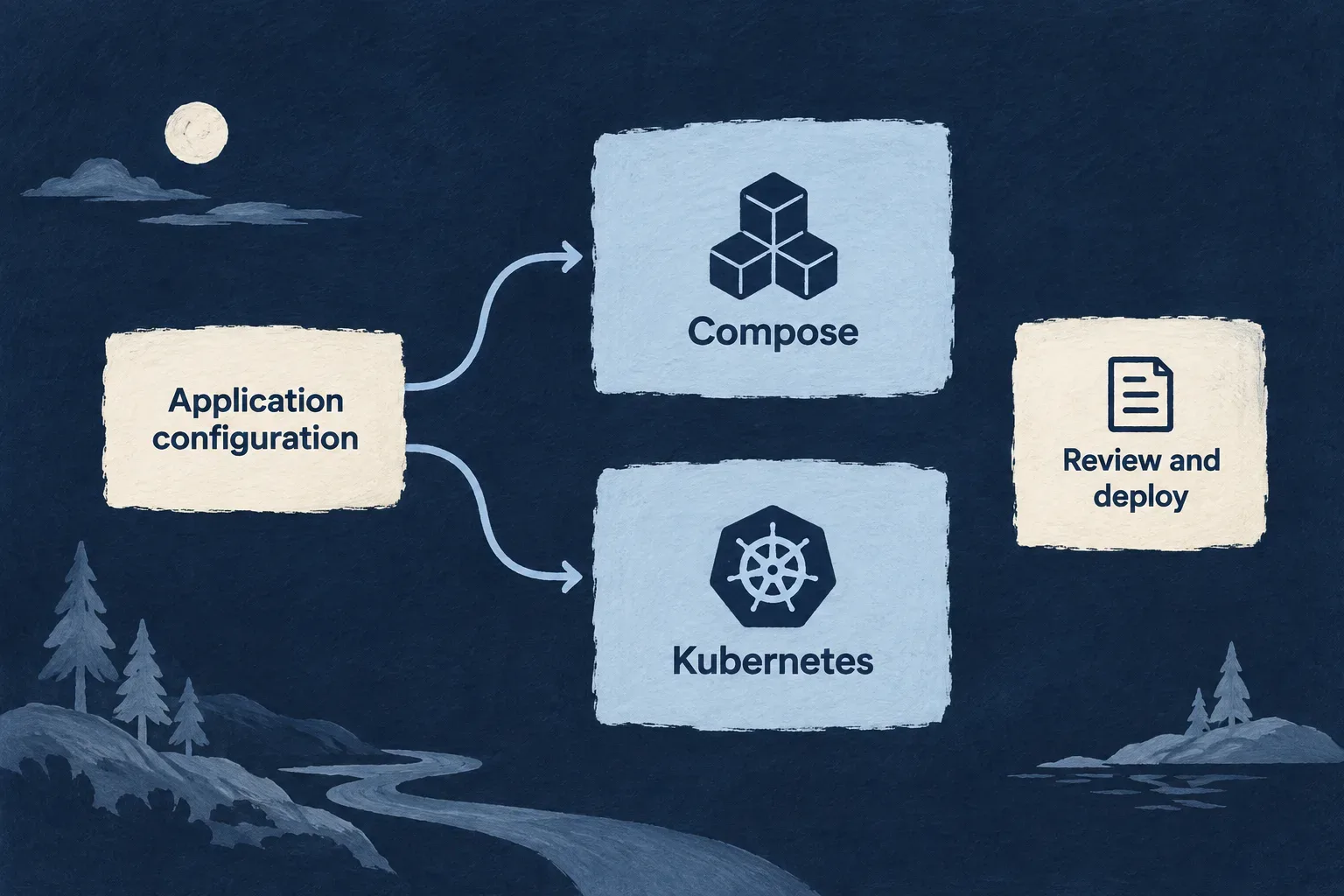
Carry application decisions into deployment
Describe the environment
Choose the runtime, public addresses and backing services for each environment while retaining the same application service model.
Inspect the result
Review Compose or Kubernetes files for the services being deployed, their connections and their runtime configuration.
Connect the release
Generate workflow material around the application’s service images and deployment choices. Verify the running result as part of release acceptance.
Example: Prepare a staging environment
A team gives staging its own public domain and backing-service choices. The generated material reflects those choices, allowing the team to review the topology before putting that version into use.
For engineers
Keep authored intent separate from rendered material
Environment configuration identifies where and how the application runs. Application service declarations identify the frontend, backend and supporting processes. The deployment generator combines them into runtime-specific output.
| Input | Produced material |
|---|---|
| Environment runtime | Compose or Kubernetes deployment files |
| Application service inventory | Per-service workload configuration and image references |
| Public domain and service hosts | Public routing for the selected services |
| Backing-service choices | Self-hosted service composition or externally supplied connection configuration |
| Deployment branch and service Dockerfiles | Environment-specific release workflow |
Rendered deployment directories can contain secrets and are generated with an ignore-all .gitignore. Review authored configuration and secret-bearing output as different kinds of material.
Generate, then validate the persisted output
These CLI commands generate the selected environment configuration and validate the emitted application deployment artifacts. They are shown for the reader; no deployment is performed by this website example.
wildo config sync --env production --domain config
wildo config validate --env production --domain manifest --deployment-artifacts
The deployment-artifact check reads persisted Kubernetes YAML and checks resource identities and basic structure. It does not contact a cluster or establish that the application is ready to serve traffic.
Keep operational acceptance explicit
Review image references, secret delivery, public routing and backing-service connectivity. Then verify rollout and application behavior on the target runtime. A generated manifest is useful deployment material; its existence is not evidence that infrastructure has been provisioned or a release has become healthy.
Describe each environment deliberately
Give local development, staging and production their own hosting and service choices without describing a different application each time.
Public addresses, deployment runtime and backing services become explicit inputs to the files Wildo produces.
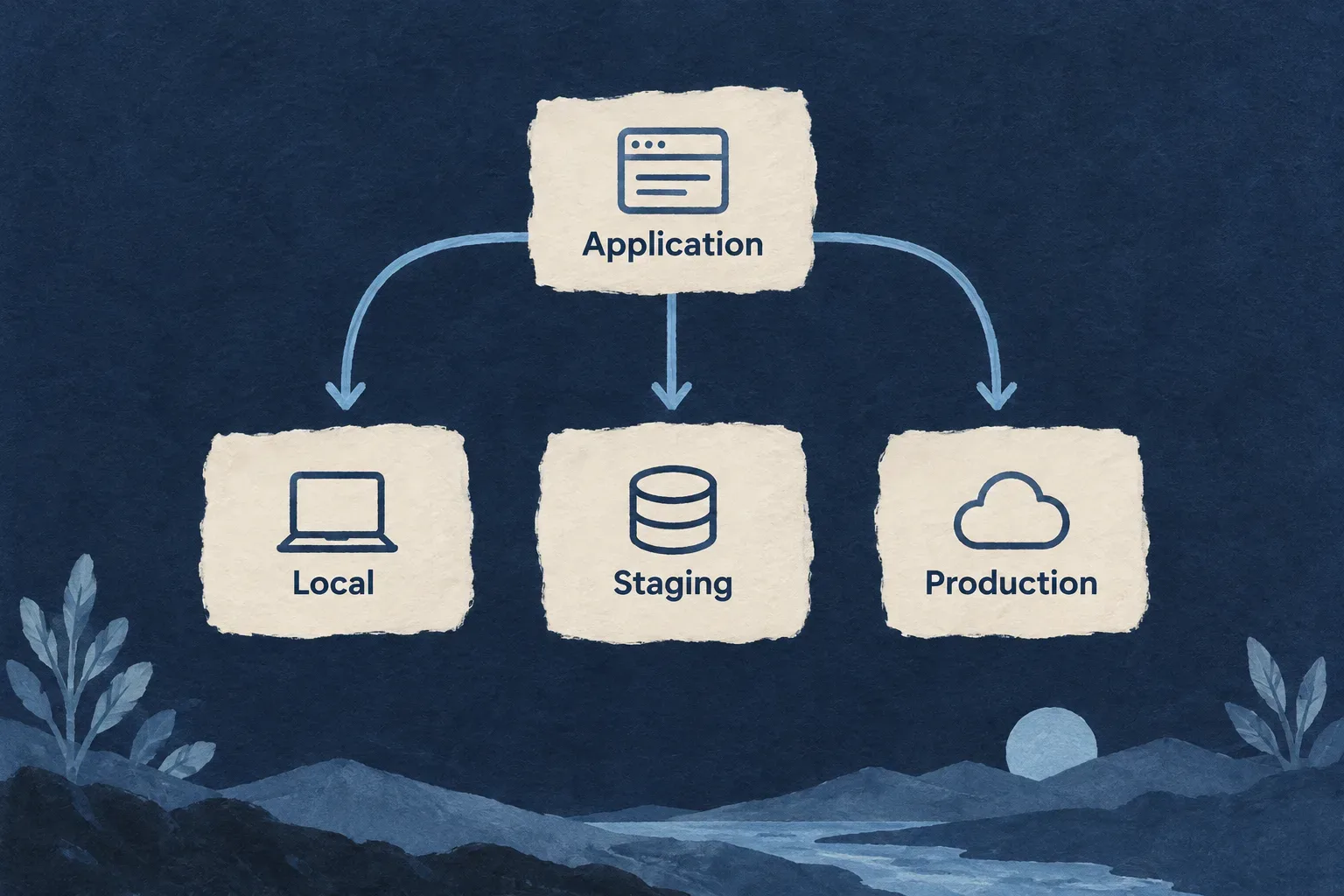
Make the differences visible
Choose the runtime
Select the deployment form appropriate to the environment. Compose and Kubernetes have distinct output and operating requirements.
Name the public surfaces
Assign application, documentation and website hosts under the environment’s public domain.
Place the backing services
Choose self-hosted or managed dependencies where supported. Keep connection and provisioning responsibilities clear.
Example: Mirror the public layout in staging
The application uses an app subdomain, documentation uses a docs subdomain and the website uses the domain itself. Staging retains that layout under a separate public domain.
For engineers
Connect hosts, deployment and backing services
This selected Wonder Todos staging configuration retains its actual public helpers and values. Additional provider, backing-service, logging and CSP settings are omitted.
import {
  defineInfraEnvConfig,
  WildoEnvironment,
  WildoDeploymentRuntime,
  WildoLocationType,
  BackingServiceSource,
} from '@wildo-ai/platform-config-lib';
import { RuntimeEnvironment } from '@wildo-ai/saas-models';

export default defineInfraEnvConfig({
  environment: WildoEnvironment.STAGING,
  locationType: WildoLocationType.REMOTE,
  runtime: WildoDeploymentRuntime.DOCKER_COMPOSE,
  runtimeEnvironment: RuntimeEnvironment.STAGING,
  publicDomain: 'staging.wonder-todos.com',
  serviceHosts: {
    app: 'app', docs: 'docs', website: '',
  },
  deployment: {
    branch: 'staging',
    runtime: WildoDeploymentRuntime.DOCKER_COMPOSE,
  },
  backingServices: {
    mongodb: { source: BackingServiceSource.MANAGED, provider: 'atlas' },
    redis: { source: BackingServiceSource.SELF },
  },
});
website: '' selects the domain apex. The application and documentation receive their own host labels. These choices must agree with browser origins, reverse-proxy routing and deployment configuration.
Distinguish selection from provisioning
A managed backing-service entry chooses an external dependency. It is not proof that an account or database has been created. A self-hosted selection informs service composition; it still needs appropriate storage, credentials and operations.
The platform database and the application’s database are separate configuration choices. Changing a database selection does not migrate or transfer existing data.
Verify the environment as a connected whole
Inspect public URLs, internal service endpoints and the target runtime together. Check that each service reaches the intended environment’s dependencies and that its public links do not lead into another environment.
Inspect what will run together
See the application services, their network connections and the runtime settings they need in concrete deployment files.
The output follows the declared service types, giving frontends, backends and supporting processes their appropriate place.
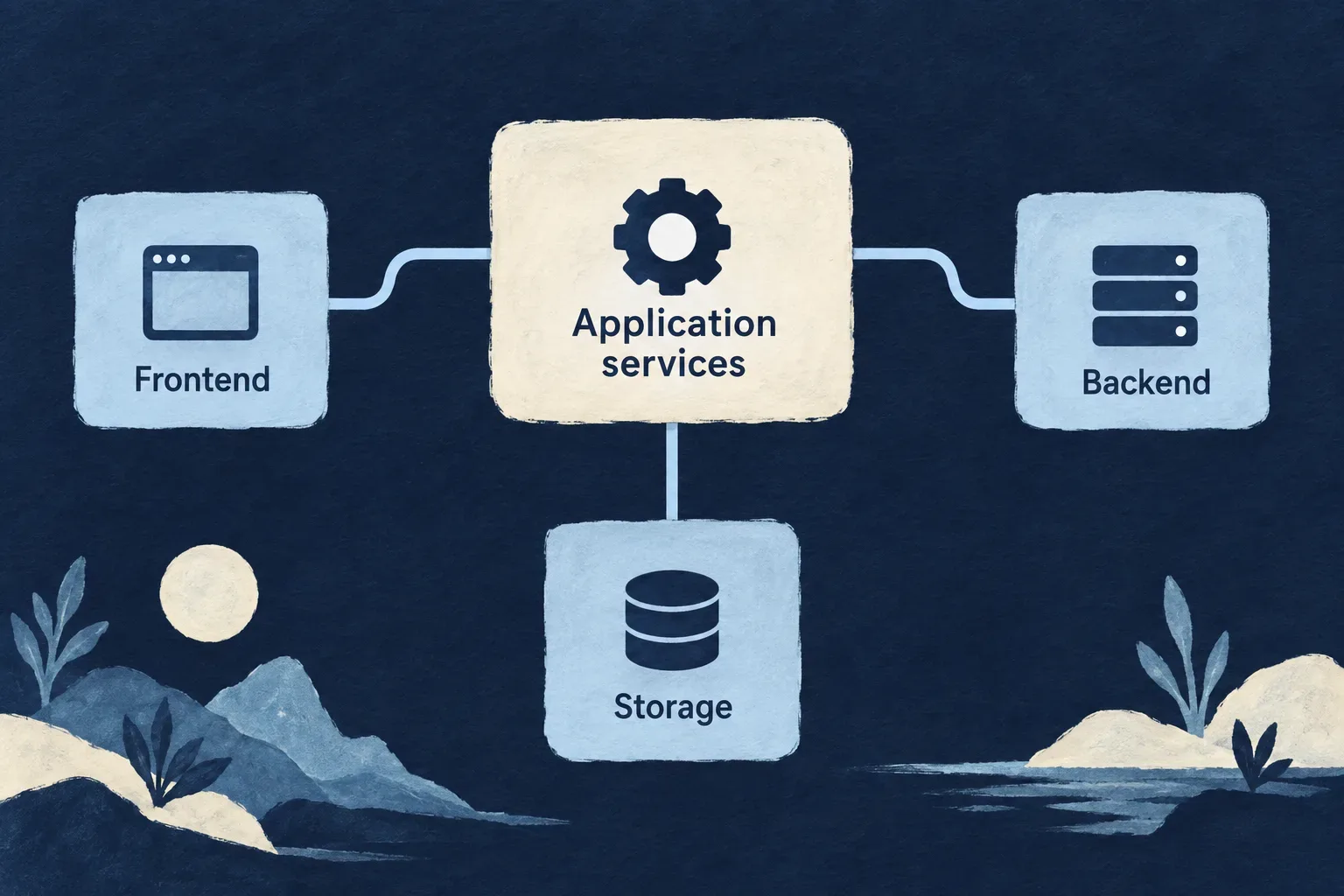
Make the topology reviewable
Identify the workloads
Generated workloads distinguish public frontends, backend services, workers and scheduled supporting processes.
Connect the routes
Service and ingress definitions carry traffic toward the intended workload and public host.
Separate sensitive material
Runtime secret resources accompany deployment output. Keep their handling separate from ordinary source configuration.
Example: Review a public frontend and its backend
The frontend serves the browser application while API traffic reaches the backend. The team checks both routing and runtime configuration before accepting the deployment.
For engineers
Recognize the output for each runtime
The generator writes under .wildo-saas/deploy/<environment>/k8s/ or compose/. Kubernetes output includes workload and service definitions, per-host routing and target-specific secret resources. Workers receive their service interface; minions are supporting process workloads.
Self-hosted backing-service population follows configuration. A managed selection does not require a duplicate self-hosted container solely to occupy the same category.
Inspect a concrete workload contract
The following selected Kubernetes frontend template excerpt preserves the source’s security, port and resource settings. Template image variables are intentionally shown: this is source input to rendering, not an already rendered manifest. Writable mounts and probes are omitted here.
- name: frontend
  image: {{imageRegistry}}/{{serviceName}}:{{imageTag}}
  imagePullPolicy: {{default imagePullPolicy 'Always'}}
  securityContext:
    allowPrivilegeEscalation: false
    readOnlyRootFilesystem: true
    capabilities:
      drop:
        - ALL
  ports:
    - name: http
      containerPort: 80
      protocol: TCP
  resources:
    requests:
      cpu: "50m"
      memory: "64Mi"
    limits:
      cpu: "250m"
      memory: "128Mi"
The static frontend has its own resource profile and HTTP probes in the full template. These settings are a workload contract, not a description of every backend or worker container.
Review secrets without turning them into source assets
The generator separates secret resources and adds an ignore-all file to its output directory. Kubernetes base64 encoding is not encryption. Limit access to rendered output and use the intended secret-delivery process for the target environment.
Check that the image actually used, the service port, writable mounts and probes agree. A syntactically valid workload can still reference an unavailable image or an incorrect endpoint.
Carry the release into deployment
Connect the application’s service images and environment choices to a repeatable release workflow.
Generated workflow files provide a concrete starting point. The operating team supplies the destination access and verifies the deployed result.
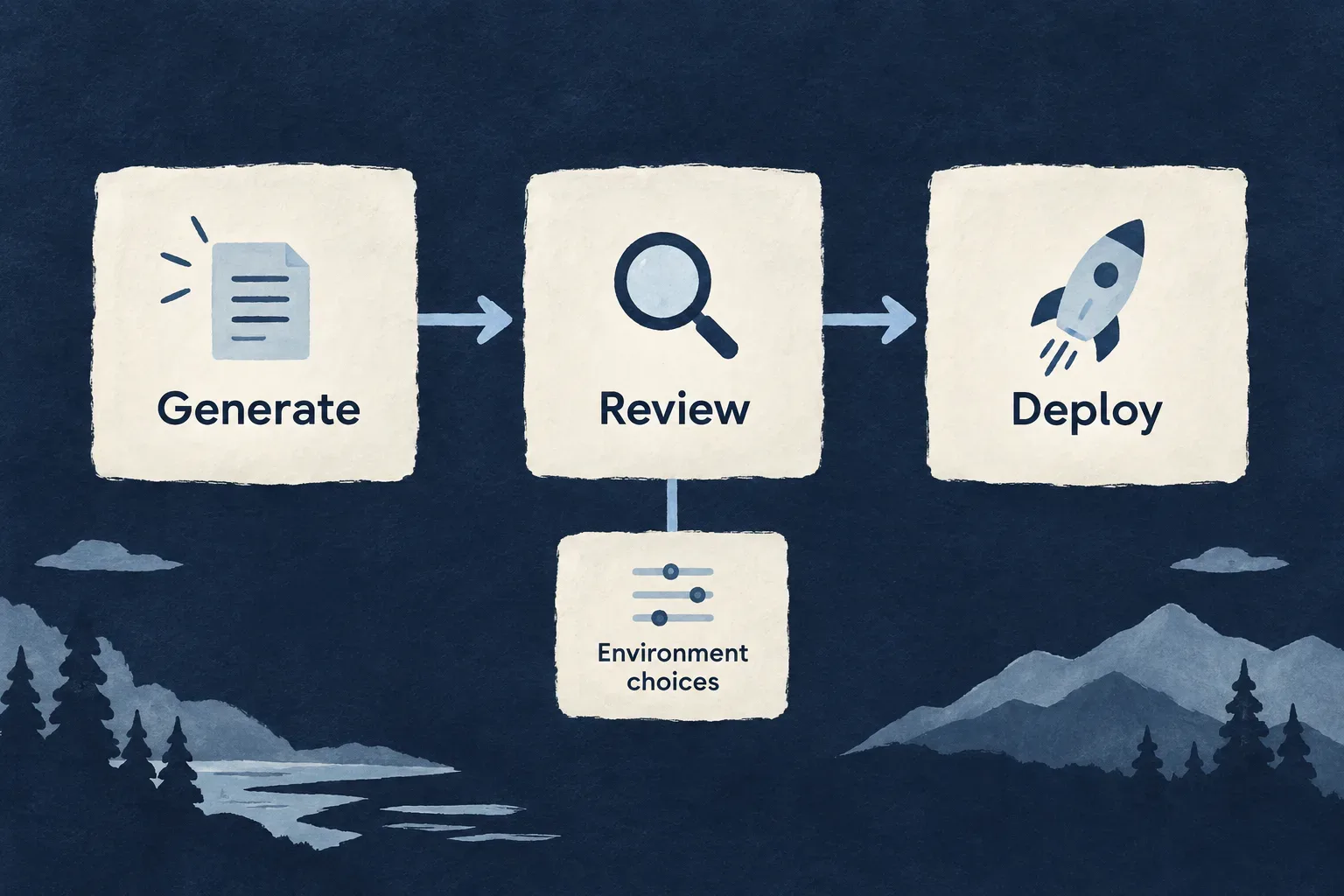
Make the release path explicit
Produce the service images
Use the service Dockerfiles and selected environment to define the images a release needs.
Follow the runtime’s workflow
Kubernetes and Compose have different deployment steps. Review the generated workflow for the runtime being used.
Check the application after delivery
Confirm that workloads are ready and the important application journeys work on the intended public addresses.
Example: Release a new application version
The workflow produces frontend and backend images. The team confirms that deployment references the intended versions, then checks readiness and a representative user journey.
For engineers
Inspect the generated workflow
The workflow generator writes .github/workflows/deploy-<environment>.yml from deployment configuration and the application’s service Dockerfiles.
| Runtime | Generated workflow behavior | Operator responsibility |
|---|---|---|
| Kubernetes | Generate artifacts, build/push service images, install ingress/TLS controllers and apply manifests | Target access, prerequisites, image alignment and rollout acceptance |
| Docker Compose | Generate artifacts and build service images | Arrange image publishing or transfer, then complete the commented remote SSH deployment example for the intended host |
There is no general wildo deploy command behind this description. Inspect the actual generated workflow rather than assuming both runtime paths perform the same remote operation.
Keep the image being built and the image being deployed aligned
The CI workflow and manifest renderer have distinct image-tag inputs. The current config-sync call does not supply the renderer’s optional imageTag, so do not assume that generated manifests are pinned to the CI commit merely because the workflow builds a commit-tagged image.
Review emitted image references against the images pushed for that release. Treat a successful image build and a correct deployed image as separate checks.
Separate offline validation from runtime acceptance
wildo config validate --env production --domain manifest --deployment-artifacts
This validates persisted application YAML without deploying. Cluster admission, rollout readiness, application health and recovery remain target-runtime checks. Include the intended backing-service access and a representative authenticated operation in release acceptance.
Read Docker or Kubernetes for the runtime mechanisms and managed backing services for the dependencies around the application.
One application model, deliberate deployment choices.
The service structure travels with the application. Wildo turns environment decisions into concrete deployment material, while the operating team retains control of where it runs and how each release is accepted.
Building a B2B product or an internal tool?
Wildo is not self-service yet. Tell us what you have in mind and we will say plainly whether it fits, and what happens next.