
Back offices & supporting services
Administrative interfaces and background services for the people and processes operating your application.
Back-office screens · scheduled minions · continuous processes · resource accessKeep the work around your application connected.
> Focused interfaces for your operators> Dedicated processes for recurring work> Access defined for each responsibility
An application needs more than its main user journey. People operate it, recurring work maintains it, and supporting processes connect it to the rest of the business.Wildo lets you build those responsibilities around the same application model. Administrative interfaces serve people; background processes perform the work you give them.
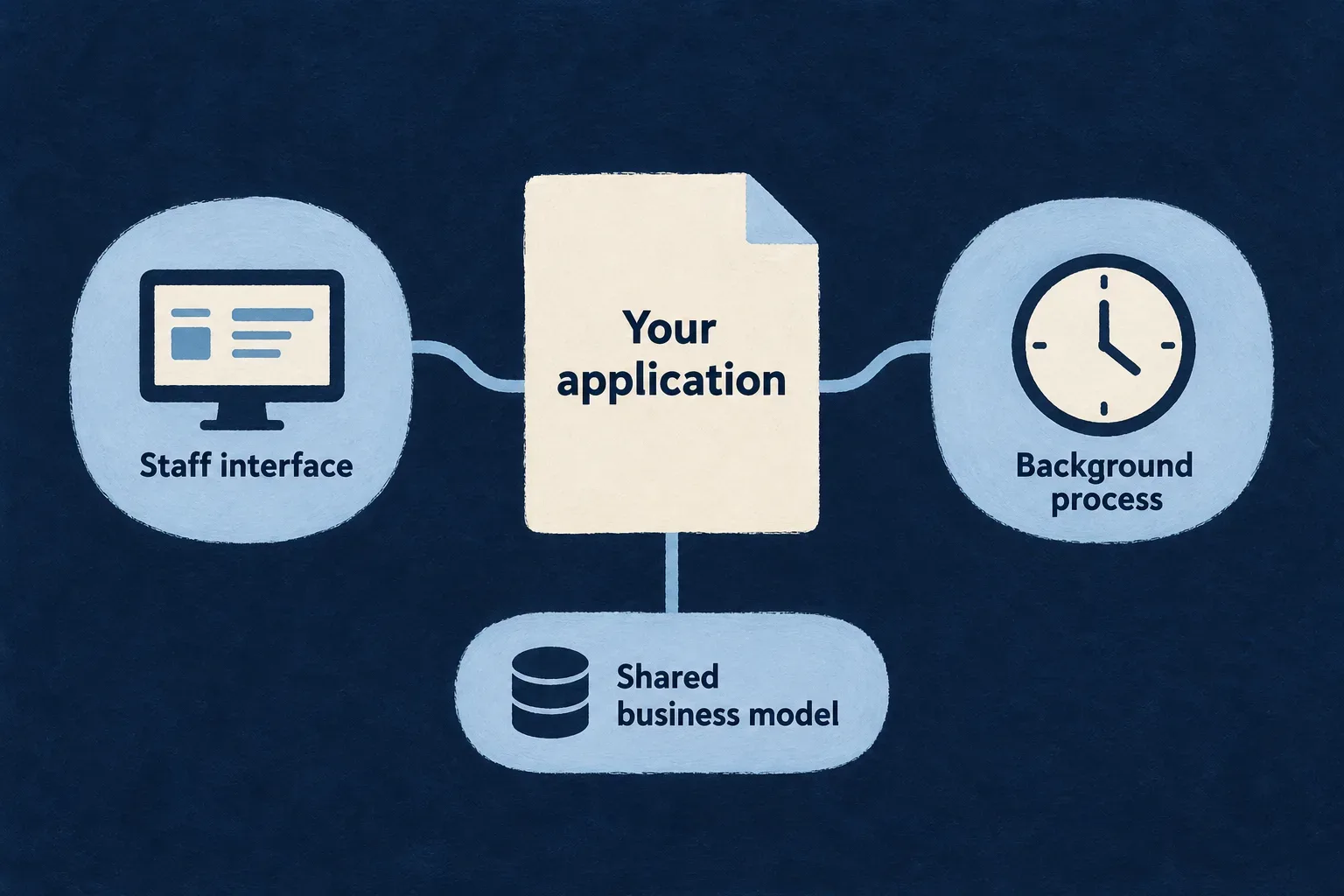
Different responsibilities, a shared application
Give operators a focused workspace
Present the records and actions needed to support the product. Shape the interface around a responsibility, with backend permissions that match it.
Put recurring work in its own process
Use a dedicated minion for scheduled processing or an always-up service with an authored work loop. Keep its implementation separate from the interactive request path.
Declare what each process may reach
Choose the application resources a minion may read or write. Grant platform access separately, according to what the process actually needs.
Example: Keep an operations team informed
An operator reviews outstanding work in a focused screen. A scheduled process inspects permitted records and prepares the information the application needs. The screen and process share business definitions while using different execution and access contracts.
For engineers
Separate an interface from a process
An administrative interface uses the authenticated application frontend, resource UI behavior and custom views. It is not generated by the minion scenario. A minion is a headless application-side process with its own package, initialization and declared reach.
| Need | Delivered form | Execution owner |
|---|---|---|
| A person reviews or changes product information | Authorized application view | Frontend experience and backend operations |
| Work runs on a declared cadence | Cron-mode minion | Platform tick and application handler |
| A service remains available for authored continuous work | Always-up minion | Application-owned loop and lifecycle |
| The backend requests specialized HTTP processing | Application worker | Authenticated HTTP route |
See application workers for the last form. These processes are complementary, not interchangeable names for one execution mechanism.
Produce and register the minion package
The add-minion composition scenario creates the manifest, bootstrap, initialization handler, discovery exports and Dockerfile. It adds the runtime to the application minion map, provider scopes and workspace. Its starter resource allow-lists are empty and its handler only acknowledges the tick.
Implement the work, widen access deliberately, install dependencies and run wildo config sync to produce the runtime configuration. A generated package is the starting point; the running process still needs its platform connection, provider configuration and deployed environment.
Operate the result deliberately
A schedule establishes when the platform publishes a tick. It does not prove the handler completed its business work. Record the outcome meaningful to the application and make failures visible to its operators.
Verify startup, permitted and refused access, a successful handler invocation and a failing one. For side effects, define how duplicate or overlapping invocations are handled. Deployment replacement policy does not serialize business execution.
Give operators the tools for their responsibility
Build a focused place to review information, resolve exceptions and carry out permitted administrative actions.
Use the application’s records and operations, then compose the experience around the work your operators actually do.
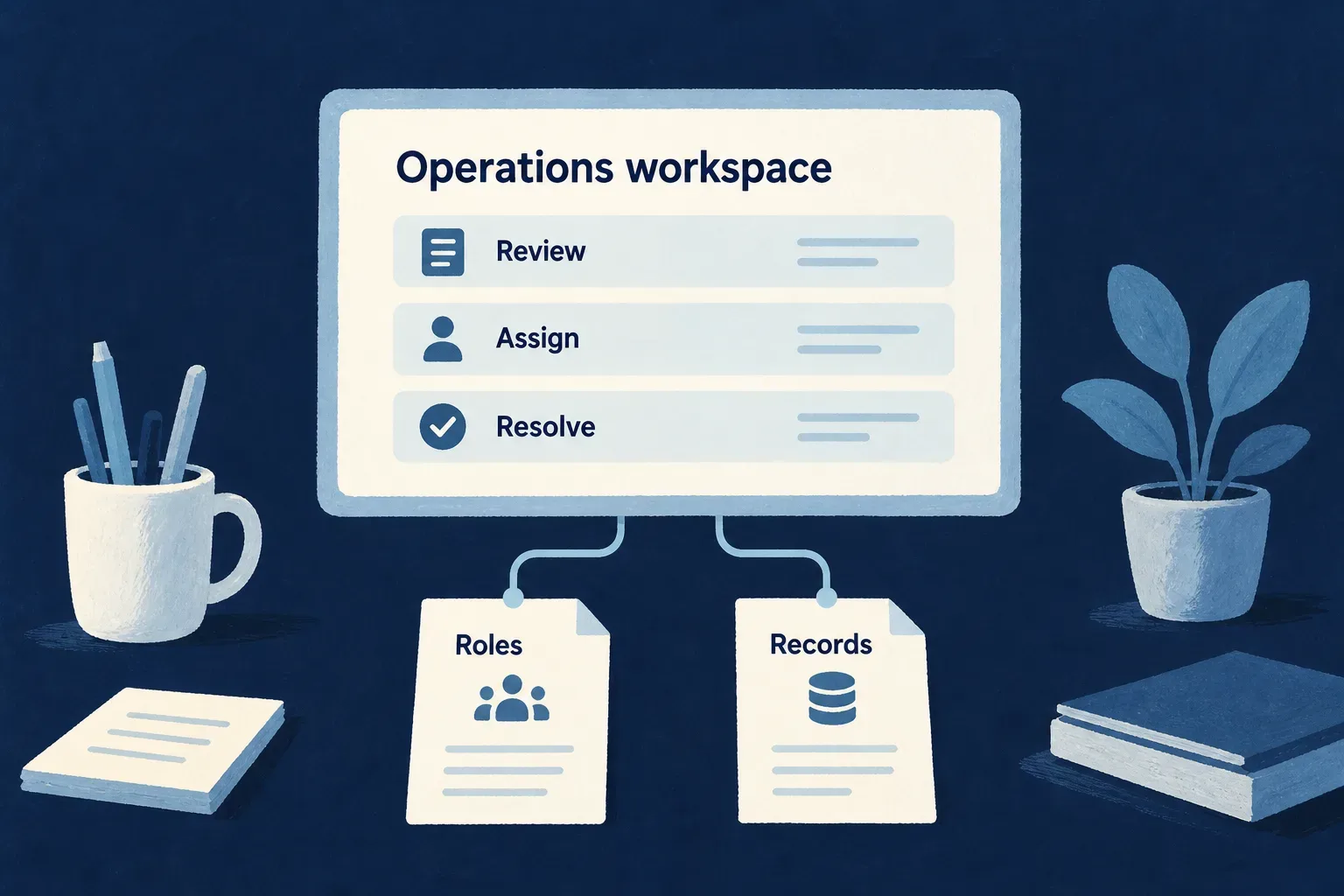
Make administration purposeful
Show the relevant work
Bring the right records and context into navigation, standard views or a custom workspace.
Name the intended action
Give support and administration explicit operations with clear inputs and effects. A role is useful through the actions it permits.
Preserve the access boundary
Keep application-wide authority distinct from organization membership and record-specific access.
Example: Resolve an account issue
A support operator can inspect the permitted account information and perform a narrowly defined correction. Their screen does not imply unrestricted access to every customer’s records.
For engineers
Choose presentation independently of permission
An administrative surface uses the same authenticated application mechanisms as other views. Resource UI behavior can select standard or custom presentation; backend operation rules independently determine what the caller may do.
The following selected Wonder Todos resource-view entries show the distinction between an embedded operation and an addressable custom view. Imports and the surrounding resource UI behavior are omitted.
[Op.CREATE, { surface: ResourceOperationFrontendSurface.EMBEDDED }],
[Op.READ, {
  surface: ResourceOperationFrontendSurface.ADDRESSABLE,
  customView: TodoReadCustomView,
}],
TodoReadCustomView is application-owned. Reusing a resource layout can keep standard record behavior while adding a focused workspace. Neither the custom view nor its presence in navigation grants additional backend access.
Connect authority to a specific operation
| Responsibility | Model it through | Verify |
|---|---|---|
| Manage a team’s membership | Organization roles and membership operations | Authority stays within the intended organization |
| Operate the product | Explicit application roles and allowed operations | Application authority is not an automatic record-access bypass |
| Correct a business exception | A dedicated custom operation | Inputs, state transition and audit attribution match the intended correction |
Role assignment and revocation should use their dedicated operations. Ordinary field editing is not a substitute for the rules surrounding authority changes. Preserve the last administrator and the caller’s authority ceiling where those contracts apply.
Deliver the workflow, not just its menu
Verify the permitted operation directly through the API, then repeat as an unauthorized person. Change the operator’s role and check the next request. Include useful success and failure feedback in the view.
A separately deployed administrative frontend is an application topology decision. The minion generator creates no screens or operator interface. Read internal tools when the administrative workspace becomes a product for a staff team.
Give recurring work a dedicated home
A minion runs beside the application with its own implementation and runtime configuration. Use a schedule for recurring work, or author the lifecycle of an always-up process.
The platform can trigger a scheduled handler. Your code defines the work and what a useful outcome means.
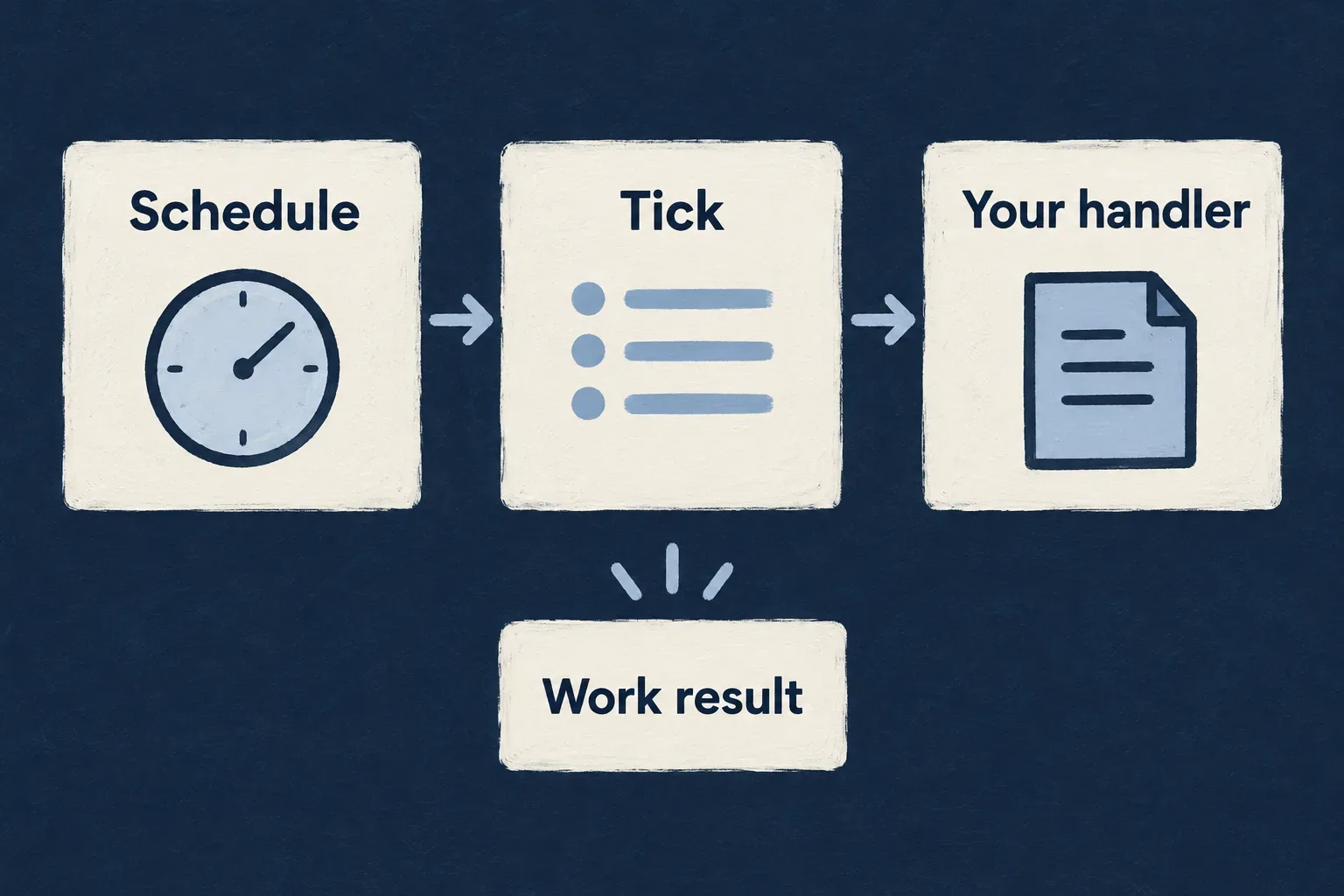
Separate timing from the work itself
Declare the cadence
Choose when a cron-mode process should receive a tick. Keep timing visible in the runtime configuration.
Implement the responsibility
Use the handler to inspect, transform or update the information it is permitted to reach.
Make the outcome observable
Distinguish a published tick from completed business work. Record the result and handle failures deliberately.
Example: Inspect outstanding work every six hours
A scheduled process reads permitted task records and reports what it found. Its implementation decides what constitutes an exception and how an operator learns about it.
For engineers
Declare the runtime mode
This illustrative materialization of the generated minion manifest names a work-inspection process. The runtime reads the schedule in UTC.
import { defineMinionConfig } from '@wildo-ai/platform-config-lib';

export default defineMinionConfig({
  version: 1,
  name: 'work-inspector',
  displayName: 'Work inspector',
  description: 'Inspect permitted application work',
  runtime: { type: 'docker', language: 'typescript' },
  mode: 'cron',
  schedule: '0 */6 * * *',
  reinstantiation: { policy: 'kill_previous' },
  resources: { cpu: '500m', memory: '512Mi' },
});
kill_previous governs replacement of the deployed process. In Kubernetes it selects Recreate; it is not a lock around the handler and does not prove that ticks cannot overlap.
For always-up, omit the schedule and supply the service’s continuous work and shutdown behavior. Mode selection does not install a repeating work loop or automatically call onTick.
Implement work through the supplied context
This selected excerpt from Wonder Todos’ marketing-scrapper initialization performs operational inspection. Despite the package name, the shown implementation reads tasks and its own schedule; it does not scrape or enrich data. Surrounding initialization and logging are omitted.
onTick: async (token, { systemAccess, minionName, ownSchedule }) => {
  const todos = await systemAccess.listAsSystem<{ _id: string }>(
    TasksManager_ResourceType.TODOS,
    {},
  );

  const ownJobs = await ownSchedule.read();
},
The initialization registers this handler with the matching minion runtime key. The resource and platform permissions in the next section are prerequisites for these calls.
Handle execution and delivery separately
| Event | Runtime meaning | Application decision |
|---|---|---|
| Platform publishes a tick | Scheduled delivery was initiated | Do not label this business completion |
| Handler resolves | Tick is acknowledged | Record the meaningful result if required |
| Handler throws | Tick is rejected without requeue | Decide how failure is surfaced and recovered |
| Two invocations reach side effects | No automatic business serialization is implied | Design idempotency or an explicit concurrency policy |
Exercise a thrown error as well as a successful handler. Check what the operator can observe, rather than assuming the scheduling history contains the application’s completion state.
Give each process only the reach it needs
Declare which application resources the minion may read and write. Keep access to platform information separate from access to business data.
These declarations make a supporting process’s intended responsibility visible before opening its implementation.
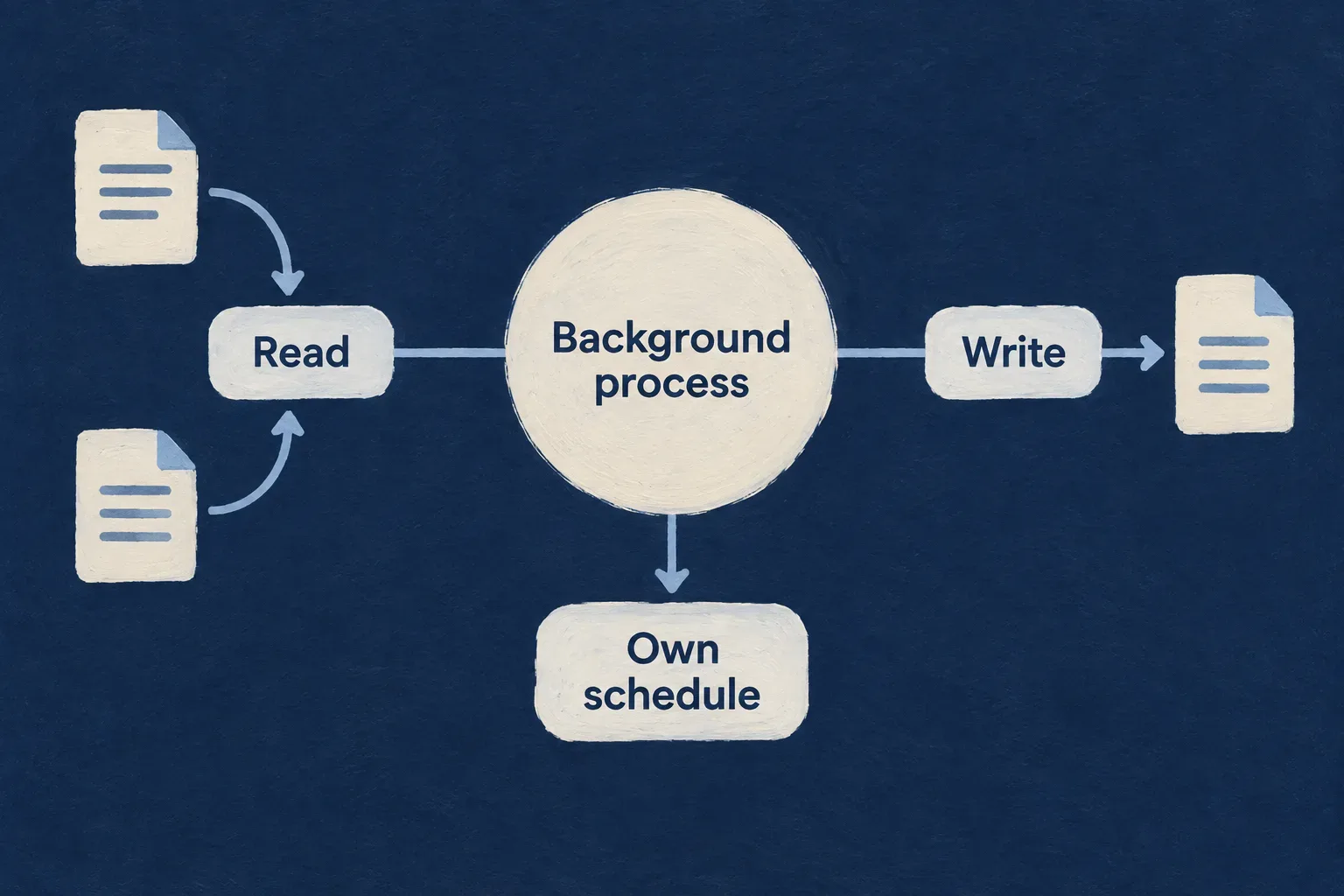
Keep access intentional
Separate reads from changes
A reporting process can read selected records without receiving permission to update them.
Scope platform visibility
A process may inspect its own schedule when granted that permission, without gaining control over other runtimes.
Carry policy into execution
The supplied system-access path combines declared reach with the target resource’s policy and accountable access.
Example: Read tasks without changing them
A work-inspection process may read tasks and inspect its own schedule. It has no task-write grant and cannot use that schedule permission to inspect another process.
For engineers
Declare access on the application runtime entry
This selected Wonder Todos entry belongs in its exported application-minion map, not in the package manifest. The key identifies the runtime; the path points to its source package.
marketingScrapper: {
  path: './minions/marketing-scrapper',
  resourceAccess: {
    read: ['todos'],
    write: [],
  },
  platformAccess: {
    scopes: [MinionPlatformAccessScope.OWN_CRON_RECORDS],
  },
},
MinionPlatformAccessScope is exported by @wildo-ai/platform-config-lib. The generated starter uses empty read and write lists. Startup rejects unknown resource names and installs the scoped registry before accepting work.
Use the supplied access boundary
The scoped service proxy classifies recognized read and write methods and refuses unrecognized access. systemAccess.listAsSystem additionally requires the resource’s system-read policy. Under the minion runtime profile, failure to record the required system-access audit refuses the privileged access.
This is a defined service access path, not permission to bypass it with arbitrary application code or a blanket claim of proven database-level confinement.
| Access | Declaration | Independent check |
|---|---|---|
| Read business records | resourceAccess.read | Resource system-access opt-in and required auditing |
| Change business records | resourceAccess.write | Applicable operation/system-access contract |
| Inspect own scheduled records | OWN_CRON_RECORDS | Attested runtime identity at the platform endpoint |
| Use an external provider | Minion provider scope and environment configuration | Provider-specific credentials and operation contract |
Keep runtime identity consistent
The package directory, runtime bucket key and provider scope have different roles. Register the same runtime key where initialization and generated configuration expect it. ownSchedule.read() takes no arbitrary minion identifier: the platform derives the caller’s identity from its attestation.
Test a permitted read, a refused write, an undeclared resource and a refused schedule read after removing its platform grant. A failed platform read must remain a failure, not an empty successful history.
The supporting work belongs to the product too.
Focused interfaces and dedicated processes let an application be operated and maintained with clear responsibilities. Shared definitions keep them connected; explicit execution and access contracts keep their purposes understandable.
Building a B2B product or an internal tool?
Wildo is not self-service yet. Tell us what you have in mind and we will say plainly whether it fits, and what happens next.