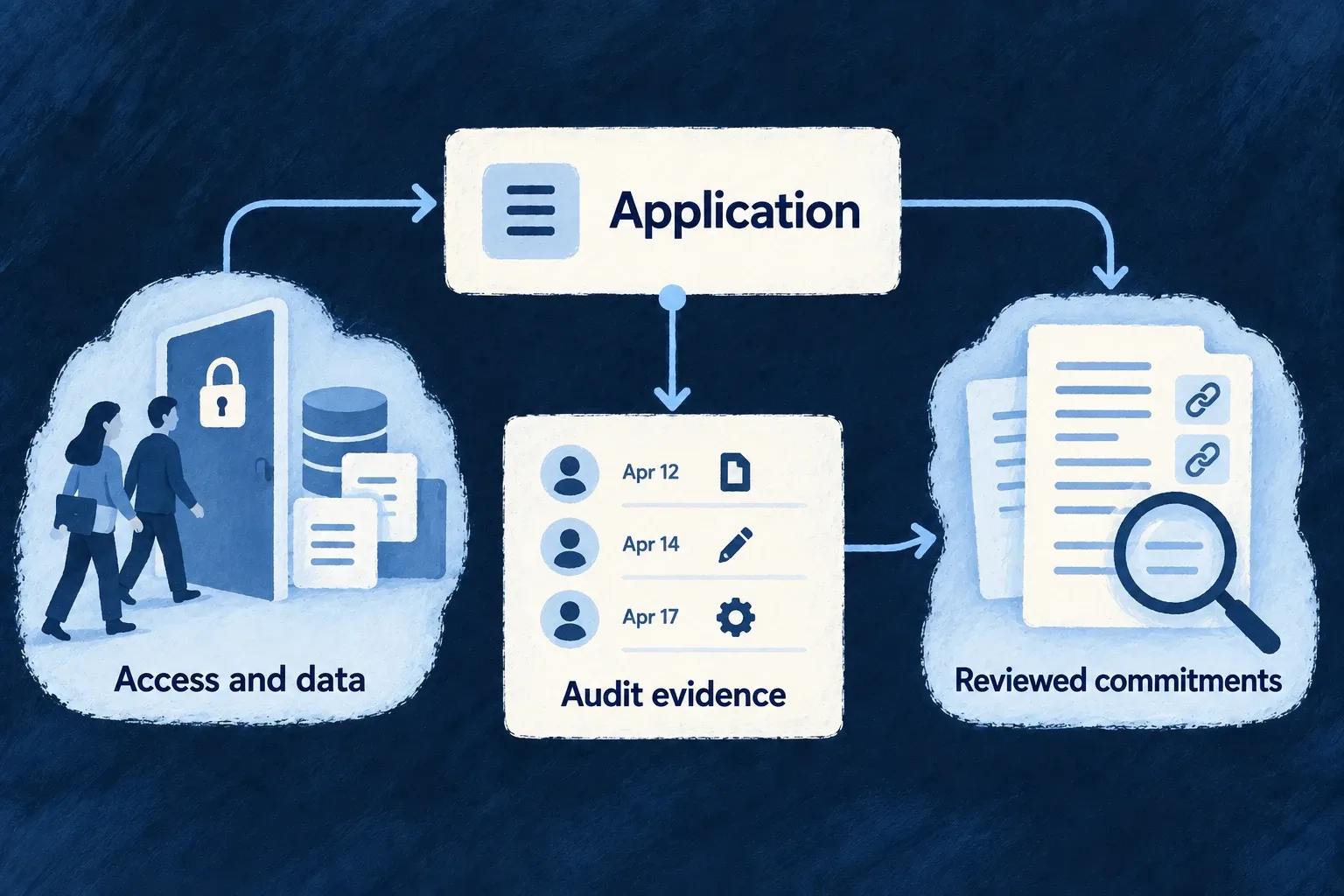
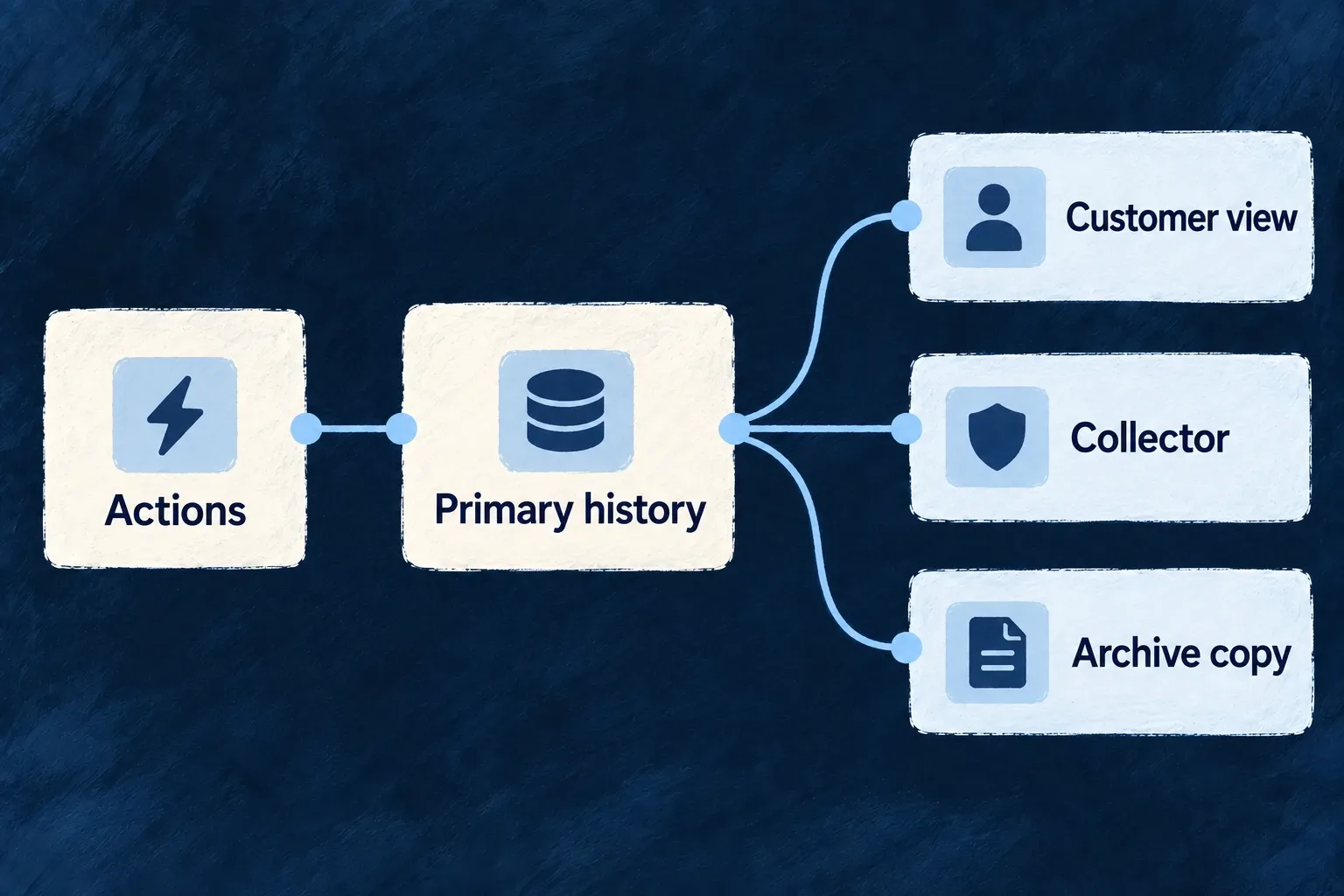
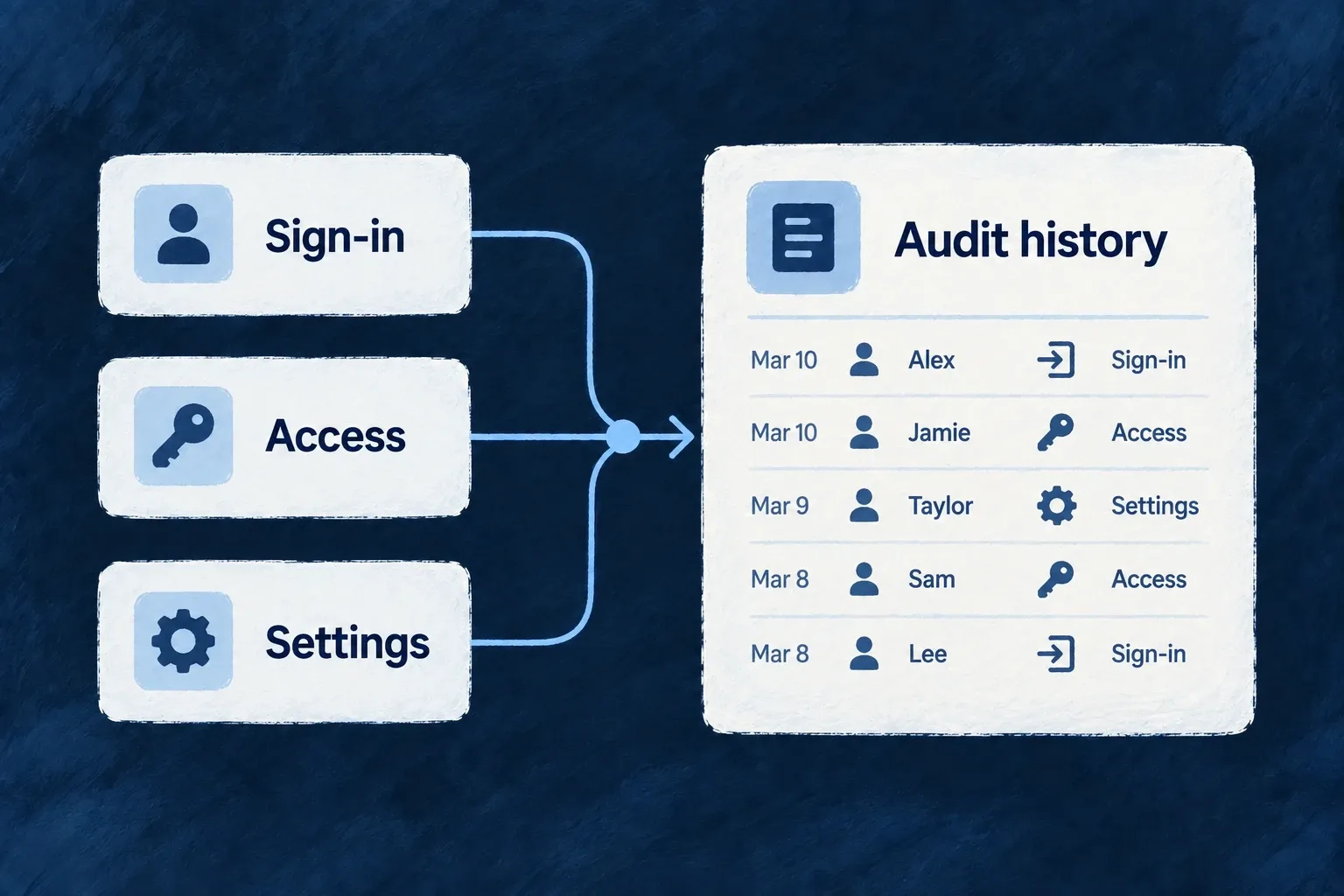
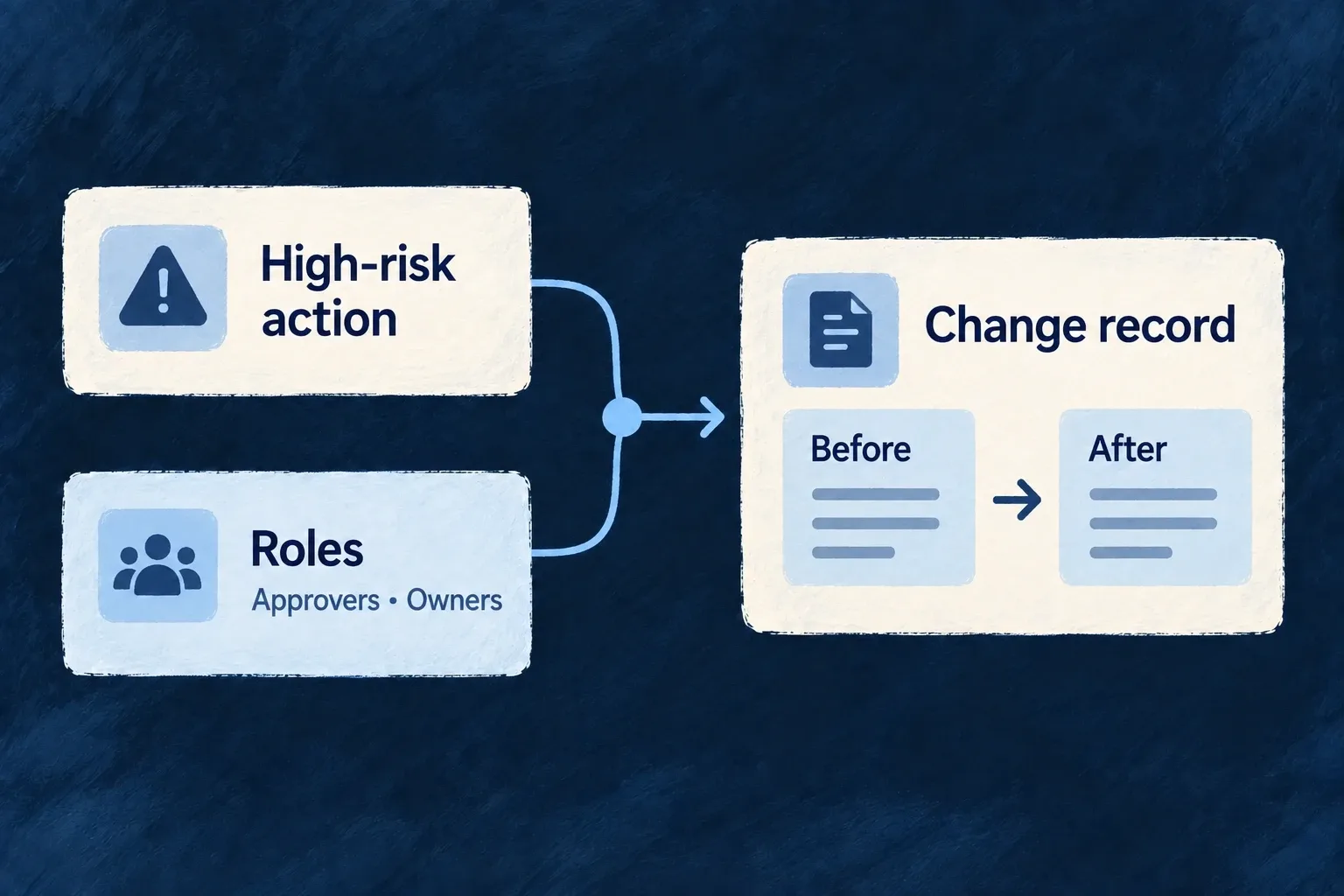
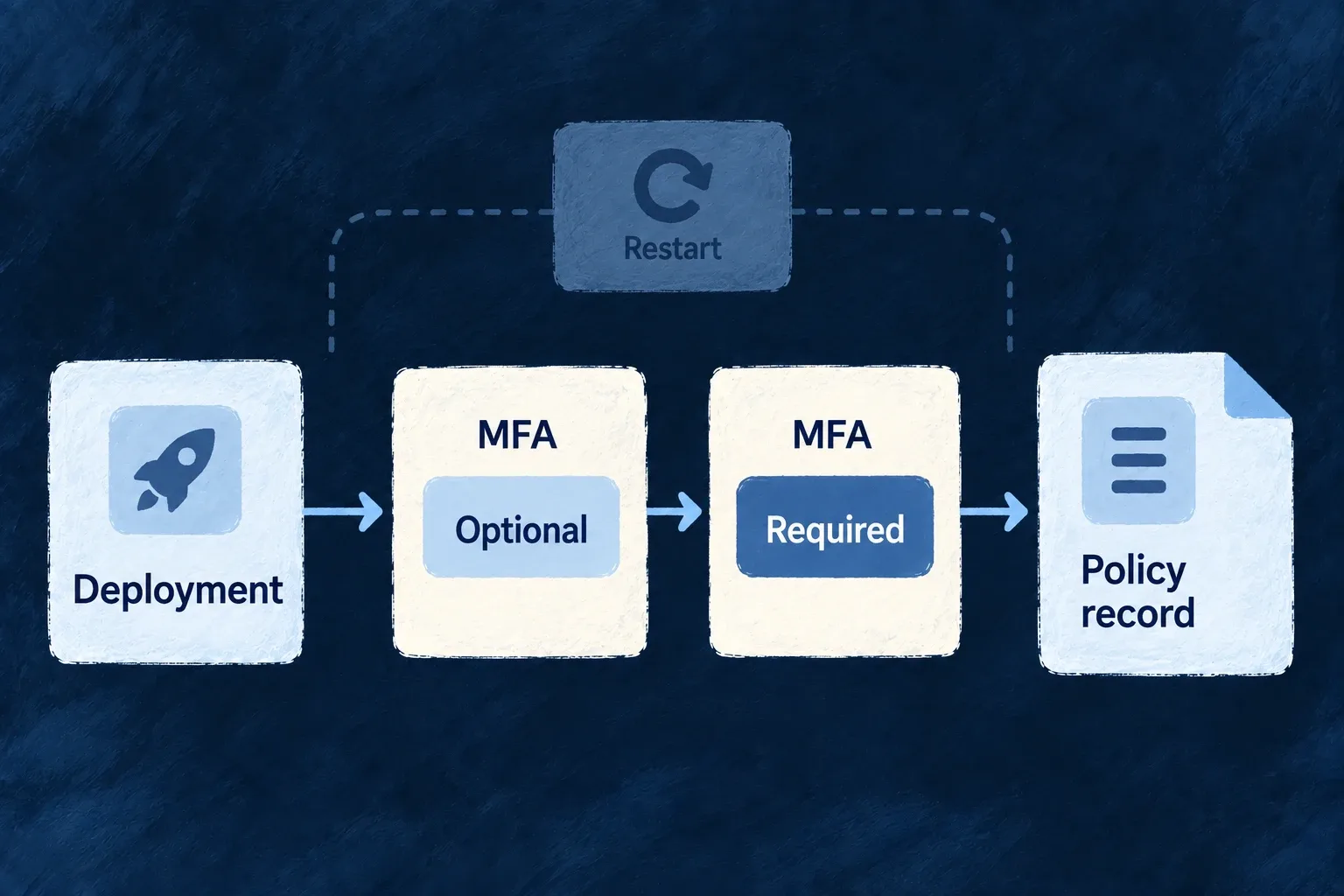
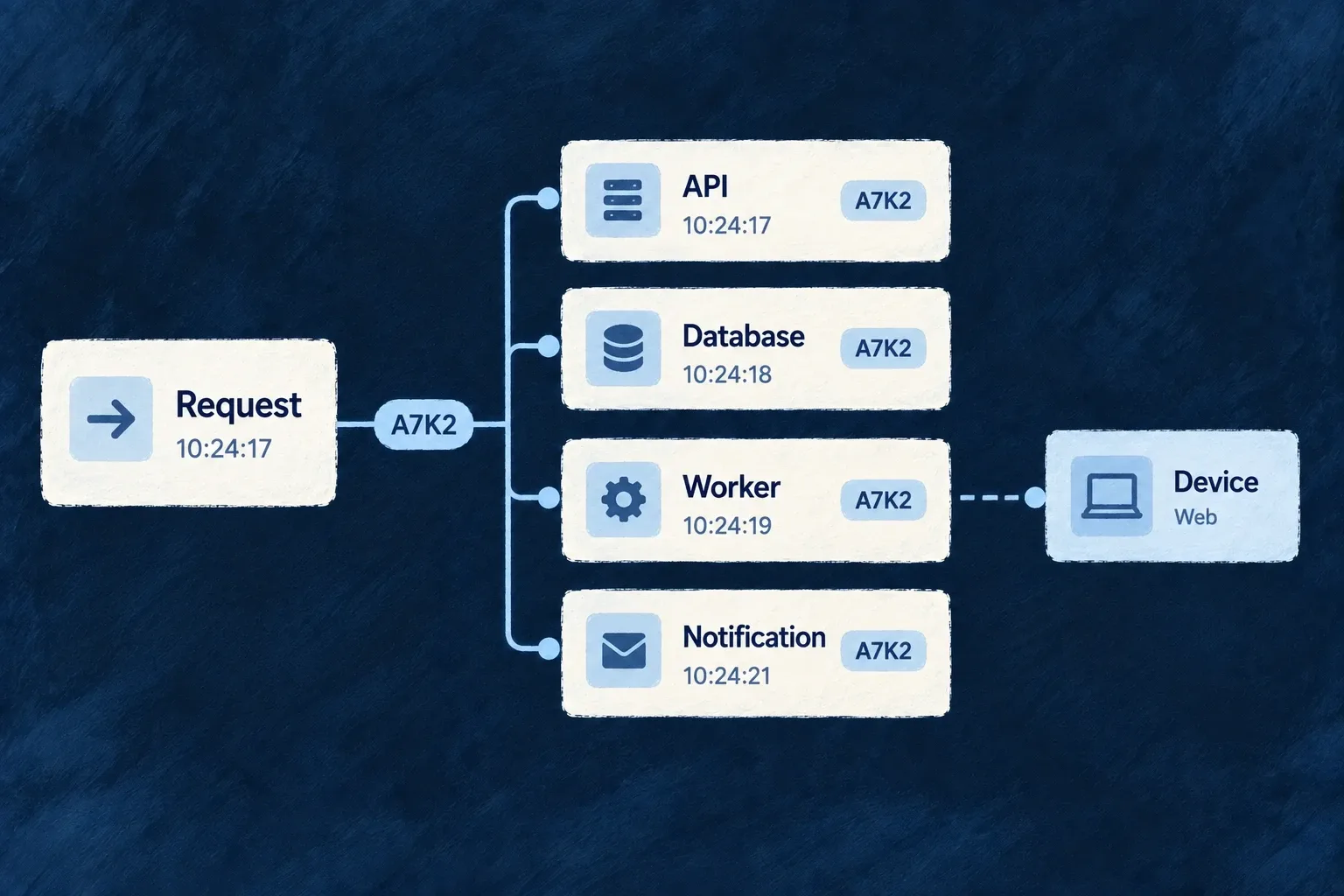
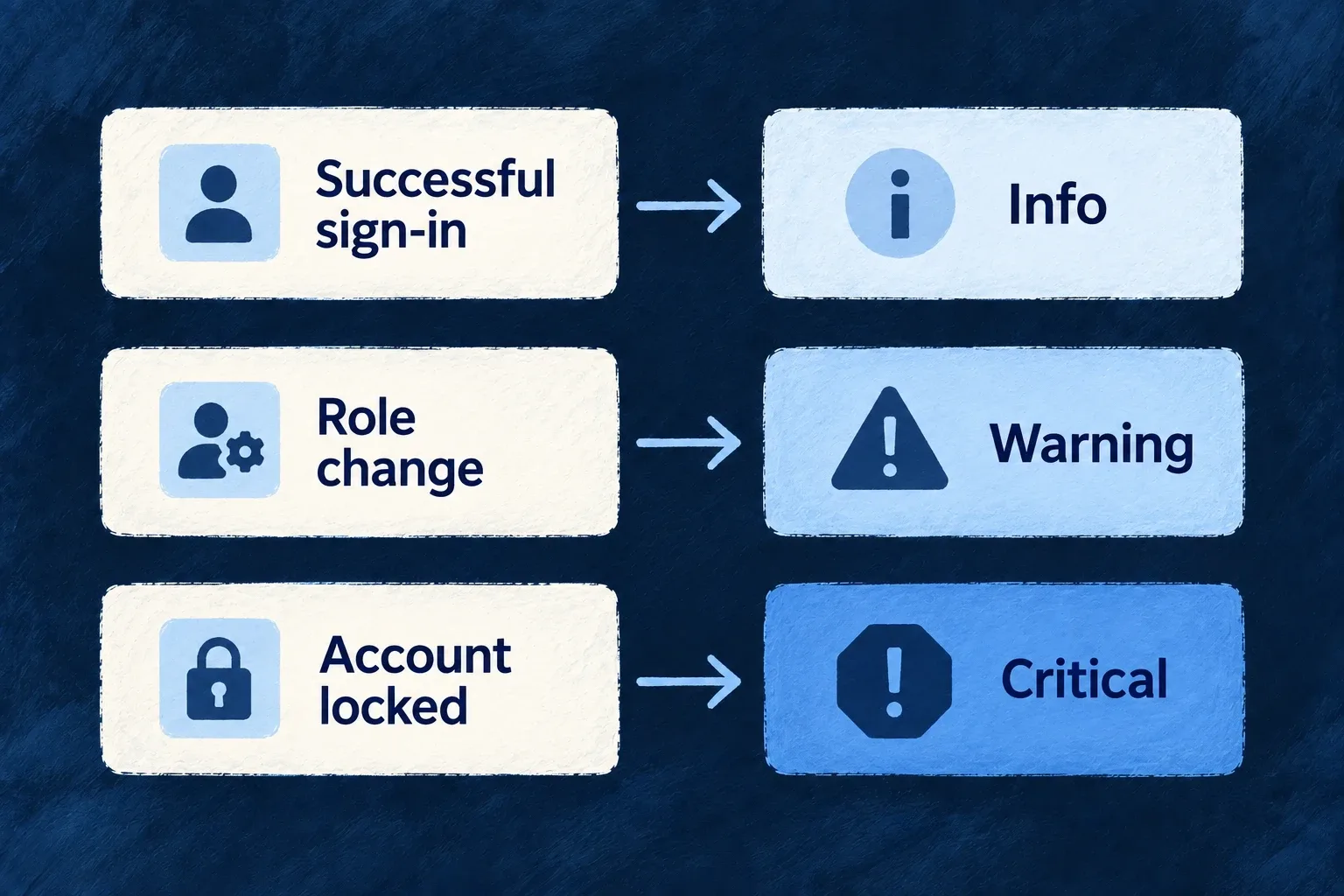
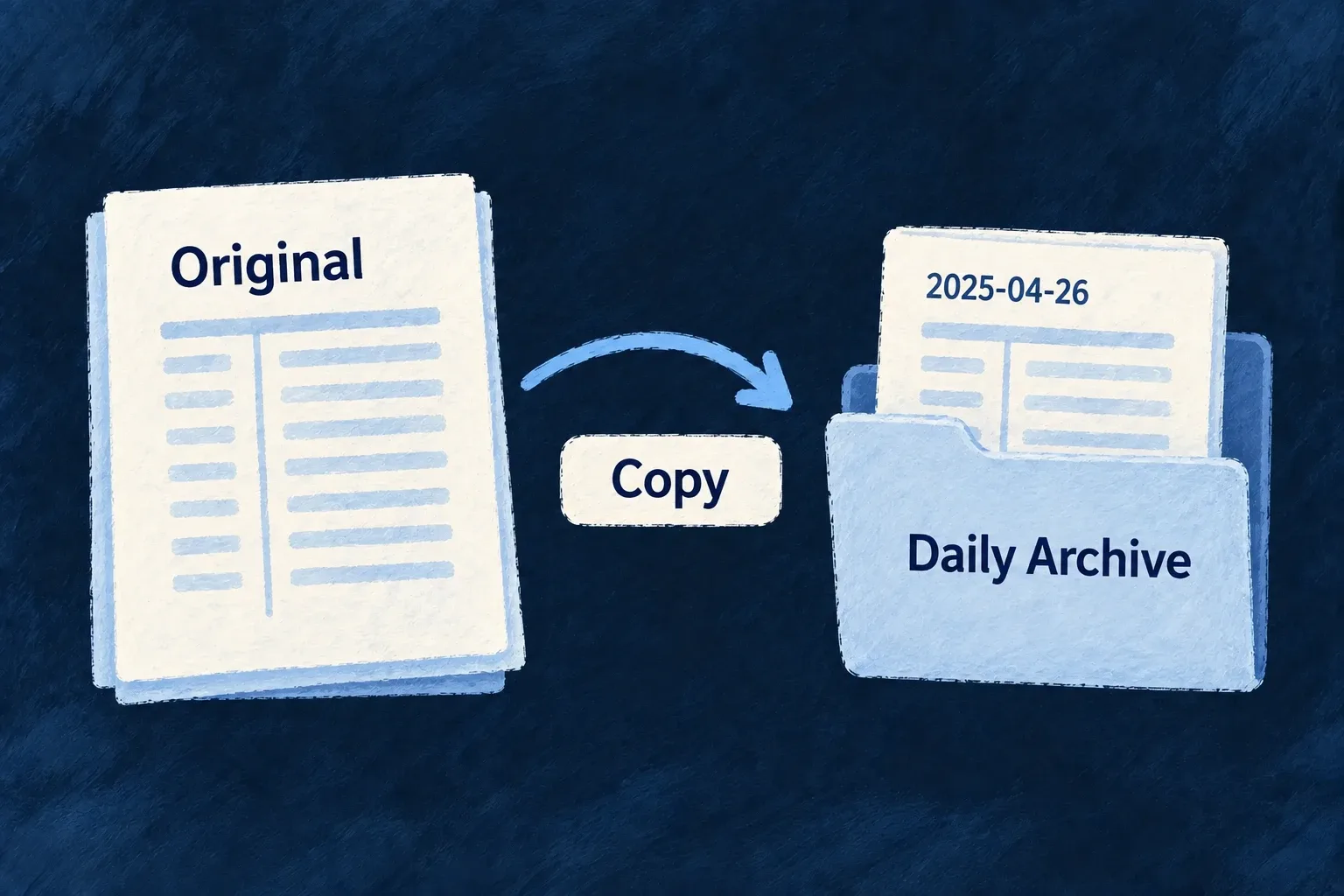
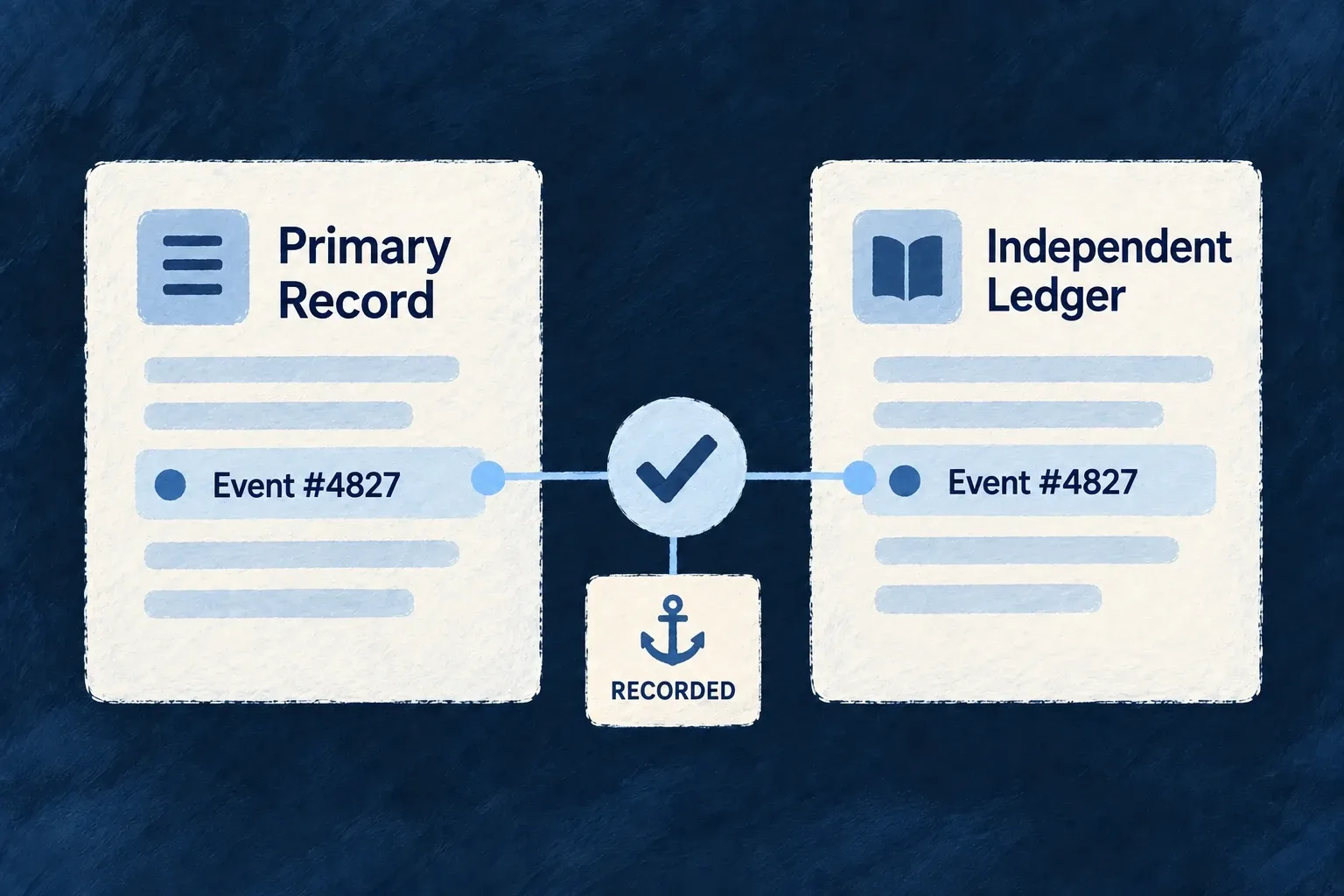
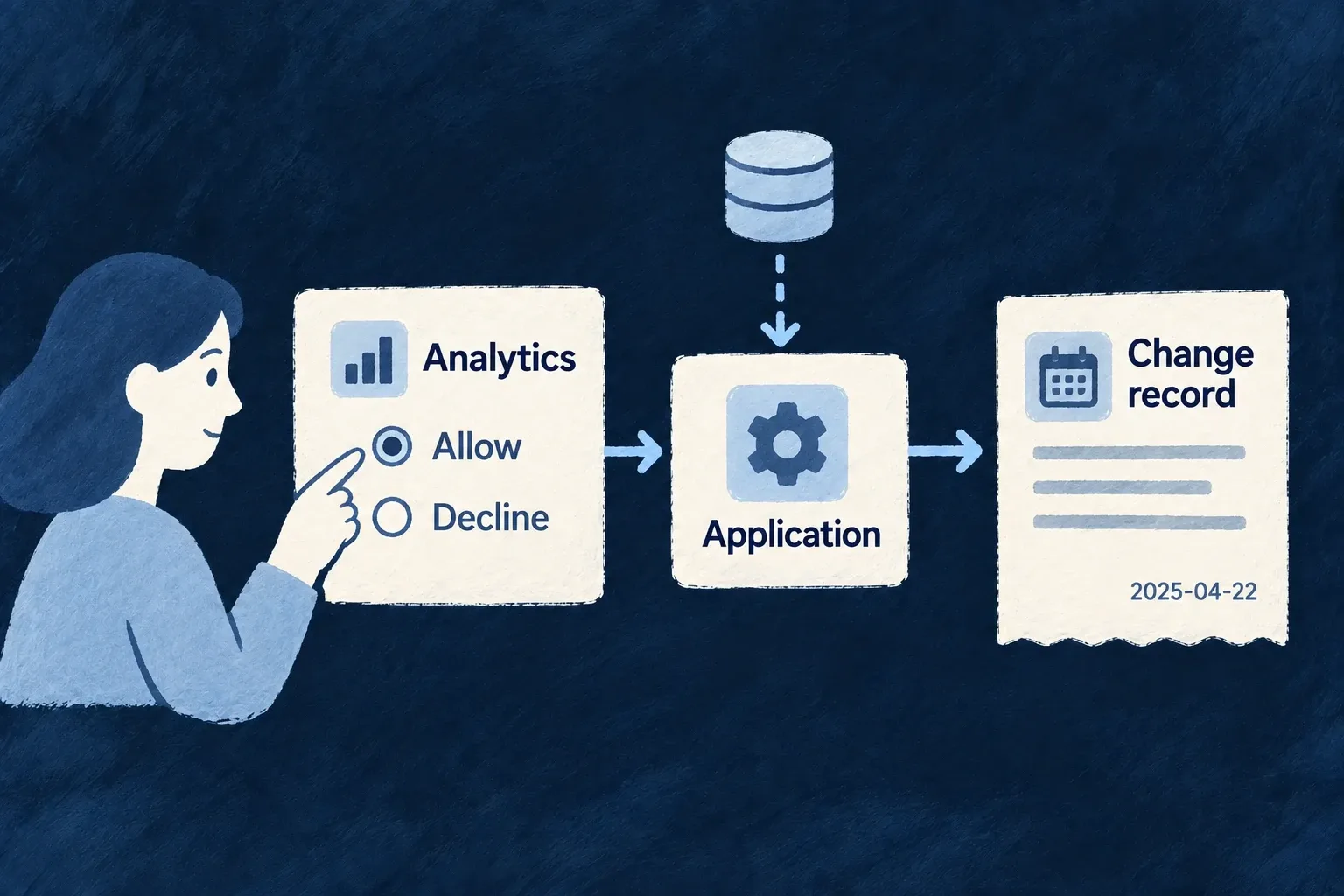
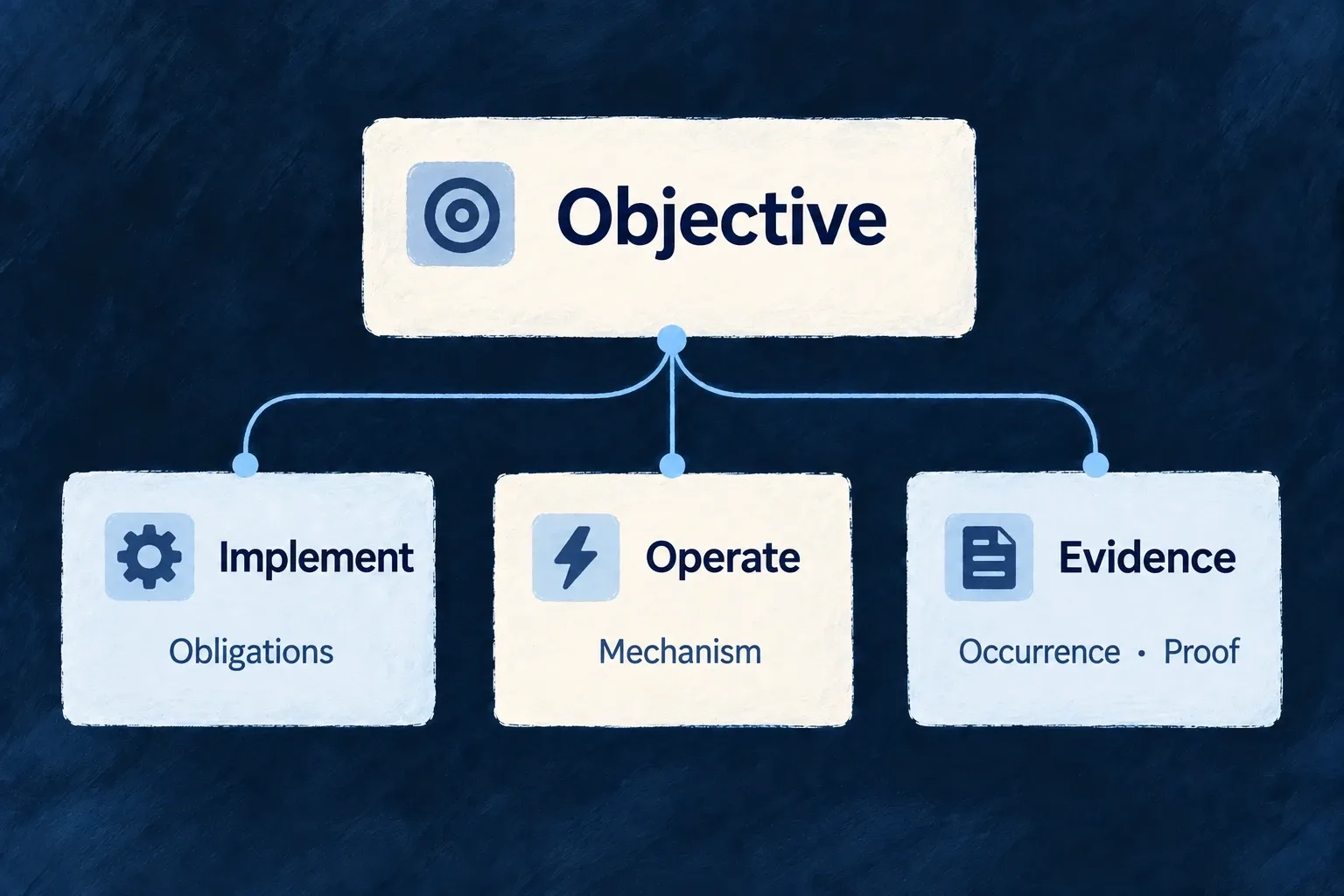
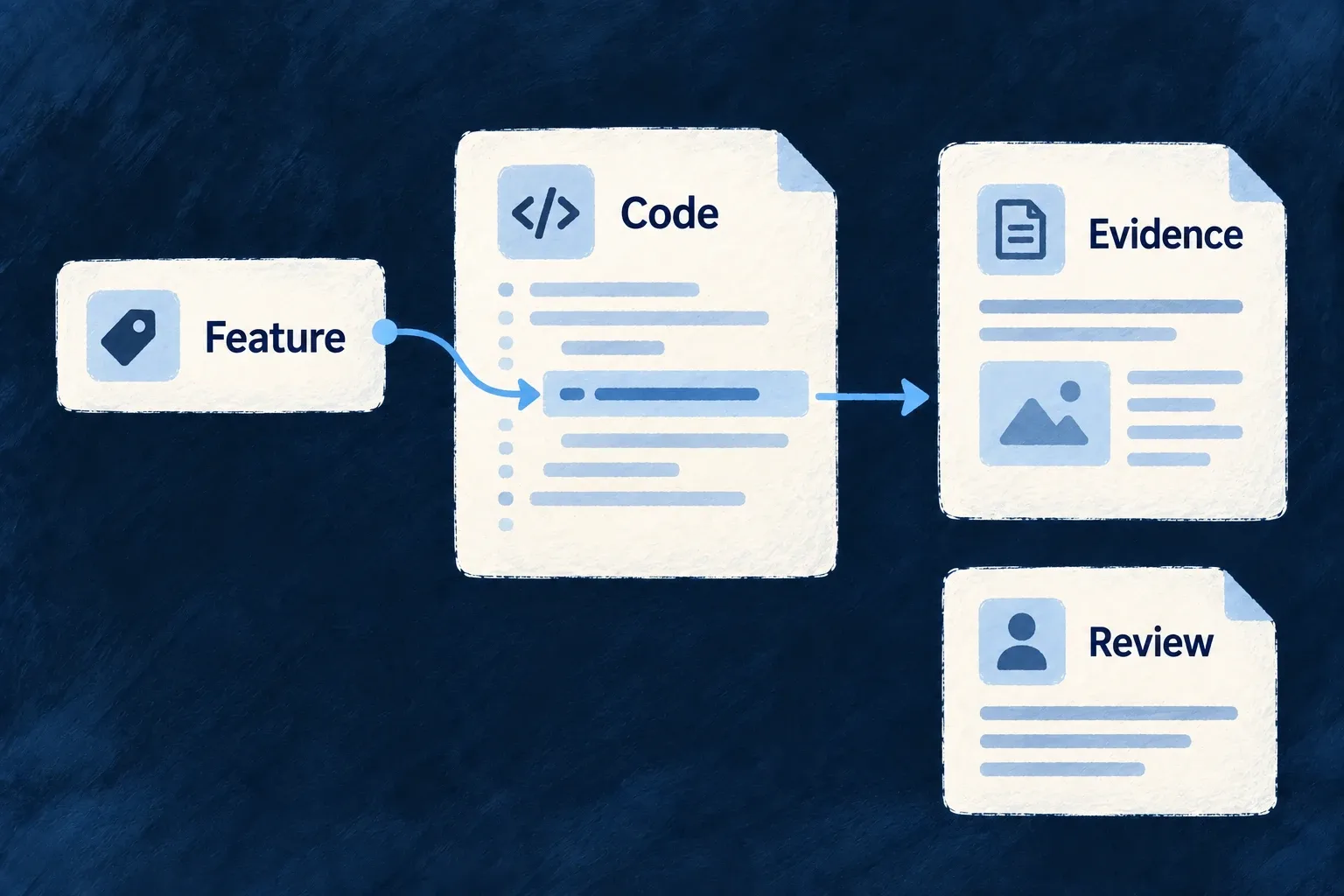
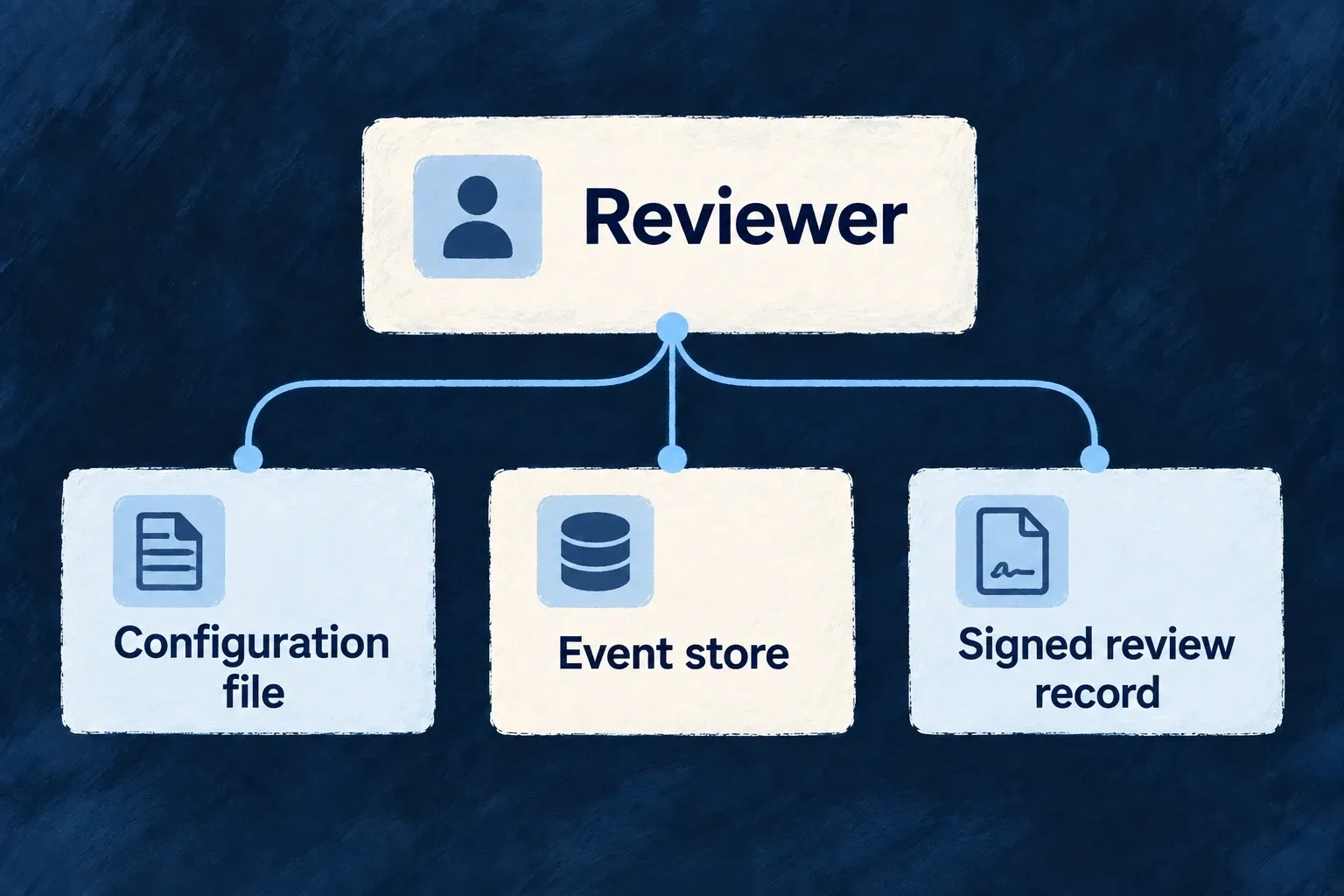
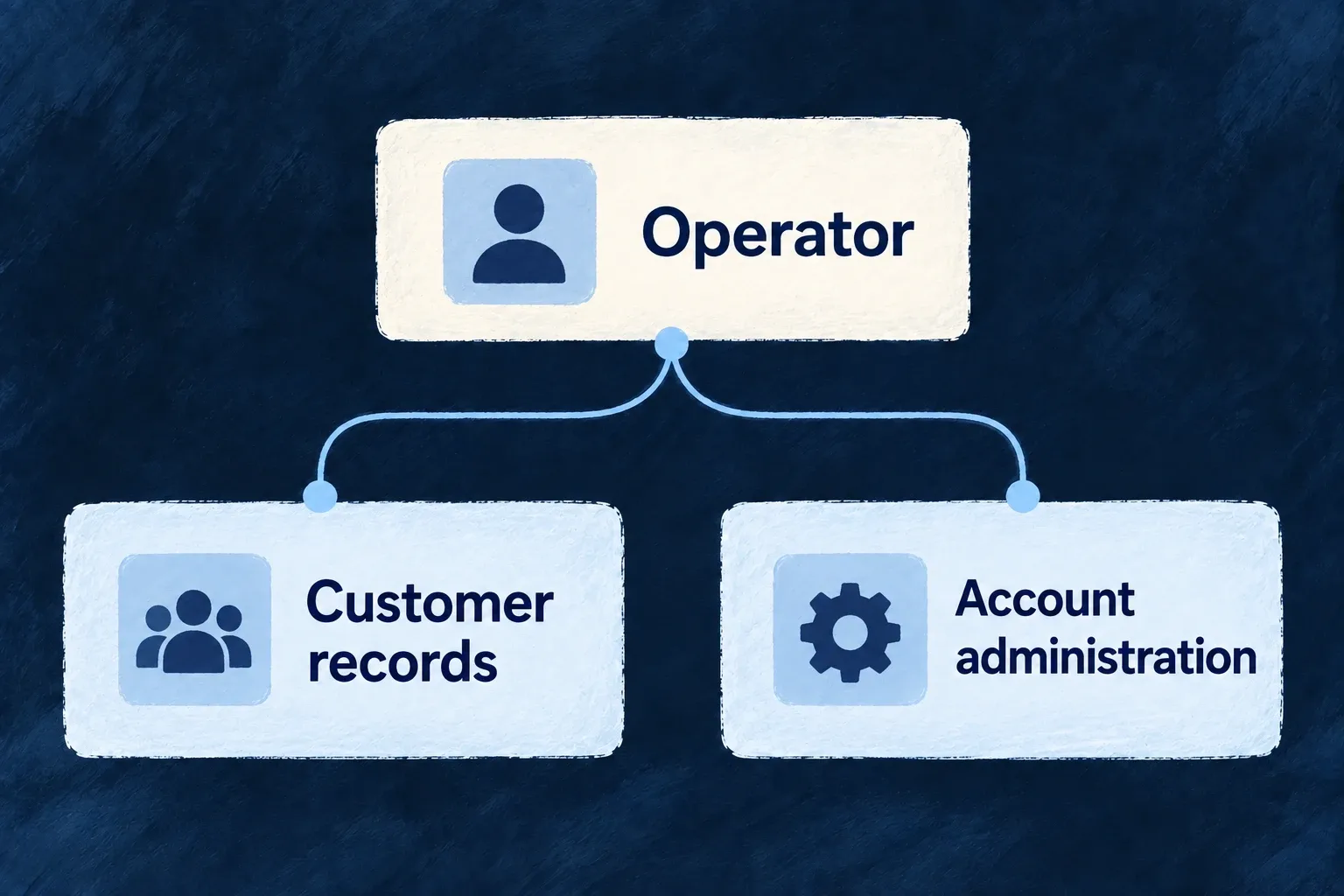
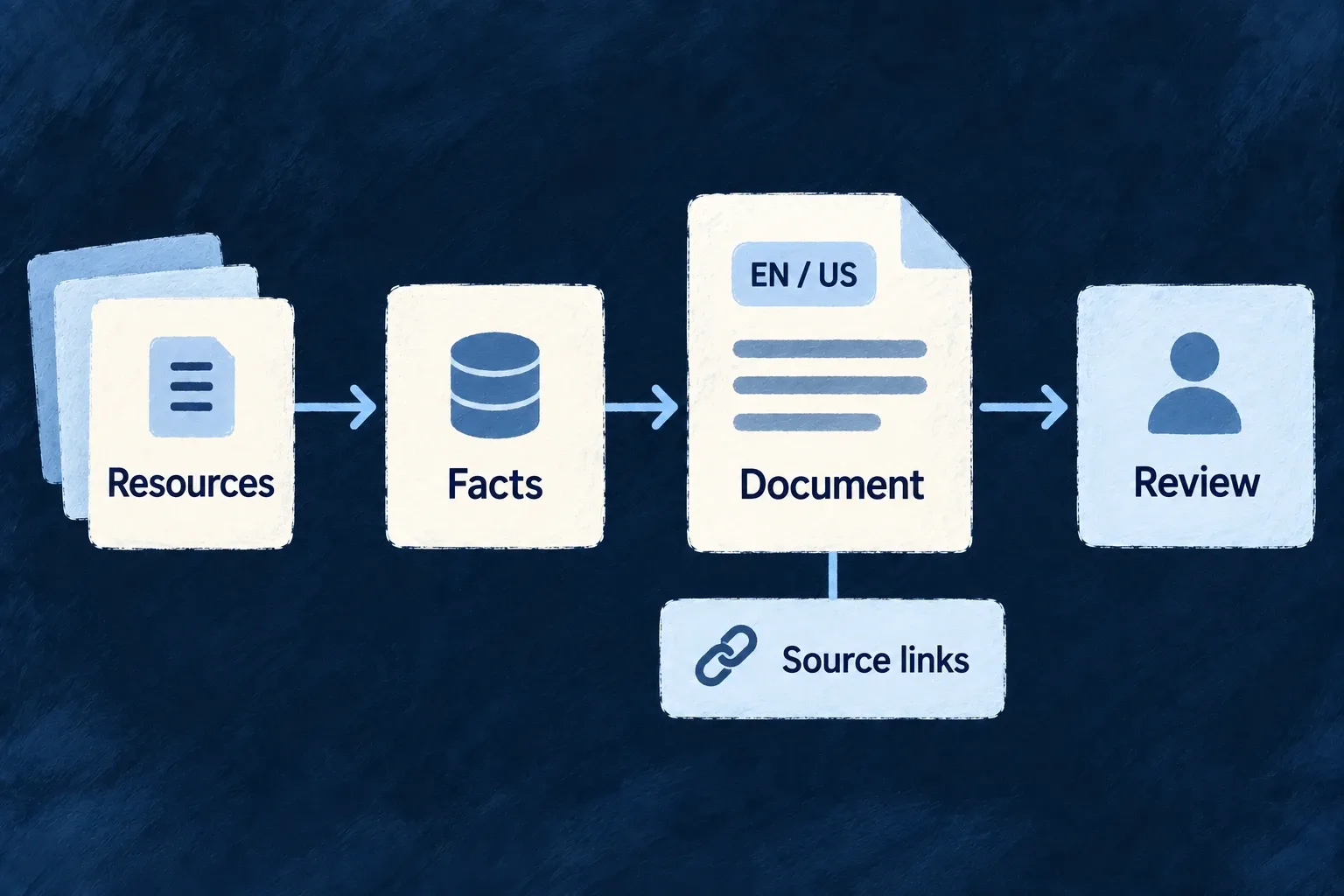
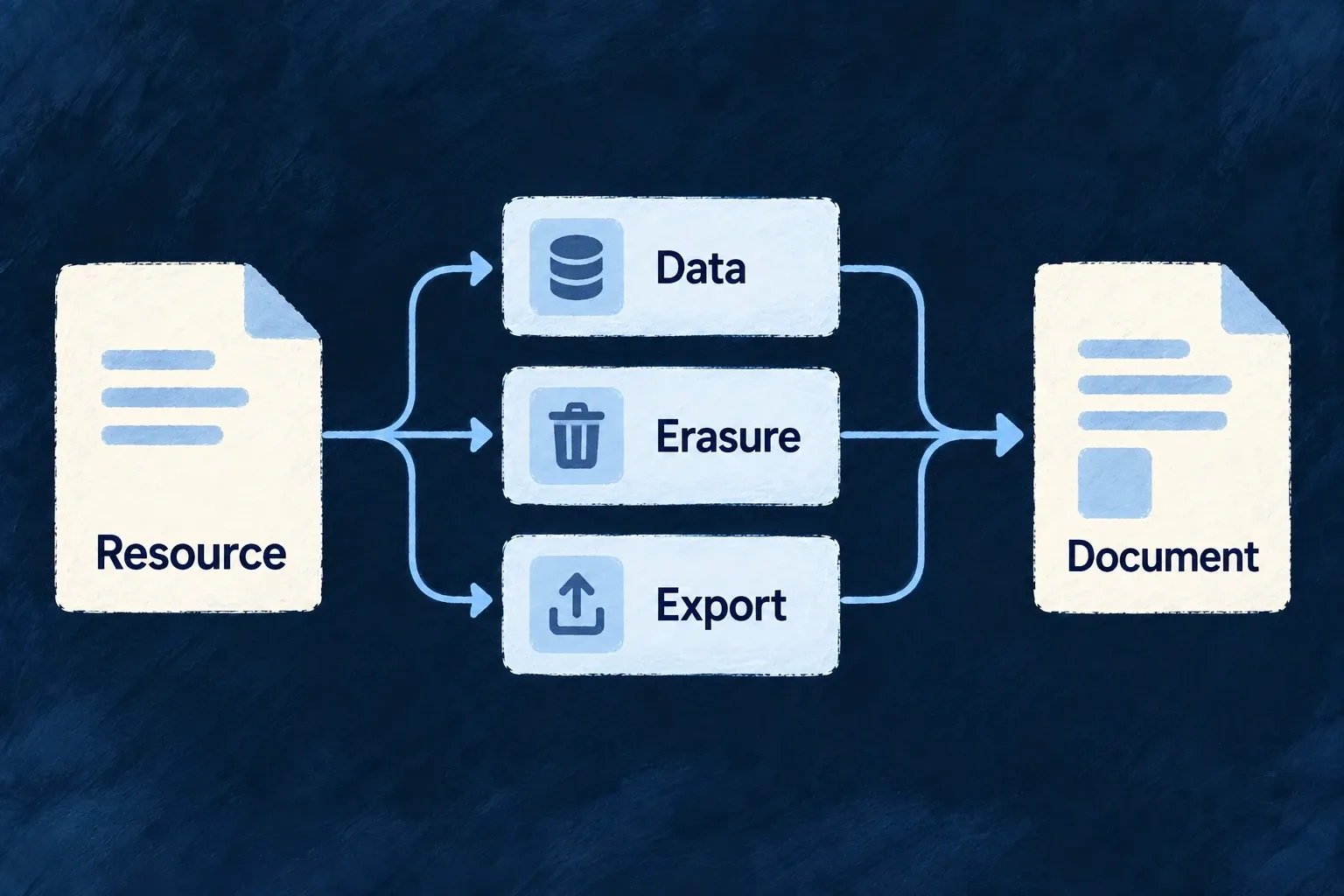
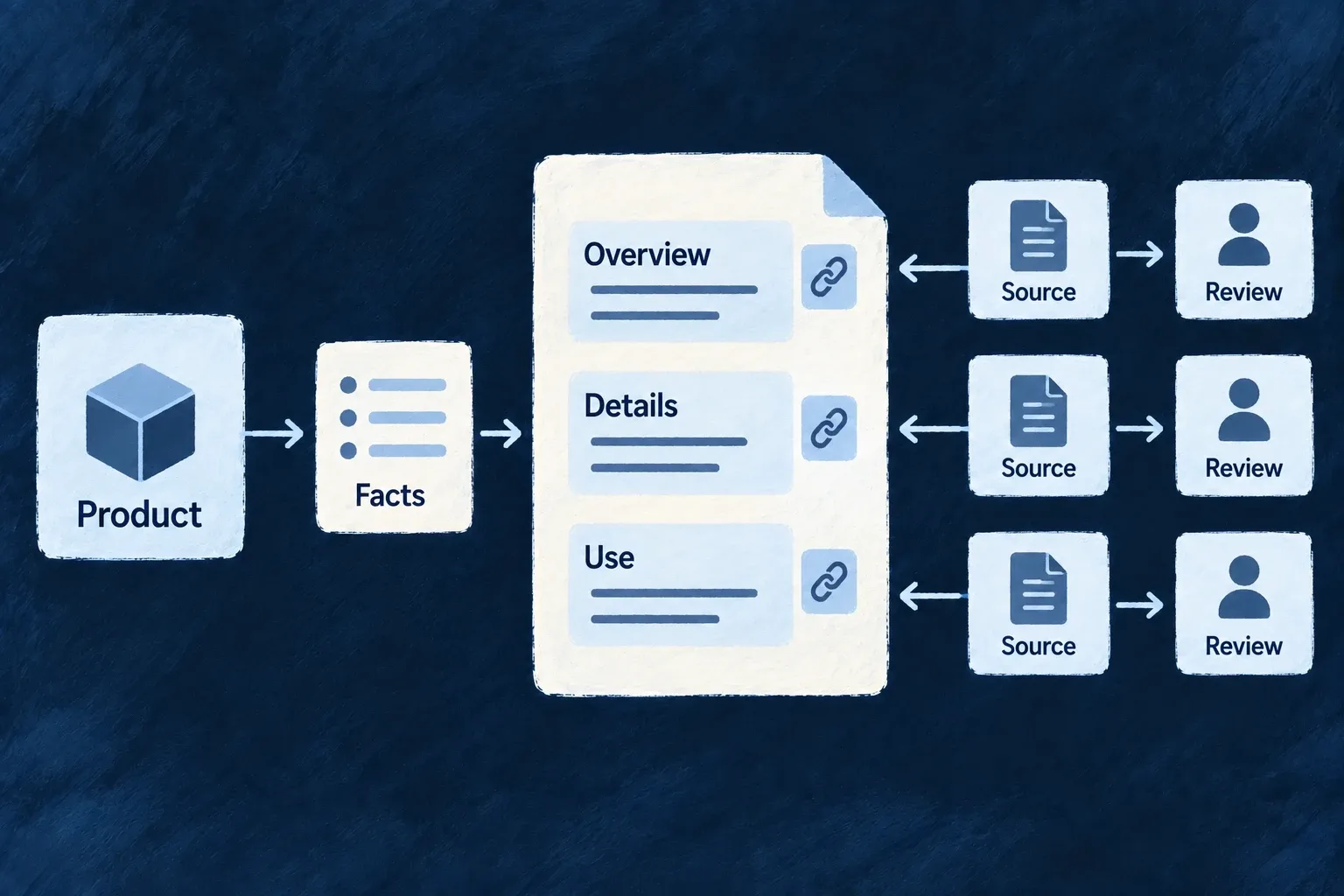
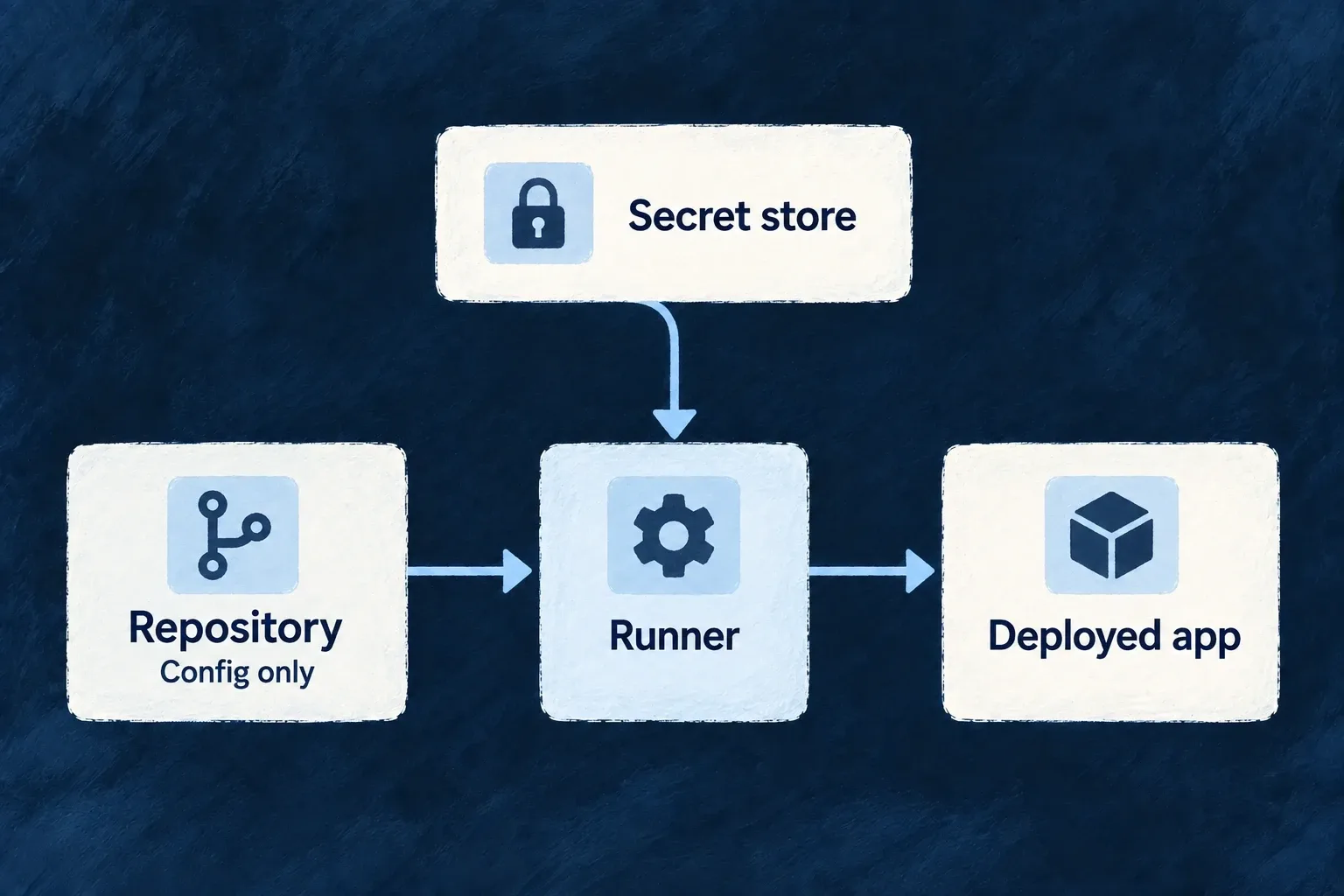
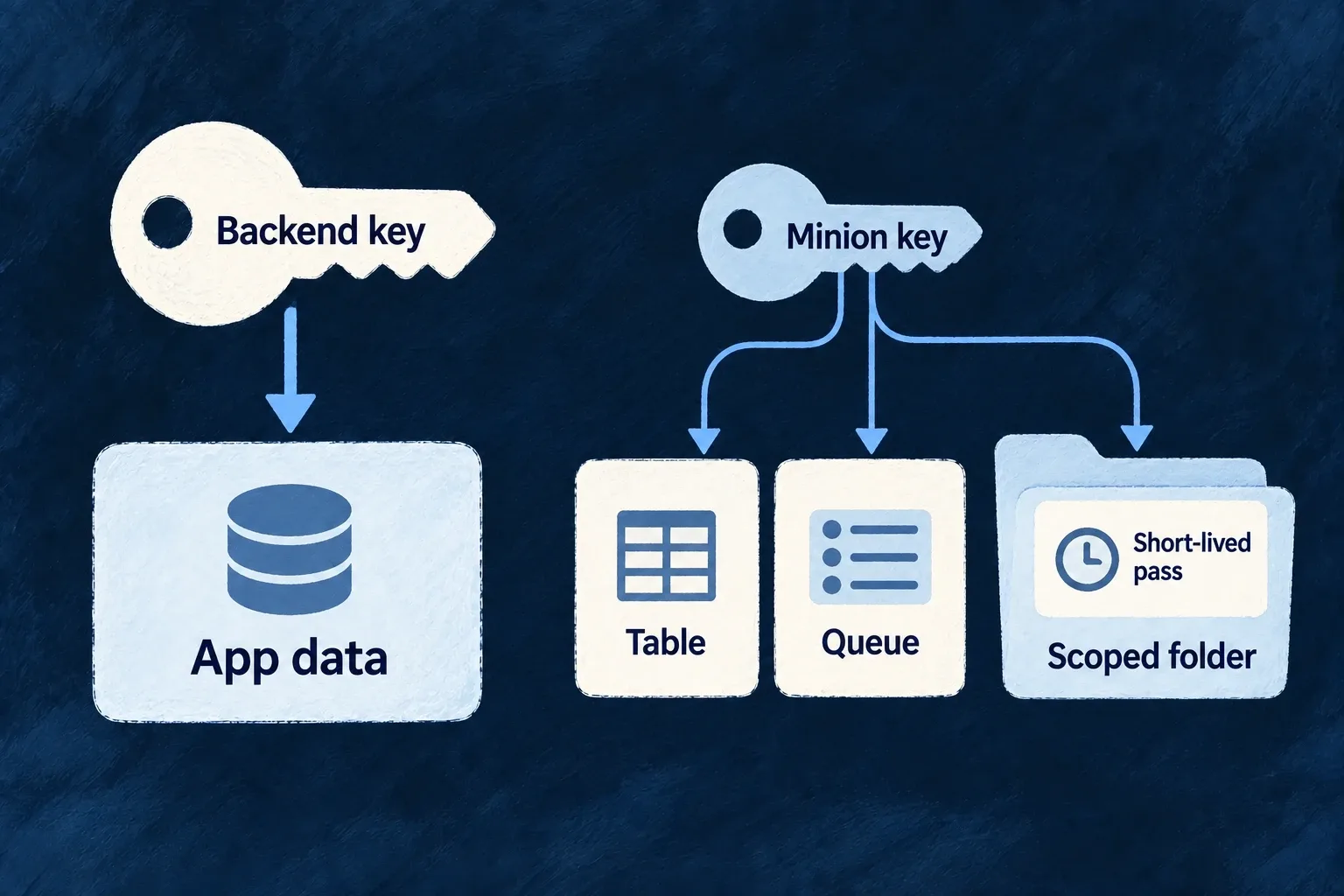
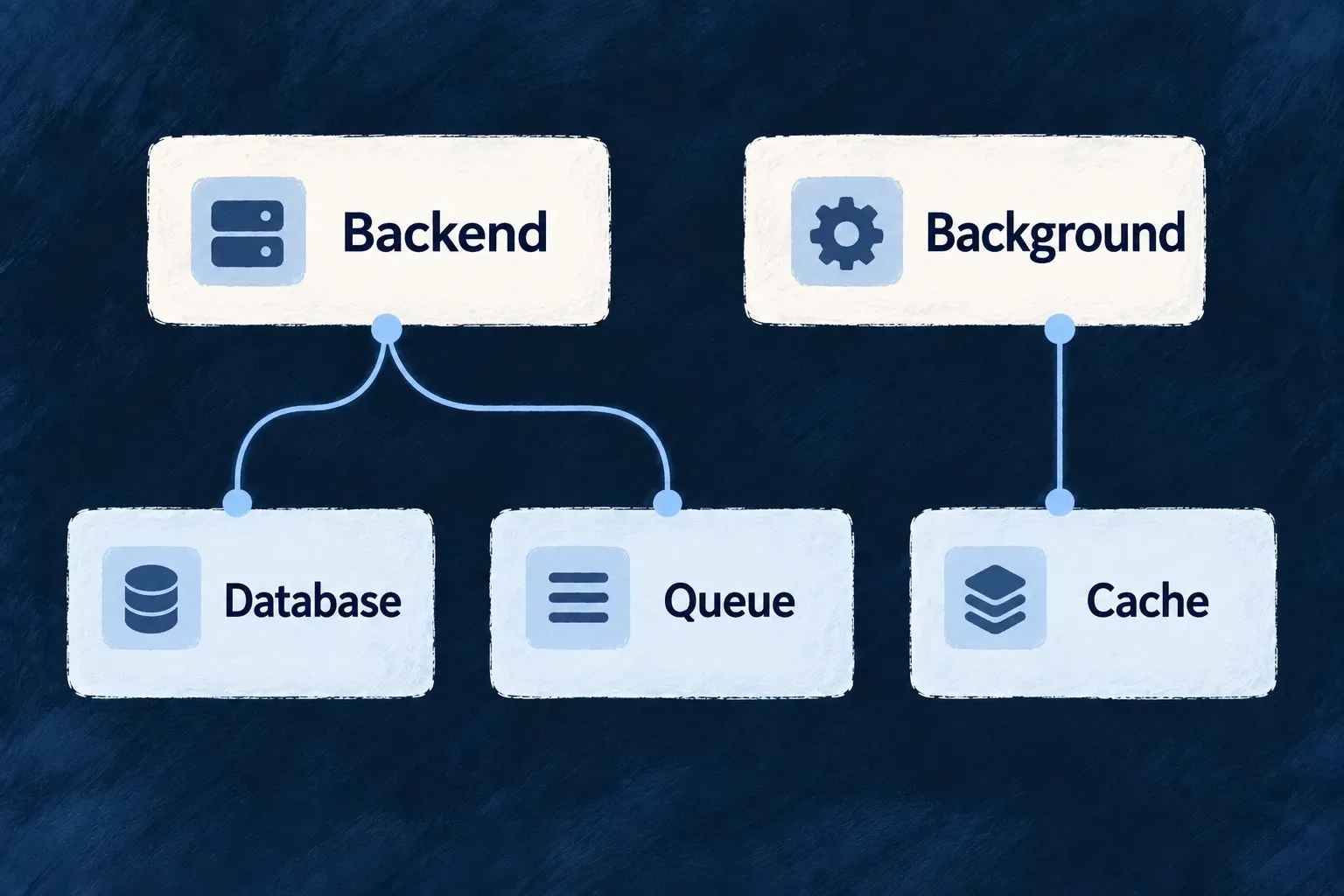
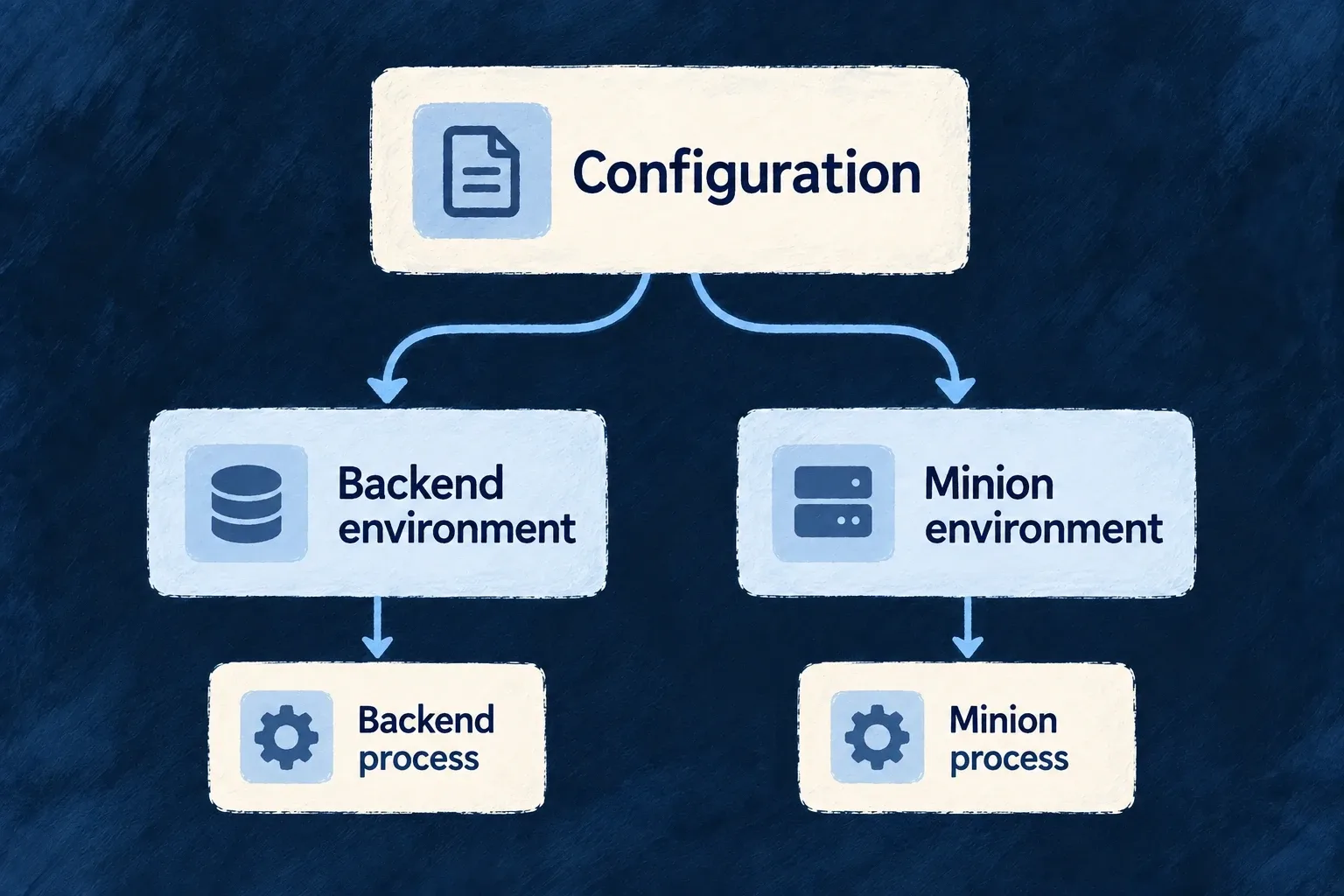
The shared auditTrail configuration declares archiveAfterDays. This illustrative fragment opts into copying events older than 90 days; keep it in the authored application configuration, not a generated environment file.
auditTrail: {
  archiveAfterDays: 90,
},
Configure a reachable file-storage provider and run the application’s batch scheduling path. The registered audit-logs-archive job checks the current horizon on each execution. With no horizon, it performs no archive work and leaves the primary trail intact.
Recover missed days without a separate checkpoint
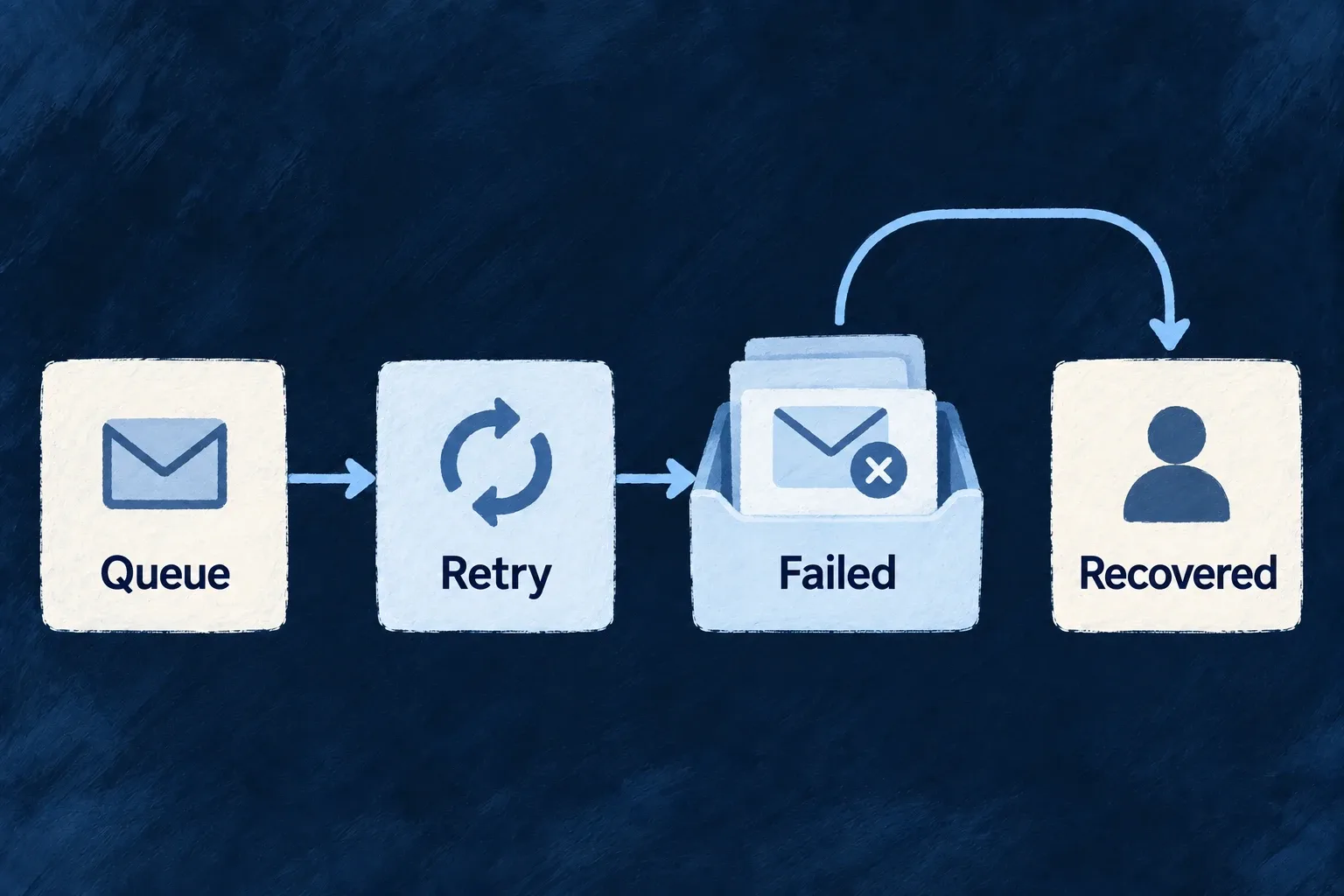
The batch writes a deterministic artifact per UTC day. It rewrites recent archivable windows and probes older windows for missing artifacts, so retrying the same period does not create a second archive identity. Successful artifact presence is the progress record.
For a first archival run over existing history, the batch input supplies explicit overrides:
Selected source from audit-logs-archive.batch.backend.service.ts:
export const AuditLogsArchiveBatchInputSchema = z.object({
  /** One-shot archival horizon override (days). Falls back to app config. */
  archiveAfterDaysOverride: z.number().int().min(1).max(2555).optional(),
  /** One-shot look-back width override (days) — for cold-start backfills. */
  lookbackDaysOverride: z.number().int().min(1).max(MAX_LOOKBACK_DAYS).optional(),
  /**
   * One-shot width override (days) for the missing-artifact probe sweep that runs BEYOND the
   * look-back. `0` disables the sweep for this run (pure look-back behaviour).
   */
  backfillProbeDaysOverride: z.number().int().min(0).max(MAX_LOOKBACK_DAYS).optional(),
}).strict();
This is the AuditLogsArchiveBatchInputSchema; use its lookbackDaysOverride when dispatching a wider historical run. Inspect error, windowsArchived, recordsArchived and truncatedWindows in the batch result, then check the corresponding storage artifacts. A complete archive interval needs zero truncated windows and the expected dates; artifact presence alone does not prove that every record was copied. A bounded scheduled look-back is recovery for missed runs, not an unlimited historical scan.
This illustrative operator scenario keeps the configured 90-day horizon and scans just the most recent fully archivable UTC day. It disables the older missing-artifact sweep for this invocation.
The following is a backend invocation fragment, not a public endpoint. batchExecutor is the initialized BatchesCronjobsExecutor_BackendService with the engine archive batch registered. Run it only from trusted operator-controlled backend code: the executor creates the batch’s internal context, and this archive is application-wide.
const result = await batchExecutor.executeCustomBatch('audit-logs-archive', {
  lookbackDaysOverride: 1,
  backfillProbeDaysOverride: 0,
});
Ordinary scheduled execution uses the registered batch and its configured defaults. The direct executor call above returns the batch result; a scheduler’s accepted-publication response does not return or prove that result.
Suppose the invocation begins at noon UTC on September 12, 2026, and the selected day contains two eligible records. These are illustrative result values, not an observed production run:
{
  "tickAt": "2026-09-12T12:00:00.000Z",
  "enabled": true,
  "archiveAfterDays": 90,
  "horizonAt": "2026-06-14T12:00:00.000Z",
  "storageConfigured": true,
  "lookbackDays": 1,
  "backfillProbeDays": 0,
  "windowsBackfilled": 0,
  "windowsScanned": 1,
  "windowsArchived": 1,
  "recordsArchived": 2,
  "truncatedWindows": 0,
  "error": null,
  "durationMs": 25
}
The horizon’s own day is not fully eligible, so this run selects June 13. The logical destination is the application-scoped audit-archive folder with the deterministic filename audit-archive-2026-06-13.json; the configured provider determines the physical storage path. A repeated write uses that same daily identity.
The artifact carries the following metadata. This shortened illustration omits the records array, which contains the two audit records in the actual artifact:
{
  "schemaVersion": 1,
  "kind": "audit-log-archive",
  "applicationId": "example-application",
  "dayWindowUtc": "2026-06-13",
  "windowStart": "2026-06-13T00:00:00.000Z",
  "windowEnd": "2026-06-14T00:00:00.000Z",
  "archivedAt": "2026-09-12T12:00:00.000Z",
  "recordCount": 2,
  "truncated": false
}
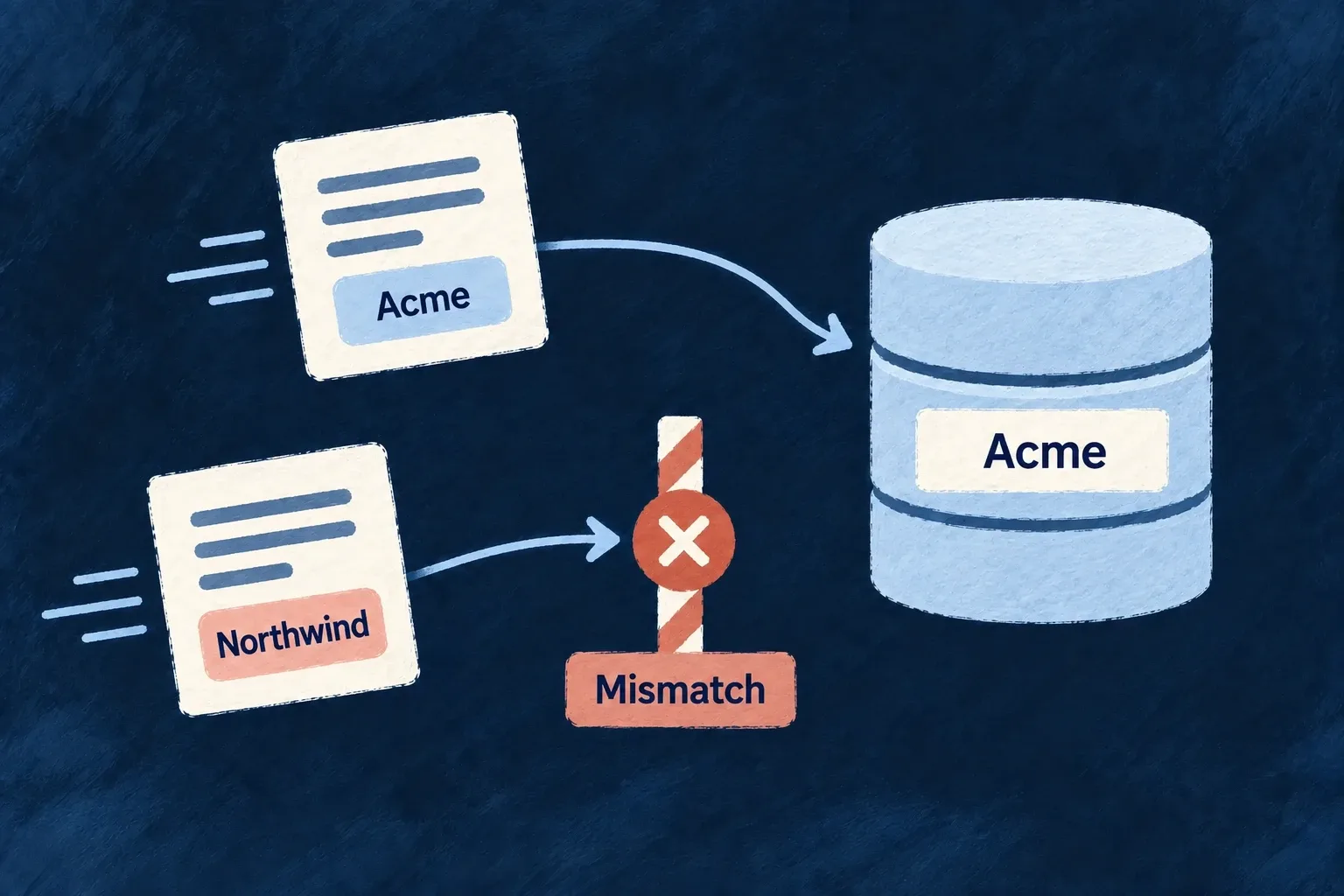
Check the application, window, record count and truncation flag against the intended run. An unrelated increase in storage object count is not evidence that this archive was written correctly.
Interpret an outcome before retrying
The batch prefers configured Wildo-managed storage, then local-directory storage. A null error alone does not establish a write: disabled and unconfigured runs deliberately return non-error summaries. Failures during scanning or upload return the progress accumulated before the error rather than resetting it to zero.
Bound the historical interval deliberately
Only complete UTC days before the horizon’s day are selected. By default, each run rewrites the newest two eligible days and probes the preceding 90 days for missing artifacts. Existing probe-band artifacts are skipped; empty days intentionally produce no artifact.
The look-back and older probe span are capped together at 2,555 days. Increasing the look-back widens this horizon-relative interval; it is not an arbitrary start-date/end-date export API. A truncated artifact remains incomplete even when a later probe sees that its file exists. Review both coverage and truncation before treating an interval as complete.
Keep archive and retention decisions separate
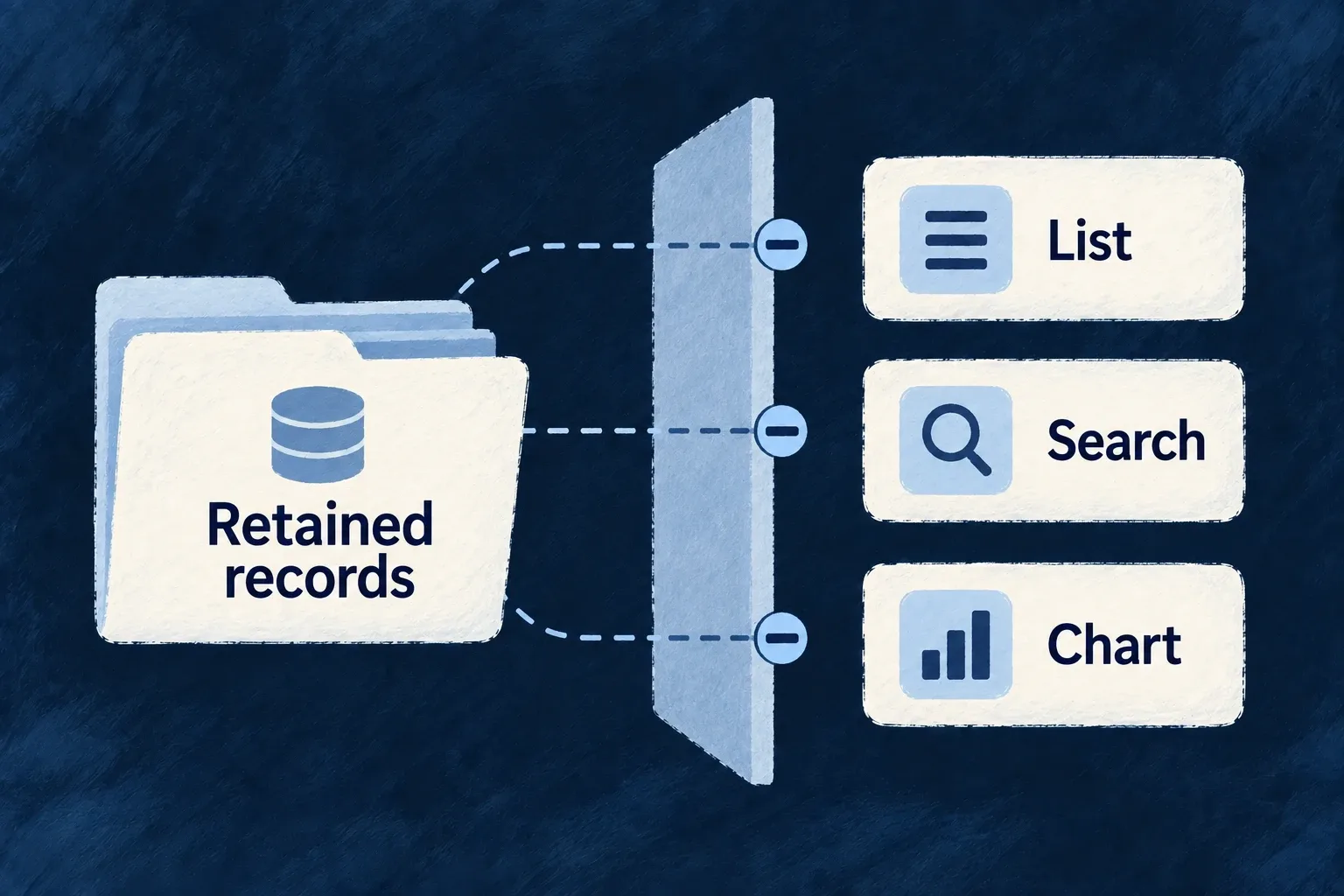
The audit resource exposes no update or delete operation. Storage lifecycle, access to archived artifacts and the intended retention period remain operator decisions. This copy mechanism does not shrink the database or promise a backup of the rest of the application.
Choose the right audience for the artifact
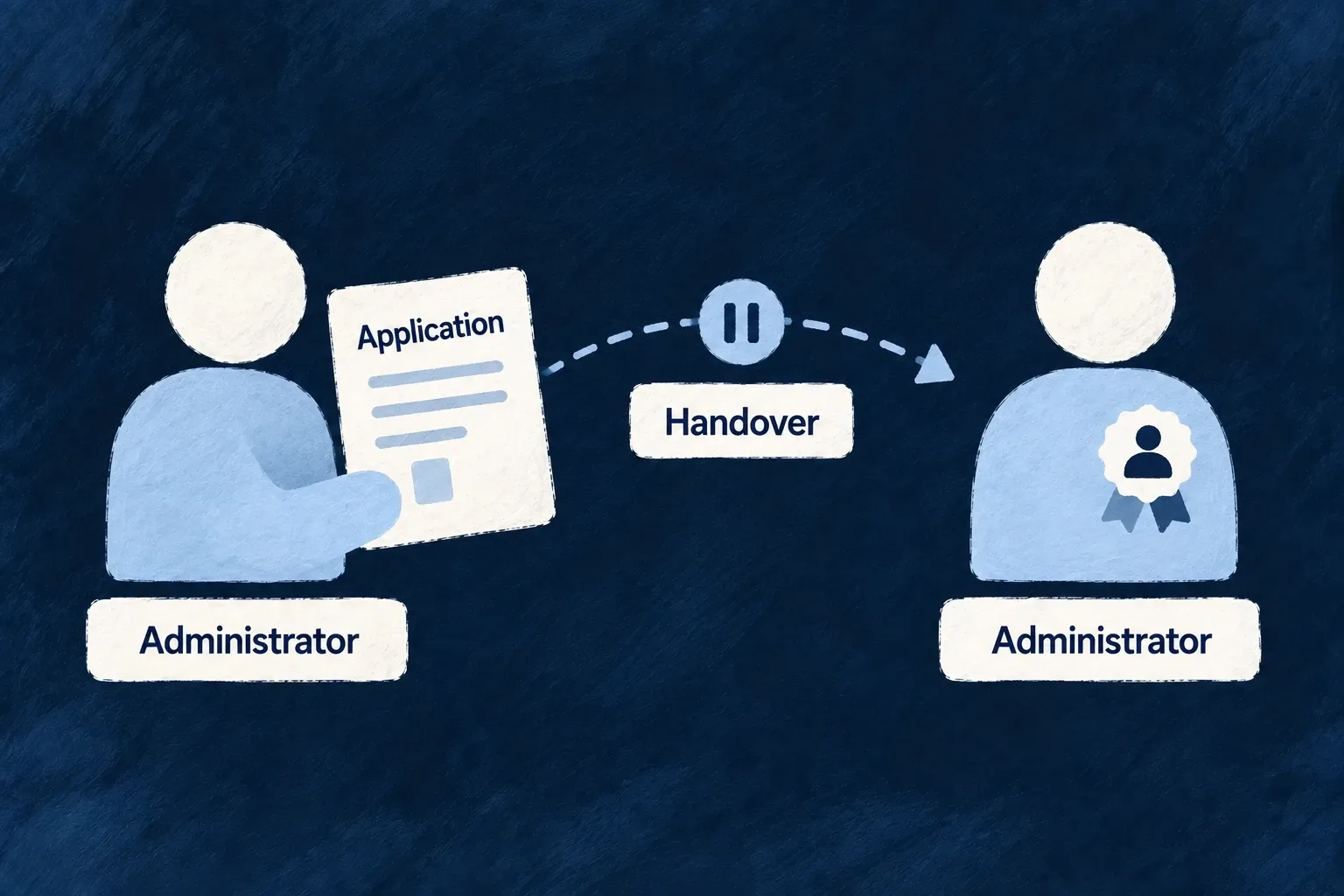
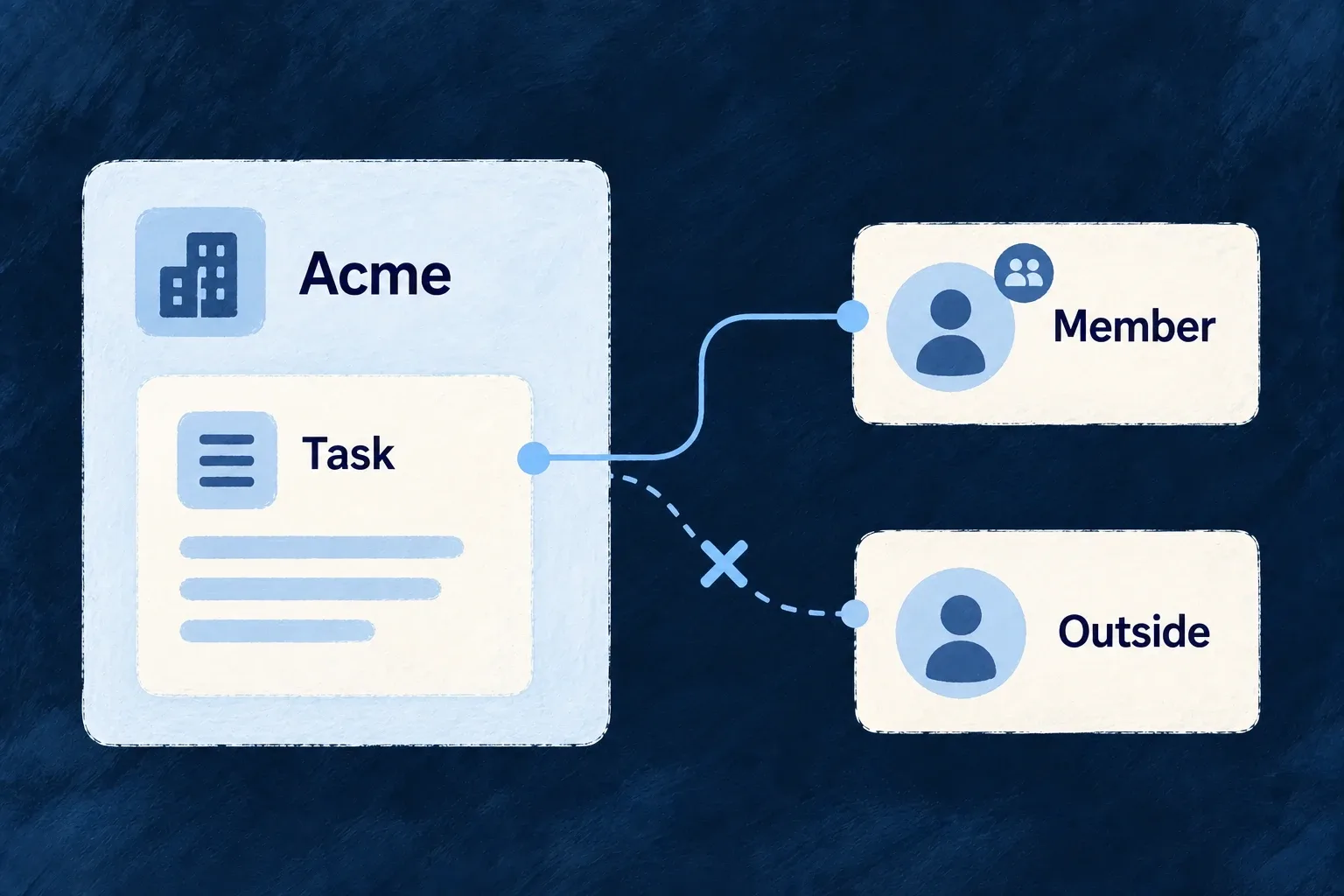
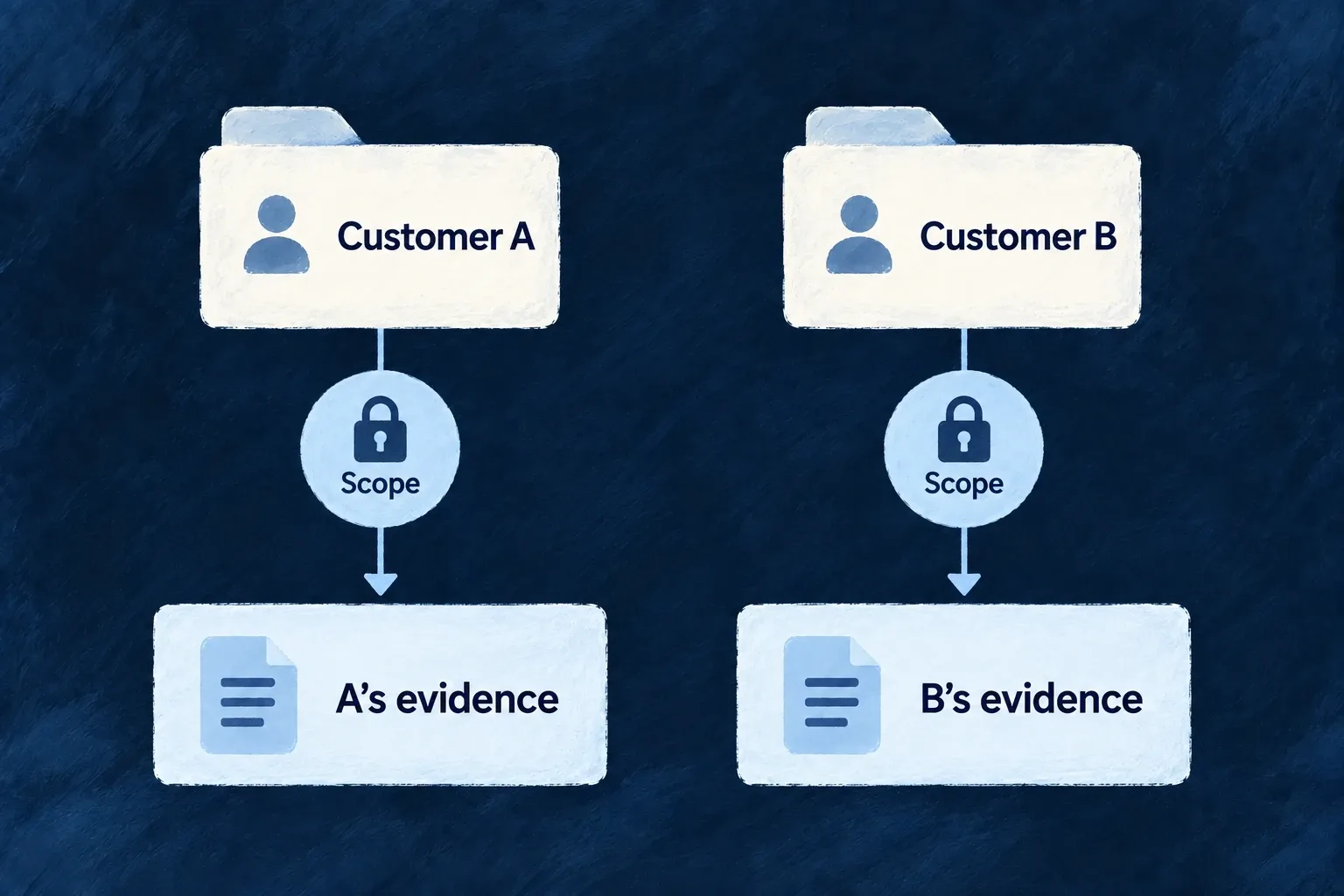
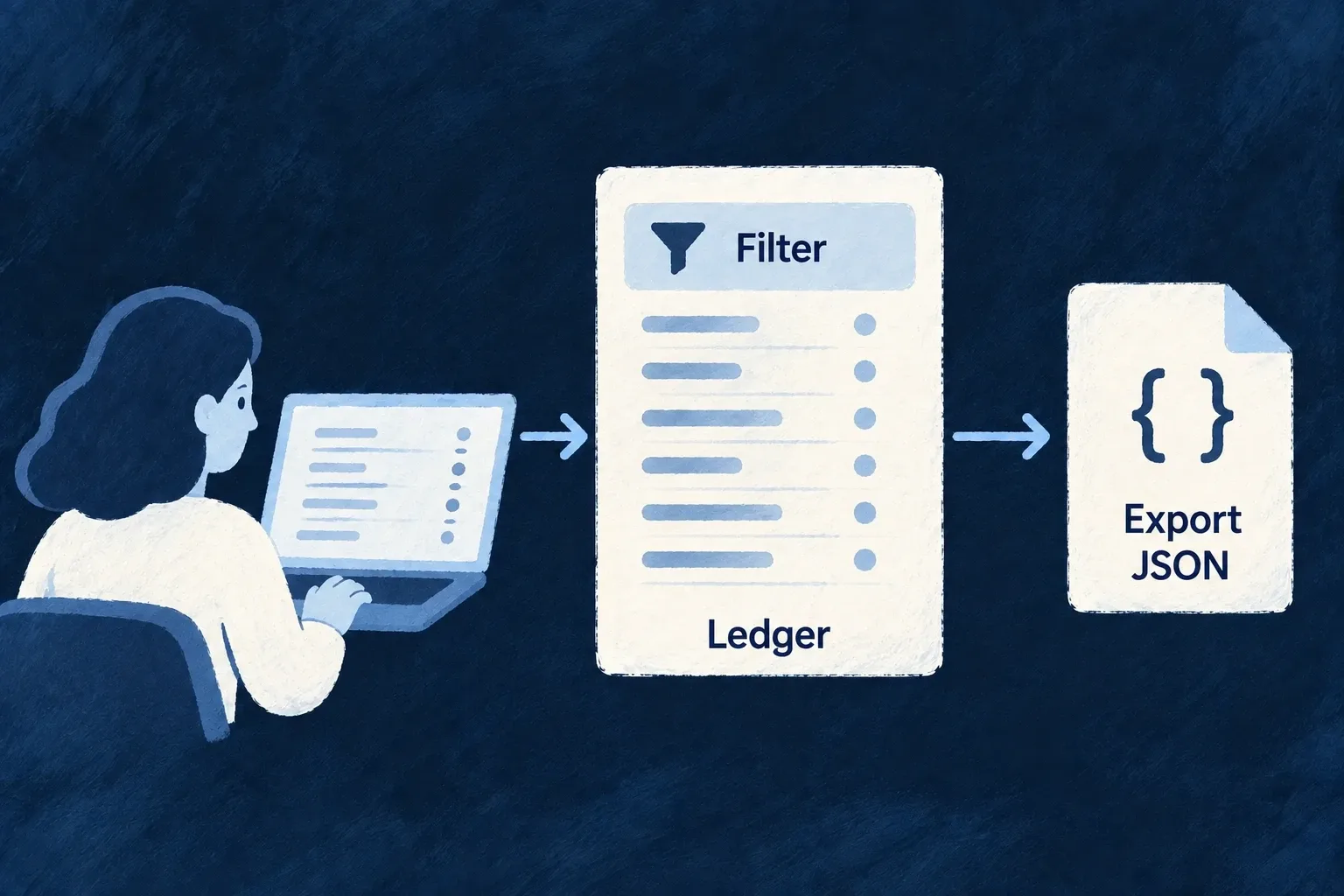
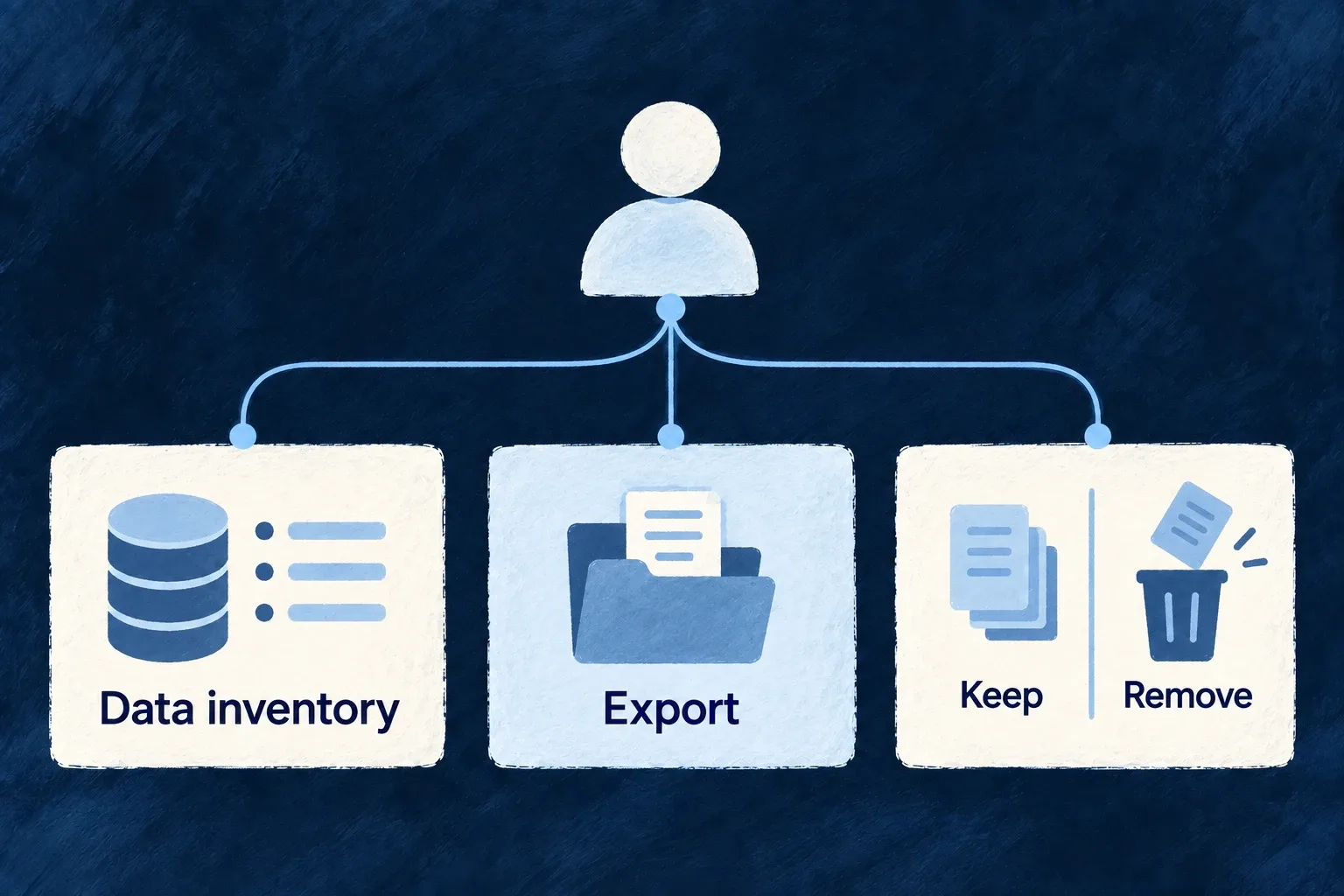
The archive batch collects application-wide rows and explicitly bypasses contextual organization filtering. Its output is an operator artifact, not a customer-scoped download. For customer handover, use the bounded organization export and inspect its truncation result; do not hand over a raw application archive. Archival copies do not prune the primary rows.