Wildo.ai Coming soon

Resources, APIs & business logic

Define business objects and operations once, then use them across persistence, APIs and standard interfaces.

95 built-in resource configurations · relationships · custom operationsTypeScript · Zod · PostgreSQL · MongoDB

> From database fields to form validation > From field specifications to display policies > From operations to API endpoints

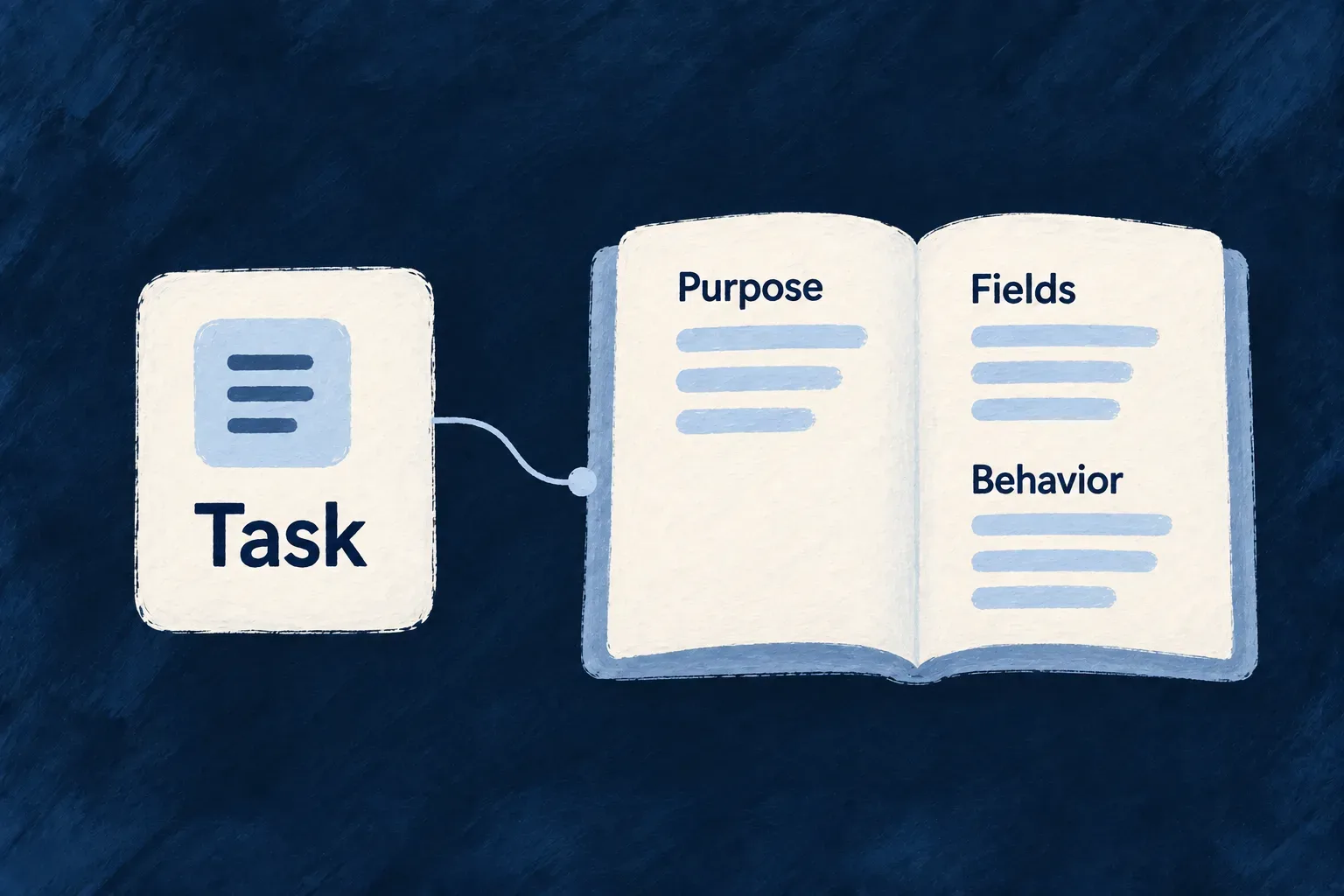
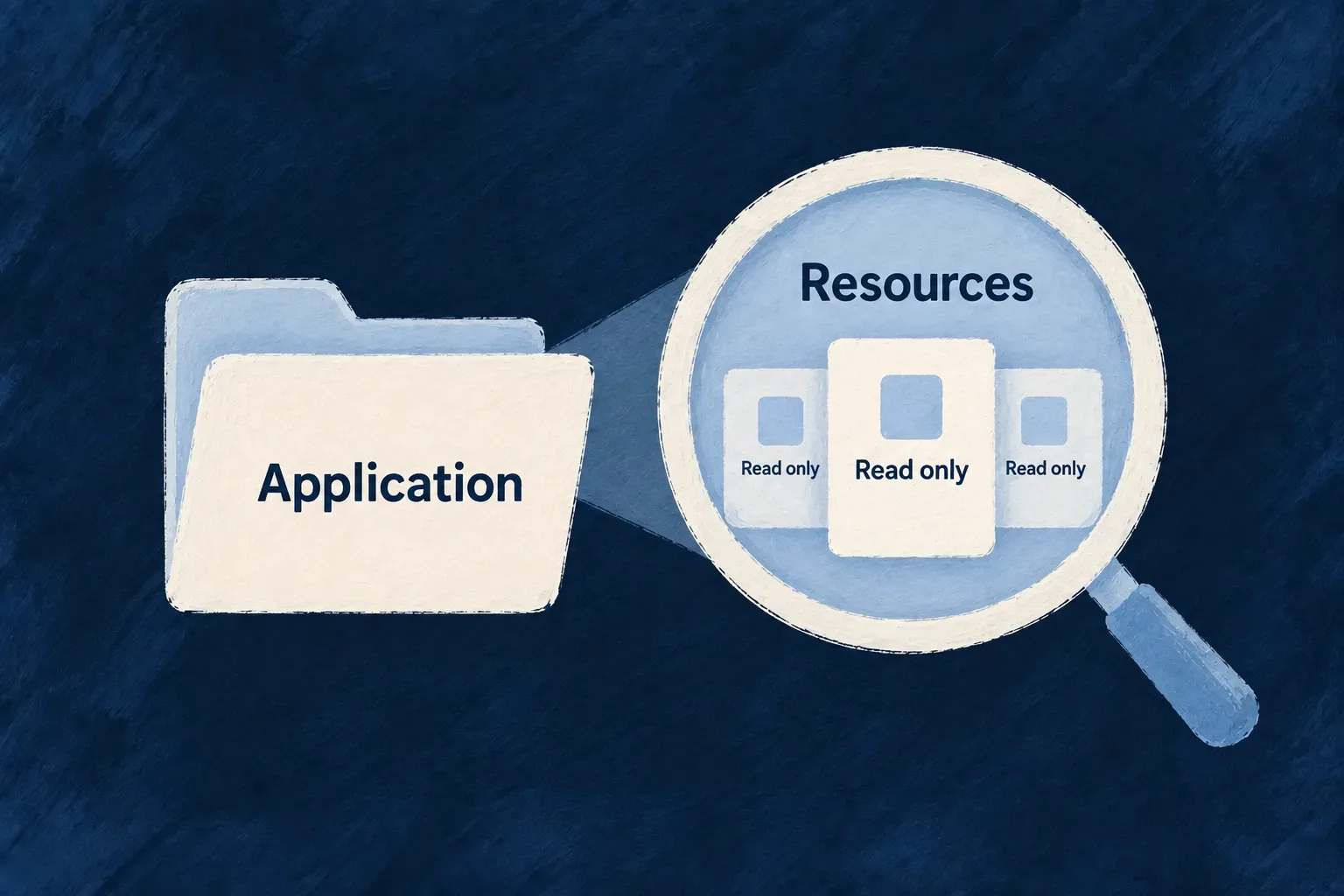
A resource describes a type of business object: the information it holds, its relationships to other objects, and the actions available on it.
Wildo uses these definitions across data handling, APIs and standard forms.

You decide the business rules and the user experience.

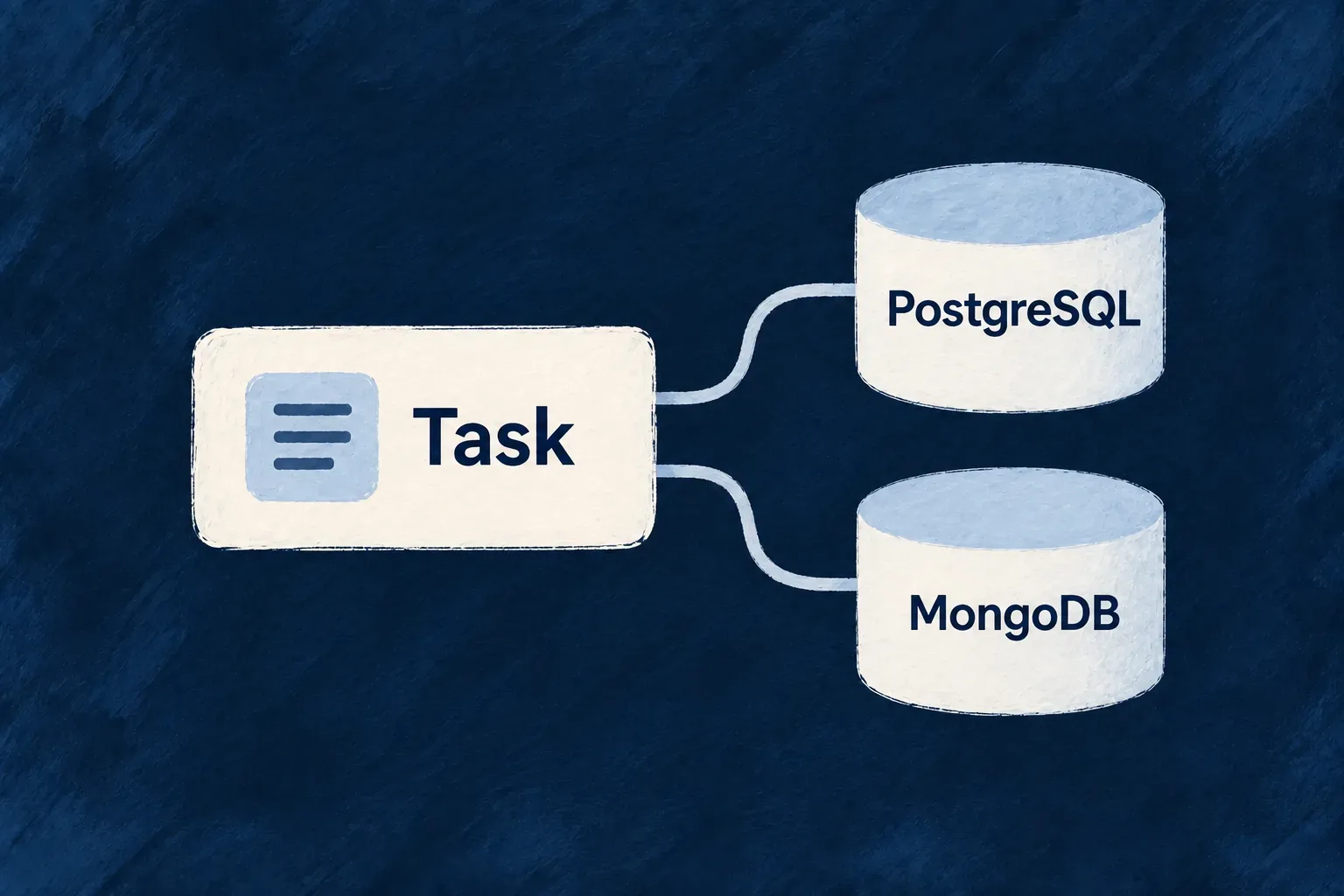
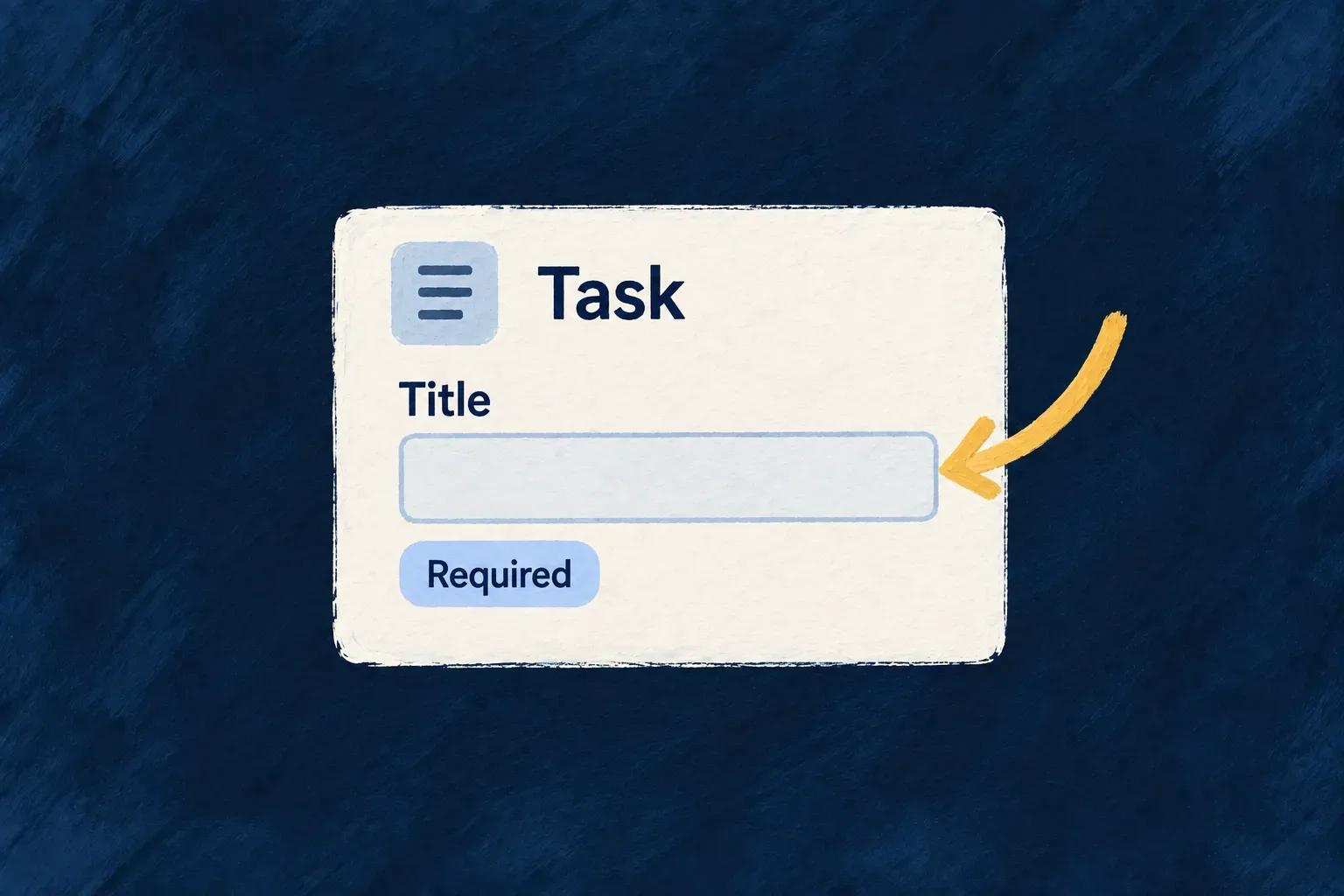
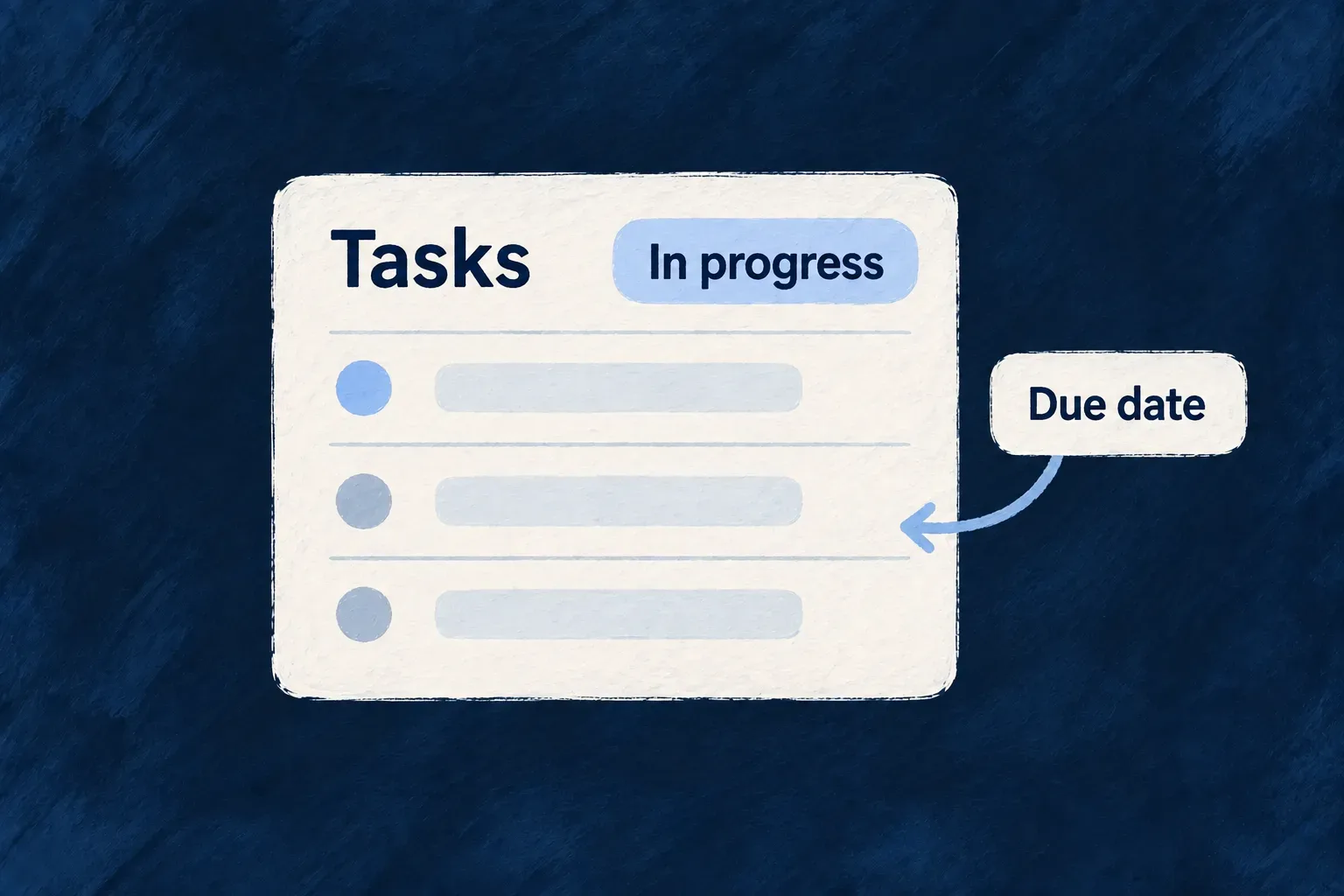
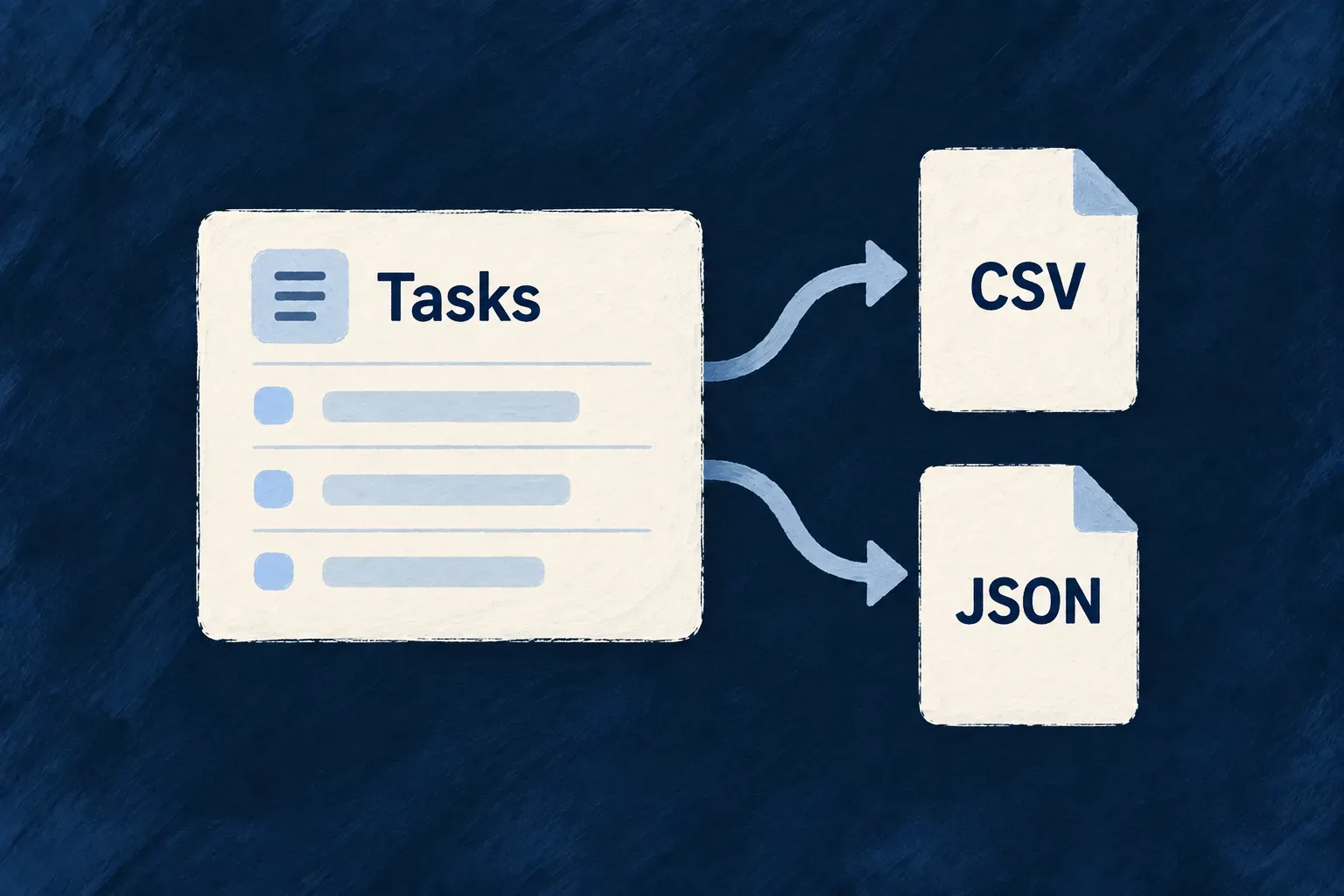
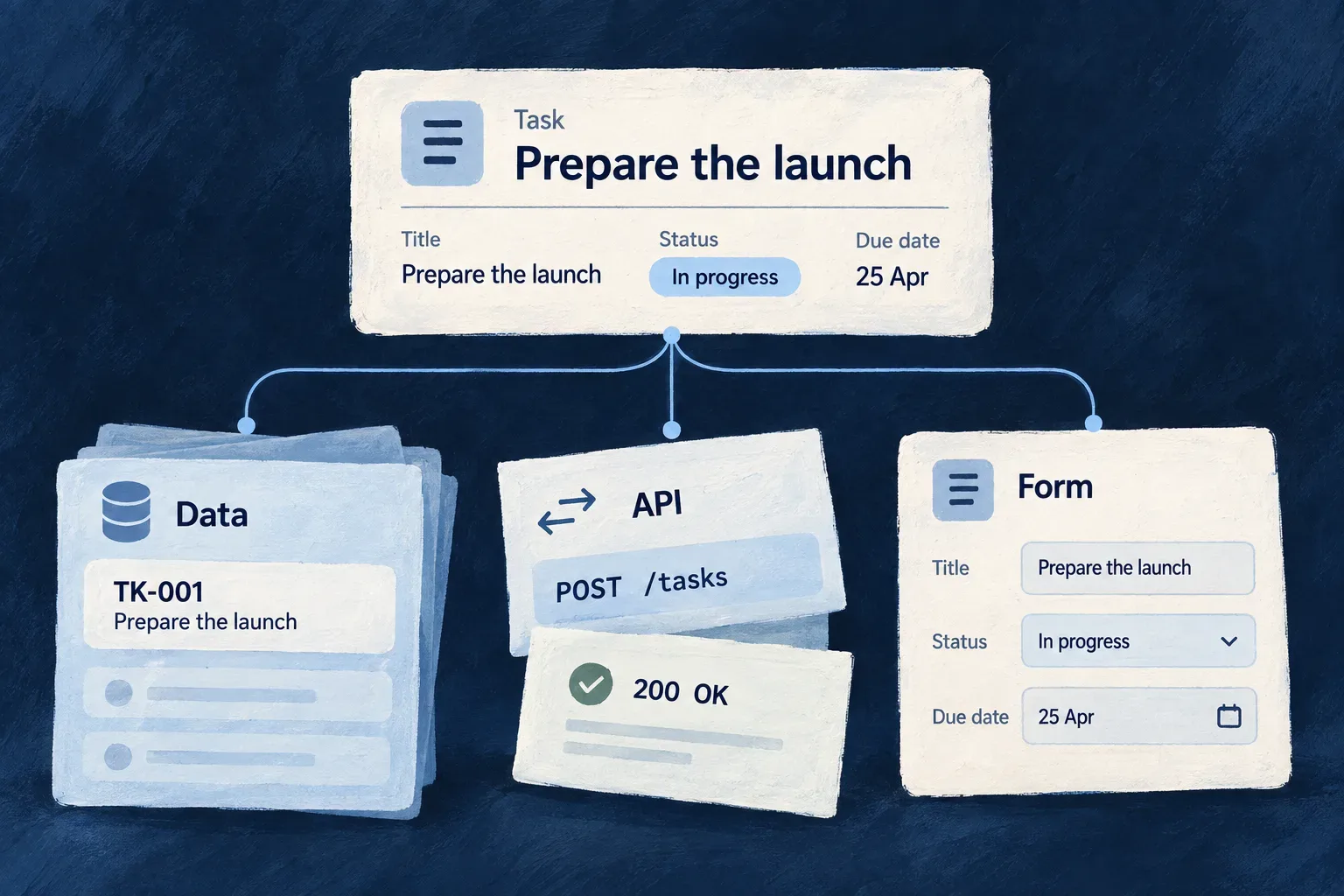
A task with title, status and due date connects to its stored data, API and form.

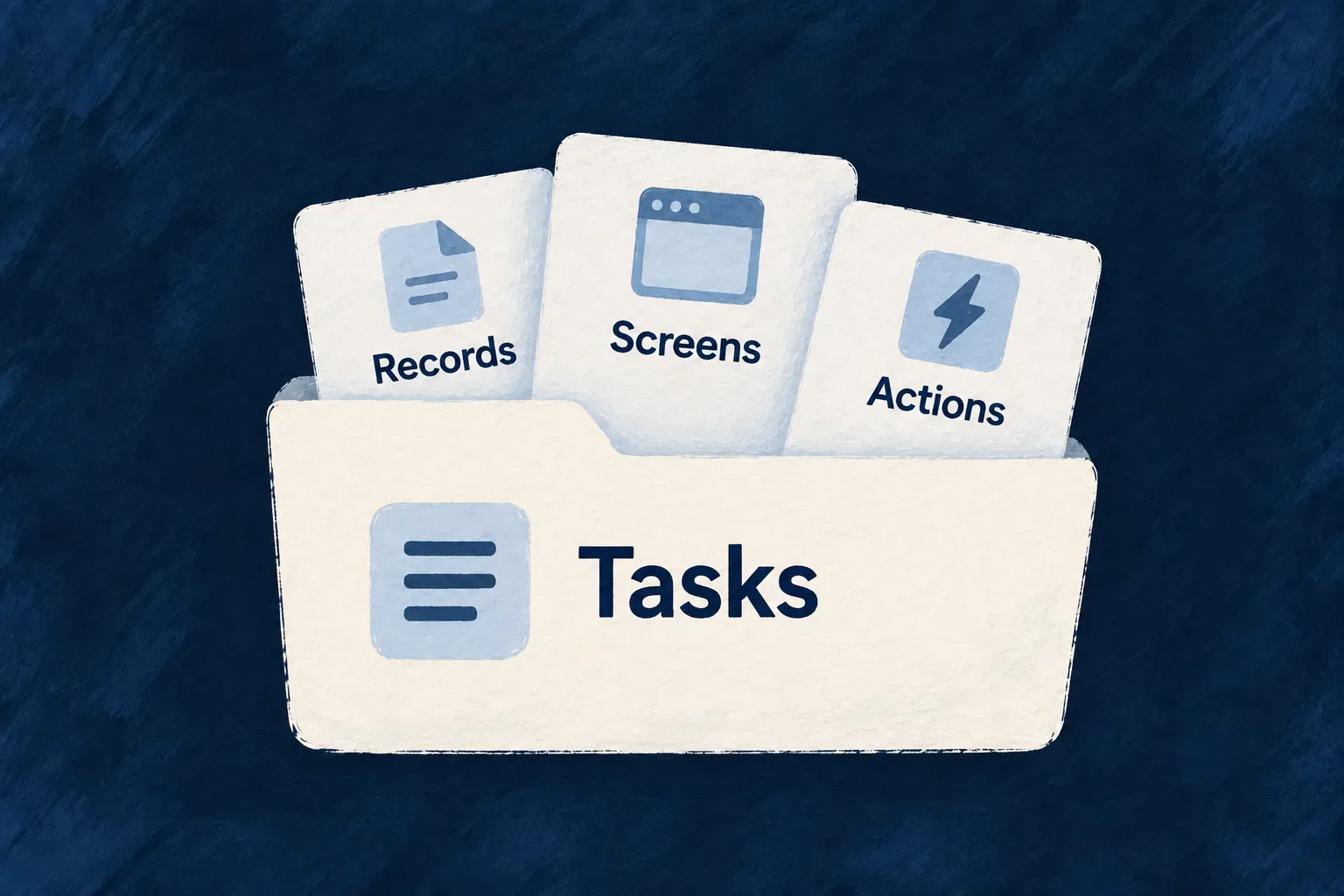
A shared model for the work around each object

Keep data and interactions aligned

Shared field rules and declared operations connect your data, standard forms and API actions, reducing separate definitions to maintain as the application evolves.

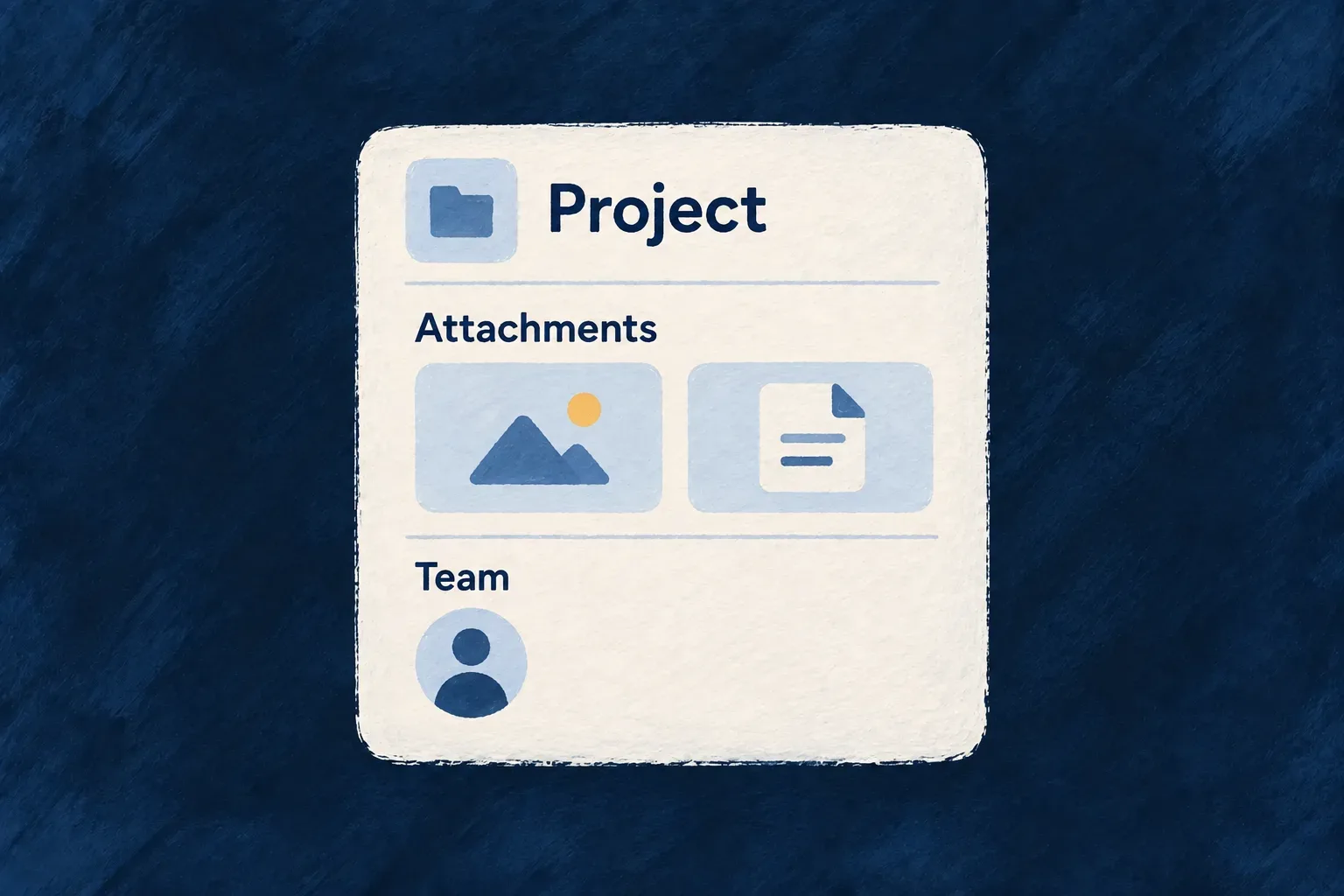
Keep documents with the work

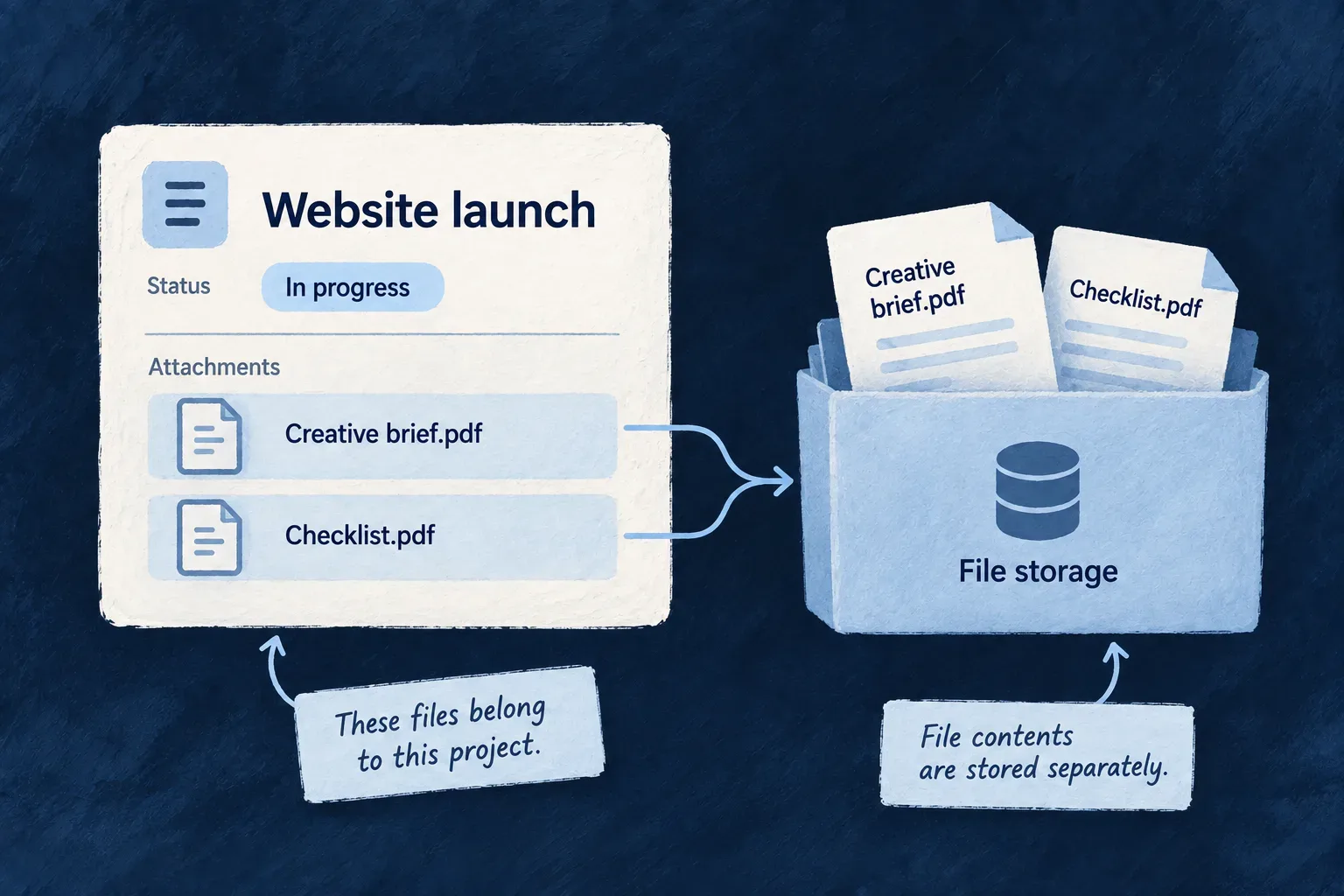
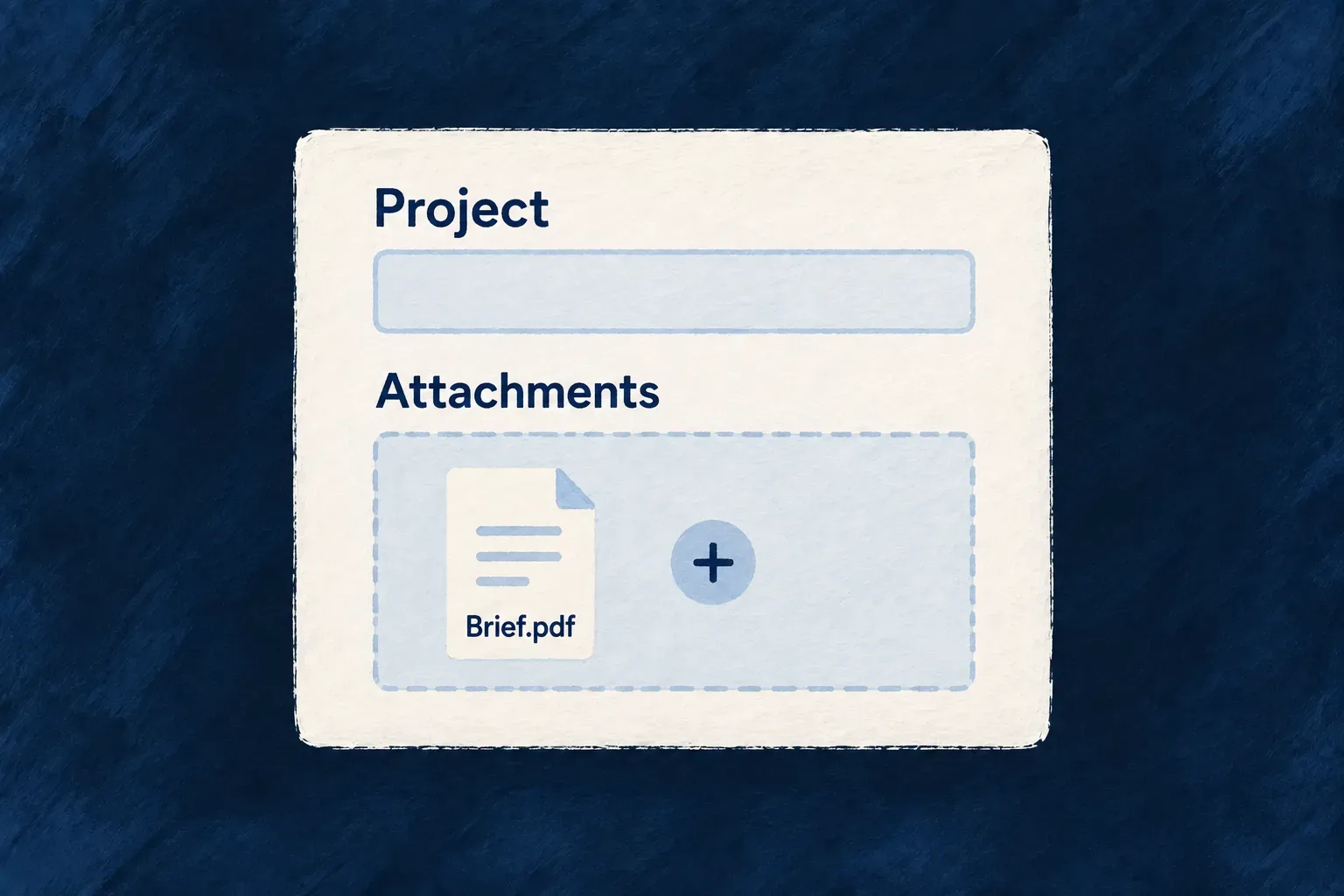
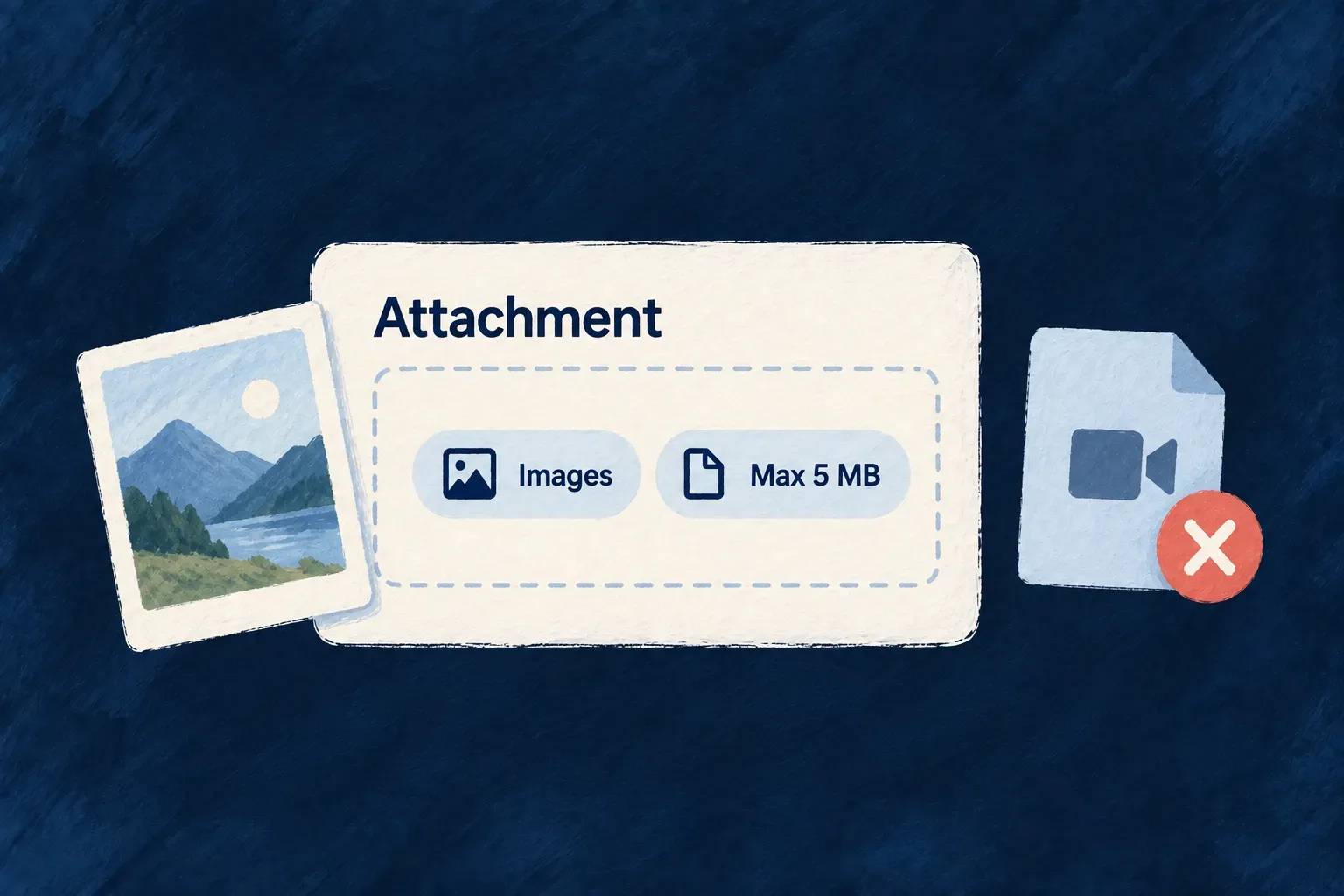
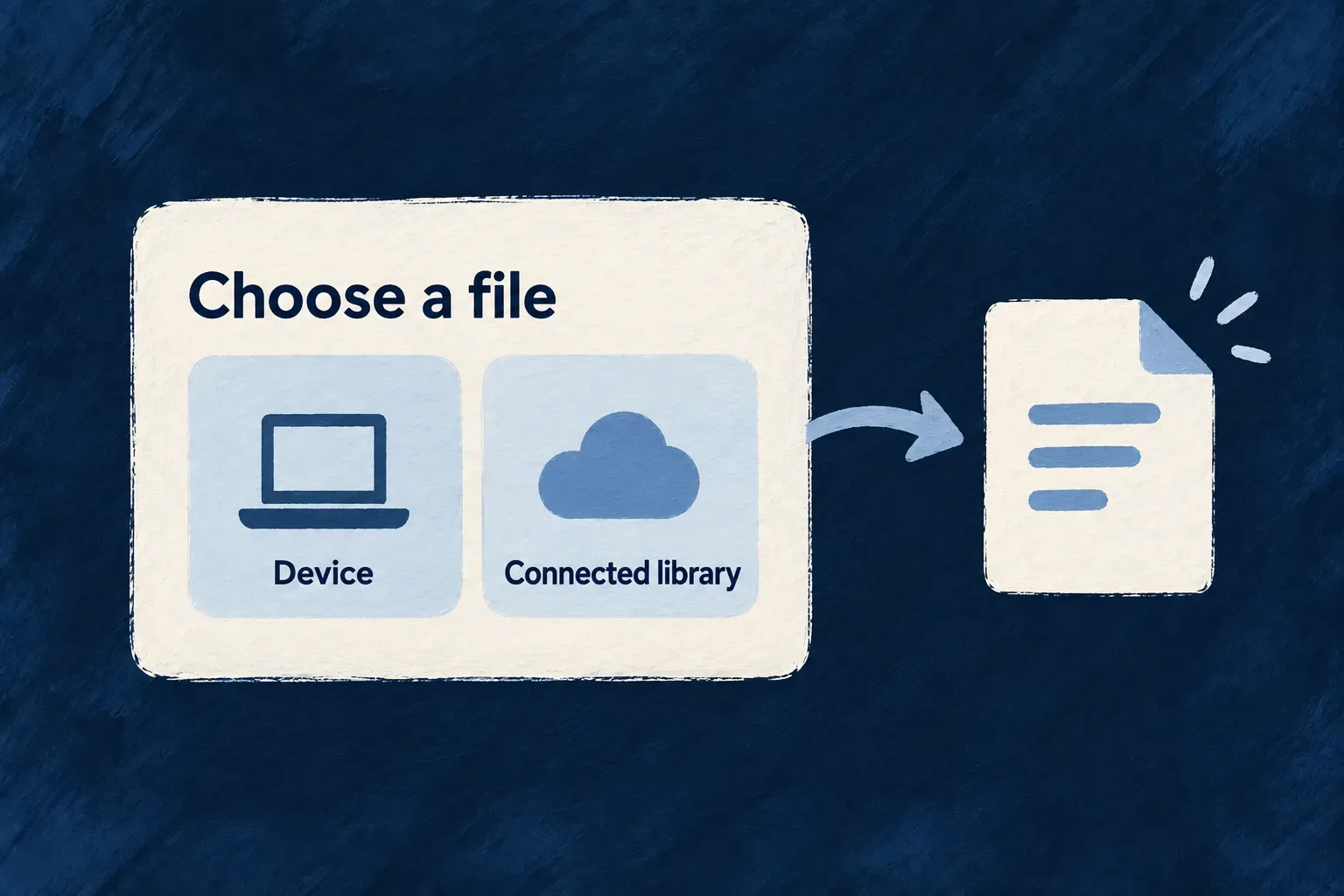
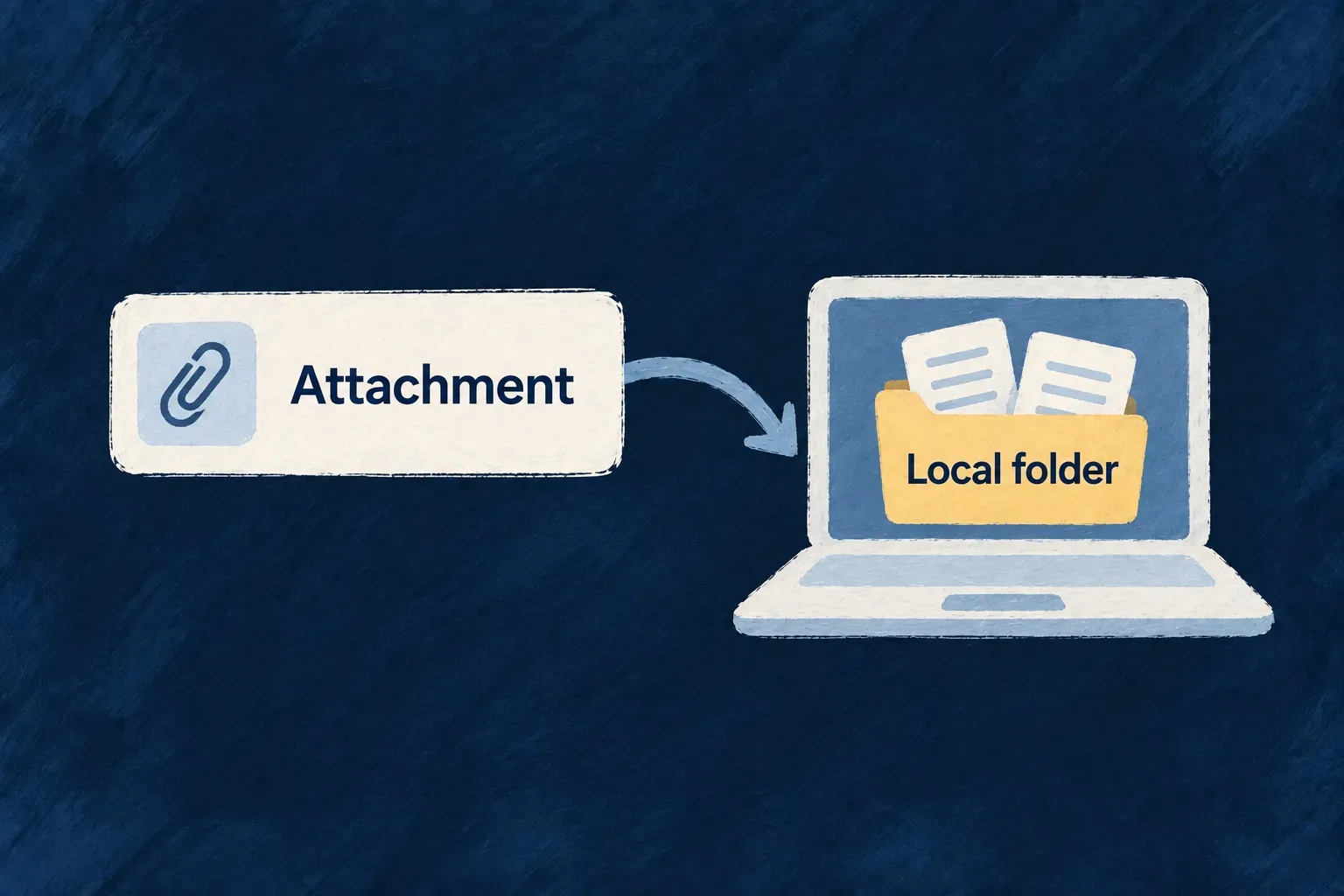
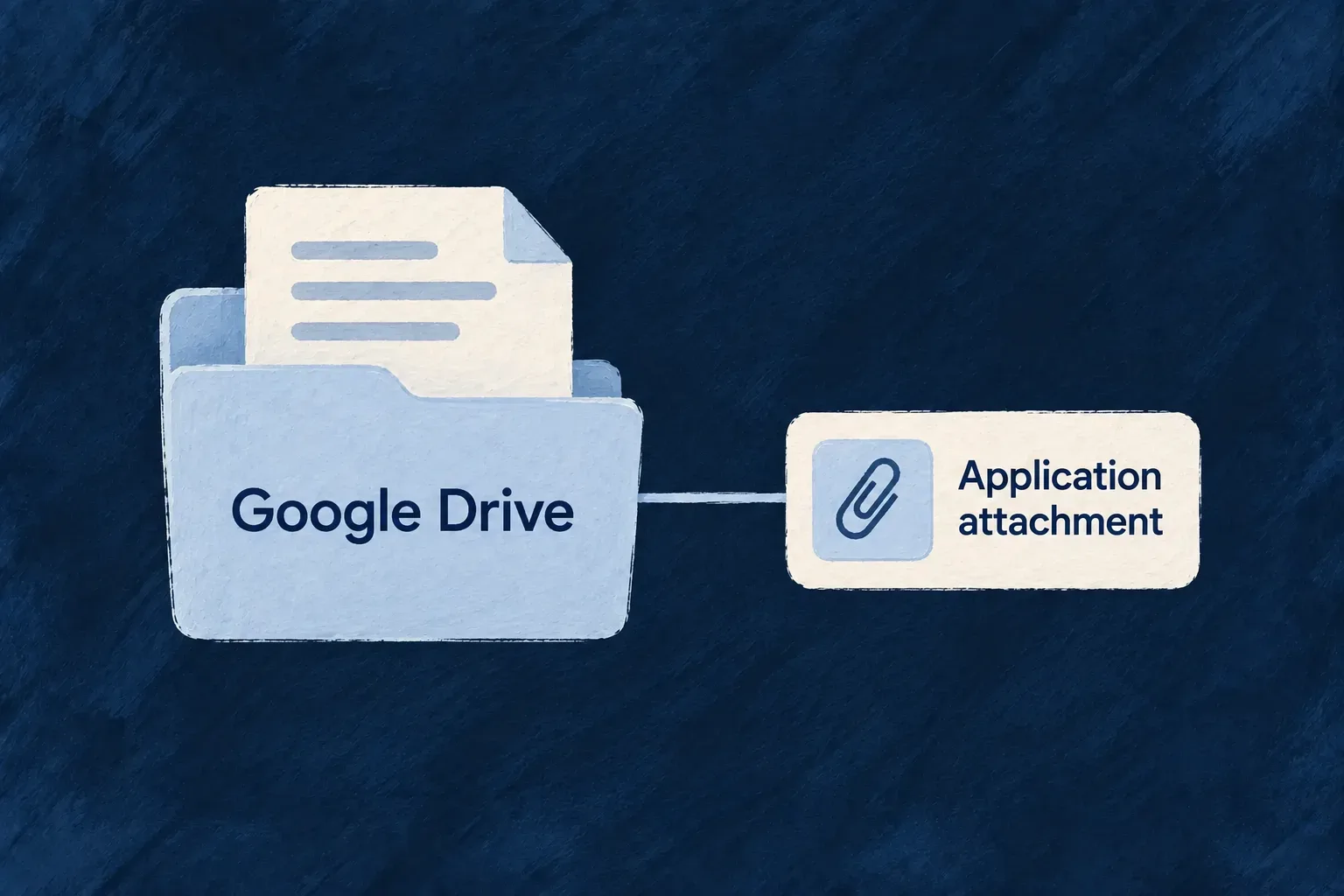
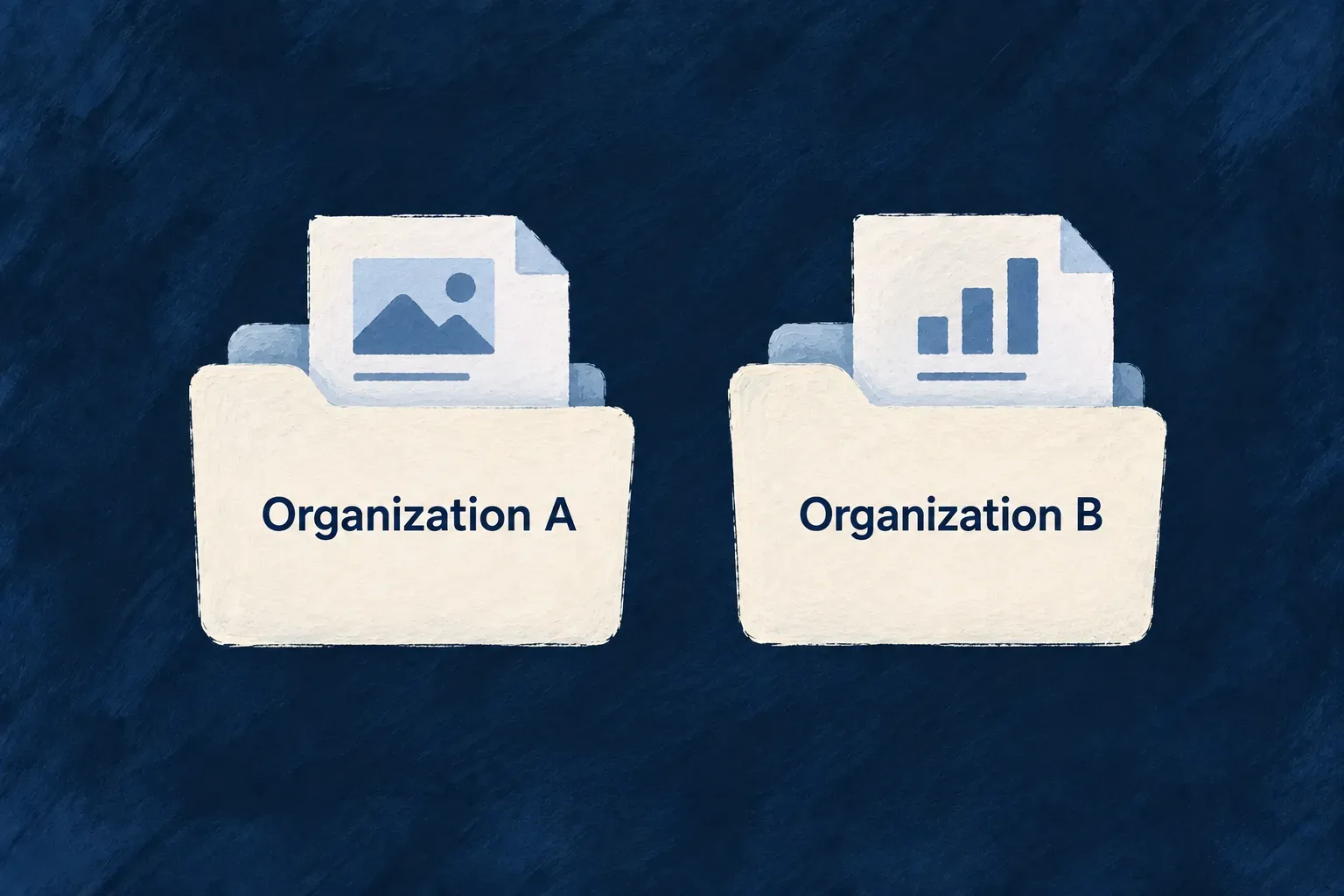
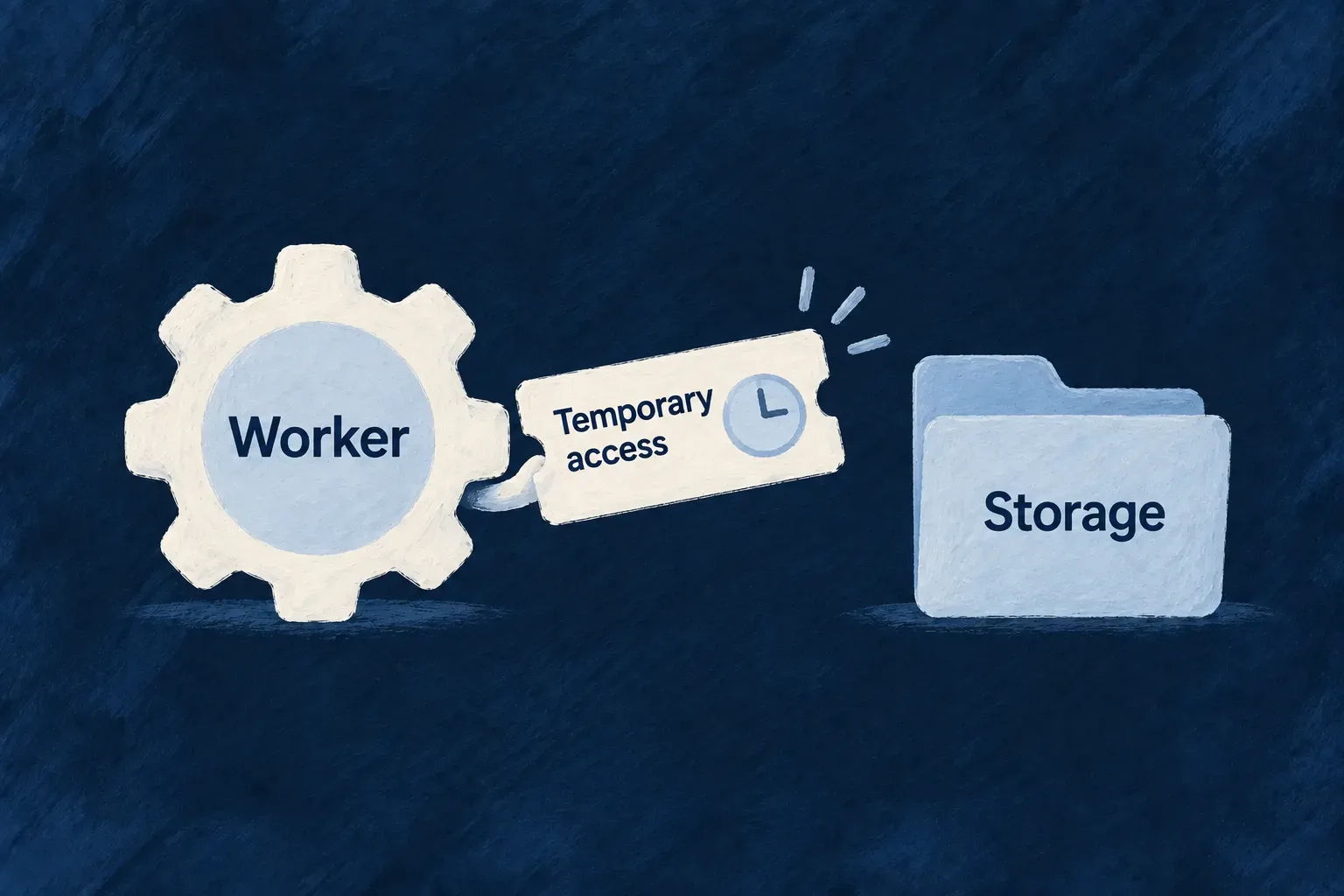
File fields connect attachments and generated documents to their records. People can find the supporting material alongside the business object it belongs to.

Make the experience your own

You choose the business rules, access policies and screen layouts. Extend standard behavior with custom actions and components where your product needs something specific.

Example: One task, several ways to work with it

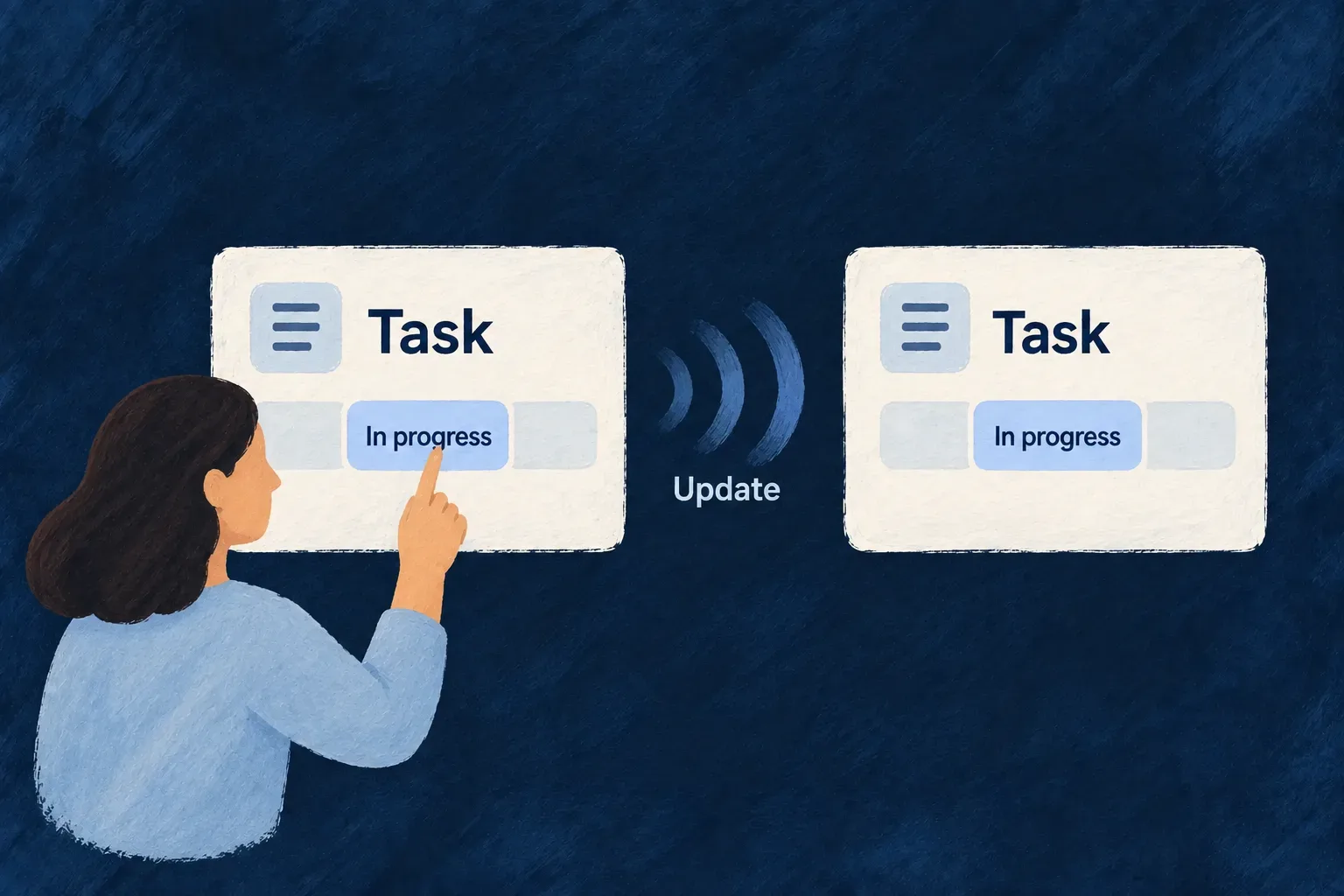
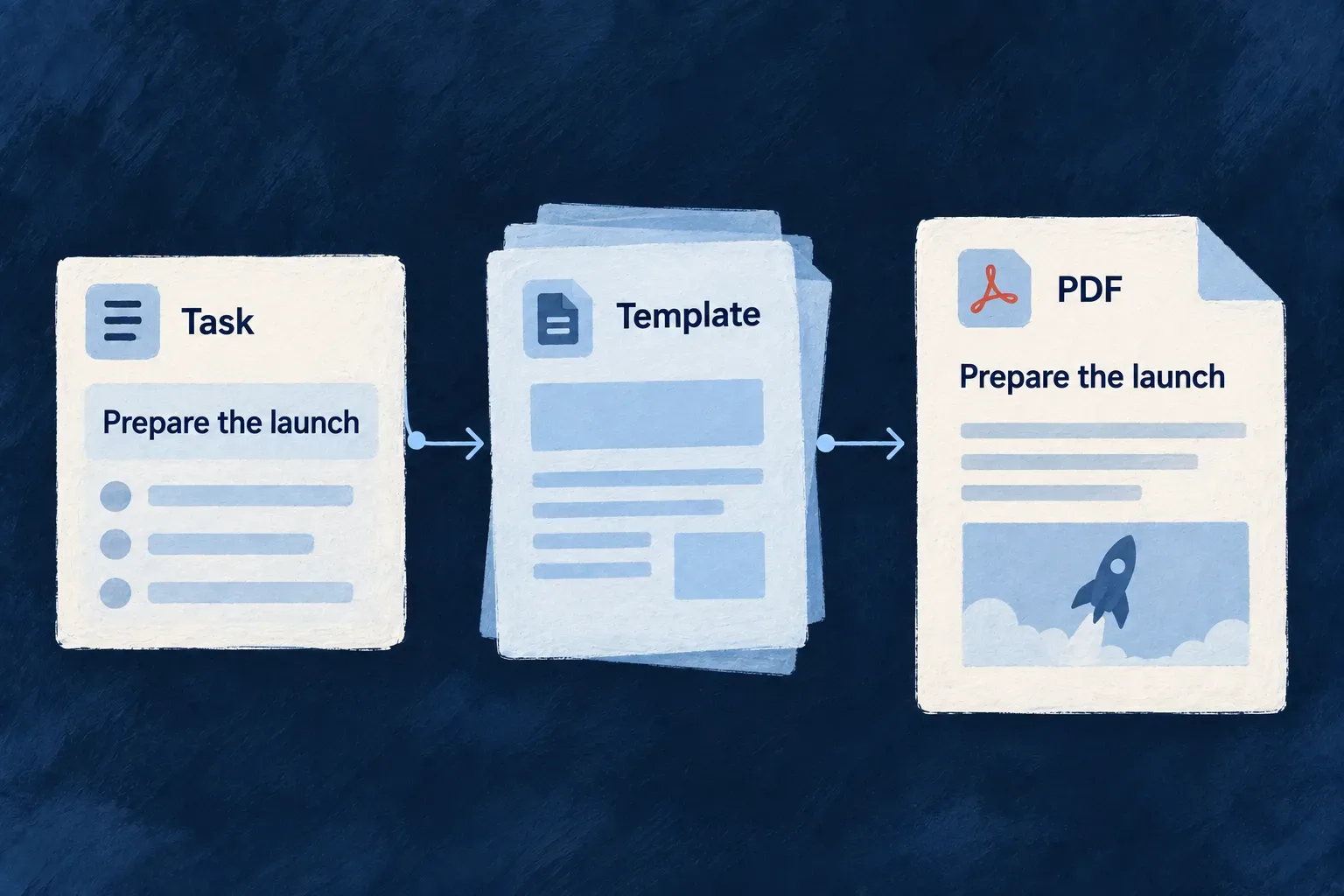
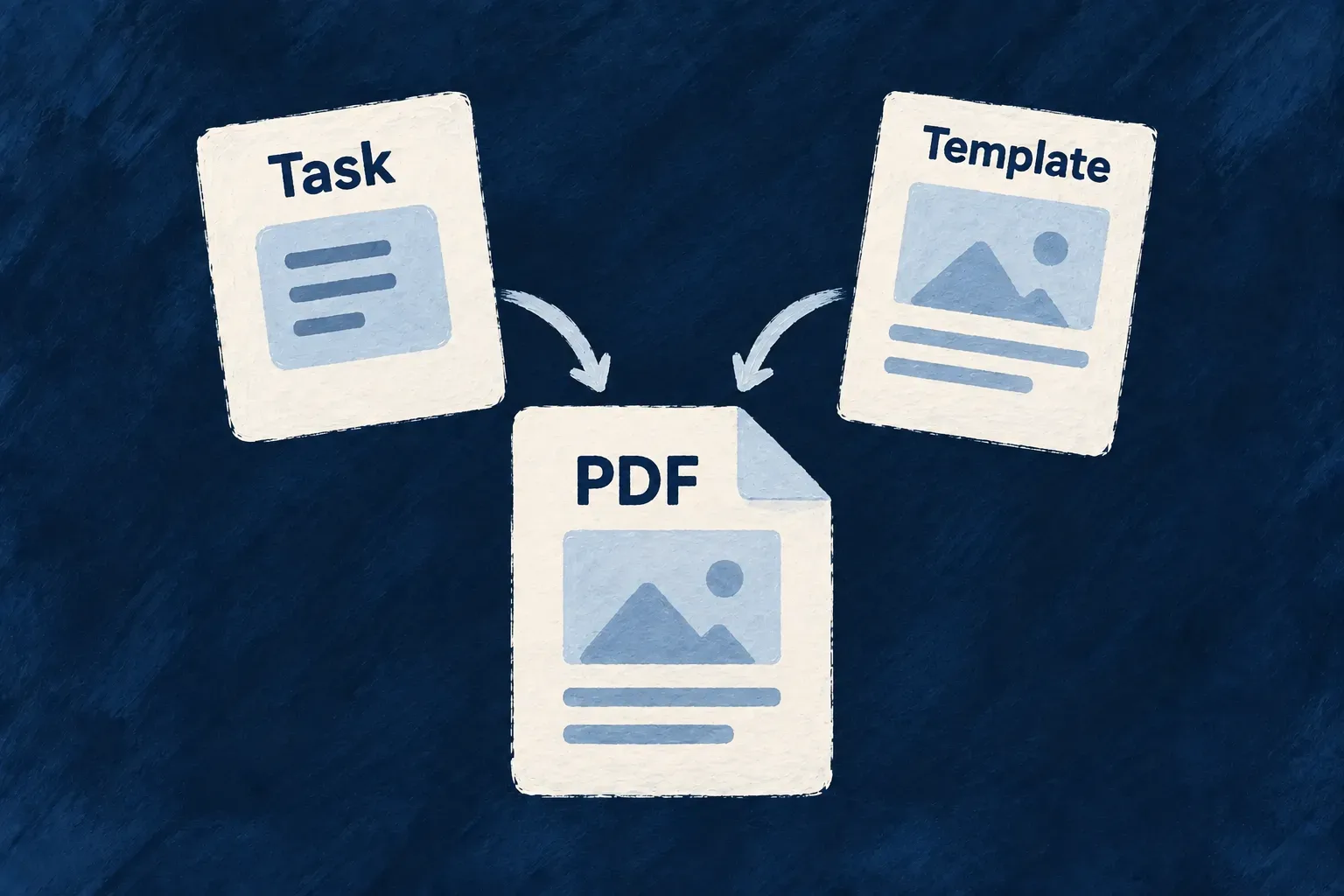
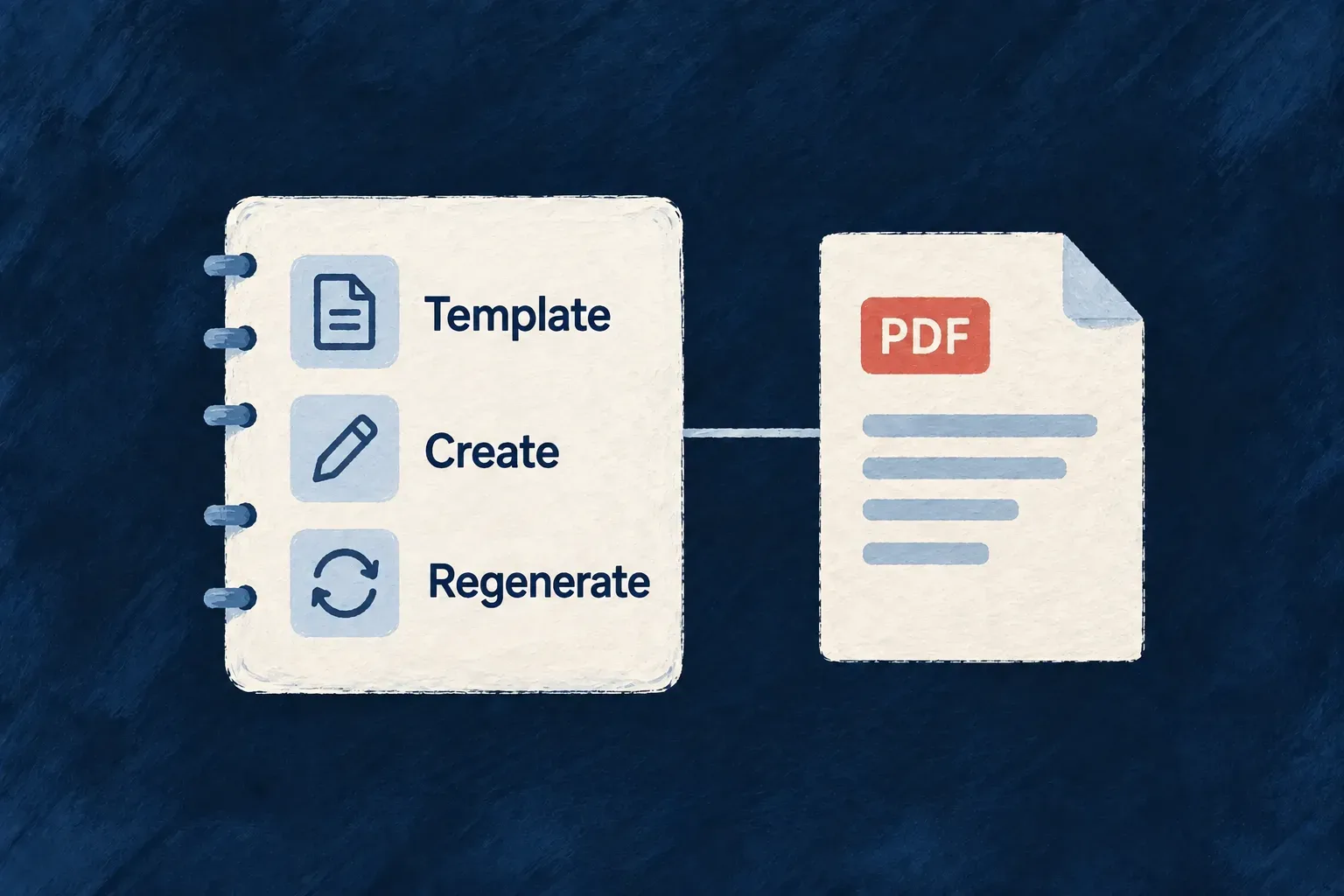
A task’s title rule guides its standard form and API validation. Its declared actions make it available to people and integrations. A configured PDF template can turn its information into an attached summary.

For engineers

What does a resource look like in code?

You define its fields in a Zod schema, choose its operations in a resource configuration, and connect it to other resources through relationships. A resource is the combination of those decisions; it is not just a database table or a TypeScript type.

Describe values and the interactions they support

These selected fields come from Wonder Todos’ Todos_BaseSchema. They show ordinary values, a repeated group and a conditional field together. Other fields and source comments are omitted; this is the body of a schema, not a standalone module.

title: z.string().min(1).max(200).isSummaryField(),
description: z.string().max(1000).optional(),
status: z.enum(Todos_Status).default(Todos_Status.PENDING).isSummaryField(),
priority: z.enum(Todos_Priority).default(Todos_Priority.MEDIUM).isSummaryField(),
dueDate: z.date().optional().isSummaryField(),

checklist: z.array(z.object({
  label: z.string().min(1).max(200),
  done: z.boolean().default(false),
})).optional(),

reminder: z.object({
  enabled: z.boolean().default(false),
  leadTimeMinutes: z.number().int().min(0).max(10080).default(30)
    .showWhen({ conditions: { field: 'enabled', value: true } }),
}).optional(),

The title’s underlined requirement participates in request validation and standard field validation. isSummaryField() marks a value for summary representations; it does not grant permission to read the record.

The first highlighted group defines repeated checklist entries, each with its own label and completion flag. Standard form rendering can present those entries as editable rows. The second group keeps reminder settings together: showWhen makes the lead-time control relevant when the sibling enabled value is true. That presentation rule is separate from authorization.

Declare how the object can be accessed

The resource configuration connects mainSchema: Todos_Schema to its operations and relationships. This is the actual READ declaration from todos.resources-config.ts, with comments omitted:

[CoreResourceOperation.READ]: {
  variants: [
    {
      variantType: ResourceOperationVariantType.API_CALL,
      isDefault: true,
      roles: [CORE_ORG_ROLES.ORG_MEMBER],
      riskLevel: ResourceOperationRiskLevel.LOW,
      mcp: { exposed: true, servers: ['support'], description: 'Fetch a single todo by its id, including its title, description, status, priority, assignee, and due date.' },
    }
  ]
},

The API variant exposes the standard read operation. The role declaration gates the caller; relationship and resource scope still determine which record the caller can access. The MCP setting additionally publishes this operation on the configured support server, with a description for its tool catalogue. It does not make the operation public or create a separate business implementation.

A field change and an access-policy change therefore have different homes. The schema describes values and metadata; the operation defines the action and its admission rules. Frontend behavior chooses how people encounter that action.

Which declaration drives which behavior?

A resource combines several declarations with distinct responsibilities. Sharing the model means connecting these inputs, rather than putting every decision into one schema.

You declareWildo uses it forYou still decide
Fields and field metadataSynthesized operation inputs, validation, storage metadata and standard controlsMeaning, accepted values and presentation choices
Operations and relationshipsAvailable actions, request contracts, contextual routes and configured access checksBusiness policy, eligible relationships and custom action logic
Collection query settingsSearch, filters, ordering, pagination and source-operation exportsWhich questions the collection supports
File fields and storage configurationUpload integration, saved references and resource-specific servingStorage, scanning, sharing and lifecycle policies
Generated file fields and registered templatesPDF rendering and attachment to the resourceLayout, rendering context and when to regenerate

The API and configured standard interface consume these definitions. Custom request contracts and custom components are explicit authoring choices: they need to preserve the intended field rules and interaction behavior.

Where do I customize the application?

Choose the screen arrangement in UI behavior and add custom components where the product needs them. Give a business action its own operation contract, then add a handler for its specific logic. You can extend the normal write behavior or replace it explicitly; the choice determines which responsibilities your handler takes on.

How does a definition change reach the application?

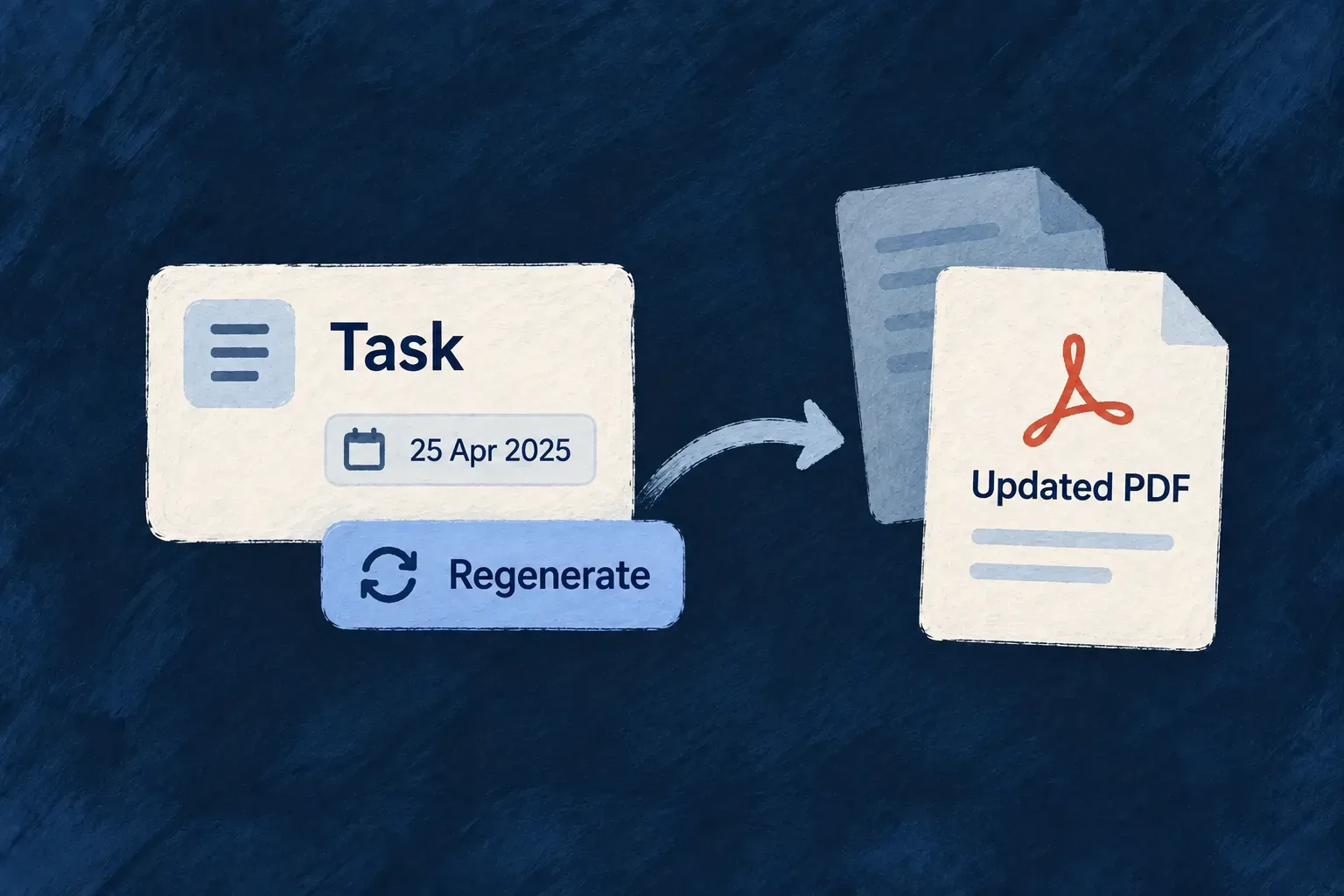
A shared declaration gives the framework’s consumers one source to read. It does not make every update a live change. PostgreSQL schema changes need migrations; deployed code needs publication. Labels and API documentation have their own generation steps. Existing PDFs stay unchanged until regeneration is requested.

Keep those steps in the application’s development workflow. Verify the generated contracts and configured interface alongside any custom handlers that use them. Transaction coverage depends on handler mode and participating resources; audit emission depends on the operation’s risk and shape.

The domains below explain these connections in detail: defining objects and actions, working with data, managing attachments, and producing or reading documents.

Give your business objects a shared definition

Describe the information an object holds, the objects it connects to and the actions available on it. Wildo uses those declarations across the API, validation and standard interfaces.

A field requirement, a relationship or an operation carries meaning beyond the place where you write it. Your application builds on that shared definition as its behavior grows.

You define the business policy and choose the views, labels and controls. Wildo supplies the shared contracts and the standard paths that use them.

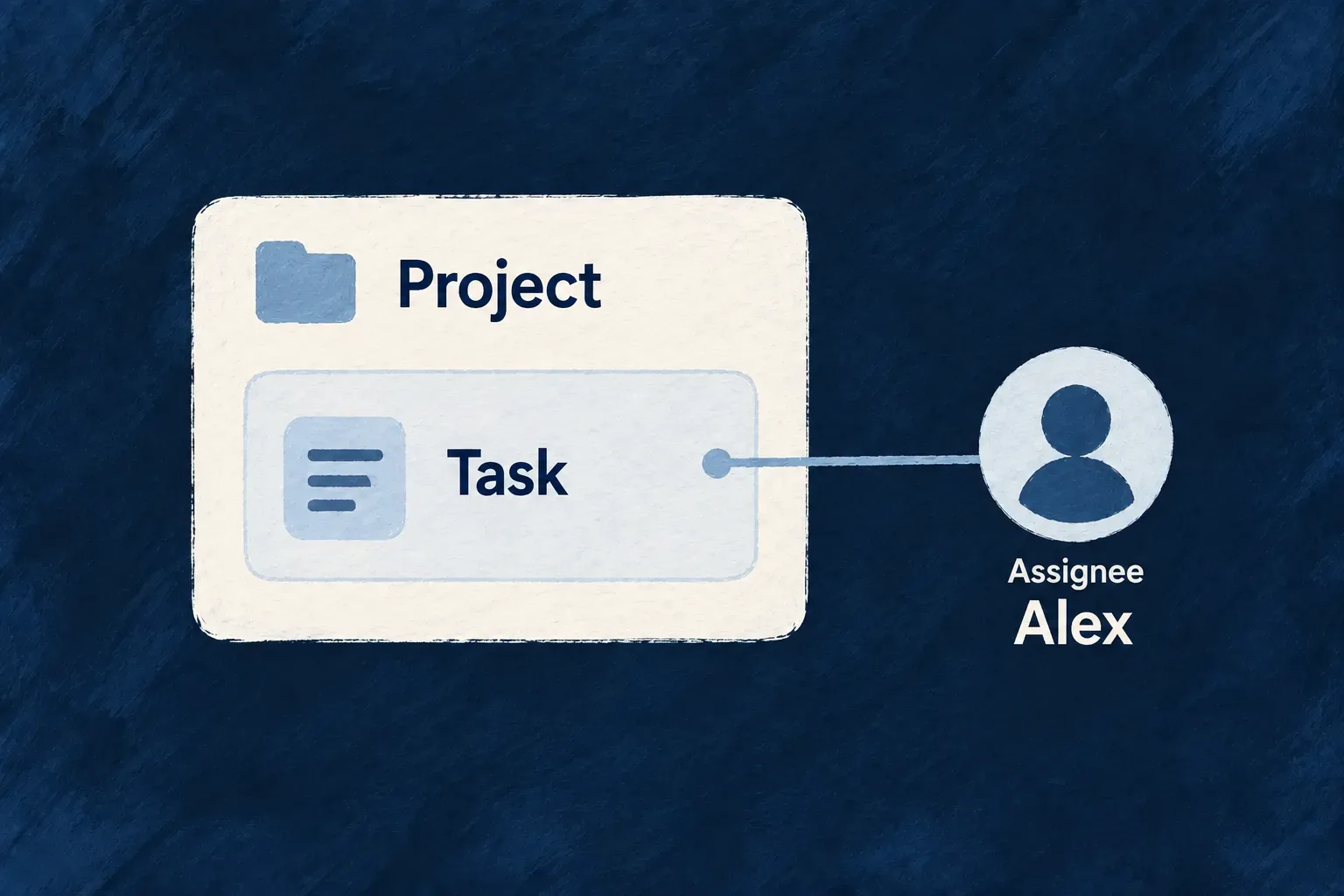
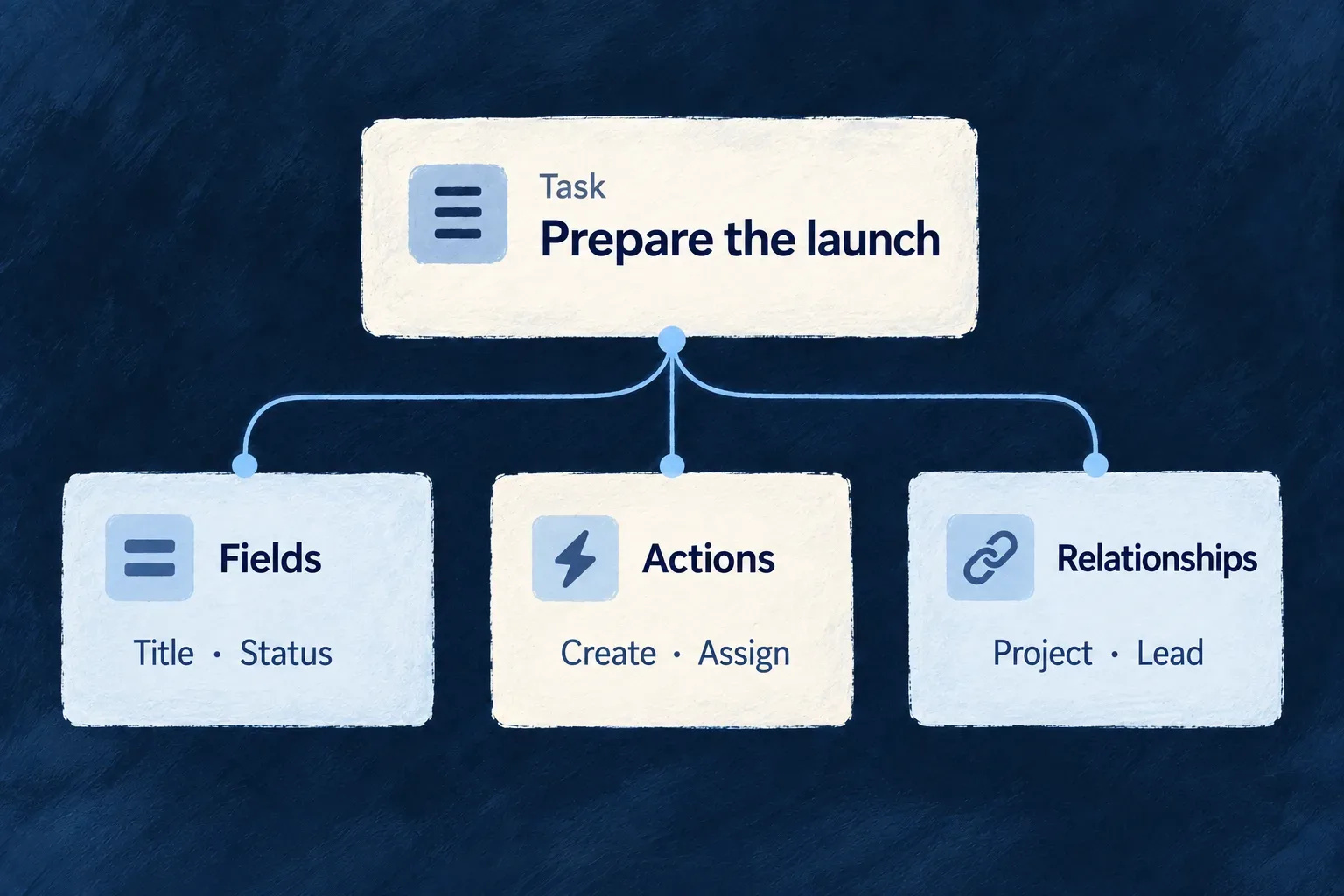
A task is declared through its fields, actions and relationships to a project and lead.

One definition, several parts of the application

Share field rules

Field definitions guide standard forms and API validation, reducing separate rules to maintain.

Give relationships meaning

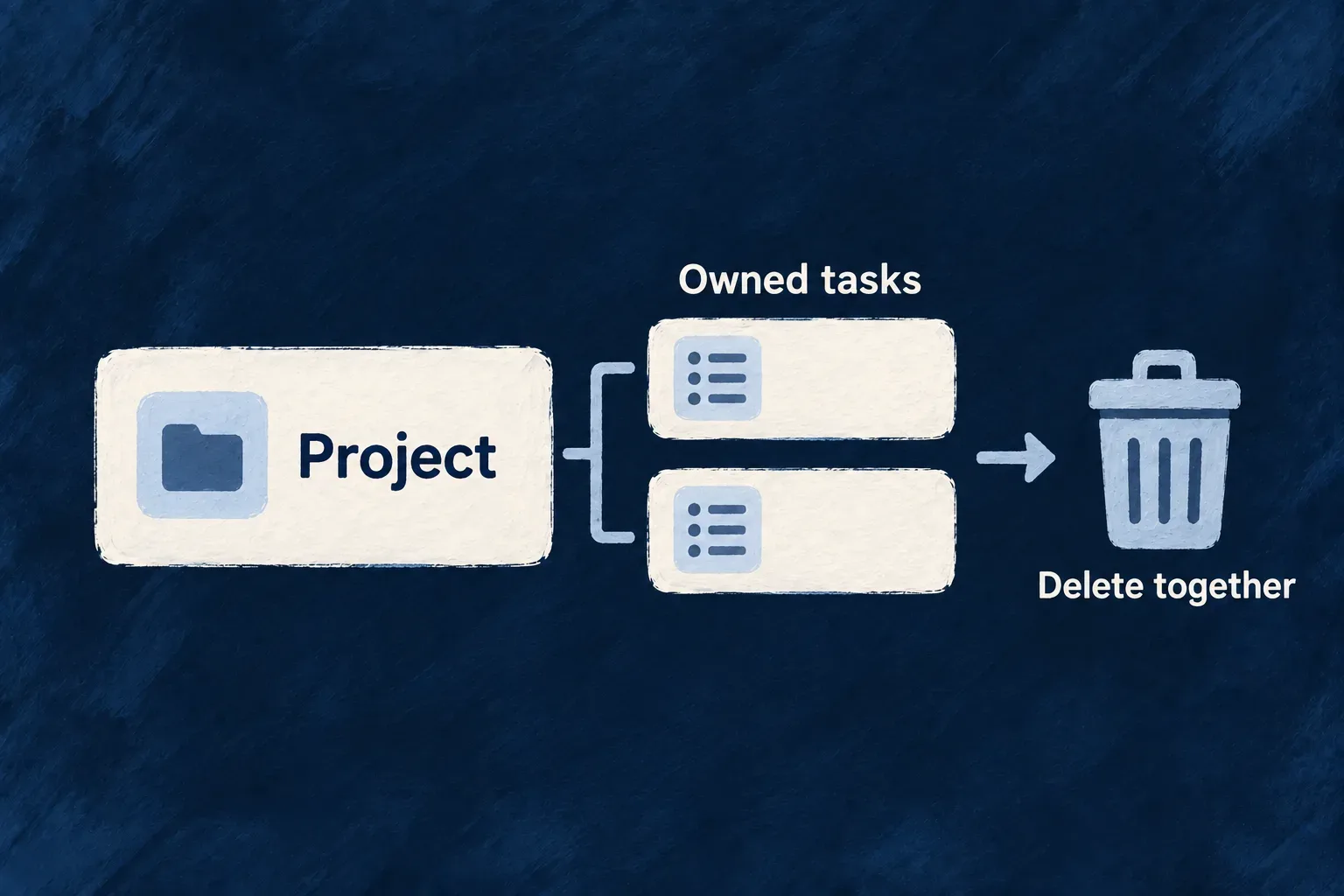
References and ownership guide related-record choices, contextual routes and what happens to children when a parent is deleted.

Name your business actions

Add actions such as approve or assign, each with its own inputs, access rules and implementation.

Example: Assign work within its project

A task has a title, belongs to a project and refers to an assignee. The title’s field rule supports form and API validation. The declared relationships establish its context. An assignment action can then apply the application’s eligibility rules before changing who is responsible.

For engineers

Give each declaration a clear responsibility

The shared schema defines values and structural metadata. The resource configuration selects operations and their contracts. Relationships describe connections, ownership and scope. These declarations give the backend and frontend a common basis for working with the resource.

DeclarationWhat you authorWhat it contributes
Shared schemaField types, constraints, defaults and metadataA field definition for contracts, validation and storage consumers
Resource configurationStandard and custom operations, variants and rolesThe actions available and the contracts they execute
RelationshipsReferences, ownership and scope membershipHow records connect and which related records are eligible
Frontend UI behaviorViews, controls and action presentationHow people read, edit and act on the resource
Resource specification and labelsMeaning, intent and reader-facing languageContext for documentation, development tools and the interface

Follow an action through those declarations

For a standard edit, the operation contract determines which inputs are accepted. The backend validates the request and checks access to the addressed resource before executing the update. The configured frontend view uses the operation and field definitions to present the interaction.

For a business action, give the intention a name and a focused contract. An assignment can update one field while requiring an eligible target. A calculation or service call can attach its own implementation to the declared operation.

Extend the part that makes your application different

Start with shared field definitions, then choose the everyday record actions. Add business actions when a general edit does not express the intention.

The sections below show those choices in real application code. Continue with relationships and ownership for the rules that connect one resource to another.

Define the object and its actions

Give every field one definition Mechanism

A required title should mean the same thing in a form and in the API. A priority should have the same allowed values wherever it appears.

Describe those facts on the resource’s fields. Wildo uses that shared definition to derive operation contracts and supply validation to standard forms. Field metadata also tells the relevant consumers how to store, expose or summarize a value.

You then choose how each field looks and explain what it means. Those choices refer to the same field, so you can change its presentation without inventing another data model.

Example: A priority that stays the same across the application

A task has one set of priorities. A form offers those values, the API checks them, and a task card can show the selected value as an icon. The detailed view can use a badge instead; it is still the same priority.
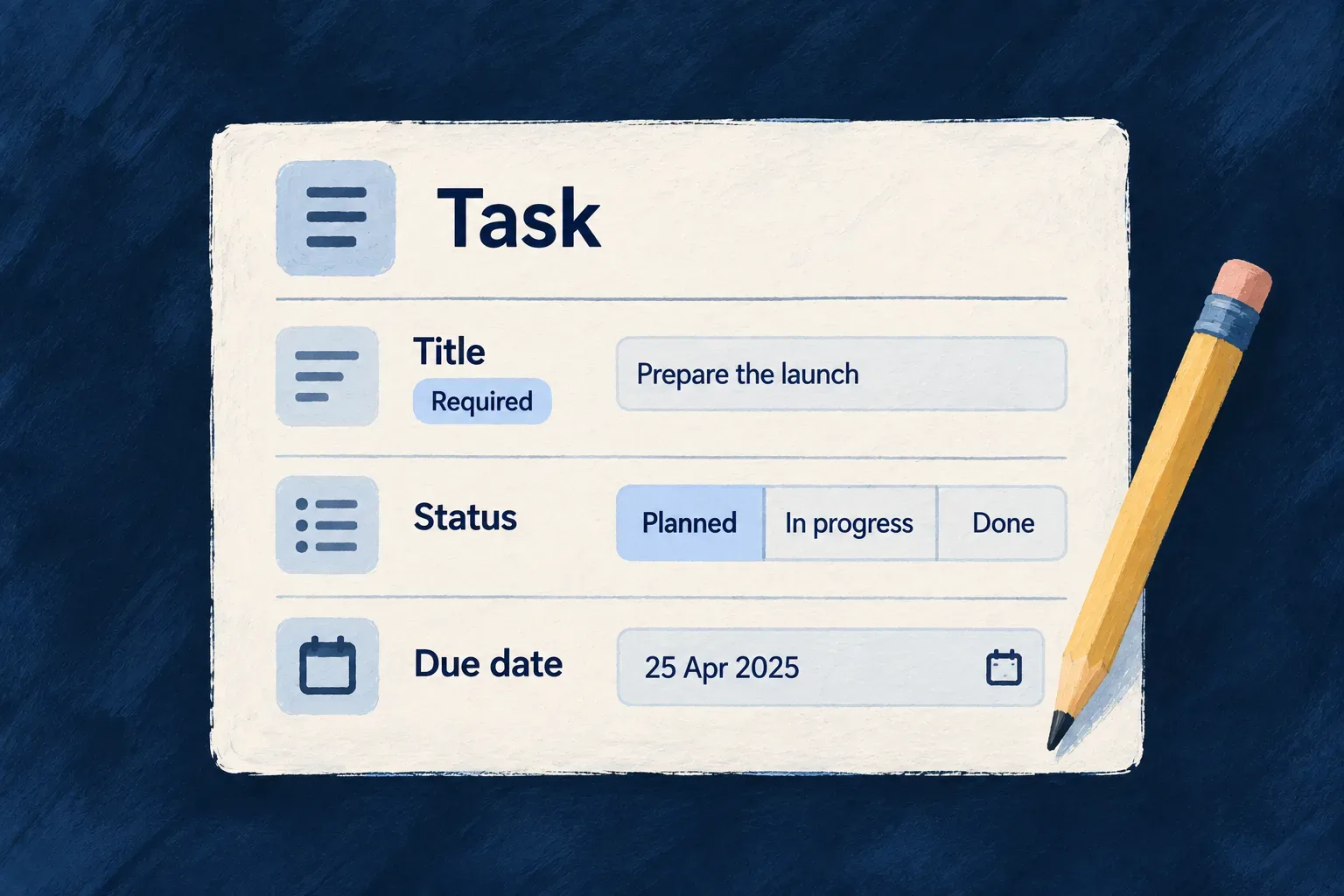
A task definition specifies a required title, allowed statuses and a due date.
For engineers
Start with the facts about the value

The shared schema uses Zod for types, constraints, defaults and optional values. Wildo decorators add information that other parts of the framework consume, such as whether a field belongs in a compact resource summary.

Selected declarations from Wonder Todos’ todos.schemas.ts, with source comments omitted:

title: z.string().min(1).max(200).isSummaryField(),
description: z.string().max(1000).optional(),
status: z.enum(Todos_Status).default(Todos_Status.PENDING).isSummaryField(),
priority: z.enum(Todos_Priority).default(Todos_Priority.MEDIUM).isSummaryField(),
recurringType: z.enum(Todos_RecurrenceType).default(Todos_RecurrenceType.ONE_TIME).isDiscriminator(),
dueDate: z.date().optional().isSummaryField(),
tags: z.array(z.string().min(1).max(40)).optional(),
progressPercent: z.number().int().min(0).max(100).default(0),
snoozedUntil: z.date().nullish(),

title accepts a non-empty string of up to 200 characters. status and priority use named enums, with defaults applied when the input omits them. progressPercent accepts whole numbers from 0 to 100.

optional() allows omission; nullish() also accepts an explicit null. That distinction matters in an update: omitting snoozedUntil leaves it alone, while sending null can clear it. Making the distinction in the field definition gives derived consumers the same vocabulary.

Follow the definition into an operation

The resource factory derives request and response schemas for standard operations. A create request excludes fields marked backend-only or excluded from creation; an update uses a patch shape. The backend validates incoming requests against the selected operation’s contract. Standard forms use their supplied validation schema through the form resolver.

This is why the stored record and the editable form can have different shapes while sharing field definitions. An operation that needs a purpose-specific input can declare its own request schema in the resource configuration.

isSummaryField() selects a field for compact resource representations. isDBIndexed() supplies index metadata to storage consumers. These annotations express a field’s role; the operation configuration still selects actions and access rules.

Give the same field a deliberate presentation

In the frontend, sh.priority refers to the shared priority field. This excerpt from todos.ui-behavior.tsx gives it different treatments in detail and summary views:

priority: sh.priority.enumUI({
  display: { displayMode: EnumDisplayMode.BADGE, showDescription: true },
  summaryOverride: { displayMode: EnumDisplayMode.ICON },
  edit: { showDescription: true },
  values: {
    [Todos_Priority.LOW]: { color: BadgeSemanticVariant.SECONDARY, icon: ArrowDown },
    [Todos_Priority.MEDIUM]: { color: BadgeSemanticVariant.DEFAULT, icon: Minus },
    [Todos_Priority.HIGH]: { color: BadgeSemanticVariant.WARNING, icon: ArrowUp },
    [Todos_Priority.URGENT]: { color: BadgeSemanticVariant.DESTRUCTIVE, icon: AlertTriangle },
  },
}),

The detail view uses a badge; compact summaries use an icon. Each enum member gets an explicit color and icon, and the editing control can show its description. The allowed values remain in Todos_Priority; the frontend supplies how people recognize and choose them.

Explain its meaning for people and development tools

The resource specification refers to that same field through schemaShape.priority. This excerpt from todos.resource.specification.ts records why priority exists and what its values mean:

priority: schemaShape.priority.enumSpec({
  meaning: 'Expresses urgency and ordering pressure among open todos.',
  whyItMatters: 'It helps the application decide what should visually stand out or be treated first.',
  enumDeclaration: {
    packageName: '@wonder-todos/shared-lib',
    exportName: 'Todos_Priority',
    symbolKind: CodeSymbolKind.ENUM,
    declarationKind: CodeDeclarationKind.TYPESCRIPT_ENUM,
  },
  values: {
    [Todos_Priority.LOW]: { meaning: 'Can wait — no time pressure.' },
    [Todos_Priority.MEDIUM]: { meaning: 'Normal urgency — should be handled in due course.' },
    [Todos_Priority.HIGH]: { meaning: 'Needs attention soon — may block other work.' },
    [Todos_Priority.URGENT]: { meaning: 'Immediate action required — top of the queue.' },
  },
}),

A type can say that URGENT is allowed. The specification explains that it means immediate action. Keeping both gives documentation and development tools more useful information than a field name alone.

Add a field across its actual responsibilities

Author the shared field, add its labels and meaning, and choose its display and editing treatment. Review any purpose-specific operation contracts that should accept it. For PostgreSQL storage changes, publish the corresponding migration; regenerate published documentation through its owning workflow.

The shared schema owns the value definition. UI behavior owns presentation. Specifications own meaning. They build on a common field identity without mixing browser code into the shared model.
Make your records ready to use Mechanism

People need to create records, find the right ones, open them and make changes. Each action also needs a valid input, an access decision and a useful response.

Choose the standard actions your resource offers. Wildo derives their contracts and connects them to the shared resource services, so each business object benefits from the same execution machinery.

Your application decides who can act and how the interaction feels: a list, a detail page, an editing screen or a small form within the current view.

Example: Turn a task model into daily work

Team members can add tasks, find the ones that matter and update their progress. Removing a task can also confirm success to the person who acted and notify the rest of the organization, according to the operation’s settings.

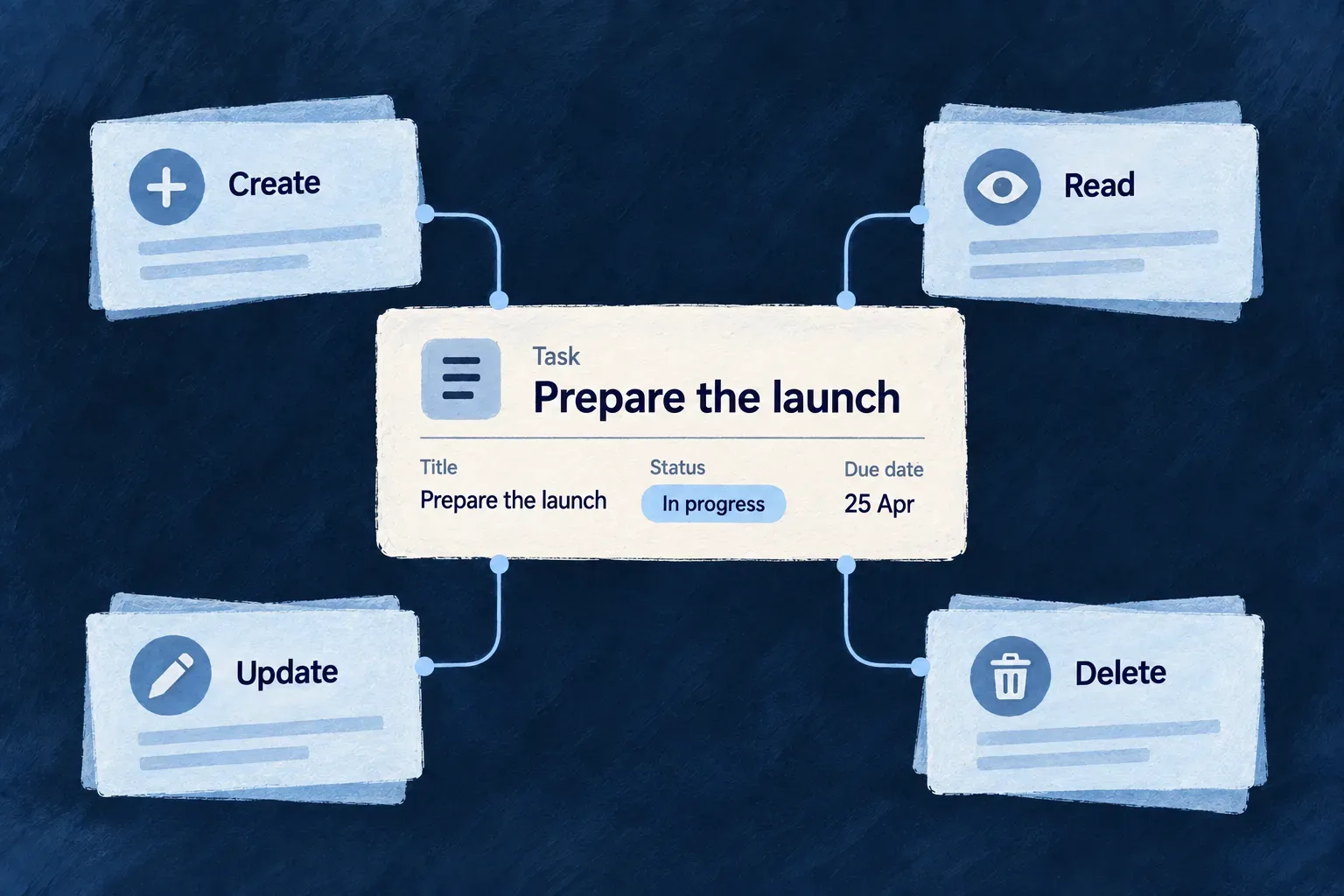
Create, read, update and delete act on the same task.
For engineers
Choose the actions the resource offers

coreOperations selects the standard verbs: for example, CREATE, READ, LIST, SEARCH, UPDATE and DELETE. operationsConfiguration then gives each operation its variants, roles and other execution choices.

READ addresses a record. LIST and SEARCH work on a collection, with filters, sorting and pagination. API and internal variants are explicit choices; a resource can offer an operation internally without publishing an HTTP endpoint for it.

Connect the schema, identity and selected operations

The resource declaration is a factory: the module supplies its relationship graph, and the factory returns the configuration used by the engine. Wonder Todos connects those pieces in todos.resources-config.ts:

export const todos_ResourceConfiguration_InitializationFactory = (resourcesRelationships: ResourceRelationship[]) => createResourceConfiguration_Initialization<
  typeof Todos_Operations,
  Todos_CoreOperations,
  typeof Todos_Schema
>({
  mainSchema: Todos_Schema,
  resourceIdentifier: TasksManager_ResourceType.TODOS,
  resourceFieldIdentifier: TasksManager_ResourceFieldIdentifier[TasksManager_ResourceType.TODOS],
  resourceRelationships: resourcesRelationships,
  inheritenceSchemaDefinition: TodosSchemaFamily.inheritenceSchemaDefinition,
  isSystemResource: false,
  // Other application policies are omitted from this excerpt.
  coreOperations: [
    CoreResourceOperation.READ,
    CoreResourceOperation.LIST,
    CoreResourceOperation.SEARCH,
    CoreResourceOperation.CREATE,
    CoreResourceOperation.UPDATE,
    CoreResourceOperation.UPDATE_MANY,
    CoreResourceOperation.DELETE,
    CoreResourceOperation.COUNT,
  ],
  customOperation: Todos_Operations,
  // operationsConfiguration follows; see the DELETE entry below.
});

This is an abbreviated wiring excerpt, not a replacement for the complete application configuration. createResourceConfiguration_Initialization, CoreResourceOperation and the ResourceRelationship type are public exports of @wildo-ai/saas-models. The Todos_* and TasksManager_* names are application declarations.

mainSchema provides the shared fields. The identifiers give the resource a stable identity, while the supplied relationships establish its parents and scope. inheritenceSchemaDefinition carries its recurring-task variants. Listing an operation in coreOperations does not choose its public route or grant access: its variant configuration does that. Wonder Todos’ UPDATE_MANY, for example, is internal and supports retention work; it is not a client bulk-update endpoint.

The factory must also enter the application’s shared module registry. Module registration connects discovery to execution; declaring a factory in an otherwise unregistered file is not sufficient.

Keep the action and its surrounding behavior together

This is the DELETE configuration from Wonder Todos’ todos.resources-config.ts, inside operationsConfiguration. Source comments are omitted:

[CoreResourceOperation.DELETE]: {
  variants: [
    {
      variantType: ResourceOperationVariantType.API_CALL,
      isDefault: true,
      haveBulkOperation: true,
      roles: [CORE_ORG_ROLES.ORG_MEMBER],
      riskLevel: ResourceOperationRiskLevel.LOW,
      mcp: { exposed: true, servers: ['ops'], description: 'Delete a todo by its id.' },
    }
  ],
   userNotifications: [
    { target: CoreUserNotificationTarget.USER_SELF, channel: CoreUserNotificationChannel.FRONT_END_SUCCESS },
    { target: CoreUserNotificationTarget.ORGANIZATION_USERS, channel: CoreUserNotificationChannel.WEBSOCKET },
  ],
  m2mNotifications: [{
    channel : CoreM2MNotificationChannel.WEBHOOK_ORGANIZATION, level : M2MNotificationLevel.INFO,
  }]
},

API_CALL publishes an API variant; roles requires organization membership within the operation’s scope. haveBulkOperation opts into acting on a selection. These are application decisions attached to this operation.

The notification settings connect success feedback, organization updates over WebSocket and an organization webhook to the same action. The optional mcp configuration exposes it on the named ops server for agent callers. Each channel is chosen explicitly, rather than becoming available simply because DELETE exists.

Understand what runs behind the declaration

The resource factory expands the selected variants and derives their request and response contracts. For an HTTP request, the controller validates the input and performs the appropriate collection or record authorization. The shared service dispatcher executes the resource operation, and the response serializer applies the operation’s output contract.

A synthesized create contract excludes fields the caller cannot provide, including backend-only and creation-excluded fields. Updates use patch semantics: an omitted field keeps its stored value; an explicit null clears it where the field accepts null. A purpose-specific request schema is authored on its operation variant.

These operations continue to use shared engine services as the application evolves. You configure their behavior instead of maintaining a separate implementation of each standard controller for each resource.

Follow one record through the API

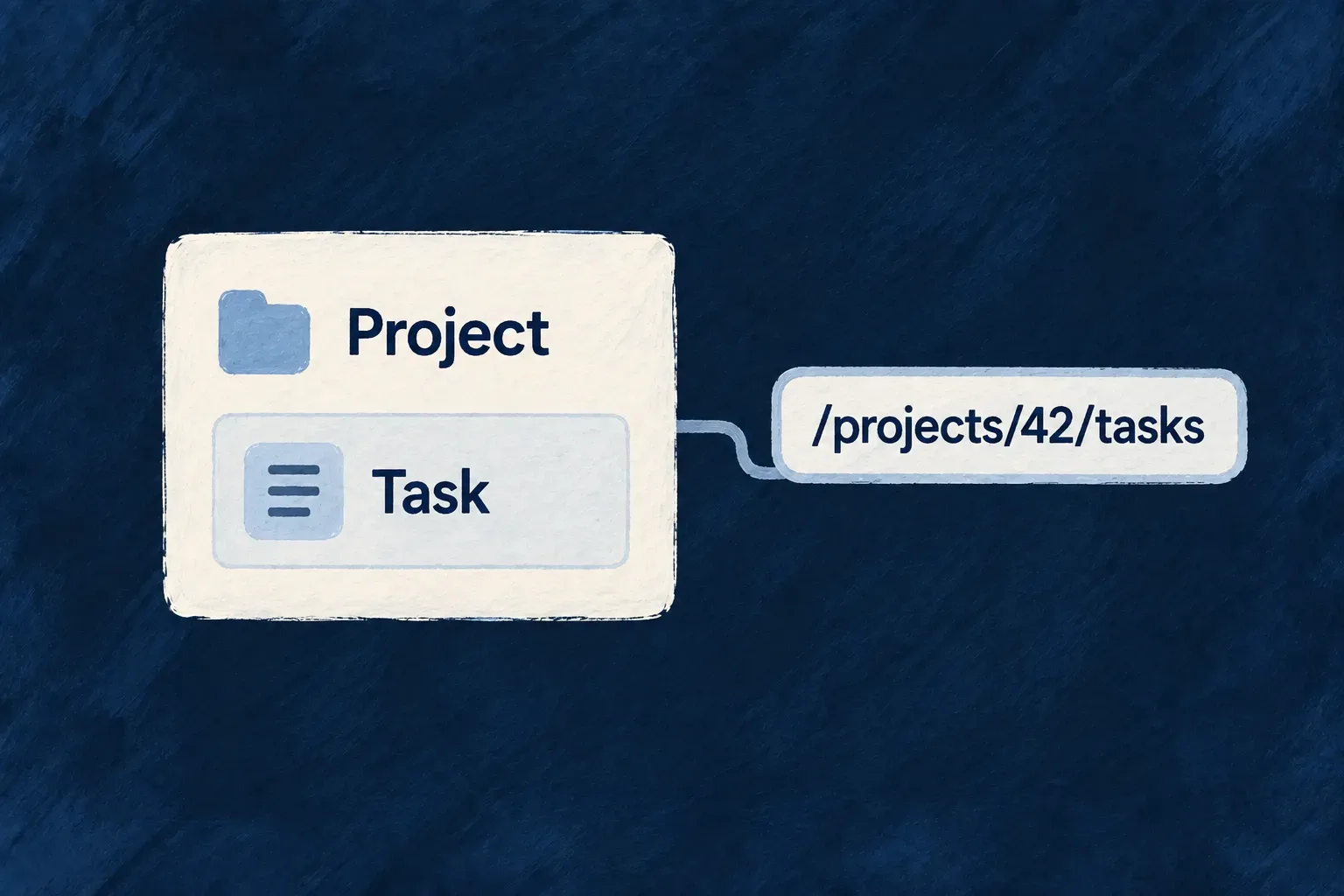
For an organization-scoped todo, the collection address is /organizations/{organizationId}/todos; a record appends the identifier returned by CREATE. Resolve that organization and its todo-list reference before sending the request. The following request sequence illustrates the existing CRUD lifecycle test; identifiers stand for records in the caller’s authorized organization.

POST /organizations/{organizationId}/todos
Content-Type: application/json

{
  "title": "Prepare the launch",
  "todoListId": "{todoListId}",
  "recurringType": "one_time"
}

Read the returned record’s _id, then address that same record:

PUT /organizations/{organizationId}/todos/{returnedId}
Content-Type: application/json

{ "title": "Prepare the launch checklist", "status": "in_progress" }

These paths are relative to the application’s API base URL and omit authentication headers for clarity. A subsequent GET to the record address checks the persisted result. The shared schema declares defaults of pending for status and medium for priority, which this illustration leaves to the schema. The lifecycle test itself sends those values explicitly and reads them back; it does not prove omitted-value defaulting over HTTP. After the update, the supplied title and status change while omitted fields remain intact. Do not manufacture an identifier for a new record and assume CREATE will preserve it.

BoundaryWhat the caller must handle
Missing required titleThe CREATE request is refused by validation
Unknown record identifierREAD, UPDATE or DELETE can return not found
Insufficient accessDeclaring a standard verb does not bypass its roles or scope
Success responseUse a read-back when verifying persistence; an example request alone does not prove a deployed journey
Choose where the interaction takes place

The frontend’s resourceUIBehavior uses the same resource configuration factory. Its view declarations decide where people interact with those operations. Selected view entries from Wonder Todos’ todos.ui-behavior.tsx, with source comments omitted:

views: [
  [Op.CREATE, { surface: ResourceOperationFrontendSurface.EMBEDDED }],
  [Op.READ, {
    surface: ResourceOperationFrontendSurface.ADDRESSABLE,
    customView: TodoReadCustomView,
  }],
  [Op.LIST, {
    surface: ResourceOperationFrontendSurface.ADDRESSABLE,
    collectionDisplayConfig: {
      selectable: true,
      cardActionPlacement: { vertical: VerticalPlacement.TOP, horizontal: HorizontalPlacement.END },
    },
  }],
  [Op.SEARCH, { surface: ResourceOperationFrontendSurface.EMBEDDED }],
  [Op.UPDATE, { surface: ResourceOperationFrontendSurface.ADDRESSABLE }],
  [Op.DELETE, { surface: ResourceOperationFrontendSurface.EMBEDDED }],
],

Here, creating and deleting happen in an embedded surface. Reading and updating have addressable views. The list enables selection and positions actions on its cards. TodoReadCustomView supplies an application-specific detail view while keeping the operation identity.

You can start with standard interactions and replace a particular view as your product develops. The API contract, permissions and operation identity remain connected to the resource configuration.

For actions such as approval or assignment, use a named business operation. For the collection experience, continue with filtering, search and pagination.

Give business actions their own rules Mechanism

“Approve”, “assign” and “publish” carry more meaning than “update this record”. They describe an intention, who may carry it out and what must be true before it succeeds.

Make that intention an operation on the resource. Give it the inputs and access rules it needs. Wildo connects the declared action to resource contracts and API routing; your application supplies the rules and processing that make it useful.

Some actions can use an existing core operation with a narrower contract. Others need a handler to calculate a result, coordinate services or perform a specific business process.

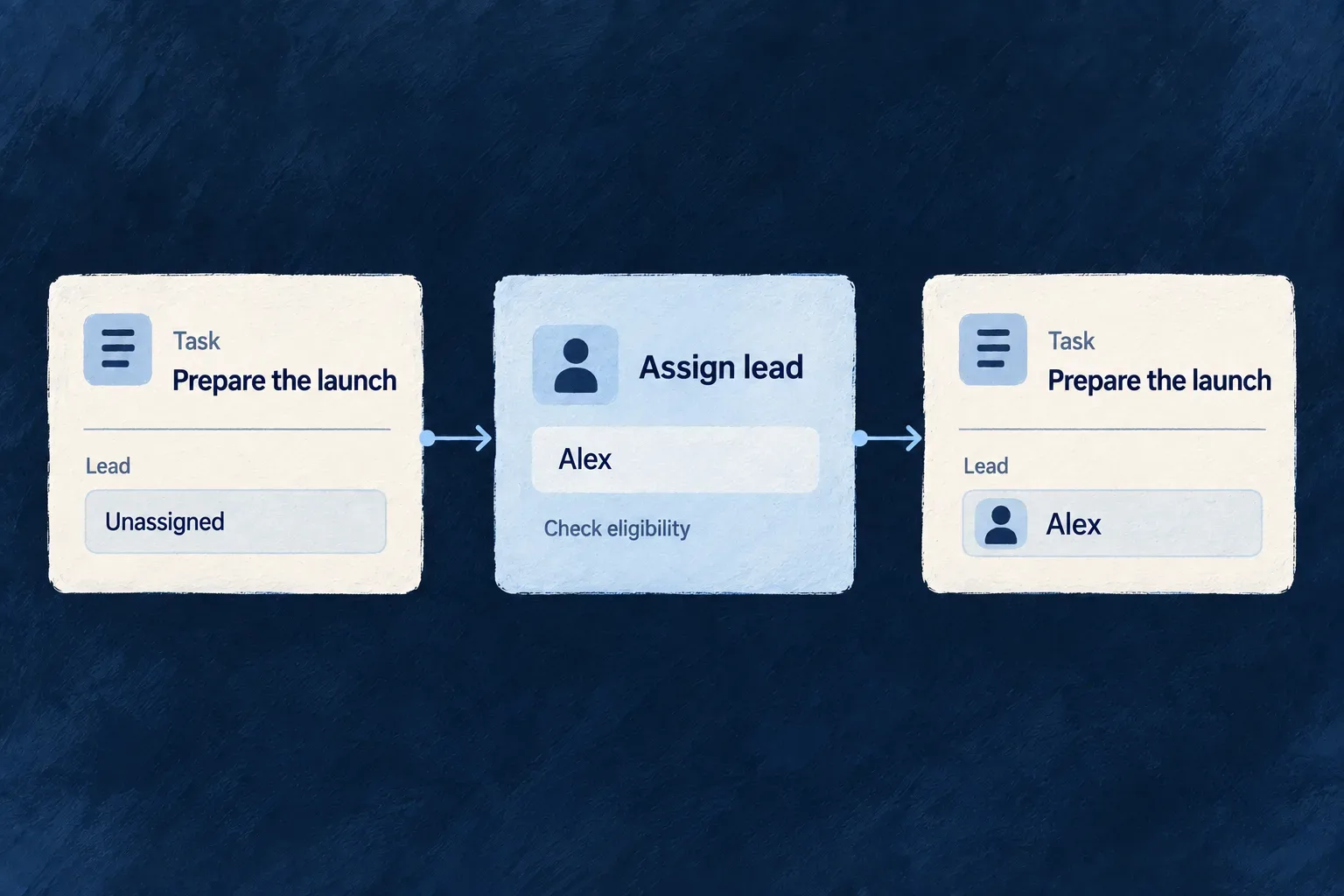
Example: Assign a lead, not just a user ID

The person making the assignment must be an administrator. The selected lead must also be an active administrator in the appropriate organization. Those are two different rules: permission to assign someone does not make every person an eligible lead.

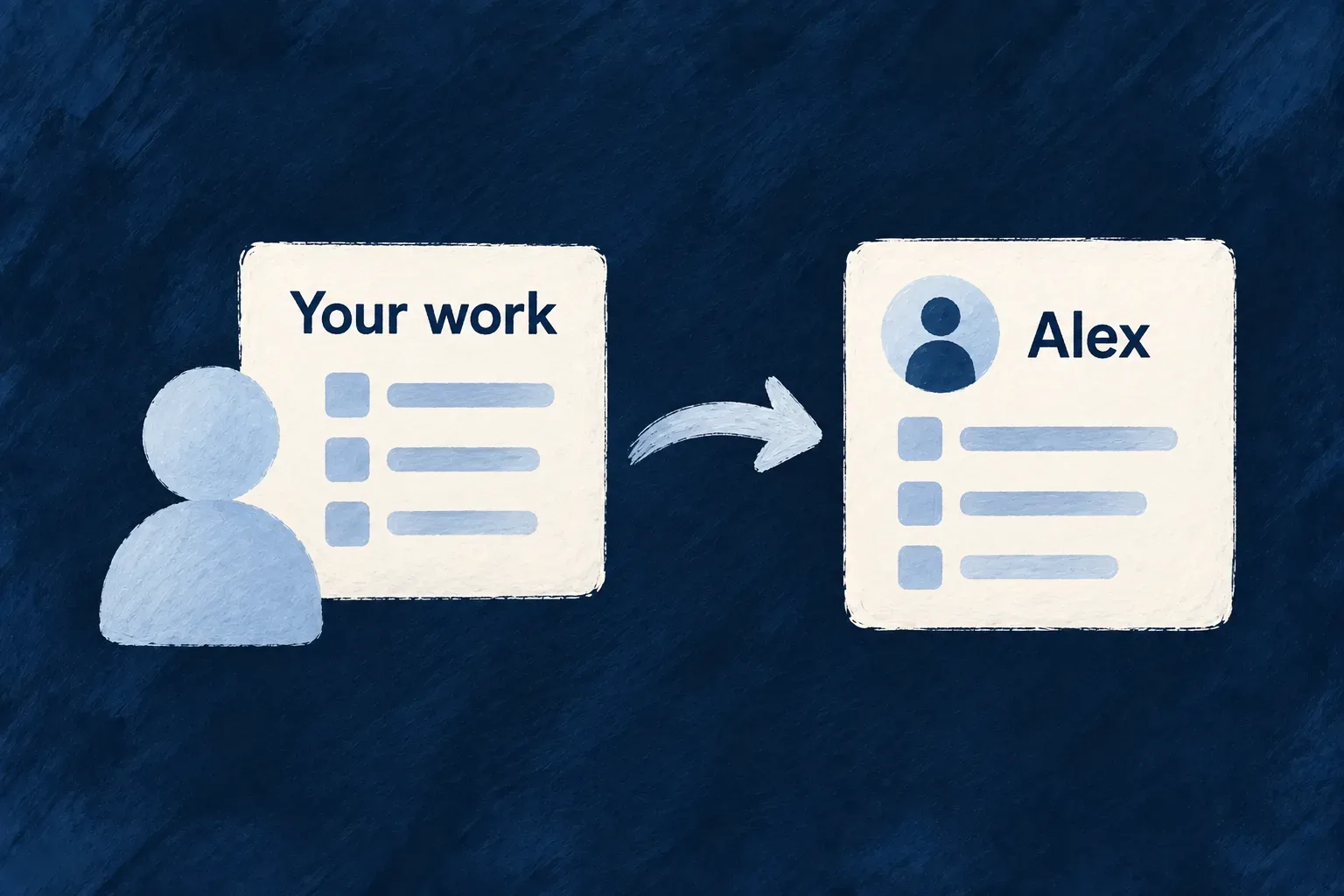
Assign lead checks the chosen user’s eligibility and changes the task’s lead from unassigned to Alex.
For engineers
Express the action in its own contract

Wonder Todos declares ASSIGN_LEAD alongside its standard resource operations. This excerpt comes from todos.resources-config.ts:

[Todos_Operations.ASSIGN_LEAD]: {
  variants: [
    {
      variantType: ResourceOperationVariantType.API_CALL,
      isDefault: true,
      roles: [CORE_ORG_ROLES.ORG_ADMIN],
      riskLevel: ResourceOperationRiskLevel.MEDIUM,
      resourceOperationLike: CoreResourceOperation.UPDATE,
      requestDto: z.object({
        assignedToUserId: z.string().min(1),
      }),
      referenceConstraints: {
        assignedToUserId: {
          qualifyingStatuses: [OrganizationMemberStatus.ACTIVE],
          requiredRoles: { scope: ResourcePrimaryScope.ORGANIZATIONS, roles: [CORE_ORG_ROLES.ORG_ADMIN] },
        },
      },
    }
  ],
},

resourceOperationLike: UPDATE gives this action the shape of a record update. Its request accepts assignedToUserId, so the caller expresses an assignment rather than receiving a general edit contract.

roles governs who may call the operation. referenceConstraints governs the person selected by that call: active membership and the required organization role. The relationship supplies the organization connection, and role matching respects the role hierarchy. An owner can satisfy an administrator requirement.

This action can use the standard update machinery because its input names the field to change. Declaring a custom verb does not inherently require a custom handler.

Add code when the action needs its own processing

A different operation in Wonder Todos, ASK, retrieves passages from the organization’s knowledge documents. Its request and response are authored on the operation configuration. The backend resolves those contracts from the registry and connects an implementation to that exact operation variant.

Selected implementation from knowledge-documents.ask.operation.ts. Imports, explanatory comments and diagnostic logging are omitted; projectAnswer is the same file’s response-mapping helper:

const askKnowledgeBaseCustomImpl: ResourceCustomServiceImplementationFactory = (
  resourcesRegistryService: ResourcesRegistryBackendService,
  container: InversifyContainer,
) => {
  const operationPath = {
    resourceIdentifier: TasksManager_ResourceType.KNOWLEDGE_DOCUMENTS,
    operationIdentifier: KnowledgeDocuments_Operations.ASK,
    variantType: ResourceOperationVariantType.API_CALL,
    isOperationDefault: true,
  };
  const requestDtoSchema = resourcesRegistryService.getRequestDtoFromPath(operationPath);
  const responseDtoSchema = resourcesRegistryService.getResponseDtoFromPath(operationPath);

  let retrievalService: RagRetrievalBackendService | undefined;

  return createResourceCustomServiceImplementation<typeof requestDtoSchema, typeof responseDtoSchema>({
    operationPath,
    requestDtoSchema,
    responseDtoSchema,
    handlers: {
      overrideAll: async (_id, input, executionContext, _operationPath, utils) => {
        retrievalService ??= container.get<RagRetrievalBackendService>(SAAS_SERVICE_TYPES.RagRetrievalService);

        const { question, limit, maxContextCharacters } = input as AskKnowledgeBase;

        const result = await retrievalService.retrieve({
          query: question,
          executionContext,
          resourceTypes: [TasksManager_ResourceType.KNOWLEDGE_DOCUMENTS],
          ...(limit !== undefined && { limit }),
          ...(maxContextCharacters !== undefined && { maxContextCharacters }),
        });

        return projectAnswer(question, result);
      },
    },
  });
};

export default askKnowledgeBaseCustomImpl;

operationPath identifies the resource, action and API variant. isOperationDefault matches this handler to the default variant declared in the configuration. The two registry lookups reuse that operation’s schemas, so the handler is attached to its declared input and output rather than maintaining a second contract.

The focused retrieval call passes the caller’s executionContext unchanged and narrows the corpus to knowledge documents. The retrieval service applies its own access checks using that context. projectAnswer shapes the result into the application’s response: passages and their sources, ready for the caller to use.

The service is resolved lazily from the container when a request arrives. The default export is discovered by the module’s configured operation-file scan and registered as an implementation.

Choose how much of the execution you own

Use prefixCoreOperations to validate or prepare input before core persistence. Use postfixCoreOperations to transform the result after the core operation. A custom action that changes ordinary resource fields can keep that shared persistence path.

overrideAll, used in the retrieval example, owns the service pipeline and returns its result directly. It is appropriate here because asking for passages is a service call, not a resource write. The handler deliberately uses a service that enforces the caller’s access; this mode does not supply the usual persistence and notification stages for it.

replaceCoreOperations supplies the authoritative core result within the surrounding pipeline. For ordinary targeted UPDATE and DELETE operations, core persistence can run before the replacement callback. CREATE-borrowing and targetless mutation operations using REPLACE skip that core persistence. Choose the mode against the declared operation: replacement does not universally mean that no write has happened.

Put a business change inside the right boundary

When a prefix, core write and postfix must succeed together, declare transactionalCore: true and its transactionParticipants. The operation’s own resource is included automatically; name additional participating resources and forward utils.serviceOptions on nested calls so they join the same transaction.

For server-owned values injected by a prefix, declare authoritativeFields together with the hook that computes them. For external work that belongs after a successful mutation, use the durable post-commit mechanism. A postfix inside a transaction is still before commit; an email or external API call cannot be undone by a database rollback.

Example: compute a role change, then let the core save it

The engine’s ownership-grant operation demonstrates a mutation whose request and stored change are different. Its request asks for a justification; the server computes the role set. It retains existing roles and adds ownership only when the member and underlying user are usable.

This is a privileged administrative operation, not a general-purpose permission pattern. Its configured variant requires the application super-administrator role and explicitly admits cross-tenant administration. The excerpts below explain its mutation mechanism; they do not replace that authorization configuration.

The registration in organization-member-custom-implementation.backend.service.ts connects the action to its write authority and transaction participants. Selected properties from its createResourceCustomServiceImplementation(...) call:

operationPath: {
  resourceIdentifier: CoreResourceType.ORGANIZATION_MEMBERS,
  operationIdentifier: OrganizationMembers_Operations.GRANT_OWNERSHIP,
  variantType: ResourceOperationVariantType.API_CALL,
  isOperationDefault: true,
},
debugLabel: 'organization-members.grant-ownership.api',
authoritativeFields: ['roles'],
transactionalCore: true,
transactionParticipants: { membershipOwner: CoreResourceType.USERS },

authoritativeFields makes the prefix’s computed roles authoritative even if an internal caller supplies a role set. It is not a permission grant to the caller. The membership resource participates automatically; USERS is named because the prefix reads the user behind that membership. Participant declarations let the framework check persistence compatibility; they are not a substitute for forwarding transaction options.

Inside the prefix, the operation first checks the addressed membership. It then loads the corresponding user with the transaction-bearing options. This is the actual nested read; the surrounding membership and user-status refusal branches are omitted here:

const systemEc = await authEcFactory.createForSystemAuthOperation(authEcFactory.getUsersReadOperationPath());
const user = await utils.servicesRegistry.read<{ status?: string }>(
  CoreResourceType.USERS,
  systemEc,
  { _id: currentObject!.userId },
  utils.serviceOptions,
);

The special system context belongs to this engine-owned administrative operation. Ordinary application handlers should retain their authorized caller context. The important transaction connection is the final argument: a nested call that drops utils.serviceOptions does not acquire the transaction merely because its resource was listed.

After both usability checks pass, the same prefix computes its patch:

const currentRoles = normalizeRoleArray(currentObject!.roles);

if (rolesConferOrganizationOwner(currentRoles, organizationOwnerConferralResolver())) {
  return { roles: currentRoles };
}

return { roles: [...currentRoles, CORE_ORG_ROLES.ORG_OWNER] };

That return value is input to the remaining mutation pipeline. The prefix does not call update itself. The action borrows UPDATE, and the core persists the computed role set on the addressed membership. An already-owning member keeps its roles; a newly promoted member retains its other roles. The operation’s response is produced after the core write, not by treating the prefix patch as proof that storage changed.

Part of the changeResponsibility
RequestCarries a justification, not an arbitrary replacement role set
PrefixRefuses unusable members or users and computes the role patch
Authority declarationPreserves the server’s computed roles through mutation processing
Transaction boundaryEncloses prefix, core persistence and any configured postfix with compatible participants
CoreApplies the prepared update to the addressed membership
External effectsNeed their own post-commit delivery mechanism; a database transaction cannot roll them back
Distinguish atomic work from work after commit

transactionalCore is an opt-in. It does not make every custom operation transactional, and it does not make incompatible adapters share one transaction. A caller-supplied transaction has a caller-owned commit boundary; returning from the nested operation does not mean that caller has committed.

Keep validation and participating database changes inside the atomic phases. Treat a postfix as pre-commit work when transactional core is enabled. Schedule durable external work through the post-commit mechanism rather than sending email or calling a provider from that postfix. Inspect the configured phases and the ownership of the commit before deciding where an effect belongs.

Reject business-rule failures through utils.errorBuilder, using an appropriate error type and localized message reference. Give the action its frontend presentation and labels, then exercise the allowed path, a refused call and the business-rule rejection. The operation is complete when its contract, implementation and interaction describe the same action.

The knowledge-base response mapper also preserves searchStatus and embeddingStatus. Its assistant tool distinguishes unavailable search from a healthy empty result, while keeping citations and permission refusals separate.

Adapt its shape and behavior

Give each variation the fields it needs Mechanism

An individual customer and a company share contact information, but only the company needs a registration number. A recurring task shares its title with an ordinary task, but also needs a recurrence rule.

A schema family keeps those common fields together and describes the additions for each variation. One field identifies which shape applies, so the application can work with a precise definition instead of a long list of fields that might or might not belong.

You choose the variations that matter to the product. They remain part of the same resource, with shared relationships and operations.

Example: One task model, two kinds of task

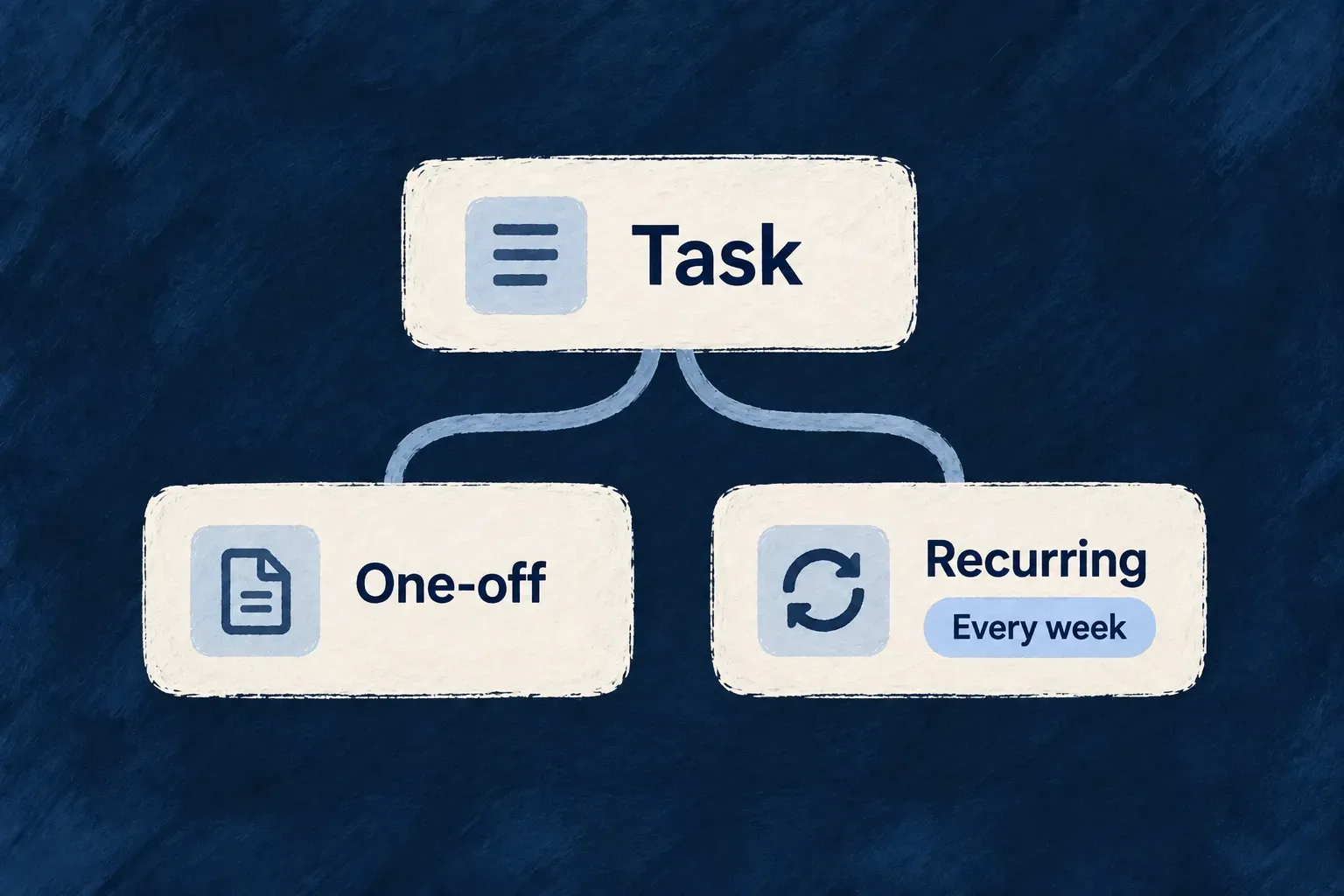
A one-time task has a title and a due date. A recurring task adds its recurrence interval and optional start and end dates. Both appear as tasks, while the recurring version carries the information needed to repeat.

One-off and recurring tasks share a common definition, with a weekly rule on the recurring variation.
For engineers
Keep shared fields in the base

Declare the discriminator on the base schema. Wonder Todos uses recurringType, a named enum field marked isDiscriminator(). The base contains the title, priority and other fields shared by both kinds of task. The recurring extension contributes only the recurrence settings.

These two declarations come from todos.schemas.ts; the intervening explanatory comment is omitted:

const todosRecurringExtension = z.object({
  recurrence: z.enum([Todos_Recurrence.DAILY, Todos_Recurrence.WEEKLY, Todos_Recurrence.MONTHLY]),
  startDate: z.date().optional(),
  endsDate: z.date().optional(),
});
export const TodosSchemaFamily = createSchemaFamily({
  base: Todos_BaseSchema,
  discriminator: {
    field: 'recurringType',
    baseValues: [Todos_RecurrenceType.ONE_TIME],
  },
  variants: {
    [Todos_RecurrenceType.RECURRING]: {
      extend: todosRecurringExtension,
    },
  },
});

baseValues assigns the one-time value to the base shape. The RECURRING entry extends that base with todosRecurringExtension, so its required recurrence field belongs to the recurring task. The optional dates keep their own optionality; choosing a variant does not make every added field required.

Use the family’s outputs together

createSchemaFamily returns the extended variant schemas, a discriminated union and the inheritance definition consumed by resource configuration. Wonder Todos exports the base and recurring schemas for callers and passes the family’s inheritance configuration to its resource factory. This connects the variant model to derived operation contracts rather than maintaining separate resource declarations.

The outputs have different jobs. In todos.schemas.ts, the resource’s common schema remains the base; the recurring schema is available separately:

export const Todos_Schema = Todos_BaseSchema;

export const TodosRecurringSchema = TodosSchemaFamily.variants[Todos_RecurrenceType.RECURRING];

The same application’s createResourceConfiguration_Initialization(...) call binds both the base and the inheritance definition. These are selected properties from the full factory configuration:

mainSchema: Todos_Schema,
resourceIdentifier: TasksManager_ResourceType.TODOS,
resourceFieldIdentifier: TasksManager_ResourceFieldIdentifier[TasksManager_ResourceType.TODOS],
resourceRelationships: resourcesRelationships,
inheritenceSchemaDefinition: TodosSchemaFamily.inheritenceSchemaDefinition,

Do not substitute TodosSchemaFamily.union for mainSchema in this pattern. The union validates complete family values; the base plus inheritance definition lets resource consumers derive the contracts they need. createSchemaFamily and createResourceConfiguration_Initialization are public exports of @wildo-ai/saas-models.

Check what each shape accepts

This example validates complete model values, not HTTP CREATE payloads. It supplies the model’s required identifiers; HTTP creation derives a different request contract and assigns the stored identity through the resource service.

const common = {
  _id: 'example-todo',
  organizationId: 'example-org',
  todoListId: 'example-list',
  title: 'Prepare the launch',
};

// Accepted: the one-time shape does not require recurrence.
TodosSchemaFamily.union.safeParse({
  ...common,
  recurringType: Todos_RecurrenceType.ONE_TIME,
});

// Rejected: choosing RECURRING also requires its recurrence field.
TodosSchemaFamily.union.safeParse({
  ...common,
  recurringType: Todos_RecurrenceType.RECURRING,
});

// Accepted: the weekly rule completes the recurring shape.
TodosSchemaFamily.union.safeParse({
  ...common,
  recurringType: Todos_RecurrenceType.RECURRING,
  recurrence: Todos_Recurrence.WEEKLY,
});

Inspect safeParse(...).success before using its data. The second result is unsuccessful with an issue at recurrence; the first and third succeed. The family union also rejects an unknown discriminator value. Optional startDate and endsDate remain optional on the recurring variant. This validates the declared shapes; resource authorization, stored references and operation-specific input rules remain separate checks.

The builder checks coverage of an enum discriminator and detects values claimed by both the base and a variant. Keep the discriminator as a named enum when the possible shapes form a known set. A plain string does not provide the same finite list to check.

Carry the distinction into the product

Choose which controls and sections each variation needs in UI behavior, and document the meaning of its added fields in the resource specification. An existing field that moves into a variant changes the accepted shape, so review the relevant create and update contracts and existing stored records together.

The runtime resolver selects the schema using the record’s discriminator. Its fallback for an unrecognized value is the base schema, which makes valid discriminator values important at the boundary where records enter the application.

Keep storage rules with the fields they protect Mechanism

A customer number should identify one customer. A field used repeatedly to find records should have the storage support that makes those lookups practical.

Wildo lets you describe those requirements alongside the field. Database adapters translate the declaration into their own keys and indexes, keeping the reason for a storage rule close to the value it protects.

You decide what identifies a record and where uniqueness applies. A number can be unique across the application or only within one organization; those are different business rules.

Example: Import the same task without creating a duplicate

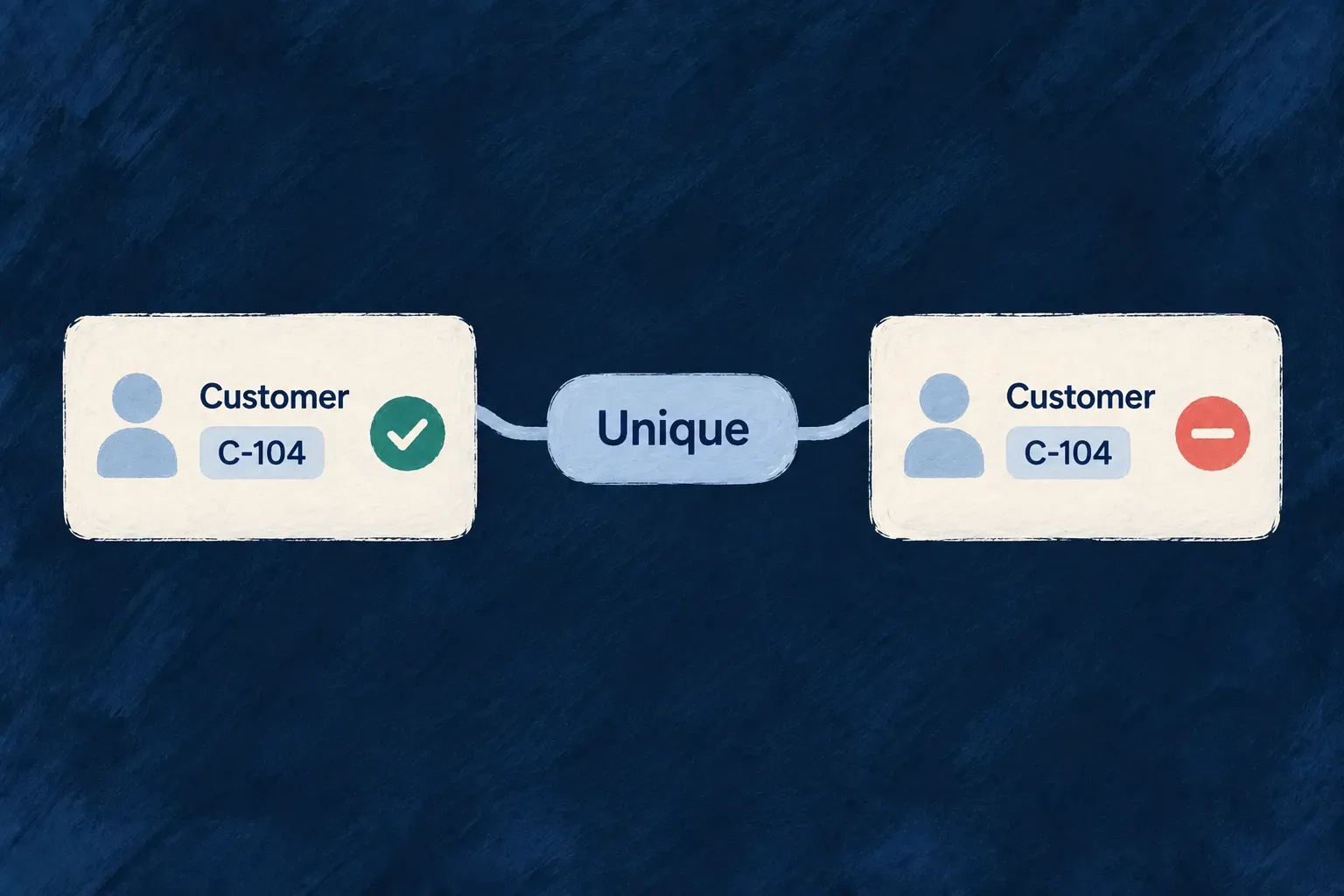
An external system gives each task a stable reference. Your application can use that reference to recognize an imported task again, while allowing another organization to use the same reference in its own workspace.

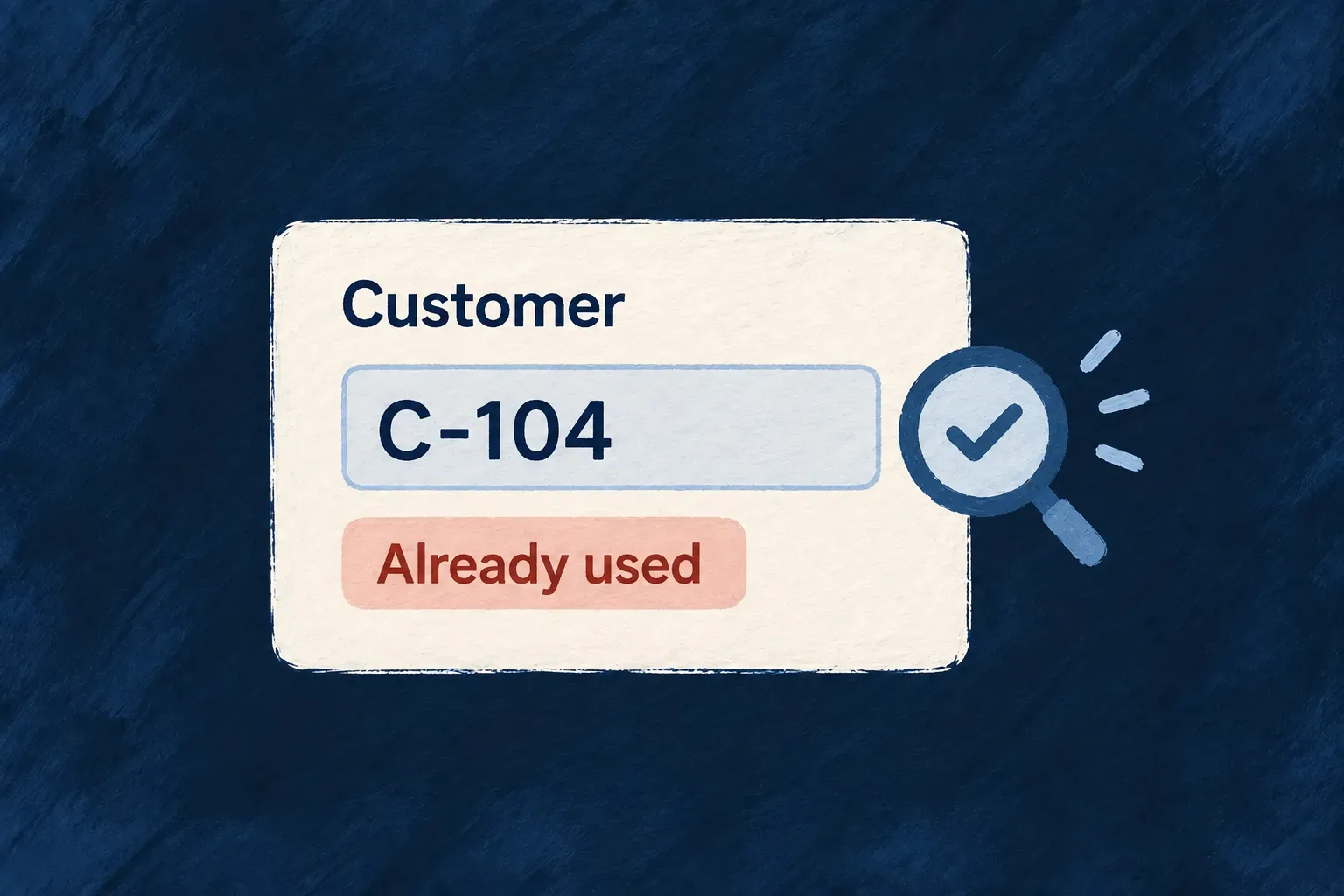
A unique customer-code rule accepts one C-104 record and refuses a duplicate.
For engineers
Give each annotation a job

isPrimaryKey() identifies the resource’s primary key. isDBIndexed() requests a lookup index. isBusinessKey() identifies a value used by seed and import workflows to find an existing row; an ordinary business-key marker does not itself impose uniqueness. Use isUnique() when storage must reject duplicates.

Wonder Todos makes that distinction explicit in todos.schemas.ts. These selected field declarations omit intervening fields and comments; they show identity, lookup and lifecycle settings around that reference:

_id: z.string().min(1).isPrimaryKey().isSummaryField(),
organizationId: z.string().min(1).isDBIndexed().isForeignKey().isSummaryField().excludeFromUpdate(),
createdByUserId: z.string().min(1).isDBIndexed().isForeignKey().excludeFromUpdate().optional(),
todoListId: z.string().min(1).isDBIndexed().isForeignKey().isSummaryField().excludeFromUpdate(),
assignedToUserId: z.string().isDBIndexed().isForeignKey().optional(),
title: z.string().min(1).max(200).isSummaryField(),
externalRef: z.string().min(1).max(100).regex(/^[A-Za-z0-9._:-]+$/).isBusinessKey().isUnique({ scope: 'organization', sparse: true }).optional(),
createdAt: z.date().default(() => new Date()).isDBIndexed().isSummaryField().excludeFromCreate().excludeFromUpdate(),
updatedAt: z.date().default(() => new Date()).isDBIndexed().excludeFromCreate().excludeFromUpdate(),

The value is optional for manually created tasks. When present, it accepts a bounded, URL-safe reference. scope: 'organization' makes uniqueness local to the organization, and sparse: true lets tasks without an external reference coexist.

Let the adapter translate the declaration

The MongoDB converter reads index and uniqueness metadata to create the corresponding indexes. The PostgreSQL planner reads the same intent into its schema plan, from which migrations are produced. The shared declaration keeps the rule identifiable; each database still has its own schema-publication lifecycle.

For a key made from several values, use the object-level businessKeySet contract and review the compound uniqueness it describes. Treat the named business identity and the physical primary key as separate decisions when the domain needs both.

Decide what a missing key member means

Consider an organization chart: two sibling units must not share a code, but units without a code are allowed. A root unit has no parent; that absence still describes a real position in the chart.

The engine’s OrganizationUnitSchema declares that distinction at the end of its object schema. This excerpt keeps the actual key members and constraint options; the other fields are omitted:

z.object({
  // Other organization-unit fields are omitted.
  organizationId: z.string().min(1).isDBIndexed().isForeignKey().isSummaryField().excludeFromUpdate(),
  parentUnitId: z.string().optional().isDBIndexed().isForeignKey().excludeFromUpdate(),
  code: z.string().min(1).max(20).optional(),
}).businessKeySet(
  ['organizationId', 'parentUnitId', 'code'],
  {
    skipRowsMissing: ['code'],
    conflictMessageReference: ErrorCustomMessageReference.ORGANIZATION_UNIT_CODE_EXISTS,
  },
);

skipRowsMissing excludes a row from this uniqueness constraint when a listed member is absent. It does not mean “list every optional field.” Here, omitting code means there is no business key to enforce; omitting parentUnitId means the unit is a root, whose code must still be unique within its organization.

New record compared with an existing unitResult of this constraintWhy
Same organization, parent and codeConflictThe complete business identity is already occupied.
Same organization and code, both rootsConflictAn absent parent is the same root position for both records.
Same code under a different parentAllowedThe parent is part of the identity.
Same parent and code in another organizationAllowedThe organization is part of the identity.
Another unit with no codeAllowedMissing code excludes that row from this constraint.

These are uniqueness decisions, not permission grants: the operation’s access rules still apply. conflictMessageReference names the domain-specific conflict instead of making callers interpret a generic duplicate-key message.

The MongoDB adapter emits a partial compound unique index for records with a code. PostgreSQL expresses the same intent with a presence predicate and NULLS NOT DISTINCT, so two roots cannot evade uniqueness through their missing parent. Publishing the declaration through the adapter’s normal schema lifecycle is what installs the constraint.

The compound identity also supports seed/import matching independently of the physical primary key. It does not turn an ordinary CREATE request into an upsert. Choose the appropriate seed/import workflow when repeated input should update an existing record.

Introduce the constraint with existing data in mind

Before adding uniqueness to an established field, examine whether existing rows already satisfy the intended rule. For PostgreSQL, generate and publish the migration with its schema plan. For MongoDB, the owning runtime reconciles and verifies declared unique indexes at startup.

An index helps particular query shapes; it is not a substitute for choosing the filters and sort fields an operation offers. Keep the field’s storage rule and the operation’s public query choices aligned.

Give an action the right way to run Mechanism

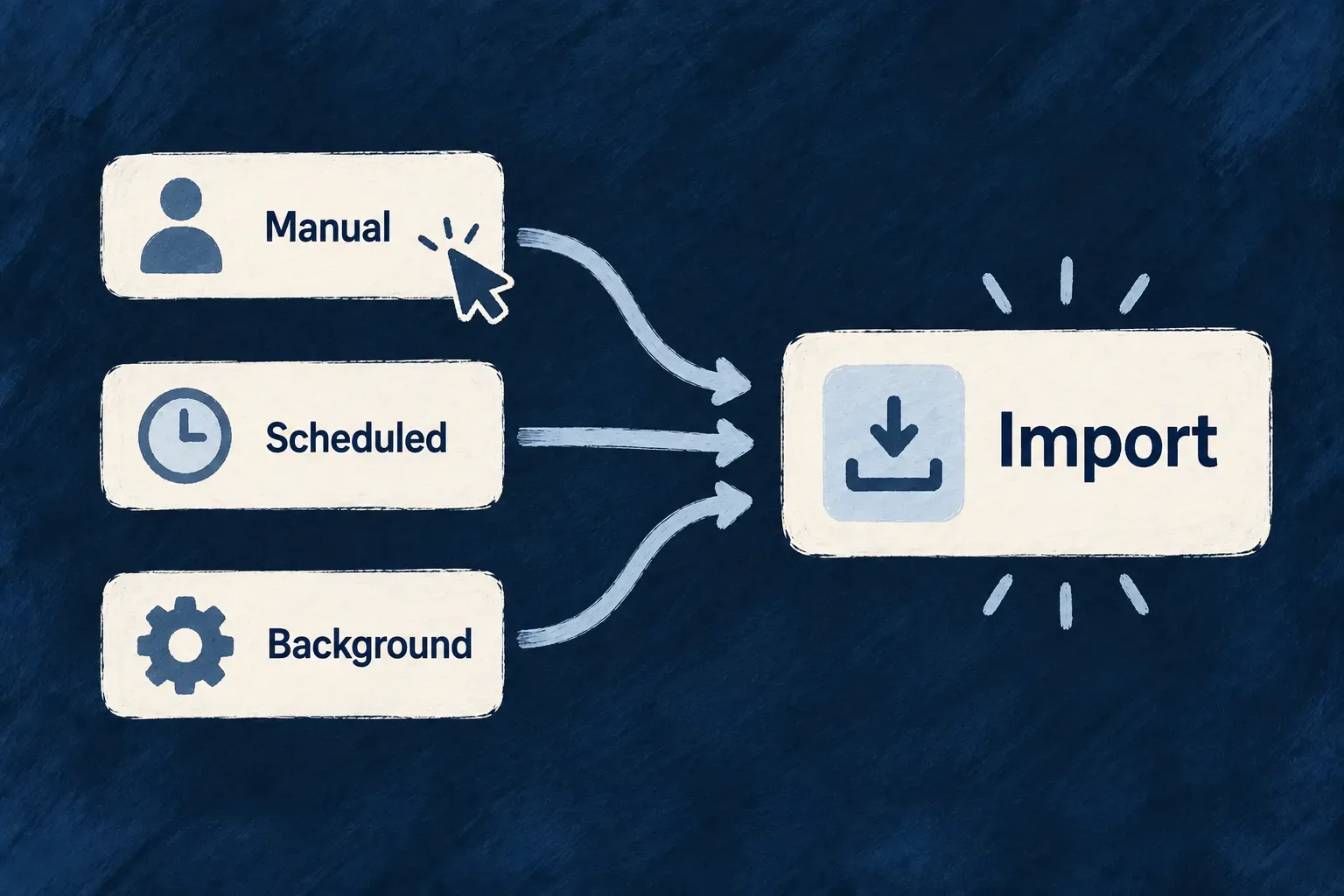
Some work starts when a person presses a button. Other work happens on a schedule or is called by another part of the application.

Wildo describes those entry points as operation variants. Each can carry the roles, input and result appropriate to its use, while staying attached to the resource and named action it belongs to.

You choose which work is exposed through the API and which stays internal. A scheduled operation does not need a public endpoint to participate in the resource system.

Example: Let assignees and administrators act under different rules

A task assignee can change its status. An organization administrator can change it without being the assignee. Both use the same named action and status input, but each entry point declares its own access conditions.

Manual, scheduled and background entry points meet at one Import action.
For engineers
Declare how the operation is reached

API, callback, scheduled, batch, internal and repository-only variants have distinct shapes. HTTP variants carry routing information; a cron variant carries a schedule; an internal variant is callable through the service layer without receiving an HTTP route. Repository-only variants describe storage access rather than service dispatch.

Keep one action, make its access paths explicit

Wonder Todos declares these two API variants under CHANGE_STATUS. This is the operation entry from todos.resources-config.ts, with explanatory source comments omitted:

[Todos_Operations.CHANGE_STATUS]: {
  variants: [
    {
      variantType: ResourceOperationVariantType.API_CALL,
      isDefault: true,
      haveBulkOperation: true,
      roles: [CORE_ORG_ROLES.ORG_MEMBER],
      riskLevel: ResourceOperationRiskLevel.LOW,
      resourceOperationLike: CoreResourceOperation.UPDATE,
      requestDto: z.object({
        status: z.enum(Todos_Status),
      }),
      enabledCondition: ({ currentObject, objectContext, initiatorUserContext }) => {
        return currentObject.assignedToUserId === initiatorUserContext?._id && currentObject.status !== Todos_Status.COMPLETED;
      },
    },
    {
      variantType: ResourceOperationVariantType.API_CALL,
      isDefault: false,
      variantKey : 'admin',
      haveBulkOperation: true,
      roles: [CORE_ORG_ROLES.ORG_ADMIN],
      riskLevel: ResourceOperationRiskLevel.LOW,
      resourceOperationLike: CoreResourceOperation.UPDATE,
      requestDto: z.object({
        status: z.enum(Todos_Status),
      }),
      enabledCondition: ({ currentObject, objectContext, initiatorUserContext }) => {
        return currentObject.status !== Todos_Status.COMPLETED;
      },
    }
  ],
},

Both variants accept exactly the same status input. What changes is who may act and the condition checked against the current task. The default requires the assignee; the admin variant does not. Both exclude completed tasks through their declared condition.

Selected entry pointDeclared roleRecord condition
DefaultOrganization memberCaller is the assignee and task is not completed.
adminOrganization administratorTask is not completed.

The caller selects an entry point; Wildo then applies that variant’s contract. An administrator calling the default entry point does not automatically switch to admin. The role and record condition are separate checks, and the wider resource scope still applies.

Address the variant you intend to call

For HTTP calls, the generated route includes the variant key after the action segment. These are route endings, not complete URLs; the generated parent path and API prefix provide the surrounding context:

Default: …/{todoId}/change-status
Admin:   …/{todoId}/change-status/admin

Use the generated route for the chosen variant rather than sending an admin flag in the request body. The request remains the same status object. Knowing the admin URL does not grant its required role.

Backend callers likewise resolve an operation path for the selected variant. getServiceOperationPathDefault(resourceType, operationIdentifier) resolves the default; getServiceOperationPath(resourceType, operationIdentifier, variantKey) resolves a named variant. Pass the resulting operation path to the service dispatcher so the selected variant identity is preserved. isDefault: false remains meaningful even when a variant is the only one declared: it must not silently become the default. Nondefault HTTP variants need a variantKey to give them a distinct address.

Use a schedule when nobody is submitting a request

The recurring-occurrence resource provides a different entry shape. Its hourly generation action has no request body and returns a run summary. Selected lines from its operation entry show those decisions:

[TodoRecurringOccurrence_Operations.RUN_RECURRING_GENERATION]: {
  variants: [
    {
      variantType: ResourceOperationVariantType.CRON_JOB,
      cronExpression: '0 * * * *',
      roles: [CORE_ORG_ROLES.ORG_MEMBER],
      riskLevel: ResourceOperationRiskLevel.LOW,
      resourceOperationLike: CoreResourceOperation.UPDATE,
      requestDto: z.void(),
      customResponseDto: RunRecurringGenerationResponseDto,
      customServiceImplementationModes: [ResourceOperation_CustomServiceImplementationMode.OVERRIDE_ALL],
    },
  ],
},

The executor validates the absent input against z.void() and the returned summary against RunRecurringGenerationResponseDto. This entry receives a schedule, not a public HTTP route. It is a separate named action because generating occurrences has a different purpose from changing an existing task’s status.

Define contracts for each variant

Variants belong under the same operation key when they are ways of reaching that operation. Each variant has its own request and response choices, roles and risk level. A keyed variant that needs a custom contract must declare it; another variant’s custom shape is not a shared fallback.

Use a separate named operation when the purpose itself changes. A user editing one occurrence and a scheduler generating the next set need not be forced into the same action just because both write records.

Separate entry point from execution mode

The source of a call and the runtime used to finish it are different choices. An HTTP operation can use queued processing when configured for it. The variant type answers how work is reached; its execution configuration answers how that work runs.

Connect the variant to the appropriate backend implementation and runtime registration. An internal operation still has a declared access and validation contract; use repository-only deliberately for work that belongs directly to storage.

Act on the records people select Mechanism

People often need to work on a set of records together: delete completed tasks, assign several items or apply the same change to a selection.

Wildo can expose a bulk companion to an operation. The selected records travel with the request as its target, so the action can work on that set instead of asking someone to repeat the same interaction for every row.

You choose which actions make sense in bulk and who may use them. The selection and the change remain separate parts of the operation.

Example: Remove the completed work you selected

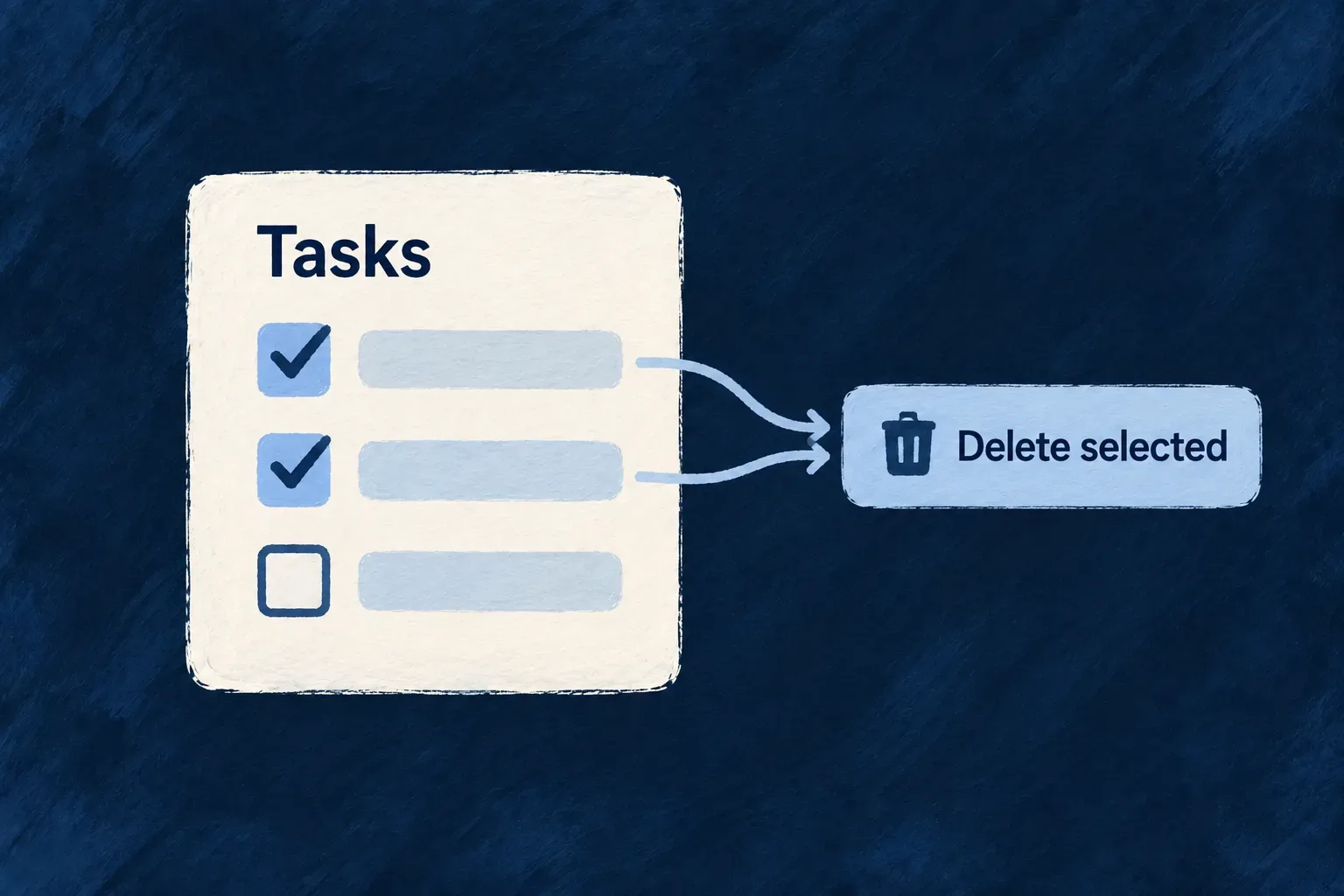
A team member selects the completed tasks in a list and deletes them together. Tasks outside that selection remain in the list, including work that is still in progress.

Two selected tasks lead to a shared delete action while an unselected task stays untouched.
For engineers
Enable bulk behavior on the operation

haveBulkOperation belongs on a supported API variant. The factory derives a companion operation and its collection-level route from that declaration.

Wonder Todos enables the delete companion on its API variant in todos.resources-config.ts. These are the relevant lines; MCP exposure, notifications and other operation settings are omitted:

[CoreResourceOperation.DELETE]: {
  variants: [
    {
      variantType: ResourceOperationVariantType.API_CALL,
      isDefault: true,
      haveBulkOperation: true,
      roles: [CORE_ORG_ROLES.ORG_MEMBER],
      riskLevel: ResourceOperationRiskLevel.LOW,
      // Other variant settings are omitted.
    },
  ],
},

The same entry declares who may call the operation and how it is classified. The generated bulk companion uses the variant configuration rather than requiring an unrelated second action declaration. Read and list are not mutation targets for this option.

Keep selected IDs out of the record payload

The shared selector name is _ids. A bulk request carries a non-empty list of record identifiers under that field, together with the input required by the action. The DTO builder includes the selector in the bulk request contract.

At service dispatch, Wildo resolves the selection into the target and strips it from the data passed onward. An already supplied programmatic target takes precedence. The selector therefore cannot become an ordinary persisted field or redirect a target the caller has already chosen.

Send a selection and read what was deleted

The application’s bulk-operation-selector.e2e.ts exercises the standard path on organization API keys. The following request uses that route with illustrative organization and key IDs; the API mount prefix is omitted:

DELETE /organizations/example-org/organization-api-keys/bulk
Content-Type: application/json

{
  "_ids": ["key-a", "key-b"]
}

For a successful deletion of both keys, the standard serialized response is:

{
  "deletedIds": ["key-a", "key-b"],
  "deletedCount": 2
}

The service’s raw delete result is converted to this response envelope. Even a one-ID bulk request keeps deletedIds and deletedCount; it does not suddenly return the single-delete response shape. Use the returned IDs as the result, rather than assuming every requested ID was deleted.

The HTTP scenario also creates a third key and verifies that it survives. Selection means the named records, not every row currently matching the screen’s filter.

Submitted selectionMeaning and outcome
_ids: ["key-a", "key-b"]Targets those IDs within the caller’s permitted scope. The result names the deleted IDs.
_ids: []Invalid request; it must not mean “all records.”
ids: ["key-a"]Wrong field name; it does not satisfy the required _ids contract.
An ID belonging to another organizationNaming it does not make it reachable through the current organization’s route.
A record disappears before its pre-operation snapshot is loadedMissing reads are excluded from the snapshot set. This is not a per-ID success/failure report.

The multi-record loader resolves matching snapshots and removes missing reads before hooks receive them. It does not manufacture an error entry for every unavailable ID. An actual read or access error still propagates; do not interpret absence and refusal as the same result, or invent a universal partial-success contract for custom actions.

Understand the failure boundary you are relying on

haveBulkOperation creates an entry point, not a promise that every external effect rolls back together. The service runs pre-delete business hooks before file cleanup and repository deletion; a thrown pre-hook aborts that path before those effects begin.

A concrete storage boundary matters for PostgreSQL records with file-owning children. When file metadata uses a separately committed adapter and service-managed child deletion is absent, the bulk-delete guard refuses before the repository delete. Declaring the intended child lifecycle is necessary; it does not create a distributed transaction between PostgreSQL records and MongoDB file metadata.

Shared same-adapter transactions can include parent deletion and configured lifecycle work. Separately committed file work has a different failure boundary. Choose the action and recovery behavior with that topology in mind, and refresh affected records after a failure instead of assuming a generic bulk flag guarantees rollback of every effect.

Match the action to a selected set

Use bulk behavior where the business rule makes sense for all selected records. An assignment action still needs its assignment rules; a delete still needs the resource’s configured lifecycle. A single selected identifier takes the single-record path, while a multi-record operation has the semantics of its bulk path.

The normal HTTP contract requires a usable selection. For internal callers, use the shared selector helpers and an explicit target rather than spelling an independent convention. Keep the UI’s selected IDs tied to the action it submits, especially when the visible list is filtered or paginated.

Connect it to the business

Give every relationship a clear meaning Mechanism

A task belongs to a list and can be assigned to a person. Those connections mean different things: the list organizes the work it owns, while the person exists independently of any task.

Wildo makes that meaning part of the relationship declaration. You describe how many records can be connected, which field holds the reference and how the connection participates in the application.

That shared model supports addressing, related information and checks on the records being linked. You keep control of what ownership means and which connections the business permits.

Example: Assign someone from the right team

A task can refer to a team member as its assignee. Being allowed to assign the task and being eligible to receive it are different questions: the application can require that the chosen person belongs to the task’s organization.

A task belongs inside a project and separately refers to Alex as its assignee.
For engineers
Pair the field with an explicit edge

A foreign-key field identifies the stored value. The module’s relationship declaration explains what that value connects to. Cardinality states how many records can participate, while nature distinguishes composition, reference and association semantics.

Wonder Todos stores these fields on Todos_BaseSchema in todos.schemas.ts. They are selected fields from the object schema, not a complete resource definition:

todoListId: z.string().min(1).isDBIndexed().isForeignKey().isSummaryField().excludeFromUpdate(),
assignedToUserId: z.string().isDBIndexed().isForeignKey().optional(),

todoListId is required and excluded from ordinary updates. assignedToUserId is optional. Naming both as foreign keys is only half of the declaration: the module graph must identify the corresponding resource and meaning for each exact field name.

Declare what owns the record

The list-to-task edge is a composition. This is the actual declaration from the same module, with its source comment omitted:

createResourcesRelationship(
  TasksManager_ResourceType.TODO_LISTS, TasksManager_ResourceType.TODOS,
  ResourceRelationshipCardinality.ONE, ResourceRelationshipCardinality.MANY,
  {
    nature: RelationshipNature.COMPOSITION,
    foreignKeyField: 'todoListId',
    accessScopeStrategy: ResourceRelationshipAccessScopeStrategy.OPTIONAL_CONTEXT,
    contextPolicy: {
      operationOverrides: {
        [CoreResourceOperation.LIST]: { enabled: false },
        [CoreResourceOperation.SEARCH]: { enabled: false },
      },
    },
  },
),

One list owns many tasks, with todoListId stored on the task. OPTIONAL_CONTEXT concerns addressing; it does not make that required schema field optional. The edge disables context expansion for list and search operations. It does not declare an onParentDelete cascade: configure child lifecycle explicitly when deletion must act on children.

Reference something that exists independently

This assignee relationship comes from Wonder Todos’ tasks-manager.relationships.ts. Standalone source comments are omitted; the declaration itself is retained:

createResourcesRelationship(
  TasksManager_ResourceType.TODOS, CoreResourceType.USERS,
  ResourceRelationshipCardinality.MANY, ResourceRelationshipCardinality.ONE,
  {
    nature: RelationshipNature.REFERENCE,
    foreignKeyField: 'assignedToUserId', // Explicit for Edge Case #1 - multiple FKs to same type
    parentResourceRequirement: ResourceParentResourceRequirement.OPTIONAL,
    accessScopeStrategy: ResourceRelationshipAccessScopeStrategy.OPTIONAL_CONTEXT,
    scopeMembership: true,
    contextPolicy: {
      objectMode: ContextPolicy_ObjectMode.SUMMARY,
      operationOverrides: {
        [CoreResourceOperation.READ]: { objectMode: ContextPolicy_ObjectMode.FULL },
        [CoreResourceOperation.LIST]: { enabled: false },
        [CoreResourceOperation.SEARCH]: { enabled: false },
      }
    }
  }
),

Many tasks can reference one user through assignedToUserId. The parent requirement is optional, so an unassigned task is valid. scopeMembership requires the target to belong to the relevant scope; it handles the fact that user identity and organization membership are different records.

Choose the relationship by its meaning
Business connectionDeclarationWhat stays distinct
A list owns its tasksComposition through todoListIdOwnership permits lifecycle policies; it does not select an automatic cascade.
A task points to its assigneeReference through assignedToUserIdThe person is independently owned. Target membership is checked separately from the caller’s permission to assign.
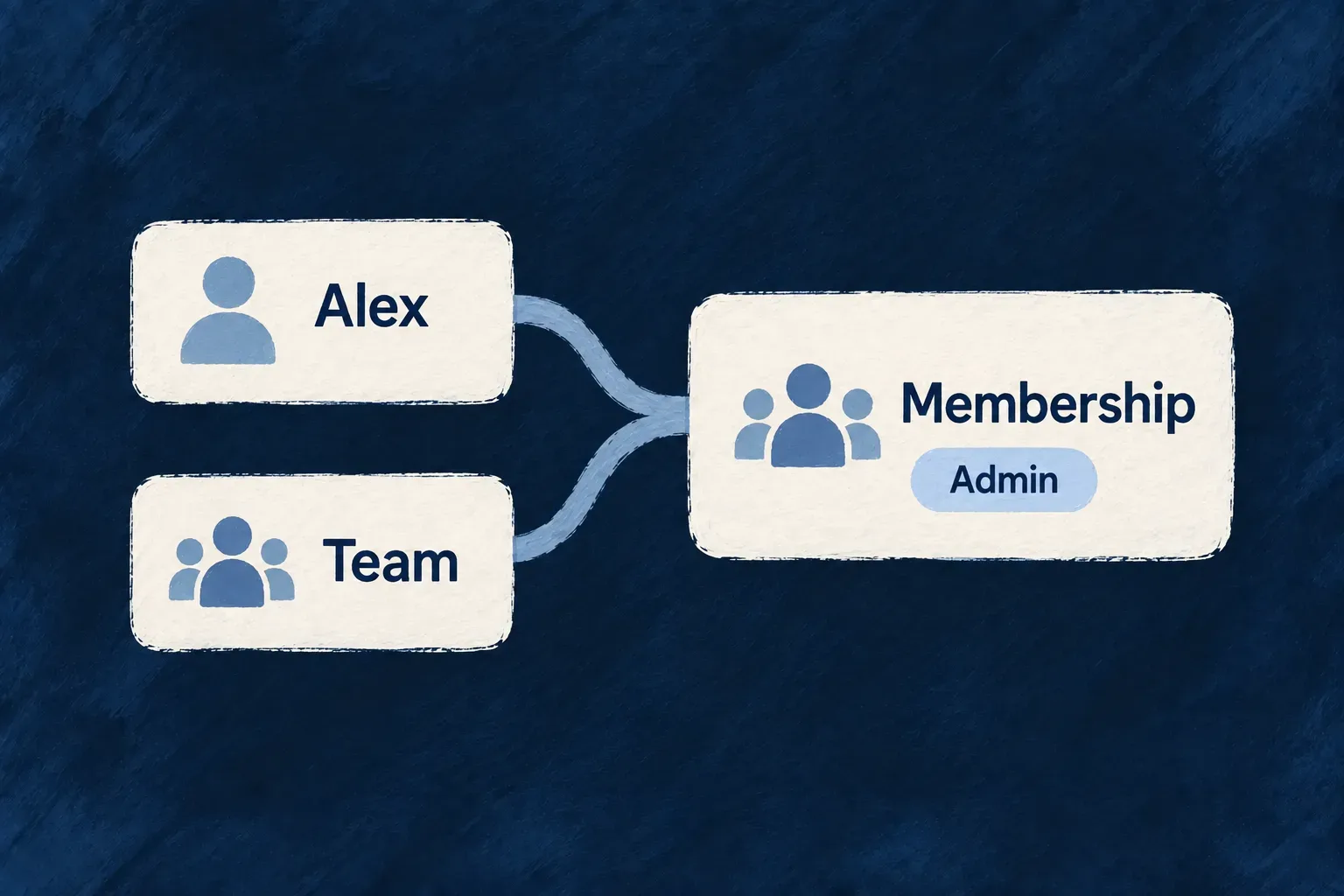
People belong to organizations through membershipsMany-to-many association through ORGANIZATION_MEMBERSRoles and membership state belong on the junction record, not on the person or organization.

The engine’s organization/user association declares jointResourceType: CoreResourceType.ORGANIZATION_MEMBERS. See connections with their own information for the complete association entry and the distinct setup for links between two tasks.

accessScopeStrategy controls whether the parent participates in an address. contextPolicy controls which related data the runtime assembles. Here the default user context is a summary, the read operation requests the full object, and list and search disable that expansion.

These choices avoid treating every relationship as a request to fetch a complete related record on every screen. Choose the detail needed by each operation and the corresponding interface.

Put business eligibility in the right place

The relationship supplies the shared structure and membership requirement. An operation can add referenceConstraints when a particular action requires a narrower target, such as an active member with a certain role. The permission to run the operation remains its own access decision.

The write-integrity path checks referenced records through the assembled relationship model. Keep schema foreign keys, module edges and specifications aligned when adding or changing a connection. For composition, declare the intended child lifecycle explicitly rather than assuming the word ownership selects a deletion policy.
Let a connection carry its own information Mechanism

A membership can have a role and a start date. A connection between two tasks can mean that one blocks the other. The relationship itself contains information worth keeping.

Wildo can represent that connection as a resource. It has its own fields and operations while linking the records on either side, so the information about the connection has a clear home.

The same approach supports connections between records of the same kind. Explicit source and target fields make the direction of a task dependency understandable.

Example: Explain why two tasks are connected

“Prepare the launch” depends on “Approve the brief”. A connection record identifies both tasks and records the kind of relationship, instead of leaving the dependency hidden in a comment or an unexplained pair of IDs.

Alex connects to a team through a membership carrying the Admin role.
For engineers
Store facts about the connection

A junction resource represents the link, not either endpoint. Its fields can describe the role, status or type of the connection. The junction has its own resource configuration and access choices.

Wonder Todos models connections between tasks in todos-relationships.schemas.ts. This excerpt includes the fields and the check that the two ends differ:

export const TodosRelationships_BaseSchema = z.object({
  _id: z.string().min(1).isPrimaryKey().isSummaryField(),
  organizationId: z.string().min(1).isDBIndexed().isForeignKey().isSummaryField().excludeFromUpdate(),
  createdByUserId: z.string().min(1).isDBIndexed().isForeignKey().excludeFromUpdate(),
  todoId: z.string().min(1).isDBIndexed().isForeignKey().isSummaryField().excludeFromUpdate(),
  targetTodoId: z.string().min(1).isDBIndexed().isForeignKey().isSummaryField().excludeFromUpdate(),
  relationshipType: z.enum(TodosRelationships_Type).isSummaryField(),
  createdAt: z.date().isDBIndexed().isSummaryField().excludeFromCreate().excludeFromUpdate(),
  updatedAt: z.date().isDBIndexed().excludeFromCreate().excludeFromUpdate()
});

export const TodosRelationships_Schema = TodosRelationships_BaseSchema.refine(
  (data) => data.todoId !== data.targetTodoId,
  {
    message: "Source and target todos cannot be the same",
    path: ["targetTodoId"]
  }
);

todoId identifies the source task and targetTodoId the other task. relationshipType uses the application’s named vocabulary, which includes dependency and blocking relationships. The refinement attaches a same-task error to the target field so the invalid choice has a useful location.

Register both ends of a self-relationship

Two foreign keys alone do not tell the graph which task is the source, which is the target, or where the connection belongs. Wonder Todos declares three edges in tasks-manager.relationships.ts: an organization scope anchor, a source composition and a target reference. These declarations retain the actual options; source comments are omitted.

createResourcesRelationship(
  CoreResourceType.ORGANIZATIONS, TasksManager_ResourceType.TODOS_RELATIONSHIPS,
  ResourceRelationshipCardinality.ONE, ResourceRelationshipCardinality.MANY,
  {
    nature: RelationshipNature.COMPOSITION,
    isPrimaryScope: true,
    foreignKeyField: 'organizationId',
    contextPolicy: {}
  }
),

createResourcesRelationship(
  TasksManager_ResourceType.TODOS, TasksManager_ResourceType.TODOS_RELATIONSHIPS,
  ResourceRelationshipCardinality.ONE, ResourceRelationshipCardinality.MANY,
  {
    nature: RelationshipNature.COMPOSITION,
    foreignKeyField: 'todoId',
    allowCycle: true,
    accessScopeStrategy: ResourceRelationshipAccessScopeStrategy.OPTIONAL_CONTEXT,
    contextPolicy: {
      objectMode: ContextPolicy_ObjectMode.ID_ONLY,
      depth: 1,
    }
  }
),

createResourcesRelationship(
  TasksManager_ResourceType.TODOS, TasksManager_ResourceType.TODOS_RELATIONSHIPS,
  ResourceRelationshipCardinality.ONE, ResourceRelationshipCardinality.MANY,
  {
    nature: RelationshipNature.REFERENCE,
    foreignKeyField: 'targetTodoId',
    allowCycle: true,
    accessScopeStrategy: ResourceRelationshipAccessScopeStrategy.OPTIONAL_CONTEXT,
    contextPolicy: {
      objectMode: ContextPolicy_ObjectMode.ID_ONLY,
      depth: 1,
    }
  }
),
EdgeField on the connectionPurpose
Organization → connectionorganizationIdEstablishes the primary organization scope of the link record.
Source task → connectiontodoIdNames the task that owns this connection.
Target task → connectiontargetTodoIdReferences the other task without making it the owner.

The two task edges use different field identities even though they reach the same resource type. allowCycle: true admits this declared graph topology; it is not a promise that a dependency scheduler will detect or accept business cycles. Their ID_ONLY context and depth of one bound related-object expansion.

Bind the checked schema to the resource

The connection’s resource configuration uses the refined schema, not the unrefined base. Selected lines from todos-relationships.resources-config.ts show the binding:

createResourceConfiguration_Initialization({
  mainSchema: TodosRelationships_Schema,
  resourceIdentifier: TasksManager_ResourceType.TODOS_RELATIONSHIPS,
  resourceFieldIdentifier: TasksManager_ResourceFieldIdentifier[TasksManager_ResourceType.TODOS_RELATIONSHIPS],
  resourceRelationships: resourcesRelationships,
  // Other resource and operation settings are omitted.
});

This connects the source/target check to the derived write contract and gives the factory the graph it must interpret. Keep the field names, registered edges and the configuration’s schema in agreement. A source-equals-target error is one local rule; it does not prove that a longer chain of dependencies has no cycle.

Use a peer association for different resource types

Organization membership is a different setup: two distinct peer types connected through a named junction. The engine declares this association in resources-registry.shared.core.definitions.ts:

createResourcesRelationship(
    CoreResourceType.ORGANIZATIONS, CoreResourceType.USERS,
    ResourceRelationshipCardinality.MANY, ResourceRelationshipCardinality.MANY,
    {
        jointResourceType: CoreResourceType.ORGANIZATION_MEMBERS,
        accessScopeStrategy: ResourceRelationshipAccessScopeStrategy.STANDALONE,
        nature: RelationshipNature.ASSOCIATION,
        contextPolicy: {
            objectMode: ContextPolicy_ObjectMode.SUMMARY,
            operationOverrides: {
                [CoreResourceOperation.LIST]: { enabled: false },
                [CoreResourceOperation.SEARCH]: { enabled: false },
            }
        }
    }
),

jointResourceType identifies the membership resource that carries each connection’s fields and operations. The registered association supplies the peer expansion; merely adding organization and user IDs to an unrelated schema does not.

Do not reuse this single many-to-many declaration with the same task type at both ends. Self-referencing peer expansion is refused; the explicit source and target edges above describe the junction record directly and preserve which foreign key means what.

Put connection-specific facts on the junction. A person’s organization role belongs to membership, while a task’s priority belongs to the task. Give the junction its own operations and lifecycle where people need to create, change or remove the connection.

A relationship type named “depends on” records that meaning; any scheduling or completion rule that acts on it belongs to the application’s behavior. The schema above also checks that the two task IDs differ. It does not, by itself, define a complete scheduling algorithm.

Decide what remains when a parent is removed Mechanism

Removing a project raises another question: what should happen to the work it owns? Some child records should go with it; others need to remain with a deliberate treatment of personal information.

Wildo lets you state that behavior on the ownership relationship. The decision stays beside the connection it governs instead of being scattered across unrelated delete handlers.

You choose the records affected and whether deletion runs immediately or is deferred. Retaining and treating personal fields is a distinct lifecycle choice.

Example: Remove a recurring task and its occurrences

A recurring task owns the occurrences generated from it. Its relationship can declare that removing the parent also removes those occurrences, without making an unrelated person or referenced task part of that deletion.

A project and its owned tasks grouped under a declared delete-together policy.
For engineers
Declare the child action on its relationship

childOperations.lifecycle.onParentDelete belongs to a composition relationship. It enables the lifecycle, selects timing and can bound how deeply the cascade proceeds. The relationship still identifies the child resource and the field used to find its rows.

Wonder Todos declares this behavior for recurring occurrences in tasks-manager.relationships.ts. Standalone source comments are omitted:

createResourcesRelationship(
  TasksManager_ResourceType.TODOS, TasksManager_ResourceType.TODOS_RECURRING_OCCURRENCES,
  ResourceRelationshipCardinality.ONE, ResourceRelationshipCardinality.MANY,
  {
    nature: RelationshipNature.COMPOSITION,
    foreignKeyField: 'todoId',
    discriminator: { discriminatorField: todosRecurringTypeField, values: [Todos_RecurrenceType.RECURRING] },
    childOperations: { lifecycle: { onParentDelete: { enabled: true, mode: ChildLifecycleMode.IMMEDIATE, maxDepth: 1 } } },
    contextPolicy: {
      operationOverrides: {
        [CoreResourceOperation.LIST]: { enabled: false },
        [CoreResourceOperation.SEARCH]: { enabled: false },
      }
    }
  }
),

The discriminator restricts this edge to recurring tasks. IMMEDIATE runs the child deletion with the parent operation, and maxDepth: 1 handles direct occurrences only. It does not visit children owned by those occurrences. The context overrides below it concern loading related data for list and search; they are separate from the deletion rule.

Choose the outcome before its timing

The strategy is DELETE or IMPERSONALIZE_AND_RETAIN. Deletion removes the owned rows. The retain strategy applies the configured personal-field treatment and keeps the records. With no strategy selected, deletion is the default.

Immediate deletion uses the parent’s execution and transaction context. Lazy deletion enqueues a teardown job; the worker resolves the relationship again and runs the deletion path. Queue support must be configured for that timing. Retain-and-treat currently uses immediate mode, so select it explicitly when the children must survive.

Define the wider lifecycle deliberately

A cascade follows the configured composition graph and depth policy. It does not make every reference an owned child. Use the relationship’s static settings or supported conditional policy to express the intended treatment, and check that the child resource offers the operations needed by that lifecycle.

Choose the personal-field treatments on the retained resource and document their business purpose. Retaining a row, deleting a row and treating its personal values are distinct outcomes; the application’s retention decision determines which one to configure.

Read the depth as a concrete boundary

Consider an illustrative project → work item → work log composition chain. Assume immediate deletion and enabled lifecycle declarations on both edges. Removing the project has these outcomes:

Project-to-item policyWork itemWork log
DELETE, maxDepth: 1Deleted.Not visited by this cascade.
DELETE, maxDepth: 2; item-to-log policy is DELETEDeleted after its configured descendants are handled.Deleted.
DELETE, maxDepth: 2; item-to-log policy is immediate IMPERSONALIZE_AND_RETAINDeleted.Treated and retained under its own resource policy.
Immediate IMPERSONALIZE_AND_RETAINTreated and retained.Not visited: its parent still exists.

Depth is a maximum, not permission to traverse every edge. Each reached composition must enable its lifecycle and supplies its own strategy and timing. A depth of one does not establish that leaving grandchildren untouched is appropriate for your model: choose the budget and descendant policies together.

Connect retained children to field treatment

The relationship chooses which children to retain; the child’s resource configuration chooses retention mode, and its schema chooses the field treatment. These three illustrative excerpts belong to the same retained work-item model; they are not changes to Wonder Todos:

// On the project → work-item composition relationship:
childOperations: {
  lifecycle: {
    onParentDelete: {
      enabled: true,
      strategy: ChildLifecycleStrategy.IMPERSONALIZE_AND_RETAIN,
      mode: ChildLifecycleMode.IMMEDIATE,
    },
  },
},
// In the child schema:
contactName: z.string().impersonalizeWith(RedactionType.MASK, { maskValue: 'Removed' }),
contactEmail: z.string().nullish().impersonalizeWith(RedactionType.REMOVE),
reference: z.string(),

// In that child's resource configuration:
retentionPolicy: {
  mode: ErasureRetentionMode.RETAIN_AND_IMPERSONALIZE,
},

The retained row keeps its reference, replaces contactName with Removed, and clears contactEmail. The engine marks it retained so ordinary reads and edits exclude it. Mask values must satisfy the field schema; REMOVE needs a clearable field. The factory checks those conditions and rejects an ineffective or contradictory retention declaration.

This handles the direct child records, not an entire personal-data journey. Use subject erasure and retention when the request concerns a person’s information across dependent resources. Retention is not a claim of anonymity or an automatic expiry schedule.

Let API addresses follow the business Mechanism

An address can say more than which record to open. It can express that a task belongs to a particular list, or that a collection sits within an organization.

Wildo derives those routes from the relationship model. You choose when parent context is required, optional or absent, and the API uses that choice consistently when constructing addresses.
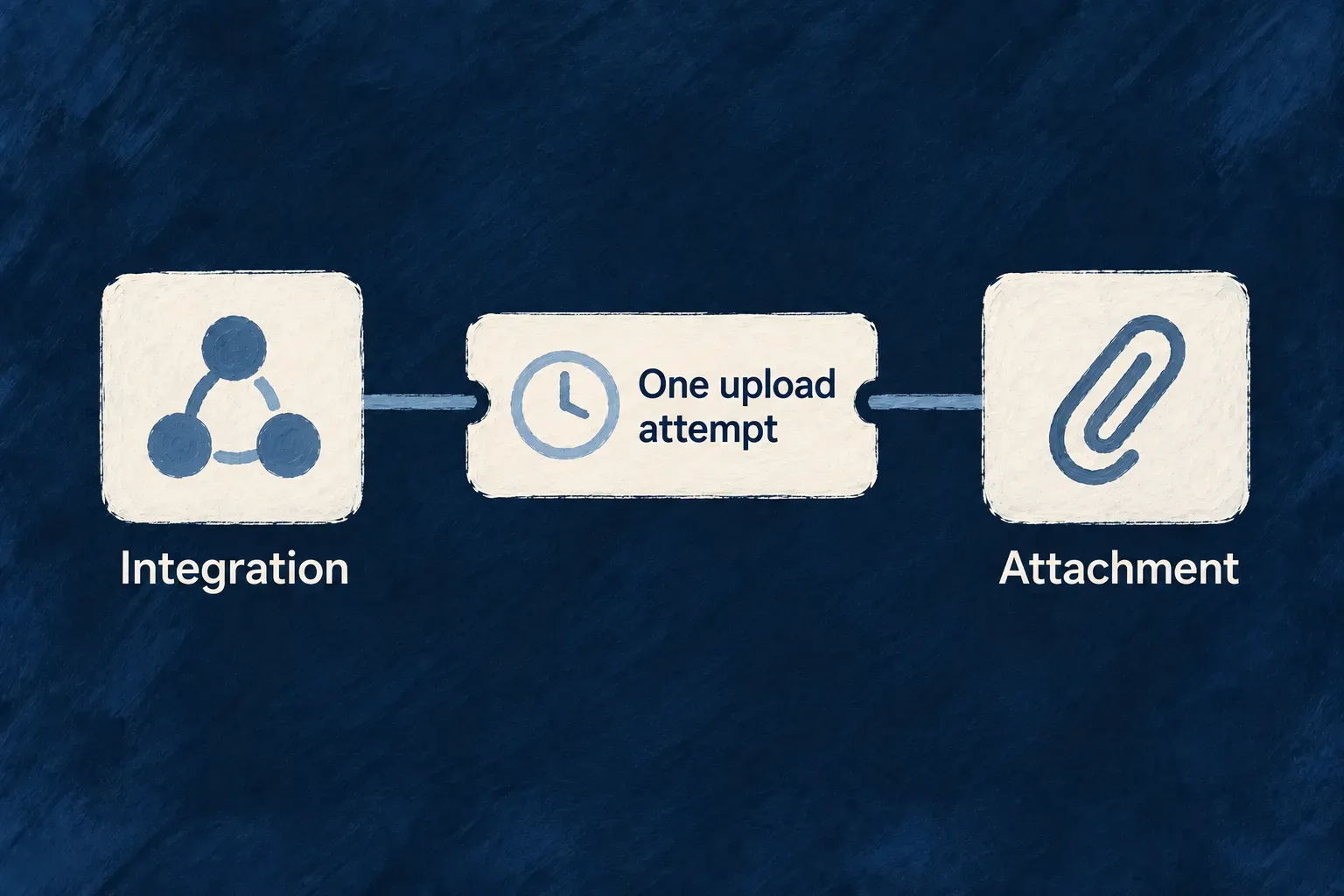
The relationship therefore connects the application’s business structure to the way an integration reaches it.

Example: Create a task in the intended list

An integration creates a task under a list’s address. The parent in that address identifies the list the write belongs to; conflicting parent information in the submitted data does not silently send the task elsewhere.

A task sits inside its project beside the matching nested API address.
For engineers
Declare routing on the relationship

The route builder consumes the resource’s assembled relationships and operation variants. REQUIRES_CONTEXT includes the parent in the route, OPTIONAL_CONTEXT permits contextual and standalone forms, and STANDALONE leaves that parent out of routing.

This list-to-task relationship from Wonder Todos’ tasks-manager.relationships.ts uses optional context. A standalone source comment is omitted:

createResourcesRelationship(
  TasksManager_ResourceType.TODO_LISTS, TasksManager_ResourceType.TODOS,
  ResourceRelationshipCardinality.ONE, ResourceRelationshipCardinality.MANY,
  {
    nature: RelationshipNature.COMPOSITION,
    foreignKeyField: 'todoListId',
    accessScopeStrategy: ResourceRelationshipAccessScopeStrategy.OPTIONAL_CONTEXT,
    contextPolicy: {
      operationOverrides: {
        [CoreResourceOperation.LIST]: { enabled: false },
        [CoreResourceOperation.SEARCH]: { enabled: false },
      }
    }
  }
),

todoListId names the link between the two records. The cardinalities describe one list with many tasks. OPTIONAL_CONTEXT allows the list relationship to contribute a nested address without making it the only address. Other required parents in the graph, such as organization scope, still apply.

Let the operation choose the rest of the address

Collection and entity operations use different address shapes: entity paths include the record identifier, while collection operations address the collection. Search, count and bulk companions have their own route segments. Keyed API variants also participate in address generation.

When several fields refer to the same parent resource type, the relationship’s foreign-key identity distinguishes their paths. An address that already identifies a singleton or complete junction can omit a redundant record identifier. Use the generated API reference or URL builders for the final route instead of constructing a parallel naming convention.

Keep the address authoritative on writes

The backend carries contextual parents into the target and write context. A nested write must agree with the parent named by its address. This is separate from whether the caller may perform the operation: both the routing context and operation access rules apply.

A relationship’s context policy determines which related data is loaded, not whether its parent appears in a URL. Keeping those controls separate lets an API offer useful nested addressing without loading whole parent objects in every response.

See the two addresses produced by optional context

Wonder Todos’ generated OpenAPI document contains both collection paths:

POST /api/v1/organizations/{organizationId}/todo-lists/{todoListId}/todos
POST /api/v1/organizations/{organizationId}/todos

The first names the list in the address. The second leaves the list to the submitted fields; organization scope remains in both. These are two entry points to the same resource operation, not separate task-creation implementations.

For example, with real organization and list identifiers substituted into the path, a nested create can omit todoListId from its body:

POST /api/v1/organizations/{organizationId}/todo-lists/{todoListId}/todos
Authorization: Bearer <access-token>
Content-Type: application/json

{
  "title": "Prepare the launch",
  "recurringType": "one_time"
}

The URL supplies the parent identity. The application’s relationship scenario checks this by creating through the nested path and reading back todoListId. Through the organization-only path, provide the intended todoListId in the body instead. Parent existence, organization membership and operation permissions still need to pass.

Recognize a contradictory parent before retrying

If the nested URL names list A while the body supplies list B, the REST context validator finds different values for the same initiator parameter. The refusal is a validation error: HTTP 400, with the error reference api_call_initiator_parameter_inconsistent. This is the conflict’s identifying contract, not a complete serialized error body.

Submitted parent informationMeaning
Nested URL names A; body omits the list.Use A from the address.
Nested URL names A; body also names A.Consistent parent information; remaining checks still apply.
Nested URL names A; body names B.Refuse inconsistent context before creating the record.
Organization-only URL; body names A.Resolve and validate A from the body.

Correct the address or payload so they express one intended parent. Do not retry the same contradictory request or treat the failure as a transient database conflict. The repository’s authoritative-context filter also refuses contradictory scope values; choosing a nested address never replaces authorization.

Keep its meaning and structure clear

Keep the meaning beside the model Mechanism

A field’s type tells a developer what it can hold. It does not explain why the field exists, what “urgent” means or how a record moves through the business.

Wildo gives that meaning a structured home beside the resource. Specifications describe the object’s purpose, its lifecycle and its fields, while referring to the actual model rather than a disconnected document.

People and development tools can use those explanations to understand the application. You author the meaning; the framework connects it to the thing being described.

Example: Make priority mean something useful

A task’s priority has a defined set of values. Its specification explains that “urgent” requires immediate action, while “high” needs attention soon. That distinction gives an assistant or a documentation generator more to work with than the enum names alone.

A task definition is accompanied by a booklet describing its purpose, fields and behavior.
For engineers
Start from the actual factory and schema

resourceSpecification receives the resource factory and schema, then exposes their fields to the specification callback. The declaration describes purpose, business role, lifecycle and audience as separate facts.

Selected lines from Wonder Todos’ todos.resource.specification.ts show that binding and the beginning of its code metadata. The intervening source comment and later metadata fields are omitted; this is an excerpt of the specification object:

export const todosResourceSpecification = resourceSpecification(
  todosFactory,
  Todos_Schema,
  ({ schemaShape }) => ({
    purpose: 'Represent a todo — a unit of work that a team wants to track, assign, and complete.',
    businessRole: 'Primary actionable work item inside a todo list.',
    lifecycleRole: 'Moves from planning to assignment to completion or cancellation.',
    audience: LabelAudience.END_USER,
    codeHandling: {
      mainSchema: {
        packageName: '@wonder-todos/shared-lib',
        exportName: 'Todos_Schema',
        symbolKind: CodeSymbolKind.SCHEMA,
        declarationKind: CodeDeclarationKind.ZOD_SCHEMA,
      },
      resourceFactory: {
        packageName: '@wonder-todos/shared-lib',
        exportName: 'todos_ResourceConfiguration_InitializationFactory',
        symbolKind: CodeSymbolKind.FACTORY,
        declarationKind: CodeDeclarationKind.FUNCTION,
      },

The purpose names the object as a todo as well as describing it. businessRole explains where it fits, and lifecycleRole describes its progression. Code metadata identifies the actual package and export a tool should resolve, instead of relying on a filename guessed from the prose.

Explain fields through their own schema identity

The same file describes priority through schemaShape.priority:

priority: schemaShape.priority.enumSpec({
  meaning: 'Expresses urgency and ordering pressure among open todos.',
  whyItMatters: 'It helps the application decide what should visually stand out or be treated first.',
  enumDeclaration: {
    packageName: '@wonder-todos/shared-lib',
    exportName: 'Todos_Priority',
    symbolKind: CodeSymbolKind.ENUM,
    declarationKind: CodeDeclarationKind.TYPESCRIPT_ENUM,
  },
  values: {
    [Todos_Priority.LOW]: { meaning: 'Can wait — no time pressure.' },
    [Todos_Priority.MEDIUM]: { meaning: 'Normal urgency — should be handled in due course.' },
    [Todos_Priority.HIGH]: { meaning: 'Needs attention soon — may block other work.' },
    [Todos_Priority.URGENT]: { meaning: 'Immediate action required — top of the queue.' },
  },
}),

meaning explains what priority represents and whyItMatters explains its use. The value descriptions distinguish the members of the named enum. This adds semantic information without creating another list of allowed field values.

Connect the explanation to its consumers

The specification supplies context for development tools, documentation and label generation. Its frontend section can describe the sections and views the interface actually declares. Structural checks compare that description with the frontend configuration so renamed or missing elements can be detected.

Keep presentation in UI behavior and field shape in the shared schema. When a field’s meaning or lifecycle changes, revise its specification as part of that change. The framework can check structural agreement; the author still supplies a clear and accurate account of the business.

Describe what an operation means to its caller

Fields explain the record. Operation semantics explain why to call it, what comes back, and which failures an integration should handle. This READ entry is from Wonder Todos’ specification; Op is its alias for CoreResourceOperation. It sits inside the specification’s operations object:

[Op.READ]: {
  operationId: Op.READ,
  purpose: 'Read one todo with every field, for a detail view or an integration that needs the full record. Also available to AI assistants through the read-only support MCP server.',
  outcome: 'The full todo document is returned; a support agent driving the read-only MCP surface can look a work item up by id.',
  whenToUse: 'Use to hydrate the todo detail screen, or from an agent that needs the current state of one known todo.',
  responseStatuses: [
    { code: HttpResponseStatusCode.OK_200, meaning: 'The todo visible in the caller\'s organization is returned.' },
  ],
  errorScenarios: [
    { code: HttpResponseStatusCode.FORBIDDEN_403, when: 'The caller does not hold the organization-member access required to read todos.' },
    { code: HttpResponseStatusCode.NOT_FOUND_404, when: 'No todo with this id is visible in the caller\'s organization.' },
  ],
  idempotent: true,
},

purpose and whenToUse help a reader choose the operation; outcome explains its result. The OpenAPI generator turns responseStatuses[].meaning into response descriptions and errorScenarios[].when into error descriptions, using the operation’s actual response schema for the successful body. idempotent documents the operation’s semantics; it does not install retries or make an implementation idempotent.

A statement about permissions or not-found behavior is documentation of the configured operation. It does not create an access rule, a status handler or an MCP exposure. Keep those statements aligned with the resource configuration and implementation that enforce them.

Catch a stale interface description at its source

The backend operation and its frontend presentation are separate declarations. resourceSpecificationFromFrontendConfiguration checks the documented frontend semantics against the merged frontend configuration, including overlays.

For example, if the specification still documents the admin variant of change-status after that frontend variant has been removed, loading it throws this diagnostic:

resourceSpecificationFromFrontendConfiguration(): operation "change-status" documents variant "admin" that is not surfaced by the merged frontend configuration.

The identifiers here are illustrative. The check compares exact operation and variant keys; it does not infer that a newly named variant is equivalent to the old one.

Structural changeWhat must agree
A field is added, renamed or changes meaning.The schema-bound field specification and its explanation.
A relationship changes ownership or context.The relationship description and the actual declared edge.
An operation changes its result or access contract.Its operation semantics and the implementation’s behavior.
A documented frontend operation disappears.Remove or correct the frontend semantics; the loader refuses the missing operation.
Its default variant disappears.Remove or correct the documented default; a keyed variant does not substitute for it.
A keyed variant is renamed or removed.Update the same key in the frontend semantics and merged configuration.

Structural validation can identify a missing declared surface. It cannot prove that business prose is true. Review the meaning against source behavior, then regenerate the consuming documentation or labels when that meaning changes.

Give each product area a clear home Mechanism

A feature is more than a set of records. It also has relationships, screens, business actions and work that runs behind the scenes.

Wildo organizes those parts as a module with a recognizable identity across the application. The shared model, backend behavior and frontend experience each live in the layer that needs them, while remaining part of the same product area.

That gives a growing application a structure people can follow. A developer looking for task management can start with its module instead of reconstructing the feature from unrelated registries.

Example: Keep task management together

The tasks module brings together task definitions and relationships with the screens and behavior used to manage work. The application registers that module alongside the engine’s capabilities, making its product structure explicit.

A Tasks module brings records, screens and actions together in one folder.
For engineers
Declare the shared part of the module

A shared module carries cross-runtime definitions such as resource factories, field identifiers and relationships. Backend and frontend module slices contribute the code needed by their own runtimes.

The shared tasks-manager/index.ts in Wonder Todos declares:

const tasksManagerModule: SharedSaaSModule = {
  moduleId: 'tasks-manager',
  kind: 'domain',
  resourceConfigurations: moduleResourcesConfigurationsFactoryMap,
  resourceFieldIdentifiers: TasksManager_ResourceFieldIdentifier,
  resourceRelationships: moduleResourcesRelationships,
  customMilestoneDefinitions: moduleMilestonesDefinitions,
  notificationBadgeDefinitions: tasksManagerNotificationBadgeDefinitions,
};

moduleId gives the area one identity. The factory map and relationship list connect its resources, while milestones and notification badges add other shared declarations. This object references their owning definitions; it does not inline the feature into one large file.

Register the module with the application

Wonder Todos assembles its shared registry in modules-registry.shared.ts:

export const applicationSharedModules: SharedSaaSModule[] = [
  tasksManagerModule,
];

export const sharedModules: SharedSaaSModule[] = [
  engineSharedModule,
  ...applicationSharedModules,
];

export const sharedRegistry: SharedSaaSModulesRegistry = buildSharedSaaSModulesRegistry(
  ...sharedModules,
);

The engine module and application modules are passed to the same registry builder. The builder collects their declared contributions for consumers. Relationship assembly happens before resource initialization, so resources are built against the application’s combined graph.

The application configuration also declares its modules and the services that host them. The shared and frontend registries use explicit lists; the standard backend loader discovers module owners from emitted default exports. Each boundary has its own registration mechanism.

Put implementation where it runs

The backend slice can provide handlers, controllers, data seeds and document templates. The frontend slice provides resource UI behavior, navigation and views. Keep shared contracts free of runtime-specific implementation, then connect the slices through their module identity and shared declarations.

Use the module creation and registration workflows to scaffold and wire the area, and verify that the intended frontend and backend both load it. Creating a folder alone does not make its resources part of the application.

Declare where the module belongs

The root configuration names the services that host a module. In Wonder Todos’ wildo.saas.config.ts, task management belongs to the backend API and the application frontend:

modules: {
  'tasks-manager': {
    services: ['backendApi', 'app'],
    haveSamlIntegration: false,
  },
},

These names refer to services declared in the same root configuration. This selects the intended topology; it does not replace the shared registry above or load a frontend component by itself. Keep tasks-manager as the same module identity in every participating layer.

Make the frontend contribution explicit

The frontend imports module owners and includes them in its application list. This is the actual Wonder Todos list, followed by the registry assembly in modules-registry.frontend.ts:

import tasksManagerFrontendModule from './tasks-manager';
import exampleDevFrontendModule from './example-dev';

export const applicationFrontendModules: FrontendModule[] = [
  tasksManagerFrontendModule,
  exampleDevFrontendModule,
];

// In modules-registry.frontend.ts, which imports that list:
export const frontendModules: FrontendModule[] = [
  engineFrontendModule,
  ...applicationFrontendModules,
];
export const frontendModuleRegistry = buildFrontendModuleRegistry(...frontendModules);

Importing a file without including its module in the list does not register its screens. The module’s own moduleId remains tasks-manager; the application adds the engine contribution when assembling the final registry.

Let the backend discover the module owner

Wonder Todos’ backend-api/src/modules/tasks-manager/index.ts default-exports this owner. Its backendModule is the separately assembled object holding resource implementations, flows, chart definitions, PDF bindings and seeds:

const tasksManagerBackendModule: BackendOwnedModule = {
  moduleId: 'tasks-manager',
  kind: 'domain',
  backendModule,
  emailTemplateDefinitions,
};

export default tasksManagerBackendModule;

The parent backend-api/src/modules/index.ts discovers those owners:

const applicationBackendOwners = await scanSubdirDefaultExports<BackendOwnedModule>({
  importMetaUrl: import.meta.url,
});

const applicationBackendDomainModules: BackendDomainModule[] = applicationBackendOwners.flatMap((ownedModule) =>
  ownedModule.backendModule ? [ownedModule.backendModule] : []
);
const backendModules = mergeBackendDomainModules(...applicationBackendDomainModules);

The scanner visits immediate subdirectory index files. A new source folder must have an emitted JavaScript index before runtime discovery can load it. An owner without backendModule adds no backend domain contribution. There is no per-module import list to maintain in this scanner.

The application-level modules-registry.backend.ts combines the discovered owners with the engine owner, merges their backend contributions and passes that registry together with sharedRegistry to buildApplicationInitializationConfigFromModules. That is the connection from a discovered file to application initialization.

If a feature is absentCheck its registration boundary
The module targets the wrong process.Root modules[slug].services and the declared service keys.
Its resources or relationships are missing.Shared module contributions and applicationSharedModules.
Its screens do not appear.Frontend module identity, imported list membership and frontend registry.
Its backend behavior is absent.Emitted child index, default owner, backendModule and initialization registry.

Source declarations establish the intended assembly. To verify a running application, also confirm its accepted compiler output and inspect the loaded resource or operation; a correct source list alone does not prove that a process has loaded it.

Keep the API reference connected to the application Mechanism

An integration needs to know which actions exist, what to send and what it will receive. Those details are already part of the application’s operation model.
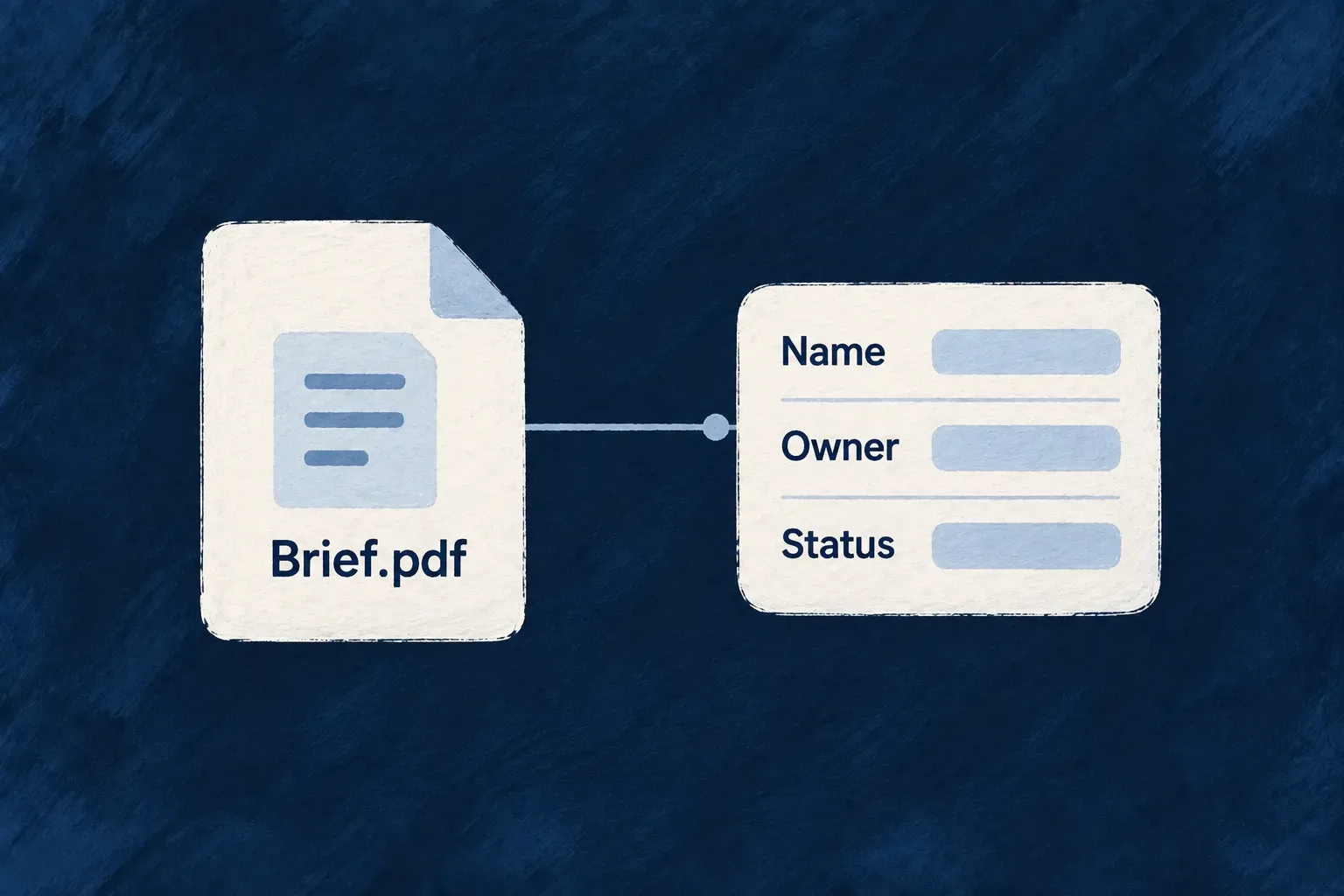
Wildo uses that model to produce an OpenAPI reference. Addresses and data contracts come from registered operations, reducing the second description a team would otherwise maintain by hand.

You supply the operation contracts and their useful descriptions, then publish the reference with the application changes it describes.

Example: Describe a new field once for API consumers

When an operation’s request accepts a due date, its generated contract describes that field for an integrator. The API reference follows the operation’s actual request shape, including the difference between creating a record and updating it.

Declared actions feed a readable API reference booklet.
For engineers
Author the action that the reference will describe

For example, Wonder Todos’ status-change action accepts one business field. This excerpt is from its default API variant in todos.resources-config.ts; bulk settings and the eligibility function are omitted here:

variantType: ResourceOperationVariantType.API_CALL,
isDefault: true,
roles: [CORE_ORG_ROLES.ORG_MEMBER],
resourceOperationLike: CoreResourceOperation.UPDATE,
requestDto: z.object({
  status: z.enum(Todos_Status),
}),

The complete variant also restricts the default action to the current assignee while the task is not completed. Its organization-administrator variant has a separate condition. The DTO supplies the accepted value shape; it does not replace those access rules.

The matching entry in todos.resource.specification.ts adds the caller-facing meaning. Selected fields from that entry:

[Todos_Operations.CHANGE_STATUS]: {
  operationId: Todos_Operations.CHANGE_STATUS,
  purpose: 'Move the todo forward in its execution lifecycle.',
  outcome: 'The todo reflects its new execution state for the owning user or admin.',
  whenToUse: 'Use when the business intent is progress tracking rather than full content editing.',
  responseStatuses: [
    { code: HttpResponseStatusCode.OK_200, meaning: 'The todo with its new status is returned.' },
  ],
},

That specification also describes errors and provides a request/response example. Variant-specific semantics can refine the default description. Those descriptions explain behavior; the operation and implementation enforce it.

Follow the declaration into the generated reference

The generated Wonder Todos reference contains this operation and named contracts:

Generated elementResult
Method and addressPUT /api/v1/organizations/{organizationId}/todos/{todoId}/change-status
Request schemaTodosChangeStatusRequest, requiring status with the values from Todos_Status.
Example request{ "status": "in_progress" }
Successful responseHTTP 200, described as “The todo with its new status is returned.”
Response schemaTodosChangeStatusResponse, derived from the resolved operation response contract.

The request is an object with no additional properties. The generated field description also explains each status value using the specification. The response is the operation’s resolved result, not a copy of its one-field request.

The companion projects the assembled application into generateOpenApiDocuments. That generator validates the projection, selects HTTP-bearing operations, groups them by consumer API section and checks that the selected operations are represented. Internal and scheduled variants do not acquire an HTTP endpoint merely because they have a specification.

Let contracts describe what callers send and receive

Request and response schemas are converted into OpenAPI 3.1 schema definitions. Collection operations contribute their declared query and pagination parameters, and resource descriptions can enrich the reference. A custom request or response belongs to the operation contract before it belongs in generated documentation.

This matters when an action returns something other than the resource: its response declaration is the source the reference should describe. Keep API-only and internal variants distinct so a scheduled or repository-only operation is not presented as an HTTP endpoint.

Publish the reference as part of the change

Generation reads the assembled model; it does not make a previously published site update itself. Use the application’s technical-documentation workflow to regenerate and publish the reference after the relevant contract changes.

Review the resulting request examples, response shapes and descriptions from an integrator’s point of view. OpenAPI supplies the precise interface, while tutorials and explanations can show how to use several operations together for a real task.

Generate for inspection or publish the files

Use the application’s development companion, with its configured local address and companion authentication. These are the actual no-body POST routes, relative to that companion origin:

POST /api/companion/technical-doc/generate-openapi
x-wildo-companion-token: <local-companion-token>

Generation returns the documents and diagnostic metadata for inspection. To materialize the reference, use:

POST /api/companion/technical-doc/publish-openapi
x-wildo-companion-token: <local-companion-token>

Publish calls generation itself, then writes the verified output. A separate generate request is optional, useful when inspecting a change; it is not a prerequisite. The publish result reports rootPath and outputPaths so you can inspect the actual files produced.

SectionFiles under technical-doc/src/generated/api-reference/openapi/
Ordinary application APIapi.json and api.yaml
Application-administration APIapplication-administration-api.json and application-administration-api.yaml

Section selection follows accepted authorities. Organization administrators are still consumers of the ordinary application API; a variant named admin does not automatically belong to the application-administration reference. Empty sections are omitted.

The companion owns generation and file publication. The documentation application consumes those outputs; editing the generated JSON or YAML creates a change that the next publication replaces. Publishing here updates the local generated reference tree, not a deployed website. Review its diff and use the application’s normal documentation delivery workflow to release it.

Make your data useful wherever people work

Let people find the right records, narrow a large collection and take the result into another workflow. Wildo connects declared queries to resource APIs, standard views and exports.

The same resource model can work with application-owned data or selected external sources. You choose where the data lives and how fresh it needs to be.

You choose the searchable fields, storage and refresh policy. Wildo supplies the common query and repository paths; PostgreSQL and MongoDB keep their own operational and migration requirements.

A task list is filtered to Alex's in-progress work and ordered by due date.

From stored records to useful results

Find, filter and export

Declared queries support browsing and exports, with the source operation’s filters and access rules.

Keep views informed

Resource changes notify subscribed views, helping standard interfaces refresh without separate event wiring for each screen.

Choose how to use external data

Read a remote source directly, or import a local working copy that keeps your application’s additional information.

Example: Turn a work queue into a report

A manager filters tasks by assignee and status, orders them by due date and exports the matching work. The declared collection operation supplies the query choices and access scope for both browsing and export.

For engineers

What do I write?

Declare the searchable, filterable and sortable fields on the operation. These selected settings come from the Wonder Todos search operation:

searchableFields: ['title', 'description'],
searchableOptions: { caseSensitive: false, fullMatchOnly: false },
sortFields: ['title', 'status', 'priority', 'createdAt', 'updatedAt'] as const,
maxPaginatedResultPerPageLimit: 100,

The operation also declares a separate filterFields schema. For example, an assignee filter accepts a user ID, while a declared date filter can accept a range. The excerpt above is only the search, sort and page-size configuration, not a complete operation.

What does Wildo provide?

Collection routes share page, limit, sort and q parameters. The runtime interprets these against the operation configuration and applies the resource’s visibility scope. The API reference publishes the declared query choices.

What do I still need to decide?

Choose the application storage adapter and manage its operational requirements. PostgreSQL needs schema migrations; MongoDB has a different index-management path. An atomic write cannot span both adapters. A shared repository interface does not erase those differences.

Free-text search is substring matching, not relevance-ranked search. When no searchable fields are declared, MongoDB falls back to a text index while PostgreSQL applies no text constraint. Explicitly declare the fields you need and verify queries on your selected adapter.

For more complex conditions, use a custom operation with an explicit request contract. See collection queries and persistence adapters.

Save, check and find records

Choose the database that fits your application Mechanism

A customer, invoice or task keeps its business meaning whichever database stores it. Wildo separates the definition of that record from the database implementation, so your application can use PostgreSQL or MongoDB without introducing database-driver calls throughout its resource services.

The schema still describes the fields, relationships and constraints. Operations still describe what people can do. The repository layer translates those decisions into the selected database’s queries and writes.

This helps an application fit an existing technology estate and gives the team a consistent way to work with its records. Database administration, migrations and moving existing data remain deliberate parts of the deployment.

Example: Use the company’s PostgreSQL estate

An internal task application can use PostgreSQL because that is the database the company already operates. Its task definitions, permissions and interfaces continue to use Wildo’s resource model; the deployment configuration selects the store that implements it.

One task definition can be used with PostgreSQL or MongoDB storage.
For engineers
Select the application store in the environment

The application’s applicationDatabase selection belongs in its infrastructure environment. The platform’s own database selection is a separate setting: the service managing applications and the application’s business records need not share a database engine.

Wonder Todos declares both selections in infrastructure/local/wildo.infra.local.config.ts. This excerpt keeps the relevant properties of the environment configuration; its other backing services are omitted:

database: { engine: DatabaseEngine.POSTGRESQL, source: BackingServiceSource.SELF },
applicationDatabase: { engine: DatabaseEngine.POSTGRESQL },
backingServices: {
  postgresql: {
    source: BackingServiceSource.SELF,
    host: 'localhost',
    port: 5432,
    database: 'wonder-todos-db',
  },
},
SettingWhat it selects
databaseThe platform’s own database engine and source.
applicationDatabaseThe database engine used for this application’s stored resources by default.
backingServices.postgresqlThe PostgreSQL service that this environment makes available.

These are environment properties, not fields to paste into a resource schema. Selecting an engine and supplying its service configuration are separate parts of setup; neither converts existing records from another database.

Resolve the adapter consistently

Repository construction resolves a resource’s explicit adapter first, then the available defaults. This complete resolver excerpt from resolve-persistence-adapter.backend.utils.ts shows the order; source comments are omitted:

export function resolveDefaultPersistenceAdapter(
  configService: PersistenceAdapterConfigSource | undefined | null,
): PersistenceAdapterType {
  if (!configService) return DEFAULT_PERSISTENCE_ADAPTER;

  const platformOverride = configService.platformModeDefaultPersistenceAdapter;
  if (platformOverride !== undefined) return platformOverride;

  if (!configService.isInitialized?.()) return DEFAULT_PERSISTENCE_ADAPTER;
  try {
    return configService.config?.database?.defaultAdapter ?? DEFAULT_PERSISTENCE_ADAPTER;
  } catch {
    return DEFAULT_PERSISTENCE_ADAPTER;
  }
}

export function resolvePersistenceAdapterForConfiguration(
  declaredAdapter: PersistenceAdapterType | undefined,
  configService: PersistenceAdapterConfigSource | undefined | null,
): PersistenceAdapterType {
  return declaredAdapter ?? resolveDefaultPersistenceAdapter(configService);
}

The first function resolves the default, including the platform bootstrap override used before normal configuration is initialized. The second lets a resource state its own adapter. Repository creation, transaction routing and other database consumers use this common resolution rather than each interpreting configuration independently.

Work through the repository contract

The stored adapters implement BackendResourceRepository: ordinary reads and writes, collections and the additional primitives used by framework services. MongoDB uses Mongoose; PostgreSQL uses Kysely. Shared filters carry resource and caller context into the adapter, which compiles the query into its own database vocabulary.

Keep application operations at that contract when they need portable behavior. A deliberately database-specific query belongs to a consciously selected implementation, with the database choice apparent to its author.

Plan physical changes with the application

PostgreSQL table, column and index changes travel through migrations derived from the resource plan. MongoDB builds its storage and reconciles indexes through its own initialization path. A schema default affects new values; it is not an instruction to backfill every existing row.

Use one stored adapter for work that must be atomic together. A resource-level exception requires an explicit isolation declaration, and a transaction spanning different adapters is rejected. Changing the selected database changes how repositories are constructed; moving an existing dataset is a separate migration task.

The virtual resource and introspection adapters use the resource interface for sources that do not keep ordinary local rows.

Give every incoming value a clear contract Guarantee

A form and an API integration can send data in different ways, but they should agree on what a valid record means. Wildo builds standard operation inputs from the resource definition, so required values, length limits, choices and nested structures have a common basis.

When an incoming value does not fit the operation’s contract, the API returns a validation error with the affected field path. The application can show that error beside the input, helping a person correct the value without guessing.

The same model supports different actions. Creating a task needs its initial values; updating it can send just the values that changed. Each action gets an input shape appropriate to its purpose.

Example: Explain why a task cannot be saved

A task needs a title, accepts a bounded description and records progress as an integer between zero and one hundred. An empty title or a progress value of 140 fails the declared input contract. The form can point to that value while the API integration receives the same field-specific information.

An empty task title is identified with a field-specific Required message.
For engineers
Start with the data the application accepts

This excerpt from Wonder Todos’ todos.schemas.ts contains the title, description, choices, dates, tags and progress definition. Source comments are omitted, and the surrounding schema continues beyond the excerpt:

title: z.string().min(1).max(200).isSummaryField(),
description: z.string().max(1000).optional(),
status: z.enum(Todos_Status).default(Todos_Status.PENDING).isSummaryField(),
priority: z.enum(Todos_Priority).default(Todos_Priority.MEDIUM).isSummaryField(),
recurringType: z.enum(Todos_RecurrenceType).default(Todos_RecurrenceType.ONE_TIME).isDiscriminator(),
dueDate: z.date().optional().isSummaryField(),

tags: z.array(z.string().min(1).max(40)).optional(),

progressPercent: z.number().int().min(0).max(100).default(0),

snoozedUntil: z.date().nullish(),

The title’s length bounds, the tags’ element constraints and the progress range are part of the schema. optional() permits omission; nullish() also admits an explicit null. Enum-backed fields carry the application’s named choice vocabulary.

Derive a contract for the action

The DTO builder derives an operation’s input from the resource schema and selected variant. Synthesized CREATE inputs omit server-owned fields. UPDATE inputs express a patch: omitted values remain unchanged, while an explicit null clears a field that allows null. A schema family contributes the appropriate variant fields.

An operation may instead declare a purpose-specific requestDto. That is an explicit input contract with its own authoring responsibility; it is not an invitation for clients to choose arbitrary stored fields. The engine records whether that contract was authored rather than synthesized.

Distinguish an omitted value from a cleared value

For the fields above, these illustrative request fragments have different meanings. They are excerpts of a request, not complete bodies for every resource variant:

Input fragmentCREATEUPDATE patch
title omittedRejected: the title is required.Leaves the existing title unchanged.
{ "title": "" }Rejected by the minimum length.Rejected by the same constraint.
description omittedAccepted as an optional field.Leaves the existing description unchanged.
{ "snoozedUntil": null }Accepted by nullish().Explicitly clears the field.

An omitted PATCH field is not a request to reapply its schema default. This distinction lets a small edit change one value without resetting other fields on the record.

Validate at the API boundary

The controller assembles body or collection-query values, applies network-boundary coercion such as date-string conversion, then parses against the operation request. Validation failures carry structured issues and field paths. Unknown fields in standard synthesized write inputs are stripped; valid declared values continue through authorization and execution.

The form infrastructure uses schema validation locally and can inject server errors into the matching field. Cross-field conditions and stored-data questions still have their appropriate homes: uniqueness is enforced when writing, and a referenced row’s existence or visibility is checked against the actual resource context.

For advance feedback about a name already in use, see live field validation.

Tell people when a value is already in use Mechanism

Finding out that a chosen name is unavailable after completing a whole form is frustrating. Wildo can check a unique field when the person leaves it, so the problem appears while the value is still in focus.

The check follows the field’s declared uniqueness scope. A name that must be unique inside one organization can still be used by another. When editing a record, the check can exclude that record itself, so keeping its existing value does not create a false conflict.

This is early guidance backed by the server. The database constraint remains the final authority when the record is saved, including when two people choose the same value at nearly the same time.

Example: Choose a shareable list name

A team creates a task list with the short name launch-plan. If another list in that organization already uses it, the form can ask for a different name immediately. Another organization can use its own launch-plan because the uniqueness rule is scoped to the organization.

A customer-code field shows an Already used message next to C-104.
For engineers
Declare what makes the value unique

Wonder Todos’ todo-lists.schemas.ts defines an optional URL-safe slug with organization-scoped uniqueness. This excerpt includes neighboring list fields to show the rule in its resource context; source comments are omitted:

status: z.enum(TodoLists_Status).default(TodoLists_Status.ACTIVE).isSummaryField(),
name: z.string().min(1).max(100).isSummaryField(),
description: z.string().max(500).optional(),
attachments: z_file({
  multiple: true,
  nature: FileNature.ALL,
}).optional(),
isPublic: z.boolean().isDBIndexed().default(false),
color: ZodTypeForColors.optional(),
slug: z.string().min(1).max(60).regex(/^[a-z0-9-]+$/).isUnique({ scope: 'organization', sparse: true }).optional(),
createdAt: z.date().isDBIndexed().excludeFromCreate().excludeFromUpdate(),
updatedAt: z.date().isDBIndexed().excludeFromCreate().excludeFromUpdate()

The slug combines ordinary string validation with isUnique({ scope: 'organization', sparse: true }). The regular expression describes the accepted value, the scope determines which records compete for it, and sparse uniqueness allows lists without a slug.

Make the validation route available

The resource must have exactly one default, non-bulk, URL-bearing CREATE operation. The route initializer uses that operation’s URL and authorization context to mount the field-validation endpoint. A repository-only CREATE does not provide that HTTP route.

CREATE configurationLive validation route
One eligible default CREATEMounted using that operation’s routing context.
No eligible default CREATENot mounted for this resource.
More than one eligible default CREATERejected as ambiguous instead of choosing one.

This matters for an edit form too: the preflight uses CREATE authorization even when excludeId tells the uniqueness query to ignore the record being edited. Permission to UPDATE alone is not a promise that this feedback route is available.

Let the field ask the backend

FormField connects unique fields to useFieldUniquenessValidation. On blur, the hook sends the field name, value and, for an edit, the current record identifier to the resource’s POST /validate-field route. Starting another nonempty uniqueness check aborts the previous request.

The endpoint validates the request and uses the resource’s CREATE authorization context. Its uniqueness strategy reads the actual field declaration, adds organization or user scope where required, and excludes the current record for an update check. A conflict becomes a field validation result that the form can display next to the input.

Keep feedback and persistence distinct

Network failure leaves this optional feedback nonblocking; it is not evidence that the value is unique. If required organization or user context is missing, the uniqueness strategy skips the lookup rather than broadening it into a global query.

A successful check says that the value was available when checked. It does not reserve it. The unique index still decides whether the later write succeeds, and the normal API error path handles a competing write.

Use this mechanism for declared uniqueness, such as a slug, external reference or account code. More involved business checks belong to their own validation or operation logic; the live endpoint’s current strategy is uniqueness rather than a general execution surface for arbitrary rules.

Help people find the records they need Mechanism

A growing list needs more than a scroll bar. People need to narrow it to their own work, find a phrase, put the most relevant dates first and move through a manageable page of results.

Wildo lets the application describe those choices on its list or search operation. The same declaration tells the API which filters and sort fields it accepts and gives the interface the information it needs to present the collection.

Each query stays within the caller’s existing access. A filter narrows the records being requested; it does not grant access to a different organization or someone else’s private work.

Example: Find urgent work assigned to you

A task search can combine an assignee, a priority and a date range, then sort the matching tasks by their creation date. Text search can narrow the same collection to tasks mentioning a customer or project. Pagination keeps the result practical to browse.

An in-progress filter and due-date ordering narrow a task list.
For engineers
Choose fields for each kind of query

The SEARCH variant from Wonder Todos’ todos.resources-config.ts joins text search, typed filters, sortable fields and a page ceiling. The excerpt stops before its export settings; source comments are omitted:

[CoreResourceOperation.SEARCH]: {
  variants: [{
    variantType: ResourceOperationVariantType.API_CALL,
    isDefault: true,
    roles: [CORE_ORG_ROLES.ORG_MEMBER],
    riskLevel: ResourceOperationRiskLevel.LOW,
    mcp: { exposed: true, description: 'Search the organization\'s todos by title/description text, and filter by status, priority, todo list, or assignee. The primary discovery tool for finding todos.' },
    isSearchable: true,
    searchableFields: ['title', 'description'],
    searchableOptions: { caseSensitive: false, fullMatchOnly: false },
    filterFields: {
      organizationId: z.string(),
      todoListId: z.string(),
      assignedToUserId: z.string(),
      createdByUserId: z.string(),
      status: z.enum(Todos_Status),
      priority: z.enum(Todos_Priority),
      createdAt: z.date(),
      updatedAt: z.date(),
    },
    sortFields: ['title', 'status', 'priority', 'createdAt', 'updatedAt'] as const,
    maxPaginatedResultPerPageLimit: 100,

searchableFields selects title and description for text discovery. filterFields gives each accepted filter a schema, including enums for status and priority. A date field becomes a range filter. sortFields states the allowed orderings, and the page ceiling bounds an individual response.

Follow the request into the repository

Collection requests share the page, limit, sort and q query parameters. Sort order is expressed as ordered field:asc or field:desc pairs. Date ranges use bracket keys such as createdAt[startDate] and createdAt[endDate]; the controller reconstructs the typed range before execution.

The repository combines the requested criteria with tenancy, ownership and retention visibility. The stored adapters compile that contextual filter into their database vocabulary. LIST and SEARCH responses include pagination information so clients can present the current page and continue through the collection.

Combine the query choices in one request

For the SEARCH declaration above, an illustrative query string is:

?q=launch&page=1&limit=25&sort=updatedAt:desc&createdAt[startDate]=2026-01-01T00:00:00.000Z

Append it to the operation’s generated URL in the caller’s resource context. The date is an example cutoff, not a framework default.

Request partEffect
q=launchSearch the declared title and description fields.
createdAt[startDate]Keep records at or after the supplied creation-date boundary.
sort=updatedAt:descOrder by the most recently updated record.
page=1&limit=25Request the first page of up to 25 matches, within the declared ceiling.

The query does not replace tenant or access filters. It narrows the records the caller can already read. A page is a bounded result, not evidence that the complete collection was returned.

Make search behavior a product decision

Use own-field text search for substring discovery across the fields you chose. It is useful for finding a remembered phrase or part of a title. Results follow the requested sort rather than a relevance-ranked search-engine score.

Declare sortable fields explicitly so callers get the ordering vocabulary the application intends. Choose searchable text carefully: a description may be useful, while an internal-only value should not become an indirect discovery surface. More specialized discovery can have its own operation and input contract.

A collection can also declare CSV and JSON export, reusing the selected query rather than inventing a second interpretation of the list.

Take the records you are viewing with you Feature

People often need to take a working list into a spreadsheet, share it with a colleague or pass it to another tool. An export should reflect the records they selected, rather than a separate download that forgets their filters.

Wildo attaches export choices to the list or search operation. The application can offer the visible page, the complete matching result set, or both, and choose CSV, JSON or both formats.

This keeps the download connected to the collection’s access and output contract. A person works from the same definition of the records on screen and in the file.

Example: Download the tasks from a search

A project lead filters tasks to a particular priority and searches for a project name. The export uses that search operation, producing a CSV for spreadsheet work or JSON for another program. A visible-page export downloads the current page; a full-result export continues through the matching set.

A filtered task list becomes CSV or JSON files.
For engineers
Declare formats and row scope on the list

This LIST variant comes from Wonder Todos’ todos.resources-config.ts. Source comments are omitted. Its export declaration sits beside the same operation’s roles and optional MCP exposure:

[CoreResourceOperation.LIST]: {
  variants: [
    {
      variantType: ResourceOperationVariantType.API_CALL,
      isDefault: true,
      roles: [CORE_ORG_ROLES.ORG_MEMBER],
      riskLevel: ResourceOperationRiskLevel.LOW,
      mcp: { exposed: true, servers: ['support'], description: 'List the organization\'s todos (paginated). Use the search tool to filter by status/priority/list/assignee or find by text.' },
      collectionExport: {
        formats: [ResourceCollectionExportFormat.CSV, ResourceCollectionExportFormat.JSON],
        rowScopes: [
          ResourceCollectionExportRowScope.VISIBLE_PAGE,
          ResourceCollectionExportRowScope.FULL_RESULT_SET,
        ],
      },
    }
  ]
},

formats selects CSV and JSON. rowScopes offers the current page and the full matching result set. An optional maximumExportedRows can bound the total download independently from an ordinary page-size limit.

Reuse the query and response definition

The resource factory derives a companion export operation from the configured collection. The export handler resolves the source operation, validates its query and applies its authorization before reading rows. A SEARCH export retains the search term; a LIST export represents the listing. If both are offered, each receives its own route.

The output columns are derived from the source response contract. Backend-only fields excluded from that contract do not become CSV columns merely because they exist in storage. Row values pass through the collection’s serialization before they are rendered into the selected format.

Read the shape of the download

For an illustrative source response exposing only title and tags, CSV keeps the array as JSON inside a quoted cell:

title,tags
Prepare the launch,"[""release"",""website""]"

The corresponding JSON export preserves the array structure:

[
  { "title": "Prepare the launch", "tags": ["release", "website"] }
]

These are sample values for a two-column response, not the complete Wonder Todos export. Actual columns follow the chosen source operation’s response schema.

Choose a format for the next consumer

CSV provides headings and one tabular record per row. Quotes, separators and line breaks are escaped; nested objects and arrays are JSON-encoded inside their cell. JSON keeps structured values more directly usable by another program.

A full-result export reads successive pages of the source collection. That is appropriate for taking a working set out of the application; a point-in-time financial or regulatory report should use an operation designed for its own snapshot requirements.

The response is streamed as pages are read. A failure after the download starts can leave a partial CSV or an unfinished JSON array; an HTTP response starting successfully is not proof that every row arrived. A changing collection may also produce fewer rows than its initial count. Use a completed, purpose-built reporting operation when the consumer needs a fixed snapshot.

The frontend can expose the formats and row scopes the operation offers. Export availability, optional agent exposure and notification policy remain separate choices, even when all are attached to the same collection.

Keep open views in step with the work Mechanism

When several people work on the same records, an open page can become outdated while they are looking at it. Wildo’s resource notifications tell connected views when relevant work changes.

A detail view can follow a particular record. A list can follow its collection scope and refresh the affected results. Both use subscriptions checked by the server, so the update channel stays connected to the resource’s read permissions.

This gives collaboration a consistent foundation. The application can combine automatic resource updates with explicit success messages and organization notifications where those interactions are useful.

Example: See a task change while its page is open

One team member updates a task while another has its detail view open. The subscribed view receives the resource change and can update or re-read it. A task list can receive a collection notification so it also reflects the change.

A task edit sends an update signal to another open view.
For engineers
Follow a standard view’s subscription

Standard resource views already use the framework’s room lifecycle. In ResourceReadCacheBridge.tsx, the cache requests coverage for the resource’s scope using the same identifiers the server needs for authorization. This selected call is framework code, not an extra opt-in to add to each operation:

void claimResourceRoom({
  ownerKey: `${CLAIM_OWNER_PREFIX}:${roomName}`,
  resourceType: qualifier.resourceType,
  scopeKey: qualifier.scopeKey,
  scopeId: qualifier.scopeId,
  contextResourceIdentifiers: { [`${qualifier.scopeKey}Id`]: qualifier.scopeId },
});

The surrounding implementation handles the acknowledgement and room ownership. The context identifiers are authorization input, not a client claim that access has already been granted.

View interactionFramework behavior
A collection needs live coverageClaim its resource scope room.
A record changesProcess the read-shaped update or invalidate the affected cached data.
A collection receives a stale hintRefresh through the ordinary resource read path.
The connection returnsRe-establish coverage; do not treat the disconnected interval as a replayed event history.
Distinguish record updates from chosen notifications

The engine’s operation pipeline emits resource-room updates for write-shaped actions. An operation can separately declare user-facing notifications. This DELETE excerpt from Wonder Todos’ todos.resources-config.ts shows those application choices, including an organization WebSocket channel; source comments are omitted:

[CoreResourceOperation.DELETE]: {
  variants: [
    {
      variantType: ResourceOperationVariantType.API_CALL,
      isDefault: true,
      haveBulkOperation: true,
      roles: [CORE_ORG_ROLES.ORG_MEMBER],
      riskLevel: ResourceOperationRiskLevel.LOW,
      mcp: { exposed: true, servers: ['ops'], description: 'Delete a todo by its id.' },
    }
  ],
   userNotifications: [
    { target: CoreUserNotificationTarget.USER_SELF, channel: CoreUserNotificationChannel.FRONT_END_SUCCESS },
    { target: CoreUserNotificationTarget.ORGANIZATION_USERS, channel: CoreUserNotificationChannel.WEBSOCKET },
  ],
  m2mNotifications: [{
    channel : CoreM2MNotificationChannel.WEBHOOK_ORGANIZATION, level : M2MNotificationLevel.INFO,
  }]
},

FRONT_END_SUCCESS addresses feedback for the person who acted. WEBSOCKET to ORGANIZATION_USERS describes an organization notification. The resource synchronization path additionally addresses the affected record and collection rooms, so these notification entries are not a manual implementation of record synchronization.

Authorize subscriptions and shape outgoing values

A row room identifies a resource and record; a scope room supports collection updates. The server checks subscriptions using the resource’s canonical default READ operation. The same read contract shapes the data sent through the socket, connecting subscription authority and field visibility.

This matters when a write operation accepts or returns fields that a normal reader should not see. The broadcast does not simply reuse the write payload as a public record. It selects the read-facing shape appropriate to the subscription.

Update from a record or ask for a fresh read

The dispatcher distinguishes a record update with the information needed for synchronization from a notification that tells a view its data is stale. A scope notification is useful even when one authoritative replacement record cannot represent the whole change, such as a multi-row operation.

The frontend uses that distinction to apply an appropriate update or fetch the resource again. The read API remains the place to obtain current state after reconnecting or receiving a stale hint; a WebSocket connection is a live update channel, not the record store.

Choose notification recipients for the product interaction you want. Record permissions, the canonical read variant and the view’s subscription scope determine what a connected view may receive.

Bring in records from elsewhere

Show records from their original system Mechanism

Some information already has a home: product prices in an ERP, service definitions in an accounting system or a catalogue maintained by another team. Your application may need to show those records without taking responsibility for a second copy.

A virtual resource reads from the external system when the application asks for it. Wildo maps the remote fields into the resource’s declared shape, so the information can participate in the application’s read operations and views.

The source continues to own changes. This is a useful fit for information people need to consult, especially when keeping a local copy would create another synchronization job.

Example: Consult the company’s service catalogue

Wonder Todos reads billable services from the company’s Odoo catalogue. A team member can see the service name, price and unit through the application, while the finance team continues to maintain those values in Odoo.

A read-only catalogue view fetches records from an external source.
For engineers
Declare the source and its field mapping

The following excerpt from Wonder Todos’ billable-services.resources-config.ts selects the HTTP API adapter and binds it to Odoo. Source comments are omitted; the resource’s operation configurations follow this excerpt:

persistenceAdapter: PersistenceAdapter.HTTP_API,

httpApiBinding: {
  dialect: HttpApiTransportDialect.ODOO_JSONRPC,
  providerRef: 'odoo',
  entityRef: 'product.template',
  keyFields: [{ localField: 'odooProductId', remoteField: 'id', codec: HttpApiKeyComponentCodec.INTEGER }],
  fieldMappings: [
    { localField: 'listPrice', remoteField: 'list_price' },
    { localField: 'unitOfMeasure', remoteField: 'uom_name' },
  ],
  tenancy: {
    stance: HttpApiTenancyStance.SINGLE_TENANT_BINDING,
    justification: 'Wonder Todos serves one company, whose Odoo holds one service catalogue; there is no per-tenant partition to push down.',
  },
  erasure: { stance: HttpApiErasureStance.NO_SUBJECT_DATA },
},

coreOperations: [
  CoreResourceOperation.READ,
  CoreResourceOperation.LIST,
],

The binding names a provider, a transport dialect and the remote entity. keyFields defines how a remote row is identified. fieldMappings translates names where the application and remote system differ: listPrice reads list_price, while fields with matching names can retain them.

Declare only the queries the remote dialect can execute

The same Odoo resource’s LIST variant declares:

sortFields: ['name', 'listPrice', 'odooProductId'],

listPrice maps to the remote list_price field. A display value without an orderable remote counterpart should not be advertised as sortable.

DialectLIST/SEARCH sort declaration
ODOO_JSONRPC or ODATADeclare a nonempty set of sortable fields; startup refuses an absent declaration.
REST_JSONDo not declare sort fields: this adapter path does not translate them.

The application also declares how callers address the resource. Wonder Todos’ relationship uses a standalone reference to its external catalogue:

createResourcesRelationship(
  CoreResourceType.ORGANIZATIONS, TasksManager_ResourceType.BILLABLE_SERVICES,
  ResourceRelationshipCardinality.ONE, ResourceRelationshipCardinality.MANY,
  {
    nature: RelationshipNature.REFERENCE,
    isPrimaryScope: true,
    accessScopeStrategy: ResourceRelationshipAccessScopeStrategy.STANDALONE,
    contextPolicy: { enabled: false },
  }
),

This relationship establishes the access scope and addressing strategy; the READ and LIST operation roles grant organization members access. It does not invent an organization column in Odoo or filter remote rows by a local ownership relationship. Remote partitioning remains the binding’s tenancy responsibility.

Keep source access and application access connected

providerRef resolves the configured provider access rather than embedding credentials in the resource. The repository uses the shared HttpApiReadClient for transport and dialect-specific request construction. An ordinary authorized resource read becomes the corresponding remote request, whose result is projected into the local resource shape.

The application still declares READ/LIST roles and query choices. The binding separately declares tenancy: this example serves one company’s catalogue to the application’s organizations. A multi-company integration needs a tenancy declaration that matches the remote partitioning. The erasure stance describes the bound data and is a separate responsibility from transport configuration.

Choose virtual data when consultation is the goal

A virtual resource has no local record to enrich with extra columns, attachments or a retrieval index. Requests depend on the external system’s response time and availability, and the source’s dialect determines which queries can be translated.

For this catalogue, those properties fit the product: prices are maintained elsewhere and the application reads them. When people need local annotations, attached files or ordinary local relationships around imported records, use a copy-in pipeline instead.

The read-through resource and the pipeline share remote-request machinery, while keeping their different storage and ownership choices explicit.

Bring external records into your application Mechanism

An application sometimes needs more than a view of another system’s data. People may want to attach files, add an internal note, connect records to their work or query them locally.

Wildo’s copy-in pipelines bring selected external values into an ordinary resource in the application’s database. The pipeline describes where the records come from, how fields map and how later runs reconcile changes.

This makes ownership clear. The remote system supplies its mapped fields; the application can keep its own fields beside them. A schedule controls how often the local copy is refreshed.

Example: Keep customer accounts and local notes together

Wonder Todos synchronizes company accounts from Odoo into its external-customers resource. Odoo supplies the customer name and email; a team member can add an internal note locally. A later synchronization refreshes the mapped values without replacing the note.

An external catalogue is copied into application records alongside local notes.
For engineers
Map external values to local fields

This pipeline declaration is from Wonder Todos’ external-customers.resources-config.ts. The surrounding resource is locally stored and offers READ, LIST and UPDATE; source comments are omitted:

externalDataPipeline: {
  binding: {
    dialect: HttpApiTransportDialect.ODOO_JSONRPC,
    providerRef: 'odoo',
    entityRef: 'res.partner',
    keyFields: [{ localField: 'id', remoteField: 'id', codec: HttpApiKeyComponentCodec.INTEGER }],
    tenancy: {
      stance: HttpApiTenancyStance.SINGLE_TENANT_BINDING,
      justification: 'Wonder Todos serves one company, whose Odoo holds one client list; there is no per-tenant partition to push down.',
    },
    erasure: { stance: HttpApiErasureStance.NO_SUBJECT_DATA },
  },
  remoteKeyLocalField: 'odooPartnerRef',
  mapping: [
    { kind: ExternalDataMappingEntryKind.REMOTE_FIELD, remoteField: 'name', localField: 'name' },
    { kind: ExternalDataMappingEntryKind.REMOTE_FIELD, remoteField: 'email', localField: 'email' },
  ],
  sourceFilter: { is_company: true },
  population: ExternalDataDestinationPopulation.CLOSED,
  orphanPolicy: ExternalDataOrphanPolicy.REPORT,
  scheduleCron: '0 * * * *',
},

The binding selects Odoo’s res.partner entity. remoteKeyLocalField identifies the local business-key field used to reconcile a source row. The mapping names the values the pipeline owns, while sourceFilter chooses company records. The hourly schedule expresses the application’s refresh cadence.

Declare which local fields the source owns

The destination schema in external-customers.schemas.ts pairs that mapping with an explicit reconciliation key and read-only imported fields. Comments and unrelated fields are omitted:

odooPartnerRef: z.string().min(1).isBusinessKey().isUnique().isDBIndexed().isSummaryField()
  .excludeFromCreate().excludeFromUpdate(),

name: z.string().optional().isSummaryField().excludeFromCreate().excludeFromUpdate(),
email: z.string().optional().excludeFromCreate().excludeFromUpdate(),

internalNote: z.string().optional(),

The remote-key field must be a string marked both isBusinessKey() and isUnique(). Mapped fields must be excluded from caller CREATE and UPDATE. Optional source values need destination fields that admit absence. internalNote is not mapped, so a refresh preserves the application’s own annotation.

Decide which records belong to the pipeline

population: CLOSED means every row comes from the source, so the resource does not offer caller creation. Local UPDATE remains useful for fields the pipeline does not own. Mapped destination fields are declared excluded from caller CREATE and UPDATE in the schema, keeping that ownership visible through the generated input and form.

orphanPolicy: REPORT records unmatched records without deleting them. Disappearance reconciliation requires a completed pass with an accepted, complete source-membership history. An open population, where people also create rows, uses report behavior so a source comparison does not remove their work.

Extract, transform and reconcile through shared services

Extraction uses the same remote read client as virtual resources. A pure transformation maps each page, and the load step uses the existing data-seeding reconciler. Managed fields preserve local values outside the pipeline’s ownership; content comparison avoids rewriting rows whose mapped values have not changed.

Cursor and membership checkpoints let a bounded run continue without forgetting identities seen earlier. The final comparison uses that accepted history together with the current run’s observations, rather than treating earlier pages as vanished rows.

Pass outcomeReconciliation behavior
More pages remainLoad the current rows; defer orphan comparison.
Complete pass with identifiable source rowsCompare against the accumulated membership set.
A rejected row has no usable source identityLoad valid rows, but skip orphan inference, including REPORT.
Loading failsDo not advance the accepted cursor/checkpoint; replay from the accepted position.

The run summary separates extraction completion, load status and reconciliation status. A complete extraction is not by itself a successful import. A missing accepted membership chain is refused instead of silently replacing it with an empty set.

The resulting records support local resource behavior. Their source values reflect the last successful refresh; a virtual resource is the choice when each read should consult the remote system directly.

Explore what the application is made of Mechanism

A development workbench needs to answer practical questions: which resources exist, which module owns them and how they connect. Storing a second list of those definitions creates another place that needs updating whenever the application changes.

Wildo can present derived information through the resource interface. The source computes the rows from application structure or runtime knowledge, while the resource supplies a familiar read contract and interface.

This turns inspectable structure into something a person or tool can navigate. The development companion supplies the current introspection source, drawing on its knowledge of the target application.

Example: Browse the application’s domain model

The workbench shows the application’s resources as records. Each entry comes from the companion’s domain-model behavior, so adding a resource to the actual model can be reflected in the derived catalogue without a separate manually maintained resource list.

A read-only inspection reveals the resources declared by an application.
For engineers
Select a behavior and the rows it produces

The workbench’s domain-resource configuration is declared in workbench-resources.custom.shared.resources-config.schemas.ts. This excerpt shows its adapter and binding; source comments are omitted, and later operation entries continue beyond the excerpt:

export const workbenchDomainResources_ResourceConfiguration_InitializationFactory =
  (resourcesRelationships: ResourceRelationship[]) => createResourceConfiguration_Initialization<
    typeof WorkbenchDomainResource_Operations,
    WorkbenchDomainResource_CoreOperations,
    typeof Workbench_DomainResource_Schema
  >({
    mainSchema: Workbench_DomainResource_Schema,
    resourceIdentifier: WorkbenchShared_ResourceType.DOMAIN_RESOURCES,
    resourceFieldIdentifier:
      WorkbenchShared_ResourceFieldIdentifier[WorkbenchShared_ResourceType.DOMAIN_RESOURCES],
    resourceRelationships: resourcesRelationships,
    isSystemResource: false,
    persistenceAdapter: PersistenceAdapter.INTROSPECTION,
    introspectionBinding: {
      behavior: 'application-domain-model',
      rowsPath: 'domainResources',
      tenancy: IntrospectionTenancyStance.APPLICATION_STRUCTURE,
      identityFields: ['resourceType'],
    },
    coreOperations: [CoreResourceOperation.READ, CoreResourceOperation.LIST],
    customOperation: WorkbenchDomainResource_Operations,

INTROSPECTION chooses a repository whose values are derived. behavior identifies the companion behavior, rowsPath selects the relevant array in its output, and identityFields defines a stable identity from each derived row. APPLICATION_STRUCTURE records that the information describes application structure rather than tenant-owned business rows.

Keep derivation with its owner

The engine defines IntrospectionResourceSourceBackendPort, including support discovery and row derivation. The companion supplies that port because it knows the application’s location, loaded modules and available introspection behaviors.

The repository calls the source when serving a read. Some behaviors project in-process state; others inspect built application modules through the companion’s execution machinery. Their returned rows then travel through the resource’s read-facing contract.

Separate reading compiled state from forcing computation

The companion’s requestInfo can reuse compiled derivation state. Its compileNow method deliberately bypasses that state and runs derivation. These are different operations, not two names for a guaranteed fresh read:

PathWhat the caller requests
Resource read through the sourceDerived rows under the source’s current state and cache policy.
requestInfo with a usable cache keyRead through the derivation-state owner, which can reuse compiled output.
compileNowRun the derivation without consulting or writing compiled state.

Changing application code and opening an inspection view are therefore not, by themselves, proof that new modules have been compiled and observed. Keep the distinction visible when diagnosing an old result: resource projection, compiled artifacts and derivation state each have an owner.

Make inspection a read experience

The resource declares READ and LIST, with no stored row for CREATE or UPDATE to change. An inspection screen therefore uses resource navigation and presentation while the underlying definition stays with the application.

A failed derivation is reported as a failure to inspect, rather than an empty catalogue. This preserves the useful difference between an application with no entries and a source that could not currently be read. The source can likewise leave a total unknown when it cannot state one.

Use this pattern for information whose authoritative form already exists elsewhere inside the development system. Ordinary business data belongs in a stored resource; external business data can use a virtual read-through resource.

Help people start and manage their data

Give each new workspace a useful starting point Mechanism

A new workspace often needs records before anyone can use it: a default configuration, a set of reference values or an initial working area. Those records should appear at the right moment and behave predictably when setup runs again.

Wildo describes seeding as part of the application. A seed names the destination resource, the records it supplies, what identifies them and when the work should happen. Its mode decides how another run treats records that already exist.

This makes initial data part of the product’s design. The team can distinguish a value that is merely created once from reference data that the application continues to manage.

Example: Prepare settings when an organization is created

Wonder Todos creates an organization webhook configuration after a new organization is created. The seed uses that organization’s identifier as its business key, so the settings belong to the correct workspace and a repeat run addresses the same record.

The same starter categories are placed into two new workspaces.
For engineers
Connect the seed to a resource lifecycle

This seed from Wonder Todos’ webhook-configs.seeds.ts creates a local-development webhook configuration. Source comments are omitted; the listener constants are declared earlier in the file:

export const organizationWebhookConfigSeed = createDataSeedDefinition({
  seedKey: 'tasks-manager:organization-webhook-config',
  scope: { kind: DataSeedScopeKind.ORGANIZATION },
  resourceType: CoreResourceType.ORGANIZATION_WEBHOOK_CONFIG,
  triggers: [
    {
      triggerKind: DataSeedTriggerKind.RESOURCE_LIFECYCLE,
      resourceType: CoreResourceType.ORGANIZATIONS,
      phase: DataSeedResourceLifecyclePhase.AFTER_CREATE,
    },
  ],
  mode: DataSeedMode.ADDITIVE,
  version: 1,
  entry: ({ triggeringRow }) => {
    if (triggeringRow === null) {
      throw new Error(
        '[DataSeed:tasks-manager:organization-webhook-config] expected a triggering Organization row but received null — RESOURCE_LIFECYCLE / AFTER_CREATE always provides one (verified at data-seed-dispatcher.backend.service.ts).',
      );
    }
    return {
      businessKey: { organizationId: triggeringRow._id },
      data: {
        enabled: true,
        endpoints: [
          {
            id: LOCAL_LISTENER_ENDPOINT_ID,
            url: LOCAL_LISTENER_URL,
            description: 'Wonder Todos local listener (dogfood)',
            enabled: true,
          },
        ],
      },
    };
  },
});

seedKey names the seed independently from the rows it writes. The scope and destination resource describe where it operates. The AFTER_CREATE trigger supplies the new organization as triggeringRow, and its identifier becomes the entry’s business key. The endpoint values are the development listener configured by this application.

Choose what a later run may change

The seed mode is a product decision. LAZY materializes missing data at first access. ADDITIVE inserts missing keys and reapplies the declared data on existing rows, without deleting rows. UPGRADE uses versions, migrators and managed fields to evolve selected values while preserving other fields. SYNC reconciles a declared set and uses an explicit orphan policy for records no longer present.

This example uses ADDITIVE: rerunning it can restamp the declared endpoint configuration. Use a mode with managed-field ownership when administrators’ changes outside selected fields must survive maintenance. “Safe to repeat” means an explicit repeat behavior, not that every mode leaves every existing value untouched.

Register once and observe runs

The backend module exports its seed definitions through the module’s seeds collection. In Wonder Todos, the seed file groups the organization and application webhook definitions:

export const webhookConfigSeeds: DataSeedDefinition[] = [
  organizationWebhookConfigSeed,
  applicationWebhookConfigSeed,
];

The tasks-manager backend module then includes that collection alongside its other seeds:

seeds: [
  ...webhookConfigSeeds,
  ...enterpriseAuthConfigOrgSeedDefinitions,
  ...enterpriseAuthConfigApplicationSeedDefinitions,
  ...applicationMetadataSeedDefinitions,
],

The snippets come from seeds/webhook-configs.seeds.ts and the backend module’s index.ts. Defining the seed object alone does not register it. Keep its contribution in the module that owns it, and ensure that module participates in the backend’s module registry. Initialization threads the registered definitions into the dispatcher, which applies the supported trigger/mode combination and records execution in the data-seed run resource.

Application-start, application-upgrade, scheduled and manual triggers operate at deployment level. Resource-lifecycle triggers operate with a particular row in context. Choose the trigger that actually has the information the entry needs; an organization identifier comes from organization creation, not from assuming one organization at application boot.
External copy-in pipelines reuse the reconciliation machinery for remotely supplied records, while keeping extraction and scheduling in their own declaration.

Let people start before they sign in Mechanism

A person may want to try an application before creating an account. They might draft notes or prepare an initial piece of work, then sign in when they are ready to keep it.

Wildo lets participating resources belong to an anonymous session. That session has an identity and its own data scope, so the visitor’s work is separate from other visitors’ records.

When the session becomes associated with an authenticated account, the resource’s policy decides what happens to that work. The application can carry it over, replace existing account records of that type at conversion, or discard the temporary records.

Example: Keep the notes you made while trying the app

A visitor writes draft notes in Wonder Todos before signing in. The draft-note resource permits anonymous use and selects ADD, so those notes can become owned by the authenticated account alongside its existing notes.

A visitor's starter task list transfers to their signed-in account.
For engineers
Enable visitor sessions for the user type

Wonder Todos enables this in backend-api/src/saas-config.backend.ts, inside the destination user type’s auth configuration:

anonymousSessionsEnabled: true,

This is the authentication opt-in, not a resource permission. The resource declaration below separately admits anonymous participation and assigns operation roles. Both decisions must match the intended visitor experience.

Give the resource an explicit policy

This excerpt from Wonder Todos’ draft-notes.resources-config.ts connects anonymous participation, the transfer policy and the CREATE roles. Source comments are omitted; later READ, LIST and mutation variants continue below:

mainSchema: DraftNotes_Schema,
resourceIdentifier: TasksManager_ResourceType.DRAFT_NOTES,
resourceFieldIdentifier: TasksManager_ResourceFieldIdentifier[TasksManager_ResourceType.DRAFT_NOTES],
resourceRelationships: resourcesRelationships,
isSystemResource: false,
isAnonymizable: true,
transpositionPolicy: ResourceTranspositionPolicy.ADD,
systemAccessPolicy: { exportSubject: ResourceSystemAccessMode.ALLOWED },
portabilityPolicy: { defaultProvenance: DataPortabilityProvenance.SUBJECT_PROVIDED },
coreOperations: [
  CoreResourceOperation.READ,
  CoreResourceOperation.LIST,
  CoreResourceOperation.CREATE,
  CoreResourceOperation.UPDATE,
  CoreResourceOperation.DELETE,
  CoreResourceOperation.UPDATE_MANY,
],
customOperation: {} as Record<string, never>,
operationsConfiguration: {
  [CoreResourceOperation.CREATE]: {
    variants: [{
      variantType: ResourceOperationVariantType.API_CALL,
      isDefault: true,
      roles: [CORE_APP_ROLES.APP_USER, CORE_APP_ROLES.APP_ANONYMOUS],
      riskLevel: ResourceOperationRiskLevel.LOW,
    }],
  },

isAnonymizable is the historical API name for pre-sign-in resource participation. transpositionPolicy: ADD carries the visitor’s rows into the account without replacing its existing rows. The CREATE variant explicitly admits both APP_USER and APP_ANONYMOUS; the resource’s scope still determines which rows each caller owns.

The authentication service issues and verifies the anonymous session identity. Conversion also checks whether the destination user type enables anonymous sessions. The ownership pass selects still-anonymous rows for that session and reassigns them to the authenticated user.

The actual ownership values make another pass safe for already-transferred rows: they no longer match the still-anonymous selection. Outcomes are recorded per resource type, so a later reconciliation can continue work that did not complete during conversion.

Decide what should survive trying the product

ADD preserves the account’s existing collection and adds the visitor’s work. REPLACE expresses that the visitor’s collection wins at conversion time. DISCARD removes the temporary records instead of moving them. Choose the policy according to what the record means: draft work and disposable trial state may deserve different treatment.

PolicyAt conversionOn reconciliation
ADDMove still-anonymous rows to the account.Move rows still left on the anonymous identity.
REPLACERemove the account’s existing rows of that type, then move the visitor’s rows.Move remaining visitor rows without deleting the account’s rows again.
DISCARDDelete the temporary anonymous rows.Retry deletion of remaining temporary rows.

If the initial REPLACE deletion fails, repair can leave both sets in the account. This preserves work added after conversion instead of rerunning a destructive replacement later. The outcome is not an atomic all-resource transfer: per-resource results identify what still needs reconciliation.

The sign-in flow establishes the relationship between the session and account; a browser-supplied user identifier does not establish ownership. Participating resources remain private to the session before conversion and to the account afterwards.

This mechanism concerns continuity before and after sign-in. Erasure retention answers a separate question about what happens to records when a person’s data is erased.

Decide which values may cross the client boundary Mechanism

Not every value stored in a record belongs in a response. An internal processing flag should stay on the server. A connection secret needs to be entered and saved, but it should not reappear as readable text every time the settings are opened.

Wildo records these choices on the field. Its operation contracts use that declaration when accepting input and returning data, keeping field behavior connected across the resource’s read and write surfaces.

This works alongside record access. Permissions decide which records a caller may reach; field declarations describe which values the chosen operation can carry.

Example: Update connection settings without revealing the secret

An administrator enters a provider credential and saves it. Later, the settings show a mask in place of the secret. Saving the unchanged mask preserves the existing value, while entering a new value supplies a replacement through the credential’s write path.

A saved connection displays a masked secret while keeping its stored value behind the form.
For engineers
Separate credential identity from its secret

The provider-credential resource in provider-credentials.shared.schemas.ts keeps the tenant, provider and secret identity beside the write-only value. Source comments are omitted, and the schema continues after this excerpt:

export const OrganizationProviderCredentialSchema = z.object({
  _id: z.string().min(1).isPrimaryKey().isSummaryField(),

  organizationId: z.string().min(1).isDBIndexed().isForeignKey().isSummaryField().excludeFromUpdate(),

  providerRef: z.string().min(1).max(200).isDBIndexed().isSummaryField().excludeFromUpdate(),

  secretSlug: z.string().min(1).max(200).isDBIndexed().isSummaryField().excludeFromUpdate(),

  secretValue: z.string().min(1).isWriteOnlySecret(),

  enabled: z.boolean().default(true).isDBIndexed().isSummaryField(),

  validationState: z
    .enum(ProviderCredentialValidationState)
    .default(ProviderCredentialValidationState.UNVALIDATED)
    .isDBIndexed()
    .isSummaryField(),

  validationError: z.string().max(500).optional().excludeFromCreate().excludeFromUpdate(),

  lastValidatedAt: z.date().optional().excludeFromCreate().excludeFromUpdate(),

The identity fields are excluded from update so an existing credential is not silently repointed to another provider or secret slot. secretValue uses isWriteOnlySecret(): callers can submit it, but client-facing reads receive the mask. Status fields have their own ordinary schemas and are distinct from the protected value.

Select the right field posture

A backend-only field is excluded from ordinary client inputs and outputs. A write-only secret remains available for input and is masked in responses; an echoed mask is removed from a later request so it does not replace the stored secret. An ephemeral field represents a value disclosed by the operation that produces it, such as a freshly minted credential.
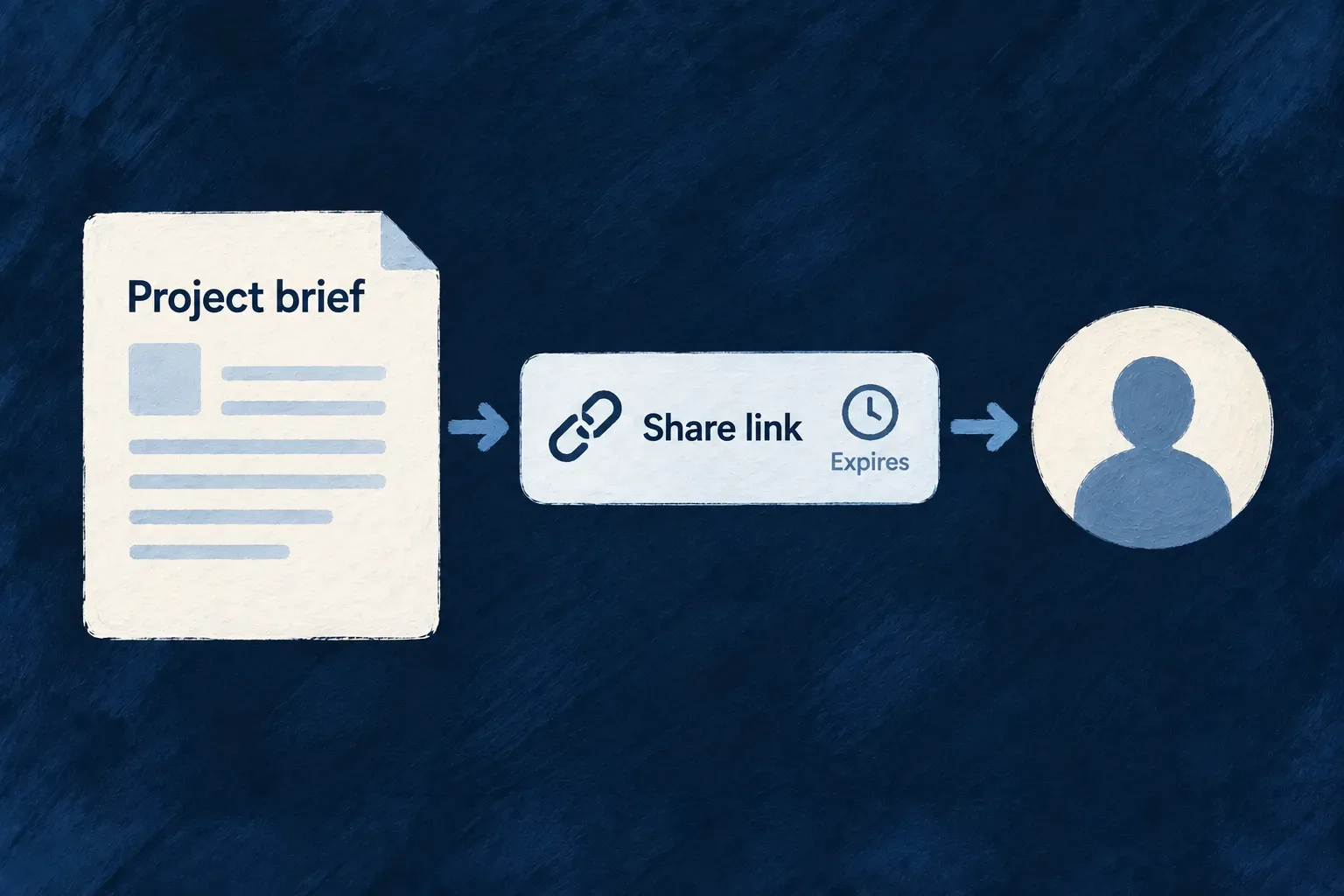
These choices have different purposes. Making the provider secret backend-only would prevent the administrator from supplying it through the normal form. Conversely, masking a stored internal flag would imply it was something a caller should write.
Compare the input and output boundary
Value’s purposeClient inputClient-facing output
Internal backend fieldExcluded from ordinary derived requests.Excluded from ordinary derived responses.
Provider secretAccept the supplied secret.Return its mask; an echoed mask is not a replacement secret.
Newly issued ephemeral valueFollow the issuing operation’s request contract.Disclose through the producing operation’s response contract, not as a normal stored field to retrieve later.

For the provider credential above, changing enabled and supplying a new secretValue have different effects. The boolean is ordinary data. The secret crosses the write boundary, is protected by the backend’s credential handler, and is masked on the way back. A normal read does not recover the submitted secret for the form.

Carry the declaration through the operation contract

The DTO builder constructs client-facing inputs and outputs separately from backend repository shapes. Server code retains access to the values it needs, while serializers use the operation’s response contract. Create-only disclosure and ephemeral disclosure also have dedicated audit handling at their response boundary.

Visibility declarations do not encrypt a value by themselves. In this provider-credential example, its backend write path seals the supplied value; the field marker governs what travels across the client boundary. Storage protection and client disclosure are complementary mechanisms.

Use separate operation response shapes when a product needs different field sets for different roles. The resource’s ordinary authorization still determines which records may be reached, and request validation governs the values accepted by each operation.

Define what remains when personal data is erased Mechanism

Removing a person’s data can involve several kinds of record. Some may be deleted; others may need to remain for a defined business purpose, with personal values removed or transformed.

Wildo lets the application express that treatment on its resources and fields. A retained row is marked, hidden from ordinary reads and protected from ordinary changes. The resource policy distinguishes keeping a row as it is from retaining it with declared field treatments.

This gives the application a consistent execution model for its chosen policy. The responsible team still decides which records should remain, why they are retained and for how long.

Example: Preserve a record without keeping it in daily work

Wonder Todos declares a retain-only policy for tasks. When a task becomes retained through the erasure process, ordinary task lists and charts exclude it, while controlled internal access can still account for the stored record. A resource containing personal values can instead declare field treatments with retain-and-impersonalize.

A retention policy keeps a record while treating its personal fields.
For engineers
Declare what the resource means on erasure

This excerpt from Wonder Todos’ todos.resources-config.ts includes the resource’s retention declaration and the operations required by its internal retention path. Source comments are omitted; the operation configurations follow later:

mainSchema: Todos_Schema,
resourceIdentifier: TasksManager_ResourceType.TODOS,
resourceFieldIdentifier: TasksManager_ResourceFieldIdentifier[TasksManager_ResourceType.TODOS],
resourceRelationships: resourcesRelationships,
inheritenceSchemaDefinition: TodosSchemaFamily.inheritenceSchemaDefinition,
isSystemResource: false,

systemAccessPolicy: {
  list: ResourceSystemAccessMode.ALLOWED,
  exportSubject: ResourceSystemAccessMode.ALLOWED,
},

retentionPolicy: { mode: ErasureRetentionMode.RETAIN_ONLY },

dataSubjectPolicy: { kind: ResourceDataSubjectKind.NO_PRINCIPAL },

coreOperations: [
  CoreResourceOperation.READ,
  CoreResourceOperation.LIST,
  CoreResourceOperation.SEARCH,
  CoreResourceOperation.CREATE,
  CoreResourceOperation.UPDATE,
  CoreResourceOperation.UPDATE_MANY,
  CoreResourceOperation.DELETE,
  CoreResourceOperation.COUNT
],

RETAIN_ONLY says that this resource is retained without field scrubbing. NO_PRINCIPAL separately says that the task itself is not a login identity whose sessions should be revoked. An assignee or creator reference does not make a task into that person’s account.

Choose field treatments where the row holds personal values

A resource using RETAIN_AND_IMPERSONALIZE declares what happens to its own personal fields. Treatments include MASK, REMOVE, RESET and explicit KEEP. HASH is not supported by this static scrub path, and reversible ENCRYPT is not an erasure treatment. The factory checks the relationship between the mode and the treatments so the policy describes work the writer can actually perform.

Wonder CRM’s contact provides the connected example. Its resource configuration selects:

retentionPolicy: { mode: ErasureRetentionMode.RETAIN_AND_IMPERSONALIZE },
dataSubjectPolicy: { kind: ResourceDataSubjectKind.NO_PRINCIPAL },

Its contact.schemas.ts declares the treatment of employer and name. Comments and other contact fields are omitted:

companyId: z.string().min(1).optional().isDBIndexed().isForeignKey().isSummaryField()
  .impersonalizeWith(RedactionType.REMOVE)
  .dataCategories(PersonalDataCategory.PROFESSIONAL),

name: z.string().min(1).max(120).isSummaryField()
  .impersonalizeWith(RedactionType.MASK, { maskValue: '[erased]' })
  .dataCategories(PersonalDataCategory.IDENTITY),
Declared fieldScrub resultWhy the choice fits
Optional companyId · REMOVEClear the stored reference.Stop recording who this person works for.
Required name · MASKReplace the value with [erased].Keep a usable retained-row shape without preserving the name.

The contact is not a login principal, but it still holds personal data. NO_PRINCIPAL does not exempt it from erasure; it separates field treatment from revoking a user’s sessions. The full schema declares treatments for its other personal values as well.

Transforming a value is not by itself a claim that the remaining record is anonymous. Keep the resource’s meaning, its person references and the chosen treatment explicit. Relationship lifecycle rules independently decide how a child participates when its parent is erased.

Use the retained state consistently

The factory adds the retention marker and derives the internal permissions needed for the retention writer and controlled reads. The ordinary read path uses a shared hide predicate, including the database query paths used for listings and aggregation. Retained rows therefore stop participating in ordinary application work rather than merely disappearing from one screen.

The internal writer uses the required resource operations declared above, while the public operation variants keep their own access rules. This separation lets the application account for retained data without exposing it through its ordinary views.

The resource-level policy is about erasure behavior. A retention period, a row-expiry rule and a policy document are separate declarations. Use each for its own purpose, and describe the chosen record treatment in the application’s information and operating procedures.

Make attachments part of the work

A file field gives a document a place in the application: attached to a record, presented in its form and available from its detail view. Wildo connects those interactions to upload handling, file metadata and configured storage.

The file’s contents and its place in the business process have separate responsibilities. Storage holds the bytes; the resource holds the reference people work with.

You choose storage, accepted files, scanning, sharing and retention policies. Wildo connects the standard upload, record and file-service steps around those choices.

A launch project links its brief and checklist to separately stored file contents.

More than a place to upload

Select, upload and attach

Field rules guide file selection. Standard forms connect uploading the bytes with saving their reference on the record.

Choose the access path

Resource-specific downloads check the owning record and attachment. Direct file routes and public shares have separate access rules.

Manage the file’s lifecycle

Configure storage, scanning and cleanup. Wildo tracks attachments, removed references and uploads that were never saved to a record.

Example: Keep a project's documents with the project

A person selects a brief in the project form, uploads it and saves the project. The saved reference makes the brief available in the project’s attachment view. Opening it through the resource-specific route checks that project and the file bound to its field.

For engineers

What do I write?

This is the attachments field on a Wonder Todos task list:

attachments: z_file({
  multiple: true,
  nature: FileNature.ALL,
}).optional(),

It permits multiple attachments and leaves the field optional. This example accepts a broad file nature; a production field can narrow accepted types, size and count to suit its purpose.

What does Wildo provide?

The resource integration supplies the upload route and standard uploader, tracks file metadata, and associates the stored reference with its owning record. The normal download path authorizes access through that record rather than treating an object-store key as a public URL.

What must I configure?

Select and configure storage. Declare constraints on the field, within the application’s own limits. Accepted types and sizes are not antivirus scanning; choose the scan policy separately. If you offer public sharing, it is an explicit access mechanism with its own rules.

An uploaded file and an attached file also have different lifecycle moments. Saving the resource associates the reference; cleanup and deletion must follow the configured lifecycle. Custom code that writes directly to an object store does not automatically acquire the resource upload contract.

Continue into resource file uploads, field constraints and authorized serving.

Attach files to the work

Make attachments part of the record Feature

A file belongs to something: a profile, a request, an invoice. Wildo treats that relationship as part of the record definition, so adding an attachment does not create a separate permission model and storage workflow.

Declare a file field and expose it through the resource’s configured operations and views. The framework supplies the upload control, field-specific upload route, metadata and attachment lifecycle. Your application chooses the allowed files, storage and access rules.

Example: Attach documents while creating a list

A person adds several documents to a new task list. The form constructs file references from the upload responses; submitting it saves those references with the list. Later, its attachment links use the list’s read route, while files left behind by an abandoned form remain eligible for cleanup.

A project form includes a brief directly in its attachment field.
For engineers
Declare the attachment in the resource schema

The Todo Lists schema uses the same field system as its name, description and visibility. multiple changes the stored reference from one file ID to a collection. nature describes accepted content; UI presentation and operation exposure remain part of the resource’s separate configuration.

status: z.enum(TodoLists_Status).default(TodoLists_Status.ACTIVE).isSummaryField(),
name: z.string().min(1).max(100).isSummaryField(),
description: z.string().max(500).optional(),
attachments: z_file({
  multiple: true,
  nature: FileNature.ALL,
}).optional(),
isPublic: z.boolean().isDBIndexed().default(false),
Understand when a file becomes attached

The upload handler validates the bytes, resolves the field’s storage and creates a file row with ownership derived from the resource scope. The excerpt shows that creation before the later storage transfer; route validation and constraint checks are omitted.

const createdFile = await this.filesService.createFile(
  {
    filename: multerFile.originalname || multerFile.filename,
    originalFilename: multerFile.originalname,
    mimeType: multerFile.mimetype,
    size: multerFile.size,
    storageProvider: storageProvider.providerId,
    scope,
    uploadedBy: uploaderPrincipal?.uploadedBy,
    uploadedByEntityType: uploaderPrincipal?.uploadedByEntityType,
  },
  executionContext
);

fileRecord = { fileId: createdFile.fileId };
Carry the reference through the record write

Each upload returns a success envelope containing file metadata. The form constructs the field value from that response: { fileId, updatedAt } for one file, or an aggregate containing fileIds for multiple files. The create or update operation then reconciles those references through the file-operation handler. Uploading alone does not save the parent record.

Use the framework file field in configured forms and previews to keep those steps connected. Choose storage and operation permissions before exposing the form, and configure scanning, sharing and deletion policy when the application needs them. Unsubmitted uploads and files removed from a record are handled by the file lifecycle; a generated PDF field follows its generation path instead of accepting a user upload.

Follow an upload into the saved field

The upload route returns an envelope, not the value stored on the parent. For example, a completed, linkable upload can return these selected metadata fields; identifiers and names are illustrative:

{
  "success": true,
  "file": {
    "fileId": "507f1f77bcf86cd799439011",
    "filename": "launch-brief.pdf",
    "mimeType": "application/pdf",
    "size": 48210,
    "readiness": "ready"
  }
}

The framework upload adapter exposes the identifier and metadata to the file control. The standard control waits for readiness before emitting a value: an upload still being scanned is processing, not ready merely because the HTTP upload succeeded. Failed or cancelled candidates are not silently attached.

These excerpts from form-field-file.tsx show the values built after admission. They are component internals to explain the contract, not a replacement uploader to copy:

const newValue: FileValue = {
  fileId: result.fileId,
  updatedAt: new Date(),
};
onChange?.(newValue);

// Multiple-file path: preserve current IDs and append admitted new IDs.
const updatedFileIds = [...currentFileIdsRef.current, ...newFileIds];
const newValue: MultipleFileValue = {
  fileIds: updatedFileIds,
  updatedAt: new Date(),
};
onChange?.(newValue);

The snippets come from separate single-file and multiple-file handlers. The timestamp belongs to the field value; it is not a scanner verdict or the file’s original upload timestamp. Metadata such as the filename stays in the control’s cache and the file service, rather than being copied into the parent reference.

StepWhat exists
Upload succeeds but scanning continues.A file row and stored bytes; the control waits for readiness.
Readiness is confirmed.A field value such as { fileIds: ["507f1f77bcf86cd799439011"], updatedAt }.
The parent create/update succeeds.The file reference is saved and the file is linked to its resource, record and field.
The form is abandoned before saving.An unattached upload remains subject to cleanup eligibility.

The parent write checks linkability and scope again. Client-side readiness helps the person using the form; it does not authorize the backend to accept a stale or invalid attachment.

Tell every upload what the field accepts Mechanism

A profile photo and a signed contract should not accept the same files. Wildo keeps those requirements on the file field: accepted types, size, selection count and relevant media constraints.

Standard file controls use the declaration to guide selection. The upload service checks accepted types and byte limits separately from browser behavior. Image cropping prepares a selection; the server independently verifies declared dimensions and aspect ratio before accepting the upload.

Example: A square profile photo with a size limit

A profile photo field can require a square image and a byte-size limit. The standard form helps prepare the image; the upload service checks those requirements independently, including when another tool submits the file.

An attachment field accepts images within a declared size limit and refuses a video.
For engineers
Put the requirements on the field

This excerpt comes from UserProfileSchema, shared by the administrative and self-profile resources. The account resource (USERS) has no avatar field. The outer privacy treatment is retained here because changing a file field also means deciding what should happen to its reference during erasure.

avatar: addImpersonalizeWith(
  z_file({
    nature: FileNature.IMAGE,
    allowedMimeTypes: 'Images',
    maxSize: 2 * 1024 * 1024,
    imageConstraints: {
      maxWidth: 1024,
      maxHeight: 1024,
      aspectRatio: { width: 1, height: 1 },
      generateThumbnails: true,
    },
  }).optional().dataCategories(PersonalDataCategory.IDENTITY),
  RedactionType.REMOVE,
),
Keep browser defaults and server ceilings distinct

The resource-field constraint resolver reads the file metadata into the backend validator contract. This is the runtime mapping from resource-field-constraint-resolver.backend.service.ts; the surrounding field lookup and error handling are omitted.

// Convert FileSchemaMetadata to FileConstraint
const constraint: FileConstraint = {
  allowedMimeTypes: fileMetadata.allowedMimeTypes,
  maxSize: fileMetadata.maxSize ?? DEFAULT_FILE_CONSTRAINT.maxSize,
  minSize: fileMetadata.minSize,
  nature: fileMetadata.nature,
  imageConstraints: fileMetadata.imageConstraints,
  videoConstraints: fileMetadata.videoConstraints,
  audioConstraints: fileMetadata.audioConstraints,
  documentConstraints: fileMetadata.documentConstraints,
  source: {
    type: 'resource_field',
    resourceType,
    fieldName,
  },
};
Choose limits for the actual delivery path

The upload handler also enforces the application’s storage.maxFileSize; a field cannot bypass that ceiling. The frontend picker provider fills browser-side defaults only where field metadata is absent. Keep those defaults compatible with the backend’s limits so users learn restrictions before sending a file.

Multipart uploads expose local bytes for inspection. The default backend uses Sharp to measure declared image dimensions and aspect ratio. Measurements respect EXIF orientation and use frame dimensions rather than the stacked animation height. Bounds are inclusive; aspect ratio permits a 1% relative difference. Missing or failed analysis refuses an upload that requires geometry. Bounds must be positive integers, ratios finite and positive, and geometry requires image nature.

This reads image-header geometry; it does not establish complete pixel integrity or replace malware scanning. Type checks still use declared MIME type and filename. A linked remote file uses the provider’s MIME type and byte size, but a field with geometry requirements refuses that metadata-only link. Upload the image bytes instead. Selection count is checked in the form and on the parent write, while each individual upload receives its own size and type validation.

Limit each upload and the final attachment collection

These limits protect different boundaries. maxSize limits one file’s bytes. maxFiles limits the reference collection saved in one occurrence of the field. For example, this illustrative supporting-documents field accepts at most three files, each within its own size limit:

attachments: z_file({
  multiple: true,
  nature: FileNature.ALL,
  maxSize: 5 * 1024 * 1024,
  maxFiles: 3,
}).optional(),

The application’s upload ceiling still applies if it is lower. Successfully uploading a fourth small file does not make a four-file parent value valid: the file-operation handler checks the total on create and the resulting collection on update, and refuses excess references with FILE_TOO_MANY_FILES.

Submitted changeCount outcome for this field
Create with three admitted file IDs.Within the collection limit; other checks still apply.
Create with four admitted file IDs.Parent write refused, even if every upload passed byte validation.
Update a two-file collection to three.Within the collection limit.
Update a three-file collection to four.Parent write refused.
Replace one reference while keeping three total.Within the count limit; replacement policy and linkability still apply.

For nested or repeated file fields, the handler evaluates each concrete occurrence. A three-file limit in one row is not a global three-file budget across the whole record. Upload acceptance, reference count and attachment authorization are separate checks, so a custom client must satisfy all of them.

Give file selection a shared application default Mechanism

File selection should feel consistent across an application. Wildo gives standard file fields and custom upload views a shared provider contract for accepted types, size and selection count.

A field can state its own requirements without changing every picker. The provider supplies browser defaults, while the resource schema and backend continue to own the upload rules.

Example: One default for attachments, a stricter avatar

The application offers images and PDFs up to 25 MB in its general picker. A profile’s avatar field can still require an image under 2 MB. The narrower field definition takes precedence without a second custom picker.

A file chooser offers a device and a connected library as sources.
For engineers
Declare a frontend provider module

Wonder Todos defines its picker as a FrontendAppProviderModule. The capability and protocol identify its role; publicConfig contains browser-visible defaults, not credentials. Imports and the identity comment are omitted.

export const ApplicationFilePickerFrontendAppProvider: FrontendAppProviderModule = {
  metadata: defineProviderMetadata({
    ref: 'wonderTodosFilePicker',
    packageName: '@wonder-todos/main-app',
    tier: ProviderTier.CATALOGUE,
    origin: { kind: ProviderOriginKind.APPLICATION },
  }),
  providerCapabilities: [BUILTIN_PROVIDER_CAPABILITY.FRONTEND_FILE_PICKER],
  protocols: [BUILTIN_PROVIDER_PROTOCOL.FRONTEND_SDK],
  publicConfig: {
    acceptedMimeTypes: ['image/*', 'application/pdf'],
    maxFileSizeMb: 25,
    maxSelectionCount: 10,
    uploadNamespace: 'task-attachments',
  },
};
Make the provider reachable in the application

Export the module through the frontend provider entrypoint, include its contribution in frontend/src/provider-contributions.ts, and declare the same reference under the frontend service’s provider scope in wildo.saas.config.ts. Derive contribution fields from the module so identity and defaults stay aligned.

Framework file fields resolve FRONTEND_FILE_PICKER with FRONTEND_SDK. A custom view should use that registry contract too, rather than maintaining a second table of size and MIME limits.

Let the field override the default

The resolver below shows the precedence directly. Provider megabytes are converted to bytes once; the provider’s selection limit is used only for a multi-file field. Earlier lookup and validation code is omitted.

return {
  allowedMimeTypes: fileMetadata.allowedMimeTypes ?? providerConstraints.acceptedMimeTypes,
  maxSize: fileMetadata.maxSize ?? (
    providerMaxSizeMb === undefined ? undefined : providerMaxSizeMb * 1024 * 1024
  ),
  maxFiles: fileMetadata.multiple
    ? (fileMetadata.maxFiles ?? providerConstraints.maxSelectionCount)
    : fileMetadata.maxFiles,
};
Keep remote selection explicit

A connected provider picker may deliver local File objects or remote references, according to its declared delivery contract. The host checks that declaration before forwarding the selection. A remote reference still needs a matching backend storage provider accepted by the field; a browser picker alone does not make a cloud drive a working storage destination.

Connect the module to the running frontend

Start with wildo compose add-file-picker-provider in the application. Its module is only the first piece: export it through the frontend-provider entrypoint, contribute it to the companion, then select that provider in the frontend service configuration.

Wonder Todos derives the contribution from the module so its advertised capabilities and runtime configuration cannot drift into separate copies:

function buildFilePickerContribution(): ProviderCompanionContribution {
  return {
    ref: ApplicationFilePickerFrontendAppProvider.metadata.ref,
    runtimeImportPath: '@wonder-todos/main-app/frontend-providers',
    runtimeTargets: [{ kind: 'frontendService', serviceType: AppFrontendType.SAAS_APP }],
    engineCapabilities: [],
    providerCapabilities: [...ApplicationFilePickerFrontendAppProvider.providerCapabilities],
    protocols: [...ApplicationFilePickerFrontendAppProvider.protocols],
    secretsContractShape: [],
    frontendEntry: {
      metadata: ApplicationFilePickerFrontendAppProvider.metadata,
      providerCapabilities: [...ApplicationFilePickerFrontendAppProvider.providerCapabilities],
      protocols: [...ApplicationFilePickerFrontendAppProvider.protocols],
      publicConfig: ApplicationFilePickerFrontendAppProvider.publicConfig,
    },
    sourceModuleId: 'tasks-manager',
  };
}

This function belongs in frontend/src/provider-contributions.ts, alongside the application’s contribution list. ProviderCompanionContribution and AppFrontendType come from @wildo-ai/saas-models; the provider is imported from the local provider entrypoint. Include the returned contribution in that list.

SurfaceWhat must agree
Frontend provider entrypointThe package’s ./frontend-providers export reaches the module
Companion contributionruntimeImportPath reaches that export; sourceModuleId identifies the owning module
Service selectionproviders.scopes.frontendServices.app.providers.<ref> selects the same ref, capability and protocol
Field declarationExplicit MIME, size and selection limits take precedence over provider defaults

Configuration sync checks contribution reachability. After sync, verify the provider is selected for the actual frontend service: exporting a module alone does not activate it. Keep credentials out of publicConfig; these values are delivered to the browser.

Let people frame an image before sending it Feature

An image can be valid and still be the wrong shape for its place in the product. Wildo can turn an image field’s declared aspect ratio into a crop step, so people choose the framing before upload.

The control crops and resizes in the browser, then sends the resulting file through the ordinary validation and upload path. The field keeps one set of requirements for both steps.

Example: Choose the face in a profile photo

A wide photograph is selected for a square avatar. The person pans and zooms to frame the face, confirms the crop and uploads the result. A small source image is not enlarged just to reach the maximum allowed dimensions.

A chosen square crop becomes the uploaded portrait framing.
For engineers
Declare the intended image shape

The avatar in UserProfileSchema, shared by the administrative and self-profile resources, declares the square ratio and dimension limits. The account resource (USERS) has no avatar field. This excerpt from users.shared.schemas.ts omits the surrounding privacy wrapper.

z_file({
  nature: FileNature.IMAGE,
  allowedMimeTypes: 'Images',
  maxSize: 2 * 1024 * 1024,
  imageConstraints: {
    maxWidth: 1024,
    maxHeight: 1024,
    aspectRatio: { width: 1, height: 1 },
    generateThumbnails: true,
  },
}).optional().dataCategories(PersonalDataCategory.IDENTITY),
Understand when the crop step opens

The standard field routes a selection through cropping only for the supported single-image case. This excerpt from form-field-file.tsx retains the normal upload fallback; explanatory comments are omitted.

const handleFiles = React.useCallback((files: File[]) => {
  if (files.length === 0) return

  if (isMultiple) {
    handleMultipleFilesUpload(files)
  } else {
    const file = files[0]
    if (aspectRatioConstraint && isCroppableRasterImageFile(file) && canExportWithinAllowedMimeTypes(allowedMimeTypes)) {
      const mimeError = validateFileMimeType(file)
      if (mimeError) {
        setInternalError(mimeError)
        return
      }
      setInternalError(undefined)
      setPendingCropFile(file)
      return
    }
    handleSingleFileUpload(file)
  }
}, [isMultiple, handleMultipleFilesUpload, handleSingleFileUpload, aspectRatioConstraint, validateFileMimeType, allowedMimeTypes])
Treat export as preparation, not acceptance

The cropper applies image orientation, constrains movement to cover the crop area and resizes without enlarging the selected source. It tries allowed PNG, WebP and JPEG outputs, varying lossy quality where useful. If no candidate fits the byte ceiling, it returns the smallest allowed result and the usual size validator can refuse it.

Multiple-file selections use their normal upload path. SVG, undecodable images and fields with no supported canvas export type bypass cropping. Keep server type and size validation enabled for every path. The default server analyzer independently enforces declared image dimensions and aspect ratio from uploaded bytes. If required geometry cannot be measured, the upload is refused. A crop dialog prepares an image; it does not establish server-side acceptance.

Replace the crop interaction without replacing file handling

The form renders the injectable ImageCrop wrapper. Its LOW_LEVEL_IMAGE_CROP slot receives the selected file and the field’s constraints, then returns a File to the existing upload flow. Your application can change the interaction while keeping upload, readiness and parent-record attachment in the form.

For an application-wide replacement, register your component after registerDefaultPresets() and before the registry completeness check or application mount. This illustrative registration replaces the default slot; ApplicationImageCrop is your implementation of ImageCropProps from @wildo-ai/saas-frontend-lib.

import { CorePresetNames, FrontendComponentType } from '@wildo-ai/presets-components-models';
import { ComponentRegistryService } from '@wildo-ai/saas-frontend-lib';
import { ApplicationImageCrop } from './application-image-crop';

ComponentRegistryService.register(
  FrontendComponentType.LOW_LEVEL_IMAGE_CROP,
  CorePresetNames.DEFAULT,
  ApplicationImageCrop,
  { isConfigurable: true },
);

The registry stores one component for that slot and preset. Calling the default registrations again afterwards would overwrite your replacement. Wonder Todos currently uses the default cropper; the registration above shows the extension point, not a customization already installed there.

ContractResponsibility of a replacement
file, aspectRatio, maskShapePresent the selected image at the required ratio; a circular mask is visual, not a circular exported file
maxOutputWidth, maxOutputHeight, maxOutputSizeBytes, allowedMimeTypesProduce an export within the supplied field constraints
onConfirm(croppedFile)Return the resulting browser File to the form’s upload flow
onCancel()Dismiss the crop and discard the selection
onUncroppable(originalFile)Return an undecodable source to the normal upload path, where server validation still applies

The slot does not own storage or permission checks. The backend validates received bytes even when a caller bypasses the browser crop interaction entirely.

Keep attachments with the part they describe Feature

Attachments sometimes belong to a line item or a section inside a record. Wildo can find file fields inside objects and arrays, preserving their field identity as the record changes.

The same discovery is used for upload routes, constraints and attachment reconciliation. A repeated field does not need a separate file feature for every array position.

Example: A photograph on each inspection item

An inspection contains several checks, each with its own photo. Reordering the checks should not turn the photo field into a different upload endpoint. The schema keeps one canonical field path while record reconciliation follows the actual occurrences.

Multiple attachments and a nested team avatar sit in the parts of the project they describe.
For engineers
Distinguish a field path from an array position

The file-field walker uses object keys to extend the canonical path and passes through arrays without adding an index. These are two branches of collectFileFieldSchemaMetadata; the branches between them are omitted.

if (isZodArray(unwrappedSchema)) {
  const elementSchema = getZodDefProperty(unwrappedSchema, 'element') as z.ZodTypeAny | undefined;
  return collectFileFieldSchemaMetadata(elementSchema, pathPrefix, activeSchemas);
}
if (isZodObject(unwrappedSchema)) {
  const shape = getZodObjectShape(unwrappedSchema);
  return Object.entries(shape).flatMap(([fieldName, fieldSchema]) => {
    const nextPath = pathPrefix ? `${pathPrefix}.${fieldName}` : fieldName;
    return collectFileFieldSchemaMetadata(fieldSchema as z.ZodTypeAny, nextPath, activeSchemas);
  });
}
Use a supported schema shape

Objects, arrays and discriminated-union object variants can carry file fields. The same canonical path across variants must have compatible file metadata, since one upload route cannot enforce contradictory constraints. Optional, nullable and default wrappers are unwrapped during discovery.

Plain unions containing file fields and dynamic containers such as records, maps, sets and tuples are rejected rather than silently losing their attachments. Use a discriminant for variants and an array of named objects for repeated content.

Reconcile the effective record, not just the submitted fragment

The operation handler compares file occurrences in the previous and effective next resource state. Object patches preserve omitted siblings, but a supplied array replaces the previous array; omitted photos inside that replacement are removed. Repeated items can use their stable identifier to retain ownership through reordering, while explicit removal applies the field’s lifecycle policy.

A file can be attached to one record and field binding at a time. Do not treat a repeated field as permission to reuse a file ID under unrelated records; the same scope, status and ownership checks still apply.

Declare one photo field for every inspection item

This illustrative schema gives each repeated item a stable id and an optional photo. Load the Zod decorators once in shared initialization, as in the framework’s schema tests.

import { z } from 'zod';
import { ensureZodDecoratorsLoaded, z_file } from '@wildo-ai/zod-decorators';
ensureZodDecoratorsLoaded(z);

export const InspectionSchema = z.object({
  items: z.array(z.object({
    id: z.string(),
    label: z.string(),
    photo: z_file({
      multiple: false,
      allowedMimeTypes: ['image/jpeg', 'image/png'],
      maxSize: 5 * 1024 * 1024,
    }).optional(),
  })),
});

Discovery produces the canonical field name items.photo. Both items[0].photo and items[1].photo are occurrences of that field; array indices do not become separate upload contracts. After uploading an image and waiting for it to become attachable, a parent request can contain:

{
  "items": [
    {
      "id": "entrance",
      "label": "Entrance condition",
      "photo": {
        "fileId": "507f1f77bcf86cd799439011",
        "updatedAt": "2026-09-12T09:00:00.000Z"
      }
    },
    { "id": "roof", "label": "Roof condition" }
  ]
}

The file ID stands for an actual upload in the caller’s scope; copying the illustrative ID cannot create that file. The backend binds it to the parent record and items.photo after checking its status and ownership.

Next writeAttachment outcome
Reorder the complete items while preserving their IDs and photo referencesThe same file remains attached to the same record and canonical field
Omit the entire items field from a parent patchThe existing array and its photos remain in the effective state
Supply an items array with the same item ID but omit its photoThe array replaces the old value; the omitted photo reference is removed, even though the item ID is unchanged
Explicitly replace the array and remove the item carrying the photoThe removed reference is reconciled under the field’s configured lifecycle policy
Move that file ID into another recordThe existing ownership binding prevents treating the ID as a freely reusable upload

Use stable, non-empty string id or _id values on repeated owners. The reconciliation helper recognizes these identifiers when matching occurrences across updates. Stable identifiers match occurrences; they do not merge missing photo values into a replacement array. Send the complete intended array, including every reference you want to keep. For nested object patches, omitted sibling properties are preserved.

Let someone supply a file without sharing your session Feature

Sometimes an agent can prepare a record but needs a person to supply the file. Wildo can issue a temporary upload grant for that handoff without giving away the caller’s application session.

The grant names one field and one create or update operation. The file still passes through that field’s constraints and storage flow, and attaching it to the record remains a separate authorized write.

Example: An agent asks for the signed document

An agent prepares a record update and returns an upload page for the document field. The person drops the signed file there. The agent reads the grant status to obtain the file ID, then submits the normal record update using its own authority.

An expiring one-use ticket permits an integration to attempt one attachment upload.
For engineers
Bind delegation to the intended write

The grant service stores the field, operation, minter and concrete upload URL in the token. An update grant also names the target row. This excerpt from file-upload-grant.backend.service.ts follows field validation; comments are omitted.

const constraint = await this.constraintResolver.resolve({ resourceType: target.resourceType, fieldName: target.fieldName });
this.assertDeclarationFitsConstraint(params.declared, constraint, executionContext, target);
const expiresInMinutes = params.expiresInMinutes ?? FILE_UPLOAD_GRANT_DEFAULT_MINUTES;

const metadataWithoutUrl: Omit<FileUploadGrantMetadata, 'uploadUrl' | 'producedFileId'> = {
  fieldName: target.fieldName,
  operation: target.operation,
  minter: { entityType: minter.uploadedByEntityType, id: minter.uploadedBy },
};

const token = await this.consumableTokenService.createToken({
  tokenType: CoreConsumableTokenTypes.FILE_UPLOAD_GRANT,
  consumptionMode: ConsumableToken_ConsumptionMode.SINGLE_USE,
  expiresIn: { value: expiresInMinutes, unit: DurationUnit.MINUTES },
  organizationId: executionContext.initiatorIds?.organizationId,
  userId: executionContext.initiatorIds?.userId,
  resourceIdentifier: String(target.resourceType),
  relatedId: target.resourceId,
  roles: [...(executionContext.initiatorRoles ?? [])],
  metadata: { ...metadataWithoutUrl, uploadUrl: params.uploadUrl },
});
Configure the addresses the recipient must reach

The HTTP mint route reads runtime.endPoints.main_backend_api.publicUrl from the application’s resolved configuration. It refuses minting when that address is absent; it does not construct a trusted upload destination from the incoming Host header. The returned upload and status URLs must be reachable by the party receiving the grant, not only from inside the application’s container network.

For a human drop page, the application must also declare a frontend service. The default frontend selected by configuration needs its own runtime.endPoints[frontendServiceName].publicUrl; the service must be present in frontendServices. The grant service builds uploadPageUrl from that address and the public upload-grant route. Configure deployment addresses through the normal application environment setup, then inspect the resolved values instead of adding a second URL authority inside a custom caller.

DeploymentHandoff available
Reachable backend and configured frontendDirect upload instructions and a browser drop-page URL
Reachable backend, no resolvable frontendDirect upload instructions; uploadPageUrl is null
Missing backend public URLThe HTTP mint request is refused

Check the returned uploadUrl and statusUrl, and inspect whether uploadPageUrl is present before offering a browser link. A headless deployment can accept the delegated upload through the backend contract; it does not acquire a hosted upload page merely by minting a grant.

Use the returned upload instructions

Both mint doors return the upload URL, a credential header, shell upload commands and a status URL. When a frontend is configured, the response also supplies the browser drop-page URL. Use those returned values so the client follows the exact bound route.

The default lifetime is 15 minutes with a framework ceiling of 60 minutes. Anonymous sessions and consumable-token callers cannot mint another grant. Ordinary operation authorization still applies; the grant does not create permission to read or modify other records.

Carry one file through the complete handoff

This illustrative browser JavaScript follows the Wonder Todos attachment test. recordUrl is the existing todo-list’s API URL, bearer belongs to a caller allowed to update it, and file is a selected File. Start with an empty attachments field: this example replaces its value with one file. An add-to-existing workflow must preserve the current IDs and handle concurrent edits.

async function attachFile({ recordUrl, bearer, file }) {
  const readJson = async (response) => {
    if (!response.ok) throw new Error(`HTTP ${response.status}`);
    return response.json();
  };
  const authority = { authorization: `Bearer ${bearer}` };
  const jsonHeaders = { ...authority, 'content-type': 'application/json' };

  const grant = await readJson(await fetch(`${recordUrl}/files/attachments/grant`, {
    method: 'POST',
    headers: jsonHeaders,
    body: JSON.stringify({ expiresInMinutes: 10 }),
  }));

  const form = new FormData();
  form.append('file', file, file.name);
  await readJson(await fetch(grant.uploadUrl, {
    method: 'POST',
    headers: { [grant.uploadHeader.name]: grant.uploadHeader.value },
    body: form,
  }));

  const status = await readJson(await fetch(grant.statusUrl));
  if (status.state !== 'redeemed' || !status.file?.fileId) {
    throw new Error('The grant has not produced a file ID');
  }
  const attachments = {
    fileIds: [status.file.fileId],
    updatedAt: new Date().toISOString(),
  };

  await readJson(await fetch(recordUrl, {
    method: 'PUT',
    headers: jsonHeaders,
    body: JSON.stringify({ attachments }),
  }));
  return readJson(await fetch(recordUrl, { headers: authority }));
}

The upload request carries only the returned grant header; the final write and read use the original Bearer. Let FormData set the multipart content type. For a human handoff, show uploadPageUrl and resume at the status read after upload instead of transferring bytes in this function. That browser URL requires a configured frontend.

Inspect the record in the final response (response.data for an enveloped response, otherwise the response itself): it should contain the same ID in attachments.fileIds. A single-file field instead uses { fileId, updatedAt }. A redeemed grant proves that bytes produced a file, not that scanning has finished or the parent accepted it: pending scanning can still delay attachment. Check file readiness and retain the produced ID while resolving a pending result; do not redeem the same grant again to retry the parent write.

Handle retries according to the claim point

Route matching and actionable file validation happen before the single-use token is consumed. Consumption occurs before the file row and byte write, so concurrent redemptions cannot both start an accepted upload. A refusal before that point can leave the grant usable; a failure after consumption requires a new grant.

The upload is attributed to the minter recorded in the grant. Possession of the link does not establish the identity of the person holding it. Status exposes the produced file ID when write-back succeeds, while the final resource create or update uses the caller’s normal operation permissions.

Give an MCP caller the same upload path

Opt the parent CREATE or UPDATE operation into MCP with mcp: { exposed: true, description: '…' } on its supported default URL-bearing variant. When that request contains a user-uploadable file field, Wildo derives the upload-grant tool and adds instructions to the parent’s description. There is no second upload tool implementation to author.

For a resource named todos with an exposed CREATE operation and an attachments field, the derived name is todos__create.upload_grant.attachments. Discover the actual name and input schema in the server’s tool list: UPDATE also requires the parent’s instance identifier, while CREATE does not.

This illustrative tools/call request declares the file before minting, so an impossible MIME type or size can be refused before upload:

{
  "method": "tools/call",
  "params": {
    "name": "todos__create.upload_grant.attachments",
    "arguments": {
      "name": "inspection.jpg",
      "mimeType": "image/jpeg",
      "size": 184320,
      "expiresInMinutes": 10
    }
  }
}

Read the grant object from the tool result, then use the returned instructions rather than constructing an upload URL yourself.

StepValue to use
Upload from an agent host that can execute commandsThe returned uploadCommand, with the local file the command expects; bytes bypass the model channel
Upload through a client HTTP implementationuploadUrl plus the exact uploadHeader.name and uploadHeader.value, as in the REST example above
Ask a person to uploaduploadPageUrl, when non-null; continue from the returned statusUrl
Recover the produced IDUpload response or redeemed status file.fileId
Create or update the parentSubmit that ID in { fileId, updatedAt } or { fileIds: [...], updatedAt } under the parent field, using normal operation authorization

A grant inherits the exposed parent operation’s gating; it does not grant the caller broader record access. Upload success, processing readiness and successful parent attachment remain separate steps. Treat the header and token-bearing page/status URLs as bearer credentials and keep them out of public logs.

Keep a durable record of every stored file Mechanism

A file needs more than a URL. Wildo keeps a record of its type, size, storage destination, owner and lifecycle state, while the bytes live in the selected storage provider.

That shared record lets uploading, serving, scanning and cleanup work with the same file identity. Application records hold lightweight references instead of copying storage details into every attachment field.

Example: Replace an attachment without losing its lifecycle

A contract record receives a new version of a document. Its file reference changes, while the old file row can move into the configured removal lifecycle. The storage address and cleanup state remain available independently of the contract’s current value.

A brief's stored contents are paired with metadata for its name, owner and status.
For engineers
Keep content metadata separate from byte routing

The internal file schema records the original names, content facts and provider handle. In files.shared.schemas.ts, the following fields sit in one FileSchemaBase; comments and the later lifecycle fields are omitted.

fileId: z.string().min(1).isPrimaryKey().isSummaryField(),

filename: z.string().min(1).isDBIndexed().isSummaryField().dataCategories(PersonalDataCategory.USER_CONTENT),
originalFilename: z.string().min(1).isSummaryField().dataCategories(PersonalDataCategory.USER_CONTENT),
mimeType: z.string().min(1).isDBIndexed().isSummaryField(),
size: z.number().min(0).isSummaryField(),
extension: z.string().optional(),
checksum: z.string().optional().isDBIndexed(),

storageProvider: z.enum(FileStorageAccepted).optional().isDBIndexed(),
storageRef: z.string().min(1).optional().isDBIndexed(),
Use file services for lifecycle writes

The FILES resource supplies internal repository operations. File services create and update its rows; purpose-specific file routes expose authorized downloads, metadata, sharing and deletion. This does not publish a generic file-management CRUD interface just because a schema exists.

Creation starts with a pending row. Upload completion, scanning, linking, unlinking and deletion each have defined state transitions. Parent linking fills the resource type, record ID and canonical field name; scope is already derived during resource upload and is checked again when linking.

Do not substitute metadata for the storage handle

storageProvider and storageRef determine which backend and object to read. storageKey is scoped metadata and can be derived again as ownership is finalized; it is not a replacement for the persisted backend handle. Changing a field’s future storage preference does not move existing bytes.

Uploader attribution is an optional ID-and-type pair, and media analysis fields are populated only when the corresponding processing succeeds. Do not infer image dimensions, an uploader or a preview URL merely from the existence of a file row. Read through the file service so scope and status rules apply.

Compare the three representations of one attachment

Consider a saved request with one attachment. Its parent value needs only the reference and field timestamp; it does not need storage credentials, provider addresses or lifecycle internals. This is an illustrative JSON representation of that parent field:

{
  "attachment": {
    "fileId": "507f1f77bcf86cd799439011",
    "updatedAt": "2026-09-12T10:00:00.000Z"
  }
}

The internal file row and the authorized metadata response answer different questions about that same identifier:

InformationInternal file rowPublic metadata projection
IdentityfileId: "507f1f77bcf86cd799439011"The same fileId.
ContentOriginal filename, MIME type and byte size.Display filename, MIME type and size.
Lifecyclestatus: FileStatus.LINKED after attachment.readiness: FileReadiness.ATTACHED.
Parent bindinglinkedResourceType, linkedResourceId, linkedFieldName.These binding fields are not copied into the metadata projection.
StoragestorageProvider and the persisted storageRef.The raw provider handle is not exposed.
OwnershipApplication, organization or user scope.Access is checked before the authorized route returns metadata.

toMetadataResponse translates internal lifecycle into the smaller readiness vocabulary: pending or scanning is PROCESSING, an admissible unlinked upload is READY, and a linked file is ATTACHED. Other states are UNAVAILABLE; route withholding can refuse access before returning a projection. These are distinct from a malware scan verdict: READY can include an upload whose field does not require scanning.

The metadata may include a URL or thumbnail URL when one exists, but callers must not reconstruct one from the storage handle. Standard controls and displays use the appropriate file/resource services and route builders. A successful metadata read is not a promise that every other file-access route has identical authority rules.

When the parent reference changes, reconciliation can change the old row’s attachment state without rewriting every record that displays the new file. This separation is what lets cleanup and scanning continue to reason about files that are no longer visible in a form.

Open, preview and share them

Make attachment access follow the record Guarantee

An attachment often needs the same access restrictions as the record it supports. Wildo’s resource file route reuses that record’s read authorization, then verifies that the requested file belongs to the specified record and field.

This route keeps attachment access connected to the owning record. Direct file routes and public shares have separate access rules; the application must choose its exposed paths consistently with its confidentiality policy.

Example: Open an attachment through its request

A request is readable only by its assigned team. Its attachment preview uses the request’s file route, so access to another request or knowledge of a file ID does not satisfy that route’s checks.

Access to a project's attachment passes through access to the project record.
For engineers
Use the resource file route for record permissions

The controller runs the owning resource’s read authorization before invoking handleFileServe. The handler then reads the file through its scope-aware service and verifies the exact binding. This excerpt from resource-file-upload-handler.backend.service.ts starts after input validation; comments are omitted.

const file = await this.filesService.getFile(fileId, executionContext);

const belongsToRouteResource =
  !!file &&
  file.linkedResourceType === resourceType &&
  String(file.linkedResourceId) === String(resourceId) &&
  file.linkedFieldName === fieldName;

if (!belongsToRouteResource) {
  this.logDebug('File serve denied: file not linked to route resource/field', {
    fileId,
    resourceType,
    resourceId,
    fieldName,
    linkedResourceType: file?.linkedResourceType,
    linkedResourceId: file?.linkedResourceId,
    linkedFieldName: file?.linkedFieldName,
  });
  throw this.errorBuilder.buildError(
    ErrorType.NOT_FOUND,
    executionContext,
    {
      customMessageReference: ErrorCustomMessageReference.FILE_NOT_FOUND,
      context: { fileId }, // diagnostic (log-only)
    },
  );
}
Respect both readiness and removal

After ownership is established, the serve handler checks lifecycle state. Deleted or erased files are withheld as not found. Pending, scanning and other non-downloadable states produce a not-ready refusal; UPLOADED, LINKED, ORPHANED and CLEAN are the downloadable states, but a resource route still requires the exact current record and field binding. A file ID is therefore not a permanent authorization to receive bytes.

The same stream service applies response hardening and the optional thumbnail rendition after these checks. Storage credentials remain on the backend.

The direct authenticated /files/:fileId and metadata routes authorize the file’s own scope and membership. They do not add every restriction on its owning record. A share token is another deliberate access path: the bearer token authorizes that file without authenticating the recipient.

Use resource-derived serve links when a view must follow the record’s read restrictions. Treat direct file access and public sharing as separate application access decisions; the resource route’s stricter checks do not automatically change those other doors.

Build a preview from the displayed record

ResourceAutomaticDisplayer uses the public buildResourceFileServeBaseUrl helper from @wildo-ai/saas-frontend-lib. It supplies the current operation, resolved parent context and the displayed record’s own identifier. This matters for singleton views such as a person’s own profile: their READ address may omit an ID, while the file route still needs the actual record ID.

This excerpt shows the real consumer’s builder call. The surrounding component supplies the registry, operation and context values:

const serveBase = buildResourceFileServeBaseUrl({
  registry,
  resourceConfig,
  operation,
  resourceType,
  fieldName,
  recordId,
  contextResourceIdentifiers,
  contextualParameters,
  parentResourcesRequirements: resourceContextRef.current.parentResourcesRequirements,
  apiBaseUrl,
});
if (serveBase) serveBaseByField[fieldName] = serveBase;

The helper returns a base ending in /files/<fieldName>. Append the selected file ID and fetch through the authenticated client. If the record or parent context is unresolved, it returns null; wait for that context instead of substituting a global URL and silently changing authorization.

Link used by the displayWhat it establishes
Resource-derived serve base plus file IDParent READ authorization, file scope, and exact record/field binding before bytes are served
Global /api/v1/files/<fileId>/metadataFile-scope metadata access; the standard displayer uses this separate route to load metadata
Global /api/v1/files/<fileId>File-scope byte access, with its own lifecycle checks
A public share-token URLDelegated access to the token’s bound file

Global file routes remain registered regardless of which preview URL a view chooses. A stricter parent READ rule therefore does not establish the same restriction on every file access path. Review those paths together when deciding what access your application promises.

Show a lighter preview of the same image Feature

A small avatar or attachment preview should not need a full-resolution image. Wildo can derive a smaller rendition when the file is requested, using the same authorized route as the original.

The original remains in storage. Supported images are resized without enlargement and returned as WebP, while the field can explicitly disable derived renditions.

Example: A photo stays full size when downloaded

An attachment card requests a thumbnail of a large photo. Opening the original still retrieves the uploaded image. The application does not need to keep a second file record or arrange deletion of a separate preview object.

A full-size image is represented by a smaller preview of the same scene.
For engineers
Request a rendition, not a different file

Use ?variant=thumbnail on the file serve URL. The standard preview surfaces use the file URL helpers; an original request stays on the original byte path. The service first respects imageConstraints.generateThumbnails: false, which refuses a thumbnail request rather than returning a larger original against the author’s choice.

Otherwise, recorded MIME type and size determine eligibility. The current transformation handles supported raster images up to a 25 MB source cap. SVG is excluded.

Understand the image transformation

generateImageThumbnail in image-thumbnail.backend.utils.ts loads Sharp lazily, applies orientation and fits the image inside a 512-pixel square without enlargement. The whole function is shown because its fallback is part of the contract.

export async function generateImageThumbnail(source: Buffer): Promise<GeneratedThumbnail | null> {
  const sharp = await loadSharpFactory();
  if (!sharp) return null; // sharp not available → caller serves the original bytes
  try {
    const data = await sharp(source, { failOn: 'none' })
      .rotate() // bake EXIF orientation into pixels; sharp then strips metadata by default
      .resize(THUMBNAIL_MAX_EDGE_PX, THUMBNAIL_MAX_EDGE_PX, {
        fit: 'inside',
        withoutEnlargement: true,
      })
      .webp({ quality: 80 })
      .toBuffer();
    return { data, contentType: THUMBNAIL_CONTENT_TYPE };
  } catch {
    return null;
  }
}
Keep fallback and caching expectations precise

Successful generation strips embedded metadata, including EXIF location data, from the derived WebP. If resizing is unavailable or fails, the service can return the original bytes with their original metadata. Non-images and oversized sources also use the original path. Storage failures and authorization refusals are not converted into a successful fallback.

Thumbnail responses use a private one-day cache policy and a versioned validator. Preview URL helpers carry the file version so a changed file can get a new cache identity. This reduces repeated transfers to a client; it does not create a shared derivative cache or guarantee that a browser’s already-cached image can be recalled immediately when access changes.

Declare the preview policy and use the URL helper

This illustrative field permits JPEG and PNG uploads and allows the standard derived preview:

import { z_file } from '@wildo-ai/zod-decorators';

const photo = z_file({
  multiple: false,
  allowedMimeTypes: ['image/jpeg', 'image/png'],
  imageConstraints: {
    generateThumbnails: true,
  },
});

After obtaining the authenticated serve URL for that record and file, select the rendition with the public helper. This example assumes serveBase is the resolved resource-derived base and fileId comes from the stored file reference:

import { buildFileServeThumbnailUrl } from '@wildo-ai/saas-frontend-lib';

const originalUrl = `${serveBase}/${encodeURIComponent(fileId)}`;
const previewUrl = buildFileServeThumbnailUrl(originalUrl);
// Adds ?variant=thumbnail, or &variant=thumbnail when a query already exists.

Fetch the preview through the same authenticated client as the original. The helper selects a rendition; it does not add authorization credentials or turn a protected resource route into a public image URL.

Field choiceResult of requesting a thumbnail
generateThumbnails: true, or omittedPermits derivation; eligible raster images use the fixed 512-pixel maximum edge
generateThumbnails: falseRefuses the thumbnail request; an explicit original request remains available under normal access checks
generateThumbnails: { sizes: [...] }Permits derivation, but the listed sizes do not control the current renderer
Permitted, but unsupported source or unavailable transformationUses the original byte path; do not rely on the preview request to strip metadata

Keep the original URL for full-resolution viewing. This is serve-time derivation of the same stored file, not a second attachment or an author-defined set of pre-generated image sizes.

Keep a file unavailable until its scan finishes Mechanism

Accepting a file and allowing people to use it are different steps. Wildo can place an uploaded file into a scanning state before making it available, then release or quarantine it according to the result.

The field chooses whether scanning is required or skipped; configured scanner infrastructure supplies the checks. Standard forms show that processing is still underway and wait before adding the new file to the record. A rejected file stays out of the record, with an error the person can act on.

Example: A document waits for a clean result

A contract finishes uploading while its scan is still running. The standard form keeps the new attachment pending and blocks saving until processing resolves. A clean result lets the person save the record with its attachment. An infection or scanner error leaves the file unavailable; the person can discard the rejected selection and choose another file.

An attachment waits for scanning before becoming downloadable.
For engineers
Declare policy and provision its scanner

Use the file’s scanPolicy for an explicit requirement or exception. An unspecified field inherits the application’s configured scanner posture. The backend reads this decision in file-scanning.backend.service.ts; the separate global predicate is included, with intervening commentary omitted.

shouldScan(fileMetadata?: FileSchemaMetadata): boolean {
  const scanPolicy = fileMetadata?.scanPolicy;

  if (scanPolicy === 'required') return true;
  if (scanPolicy === 'skip') return false;

  return this.isGlobalScanningEnabled();
}
isGlobalScanningEnabled(): boolean {
  if (!this.appConfigService.isInitialized()) return false;
  return this.clamavScanner.isConfigured() || this.yaraScanner.isEnabled();
}
Move into scanning before dispatching work

The upload handler awaits scan initiation before returning upload acceptance and file metadata. Upload acceptance does not mean the scan has finished: file.readiness reports whether the returned file can be attached. Inside the scan service, the status transition occurs before asynchronous scanner execution. This excerpt omits validation above and the error-logging callback below.

await this.filesService.updateFileStatus(
  fileId,
  FileStatus.SCANNING,
  executionContext,
);

if (onClean) {
  this.onCleanCallbacks.set(fileId, onClean);
}

this.logDebug('File transitioned to SCANNING, dispatching scan', { fileId });
Distinguish a clean result from a failed check

Configured ClamAV signature scanning runs first; enabled YARA pattern scanning follows if the earlier layer has not refused the file. The pipeline requires at least one configured scanner when scanning is requested. Startup validation reports incompatible required-field and scanner configurations, and the runtime also refuses to certify a file clean when no scanner is available.

A clean verdict transitions the file to CLEAN and releases configured follow-on work. An infection moves it through INFECTED toward QUARANTINED; quarantine keeps the stored bytes but blocks normal download. A scanner or storage error moves it to FAILED, requiring recovery or re-scan. The same state checks stop linking while scanning. Standard file controls refresh pending metadata and publish the new reference only after it becomes ready; the form also preserves the processing error through submit validation. Scanning reduces malware risk; it does not validate the business meaning or confidentiality of a document.

Read readiness before attaching a file

Upload responses include file.readiness; the authorized metadata endpoint returns the same FileMetadata contract. The standard single- and multiple-file controls handle this for local files and provider selections. Custom upload interfaces must inspect readiness rather than treat HTTP success as permission to attach.

file.readiness valueMeaning for the form
readyThe file may be submitted as a new attachment, subject to server authorization
processingRefresh metadata; do not submit the new reference yet
attachedRetain an existing attachment; this does not authorize attaching it to another record
unavailableDo not submit the new reference; show the failure and allow another selection

Readiness describes attachment eligibility, not download authorization. The backend still checks access and lifecycle state when linking or serving a file. Polling observes a scan; it does not start a new scan or automatically retry a failed one. With scanning skipped or inactive, an ordinary completed upload can already report ready.

Match field policy to the startup contract
Field policyRequired setupResult
requiredConfigured ClamAV; YARA alone does not satisfy startup validationThe upload must pass scanning
Unspecified / inheritedApplication scanner posture; configured ClamAV or enabled YARA activates global scanningInherits that posture
skipExplicit field exceptionSkips this scanning path
Scan outcomeFile state and evidence
CleanCLEAN, with configured follow-on work released; this path does not emit a separate clean audit event
MalwareInfection/quarantine handling and a malware audit event
Scanner or storage failureFAILED and failure evidence; an error is not a clean verdict

Use status for current download eligibility and the emitted failure/malware events for investigation. The absence of a clean-event row must not be interpreted as proof that no scan ran.

Connect a required field to the deployed scanner

This illustrative attachment field requires scanning, independently of the inherited application posture:

import { z_file } from '@wildo-ai/zod-decorators';

const attachment = z_file({
  multiple: false,
  allowedMimeTypes: ['application/pdf'],
  scanPolicy: 'required',
});

Provision a ClamAV daemon reachable from the backend, then supply its address through the application’s environment setup. For example, these values assume the backend can resolve a service named clamav; setting them does not install or start the daemon:

CLAMAV_HOST=clamav
CLAMAV_PORT=3310

The configuration loader seeds fileScanning.antivirus; the scanner reads that resolved configuration. Startup validation checks required fields against ClamAV configuration. A configured address is not proof that the scanner is healthy: the upload path still needs the daemon to accept and complete a scan.

For the additional YARA layer, provision the YARA scanning service and its rules, then configure both the enable flag and its reachable address:

YARA_ENABLED=true
YARA_HOST=yara
YARA_PORT=8080

Those names are illustrative deployment addresses. The YARA service consumes fileScanning.yara.enabled and fileScanning.yara.connection; enabling it without a host is a configuration problem. YARA alone does not satisfy the current startup requirement for a field marked required.

What you configureWhat to verify
Required field plus ClamAVStartup accepts the configuration; an uploaded file moves through processing to a clean or refused outcome
Additional YARA serviceEnabled flag, reachable service, and the intended rules; a clean ClamAV result does not bypass an enabled second layer
Custom upload interfacePoll authorized metadata while readiness is processing; submit the reference only when ready
Scanner outageThe file must not be treated as clean merely because the upload request succeeded

Retain the uploaded file ID while observing processing. Repeated metadata reads observe the existing scan; uploading again creates another upload rather than repairing the first scan.

Keep uploaded content outside the application’s trust Guarantee

Uploaded content should not inherit the trust of the application serving it. Wildo applies a common set of browser protections whenever its file-serving routes return bytes.

Declared content type, a no-sniff header and a restrictive file response policy work together. HTML, XHTML and SVG are served as downloads even when a caller requested an inline preview.

Example: An uploaded HTML file stays a download

A user attaches an HTML document to a record. Opening the attachment does not intentionally render it as an application page: the file-serving layer forces attachment disposition and supplies the same restrictive headers used on direct and shared downloads.

An uploaded HTML file is delivered as a download rather than an active page.
For engineers
Keep byte responses on the shared serving path

The resource serve route and direct file controller delegate to FilesBackendService.streamFileToResponse; token-based sharing uses that same byte path. A custom route that writes raw storage bytes must deliberately preserve this contract.

The service prefers the storage response’s content type and falls back to the file row’s MIME type. It does not allow a query parameter to choose a more permissive type.

Inspect the response policy

These statements from files.backend.service.ts set the response type and no-sniff policy, then choose attachment disposition for dangerous inline types. Comments are omitted; the later disposition header and stream handling remain outside this excerpt.

const contentType = downloadResult.contentType || file.mimeType;
res.setHeader(WildoHeaderKeys.CONTENT_TYPE, contentType);

res.setHeader('x-content-type-options', 'nosniff');
res.setHeader('content-security-policy', FILE_SERVE_CONTENT_SECURITY_POLICY);

const contentLength = downloadResult.size > 0 ? downloadResult.size : (file.size || 0);
if (contentLength > 0) {
  res.setHeader(WildoHeaderKeys.CONTENT_LENGTH, contentLength.toString());
}

const effectiveDisposition =
  disposition === 'inline' && isDangerousInlineContentType(contentType)
    ? 'attachment'
    : disposition;
Combine serving protection with acceptance rules

The content policy is default-src 'none'; sandbox, without added sandbox allowances. The dangerous-inline set contains HTML, XHTML and SVG; ordinary supported media can retain the requested inline presentation. Generated thumbnails receive the same no-sniff and content-policy headers.

These controls influence how a browser handles the response. They do not inspect every byte, establish that a MIME declaration is truthful, or remove malicious content from a downloaded file. Keep field validation and the selected scanning policy in place, and do not use the file endpoint as a host for trusted application scripts or documents that need active browser behavior.

Recognize the policy in an actual response

For an illustrative SVG requested as an inline preview, the shared serving code forces attachment disposition. The response below shows the relevant headers; the filename and length depend on the stored file:

Content-Type: image/svg+xml
X-Content-Type-Options: nosniff
Content-Security-Policy: default-src 'none'; sandbox
Content-Disposition: attachment; filename="diagram.svg"

This is a representative header projection from the serving policy, not a captured response from a running application. Header casing is insignificant, and the disposition serializer may add encoding for the filename.

Requested contentShared serving behavior
HTML, XHTML or SVG requested inlineForces attachment, with no-sniff and sandbox policy
Ordinary supported media requested inlineCan remain inline, with the same no-sniff and sandbox policy
Any file explicitly requested as an attachmentKeeps attachment disposition
Successfully derived thumbnailUses the derived content type and retains no-sniff and sandbox headers

When adding a custom download controller, delegate to the shared stream service after authorization instead of returning a storage stream directly. The headers govern browser handling; they do not make the downloaded contents safe to execute in another application.

Choose where they live

Choose where each field keeps its files Mechanism

Different documents can need different storage. Wildo lets a file field name the destinations it accepts, instead of forcing every attachment in the application into one place.

The router selects a configured destination from that list. Once a file is stored, its own metadata remembers the provider and reference needed to retrieve it.

Example: Keep one attachment type on a local volume

A deployment stores ordinary attachments in managed object storage but restricts a particular field to the local directory provider. If that directory is not configured, uploads to the field fail instead of quietly landing in the default object store.

Two file fields on the same record use different declared storage destinations.
For engineers
Use the field to state allowed destinations

Declare storageAccepted on z_file, using the FileStorageAccepted vocabulary. For byte uploads, list order is preference order. Omitting the list, or supplying an empty one, selects Wildo-managed storage and requires that provider to be configured.

The routing loop in file-storage-router.backend.service.ts selects only a registered, configured match. The earlier managed-default branch is omitted; the explicit-list failure is retained.

for (const preferred of storageAccepted) {
  const provider = this.providerMap.get(preferred);
  if (provider && provider.isConfigured()) {
    return provider;
  }
}

const configuredProviders = Array.from(this.providerMap.entries())
  .filter(([, p]) => p.isConfigured())
  .map(([id]) => id);

throw this.errorBuilder.buildError(
  ErrorType.CONFIGURATION,
  undefined,
  {
    customMessageReference: ErrorCustomMessageReference.CONFIGURATION,
    context: {
      message: 'None of the requested storage providers are configured. ' +
        'Ensure the corresponding environment variables are set for at least one of the declared providers.',
      requestedProviders: storageAccepted,
      configuredProviders,
    },
  }
);
Separate placement from naming

For managed and local storage, filePathBinding can shape a folder path and file name within the provider’s key composition. Values can be static or derived from the resource context available at upload time. Multi-file naming requires a policy that avoids every file choosing the same leaf; absent that policy, the file ID is used.

The resolver sanitizes authored path segments and warns when it changes them. Google Drive uses the requested file name but does not apply this composed folder layout. Choose storage first, then use only the naming behavior that destination implements.

Plan changes for existing files separately

A changed preference governs new uploads. Download and cleanup resolve the provider recorded on each existing file, so changing the field does not migrate its bytes. If none of the requested providers is configured, routing fails with a configuration error; it does not try an unlisted destination or recover a credential failure by writing somewhere else.

Remote picker references name their connected provider rather than following byte-upload preference order. The backend still checks that the field explicitly accepts the matching storage destination before retaining the reference.

Make placement a field choice and a deployment choice

These illustrative declarations distinguish a preference from a requirement. Both use the public FileStorageAccepted vocabulary:

import { FileStorageAccepted, z_file } from '@wildo-ai/zod-decorators';

const attachment = z_file({
  storageAccepted: [
    FileStorageAccepted.WILDO_MANAGED,
    FileStorageAccepted.LOCAL_DIRECTORY,
  ],
});

const localDocument = z_file({
  storageAccepted: [FileStorageAccepted.LOCAL_DIRECTORY],
});

The first field allows managed storage, then local storage if managed storage is not configured. The second permits only the configured local directory. Provision the destination through the application’s environment setup: managed storage uses STORAGE_ENDPOINT and its platform-issued credential path; local storage uses STORAGE_LOCAL_BASE_DIR, which must point to a volume the backend can actually read and write. A configured value is not a successful connectivity or filesystem-permission check.

Configured deploymentManaged-first fieldLocal-only field
Managed and localManaged storageLocal directory
Only localLocal directoryLocal directory
Only managedManaged storageConfiguration refusal
NeitherConfiguration refusalConfiguration refusal

An omitted or empty storageAccepted list means managed storage, not this two-destination fallback. If managed storage is configured but its write fails, the router does not retry that upload into local storage: preference selection happens before the write.

Existing files retain their recorded provider and storage handle. Changing this declaration affects future placement; it neither relocates earlier bytes nor changes the connected-provider matching used for remote picker references.

Keep uploaded files in managed object storage Mechanism

Uploaded files can live in S3-compatible object storage while the application keeps their metadata and permissions. Wildo’s managed provider supplies that connection through the common file-storage contract.

In a platform-provisioned deployment, fields without a storage preference use the configured managed store. Applications and workers obtain scoped session credentials rather than receiving the store’s root key.

Example: A worker can read the same attachment as the API

An API accepts a document and stores its file reference. A background operation can later retrieve the bytes through the same configured storage provider, without depending on the API process’s local upload directory.

A record retains its attachment reference while document contents live in object storage.
For engineers
Provide topology and the credential channel

Managed storage reads its endpoint, TLS, bucket and prefix from resolved configuration. Platform provisioning and the credential issuer must be available; the field declaration does not provision an object store for an independently hosted application.

The provider obtains a cached session credential through its configured resolver and rebuilds its client when the credential identity changes. Failure to obtain a session propagates instead of falling back to ambient root credentials.

Follow the object key through the write

wildo-managed-storage-provider.backend.service.ts composes the key, sends the bytes and returns the actual provider handle. Earlier size validation is omitted; the key branch is shown so its configuration remains visible.

const includeAppId = options?.includeApplicationId ?? true;
const key = includeAppId
  ? await this.resolveApplicationObjectKey(effectiveFileId, executionContext, undefined, options?.linkedResourceType, options?.scope)
  : effectiveFileId;
const client = await this.getClient();

try {
  await client.putObject(
    this.bucketName,
    key,
    fileStream,
    size,
    {
      [WildoHeaderKeys.CONTENT_TYPE]: mimeType,
    },
  );
} catch (error) {
  this.convertStorageError(error, 'upload', executionContext, {
    fileId,
    storageRef: key,
    provider: this.providerId,
  });
}

return {
  storageRef: key,
  provider: this.providerId,
};
Use limits that fit the managed path

The normal key includes the application, resource and owner scope. Persisted references are checked before reads and deletes; an object address is not accepted merely because it came from the database. The provider also enforces the configured maximum file size and a 5 GiB single-put ceiling.

This implementation deliberately avoids multipart upload because its required bucket-level operations do not fit the prefix-confined session policy. Keep application limits below that ceiling. Object storage holds the durable bytes, but HTTP upload handling can still use temporary local files; this is not a promise that the server never touches disk.

Connect an application to its provisioned object store

An omitted storageAccepted list already selects managed storage. An explicit declaration makes that requirement visible to a reader:

import { FileStorageAccepted, z_file } from '@wildo-ai/zod-decorators';

const attachment = z_file({
  storageAccepted: [FileStorageAccepted.WILDO_MANAGED],
  maxSize: 25 * 1024 * 1024,
});

This illustrative environment describes a provisioned object-store service reachable as minio from the application backend. The bucket must be the one provisioned for the application; the example does not create it:

STORAGE_ENDPOINT=minio
STORAGE_PORT=9000
STORAGE_USE_SSL=false
STORAGE_BUCKET=application-files

These values seed storage.managed. Use the deployment’s actual endpoint, TLS setting and bucket. Endpoint configuration is only half of the setup: the normal application credential channel also needs its provisioned bootstrap identity.

InputResponsibility
PLATFORM_APPS_MANAGER_URLReach the platform service that issues storage sessions
APPLICATION_IDIdentify this provisioned application
PLATFORM_APPLICATION_PRIMARY_SECRETAuthenticate that application to the issuer; supply through deployment secrets
Storage topologyMatch the bucket and prefix allowed by the issued session

The installed resolver obtains short-lived, prefix-confined credentials from apps-manager. It caches sessions and reacquires them as needed; issuer failure does not select root keys from the environment. Do not copy object-store administrator credentials into application configuration.

This is the application credential channel. Platform services can inject their own resolver and must use their corresponding identity path; the issuer must not be configured as an application client of itself during startup. Verify both session issuance and an authorized object operation before treating a configured endpoint as usable storage.

Keep files on a controlled local volume Mechanism

Some deployments need file storage on a host-mounted volume. Wildo can route file fields to a local directory while retaining the same upload, metadata, authorization and cleanup machinery.

The destination changes; application records still carry file references. The deployment remains responsible for making that volume durable and available to every process that needs it.

Example: Use local storage in an on-premise deployment

A deployment binds a persistent directory and points a document field at the local provider. The standard upload control and authorized download route still work, while the operator can manage the volume’s backup and placement with the rest of the installation.

An attachment field stores its files in a local directory.
For engineers
Configure the directory and select the provider

The provider reads storage.localDirectory.baseDir, populated from STORAGE_LOCAL_BASE_DIR, and initializes the directory. Select FileStorageAccepted.LOCAL_DIRECTORY on the field. If no base directory is configured, the provider is not an eligible routing match.

The initialization in local-directory-storage-provider.backend.service.ts resolves and creates the root; the preceding missing-configuration error is omitted.

const resolved = path.resolve(rawDir);
await fs.promises.mkdir(resolved, { recursive: true });
this.baseDir = resolved;
Keep byte writes and content metadata together

The same provider composes a relative storage key, checks the resolved path stays beneath the root, streams the file and writes a small metadata sidecar. This excerpt follows file validation; the error handler is retained.

const relativePath = this.composeStorageKey(fileId, executionContext, options);
const filePath = this.resolveSafePathFromRelative(relativePath);

await fs.promises.mkdir(path.dirname(filePath), { recursive: true });

try {
  const writeStream = fs.createWriteStream(filePath);
  await pipeline(fileStream, writeStream);
} catch (error) {
  this.convertStorageError(error, 'upload', executionContext, {
    fileId,
    provider: this.providerId,
  });
}

const metadataRecord: LocalFileMetadataRecord = {
  contentType: mimeType,
  size,
  createdAt: new Date().toISOString(),
};
await fs.promises.writeFile(filePath + METADATA_SUFFIX, JSON.stringify(metadataRecord), 'utf-8');
Make deployment behavior explicit

Managed and local providers share the normal application/resource/owner key composer. Authored traversal segments are rejected before a write, and filesystem paths are checked against the configured root. Field folder and file-name bindings shape the leaf rather than changing the resource’s access rules.

The local provider enforces the application’s size ceiling, but it does not distribute files between hosts. Give API, workers and cleanup processes access to the same persistent volume when they handle the same files. Backups, filesystem permissions, capacity and replication belong to deployment operations.

Give every file-handling process the same persistent volume

This illustrative field explicitly selects local storage. It will refuse routing if the application has no local base directory, even when managed storage is available:

import { FileStorageAccepted, z_file } from '@wildo-ai/zod-decorators';

const attachment = z_file({
  storageAccepted: [FileStorageAccepted.LOCAL_DIRECTORY],
  maxSize: 25 * 1024 * 1024,
});

Configure the backend environment with an absolute path inside its mounted volume:

STORAGE_LOCAL_BASE_DIR=/var/lib/application-files

Provision that persistent volume and grant the process filesystem access. Directory initialization can create missing folders, but it cannot make an ephemeral container filesystem durable or synchronize another host’s directory.

Process that handles the fileRequired access
API upload and servingThe configured root, containing both file bytes and metadata sidecars
Scanner or worker reading the fileThe same underlying files through its configured root
Cleanup processThe same volume, with permission to remove eligible files and sidecars
Backup and restorePreserve bytes and sidecars together, along with the application’s file records

Using the same path string on two unrelated hosts does not share their storage. Mount the same backing volume for processes that operate on the same records. Keep that root controlled by the application deployment; it is not a general-purpose filesystem browser.

Changing STORAGE_LOCAL_BASE_DIR does not move existing files. Plan the volume migration and keep recorded relative storage handles valid before switching processes to a new root.

Keep a document connected to its owner’s Drive Mechanism

A document can remain in a person’s Google Drive while the application keeps a controlled reference to it. Wildo connects that reference to the file field, so it participates in the application’s file access and lifecycle.

The connection belongs to the uploader or linker. Reading through the application uses that person’s delegated Drive access after application authorization, without exposing their credential to the reader.

Example: Attach a file that already lives in Drive

A person chooses a PDF from their connected Drive. The backend checks the provider’s own file metadata before accepting the reference. Colleagues with application access can then request it through the file route, while removing the application attachment leaves the original Drive file in place.

An application attachment refers to a document kept in a connected Google Drive.
For engineers
Connect the picker and backend storage

The frontend picker must declare remote-reference delivery and the matching file storage. The backend uses the catalogue google-drive connected provider with a user-owned delegated service connection; the google sign-in provider is a different purpose. The field must explicitly include FileStorageAccepted.GOOGLE_DRIVE.

The upload handler resolves the named connected provider and checks the field’s allowed destinations before describing the remote file. From resource-file-upload-handler.backend.service.ts, comments and subsequent configuration validation are omitted.

const storageProvider = this.fileStorageRouter.resolveProviderForConnectedProvider(link.providerRef);
if (storageProvider === undefined || storageProvider.describeRemoteReference === undefined) {
  throw this.errorBuilder.buildError(ErrorType.VALIDATION, executionContext, {
    customMessageReference: ErrorCustomMessageReference.FILE_REMOTE_REFERENCE_PROVIDER_UNKNOWN,
    context: { resourceType, fieldName, providerRef: link.providerRef },
  });
}
const storageAccepted = fieldMeta?.fileMetadata.storageAccepted ?? [];
if (!storageAccepted.includes(storageProvider.providerId)) {
  throw this.errorBuilder.buildError(ErrorType.VALIDATION, executionContext, {
    customMessageReference: ErrorCustomMessageReference.FILE_REMOTE_REFERENCE_STORAGE_NOT_ACCEPTED,
    context: { resourceType, fieldName, providerRef: link.providerRef, storage: storageProvider.providerId, storageAccepted },
  });
}
Distinguish a reference from a byte upload

Remote-reference requests carry a provider and external file ID. The server fetches authoritative name, MIME type and size, then applies field constraints before creating file metadata or consuming an upload grant. Google-native Docs or Sheets without a byte size must be exported to an ordinary file first.

Multipart uploads are also supported: the provider buffers within the configured size ceiling and writes the result into the uploader’s Drive. It uses filePathBinding’s file name, but does not create its composed folder hierarchy. Listing Drive first in a byte-upload preference list can therefore send a locally selected file to Drive.

Read using the original owner’s connection

The Drive provider resolves the file’s recorded uploader, fetches current vendor metadata and requests the bytes. This excerpt from google-drive-storage-provider.backend.service.ts omits explanatory comments and retains the response guard and byte-stream mapping.

async download(file: StoredFileStorageTarget, executionContext: ExecutionContext<any>): Promise<StorageDownloadResult> {
  const externalId = this.requireStorageRef(file, executionContext);
  const token = await this.resolveLinkerToken(file, executionContext);
  const wire = await this.fetchMetadata(externalId, token, executionContext, file.fileId);
  const description = this.toDescription(wire, externalId, executionContext);
  const response = await this.call(
    `${GOOGLE_DRIVE_FILES_URL}/${encodeURIComponent(externalId)}?alt=media&supportsAllDrives=true`,
    { method: 'GET', headers: { authorization: `Bearer ${token}` } },
    executionContext,
    { fileId: file.fileId, storageRef: externalId },
  );
  if (response.body === null) {
    throw this.errorBuilder.buildError(ErrorType.EXTERNAL_SERVICE, executionContext, {
      customMessageReference: ErrorCustomMessageReference.EXTERNAL_SERVICE,
      context: { message: 'Google Drive answered a media request with no body', fileId: file.fileId },
    });
  }
  return {
    stream: Readable.fromWeb(response.body as unknown as WebReadableStream<Uint8Array>),
    contentType: response.headers.get('content-type') ?? description.contentType,
    size: description.size,
    ...(description.etag !== undefined ? { etag: description.etag } : {}),
    ...(description.lastModified !== undefined ? { lastModified: description.lastModified } : {}),
  };
}
Keep remote ownership visible in the lifecycle

Deleting or erasing the application reference deliberately does not delete the file in Drive, including a file uploaded through this provider. A revoked connection or removed vendor permission can make an existing reference unreadable. Treat vendor retention and erasure as a separate responsibility when the document contains personal data.

Google Drive is the implemented consumer-drive destination. OneDrive and Dropbox are declared destination names without storage implementations; selecting their names does not enable them. Application-owned background archives should use managed or local storage rather than depending on a person’s delegated connection.

Configure both sides of the Drive connection

The field, picker and backend connection must agree on the destination. This illustrative field permits Drive references:

import { FileStorageAccepted, z_file } from '@wildo-ai/zod-decorators';

const document = z_file({
  multiple: false,
  storageAccepted: [FileStorageAccepted.GOOGLE_DRIVE],
  allowedMimeTypes: ['application/pdf'],
});
Configuration surfaceWhat to select or supply
providers.scopes.frontendServices.app.providers.google-driveThe catalogue picker: FRONTEND_FILE_PICKER capability and FRONTEND_SDK protocol
Frontend provider contributionThe google-drive module, with public appId set to the Google Cloud project number; optional public developerKey for the Picker
providers.scopes.backend.providers.google-driveThe matching catalogue backend provider, with its generated protocol and secret contract
Backend deployment secretsThe registration’s GOOGLE_DRIVE_CLIENT_ID and GOOGLE_DRIVE_CLIENT_SECRET; keep the client secret off the frontend
Person’s connected accountA user-owned delegated connection for google-drive, which the picker and storage resolve under that same ref

Use the catalogue contribution and configuration-sync workflow so selected modules reach their runtime registries. Google sign-in under google is not a substitute for this connection. Frontend appId is a project number, not the OAuth client ID.

Carry the selected reference into the parent record

Send the picker’s external ID to the field’s upload endpoint as JSON instead of multipart bytes. This illustrative request uses uploadUrl from the field’s resolved endpoints and bearer from the caller’s authenticated session:

const response = await fetch(uploadUrl, {
  method: 'POST',
  headers: { authorization: `Bearer ${bearer}`, 'content-type': 'application/json' },
  body: JSON.stringify({
    remoteReference: {
      providerRef: 'google-drive',
      externalId: selectedExternalId,
      displayName: 'Project brief.pdf',
    },
  }),
});
if (!response.ok) throw new Error(`Reference refused: HTTP ${response.status}`);
const uploaded = await response.json();
if (uploaded.file.readiness !== 'ready') {
  // Keep this fileId and wait through the authorized metadata/readiness flow.
  // Do not submit it to the parent yet or create a second reference to retry scanning.
  throw new Error(`File is ${uploaded.file.readiness}: ${uploaded.file.fileId}`);
}
const document = {
  fileId: uploaded.file.fileId,
  updatedAt: new Date().toISOString(),
};

displayName is advisory; the backend fetches vendor metadata and validates the actual type and size. The response uses the same { success, file } envelope as byte uploads. The application’s normal create/update request then carries { document } under the declared field; the server checks scope, readiness and ownership again. A multiple-file field uses fileIds instead.

The external Drive ID becomes the storage handle, while the parent receives Wildo’s file ID. Future reads use the recorded uploader’s delegated connection. Revocation can make those reads fail, and deleting this application reference does not delete the vendor-owned file.

Give stored files a place that reflects their owner Guarantee

Storage becomes easier to operate when a file’s location reflects where it belongs. Wildo’s normal managed and local key layout includes the application, resource and ownership scope rather than placing every file in an undifferentiated bucket.

A field can customize the final folder and name while sharing the framework’s key composer. File authorization still comes from the application; a readable path is not a permission grant.

Example: Separate two organizations’ documents

Two organizations upload documents through the same resource type. Their normal storage keys contain different owner-scope segments, so an operator can distinguish the two subtrees without interpreting every original filename.

Managed attachments occupy distinct organization paths in storage.
For engineers
Keep structural identity separate from the leaf

The shared composer chooses the resource’s storage name, or the explicit _unlinked segment, and then adds the owner scope. This is the implementation from application-storage-key.backend.utils.ts; it follows the typed argument declaration.

const storageName = args.linkedResourceType
  ? resolveSharedPersistenceCollectionName(args.linkedResourceType)
  : UNLINKED_STORAGE_SEGMENT;
const { scope, scopeId } = resolveStorageScopeSegments(args.scope, args.applicationId);
return API_ROUTES_BACKEND_DEFINITIONS.FILE_STORAGE.STORAGE_KEY_APPLICATION_FILE(
  args.applicationId,
  args.leafPath,
  storageName,
  scope,
  scopeId,
);
Declare naming where it belongs

filePathBinding supplies the optional folder and leaf file name. The path resolver can use available resource context, sanitizes path segments and provides distinct multi-file naming behavior. The managed provider may prepend its configured bucket prefix; the local provider resolves the relative key beneath its configured base directory.

The standard layout is applications/<applicationId>/files/<storageName>/<scope>/<scopeId>/<leaf>. The scope segments distinguish organization, user and application ownership. If a narrower scope ID is absent during composition, the key falls back to the application scope; access checks must still validate the file’s actual ownership.

Preserve the address chosen at upload

Resource upload already knows the resource type even if a new parent row does not exist yet. An internal writer that does not supply a resource type uses _unlinked. Later linking updates file metadata but does not move the stored bytes; the persisted storageRef remains the address used to read or delete them.

includeApplicationId: false deliberately selects the bare authored leaf instead of the normal application-prefixed layout. Do not use it for ordinary tenant uploads. It also cannot widen a managed session’s storage permissions, so the object store can refuse a leaf outside that session’s allowed prefix. Composed traversal segments are rejected, while provider-specific read guards and filesystem containment provide further checks.

See the same field under two owners

This illustrative field adds a briefs folder while leaving the leaf name to the unique file ID. It avoids making every upload use a fixed filename:

import { z_file } from '@wildo-ai/zod-decorators';

const attachment = z_file({
  multiple: false,
  filePathBinding: {
    folderPath: 'briefs',
  },
});

For application demo, a resource whose resolved storage name is inspections, and an organization-scoped upload, the normal composer produces these relative keys. The file IDs stand for separate uploads:

applications/demo/files/inspections/organizations/org-a/briefs/507f1f77bcf86cd799439011
applications/demo/files/inspections/organizations/org-b/briefs/507f1f77bcf86cd799439012

The field supplies briefs; trusted upload context supplies application, resource and owner identity. The client does not choose another organization by authoring a folder. Managed storage may prepend its configured bucket prefix, while local storage resolves this relative key beneath its volume root.

ChangeEffect on placement
Upload the same field for another organizationUses that organization’s scope segment
Omit fileNameUses the upload’s file ID as the leaf
Link the upload to its parent laterUpdates the file record; preserves its stored address
Change the field’s folder bindingAffects new uploads; does not relocate existing objects

These prefixes organize storage and support confinement. They do not replace file authorization or make every access route inherit the parent record’s READ policy.

Give each service temporary storage access Guarantee

A service needs access to its files without holding the object store’s root key. Wildo’s managed storage uses short-lived sessions whose allowed prefix is chosen by the credential issuer.

Applications and platform services authenticate through distinct channels, then use the same storage provider. Credentials are cached, refreshed before expiry and replaced in the storage client when their identity changes.

Example: A long-running worker renews its access

A worker handles attachments throughout the day. When its session approaches expiry, concurrent file operations share one credential refresh. If the issuer cannot provide a replacement, storage access fails instead of silently switching to a more privileged key.

A worker uses a temporary access ticket for its storage area.
For engineers
Bind the correct identity channel

Applications use the application-to-manager credential resolver. Platform peers use createPlatformServiceStsStorageCredentialResolver, which authenticates with the platform bootstrap contract and requests the platform-service endpoint. Apps-manager itself uses an in-process resolver rather than an HTTP request to its own issuer.

The platform resolver’s request is shown below from storage-platform-sts-credential-resolver.backend.utils.ts; bootstrap validation above is omitted.

const payload = await requestStsCredentialPayload({
  url: `${appsManagerUrl.replace(/\/+$/, '')}`
    + API_ROUTES_BACKEND_DEFINITIONS.APPS_MANAGER.GET_PLATFORM_SERVICE_STORAGE_SESSION_CREDENTIALS(),
  headers: {
    [WildoHeaderKeys.CONTENT_TYPE]: 'application/json',
    [WildoHeaderKeys.PLATFORM_SECRET]: primarySecret,
    [WildoHeaderKeys.SERVICE_ID]: serviceName,
  },
});

return parseStsCredentialPayload(payload);
Let the provider own session refresh

StorageCredentialProvider.getCredentials returns a still-valid cached session, joins an ongoing refresh or asks the resolver for a new one. Comments are omitted from this implementation excerpt.

public async getCredentials(): Promise<ResolvedStorageCredentials> {
  if (this.cached && !this.isDueForRefresh(this.cached)) {
    return this.cached;
  }

  if (this.inFlight) {
    return this.inFlight;
  }

  this.inFlight = this.resolve()
    .then((credentials) => {
      this.cached = credentials;
      return credentials;
    })
    .finally(() => {
      this.inFlight = null;
    });

  return this.inFlight;
}
Keep confinement separate from authentication

The issuer returns the application identity used by the session policy, and key composition uses that identity. A service name is not itself a storage permission. Platform bootstrap secrets remain sensitive even though the resulting object-storage credential is temporary.

The cache renews within a 60-second expiry margin. An invalid expiry is treated as requiring refresh; a failed refresh propagates, clears the in-flight attempt and can be retried by a later caller. The production managed resolvers have no ambient root-key fallback. This reduces the privilege and lifetime of credentials distributed to storage consumers; it does not remove the issuer’s own privileged storage responsibility.

Install the resolver in the platform service container

The crontabs/batches manager binds the resolver below in its container. This is the actual registration, with imports shown for application-developer readability; c is that service’s initialized dependency-injection container:

import {
  SAAS_SERVICE_TYPES,
  createPlatformServiceStsStorageCredentialResolver,
} from '@wildo-ai/saas-backend-lib';

c.bind(SAAS_SERVICE_TYPES.StorageCredentialResolver)
  .toConstantValue(createPlatformServiceStsStorageCredentialResolver());

Binding this resolver supplies the managed provider’s credential source. The platform peer needs its own bootstrap values, in addition to storage topology:

Bootstrap valueMeaning
PLATFORM_APPS_MANAGER_URLAddress of the credential issuer
SERVICE_NAMEThis platform service’s identity, sent in the service header
PLATFORM_APPLICATION_PRIMARY_SECRETIts provisioned bootstrap secret, sent to authenticate that identity

The resolver checks that all three are present, calls the platform-service credential endpoint and parses the returned session. It does not require an application APPLICATION_ID to impersonate an application. Missing bootstrap values fail before a request; an issuer refusal propagates rather than selecting another credential source.

CallerInstalled channel
Generated applicationApplication-to-manager resolver and provisioned application identity
Platform peer such as the batches managerThe platform-service resolver binding above
Apps-manager, the issuer itselfIts in-process resolver; no startup HTTP call to itself

Use the provider’s credential cache instead of adding another timer or copying the resulting keys into environment variables. Its refresh logic shares an in-flight request among concurrent callers and discards a failed attempt so a later call can retry.

Manage what happens later

Retire files when their job is finished Guarantee

Files can outlive the form that uploaded them or the record that used them. Wildo tracks those transitions so an abandoned upload, a detached attachment and a deleted file do not become the same unexplained storage object.

The field chooses what a parent deletion means. Background cleanup handles physical removal after the relevant lifecycle delay, keeping storage work separate from the record’s normal write.

Example: Clean up a form that was never submitted

A person uploads two documents and then closes the form. The unattached files become cleanup candidates after the relevant delay: from upload time for unscanned uploads, or from the latest state update after scanning. Cleanup claims each eligible file before removing its bytes, so saving the attachment in the meantime can protect it.

A managed file moves from upload through release to scheduled cleanup.
For engineers
Choose the parent-deletion behavior

A file field’s onParentDelete selects cascade, soft-delete or orphan behavior. Cascade is the default. The operation handler currently marks both cascade and soft-delete outcomes as deleted; orphan clears the binding and records the detached state. From file-operation-handler.backend.service.ts, comments are omitted.

switch (behavior) {
  case 'cascade':
    await this.filesService.deleteFile(fileId, executionContext, options);
    break;

  case 'soft-delete':
    await this.filesService.deleteFile(fileId, executionContext, options);
    break;

  case 'orphan':
    await this.filesService.unlinkFileFromResource(fileId, executionContext, options);
    break;

  default:
    await this.filesService.deleteFile(fileId, executionContext, options);
}
Understand the cleanup windows

The cleanup batch defaults to marking pending uploads failed after one hour, removing eligible unlinked or orphaned files after 24 hours, and hard-deleting files marked deleted for 30 days. It also handles stale failed uploads that may already have left bytes in storage, plus infected or quarantined files past the detached-file threshold. These are batch eligibility thresholds, not exact-time deletion promises.

Pending-state changes use conditional writes so an upload that progressed after the batch listed it is not blindly marked failed. Detached cleanup also rechecks eligibility in an atomic write and marks the winning candidate DELETED before storage deletion. An attachment that wins first no longer matches; an attachment that arrives after the claim is refused. Status updates and unlinks cannot revive the deleted file.

Let the provider remove bytes before metadata

Hard deletion resolves the file’s recorded provider and asks it to delete the bytes before deleting the metadata row. An already-missing blob can proceed to metadata cleanup; other storage errors preserve the row for recovery. This ordering from files.backend.service.ts omits the earlier metadata read and the final result validation.

try {
  const storageProvider = this.getStorageProviderForFile(currentFile, executionContext);
  await storageProvider.delete(currentFile, executionContext);
} catch (error) {
  if (!isWildoBackendError(error) || error.type !== ErrorType.NOT_FOUND) {
    throw error;
  }

  this.logDebug('File blob already missing during hard delete, continuing metadata cleanup', {
    fileId,
  });
}

const deleteContext = await this.createInternalExecutionContext(
  CoreResourceOperation.DELETE,
  executionContext
);
const deletedFileId = await this.filesRepository.delete(
  deleteContext,
  { _id: fileId },
  options
);
Separate ordinary deletion from erasure

Normal deletion changes lifecycle state; privacy erasure additionally removes names and uploader attribution. Both can defer physical cleanup. A provider’s ownership contract still applies: Google Drive cleanup forgets the application’s reference and deliberately retains the person’s remote file.

Run the cleanup batch in the deployment and give it access to the same storage as uploads. Database writes and remote byte deletion are separate effects; the lifecycle and retryable cleanup step avoid pretending they share one atomic transaction.

Declare the lifecycle, then verify the engine job

These illustrative fields choose different outcomes when their parent is deleted:

import { z_file } from '@wildo-ai/zod-decorators';

const disposableAttachment = z_file({
  onParentDelete: 'cascade',
});

const detachedAttachment = z_file({
  onParentDelete: 'orphan',
});

Cascade marks the file deleted for later physical cleanup. Orphan removes the parent binding and leaves the file in the detached lifecycle; it is not a promise to retain the file indefinitely. The current soft-delete choice follows the same deletion call as cascade.

Standard engine startup already registers files-cleanup through this call. Application authors do not need a duplicate custom batch:

customBatches.set(FILES_CLEANUP_BATCH_REF, createFilesCleanupBatch());

Its engine manifest anchors the job to FILES / UPDATE and schedules 0 * * * * (hourly). Verify that the deployment’s batch execution service is running and can reach the same database and storage as the API. Registration alone does not prove a scheduled execution completed.

Example at a cleanup run, using default thresholdsEligibility
PENDING, uploaded 61 minutes agoConditional transition to FAILED, provided it has not progressed since it was listed
UPLOADED, no binding fields, uploaded 25 hours agoAbandoned-upload cleanup candidate
ORPHANED, updated 25 hours agoDetached-file cleanup candidate; the age uses updatedAt
CLEAN, no binding fields, last updated 25 hours agoScanned abandoned-upload cleanup candidate
CLEAN, uploaded several days ago but scanned within the last dayPreserved: cleanup measures its latest update, not its upload start
LINKED, uploaded several days agoNot an abandoned-upload candidate merely because it is old
DELETED, with deletedAt more than 30 days agoHard-deletion candidate

The comparisons use strict age cutoffs: reaching exactly the threshold is not a guarantee of deletion at that instant. The next successful scheduled run must find the eligible state and complete storage cleanup. If storage deletion fails after a detached-file claim, its DELETED row remains with the real claim time in deletedAt; the ordinary 30-day retention query supplies the retry. The provider’s deletion contract determines whether bytes are removed or, for Drive, the application only forgets its reference.

Remember which person or service supplied a file Guarantee

A file can arrive from a person, an anonymous session or a service. Wildo records the uploader as an identity and principal type, so later operations can distinguish who supplied it from where it is stored or which record owns it.

The upload flow derives that attribution from its execution context. An upload grant records the principal that delegated the upload, without claiming to identify whoever held the link.

Example: Distinguish a service upload from a person’s upload

An integration submits a document using a machine credential. Its file metadata records that machine principal instead of presenting the document as a human upload. A separately delegated upload is attributed to the grant’s minter, reflecting a different source of authority.

Upload attribution distinguishes a person from a service identity.
For engineers

The uploader resolver handles authenticated users, anonymous sessions and organization or application machine principals. For a machine, it records the authenticating credential ID and a credential-neutral principal type. These branches from file-uploader.utils.ts distinguish the two scope levels.

case ExecutionContext_ExecutionType.ORGANIZATION_MACHINE:
  return initiatorIds.machineCredential
    ? {
        uploadedBy: initiatorIds.machineCredential.credentialId,
        uploadedByEntityType: FileUploaderEntityType.ORGANIZATION_MACHINE,
      }
    : undefined;

case ExecutionContext_ExecutionType.APPLICATION_MACHINE:
  return initiatorIds.machineCredential
    ? {
        uploadedBy: initiatorIds.machineCredential.credentialId,
        uploadedByEntityType: FileUploaderEntityType.APPLICATION_MACHINE,
      }
    : undefined;
Read the resulting file metadata

These illustrative IDs show the resolver’s output for a signed-in person and an organization API key. They are metadata projections, not fields the upload request should supply.

const personUpload = {
  // executionContext.initiatorIds.userId === 'user-1'
  uploadedBy: 'user-1',
  uploadedByEntityType: FileUploaderEntityType.USER,
};

const serviceUpload = {
  // executionContext.initiatorIds.machineCredential.credentialId === 'org-key-1'
  uploadedBy: 'org-key-1',
  uploadedByEntityType: FileUploaderEntityType.ORGANIZATION_MACHINE,
};
Upload contextRecorded identityWhat it tells you
Signed-in personUser ID + USERWhich authenticated person supplied the file.
Organization machineCredential ID + ORGANIZATION_MACHINEWhich organization credential authenticated the upload.
Application machineCredential ID + APPLICATION_MACHINEWhich application credential authenticated the upload.
Anonymous sessionAnonymous-user ID + ANONYMOUS_USERWhich anonymous identity supplied it, without implying a registered account.
Delegated upload grantThe grant minter’s attributionWho delegated the upload; not who possessed the link.

The machine type covers both API keys and OAuth clients. Its ID is the actual authenticating credential ID; it is not the organization ID, the credential creator’s user ID, or a universal service identity shared across different credentials. The execution context separately carries machineCredential.authMethod when a consumer needs the credential kind.

Keep the identity pair intact

uploadedBy and uploadedByEntityType are optional together: the file schema and service refuse a half-populated pair. Internal producers without a concrete uploader can omit both. A machine principal may be authenticated by an API key or an OAuth client; the uploader type does not collapse that distinction into an API-key-only label.

The pair is lightweight attribution, not a populated user object. Resolve a display name separately through the relevant identity surface when the interface needs one.

Separate uploader, owner and recipient

The resource scope decides ownership and file access. The uploader identifies the source of the upload; it does not grant every later reader access and it is not necessarily the owner of the parent record. Google Drive also uses the recorded user uploader to resolve the delegated connection that can fetch the remote file.

For grant uploads, the upload handler derives attribution from the validated grant’s minter metadata, for both user and machine minters. Neither identifies an unauthenticated bearer. Privacy erasure clears both attribution fields together, so a retained technical file row need not keep the uploader’s identifying value.

Erase personal attachments and their identifying metadata Mechanism

A personal file can survive even after its database field is cleared. Wildo follows scrubbed file fields into the attachment lifecycle, withdrawing the file and removing identifying metadata such as its original filename.

Files deliberately retained by the application follow a different treatment, so keeping a required document is an explicit choice.

Example: Remove an identity attachment

A file field marked for removal points to an identity document. Erasure clears the reference, marks the file unavailable and replaces the identifying filename before storage cleanup removes the bytes.

A file's declared erasure policy closes access while a separately retained file remains.
For engineers

For a resource configured with ErasureRetentionMode.RETAIN_AND_IMPERSONALIZE, field declarations decide which attachments the scrub removes. This illustrative schema fragment keeps a required business document while removing a personal identity attachment:

import { z } from 'zod';
import { z_file } from '@wildo-ai/zod-decorators';
import { RedactionType } from '@wildo-ai/saas-models';

const attachmentFields = z.object({
  idDocument: z_file({ allowedMimeTypes: ['application/pdf'] })
    .nullish().impersonalizeWith(RedactionType.REMOVE),

  invoicePdf: z_file({ allowedMimeTypes: ['application/pdf'] })
    .nullish().impersonalizeWith(RedactionType.KEEP),
});

The fields belong in the resource’s schema; the resource’s retention policy and subject-erasure wiring select when this treatment runs. The fragment does not start erasure by itself. REMOVE writes null, so the personal attachment field must accept a cleared value.

For these declarations, buildImpersonalizeScrubPatch(attachmentFields) produces { idDocument: null }. The handler receives that field name and follows the existing file links before their attachment lifecycle is completed.

FieldRecord after the scrubAttached file
idDocument · REMOVEReference cleared to null.Marked DELETED; filenames overwritten and uploader attribution removed.
invoicePdf · KEEPReference unchanged.Not erased by this treatment. Its existing file access rules still apply.
File field without a treatmentReference unchanged.Not erased by this treatment either; omission is not a privacy classification.

Keeping the invoice is an application decision about that document’s contents and retention purpose. KEEP does not redact personal information inside a PDF. Nor does hiding the retained parent automatically block every file route: resource-scoped serving checks the parent, while global file serving checks the file’s own access scope.

Withdraw the file and scrub its own identifying values

processFileFieldsForImpersonalize invokes the privacy-specific eraseFile path for the scrubbed fields. This actual repository update shows why ordinary lifecycle deletion is not equivalent:

Source: files.backend.service.ts (selected excerpt).

    const erasedFile = await this.filesRepository.update<File>(
      internalContext,
      { _id: fileId },
      {
        status: FileStatus.DELETED,
        deletedAt: new Date(),
        updatedAt: new Date(),
        filename: ERASED_FILE_NAME_PLACEHOLDER,
        originalFilename: ERASED_FILE_NAME_PLACEHOLDER,
        uploadedBy: undefined,
        uploadedByEntityType: undefined,
      } as Partial<File>,
      options
    );

eraseFile marks DELETED and removes the file row’s filename/uploader attribution. Serving checks the downloadable status set; storage cleanup handles physical bytes through the normal cleanup lifecycle. Do not describe the soft-delete write as immediate destruction of every stored copy.

An untreated or KEEP field is not erased by this scrub path. That allows an intentionally preserved artifact to remain usable; it also means the application must classify personal file fields carefully. When at least one field is being scrubbed, a linked file without a usable linkedFieldName is also erased and a warning is logged. With no scrubbed fields, this handler returns without querying files.

Owner context is derived from the authoritative resource/file during internal cascade work, while normal requests retain their own authorization checks. Direct file erasure also removes associated extracted RAG content through the file-binding removal seam. Physical cleanup follows the configured soft-delete retention period (30 days by default). For remote references such as Google Drive, this does not promise deletion of the external original. Storage-provider deletion and backup retention remain separate from the file-row scrub.

Support the work behind the scenes

Let background work produce durable files Mechanism

Files are also outputs: archives, reports and reusable artifacts produced by background work. Wildo’s storage contract can accept those bytes from a service or batch, using its execution and storage identity.

The producer chooses the artifact’s content, name and lifecycle. Storage placement and credentials use the same provider machinery as other managed file operations.

Example: Write a daily audit archive

A scheduled batch collects an eligible day of audit records and writes a named JSON artifact. Running without a browser request does not require the batch to construct an object-store client or receive a root credential.

A scheduled background job writes an archive to storage.
For engineers

A background writer already has bytes, so it calls a configured storage provider with a readable stream, content type, byte size and execution context. If the artifact needs file routes, sharing or the normal file lifecycle, its producer must also create and maintain a file record; a direct storage write alone does not register a FILES row.

The audit archive batch uses application-owned managed or local storage. A user-delegated Drive connection is not an application-wide background storage credential.

Resolve storage through the running service

The audit batch receives FileStorageRouterBackendService through its service dependencies. After checking that archival is enabled and storage is configured, it selects the first configured provider in this ordered list:

if (!fileStorageRouter.isConfigured()) {
  // The batch logs the missing storage configuration and skips this tick.
  return summary();
}

const storageProvider = fileStorageRouter.resolveProvider([
  FileStorageAccepted.WILDO_MANAGED,
  FileStorageAccepted.LOCAL_DIRECTORY,
]);

This is a selected excerpt from the archive batch, with its logging shortened. The router supplies the provider used by the write below. The batch does not supply access keys in the upload call; the chosen provider handles its configured credentials and placement policy.

Producer responsibilityStorage responsibility
Select the records and serialize an artifact.Accept the byte stream through the provider contract.
Supply MIME type and actual byte length.Perform the write using the configured storage identity.
Choose a destination name and replacement policy.Apply the provider’s key layout and scope options.
Record the result and own retention or file registration.Return the write result; a raw object does not create a file record.
Use a real artifact shape and a deliberate key

The archive writer in audit-logs-archive.batch.backend.service.ts includes its application and day-window provenance in the JSON and selects a deterministic daily file name. Comments are omitted; day-window selection occurs earlier. The storageProvider is the result of the selection above.

const day = dayKey(windowStart);

const payload = {
  schemaVersion: 1 as const,
  kind: 'audit-log-archive' as const,
  applicationId: applicationId ?? null,
  dayWindowUtc: day,
  windowStart: windowStart.toISOString(),
  windowEnd: windowEnd.toISOString(),
  archivedAt,
  recordCount: records.length,
  truncated,
  records,
};
const buffer = Buffer.from(JSON.stringify(payload), 'utf-8');

await storageProvider.upload(
  Readable.from([buffer]),
  randomUUID(),
  'application/json',
  buffer.byteLength,
  executionContext,
  {
    folderPath: AUDIT_ARCHIVE_FOLDER,
    fileName: `audit-archive-${day}.json`,
    includeApplicationId: true,
  },
);
Make scheduling and lifecycle explicit

The archive batch is registered by the engine’s custom-batch manifest and enabled through auditTrail.archiveAfterDays; storage configuration alone does not turn it on. The horizon selects older, complete UTC day windows, not the current day’s unfinished records. Its named output supports repeated writes to the same daily destination. The payload records whether the selected window was truncated, so consumers can distinguish a complete window from a partial artifact.

For another service or scheduled job, decide whether outputs should replace a deterministic key or create a new version, how they become discoverable, and who removes them. Bind application or platform-service credentials according to the producer’s identity plane. Broker publication is only dispatch: successful artifact production also requires execution and a completed storage write.

Keep large inputs out of queue messages Mechanism

A background job may need a substantial input without carrying all of it through the message broker. Wildo moves large serialized payloads into an internal store and puts their reference on the job.

The worker resolves the reference before invoking the operation. Smaller inputs stay inline, while compression and expiry reduce the cost of temporary payload storage.

Example: Queue a substantial batch of work

An operation receives a large collection of input records. Its queue message carries a payload-storage ID instead of repeating the full JSON body. The worker loads that input when it executes, so the broker message remains small.

A worker receives a small reference to a larger temporarily stored job input.
For engineers

Wonder Todos’ knowledge-base question operation runs on a queue consumer while the caller waits for its answer. This is the operation declaration from knowledge-documents.resources-config.ts, with explanatory comments omitted:

[KnowledgeDocuments_Operations.ASK]: {
  serviceRuntimeMode: ResourceOperation_ServiceRuntimeMode.QUEUED,
  queueConfig: { timeoutMs: 30000 },
  variants: [
    {
      variantType: ResourceOperationVariantType.API_CALL,
      isDefault: true,
      roles: [CORE_ORG_ROLES.ORG_MEMBER],
      riskLevel: ResourceOperationRiskLevel.LOW,
      resourceOperationLike: CoreResourceOperation.CREATE,
      requestDto: AskKnowledgeBaseDto,
      customResponseDto: AskKnowledgeBaseResponseDto,
      customServiceImplementationModes: [ResourceOperation_CustomServiceImplementationMode.OVERRIDE_ALL],
    },
  ],
},

The caller uses the operation’s normal API contract. The service registry routes QUEUED work through enqueueAndWait, and the queue runtime builds the job. The request and response DTOs remain the operation’s contracts; the 30-second setting limits how long the caller waits for a reply, not how long stored input survives or whether execution is cancelled.

This real operation illustrates queue authoring, not a claim that its questions exceed the storage threshold. For any operation using this queue path, payload size independently decides whether the input travels inline or by reference. There is no extra file field or storage-ID parameter for the caller to manage.

Let queue serialization choose the path

The queue service measures serialized UTF-8 bytes and stores inputs at or above 100 KiB outside the broker message. Its bigint-safe serializer can carry values such as money amounts. In queue.backend.service.ts, the first excerpt shows that choice. The second shows the matching read in job-executor.backend.service.ts; comments are omitted from both.

let inputDataJson = inputData !== undefined ? ResourceSerializationUtils.stringifyWithBigInt(inputData) : undefined;
let inputPayloadStorageId: string | undefined;

if (inputDataJson && this.payloadStorage.shouldStore(inputDataJson)) {
  inputPayloadStorageId = await this.payloadStorage.store(inputData);
  inputDataJson = undefined; // Don't embed in message
  this.logDebug('Large payload stored externally', { inputPayloadStorageId });
}
let inputData: unknown;
if (job.inputPayloadStorageId) {
  inputData = await this.payloadStorage.retrieve(job.inputPayloadStorageId);
  this.logDebug('Retrieved external payload', {
    jobId: job.jobId,
    storageId: job.inputPayloadStorageId,
  });
} else if (job.inputDataJson) {
  inputData = JSON.parse(job.inputDataJson);
}
Follow the same input across the queue boundary
Serialized inputPublished jobWorker input
Below 102,400 UTF-8 bytesinputDataJson contains the JSON.Parsed directly from the job.
At least 102,400 UTF-8 bytesinputPayloadStorageId identifies the stored payload; inline JSON is omitted.Retrieved, decompressed if needed, then parsed.

The test is byte length after serialization, not the number of records or JavaScript characters. For example, accented text can cross the threshold with fewer characters than ASCII text. Storage takes place before broker publication, so a successful enqueue and a completed operation are still different outcomes.

Understand the internal store

JOB_PAYLOAD_STORAGE is an internal repository-backed resource, not the file-upload object store. The payload service stores JSON, original byte size, compression metadata and an expiry. It tries gzip for payloads above 10 KiB and keeps it when the compressed bytes are less than 80% of the original size. The accepted compressed bytes are stored as a base64 string; that encoding adds overhead, so the 80% comparison is not a promise of a 20% reduction in the database value.

The worker reads a referenced payload, decompresses it when necessary and parses its JSON before dispatching to the job handler. A string serialized from a bigint does not automatically become a bigint through generic JSON.parse; the receiving operation’s schema and deserialization contract still matter.

Fit job timing within payload retention

Stored payloads default to a 24-hour lifetime, with TTL and cleanup handling on the internal resource. Queue retry policy does not extend that lifetime. A delayed job or retry can therefore outlive its input; choose scheduling and recovery behavior with that boundary in mind.

This mechanism is temporary transport storage, not a durable business archive. Keep the application record or another durable source when a job must be recoverable after payload cleanup, and pass a business identifier when the operation can safely read current state instead of retaining a large snapshot.

Turn records into documents, and documents into useful knowledge

Produce a PDF from resource data using a template you design, then keep the result attached to its record. For incoming documents, extract supported text so the application can search it or use selected passages.

These are two directions through the same resource model: information becomes a document, or a document contributes information.

You design templates, select the source fields and configure extraction or retrieval providers. Wildo supplies the generation, attachment and retrieval paths; your application owns the document’s meaning and the answer built from its sources.

A task and a designed template become a PDF summary.

Put documents to work in both directions

Generate from your records

Your template defines the PDF. Wildo renders it from resource data and attaches the result to the record.

Refresh deliberately

Record edits leave the PDF unchanged. Regenerate it when needed; your application decides whether to preserve issued versions.

Retrieve useful passages

Extract text, with configured OCR for scans. Selected files supply passages and source attribution through retrieval that checks the caller’s access.

Example: Publish a summary and consult the supporting material

A task summary template turns the task’s current information into a PDF attachment. Separately, an uploaded brief can contribute text to retrieval. A reader can receive passages from that brief with source attribution; generating the summary does not automatically make it part of the retrieval corpus.

For engineers

What do I write?

In the resource schema, identify a generated PDF and its template. These options come from the Wonder Todos generated summary field:

nature: FileNature.PDF,
generation: {
  source: FileGenerationSource.PDF_TEMPLATE,
  templateId: TODOS_SUMMARY_PDF_TEMPLATE_ID,
},

These are options inside z_file(...), not a complete field declaration. The template identifier is shared metadata; the React PDF template itself belongs in the backend and is registered there. You write the document layout and choose how record data becomes its rendering context.

What does Wildo provide?

On creation, the generation path assembles the template context, renders the PDF and stores its file reference. The generated field is not client-writable. Related-record reads provided to the template are scoped to the operation’s context, and the finished document uses the resource’s normal authorized file-serving path.

When does it change, and what are the limits?

An ordinary record update does not regenerate the document. Use the regeneration operation when a new rendering is intended. Generation currently runs in-process with a timeout, so large or slow templates affect the initiating request. A render failure can fail creation.

Generated fields have placement and persistence constraints, including no array occurrences and no cross-adapter atomic write. Templates are application code: changing their layout requires a deployment, not a visual template editor.

See generated documents and regeneration for the detailed contracts.

Create and refresh a document

Create documents from your business data Feature

A report, summary or certificate should use the information your application already holds. Connect a resource field to a PDF template, and Wildo renders the document as part of creating the record.

You design the content and layout. Wildo connects the result to the record’s file field, so the document can be opened through the same record-based access rules as other files.

Example: A summary that belongs to its task

A task summary can include its title, status, priority and due date. The PDF stays attached to the task, giving people a document they can read or download without assembling those details by hand.

A task's data and a designed template combine into a generated PDF.
For engineers
Declare the document as a generated field

Wonder Todos’ todos.schemas.ts names the output and its template. The shared field contains safe metadata; the rendering code stays in the backend.

generatedSummaryPdf: z_file({
  nature: FileNature.PDF,
  generation: {
    source: FileGenerationSource.PDF_TEMPLATE,
    templateId: TODOS_SUMMARY_PDF_TEMPLATE_ID,
  },
}).optional(),

FileGenerationSource.PDF_TEMPLATE makes this an application-generated PDF. Its reference is read-visible and stripped from client write contracts. The frontend presents it as a generated file rather than offering an upload control.

Provide the operation the generated field depends on

The resource must declare a default, non-bulk, URL-bearing UPDATE operation. The factory uses it to derive the field’s regeneration action and its access basis. This is required even when your immediate goal is to render the document during CREATE; a create-only resource does not satisfy that setup.

The field, template, backend binding and UPDATE operation form one declaration. Keep the generated field out of client-written payloads; clients request regeneration through its action instead of assigning a replacement file ID.

Prepare the data before rendering the layout

The backend template implements PdfTemplateDefinition. Its buildContext prepares the data; body returns React-PDF elements. This is the context builder from todo-list-summary.template.tsx:

async buildContext({ currentObject }) {
  return {
    title: currentObject.title,
    status: currentObject.status,
    priority: currentObject.priority,
    description: currentObject.description,
    dueDate: formatDate(currentObject.dueDate),
    generatedAt: new Date().toISOString(),
  };
},

currentObject is the operation-visible parent data. The template explicitly selects the values to print, formats the date and records when it rendered. The same file’s body uses that prepared context alongside localized labels and React-PDF styles. For example, its header reads:

<View style={styles.header}>
  <Text style={styles.eyebrow}>{labels.eyebrow}</Text>
  <Text style={styles.title}>{context.title}</Text>
</View>

Keep data loading in buildContext and rendering in body. The context builder can use the provided readResource facade for related data. At creation, design around the parent payload and available parents; regeneration can work from the persisted record and supported relationships.

Bind the actual template to the resource field

The module’s pdf-template-bindings.ts connects the field to the imported template object:

export const tasksManagerPdfTemplateBindings = definePdfTemplateBindings({
  [TasksManager_ResourceType.TODOS]: {
    generatedSummaryPdf: {
      template: todoListSummaryTemplate,
    },
  },
});

The binding is included in the backend module assembly. Startup checks the resource field, template identifier and binding together, so a mismatch is found before the first document request.

Let resource creation own the resulting file

During CREATE and CREATE_MANY, the engine builds context, renders the PDF and materializes the generated file before persisting the parent reference. A render failure fails that creation; cleanup handles materializations that cannot be attached successfully.

Keep the resource and file metadata on the same persistence adapter so their metadata writes can share the required transaction. The storage bytes are managed through the file writer. Rendering is synchronous, so keep the template’s reads and layout appropriate for a request.

Declare each generated document as a single file field outside arrays and dynamic containers, and describe it in the resource specification. To publish a refreshed document after later edits, use its regeneration action.

Refresh a document when the work is ready Feature

Editing a record and publishing its document are different decisions. Keep the existing PDF while the information changes, then regenerate it when the new version is ready.

Wildo derives a refresh action for each generated document field. It renders from the record’s current data and replaces that field’s file reference, so people can deliberately choose when the attached document catches up with the work.

Example: Publish the revised task summary

Change a task’s due date and description while the team reviews the plan. When those details are ready to share, regenerate the attached summary. Ordinary edits leave the earlier PDF in place until that action runs.

An explicit regeneration action replaces a task's earlier PDF with an updated document.
For engineers
Use the operation derived from the declaration

The resource factory derives regeneration from the default, non-bulk, URL-bearing UPDATE operation. It gives the generated operation its own identifier and typed field marker. Selected operation properties from resources-config.shared.factory.ts:

...baseUpdateOperation,
operationIdentifier,
isDefault: false,
isOperationDefault: false,
isBulkOperation: false,
httpVerb: HttpMethod.POST,
resourceOperationLike: CoreResourceOperation.UPDATE,
generatedOperation: {
  kind: ResourceGeneratedOperationKind.GENERATED_FILE_REGENERATE,
  fieldName,
},
requestDto: z.object({}),
hasCustomRequestDto: true,
responseDto,
internalDto: responseDto,
hasCustomResponseDto: true,

The request body is intentionally empty: regeneration uses the persisted record, not a second editable payload. The response contains file and resource, giving consumers the replacement file value and updated record. The inherited operation settings supply the UPDATE access basis; the generated marker selects the dedicated PDF execution path.

Invoke regeneration for the existing record

Wonder Todos’ generated-file verification uses this request, where the organization and todo identifiers come from the current record context:

POST /organizations/{organizationId}/todos/{todoId}/files/generated-summary-pdf/regenerate
Content-Type: application/json

{}

The route is the generated URL for this particular field; use the operation’s URL builder in application code rather than inventing a path for another resource. The caller still supplies its normal authentication and must satisfy the inherited UPDATE access rules.

Response memberWhat the consumer receives
fileThe replacement single-file value, including fileId and updatedAt.
resourceThe updated record, with its generated field pointing to that file.

This is the operation response inside the application’s normal API envelope. After success, use the new reference and refresh the view. Do not keep displaying the previous file ID simply because the parent record ID is unchanged.

Render first, then replace the attachment

The service resolves the field’s template, loads the current record and generates a new PDF. It then updates the parent’s file reference and links the replacement file metadata within the resource transaction. The replaced generated file is retired through the file lifecycle machinery.

This is the replacement value prepared by services-registry-handler.backend.service.ts, after rendering succeeds:

const generatedFileValue = {
  fileId: generated.fileId,
  updatedAt: generated.updatedAt,
};
const updatePatch = this.buildGeneratedFileFieldPatch(fieldName, generatedFileValue);
const repositoryPatch = this.buildGeneratedFileRepositoryPatch(fieldName, generatedFileValue);
const previousGeneratedFileId = this.getGeneratedFileIdAtPath(currentObject, fieldName);
const processingOptions = this.buildGeneratedPdfProcessingOptions([{
  ...generated,
  resourceType,
  fieldName,
}]);

updatedAt travels with fileId. Frontend file readers use that freshness information when resolving previews, so a refreshed document is not confused with a previously cached version. Nested fields use the appropriate nested patch for file linking and dotted patch for repository updates.

Keep refresh behavior separate from editing

Ordinary UPDATE does not render the PDF again. The frontend recognizes regeneration as a direct action and refreshes the affected resource views after success. It uses the resource’s refresh mechanisms, including the local path when WebSocket refresh is unavailable.

Use this action when the current document should be replaced. If your product needs an immutable history of issued documents, model those separate issued records explicitly; this field represents the current attachment.

Make each document’s purpose part of the model Mechanism

A generated document has more meaning than “a PDF file”. People and development tools need to understand what it contains, when it is produced, and whether editing a record changes the document.

Describe that behavior alongside the resource. Wildo checks the document specification against the field and derived operation, keeping the explanation connected to the implementation rather than leaving it in a separate note.

Example: Explain what a task summary represents

The summary is generated when the task is created. Editing the task does not silently replace it; a separate action refreshes it. Recording that distinction helps someone changing the application preserve the intended experience.

A specification records the template, creation and regeneration behavior of a generated PDF.
For engineers
Describe the same field and template

Wonder Todos’ todos.resource.specification.ts describes the generated summary through pdfTemplates:

pdfTemplates: [
  {
    fieldName: 'generatedSummaryPdf',
    templateId: todoListSummaryPdfTemplateId,
    output: {
      mimeType: 'application/pdf',
      multiple: false,
      readVisible: true,
      writeStripped: true,
      uploadRoute: ResourcePdfTemplateOutputUploadRoute.NONE,
    },
    operations: {
      create: ResourcePdfTemplateCreateBehavior.RENDERS_SYNCHRONOUSLY,
      update: ResourcePdfTemplateUpdateBehavior.DOES_NOT_AUTO_RENDER,
      regenerateOperationIdentifier: 'pdfTemplates:regenerate:generatedSummaryPdf',
    },
    contextAvailability: {
      create: ResourcePdfTemplateContextAvailability.PARENT_PAYLOAD_AND_PARENTS_ONLY,
      regenerate: ResourcePdfTemplateContextAvailability.PERSISTED_RECORD_AND_SUPPORTED_RELATIONSHIPS,
    },
  },
],

fieldName and templateId connect the description to the shared schema. The output is a single readable PDF, stripped from client writes, with no upload route. The operation entries explain synchronous creation, unchanged PDFs on ordinary updates, and the exact regeneration action.

Make the available data explicit

The context declarations distinguish creation from regeneration. A create-time template works from parent payload and available parents. A regeneration template can use the persisted record and supported relationships. That distinction tells an author which information can be relied on at each moment.

The template’s actual layout remains backend code. The specification exposes its contract and purpose without importing React-PDF or backend services into the shared description.

Check the explanation against the implementation

The specification validator finds generated fields in the resource schema, requires matching specification entries, and checks their output and lifecycle values. It also checks the derived regeneration operation and its response contract against the resolved resource configuration. The frontend-configuration constructor requires that configuration when generated document specifications are present.

A missing generated field description or a mismatched template identifier is a validation error. Keep the schema marker, backend binding and specification together when changing a document, and pass the resource configuration when constructing a specification from frontend configuration so runtime operation checks have their source.

For example, a business description could say: “The current task summary gives a reader the task’s title, status, priority, description and due date as a portable PDF. It is created with the task and refreshed explicitly after edits.” This is illustrative wording for the existing summary, not an extra runtime property to add to pdfTemplates.

The description should make clear whether the document is a current view or an issued historical record. A valid template identifier and lifecycle declaration do not verify that the PDF’s words, numbers or layout are correct; those need a rendered-document check.

Describe the field’s business meaning as well as these lifecycle facts. That gives documentation and coding tools both the mechanical contract and the reason the document exists.

Use the information inside files

Read the text already inside your documents Mechanism

Many documents already contain readable text. Wildo can extract it inside your deployment, making the contents available to processing and retrieval without requiring a document-reading provider.

The local readers handle PDF text layers, plain text and supported modern Office and OpenDocument formats. A scanned page is different: it contains an image of words and needs the separately configured recognition path.

Example: Read a brief without copying its contents

Upload a text-based PDF or a modern Word document to a knowledge field. Extraction makes the text available for indexing, so someone can later find a passage without manually copying the document into the application.

PDF and modern Word documents yield text through local extraction.
For engineers
Match the reader to the document format

The extraction service downloads the file through its resolved storage provider. Plain text is read directly. PDFs use the local text-layer reader; .docx, .xlsx, .pptx, .odt, .ods and .odp use the ZIP/XML reader.

The Office reader extracts text from the document’s parts. Its partCount represents those units—for example, slides in a presentation—rather than inventing a printed page count. Extraction returns text plus metadata such as character and word counts.

A PDF with no text layer needs provider-backed recognition. Legacy binary .doc, .xls and .ppt also require a provider that declares support for their media type. Choose accepted upload formats according to the paths your deployment enables.

Make the local path an intentional field choice

This shared-schema declaration is adapted from Wonder Todos’ knowledge documents. It selects a smaller, locally readable MIME set from that application’s full list. Keep it in the resource schema used by the factory; a standalone unused schema does not register a corpus.

import { z } from 'zod';
import { initZodDecorators, z_file, RAGChunkingStrategy } from '@wildo-ai/zod-decorators';

initZodDecorators(z);

export const KnowledgeDocument = z.object({
  document: z_file({
    allowedMimeTypes: [
      'application/pdf',
      'text/plain',
      'application/vnd.openxmlformats-officedocument.wordprocessingml.document',
    ],
    multiple: false,
    textExtraction: { ocr: false },
    ragSource: {
      chunkingStrategy: RAGChunkingStrategy.RECURSIVE,
      chunkSize: 1_500,
      chunkOverlap: 200,
    },
  }).optional(),
});

These options make separate decisions: the MIME list admits uploads, textExtraction chooses whether a provider may read them, and ragSource selects the extracted text for chunking. A PDF MIME type does not establish that its pages contain a readable text layer. Do not add legacy binary Office formats to a local-only field merely because the general document MIME group includes them.

After a normal upload and record write, this single-file field holds { fileId, updatedAt }. Ingestion reads the stored bytes once the file is eligible, extracts text and derives chunks; retrieval becomes usable after successful ingestion and search-index readiness. The retrieval guide connects those chunks to an authorized query. Upload success alone is not an indexing receipt.

When ingestion reads a file field, it passes that field’s extraction choice to the service. This is the connection in rag-ingestion.backend.service.ts:

extracted = await this.fileTextExtraction.extractText(file, input.executionContext, {
  allowProviderExtraction: input.fieldMeta.textExtraction?.ocr === true,
});

Only an explicit ocr: true permits provider-backed extraction. An absent setting or false keeps the field on its local path. Even with a provider selected, plain text is handled directly.

Read the outcome according to the input
Input on the local pathExpected reader
Plain textDecode the stored text directly.
PDF containing textExtract its text layer.
Modern Office documentExtract text from the supported ZIP/XML parts.
Scan without a text layerLocal reading cannot recover the pictured words; provider recognition needs its own opt-in.

These are format paths, not a guarantee that every file with that extension is readable. Keep failed downloads and parser outcomes distinct from successful extraction of an empty document.

Distinguish unreadable content from an unavailable service

A malformed document and a failed storage download need different treatment. Parsing failures identify unreadable bytes; storage and provider availability failures remain failures that can be retried. When a provider fails, a usable local text layer can still supply the result.

If neither path can read a scan during a provider outage, extraction fails rather than reporting an empty document. That preserves an existing retrieval corpus for a later retry. The extracted text can then flow into the field’s retrieval configuration, which separately controls indexing and chunking.

Turn scanned pages into usable text Feature

A scan can look perfectly readable to a person while containing no text a parser can recover. Connect a document-recognition provider to turn those page images into text your application can use.

Choose the provider and the file fields allowed to use it. That lets a scanned-document workflow use external recognition while other documents continue to be read locally. The selected provider processes the document content, so this is also an explicit data-handling and usage-cost choice.

Example: Include a scanned brief in the knowledge base

A team uploads a scanned PDF containing project instructions. With recognition enabled for that field, extraction can recover the words and pass them to the same indexing process used for text-based documents.

An enabled extraction provider reads a scanned PDF into text.
For engineers
Select a provider and opt the field in

EngineCapability.AI_DOCUMENT_EXTRACTION is a separate selection from conversation and embeddings. Select an extraction provider for the application, then set textExtraction.ocr on the file fields whose contents may be sent to it. A ragSource declaration controls corpus membership; it does not grant that processing permission.

Declare the supplied Mistral provider in the backend scope and select its extraction capability independently from chat. This illustrative configuration belongs in wildo.saas.config.ts; it is not the development applications’ default selection:

import { defineSaaSProviders } from '@wildo-ai/platform-config-lib';
import { EngineCapability } from '@wildo-ai/saas-models';

const providers = defineSaaSProviders({
  scopes: {
    backend: {
      providers: {
        mistral: {
          engineCapabilities: [EngineCapability.AI_DOCUMENT_EXTRACTION],
          providerCapabilities: ['DOCUMENT_TEXT_EXTRACTION'],
          protocols: ['DOCUMENT_EXTRACTION_PROVIDER'],
        },
      },
      selection: {
        [EngineCapability.AI_DOCUMENT_EXTRACTION]: {
          primary: 'mistral',
          whenUnavailable: [],
        },
      },
    },
  },
});

Use this value as the application configuration’s providers property, merging it with the other provider scopes and selections the application needs. The installed backend provider package must expose the Mistral module to discovery, and the runtime must receive MISTRAL_API_KEY. The supplied runtime contract owns the document model and limits. Configuration alone does not supply credentials or prove that the external service is reachable.

The resource’s file field separately permits sending these documents for recognition:

document: z_file({
  allowedMimeTypes: ['application/pdf'],
  textExtraction: { ocr: true },
}).optional(),

This illustrative field admits PDFs and opts into provider reading. Add ragSource only if those documents should also become retrieval material. The file extraction service admits supported document formats; this setting does not turn it into an arbitrary image-recognition endpoint.

The extraction service resolves a provider only for an opted-in call. Its selection in file-text-extraction.backend.service.ts is:

const buffer = await this.collectStream(stream);
const binding = options?.allowProviderExtraction === true
  ? this.resolveUsableProviderBinding(fileId, mimeType, buffer.length)
  : undefined;

resolveUsableProviderBinding checks the configured model’s supported MIME types and effective document-size ceiling before sending bytes. A configured provider that cannot serve the document does not receive it. The provider service also applies its request time budget.

Prefer a useful result from either reader

For an opted-in document with a usable provider, external extraction is tried first. If it returns text, the service returns that text and extraction metadata. An empty response or unreadable-document response leads to the local reader where the format supports one.

Provider availability is handled separately. This excerpt shows the usable-local-result branch and the failure preserved when local reading cannot recover text. Diagnostic logging is omitted from file-text-extraction.backend.service.ts:

if (
  providerError instanceof DocumentExtractionError
  && providerError.failureClass === DocumentExtraction_FailureClass.PROVIDER_UNAVAILABLE
) {
  let localResult: FileTextExtractionResult | undefined;
  try {
    localResult = await this.extractLocally(buffer, fileId, mimeType, 'local-library (provider unavailable)');
  } catch {
    localResult = undefined;
  }

  if (localResult && localResult.text.trim().length > 0) {
    return localResult;
  }

  throw providerError;
}

The provider error remains an error when the local reader has no useful result. Ingestion can retry without treating a temporary outage as an empty replacement corpus. A scanned PDF and a legacy binary Office file cannot acquire a local text layer simply because the provider is unavailable.

Choose a provider for the documents you accept

Match accepted field formats and file sizes to the provider’s declared capabilities. Keep document recognition, chunking and embedding choices separate: recognition produces text, chunking selects passages, and embeddings support semantic retrieval. This lets each part change without redefining what the uploaded file means in the application.

Let your assistant find answers in selected documents Mechanism

An attachment can be more than a file someone downloads. Mark the document fields that should inform answers, and Wildo turns their extracted text into passages the application can retrieve.

You choose the sources and how their contents should be split. The retrieval system keeps those passages connected to the owning records and their access rules, so an assistant can use relevant material without treating every uploaded file as shared knowledge.

Example: Use the project brief, leave private attachments out

A project knowledge document can contribute passages to an assistant’s answer. A separate identity attachment remains outside the corpus because its field was never selected as a source. Membership in the corpus and permission to read the owning record both matter.

Selected knowledge documents contribute text to retrieval while other attachments stay outside.
For engineers
Keep extraction and chunking as separate decisions

This file field comes from Wonder Todos’ knowledge-documents.schemas.ts, with source comments omitted:

document: z_file({
  allowedMimeTypes: [
    'application/pdf',
    'text/plain',
    'text/markdown',
    'application/vnd.openxmlformats-officedocument.wordprocessingml.document',
    'application/vnd.openxmlformats-officedocument.spreadsheetml.sheet',
    'application/vnd.openxmlformats-officedocument.presentationml.presentation',
    'application/vnd.oasis.opendocument.text',
    'application/vnd.oasis.opendocument.spreadsheet',
    'application/vnd.oasis.opendocument.presentation',
  ],
  multiple: false,
  ragSource: {
    chunkingStrategy: RAGChunkingStrategy.RECURSIVE,
    chunkSize: 1_500,
    chunkOverlap: 200,
  },
  textExtraction: { ocr: false },
}).optional(),

allowedMimeTypes matches the document formats this application reads locally. ragSource enables ingestion and chooses recursive splitting into paragraphs, sentences and smaller units. chunkSize sets the target size; chunkOverlap carries context across adjacent passages and must stay smaller than the chunk size. These lengths use JavaScript string units (UTF-16 code units), not model tokens or file bytes. The example targets 1,500 units with 200 units of overlap; it is not a 1,500-token model budget.

textExtraction: { ocr: false } keeps this field’s text recovery local. Enabling recognition would be a separate decision, requiring a selected provider as well. A file field without ragSource contributes no corpus, even if its bytes could be extracted.

Keep the corpus current when content or settings change

Ingestion reads the committed field, extracts its text and compares both content and chunking settings with the existing chunk set. This is the replacement decision in rag-ingestion.backend.service.ts:

const chunkingConfigHash = computeRagChunkingConfigHash(input.fieldMeta.config);
const contentChanged = existing === undefined || existing.contentHash !== provided.contentHash;
const chunkingConfigChanged = existing === undefined || existing.chunkingConfigHash !== chunkingConfigHash;

if (!contentChanged && !chunkingConfigChanged) {
  this.logDebug('RAG field text and chunking config unchanged — chunk set kept (embedded vectors survive)', { ...ref });
  return RagFieldIngestionOutcome.SKIPPED_UNCHANGED;
}

const chunks = chunkRagSourceText(provided.text, input.fieldMeta.config, {
  debug: (message, context) => this.logDebug(message, context),
});
await this.ragChunkStore.replaceFieldChunks(ref, chunks, {
  contentHash: provided.contentHash,
  chunkingConfigHash,
  scope: resolveRowScopeStamp(input.row, this.resolveDeclaredPrimaryScope(input.resourceType)),
});

An unchanged source keeps its chunks and embeddings. Changing the text or chunking settings causes a replacement, carrying the owning record’s scope. That makes retuning the passage boundaries a real indexing change rather than a setting only new uploads receive.

Retrieve under the caller’s access

Use the retrieval service with the caller’s execution context. Retrieval narrows candidates by scope and checks whether the matched records remain readable before returning their passages. The application can use those passages as grounded context for an assistant or show them directly with their sources.

Wonder Todos’ knowledge-base ASK implementation calls the service with the existing caller context:

const result = await retrievalService.retrieve({
  query: question,
  executionContext,
  resourceTypes: [TasksManager_ResourceType.KNOWLEDGE_DOCUMENTS],
  ...(limit !== undefined && { limit }),
  ...(maxContextCharacters !== undefined && { maxContextCharacters }),
});

retrievalService is the injected RagRetrievalBackendService, available through SAAS_SERVICE_TYPES.RagRetrievalService. The resource-type list narrows the corpus; it cannot widen the caller’s authority. The request belongs inside an application operation, not a new unprotected retrieval endpoint.

ResultWhat the application should do with it
rowsUse the passages and their source attribution as context or displayable results.
modeExplain which retrieval path supplied the result.
refusedResourceTypesDistinguish an excluded corpus from a searched corpus with no matches.
truncationSurface the relevant hit, expansion or context limits instead of presenting a bounded answer as exhaustive.

An empty row list alone does not tell the caller whether nothing matched, a corpus was refused, or reading failed. Preserve the result’s diagnostics when presenting the answer.

The resource adapter selects a PostgreSQL or MongoDB chunk store. PostgreSQL semantic search needs vector support; MongoDB search needs the corresponding mongot indexes to be ready. Configure embeddings for semantic retrieval; lexical retrieval can run without an embeddings provider. Choose which fields carry human-authored knowledge. Generated answers remain application behavior on top of the retrieved material; the retrieval result supplies passages and source attribution.

A shared foundation across your application.

The resource system connects business definitions with the behavior built around them: storing and finding records, exposing actions, managing attachments and producing documents.

Shared declarations keep those parts aligned. Your application chooses its business rules, access policies and experience; Wildo supplies the common mechanisms they build on.

Building a B2B product or an internal tool?

Wildo is not self-service yet. Tell us what you have in mind and we will say plainly whether it fits, and what happens next.