
Documentation sites & API references
A documentation site for your users, administrators and integrators, including generated API references.
User guides · administration guides · API contractsDocusaurus · OpenAPIHelp people use the product with confidence.
> Guidance for everyday work> Contracts for integration> A public reference that follows the application
Product documentation helps people understand what they can do, administrators manage the service and developers integrate with its API.Wildo brings application-derived guidance and API contracts into a dedicated documentation portal. Clear explanations turn those facts into useful instructions.
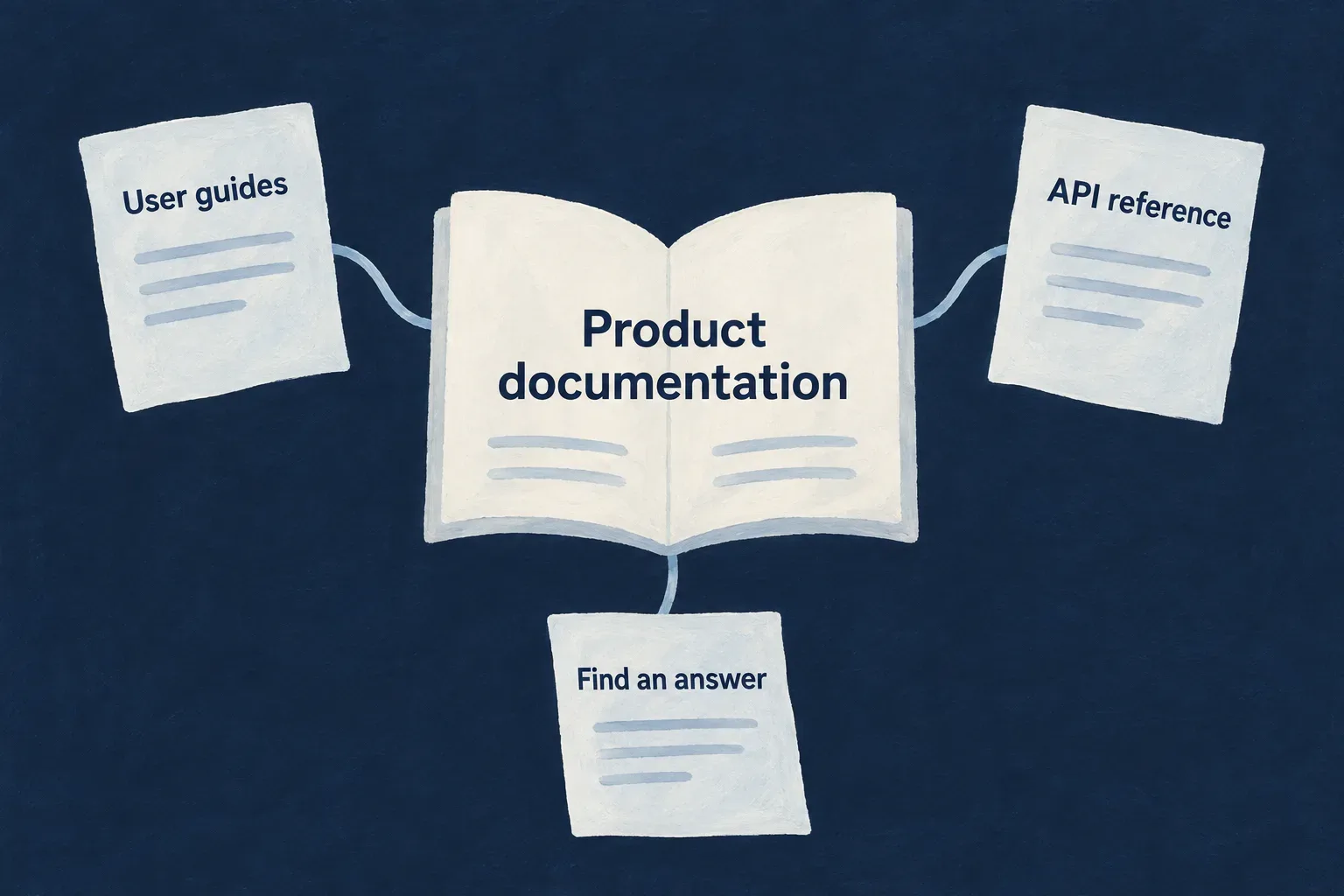
Connect understanding with the application people use
Explain the work
Present guidance around user tasks, administration and integration. Keep the reader’s question ahead of the framework’s internal structure.
Describe the contract
Expose the inputs, responses and access requirements of the API surface selected for publication.
Keep the reference connected
Publish navigation, guides and API reference together, using the application’s configuration and supported contracts.
Example: Help an administrator connect a service
The guide explains which access to prepare and what the integration is for. The API reference supplies the operation’s request and response details. The reader can move from understanding the task to implementing the call.
For engineers
Connect the service to its source material
The add-technical-doc scenario creates a Docusaurus service, configuration, API-reference views, branding placeholders and publication integration. Its TECH_DOC service and wildo.tech-doc.config.ts identify the documentation surface.
The companion derives consumer guidance from approved framework material and application facts, projects the eligible API contracts and publishes generated guides, navigation and reference assets. The portal consumes that publication rather than treating generated files as an authoring folder.
Configure the API reference deliberately
This selected Wonder Todos configuration retains the real helper, version and local server values. Its additional overview, category and CSP settings are omitted.
import { defineTechnicalDocConfig } from '@wildo-ai/saas-technical-doc';

export default defineTechnicalDocConfig({
  supportedApiVersion: '1.0.0',
  publicMarketingTitle: 'Wonder Todos — Technical Documentation',
  apiDocResources: 'all',
  apiServers: [
    { url: 'http://localhost:4241', description: 'Local development' },
  ],
});
The server URL is an origin. Generated operation paths already include their API mount. apiDocResources: 'all' includes eligible engine resources alongside the application’s surface, subject to resolved exclusions; it does not invent an HTTP endpoint for a repository-only operation.
Keep the publication boundary clear
This is a public consumer portal. Application-aware session handling can support the surrounding experience, but does not make published documentation private or role-gated.
Application-specific guide authoring must follow an accepted publication path. The current framework publication policy does not ingest arbitrary application editorial overlays. The guide below explains the source and review contract without inventing a custom Markdown directory that the publisher would ignore.
Answer the questions people bring to the product
Organize guidance around what someone wants to accomplish, what access they need and what happens when the action succeeds.
Application facts give the explanation its foundation. Reader-focused writing makes that foundation usable.
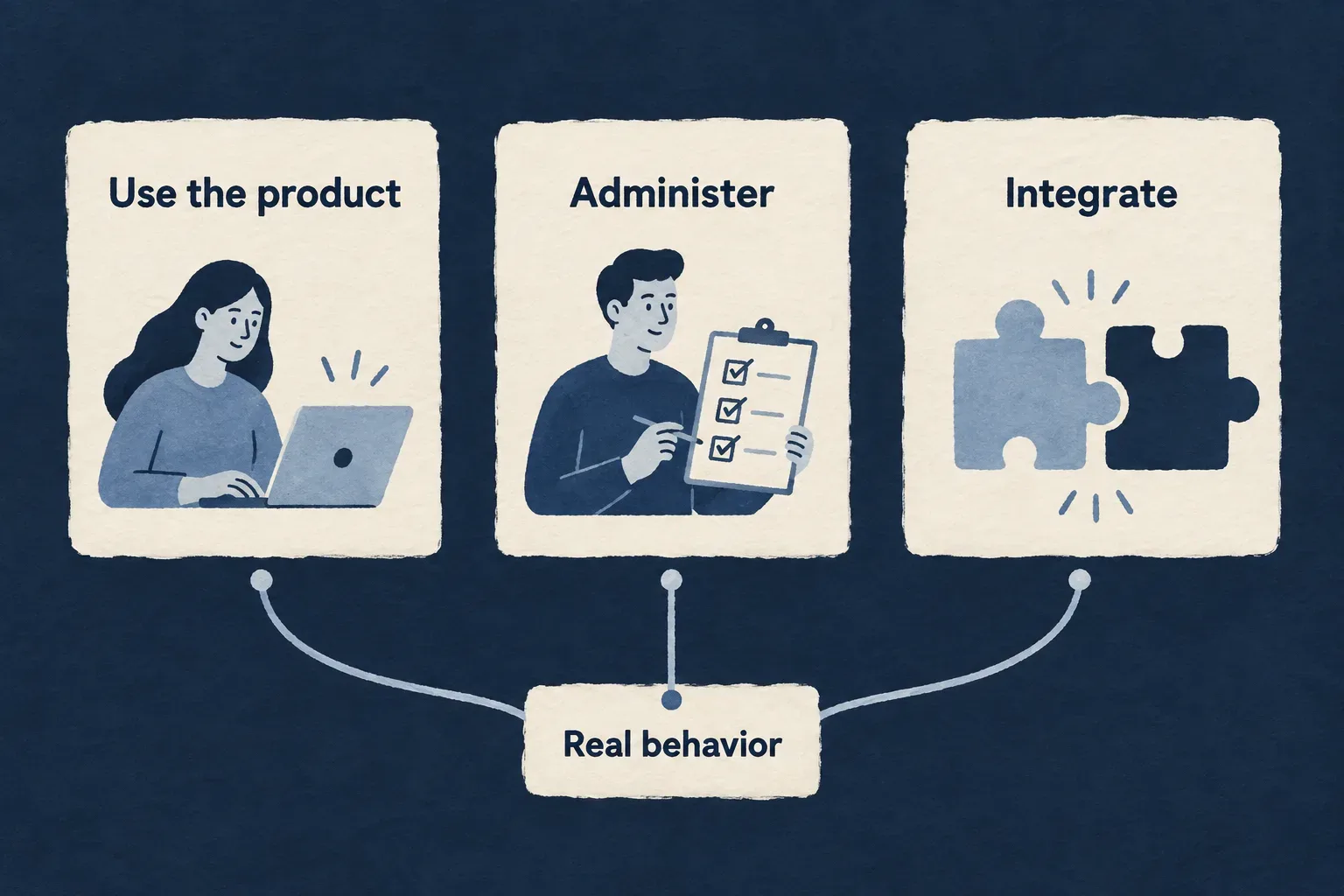
Make the next action understandable
Guide everyday use
Explain the task, the relevant information and the expected result without exposing internal implementation vocabulary.
Support administration
Describe the responsibilities and access involved in operating the application. Make prerequisites visible before the procedure.
Connect to integration details
Keep the purpose and preparation in the guide, then link to the precise API contract where it helps the reader act.
Example: Explain a membership change
A guide identifies who can manage membership, explains the effect of the change and points to the relevant operation. It distinguishes joining an organization from gaining application-wide administrative authority.
For engineers
Start from behavior and responsibility
The consumer-documentation derivation combines framework-authored units with application evidence, including supported resources and access-related facts. Publication evaluates approval, applicability and source classification before exposing a unit.
A source-to-claim matrix is useful when reviewing a guide. This illustrative review table shows the method, not additional product behavior.
| Reader claim | Required evidence | Useful explanation |
|---|---|---|
| A person can perform an action | Published operation and its access requirements | Who may act and what preparation is needed |
| An input is required | The operation’s applicable input contract | What the person must supply and why |
| An action changes a record | Connected implementation or specification evidence | The expected result and any meaningful consequence |
| A guide links to an API operation | A target in the published reference | Where to find exact request details |
Do not infer a complete business workflow merely because its resource schema exists. The procedure must follow implemented behavior, including the relevant authorization and failure path.
Preserve the publication policy
The public projection accepts approved, applicable framework units whose provenance permits public use. Restricted source material cannot become public guidance simply through paraphrasing.
The current policy deliberately has no application editorial overlay input. The application-consumer authoring workflow therefore requires an accepted application authoring target; without one it produces a design packet. Do not write custom guides into generated output and expect them to survive or become canonical.
Review the generated result as a document
Check the rendered guide’s audience, prerequisites, sequence, expected outcome and links. Optional unavailable API references can become plain text with a report; this is different from proving that every intended link was published.
Treat a complete guide as an explanation of an actual task. API field tables support that explanation; they do not replace it.
Give integrators a precise contract
Let developers inspect the operations the application exposes, the information each call accepts and the result it returns.
The reference follows declared application contracts. Guides provide the surrounding explanation of when and why to use them.
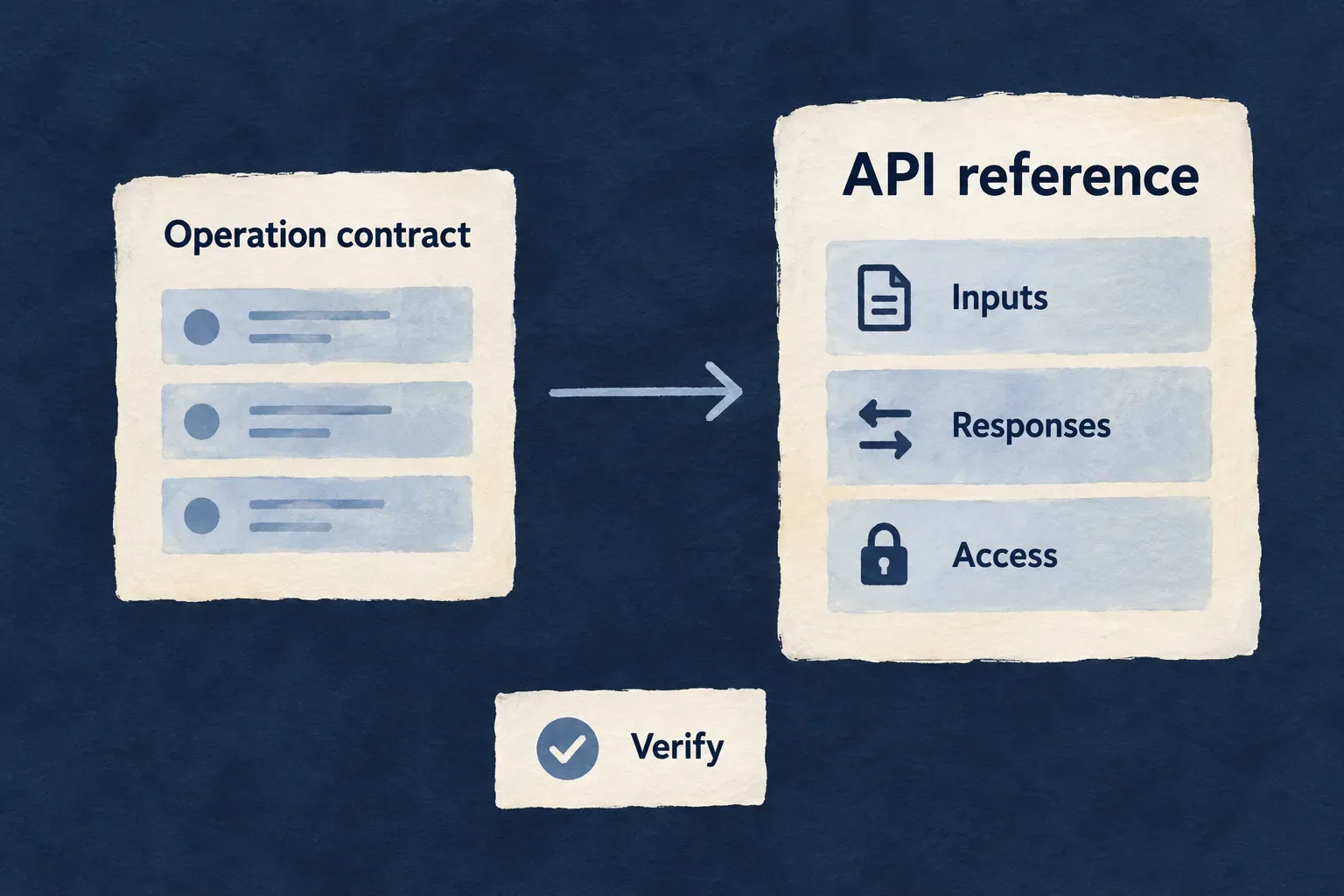
Make each call understandable
Show the request
Present operation paths, parameters and request bodies so an integration can send the right information.
Explain the response
Describe the returned data and documented outcomes. Keep response details connected to the operation they belong to.
State the access
Show the applicable authentication contract. A documented endpoint still requires the caller’s actual permission.
Example: Connect a reporting service
An integrator finds the relevant read operation, checks its parameters and access requirements, then uses the response schema to interpret returned records. The service is tested with both permitted and refused access.
For engineers
Understand what becomes reference material
The companion projects API-bearing operation variants from resource configurations, DTO contracts and authored specifications. Explicit contracts also describe selected manually mounted controllers. The OpenAPI generator consumes that projection.
This is not a live scan of every deployed Express route. Repository-only operations have no automatic HTTP entry, and controller routes need their own documented contract.
Configure the published inventory
apiDocResources selects engine resources to include; resolved feature exclusions still apply. When a curated category taxonomy is supplied, its names must match the published inventory and the resulting reference must categorize the published resources.
| Configuration or source | Meaning |
|---|---|
supportedApiVersion | Version of the API contract represented by the publication |
apiServers | Origins shown for calling the API; paths carry the API mount |
| API-bearing operation variant | Candidate HTTP operation for projection |
| Resource specification and DTOs | Authored semantics and request/response structure |
| Manual-controller contract | Explicit reference input for a route outside generated resource operations |
API-key availability and documentation eligibility are different decisions. An operation can remain documented with another authentication contract when API-key access is unavailable.
Follow the contract into the portal
The publisher creates OpenAPI and the conserved reference models before resolving guide links. The application portal loads the published API assets and renders them through createApiReferenceModel and OpenApiReferenceView.
Verify a representative contextual route against its actual mounted path, including relationship parameters. Then execute a request against the running application. Successful document generation proves the projection passed its checks; it does not prove every live endpoint behaves correctly.
Give documentation a home beside the product
Bring guides, navigation and API reference into a dedicated public portal with the application’s identity.
The portal is a maintained product surface: people should be able to find an answer, follow a reference and return to the application.
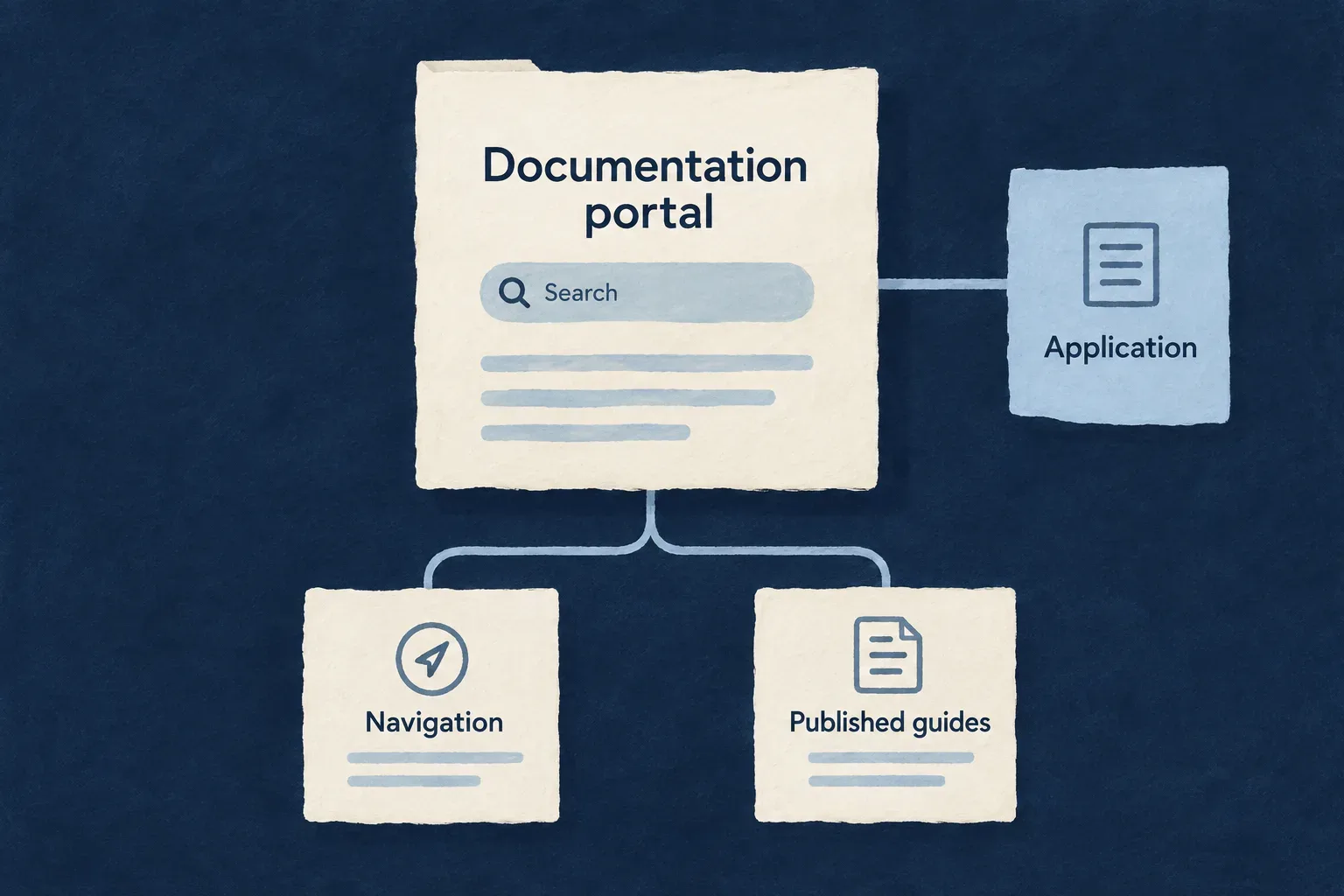
Keep the reading experience coherent
Organize the journey
Use the published guide navigation and reference categories to help people move from a broad question to a specific answer.
Carry the product identity
Apply the application’s documentation title, brand assets and visual treatment to a dedicated site.
Publish connected material
Deliver guides and reference assets from the same managed publication process, with checks on their expected inventory.
Example: Move from a guide to the API
An administrator reads the setup guidance, follows a published operation reference and returns to the product. Each destination has a clear role in completing the task.
For engineers
Register the documentation service
The generated service entry has the following shape, with illustrative application values. AppFrontendType.TECH_DOC comes from the application’s service-configuration vocabulary.
docs: {
  path: './technical-doc',
  serviceName: 'planning-docs',
  defaultPort: 4261,
  frontendType: AppFrontendType.TECH_DOC,
  sessionStorage: 'ephemeral',
},
The service-root wildo.tech-doc.config.ts file is the enable signal; there is no enabled flag. The application configuration permits at most one technical-documentation service.
Consume the managed publication
The companion generates and publishes the API reference, resolves supported guide links and publishes validated consumer documentation. The Docusaurus package consumes generated documents, navigation and static assets. Missing required publication artifacts stop the portal rather than falling back to invented content.
Generated output is replaceable publication material. Keep source edits in the owning framework or accepted application authoring surface, then regenerate through the publication lifecycle.
Keep session recognition separate from document privacy
The application portal can wrap its content in DocsAuthProvider with an API origin and frontend service name. A single-use handoff establishes an in-memory session for that browser experience.
That integration does not gate the static public documentation. A full browser navigation can discard an in-memory session; the exchange route uses client-side navigation to preserve it. Check both direct public reading and the configured application handoff when verifying the portal.
Verify delivery as a reader
Check navigation, a guide-to-reference link, a direct API-reference URL, brand assets and missing-page behavior. Test the session handoff separately from publication. Source generation, browser rendering and live authentication each prove a different part of the artifact.
An application is easier to trust when it is easier to understand.
Useful guides explain the work. Precise reference material explains the contract. Wildo connects documentation to application facts so both can be maintained with the product they describe.
Building a B2B product or an internal tool?
Wildo is not self-service yet. Tell us what you have in mind and we will say plainly whether it fits, and what happens next.