Wildo.ai Coming soon

Billing, entitlements & messaging

Sell plans and add-ons, grant product access, meter usage and notify customers about business events.

Subscriptions · checkout · prepaid balances · email · notificationsStripe

> From products to subscriptions > From purchased access to everyday use > From business events to customer messages

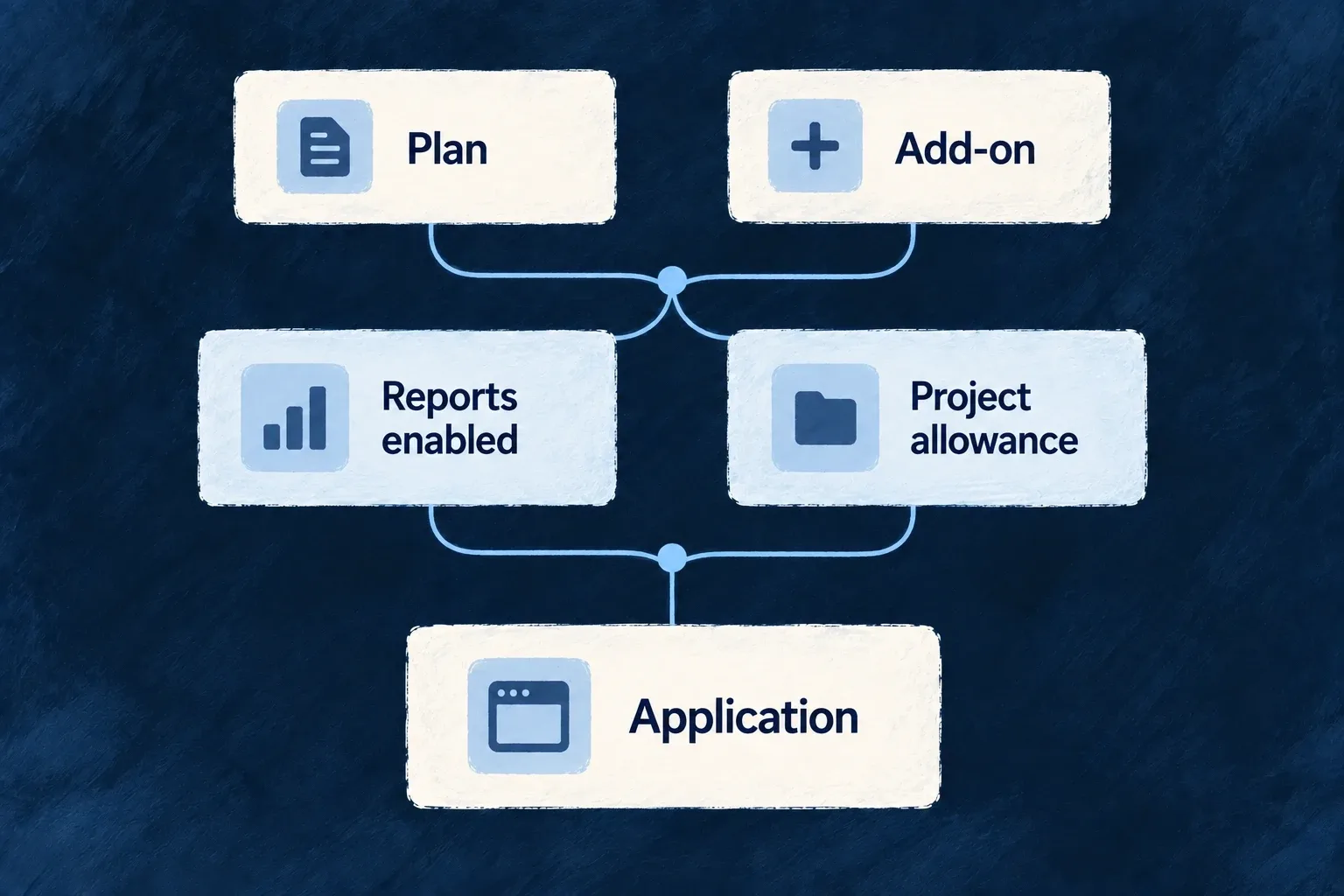
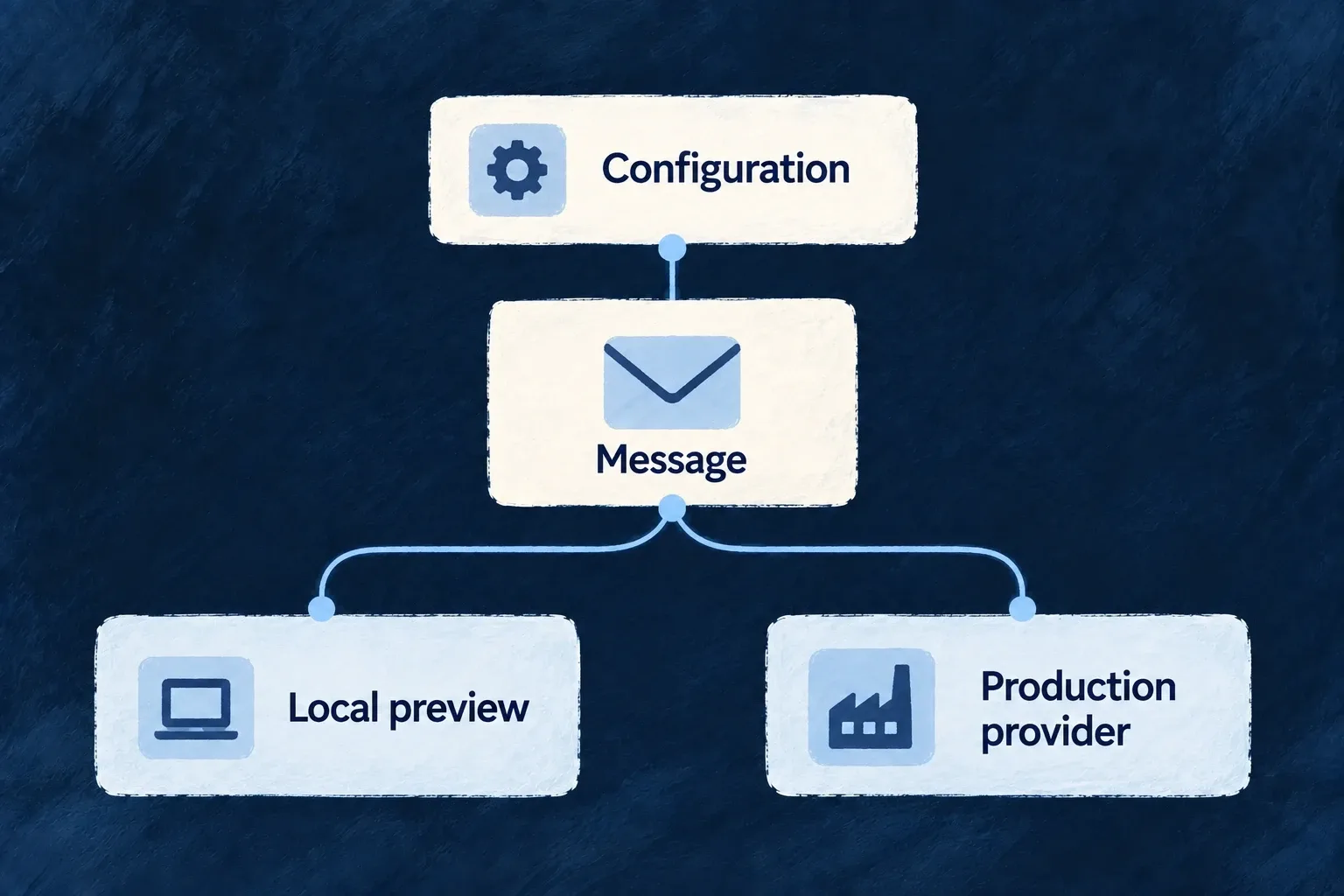
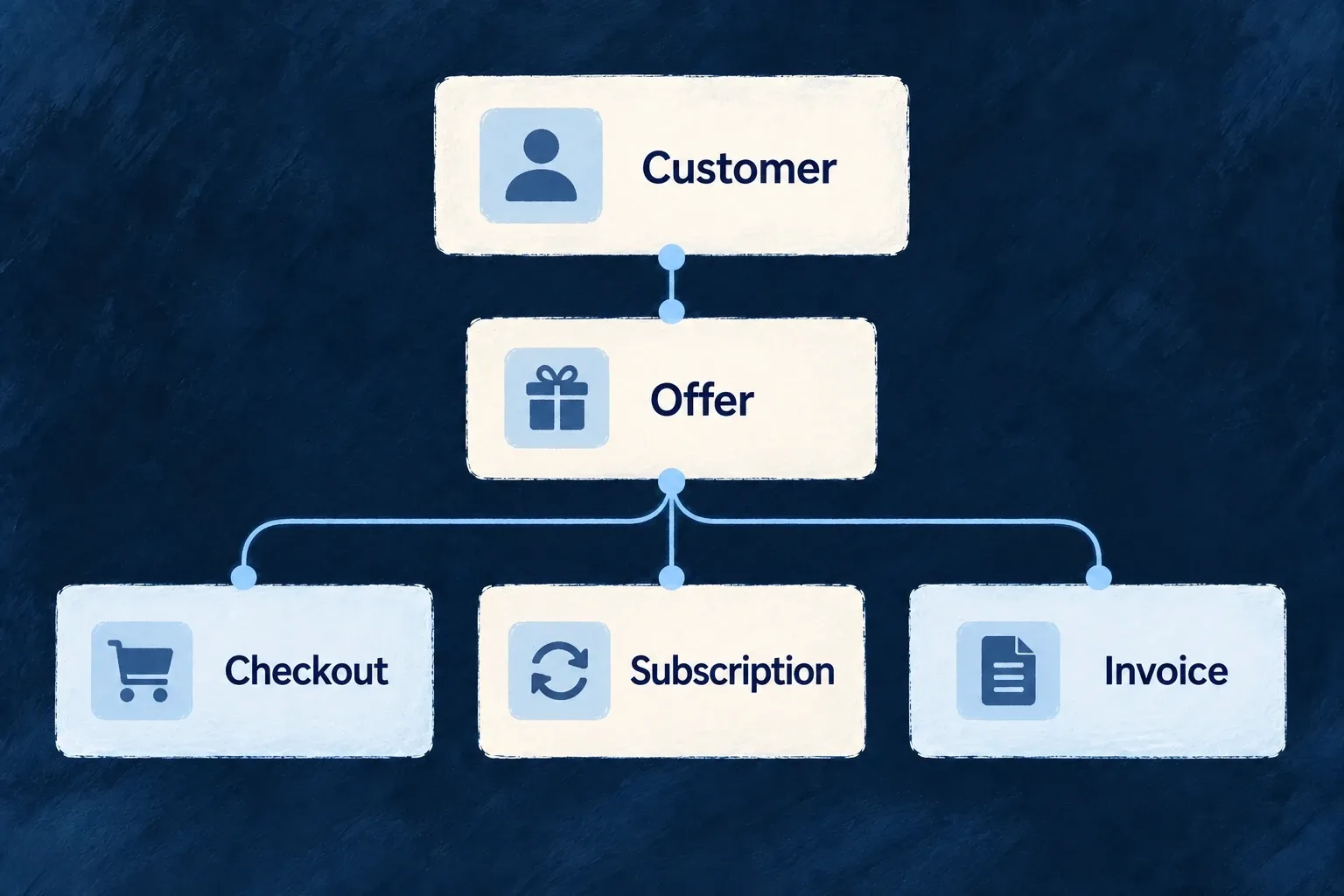
A commercial offer defines what a customer buys, what it costs and what it gives them access to. The customer journey carries that offer into checkout, the application and the messages people receive.

Wildo connects product definitions, billing records, entitlements and communication mechanisms. You choose your pricing, the work you charge for and how customers experience it.

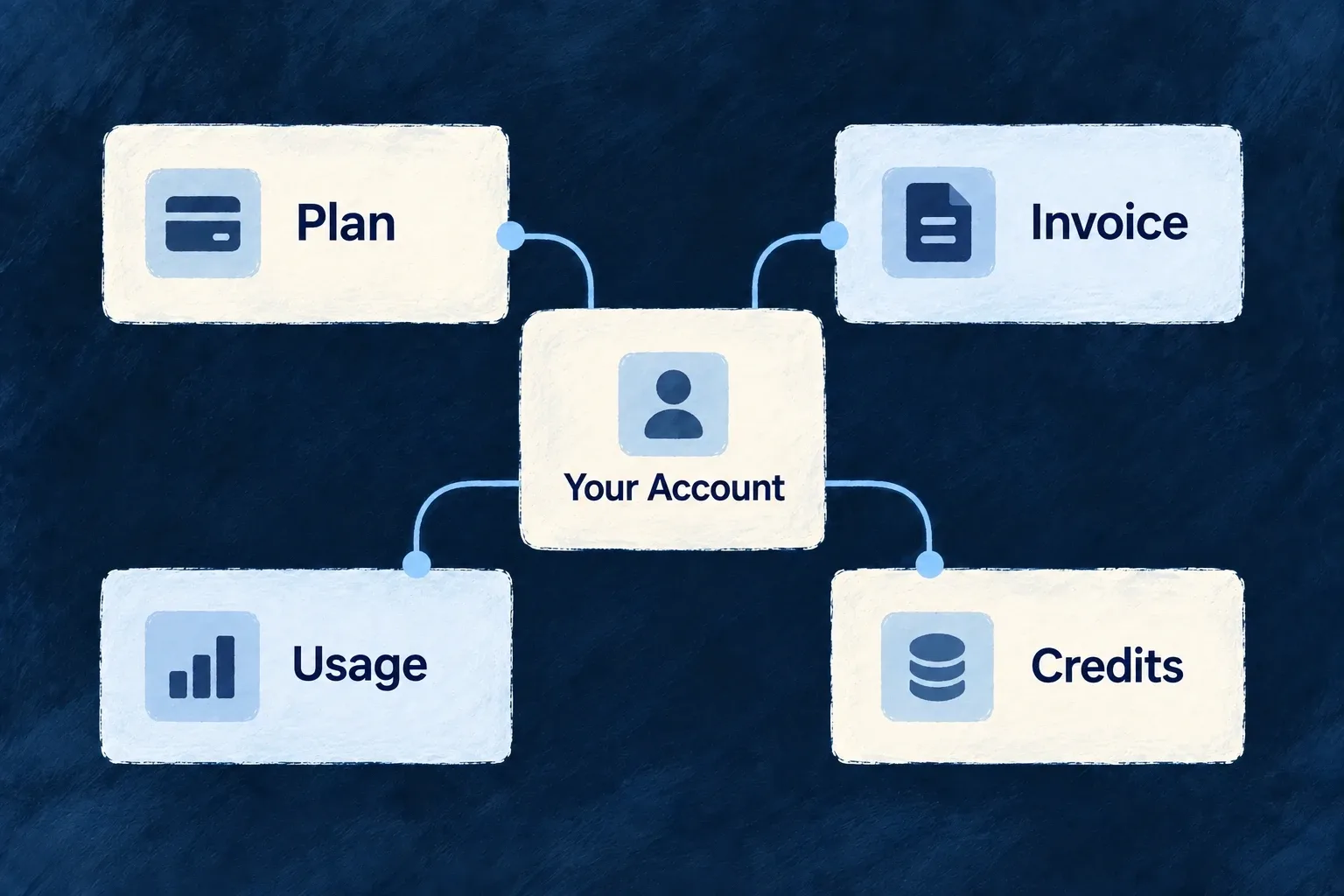
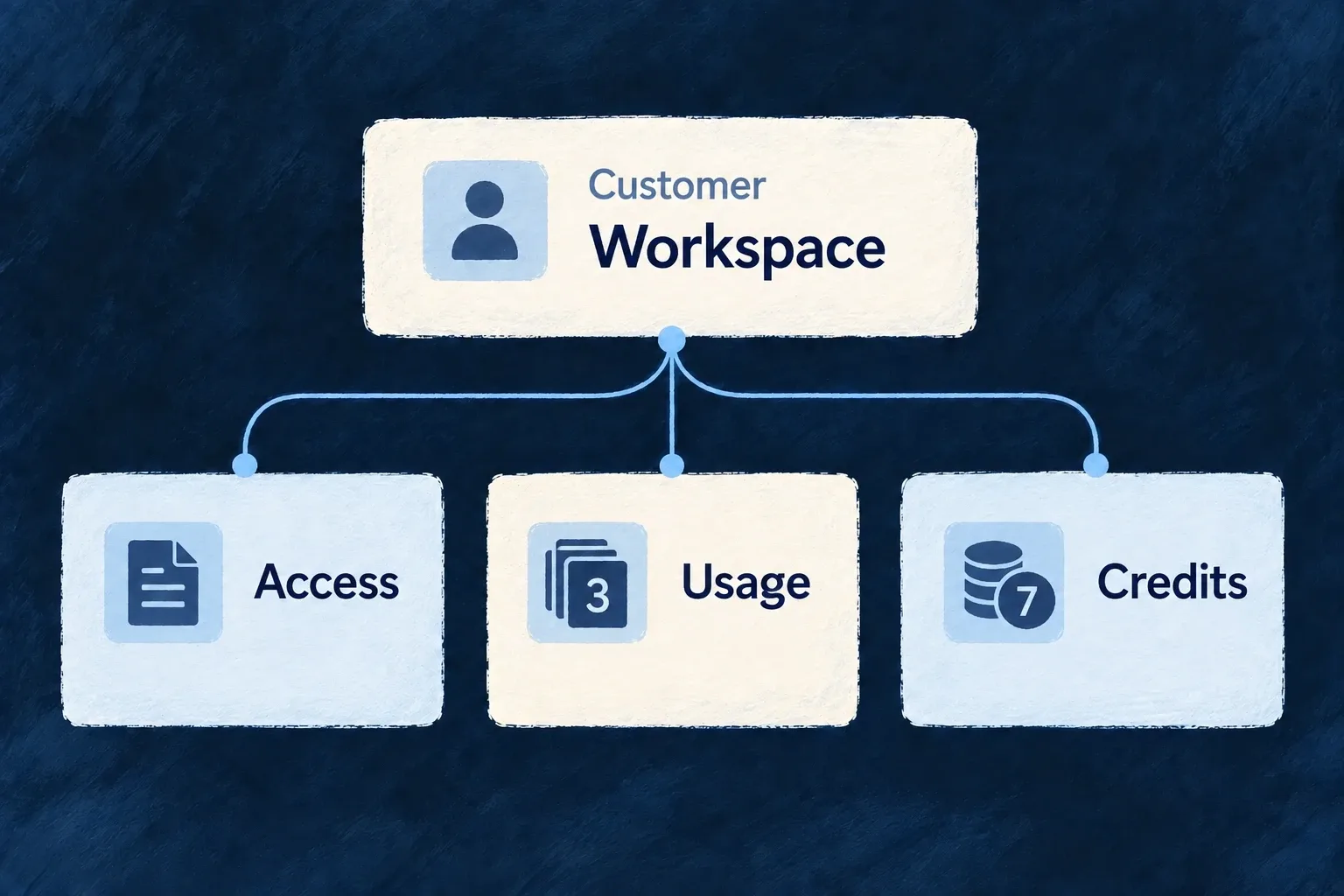
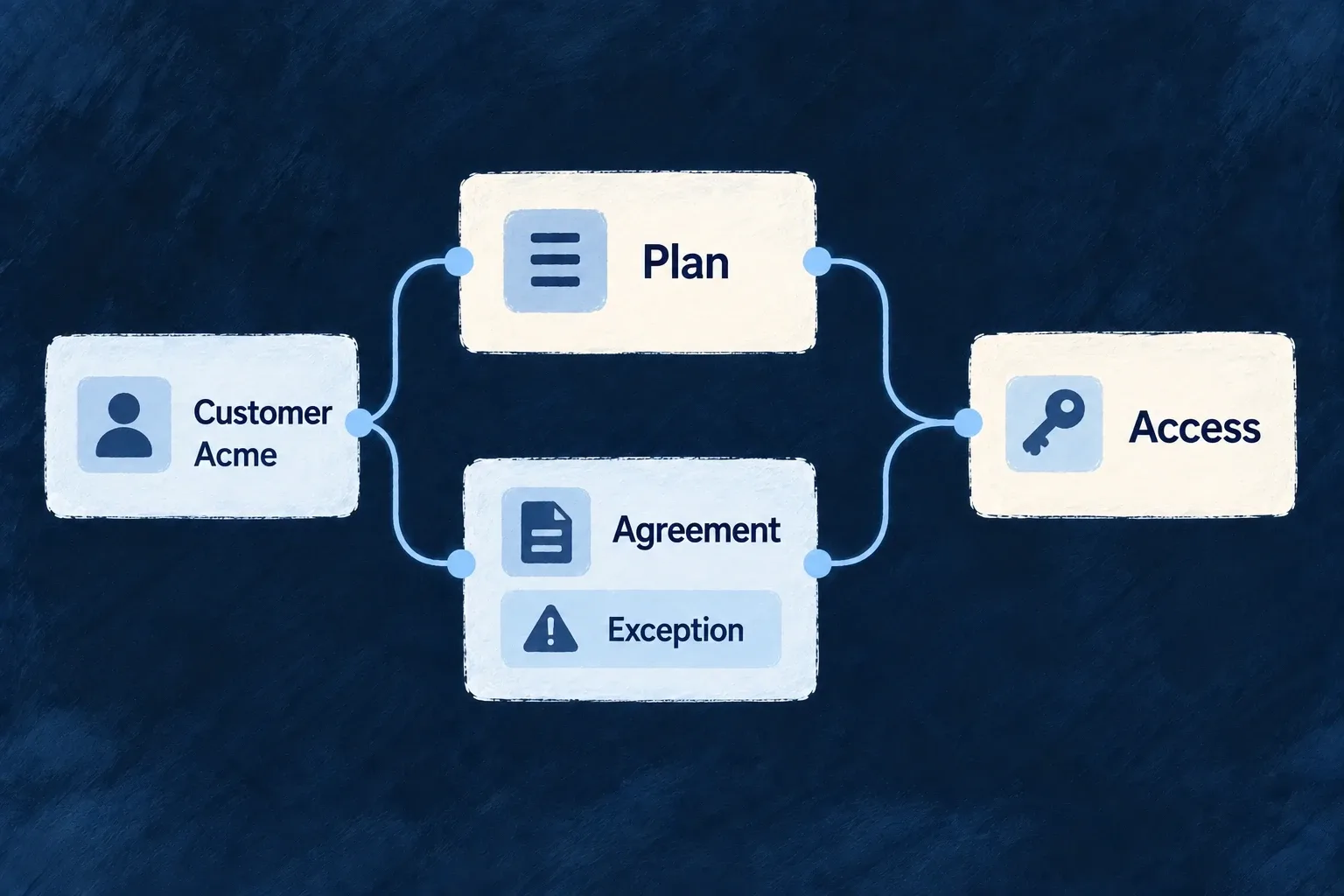
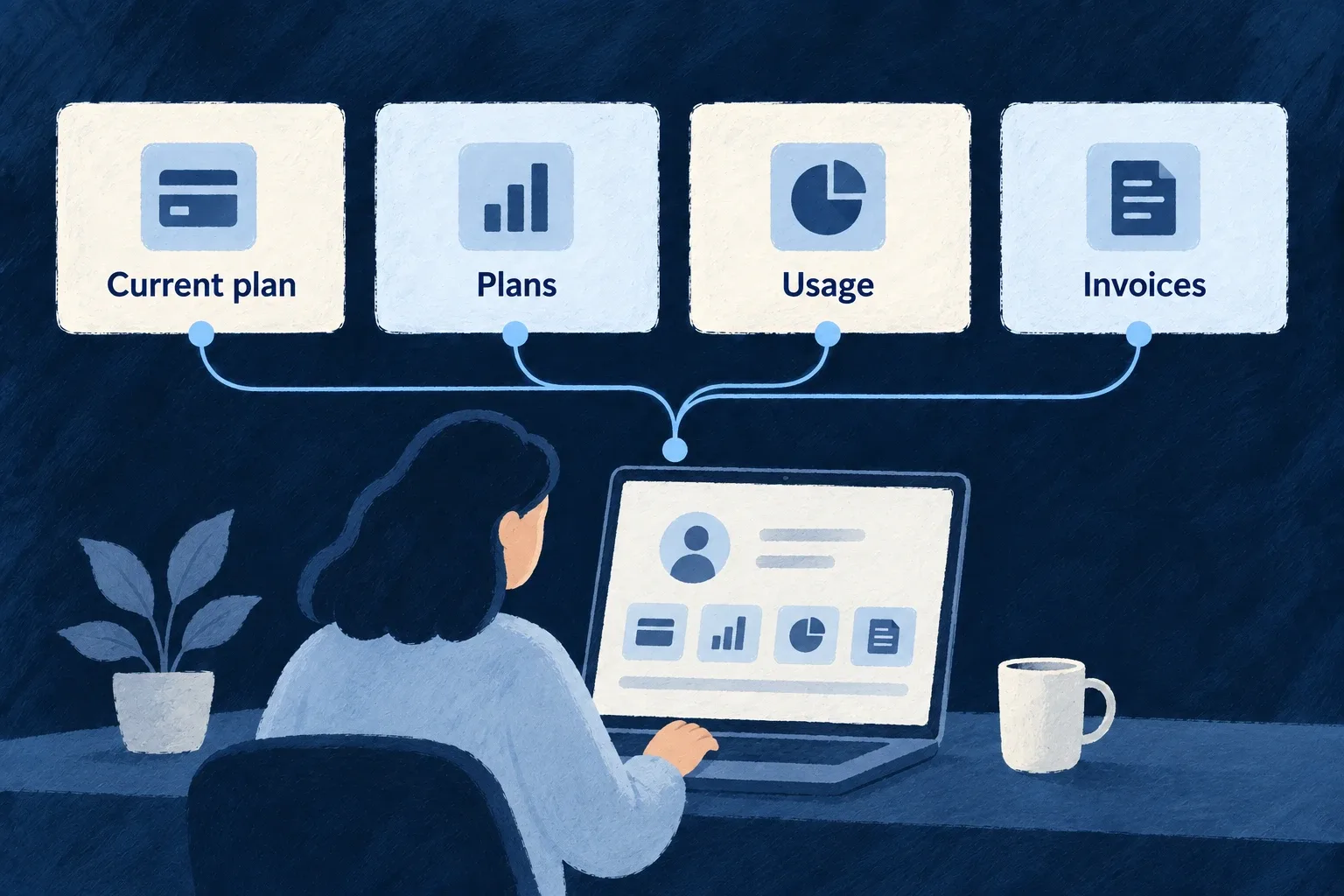
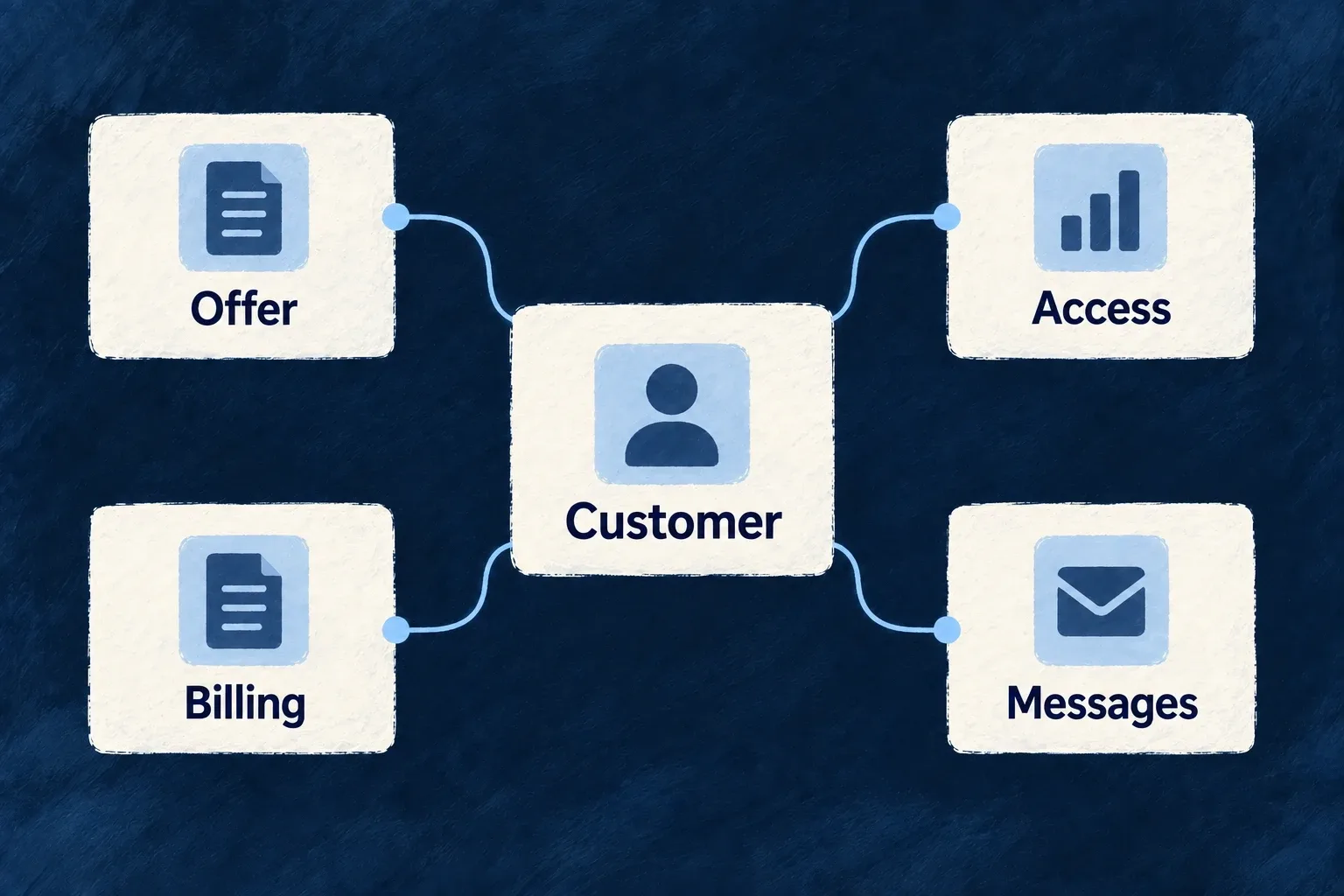
One customer relationship connects the offer, billing, product access and messages.

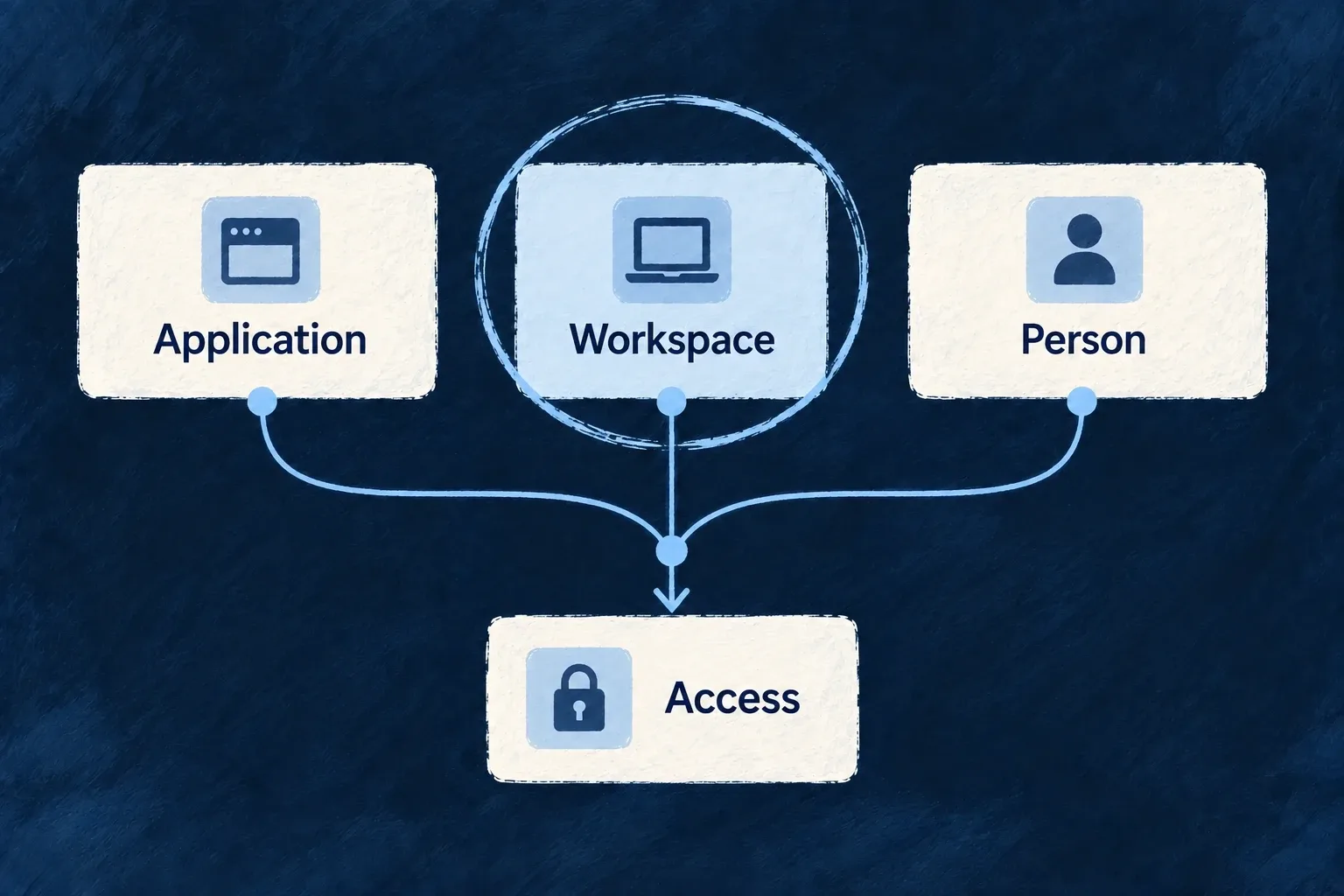
Keep the offer, access and conversation connected

Describe what customers buy

Define plans, add-ons and one-time products with their prices and benefits. Hosted checkout, subscriptions and billing records give those offers a path into the customer’s account.

Carry the purchase into the product

Use named features and allowances to shape access. Connect paid operations to their requirements, measure completed work or draw from a prepaid balance when that matches your business model.

Keep people informed

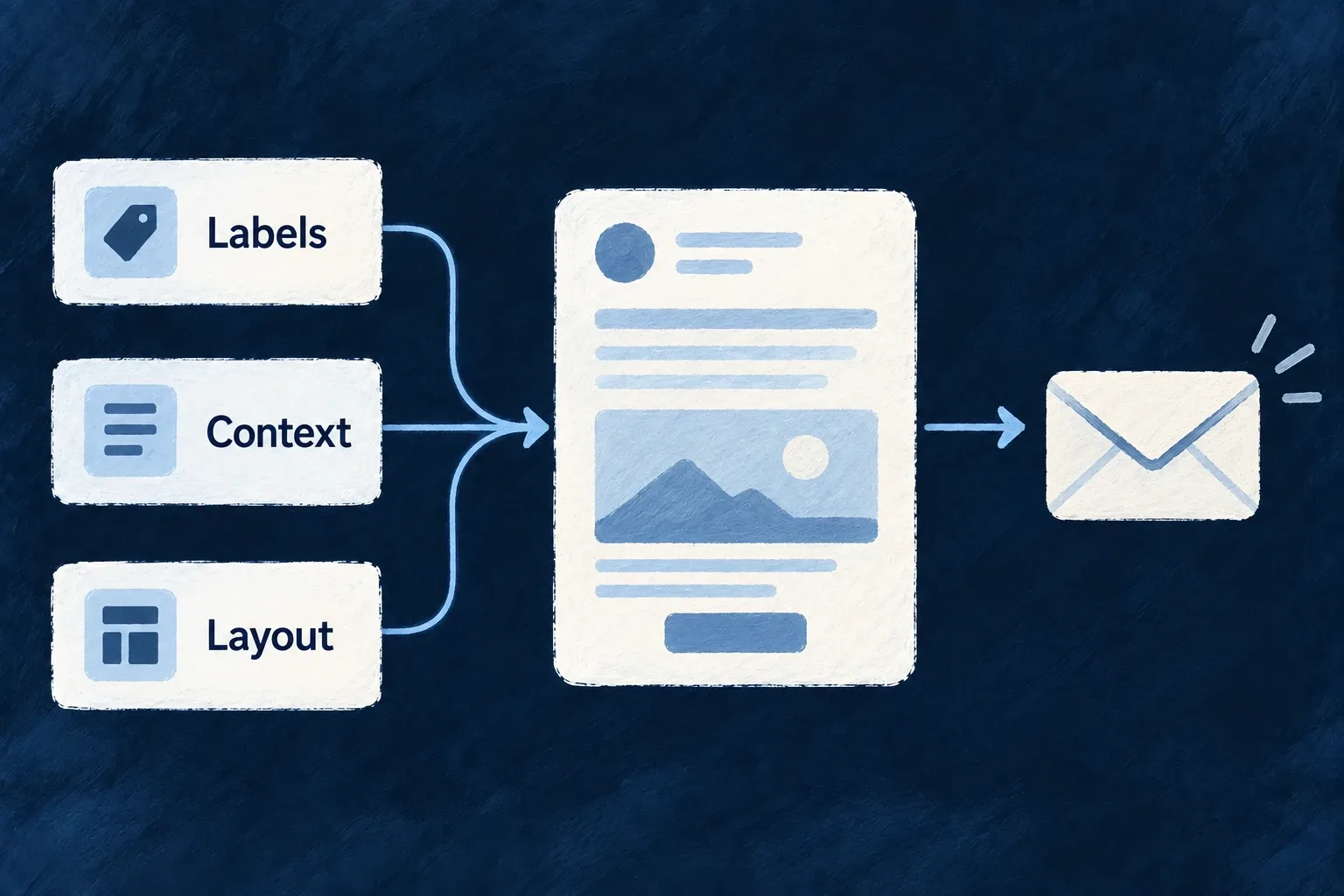
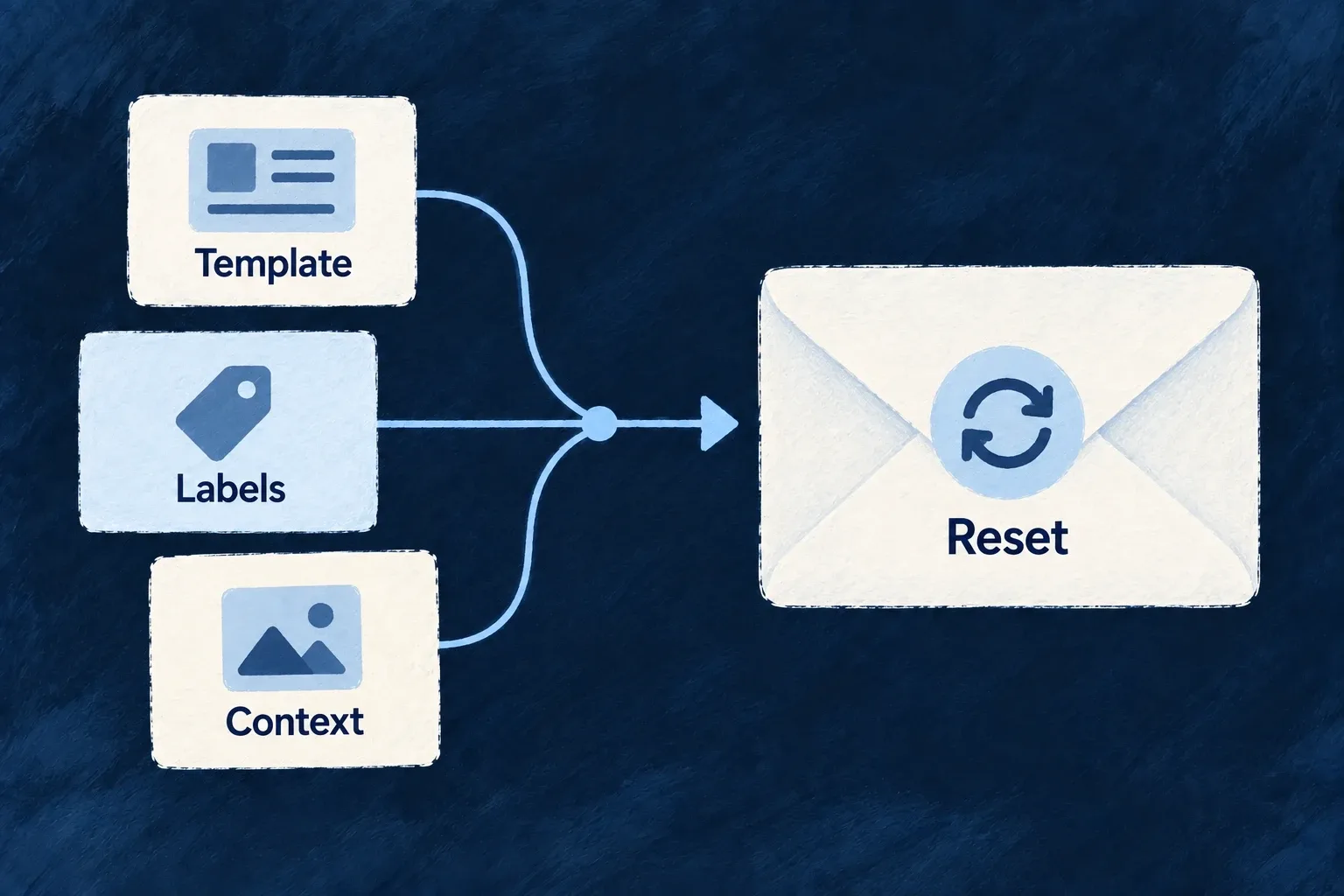
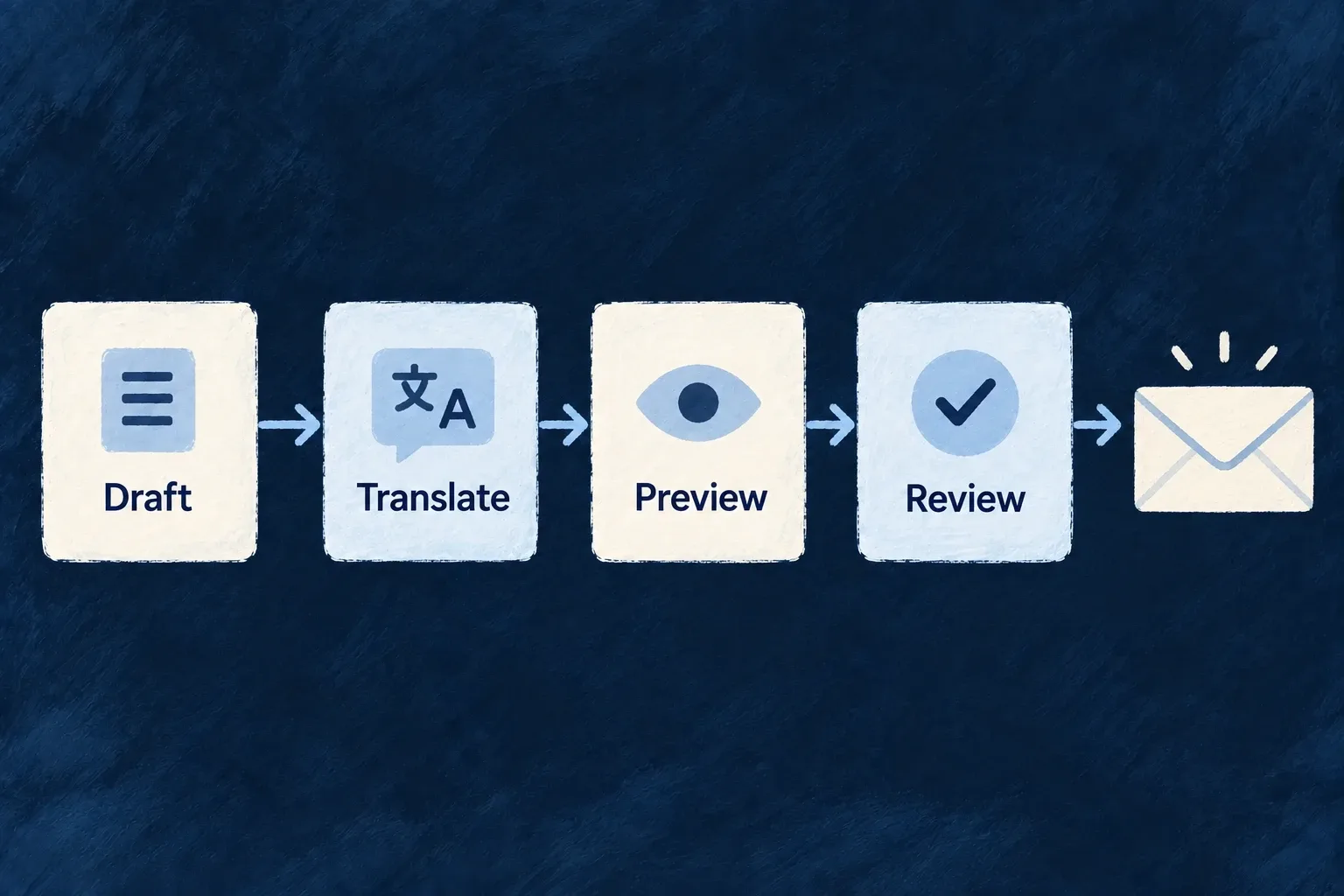
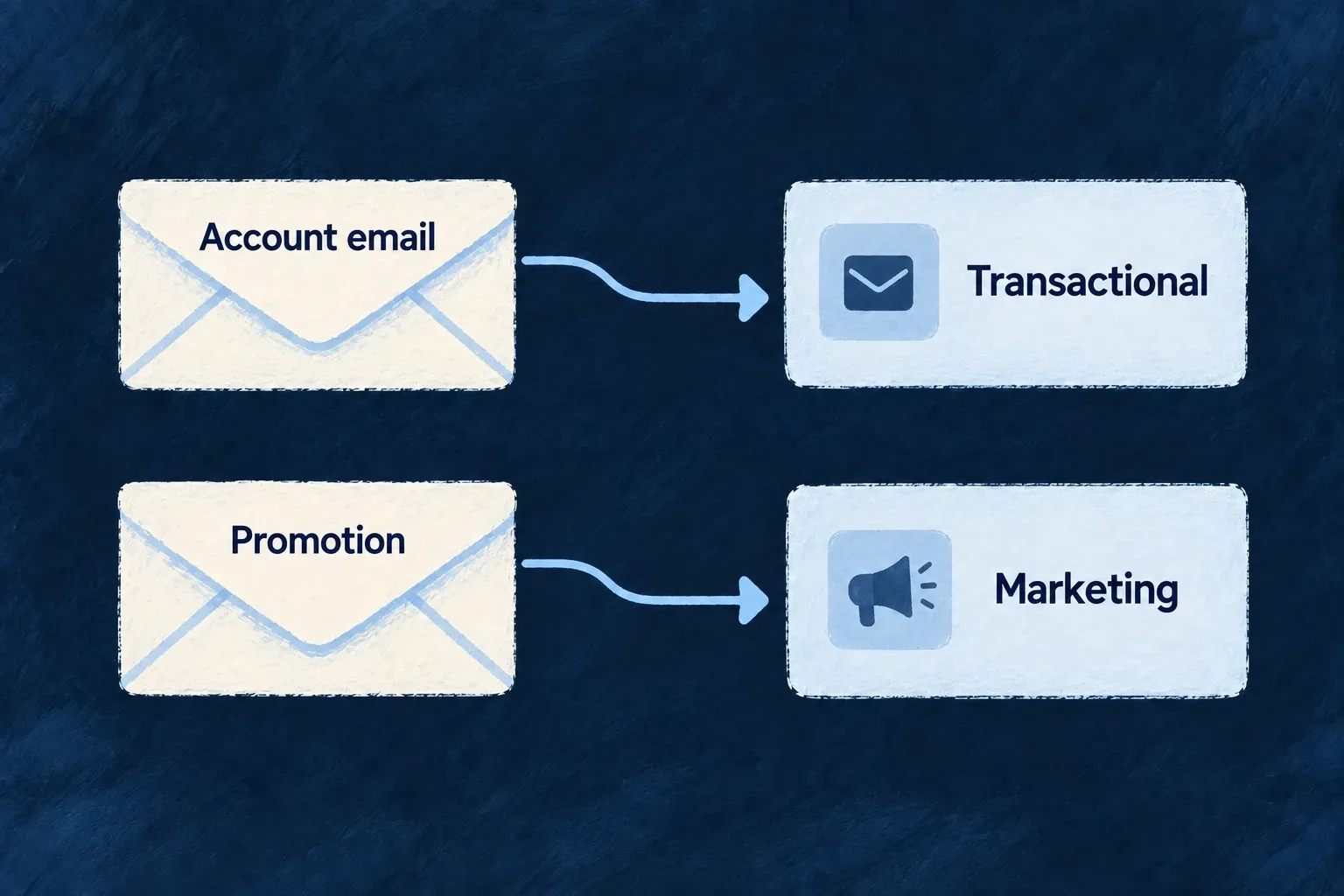
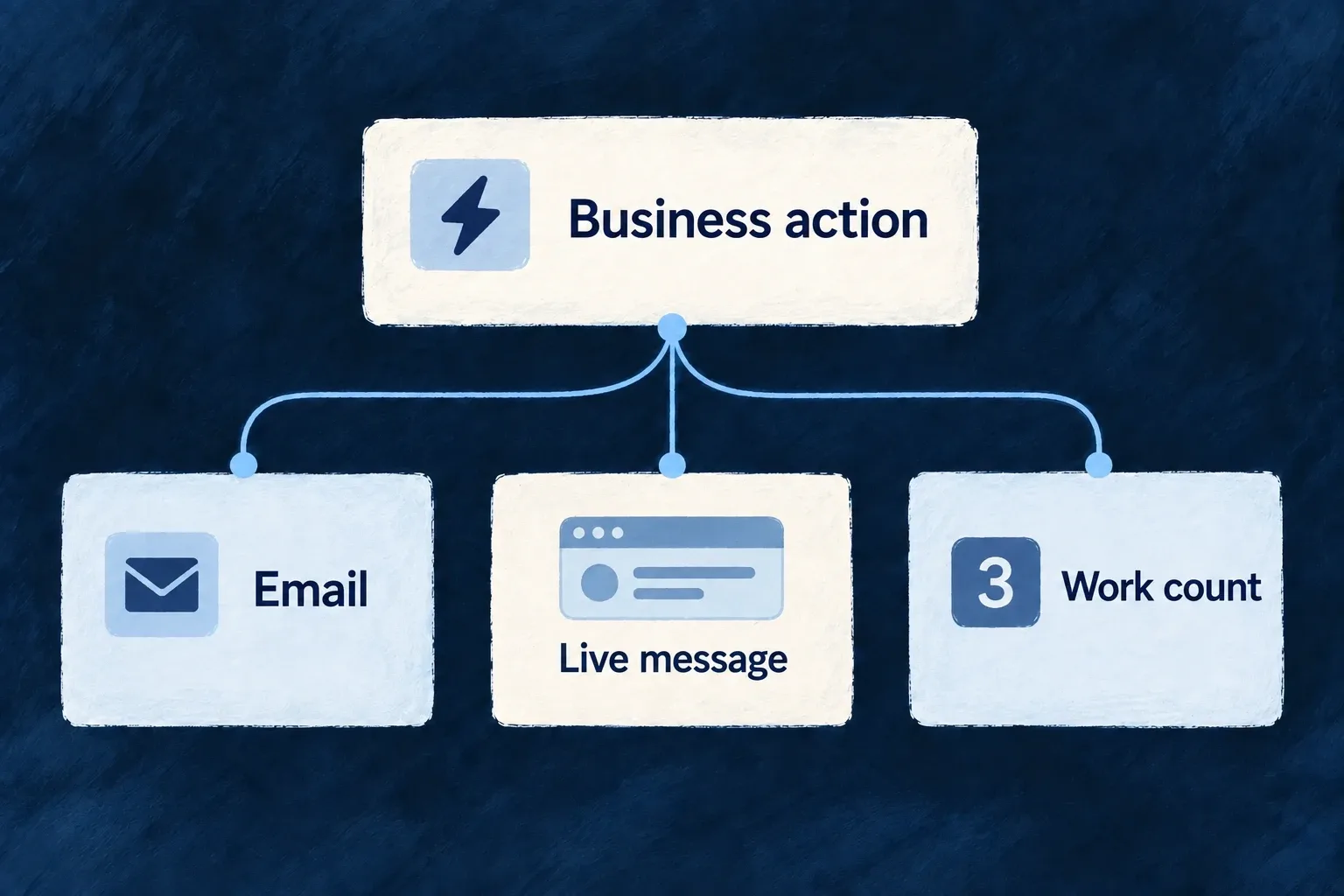
Give account actions and business events their own messages. Shared email layouts, language selection and live notifications help the experience stay recognizable beyond the screen where an action began.

Example: A team moves to a professional plan

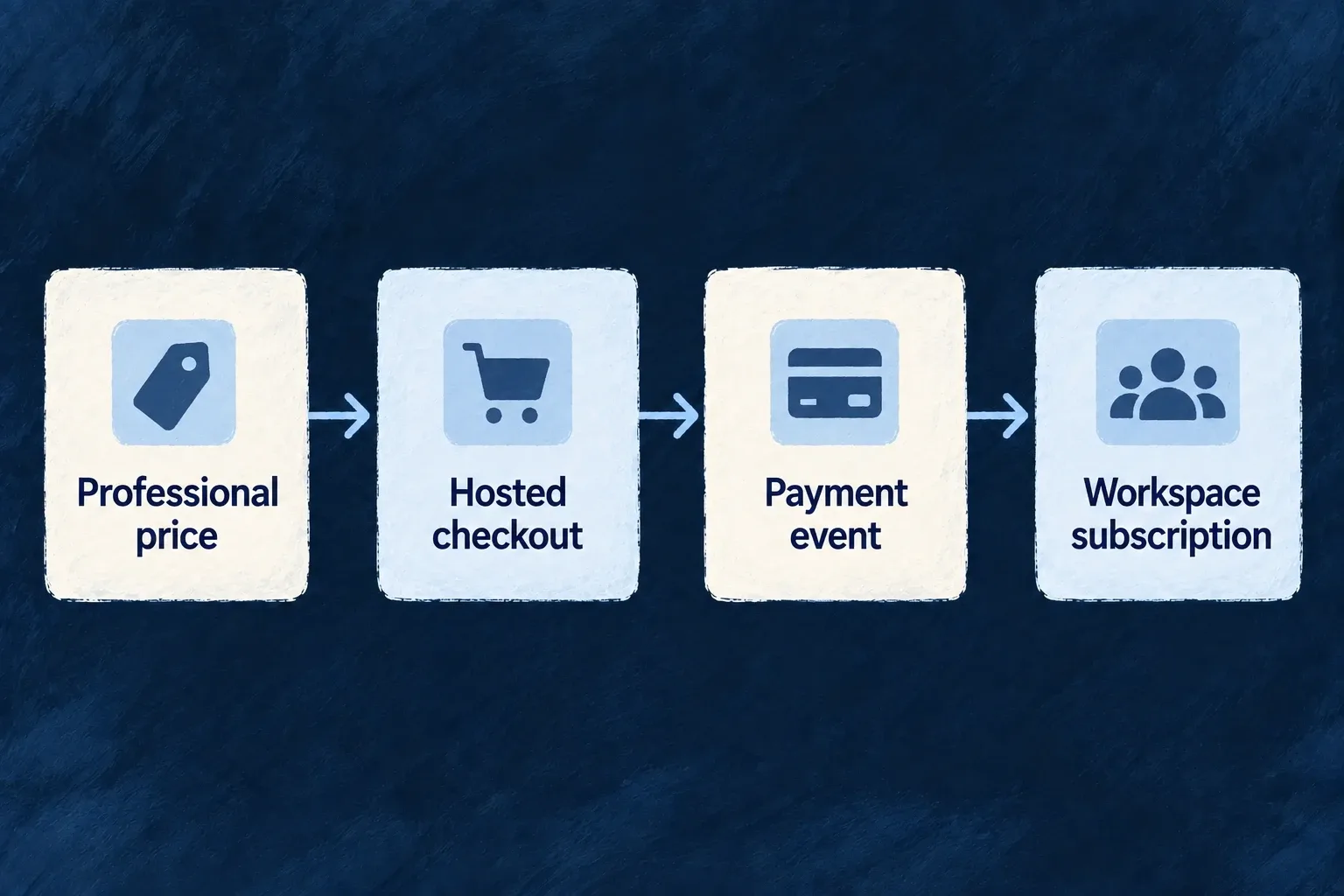
The team’s administrator chooses a monthly plan through hosted checkout. Provider events update its billing records, and the plan’s grants contribute to the workspace’s access. Reporting can then use the same named feature in its interface and backend requirement. Separately declared messages keep members informed about the work they do.

For engineers

Put the offer beside its grants

A product is more than a provider price identifier. Its definition connects a stable key, an owner scope, features, allowances and prices. This selected excerpt comes from Wonder Todos’ shared-lib/src/engine/product.ts; its trial and plan-change policy, plan tier, display ordering and yearly price are omitted.

const ORG_PLAN_PROFESSIONAL: ProductDefinition = {
  key: 'org-professional',
  type: ProductType.PLAN,
  targetScopes: [ResourcePrimaryScope.ORGANIZATIONS],
  grantedFeatures: [
    ApplicationFeature.BULK_EXPORT,
    ApplicationFeature.ADVANCED_REPORTS,
    ApplicationFeature.CUSTOM_WORKFLOWS,
  ],
  grantedLimits: {
    [ApplicationFeature.MAX_TODO_LISTS]: { value: 100, mode: LimitGrantMode.SET },
  },
  prices: [
    {
      model: PricingModel.FLAT,
      unitPrice: { amount: 2900n, decimals: 2, currency: AvailableCurrency.USD },
      interval: BillingInterval.MONTH,
      intervalCount: 1,
      isDefault: true,
    },
  ],
};

The amount encodes $29 in minor units. The organization scope identifies who buys the product; an individual subscription is a separate owner. Register the catalogue as productDefinitions in the shared engine module, alongside the feature definitions referenced by its grants.

Make billing available before offering checkout

Billing setup crosses application configuration, the backend host and the provider. This compact map names the authored owners; generated artifacts are outputs, not files to edit:

SetupAuthored ownerWhat to check
Activate the mechanismwildo.saas.config.ts: engineCapabilities[EngineCapability.BILLING] = { enabled: true }Billing is enabled for the application
Select backend billingbackend-api/src/saas-config.backend.ts: billing: { enabled: true, providerRef: 'stripe' }The billing service selects the intended provider
Make the provider reachableproviders.scopes.backend.providers in the SaaS config, plus the backend SDK dependencyThe selected reference is discoverable on the backend
Supply deployment valuesThe environment’s providerEnv secretsAPI credentials and webhook-signature secret match that environment
Regenerate configurationRun wildo config syncGenerated backend provider artifacts reflect the authored configuration
Publish the offer to the providerRegistered product catalogue and its synchronizationUsable provider product and price mappings exist before checkout

wildo config sync regenerates application artifacts; it is not proof that the provider catalogue was synchronized or that a webhook arrived. For an engine-shipped provider, discovery uses its existing module: do not author a duplicate provider contribution. An application-authored provider needs its own contribution.

The capability switch and backend billing selection above are present in Wonder Todos. Its Stripe SDK, backend provider scope and environment values complete the same chain. Verify startup and catalogue synchronization results before presenting an offer as purchasable.

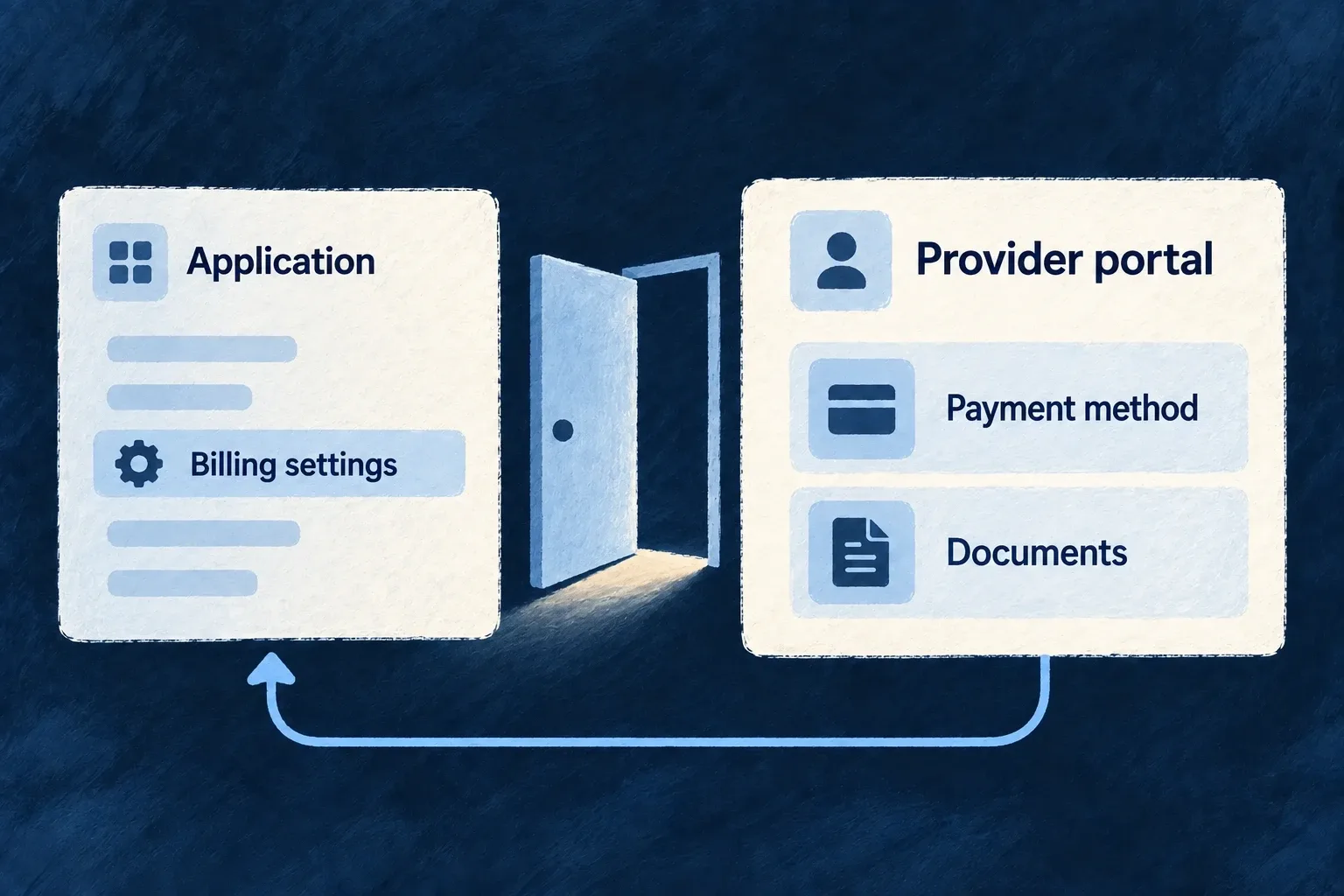
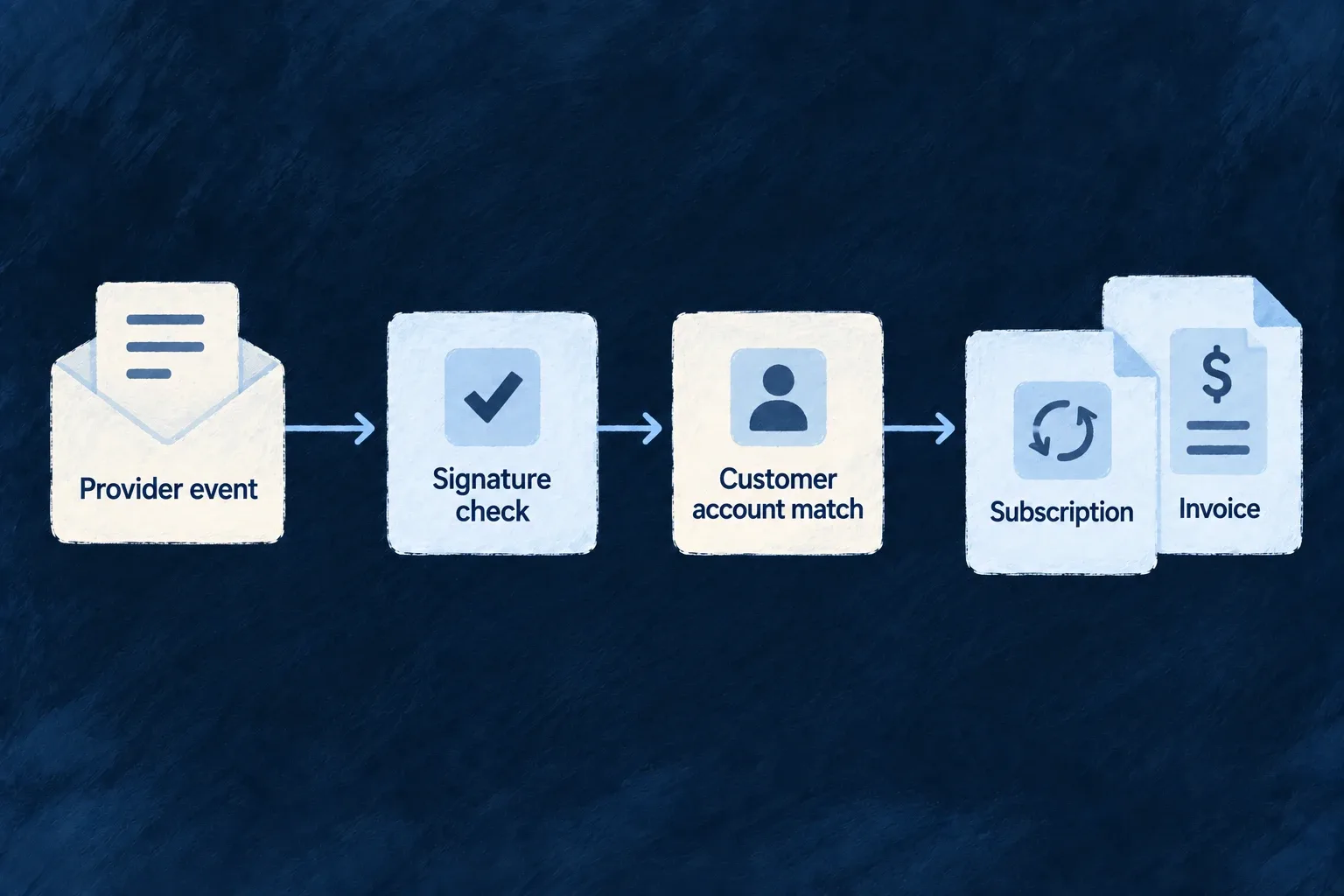
Hosted checkout establishes the provider-side purchase. Verified provider events then resolve the owning billing account and update local records. A browser return URL is navigation, not proof that a purchase has been applied. Customer portal access uses the same account relationship for payment-method and provider-document self-service.

Follow confirmation through to a protected action

Illustrative journey using the reference application’s Professional grant and the report consumer shown in the plans domain. This is the contract to connect and verify, not a claim that checkout automatically creates a reporting resource or an onboarding campaign:

StageWhat carries the connectionWhat it does not replace
Customer chooses ProfessionalHosted checkout for the organisation’s billing account and mapped priceProvider confirmation
Provider confirms the changeVerified event handling and local subscription/billing recordsA browser return URL is not settlement evidence
Subscription contributes accessBilling synchronization writes the owner’s plan-derived features and limitsManual customer agreements remain separately owned
Application resolves reportingEffective feature resolution includes applicable sources and scopesThe stored row is not the whole request decision
Member opens the reportExplicit requiredFeatures on the external operation and matching FeatureGateOrdinary record authorization still applies
A later business action informs peopleIts own notification declaration, recipient selection and registered contentBuying the plan does not invent this message

Cache and synchronization stages have their own timing. Verify a fresh effective decision after changing a subscription; do not infer completion from the checkout return or an earlier screen result. The feature guide follows the same reporting identifier through its grant and protected operation.

Attach access and consumption to the work

Product grants contribute to effective entitlements; they do not independently protect an arbitrary custom endpoint. Declare the feature requirement on the operation and use the corresponding interface policy. Numeric allowances need their appropriate checks. Customer-specific overrides remain separate from subscription-derived grants.

Customer decisionApplication declaration or setupRuntime consumer
Which offer can be purchased?Product, scope and synchronized priceCheckout and subscription services
May this customer use reporting?Named feature grant and operation requirementEffective entitlement resolution and access gate
How much completed work is billable?Operation recordsUsage quantity or result fieldUsage recording and provider reporting
How much prepaid capacity remains?Credit product and trusted consumption pathCredit balance and spend operation
What should this person receive?Notification target, condition and templateRecipient resolution and message dispatcher

Usage reporting, allowance enforcement and prepaid consumption are distinct mechanisms. Choose the one your operation needs and connect it explicitly; recording a quantity does not automatically spend credits or stop work at a quota.

Give communication its own complete contract

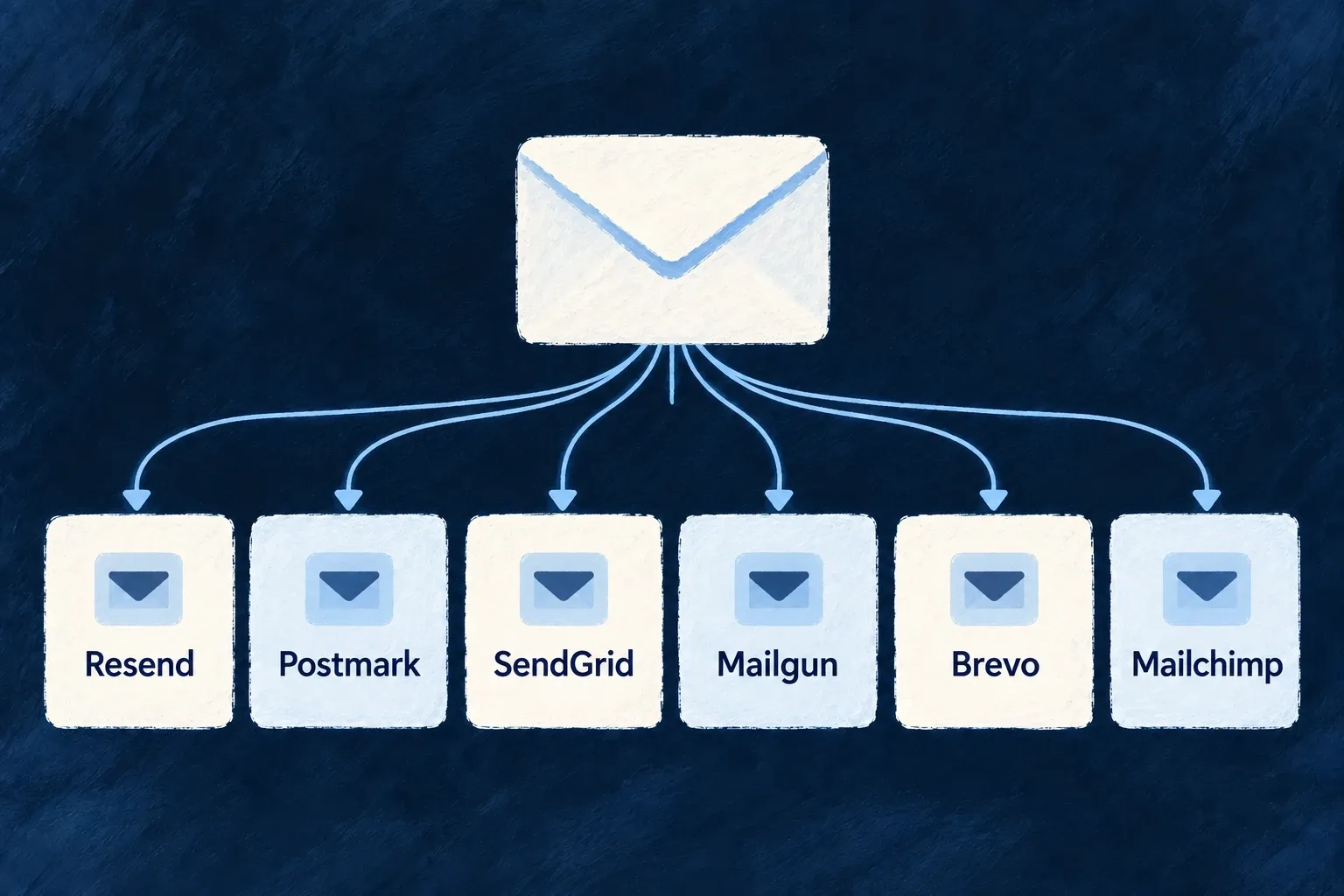
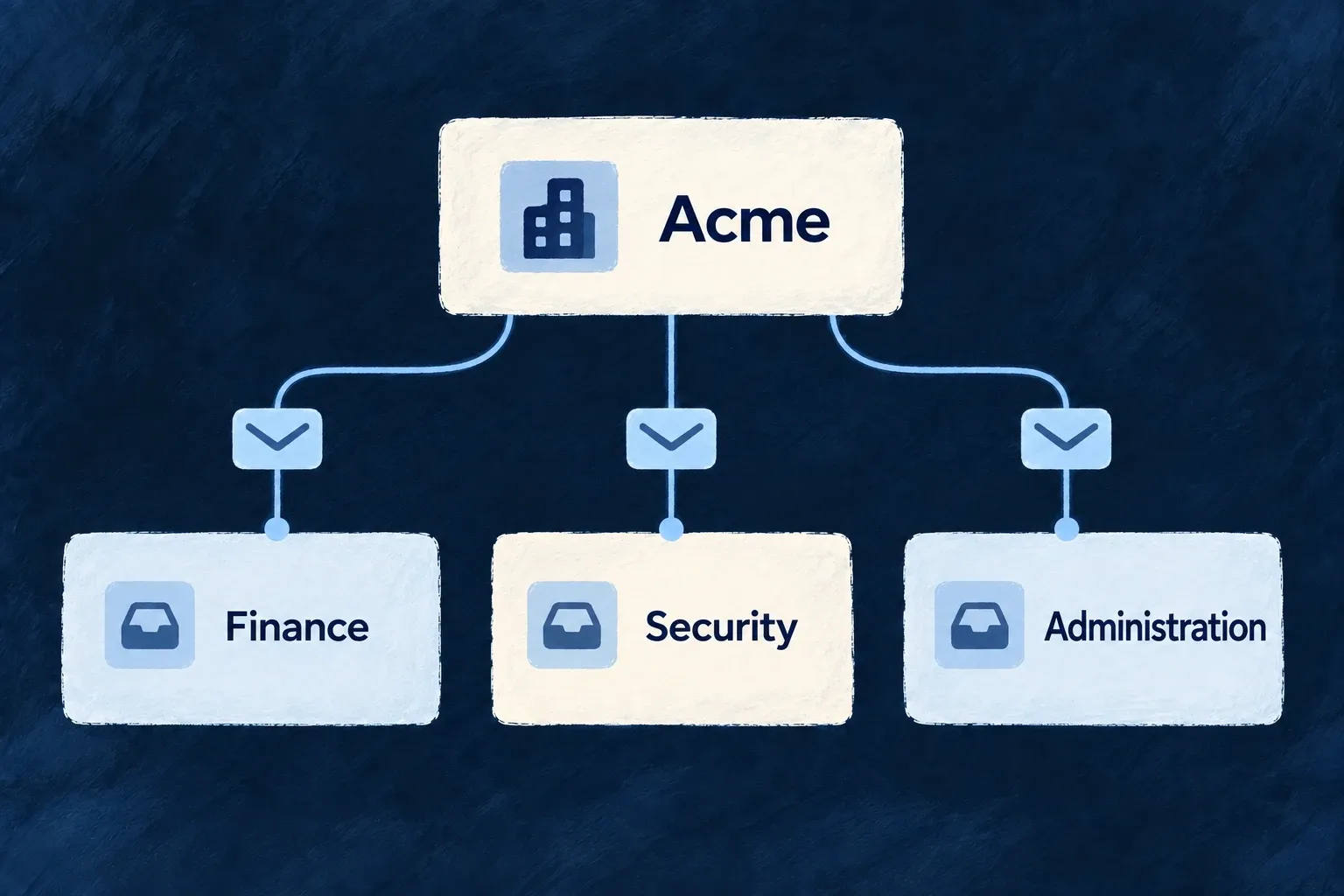
An operation notification names its audience, channels and optional condition. Its email template combines declared context, localized labels and shared components. Register the template and configure the email provider, sender and credentials. For action links, preserve the token-producing operation and its resend path rather than assembling an independent URL.

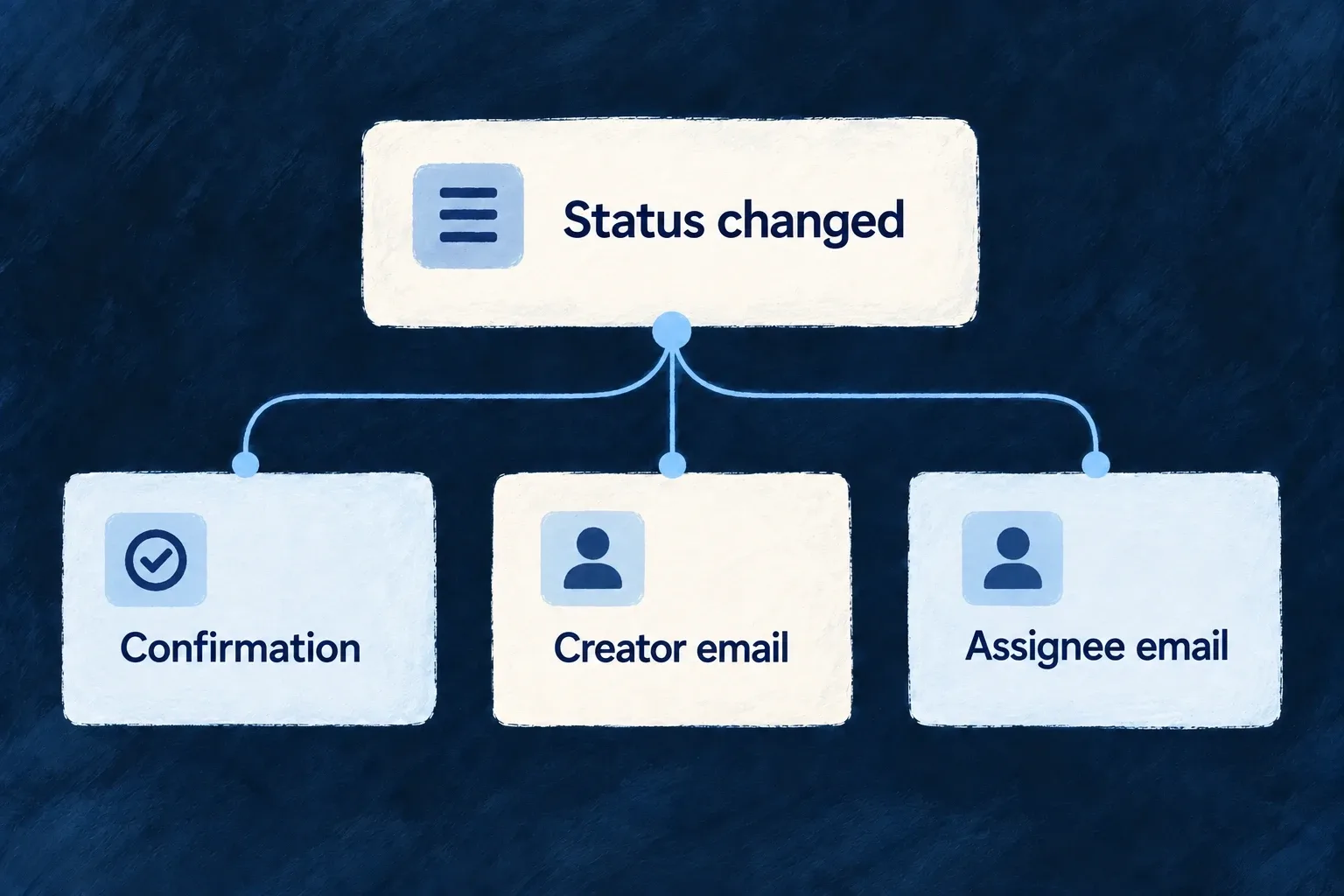
For a concrete independent message flow, Wonder Todos’ todos.change_status operation declares separate creator and assignee email targets. Their selectors use the committed task; an unassigned task has no assignee recipient. The backend module registers matching templates, including email.todos.change_status.users-custom_notify-creator. This is a message about the task action, not an automatic consequence of subscribing. The operation-notification guide shows the declaration, template references and registration together.

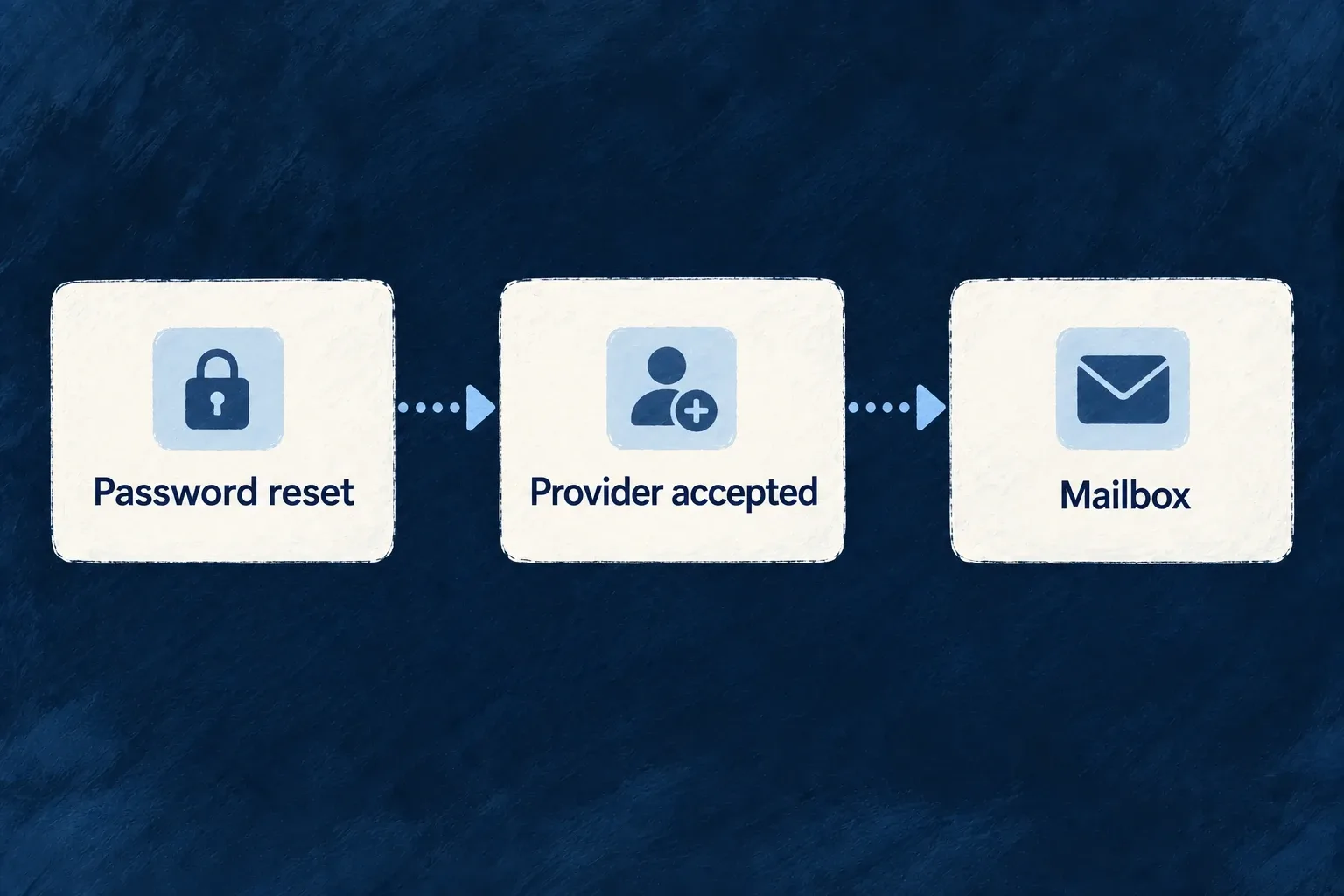
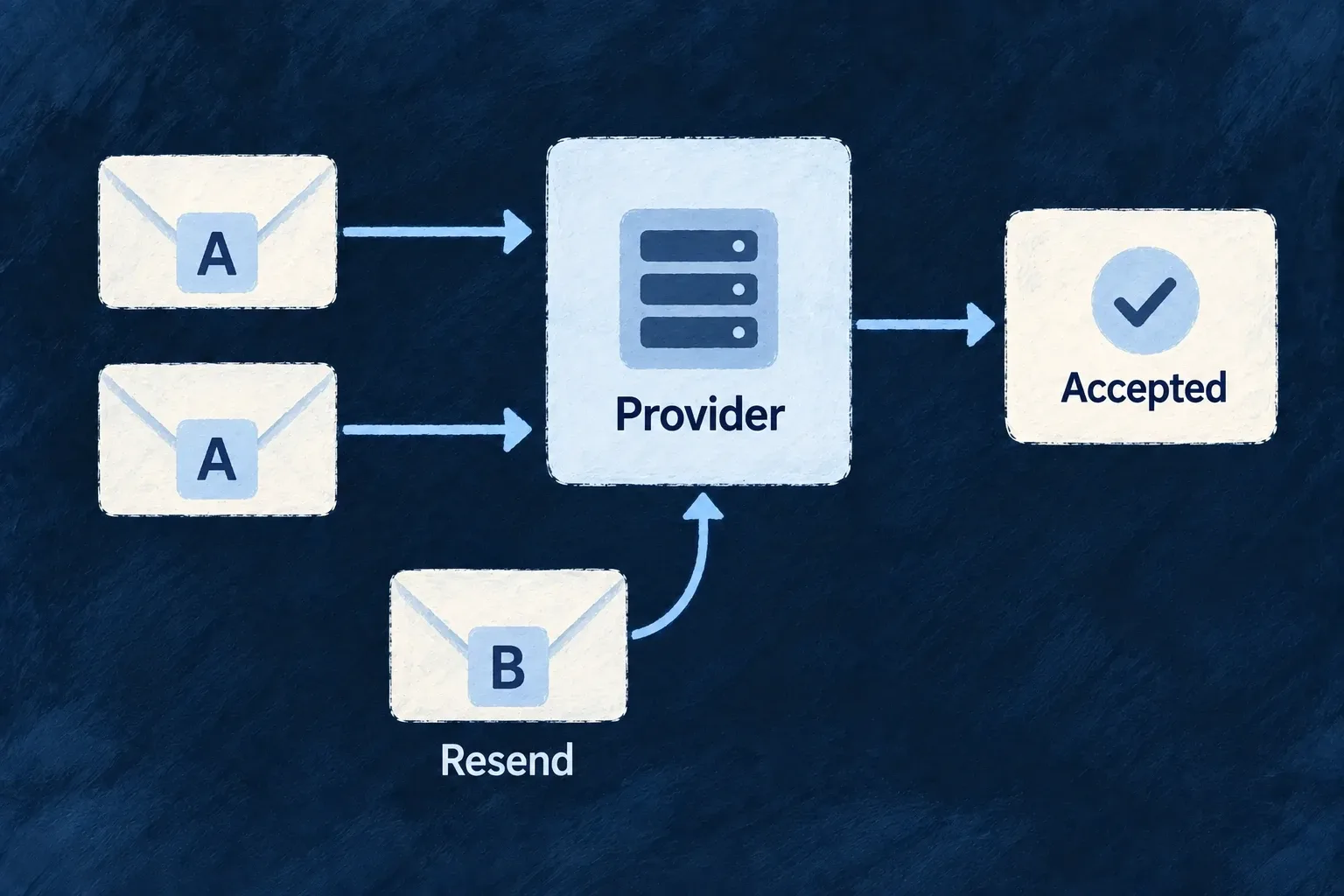
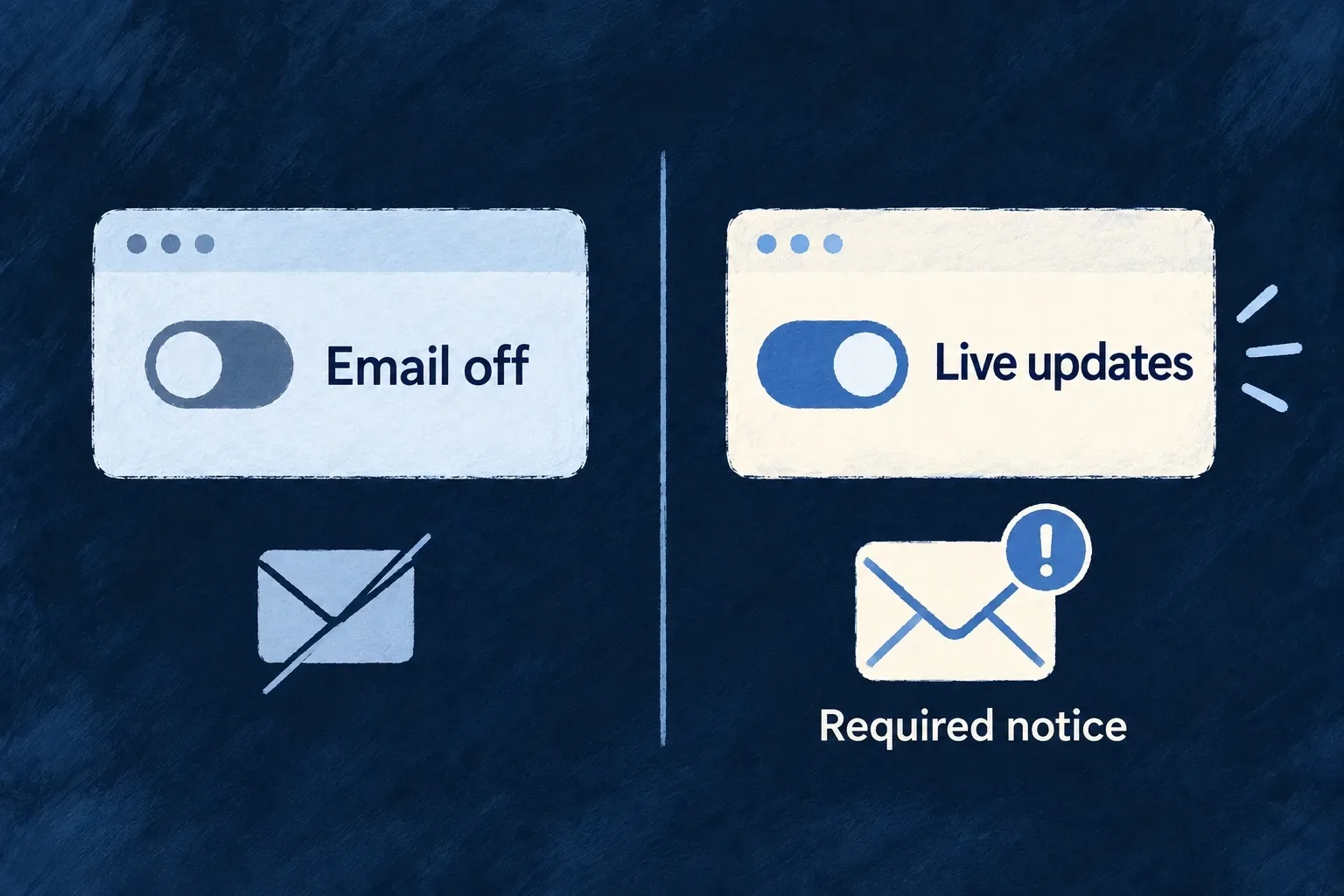
Provider acceptance is the submission result, not proof of inbox arrival. Live application messages reach connected browsers; record refreshes and work-count badges serve different purposes. Personal preferences and required-message policy decide which notifications are appropriate without disabling the application’s live data flow.

Together these contracts connect the offer to everyday use while leaving pricing choices, custom workflows and customer-facing wording with the application author.

Connect your offer to the customer’s billing

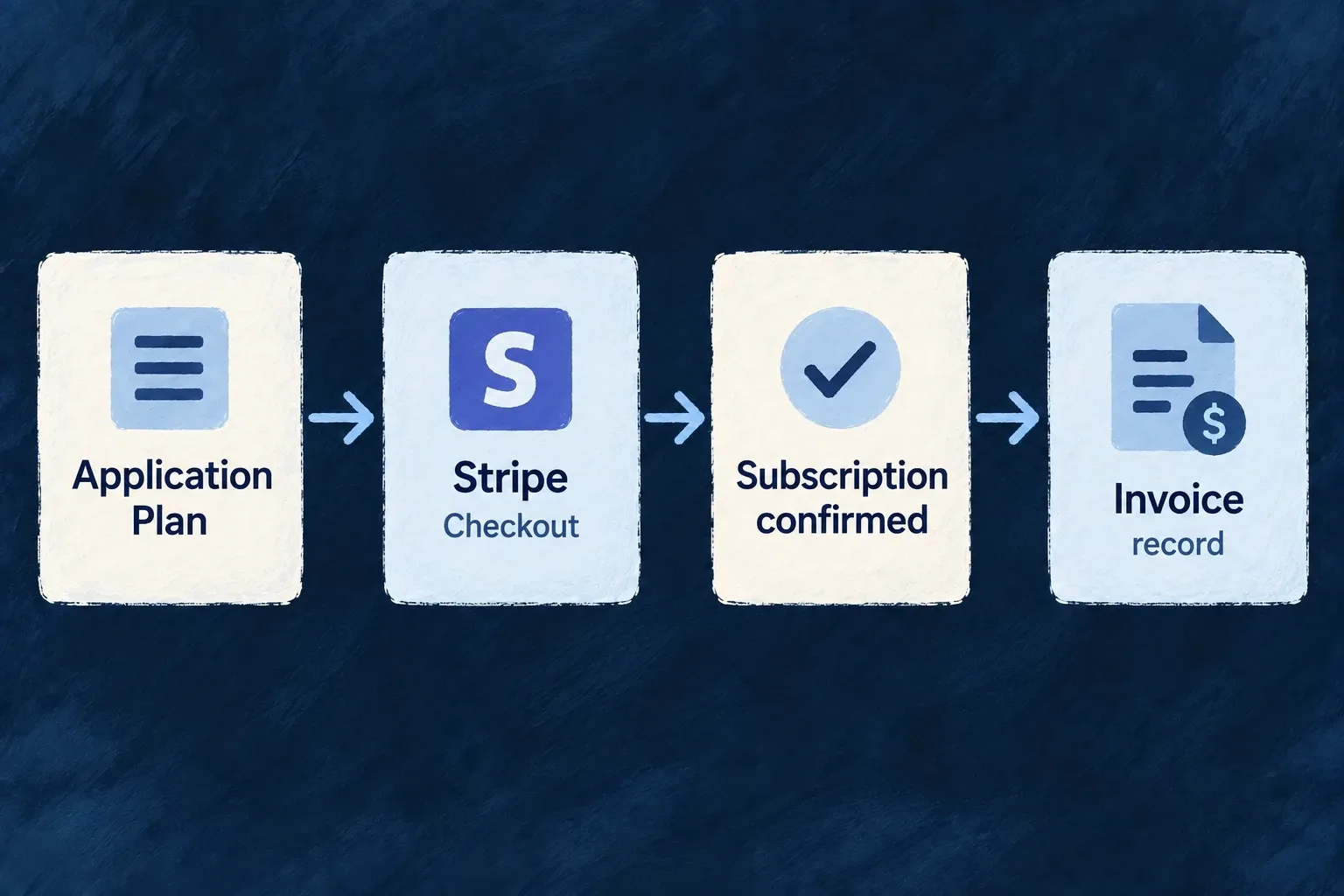
Define products and prices, take payment through hosted checkout and keep subscriptions and invoices attached to the right customer. Wildo connects your application’s catalogue to its billing provider and the events that follow a purchase.

You choose the offer, payer and commercial behavior. The provider handles payment details; Wildo supplies the shared account, purchase and reconciliation paths.

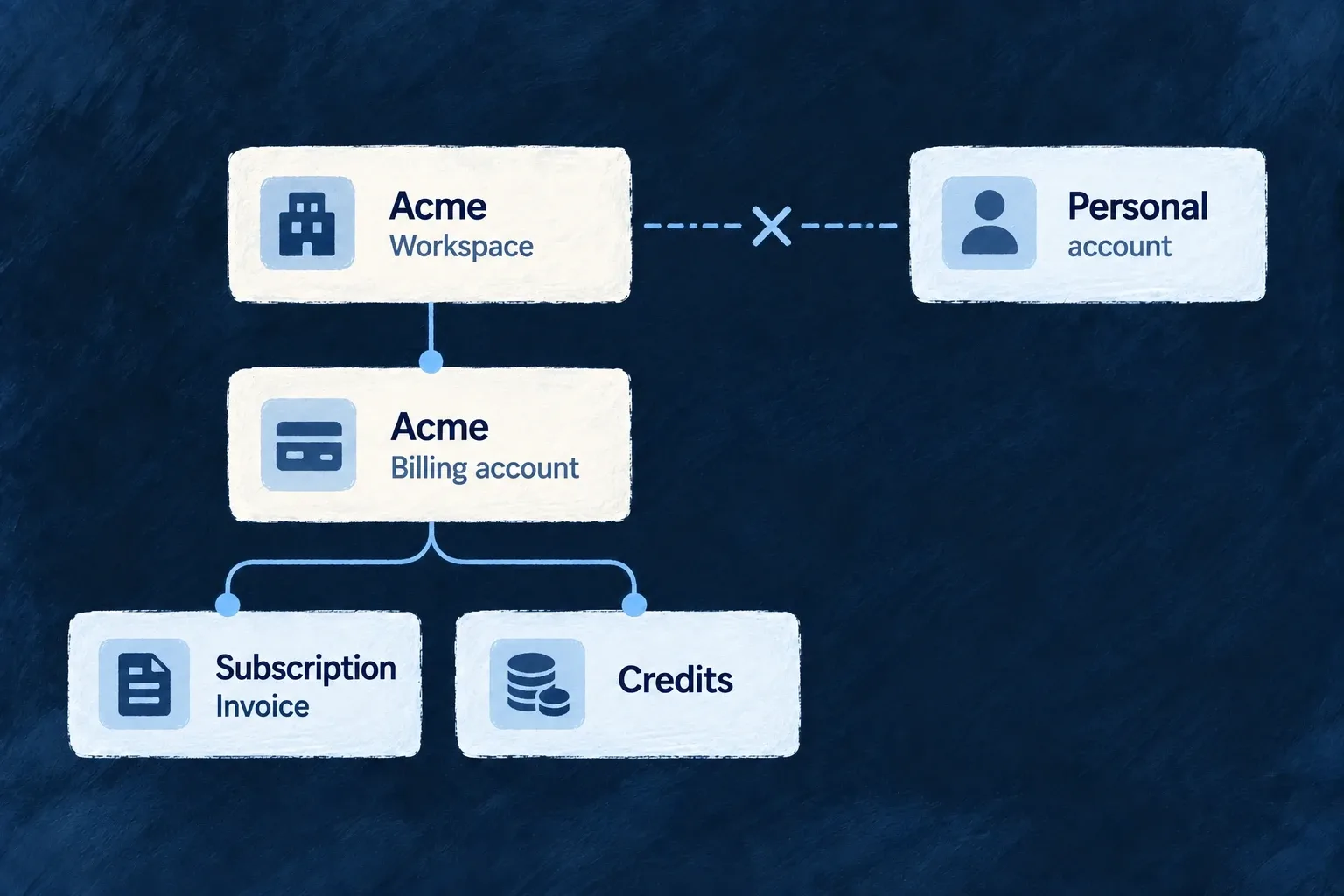
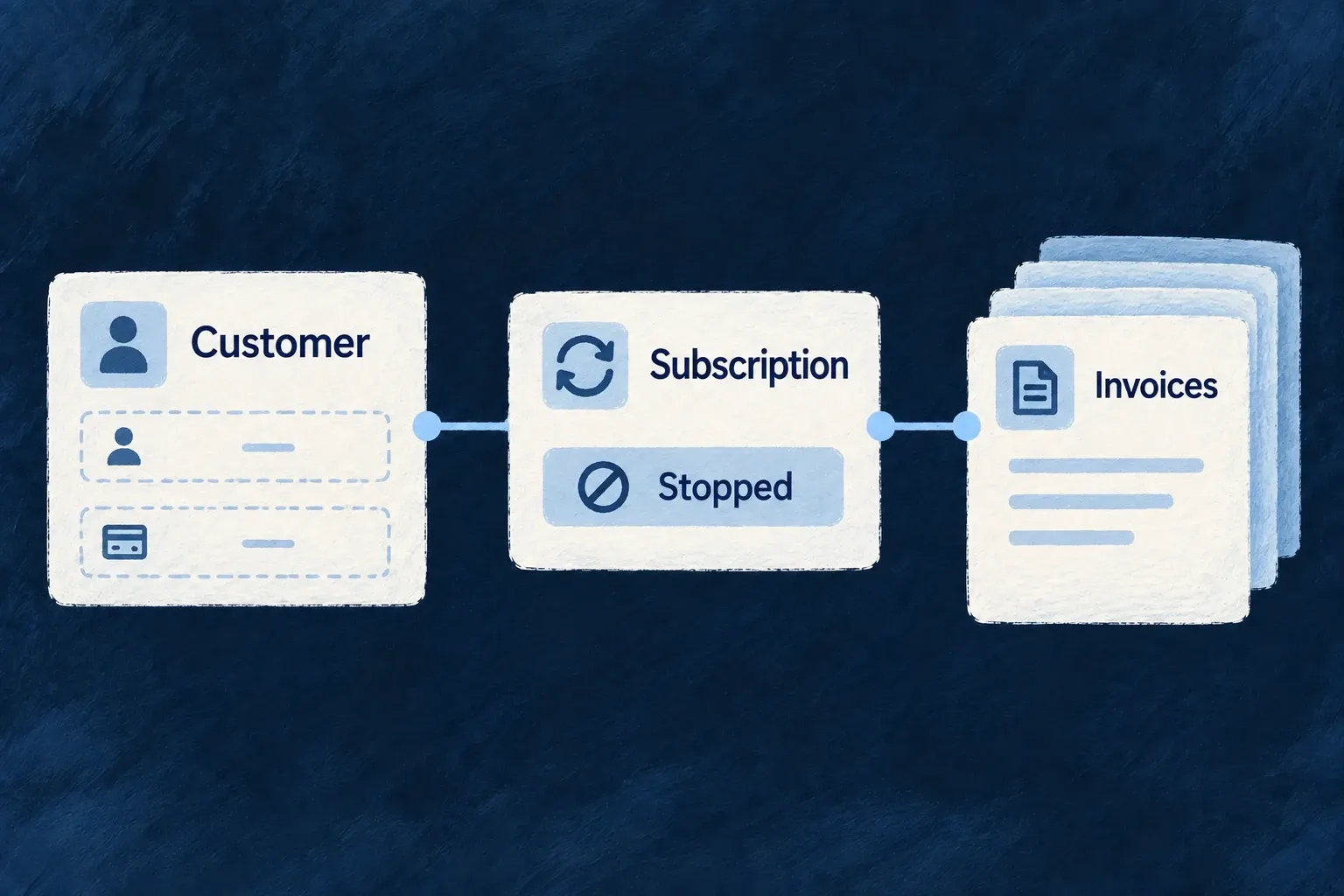
A customer’s offer connects hosted checkout, its subscription and invoice records.

One commercial flow, connected decisions

Keep the offer coherent

Products connect prices to the features and allowances customers receive. Retire an offer for new purchases while preserving the plan existing customers hold.

Keep payment work with the provider

Hosted checkout and the customer portal handle payment interactions. Provider events bring subscription changes and invoice status back into the application.

Keep the customer’s history connected

Scoped billing accounts connect subscriptions, invoices and usage to their payer. Closure and personal erasure have distinct treatments for financial records and provider contact details.

Example: Move a team onto a paid plan

A workspace selects a monthly Professional plan and completes hosted checkout. Provider events establish its subscription and invoice record. Its billing screen shows the purchase, while the application’s feature system applies the plan’s configured grants.

For engineers

Enable EngineCapability.BILLING, select the backend billing.providerRef and declare the payer scopes. Author the provider in providers.scopes.backend, install its SDK, supply its environment secrets and run wildo config sync. Engine-shipped providers are discovered from their package; they do not need a second manual contribution.

Wonder Todos registers its products through productDefinitions in its shared engine module. A product’s stable key connects its prices and grants. Catalogue synchronization establishes the provider mappings that checkout requires. Review synchronization errors before exposing an offer as purchasable.

DecisionApplication authorsWildo connects
Who paysOrganization or personal billing scopeScoped account and financial resource variants
What is soldProduct, price, grants and behavior policyLocal catalogue and provider mappings
How purchase beginsStandard component or custom billing interfaceAuthorized checkout session
How payment is confirmedProvider delivery and signing secretAccount resolution and event reconciliation
How history is presentedBilling screen and portal accessAggregated state and scoped invoice references

Follow one offer from declaration to access

Use the professional plan from the complete catalogue example: USD 29 per month for an organization, granting advanced-reports. The feature and product enter through the same shared engine module. The checkout example accepts that stable product key and resolves its synchronized default price.

StepWhat runsWhat establishes the next step
RegisterShared module contributes feature and product definitions, including the monthly priceAssembled configuration contains the offer; synchronization reports usable local/provider mappings
SelectCustom or standard billing screen reads the active payer’s available catalogue and its own product priceAn authorized account request can open a provider checkout session
PayCustomer completes the provider’s hosted interactionSigned provider delivery, not the browser return URL, confirms the outcome
ReconcileInbound billing events resolve the account and update subscription/invoice recordsThe customer’s recorded state reflects the processed event
Apply accessBilling feature synchronization derives grants; the feature system resolves effective accessThe protected operation checks the feature as well as the caller’s normal permissions
PresentBilling and feature contexts refresh through their own scoped eventsBilling history and the feature-aware interface show their respective current states

Make the return screen reflect recorded state

This complete teaching component runs inside the application’s existing billing and feature providers. It connects the same illustrative professional / advanced-reports offer to the returned screen. In application code, import the feature identifier from its shared declaration rather than redeclaring it. children is the application’s report UI, not generated by the billing system.

import type { ReactNode } from 'react';
import { FeatureGate, useBilling } from '@wildo-ai/saas-frontend-lib';
import { BillingStateSlice } from '@wildo-ai/saas-models';

enum CommercialFeature { REPORTS = 'advanced-reports' }

export function PurchaseReturn({ children }: { children: ReactNode }) {
  const billing = useBilling();
  if (billing.isLoading) return <p>Checking your subscription…</p>;
  if (billing.error) return <button onClick={billing.refetch}>Reload billing</button>;
  const known = [BillingStateSlice.SUBSCRIPTION, BillingStateSlice.PRODUCTS].every(billing.isSliceAvailable);
  return <section>
    {!known ? <p>Subscription or product information is unavailable.</p>
      : billing.currentPlanKey === 'professional'
        ? <p>The Professional plan is recorded on this account.</p>
        : <p>The Professional plan is not recorded yet. Processing may still be underway.</p>}
    <button onClick={billing.refetch}>Refresh billing</button>
    <FeatureGate featureId={CommercialFeature.REPORTS}>
      {children}
    </FeatureGate>
  </section>;
}

The billing message says what is recorded, not that access must be granted. FeatureGate reads effective feature state separately: another entitlement source or policy can affect it. Protect the actual report operation with its backend requirement as shown in features and numeric limits. A hidden button is not an access control.

Verify the whole transition

In the provider’s test environment, start with an authorized customer lacking this plan, open its selected local price and complete checkout. Observe the account’s subscription after signed event processing, then the effective report feature and the protected operation. Include delayed delivery and checkout abandonment: neither should become a successful purchase solely because the browser reached a return page.

Use subscription actions for cancellation, resume and plan/add-on changes. Trial and cancellation policy have their own effects; a period-end plan-change declaration does not create a future Stripe subscription schedule. Provider-managed retries are configured at the provider.

For history beyond the aggregate’s latest fifty invoices, use the scoped paginated invoice example. For documents, use the customer portal. Financial retention and personal erasure remain distinct responsibilities, even though their records refer to the same payer.

Define the offer

Define what your application sells Mechanism

Describe plans, add-ons and one-time products alongside the features and limits they grant. Wildo turns those definitions into its billing catalogue, so the offer and the application behavior have a shared starting point.

Example: A professional plan with a clear allowance

A professional plan includes advanced reports and a larger list allowance. Its monthly and yearly prices belong to that same product.
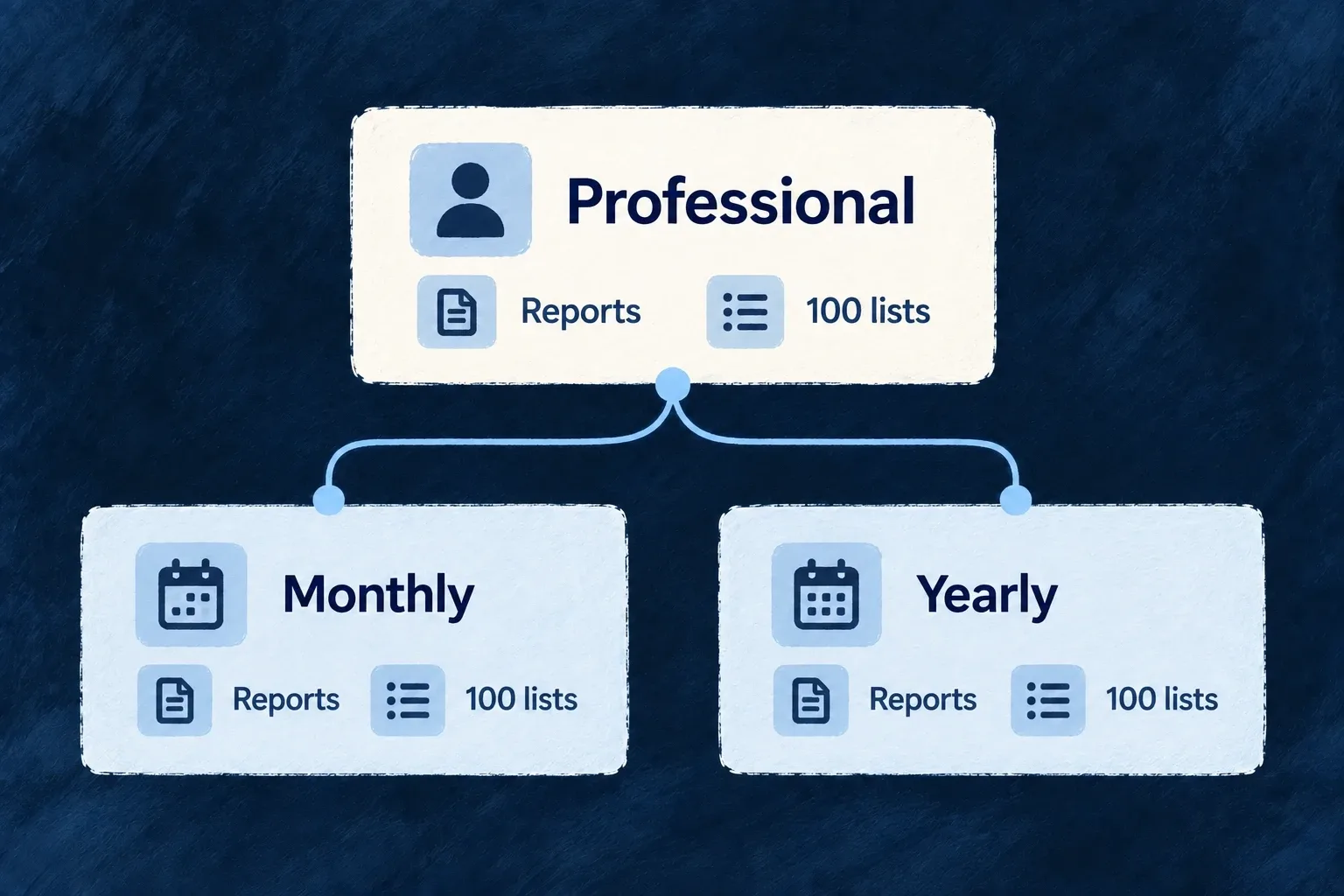
One professional product grants reports and a list allowance, with monthly and yearly billing options.
For engineers

This complete shared-module example defines a monthly organization plan and the feature it grants. It uses the same SharedSaaSModule.productDefinitions registration as Wonder Todos. Merge these contributions into your existing shared engine module; do not replace its other features, roles or products. The example identifiers and offer are application-owned.

import {
  defineFeature, ProductType, ResourcePrimaryScope,
  type ProductDefinition, type SharedSaaSModule,
} from '@wildo-ai/saas-models';
import { BillingInterval, PricingModel } from '@wildo-ai/external-connectors-models';
import { AvailableCurrency } from '@wildo-ai/zod-decorators';

export enum CommercialFeature { REPORTS = 'advanced-reports' }

export const professional: ProductDefinition = {
  key: 'professional',
  type: ProductType.PLAN,
  targetScopes: [ResourcePrimaryScope.ORGANIZATIONS],
  grantedFeatures: [CommercialFeature.REPORTS],
  planTier: 'professional',
  planTierOrder: 1,
  prices: [{
    model: PricingModel.FLAT,
    unitPrice: { amount: 2900n, decimals: 2, currency: AvailableCurrency.USD },
    interval: BillingInterval.MONTH,
    intervalCount: 1,
    isDefault: true,
  }],
};

const engineModule: SharedSaaSModule = {
  moduleId: 'engine',
  kind: 'engine',
  customFeatureDefinitions: [
    defineFeature(CommercialFeature.REPORTS, { scope: ResourcePrimaryScope.ORGANIZATIONS }),
  ],
  productDefinitions: [professional],
};
export default engineModule;

2900n with two decimals means USD 29, not USD 2,900 or USD 0.29. A yearly alternative belongs in the same product’s prices array with BillingInterval.YEAR; it does not need another product or another grant. Keep the product key stable: subscription items and provider mappings use it. Author the offer’s customer-facing labels in the application’s billing labels/specifications.

The module must participate in the application’s assembled shared modules. A declaration in an unimported file does nothing. See billing setup for capability, provider and environment prerequisites.

Check the synchronized offer before selling it

Catalogue synchronization materializes separate Product and Price records and establishes provider mappings. A complete syncProductCatalog() pass reports synchronization errors; on-demand synchronization also supports checkout. A compiled declaration alone is not proof that the provider accepted the price.

What to inspectExpected result
Local productThe stable key, organization scope and report grant match the declaration
Local priceIt belongs to that product and represents USD 29 per month
Provider mappingProduct and price have usable provider identities after synchronization
Customer purchaseSigned provider events establish subscription state; feature synchronization derives the grant

The grant feeds effective entitlements. Protect the report operation with that feature requirement; displaying a plan name does not authorize a report. Follow feature grants for the consuming check.

Retire an offer without rewriting history

A complete sync retires locally stored products absent from the authored catalogue and disables their local prices. It retains the records and reports live subscribers; it does not migrate those subscribers or archive their provider prices. Existing renewal history remains resolvable while new acquisition rejects the retired offer. Provider retirement and customer migration remain deliberate operational decisions.
Price the way your product is sold Mechanism

Attach recurring or one-time prices to a product, with their currency and pricing model. The product defines the offer; its prices define how the customer pays for it.

Example: Offer monthly and yearly billing

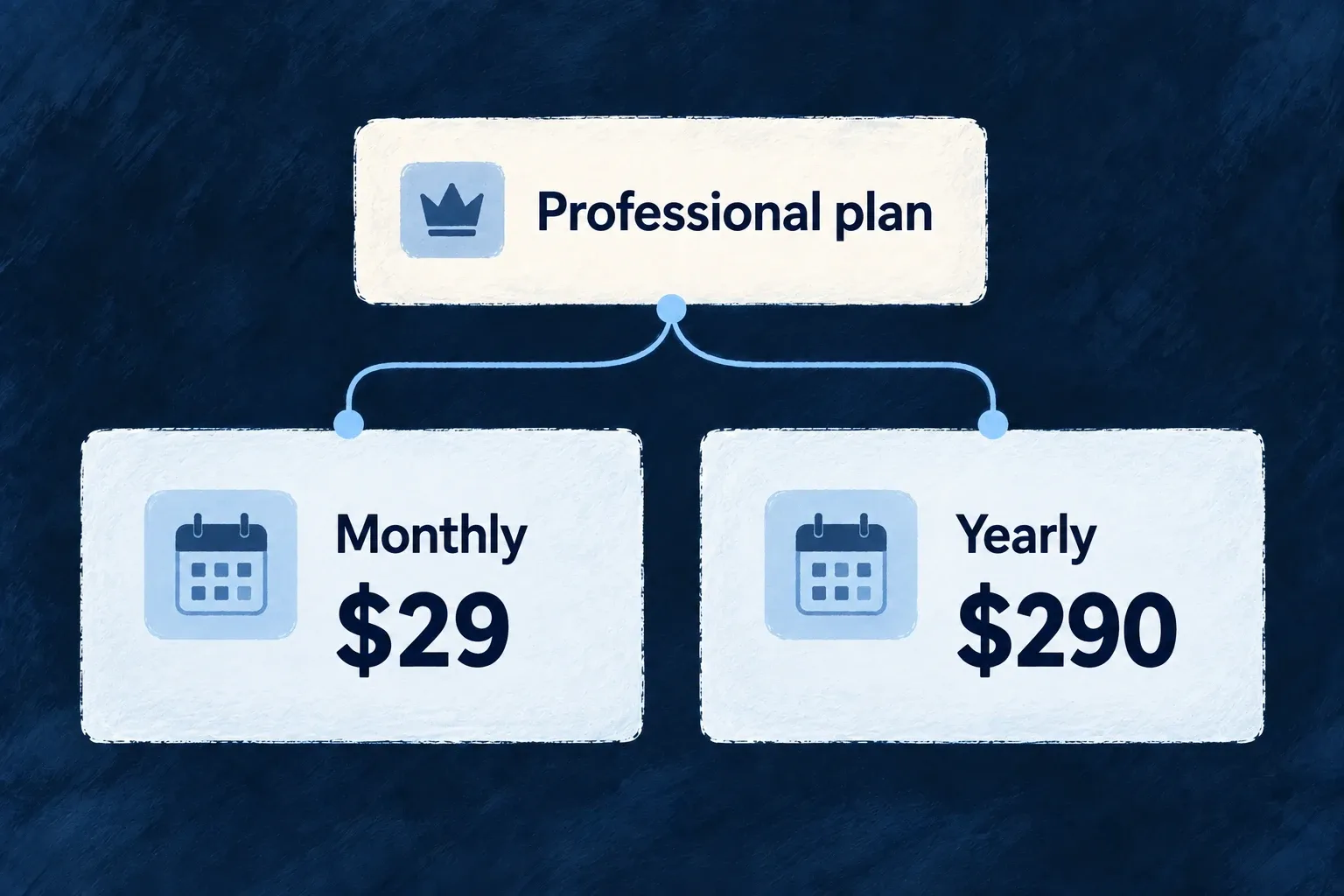
A professional plan costs $29 per month or $290 per year. Both prices refer to the same product and its benefits.

A professional plan costs $29 per month or $290 per year. Both prices refer to the same product and its benefits.
For engineers

This is the professional plan’s monthly price from Wonder Todos. It is a selected member of the product’s prices array:

The following selected excerpt is from product.ts; the surrounding module and explanatory source comments are omitted.

model: PricingModel.FLAT,
unitPrice: { amount: 2900n, decimals: 2, currency: AvailableCurrency.USD },
interval: BillingInterval.MONTH,
intervalCount: 1,
isDefault: true,

amount: 2900n with decimals: 2 means 29.00 USD. The integer is not the display amount. The yearly alternative uses 29000n and BillingInterval.YEAR. Resolve a price belonging to the selected product; checkout rejects mismatched product/price pairs.

A recurring price combines interval with intervalCount: MONTH with 3 bills every three months; an omitted count defaults to 1. Catalog sync preserves that cadence in the local price and the provider request. A one-time price has no recurring interval. Existing provider-linked prices are not automatically rewritten when a declaration changes.

Match the model to provider behavior

The price schema describes flat, per-unit, tiered, graduated and package models. Tier rows carry an upper bound and unit/flat amounts; an open-ended final bound uses null. Metered consumption still needs the application to record usage. Declaring a per-unit price does not measure activity.

The sync service converts every amount from its authored scale into the currency’s minor units before calling the provider. It rejects an amount that cannot be represented exactly rather than rounding the charge. For example, a sub-cent authored USD amount cannot be treated as a whole cent merely because its integer is 1n. Inspect synchronization errors and use a representable commercial unit.

Each price carries its own currency. Global defaultCurrency and supportedCurrencies record commercial intent but do not validate or rewrite price currencies. Changing a stored price also requires confirming the provider price mapping and the treatment of existing subscribers; provider-linked prices are not a promise that every later edit creates a replacement provider price.

State how subscriptions should change Mechanism

Put trial, cancellation and price-adjustment decisions next to the product they govern. Wildo applies the supported settings when opening checkout or changing a subscription, while provider-managed collection settings remain with the provider.

Example: Give a plan a trial and a clear exit

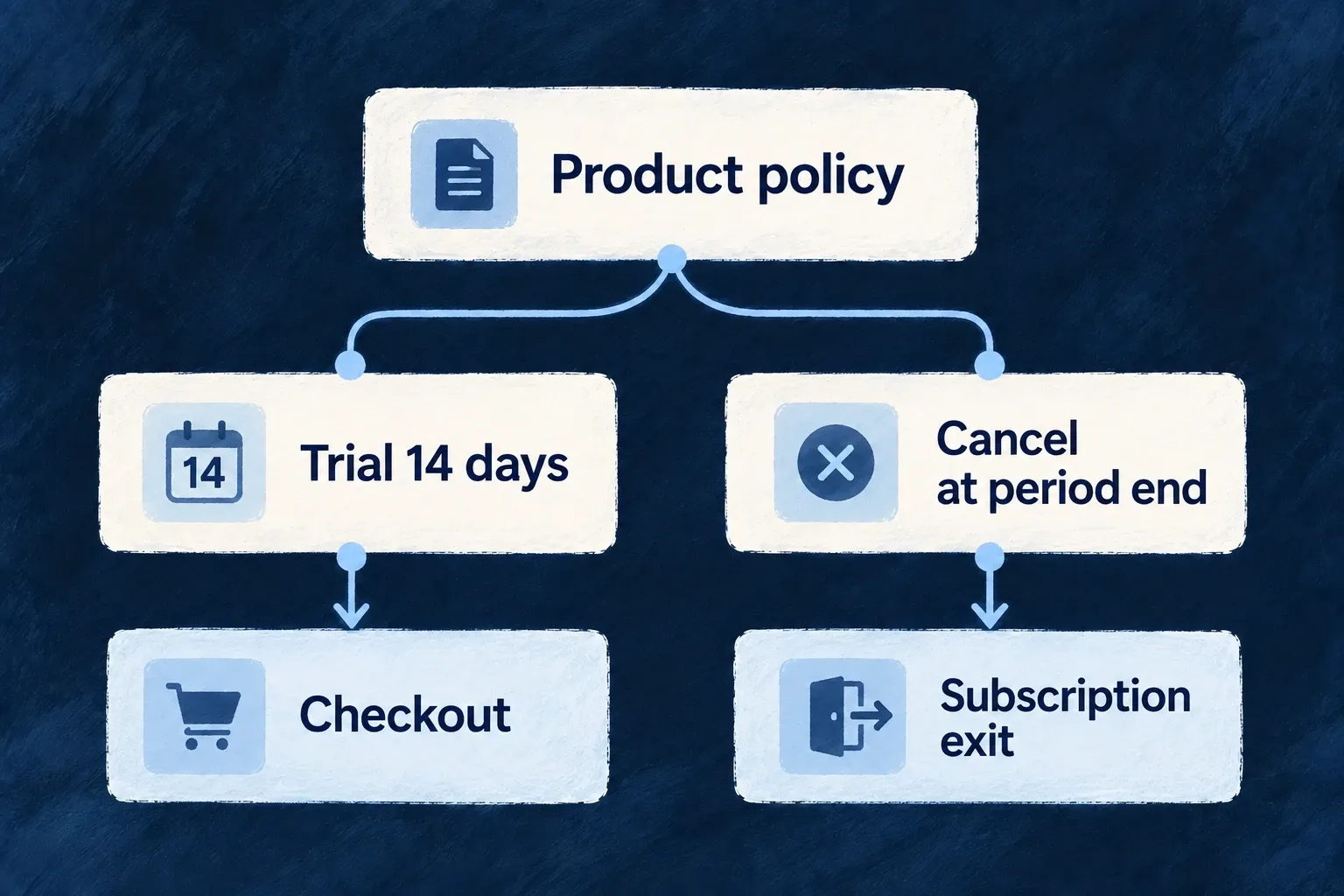
A professional plan offers a fourteen-day trial and cancellation at the end of the paid period. Those decisions belong to the product rather than being repeated in each button handler.

A professional plan offers a fourteen-day trial and cancellation at the end of the paid period. Those decisions belong to the product rather than being repeated in each button handler.
For engineers

Wonder Todos’ professional plan contains the following policy. These are selected fields from shared-lib/src/engine/product.ts:

The following selected excerpt is from product.ts; the surrounding module and explanatory source comments are omitted.

behaviorPolicy: {
  trial: { days: 14, requirePaymentMethod: false },
  upgrade: { proration: ProrationBehavior.CREATE_PRORATIONS, timing: BillingTiming.IMMEDIATE },
  downgrade: { proration: ProrationBehavior.NONE, timing: BillingTiming.AT_PERIOD_END },
  cancellation: { allowImmediate: false, defaultBehavior: BillingTiming.AT_PERIOD_END },
},

Trial days come from the product policy, falling back to the application default. Checkout callers cannot override them; a product value of zero disables the trial. requirePaymentMethod is passed to hosted checkout when starting a trial. Cancellation resolves caller preference, product default and application default, then refuses any effective immediate cancellation forbidden by the product. An authored immediate default requires allowImmediate: true; contradictory product policies fail validation. An explicit period-end choice still overrides an immediate default.

Distinguish adjustment from scheduling
DeclarationRuntime meaning
Upgrade/downgrade prorationSent as the provider’s subscription-update proration behavior
Upgrade/downgrade timingCarried as metadata; the Stripe adapter does not schedule a future plan change
Trial days and payment methodUsed when opening subscription checkout
Cancellation policyControls refusal and immediate versus period-end cancellation
Payment grace period and retry countCommercial declarations; configure collection retries at the provider

The target product’s tier order distinguishes an upgrade from a downgrade. An application should not tell a customer that a downgrade is scheduled merely because timing says period-end: a scheduled change needs a provider scheduling mechanism. Keep the commercial wording consistent with the actions offered. Other product-policy fields, such as metering declarations, also require their corresponding usage implementation rather than executing by declaration alone.

Make tax treatment explicit Mechanism

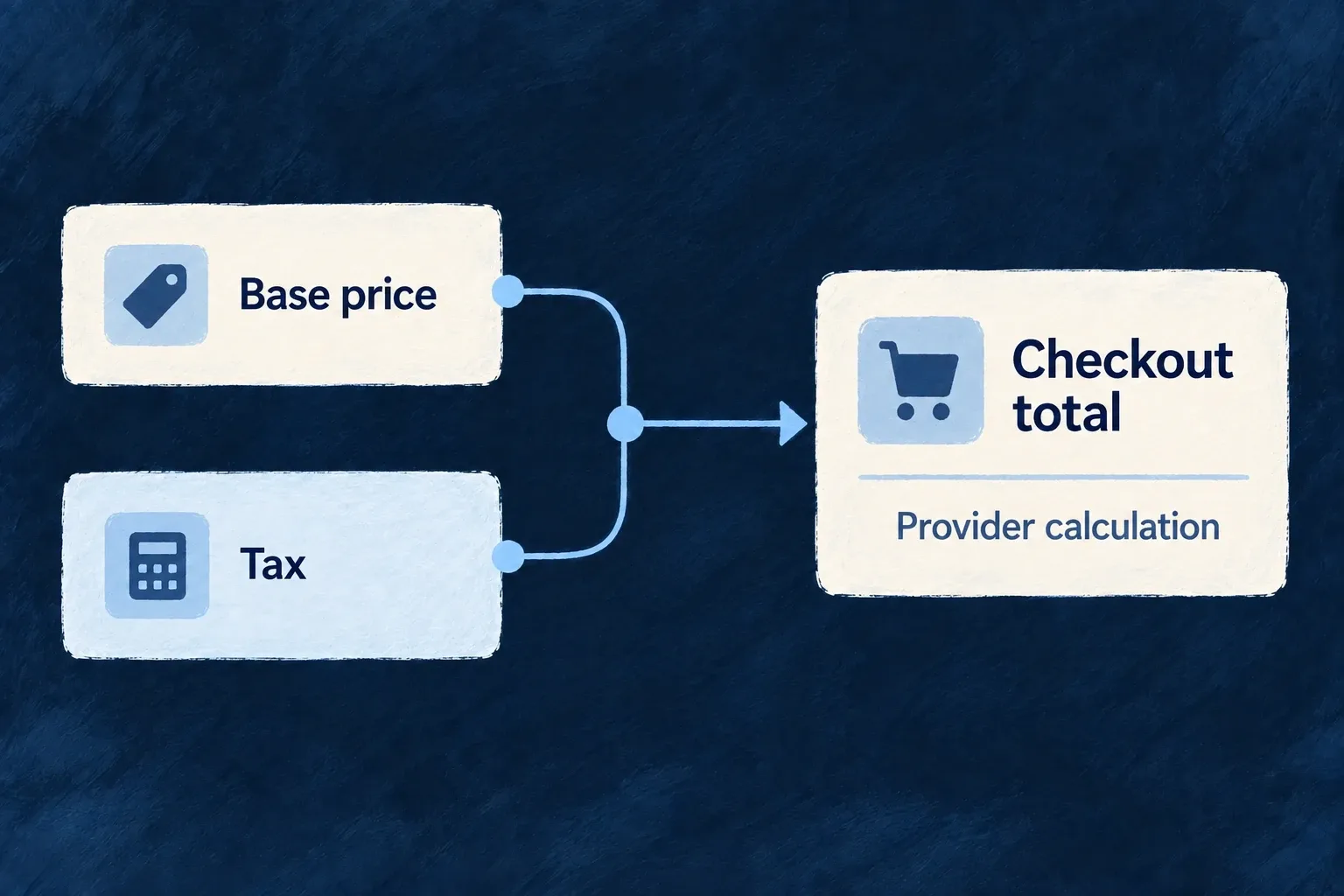
Choose whether hosted checkout asks the provider to calculate tax, and declare whether each price includes tax. Wildo passes those choices to the billing provider instead of calculating tax locally.

Example: Quote a business price before tax

A business offer displays its base price separately from tax. Hosted checkout asks the provider to determine the applicable tax for the purchase.

A business offer displays its base price separately from tax. Hosted checkout asks the provider to determine the applicable tax for the purchase.
For engineers

This complete configuration example authors two inputs for an existing billing setup: the backend tax settings and a tax-exclusive monthly price. Merge taxSettings into billing.tax, and use monthlyPrice in the registered product’s prices array. Provider selection, SDK, secrets and catalogue registration are covered in billing setup and the product catalogue.

import {
  TaxCalculationMode, TaxDisplayMode, type BillingConfiguration, type PriceDefinition,
} from '@wildo-ai/saas-models';
import { BillingInterval, PricingModel } from '@wildo-ai/external-connectors-models';
import { AvailableCurrency } from '@wildo-ai/zod-decorators';

export const taxSettings: NonNullable<BillingConfiguration['tax']> = {
  calculationMode: TaxCalculationMode.PROVIDER_MANAGED,
  defaultDisplayMode: TaxDisplayMode.EXCLUSIVE,
};

export const monthlyPrice: PriceDefinition = {
  model: PricingModel.FLAT,
  unitPrice: { amount: 2900n, decimals: 2, currency: AvailableCurrency.USD },
  interval: BillingInterval.MONTH,
  intervalCount: 1,
  isDefault: true,
  taxBehavior: TaxDisplayMode.EXCLUSIVE,
};

The first input makes hosted checkout request provider-managed tax calculation; Stripe receives automatic_tax.enabled. The price’s taxBehavior is sent when the price is created at the provider. USD 29 is the base price in this example; the resulting tax depends on the provider’s configured tax service and customer details.

Verify each owner’s result
InputObservable result
PROVIDER_MANAGED calculationThe checkout session requests automatic tax
Explicit price EXCLUSIVEThe synchronized provider price treats tax as additional to its base amount
Provider tax setup and customer detailsThe provider determines the applicable calculation
Application billing labelsThe customer sees wording consistent with the price’s actual treatment

Calculation and display are different controls. Disabling automatic calculation does not make a price tax-inclusive. The current catalogue sync passes the price-level value directly: there is no fallback from an unset price to product.taxDisplayMode or billing.tax.defaultDisplayMode. Author taxBehavior explicitly on each price. A global display setting does not rewrite customer-facing labels or already-created provider prices.

Use a provider test purchase to inspect the final session and invoice, rather than treating a compiled configuration as proof of a tax result. The framework delegates calculation; the provider account configuration remains an application operator responsibility.

Connect billing to the application

Turn billing on deliberately Mechanism

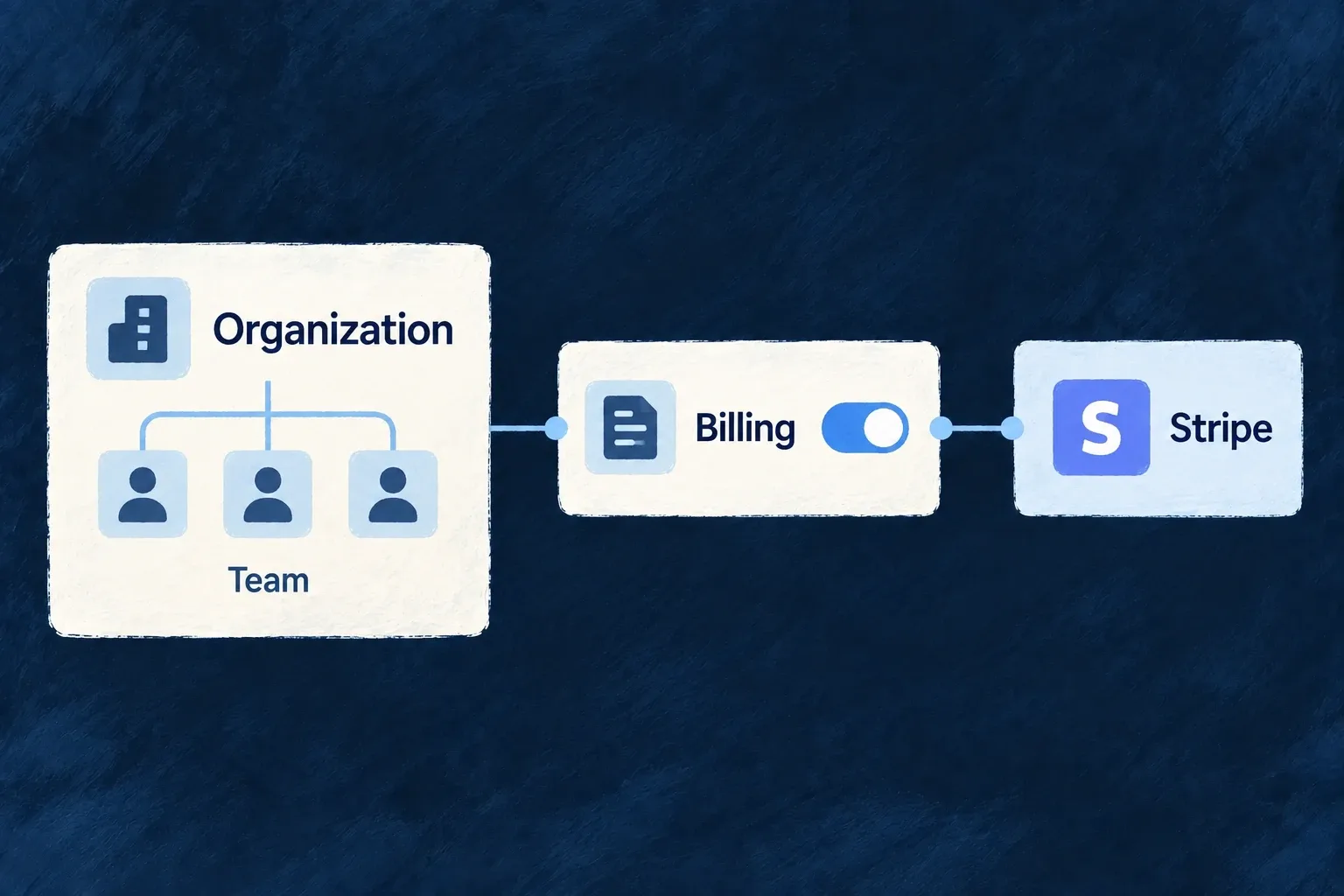
Choose whether your application sells subscriptions or purchases, which provider handles them and whether the customer is an organization or an individual. Billing activation connects those decisions to the application’s billing resources and services.

Example: Let the workspace subscribe

A team buys one subscription for its workspace. Its members share that purchase rather than each receiving a separate personal bill.

A team buys one subscription for its workspace. Its members share that purchase rather than each receiving a separate personal bill.
For engineers

Enable EngineCapability.BILLING in wildo.saas.config.ts. In the backend configuration, set billing.enabled, select providerRef and declare enabledScopes. Organization billing and personal billing are distinct resource families; enable the scopes the commercial model actually uses.

Wonder Todos authors this backend provider scope in wildo.saas.config.ts. The surrounding providers.scopes.backend.providers object is omitted:

The following selected excerpt is from wildo.saas.config.ts; the surrounding module and explanatory source comments are omitted.

stripe: {
            engineCapabilities: [EngineCapability.BILLING],
            providerCapabilities: ['BILLING'],
            protocols: ['BILLING_PROVIDER', 'WEBHOOK_ORIGINATOR'],
          },

BILLING_PROVIDER supplies outgoing billing operations; WEBHOOK_ORIGINATOR registers incoming events. A frontend Stripe SDK entry alone cannot supply either backend responsibility. Engine-shipped providers are discovered from their package: do not add a second manual provider contribution.

Finish the deployment chain
SurfaceWhat to supply
Backend dependencyInstall the stripe SDK in the application backend
Environment secretsSTRIPE_SECRET_KEY and STRIPE_WEBHOOK_SECRET in the environment’s provider secrets
Generated runtimeRun wildo config sync after configuration changes; never edit the generated provider registry
Provider deliveryConfigure or forward events to /api/v1/webhooks/stripe/billing

Startup resolves the configured provider and required secrets. A missing provider scope is a configuration failure, not a reason to silently disable charging. Once initialized, the frontend’s billing context loads the selected customer’s account through the scoped billing resource. The application authors its products and commercial terms separately from these connection settings.

Keep billing logic separate from the vendor Mechanism

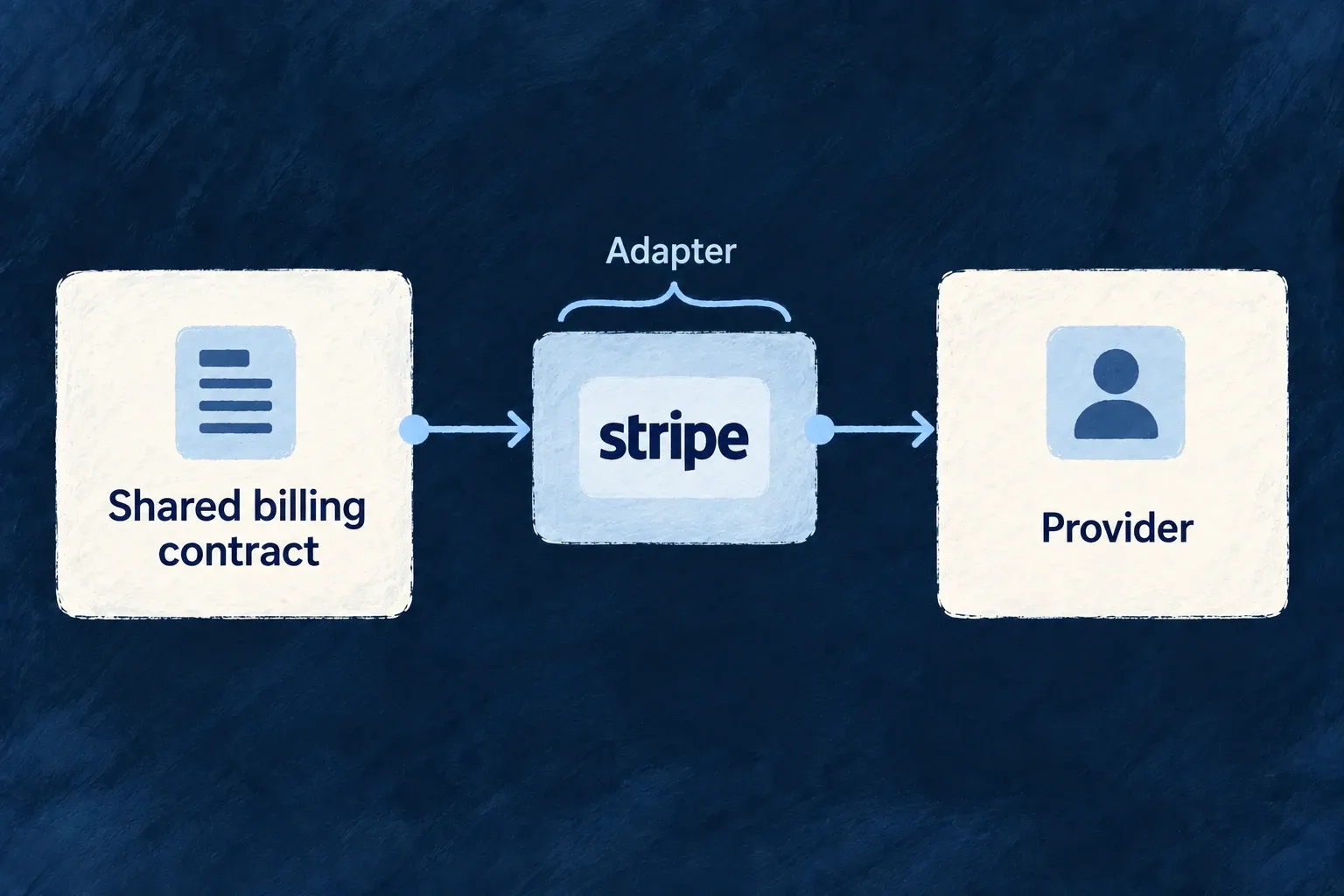
Application billing speaks one shared contract for customers, purchases and subscription changes. A provider adapter translates that contract into the vendor’s API, keeping vendor-specific request shapes out of everyday application code.

Example: Change a plan through one contract

The application requests a subscription change with its items and proration policy. The selected adapter translates that request into the provider’s update call.

The application requests a subscription change with its items and proration policy. The selected adapter translates that request into the provider’s update call.
For engineers

StandardBilling_Interface is the backend adapter contract. The runtime resolves the billing provider from the authored backend scope and gives billing services that interface. Stripe is the shipped implementation; a different vendor needs a complete adapter, an SDK-package entry in the engine billing adapter registry and provider registration, not just a different providerRef string.

The Stripe implementation’s update path shows the boundary. The complete method below maps metadata, proration and subscription items:

The following selected excerpt is from stripe-standard-billing-provider.backend.service.ts; the surrounding module and explanatory source comments are omitted.

async updateSubscription(providerSubscriptionId: string, request: StandardBilling_UpdateSubscriptionRequest): Promise<void> {
    await this.getStripe().subscriptions.update(providerSubscriptionId, {
      metadata: request.metadata,
      ...(request.prorationBehavior && { proration_behavior: request.prorationBehavior }),
      ...(request.providerPromotionCodeId && { promotion_code: request.providerPromotionCodeId }),
      ...(request.items && {
        items: request.items.map((item) => ({
          ...(item.providerSubscriptionItemId ? { id: item.providerSubscriptionItemId } : {}),
          price: item.providerPriceId,
          quantity: item.quantity,
        })),
      }),
    });
  }

The application chooses the product and policy. The billing operation constructs StandardBilling_UpdateSubscriptionRequest; the adapter names the provider’s fields. A contract field only has an effect when that adapter implements its meaning.

What a new provider must connect
ResponsibilityIntegration required
Outgoing operationsCustomer, product, price, subscription, checkout and portal methods used by billing
Incoming stateSignature verification, provider-event normalization and customer-to-account scope resolution
DiscoveryProvider capability, protocol and runtime module available to the backend
DeploymentSDK dependencies, secrets and reachable webhook delivery

Use the mock billing provider for application tests that need deterministic billing responses. Such tests exercise application behavior; they do not establish that a live vendor accepts every translated request. Switching an existing deployment also requires deciding how its provider customer, price and subscription identifiers migrate.

Use Stripe for the payment work Mechanism

Wildo’s Stripe adapter connects application billing to provider customers, prices, checkout, subscriptions and invoices. Your application keeps its product definitions while Stripe handles the hosted payment experience.

Example: Buy a plan without building a card form

A customer selects a plan in the application and completes its hosted checkout. Provider events then update the application’s subscription and invoice records.

A customer selects a plan in the application and completes its hosted checkout. Provider events then update the application’s subscription and invoice records.
For engineers

Select stripe as the billing provider, enable billing, author the backend provider scope and install stripe in backend-api/package.json. The adapter loads the SDK on the backend. Keep its API secret and webhook signing secret in the environment’s provider configuration, regenerate with wildo config sync, and connect the webhook endpoint.

The adapter converts the shared checkout contract into a Stripe session. The complete createCheckoutSession method shows customer, prices, redirect destinations, tax and trial mapping:

The following selected excerpt is from stripe-standard-billing-provider.backend.service.ts; the surrounding module and explanatory source comments are omitted.

async createCheckoutSession(request: StandardBilling_CreateCheckoutSessionRequest): Promise<StandardBilling_CreateCheckoutSessionResponse> {
    const session = await this.getStripe().checkout.sessions.create({
      customer: request.providerCustomerId,
      line_items: request.lineItems.map((item) => ({ price: item.providerPriceId, quantity: item.quantity ?? 1 })),
      mode: request.mode,
      success_url: request.successUrl,
      cancel_url: request.cancelUrl,
      metadata: request.metadata,
      ...(request.allowPromotionCodes && { allow_promotion_codes: true }),
      ...(request.providerPromotionCodeId && { discounts: [{ promotion_code: request.providerPromotionCodeId }] }),
      ...(request.automaticTax && { automatic_tax: { enabled: true } }),
      ...(request.requirePaymentMethodForTrial && { payment_method_collection: 'always' as const }),
      ...(request.trialPeriodDays
        ? {
          subscription_data: {
            trial_period_days: request.trialPeriodDays,
            ...(request.requirePaymentMethodForTrial
              ? { trial_settings: { end_behavior: { missing_payment_method: 'cancel' as const } } }
              : {}),
          },
        }
        : {}),
    });
    return { url: session.url!, sessionId: session.id };
  }

The method composes trial settings and returns the session URL and ID. Use the application’s useBilling().openCheckout(...) action or standard billing components to reach it through the authorized resource operation; do not expose the SDK secret to a browser.

Keep provider configuration explicit

The adapter also supplies customer-portal sessions, subscription updates, cancellation, usage reporting and promotion operations. Those are connected contracts, not permission to assume every Stripe product is exposed by Wildo. Webhook verification uses the provider’s signing secret; event delivery must reach the application for local state to follow payment activity. Test keys and live keys belong to their corresponding deployment environments. Configure the provider’s own portal and payment behavior before offering them to customers.

Reuse prices only when their terms match

When a local price has no provider link, catalog synchronization can reuse an active Stripe price only when its commercial terms match: currency, amount or tiers, billing cadence, package size and tax behavior. A quarterly price is distinct from a monthly price, and graduated tiers are distinct from volume pricing. Missing tier or currency detail prevents reuse, and extra currency offers are treated as a different price; metadata alone never proves equality. Existing linked prices continue through their established synchronization path.

Let customers purchase and manage

Give each customer a billing home Feature

A billing account connects an organization or person to its provider customer and financial activity. Subscriptions, invoices, usage and credits can then refer to the same customer without mixing personal and workspace purchases.

Example: Keep a team’s purchase with the team

An organization has its own billing account. A member’s separately enabled personal subscription belongs to a different account.

An organization has its own billing account. A member’s separately enabled personal subscription belongs to a different account.
For engineers

Enable the intended billing.enabledScopes: organization billing uses the organization variant; personal billing uses USER_SELF. The standard billing context resolves the active organization first when that scope is enabled, otherwise the current personal scope when available. Your purchase interface should make that payer clear.

The state service finds or creates the scope’s account. Creation uses the ordinary internal operation with the scope in execution context, so the registered provider-customer creation handler also runs:

The following selected excerpt is from billing-state.backend.service.ts; the surrounding module and explanatory source comments are omitted.

const scopeContext: { organizationId?: string; userId?: string } =
  variants.scopeEntityDocField === 'userId'
    ? { userId: scopeEntityId }
    : { organizationId: scopeEntityId };
const created = await this.systemAccessService.createAsSystem<BillingAccount>(
  variants.billingAccount as CoreResourceType,
  {},
  { scopeContext },
);
return created ?? null;

The creation handler asks the provider for a customer, then stores providerCustomerId, providerRef and the local account. Application code should use this flow rather than manufacture a row or copy a provider ID from another scope.

Use the resulting account

GET_STATE returns the account alongside its billing view. OPEN_CHECKOUT and OPEN_PORTAL address that account through scoped resource operations. Both require its provider customer mapping; a local row without a provider customer is not ready to purchase.

This account is a financial anchor, not a payment card record. Hosted payment details stay with the provider. Account retention also differs from deleting a workspace: retained financial children and their provider references must remain connected.

Take payment through hosted checkout Feature

Let customers choose an offer in your application and complete payment with the billing provider. Wildo checks the selected product and price, creates the provider session and connects completion to the right billing account.

Example: Upgrade a workspace to Professional

A customer selects the workspace’s Professional price. Checkout collects payment; the resulting provider events establish the subscription in the application.

A customer selects the workspace’s Professional price. Checkout collects payment; the resulting provider events establish the subscription in the application.
For engineers

This complete teaching component mounts inside the application’s existing BillingProvider. Supply the stable product key and a translated button label. It selects that product’s active default price, distinguishes unavailable state and handles action failure. The surrounding application owns routing, translations and visual components; plain HTML keeps the purchase contract visible here.

import { useState } from 'react';
import { useBilling } from '@wildo-ai/saas-frontend-lib';
import { BillingStateSlice } from '@wildo-ai/saas-models';

export function PurchaseOffer({ productKey, label }: { productKey: string; label: string }) {
  const billing = useBilling();
  const [busy, setBusy] = useState(false);
  const [failed, setFailed] = useState(false);
  if (!billing.isEnabled) return <p>Billing is not available.</p>;
  if (billing.isLoading) return <p>Loading billing…</p>;
  if (billing.error) return <button onClick={billing.refetch}>Reload billing</button>;
  const ready = [BillingStateSlice.BILLING_ACCOUNT, BillingStateSlice.SUBSCRIPTION,
    BillingStateSlice.PRODUCTS, BillingStateSlice.PRICES].every(billing.isSliceAvailable);
  if (!ready) return <button onClick={billing.refetch}>Offer unavailable — retry</button>;

  const product = billing.getProductByKey(productKey);
  const eligible = product && product.isActive !== false && billing.currentScope
    && product.targetScopes.includes(billing.currentScope);
  const price = product && billing.getPricesForProduct(product._id)
    .find(candidate => candidate.isActive !== false && candidate.isDefault);
  if (!eligible || !price || !billing.billingAccount) return <p>This offer is unavailable.</p>;
  const selectedProduct = product;
  const selectedPrice = price;
  const hasSubscription = billing.subscription !== null;

  async function purchase() {
    if (busy) return;
    setBusy(true);
    setFailed(false);
    try {
      if (hasSubscription) await billing.openCustomerPortal();
      else await billing.openCheckout(selectedProduct.key, selectedPrice._id);
    } catch {
      setFailed(true);
    } finally {
      setBusy(false);
    }
  }
  return <div>
    <button disabled={busy} onClick={purchase}>{hasSubscription ? 'Manage subscription' : label}</button>
    {failed && <p role="alert">The billing provider could not be opened. Please try again.</p>}
  </div>;
}

The highlighted selection binds the price to its product. The action uses the current scoped billing account; it does not accept an arbitrary organization ID from the button. This example chooses the portal when a subscription exists, matching the standard plan-selection behavior. A dedicated add-on or one-time-purchase screen should use its own explicit purchase action instead of that plan-management branch.

For a public catalogue, additionally filter visibility using isPublic. A private active offer can be intentionally offered through a direct selection: public visibility is not backend purchase authorization. See the shared billing view for the complete distinction.

Keep request validation on the server

The authorized account operation rejects a retired product, a product aimed at another scope and a price belonging to another product. Optional quantity and promotion code belong in openCheckout’s third argument. Trial duration comes from product/application policy on the server. Reserved checkout metadata is constructed there; caller metadata cannot replace its account, product or quantity.

The context supplies return destinations and navigates to the returned provider URL. It ignores a concurrent second invocation while checkout is opening. A rejected request reaches the component’s catch path; do not silently swallow it or retry a purchase automatically.

Show the purchase result, not just a successful redirect

Opening checkout produces a session, not an active subscription. The customer can abandon it. Signed provider events reconcile the account’s subscription and purchase result, and scoped billing events refresh the context. On the return screen, show the current subscription/loading/unavailable state and allow refresh while processing completes. Effective feature access is read through the separate feature context, not inferred from the return URL.

One-off purchases use the billing provider Mechanism

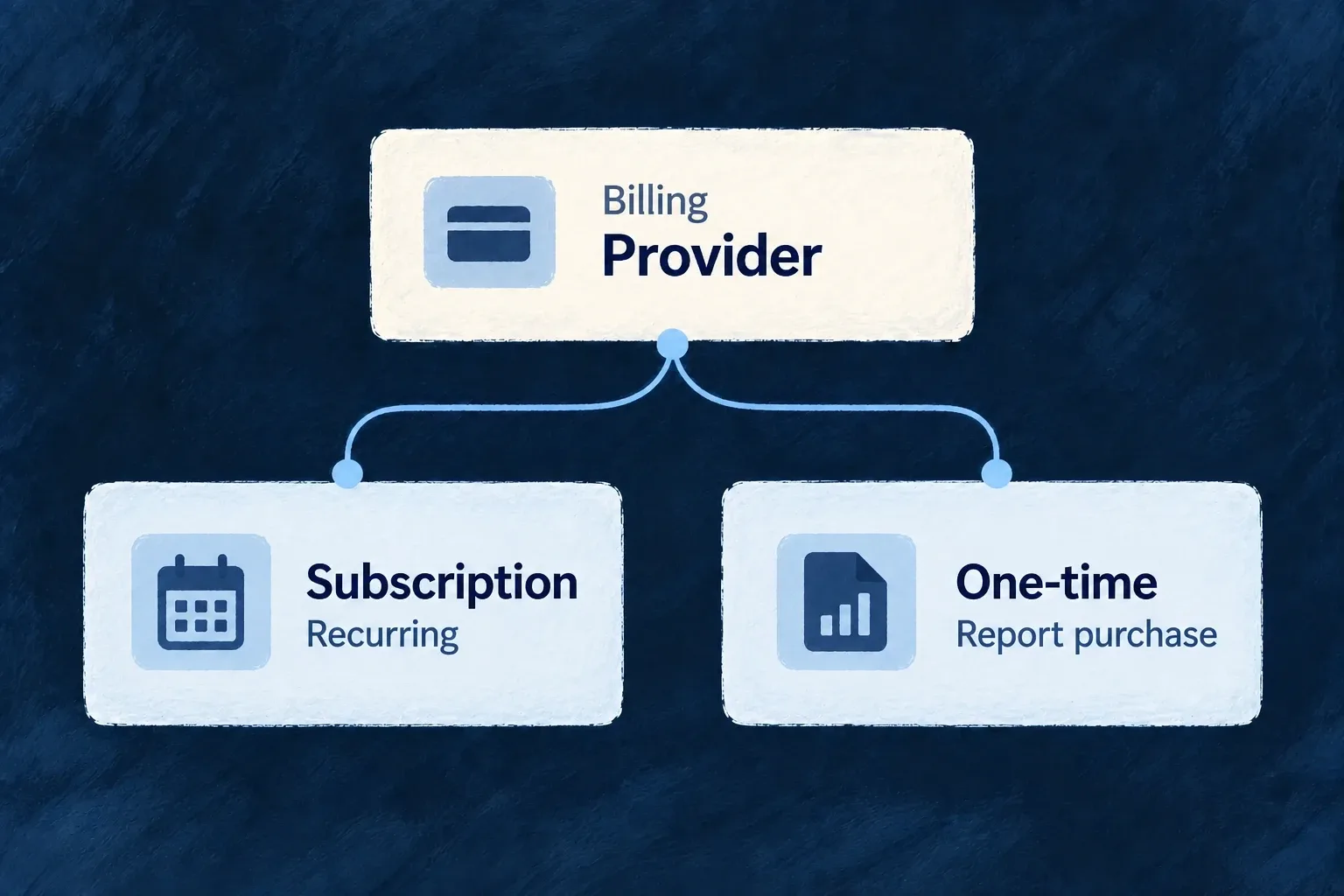
One-time items and credit packs use the same billing provider and hosted checkout as subscriptions. Selecting a separate payment vendor independently of subscription billing is not an available configuration.

Example: Sell a report alongside a subscription

A report can be a one-time item in the product catalogue. Its checkout uses payment mode through the existing billing provider.

A report can be a one-time item in the product catalogue. Its checkout uses payment mode through the existing billing provider.
For engineers

One-time products use the same registered catalogue, scoped account and openCheckout action as plans. Product type selects the checkout mode: PLAN, ADDON and METERED use subscription mode; ONE_TIME, ITEM and CREDIT_PACK use payment mode. An absent price interval describes a non-recurring price.

This complete catalogue entry sells a pack of report credits. Add it to the shared module’s productDefinitions alongside the rest of the catalogue. The identifiers and amounts are an illustrative application offer.

import { ProductType, ResourcePrimaryScope, type ProductDefinition } from '@wildo-ai/saas-models';
import { PricingModel } from '@wildo-ai/external-connectors-models';
import { AvailableCurrency } from '@wildo-ai/zod-decorators';

export const reportCredits: ProductDefinition = {
  key: 'report-credits',
  type: ProductType.CREDIT_PACK,
  targetScopes: [ResourcePrimaryScope.ORGANIZATIONS],
  purchaseConfig: {
    creditsPerUnit: 10,
    creditPoolKey: 'reports',
    maxQuantityPerPurchase: 5,
  },
  prices: [{
    model: PricingModel.FLAT,
    unitPrice: { amount: 1000n, decimals: 2, currency: AvailableCurrency.USD },
    intervalCount: 1,
    isDefault: true,
  }],
};

Resolve the synchronized product by report-credits and its own active price from useBilling(), then call openCheckout(product.key, price._id, { quantity: 2 }). Use the same loading, availability and error handling shown in hosted checkout, but call checkout directly for this pack even if a plan subscription already exists. The example’s two units cost USD 20 before any tax or promotion and correspond to twenty report credits.

Let confirmed payment produce the result

The signed checkout completion path resolves the trusted account and product, validates settlement and deduplicates delivery. For CREDIT_PACK with a creditPoolKey, it computes creditsPerUnit × quantity and tops up that scoped pool. The billing credit view can then show the recorded balance; a checkout redirect alone must not increment it.

ProductCheckoutApplication result
Credit packOne payment, no recurring intervalConfirmed completion tops up the configured credit pool
One-time itemOne payment, no recurring intervalThe application owns fulfillment of the purchased item
PlanSubscription with recurring priceSubscription state and configured grants follow provider events

Credit consumption is separate from purchasing: connect the operation that generates a report to the credit pool mechanism. Calling an item “a report” does not install report generation or delivery.

Keep provider selection on the billing path

Enable EngineCapability.BILLING and configure its provider. There is no independently selectable payment-provider contract; the retired BILLING_PAYMENTS name is not an alternative vendor slot. One-time checkout uses the billing provider already connected to this account.

Follow the customer’s subscription Feature

Keep the selected plan, add-ons, trial dates and cancellation state together. Wildo connects customer actions with the provider and updates local subscription records as provider events arrive.

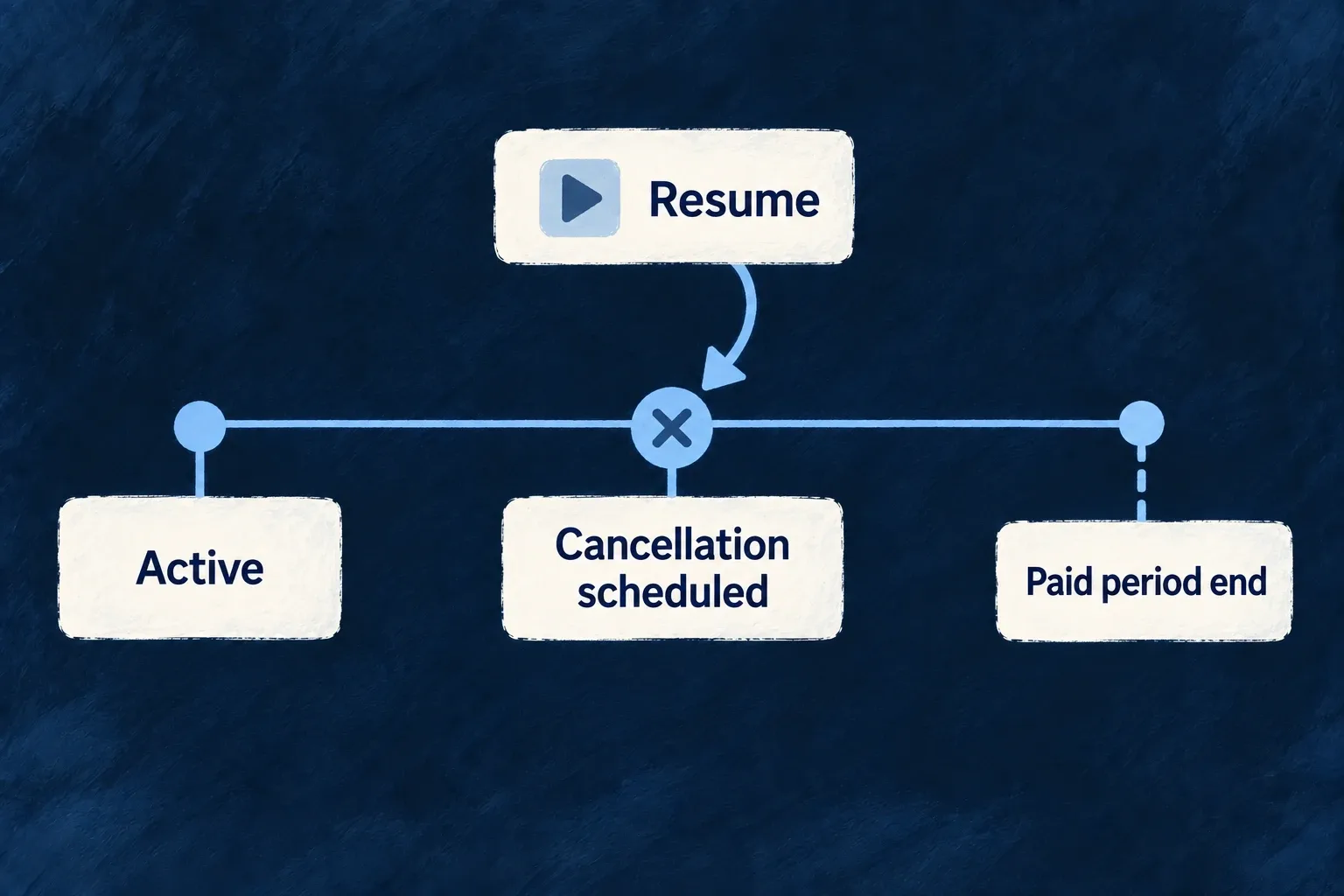
Example: Cancel at the end of the paid period

A customer requests cancellation while retaining the current paid period. Before it ends, a permitted resume action can remove the pending cancellation.

Cancellation may be scheduled for the end of the paid period, with a permitted resume action before that date.
For engineers

Use the scoped subscription operations, not a generic update of status or items. This complete teaching hook exposes the five actions independently. Mount its consumer under the normal resource registry and BillingProvider, passing the active organization, its billing account ID and subscription ID. Resolve the account from available useBilling().billingAccount state before mounting the consumer. Backend authorization still decides whether this person may mutate that subscription.

import { useState } from 'react';
import { useBilling, useResourceRegistry } from '@wildo-ai/saas-frontend-lib';
import {
  BillingSubscription_Operations, CoreResourceType, DataMode, ResourceOperationVariantType,
  BillingSubscription_CancelRequestDto, BillingSubscription_ChangePlanRequestDto,
  BillingSubscription_AddAddonRequestDto, BillingSubscription_RemoveAddonRequestDto,
  type BillingSubscriptionBase,
} from '@wildo-ai/saas-models';

type SubscriptionResult = Pick<BillingSubscriptionBase,
  '_id' | 'status' | 'cancelAtPeriodEnd' | 'currentPeriodEnd'>;

export function useOrganizationSubscription(organizationId: string, organizationBillingAccountId: string, organizationSubscriptionId: string) {
  const { doOperation } = useResourceRegistry();
  const billing = useBilling();
  const [busy, setBusy] = useState(false);
  const [failed, setFailed] = useState(false);
  const [result, setResult] = useState<SubscriptionResult | null>(null);
  async function run(operationIdentifier: BillingSubscription_Operations, request: () => Record<string, unknown>) {
    setBusy(true); setFailed(false); setResult(null);
    try {
      const updated = await doOperation<SubscriptionResult>({
        resourceIdentifier: CoreResourceType.ORGANIZATION_SUBSCRIPTIONS,
        operationIdentifier,
        variantType: ResourceOperationVariantType.API_CALL,
        isOperationDefault: true,
      }, {
        contextualParameters: { organizationId, organizationBillingAccountId, organizationSubscriptionId },
        requestData: request(),
        dataMode: DataMode.RAW,
      });
      setResult(updated);
      billing.refetch();
    } catch { setFailed(true); }
    finally { setBusy(false); }
  }
  return {
    busy, failed, result,
    cancel: () => run(BillingSubscription_Operations.CANCEL,
      () => BillingSubscription_CancelRequestDto.parse({ cancelImmediately: false })),
    resume: () => run(BillingSubscription_Operations.RESUME, () => ({})),
    changePlan: (newProductKey: string, newPriceId: string) => run(BillingSubscription_Operations.CHANGE_PLAN,
      () => BillingSubscription_ChangePlanRequestDto.parse({ newProductKey, newPriceId })),
    addAddon: (addonProductKey: string, priceId: string) => run(BillingSubscription_Operations.ADD_ADDON,
      () => BillingSubscription_AddAddonRequestDto.parse({ addonProductKey, priceId })),
    removeAddon: (addonProductKey: string) => run(BillingSubscription_Operations.REMOVE_ADDON,
      () => BillingSubscription_RemoveAddonRequestDto.parse({ addonProductKey })),
  };
}

export function CancelAtRenewal({ organizationId, billingAccountId, subscriptionId }: { organizationId: string; billingAccountId: string; subscriptionId: string }) {
  const action = useOrganizationSubscription(organizationId, billingAccountId, subscriptionId);
  return <section>
    <button disabled={action.busy} onClick={action.cancel}>Cancel at renewal</button>
    {action.failed && <p role="alert">Cancellation failed. Check the current subscription before trying again.</p>}
    {action.result && <p>{action.result.cancelAtPeriodEnd
      ? 'Cancellation is scheduled at period end.' : 'Subscription updated.'}</p>}
  </section>;
}

The result type is a projection of public fields used by this screen, not the complete backend record. Mount the example with a key derived from organization, billing account and subscription IDs to reset local feedback when the active customer changes. Only show actions after the subscription slice is available. Customer-facing labels here are illustrative; the application supplies translated wording and its confirmation interaction.

The example requests period-end cancellation explicitly. An omitted timing uses product/application policy. An immediate request forbidden by the product is refused, not silently changed to period end. The result reports the updated subscription; it does not assert that every asynchronous entitlement consumer has already refreshed.

Choose one action and inspect its result
ActionInput from the screenResult to check
CancelExplicit timing, optionally a reasoncancelAtPeriodEnd for a scheduled cancellation, or terminal status for immediate cancellation
ResumeNo business payload; existing subscription in contextPending cancellation is cleared; calling resume without a pending cancellation is refused
Change planSelected product key and one of that product’s local price IDsUpdated subscription and refreshed current plan
Add add-onAdd-on product key and its local price IDRefreshed subscription items include the add-on
Remove add-onExisting add-on product keyRefreshed items retain the other products

These are alternatives initiated by separate user decisions, not a sequence to run together. The request schemas validate each payload. Resolve selected products and their own prices through the billing context before calling changePlan or addAddon; provider price_… identifiers are not the local price IDs expected here. For personal subscriptions use USER_SUBSCRIPTIONS and { userId, userBillingAccountId, userSubscriptionId }.

Let provider events complete the picture

Webhook handling reconciles status and billing-period bounds. The billing context refetches on relevant scoped events. The browser returning from checkout is not evidence that the subscription has become active.

Plan change validates the new product and price, preserves the intended plan/add-on distinction and sends proration to the provider. A declared period-end plan-change timing is not a subscription schedule in the current Stripe adapter. Use the policy guide when designing changes; cancellation timing and plan-change scheduling are different contracts.

Remove an add-on without changing the other items

For example, removing extra storage should leave the plan and a seats add-on intact. Invoke REMOVE_ADDON with the storage product’s addonProductKey. The handler requires an add-on product (a plan key is refused), resolves it even if retired, locates its subscription entries and requires their recorded provider item IDs. A missing ID refuses the operation before provider mutation; it never guesses from the position of an item.

After those checks, the handler sends explicit deletions and returns the surviving local items:

const provider = getBillingProvider();
await provider.updateSubscription(subscription.providerSubscriptionId, {
  removedProviderSubscriptionItemIds,
});

return { items: remainingItems };

The Stripe adapter translates those IDs into items: [{ id, deleted: true }]. Unmentioned items remain unchanged at the provider. Only after that call succeeds does the resource operation persist the remaining local entries. This is a provider update, not a request to replace the entire remote item list.

Keep existing subscription item identities

Plan changes preserve the known provider item ID. Changing a plan or adding an add-on requires every existing item to have its provider item ID recorded; otherwise the operation refuses before contacting the provider. This prevents an existing line from being mistaken for a new purchase.

A new line carries a backend-generated correlation key. The provider returns its created item ID under that key, and the operation records it immediately with the local line. Consecutive changes therefore keep targeting the same provider items without waiting for a webhook. Missing identities in older records still require an explicit repair; routine status reconciliation does not repair item identities. Neither price nor array position is used to guess an ID.

Let customers manage their payment details Feature

Open the billing provider’s customer portal from the application. Customers can use the provider’s configured tools for payment methods and billing documents without your application handling card details.

Example: Replace an expiring card

A customer opens billing settings, enters the provider portal and updates the payment method associated with the workspace’s billing account.

A customer opens billing settings, enters the provider portal and updates the payment method associated with the workspace’s billing account.
For engineers

useBilling().openCustomerPortal() calls the scoped account’s OPEN_PORTAL operation and follows its returned URL. Render the action after billing state has loaded and the correct payer is selected. The account must already have a provider customer ID.

The backend operation uses the current authorized account, not a caller-supplied provider customer:

The following selected excerpt is from billing-account.mutations.custom-impl.backend.service.ts; the surrounding module and explanatory source comments are omitted.

const result = await provider.createCustomerPortalSession(
  billingAccount.providerCustomerId,
  input.returnUrl,
);
return { url: result.url };

The surrounding handler checks that the provider customer exists. The Stripe adapter creates a portal session with that customer and the application’s return URL. Configure which portal features the provider offers; opening a session does not author those settings.

Keep invoice documents behind their intended access path

The local invoice list carries status and totals, while hosted invoice and PDF URLs are backend-only fields. Use the portal for customer access to provider billing documents rather than projecting those links into a generic response.

Changes performed at the provider can arrive through billing webhooks. Refresh local billing state when the customer returns, and keep application subscription actions aligned with the provider portal options you enable. A portal is a provider-managed surface, not a second independently implemented payment settings screen.

Keep the financial picture coherent

Let payment events update the application Mechanism

Bring provider payment activity back into customer billing state. Wildo verifies incoming events, identifies the billing account and updates the corresponding subscription, invoice or completed purchase.

Example: Confirm a purchase after checkout

The provider sends a checkout-completed event. Wildo checks its account and purchase metadata before applying the purchase, then the application can refresh its billing view.

The provider sends a checkout-completed event. Wildo checks its account and purchase metadata before applying the purchase, then the application can refresh its billing view.
For engineers

Enable the billing provider on the backend with both BILLING_PROVIDER and WEBHOOK_ORIGINATOR. Supply the provider signing secret and run wildo config sync. The provider module registers POST /api/v1/webhooks/stripe/billing; configure the provider or a local event forwarder to reach it. Keep the raw request body available for signature verification.

The billing adapter verifies the request through the selected provider implementation:

The following selected excerpt is from billing-webhook-adapter.backend.service.ts; the surrounding module and explanatory source comments are omitted.

verifySignature(
  rawBody: string | Buffer,
  signatureHeader: string,
  secret: string,
): boolean {
  return this.billingProvider.verifyWebhookSignature(
    typeof rawBody === 'string' ? rawBody : rawBody.toString('utf-8'),
    signatureHeader,
    secret,
  );
}

After verification, the adapter normalizes the event and retains its native event type and payload for scope resolution. The Stripe module matches data.object.customer against the account’s providerCustomerId across the enabled billing variants. A browser-supplied organization ID is not that authority.

Let each event perform its own work

Subscription events reconcile status and period bounds; invoice events upsert totals and status. Checkout completion checks reserved metadata against the resolved account before granting products or credits. The settlement path uses a persisted claim keyed by completion identity to avoid granting the same purchase again; it refuses a grant without a deduplication identity.

Do not translate that into a promise that every arbitrary side effect is exactly-once. Custom work must preserve its own failure and replay semantics. Provider-only fields are written through the trusted backend update path, so identifiers needed by subsequent events survive schema filtering. Inspect event delivery and the resulting resource state when integrating: reaching the endpoint is not proof that a purchase was reconciled.

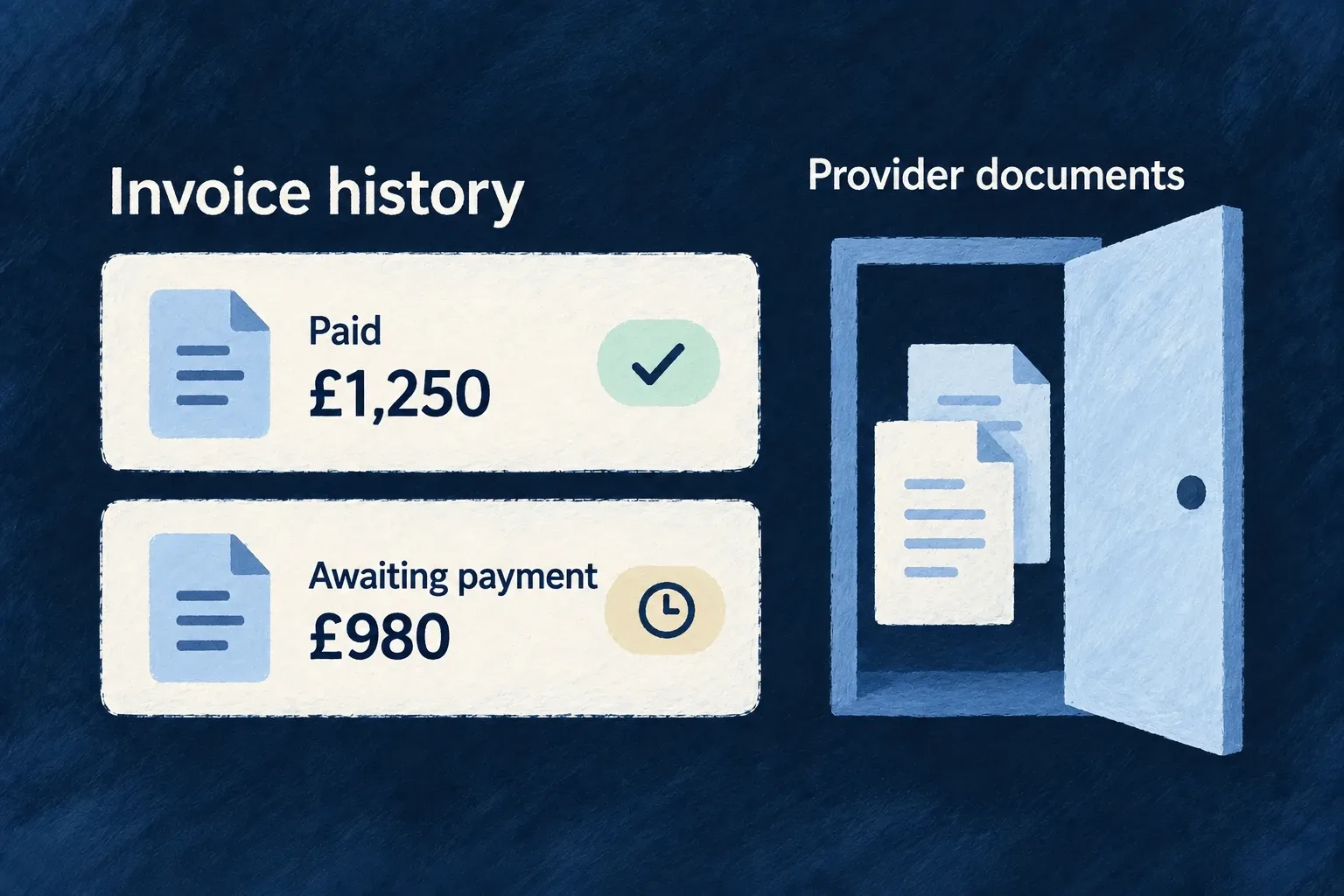
Keep invoice history close to the customer Feature

Bring provider invoice status and totals into the application’s billing history. Wildo stores a scoped reference to each invoice while the billing provider remains responsible for the document itself.

Example: See an unpaid invoice without losing its amount

An invoice awaiting payment still shows the full invoice total. Payment status changes without replacing that total with the amount collected so far.

An invoice awaiting payment still shows the full invoice total. Payment status changes without replacing that total with the amount collected so far.
For engineers

useBilling().invoices contains the most recent fifty references. Check isSliceAvailable(BillingStateSlice.INVOICES) before interpreting an empty list. For a longer history, use the invoice resource’s scoped LIST operation.

This complete teaching component loads one page for an organization the caller is authorized to access. Mount it with a key derived from organization and billing account IDs when changing customers, so page state resets. The response type projects only fields used here; it does not claim that backend-only provider identifiers or hosted document URLs are public DTO fields. The application owns translations, amount formatting and visual components.

import { useEffect, useState } from 'react';
import { useResourceRegistry } from '@wildo-ai/saas-frontend-lib';
import {
  CoreResourceType, CoreResourceOperation, ResourceOperationVariantType, DataMode,
  type InvoiceRef, type Resources_PaginatedResult,
} from '@wildo-ai/saas-models';

type InvoiceRow = Pick<InvoiceRef, '_id' | 'status' | 'total' | 'createdAt'>;
type InvoicePage = Resources_PaginatedResult<InvoiceRow>;

export function OrganizationInvoiceHistory({ organizationId, organizationBillingAccountId }: { organizationId: string; organizationBillingAccountId: string }) {
  const { doOperation } = useResourceRegistry();
  const [page, setPage] = useState(1);
  const [retry, setRetry] = useState(0);
  const [result, setResult] = useState<InvoicePage | null>(null);
  const [loading, setLoading] = useState(true);
  const [failed, setFailed] = useState(false);
  useEffect(() => {
    let current = true;
    setLoading(true);
    setFailed(false);
    setResult(null);
    doOperation<InvoicePage>({
      resourceIdentifier: CoreResourceType.ORGANIZATION_INVOICE_REFS,
      operationIdentifier: CoreResourceOperation.LIST,
      variantType: ResourceOperationVariantType.API_CALL,
      isOperationDefault: true,
    }, {
      contextualParameters: { organizationId, organizationBillingAccountId },
      queryParameters: { page, limit: 20, sort: 'createdAt:desc' },
      dataMode: DataMode.RAW,
    }).then(value => { if (current) setResult(value); })
      .catch(() => { if (current) setFailed(true); })
      .finally(() => { if (current) setLoading(false); });
    return () => { current = false; };
  }, [doOperation, organizationId, organizationBillingAccountId, page, retry]);

  if (loading) return <p>Loading invoices…</p>;
  if (failed || !result) return <button onClick={() => setRetry(value => value + 1)}>Reload invoices</button>;
  return <section>
    <p>Page {page} — {result.pagination.total} invoices</p>
    <ul>{result.data.map(invoice => <li key={invoice._id}>
      {invoice._id}: {invoice.status}
    </li>)}</ul>
    {result.data.length === 0 && <p>No invoices on this page.</p>}
    <button disabled={page <= 1} onClick={() => setPage(value => value - 1)}>Previous</button>
    <button disabled={page >= result.pagination.totalPages}
      onClick={() => setPage(value => value + 1)}>Next</button>
  </section>;
}

The route is derived from the registered operation, with organization and billing-account context kept separate from pagination. Read the account ID from available useBilling().billingAccount state; do not render the history component until that account exists. The backend checks authorization; the component does not grant access by knowing an ID. For personal billing use USER_INVOICE_REFS with userId and userBillingAccountId, under that scope’s permissions. LIST is the browser API surface; the invoice resource’s internal SEARCH operation is not a replacement browser endpoint.

Preserve the meaning of the invoice

Finalized, paid and payment-failed provider events upsert invoice references for the resolved billing account. total remains the invoice total even when payment is outstanding; it is not replaced with the amount collected so far. Format its money value through the application’s normal money presentation and translate status using its registered labels.

The loading and error branches above distinguish “not read” from “no invoices.” The returned pagination metadata decides whether another page exists; a short aggregate or a locally filtered list is not a complete accounting history.

Open documents through the customer portal

Hosted invoice/PDF locations remain backend-only and are removed during subject erasure. Use useBilling().openCustomerPortal() for customer document access, with the same action error feedback as hosted checkout. Financial references can survive customer closure without exposing the original personal document to every API consumer.

Build billing screens from one customer view Mechanism

Read the customer’s account, subscription, catalogue, invoices, usage and credits together. The shared billing context keeps standard components and custom screens working from the same scoped state.

Example: Show a plan beside its allowance

A workspace’s billing screen shows its current plan, recent invoices and recorded usage together, without each panel deciding which customer to load.

A workspace’s billing screen shows its current plan, recent invoices and recorded usage together, without each panel deciding which customer to load.
For engineers

Use useBilling() inside BillingProvider; use useBillingSafe() for a component that can appear without billing. The provider resolves the active payer and calls the scoped account’s GET_STATE operation. A successfully checked, absent account can be created through the billing account service path. A failed account lookup never counts as absence and does not trigger account creation.

Separate displayed offers from held products

The aggregate can retain a retired product because the customer’s subscription still references it. Its backend acquirableProductKeys distinguishes active purchase candidates, but the current useBilling() interface does not expose that field. For custom UI, use the supported context projection below: the returned products, their activity/visibility/scope fields and currentPlanProduct. The backend still validates every attempted purchase.

This complete component deliberately shows keys for inspecting the contract. A customer-facing screen should resolve product names from the application’s billing labels.

import { useBilling } from '@wildo-ai/saas-frontend-lib';
import { BillingStateSlice } from '@wildo-ai/saas-models';

export function OfferProjection() {
  const billing = useBilling();
  if (billing.isLoading) return <p>Loading offers…</p>;
  if (billing.error) return <button onClick={billing.refetch}>Reload billing</button>;
  if (!billing.isSliceAvailable(BillingStateSlice.PRODUCTS) || !billing.currentScope) {
    return <button onClick={billing.refetch}>Offers unavailable — retry</button>;
  }
  const scope = billing.currentScope;
  const candidates = billing.products.filter(product =>
    product.isActive !== false && product.targetScopes.includes(scope));
  const publicOffers = candidates.filter(product => product.isPublic);
  const subscriptionKnown = billing.isSliceAvailable(BillingStateSlice.SUBSCRIPTION);
  const heldPlan = subscriptionKnown ? billing.currentPlanProduct : null;

  return <section>
    <h3>Public purchase candidates</h3>
    <ul>{publicOffers.map(product => <li key={product.key}>{product.key}</li>)}</ul>
    {publicOffers.length === 0 && <p>No public offer in this scope.</p>}
    {!subscriptionKnown ? <p>Current subscription unavailable.</p>
      : <p>Current plan: {heldPlan?.key ?? billing.currentPlanKey ?? 'No plan'}</p>}
  </section>;
}
DistinctionMeaning for the interface
PublicMay appear in the public offer list; this is visibility, not permission
Purchase candidateActive and applicable to the payer scope; price and server-side checks still apply
Already heldReferenced by the current subscription, including a retired offer; show it without advertising a new purchase

isActive !== false follows the server’s acquisition predicate, including its treatment of an absent activity value. The public listing adds its own visibility filter. Do not label a product “free” because prices failed to load: read the price slice before interpreting its contents.

Distinguish empty from unavailable

A successful response includes availability for the billing account, subscription, products, prices, invoices, usage, credit pools and active promotions. AVAILABLE means the read succeeded: an empty invoice list really means no invoices were returned. UNAVAILABLE means the slice could not be established; its empty fallback is not evidence that the customer has no invoices, no subscription or no remaining credits.

Use isSliceAvailable(BillingStateSlice.INVOICES) from the billing context before interpreting an invoice list. Keep healthy sections visible, show an unavailable state for the affected section, and offer refetch. Do not replace the whole billing screen with an error when other slices remain usable.

Availability also follows dependencies. When the subscription cannot be read, usage is unavailable because its billing period is unknown. When products cannot be read, active promotions are unavailable because eligibility depends on the catalogue. Per-slice responses contain availability states, not underlying storage errors; request-wide failures still use the normal error path.

Keep loading and updates visible

The context exposes isLoading, error and refetch, clears previous state when scope changes and listens for billing events belonging to the active account and scope. Standard components consume it; a custom screen should use the same loading/error state and refresh action.

Invoices are limited to the latest fifty in this aggregate. Usage appears only when the application records it. Credits and promotions are their own recorded systems, not estimates derived from the plan label. The aggregate is a convenient read model, while authorization, purchase validation and entitlement enforcement remain backend responsibilities.

Keep each customer’s billing separate Guarantee

Workspace and personal billing use distinct scoped accounts and records. Wildo checks the account behind a request and resolves provider events back to that account, so a purchase stays with the customer it belongs to.

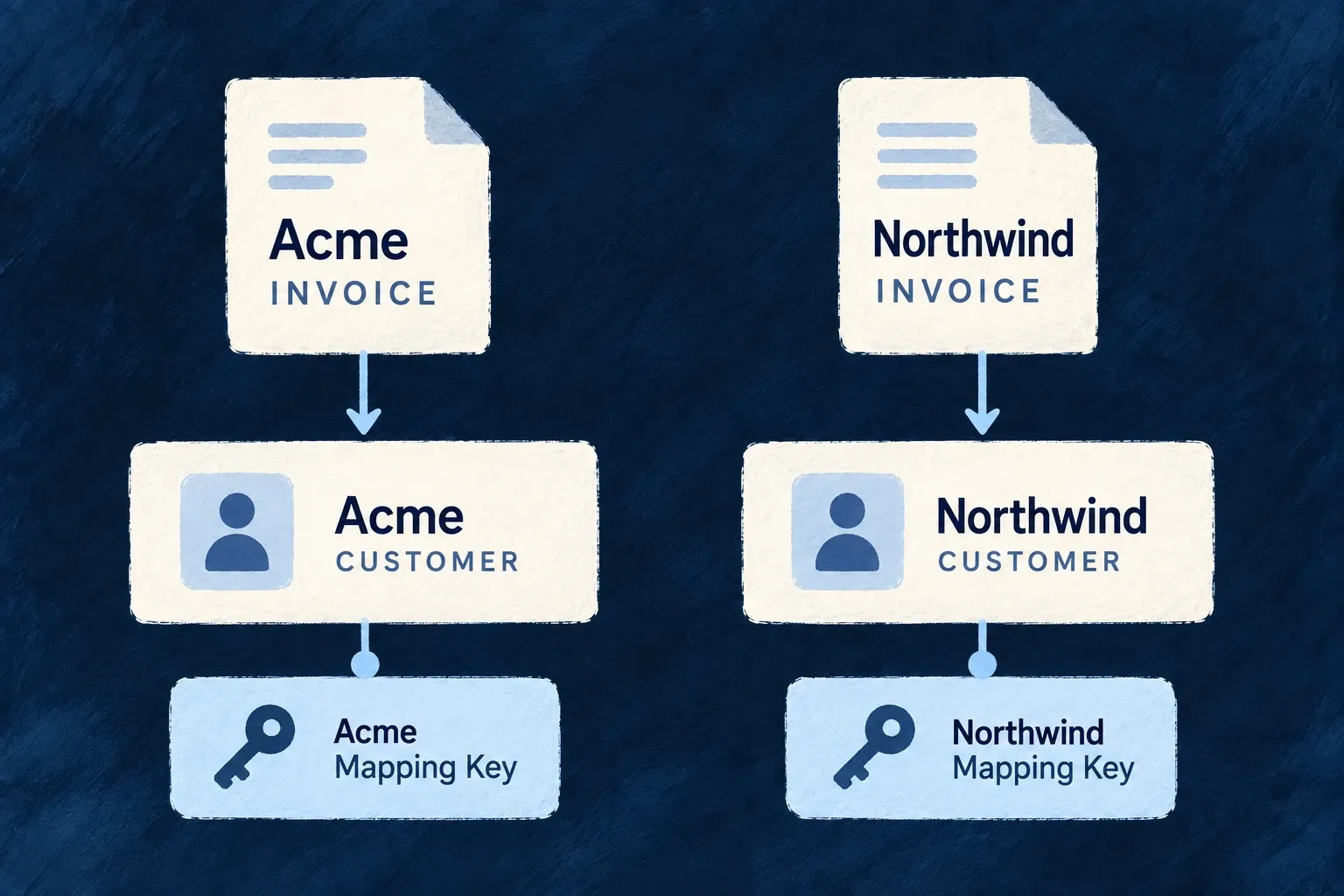
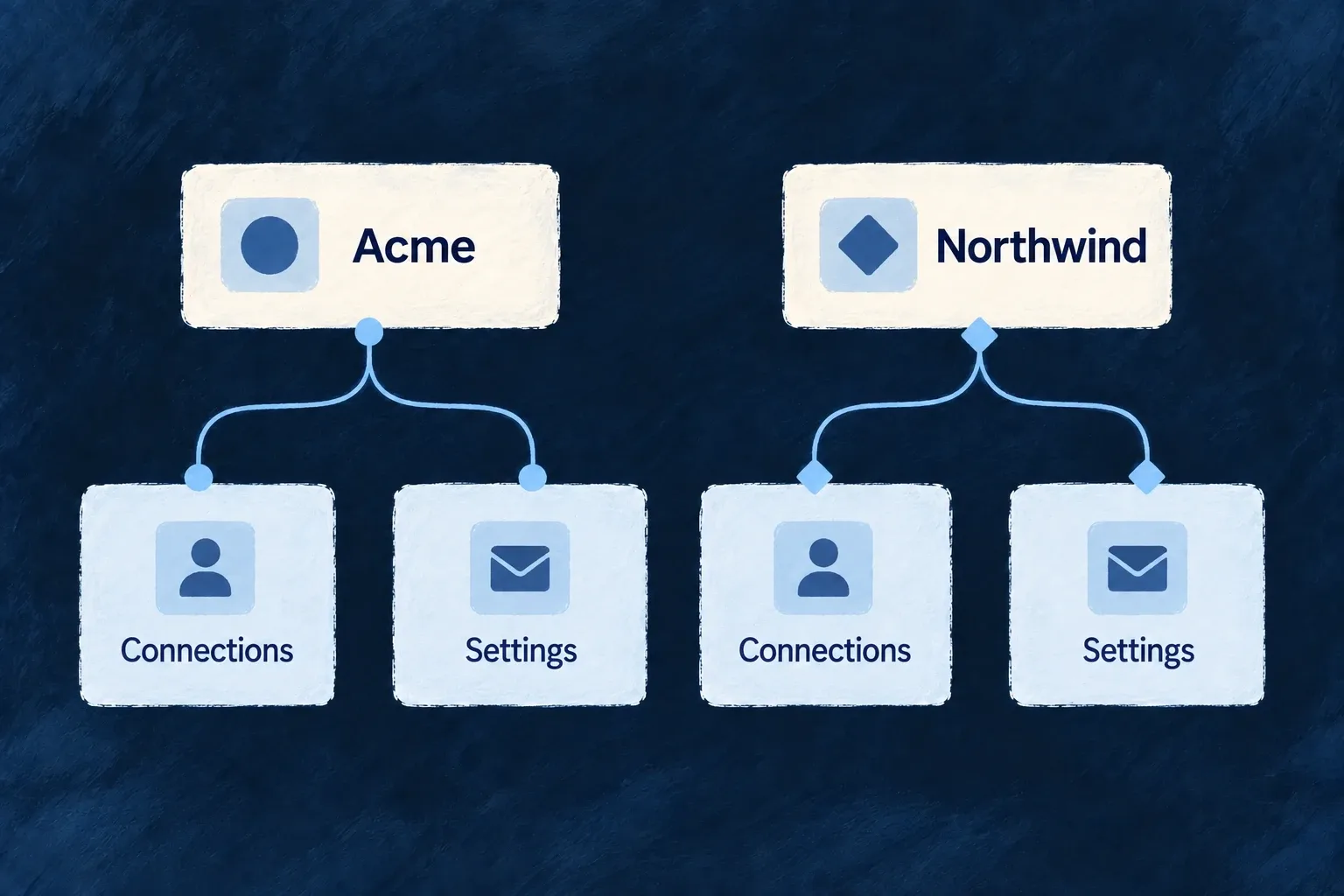
Example: Keep Acme’s invoice in Acme

A member working in Acme cannot select Northwind’s account simply by changing an account identifier. Provider events also resolve through the customer mapping rather than trusting an echoed workspace ID.

A member working in Acme cannot select Northwind’s account simply by changing an account identifier. Provider events also resolve through the customer mapping rather than trusting an echoed workspace ID.
For engineers

Application billing uses organization and user variants for accounts, subscriptions, invoices, usage and credits. The frontend chooses the current payer; resource authorization checks the request. Do not replace those operations with an unscoped repository lookup from a browser-supplied ID.

The state service adds a scope check before its internal reads:

The following selected excerpt is from billing-state.backend.service.ts; the surrounding module and explanatory source comments are omitted.

const principalScopeId = (executionContext as unknown as Record<string, unknown> | undefined)?.[variants.scopeKey];
if (principalScopeId !== undefined && principalScopeId !== null && String(principalScopeId) !== String(scopeEntityId)) {
  throw this.errorBuilder.buildError(ErrorType.AUTHORIZATION, executionContext, {
    context: {
      message: 'billing getState scopeEntityId does not match the authenticated principal scope',
      scopeType,
    },
  });
}
const billingAccount = await this.resolveOrCreateBillingAccount(variants, scopeEntityId);

A bound authenticated scope must match the requested scope entity. System/internal contexts without a bound scope can perform legitimate cross-account work; this check does not claim those trusted operations are tenant-restricted.

Check event identity independently of its signature

The provider module binds incoming events through data.object.customer and the local providerCustomerId. Checkout metadata is compared with that authoritative account; it does not choose the owner. Checkout also validates product scope and product/price binding before creating a provider session.

These checks cover distinct paths: a signed webhook proves origin, resource scope authorizes a human request, and the provider-customer mapping identifies the financial owner. The application must retain those paths when adding custom billing operations. A new direct repository or provider call needs its own explicit authorization and account resolution.

Handle the end of the relationship

Keep financial history connected after closure Guarantee

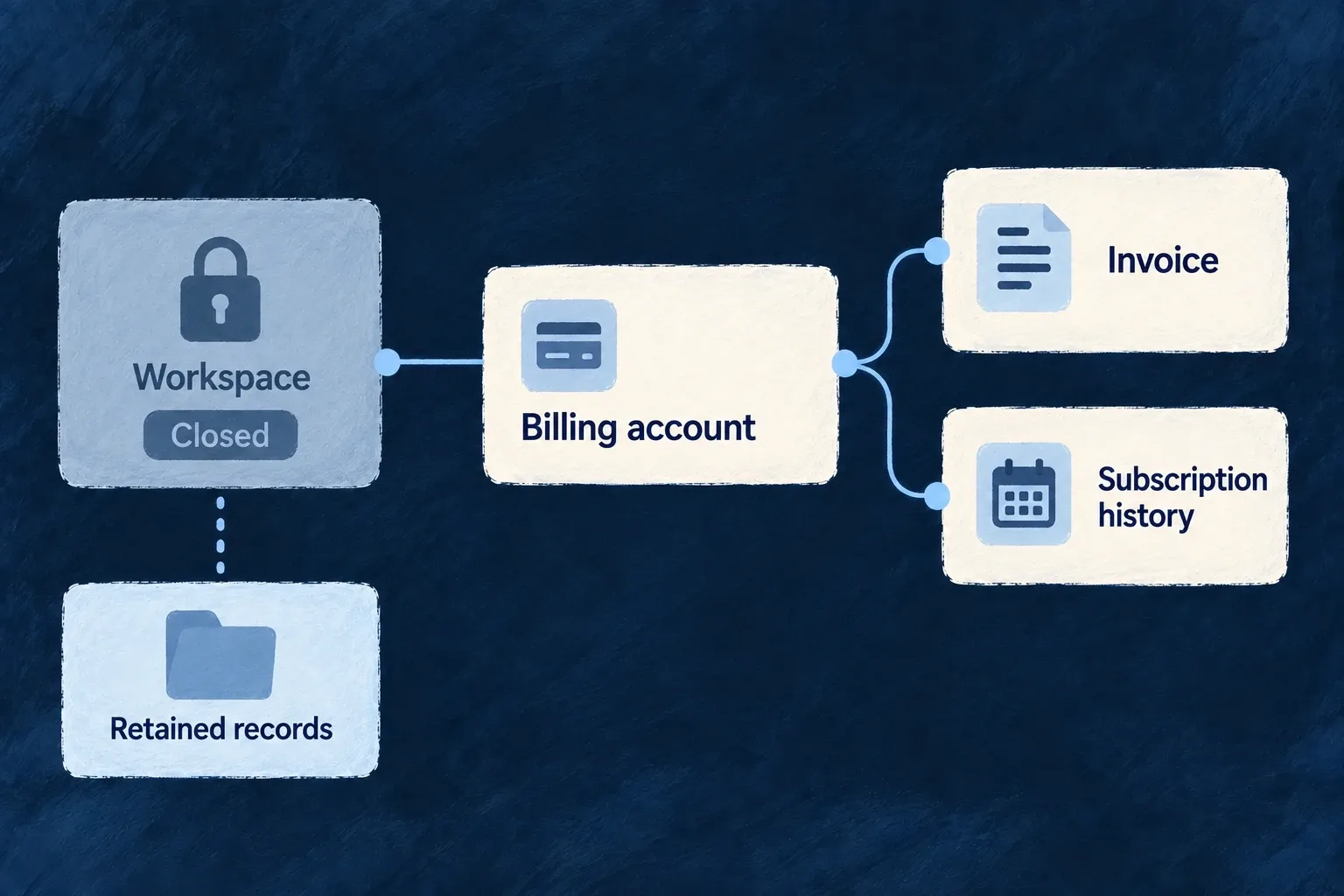
Closing a customer account should not scatter its financial history. Wildo retains the billing records and their account relationships, so invoices, subscriptions and usage remain attributable after the owning workspace is removed.

Example: Close a workspace and retain its invoice history

The workspace closes, while the retained billing account still connects its invoices and subscription records for accounting follow-up.

The workspace closes, while the retained billing account still connects its invoices and subscription records for accounting follow-up.
For engineers

The core relationship registry disables parent-delete cascades for billing accounts and financial child families. The invoice scope relationship is one example:

The following selected excerpt is from resources-registry.shared.core.definitions.ts; the surrounding module and explanatory source comments are omitted.

...createPolymorphicScopeRelationships(invoiceRefsPolymorphicDeclaration, {
    nature: RelationshipNature.COMPOSITION,
    childOperations: { lifecycle: { onParentDelete: { enabled: false } } }, // RETAIN (compliance decision 2026-07-29) — see the billing-retention note above.
}),

The same policy connects each variant’s account to its financial children. These records are retained rather than moved behind a generic hidden/frozen resource state, because accounting still needs ordinary access to them.

Do not delete the financial anchor directly

The billing account’s internal delete handler checks subscriptions, invoice references, usage records and credit pools before allowing deletion. It requires a single addressed account and refuses deletion while dependents exist. A bulk address cannot bypass the scan by failing to name a particular account.

Use the normal scope lifecycle and subject-erasure operations, not a direct repository purge. Personal-data erasure and financial retention have different effects: the person’s identifying data can be treated while financial amounts and relationships remain. Provider-side erasure also keeps the provider customer identity resolvable for retained records.

The application still determines its applicable retention obligations and operating procedures. This mechanism preserves the declared financial relationships; it does not choose a universal legal retention duration or imply that every custom table has the same treatment.

Remove billing identity without breaking retained invoices Feature

A billing customer can carry personal details as well as links to financial records the operator needs to preserve. Wildo’s billing erasure effect handles the personal side without deleting the customer record that retained invoices depend on.

The resulting receipt identifies the provider steps that completed and any that need follow-up.

Example: Close a subscriber’s personal billing data

The application erases an individual account. Its billing effect cancels relevant subscriptions, scrubs the provider customer and detaches payment methods, while leaving retained invoices linked to the preserved customer record.

Billing-subject treatment stops the subscription while preserving the separately retained invoice history.
For engineers

Backend startup registers the billing effect when the relevant billing services are available. It resolves billing accounts for the subject and delegates through the configured billing provider. This actual effect fragment shows the ordered actions and the complete-result boundary:

Source: billing-subject-erasure-effect.backend.ts (selected excerpt).

        await cancelSubscriptions(provider, dependencies, variants, account._id, steps);
        await anonymizeCustomer(provider, providerCustomerId, steps);
        await detachPaymentMethods(provider, providerCustomerId, steps);
      }

      const failed = steps.filter((step) => !step.succeeded);
      if (failed.length === 0) {
        return {
          effectRef: BILLING_SUBJECT_ERASURE_EFFECT_REF,
          status: SubjectErasureExternalEffectStatus.COMPLETED,
          detail:
            `Provider-side erasure completed for ${accounts.length} billing account(s): subscriptions cancelled, `
            + `customer anonymized, payment methods detached. The customer record was KEPT (anonymized) so the `
            + `retained invoices remain attributable.`,
          steps,
        };
      }

The effect never calls deleteCustomer. Retaining the provider customer keeps invoice attribution intact; the provider implementation scrubs the supported personal customer fields instead. An absent billing account produces NOTHING_TO_ERASE. An unsynced local account contributes a successful skip-unsynced-billing-account step; the overall result still reflects the other accounts and steps.

The effect applies to USERS and USER_SELF and checks that user billing is registered before reading accounts. It selects the user-scoped billing variant; an employee account is not a reason to cancel an organisation’s shared subscription. Application builders should verify their billing subject ownership before extending the effect.

Each action records its own outcome. A failed provider step produces a partial receipt after local erasure, with details for provider-side follow-up. Verify provider state independently when completing the operational request. Financial retention purposes and periods are operator decisions; this mechanism preserves the relationship needed to implement them.

Connect what customers buy to what they can do

A plan defines access and allowances. Entitlements carry those decisions into the application; usage records and credit balances describe what customers consume.

Wildo connects these records to billing and the standard interface. You choose the offer, the protected actions and what counts as paid work.

Customer access, measured usage and prepaid credits describe different parts of the commercial model.

Make the commercial model part of the experience

Package access without hard-coding plan names

Give plans and add-ons named features and allowances. Keep customer-specific agreements separate so subscription changes preserve them.

Explain the next step

Show an upgrade, an add-on or an administrator request when access is missing. Keep the same requirement on the backend operation.

Match charging to the work

Record completed quantities for usage billing, or spend from a prepaid balance. Promotions adjust an offer; referral records support the workflow your application owns.

Example: Combine a team plan with paid document work

A customer’s plan includes reporting and a project allowance. A member without reporting sees an administrator prompt. Document work can be charged from measured output or a prepaid credit pool, while a negotiated feature stays recorded separately from the subscription.

For engineers

Follow one feature into everyday use

The Professional product in Wonder Todos grants ApplicationFeature.ADVANCED_REPORTS. Its registered feature definition belongs to organisation scope. Once a subscription contributes that grant, the application still needs consumers that ask for it: a product name alone protects no report.

StepOwning contractResult for the customer
Describe reportingRegistered feature definitionOne identifier and an unavailable-state policy
Include it in an offerProduct grantedFeaturesThe offer can contribute reporting to its owner
Apply the subscriptionBilling synchronization of the owner’s ledgerPlan-derived grants remain separate from manual exceptions
Resolve accessDefaults, applicable profile, grants, overrides and request scopesThe effective decision used by consumers
Open a reportProtected operation and interface gatePermission is enforced and the next step is explained

The default feature profile applies only while billing is disabled. A stored grant is an input to resolution, not a replacement for it. A manual exception can also grant reporting, so consumers should check the feature rather than compare plan names.

Require the same feature on both sides

Complete illustrative resource-operation entry: place reportRead under operations[CoreResourceOperation.READ] on an organisation-scoped report resource. The feature identifier comes from the reference application; this does not claim that Wonder Todos ships the illustrative report resource.

import {
  CORE_ORG_ROLES,
  CoreResourceOperation,
  ResourceOperationRiskLevel,
  ResourceOperationVariantType,
  type OperationConfig_ForKey,
} from '@wildo-ai/saas-models';
import { ApplicationFeature } from '@wonder-todos/shared-lib';

export const reportRead: OperationConfig_ForKey<CoreResourceOperation.READ> = {
  variants: [{
    variantType: ResourceOperationVariantType.API_CALL,
    isDefault: true,
    riskLevel: ResourceOperationRiskLevel.LOW,
    roles: [CORE_ORG_ROLES.ORG_MEMBER],
    requiredFeatures: [ApplicationFeature.ADVANCED_REPORTS],
  }],
};

The resource supplies its schema, owner scope and normal read behavior. The original authenticated external request must satisfy both record authorization and the feature requirement. Internal or public execution follows different gate rules; do not substitute an elevated context to check a customer’s purchased access.

The corresponding complete interface wrapper uses the same feature. Place it in the normal application provider tree, with report content supplied by its parent:

import type { ReactNode } from 'react';
import { FeatureGate } from '@wildo-ai/saas-frontend-lib';
import { ApplicationFeature } from '@wonder-todos/shared-lib';

export function CustomerReports({ children }: { children: ReactNode }) {
  return (
    <FeatureGate featureId={ApplicationFeature.ADVANCED_REPORTS}>
      {children}
    </FeatureGate>
  );
}

An eligible customer sees the content; the configured unavailable-state policy can guide an administrator toward an upgrade or a member toward their administrator. The frontend’s loading behavior is optimistic, so protected data must still come through the authorized backend operation. The wrapper is presentation, not a confidentiality boundary.

Check the joined behaviorExpected result
Member has reporting and record permissionThe external READ may proceed
Member lacks effective reportingThe backend refuses the protected request; the interface explains the configured next step
Reporting is granted but record permission is missingResource authorization still refuses access
A required uncached entitlement read failsThe backend cannot establish access; it must not convert the failure into permission

See feature definitions and requirements, interface policies and stored versus effective access for the full contracts. Numeric allowances have their own counting or service checks; adding a boolean requirement does not enforce a quota.

Keep the financial mechanisms distinct

MechanismWhat it answersWhat must consume it
EntitlementMay this owner use the feature, or what allowance applies?A feature gate or the service enforcing that allowance
Metered usageHow much completed work should be reported for billing?An operation’s recordsUsage declaration and the provider flush
Credit poolHow much prepaid capacity remains?Trusted backend CONSUME and settlement-driven TOP_UP operations
PromotionWhich discount applies to this purchase?Provider-backed offer validation and checkout settlement
ReferralWho introduced whom and what reward was promised?An application-authored conversion and reward workflow

A dashboard, a numeric limit and a usage invoice are different consumers of these records. Metering does not automatically enforce a quota or spend credits. Define the intended business transaction before joining them.

Preserve ownership and setup

Organisation and individual subscriptions feed their own entitlement records. Application-wide settings have no subscription rail. Manual overrides belong to the application operator and survive plan recomputation; exact-scope opt-ins must not inherit a broader grant accidentally.

Granting an enterprise feature does not configure its provider. The standard settings path combines entitlement, runtime availability and roles, then exposes the customer’s configuration resource. Keep these stages explicit in packaging and support flows.

Verify the whole customer decision

Test an eligible customer, a customer without the feature and a member without purchase authority. Change the subscription and check both fresh effective access and the preserved manual exception. For metering, distinguish recorded, reported and still-pending quantities. For prepaid work, test competing spends near zero and a repeated settlement delivery. These behaviors establish what the customer can rely on beyond a populated billing screen.

Define the access customers receive

Describe what a plan makes possible Mechanism

A plan can include capabilities such as advanced reports and allowances such as the number of projects a customer may create. These are its entitlements: what the customer can use, independently of the plan’s name.

Wildo resolves those declarations for the active context. Your operations and screens refer to the feature itself, so plans, add-ons and customer agreements can evolve without scattering plan-name checks through the application.

Example: Add reporting without changing every screen

A customer buys an add-on that includes advanced reports. The reporting screen and its protected operation check the same named feature; neither needs to know which combination of products granted it.

A plan and an add-on supply named capabilities and numeric allowances to the application.
For engineers
Start with one registered meaning

This example follows Wonder Todos’ ApplicationFeature.ADVANCED_REPORTS. Its identifier and definition live in shared-lib/src/engine/features.ts; the engine shared module registers the definitions as customFeatureDefinitions. This selected definition assigns organization scope and a member-specific response:

defineFeature(ApplicationFeature.ADVANCED_REPORTS, {
  scope: ResourcePrimaryScope.ORGANIZATIONS,
  unavailability: {
    behavior: FeatureUnavailabilityBehavior.UPGRADE_PROMPT,
    byRole: { [CORE_ORG_ROLES.ORG_MEMBER]: FeatureUnavailabilityBehavior.CONTACT_ADMIN },
  },
}),

The definition establishes what the feature means; it does not grant it. The enum and definition are exported through @wonder-todos/shared-lib. The builder, scope and policy enums come from @wildo-ai/saas-models.

Grant the same identifier from an offer

The existing Professional product grants advanced reports together with bulk export and custom workflows. This selected grant block belongs to ORG_PLAN_PROFESSIONAL in the application’s product.ts:

key: 'org-professional',
type: ProductType.PLAN,
targetScopes: [ResourcePrimaryScope.ORGANIZATIONS],

grantedFeatures: [
  ApplicationFeature.BULK_EXPORT,
  ApplicationFeature.ADVANCED_REPORTS,
  ApplicationFeature.CUSTOM_WORKFLOWS,
],

The complete registered product also contains prices, plan ordering and lifecycle policy. Its catalogue is contributed through the shared module’s productDefinitions. After the subscription is synchronized, billing-derived grants enter that organization’s entitlement ledger. The product catalogue covers product authoring; the feature identifier stays the same across offers.

Require it on the operation variant

Illustrative application configuration: a normal organization-scoped report resource uses this complete READ operation entry. It reuses the real feature identifier; it is not a claim that Wonder Todos already ships this report resource. Add the entry under operations[CoreResourceOperation.READ] in the registered report resource:

import {
  CORE_ORG_ROLES,
  CoreResourceOperation,
  ResourceOperationRiskLevel,
  ResourceOperationVariantType,
  type OperationConfig_ForKey,
} from '@wildo-ai/saas-models';
import { ApplicationFeature } from '@wonder-todos/shared-lib';

export const reportRead: OperationConfig_ForKey<CoreResourceOperation.READ> = {
  variants: [{
    variantType: ResourceOperationVariantType.API_CALL,
    isDefault: true,
    riskLevel: ResourceOperationRiskLevel.LOW,
    roles: [CORE_ORG_ROLES.ORG_MEMBER],
    requiredFeatures: [ApplicationFeature.ADVANCED_REPORTS],
  }],
};

requiredFeatures belongs on the variant, alongside its access rules. The surrounding resource supplies schema, organization scope and normal READ behavior. The request must satisfy both resource authorization and the feature gate. The product does not insert this requirement for you.

The interface guide uses the same identifier with FeatureGate. The expected comparison is explicit: without an effective grant, the protected user request is refused; with the grant and ordinary read permission, it can proceed. Test the endpoint directly as well as its screen.

Choose the right kind of number
RequirementDeclaration and behavior
A larger allowance is more generousFeatureLimitSemantic.FLOOR: resolution keeps the most permissive allowance
A smaller budget is more restrictiveFeatureLimitSemantic.CEILING: resolution keeps the most restrictive finite cap
A resource count controls creationDeclare a custom limit with countResource; the registry installs its create check unless skipAutoRegister is set
Consumption is measured by a serviceThat service owns measurement and uses the resolved allowance; a numeric definition alone does not measure consumption

FEATURES_UNLIMITED wins for an allowance but yields to a finite ceiling. Billing product grant aggregation and scope resolution are separate steps: do not assume every number simply adds together.

Put enforcement on the operation

Attach requiredFeatures to the protected operation variant, with explicit limitChecks where required. Boolean requirements support any-of or all-of checks; numeric checks count through the contextual repository and compare usage plus the operation’s increment with the allowance. A counting failure refuses the check.

The operation gate deliberately bypasses public execution, internal execution, repository-only/internal variants and system resources. Custom controllers can call checkRequiredFeatures; paid behavior on a bypassed path needs an explicit owning check. Frontend feature prompts explain availability; they do not secure the backend.

Resolve the effective set

Resolution layers definition defaults, the configured default profile when billing is disabled, subscription-derived grants and local manual overrides, then combines applicable scopes and prunes unmet dependencies. An override wins within its scope; a broader-scope grant can still participate in the merged context. Test both the purchased feature and its actual protected action, including the refusal case. An absent numeric limit is permissive, so registration is part of correctness.

Distinguish an absent entitlement record from a read failure

A successfully read, absent scope record uses the normal definition/profile defaults. A failed entitlement read does not: resolution fails, the protected action cannot obtain a successful entitlement decision, and no default grant is cached for the failed scope. This prevents a finite purchased ceiling from becoming unlimited during an outage, or a paid feature from being cached as unavailable.

A valid warm cache continues to serve its known result within the normal cache lifetime. After a cache-miss read recovers, the next resolution reads the ledger again. Broader-scope grants and limits still participate in normal composition; they do not turn a failed narrower-scope read into a successful decision.

Keep customer agreements separate from the plan Feature

An organisation’s entitlement record separates what its subscription grants from the exceptions an application operator makes for that customer. An upgrade can refresh the plan-derived values without erasing the agreement.

Customers can inspect their entitlement state through the scoped resource. Changing it is an application-administrator responsibility, so buying access and granting access remain distinct actions.

Example: Include one feature in a customer agreement

A customer stays on its current plan and receives reporting as a negotiated exception. The operator records an added feature for that organisation; a later subscription update preserves the exception.

A customer’s plan grants and separately recorded agreement combine into its access.
For engineers

The organisation has a scoped ORGANIZATION_FEATURES record. Billing synchronisation writes its features and limits; discretionary changes belong in manualOverrides. Keep those sources separate instead of editing a computed plan grant as if it were permanent.

The actual request contracts for the named administrator actions are:

export const OrganizationFeaturesEnableFeatureRequestDtoSchema = z.object({
  featureId: z.enum(CoreFeature),
  reason: z.string().max(500).optional()
});

export const OrganizationFeaturesDisableFeatureRequestDtoSchema = z.object({
  featureId: z.enum(CoreFeature),
  reason: z.string().min(1).max(500)
});

export const OrganizationFeaturesResetFeaturesRequestDtoSchema = z.object({
  reason: z.string().min(1).max(500)
});

These selected exports show that the enable/disable verbs accept CoreFeature identifiers. They are not a generic custom-feature endpoint. For an application-defined feature or a numeric exception, use the authorised resource update contract to write the appropriate override fields, through the normal resource operation pipeline. Its shared UPDATE hook already schedules resolution-cache invalidation.

Choose the change deliberately
ChangeEffect
Enable a core featureAdd it to addedFeatures and remove the contrary removal
Disable a core featureAdd it to removedFeatures and remove the contrary addition
Set limitOverridesReplace the scope-local computed allowance for that identifier
Reset featuresClear the manual exception block so base grants apply again

The named verbs persist the override and invalidate the organization’s cached resolution. Ordinary authorized UPDATE has its own shared postfix hook, registered by the engine; it also schedules invalidation. You do not need to call a named enable/disable verb merely to obtain that hook.

Distinguish an administrative update from a storage repair

Application example: add the registered ADVANCED_REPORTS feature to an existing customer’s agreement. This helper runs inside an authorized super-administrator workflow, with the original external context and a server-resolved organisation identifier. It reads the current override block, changes only the intended feature, and writes through the resource pipeline:

import {
  CoreResourceType, type ScopeFeaturesWithOverrides,
} from '@wildo-ai/saas-models';
import type {
  ExecutionContext, ServicesRegistryHandlerBackendService,
} from '@wildo-ai/saas-backend-lib';
import { ApplicationFeature } from '@wonder-todos/shared-lib';

export async function grantReportingException(
  services: ServicesRegistryHandlerBackendService,
  context: ExecutionContext<any>,
  organizationId: string,
): Promise<ScopeFeaturesWithOverrides | null> {
  const resource = CoreResourceType.ORGANIZATION_FEATURES;
  const owner = { organizationId };
  const current = await services.read<ScopeFeaturesWithOverrides>(resource, context, owner);
  if (!current) throw new Error('Provision the customer entitlement record first');

  const featureId = ApplicationFeature.ADVANCED_REPORTS;
  const overrides = current.manualOverrides;
  return services.update<ScopeFeaturesWithOverrides>(resource, context, owner, {
    manualOverrides: {
      ...overrides,
      addedFeatures: [...new Set([...overrides.addedFeatures, featureId])],
      removedFeatures: overrides.removedFeatures.filter(id => id !== featureId),
      limitOverrides: { ...overrides.limitOverrides },
    },
  });
}

The feature import is from the Wonder Todos reference application; another application imports its own registered feature identifier. The named core-only enable/disable DTOs cannot express this application feature. The helper preserves unrelated exceptions from the record it read and removes a contradictory denial of reporting. It does not overwrite the subscription-owned base features or limits.

Read followed by UPDATE is not a compare-and-swap: simultaneous administrators could overwrite each other’s changes. Use this example for a controlled administrative workflow, not as a claim of concurrent edit protection. A rejected update or a null result is not a successful grant; the caller must handle it before displaying success. Record the agreement through the application’s administrative evidence flow.

PathPersistence and cache responsibility
Normal authorized UPDATEWrites the supplied override change; the shared postfix hook resolves the owner and schedules invalidation
Named core-feature enable/disable/resetUses the dedicated administrative implementation and its invalidation behavior
Direct repository repairBypasses the resource hook; the trusted repair must invalidate the exact owner after a successful write

The generic hook launches FeatureResolutionBackendService.invalidateCache(ResourcePrimaryScope.ORGANIZATIONS, organizationId) without awaiting it and logs failures. A successful UPDATE response is not a promise that every cached consumer is already fresh. Inspect both the stored record and a subsequent effective resolution; do not diagnose the saved override from a screen that still holds an earlier result.

For this example, with no other scope grants: the base features array can remain unchanged while manualOverrides.addedFeatures gains ADVANCED_REPORTS; the refreshed effective feature set then includes reporting. A later billing refresh can replace base grants while retaining the override. Removing this exception restores the base decision—it does not force a denial if a plan or another applicable scope still grants reports.

Preserve the authority boundary

Organisation members can read/search the ledger under its contextual routes. All writes require APP_ADMIN_SUPER_ADMIN, including generic update; an organisation owner cannot promote themselves into a more expensive entitlement. The entitlement fields are marked as audit evidence, allowing the normal resource audit machinery to retain their before/after values.

Manual overrides do not expire automatically. If an agreement is temporary, the application operator must arrange its removal. The request’s reason field is not itself proof that a durable reason record exists; use the application’s verified administrative record for agreement history. The effective context also includes applicable broader-scope grants, so a local removal is not a universal deny across every scope.

Place access at the right level Mechanism

Some capabilities belong to an individual, some to a customer workspace, and some to the application as a whole. Wildo keeps these entitlement records separate and resolves the applicable layers for the current request.

Use that distinction to package individual and team access coherently. Features that require an explicit opt-in for each scope can instead be checked at that exact scope.

Example: Give one person individual access

A consultant has an individual subscription and also belongs to a customer organisation. The feature definitions decide which scopes apply, and the request’s context determines which entitlement layers contribute.

Application, workspace and personal entitlement scopes contribute to an access decision according to the feature policy.
For engineers

For authenticated external requests, FeatureResolutionBackendService.resolve starts at application scope and adds organisation and user scopes available in the execution context. resolveForScope instead resolves one identified owner. The distinction matters for a feature such as outgoing webhook delivery that must be enabled independently for each owner.

Application example: decide whether an already-authorized organisation may deliver outgoing webhooks. The application’s backend receives the resolver through its service dependencies and derives organizationId from the authorized owner of the work, never from an unchecked request field:

import { CoreFeature, ResourcePrimaryScope } from '@wildo-ai/saas-models';
import type { FeatureResolutionBackendService } from '@wildo-ai/saas-backend-lib';

export async function mayDeliverOrganizationWebhook(
  featureResolution: FeatureResolutionBackendService,
  organizationId: string,
): Promise<boolean> {
  if (!organizationId) {
    throw new Error('An authorized organization is required');
  }
  return featureResolution.isFeatureEnabledAtScope(
    CoreFeature.M2M_WEBHOOK_DELIVERY,
    ResourcePrimaryScope.ORGANIZATIONS,
    organizationId,
  );
}

This is a complete illustrative gate helper, not a webhook sender or an authorization endpoint. Its caller must await it before dispatch: false stops delivery, and a resolution error must also stop delivery. Checking a non-empty identifier does not establish membership or authority; that must already have been established by the calling workflow.

SituationExact organisation check
Only the application has the webhook featureDoes not inherit that application grant
This organisation’s applicable sources enable the featureReturns true
Another organisation has the featureDoes not borrow its grant
A required, uncached entitlement read failsRejects; the caller must not treat the failure as permission

Exact scope still includes that scope’s defaults, applicable no-billing profile, stored grants and overrides. It does not mean “read only the manual override.” For a feature applicable to users, use ResourcePrimaryScope.USERS with the authorized user ID; for an application owner, use APPLICATION with the application ID. Do not substitute a membership ID for a user ID. The webhook feature above applies to applications and organisations, not users.

For ordinary request-wide features, retain the original authenticated external execution context when calling resolve or isFeatureEnabled. Internally initiated contexts deliberately bypass the normal feature chain; creating one to check a customer’s access would answer the wrong question. Public execution uses application defaults rather than a signed-in customer’s entitlement chain.

Make applicability explicit

Features declare applicableScopes. A user-scoped feature does not become an organisation feature merely because a user is a member. M2M_WEBHOOK_DELIVERY explicitly declares scopeBoundary: true; callers must use isFeatureEnabledAtScope. Calling the general isFeatureEnabled helper for such a definition throws rather than silently inheriting an application grant.

OwnerTypical sourceAdministrative effect
ApplicationDefinition/profile or manual overrideAffects a broad context; even the application ledger’s reads require the super-administrator role
OrganisationOrganisation subscription and overridesGives a customer its scoped package
UserIndividual subscription and overridesCarries personal entitlements in user context

There is no application-scope billing account rail: an application-level allowance cannot arrive from an application subscription. Use an applicable profile when billing is disabled or an operator override.

Keep roles and commercial access separate

A feature grant does not confer an administrator role, membership or permission to another customer’s records. User and organisation ledgers permit their configured scoped reads but reserve writes for the application super-administrator. Resolve the feature and run the operation’s ordinary access checks; both must fit the use case.

A profile is a no-billing deployment choice, not an extra subscription tier layered on top of billing. Switching billing on stops applying the configured profile, so migrate its intended grants into products or explicit overrides.

Make access decisions inspectable Feature

Entitlement state is stored as a resource, not hidden only in a billing provider or a browser flag. The application, an organisation and an individual each have a defined place for their granted features, allowances and manual exceptions.

That gives administration, billing synchronisation and feature resolution a common record to work from, while preserving who is allowed to change it.

Example: Explain why a feature is available

An operator sees reporting in the plan-derived set and a higher project allowance in the manual override block. The two sources explain the customer’s package without reverse-engineering a collection of plan-name conditions.

Separate application, workspace and personal records each hold grants, allowances and exceptions.
For engineers

The resource contains a grant source plus a separate override object. The resolver combines those with defaults, applicable profiles and other scopes. A stored row therefore does not by itself describe every feature available in a request.

Application example: an authorized administrative view shows the stored organisation agreement beside its effective scope result. The context and organisation identifier must refer to the same authorized customer. Keep the external context when using the resource service so its read policy remains in force:

import {
  CoreResourceType, ResourcePrimaryScope,
  type ScopeFeaturesWithOverrides,
} from '@wildo-ai/saas-models';
import type {
  ExecutionContext, FeatureResolutionBackendService,
  ServicesRegistryHandlerBackendService,
} from '@wildo-ai/saas-backend-lib';

export async function inspectOrganizationAccess(
  services: ServicesRegistryHandlerBackendService,
  featureResolution: FeatureResolutionBackendService,
  context: ExecutionContext<any>,
  organizationId: string,
) {
  const stored = await services.read<ScopeFeaturesWithOverrides>(
    CoreResourceType.ORGANIZATION_FEATURES, context, { organizationId },
  );
  const effective = await featureResolution.resolveForScope(
    ResourcePrimaryScope.ORGANIZATIONS, organizationId,
  );

  return {
    stored,
    effective,
    sourceRecordExists: stored !== null,
  };
}

The explicit filter selects the owner’s record; it is not a replacement for authorization. This helper neither grants access nor refreshes caches. The resolver may return its cached scope result. After an administrative change, distinguish a fresh resolution from a previously cached result.

Illustrative before/after, assuming reporting has no default, profile or other grant:

Point in the agreementStored base featuresManual addedFeaturesFresh effective reporting
Before the exceptionDoes not include reportingDoes not include reportingDisabled
Operator grants reportingUnchangedIncludes reportingEnabled
Billing refreshes the planRecomputed from the subscriptionReporting exception preservedEnabled while the exception applies
Operator removes the exceptionWhatever the current plan grantsReporting exception removedDetermined by the remaining sources

removedFeatures and limitOverrides live beside addedFeatures in manualOverrides. An absent row is a legitimate result and can still resolve defaults or an applicable profile; a failed read is an error, not an empty agreement. Neither the ledger nor this inspection helper contains an automatic expiration schedule for exceptions.

The effective result above belongs to one organisation. resolve(context) answers the different question of effective access across the request’s applicable application, organisation and user layers. Use the appropriate result when explaining a protected action.

Use the resource that owns the agreement
ResourceOwnership and read policyWrite policy
APPLICATION_FEATURESApplication-wide, super-administrator readsSuper-administrator
ORGANIZATION_FEATURESOrganisation-context member readsSuper-administrator
USER_FEATURESUser-context resource with its configured member read roleSuper-administrator

Resource relationships determine the contextual address. Use generated resource operations and their actual context rather than inventing an unscoped /features mutation. Generic updates are powerful administration operations because the override fields must remain writable to the operator; tenant users cannot use that authority.

Preserve both producers

Billing sync owns the subscription-derived features and limits. Named enable/disable/reset operations own their specific override mutations and invalidate the affected scope cache. A bespoke administrator that edits records directly must also handle cache freshness through an authorised backend flow.

For verification, read the record after a subscription change, check that its manual exceptions remain, then inspect the resolver’s effective result and exercise a protected action. A successful database write alone proves neither fresh resolution nor backend enforcement. Keep direct storage repair separate from normal administrative operations so it cannot silently bypass these effects.

Make access visible and usable

Explain what is available to each customer Mechanism

An unavailable feature should not leave the person guessing. Wildo can adapt its presentation to the reason and the person’s role: offer an upgrade, explain a limit, ask an administrator or hide the surface.

Declare the availability policy once and connect it to the relevant operation or view. Backend enforcement remains separate from what the interface displays.

Example: Offer the right next step for reports

An administrator can see an upgrade action for advanced reports. A regular member can instead be directed to an administrator, without being offered a billing action they cannot complete.

Advanced reports offer an upgrade or an administrator request according to availability.
For engineers
Define availability and the response to its absence

Wonder Todos defines product features in its shared configuration. This selected declaration gives advanced reports a default upgrade prompt and a member-specific response:

defineFeature(ApplicationFeature.ADVANCED_REPORTS, {
  scope: ResourcePrimaryScope.ORGANIZATIONS,
  unavailability: {
    behavior: FeatureUnavailabilityBehavior.UPGRADE_PROMPT,
    byRole: { [CORE_ORG_ROLES.ORG_MEMBER]: FeatureUnavailabilityBehavior.CONTACT_ADMIN },
  },
}),

The feature registry and the current scope’s grants determine availability. The policy determines how unavailability is presented. Product plans or non-billing feature profiles supply grants; the policy alone does not enable a feature.

Apply it at the surface that owns access

For an authored component, FeatureGate accepts a featureId and children. Its implementation renders those children when available, renders nothing for HIDE, otherwise delegates to a custom renderer or the policy-driven prompt. Use renderUnavailable only when the product needs a distinct presentation of the same availability result.

This complete illustrative component consumes the same ApplicationFeature.ADVANCED_REPORTS used by the Professional grant and protected READ variant. Place it in the normal application provider tree; its parent supplies the report content:

import type { ReactNode } from 'react';
import { FeatureGate } from '@wildo-ai/saas-frontend-lib';
import { ApplicationFeature } from '@wonder-todos/shared-lib';

export function ReportsAccess({ children }: { children: ReactNode }) {
  return (
    <FeatureGate featureId={ApplicationFeature.ADVANCED_REPORTS}>
      {children}
    </FeatureGate>
  );
}

When the effective grant is available, the report content renders. Once an unavailable result is resolved, the existing policy can offer an upgrade to an administrator or direct a member to their administrator. A HIDE policy renders nothing, including when a custom unavailable renderer exists.

The frontend treats unresolved/loading feature state optimistically to avoid flashing a lock. It must not be used to keep confidential data out of a response: the protected backend READ remains the authority. Keep data fetching on that authorized path even when the wrapper is already visible.

Resource operation variants and registered views can declare requiredFeatures. The route guard checks those requirements when the route is opened directly; action resolution applies the relevant policy to operation affordances. A manually hidden navigation item is not a replacement for either check.

Separate entitlement, permissions and installed capability
QuestionOwning decision
Does this customer have the feature or remaining allowance?Feature grants and usage limits
What should the person see when it is unavailable?Unavailability policy, including role/reason overrides
May this person perform the operation on this record?Backend authorization and resource scope
Is the mechanism configured in this application?Runtime capability/configuration

Test a direct route as well as its launcher. Also test billing-disabled and non-administrator cases: an upgrade prompt without a usable action is not helpful guidance.

Put plans, usage and invoices together Feature

Customers need a coherent place to understand their subscription and manage its costs. Wildo brings plan information, usage and invoice history into a billing surface.

The widgets use shared billing state and configured provider actions. You define the commercial model and connect the provider; the screen presents those choices.

Example: Review a subscription before changing it

A workspace administrator sees the current subscription, available plans, usage and invoices together. The manage action opens the configured customer portal rather than a second hand-built billing flow.

Subscription, usage and invoices form a billing workspace.
For engineers

AppPage_BillingSettings is a Settings Hub panel composing SubscriptionStatus, BillingPortalLink, PricingTable, UsageDashboard and InvoiceHistory. Each widget reads the shared billing context; the panel does not fetch every billing child resource independently.

This selected part of the actual engine panel shows the plan, usage and invoice sections. Label resolution and earlier subscription/management sections are omitted:

<Card>
  <CardHeader>
    <CardTitle>{t('plansHeading')}</CardTitle>
  </CardHeader>
  <CardContent>
    {/* Self-hydrates: public active PLAN products scoped to the current
        billing scope; select = checkout (no subscription) / portal (active). */}
    <PricingTable />
  </CardContent>
</Card>

<Card>
  <CardHeader>
    <CardTitle>{t('usageHeading')}</CardTitle>
  </CardHeader>
  <CardContent>
    <UsageDashboard />
  </CardContent>
</Card>

<Card>
  <CardHeader>
    <CardTitle>{t('invoicesHeading')}</CardTitle>
  </CardHeader>
  <CardContent>
    <InvoiceHistory />
  </CardContent>
</Card>

The aggregated state is important: subscription and invoice resources are contextual children of the billing account. A generic organisation-level resource panel cannot simply invent their parent URLs.

Connect the commercial configuration before the screen

Enable billing for the application, register its product catalogue, and select the provider in the backend provider scope. Configure its credentials and webhook/runtime integration, then run wildo config sync to regenerate the application artifacts.

For an engine-shipped provider, selecting its reference in providers.scopes.backend.providers is sufficient for discovery: do not create a duplicate provider module or provider-contributions.ts entry. An authored contribution is needed when the application itself supplies a provider module. Backend billing still needs its matching providerRef, and the relevant SDK dependency must be installed. The frontend’s BillingContext reads the resulting state. Plan selection chooses the available checkout or portal action according to that state and the current subscription.

The Settings Hub then places the engine billing destination in an appropriate category. The destination is capability-gated; placement alone does not configure billing or grant a person billing-management rights.

Recompose widgets when the product needs another layout

The shared widgets can be used in an authored surface without replicating their data and action plumbing. Keep their billing provider/context available and retain their unavailable/loading behavior. The application still owns prices, entitlements, metering meaning and the customer-facing wording that explains those choices.

Package built-in capabilities with your product Mechanism

Wildo supplies named feature definitions for built-in capabilities such as single sign-on, audit access and directory provisioning. Your products can grant those identifiers alongside application-specific features.

This keeps commercial packaging connected to the controls that consume it. A grant enables eligible use; the corresponding engine capability, provider configuration and access rules still establish how it works.

Example: Include enterprise sign-in in a plan

A team plan grants single sign-on. An eligible customer administrator can then configure the organisation’s identity-provider connection once the application’s SSO resources and runtime are available.

A product grants named sign-in, audit and directory capabilities, each requiring its own setup.
For engineers

CoreFeature names entitlements. EngineCapability controls engine availability; it is not automatically converted into a sellable feature. Applications add their own definitions through customFeatureDefinitions on a shared module and use product grants to package both sets.

These two actual engine definitions show independent commercial identifiers:

{
  identifier: CoreFeature.SINGLE_SIGN_ON,
  valueType: FeatureValueType.BOOLEAN,
  applicableScopes: [ResourcePrimaryScope.ORGANIZATIONS],
  dependencies: [],
  defaultValue: false,
},
{
  identifier: CoreFeature.AUDIT_LOGS,
  valueType: FeatureValueType.BOOLEAN,
  applicableScopes: [ResourcePrimaryScope.ORGANIZATIONS],
  dependencies: [],
  defaultValue: false,
},

The excerpt is from core-feature-definitions.shared.ts. Both are organisation-scoped booleans with a false default. Enabling one does not imply the other. Read the feature’s actual consumer before presenting it as an automatic complete product: a definition with no attached check does not enforce anything by its existence.

Combine built-in and application features deliberately

A product can package the same advanced-reporting feature from the definition-to-operation example alongside the built-in sign-on entitlement. This complete typed grant list is an illustrative extension of an existing organization offer, not the current Wonder Todos Enterprise package:

import { CoreFeature, type ProductDefinition } from '@wildo-ai/saas-models';
import { ApplicationFeature } from '@wonder-todos/shared-lib';

export const organizationOfferFeatures: NonNullable<ProductDefinition['grantedFeatures']> = [
  ApplicationFeature.ADVANCED_REPORTS,
  CoreFeature.SINGLE_SIGN_ON,
];

Assign the list to that offer’s grantedFeatures, retaining its targetScopes, prices and lifecycle settings. Keep the application definition registered; do not redeclare CoreFeature.SINGLE_SIGN_ON, which already has an engine definition. A published product grant still needs the subscription/ledger synchronization path before it affects a customer.

The two features have different consumers. Reports require the authored operation variant and FeatureGate shown in the linked guides. The built-in SSO settings destination declares entitlementFeatureId: CoreFeature.SINGLE_SIGN_ON, organizational management roles and runtime availability, then opens the registered SSO resources. That is a concrete settings consumer; it does not prove every SSO backend path is commercially gated. Enterprise settings gates and customer integration configuration explain those separate responsibilities.

Keep deployment, purchase and setup distinct
LayerAuthoring surfaceWhat it establishes
Runtime availabilityApplication engine/provider configurationThe service and resources exist
Commercial entitlementProduct grantedFeatures or an authorised overrideThis owner is eligible to use the feature
Customer setupScoped configuration resourceIts provider, connection or delivery destination is ready
Access controlRoles, membership and operation policyThis caller can configure or use it

Settings destinations combine runtime availability, roles and entitlement IDs. The underlying services retain their own required setup. A customer does not get a working identity-provider connection simply because a plan contains SINGLE_SIGN_ON.

Verify the particular feature you sell

Core numeric definitions such as member/API-key allowances describe counting resources but are not automatically installed as create checks by core registration. An application that sells an enforced cap must wire its operation check. This differs from custom defineLimitFeature declarations using countResource.

Keep a specification beside custom definitions so application tooling can explain their meaning. Use the actual registered identifiers in products and consumers; translating a package enum or a display label into a new feature name breaks that connection.

Offer enterprise controls independently Mechanism

Single sign-on, directory provisioning and security-event delivery answer different customer needs. Their separate feature gates let you include them together or offer them independently.

The standard settings structure also checks whether the runtime is available and whether the person has the right role. Granting the feature opens an eligible configuration path; the customer still supplies its integration settings.

Example: Use sign-in before adding directory provisioning

A customer first configures its identity provider for sign-in. Later it adds directory provisioning without changing what single sign-on means or treating the two as one flag.

Sign-in, directory and security export each have independent eligibility and setup.
For engineers

A sellable feature answers whether a customer is entitled to a capability. It does not turn on the runtime, assign an administrator role or establish a connection. Keep those decisions connected without treating them as one flag:

DecisionWhere it is expressedWhat it establishes
Runtime availabilityEnabled engine surface and registered resourcesThe application can host the integration
Customer eligibilityProduct grants or the owner’s entitlement overridesThis customer may use the feature
Administrator accessSettings destination roles and backend operation policiesThis person may configure the selected customer
Integration readinessCustomer-owned configuration, credentials and verificationThe integration has the inputs its runtime consumer needs

The standard settings destinations connect these layers. SSO uses CoreFeature.SINGLE_SIGN_ON and opens its configuration and connection resources. Provisioning uses DIRECTORY_PROVISIONING and opens its configuration and token resources. Audit streaming uses SECURITY_EVENT_EXPORT and opens its export configuration and failed deliveries. Each destination checks runtime availability and organization-management roles before presenting its entitlement-gated body.

See what a backend consumer actually requires

Selected engine example: the directory-management helper checks the exact organisation’s feature and then looks for an active (not revoked) provisioning token. These are the complete decision statements from scim-provisioning-gate.backend.utils.ts; function parameters and source comments are omitted:

const featureEnabled = await featureResolution.isFeatureEnabledAtScope(
  CoreFeature.DIRECTORY_PROVISIONING,
  ResourcePrimaryScope.ORGANIZATIONS,
  organizationId,
);
if (!featureEnabled) return false;

const activeToken = await systemAccessService.readAsSystem<{ _id: string }>(
  CoreResourceType.ORGANIZATION_SCIM_TOKENS,
  { organizationId, isActive: true },
  serviceOptions,
);
return activeToken != null;

Here organizationId is the already-established owner supplied by the calling engine workflow. readAsSystem is the engine helper’s trusted read, not an invitation to elevate a customer’s request. The result answers whether this organisation is actively directory-managed: an entitlement without an active token returns false. This management predicate deliberately does not check token expiry: an expired but unrevoked token still keeps the organisation classified as directory-managed. Token authentication and remote synchronization are separate checks; this result does not prove that the directory is reachable or that its next synchronization will succeed.

Different consumers have different contracts. Audit dispatch uses the selected organisation’s enabled SIEM configuration; it does not perform a fresh subscription lookup for every event. Do not infer an instantaneous delivery change from a plan change or from a settings tab disappearing. Follow the integration’s actual configuration and cache lifecycle.

Granting is not configuring

SSO needs a valid connection and provider configuration. Directory provisioning needs its enabled runtime and scoped provisioning credentials. Outgoing security-event delivery needs a destination. These are operational prerequisites even when the product includes the entitlement.

DIRECTORY_PROVISIONING, SINGLE_SIGN_ON and SECURITY_EVENT_EXPORT are independent definitions. Do not infer dependencies from a marketing bundle or from neighbouring settings tabs. M2M_WEBHOOK_DELIVERY also requires an exact-owner feature check because its definition has scopeBoundary: true.

Keep frontend discovery and backend decisions coherent

The standard settings destination makes an unavailable feature understandable; it is not a substitute for the backend integration’s own checks. Verify the service consumer, its required scope, and the configured provider when promising an enterprise control.

These feature names describe how an application packages capabilities for its customers. They do not define Wildo’s own open-core or commercial licensing boundary. That is a separate product decision, not something an enterprise label or a feature grant determines.

Let customers configure their own connections Feature

Each customer can have its own supported identity, provisioning and audit connections. Wildo places those settings in organization-owned resources so one account’s configuration does not become the application-wide default.

The settings interface follows the enabled features, while the resource and credential paths retain the organization context.

Example: Two customers bring different identity providers

One account configures its single sign-on connection while another uses its own. Their administrators manage the relevant organization settings instead of sharing one deployment credential.

Acme and Northwind each have separate connections and settings.
For engineers

The settings hub selects an organisation; its registered resource operations keep that owner in the request path and execution context. The backend validates who may use those operations. Selecting a customer in the interface does not itself grant authority over that customer’s resources.

For SSO, configuration and connections are separate resources under the same owner. Domain verification establishes who controls the sign-in domain; connection settings describe how the identity provider participates. Neither should be copied into an application-wide credential merely because the application hosts both customers.

Exercise an organization-owned configuration operation

For example, the SSO domain-claim operation lets the organization’s administrator begin proving a domain it controls. The organization already has its seeded SSO configuration; claiming a domain does not require creating a second configuration row.

This request follows sso-domain-ownership.e2e.ts. Set BACKEND_URL, ORGANIZATION_ID and the organization’s administrator ACCESS_TOKEN; replace the illustrative domain with one the customer controls.

curl -X PUT \
  "$BACKEND_URL/organizations/$ORGANIZATION_ID/organization-sso-config/claim-domain" \
  -H "Authorization: Bearer $ACCESS_TOKEN" \
  -H 'Content-Type: application/json' \
  --data '{"domain":"customer.example"}'

The claim response names the domain, reports pending and returns dnsName plus the one-time dnsRecordValue. Publish that exact value as a TXT record at the returned name. Do not invent the challenge value or assume that the domain’s presence in the stored list means it is verified.

After publishing the record, ask the same scoped operation family to verify it:

curl --fail-with-body -X PUT \
  "$BACKEND_URL/organizations/$ORGANIZATION_ID/organization-sso-config/verify-domain" \
  -H "Authorization: Bearer $ACCESS_TOKEN" \
  -H 'Content-Type: application/json' \
  --data '{"domain":"customer.example"}'
ResultWhat the administrator should understand
Claim returns pendingA challenge exists; publish its TXT record
Verification returns failedThe challenge was not established; inspect DNS and retry verification
Verification returns verifiedThe ownership check succeeded for this scope
The domain belongs to another verified scopeThe operation rejects the competing ownership claim

Read the response’s status, not only the HTTP status code. A completed verification request can return HTTP 200 with failed; --fail-with-body cannot detect that business result. The backend checks DNS and rechecks competing ownership at verification time, before granting routing authority. A claim alone does not authorize sign-on routing.

This illustrates the ownership contract: a public, named operation changes the selected organization’s configuration and returns the next action its administrator needs. Provider connection details and SSO enforcement remain separate settings; the general configuration update is an internal operation, not a public catch-all HTTP endpoint.

Configure the correct integration owner
SurfaceOrganization-owned configuration
Single sign-onSSO configuration and connections
Directory provisioningSCIM provisioning configuration and tokens
Audit streamingSIEM export configuration and delivery failures
Connected accountsProvider credentials
API accessOrganization API keys

Enable the relevant feature and configure the provider through its declared resource. A page appearing in settings is a consumer of that configuration, not proof that a provider is already connected or operating.

Preserve the distinction between personal and organization connections

A person’s connected account and an organization-owned credential represent different authority. Use the appropriate resource and runtime context rather than copying credential material into generic application settings.

This capability describes the integrations with organization-owned configuration. It does not imply that every external provider supports every ownership mode. See the individual sign-on, provisioning and machine-access guides for their setup and operation contracts.

Charge for work and shape the offer

Turn completed work into billable usage Mechanism

Metering connects a quantity of completed work to the customer’s billing account. A declared operation can record a fixed amount or read a measured quantity from its result.

Wildo stores that usage before reporting it to the provider. Your application chooses what counts as a billable unit, and the product’s subscription and provider meter determine how that unit is charged.

Example: Bill for pages actually rendered

A document operation returns a page count. Its metering declaration reads that result, so a three-page output records three units instead of charging for the number of pages originally requested.

Three rendered pages become a local usage quantity and then a provider meter event.
For engineers

Application example: charge for pages actually rendered. This complete illustrative product follows the engine’s METERED contract and the same per-unit monthly price structure as Wonder Todos’ API-call product. The key and price below are example product choices, not an existing application offer:

import {
  ProductType, ResourcePrimaryScope, UsageAggregationType,
  type ProductDefinition,
} from '@wildo-ai/saas-models';
import { PricingModel, BillingInterval } from '@wildo-ai/external-connectors-models';
import { AvailableCurrency } from '@wildo-ai/zod-decorators';

export const renderedPagesProduct: ProductDefinition = {
  key: 'rendered_pages',
  type: ProductType.METERED,
  targetScopes: [ResourcePrimaryScope.ORGANIZATIONS],
  prices: [{
    model: PricingModel.PER_UNIT,
    unitPrice: { amount: 1n, decimals: 2, currency: AvailableCurrency.USD },
    interval: BillingInterval.MONTH,
    intervalCount: 1,
    usageAggregation: UsageAggregationType.SUM,
    isDefault: true,
  }],
};

Add this product to the catalogue contributed by the owning shared module’s productDefinitions. Here 1n with two decimals means USD 0.01 per page. Billing/provider setup and catalogue synchronization must make the metered product available, and the organization must have an active or trialling subscription containing it. The product key is also the meter-event name used when reporting usage.

Connect the operation’s completed result

This complete illustrative operation entry belongs under the report resource’s registered custom render operation. The application still supplies its renderer implementation; the example defines its usage contract and response shape:

import { z } from 'zod';
import {
  CORE_ORG_ROLES, CoreResourceOperation,
  ResourceOperationRiskLevel, ResourceOperationVariantType,
  type OperationConfig_ForKey,
} from '@wildo-ai/saas-models';

export const renderReportOperation: OperationConfig_ForKey<string> = {
  variants: [{
    variantType: ResourceOperationVariantType.API_CALL,
    isDefault: true,
    resourceOperationLike: CoreResourceOperation.UPDATE,
    riskLevel: ResourceOperationRiskLevel.MEDIUM,
    roles: [CORE_ORG_ROLES.ORG_MEMBER],
    requestDto: z.object({}),
    customResponseDto: z.object({ pageCount: z.number().int().nonnegative() }),
  }],
  recordsUsage: {
    productKey: 'rendered_pages',
    quantityFromResultField: 'pageCount',
  },
};

The custom implementation returns the number it actually produced:

{ "pageCount": 3 }

After successful work, the shared operation hook reads recordsUsage from the resolved operation. In an eligible organization context, this result records three units for rendered_pages, initially pending provider reporting. Reading the number from the result avoids treating the requested page count as work completed.

recordsUsage sits beside variants; it is not an input field sent by the browser. Its quantity source can instead be a fixed quantity (default one). Choose either a fixed quantity or quantityFromResultField, not both. A nested result uses a dot path such as render.pageCount.

Complete the billing chain

The scope needs a billing account and an active or trialling subscription containing that metered product. The application also needs billing/provider registration and the configured flush job. A price on a metered product alone creates no usage.

Fixed quantities describe units per successful operation. Result-derived quantities must resolve to finite non-negative numbers; zero writes nothing. An invalid result path or absent eligible subscription records nothing and logs why. The hook runs asynchronously after the operation, so its failure does not turn committed work into a request failure.

Distinguish recorded, reported and charged
StateMeaning
Pending usageA local quantity awaits provider reporting
Reported usageThe provider accepted its grouped meter event
Unreportable usageThe billing account no longer exists, so the quantity cannot be mapped to a provider customer

The flush drains pending rows in pages, groups quantities according to the product policy and uses a stable event identifier for retries. A temporarily missing provider customer mapping remains retryable. Reconciliation reports quantities, not merely row counts, so an operator can see what remains pending or could never be billed.

Provider reporting is not the same as an invoice being paid. The usage dashboard’s summary read is also not the complete settlement report. Monitor failed recording and pending flush quantities as part of operating usage-based pricing.

Keep a balance for prepaid work Feature

Credit pools let a customer buy capacity before using it. Each pool tracks available credits, total purchases and total consumption for its billing account.

Wildo supplies guarded balance changes and a checkout settlement path for configured credit packs. Your backend decides when an activity consumes credits and how many it costs.

Example: Spend from a prepaid document balance

A customer purchases a pack, then a backend document action consumes credits before carrying out the paid work. Two concurrent spends cannot both use the same last credits.

A purchased credit balance decreases only as the backend consumes credits for work.
For engineers

A CREDIT_PACK product needs purchaseConfig.creditPoolKey and its creditsPerUnit; the product type alone is insufficient. Register the product and complete checkout through the verified provider event path. The creditPools.enabled configuration flag is a declared product setting, not the runtime switch that activates these operations.

This complete illustrative product sells a pack of 100 document credits. Its mapping is explicit; the similarly named Wonder Todos sample credit pack does not currently supply this purchase mapping:

import {
  ProductType, ResourcePrimaryScope, type ProductDefinition,
} from '@wildo-ai/saas-models';
import { PricingModel } from '@wildo-ai/external-connectors-models';
import { AvailableCurrency } from '@wildo-ai/zod-decorators';

export const documentCreditPack: ProductDefinition = {
  key: 'document-credit-pack',
  type: ProductType.CREDIT_PACK,
  targetScopes: [ResourcePrimaryScope.ORGANIZATIONS],
  purchaseConfig: {
    creditPoolKey: 'documents',
    creditsPerUnit: 100,
    maxQuantityPerPurchase: 10,
  },
  prices: [{
    model: PricingModel.FLAT,
    unitPrice: { amount: 2500n, decimals: 2, currency: AvailableCurrency.USD },
    intervalCount: 1,
    isDefault: true,
  }],
};

Register it in the shared module’s product catalogue and complete the configured checkout path. In this example, quantity two costs two packs and maps to 200 credits in the account’s documents pool. The verified payment-event handler applies the top-up; the checkout-return page does not award credits.

The settlement handler reads that mapping and computes the top-up:

// Read product to check if it's a CREDIT_PACK
const products = await this.servicesRegistry.list<Product>(
  CoreResourceType.PRODUCTS, execCtx, { key: productKey },
) as Product[];
const product = products.length > 0 ? products[0] : null;

if (product?.type === ProductType.CREDIT_PACK && product.purchaseConfig?.creditPoolKey) {
  const credits = (product.purchaseConfig.creditsPerUnit ?? 1) * quantity;
  const poolKey = product.purchaseConfig.creditPoolKey;

  // Find the credit pool, auto-create if first purchase
  let pools = await this.servicesRegistry.list<CreditPool>(
    variants.creditPool, execCtx,
    { [variants.billingAccountFkField]: billingAccountId, poolKey },
  ) as CreditPool[];

This selected engine fragment precedes pool creation if needed and the internal TOP_UP call. The surrounding handler uses a durable settlement claim before effects; it does not grant credits from the browser’s checkout-return URL. Claim acquisition, credit top-up and the applied marker are separate writes: the guarded debit protects the balance, but this example does not establish crash-atomic payment settlement.

Consume credits from trusted service code

CreditPool_Operations.CONSUME and TOP_UP are INTERNAL_CALL operations. Resolve the pool for the correct organisation/user billing account and invoke consumption from the backend workflow that owns the paid action. The browser cannot award itself a balance.

This complete illustrative backend helper uses the public service registry. Its caller must first authorize the paid action, resolve its organization billing account server-side, and supply an execution context appropriate for these internal billing operations. The account identifier and credit price are trusted inputs from that workflow, not values copied from a browser request:

import {
  CoreResourceType, CreditPool_Operations, type CreditPool,
} from '@wildo-ai/saas-models';
import type {
  ExecutionContext, ServicesRegistryHandlerBackendService,
} from '@wildo-ai/saas-backend-lib';

export async function consumeDocumentCredits(
  services: ServicesRegistryHandlerBackendService,
  context: ExecutionContext<any>,
  organizationBillingAccountId: string,
  credits: number,
): Promise<CreditPool | null> {
  const pools = await services.list<CreditPool>(
    CoreResourceType.ORGANIZATION_CREDIT_POOLS,
    context,
    { organizationBillingAccountId, poolKey: 'documents' },
  );
  const pool = pools[0];
  if (!pool) return null;

  return services.executeCustomOperation<CreditPool>(
    CoreResourceType.ORGANIZATION_CREDIT_POOLS,
    CreditPool_Operations.CONSUME,
    context,
    pool._id,
    { credits },
  );
}

The helper selects by billing account and pool key before using the resulting ID. A user-owned purchase uses the separate user credit-pool resource and userBillingAccountId; substituting only the ID would not establish that ownership.

Await consumption before starting the paid work. null means no matching pool exists; the caller can offer purchase and must not proceed. An insufficient balance rejects with BILLING_INSUFFICIENT_CREDITS; let the application’s normal error handling explain that refusal. Other storage or execution failures also stop this helper from returning a successful spend. The declared DTO requires at least one credit.

For a pool with ten available credits, consuming three returns seven available and raises totalConsumed by three. Attempting to consume eight next is refused and does not debit the seven. This illustrates the balance contract, not a new executed payment journey.

The consume implementation performs this guarded change:

const { credits } = input;

const result = await utils.repositoriesRegistry.atomicGuardedMutation(
  variantResourceType,
  { _id, available: { $gte: credits } },
  { increment: { available: -credits, totalConsumed: credits } },
  executionContext,
);

The adapter-neutral mutation requires available >= credits, decrements availability and increments consumption together. Insufficient balance returns a business-rule refusal. Addition increments both availability and purchased totals, preserving concurrent top-ups.

Decide what happens around the paid work

Balance safety does not decide your business workflow. Specify when to consume, how to handle work that fails after consumption and which operation can compensate it. A metered-usage declaration does not automatically consume prepaid credits: metering records a quantity for later billing; a credit pool spends existing capacity.

For verification, test a paid settlement, a repeated delivery and competing spends near zero. Keep checkout activation and product mapping in the setup: the sample catalogue’s credit-pack name alone does not prove those prerequisites are authored.

Apply an offer at purchase Feature

A promotion defines an offer separately from the ordinary price: a percentage or fixed discount, a duration, and the conditions under which it can be used. Wildo connects the offer to the billing provider and validates it during checkout.

Showing a discount and completing a purchase are separate moments. The local redemption count changes when the purchase completes, not when someone merely enters a code.

Example: Preview an offer without spending it

A customer checks a promotion code and sees its discount. If they leave checkout, that preview has not consumed a redemption; successful settlement records the completed use.

A promotion preview leaves its redemption count unchanged until purchase completion.
For engineers

Create the promotion through its trusted internal operation with a configured billing provider. The promotions.enabled flag records a product setting; the current runtime does not use it to switch promotion operations on or off. Choose a compatible discount type and amount. The creation hook syncs a coupon before saving provider identifiers; a failed provider sync does not leave a usable local-only offer.

The actual coupon request is:

const provider = getBillingProvider();
const couponResult = await provider.createCoupon({
  ...(input.discountType === DiscountType.PERCENTAGE && { percentOff: input.discountPercentage }),
  ...(input.discountType === DiscountType.FIXED_AMOUNT && input.discountFixedAmount && {
    amountOff: toCurrencyMinorUnitAmountOrThrow(input.discountFixedAmount, 'promotion fixed discount'),
    currency: input.discountFixedAmount.currency,
  }),
  duration: durationMap[input.duration] ?? 'once',
  ...(input.durationInMonths && { durationInMonths: input.durationInMonths }),
  ...(input.maxRedemptions && { maxRedemptions: input.maxRedemptions }),
  ...(input.metadata && { metadata: input.metadata }),
});
const providerCouponId = couponResult.providerCouponId;

let providerPromotionId: string | undefined;
if (input.type === PromotionType.PROMOTION_CODE && input.code && providerCouponId) {
  const promoResult = await provider.createPromotionCode(providerCouponId, input.code);
  providerPromotionId = promoResult.providerPromotionId;
}

This selected engine fragment follows input validation. Percentage offers need discountPercentage; fixed offers need discountFixedAmount. A PROMOTION_CODE also creates a provider promotion code. Persisted provider IDs are required by checkout.

Fixed discounts use the shared money contract: amount together with decimals describes the value. Wildo converts it to the provider currency’s minor units before creating the coupon. For example, USD amount: 5n, decimals: 0 and amount: 500n, decimals: 2 both send 500 cents. Values that would lose currency precision or exceed a safe provider number are refused before submission.

Preview, then revalidate at checkout

The client-facing APPLY operation validates the record and returns discount information; it records no redemption. OPEN_CHECKOUT separately revalidates the supplied code and passes the provider-backed discount into checkout. Do not treat a successful preview as a reservation or proof that a later purchase must remain eligible.

MomentResponsibility
Offer creationValidate discount shape and sync the provider coupon
Customer previewExplain the applicable discount without counting a redemption
Checkout openingRecheck active state, dates, cap and applicable offer conditions
Paid settlementCount the completed redemption behind settlement deduplication

A guarded increment prevents the local counter from exceeding its configured cap under competing settlements. That cannot undo a provider discount already paid for; the handler logs that condition and still grants the purchased item. Keep provider restrictions consistent with the offer rather than treating the local count as an atomic reservation across external checkout sessions.

Deactivation prevents new eligible use; it is not a refund of earlier purchases. A referral-programme promotion type also does not implement referral conversion or reward delivery by itself.

Record the agreement behind a referral Feature

A referral connects the customer making an introduction with the customer accepting it. Wildo provides a record for the code, both accounts, conversion dates and the reward promised to each side.

Your application implements the sharing, acceptance and reward workflow around that record. This gives the programme a common data structure while leaving its commercial rules explicit.

Example: Define a reward for an introduction

An application promises credits to both customers after a qualifying purchase. The referral stores both reward definitions; the application’s conversion workflow decides when the qualification is met and applies each reward.

A referral record connects both customers and the reward promised to each, pending the application’s workflow.
For engineers

ReferralSchema carries the referrer account, the referred account, a globally unique code, status, dates and two reward-applied flags. Each account reference has its own scope discriminator, so one relationship cannot assume the other account is also organisation-scoped.

The referrer reward contract is:

export const ReferrerRewardSchema = z.object({
  type: z.enum(ReferrerRewardType),
  /** Credit amount (for CREDIT type), discount percentage (for DISCOUNT), etc. */
  value: z.number().min(0),
  /** Credit pool key (for CREDIT type) */
  creditPoolKey: z.string().optional(),
  /** Feature key (for FEATURE type) */
  featureKey: z.string().optional(),
  /** Duration in days (for temporary rewards) */
  durationDays: z.number().min(1).optional(),
  /** Commission percentage (for COMMISSION type) */
  commissionPercentage: z.number().min(0).max(100).optional(),
});
export type ReferrerReward = z.infer<typeof ReferrerRewardSchema>;

This is the actual model declaration. It can represent credit, feature, discount or commission details according to the reward kind; the referred reward additionally supports trial extension. A declared durationDays is stored policy, not an automatic scheduler.

Supply the application-owned steps
StepApplication responsibility
Issue and shareGenerate a unique code and provide an authorised customer surface
AcceptValidate the code and bind the referred account with its correct scope
QualifyDecide which purchase or event counts, and record conversion
RewardApply each promised benefit with a retry-safe state transition
ReconcileConfirm the benefit actually landed before marking its applied flag

The engine’s referral resource exposes internal operations. There is no standard customer share-code route or automatic subscription-to-referral conversion service. Invoke the registered resource through trusted backend code; author a public flow only with its own access and input rules.

Keep reward state honest

The applied booleans are bookkeeping fields, not a transaction or deduplication mechanism by themselves. The application must arrange the claim and reward effect so repeated events cannot pay twice, and failed effects remain distinguishable from completed ones. Credit-pool balance operations can supply the credit mutation, but the referral still owns when and why it happens.

Treat the schema’s lifecycle commentary as the intended shape, not proof of a running reward engine. A promotion typed as a referral programme can describe the offer without executing this workflow. The referral code’s usage-data classification also matters when designing retention and subject-data handling.

Make email feel like part of your product

Account links, invitations and business updates need clear words, a recognizable appearance and a dependable sending contract. Wildo connects code-authored templates, recipient context and configured providers in one email path.

You shape the content and choose the sending arrangement. Shared components, language resolution and submission handling carry those choices across the messages your application sends.

Email content, recipient context and layout combine before provider submission.

From authored content to a real submission

Author and register the message

Share layouts and brand values, then give each message its own words and purpose. Registered templates and language files make that content available to the sending flow.

Connect the message to an action

An account flow or business operation supplies the recipient, language and relevant details. A registered template becomes useful when that real producer invokes it.

Choose delivery and inspect the result

Declare the provider, select it for the environment and supply its sending credentials. Preview locally; inspect submission outcomes when handing messages to a network provider.

Example: Give a recovery message the same care as a screen

A password-reset email uses the product’s layout, the recipient’s language and a clearly labeled action. Local development previews the result; the deployed application submits it through its configured email provider.

For engineers

Author the message in the backend package

A template directory contains template.tsx and locale label files. The template exports an EmailTemplateDefinition, which receives context, brand and labels. Keep visible wording in labels and recurring presentation in shared email components. The application scanner registers compiled files in emailTemplateDefinitions, contributed through its owning backend module to the runtime initialization registry.

PieceWhat it decidesWhat consumes it
Template referenceWhich message is requestedOperation dispatcher or explicit backend sender
Template and labelsSubject, layout and language-specific wordingFile-based template registry and renderer
Recipient contextName, email, locale and event detailsTemplate render functions
Brand values and logo contextReusable visual identityEmail components that read them
Provider declaration and selectionWhich configured transport sends itShared email backend service
Submission resultConfirmed acceptance, rejection or uncertaintyCaller, batch result and operational logs

Connect the scanned files to the running backend

Wonder Todos contributes the scanned template map through its engine backend module. This is the complete module declaration from backend-api/src/engine/index.ts, with imports omitted:

const engineBackendModule: BackendOwnedModule = {
  moduleId: 'engine',
  kind: 'engine',
  customLabels: labels,
  emailTemplateDefinitions,
};

modules-registry.backend.ts merges template maps from the backend-owned modules into initialization configuration. Keep the module registered in that owner list; exporting a map from an otherwise unreachable file will not make it available. The scanner reads the compiled system and resources directories and derives their references, so the producing operation and directory name must agree.

Register a real producer

An operation email derives its reference from the resource, operation, target and any variant or custom notification suffix. Its matching template must be registered. A system template has a named registry contract, but only a sending operation or service makes it active. Do not confuse a catalogue entry or successful preview with an executed customer journey.

Enable EMAIL_TRANSACTIONAL, register a compatible backend provider and its EMAIL_PROVIDER protocol, select it and supply deployment credentials plus a valid sender. Local environments can select email-preview; that exercises rendering without contacting a mailbox.

Preserve the distinction between a token and its message

Action-token generation can share the resource transaction. Provider submission happens afterwards. A committed invitation remains valid even if its email was not submitted; the named resend operation recovers the journey by minting a replacement token. A provider-accepted email cannot be recalled by revoking its token.

For larger operation recipient lists, the dispatcher queues individual messages through the registered email batch. Each keeps its locale, context and submission identity. Retries follow the sender’s classified outcome rather than assuming every transport failure means nothing was accepted.

Review content and deployment separately

Preview HTML in relevant languages and verify real operation context through the local provider. Validate the production sender separately against its chosen provider. Marketing classification selects a capability; it does not supply campaign orchestration, segmentation or an unsubscribe workflow.

Write messages as part of the product

Make every email part of your product Mechanism

Write email layouts and behavior in React alongside the application. Templates receive typed labels, brand values and message context, so account and business emails can share the same design without duplicating their content.

Template files are reviewed and versioned with your code.

Example: Give a reset email a clear next step

A password-reset template reads its link and expiry from context and renders the button using localized labels.

A React template combines localized labels and message context into a product email.
For engineers
Author a definition, then register it

A template directory contains template.tsx and locale label modules such as labels.en.ts. The template default-exports EmailTemplateDefinition<Labels>, with a subject function and a body function. Wonder Todos’ password-reset template starts with:

Selected from template.tsx; surrounding module configuration is omitted.

import * as React from 'react';
import type { EmailTemplateDefinition } from '@wildo-ai/saas-backend-lib';
import { EmailLayout, HeadingText, BodyText, PrimaryButton, AlertBox, Divider } from '~backend-api/engine/email/components'
import type { PasswordResetLabels } from './labels.en';

const template: EmailTemplateDefinition<PasswordResetLabels> = {
  subject: ({ context, labels }) =>
    `${labels.subject} — ${context.objectContext.primaryScopeContext.appName}`,

  body: ({ context, brand, labels }) => {
    const appName = context.objectContext.primaryScopeContext.appName;
    const { resetUrl, expiresInMinutes } = context.additionalContext as {
      resetUrl: string;
      expiresInMinutes: number;
    };

    return (
      <EmailLayout brand={brand} appName={appName} logoUrl={context.objectContext?.primaryScopeContext?.logoUrl} previewText={labels.subject}>
        <HeadingText brand={brand}>{labels.heading}</HeadingText>
        <BodyText brand={brand}>
          {labels.body.replace('{appName}', appName)}
        </BodyText>
        <PrimaryButton href={resetUrl} brand={brand}>
          {labels.button}
        </PrimaryButton>
        <BodyText brand={brand} muted style={{ marginTop: '24px' }}>
          {labels.expiry.replace('{expiresInMinutes}', String(expiresInMinutes))}
        </BodyText>
        <Divider brand={brand} />
        <AlertBox variant="info" brand={brand}>
          <BodyText brand={brand} muted style={{ margin: 0, fontSize: '14px' }}>
            {labels.safetyTitle}
          </BodyText>
        </AlertBox>
      </EmailLayout>
    );
  },

  description: 'Password reset email with secure reset link, expiry notice, and safety disclaimer.',
};

export default template;

The application scanner loads compiled template modules and produces emailTemplateDefinitions; its owning backend module contributes that map to the initialization registry at startup. System directories become system.<name> references; resource directories become email.<resource>.<operation>.<target> references. Match the exact runtime reference, including a variant or custom notification suffix when used.

Keep rendering independent from the browser

Use email-safe React components and the supplied context. Do not import SPA state, hooks or application screens. Keep visible wording in label modules; the same layout then renders with the selected locale. Shared header and footer components are ordinary template imports, not database-managed templates.

The scanner reads compiled output. After authoring, use the normal application development pipeline and verify the resolved template in the companion. A source file that has not reached the scanned output is not yet available to the running sender.

Keep email layouts consistent Mechanism

Reuse headers, buttons, body text and footers across email templates. A shared layout gives messages a recognizable structure while each template keeps its own purpose and content.

Example: Update the shared footer once

An application changes its support footer component. Templates that import that layout inherit the change on their next render.

Shared email header and footer components frame different message content.
For engineers
Compose the layout inside each template

The application owns its email components. Wonder Todos’ EmailLayout passes brand values and the resolved logo to a header, wraps message-specific children and renders a shared footer:

Selected from EmailLayout.tsx; surrounding module configuration is omitted.

          <EmailHeader brand={brand} appName={appName} logoUrl={logoUrl} />
          <Section style={{ padding: '32px' }}>
            {children}
          </Section>
          <Section style={{ padding: '0 32px 32px 32px' }}>
            <EmailFooter brand={brand} appName={appName} supportEmail={supportEmail} />
          </Section>

A template imports this layout and supplies brand, appName, logoUrl and its child content. Password reset, verification and business notifications can then share spacing and styling without sharing the same words.

Keep the shared boundary useful

Put recurring presentation in components; keep the action URL, expiry and scenario-specific safety text in the template. The logo comes from context.objectContext.primaryScopeContext.logoUrl, not from an invented brand-token property. Email-safe HTML and inline styles are used because rendering happens outside the application’s browser interface.

Inspect several representative templates after changing shared components. A working reset email alone does not prove that a longer translated invoice or invitation still fits its layout.

Carry your visual identity into email Feature

Email templates receive shared colors, typography and spacing values. Components can use those values to keep account messages visually related to the product.

Your template still decides where each value is used.

Example: Keep the action button recognizable

A password-reset button uses the same supplied email-brand palette as invitation and account-update messages.

Email components apply shared brand colors and typography to their layout.
For engineers
Author the values in backend configuration

Application example for the email section of backend-api/src/saas-config.backend.ts, using the fields accepted by EmailBrandTokens_ConfigSchema. Keep the other backend settings; replace the illustrative sender with your configured sending identity.

email: {
  from: 'noreply@example.com',
  brandTokens: {
    primaryColor: '#245b8a',
    secondaryColor: '#60758a',
    fontFamily: 'Arial, Helvetica, sans-serif',
  },
},

These inputs override the corresponding email defaults. fontFamily also supplies headingFontFamily; other palette values retain their defaults. The token builder converts supported color inputs to email-style values. It does not derive an entire theme from the primary color or load the application’s web CSS.

Read the email brand object in components

EmailBackendService builds EmailBrandTokens from the backend email configuration and passes them to the subject/body render functions. The layout consumes these values explicitly:

Selected from EmailLayout.tsx; surrounding module configuration is omitted.

      <Body style={{
        backgroundColor: brand.mutedColor,
        fontFamily: brand.fontFamily,
        margin: 0,
        padding: '40px 0',
      }}>
        <Container style={{
          maxWidth: '600px',
          margin: '0 auto',
          backgroundColor: brand.backgroundColor,
          border: `1px solid ${brand.borderColor}`,
          borderRadius: brand.borderRadius,
        }}>
          <EmailHeader brand={brand} appName={appName} logoUrl={logoUrl} />
          <Section style={{ padding: '32px' }}>
            {children}
          </Section>
          <Section style={{ padding: '0 32px 32px 32px' }}>
            <EmailFooter brand={brand} appName={appName} supportEmail={supportEmail} />
          </Section>
        </Container>
      </Body>

The layout above uses the shared font and neutral palette. Components such as PrimaryButton use brand.primaryColor for the action. Preview both together after changing the configuration: only components that read a changed token should change.

Supply the logo through context

Pass the resolved primaryScopeContext.logoUrl to the shared header. It is an absolute email-appropriate asset URL resolved for the send context. Colors and fonts belong to brand; logo identity belongs to context. Keeping these separate lets the sender provide the appropriate asset without hard-coding it into every template.

Companion preview and test-send share the configured absolute logo resolution and support the same context overrides. Use an explicit context override to inspect another identity; choosing a recipient does not load that recipient’s organization.

Preview the generated HTML, including long translations and missing optional logos. A component that never reads a token will not change merely because that token was configured.

Send each person the right language Feature

Keep one email layout with separate language files. Wildo resolves recipient language and available labels, then falls back through configured alternatives when an exact locale is unavailable.

Example: Use French for a Canadian recipient

A recipient requests French Canadian. When that exact label file is absent, the registry can use the available French labels before moving to configured fallback languages.

An unavailable regional locale falls back to its base language before configured alternatives.
For engineers
Pair the layout with locale labels

Author labels.<locale>.ts beside template.tsx and export the typed labels. Register the compiled template and labels through emailTemplateDefinitions. Keep the subject, button and body wording in labels so they follow the same locale decision.

The current registry builds this fallback order:

Selected from email-template-registry.backend.service.ts; surrounding module configuration is omitted.

    const candidates = [locale];
    const baseLanguage = locale.includes('-') ? locale.split('-')[0] : null;
    if (baseLanguage && baseLanguage !== locale) {
      candidates.push(baseLanguage);
    }
    if (fallbackLocale && !candidates.includes(fallbackLocale)) {
      candidates.push(fallbackLocale);
    }
    if (!candidates.includes(primaryLocale)) {
      candidates.push(primaryLocale);
    }

It tries the requested locale, its base language, the configured fallback locale and finally the primary locale, without duplicates. If no entry resolves, it reports the missing template rather than silently loading a database copy.

Resolve the recipient, not the person causing the event

The operation dispatcher reads each recipient’s language preferences and passes the selected locale to the sender. A customer receiving a notification should not inherit an administrator’s interface language. Direct email-by-address notifications have no user preference record and use application defaults.

The companion translation workflow writes additional label files. Review meaning and placeholders after translation, then preview the actual template in the target locale. Translation does not create the business trigger or change the message’s recipient policy.

Use registration diagnostics before a fallback hides a gap

When the template registry initializes, it checks required system references in the configured primary language. For enabled secondary languages, it checks every registered reference, including resource-operation templates. A base-language file counts: labels.fr.ts covers a request for fr-CA. Falling all the way back to the primary language does not count as translated coverage.

DiagnosticAuthor action
Missing system reference in the primary localeAdd that template/label entry and check backend registration
Some references uncovered in an enabled localeUse the named references to add or translate their label files
Entire catalogue uncovered in an enabled localeAdd language coverage across the template directories

For the French-Canadian example, author labels.fr.ts beside the existing template with the same exported label keys. Regenerate/compile the application’s email files through its normal development workflow, inspect the next registry-initialization diagnostics, then preview that template with fr-CA. Confirm the subject, button and body use French and that placeholders still interpolate correctly.

These diagnostics report missing coverage; they do not block every send or create translations. A working primary-language fallback can keep delivery possible while still leaving the recipient with the wrong language.

Address people by their profile Feature

Personalized messages can use the recipient’s name, email and language without repeating profile lookups in every template. Wildo assembles that context separately for each recipient.

If a profile is not available yet, the email address provides a usable fallback.

Example: Welcome someone whose profile is not complete

An invited person has an email identity but no name fields. The message uses that address rather than leaving a blank greeting.

Recipient profile data supplies a greeting, with the email address as a fallback.
For engineers
Use user context instead of the initiating actor

Resource-operation notifications fetch the recipient’s user identity, profile and preferences. Name fields belong to the profile, while the user row supplies the email anchor. The dispatcher combines them as follows:

Selected from notifications-dispatcher.backend.service.ts; surrounding module configuration is omitted.

      const fullName = [profile?.firstName, profile?.lastName].filter(Boolean).join(' ') || undefined;
      const displayName = profile?.displayName ?? fullName ?? email;
      const firstName = profile?.firstName ?? email;

      const preferredLanguage = this.normalizeAvailableLanguage(preferences?.languagePreferences?.primaryLanguage)
        ?? this.normalizeAvailableLanguage(preferences?.regional?.locale);

Templates can read context.userContext.name or firstName; the selected recipient language is used when resolving labels. The operation’s author and its notification recipient may be different people, so do not substitute the initiator’s name.

Preserve a meaningful fallback

A newly provisioned or invited account may not have a profile. The dispatcher falls back from display name to full name to email; first name likewise falls back to email. Templates should not invent a name or leave an unresolved interpolation token.

For direct-by-address email, provide only the context that actually exists. That path has no member profile to consult. Keep the generic greeting suitable for a person who has not registered yet.

Keep purpose and authoring connected

Start with the standard account messages Mechanism

Wildo names recurring account and security messages and provides their template contracts. Your application can customize their wording and appearance without inventing a separate identity for every message.

A catalogue entry defines an email; the sending operation determines when it is used.

Example: Customize the recovery message

Keep the password-reset reference and required context while adapting its subject, button and safety wording to the product.

Named account-email templates are selected by the operation that triggers a message.
For engineers
Start with the stable contract

SystemEmailTemplateRegistry identifies the message, routing classification and expected event data. This complete password-reset entry is selected from the shared registry; imports and neighboring entries are omitted:

[SystemEmailTemplateRef.PASSWORD_RESET]: {
    templateRef: SystemEmailTemplateRef.PASSWORD_RESET,
    type: EmailTemplateType.TRANSACTIONAL,
    frequency: EmailTemplateFrequency.RECURRENT,
    scope: EmailTemplateScope.APPLICATION,
    eventDataSchema: z.object({
      resetUrl: z.url(),
      expiresInMinutes: z.number().int().positive(),
    }),
  },

The application supplies backend-api/src/engine/email/system/password-reset/template.tsx and its labels.<locale>.ts files. The scanner turns password-reset into system.password_reset; the backend module contributes the resulting emailTemplateDefinitions to initialization. The shared registry describes the expected payload; the send path does not automatically parse additionalContext against eventDataSchema, so caller and template must agree.

See where sending begins

The existing password-reset service creates the token and URL, resolves the recipient’s language, then calls EmailBackendService.send with SystemEmailTemplateRef.PASSWORD_RESET. Its supplied additionalContext contains resetUrl and expiresInMinutes. The complete sending example shows that call and its outcome handling.

The application template turns those values into an action. Selected from Wonder Todos’ password-reset body; the surrounding EmailLayout and other text are omitted:

<HeadingText brand={brand}>{labels.heading}</HeadingText>
<BodyText brand={brand}>{labels.body.replace('{appName}', appName)}</BodyText>
<PrimaryButton href={resetUrl} brand={brand}>
  {labels.button}
</PrimaryButton>
<BodyText brand={brand} muted style={{ marginTop: '24px' }}>
  {labels.expiry.replace('{expiresInMinutes}', String(expiresInMinutes))}
</BodyText>

Customize labels and shared presentation while preserving the context and reference. Trigger the local password-reset flow to inspect the generated message and link; a template preview alone only verifies rendering.

Keep contracts and active flows distinct
SourceWhat it establishes
Shared system registryStable reference, routing type and documented payload shape
Application template mapThe renderer can find the authored message and labels
Password-reset or email-verification serviceA concrete authentication flow invokes a system reference
systemEmailTemplateSpecificationsAuthoring meaning and guidance, separate from runtime registration

A catalogue entry does not create a trigger. Organization invitations, for example, use a resource-operation email reference. When adding a flow, name its producer and supplied context rather than assuming that registering a template schedules or sends it.

Keep the intent behind every email Mechanism

An email specification explains its purpose, tone, required information and the role of each text slot. People and coding assistants can change the wording while preserving what the message must accomplish.

Example: Rewrite a reset email without losing the safety message

The author changes the tone but keeps the reset action, expiry explanation and guidance for someone who did not request it.

An email specification preserves action, expiry and safety intent during writing.
For engineers
Read the message contract before editing its words

System-email specifications are built from the corresponding registry entry, then add purpose, tone, usage guidance and text-slot meanings. The password-reset specification begins:

Selected from authentication.system-emails.specification.ts; surrounding module configuration is omitted.

export const passwordResetSystemTemplateSpecification = systemEmailTemplateSpecificationFromRegistryEntry(
  SystemEmailTemplateRegistry[SystemEmailTemplateRef.PASSWORD_RESET],
  () => ({
    purpose: 'Allow an account owner to re-establish control over their credentials through a secure, time-bound link.',
    tone: 'Clear, security-aware, and low-drama — the user asked for this or might not have, so the copy must help both cases without alarming either.',
    useWhen: 'Use only in response to an explicit password-reset request initiated by the account or by an administrator.',
    avoidWhen: 'Do not use for proactive password hygiene nudges; those belong to security-alert or security-digest surfaces.',
    textSlots: {
      subject: {
        purpose: 'Signal that this is a password-reset email and convey that action is required within a limited window.',
      },
      previewText: {
        purpose: 'Restate the secure-reset intent with the expiration timeframe so recipients can triage in their inbox.',
      },
      body: {
        purpose: 'Short paragraph explaining who requested the reset (or inviting the recipient to ignore the email if not them) and how the link works.',
      },
      ctaLabel: {
        purpose: 'Primary action label that sends the user to `eventData.resetUrl`.',
      },
      expirationNotice: {
        purpose: 'Inline reminder about `eventData.expiresInMinutes` — makes the time-bound nature of the link visible near the CTA.',
        notes: ['Surface the minute count as numeric text; downstream locales must format it naturally (for example "30 minutes").'],
      },
      securityFootnote: {
        purpose: 'Closing guidance for recipients who did not request this reset, asking them to ignore or contact support.',
      },
    },
    eventData: {
      purpose: 'Payload carrying the secure reset URL and expiration window used throughout the body.',
    },
    businessConstraints: [
      'Never leak user identifiers, IP addresses, or authentication method details in this email — those belong to security alerts.',
      'Never reuse this template for email verification or magic-link flows; each has its own trust profile.',
    ],
    codeHandling: {
      definitionOwner: ENGINE_OWNER_REF,
      templateRefDeclaration: TEMPLATE_REF_DECLARATION,
      eventDataSchemaSymbol: EVENT_DATA_SCHEMA_SYMBOL,
    },
  }),
);

The application exports systemEmailTemplateSpecifications from its specification package. The companion’s email specification loader renders the applicable concern into generation or translation context. This supplies intent to the authoring tool; it does not replace the runtime template or send the message.

Review meaning as well as shape

A valid TSX result can still be poor product communication. Check that the action, expiry and safety advice remain clear and that the translation preserves their meaning. Keep context fields aligned with the actual sender: the template consumes its concrete runtime context, not a promise inferred solely from the specification.

Use specification changes when the purpose changes; use label changes when only wording changes. That separation keeps a stylistic rewrite from quietly changing the account-recovery contract.

Draft, translate and preview your emails Tool

The development companion provides tools for generating template files, translating labels and previewing rendered messages. Work stays in the application’s source files, where it can be reviewed with the rest of the product.

Example: Review a translated recovery email

Generate the primary-language template, translate its labels, then inspect the rendered message in the target language before using it.

Email authoring proceeds from draft and translation to rendered preview and review.
For engineers
Work through the application’s companion

The Wildo CLI email commands reach the running development companion in application scope. The generation command can target template references, generation starts with the primary locale, and translation produces the other locale labels. Preview renders the chosen reference and locale; test-send additionally requires a recipient and uses the configured email path. Both use the configured email logo and support the same context overrides; the recipient address does not supply a real user or organization context.

From the application root with its companion running, preview an existing password-reset template:

wildo generate email preview \
  --template system.password_reset \
  --locale en \
  --out /tmp/password-reset-preview.html

The template reference and locale are required by email-preview.command.ts; --out selects the rendered HTML file. Open that file to review the message. Use a locale actually registered by the application. This example invokes preview only; test-send is a separate command that additionally requires --to and runs the configured sending path. With the local preview provider, it renders and logs without a network submission.

Inspect the artifact you will ship

The companion writes TSX and label files, validates their consistency and refreshes its template registry. Preview can produce an HTML file, which lets you inspect actual layout rather than only a subject line in the terminal. Generation can use the system email’s specification context, but the author still reviews the output.

Check placeholders, links, brand assets and target-language layout. A preview with synthetic context does not establish that a real operation supplies the same data. Finish by exercising the message’s producer with the local preview provider, then use a real provider test when validating deployment delivery.

Choose and preview delivery

Choose who sends your email Mechanism

Keep application messages independent of the company that delivers them. Choose an email provider through configuration while preserving the same templates and notification declarations.

A deployment can use a different provider from local development.

Example: Preview locally, send in production

The same account email is rendered locally with the preview provider and submitted through the configured delivery provider in production.

The same email uses local preview or a production provider according to deployment configuration.
For engineers
Declare the providers on the process that sends

Application configuration has two jobs: enable EMAIL_TRANSACTIONAL in engineCapabilities, then make its providers available in the backend scope. Selection chooses among that declared set; it cannot install an undeclared provider.

Application example, reduced from Wonder CRM’s wildo.saas.config.ts to the complete email-provider section. Assign emailProviders to the existing configuration’s providers property, merging the other provider scopes your application uses.

import { EngineCapability } from '@wildo-ai/saas-models';
import { defineSaaSProviders } from '@wildo-ai/platform-config-lib';

const emailProviders = defineSaaSProviders({
  scopes: {
    backend: {
      providers: {
        resend: {
          engineCapabilities: [EngineCapability.EMAIL_TRANSACTIONAL],
          providerCapabilities: ['EMAIL_TRANSACTIONAL'],
          protocols: ['EMAIL_PROVIDER'],
        },
        'email-preview': {
          engineCapabilities: [EngineCapability.EMAIL_TRANSACTIONAL],
          providerCapabilities: ['EMAIL_TRANSACTIONAL'],
          protocols: ['EMAIL_PROVIDER'],
        },
      },
      selection: {
        [EngineCapability.EMAIL_TRANSACTIONAL]: { primary: 'resend' },
      },
    },
  },
});

Keep [EngineCapability.EMAIL_TRANSACTIONAL]: { enabled: true } in the application’s engineCapabilities. The declaration makes both providers reachable; the selection makes Resend the default. Backend saas-config.backend.ts supplies email.from, and the existing backend module supplies emailTemplateDefinitions.

Change only the local selection

Wonder CRM’s infrastructure/local/wildo.infra.local.config.ts contains this property inside its infrastructure configuration:

providerSelection: {
  [EngineCapability.EMAIL_TRANSACTIONAL]: {
    primary: 'email-preview',
  },
},

Local messages now render into logs; environments without that override retain Resend. Supply RESEND_API_KEY through the sending environment’s secret configuration and use a sender accepted by that provider. Keep credentials out of templates and tracked configuration.

From the application root, wildo config sync --env local regenerates the local configuration and environment artifacts. Inspect the generated backend provider runtime for both declared references and check the effective local selection. A send through the local flow should return LOCAL_PREVIEW; a network provider reports its own classified submission result.

Selection is not retry failover

Email resolves one provider for a send. Availability selection and an environment override do not mean a failed network submission is automatically retried with another vendor. Interpret the sender’s outcome and retryability: an uncertain response may already represent an accepted message.

Inspect email without sending it Mechanism

Use the normal application email flow during development without contacting a recipient. The preview provider renders the message and makes its subject, recipients and content available in local logs.

This helps you inspect links and wording while keeping test messages out of real inboxes.

Example: Check an invitation safely

Create an invitation in a local application and inspect the generated acceptance link from its email preview.

A local email preview exposes the message without sending it to a mailbox.
For engineers
Register before selecting

An environment override only selects an available provider. In wildo.saas.config.ts, add the following entry to providers.scopes.backend.providers, alongside the production provider. This is the complete entry used by Wonder CRM:

'email-preview': {
  engineCapabilities: [EngineCapability.EMAIL_TRANSACTIONAL],
  providerCapabilities: ['EMAIL_TRANSACTIONAL'],
  protocols: ['EMAIL_PROVIDER'],
},

Keep EMAIL_TRANSACTIONAL enabled, the template-bearing backend module registered and email.from configured. EngineCapability is imported from @wildo-ai/saas-models. The preview provider needs no API credential.

Inside infrastructure/local/wildo.infra.local.config.ts, select it for the local environment:

providerSelection: {
  [EngineCapability.EMAIL_TRANSACTIONAL]: {
    primary: 'email-preview',
  },
},

Run wildo config sync --env local from the application root to refresh the generated provider and environment configuration. Keep the ordinary application selection on the deployment provider; a local override need not change staging or production.

Trigger a message and inspect the result

For the invitation example, perform the application’s invitation operation and inspect the backend email-preview log. Check the recipient, subject and acceptance URL produced by that operation. This exercises recipient resolution, locale, context and rendering before the preview provider logs the content.

The returned outcome is EmailSubmissionOutcome.LOCAL_PREVIEW, with success: true, retryable: false and no provider receipts. Companion test-send and CLI output preserve that outcome; it does not describe provider acceptance or inbox delivery.

Choose the inspection surface for the question
SurfaceWhat to inspect
Actual operation with the local providerCorrect recipient, token/link and business context
Companion template previewRendered HTML, labels and layout for supplied context
Companion test-send with the local providerSending pipeline and the explicit preview outcome

Local logs may contain usable invitation or recovery links. Keep them within the development environment. For the full availability/default/local-override arrangement, follow provider selection.

Use an existing email integration Mechanism

Wildo supplies adapters for established email providers, so selecting one does not require rebuilding message formatting, authentication and response handling.

Each adapter translates the shared email request into the provider’s own contract.

Example: Move delivery to Brevo

Keep the account templates and operation notifications, then configure Brevo as the transactional provider with its deployment credential.

A shared email request can be translated by several named provider adapters.
For engineers
Make Brevo available and select it

Application example adapted from the existing backend-scope pattern and Brevo’s module contract. Merge this email section into wildo.saas.config.ts; keep the application’s other capabilities and providers.

import { EngineCapability } from '@wildo-ai/saas-models';
import { defineSaaSProviders } from '@wildo-ai/platform-config-lib';

const emailProviders = defineSaaSProviders({
  scopes: {
    backend: {
      providers: {
        brevo: {
          engineCapabilities: [EngineCapability.EMAIL_TRANSACTIONAL],
          providerCapabilities: ['EMAIL_TRANSACTIONAL'],
          protocols: ['EMAIL_PROVIDER'],
        },
      },
      selection: {
        [EngineCapability.EMAIL_TRANSACTIONAL]: { primary: 'brevo' },
      },
    },
  },
});

Assign emailProviders to the existing config’s providers property and enable EMAIL_TRANSACTIONAL in its engineCapabilities. In backend configuration, set email.from. Put BREVO_API_KEY in the target environment’s secret providerEnv, not in this provider declaration. Regenerate with wildo config sync --env <environment> from the app root, then inspect the backend provider runtime and emitted environment.

Supply the inputs the adapter actually reads

These are the engine adapters’ current configuration contracts, not a comparison of vendor plans.

Provider referenceCredential environment keySetup detail that matters
resendRESEND_API_KEYTransactional provider selection and a valid sender
postmarkPOSTMARK_SERVER_TOKENUses a server token, not an account-management token
sendgridSENDGRID_API_KEYTransactional and marketing selections are separate
mailgunMAILGUN_API_KEYAlso requires the sending domain for its /{domain}/messages endpoint
brevoBREVO_API_KEYThe adapter supplies the API-key authentication header
mailchimpMANDRILL_API_KEYTransactional delivery uses Mandrill’s credential identity

For Mailgun, the email resolver reads the selected provider configuration’s domain, or MAILGUN_DOMAIN from its environment. This must be the sending domain, not merely the application’s website host. It refuses to send when the required endpoint domain is absent.

Verify the handoff, not just the configuration

Use a registered template and inspect EmailSendResult: outcome, submission identity and provider receipts. The normal sender uses the same template/context API across adapters, while each adapter supplies encoding, authentication and result classification. Attachment ceilings and idempotency support can differ; changing a provider does not erase those differences.

An accepted submission confirms the provider handoff. It does not establish inbox placement. Marketing capability support is a separate routing decision, not campaign orchestration.

Separate promotional email routing Mechanism

Promotional messages can select a different provider capability from account and business email. The distinction is made on the template, keeping delivery routing explicit.

This is a sending classification. Campaign planning, audience management and scheduling remain application or external-tool responsibilities.

Example: Keep a promotion on its own route

A promotional template selects the marketing capability while the password-reset template continues to use transactional delivery.

Account and promotional templates select separate email-provider capabilities.
For engineers
Declare the classification on the template

Application example: a complete template.tsx for a promotional announcement, using the existing template interface. Its visible words come from the co-located labels file. Place it in the application’s resource-template tree under the reference your producer will request; register it through the same backend template map used by transactional messages.

import * as React from 'react';
import type { EmailTemplateDefinition } from '@wildo-ai/saas-backend-lib';
import { EmailTemplateType } from '@wildo-ai/saas-models';

type AnnouncementLabels = {
  subject: string;
  heading: string;
  body: string;
};
const template: EmailTemplateDefinition<AnnouncementLabels> = {
  type: EmailTemplateType.MARKETING,
  subject: ({ labels }) => labels.subject,
  body: ({ labels, brand }) => (
    <div style={{ fontFamily: brand.fontFamily, color: brand.foregroundColor }}>
      <h1>{labels.heading}</h1>
      <p>{labels.body}</p>
    </div>
  ),
};
export default template;

A matching labels.en.ts exports the words:

export const labels = {
  subject: 'Discover our new collection',
  heading: 'A new collection is here',
  body: 'Explore the latest additions in your account.',
};

The template’s declared type takes precedence over the caller’s requested type. It resolves EMAIL_MARKETING; the regular sender still submits an individual email request.

Make the marketing capability reachable

In wildo.saas.config.ts, enable [EngineCapability.EMAIL_MARKETING]: { enabled: true }. The following complete provider configuration section selects Brevo for marketing. Merge it with existing backend providers and keep transactional selection separate:

import { EngineCapability } from '@wildo-ai/saas-models';
import { defineSaaSProviders } from '@wildo-ai/platform-config-lib';

const marketingProviders = defineSaaSProviders({
  scopes: {
    backend: {
      providers: {
        brevo: {
          engineCapabilities: [EngineCapability.EMAIL_MARKETING],
          providerCapabilities: ['EMAIL_MARKETING'],
          protocols: ['EMAIL_PROVIDER'],
        },
      },
      selection: {
        [EngineCapability.EMAIL_MARKETING]: { primary: 'brevo' },
      },
    },
  },
});

Assign the merged configuration to providers, supply BREVO_API_KEY through the deployment secret configuration and configure email.from. Regenerate with wildo config sync --env <environment> from the application root.

Invoke the sender after the application’s audience decision

An explicit backend caller requests the registered reference through EmailBackendService.send, supplying the recipient, locale, context and type: EmailTemplateType.MARKETING. For example, the existing scanner maps resources/announcements/release to email.announcements.release; that is the reference a matching producer requests. Inspect the returned providerId and submission outcome to confirm the selected route.

Application caller example for that registered reference. The caller supplies a complete EmailSendRequest context and stable submission identity where retries are possible; this helper fixes the reference and classification without choosing an audience:

import type { EmailBackendService, EmailSendRequest } from '@wildo-ai/saas-backend-lib';
import { EmailTemplateType } from '@wildo-ai/saas-models';

export function sendAnnouncement(
  emailService: EmailBackendService,
  request: Omit<EmailSendRequest, 'templateRef' | 'type'>,
) {
  return emailService.send({
    ...request,
    templateRef: 'email.announcements.release',
    type: EmailTemplateType.MARKETING,
  });
}

Await the returned result and handle it using the submission outcome contract.

The application or an external tool owns consent, audience selection, unsubscribe handling and scheduling. This template and provider configuration do not create those workflows, nor do they turn an ordinary send into a campaign request. Keep recovery and security messages on their transactional route.

Submit and track the message

Send the messages customers rely on Feature

Account links, receipts and business notifications use a shared sending path. Wildo renders the message, hands it to your configured email provider and records whether that provider confirmed acceptance.

Your application owns the message and its trigger. The provider handles the onward delivery to the recipient’s mailbox.

Example: Send a password-reset message

A customer asks to reset a password. The application renders its own wording and recovery link, then submits the email through its configured provider.

A password-reset message is accepted by the provider for onward delivery; inbox arrival is a separate outcome.
For engineers
Prepare the application once

Enable EMAIL_TRANSACTIONAL, declare and select a backend EMAIL_PROVIDER, configure the sender and deployment credential, and register the file-based emailTemplateDefinitions through the backend module. Provider selection shows that complete configuration section.

A resource operation’s email declaration reaches the shared sender through the dispatcher. An explicit backend service can call EmailBackendService.send directly. In either case, the template reference must resolve in the runtime registry.

Follow a real caller

Selected, contiguous excerpt from auth-password-reset.backend.service.ts. The surrounding method has already created the reset token and URL, loaded the recipient’s preferences and resolved application identity. this.emailService is the injected EmailBackendService; token generation and service construction are omitted. This is the existing authentication producer, not a replacement password-reset implementation.

const emailResult = await this.emailService.send({
  submissionId: String(resetToken._id),
  templateRef: SystemEmailTemplateRef.PASSWORD_RESET,
  locale: userPreferences?.languagePreferences?.primaryLanguage
    ?? userPreferences?.regional?.locale
    ?? getConfiguredPrimaryLanguage(this.appConfigService.config),
  type: EmailTemplateType.TRANSACTIONAL,
  to: user.email,
  context: {
    currentObject: { email: user.email, userId: user._id },
    objectContext: {
      primaryScopeContext: {
        appName: appIdentity.appName,
        applicationId: this.appConfigService.applicationId,
        logoUrl: this.appConfigService.resolveBrandLogoAbsoluteUrl({
          composition: BrandAssetComposition.LOCKUP,
          purpose: BrandAssetPurpose.EMAIL,
        }) ?? undefined,
      },
    },
    userContext: { userId: user._id, email: user.email },
    additionalContext: {
      resetUrl,
      tokenValue: resetToken.token,
      expiresInMinutes: PASSWORD_RESET_TOKEN_TTL_HOURS * 60,
    },
  },
});
if (
  !emailResult.success
  || (emailResult.outcome !== EmailSubmissionOutcome.PROVIDER_ACCEPTED
    && emailResult.outcome !== EmailSubmissionOutcome.LOCAL_PREVIEW)
) {
  this.logger.error('Password reset email provider did not confirm acceptance', {
    userId: user._id,
    submissionId: emailResult.submissionId,
    outcome: emailResult.outcome,
    error: emailResult.error,
  });
} else {
  this.logDebug('Password reset email submission completed', {
    outcome: emailResult.outcome,
    userId: user._id,
    submissionId: emailResult.submissionId,
    providerMessageIds: emailResult.providerMessageIds,
  });
}

The token identity gives this logical submission a stable submissionId. The caller supplies recipient language, application/logo context and reset-specific values together, then handles both confirmed network acceptance and successful local preview. Other results enter its failure-reporting branch.

Give each outcome the right meaning
ResultCaller interpretation
PROVIDER_ACCEPTEDThe provider confirmed acceptance; retain any receipts
LOCAL_PREVIEWRendering completed locally; no network acceptance and no retry needed
NOT_SUBMITTEDNo provider submission was attempted; inspect the configuration, rendering or validation error
PROVIDER_REJECTEDSubmission was rejected; inspect the classified error and retryability
ACCEPTANCE_UNKNOWNAcceptance could not be established; retrying can duplicate a message

Use retryable and preserve the logical submission identity across a retry. A completed HTTP request is not the result contract, and provider acceptance is not inbox delivery. Attachments resolve through the file service and its access context before submission; missing or unauthorized content must not silently disappear.

Keep retries tied to the same message Mechanism

A logical email submission has an identity that can be reused when delivery is retried. Supported providers can recognize that identity, reducing accidental duplicate submissions after an uncertain response.

An explicit resend with a new action token remains a new message.

Example: Retry an invitation submission

The first provider response is uncertain. A retry keeps the original submission identity; an administrator’s later resend uses the newly issued invitation token and a new identity.

Retries preserve submission identity, while an explicit resend receives a new identity.
For engineers
Preserve the logical submission across attempts

For token-backed operation emails, the dispatcher derives an identity from the committed source, notification, template and recipient. The derivation does not place the raw recipient address in an idempotency header:

Selected from notifications-dispatcher.backend.service.ts; surrounding module configuration is omitted.

export function deriveEmailNotificationSubmissionId(
  sourceId: string,
  notificationIdentifier: string,
  templateRef: string,
  recipientIdentity: { email?: string; userId?: string },
): string {
  return createHash('sha256')
    .update(JSON.stringify({
      sourceId,
      notificationIdentifier,
      templateRef,
      recipientIdentity,
    }))
    .digest('hex');
}

The queued path persists a submissionId for each item. Providers that declare idempotency support receive the identity through their adapter-specific header or payload field. A custom sender must reuse an existing logical identity when retrying the same submission rather than minting a fresh one on each attempt.

Let the provider contract decide retry safety

The sender classifies confirmed acceptance, rejection and ambiguous transport outcomes. Batch retry uses the result’s retryable decision. A stable identity alone cannot guarantee duplicate prevention on a provider without the corresponding contract, nor guarantee inbox delivery.

RESEND deliberately mints a replacement token and represents a new logical message. Do not reuse the old submission identity for that new content. Token revocation and provider acceptance are separate: withdrawing a token cannot recall an email already accepted by the provider.

Move larger sends off the request Mechanism

When an operation notifies a larger group, Wildo queues the per-recipient emails instead of sending them all on the request path. Each message keeps its own language, context and submission result.

Example: Notify a larger customer team

A team-wide update creates queued messages for its recipients, while the batch worker submits them and records their individual outcomes.

A larger recipient group is queued and processed as individual email submissions.
For engineers
Declare the recipients normally

Use the same resource-operation email declaration for a small or large group. The dispatcher chooses the queue when its resolved user list exceeds EMAIL_BATCH_THRESHOLD; the current threshold is ten, an internal implementation choice rather than an application setting.

Selected from notifications-dispatcher.backend.service.ts; surrounding module configuration is omitted.

    const { templateRef, locale, baseContext } = await this.buildEmailNotificationContext(
      executionContext,
      functionParameters,
      notification,
    );

    if (userIds.length > EMAIL_BATCH_THRESHOLD) {
      await this.enqueueEmailBatch(
        templateRef,
        locale,
        userIds,
        baseContext,
        notification,
        emailSubmissionSourceId,
      );
      return [];
    }

Before enqueueing, it constructs per-recipient items with locale, context and stable submission identities. The registered email.batch-send custom batch executes through the application’s batch infrastructure and calls the same EmailBackendService.send pipeline as direct delivery. Keep the worker and queue infrastructure available in the deployment.

Follow individual outcomes

The batch result includes each recipient’s outcome, provider message IDs, retryability and attempt count. Retries preserve the stored submission identity and occur only when the result permits another attempt. Queueing is not proof that every provider accepted a message, and the operation’s immediate response does not contain the later batch results.

This fan-out handles operation emails. It does not add audience segmentation, scheduling or a marketing campaign lifecycle.

Keep people informed as work changes

Connect business actions to the people who need to hear about them. Wildo can send operation emails, show messages in connected applications and update navigation signals as work changes.

You choose the audience and meaning. Recipient policies, conditions and shared dispatch connect those choices to the action that caused them.

A business action produces email, live application messages and work-count signals.

The right signal for the right moment

Explain what happened

Give the person acting a confirmation and notify the relevant colleagues. Each message can have its own audience, channel and content.

Respect the situation

Conditions use the request, result and context to decide whether a message belongs. Personal preferences and organization routing distinguish individual choices from shared responsibilities.

Show what needs attention

Live updates keep connected views aware of changes. Badges either count qualifying records or track events until the application acknowledges them.

Example: Keep an assignment visible without repeating the work

Assigning a task can confirm the action, email the assignee and notify connected colleagues. A badge derived from unfinished assignments reflects the resulting workload. The message, live refresh and count each serve a different purpose.

For engineers

Choose the audience before the channel

An operation’s userNotifications declares recipients and channels. Custom selectors return user IDs; recipientEmailField reads one top-level address field without an existing profile. Repeated targets use distinct customNotificationRef values so their template identities remain unambiguous. Supply matching templates for email declarations.

NeedMechanismApplication decision
Confirm the initiator’s actionFrontend success notificationWording and feedback policy
Tell connected colleaguesWebsocket user notificationAudience, message and severity
Send an emailOperation email declarationTemplate, recipient and provider configuration
Refresh a viewResource change event and frontend bridgeUse the standard consumer or connect the custom view
Count qualifying recordsDerived-query badgeResource, filter and scope field
Track acknowledgementsStored event-counter badgeEvery increment, decrement and reset event

Connect an operation to its recipients

This selected declaration from Wonder Todos’ task operations provides immediate feedback and a separate live message for colleagues:

userNotifications: [
  { target: CoreUserNotificationTarget.USER_SELF, channel: CoreUserNotificationChannel.FRONT_END_SUCCESS },
  { target: CoreUserNotificationTarget.ORGANIZATION_USERS, channel: CoreUserNotificationChannel.WEBSOCKET },
],

It is part of the resource configuration registered by the tasks-manager shared module. The operation pipeline reaches the dispatcher; the standard frontend bridges and notification provider consume the resulting signals. An email entry uses CoreUserNotificationChannel.EMAIL and additionally needs the template whose reference is derived from that operation and target. Adding the channel name alone does not supply its content.

Keep eligibility and authorization separate

A notification condition receives the request, committed result, resolved object context and initiator identities before channel routing. It can distinguish an invited membership from an active one, or honor notifyMembers: false on an authorized suspension. It controls message eligibility; it does not authorize the operation. Where the action also creates a token, coordinate both conditions so neither an irrelevant token nor an unusable invitation email is produced.

The dispatcher honors personal channel preferences where the target is suppressible. Role-addressed duties and alwaysDeliver notices have different semantics. Organization categories can route a shared responsibility to the configured address. Direct-by-address messages have no user preference record to consult.

Register both the badge and its visible consumer

Badge definitions belong to a shared module’s notificationBadgeDefinitions. The registry makes them available to backend and frontend; a navigation item selects the scoped key with notificationBadgeRef. Use DERIVED_QUERY when business records own the truth. Use EVENT_COUNTER when the counter owns an acknowledgement state, and declare the operations that move it. Declared counter operations affect the initiating user or their current organization: increment/decrement move one unit, SET writes one and RESET writes zero. They do not select an assignee’s counter.

The standard websocket and event bridges deliver updates to connected consumers. An in-app notification preference controls presentation, not the data-refresh channel. A custom screen must participate in the refresh contract to benefit from it.

Make the customer journey recoverable

Notification dispatch is a consequence of completed work. A failed message does not generally reverse the action. Token-backed links use their owning operation and explicit resend behavior; a socket frame is not a durable offline inbox. Where the product requires persistence or acknowledgement, model that state rather than relying on a transient message.

Connect messages to actions

Connect messages to business actions Mechanism

Declare who should hear about an action and how they should hear it alongside the action itself. Wildo resolves recipients and dispatches the configured notification after the operation.

An on-screen confirmation, a live message to colleagues and an email can serve different people without duplicating the business action.

Example: Tell the creator and assignee

When a task changes status, its creator and assignee receive their own email notification while the person making the change sees a confirmation.

A business action declares separate confirmation and recipient notifications.
For engineers
Put recipient intent on the operation

userNotifications belongs to the resource operation configuration. Targets can name the initiator, organization users or a selected user list. Wonder Todos’ change-status operation contains these two distinct custom email targets:

Selected from todos.resources-config.ts; surrounding module configuration is omitted.

        {
          target: CoreUserNotificationTarget.USERS_CUSTOM,
          channel: CoreUserNotificationChannel.EMAIL,
          customNotificationRef: 'notify-creator', // Required: distinguishes from 'notify-assignee'
          userIdsSelector: ({ currentObject, objectContext, initiatorIds }) => {
            return [ currentObject.createdByUserId ];
          }
        },
        {
          target: CoreUserNotificationTarget.USERS_CUSTOM,
          channel: CoreUserNotificationChannel.EMAIL,
          customNotificationRef: 'notify-assignee', // Required: distinguishes from 'notify-creator'
          userIdsSelector: ({ currentObject, objectContext, initiatorIds }) => {
            return currentObject.assignedToUserId ? [ currentObject.assignedToUserId ] : [];
          }
        }

The selector returns recipient user IDs from operation context. Distinct customNotificationRef values disambiguate repeated targets and their template references. Register templates matching those references; declaring an email target without its content is not a complete setup.

Give each declaration its registered content

The factory generates notification identities; the email resolver combines resource, operation, optional variant, target and custom reference. For the existing todos / change_status operation, these are the actual references:

DeclarationTemplate reference
Creator, default variantemail.todos.change_status.users-custom_notify-creator
Assignee, default variantemail.todos.change_status.users-custom_notify-assignee
Creator, admin variantemail.todos.change_status.admin.users-custom_notify-creator
Assignee, admin variantemail.todos.change_status.admin.users-custom_notify-assignee

The default creator template lives at backend-api/src/modules/tasks-manager/emails/resources/todos/change_status.users-custom_notify-creator/template.tsx, with its labels.en.ts alongside it. The other references have matching directories. Keep operation identifiers such as change_status intact; a URL spelling is not a template identity.

This is the complete existing scanner in emails/module-email-template-definitions.ts:

import {
  scanEmailTemplateDirectory,
  type EmailTemplateDefinition,
  type EmailTemplateDefinitionsMap,
} from '@wildo-ai/saas-backend-lib';

const moduleEmailTemplates = await scanEmailTemplateDirectory<EmailTemplateDefinition>({
  importMetaUrl: import.meta.url,
  subdir: 'resources',
  keyFromPath: (rel) => {
    const dotted = rel.replace(/\//g, '.');
    return `email.${dotted}`;
  },
});

export const moduleEmailTemplateDefinitions =
  moduleEmailTemplates satisfies EmailTemplateDefinitionsMap;

The module’s emails/index.ts exposes the map as emailTemplateDefinitions; its backend module contributes that property to the existing module registry. The normal compiler publishes the template and label JavaScript before startup scans them. Add files to that owning module rather than creating another global registry. Provider selection supplies the complementary sender and deployment setup.

On a successful status change, the selectors resolve the creator and current assignee from the committed task. An unassigned task produces no assignee recipient. Each email uses its own resolved reference and recipient locale. Inspect the rendered message and sender outcome; an email declaration is not itself proof of provider delivery.

Follow the configured channel

The factory preserves the declarations and the operation pipeline invokes the notification dispatcher. Email uses the template registry and provider, websocket messages reach connected clients, and FRONT_END_SUCCESS is handled by the frontend. Recipient policy and optional conditions are evaluated by the dispatcher.

Treat notifications as consequences of the business action, not as its authorization decision. A failed message is logged without turning a completed action into a rollback. For links that authorize later work, use the token-backed operation contract rather than constructing an unrelated token inside a template.

Send a message only when it fits Mechanism

Use the request, the resulting record and the operation context to decide whether a message belongs. One action can notify in one situation and stay quiet in another.

Example: Invite only people who need to accept

Creating a pending membership sends an invitation. Creating an already active member through provisioning does not send an unnecessary acceptance email.

Only a pending membership follows the invitation-email branch.
For engineers
Express the state that earns the notification

The organization-member configuration uses one predicate for the pending invitation state:

Selected from organization-members.shared.resources-config.schemas.ts; surrounding module configuration is omitted.

const isPendingOrganizationMemberInvitation = ({
  currentObject,
}: {
  currentObject: Record<string, unknown>;
}): boolean =>
  currentObject.status === OrganizationMemberStatus.INVITED;

Its email declaration then uses that predicate:

Selected from organization-members.shared.resources-config.schemas.ts; surrounding module configuration is omitted.

      userNotifications: [
        {
          target: CoreUserNotificationTarget.USER_SELF,
          channel: CoreUserNotificationChannel.EMAIL,
          recipientEmailField: 'userEmail',
          condition: isPendingOrganizationMemberInvitation,
        }
      ]

The dispatcher runs the condition against post-operation function parameters before channel routing. An absent condition means the declaration is eligible; a false condition skips that notification. The same gate applies before the direct email-address path.

Respect a deliberate quiet request

The existing organization suspension operation accepts suspensionReason and notifyMembers (default true). Its email declaration uses the request, not the resulting organization’s status. Selected from the registered suspension operation, with explanatory comments omitted:

userNotifications: [
  {
    target: CoreUserNotificationTarget.ORGANIZATION_USERS,
    channel: CoreUserNotificationChannel.EMAIL,
    condition: ({ inputDto }) => (inputDto as { notifyMembers?: boolean } | undefined)?.notifyMembers !== false,
  }
]

Example request body for an authorized suspension:

{
  "suspensionReason": "Temporary administrative review",
  "notifyMembers": false
}

The operation still suspends the organization; this declaration sends no member email. Omitting the flag retains the default notification. The condition grants no suspension authority: the operation still requires its super-admin role and an eligible organization state.

Predicate inputUseful question
currentObjectDid the committed record enter the state this message describes?
inputDtoDid this request ask to notify?
objectContextWhich resolved parent or child context makes the message relevant?
initiatorIdsWhich user, organization or application initiated the action?

These are the authored inputs. A previous version of the record is not supplied as previousObject by this contract.

Invitation token generation has its own condition on the operation variant. Apply the same state rule to both token generation and notification when neither should occur for an active member. Conditioning only the template would still mint an unused token; conditioning only token creation could leave an email with no meaningful acceptance link.

A predicate that throws is caught as that notification’s dispatch failure so later declarations can still be processed. Keep the condition deterministic and focused on eligibility; authorization and data mutation belong to the operation itself.

Reach people before they have an account Mechanism

Send an operation email to an address stored on the record, even when its recipient has no existing user session or profile. This supports invitations and other messages whose destination is known before registration.

Example: Invite a new colleague

An administrator enters the colleague’s email address. The invitation goes to that address, rather than back to the administrator who created it.

An invitation is addressed directly to a person who has not registered.
For engineers
Select the address from the operation result

An email notification can declare recipientEmailField: the name of one top-level field on the committed record containing one email-address string. It is not a nested path, address array or recipient selector. The membership invitation reads userEmail:

Selected from organization-members.shared.resources-config.schemas.ts; surrounding module configuration is omitted.

      userNotifications: [
        {
          target: CoreUserNotificationTarget.USER_SELF,
          channel: CoreUserNotificationChannel.EMAIL,
          recipientEmailField: 'userEmail',
          condition: isPendingOrganizationMemberInvitation,
        }
      ]

That address takes the email-by-address route instead of recipient-user expansion. The target still participates in the notification/template identity; it does not override the explicit destination. Here USER_SELF preserves the invitation template reference, while userEmail identifies the invitee.

Supply content that does not assume a profile

The path uses application-default locale behavior because no user preferences record is available. Its base operation context and additional token context remain available, so the invitation template can render the acceptance URL. Do not assume a first name or personalized language exists merely because an address does.

The sender validates address format before network submission. Missing addresses or submission failures are logged as notification failures rather than reversing the completed business action. For critical invitation recovery, the named resend operation supplies a new token and message.

Keep action links tied to committed work Feature

When an operation issues an acceptance or recovery link, Wildo can create its token in the same transaction as the record change. The email then uses that token to point at the declared action.

The link represents committed work, while sending remains a separate consequence.

Example: Create an invitation with its acceptance link

A pending membership and its single-use invitation token are committed together. The email uses the resulting link; a resend replaces the earlier invitation token.

A committed membership and token supply the action link used by its email.
For engineers
Declare the token on the operation variant

The organization-member creation variant contains this token configuration:

Selected from organization-members.shared.resources-config.schemas.ts; surrounding module configuration is omitted.

          tokenGeneration: {
            tokenType: CoreConsumableTokenTypes.ORGANIZATION_MEMBER_INVITATION,
            consumptionMode: ConsumableToken_ConsumptionMode.SINGLE_USE,
            expiresIn: { value: 7, unit: DurationUnit.DAYS },
            relatedIdField: '_id',
            emailLinkPath: '/invitation',
            // Mint the accept token for real invites only — never for an ACTIVE direct-add.
            condition: isPendingOrganizationMemberInvitation,
          },

tokenGeneration makes the resource operation transactional. relatedIdField ties the token to the created membership and emailLinkPath selects the acceptance path. The matching notification reads userEmail and uses the same invitation-state condition. The dispatcher derives acceptUrl from the committed token rather than asking the template to mint one.

Complete the consumer side

The application must provide the matching template and acceptance route. A missing template for a token-backed producer is a fatal startup validation error. The resource and token mutation share the transaction; template lookup is a separate setup check. The acceptance action still checks token validity and the relevant business state; the existence of a link in an email is not authority on its own.

Follow the invitation into its actual template

The organization-member CREATE notification uses USER_SELF as its template identity and recipientEmailField: 'userEmail' as its destination. The resolved reference is email.organizationMembers.create.user-self. Wonder Todos registers the renderer and locale labels from:

backend-api/src/engine/email/resources/organizationMembers/
  create.user-self/
    template.tsx
    labels.en.ts

The engine email module scans resources and contributes the resulting emailTemplateDefinitions map through the backend module registry. This is the same registration path used by workspace lifecycle emails; keep one registry, with a renderer for every declared reference.

Inside the existing invitation template’s body, the dispatcher-supplied context provides acceptUrl. This selected JSX branch shows what the real renderer does with it; the surrounding body has already resolved acceptUrl, dashboardUrl, brand, labels and appName:

{acceptUrl ? (
  <PrimaryButton href={acceptUrl} brand={brand} style={{ marginTop: '24px' }}>
    {labels.buttonAcceptInvitation}
  </PrimaryButton>
) : dashboardUrl ? (
  <PrimaryButton href={dashboardUrl} brand={brand} style={{ marginTop: '24px' }}>
    {labels.buttonAcceptInvitation}
  </PrimaryButton>
) : (
  <BodyText brand={brand} style={{ marginTop: '24px' }}>
    {interpolateEmailLabel(labels.fallbackSignInAccept, { appName })}
  </BodyText>
)}

Here acceptUrl comes from context.additionalContext, not a token produced by the React component. The dashboard/sign-in branches are fallback presentation; they do not mint an invitation token or replace a working acceptance link.

Finish at the registered acceptance route

The standard router registers /invitation. AuthPage_Invitation reads the token query parameter and supplies it to Auth_Invitation. That consumer calls getInvitationInfo(token) to discover the invitation and permitted joining methods, then uses the invitation-specific acceptance flow. The password path passes invitationToken to acceptInvitation; other supported methods keep their own acceptance behavior and authentication checks.

The visible chain is therefore membership creation → committed token → additionalContext.acceptUrl → the template’s button → /invitation?token=… → invitation validation and acceptance. Inspect the rendered button URL as well as the record/token result. Retain the standard route when using this producer; replacing the frontend requires implementing that consumer contract, not merely drawing an invitation form.

Recover through the named operation

The invitation resend variant revokes existing tokens for the related membership and creates a new one. A delayed earlier email can therefore carry an unusable link. Conversely, a process can stop after commit but before provider submission, leaving valid work without a delivered message. The administrator’s resend operation is the explicit recovery path; the token transaction is not an exactly-once email outbox.

Tell people when their workspace changes Feature

Organisation lifecycle actions can notify the people affected: creation, updates, suspension, activation, deletion requests and restoration. The notification is attached to the action rather than being a separate task the application must remember.

Deletion warnings belong to the request stage, while recovery is still possible. A suspension can be deliberately quiet when its authorised caller chooses not to notify members.

Example: Warn while recovery is still possible

A workspace is marked for deletion and its members receive the lifecycle warning. The message arrives during the recovery period, rather than after the organisation has already been purged.

Paused, closing and restored workspace states each trigger an email notification.
For engineers
Connect operation, target and template

The restore declaration includes this actual notification definition:

userNotifications: [
  {
    target: CoreUserNotificationTarget.ORGANIZATION_USERS,
    channel: CoreUserNotificationChannel.EMAIL,
  }
]

It tells the notification pipeline whom the event is for and which channel to use. The application supplies the corresponding email template and delivery configuration. Wonder Todos keeps those templates under backend-api/src/engine/email/resources/organizations/, including separate templates where the administrator variant has a distinct reference.

Register the file under the reference the operation resolves

For restore, the operation identifier is Organization_Lifecycle_Operations.RESTORE (restore), the target is ORGANIZATION_USERS, and the resolved template reference is email.organizations.restore.organization-users. Wonder Todos supplies it from:

backend-api/src/engine/email/resources/organizations/
  restore.organization-users/
    template.tsx
    labels.en.ts

template.tsx default-exports an EmailTemplateDefinition; each locale file exports labels. The normal compiler must publish the corresponding JavaScript files before the startup scanner can load them. A source file alone is not a registered runtime template.

This is the resource-directory scan used by the existing email definitions module, with its shared options inlined:

import {
  scanEmailTemplateDirectory,
  type EmailTemplateDefinition,
} from '@wildo-ai/saas-backend-lib';

const resourceTemplates = await scanEmailTemplateDirectory<EmailTemplateDefinition>({
  importMetaUrl: import.meta.url,
  subdir: 'resources',
  keyFromPath: (relativePath) => `email.${relativePath.replace(/\//g, '.')}`,
});

Keep this scanner in backend-api/src/engine/email/email-template-definitions.ts, where resources is a sibling directory. Its map is merged into the existing emailTemplateDefinitions, alongside system templates. The engine backend module contributes that map through its emailTemplateDefinitions property; modules-registry.backend.ts collects those module maps as defaultEmailTemplateDefinitions for buildApplicationInitializationConfigFromModules. Extend this existing path rather than creating a second registry or importing the template directly in a sender.

Lifecycle operationTemplate reference in this application
Restoreemail.organizations.restore.organization-users
Request deletion, tenant variantemail.organizations.request_deletion.organization-users
Request deletion, administrator variantemail.organizations.request_deletion.admin.organization-users

The HTTP route uses request-deletion, but the template reference retains the internal request_deletion identifier. The variant segment also matters: a template for the tenant action does not satisfy the administrator action’s reference.

Match the message to the transition

Organization_Lifecycle_Operations.REQUEST_DELETION (request_deletion) carries the warning at the reversible mark. restore informs members when access returns. Suspension’s condition respects notifyMembers; activation targets the administrative audience. These audiences are intentional and should not all become the same generic broadcast.

Organisation category email routing can replace the member audience for mapped categories. An ORGANIZATION_USERS target remains a per-member audience, as described in workspace email settings.

Verify delivery prerequisites as well as the declaration

The startup validator reports unresolved template references and names the directory expected. That check does not itself prove an email was delivered. Exercise the operation with the configured email transport and inspect its delivery result, especially the quiet-suspension case and the deletion-request warning.

Keep the live application informed

Tell people while they are working Feature

Send an operation message to connected users without waiting for a page reload. Wildo carries the message through the live connection and into the application’s notification presentation.

The application chooses the audience, severity and wording.

Example: Let teammates know a task changed

A task update sends a live informational message to the organization’s connected users while the initiator receives the usual success confirmation.

An operation message appears in a connected application through its live channel.
For engineers
Declare the audience and channel

Wonder Todos configures both immediate feedback and colleague notifications on its operations:

Selected from todos.resources-config.ts; surrounding module configuration is omitted.

      userNotifications: [
        { target: CoreUserNotificationTarget.USER_SELF, channel: CoreUserNotificationChannel.FRONT_END_SUCCESS },
        { target: CoreUserNotificationTarget.ORGANIZATION_USERS, channel: CoreUserNotificationChannel.WEBSOCKET },
      ],

The dispatcher resolves the target and sends the websocket notification. WebSocketEventBridge turns resource-notification payloads into typed notification events; NotificationContext applies the frontend presentation and labels. Use the standard bridge and notification provider in the application shell rather than adding a second independent toast listener.

Separate messages from data synchronization

A user-facing message tells someone what happened. Resource update frames tell subscribed views when to refresh. Turning off the personal notification centre does not stop those refresh frames, which are necessary to keep application data current.

This path reaches active connected clients. It is not by itself a durable offline inbox, mobile push delivery or read receipt. If the product needs a persisted notification record, author that record and its lifecycle explicitly instead of treating a websocket frame as storage.

Reach the responsible organization roles

Organization billing, security, user-management and administrative targets default to owners and administrators when userRoles is omitted or empty. An explicit list selects those roles instead. Delivery uses the authenticated organization-role subscriptions; a role in another organization does not grant access to this message.

Keep open views aware of changes Feature

When records change, Wildo can notify connected views so they refresh the affected information. Shared live-update handling connects backend operations with lists and record screens.

A change notification is separate from a message shown to a person.

Example: See a colleague’s update

One person changes a record. Another person’s subscribed view receives the update signal and refreshes its data through the normal application path.

A record change prompts a connected view to refresh its data.
For engineers
Use the standard live-update consumers

The backend websocket service and notification dispatcher publish resource events to their applicable rooms. The frontend shell installs WebSocketEventBridge; resource-manager consumers also use their dedicated bridge for synchronization and authoritative refetch decisions.
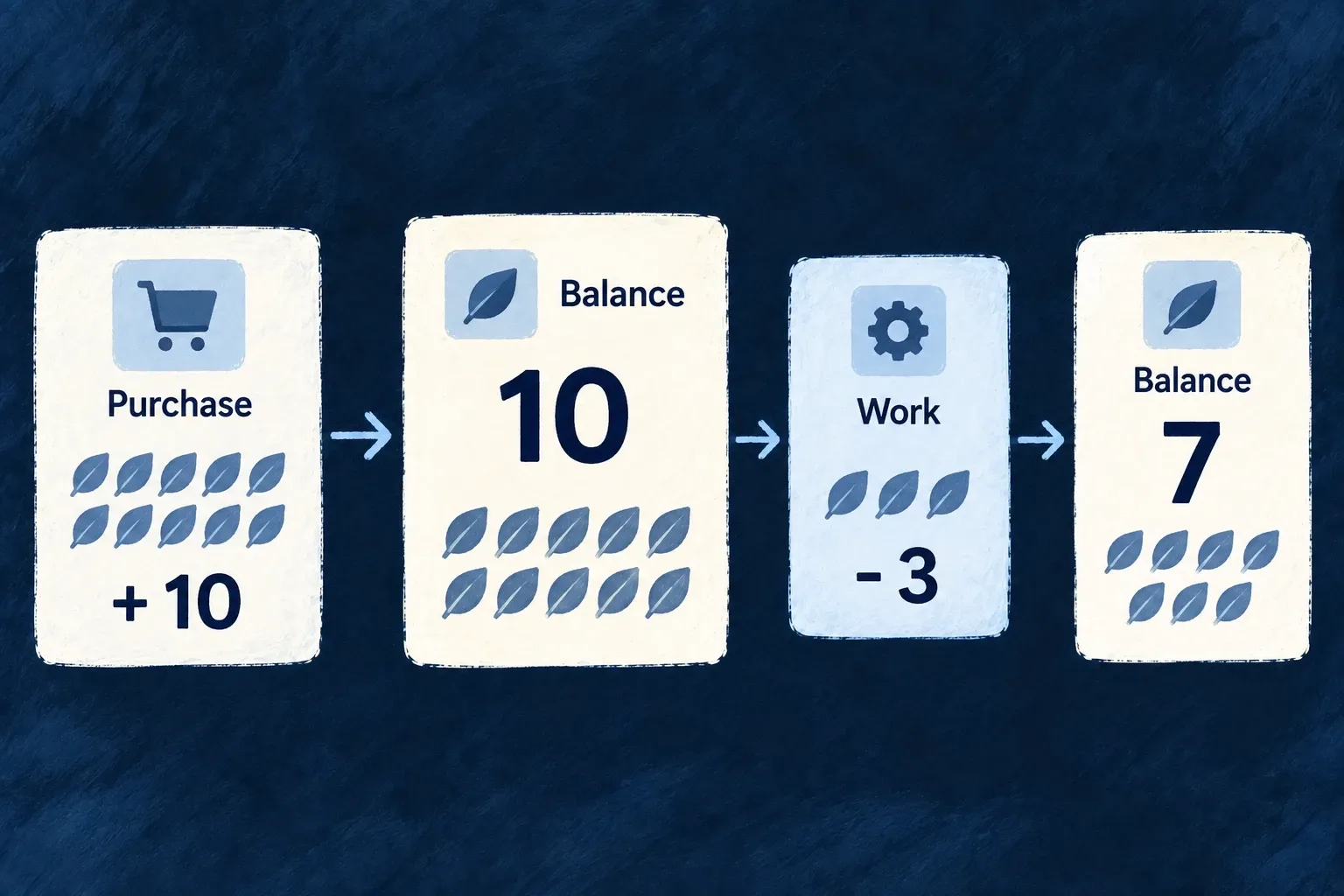
The general bridge maps an update into refresh context:

Selected from WebSocketEventBridge.tsx; surrounding module configuration is omitted.

    const unsubUpdated = on<WS_ResourceUpdatedPayload>(
      CoreWebSocketEvent.RESOURCE_UPDATED,
      (payload) => {
        // RESOURCE_UPDATED always triggers generic refresh fan-out here so
        // non-RMM consumers still invalidate list/read surfaces. Resource-room
        // sync replay and authoritative refetch decisions remain owned by
        // RMMWebSocketBridge.
        emitRefreshPayloads({
          resourceType: payload.resourceType,
          resourceIds: payload.deliveryTarget === WebSocketResourceDeliveryTarget.SCOPE_ROOM_NOTIFICATION
            ? payload.affectedIds ?? []
            : [payload.resourceId],
          contextResourceIdentifiers: payload.contextResourceIdentifiers ?? {},
          shouldEmitReadRefresh: payload.deliveryTarget === WebSocketResourceDeliveryTarget.SCOPE_ROOM_NOTIFICATION
            ? (payload.affectedIds?.length ?? 0) > 0
            : Boolean(payload.resourceId),
        });
      }
    );

The delivery target determines whether the payload identifies affected IDs in a scope room or one resource. Context identifiers accompany the refresh so a consumer can address the right view. A custom data screen needs to consume the shared refresh events or resource-manager contract; merely opening a socket is not enough.

Subscribe a custom list and release its listener

For a custom list outside ResourceMutationManager (RMM) ownership, invalidate the list’s own authorized query when its matching refresh event arrives. This complete illustrative hook uses the public event bus. Its caller supplies the active operation context and a stable, synchronous cache-invalidation callback:

import { useEffect } from 'react';
import {
  FrontendEvents,
  useEventBus,
  type FrontendEventPayloads,
} from '@wildo-ai/saas-frontend-lib';

type RefreshContext = FrontendEventPayloads[FrontendEvents.RESOURCE_REFRESH];

export function useCustomListRefresh(
  context: RefreshContext,
  invalidate: () => void,
) {
  const { on } = useEventBus();
  useEffect(() => {
    const off = on(FrontendEvents.RESOURCE_REFRESH, invalidate, (event) => {
      const sameOperation = event.resourceType === context.resourceType
        && event.operationIdentifier === context.operationIdentifier
        && event.variantType === context.variantType
        && event.variantKey === context.variantKey
        && !!event.isBulkOperation === !!context.isBulkOperation
        && !!event.isOperationDefault === !!context.isOperationDefault;
      const expected = context.contextResourceIdentifiers;
      const actual = event.contextResourceIdentifiers;
      return sameOperation
        && Object.keys(expected).length === Object.keys(actual).length
        && Object.entries(expected).every(([key, value]) => actual[key] === value);
    });
    return off;
  }, [on, context, invalidate]);
}

Use the normalized context of the active list, including its organization/parent identifiers; do not match only the resource name across workspaces. Call this hook unconditionally in the mounted custom list under the normal event-bus provider. Its callback marks that list query stale, and the query’s existing reader, loading and error handling fetch the authorized result. Context changes release the old listener; unmount releases the current one.

This consumer does not create a socket room subscription. The standard shell/socket services must already be connected and subscribed to the applicable authorized scope. A custom resource-room subscription needs its corresponding join and leave lifecycle as well. For RMM-managed screens, retain RMMWebSocketBridge and its synchronization/refetch rules instead of installing a second state owner.

Check with two connected views in the same scope: an update should invalidate the matching custom query, a different scope should not, and leaving the view should release its listener. Personal message preferences do not disable this data-refresh contract.

Keep the backend authoritative

A frame signals that data changed; the normal read path still supplies the authorized data. Do not treat a notification payload as permission to reveal every field or assume it replaces a complete refetch. Deletion, updates and active editing have distinct event meanings.

Verify the view’s subscription and refresh behavior for its actual scope. The transport does not establish that every custom screen will refresh without being connected to these consumers.

Show how much work is waiting Mechanism

Derive a navigation badge from the records it represents. Wildo counts the matching data for the person or organization and refreshes the count when the source changes.

This suits quantities such as unfinished assignments, whose truth already lives in business records.

Example: Count my unfinished tasks

The task badge counts assignments that are neither completed nor cancelled. Finishing an assignment changes the source data and therefore the count.

The badge counts only the current person’s unfinished task records.
For engineers
Declare the query and its scope

Wonder Todos owns this badge in the tasks-manager module:

Selected from notification-badges.tasks-manager.ts; surrounding module configuration is omitted.

export const tasksManagerNotificationBadgeDefinitions: NotificationBadgeDefinition[] = [
  {
    identifier: USER_SELF_INCOMPLETE_TODOS_BADGE_IDENTIFIER,
    scope: ResourcePrimaryScope.USER_SELF,
    source: {
      kind: NotificationBadgeSourceKind.DERIVED_QUERY,
      resourceType: TasksManager_ResourceType.TODOS,
      filter: { status: { $nin: [Todos_Status.COMPLETED, Todos_Status.CANCELLED] } },
      scopeField: 'assignedToUserId',
    },
    display: {
      mode: NotificationBadgeDisplayMode.COUNT,
      tone: IndicatorVariant.INFO,
      pulse: NotificationBadgePulse.ON_INCREASE,
    },
  },
];

Register the definition through the module’s notificationBadgeDefinitions; the shared registry aggregates it for backend and frontend. The navigation item names its key through notificationBadgeRef. The key combines scope and identifier, keeping user and organization badges distinct.

Let the data own the count

resourceType identifies the counted collection, filter states which records qualify and scopeField binds the count to the current badge owner. The backend recomputes on source mutations and connection initialization. For explicit multi-ID reassignment through the shared core path, Wildo captures prior owners before mutation and recomputes both prior and current owners after commit. Unassignment also refreshes the owner losing those records. The captured values belong to the successful transaction attempt; they do not change the object passed to single-row hooks. Arbitrary filter mutations and custom paths that bypass the core are outside that capture contract.

Use the shared mutation path so those hooks run. Direct database writes do not carry the operation’s notification behavior. For a quantity that is genuinely a stored event counter, such as unread events acknowledged separately from their source records, choose EVENT_COUNTER instead.

Track events until they are acknowledged Mechanism

Use a stored badge count for information that the counter itself owns, such as arrivals waiting to be acknowledged. Operations can increase, decrease or reset it.

The count changes through declared events rather than by querying a business collection.

Example: Acknowledge your completed actions

Your completed actions increase a personal counter. Acknowledging them clears that signal without changing the completed work.

Two incoming events increase a stored counter to two; acknowledgment resets it to zero.
For engineers
Register the counter and its scoped identity

Application example: count actions completed by the current user until that user acknowledges them. This is an authored counter, not a built-in producer. Put this definition in the owning shared module:

import {
  buildNotificationBadgeKey,
  NotificationBadgeDisplayMode,
  NotificationBadgePulse,
  NotificationBadgeSourceKind,
  ResourcePrimaryScope,
  type NotificationBadgeDefinition,
} from '@wildo-ai/saas-models';
import { IndicatorVariant } from '@wildo-ai/presets-components-models';

export const completedActionsBadge: NotificationBadgeDefinition = {
  identifier: 'completed_actions',
  scope: ResourcePrimaryScope.USER_SELF,
  source: { kind: NotificationBadgeSourceKind.EVENT_COUNTER },
  display: {
    mode: NotificationBadgeDisplayMode.COUNT,
    tone: IndicatorVariant.NEUTRAL,
    pulse: NotificationBadgePulse.NONE,
  },
};
export const completedActionsBadgeRef = buildNotificationBadgeKey(
  completedActionsBadge.scope, completedActionsBadge.identifier,
);

Add the definition to the module’s notificationBadgeDefinitions. A navigation item uses completedActionsBadgeRef as its notificationBadgeRef; badge presentation connects registration to the visible consumer. The identifier alone is not the scoped key.
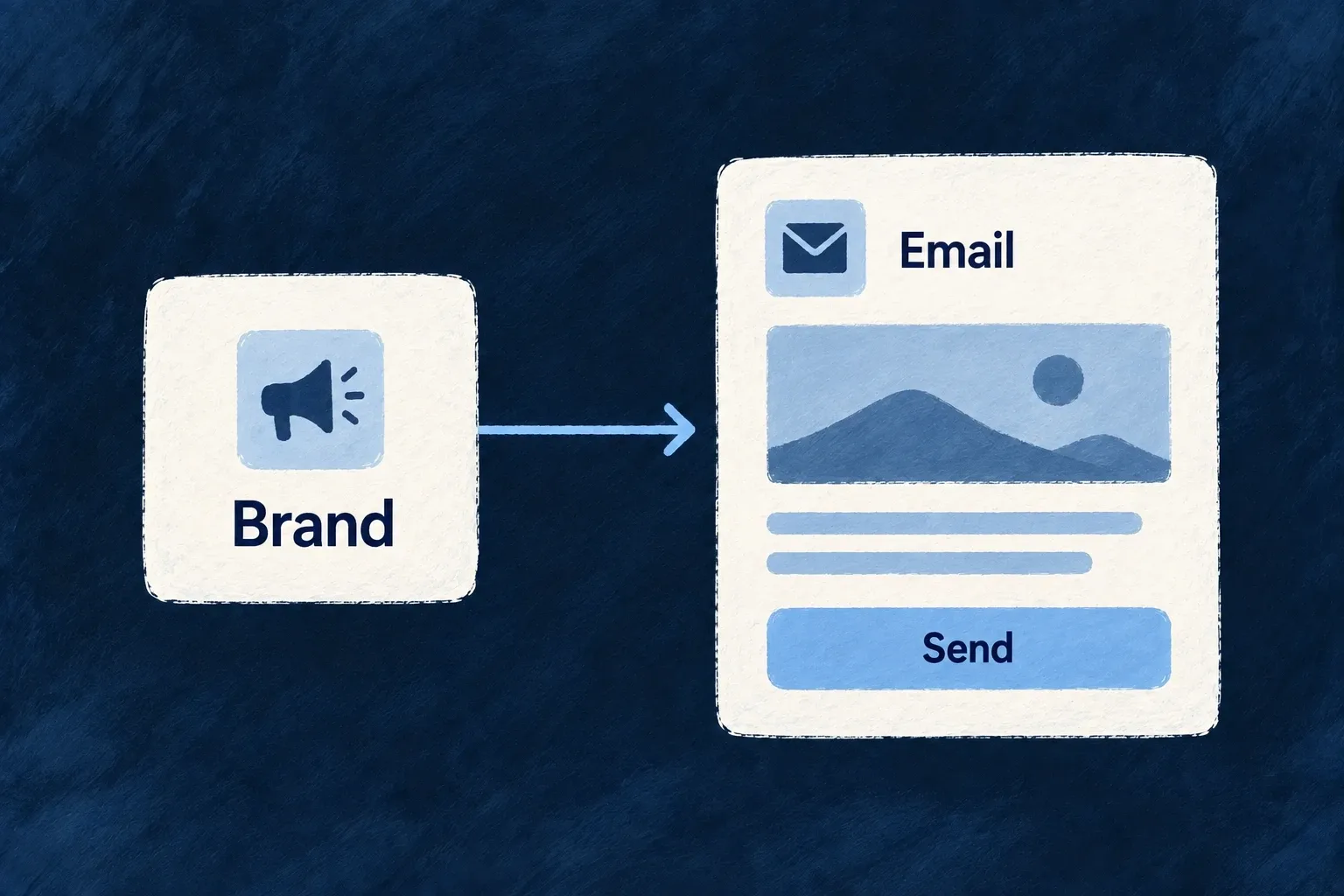
Move it from the operations that own those events

These are the complete badge-operation entries to place on the two existing resource operations. Import NotificationBadgeOperation from @wildo-ai/saas-models and the key from the shared module above:
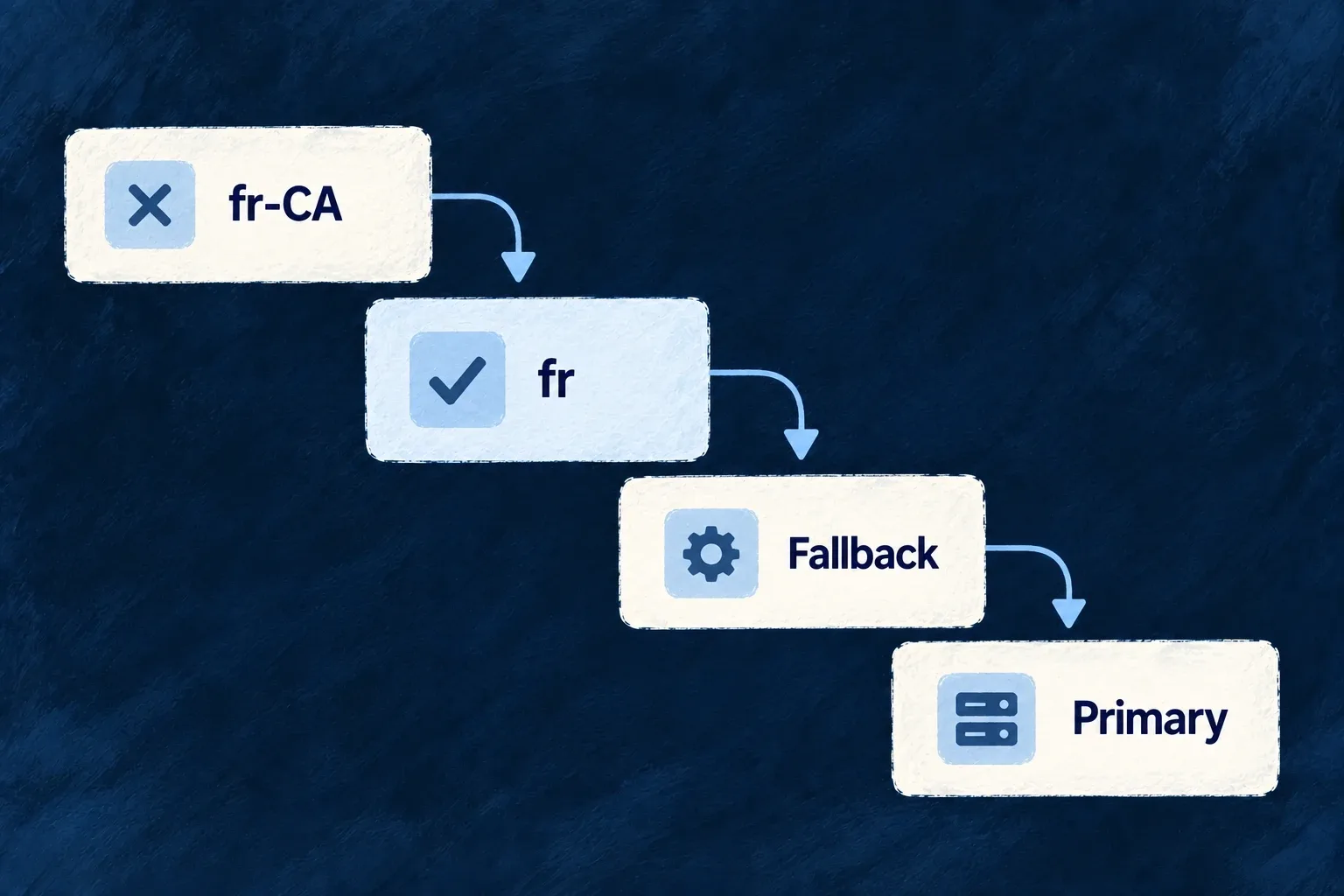
// On the operation that completes one action for its initiator:
notificationBadgeOperations: [{
  badgeRef: completedActionsBadgeRef,
  operation: NotificationBadgeOperation.INCREMENT,
}],
// On the operation through which that user acknowledges the count:
notificationBadgeOperations: [{
  badgeRef: completedActionsBadgeRef,
  operation: NotificationBadgeOperation.RESET,
}],

The dispatcher reads the scope from the registered definition, then takes its owner from the operation’s initiatorIds. A user-scoped definition uses the initiator’s userId; an organization-scoped one uses their organizationId. Missing identity at that scope means no counter update. The affected record’s assignee is not a recipient selector for this declaration.

Declared operationChange to that owner’s count
INCREMENTAdd one
DECREMENTSubtract one, without going below zero
SETSet to one
RESETSet to zero

The authoring entry contains only badgeRef and operation: the dispatcher supplies the value 1. The lower-level service’s numeric argument does not add a custom amount or recipient field to this declaration.

Check the acknowledgement behavior

Starting at zero, two successful completion operations by the same user produce two; their acknowledgement operation resets it to zero. The backend pushes the updated count to that owner’s scope, and the badge hook updates its registered consumer. A different user has a different counter.

Relative changes use guarded storage arithmetic; reset is an absolute write, so a concurrent reset and increment follow their write ordering. The application decides what acknowledgement means and wires every producer. If business records already contain the truth—such as unfinished assignments—use a derived count instead of maintaining a second unread state.

Make attention deliberate Mechanism

Choose whether a badge shows a number, a simple dot or nothing. Its attention behavior can be quiet, briefly react to an increase or remain active while work is waiting.

The theme controls the appearance; the badge definition states the intent.

Example: Draw attention to new work

A task count uses an informational tone and briefly pulses when the number increases, without animating continuously.

A badge can display a count, a dot or no visible indicator.
For engineers
Register the meaning, then expose it in navigation

Wonder Todos already defines the incomplete-assignment badge in its tasks-manager shared module. This complete definition uses the module’s TasksManager_ResourceType and Todos_Status constants; badge enums and types come from @wildo-ai/saas-models, and IndicatorVariant comes from @wildo-ai/presets-components-models:

export const tasksManagerNotificationBadgeDefinitions: NotificationBadgeDefinition[] = [
  {
    identifier: USER_SELF_INCOMPLETE_TODOS_BADGE_IDENTIFIER,
    scope: ResourcePrimaryScope.USER_SELF,
    source: {
      kind: NotificationBadgeSourceKind.DERIVED_QUERY,
      resourceType: TasksManager_ResourceType.TODOS,
      filter: { status: { $nin: [Todos_Status.COMPLETED, Todos_Status.CANCELLED] } },
      scopeField: 'assignedToUserId',
    },
    display: {
      mode: NotificationBadgeDisplayMode.COUNT,
      tone: IndicatorVariant.INFO,
      pulse: NotificationBadgePulse.ON_INCREASE,
    },
  },
];

The same file creates its key with buildNotificationBadgeKey(ResourcePrimaryScope.USER_SELF, USER_SELF_INCOMPLETE_TODOS_BADGE_IDENTIFIER). The tasks-manager SharedSaaSModule registers the array as notificationBadgeDefinitions: tasksManagerNotificationBadgeDefinitions; its shared registry makes the definition available to backend calculation and frontend lookup.

The existing frontend module places this complete item in its sidebar section’s children array:

{
  kind: LauncherItemTargetKind.RESOURCE_OPERATION,
  resourceType: TasksManager_ResourceType.TODOS,
  operation: CoreResourceOperation.LIST,
  notificationBadgeRef: USER_SELF_INCOMPLETE_TODOS_BADGE_REF,
},

LauncherItemTargetKind is imported from @wildo-ai/saas-frontend-lib/companion, CoreResourceOperation from @wildo-ai/saas-models, and the resource and badge constants from @wonder-todos/shared-lib. The normal resource-operation item derives its label from the application’s registered resource labels.

Keep a custom consumer accessible

For a custom navigation surface inside the standard application providers, use the same registered key and supply the already translated navigation label. This complete illustrative consumer accepts both from its parent:

import { NavigationItemBadge } from '@wildo-ai/saas-frontend-lib';

export function NavigationAttention({ badgeRef, label }: {
  badgeRef: string;
  label: string;
}) {
  return (
    <NavigationItemBadge
      notificationBadgeRef={badgeRef}
      label={label}
    />
  );
}

The component finds the definition by scoped identity, subscribes through useNotificationBadges, and passes count, tone, pulse and accessible label to the standard indicator. A missing definition renders no badge; a missing label exposes an unresolved key rather than inventing readable words.

COUNT shows the number up to the configured display cap; DOT shows positive activity without its number; NONE suppresses the indicator. The standard indicator also hides non-positive counts. Reassigning a task changes the underlying derived count; presentation decides how that new value asks for attention.

Keep motion in the theme

useNotificationBadges resolves the pulse trigger and its timed window. The replaceable NotificationIndicator slot takes the tone and pulse result; the active theme supplies the attention recipe. Do not hard-code a competing animation into each navigation item.

Choose ON_INCREASE for a transient signal, WHILE_ACTIVE for continuing attention or NONE when the number is sufficient. These settings do not change which records are counted or the operation that clears an event counter. Verify the chosen policy in the actual navigation surface and theme.

Respect the recipient’s settings

Respect how people want to hear from you Feature

People can choose their notification channels. Wildo applies those preferences to personal notifications while keeping role-addressed responsibilities and explicitly required notices distinct.

The in-app preference controls notification presentation without disabling live data updates.

Example: Quiet personal email, keep work current

A person switches off personal email notifications. Their open application continues to refresh records, and required security notices can still be delivered.
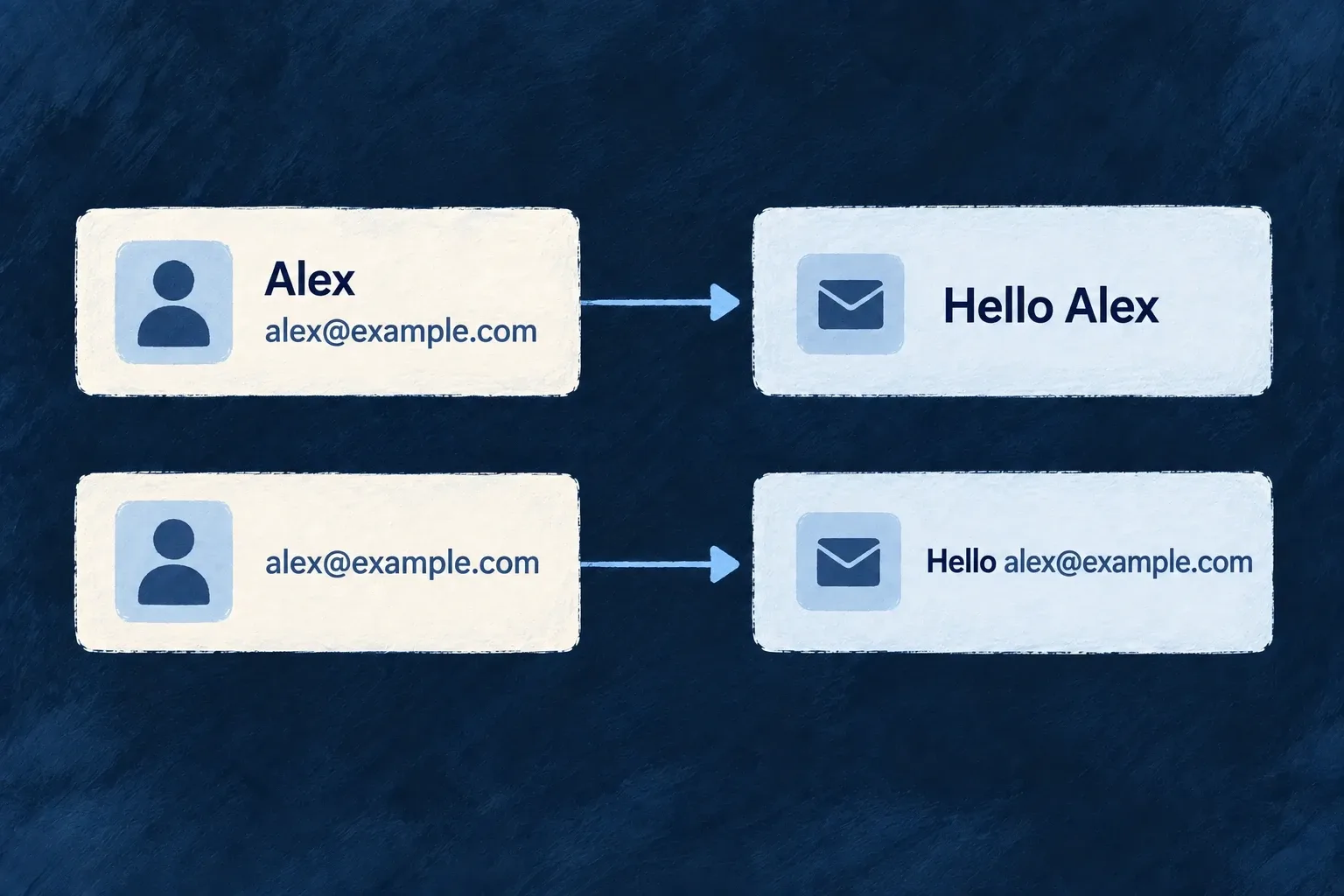
Personal channel preferences can suppress messages while live updates and required notices remain separate.
For engineers
Store choices through the preference resource

The user’s self-preferences record contains notification channel switches. The operation dispatcher loads them with recipient context and applies its delivery decision to personal email. The shared preference predicate also defines SMS and push switches; those operation-dispatch channels do not yet have sending implementations. The relevant gate is:
Selected from notifications-dispatcher.backend.service.ts; surrounding module configuration is omitted.

  private recipientAcceptsNotificationChannel(
    notification: UserNotificationDefinition,
    recipientUserContext: { notificationChannelPreferences?: UserPreferences_Notifications } | undefined,
  ): boolean {
    if (notification.alwaysDeliver === true) return true;
    if (!userNotificationTargetIsSuppressibleByRecipientPreference(notification.target)) return true;

    const preferences = recipientUserContext?.notificationChannelPreferences;
    if (!preferences) return true;

    switch (notification.channel) {
      case CoreUserNotificationChannel.EMAIL:
        return preferences.email !== false;
      case CoreUserNotificationChannel.SMS:
        return preferences.sms !== false;
      case CoreUserNotificationChannel.PUSH:
        return preferences.push !== false;
      default:
        // WEBSOCKET and FRONT_END_SUCCESS carry no switch of their own. The `inApp` preference
        // governs the notification CENTRE, which is a frontend surface — `NotificationContext`
        // honours it there, because suppressing the socket frame would also suppress the live
        // UI updates that ride the same channel.
        return true;
    }
  }

An absent preference record preserves delivery. alwaysDeliver explicitly bypasses personal suppression, and role-addressed targets are not treated as optional personal subscriptions. Use that distinction for a billing or security responsibility; do not mark every product message mandatory.

Keep in-app presentation separate

NotificationContext applies inApp to optional personal server messages before displaying a toast, notification-centre entry or celebration. Declarative frames carry their recipient target and alwaysDeliver flag through WebSocketEventBridge, so required notices and responsibility-addressed messages stay visible.

Local save confirmations keep their own behavior. The same websocket frame can still refresh lists and records even when its personal message is hidden.

Preference filtering does not implement a transport. Use the implemented email and in-app paths for this operation-notification flow. Direct email-by-address has no user preference record and follows its own delivery contract. Author the recipient target and obligation carefully before selecting a suppression policy.

Send workspace emails to the right people Feature

A workspace can direct billing, security, administration and user-management emails to the addresses responsible for them. A category address replaces the usual member delivery for that category.

The organisation can also disable a category. Messages intended for every member remain a separate audience rather than being collapsed into one shared mailbox.

Example: Route security messages to a shared inbox

A customer sends its security-category emails to its security team’s address and billing emails to finance. Each message goes to the configured destination instead of also being copied to the ordinary member audience.

Acme routes notifications to separate Finance, Security and Administration destinations.
For engineers
Configure addresses and category switches together

This illustrative emailNotifications value routes two categories and leaves the others enabled with a default address:

{
  "emailNotifications": {
    "defaultEmailAddress": "operations@example.com",
    "billingAddress": "finance@example.com",
    "securityAddress": "security@example.com",
    "billing": true,
    "security": true,
    "administrative": true,
    "usersManagement": true
  }
}

The organisation notification resource is seeded during organisation creation. Update its settings through the generated organisation-scoped resource operation; no custom dispatcher is needed for these standard categories.

Routing still needs a registered email template and a configured delivery provider. Follow the template registration example and transactional email setup for those prerequisites. Saving a destination address does not supply either one or prove message delivery.

Understand delivery precedence

For an email with a mapped organisation target, the dispatcher checks the category switch first. false suppresses the category, including ordinary member fan-out. Otherwise it uses the category address, then defaultEmailAddress, then the existing member-target resolution when neither address is set.

ORGANIZATION_USERS intentionally remains member fan-out. These settings route email; they do not redirect every channel or every notification target.

Keep fallback behavior visible to operators

A missing settings record or a failed settings read falls back to member delivery. It does not silently drop the message. If a customer requires all mail to remain in a shared inbox, monitor failed settings reads as part of operating that requirement.

The category is derived from the notification target. Declaring another category flag on each notification would create a second answer that could disagree with the routing policy.

One customer relationship, across the product.

What customers buy, what they can do and what they hear from you belong to the same experience.

Wildo supplies the shared billing, access and communication mechanisms. Your application turns them into an offer and a journey that make sense for its customers.

Building a B2B product or an internal tool?

Wildo is not self-service yet. Tell us what you have in mind and we will say plainly whether it fits, and what happens next.