Give every customer a workspace Feature
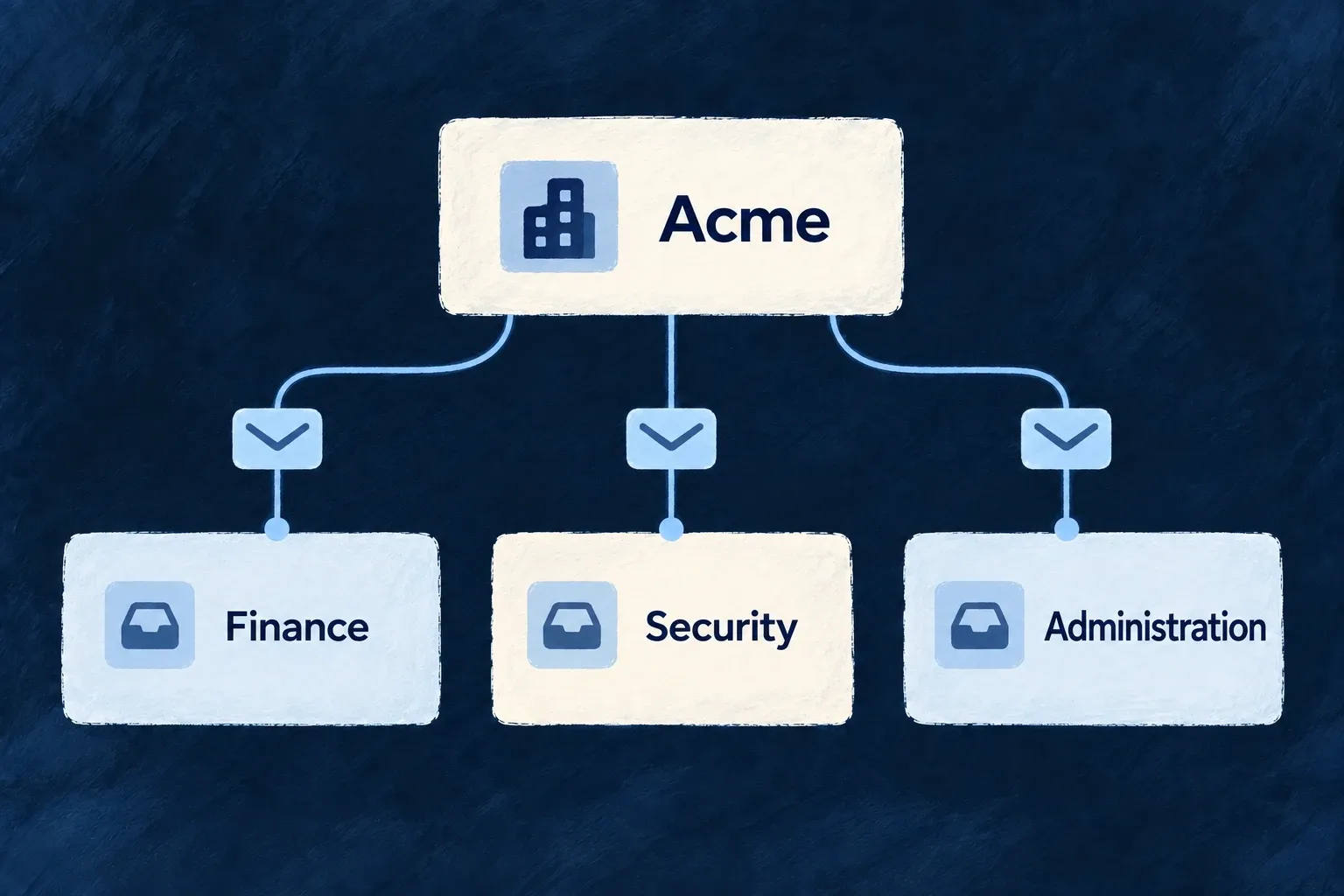
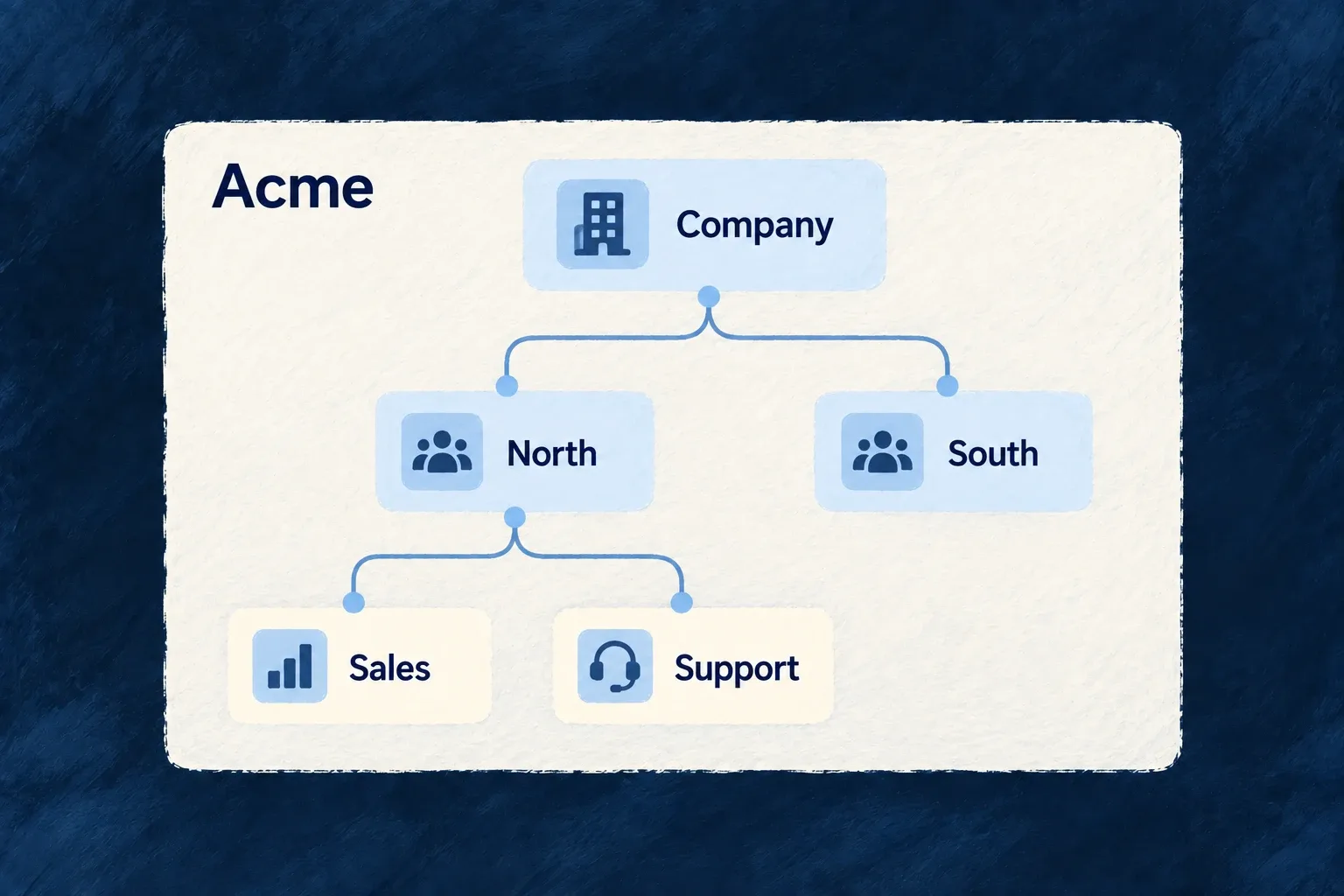
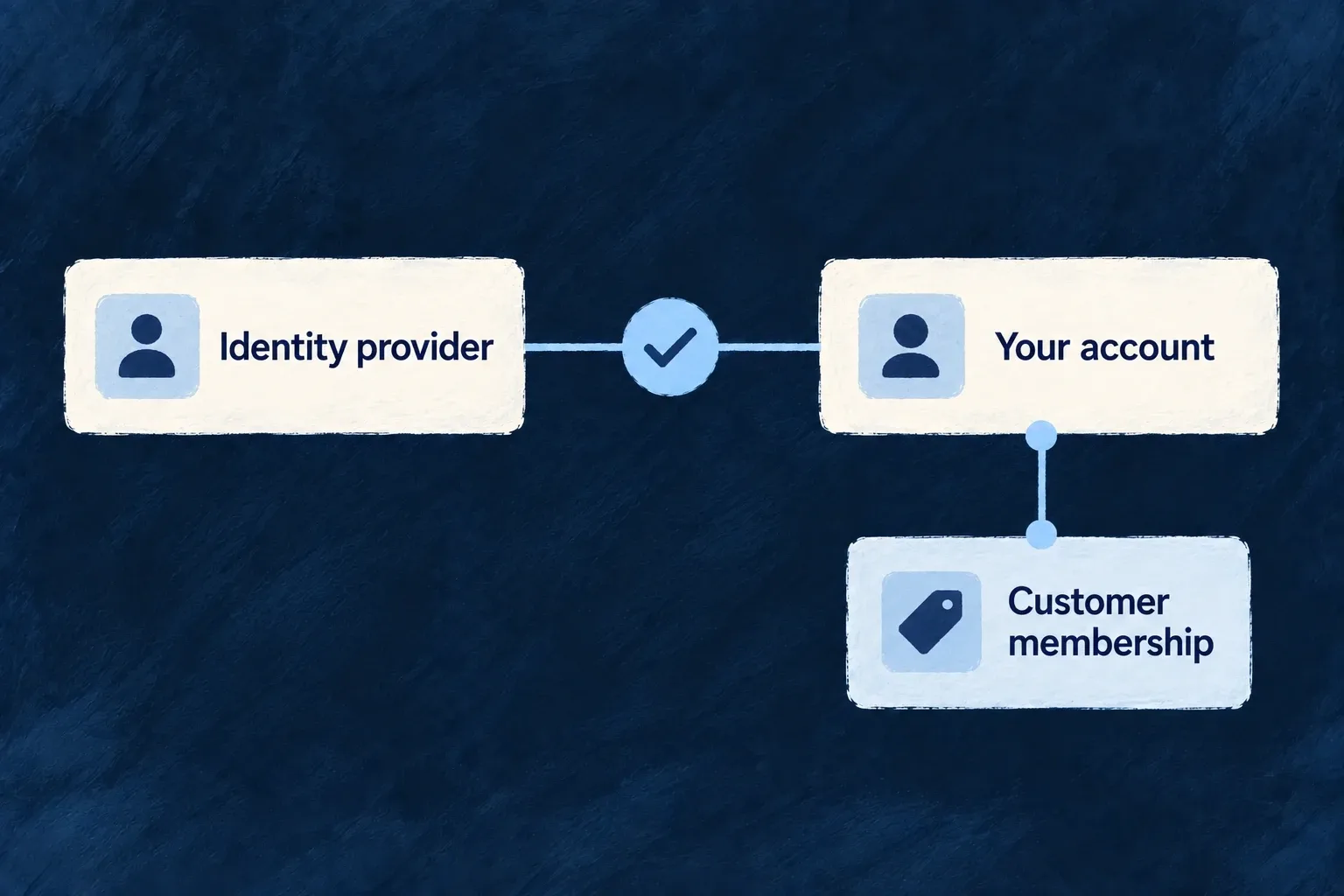
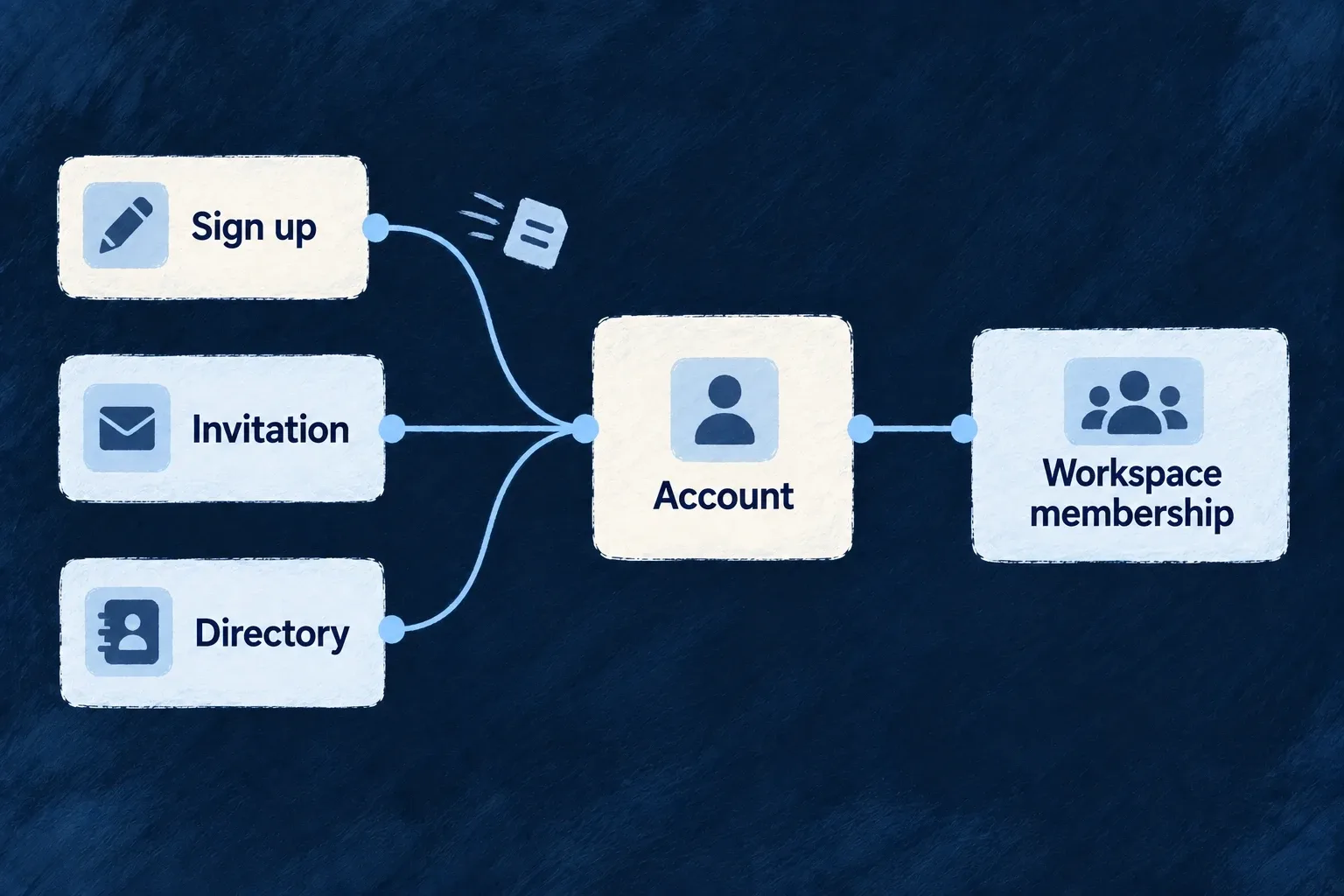
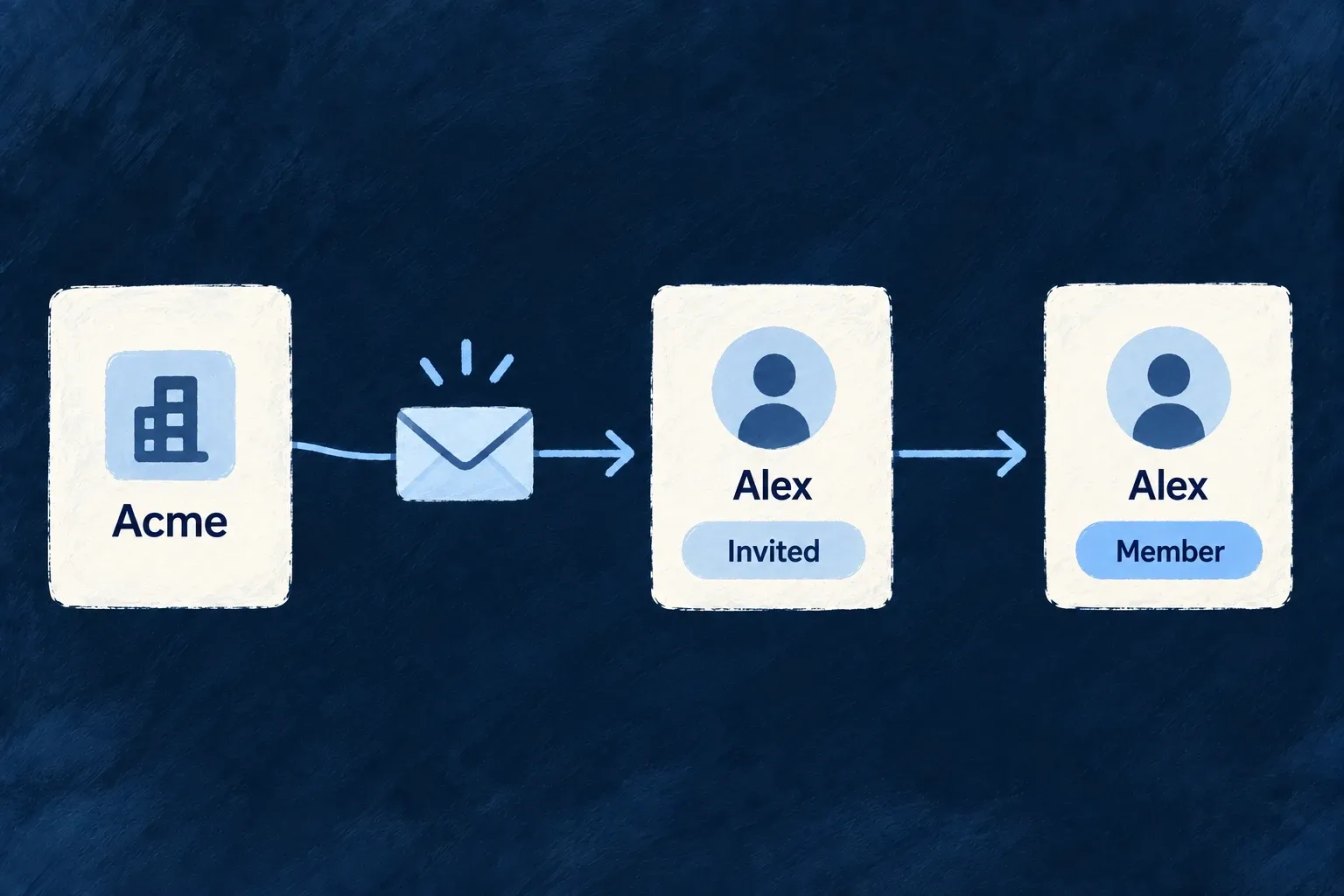
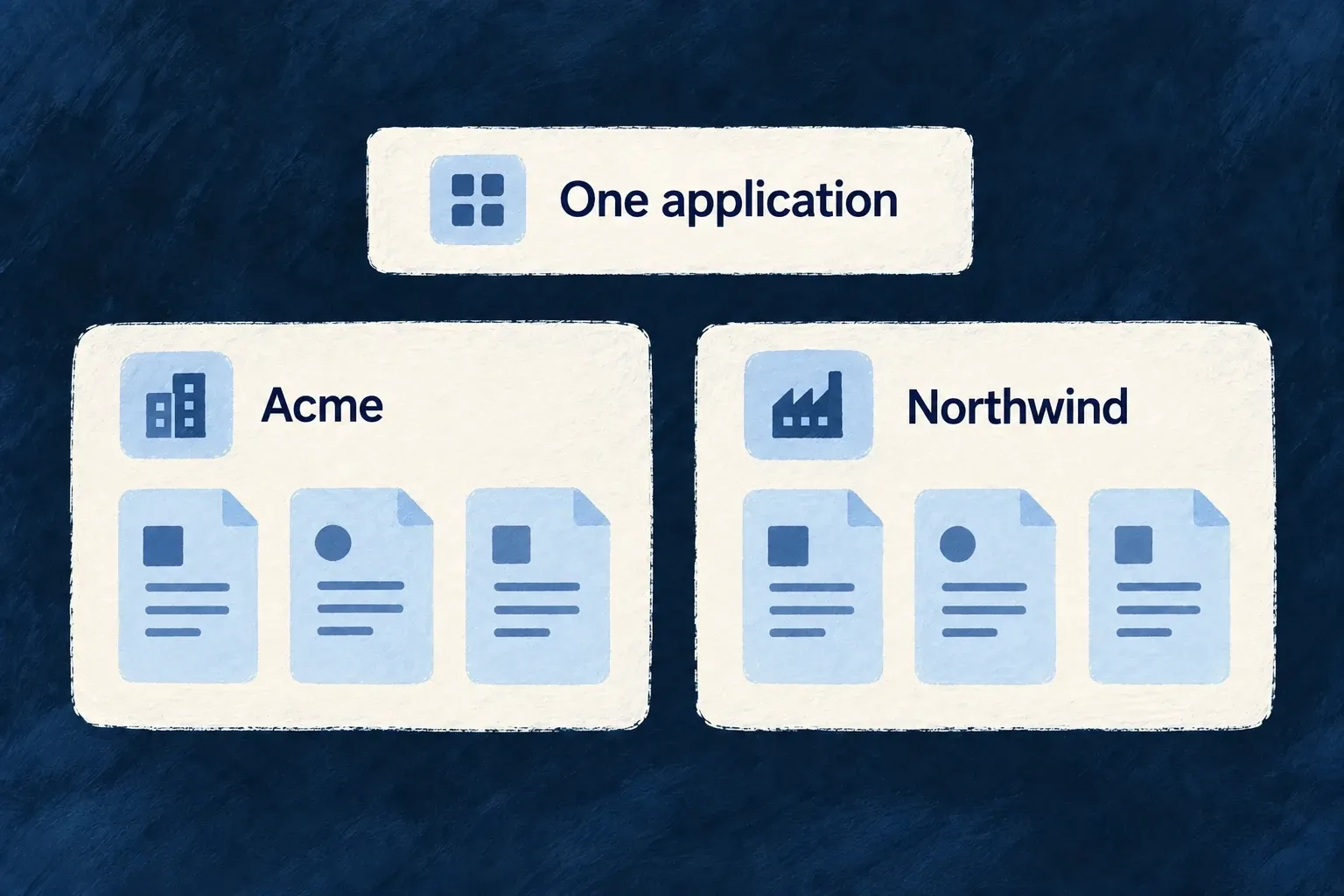
An organisation is the customer workspace your application operates within. It brings together a business identity, its members, its settings and the records that belong to it.
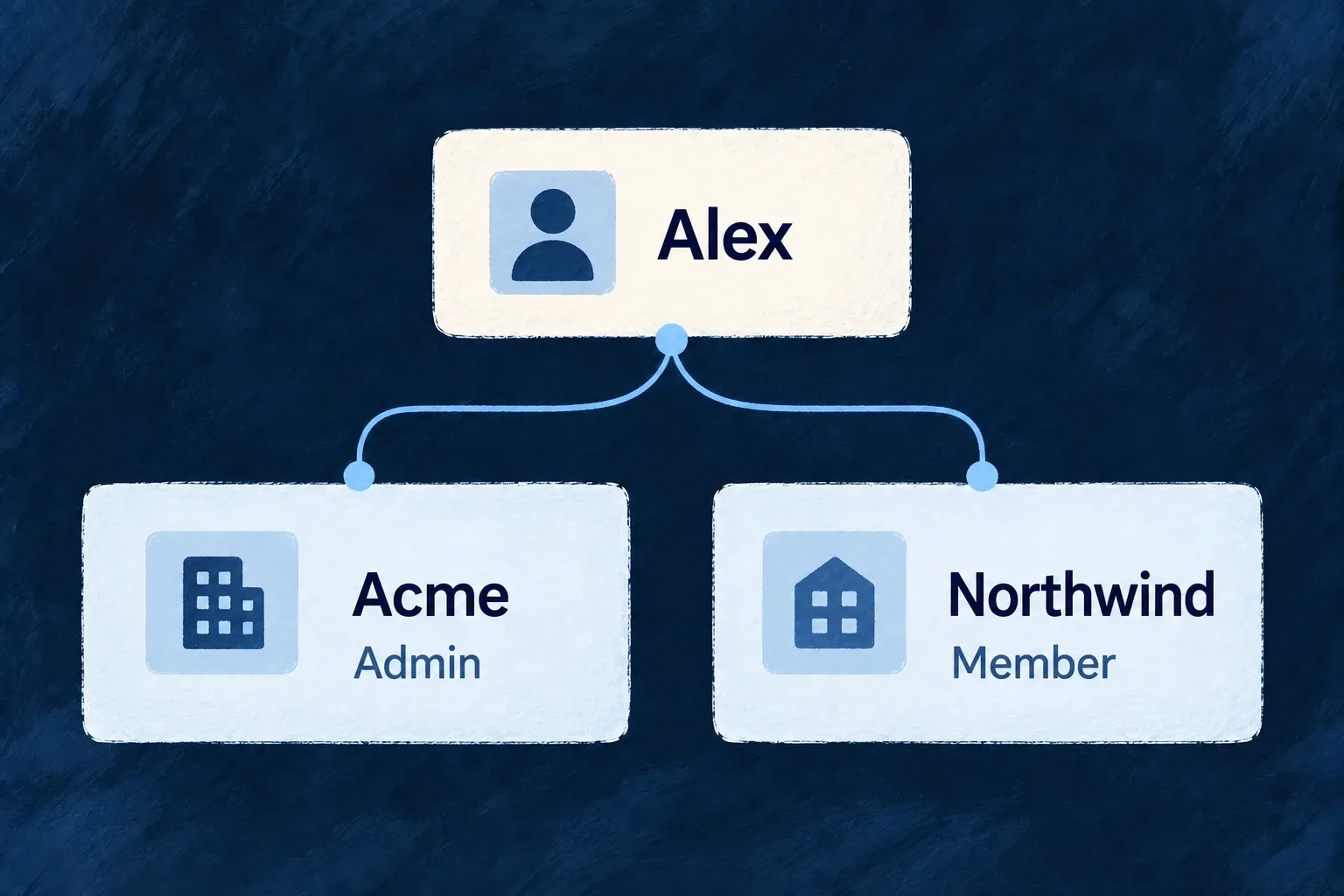
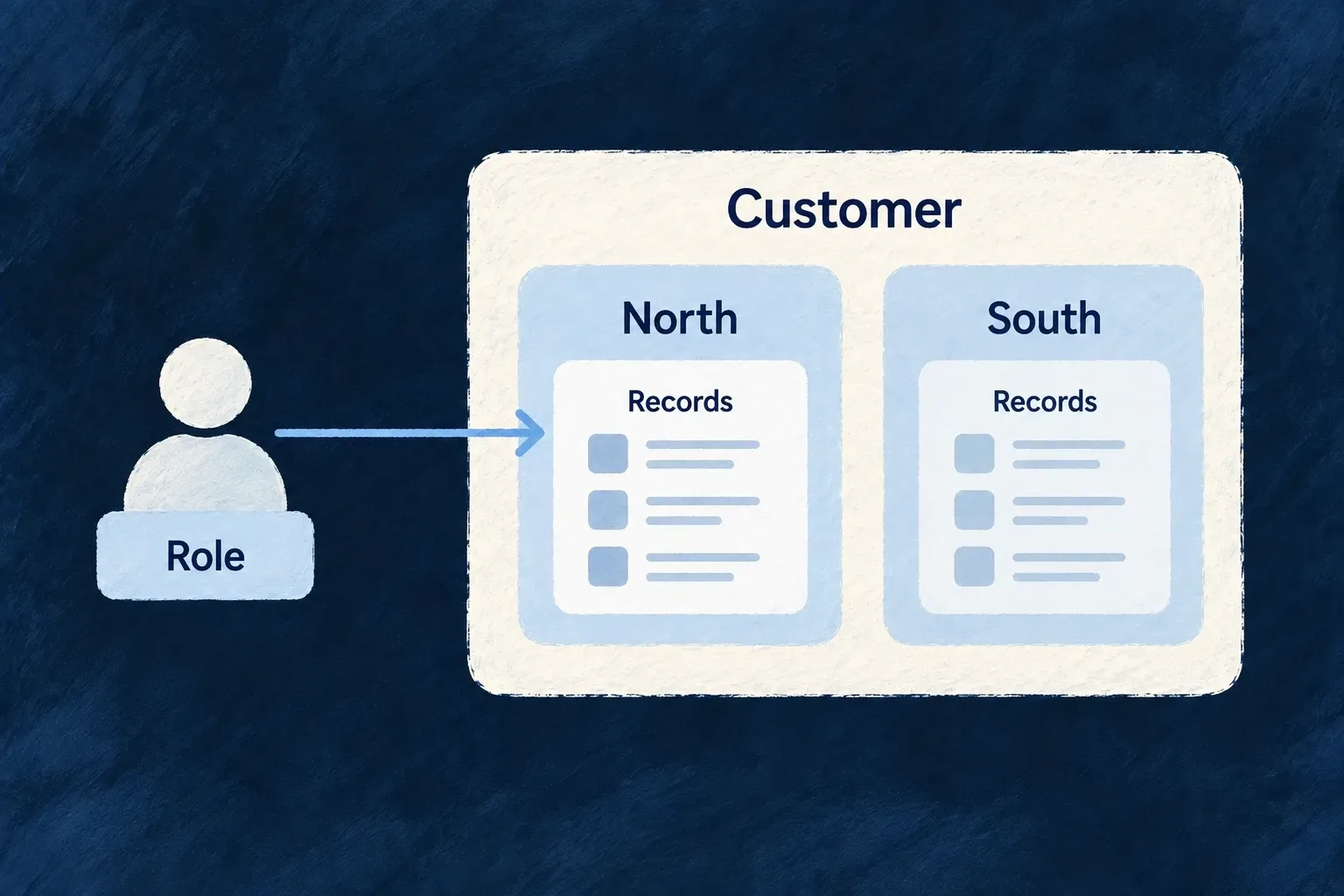
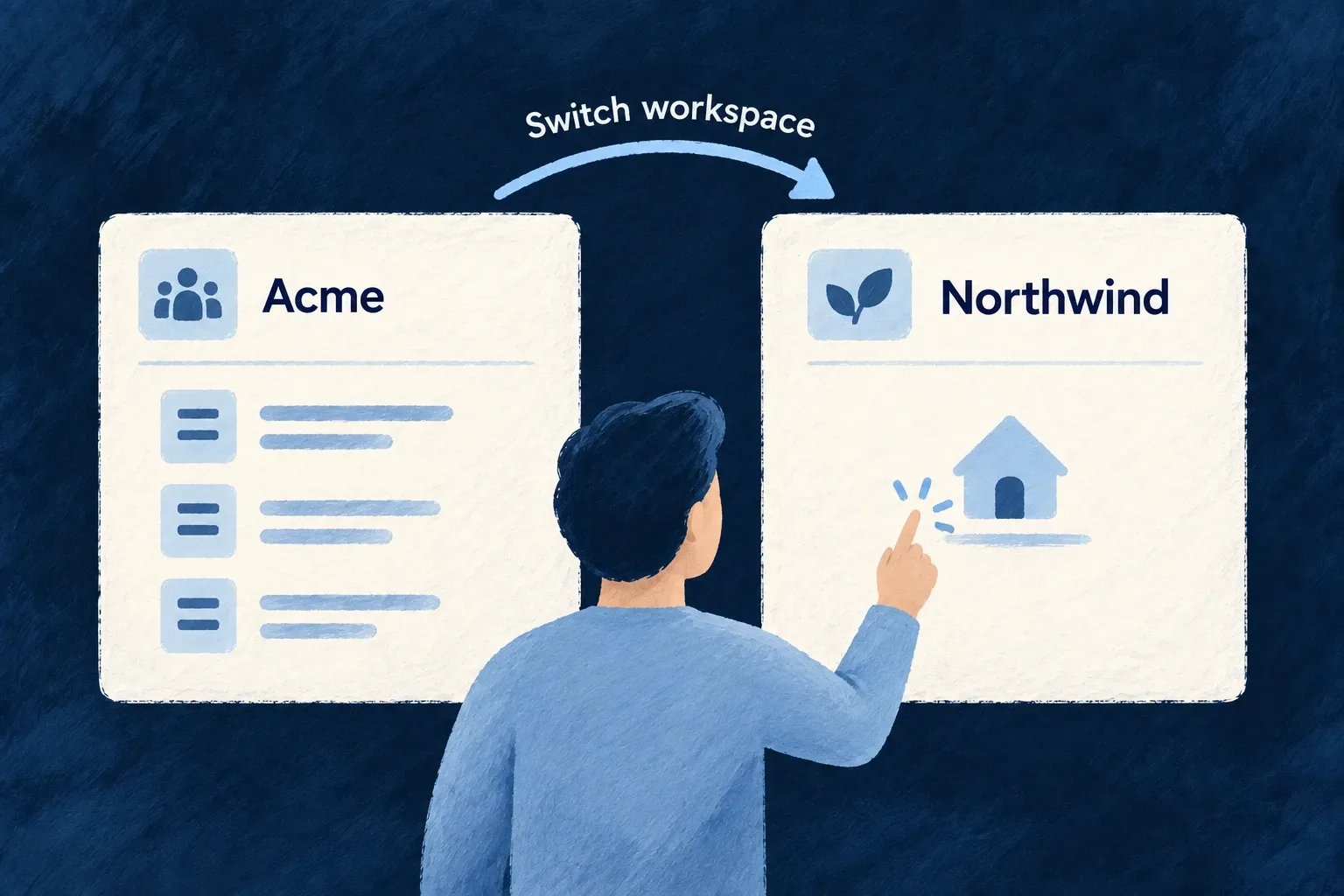
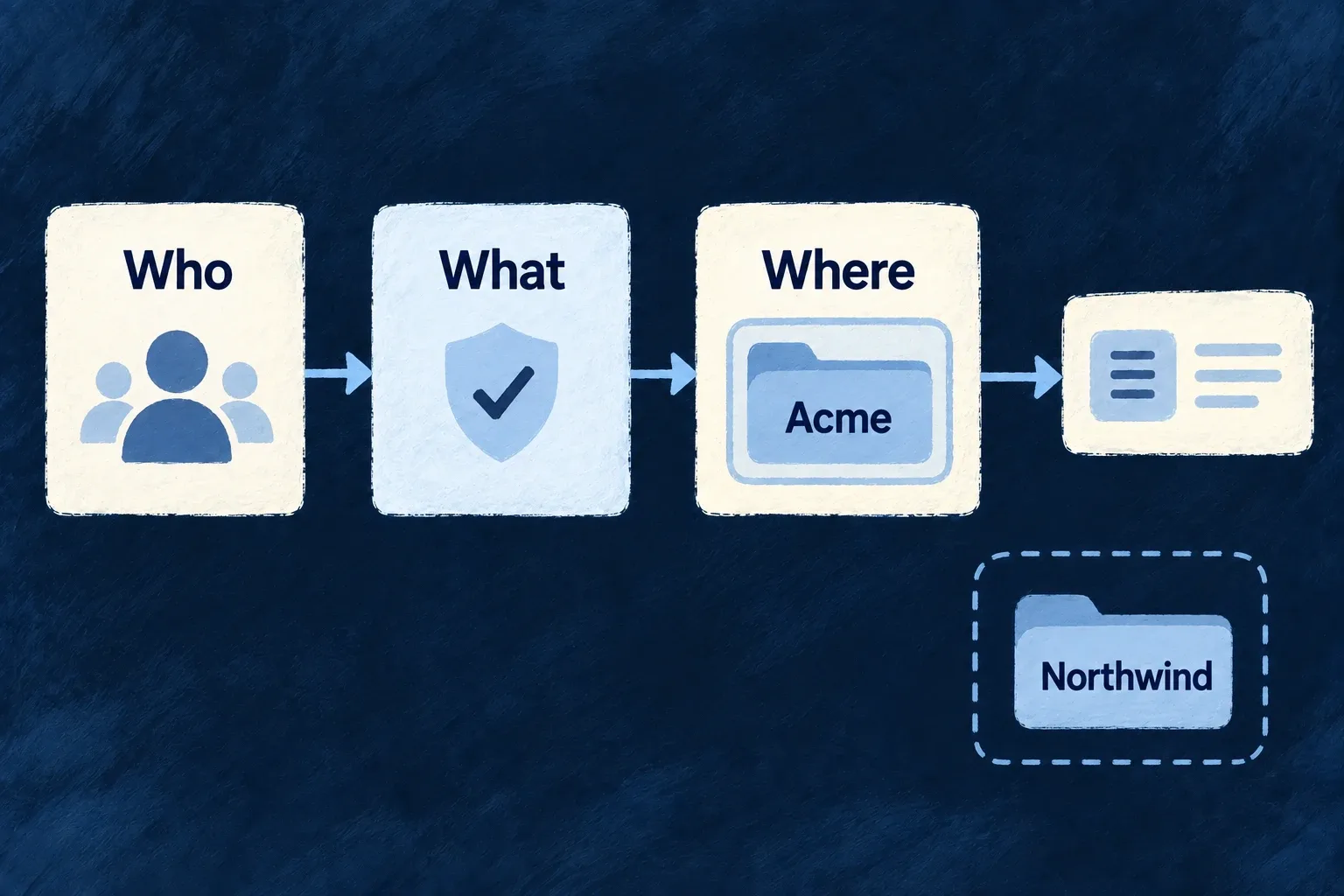
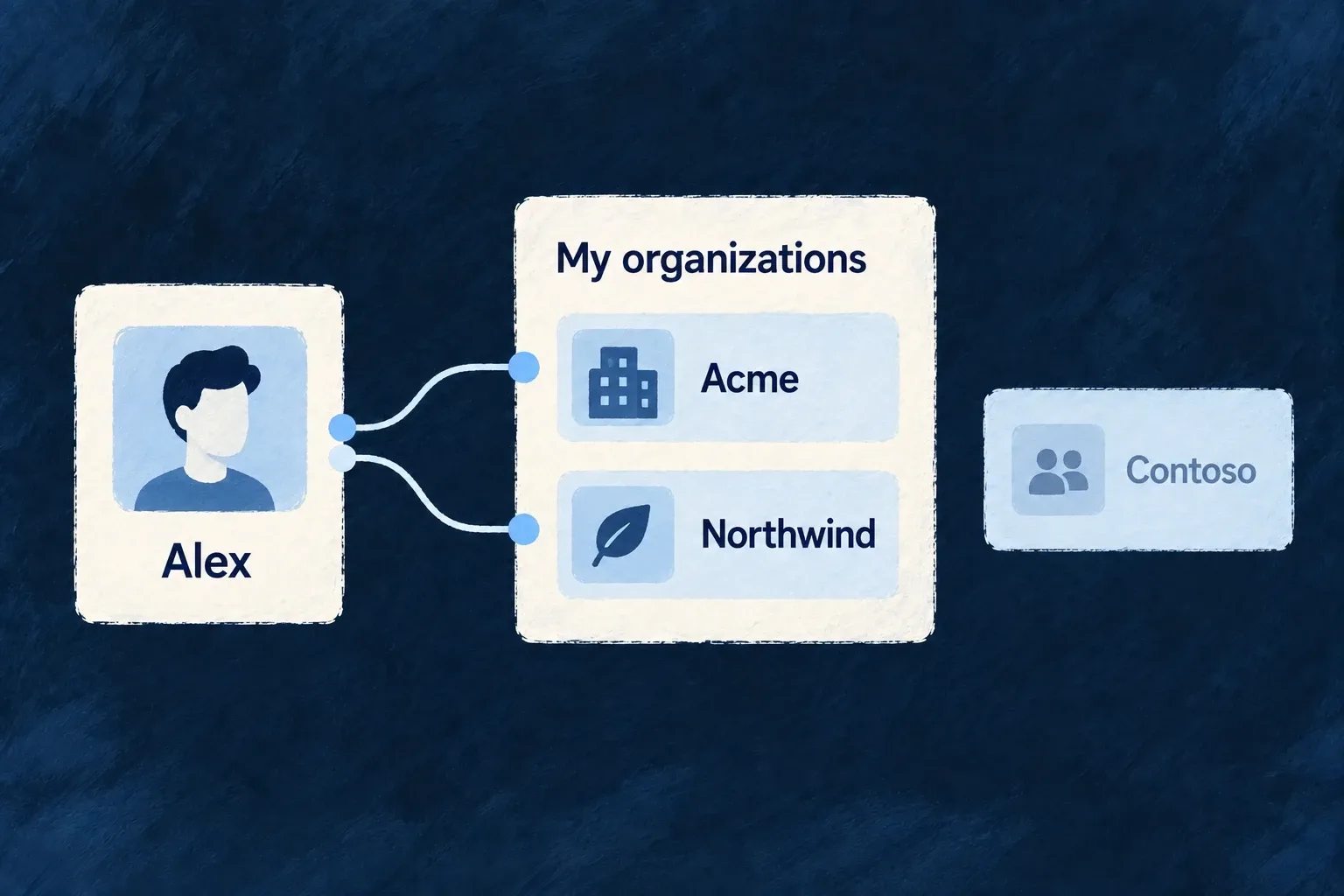
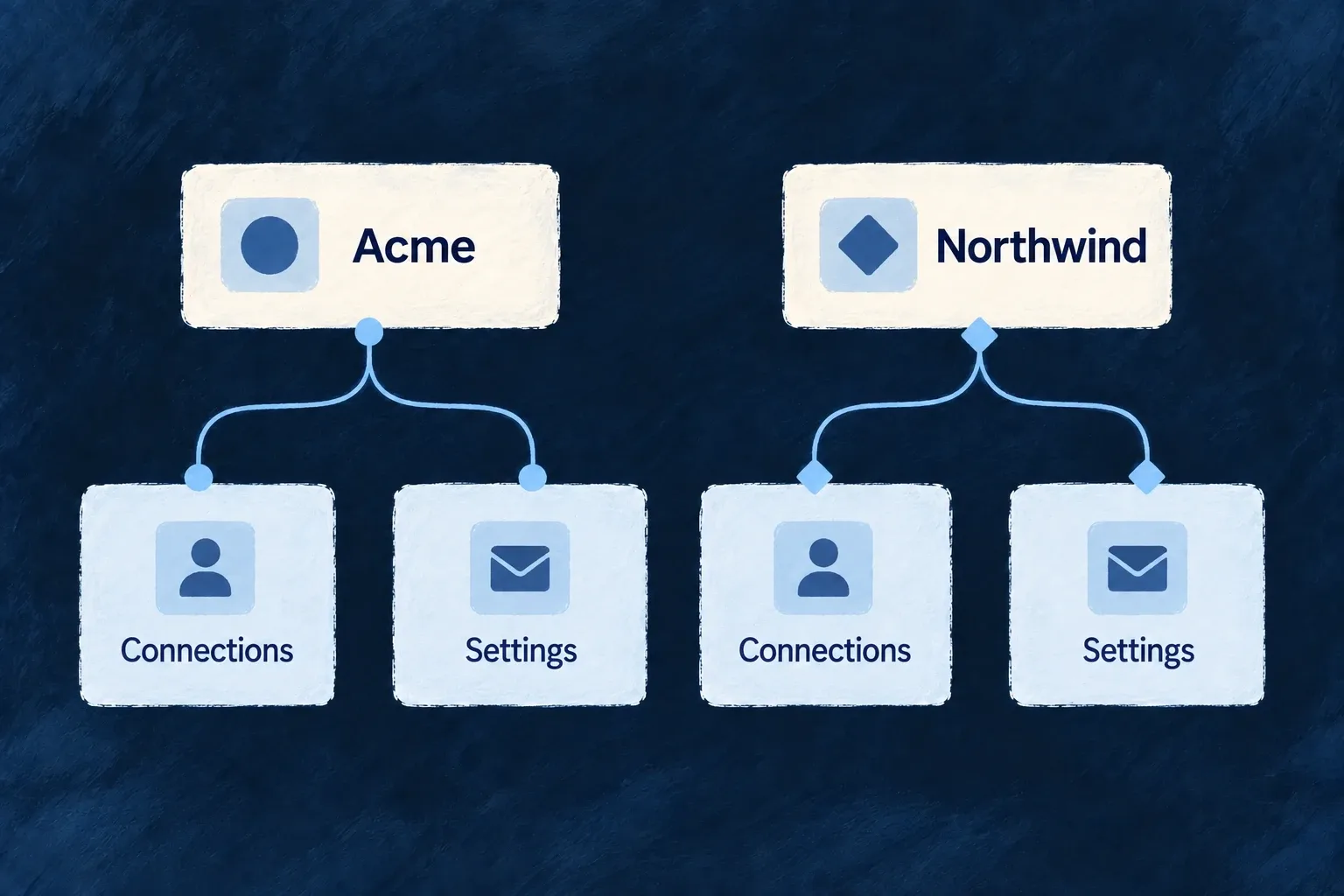
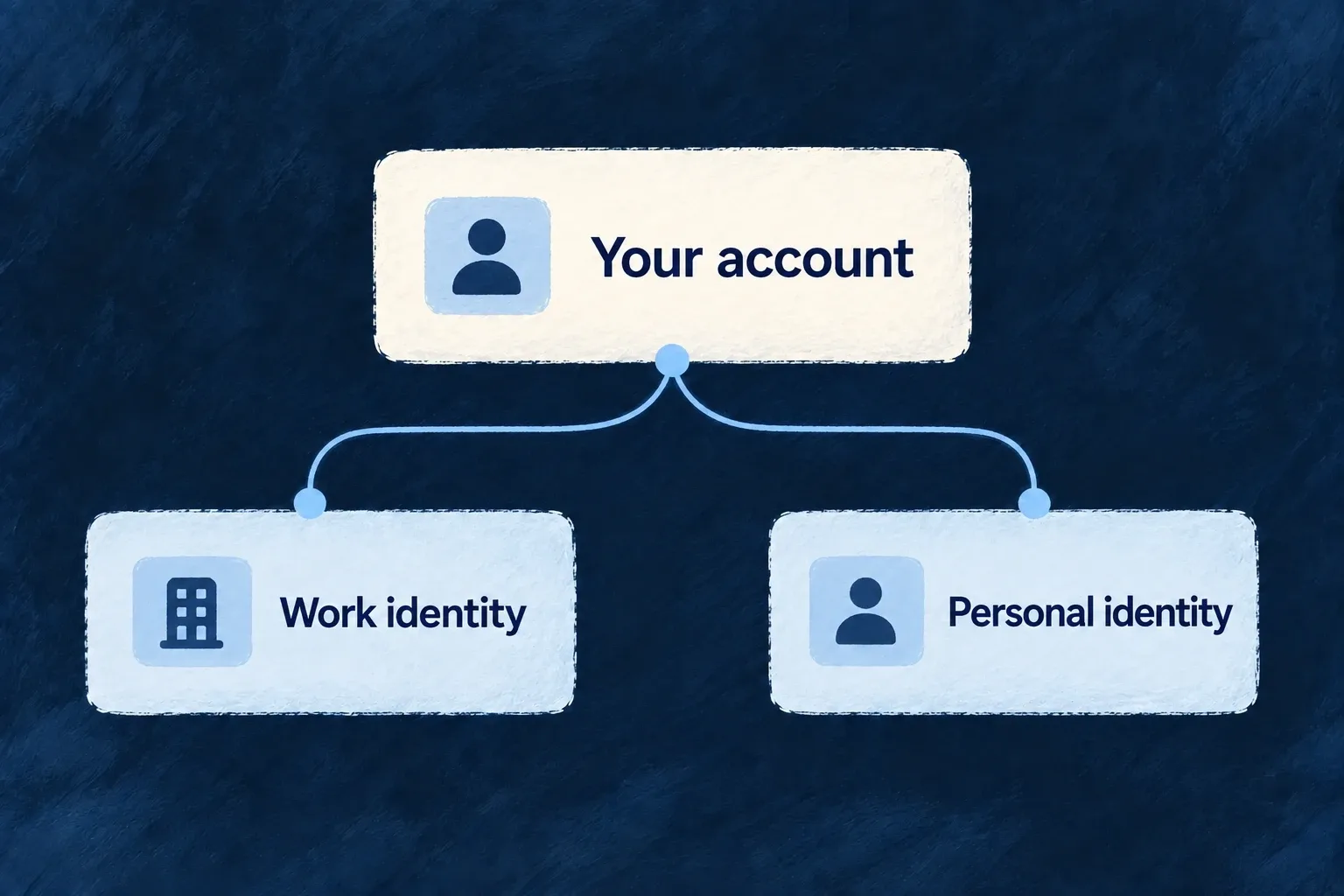
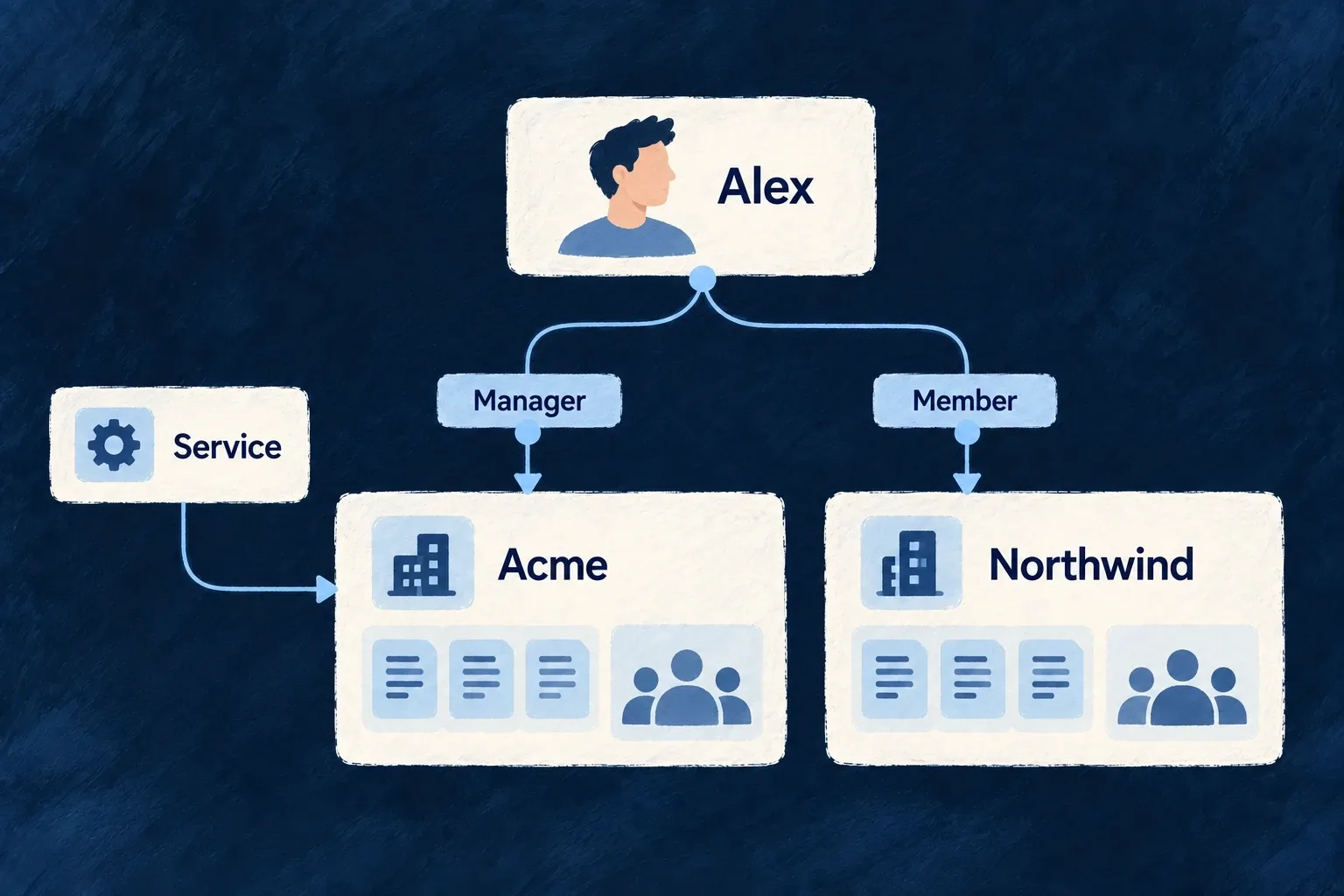
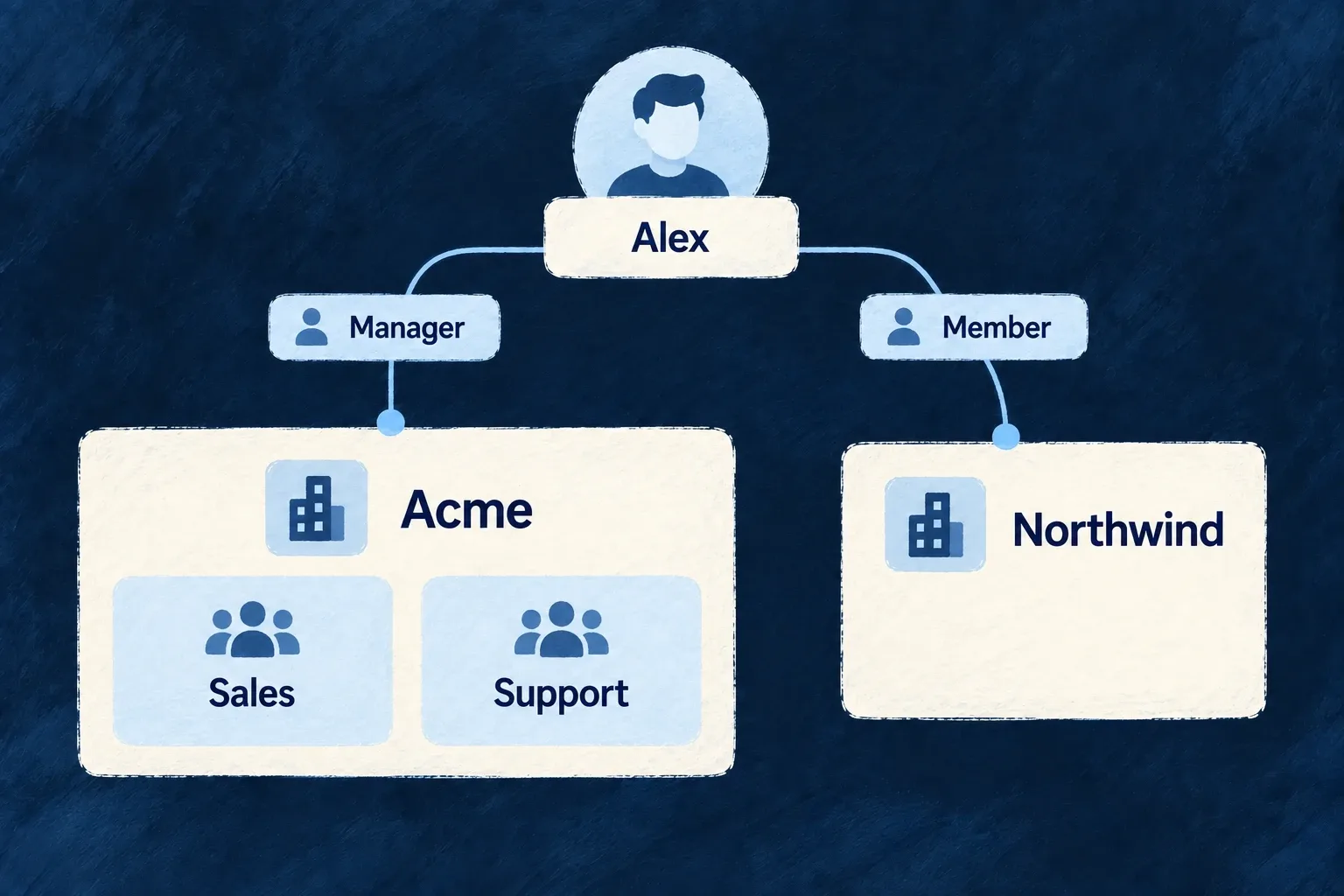
People can belong to several organisations without those organisations becoming one shared account. The active organisation gives their work a context; resource scope and access rules determine what they can reach.
Example: Separate two customer accounts
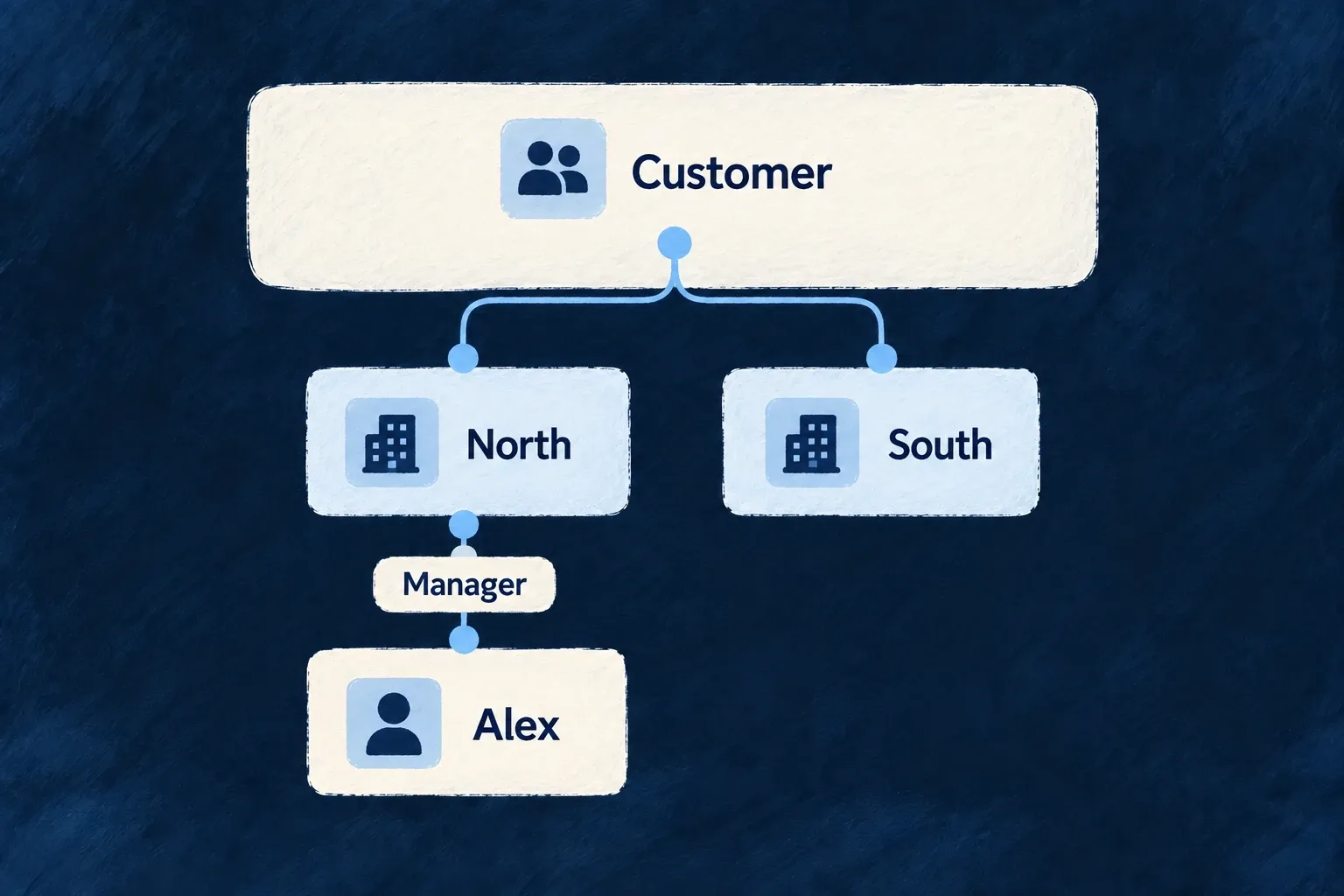
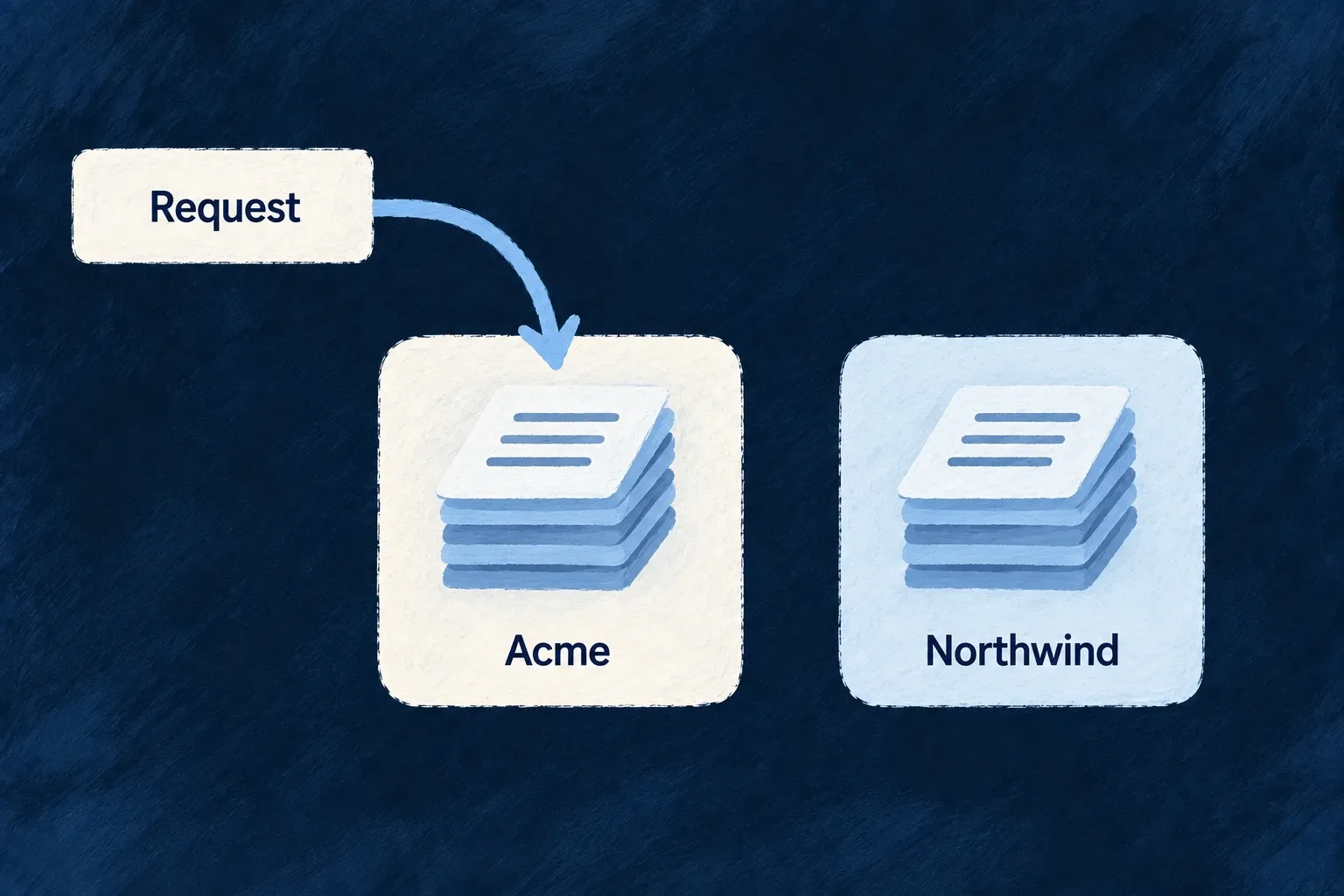
A consultant works with two customers. Each has its own organisation, members and records; switching customers changes the workspace in which the consultant acts.
For engineers
Start with the organisation as the scope root
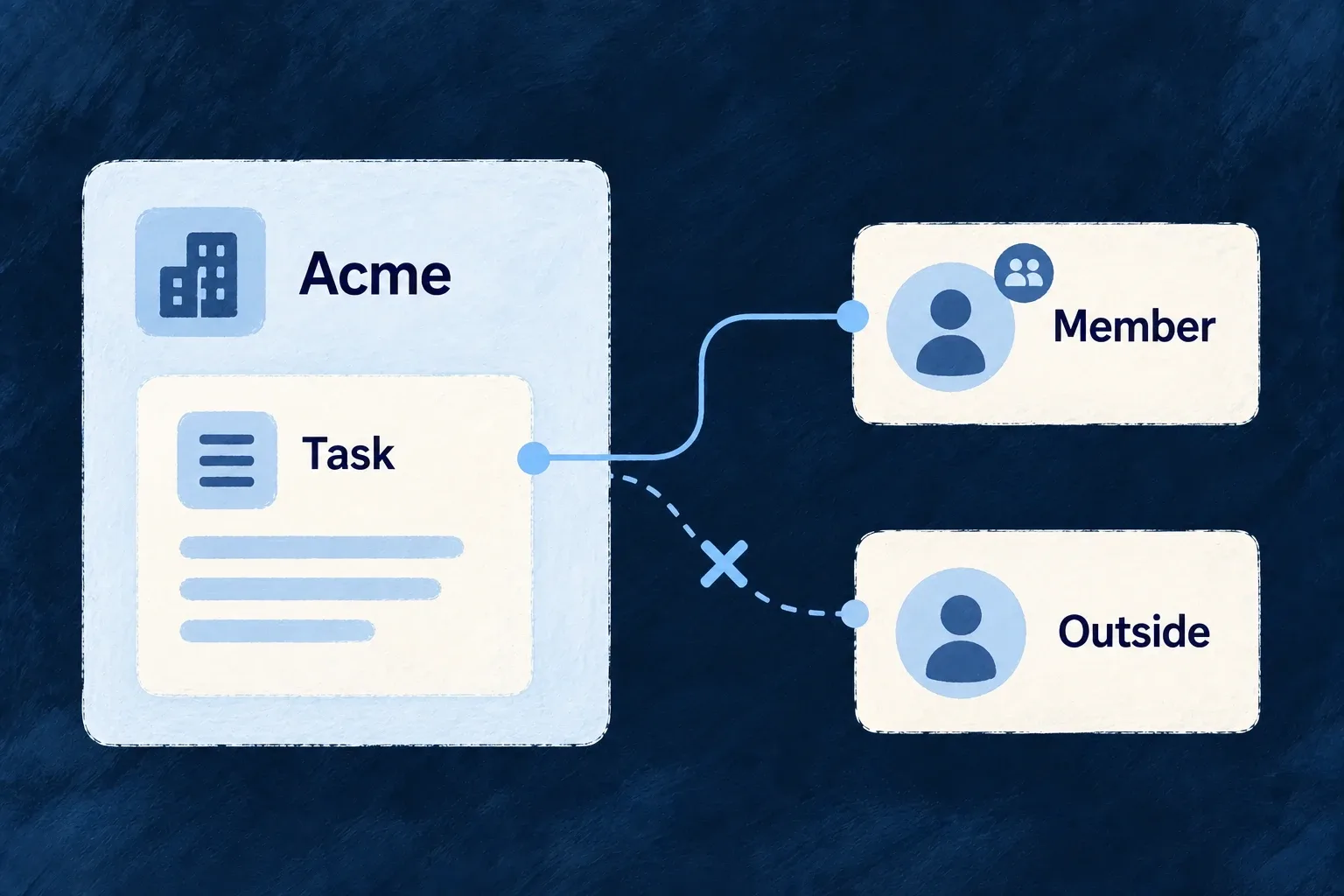
Enable the organisations capability in the application configuration, then declare which business resources belong to that scope. The organisation record supplies identity and lifecycle; the relationship graph carries ownership into child resources. A tenant field alone is not a substitute for declaring the resource’s scope.
In wildo.saas.config.ts, keep the application’s other capabilities and enable this entry in engineCapabilities:
[EngineCapability.ORGANIZATIONS]: { enabled: true },
EngineCapability is exported by @wildo-ai/saas-models. This enables the organization mechanisms; it does not make every business record tenant-owned. Declare the primary ownership relationship for each relevant resource. This selected Wonder Todos declaration connects todos to their organization:
createResourcesRelationship(
  CoreResourceType.ORGANIZATIONS, TasksManager_ResourceType.TODOS,
  ResourceRelationshipCardinality.ONE, ResourceRelationshipCardinality.MANY,
  {
    nature: RelationshipNature.COMPOSITION,
    isPrimaryScope: true,
    foreignKeyField: 'organizationId',
    contextPolicy: {},
  },
)
The relationship factory and framework enums come from @wildo-ai/saas-models; TasksManager_ResourceType belongs to the example application. Its todo schema declares organizationId as a foreign key. The module contributes moduleResourcesRelationships through SharedSaaSModule.resourceRelationships, alongside its resource configuration factories and field identifiers, and the existing shared-module registry aggregates them. The resource factory derives organization scope from the primary relationship; do not maintain a second resourcePrimaryScope setting.
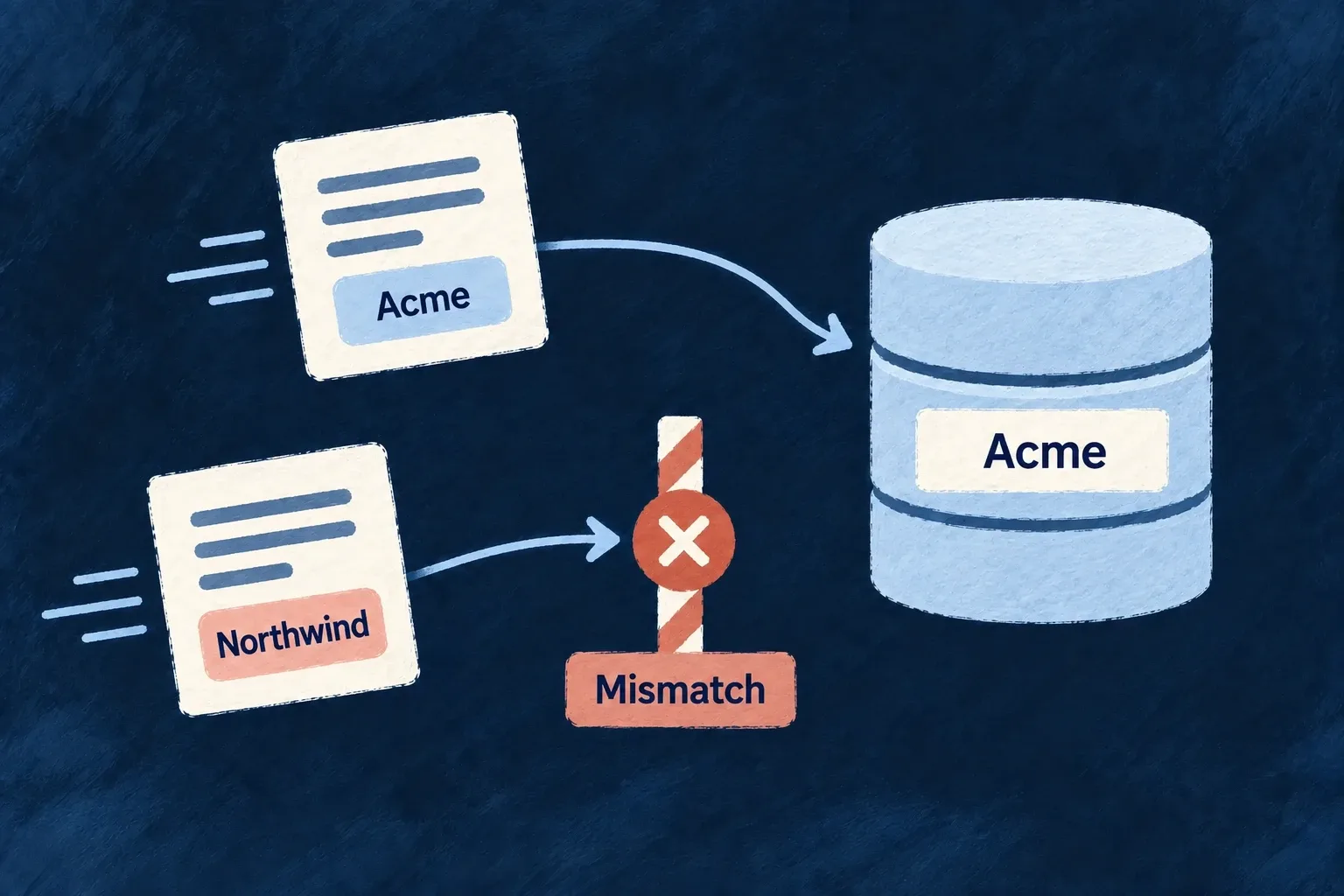
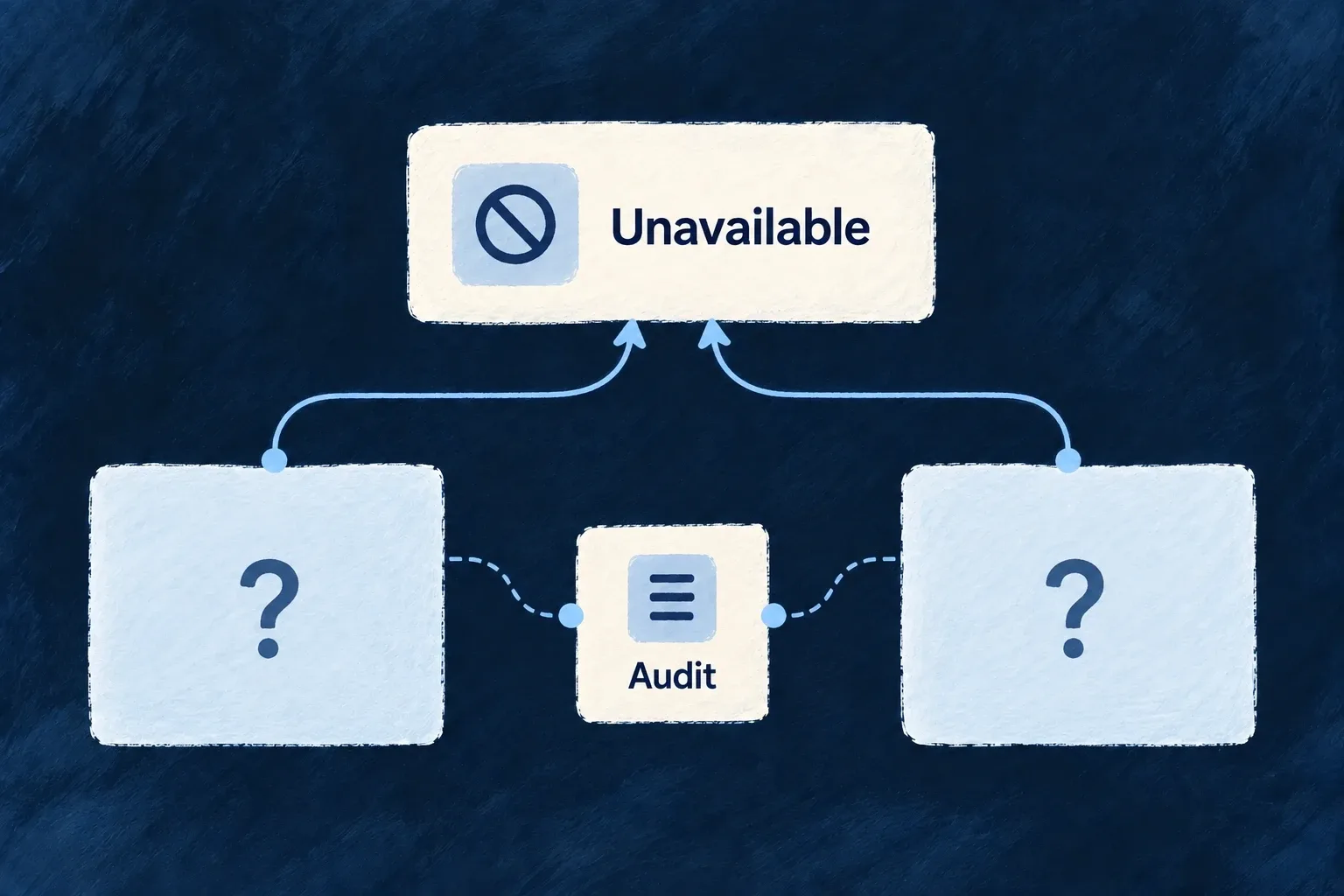
To verify the connection, use the authorized organization-contextual todo operations: records created for one customer should be available in that workspace, and an unrelated customer must not be able to address them. The caller’s actual membership and the operation’s roles still govern admission. The organization-scope guide follows the same declaration into query confinement.
Keep the workspace URL identity stable
The following is the actual slug declaration from organizations.shared.schemas.ts. It separates the stable URL identity from an editable display name:
slug: z.string()
  .min(1)
  .max(50)
  .regex(/^[a-z0-9]+(?:-[a-z0-9]+)*$/)
  .isDBIndexed()
  .isUnique({ conflictMessageReference: ErrorCustomMessageReference.ORGANIZATION_SLUG_EXISTS })
  .isSummaryField()
  .excludeFromUpdate(),
Keep identity, membership and lifecycle separate
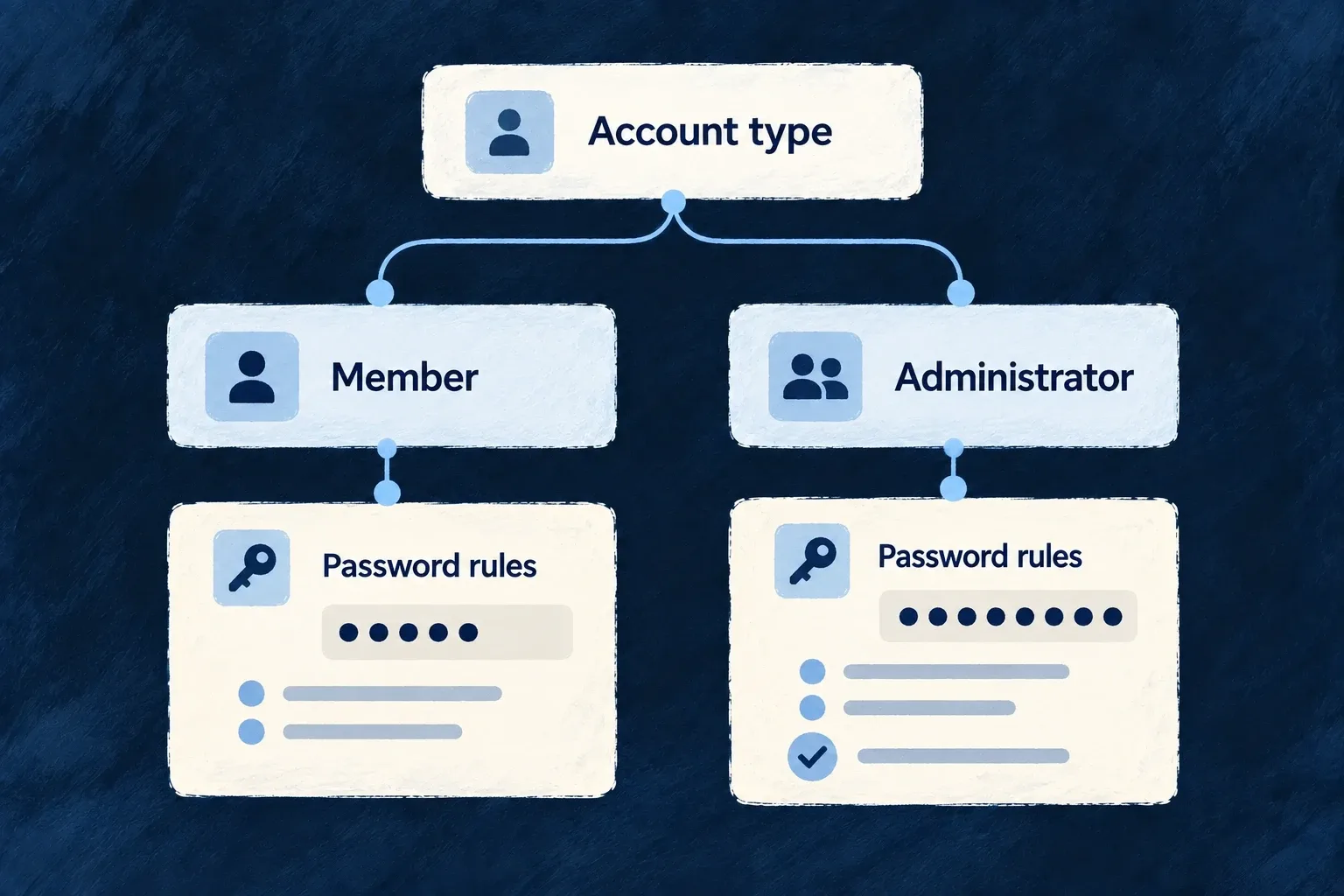
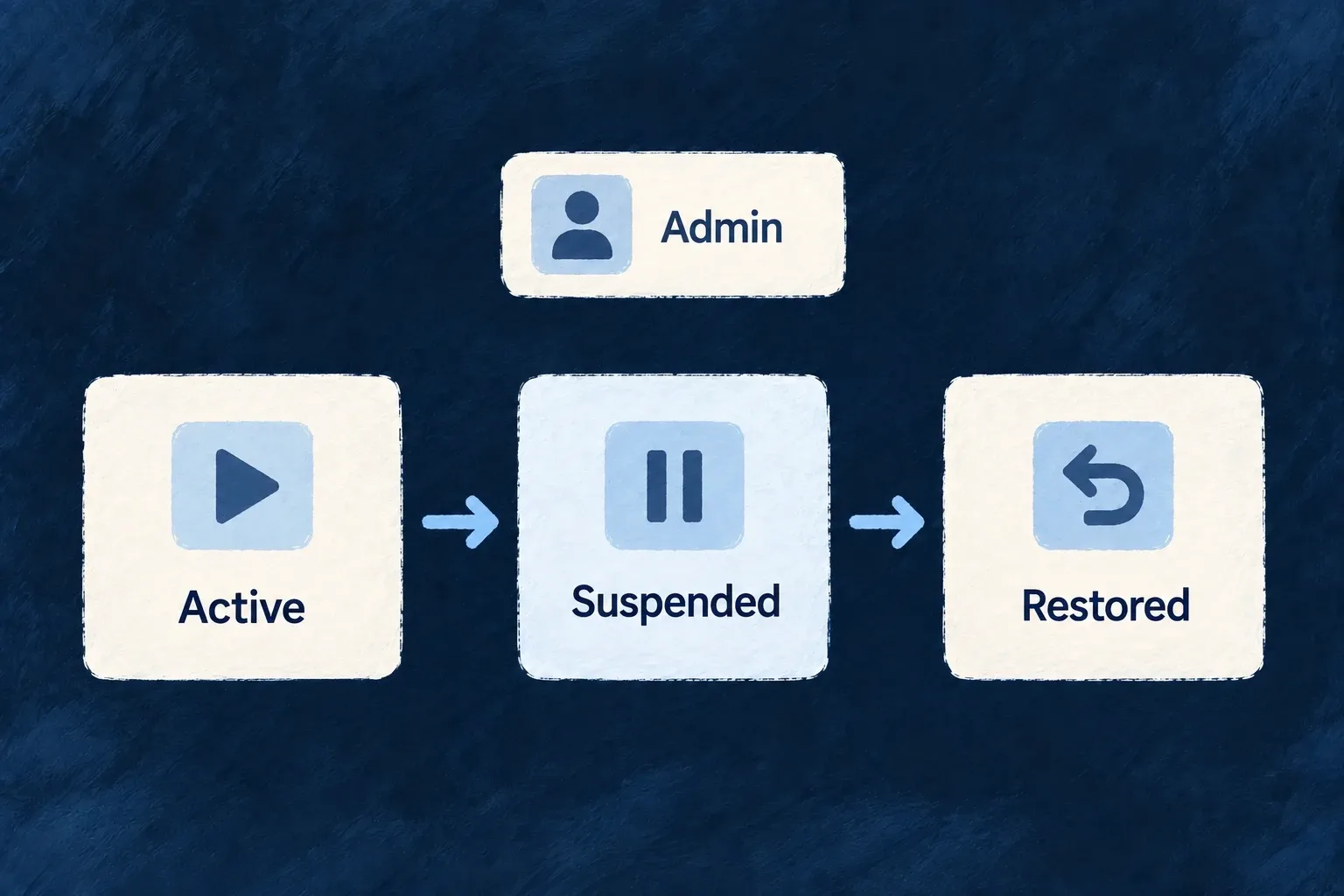
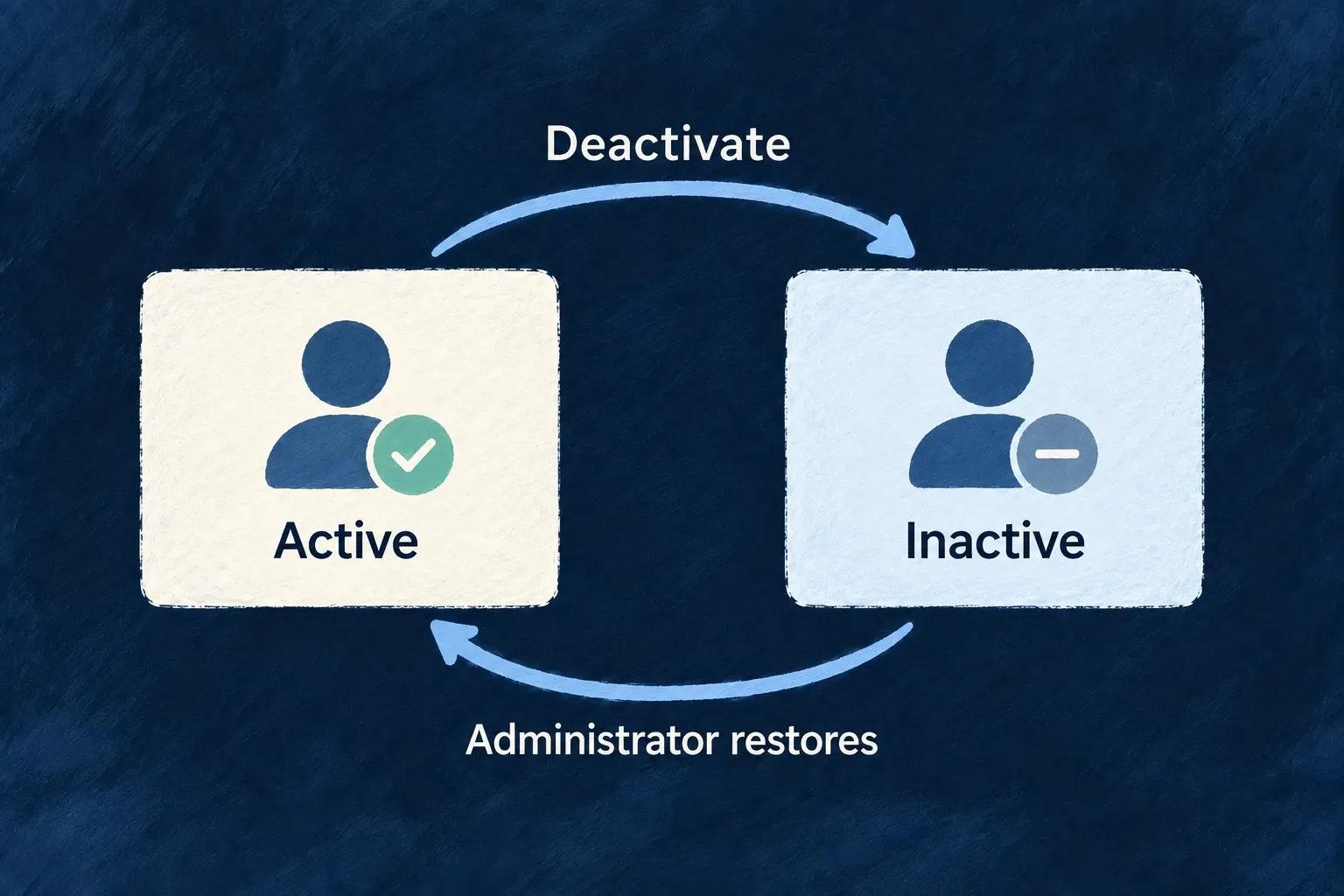
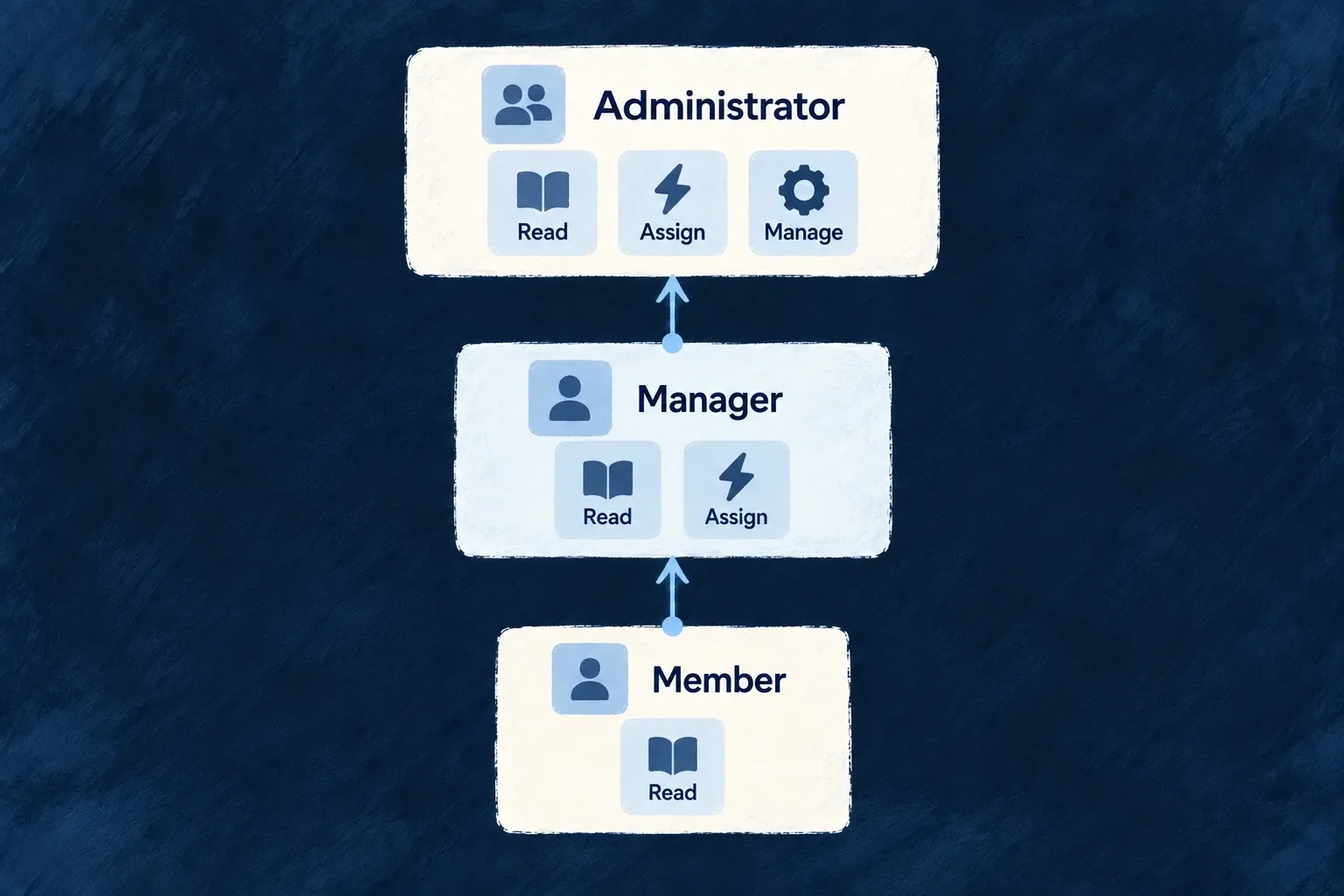
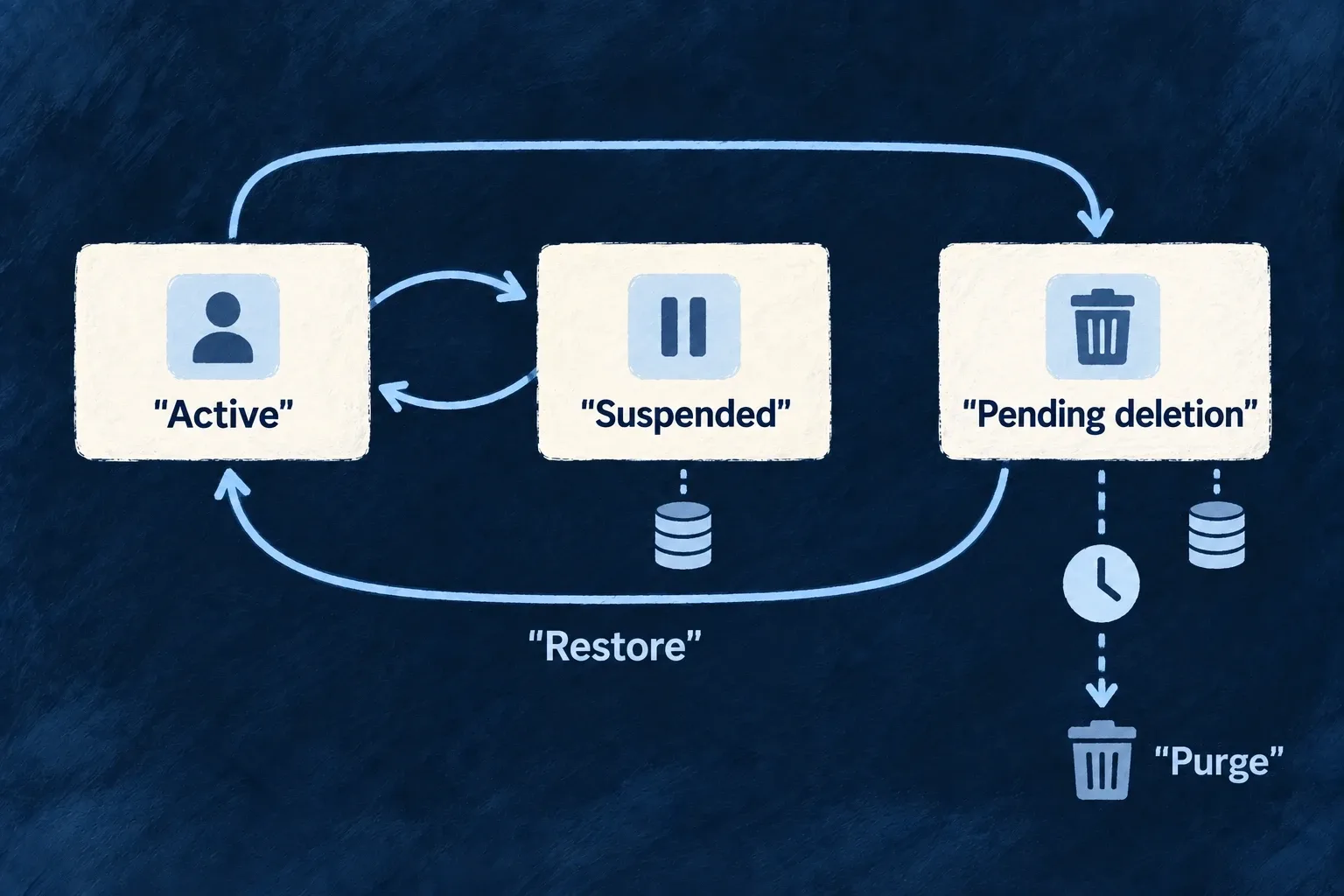
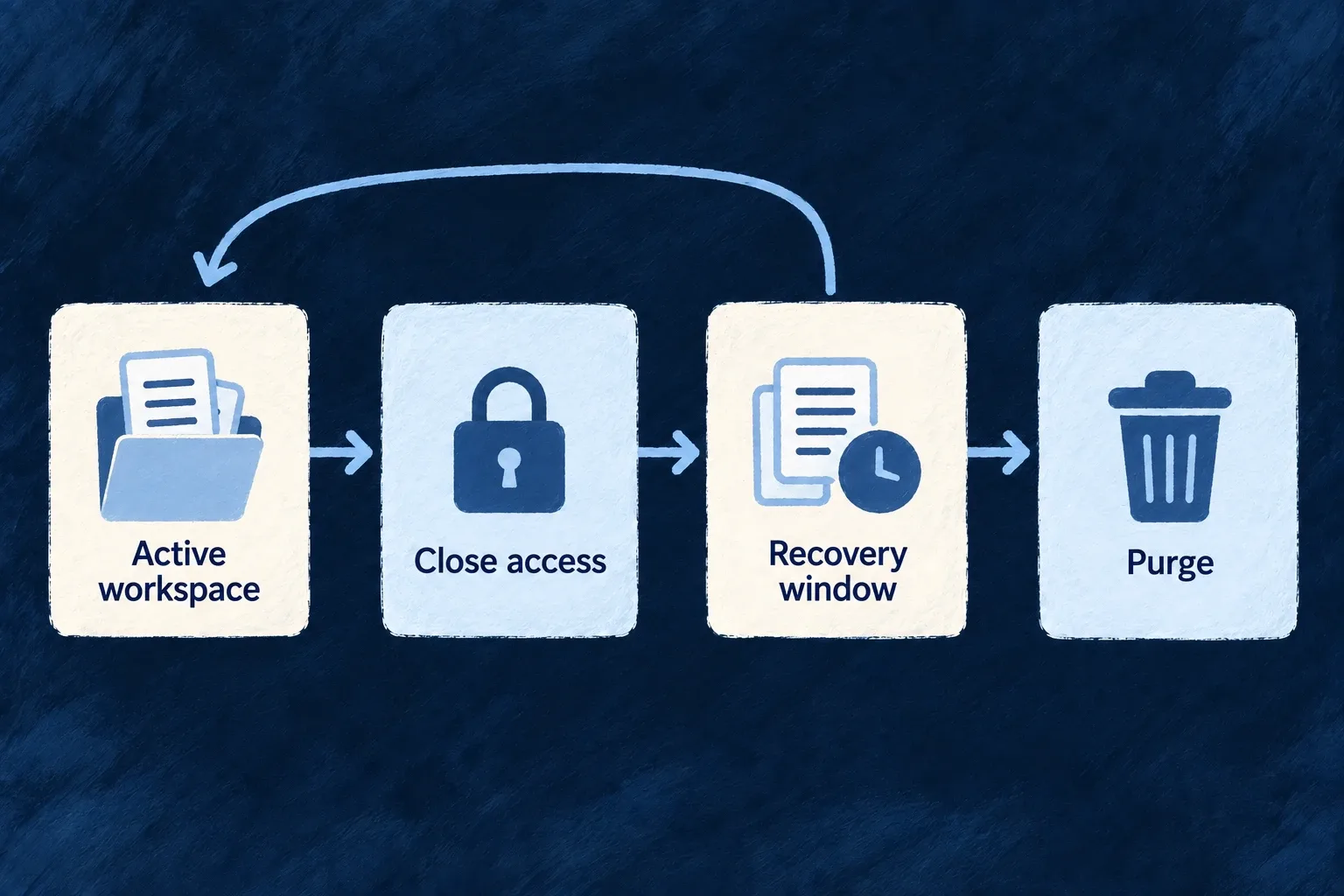
A person’s organisation roles live on their membership, not on the organisation or a global account-role list. The organisation’s type selects configured policy. Its status is controlled by lifecycle operations rather than a generic update.
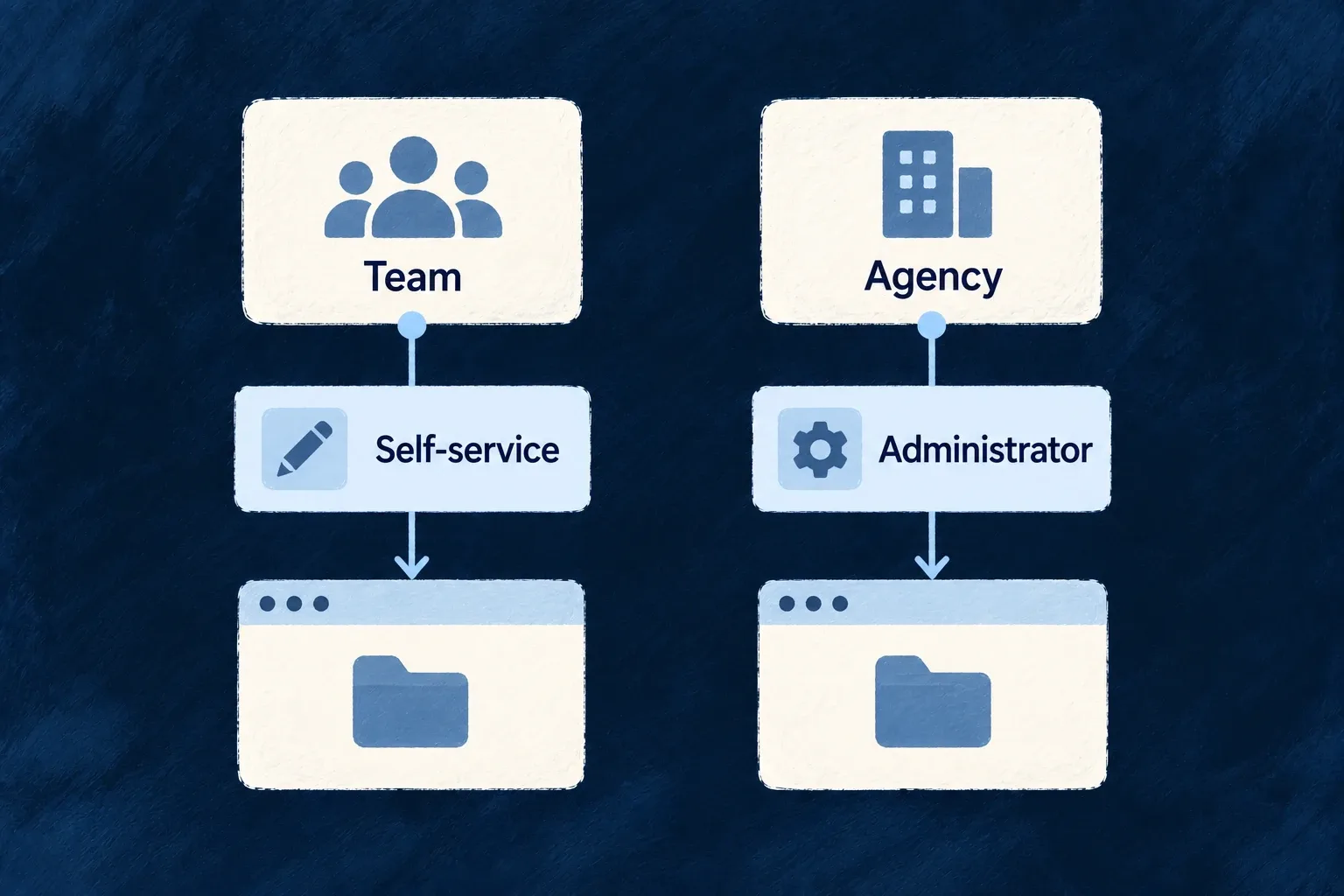
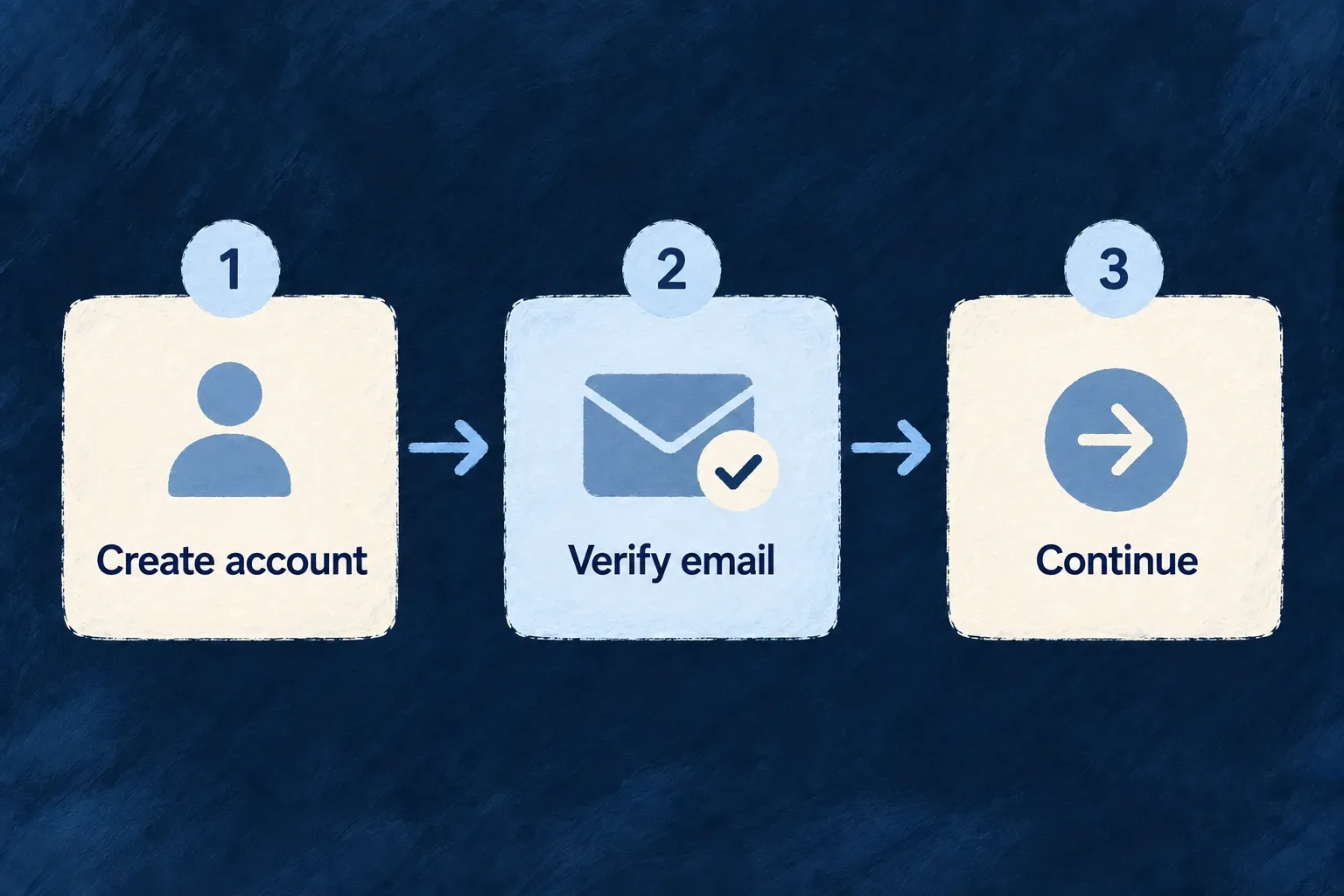
A self-service create also creates the requester’s owner membership. An operator-created organisation follows a separate creation path; do not assume every create variant appoints the caller as its owner.
Use organisation types for provisioning choices and organisation membership for a person’s authority inside the workspace. Database uniqueness must be present in the deployed database: the schema’s index declaration and an applied SQL migration are distinct steps.