
Product & marketing websites
A website with your product’s branding, content and languages, delivered alongside the application.
Branded pages · multilingual content · metadataAstro · ReactGive your product a place to be understood.
> A story shaped around your product> A recognizable brand across languages> A clear route into the application
A product website introduces what your application does, why it matters and how to get started. Its pages, examples and calls to action belong to your product.Wildo supplies a website foundation connected to the application’s configuration. You shape the message, visual identity and customer journey.
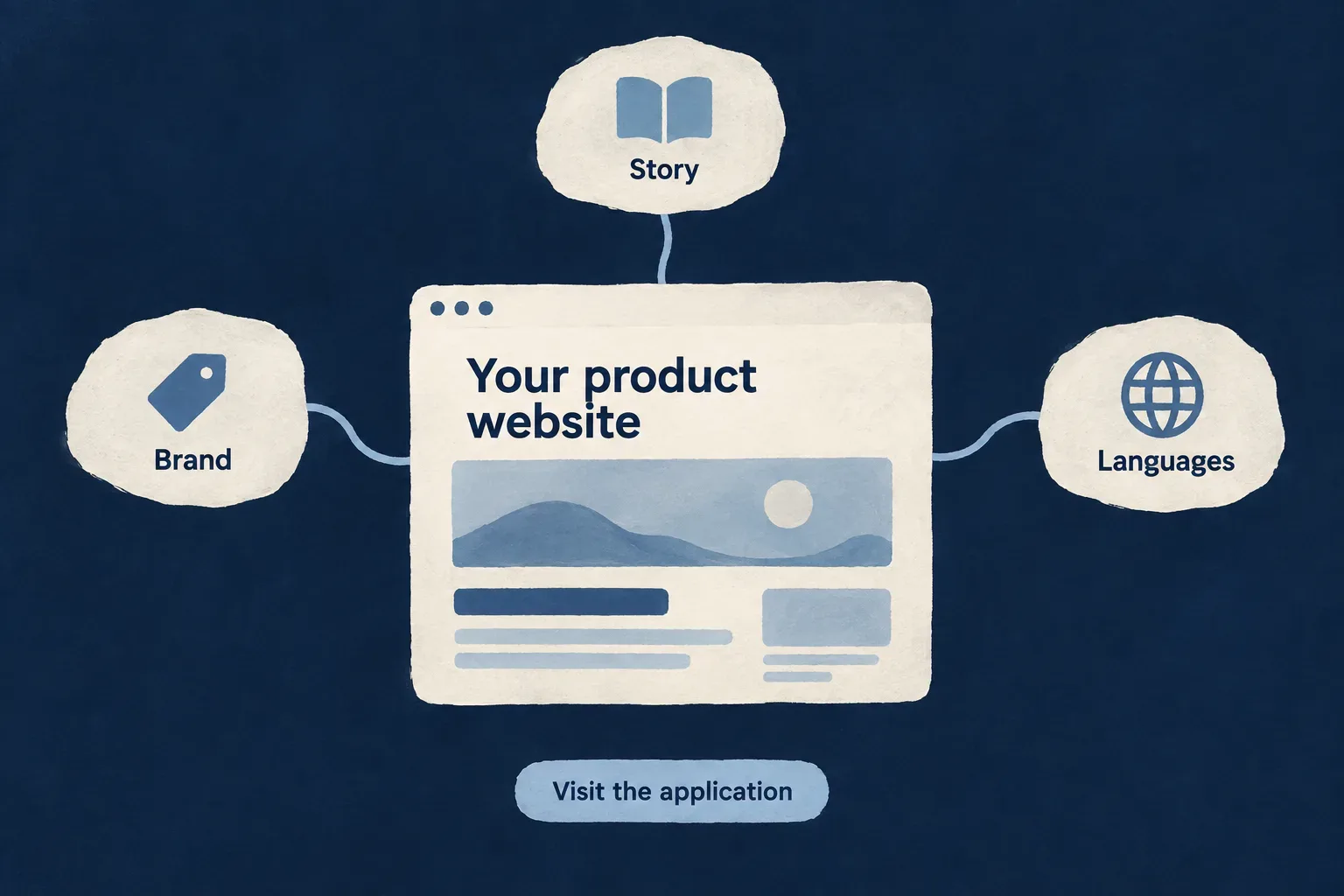
Turn a product into a public presence
Explain the value
Compose pages from purposeful sections. Introduce the problem, demonstrate the experience and give visitors a useful next step.
Speak consistently
Carry your design choices and navigation across pages. Adapt the words for each supported language without rebuilding the page structure.
Publish deliberately
Connect the site’s address, page metadata and application links. Decide when the site is ready for search engines to discover it.
Example: Introduce a team-planning product
The website explains how teams organize work, shows a representative workflow and invites visitors into the application. French and English pages use the same composition with separately authored wording.
For engineers
Know what the starting site contains
The add-website scenario creates an Astro website using @wildo-ai/saas-website: a landing page, section definitions, label packs, header and footer, service configuration and static hosting files. It registers the website as a separate application service.
The scaffold is the beginning of the product story. Page composition, final copy, imagery and brand choices remain authored work. Wildo’s own marketing site is a separate Astro project; it is not the generated application website described here.
Connect the public surface to the right services
The following is the shape of the generated service entry, with illustrative application values. It belongs inside the surrounding application service configuration.
website: {
  path: './website',
  serviceName: 'planning-website',
  defaultPort: 4260,
  frontendType: AppFrontendType.STATIC_WEBSITE,
},
AppFrontendType.STATIC_WEBSITE identifies this surface for configuration and provider selection. The website has its own public origin; application and API origins are separate destinations. A call to action should resolve through the configured application origin rather than a guessed deployment URL.
Follow the authored page through rendering
| Layer | Responsibility |
|---|---|
| Page manifest and section array | Route, ordered content, section references and metadata label keys |
| Locale label packs | Reader-facing words, including page metadata |
| Website configuration and site context | Origins, locales and resolved service configuration |
| Astro rendering and React bridge | Static page output and selected browser interaction |
| Hosting and publication settings | Delivery, CSP and indexing choice |
The parts below explain these contracts separately. Verify the produced site with its real origins, localized routes and configured browser integrations before publication.
Shape the story around your product
Build a page around what a visitor needs to understand: the problem, the experience and the next useful action.
Reusable sections give the site a coherent structure. Your content, imagery and design choices give it a recognizable voice.
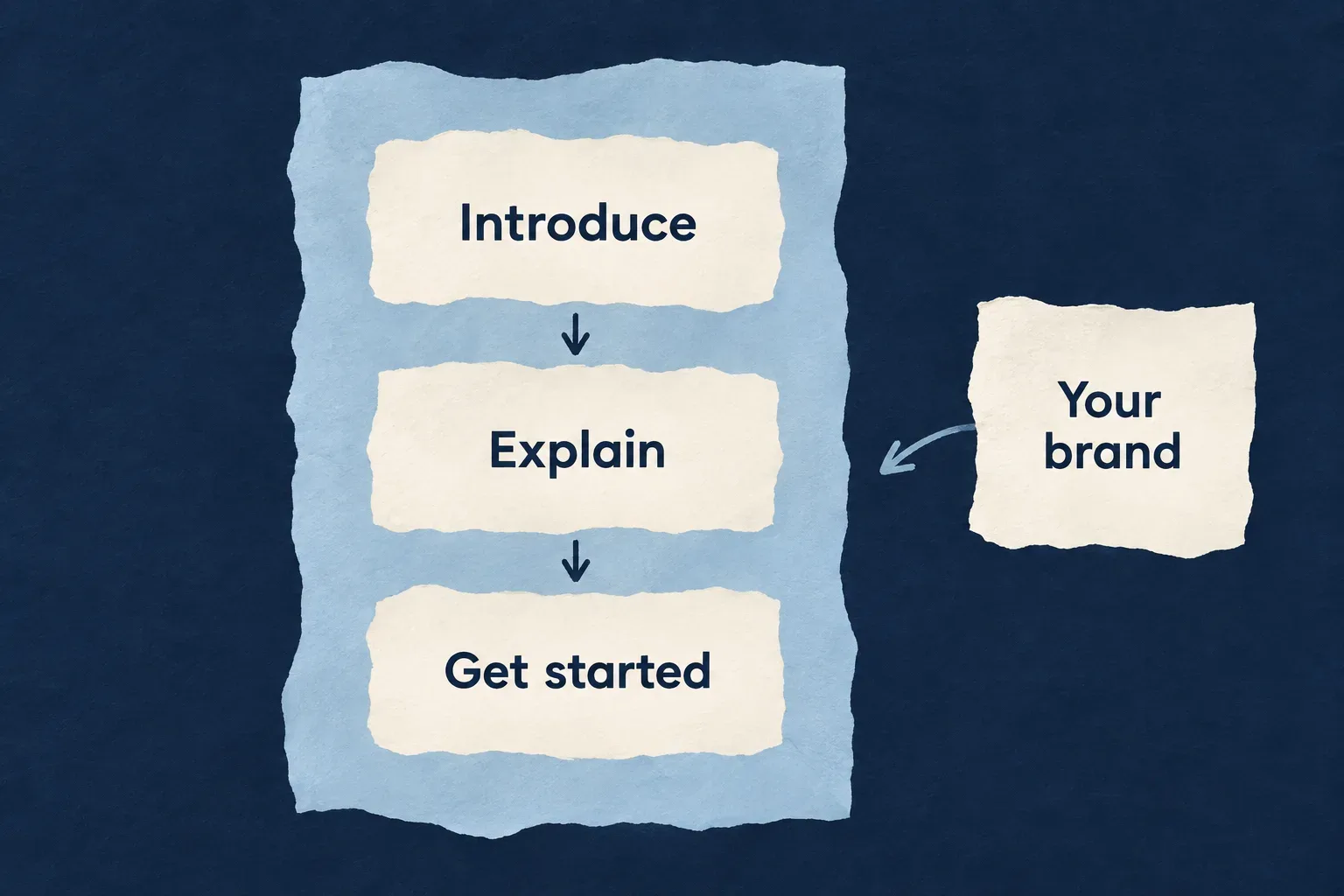
Give every section a purpose
Arrange the argument
Choose an order that explains the product before asking visitors to act. A section is a piece of the story, not just a visual block.
Carry the identity
Use shared design tokens, navigation and page chrome to keep new pages recognizable as the same product.
Make the next step clear
Connect calls to action to the application or another deliberate destination. Keep the label specific to what happens next.
Example: Show how a team gets organized
Introduce a planning problem, demonstrate the shared workspace, then offer a route into the product. A workflow illustration supports the explanation instead of replacing it with a list of features.
For engineers
Keep rendering and the manifest aligned
The generated landing page renders its ordered section array and declares the same references in its manifest. This selected scaffold excerpt omits imports but preserves the connection between rendering, route and metadata.
export function LandingPage(): ReactNode {
  return (
    <>
      {LANDING_SECTIONS.map((section) => (
        <WebsiteSection key={String(section.sectionRef)} sectionRef={section.sectionRef} category={section.category}>
          <section.Component />
        </WebsiteSection>
      ))}
    </>
  );
}

export const LANDING_PAGE_MANIFEST = defineWebsitePageManifest({
  ref: 'landing',
  routePath: '/',
  pageComponent: LandingPage,
  sectionRefs: LANDING_SECTIONS.map(section => section.sectionRef),
  metaLabelKeys: {
    titleKey: WebsiteLabelKeySchema.parse('website.landing.meta.title'),
    descriptionKey: WebsiteLabelKeySchema.parse('website.landing.meta.description'),
  },
});
LANDING_SECTIONS owns the sequence. sectionRefs makes that composition available to the surrounding website machinery. Metadata keys point to authored labels; a component title does not automatically become a search description.
Declare the words a section needs
defineWebsiteSection associates a section reference, category, component and expectedLabelKeys. The generated hero declares separate eyebrow, headline, subheadline and primary-action labels. Its component reads those labels through useWebsiteLabel.
When adding a section, update its definition, the ordered page array and the label packs. The section scenario supplies the starting English labels; additional locales need their own content. A missing required label is a content error rather than an invitation to publish an identifier.
Keep shared design in its owning configuration
website-root.config.ts carries design tokens, header/footer composition, page manifests and shared chrome labels. Page components own the product-specific arrangement. The generated React bridge supplies the website providers around that composition.
Review the full path from a visible button to its configured destination. A working component is only one part of a coherent customer journey.
Speak to each audience with the same care
Keep a shared page structure while giving each language its own wording, page labels and navigation.
Translations are product content. The framework connects them to the right routes; your team decides how the product should sound.
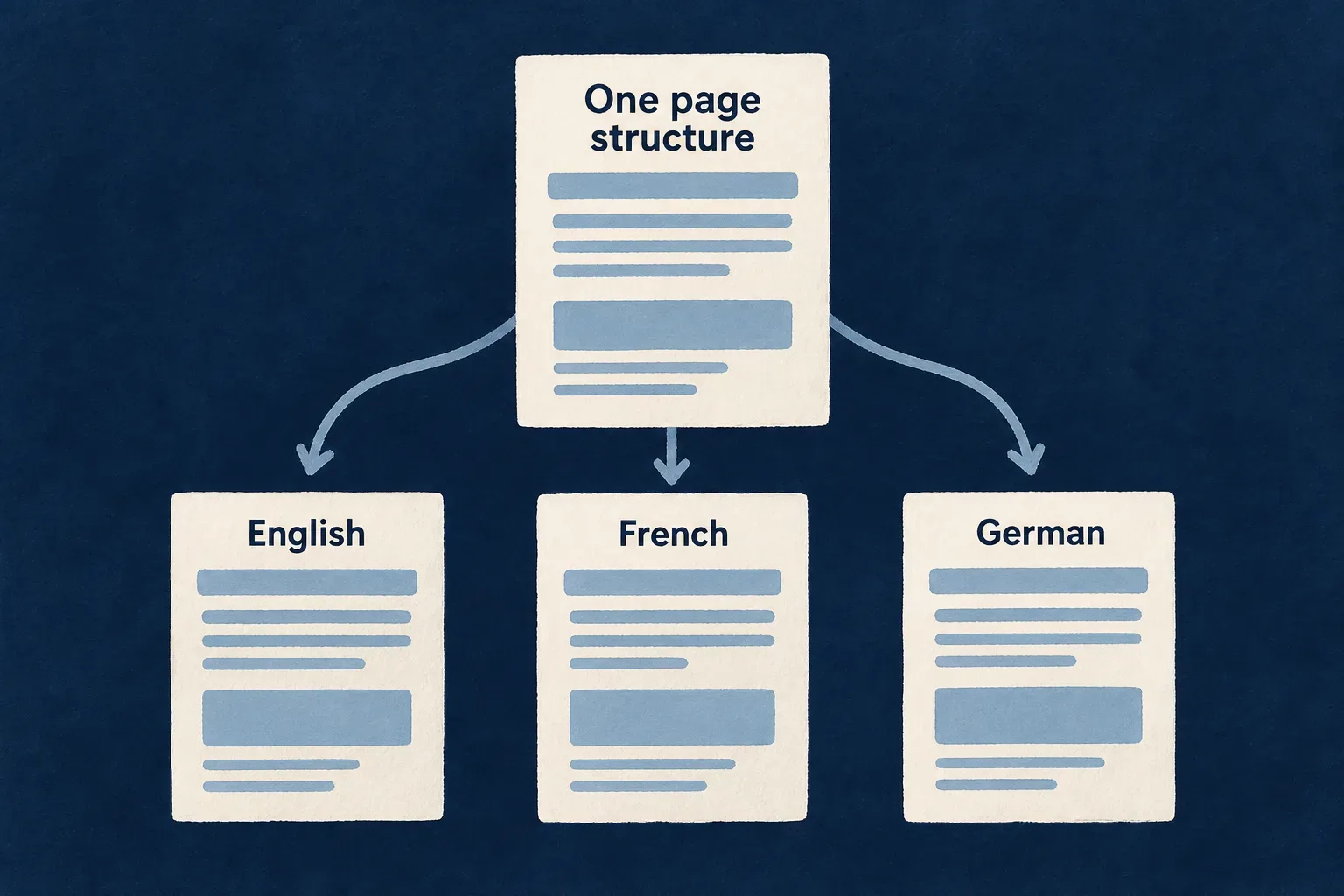
Keep structure and language connected
Reuse the composition
The same page and sections can serve different language versions without duplicating the component design.
Adapt the words
Author the headline, explanations and calls to action for the audience. Shared keys keep corresponding content identifiable.
Preserve the journey
Localized page addresses and language alternatives help visitors move through the site in the language they selected.
Example: Introduce the same workflow in two languages
An English page and a French page explain the same planning experience. Their calls to action share an intention, while the wording is written naturally for each audience.
For engineers
Declare the website’s origins and locales
The following follows the generated configuration, with illustrative product origins. Adding French here must be accompanied by its label pack and page routes.
import { AvailableLanguage } from '@wildo-ai/saas-models/public-runtime';
import { defineWebsiteConfig } from '@wildo-ai/saas-website/config';

export const websiteLocales = [
  { locale: AvailableLanguage.EN, path: 'en' },
  { locale: AvailableLanguage.FR, path: 'fr' },
];

export default defineWebsiteConfig({
  publicOrigin: 'https://planning.example',
  appOrigin: 'https://app.planning.example',
  apiOrigin: 'https://api.planning.example',
  csp: { enabled: true, reportOnly: true },
  defaultLocale: AvailableLanguage.EN,
  locales: websiteLocales,
});
The default locale is served at the root. Other language versions need their corresponding routes and label files. The locale entry declares availability; it does not translate content by itself.
Treat required labels as a publication contract
The page runtime loads the selected locale’s label pack. Required keys come from the section and page definitions, including metadata. Validation detects absent required labels across configured packs.
| Change | Content to carry with it |
|---|---|
| Add a section | Its required labels in each supported pack |
| Add a page | Route, manifest and page-specific metadata labels |
| Add a language | Locale configuration, label pack and localized routes |
| Change a call to action | Wording and destination checked together |
Verify language as a complete route
Open each localized address directly, navigate within the site and inspect the resulting page title and language alternatives. Review the rendered copy as a reader; the presence of every key proves completeness of the contract, not translation quality.
Prepare the site to be found and shared
Give each page a clear address, useful search description and deliberate sharing information.
Keep publication decisions connected to the actual environment. A preview site and the public product site do not have the same purpose.
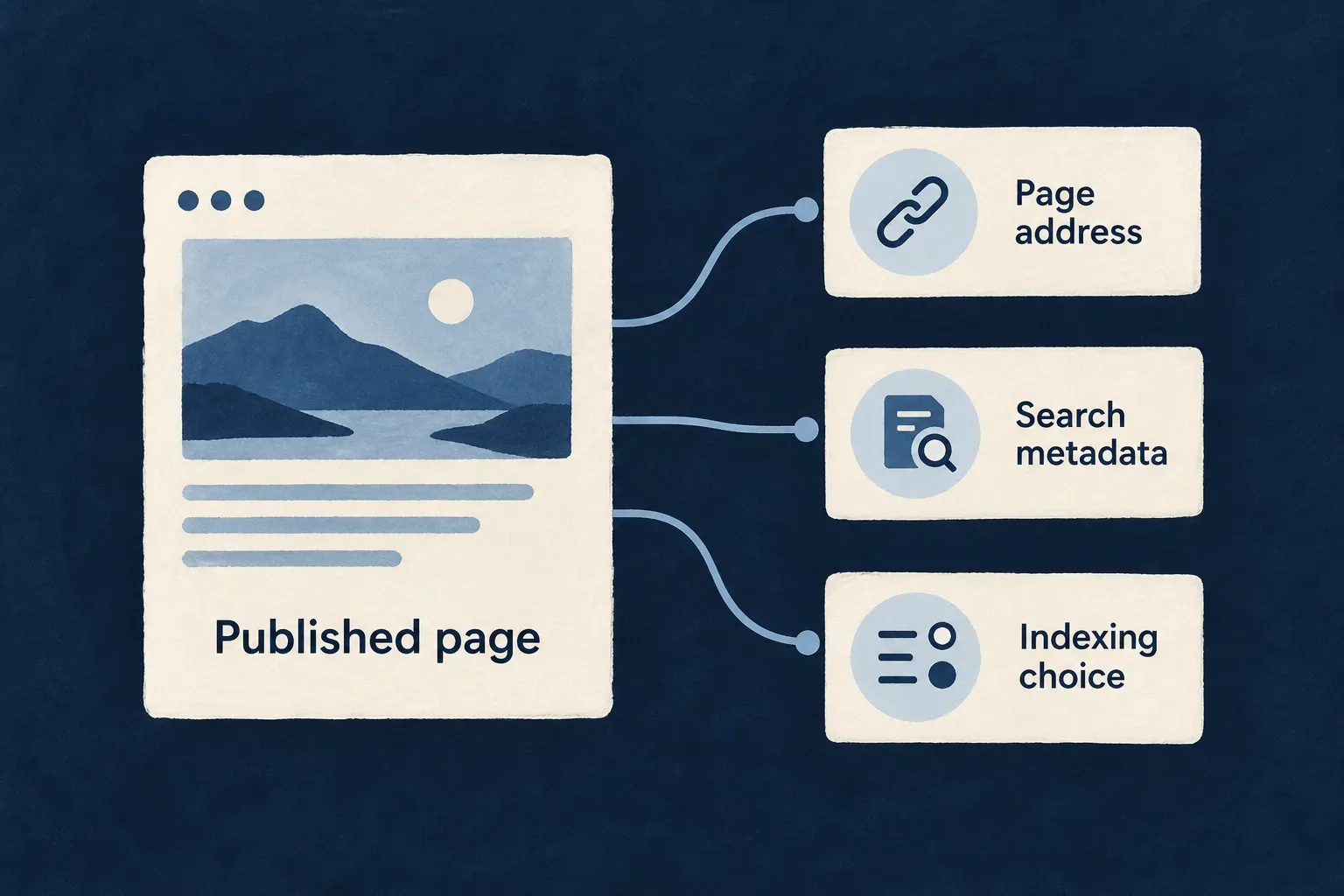
Publish a coherent public surface
Name the page clearly
Page titles and descriptions explain what visitors can expect before they arrive.
Point to the right address
Canonical URLs and language alternatives connect page identity to the configured public origin.
Choose when to be discoverable
The scaffold starts with indexing disabled. Enable discovery when the site’s content and deployment are ready.
Example: Move from preview to launch
The team reviews the product story on a preview address, then checks canonical links and application destinations against the public domain before enabling indexing.
For engineers
Render the head from the page contract
The application website passes the manifest, site context, locale and loaded labels to the head renderer. This selected rendering sequence shows the input boundary; it is not a complete Astro page.
const runtime = loadWebsitePageRuntime({
  manifest,
  siteContext,
  labelPacksDir,
  astroLocale,
});

const headHtml = renderWebsitePageHeadHtml({
  manifest,
  siteContext,
  locale: runtime.locale,
  labelPack: runtime.labelPack,
});
The renderer emits canonical links, language alternatives, social metadata and robots directives from its inputs. The selected sequence follows the Wonder Todos Astro entry; imports and application-specific constant names are omitted.
Make indexing an explicit environment decision
The website scaffold and Wonder Todos both use PUBLIC_ALLOW_INDEXING as the build-time opt-in, and a generated deployment workflow sets it to true only for an environment whose runtime environment is production. Inspect the application’s own robots implementation before changing a deployment value.
An indexing directive communicates a preference to crawlers. It is not access control, and metadata does not guarantee a ranking or a search-engine listing. Keep private information out of the public site’s output.
Check the delivered files and browser behavior
| Surface | Check before publication |
|---|---|
| Page head | Public canonical origin, useful title/description and intended robots directive |
| Sitemap and localized routes | Actual published URLs and consistent language alternatives |
| Static hosting | Real pages resolve, missing pages return the intended status |
| CSP | Allowed origins match resources actually used; report-only is not enforcement |
| Browser providers | Configuration and credentials exist, and the integration actually initializes |
llms.txt | Authored guidance points to useful current content |
The site is statically delivered, with selected React interaction. Provider functions are assembled in the browser bridge; choosing a provider in configuration alone does not prove its SDK is operational.
Your product's voice, on a connected foundation.
Wildo supplies the structure around the site. Your story, evidence and design turn it into a place where people can understand the product and take the next step.
Building a B2B product or an internal tool?
Wildo is not self-service yet. Tell us what you have in mind and we will say plainly whether it fits, and what happens next.