Wildo.ai Coming soon

Framework knowledge for coding agents

Give your coding agent Wildo’s implementation guides, API references and application conventions.

110 agent skills · 623 reference topics

> Learn the supported contracts > Follow the whole change > Work with your application's context

A capable coding agent still needs to understand the framework it is using.

Wildo delivers task-specific guides, source-backed references and standing conventions into your application. They explain the connections a change needs to preserve, without requiring a framework checkout.

Your team provides the product intent. The agent uses that guidance to work within the application, and you verify the result.

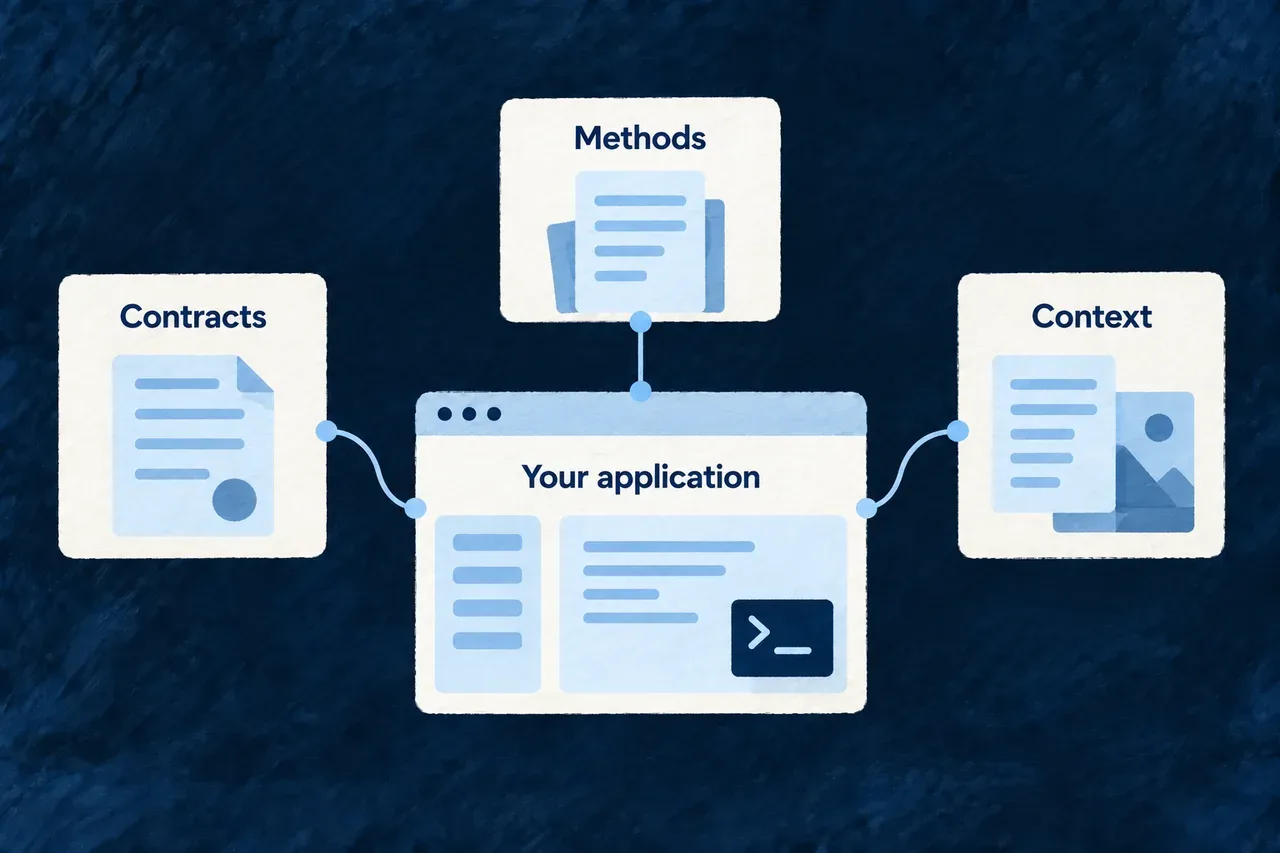
Contracts, methods and context support work inside the application.

A shared basis for the next change

Contracts with their meaning

Source excerpts show the supported shapes. Authored guides explain when to use them and how the pieces fit together.

Methods for connected work

A field, module or website addition has effects beyond one file. Guides and composition scenarios help carry those connections through the change.

Knowledge that can be maintained

The framework compiles and delivers its guidance. Integrity checks and example checks make specific kinds of drift visible to maintainers.

Example: Add a field people will use

An agent reads the field guide, checks the existing resource and makes the applicable schema, display and labelling changes. If storage changes require a migration, that is part of the work. The team then checks the field in the form and API that consume it.

For engineers

Separate knowledge from the coding tool

Here, the harness is the guidance and development tooling around the agent. Skills describe how to work with Wildo; references expose contracts; context queries describe the application. The coding agent still performs the implementation.

QuestionFirst place to look
How should this kind of change be made?Installed skill and its references
What does this application already declare?Project source and companion context
Which method is appropriate for the development activity?Playbook and current prerequisites
What framework guidance version is installed?The package and delivered assets

Follow a practical starting sequence

Run from an existing application root. Start local development separately before the context commands:

# Refresh the installed guidance.
wildo assets sync

# Read the relevant workflow.
cat .claude/skills/resource-add-field/SKILL.md

# Discover and inspect this application's declared model.
wildo context health
wildo context list
wildo context info resource-specifications

The skill is the method; the context response is information about the serving application’s model. Neither substitutes for the requested product behavior or its verification.

Carry a change through to evidence

Review the affected declarations and registrations, then the implementation diff. Run the relevant compiler and behavior checks. A resolved reference proves its source connection; a successful application interaction proves something different about the change.

Teach the framework through its contracts and methods

An agent working in an application needs a usable account of the framework: what it provides, how to extend it and which connections a change affects. That guidance should work without requiring a framework checkout.

The problem it answers

A copied API example can outlive the contract it describes. A correct API reference can also leave the reader unsure how to use it across an application. The contract and the method answer different questions; useful guidance needs both.

Delivery matters too. An updated guide helps only after the application receives it and its agent host loads it. Source linkage, publication, installation and use are separate steps in keeping that guidance useful.

What it rules in, and what it rules out

  • Extract selected public contracts through named source topics, with their package origin.
  • Author the decisions, workflows and explanations around those contracts.
  • Keep detailed references available on demand and reserve standing guidance for broadly relevant conventions.
  • Obtain application-specific facts from the project and its context tools.
  • Check reference integrity, example validity and installed loading with the evidence appropriate to each.

A named source excerpt reduces duplicated declarations. It does not eliminate the need to review explanations or verify a resulting application change.

What it means for someone building with Wildo

Start from the guide for the change, then inspect the application’s own declarations and available context. Use the delivered contract for the installed version, implement the product-specific behavior and verify the affected interaction.

When a reference looks old, follow its delivery chain before changing correct application code. A source edit needs generation and installation to reach an existing guide; context queries may also reflect compiled application output rather than an uncompiled edit.

For engineers

Where it lives in the framework

Framework maintainers author skills, references, partials, rules and methods. The knowledge generator resolves the source topics and compiles the delivery payload. Application builders receive that payload through their installed framework-knowledge package and wildo assets sync.

The integrity audit checks supported relationships between topics, references, skills and methods. Example checks keep samples in compiler coverage and connect executable examples to tests. Running those tests remains a separate verification step.

Standing rules are connected through the application’s managed guidance imports. The agent host must support and load that entry point. Project-specific instructions belong outside framework-managed files.

Bring the guidance into the project

The framework’s knowledge reaches the agent through a delivered package. That keeps application development independent of a framework checkout while providing the references needed to use its APIs.

Refreshing that delivery is part of keeping an existing application’s guidance aligned with its installed framework version.

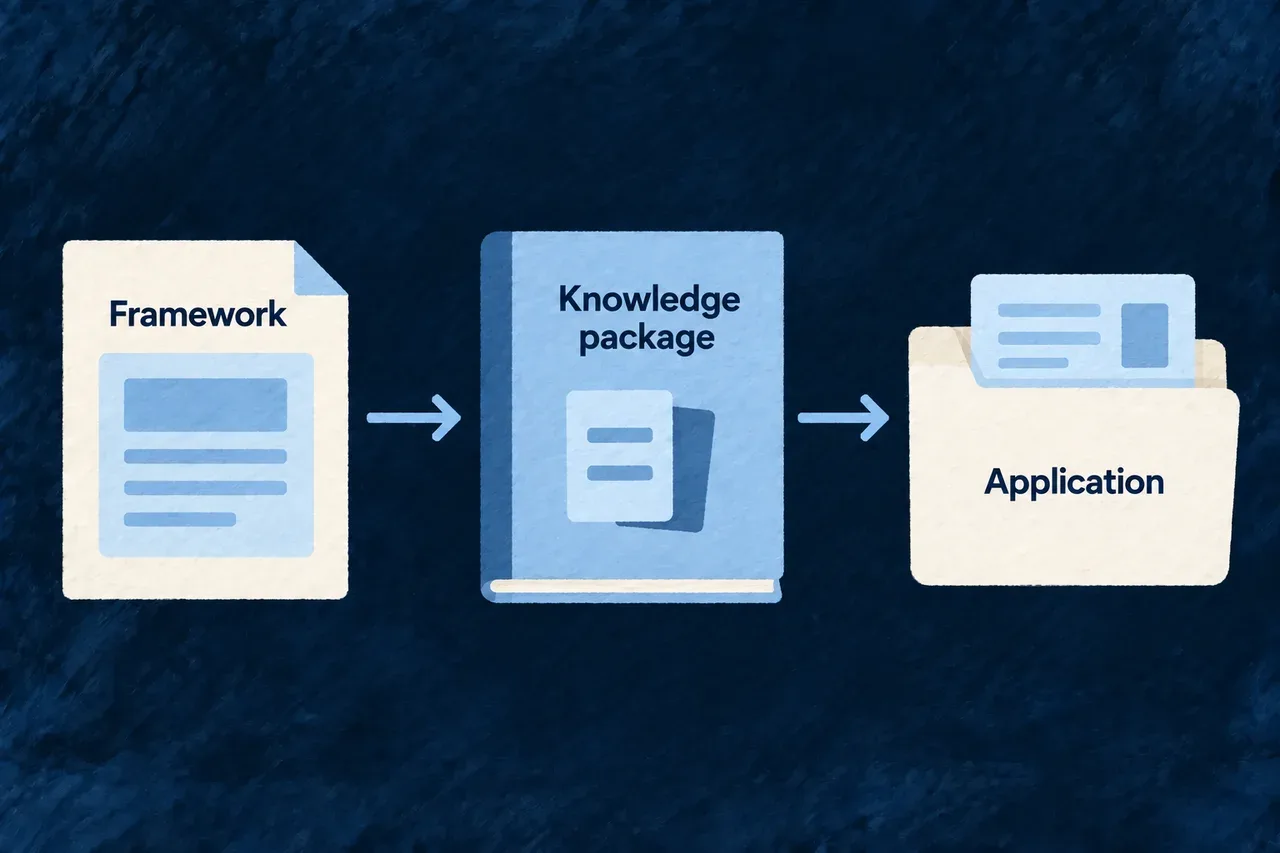
Framework knowledge is packaged and delivered into the application.

From maintained source to installed guidance

Author the method

Maintainers write the workflow and the decisions it explains, using shared explanations where several guides need the same context.

Compile the references

Named topics bring selected source contracts into the generated package. The accompanying manifest and checks describe and validate that output.

Deliver to the application

The asset installer reads the installed package. It updates framework-owned guidance while keeping application-owned neighboring instructions separate.

Example: Adopt a revised framework contract

After updating the relevant framework package, a team refreshes its application assets and inspects the changed reference. The agent can then use the delivered contract when implementing the next change.

For engineers

Refresh application assets

From the configured application root:

# Install the package's generated guidance and other delivered assets.
wildo assets sync

# Inspect the installed entry points.
cat .claude/skills/INDEX.md
cat CLAUDE.md

Skills and standing rules are delivered under .claude; documentation assets also have their application delivery location under .wildo-saas/docs. The managed rule imports in the application’s guidance file connect the rules to a supporting host.

Preserve the ownership boundary

Framework-managed guidance is replaced during synchronization. Put application-specific instructions in application-owned files outside that inventory. A conflicting unowned target is reported rather than silently overwritten.

Generation, package installation, asset synchronization and host loading are separate steps. If an agent sees an old contract, check which step still has the old version before changing the application to match it.

Give the agent knowledge it can use

A coding agent needs the framework’s contracts, a method for the change and the context of your application.

Wildo delivers guides and source-backed references alongside connected composition tools. The guides explain how to work; the tools establish recurring project structure; your application supplies its own behavior.

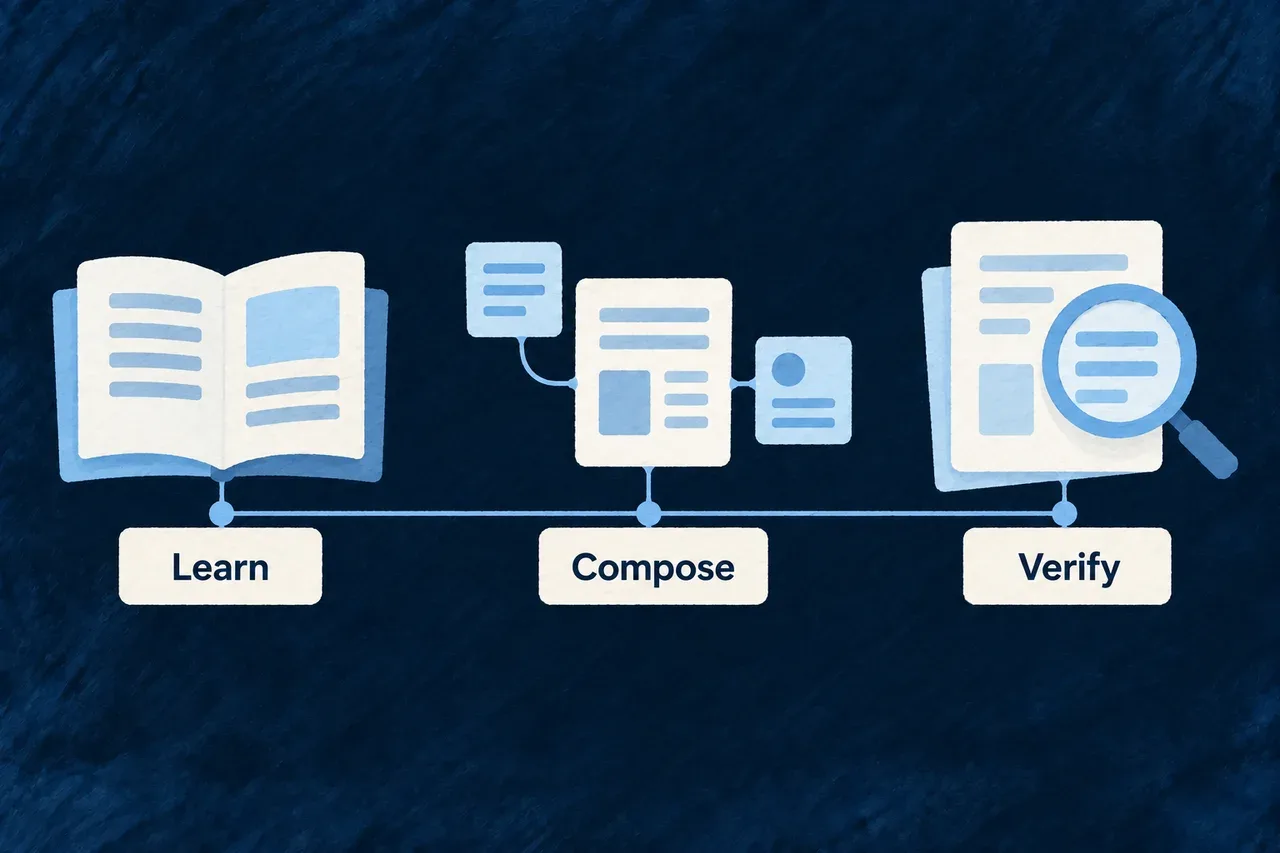
Learning, composition and verification complement one another.

Turn framework knowledge into useful development work

Learn the connected change

Task-specific guides follow the relevant application layers. Standing rules bring recurring obligations into view before a detailed workflow is chosen.

Keep contracts and guidance together

Named source excerpts feed the references. Compilation and delivery carry them into the application, with checks for broken connections and example drift.

Build from connected structure

Composition establishes modules and public sites with their registrations. Your team develops the domain behavior, content and customer experience on that foundation.

Example: Add a customer-facing feature

An agent reads the resource guide, inspects the application’s model and adds the feature in its owning module. The team extends the product site and documentation to explain it, then checks the implementation and the published material together.

For engineers

Start with the installed guidance

From the application root:

# Refresh framework assets from the installed package.
wildo assets sync

# Find the guide for the change.
cat .claude/skills/INDEX.md

# With local development running, inspect the application's model.
wildo context list
wildo context info resources-registry

The package supplies framework guidance. The companion supplies available application views. Their freshness has different sources: installed package delivery for one, compiled application state for the other.

Keep the responsibilities distinct

SurfaceUse it for
SkillFollow a framework-specific change across its relevant layers
Standing ruleKeep a recurring convention available to the agent host
Source referenceInspect an extracted framework contract
PlaybookDescribe a development activity and its inputs and method
Composition scenarioCreate and register a configured project addition
Application contextInspect what this application exposes

A playbook can use skills and composition as part of its method. These are connected tools, not interchangeable names for an autonomous agent. The actual coding tool performs the work under the selected development workflow.

Verify the result at its consumers

After a composition, inspect the files and registrations, then implement the product-specific behavior. After a guidance update, inspect the delivered files and the host entry point. After a source change, verify compilation and the affected application interaction.

The guides below describe the particular contracts. Framework-maintainer commands such as wildo fwk generate-docs belong in the framework workspace; ordinary application delivery uses wildo assets sync.

Give agents usable guidance

Give your agent a method for the whole change Mechanism

Adding a field can affect more than its declaration. Validation, screens, labels and database changes may need to follow it. An agent needs a method for finding those connections.

Wildo installs task-specific guides inside the application. Each guide explains the work, points to relevant contracts and helps the agent choose the next reference without needing a framework checkout.

Example: Add a priority field

A team adds priority to a support request. The field guide helps the agent distinguish a backend-only value from one people will edit, then follow the applicable schema, display, labelling and migration work.

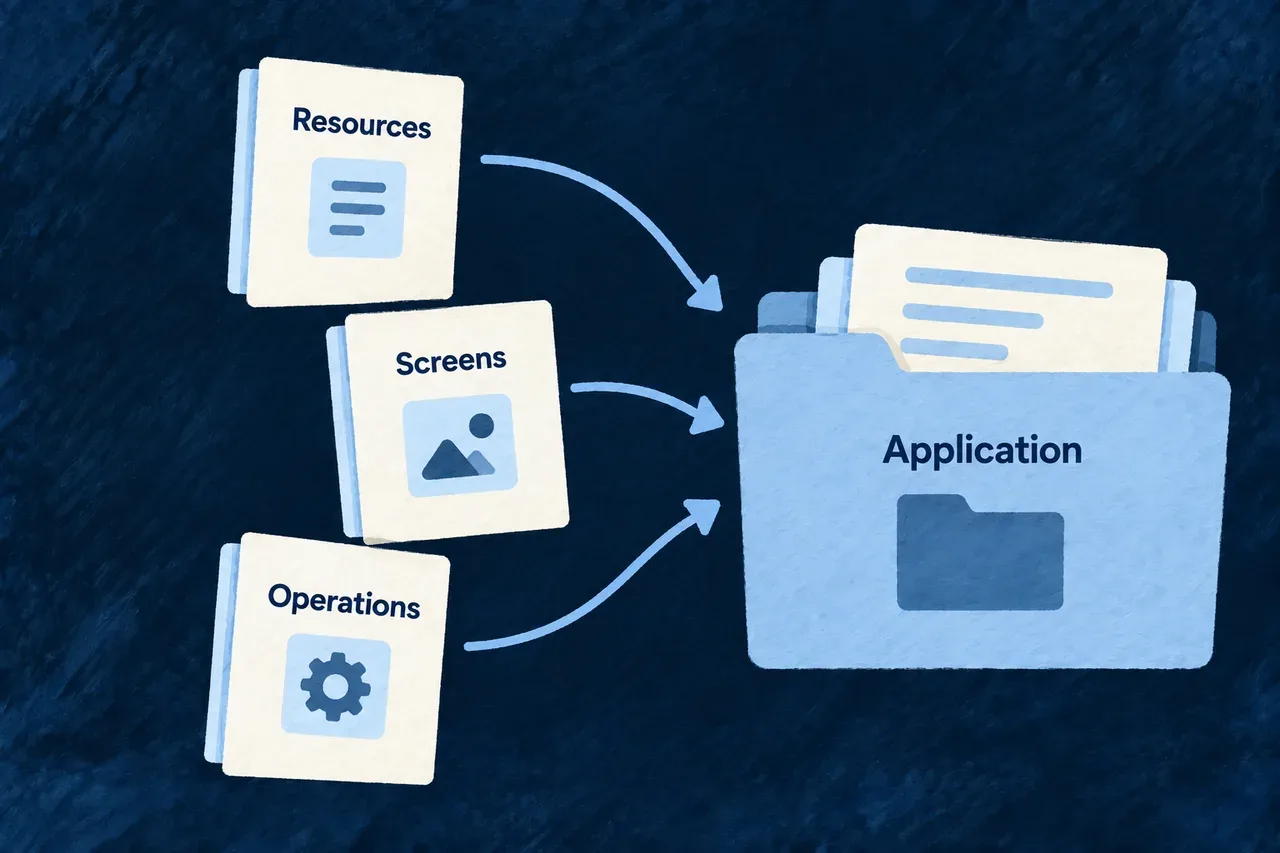
Resource, screen and operation guides are installed alongside the application.
For engineers
Install guidance from the application’s framework package

From a configured application root, refresh the delivered assets and inspect the routing index:

# Refresh assets from the installed framework-knowledge package.
wildo assets sync

# See how requests are routed to task-specific guides.
cat .claude/skills/INDEX.md

# Inspect the connected workflow for adding a field.
cat .claude/skills/resource-add-field/SKILL.md

The index guides skill selection. The selected skill carries its workflow and refers to more detailed material on demand. This is instruction-based routing: the agent host must discover and load the installed guidance.

Follow the impact of the requested change

The field guide distinguishes which surfaces the field reaches before changing them:

QuestionWhy it changes the work
Is this backend-only or user-facing?A user-facing field needs the relevant display/edit behavior and labels
Which resource and module own it?The declaration must enter the registries the application actually consumes
Does the SQL structure change?A PostgreSQL-backed application needs the corresponding migration
What behavior should be verified?Compilation and an actual form or API request establish different results

The guide supplies the framework method. Application-specific names, behavior and acceptance criteria come from the project and the requested change. Read those before choosing an implementation.

Keep custom guidance outside managed files

The installer tracks the exact files it owns. It replaces managed framework guidance and removes stale managed files; neighboring application-authored skills remain separate. It refuses a collision with an existing unowned guidance file instead of silently adopting it.

Place project-specific instructions in application-owned files. Editing a framework-managed skill is not a durable extension: a later synchronization can replace that file. Review the installed index after changing package versions so the agent uses the delivered version’s contracts.

Keep essential conventions in view Mechanism

Some conventions matter before an agent chooses a detailed guide. A database change, for example, should bring its migration obligation into view while the change is being planned.

Wildo delivers standing rules alongside its skills and connects them to the application’s guidance file. Your project’s own instructions stay outside the managed block.

Example: Remember the migration with the schema change

An agent adds a stored field to a PostgreSQL-backed resource. The standing guidance directs attention to the migration as part of that change, rather than leaving it until the application meets the database.

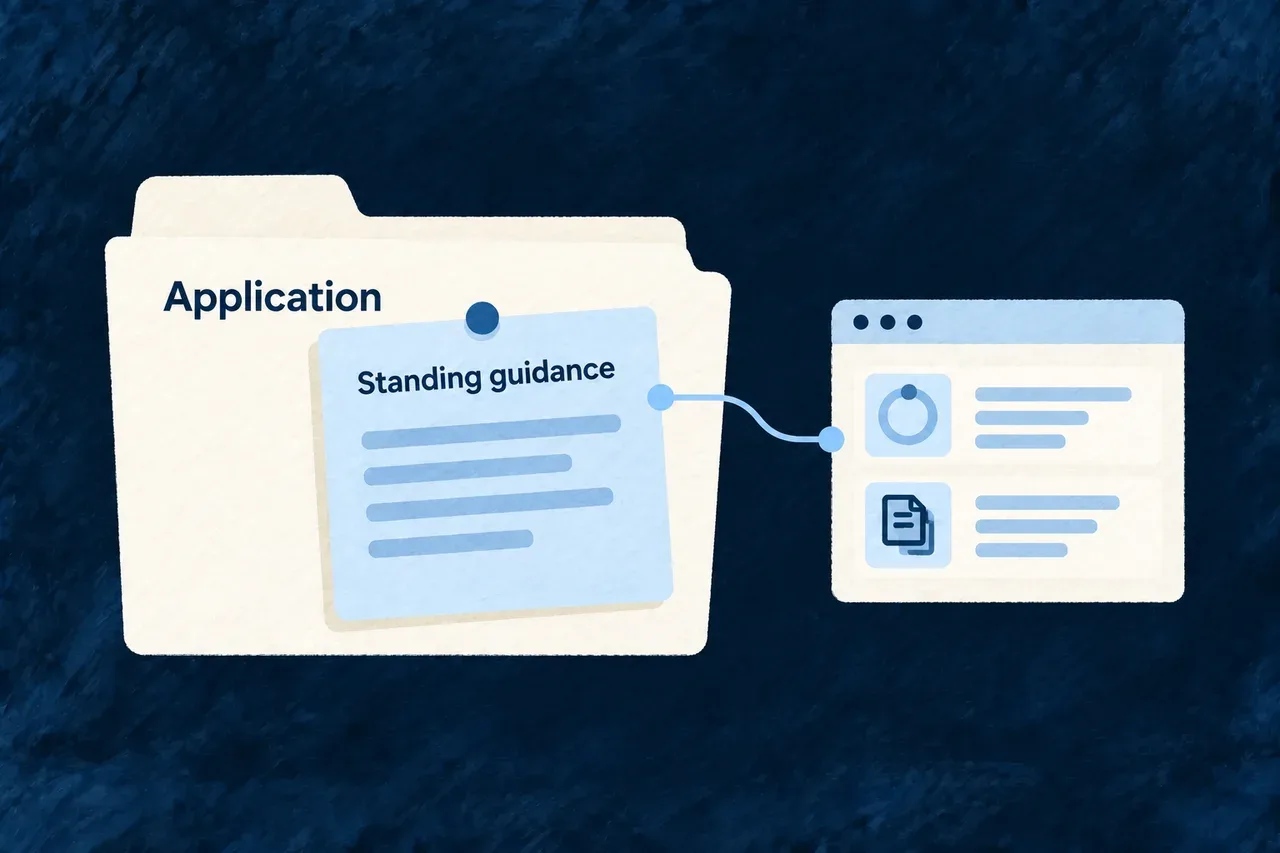
Standing guidance accompanies the application workspace and its terminal.
For engineers
Files and imports are separate parts of delivery

wildo assets sync delivers the package’s guidance into the application. Rules live under .claude/rules/; the installer also maintains their imports in CLAUDE.md.

This representative generated block uses the current rule filenames:

<!-- BEGIN WILDO MANAGED RULE IMPORTS -->

@.claude/rules/database-migration-obligation.md
@.claude/rules/live-context-door.md
@.claude/rules/resource-schema-awareness.md

<!-- END WILDO MANAGED RULE IMPORTS -->

The imports are sorted. An existing managed block is replaced; otherwise the block is appended to the existing guidance file. Instructions outside those markers remain application-owned. An existing guidance file is needed for that import entry point; inspect it explicitly after synchronization.

Choose standing guidance deliberately
Put in standing guidancePut in a task-specific skill
Conventions relevant across ordinary developmentA detailed workflow for one kind of change
The need to consult application contextReference material needed only for that task
Obligations that should be noticed earlyLonger examples and specialized configuration choices

The host must read the guidance file and support its import convention. Installed instructions help an agent reason; they are not a runtime permission check or a guarantee that every model will follow them.

Verify the delivered connection

After synchronization, inspect both the rule files and the managed block. The skill-file publication and subsequent guidance-file update are separate operations. Inspect CLAUDE.md for the managed imports as well as checking the installed rule files. Do not infer successful host loading from the existence of a rule file alone.

Read the contract the framework exposes Mechanism

A useful guide explains a decision and shows the API shape behind it. Copying that shape into another document creates another place to maintain it.

Wildo marks selected contracts in source and extracts them into the delivered references. The guide supplies the explanation; the excerpt supplies the declaration and its package origin.

Example: Wire a new module

The module guide explains where the module belongs in the application. Its reference brings together the application configuration contract and the shared module interface, so the agent can connect the two.

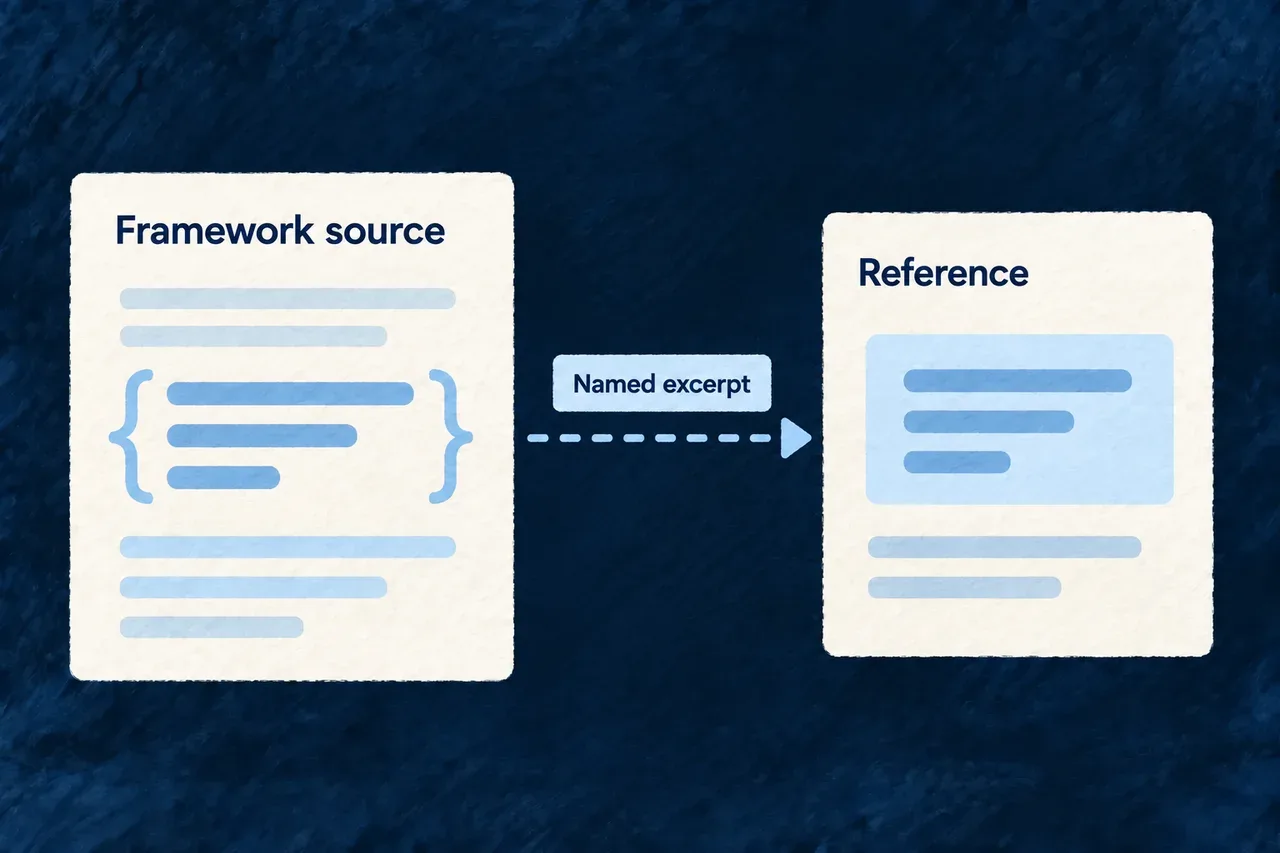
A named excerpt connects framework source to its delivered reference.
For engineers
Author the explanation and reference the contract

This is the framework’s authored framework-new-module-wiring-api.md reference. The placeholders are compiler inputs, not syntax to put into an application resource:

# New module — config & shared shape (source)

- Declare the module under **`modules`** in `wildo.saas.config.ts` (`ApplicationModulesSchema`).
- Implement the shared-lib slice as **`SharedSaaSModule`** (resources, relationships, optional product/feature/milestone hooks).

{{REFERENCE:platform.config.application-modules}}
{{REFERENCE:saas.models.shared-saas-module}}

Each topic identifies registered source spans. During generation, the compiler extracts those spans, removes the source markers and emits fenced code with package provenance. A topic can collect more than one relevant span.

Understand the shape without duplicating it

The shared module contract begins with these members. This reduced source excerpt omits later members of SharedSaaSModule:

export interface SharedSaaSModule extends SharedDomainModule {
  moduleId: string;
  kind?: ApplicationModuleKind;
  customRoles?: RolesConfiguration;
  customFeatureDefinitions?: FeatureDefinitionWithAutoRegister[];
  // Further configuration members omitted from this excerpt.
}

The declaration explains the module identity and extension hooks; the guide explains which of them a particular change needs. The application imports the public contract through its package entry point and supplies its own module values.

Keep generation and installation connected

An extracted reference reflects the source used to generate that package. Editing framework code does not instantly update a previously installed guide. Framework maintainers regenerate the payload; application builders refresh the installed assets after updating the relevant package.

The integrity audit checks whether the topic and its references connect correctly. Compilation and behavior checks answer whether the demonstrated usage works. Both matter, because a resolvable excerpt and a correct application change are different results.

Deliver guidance with the framework it describes Mechanism

An agent needs both the supported contracts and a method for using them. Wildo brings those inputs together in a generated knowledge package.

Shared explanations, source excerpts, guides and rules are assembled for delivery. The application receives a coherent set of references for the framework version it uses.

Example: Update a module contract and its teaching

A framework maintainer changes a module extension point, updates the explanation and regenerates the guidance. An application updating that package can then refresh the corresponding guides instead of retaining a separately copied API example.

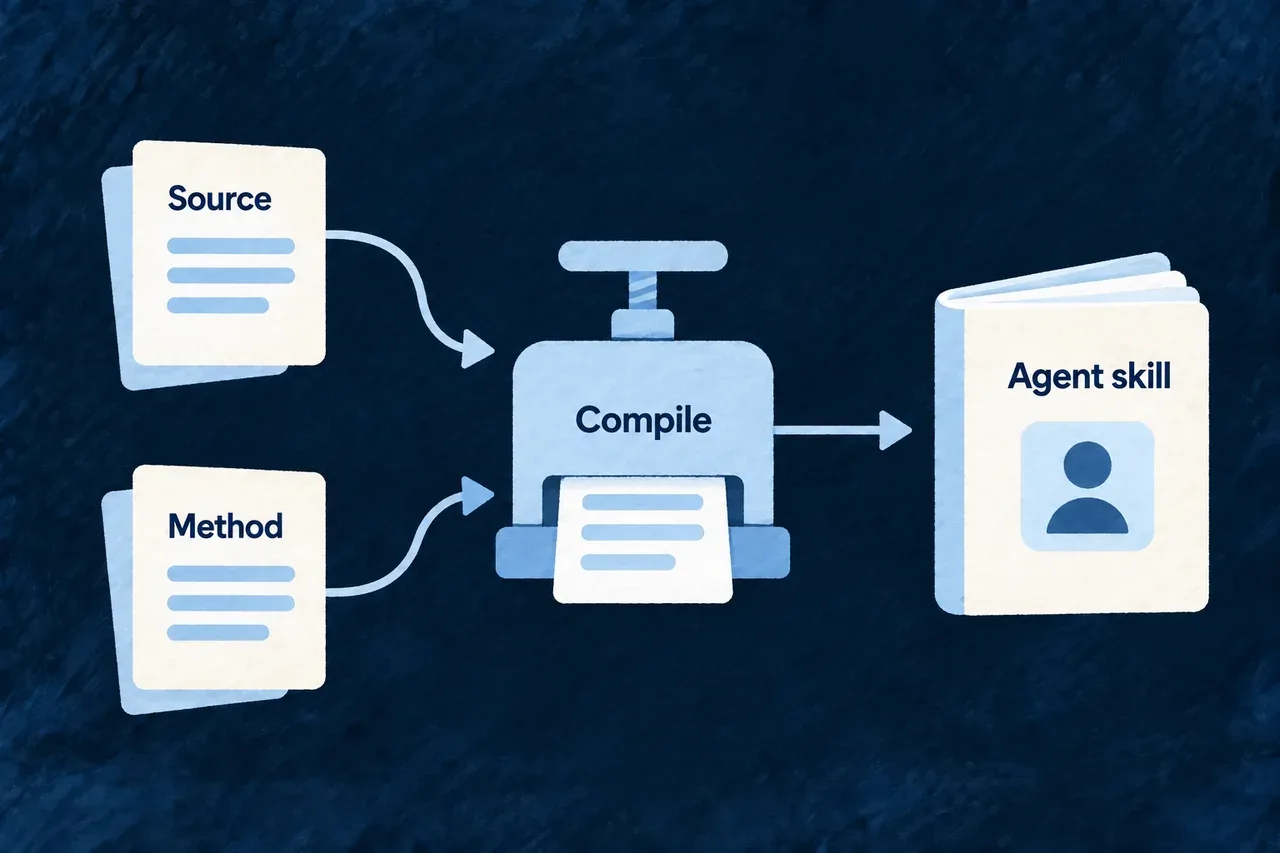
Source contracts and authored methods compile into an agent skill.
For engineers
Follow the inputs to their consumers
InputCompiled role
Authored skill workflowExplains decisions and the sequence of work
Shared partialReuses an explanation across relevant guides
Registered source topicSupplies extracted contract code in a reference
Rules and playbooksSupply standing guidance and structured methods
Manifest and topic indexDescribe the generated payload and its reference subjects

Compilation expands references and reusable prose. Payload validation checks supported structural and application-guidance constraints before publication. These checks detect specific problems; they do not establish the semantic truth of every sentence.

Refresh the right side of the boundary

For framework maintainers, from the framework workspace:

# Check the source-to-guidance connections.
wildo fwk audit

# Generate the knowledge payload from the current authored inputs.
wildo fwk generate-docs

# Development delivery to an explicit application (replace this path).
wildo fwk dev-skills --target /absolute/path/to/application

For an application builder, the normal delivery command is wildo assets sync, using the installed knowledge package. The development-target command above serves framework maintenance; it is not a prerequisite for ordinary application work.

Publish validated output

The generator writes into staging, assembles its manifest and registries, then validates the staged payload before publishing it. A failed staged validation stops that publication. The separate integrity audit checks additional source relationships, including malformed anchor ranges.

After publication, installation still has to deliver the files to the application, and the agent host still has to load them. Keep those steps explicit when diagnosing an old reference: inspect the generated payload, the installed package and the delivered file rather than assuming a source edit reached all three.

Maintain the knowledge

Catch broken guidance connections Tool

A guide can look complete while pointing to a missing contract or a skill that no longer exists. Those broken connections waste time exactly when an agent needs a reliable next step.

Wildo audits the relationships between source topics, references, skill identities and methods. Findings identify the broken connection so it can be repaired at its source.

Example: Rename a contract without stranding its guide

A maintainer changes a named source topic. The audit can identify a reference that still names the old topic, allowing the registry, source and guide to be updated together.

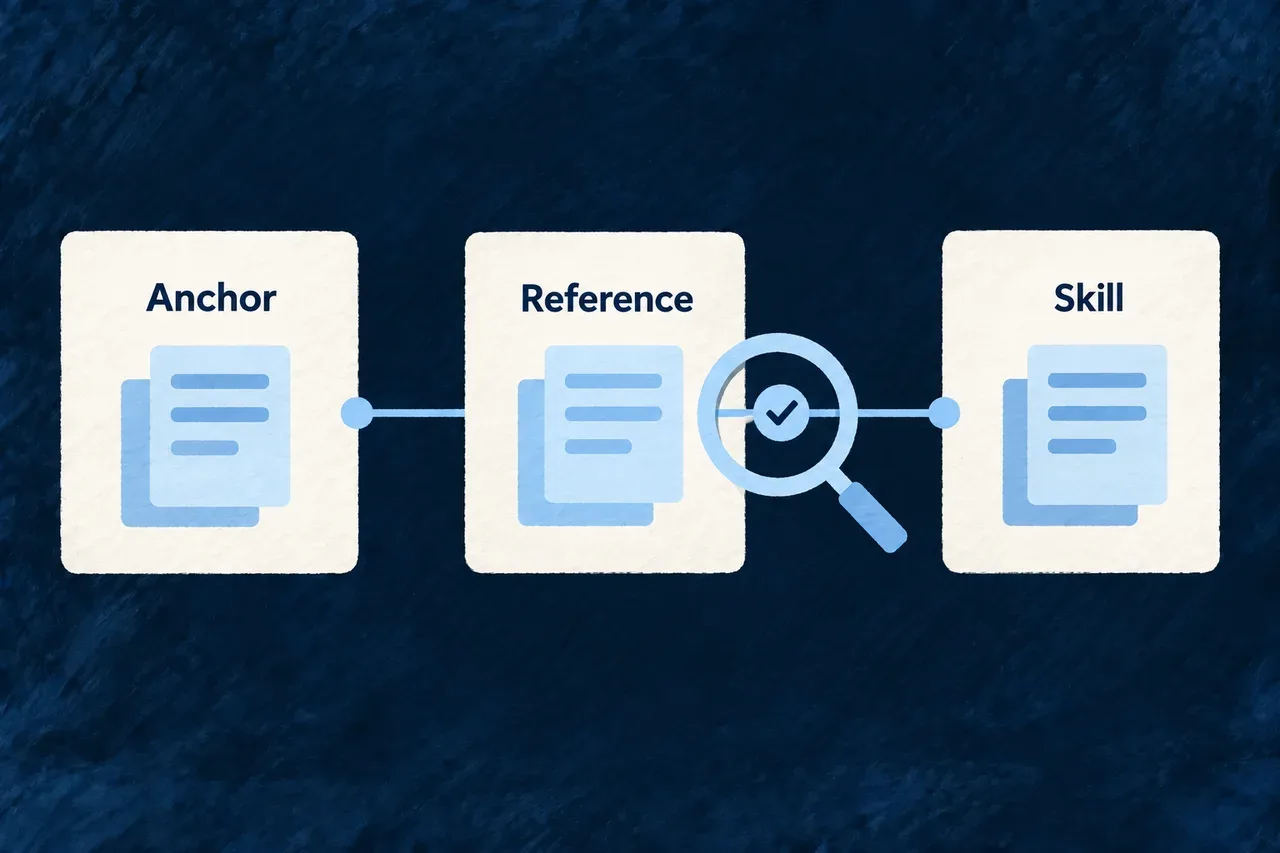
An integrity check inspects the connection between an anchor, reference and skill.
For engineers
Run the maintainer audit

These commands belong in the framework workspace:

# Report failures and warnings under the normal policy.
wildo fwk audit

# Require warnings to be resolved as well.
wildo fwk audit --strict

# Inspect source-topic relationships to their guidance consumers.
wildo fwk graph

Normal success requires no failures. Strict mode additionally requires no warnings. A warning is therefore visible in a successful normal run; inspect the report rather than treating the exit status as the entire result.

Read findings by the relationship they check
ConnectionWhat can go wrong
Source span to registered topicMissing, unclosed or unregistered anchor
Reference to source topicA placeholder names something the compiler cannot resolve
Skill to indexGuidance exists but its routing information has drifted
Playbook to skillA method requests a guide that is absent
Guidance artifact shapeA file or declared identity violates the supported format

The checks cover named relationships and supported patterns. New contracts still need meaningful authored explanations, and an installed agent host still needs to load the delivered entry points.

Keep integrity separate from execution

A reference that resolves may contain an example with an invalid API use. The example-drift checks and owning package tests cover different questions from this audit. Likewise, a green audit cannot prove an application interaction works.

Use the finding’s source location to fix the connection, regenerate the payload, and verify the installed guidance where delivery changed. For a behavior example, also run the check that exercises that behavior.

Keep worked examples checked against the code Tool

An example can still be present in a guide after the API it demonstrates has changed. A source link alone does not show that the example remains valid.

Wildo checks that example files stay within compiler coverage. It also checks the required connection between executable examples and their tests, so those samples have an explicit place to verify their behavior.

Example: Notice a changed seed contract

A seeding example can compile yet pass an invalid combination to a validating factory. Its runtime test imports the example and checks the constructed declaration, covering a different risk from a missing TypeScript field.

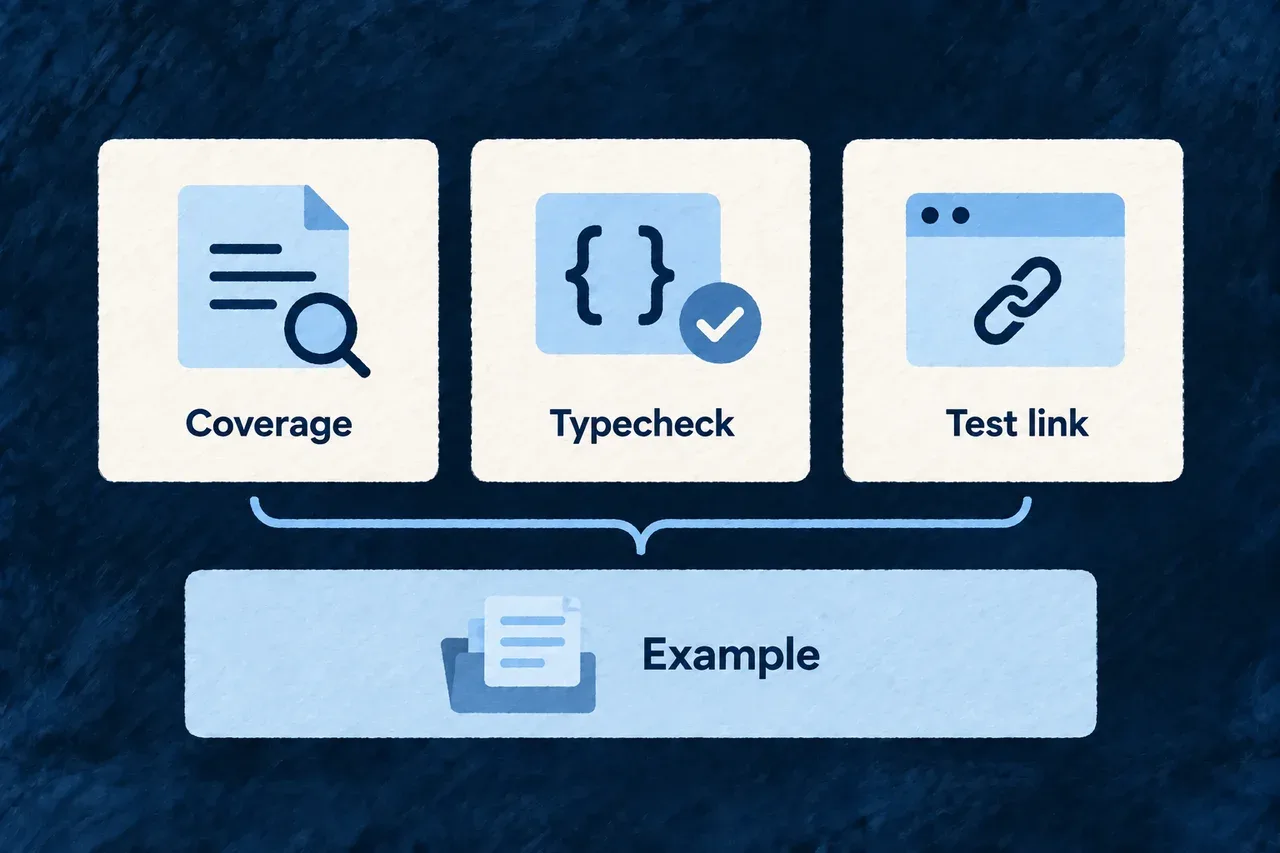
Coverage, type checking and test connections support a worked example.
For engineers
Run the example checks in the framework workspace
# Verify the checker against its own fixtures.
pnpm run check:example-drift -- --self-test

# Check coverage, dedicated example compilation and required test links.
pnpm run check:example-drift

The command has distinct responsibilities:

CheckWhat it establishes
Compiler coverageThe example belongs to a typecheck program
Dedicated example compilationDiagnostics are checked for examples with a dedicated configuration
Required runtime-test importAn executable anchored example has the expected test connection

Examples admitted by an ordinary package configuration rely on that package’s typecheck. The runtime-test import check is static: it does not execute the test suite. Run the owning tests to establish their behavior.

Test a constructed sample

These selected tests come from the data-seeding example’s contract test. The surrounding test suite imports the actual systemEmailTemplatesSeed example:

it('constructs through the real factory', () => {
  expect(systemEmailTemplatesSeed.seedKey).toBe('system-emails:welcome');
  expect(systemEmailTemplatesSeed.mode).toBe(DataSeedMode.UPGRADE);
  expect(systemEmailTemplatesSeed.scope.kind).toBe(DataSeedScopeKind.APPLICATION);
});

it('declares a non-empty managedFields, which UPGRADE requires', () => {
  expect(systemEmailTemplatesSeed.managedFields).toEqual(['subject', 'bodyHtml']);
});

Importing the sample reaches its real factory construction. The assertions then pin the mode, scope and managed fields the example is intended to teach. This is useful for executable examples whose validity is partly enforced at runtime.

Keep the proof with the sample

When changing an example, preserve its compiler inclusion and the appropriate runtime test. A green structural audit proves its reference can be resolved; compiler and executed test results establish additional, separate evidence about its use.

Publish the framework knowledge package Tool

Framework contracts and their explanations need a delivery path. Wildo generates a knowledge package from its authored guidance and selected source contracts.

That publication supplies the skills and references installed into applications. It is separate from the documentation an application publishes for its own customers.

Example: Ship a revised configuration guide

A maintainer updates a configuration contract and its guide, generates the package and reviews its checks. Applications using that package can refresh their delivered guidance through the asset installer.

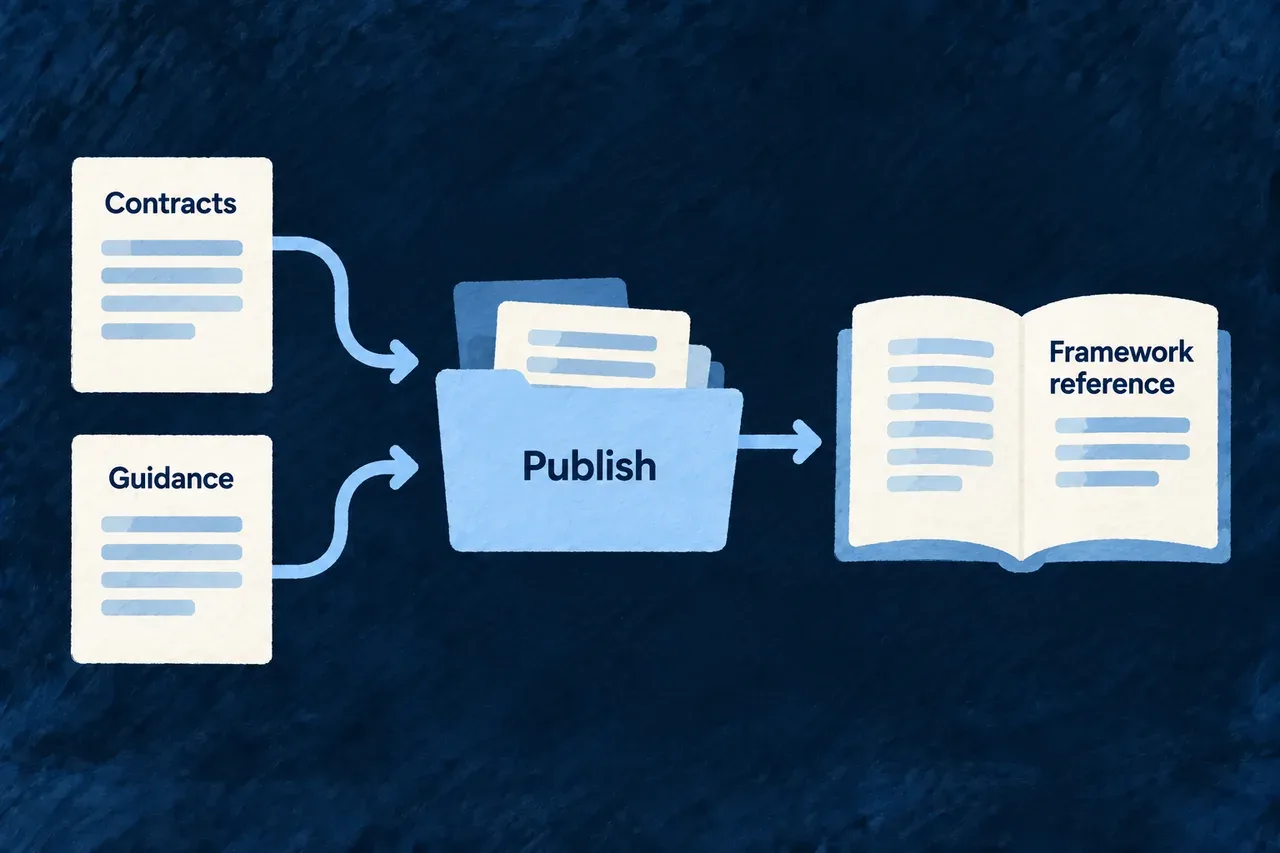
Contracts and guidance become a published framework reference.
For engineers
Use the command in the correct workspace

The generation commands are for a configured framework checkout. The final command below runs separately in the consuming application:

# Framework workspace: publish generated knowledge output.
wildo fwk generate-docs

# Framework workspace: require a clean integrity report.
wildo fwk audit --strict

# Application workspace: deliver assets from its installed package.
wildo assets sync

The generator writes staged output, including compiled guidance and its manifest and registries. It validates that staged payload before replacing the published output. Application delivery then reads the installed package; generation alone does not update every application.

Know which document you are producing
SurfaceAudience and ownership
Framework-authored guideMaintainers explain how to use Wildo
Extracted API referenceSelected framework contracts with package provenance
Generated knowledge packageDistributable output of the framework compiler
Installed application skillGuidance loaded by the application’s agent host
Application documentation portalInformation for that application’s users and integrations

Authored files remain the inputs. Edit the owning guide or source contract and regenerate rather than patching the published output as a second source of truth.

Read failures at the appropriate stage

A generation error concerns compilation or payload validation. An integrity finding concerns a supported source-to-guidance relationship. A delivery problem concerns the package and installed files. An instruction can also require a semantic correction even when those mechanical checks pass.

Review the generated reference and its installed consumer when changing a public contract. Run the example’s compiler or runtime checks where appropriate; successful knowledge publication is not a substitute for exercising the API it describes.

Turn methods into project work

Make the development method reusable Mechanism

Researching a market, shaping a domain and implementing a feature need different methods. Repeating the same broad prompt does not explain what each activity should read or produce.

A Wildo playbook describes a particular activity: its prerequisites, context, guidance and expected outputs. It can draw on the framework skills appropriate to that work.

Example: Prepare the application foundation

The foundation method reads the domain plan and product context, then uses configuration and module guidance to compose the project structure. Its deliverable differs from a research method that writes a product-definition artifact.

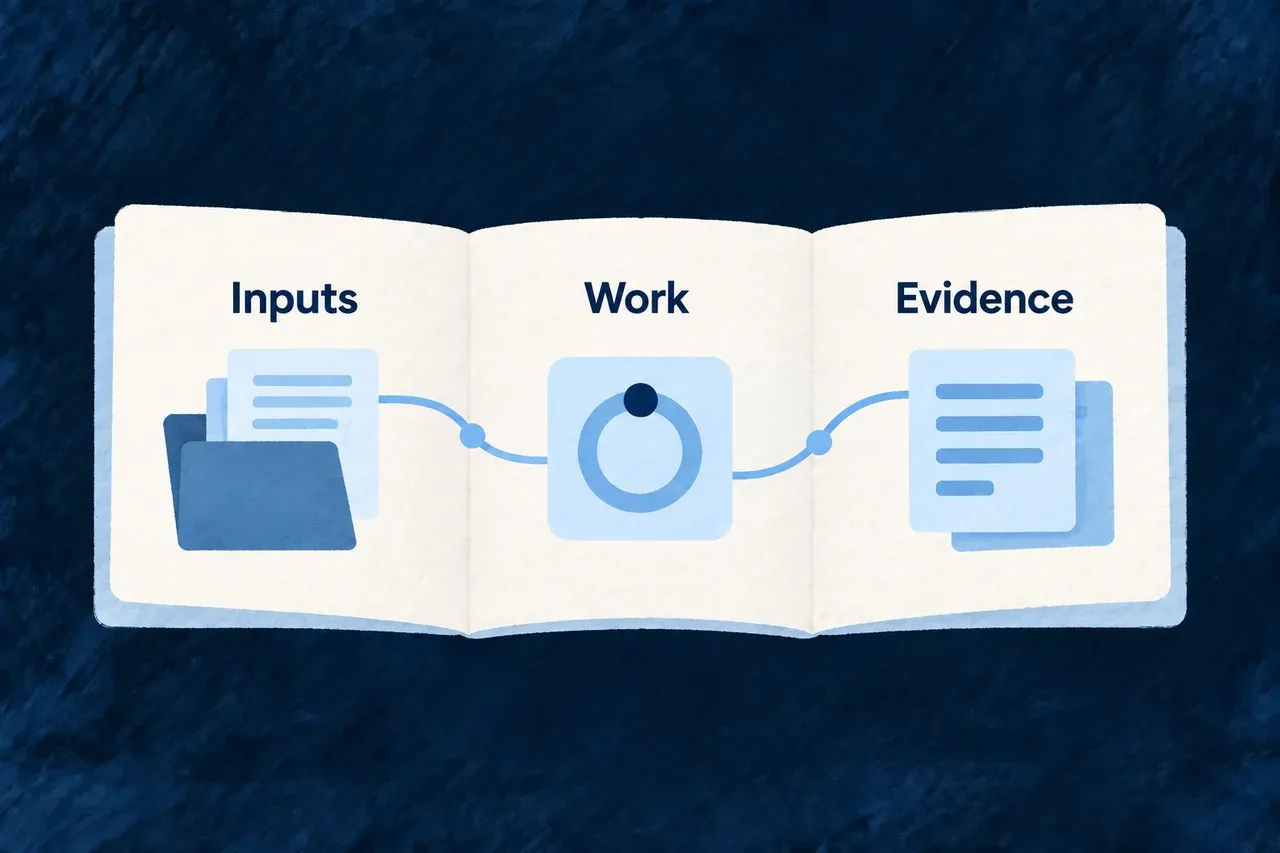
A reusable method connects its inputs, work and evidence.
For engineers
Read the definition alongside its guidance

The definition declares the method’s structured contract. Its accompanying guidance explains how to carry out the work. The following selected fields come from the foundation definition; other fields are omitted:

{
  "inputs": [
    { "family": "domain-plan" },
    { "family": "vision-brief" },
    { "family": "market-snapshot" },
    { "family": "business-model" },
    { "family": "requirements" },
    { "family": "roadmap" }
  ],
  "outputs": [],
  "method": {
    "skillRefs": [
      "journey-status",
      "config-saas",
      "module-registration",
      "infra-environment-config",
      "local-environment-bootstrap",
      "application-database-migrations"
    ]
  }
}

The empty specification-output list is deliberate here: foundation composition changes application configuration and source. Other methods declare the artifact families they generate. The skill references identify supporting how-to guidance rather than implementing those operations themselves.

Distinguish declared meaning from execution
PartWhat it contributes
PreconditionsWhether required conditions are available
InputsProduct context the method consumes
Method guidanceInstructions for the activity
Skill referencesFramework-specific knowledge used by the method
OutputsIts declared artifact contract, where applicable

Generation reads the native definition as constrained data, expands its references and validates the assembled shape. The integrity audit checks the connections to skills and other declared subjects.

Runtime behavior comes from the consumer executing the method. Optional approval or failure metadata should not be assumed to enforce a runtime gate. Inspect the selected method’s readiness, run outcome and resulting evidence before proceeding.

Give your agent a way to follow the work Mechanism

A long-running project needs more than a remembered conversation. Before continuing, the agent should inspect what exists, what can run and what the previous work produced.

Wildo provides separate journey guides for those activities. They connect the agent’s next action to project evidence and distinguish doing work from accepting its result.

Example: Resume development with evidence

Ask the agent to read the current state, explain the available next work, run the chosen step and show the result for review. The conversation starts from the project rather than assuming that last session’s plan was completed.

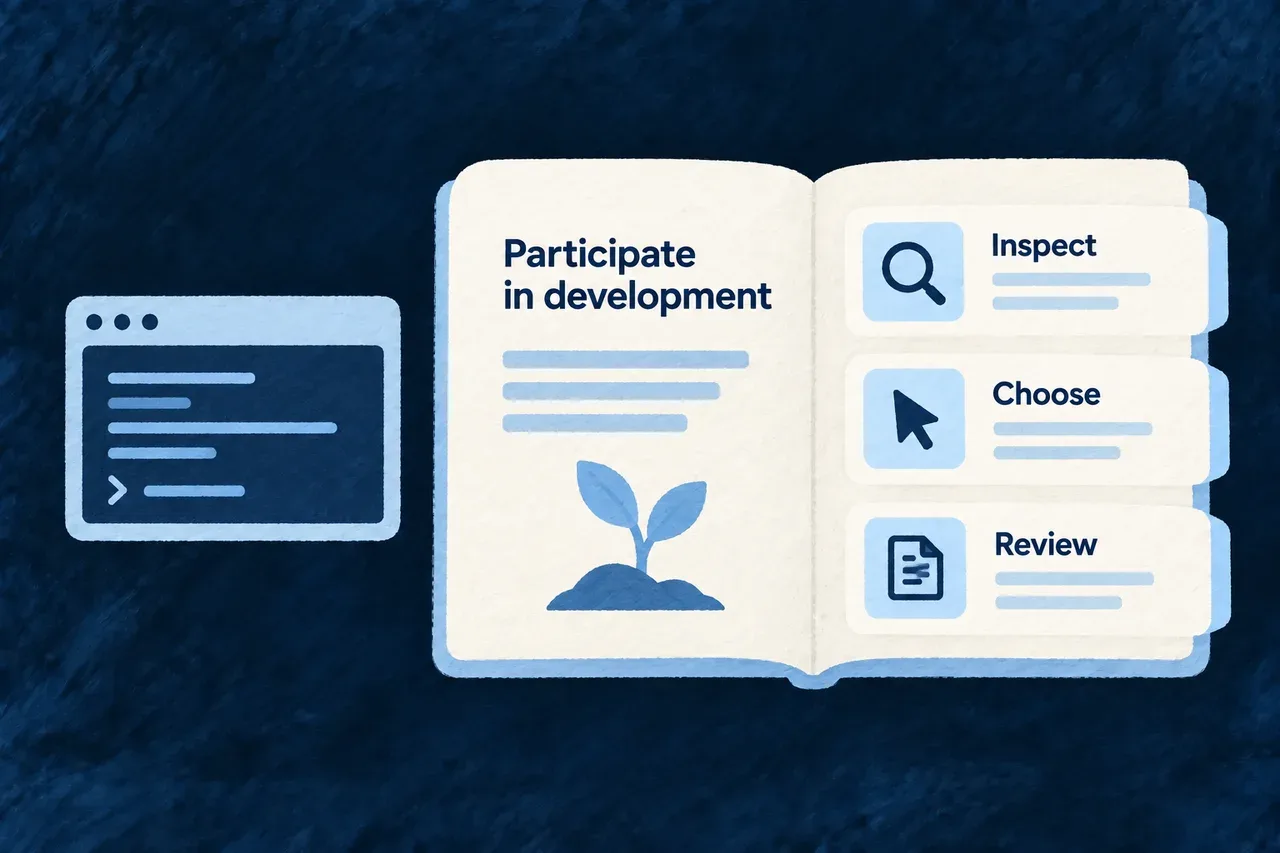
A journey guide helps inspect, choose and review development work.
For engineers
Keep inspection, execution and acceptance distinct

These are installed agent skills, not wildo journey-* shell commands:

SkillResponsibility
journey-statusRead current project and journey evidence
journey-nextExplain eligible work and unmet prerequisites
journey-runExecute a selected method and inspect its result
journey-approveGuide acceptance under the declared autonomy basis
journey-reportSeparate accepted work from current edits
journey-bootstrap-scopeCollect requested information without treating it as approval

Readiness and sequencing are different. Missing required inputs cannot be bypassed; a sequencing-only restriction can allow an explicitly selected run. The current response supplies the reason to interpret.

Understand the request boundary

This is HTTP request notation for a custom companion run, with an illustrative playbook reference and answer. Replace them with a discovered method and its declared question. Mutation requests require the companion’s local credential; use the normal tool client to handle it.

POST /api/companion/playbooks/<playbook-ref>/run
Content-Type: application/json

{
  "creatorBrief": "Implement the selected change using the current product definition.",
  "elicitationAnswers": [
    { "questionRef": "<declared-question-ref>", "answer": "<creator-answer>" }
  ]
}

Discover methods through /api/companion/playbooks and current next-work information through /api/companion/build/next. The skill supplies the workflow around those operations; the answer array follows the selected method’s questions.

Inspect the kind of result returned

A run may request further input, produce specification files, compose application structure, dispatch coding work or return an assessment without an artifact. Do not assume every successful response creates a specification.

Read the result, inspect the affected files and run the relevant checks. A judge report is review input. Acceptance follows the declared autonomy policy and the project’s accepted state; a run’s own response does not approve itself.

Turn the domain plan into connected project structure Mechanism

The product’s domain plan describes its business areas and the objects they own. Those decisions should carry into the project structure rather than being interpreted again for each folder.

Wildo derives module and resource composition from that plan. It gives each resource an owner and connects the resulting structure to the application’s tenancy choices.

Example: Share a customer without creating it twice

Sales owns the customer resource; support refers to it. The composition keeps one customer resource under its owning module, while support’s use of that resource remains a relationship to the same business concept.

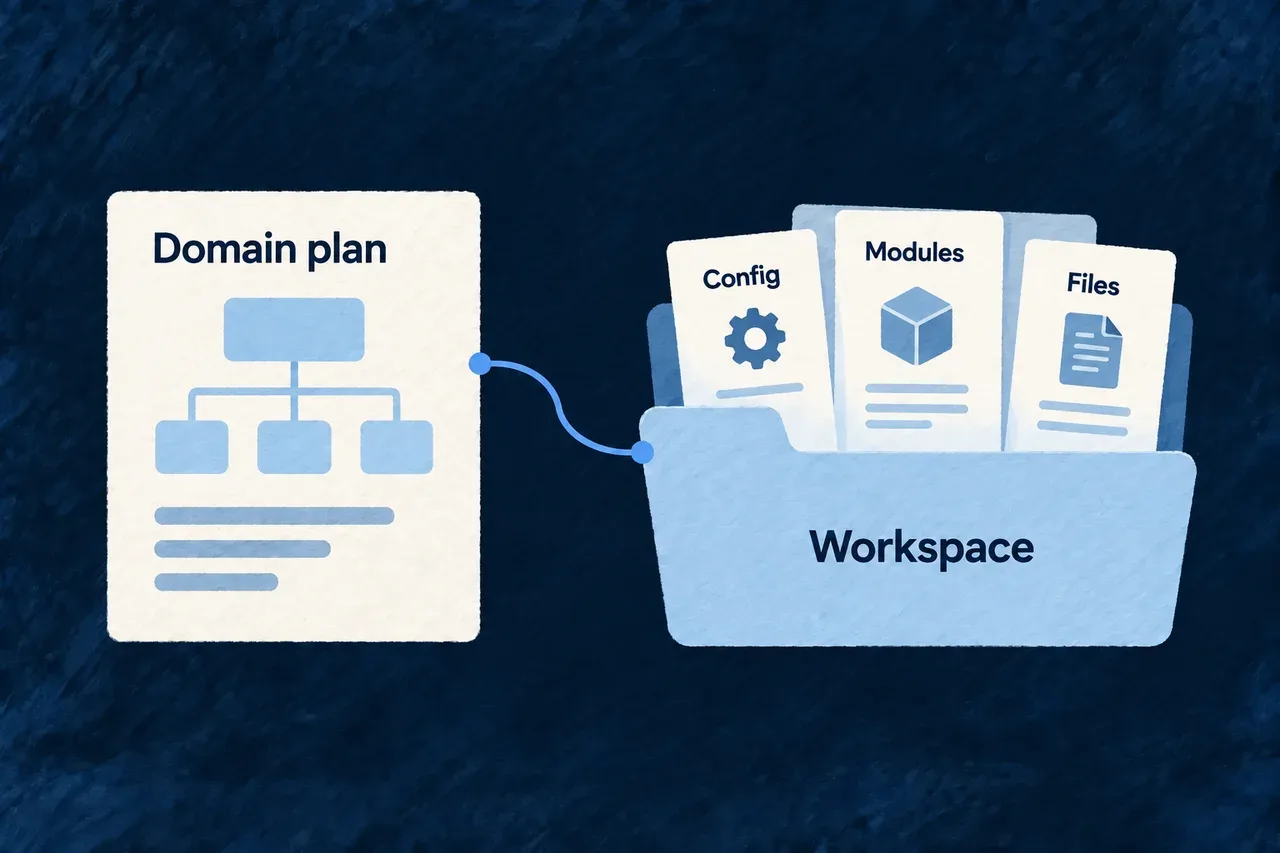
A domain plan supplies configuration, modules and files in the workspace.
For engineers
Start from a valid domain plan

The foundation method consumes the product’s domain plan and related context. Its executor derives composition scenarios for modules and resources, applies the tenancy configuration, then applies those scenarios.

Plan decisionStructural consequence
Module identityNames the module being composed
Main resourcesEstablishes the owning module for each resource
Supporting resourcesRefers to resources without creating another main owner
TenancySupplies the primary application scope
Shared package nameConnects generated imports to the actual application package

A resource with no main owner uses the first supporting owner. Conflicting main owners are rejected before choosing an arbitrary location.

See the ownership check

This selected loop comes from the foundation composition planner. moduleId has already been derived and checked for uniqueness:

for (const resourceName of domainModule.mainResources) {
  const resourceDir = toKebab(resourceName, `resource "${resourceName}" of module "${moduleId}"`);
  const existingOwner = mainOwnerByResourceDir.get(resourceDir);
  if (existingOwner !== undefined && existingOwner !== moduleId) {
    throw new FoundationCompositionPlanError(
      `Resource "${resourceDir}" is a mainResource of BOTH "${existingOwner}" and "${moduleId}" — `
        + "ownership must be unambiguous before composing (a supportingResources entry is how a module references another module's resource).",
    );
  }
  mainOwnerByResourceDir.set(resourceDir, moduleId);
}

The distinction prevents a supporting reference from becoming an accidental duplicate resource. The application still implements the resource fields, actions and user experience on top of the composed structure.

Continue through the application setup

Foundation composition is one part of bootstrap. It does not run the complete initialization, asset installation and local-environment setup sequence by itself. Follow the foundation method and the environment guide for those steps.

Scenarios run sequentially. A later failure does not undo every earlier successful invocation, so inspect the working changes before retrying. A resource preview may also depend on its module first being created. Review the resulting files and registrations, then perform the relevant compilation, migration and runtime checks before accepting the application state.

Add a feature with its connections Mechanism

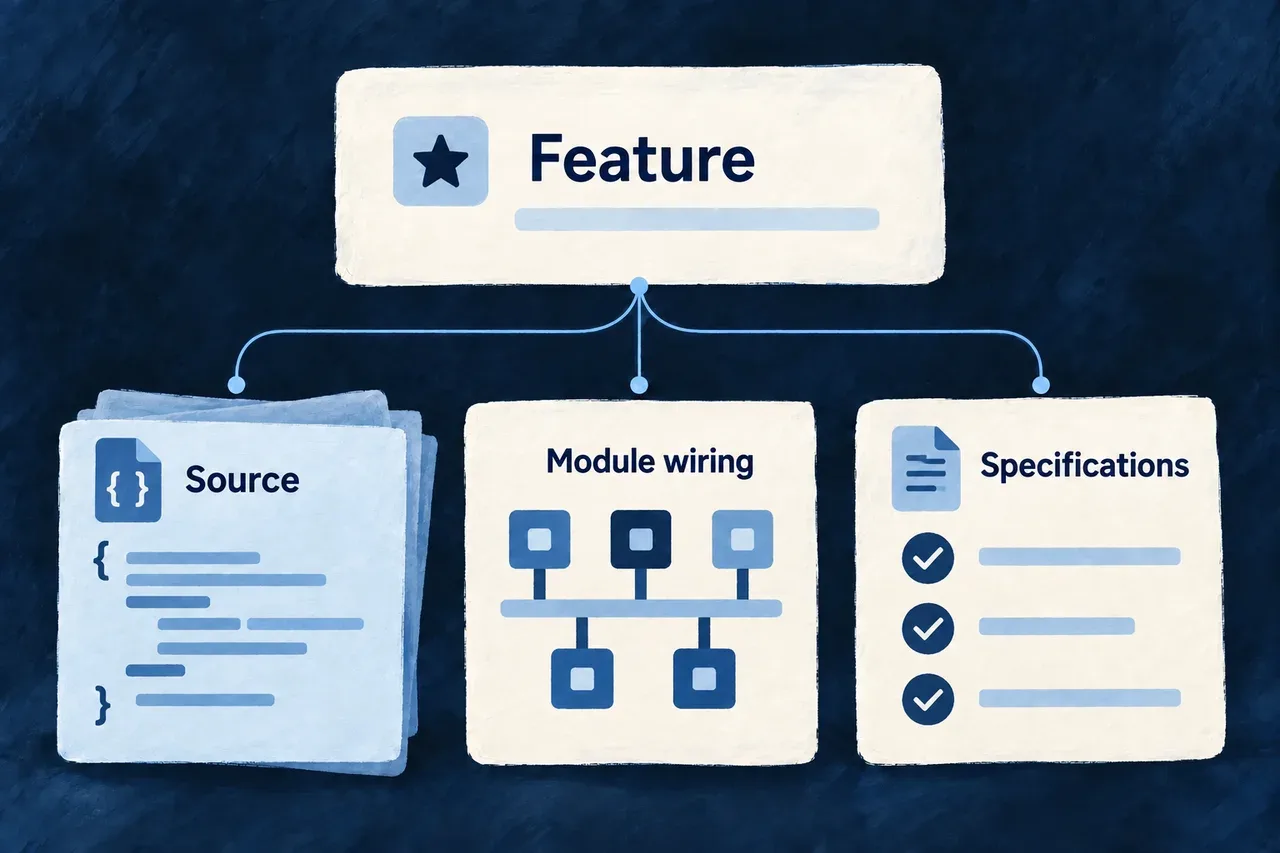
A module is useful when the application can discover and run it. Creating its files is only part of the work; its shared definitions, specifications and interface also need their registrations.

Composition scenarios describe these changes together. Preview the planned files and edits, apply them, then develop the new piece as application-owned code.

Example: Add a customer-support module

A support module starts with connected places for its shared definitions, business specifications, backend implementation and interface. The scenario registers that structure; you then add the request resources and the behavior your team needs.

A feature addition connects source code, module wiring and specifications.
For engineers

Run wildo compose inside an application to discover its available scenarios. The following is an illustrative add-module invocation using every required variable from the shipped manifest. Replace @service-desk/shared-lib with the actual shared-library package name.

wildo compose
wildo compose add-module \
  --var moduleId=customer-support \
  --var moduleCamel=customerSupport \
  --var modulePascal=CustomerSupport \
  --var 'purpose=Organize customer requests and their resolution' \
  --var 'businessCapability=Resolve customer requests' \
  --var businessDomain=customer-service \
  --var sharedLibPackage=@service-desk/shared-lib \
  --dry-run

The preview lists file writes, declared edits, already-present elements and conflicting files. It includes required engine peer declarations and applicable provider overrides, showing dependency names and values alongside the affected paths. Review that plan, then repeat the same invocation without --dry-run to apply it. Required variables and naming patterns are validated before planning the file changes.

Follow one module through the application

Example: the customer-support module produced by the command above, using the shipped skeleton layout with backend-api, frontend, shared-lib and specifications packages. The scenario creates a connected starting point. It does not implement a support feature: the initial resource, operation and view registries are empty.

You supply the module identity and business purpose. The scenario renders its descriptors and edits the host registrations below. The framework then consumes those registrations; your application code supplies the resources and behavior you add afterward.

Give the shared model one module identity

In shared-lib/src/modules/customer-support/index.ts, the generated descriptor connects the module’s field identifiers, resource configurations and relationships. The imports point to registries created alongside it:

import type { SharedSaaSModule } from '@wildo-ai/saas-models';

import { CustomerSupport_ResourceFieldIdentifier } from './resources/customer-support.resources-types';
import { moduleResourcesConfigurationsFactoryMap } from './resources/customer-support.resource-configs';
import { moduleResourcesRelationships } from './resources/customer-support.relationships';

const customerSupportModule: SharedSaaSModule = {
  moduleId: 'customer-support',
  kind: 'domain',
  resourceConfigurations: moduleResourcesConfigurationsFactoryMap,
  resourceFieldIdentifiers: CustomerSupport_ResourceFieldIdentifier,
  resourceRelationships: moduleResourcesRelationships,
};

export * from './resources';
export default customerSupportModule;

The identity is customer-support in every layer. Adding a resource later fills these registries; naming a module alone does not create an API or a form.

Keep the business meaning alongside the model

The specification declaration in specifications/src/modules/customer-support/index.ts explains the purpose behind the module. This selected declaration uses the variables supplied to the scenario:

import {
  type ModuleBusinessSemantics,
} from '@wildo-ai/saas-specifications';

export const customerSupportModuleBusinessSemantics: ModuleBusinessSemantics = {
  relatedModuleId: 'customer-support',
  purpose: 'Organize customer requests and their resolution',
  businessCapability: 'Resolve customer requests',
  businessDomain: 'customer-service',
  primaryActors: [
    'organization member',
    'organization admin',
  ],
  mainResources: [],
  supportingResources: [],
  integrationSurfaces: [],
};

The empty resource lists are intentional at this stage. As resources are added, the specifications explain which are central to the module and how they support its purpose.

Connect interface contributions and backend behavior

In frontend/src/modules/customer-support/index.ts, the generated frontend descriptor collects resource UI behavior, composite views and shell contributions:

import type { FrontendModule } from '@wildo-ai/saas-frontend-lib';

import moduleResourcesUIBehavior from './resources/index.js';
import moduleAppLevelViewsCompositeViews from './app-level-views/index.js';
import moduleAppShellModuleConfig from './app-shell.module.frontend.js';

const customerSupportFrontendModule: FrontendModule = {
  moduleId: 'customer-support',
  resourceUIBehavior: moduleResourcesUIBehavior,
  compositeViews: moduleAppLevelViewsCompositeViews,
  ...moduleAppShellModuleConfig,
};

export default customerSupportFrontendModule;

The shell contribution starts with an empty navigation group. Creating this descriptor does not add a customer-support screen; actual resources and view contributions provide the visible experience.

The backend has a different owner. backend-api/src/modules/customer-support/index.ts supplies the descriptor discovered by the existing backend directory scan:

import type { BackendOwnedModule } from '../../backend-owned-module.js';
import moduleResources from './resources/index.js';

const customerSupportBackendModule: BackendOwnedModule = {
  moduleId: 'customer-support',
  kind: 'domain',
  backendModule: moduleResources,
};

export default customerSupportBackendModule;

backendModule starts with the module’s empty resource-operation collection. Later additions supply implementations here; the module directory is the discovery boundary.

Register the module in the host that will use it

These are selected resulting declarations from separate files, not one file to paste over the application’s existing registries. The scenario adds the corresponding imports and preserves existing entries.

// shared-lib/src/modules-registry.shared.ts
export const applicationSharedModules: SharedSaaSModule[] = [
  customerSupportModule,
];

// specifications/src/module-registry.specification.ts
export const applicationModuleBusinessSemantics: ModuleBusinessSemantics[] = [
  customerSupportModuleBusinessSemantics,
];

// frontend/src/modules/index.ts
export const applicationFrontendModules: FrontendModule[] = [
  customerSupportFrontendModule,
];

// wildo.saas.config.ts — the service keys in this skeleton
export const applicationModules = {
  'customer-support': { services: ['backendApi', 'app'] },
};

The shared registry includes the module in the model, the specification registry includes its business meaning, and the frontend registry includes its interface contributions. The service binding declares which configured services use the module. Source registration and service selection answer different questions; both matter.

Backend discovery already exists in backend-api/src/modules/index.ts. This selected existing code scans child module exports and assembles their backend contributions; the scenario does not append a separate backend array entry:

const applicationBackendOwners = await scanSubdirDefaultExports<BackendOwnedModule>({
  importMetaUrl: import.meta.url,
});

const applicationBackendDomainModules: BackendDomainModule[] = applicationBackendOwners.flatMap((ownedModule) =>
  ownedModule.backendModule ? [ownedModule.backendModule] : []
);

const backendModules = mergeBackendDomainModules(...applicationBackendDomainModules);
Carry the registration into the companion’s observed model

The shared package’s existing companion-exports.ts already loads the assembled sharedModules. This loader stays unchanged when the scenario adds the module upstream:

async function loadSharedCompanionData() {
  return import('./modules-registry.shared.js');
}

export async function loadSharedModules(): Promise<SharedSaaSModule[]> {
  const { sharedModules } = await loadSharedCompanionData();
  return sharedModules;
}

The existing sharedCompanionExports object exposes loadSharedModules. The package’s ./companion entry points to the emitted companion surface. Let the application’s development watchers compile the changed packages, then synchronize changed configuration for the selected environment. The companion resolves the requested service and the targets required by that introspection behavior; it does not infer them from a newly created directory.

Use the running companion’s menu to choose a service key and an available behavior:

# Discover the actual serving surface and its supported queries.
wildo context health
wildo context list

# In this skeleton, backendApi is the backend service key.
wildo context info resources-registry --service backendApi
wildo context coherence

These are verification commands to run in your application, not captured output from a deployed support feature. A health response establishes availability. An empty new module contributes no resources to resources-registry, so the absence of a support resource is expected until one is declared. Once a resource and its behavior are added, check their presence in the resolved model and exercise the actual API or screen. A successful compilation or coherence report alone does not demonstrate that business flow.

Choose the right scenario boundary
InputWhat it controls
Scenario manifestRequired variables, generated file paths and edits to existing files
Template file treeInitial application-owned implementation files
Structured TypeScript editsImports, registrations, enum members and configuration entries
JSON and package editsWorkspace or dependency declarations needed by the new piece
Post-apply notesFollow-up steps, such as adding resources or allowing watchers to compile changes

Scenario selection is per reference: an application-delivered scenario takes precedence over the same reference in the framework checkout. References found only in the checkout remain available as a fallback. add-module supplies a connected empty shape; add-resource adds its business records afterwards.

Keep later edits under application ownership

Planning skips byte-identical generated files and edits whose required elements are already present. A generated target with different content becomes a collision, and apply refuses that plan before starting its writes. Reconcile deliberate application changes through version control rather than expecting a scenario to merge them.

This preflight protects against known conflicts; applying a plan performs filesystem writes sequentially. Keep the change reviewable in version control, including recovery from an interrupted write or a later post-apply failure. After a successful addition, let the development watchers compile the affected packages and synchronize configuration when runtime bindings change.

Create and extend public sites

Add a connected marketing site Tool

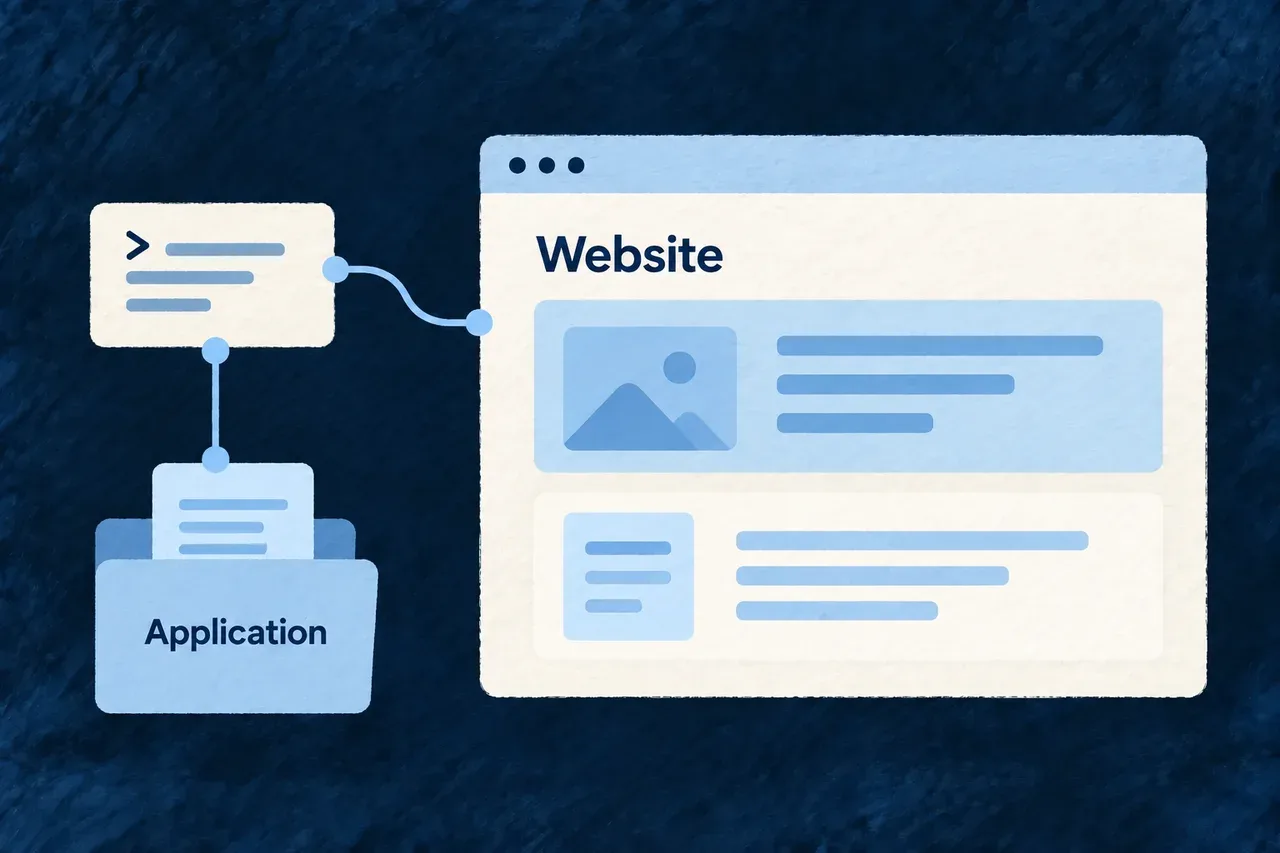
A product website needs a place in the project as well as page files. It needs its service configuration, workspace membership and connections to the application.

Wildo composes that starting structure together. Your team then develops the message, content and visual identity in application-owned website code.

Example: Give a new product its public site

A team adds a marketing site beside its application. The composed structure connects the site to the project, while the team replaces the starting content with its positioning and customer-facing pages.

A composition command connects a website to its application.
For engineers
Supply the application’s destinations

Run this illustrative command from the existing application root. Replace the product identity, domain and ports with your own values:

wildo compose add-website \
  --var slug=acme --var displayName="Acme" \
  --var publicDomain=acme.com \
  --var websitePort=4243 --var backendPort=4241 --var appPort=4242 \
  --dry-run

Review the proposed changes, then repeat without --dry-run to apply them. This produces the framework-based application website; Wildo’s own standalone marketing site is a separate project.

Follow the generated connections
ConnectionWhat the scenario establishes
Website sourceA starting Astro site for application-owned content
Service configurationThe website service and its declared ports
Provider scopeThe site’s own configured provider context
WorkspacePackage membership for the added site

After applying, follow the scenario’s setup notes:

pnpm install
wildo config sync
wildo dev sync-csp --service website

Configuration synchronization and the service’s browser policy prepare different outputs. For remote environments, configure serviceHosts.website for the intended destination.

Prepare the site for publication

Replace the initial content and brand assets, verify links to the application and check the served site in its target environment. Search indexing is an explicit production choice through PUBLIC_ALLOW_INDEXING=true; the starting default is noindex.

Composition supplies connected structure, not a finished brand website or a deployment. Review content and browser behavior before publishing.

Grow the site with its registrations Mechanism

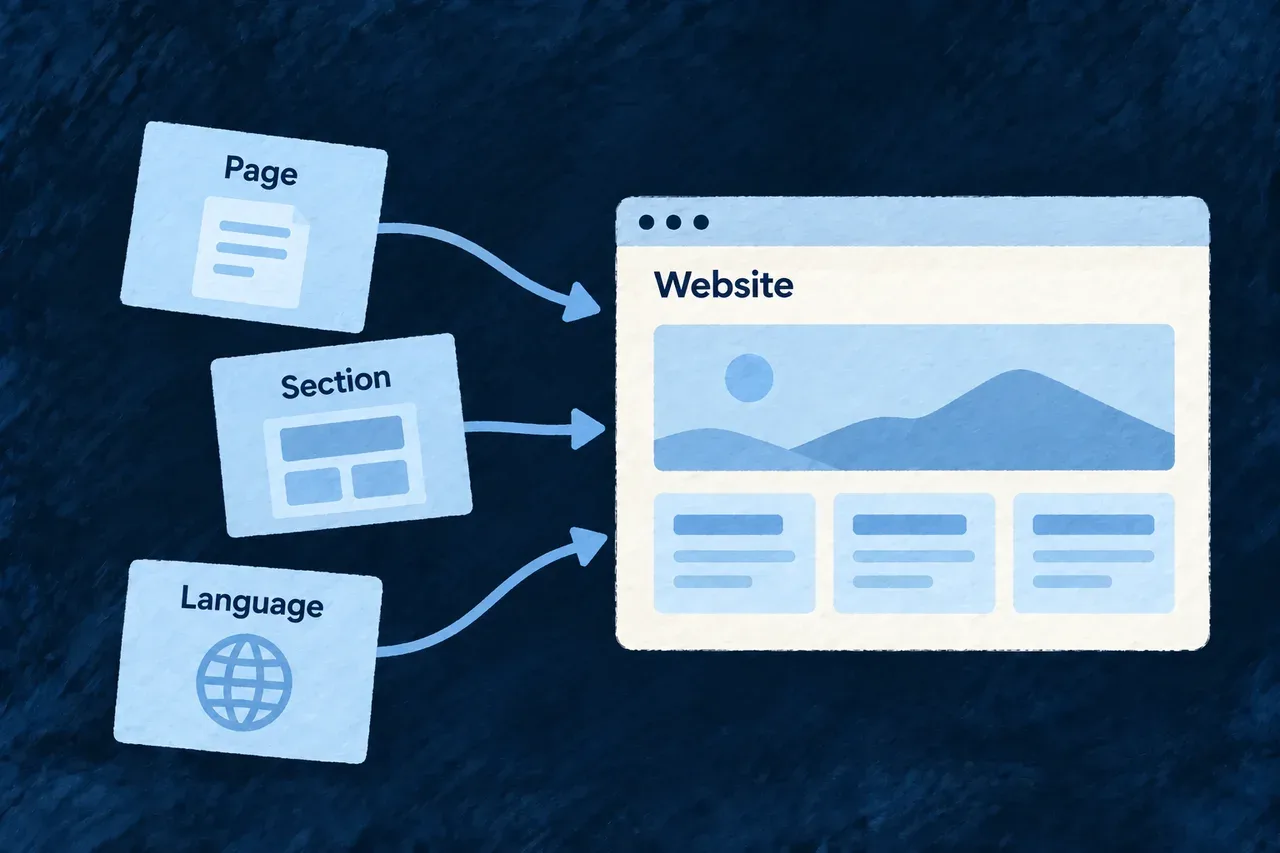
A new page needs more than a component. Routes, navigation and labels must agree on where it belongs and how a visitor reaches it.

Wildo’s website scenarios add those connected pieces. Separate scenarios extend an existing page or prepare a new language, leaving the content and translation choices with your team.

Example: Add pricing and explain the support included

A team composes a pricing page, then adds a support section to it. The generated routes and registrations provide the structure; the team writes the pricing explanation and verifies the page in the site.

Pages, sections and languages extend an existing website.
For engineers
Begin with a page

From an application with a composed website, preview an illustrative pricing page:

wildo compose add-marketing-page \
  --var pageRef=pricing --var pageConst=PRICING \
  --var pagePascal=Pricing --var pageTitle=Pricing --var navLabel=Pricing --dry-run

The scenario connects the page implementation, route, registry and navigation labels. Review and apply without --dry-run before previewing a section that targets that page.

Add a section to the existing page
wildo compose add-website-section \
  --var pageRef=pricing --var pageConst=PRICING \
  --var sectionRef=pricing-support --var sectionConst=PRICING_SUPPORT \
  --var componentName=PricingSupport --var headingCopy="Support included" \
  --var bodyCopy="Describe the support your customers receive." --dry-run

The section receives its definition and position in the page’s ordered sections, with starting English labels. The example copy above is a placeholder for the product’s actual offer.

Prepare a language deliberately
wildo compose add-locale --var localeMember=FR --var localePath=fr \
  --var displayName=Acme --dry-run

This prepares the locale declaration, a starting label pack and landing route. Translate the complete label pack and add the routes for the other pages you want in that language. The scenario does not translate all existing content or duplicate every page automatically.

Review connected changes
AdditionReview together
PageContent, route, navigation and labels
SectionDefinition, order and copy
LanguageLocale identity, translations and localized routes

Preview and collision checks help inspect the planned changes. After application, review the diff and the rendered result; sequential scenarios are not one global rollback transaction. Keep product copy in the application’s content rather than treating generated starter text as a finished message.

Add a documentation portal to your application Tool

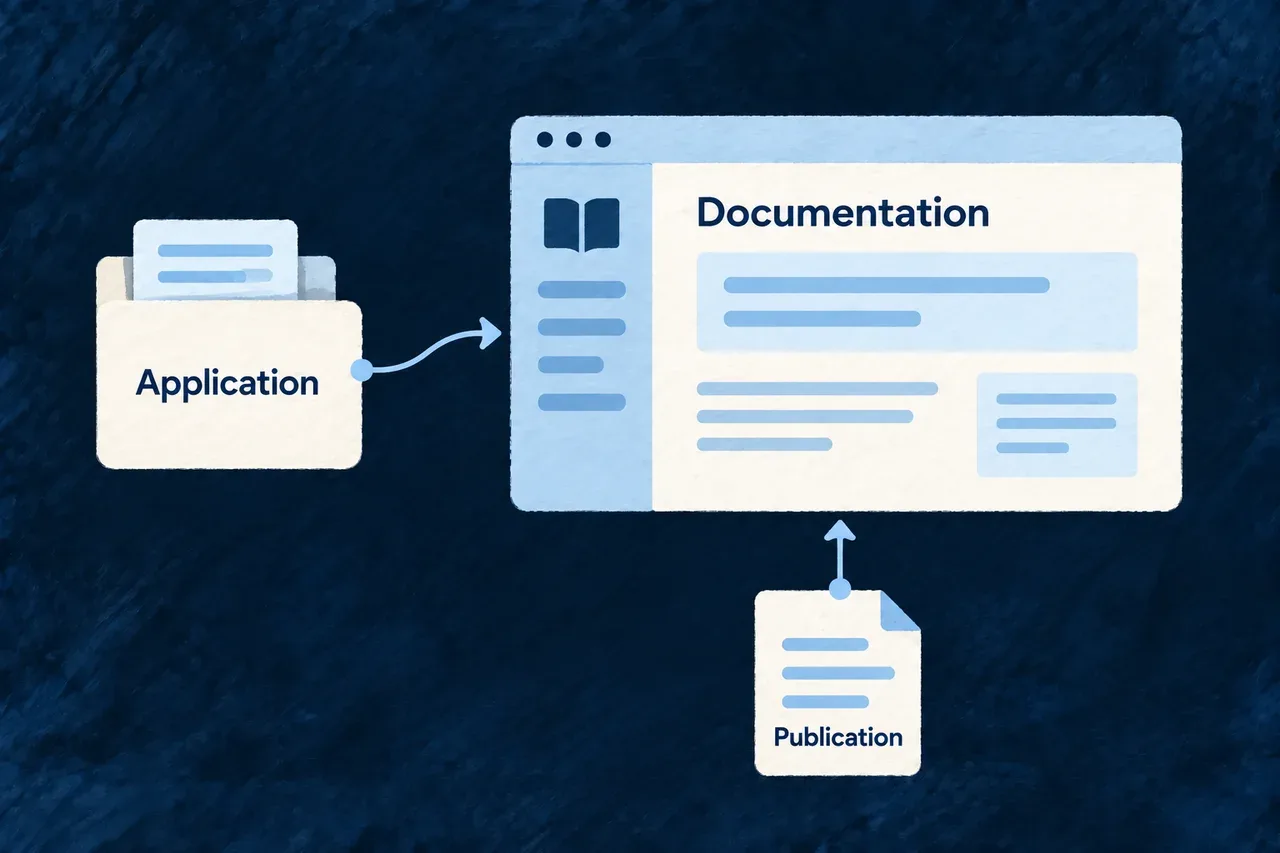
Users and integrating services need documentation for the application they use. A portal gives that information a navigable home alongside the product.

Wildo composes the documentation site and its project connections. The portal consumes the application’s generated documentation publication; your team shapes its presentation and customer-facing explanation.

Example: Publish a guide for customers and integrations

A team adds a documentation portal to its product. It checks the published guides and API material together, then adapts the portal’s branding and navigation for its audience.

The application documentation publication supplies a documentation portal.
For engineers
Preview the portal structure

This example uses the docs service and illustrative product values:

wildo compose add-technical-doc \
  --var slug=acme --var displayName="Acme" \
  --var publicDomain=acme.com \
  --var docsPort=4244 --var backendPort=4241 \
  --dry-run

Apply the reviewed invocation without --dry-run. The scenario adds the Docusaurus portal, its service and provider scope, and workspace registration. Follow the generated setup notes for dependency installation and environment configuration.

Separate portal ownership from generated content
PartOwner
Portal shell, branding and navigation choicesApplication
Documentation publication and generated API materialDocumentation producer
Service and environment configurationApplication declarations and generation
Completeness and usefulness for readersProduct team review

Generated documentation and OpenAPI output should be changed through their sources and producer. Editing the published files creates changes the next generation can replace.

Wait for the producer, then validate the result

The portal’s startup preparation waits for the publication manifest, generated docs directory and sidebar file. That lets the producer supply its output before the portal starts against an empty structure.

The existence check establishes that those paths are present. The portal’s subsequent validation and a review of the served pages establish more: valid content, working navigation and the expected publication. Existing files alone do not prove that the latest source is reflected.

If opting into API taxonomy, cover the exact generated operation inventory. Check the final documentation from the customer’s perspective as well as the producer’s: useful explanation and a correctly rendered endpoint reference answer different questions.

Keep browser permissions aligned with deployment Mechanism

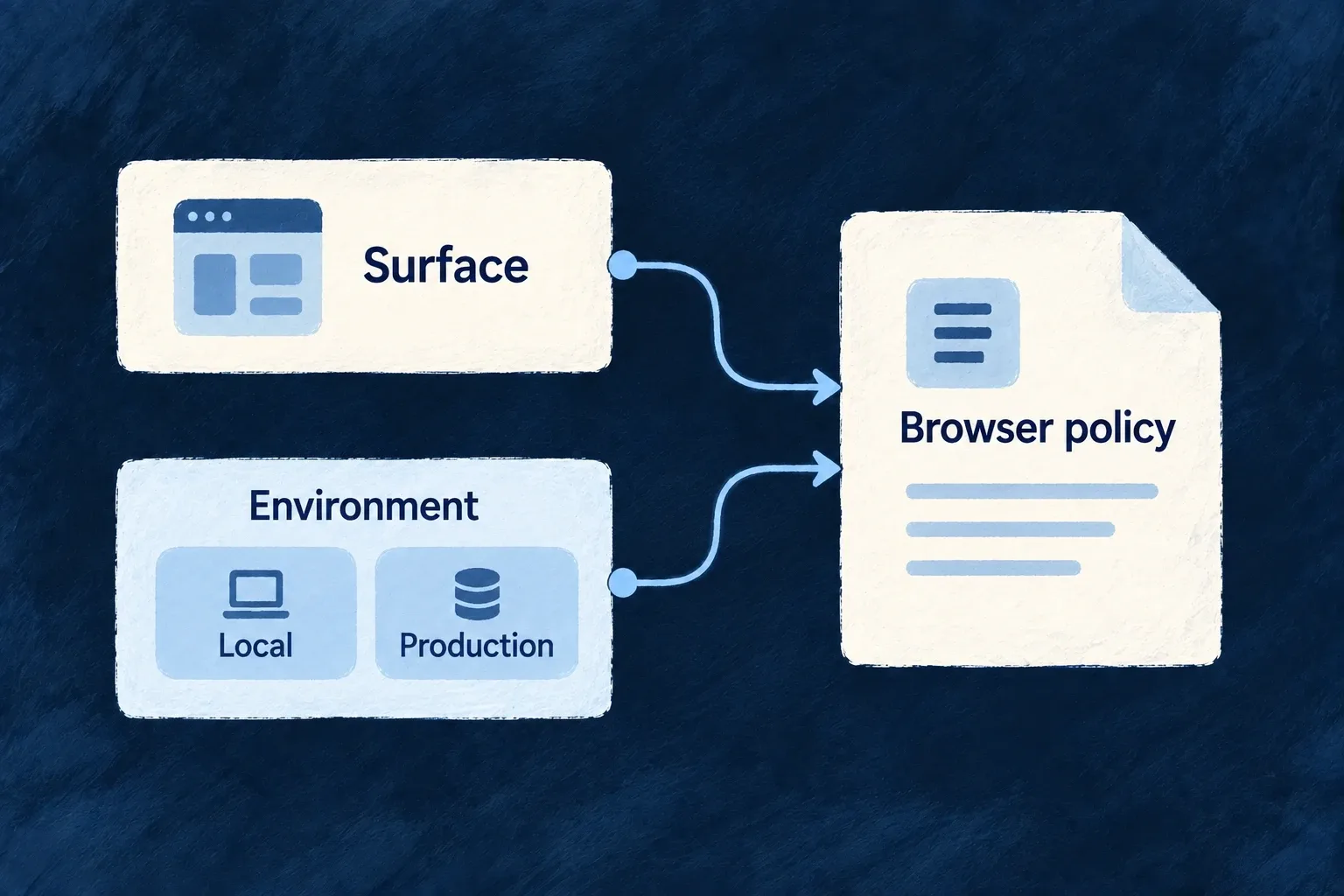
A browser surface needs permission to contact its services and load its assets. Wildo combines the surface’s policy with environment settings and declared provider requirements, then produces the artifacts used to serve it.

The application, website and documentation can have different needs without maintaining unrelated policy strings. You choose the allowed connections and whether a policy reports violations or enforces them.

Example: Local development and production use different origins

A development application may contact a localhost API. Its production deployment uses its configured production origin, while documentation and website surfaces receive the policy intended for each of them.

Surface and environment inputs determine a browser policy.
For engineers

Wonder Todos declares the application surface in wildo.saas.config.ts with this selected service block:

    app: {
      path: './frontend',
      serviceName: 'wonder-todos-app',
      defaultPort: 4242,
      frontendType: AppFrontendType.SAAS_APP,
      csp: {
        enabled: true,
        reportOnly: true,
      },
    },

This actual example is report-only: it reports violations instead of blocking requests. Its local infrastructure configuration separately adds the required backend origin and PDF worker sources:

    app: {
      extraDirectives: {
        'connect-src': ['http://localhost:4241'],
        // PDF.js parses documents on a Web Worker, and the worker asset is emitted
        // same-origin by the bundler (resolved through `import.meta.url`, never a
        // CDN). Bundlers may instantiate it through a blob shim, so both sources are
        // required — without them a PDF field renders an empty viewer and the only
        // signal is a CSP violation in the console.
        'worker-src': ["'self'", 'blob:'],
      },
    },

The selected block comes from the infrastructure csp map. Website and technical-documentation surfaces have their own service configuration rather than inheriting the app’s permissions accidentally.

Emit the policy for the intended deployment

The owning CLI entrypoint is:

wildo dev sync-csp --env local --service app

This command example names the service key from the declaration above. The resolver combines the surface baseline, authored posture, environment overrides and available declared-provider footprints. It writes src/generated/csp.generated.json and updates the nginx marker regions used for the served header. Browser-surface adapters consume the generated artifact rather than recomputing a separate policy.

Use the actual deployment environment for release preparation. Validate the served header and real asset/API/provider requests before changing report-only to enforcement. A generated file proves what was emitted; the server must still deliver it, and report-only mode never establishes request blocking. Keep generated nginx regions and artifacts under their owning CLI workflow rather than hand-editing them.

Better context for every change.

Wildo brings framework contracts, development methods and application knowledge into the same working environment.

That gives developers and coding agents a clearer basis for their decisions. Your product remains your code, your behavior and your experience.

Building a B2B product or an internal tool?

Wildo is not self-service yet. Tell us what you have in mind and we will say plainly whether it fits, and what happens next.