
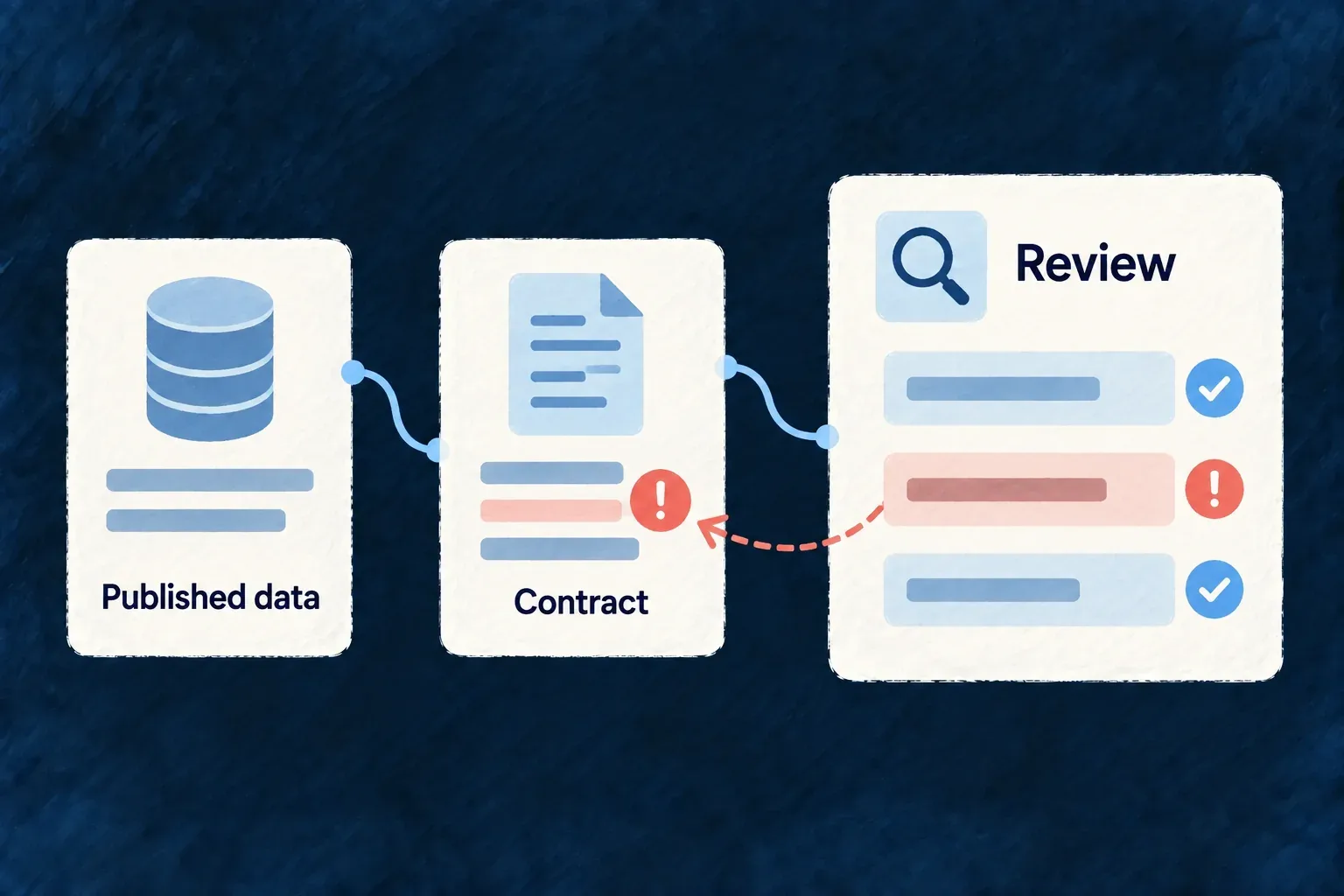
Catch contradictions in your published data
Check the structured information your pages emit against the catalogue that describes it. Findings identify the page and entity that need attention, so invisible metadata receives the same review as visible content.
Example — A product points to an offer that was removed
The pricing page still renders, but its structured Product references an offer that no payload defines. Reconciliation reports the missing relationship before the change is accepted.
For engineers
The CLI reads the application’s website exports and specifications catalogue. It checks emitted page payloads rather than inferring correctness from their visible design.
wildo website audit
wildo website audit --strict
The default reports warnings. Strict mode makes findings fail the command, making it suitable for an acceptance check. Run from the application context with its website source and companion exports available; this is not a crawler of an arbitrary remote URL.
| Finding | What to correct |
|---|---|
| Unknown or overridden entity type | Catalogue ownership and intended extension |
| Contract violation | Required field or invalid payload shape |
| Deprecated field | The catalogue’s replacement field |
| Unresolved entity reference | The referenced @id or the missing payload |
The engine reconciliation tests pin these finding families. The audit checks the configured contracts and relationships; it does not certify search-engine eligibility or factual truth. Review the rendered JSON-LD and the underlying product facts as separate checks.