
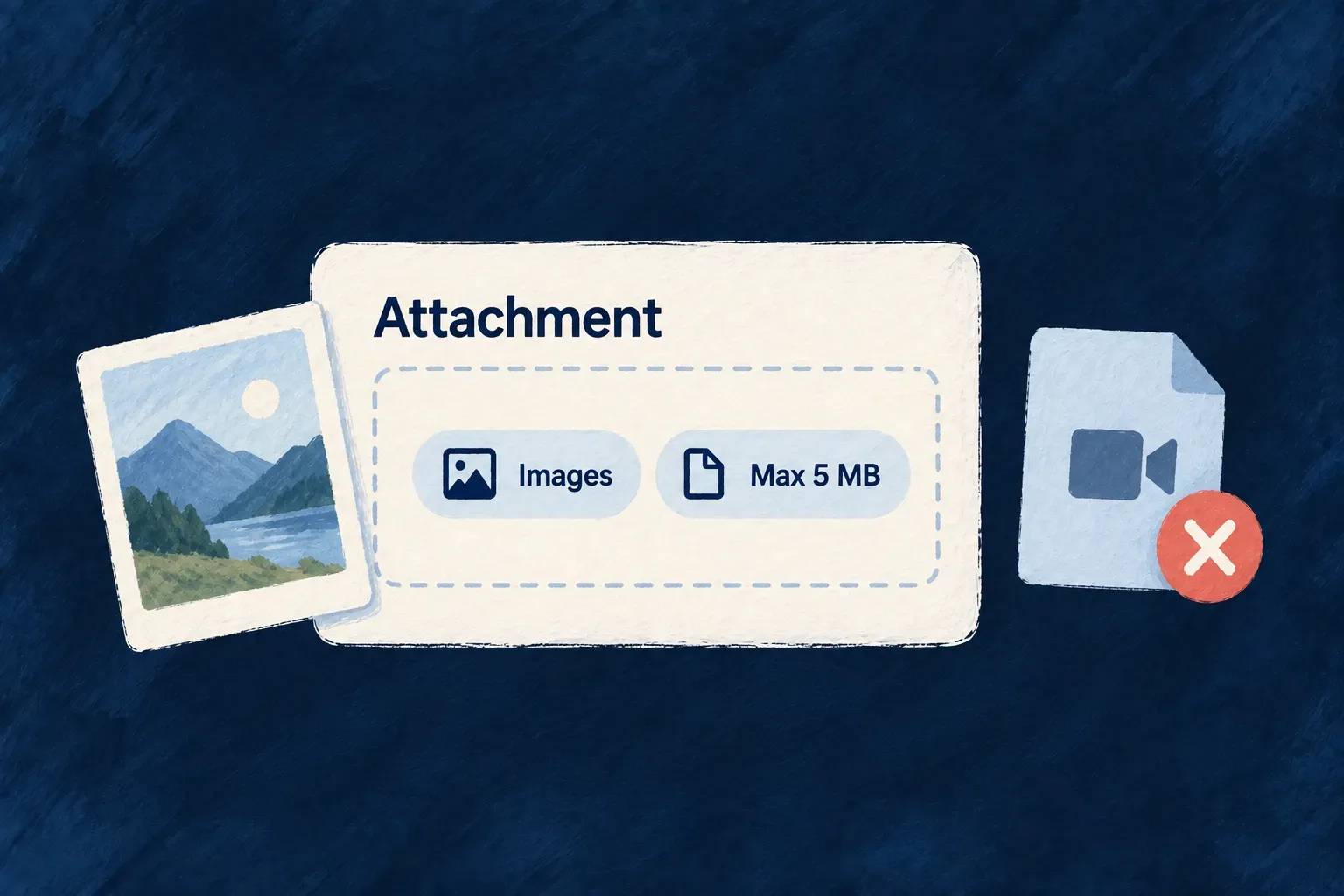
Tell every upload what the field accepts
A profile photo and a signed contract should not accept the same files. Wildo keeps those requirements on the file field: accepted types, size, selection count and relevant media constraints.
Standard file controls use the declaration to guide selection. The upload service checks accepted types and byte limits separately from browser behavior. Image cropping prepares a selection; the server independently verifies declared dimensions and aspect ratio before accepting the upload.
Example — A square profile photo with a size limit
A profile photo field can require a square image and a byte-size limit. The standard form helps prepare the image; the upload service checks those requirements independently, including when another tool submits the file.
For engineers
Put the requirements on the field
This excerpt comes from UserProfileSchema, shared by the administrative and self-profile resources. The account resource (USERS) has no avatar field. The outer privacy treatment is retained here because changing a file field also means deciding what should happen to its reference during erasure.
avatar: addImpersonalizeWith(
  z_file({
    nature: FileNature.IMAGE,
    allowedMimeTypes: 'Images',
    maxSize: 2 * 1024 * 1024,
    imageConstraints: {
      maxWidth: 1024,
      maxHeight: 1024,
      aspectRatio: { width: 1, height: 1 },
      generateThumbnails: true,
    },
  }).optional().dataCategories(PersonalDataCategory.IDENTITY),
  RedactionType.REMOVE,
),
Keep browser defaults and server ceilings distinct
The resource-field constraint resolver reads the file metadata into the backend validator contract. This is the runtime mapping from resource-field-constraint-resolver.backend.service.ts; the surrounding field lookup and error handling are omitted.
// Convert FileSchemaMetadata to FileConstraint
const constraint: FileConstraint = {
  allowedMimeTypes: fileMetadata.allowedMimeTypes,
  maxSize: fileMetadata.maxSize ?? DEFAULT_FILE_CONSTRAINT.maxSize,
  minSize: fileMetadata.minSize,
  nature: fileMetadata.nature,
  imageConstraints: fileMetadata.imageConstraints,
  videoConstraints: fileMetadata.videoConstraints,
  audioConstraints: fileMetadata.audioConstraints,
  documentConstraints: fileMetadata.documentConstraints,
  source: {
    type: 'resource_field',
    resourceType,
    fieldName,
  },
};
Choose limits for the actual delivery path
The upload handler also enforces the application’s storage.maxFileSize; a field cannot bypass that ceiling. The frontend picker provider fills browser-side defaults only where field metadata is absent. Keep those defaults compatible with the backend’s limits so users learn restrictions before sending a file.
Multipart uploads expose local bytes for inspection. The default backend uses Sharp to measure declared image dimensions and aspect ratio. Measurements respect EXIF orientation and use frame dimensions rather than the stacked animation height. Bounds are inclusive; aspect ratio permits a 1% relative difference. Missing or failed analysis refuses an upload that requires geometry. Bounds must be positive integers, ratios finite and positive, and geometry requires image nature.
This reads image-header geometry; it does not establish complete pixel integrity or replace malware scanning. Type checks still use declared MIME type and filename. A linked remote file uses the provider’s MIME type and byte size, but a field with geometry requirements refuses that metadata-only link. Upload the image bytes instead. Selection count is checked in the form and on the parent write, while each individual upload receives its own size and type validation.
Limit each upload and the final attachment collection
These limits protect different boundaries. maxSize limits one file’s bytes. maxFiles limits the reference collection saved in one occurrence of the field. For example, this illustrative supporting-documents field accepts at most three files, each within its own size limit:
attachments: z_file({
  multiple: true,
  nature: FileNature.ALL,
  maxSize: 5 * 1024 * 1024,
  maxFiles: 3,
}).optional(),
The application’s upload ceiling still applies if it is lower. Successfully uploading a fourth small file does not make a four-file parent value valid: the file-operation handler checks the total on create and the resulting collection on update, and refuses excess references with FILE_TOO_MANY_FILES.
| Submitted change | Count outcome for this field |
|---|---|
| Create with three admitted file IDs. | Within the collection limit; other checks still apply. |
| Create with four admitted file IDs. | Parent write refused, even if every upload passed byte validation. |
| Update a two-file collection to three. | Within the collection limit. |
| Update a three-file collection to four. | Parent write refused. |
| Replace one reference while keeping three total. | Within the count limit; replacement policy and linkability still apply. |
For nested or repeated file fields, the handler evaluates each concrete occurrence. A three-file limit in one row is not a global three-file budget across the whole record. Upload acceptance, reference count and attachment authorization are separate checks, so a custom client must satisfy all of them.