
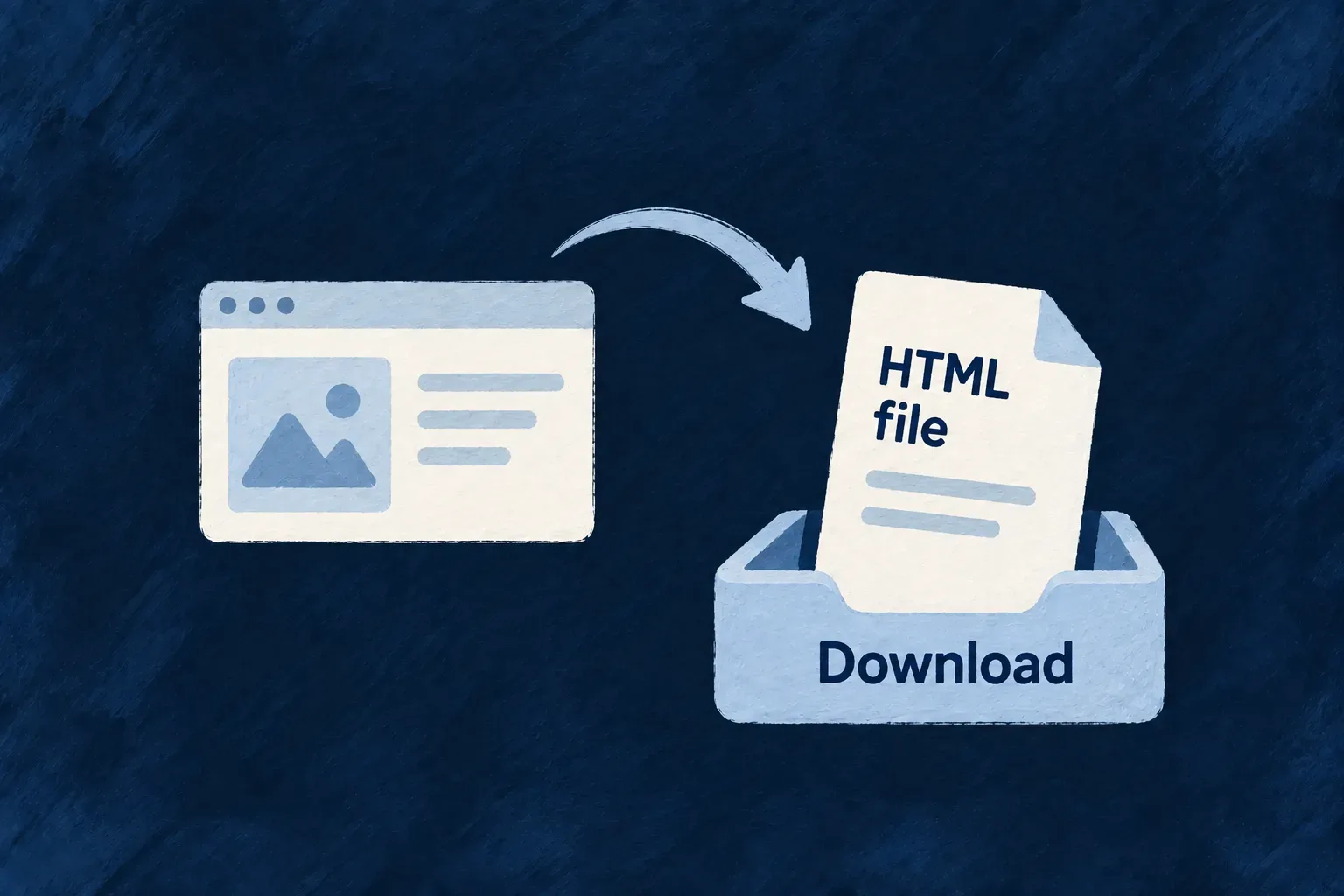
Keep uploaded content outside the application’s trust
Uploaded content should not inherit the trust of the application serving it. Wildo applies a common set of browser protections whenever its file-serving routes return bytes.
Declared content type, a no-sniff header and a restrictive file response policy work together. HTML, XHTML and SVG are served as downloads even when a caller requested an inline preview.
Example — An uploaded HTML file stays a download
A user attaches an HTML document to a record. Opening the attachment does not intentionally render it as an application page: the file-serving layer forces attachment disposition and supplies the same restrictive headers used on direct and shared downloads.
For engineers
Keep byte responses on the shared serving path
The resource serve route and direct file controller delegate to FilesBackendService.streamFileToResponse; token-based sharing uses that same byte path. A custom route that writes raw storage bytes must deliberately preserve this contract.
The service prefers the storage response’s content type and falls back to the file row’s MIME type. It does not allow a query parameter to choose a more permissive type.
Inspect the response policy
These statements from files.backend.service.ts set the response type and no-sniff policy, then choose attachment disposition for dangerous inline types. Comments are omitted; the later disposition header and stream handling remain outside this excerpt.
const contentType = downloadResult.contentType || file.mimeType;
res.setHeader(WildoHeaderKeys.CONTENT_TYPE, contentType);

res.setHeader('x-content-type-options', 'nosniff');
res.setHeader('content-security-policy', FILE_SERVE_CONTENT_SECURITY_POLICY);

const contentLength = downloadResult.size > 0 ? downloadResult.size : (file.size || 0);
if (contentLength > 0) {
  res.setHeader(WildoHeaderKeys.CONTENT_LENGTH, contentLength.toString());
}

const effectiveDisposition =
  disposition === 'inline' && isDangerousInlineContentType(contentType)
    ? 'attachment'
    : disposition;
Combine serving protection with acceptance rules
The content policy is default-src 'none'; sandbox, without added sandbox allowances. The dangerous-inline set contains HTML, XHTML and SVG; ordinary supported media can retain the requested inline presentation. Generated thumbnails receive the same no-sniff and content-policy headers.
These controls influence how a browser handles the response. They do not inspect every byte, establish that a MIME declaration is truthful, or remove malicious content from a downloaded file. Keep field validation and the selected scanning policy in place, and do not use the file endpoint as a host for trusted application scripts or documents that need active browser behavior.
Recognize the policy in an actual response
For an illustrative SVG requested as an inline preview, the shared serving code forces attachment disposition. The response below shows the relevant headers; the filename and length depend on the stored file:
Content-Type: image/svg+xml
X-Content-Type-Options: nosniff
Content-Security-Policy: default-src 'none'; sandbox
Content-Disposition: attachment; filename="diagram.svg"
This is a representative header projection from the serving policy, not a captured response from a running application. Header casing is insignificant, and the disposition serializer may add encoding for the filename.
| Requested content | Shared serving behavior |
|---|---|
| HTML, XHTML or SVG requested inline | Forces attachment, with no-sniff and sandbox policy |
| Ordinary supported media requested inline | Can remain inline, with the same no-sniff and sandbox policy |
| Any file explicitly requested as an attachment | Keeps attachment disposition |
| Successfully derived thumbnail | Uses the derived content type and retains no-sniff and sandbox headers |
When adding a custom download controller, delegate to the shared stream service after authorization instead of returning a storage stream directly. The headers govern browser handling; they do not make the downloaded contents safe to execute in another application.