
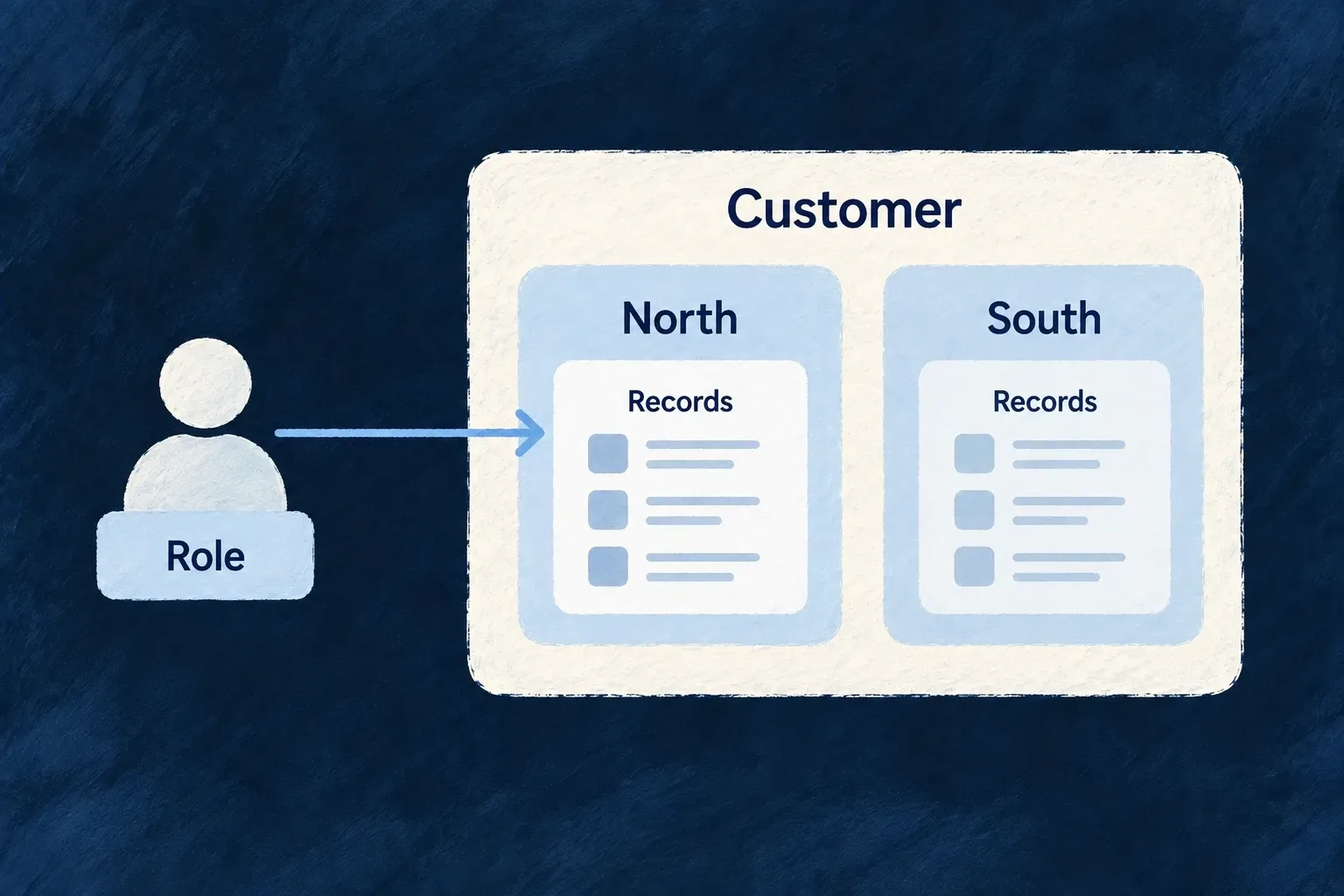
Keep team access with the team’s records
A resource can identify the unit each record belongs to. People whose authority comes from a unit role then reach the records of the units that actually grant them that authority.
Organisation-wide roles remain organisation-wide. This adds a narrower way to grant access; it does not silently reduce the access leadership already holds.
Example — Let a team manage its own goals
A Sales manager works with Sales goals through a unit role. An organisation manager can still review goals across teams through their broader organisation role.
For engineers
Give the resource a real unit field
Wonder Todos’ TeamGoals_Schema contains both the customer and team identifiers. These selected fields are from shared-lib/src/modules/tasks-manager/resources/team-goals/team-goals.schemas.ts, after initZodDecorators(z) initializes the decorators:
organizationId: z.string().min(1).isDBIndexed().isForeignKey().isSummaryField().excludeFromUpdate(),
organizationUnitId: z.string().min(1).isDBIndexed().isForeignKey().isSummaryField(),
These are fields inside z.object, not a standalone schema. The organization relationship establishes tenant ownership; organizationUnitId identifies the team within it. The required field prevents unit-less goals. It remains editable so an organization-wide manager can move a goal, while a confined manager cannot move it outside their permitted units.
Require a role that the team grant can supply
The resource’s operationsConfiguration requires CORE_ORG_ROLES.ORG_MANAGER. Here is its READ entry; Wonder Todos makes the same role choice for LIST, CREATE, UPDATE and DELETE:
[CoreResourceOperation.READ]: {
  variants: [{
    variantType: ResourceOperationVariantType.API_CALL,
    isDefault: true,
    roles: [CORE_ORG_ROLES.ORG_MANAGER],
    riskLevel: ResourceOperationRiskLevel.LOW,
  }],
},
The operation enums and CORE_ORG_ROLES are exported by @wildo-ai/saas-models. This entry belongs in the resource configuration passed to createResourceConfiguration_Initialization, alongside mainSchema: TeamGoals_Schema, its resource identifiers, relationships and declared core operations.
The role choice is decisive. With ORG_MEMBER on an operation, an ordinary member already qualifies organization-wide; adding a team grant would not confine that access. With ORG_MANAGER, a person who is only an organization member can qualify through their manager role in Sales, while an organization-wide manager retains broader access.
Register the resource and its narrowing policy
Wonder Todos opts its team-goals resource into narrowing in backend-api/src/bootstrap-config.ts:
const APPLICATION_ORGANIZATION_UNIT_NARROWING: Readonly<Partial<Record<string, { unitFieldName: string }>>> = {
  [TasksManager_ResourceType.TEAM_GOALS]: { unitFieldName: 'organizationUnitId' },
};

const initializationConfig = buildApplicationInitializationConfig({
  additionalServiceImplementations: userSelfCustomImplementations,
  organizationUnitNarrowing: APPLICATION_ORGANIZATION_UNIT_NARROWING,
});
This excerpt keeps the narrowing registration and omits unrelated bootstrap options. The resource factory is separately registered in the task module’s moduleResourcesConfigurationsFactoryMap:
[TasksManager_ResourceType.TEAM_GOALS]: teamGoals_ResourceConfiguration_InitializationFactory,
That is an entry in the existing module map, not a replacement for it. Keep the task module and its relationship declarations in the application’s shared module registration, and pass the backend initialization configuration through the existing startup path. Registering the narrowing field alone does not publish a resource or its routes.
Startup rejects forbidden authorization resources and empty field names. This validator does not receive the resource schema and does not check that the named field exists: matching unitFieldName to a real field remains an authoring obligation. The declaration is backend policy, not a request parameter a caller may use to choose authority.
Assign a team role and call the resource
This request sequence follows Wonder Todos’ organization-unit-narrowing.e2e.ts. Start with two sibling root units, Sales and Legal, and one goal in each. MEMBERSHIP_ID is the person’s existing organization-membership row ID, not their user ID. ADMIN_TOKEN belongs to an organization administrator allowed to assign the role; MEMBER_TOKEN belongs to a person holding only ORG_MEMBER organization-wide.
curl "$BACKEND_URL/organizations/$ORG_ID/organization-unit-members" \
  -H "Authorization: Bearer $ADMIN_TOKEN" \
  -H 'Content-Type: application/json' \
  --data "{\"organizationUnitId\":\"$SALES_UNIT_ID\",\"organizationMemberId\":\"$MEMBERSHIP_ID\",\"role\":\"ORG_MANAGER\"}"

curl "$BACKEND_URL/organizations/$ORG_ID/team-goals" \
  -H "Authorization: Bearer $MEMBER_TOKEN"
The first request grants the Sales unit role; it does not promote the person’s organization membership. The second lists goals using that person’s own authority. In this setup, the list includes Sales goals and excludes Legal goals. First confirm that an organization-wide administrator can reach the same registered collection: a missing route is not evidence of confinement.
Apply the same answer at the gate and the records
resolveOrganizationUnitNarrowingDecision first checks whether an organisation-wide grant satisfies the operation. Otherwise it selects qualifying unit grants and returns the unit IDs that may be used by the row filter and write validation.
| Caller’s authority | Result |
|---|---|
| Sufficient organisation-wide role | Organisation-wide access |
| Only a qualifying unit role | Access confined to qualifying units |
| Unit membership with an insufficient role | No grant from that unit |
| Neither kind of qualifying role | Refusal |
Test the boundaries, not only the list
Check a list, an addressed read and a write naming another unit. Also check a member assigned different roles in two units: only the unit whose role satisfies the operation should qualify. Context stamps can tighten when combined, not overwrite a narrower decision with a wider one later in the same request.