
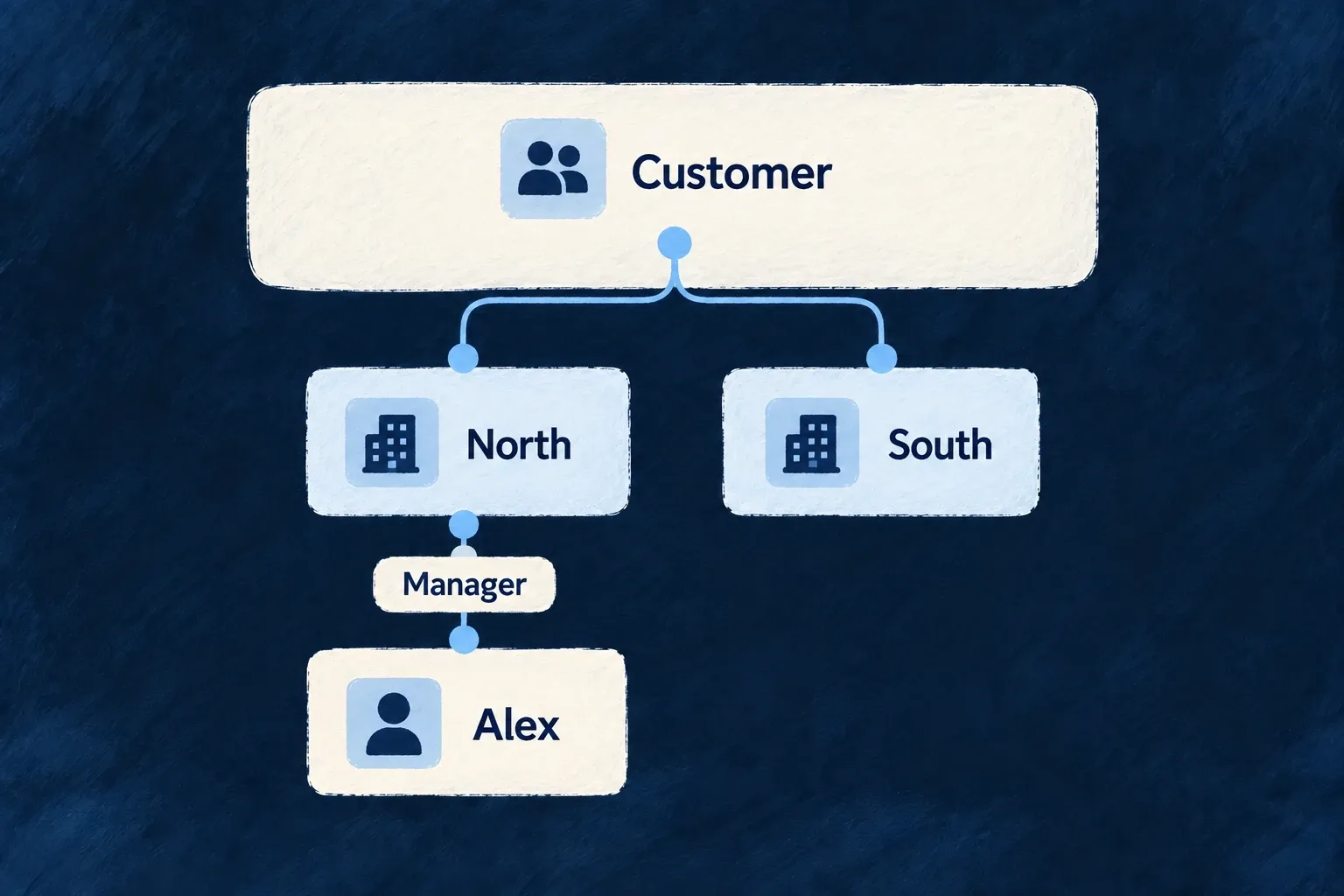
Assign responsibility within a team
A member can hold a role inside a particular unit. That lets someone manage their department without becoming a manager across the entire customer workspace.
The assignment belongs to the person’s organisation membership. It cannot be used to give an outsider a role in a team they do not belong to.
Example — Make a department manager
A member manages Sales and has a different role in Support. Their Sales responsibility can grant access to Sales-owned records without granting the same access in Support.
For engineers
Create an assignment between a membership and a unit
This illustrative unit-member payload names an existing organisation membership and a unit in the same organisation:
{
  "organizationMemberId": "existing-membership-id",
  "organizationUnitId": "existing-sales-unit-id",
  "role": "ORG_MANAGER"
}
The generated operation supplies organisation context. Use the membership ID, not the global user ID. The assignment’s identity is the membership/unit pair; changing its role updates that assignment, while assigning another unit creates a different one.
Address the assignment and keep grant authority separate
Use an organization administrator’s authenticated token to create the assignment:
curl "$BACKEND_URL/organizations/$ORG_ID/organization-unit-members" \
  -H "Authorization: Bearer $ADMIN_TOKEN" \
  -H 'Content-Type: application/json' \
  --data "{\"organizationMemberId\":\"$MEMBERSHIP_ID\",\"organizationUnitId\":\"$UNIT_ID\",\"role\":\"ORG_MANAGER\"}"
The built-in CREATE, UPDATE and DELETE operations require ORG_ADMIN, with the role ceiling additionally checking what the caller may grant. Holding a manager role in one unit does not create a self-service right to grant more roles.
Keep the created assignment’s _id for later changes. Update its role through the addressed assignment’s UPDATE operation; remove it through DELETE. organizationMemberId and organizationUnitId are excluded from updates. Moving the person to another unit means creating the new assignment and deliberately retiring the old one, not changing that immutable pair.
Verify the resulting assignment and then call a business resource configured for team-based access. The assignment alone does not filter every resource or remove a broader organization-wide grant.
Follow the role into an access decision
The execution context carries the role with its organizationUnitId. On an opted-in resource, the authorisation decision checks which assignments actually satisfy the operation’s required roles. It does not include every unit the member happens to belong to.
Downward inheritance can extend reach to descendants according to the unit policy. The context distinguishes directly held and inherited units so the resulting scope remains explainable.
Do not accidentally grant organisation-wide access
The grant ceiling applies to both create and update. Unit roles do not replace an already sufficient organisation-wide role; if that broader role permits the operation, unit narrowing does not subtract its access. Choose organisation roles and unit assignments together, then test with a member whose only qualifying role is the unit assignment.