
Send the messages customers rely on
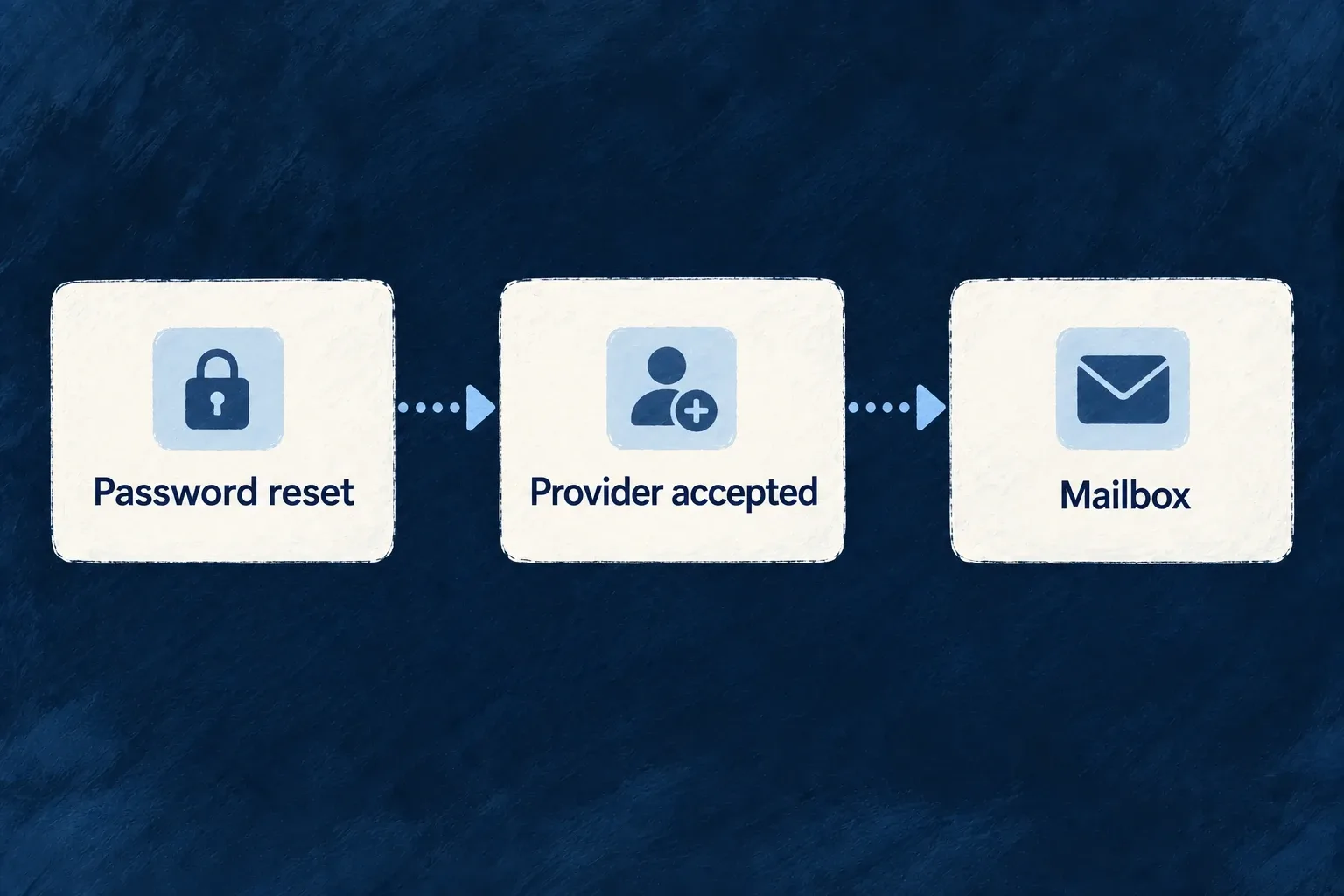
Account links, receipts and business notifications use a shared sending path. Wildo renders the message, hands it to your configured email provider and records whether that provider confirmed acceptance.
Your application owns the message and its trigger. The provider handles the onward delivery to the recipient’s mailbox.
Example — Send a password-reset message
A customer asks to reset a password. The application renders its own wording and recovery link, then submits the email through its configured provider.
For engineers
Prepare the application once
Enable EMAIL_TRANSACTIONAL, declare and select a backend EMAIL_PROVIDER, configure the sender and deployment credential, and register the file-based emailTemplateDefinitions through the backend module. Provider selection shows that complete configuration section.
A resource operation’s email declaration reaches the shared sender through the dispatcher. An explicit backend service can call EmailBackendService.send directly. In either case, the template reference must resolve in the runtime registry.
Follow a real caller
Selected, contiguous excerpt from auth-password-reset.backend.service.ts. The surrounding method has already created the reset token and URL, loaded the recipient’s preferences and resolved application identity. this.emailService is the injected EmailBackendService; token generation and service construction are omitted. This is the existing authentication producer, not a replacement password-reset implementation.
const emailResult = await this.emailService.send({
  submissionId: String(resetToken._id),
  templateRef: SystemEmailTemplateRef.PASSWORD_RESET,
  locale: userPreferences?.languagePreferences?.primaryLanguage
    ?? userPreferences?.regional?.locale
    ?? getConfiguredPrimaryLanguage(this.appConfigService.config),
  type: EmailTemplateType.TRANSACTIONAL,
  to: user.email,
  context: {
    currentObject: { email: user.email, userId: user._id },
    objectContext: {
      primaryScopeContext: {
        appName: appIdentity.appName,
        applicationId: this.appConfigService.applicationId,
        logoUrl: this.appConfigService.resolveBrandLogoAbsoluteUrl({
          composition: BrandAssetComposition.LOCKUP,
          purpose: BrandAssetPurpose.EMAIL,
        }) ?? undefined,
      },
    },
    userContext: { userId: user._id, email: user.email },
    additionalContext: {
      resetUrl,
      tokenValue: resetToken.token,
      expiresInMinutes: PASSWORD_RESET_TOKEN_TTL_HOURS * 60,
    },
  },
});
if (
  !emailResult.success
  || (emailResult.outcome !== EmailSubmissionOutcome.PROVIDER_ACCEPTED
    && emailResult.outcome !== EmailSubmissionOutcome.LOCAL_PREVIEW)
) {
  this.logger.error('Password reset email provider did not confirm acceptance', {
    userId: user._id,
    submissionId: emailResult.submissionId,
    outcome: emailResult.outcome,
    error: emailResult.error,
  });
} else {
  this.logDebug('Password reset email submission completed', {
    outcome: emailResult.outcome,
    userId: user._id,
    submissionId: emailResult.submissionId,
    providerMessageIds: emailResult.providerMessageIds,
  });
}
The token identity gives this logical submission a stable submissionId. The caller supplies recipient language, application/logo context and reset-specific values together, then handles both confirmed network acceptance and successful local preview. Other results enter its failure-reporting branch.
Give each outcome the right meaning
| Result | Caller interpretation |
|---|---|
PROVIDER_ACCEPTED | The provider confirmed acceptance; retain any receipts |
LOCAL_PREVIEW | Rendering completed locally; no network acceptance and no retry needed |
NOT_SUBMITTED | No provider submission was attempted; inspect the configuration, rendering or validation error |
PROVIDER_REJECTED | Submission was rejected; inspect the classified error and retryability |
ACCEPTANCE_UNKNOWN | Acceptance could not be established; retrying can duplicate a message |
Use retryable and preserve the logical submission identity across a retry. A completed HTTP request is not the result contract, and provider acceptance is not inbox delivery. Attachments resolve through the file service and its access context before submission; missing or unauthorized content must not silently disappear.