
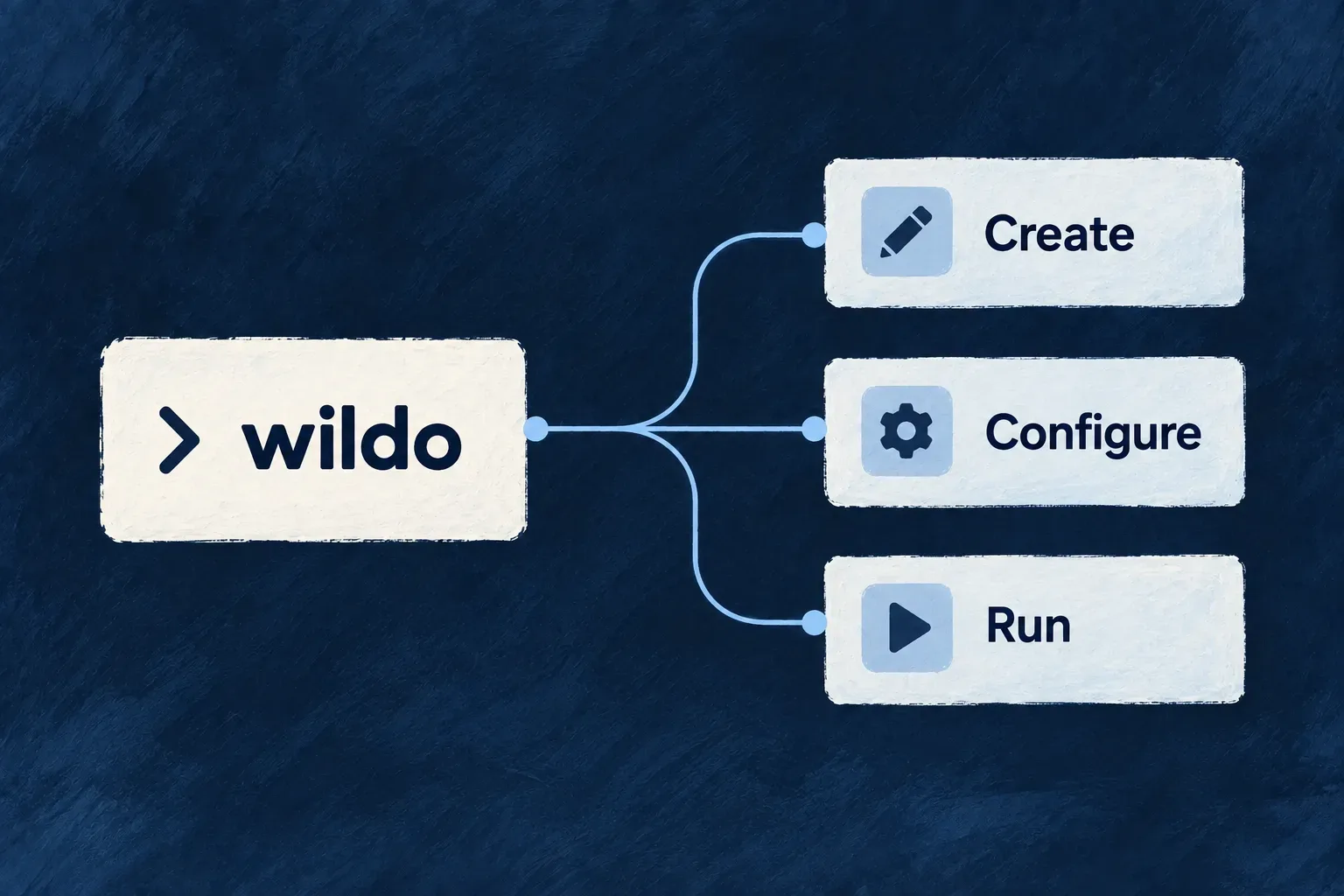
One command line for application work
Wildo brings application setup, configuration, local operation and inspection into one command line. Each command understands the workspace it operates on, so the application’s declared structure carries into everyday development work.
Developers and coding agents use the same commands. Built-in help exposes the available operations and their options; the application’s business code remains yours to write.
Example — Move from a configuration change to a running application
After changing an application’s configuration, a developer refreshes the generated files, checks the local environment and starts a development session. The same tool can then ask the running companion what the application exposes.
For engineers
Start with the installed tool’s own help. The listing is derived from registered command metadata, including descriptions, arguments and flags.
# Discover commands and inspect a specific operation.
wildo help
wildo config sync --help

# Inspect the local and live-context command contracts.
wildo local dev --help
wildo local doctor --help
wildo context info --help
Command availability depends on workspace scope. Run application commands from that application’s workspace; framework-maintenance commands additionally require a framework checkout. A command unavailable in the current scope reports why instead of attempting to operate on an unrelated directory.
Keep the stages of application work distinct
| Work | Command family | What it operates on |
|---|---|---|
| Refresh derived configuration | wildo config | Authored application and environment declarations |
| Run and inspect development infrastructure | wildo local | The selected local environment and supervised application |
| Query application knowledge | wildo context | Companion-backed inspection, plus named local authority/configuration checks |
| Compose reusable parts | wildo compose | Application composition and its declarations |
| Work with reusable modules | wildo registry | Module discovery, installation and publication |
context health, list, info, coherence and journey query the companion. context jurisdictions and context assurance-basis inspect local configuration, specifications and installed authority definitions without it. Those local checks are separate commands, not fallbacks for a failed companion request.
These families share the CLI context, but their effects differ. A context query reads; configuration sync writes generated artifacts; a lifecycle command starts or stops processes. Consult the specific command’s help when automating it rather than assuming every family accepts the same flags.
Understand what the tool automates
Commands declare a phrase-shaped name such as config sync. The registry resolves the longest matching command name, which supports nested command families without a separate parser for each one. Discovery loads command files, and duplicate names fail instead of allowing one implementation to silently replace another.
The tool coordinates framework-owned operations. It does not turn artifact generation into a deployment: config sync produces deployment inputs. Generated workflows build images; the Kubernetes workflow also applies manifests, while Compose rollout requires your host-transfer and deployment steps. Application behavior, release review and the operating environment remain explicit decisions.
From a configuration change to an application query
Use one application workspace and its configured local Docker Compose environment. First inspect the command help, validate the declaration, synchronize derived files and read the diagnosis:
# Discover the flags supported by this installed command.
wildo config sync --help

# Check, regenerate, then diagnose the local environment.
wildo config validate --env local
wildo config sync --env local
wildo local doctor
Resolve reported failures before starting wildo local dev in that terminal. If a development session already owns the workspace, use it rather than creating a second owner. From a second terminal in the same application, run wildo context health, then wildo context journey to inspect eligibility and work in flight. Health establishes reachability; the specific query and compiled-output freshness establish what application information is available.
Keep delivered assets aligned with their source
wildo assets sync replaces the framework-owned template mirror under .wildo-saas/templates/; keep application customizations out of that replaceable mirror. Templates follow the CLI’s framework assets. Documentation, skills and rules instead come from the application’s installed @wildo-ai/framework-knowledge package.
If the command reports version skew, align the CLI installer with the application’s knowledge-package version using its reported --cli-version value, then run wildo assets sync again. Synchronizing assets does not upgrade the CLI. A missing knowledge package requires installation before its documentation and skills can be delivered.