
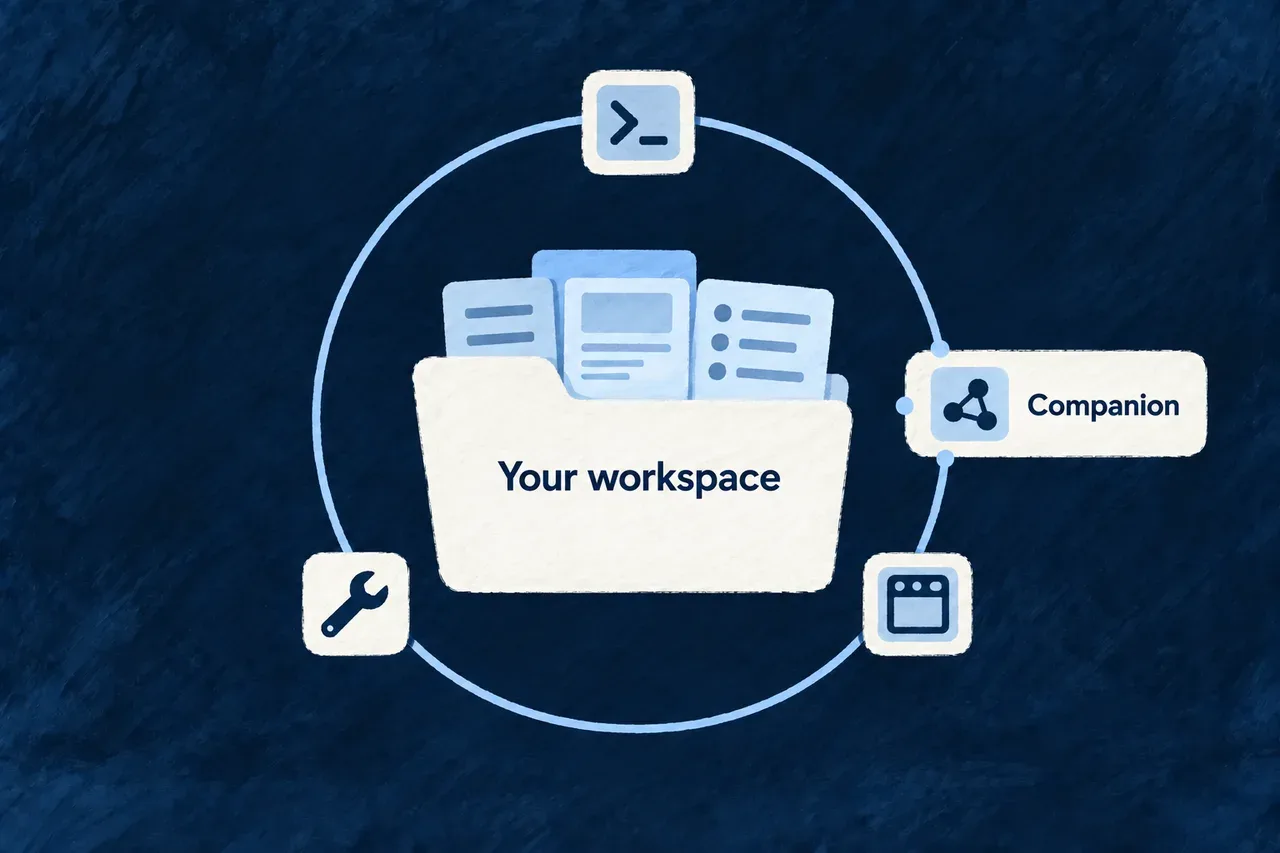
Keep development tools connected to your application
Development involves many short actions: inspect a resource, refresh derived content, run assisted work or review its result. Each needs to know which application it belongs to.
The companion provides that application-aware service alongside the development environment. Commands and the workbench can use its context and services while the business application keeps its own runtime.
Example — Return to a project after an interrupted coding run
A developer restarts local development and checks the companion and workbench status. If a previous coding task was interrupted, the companion reconciles its recorded state for review rather than silently undoing its edits. The developer inspects the changes before deciding how to continue.
For engineers
Check the application and its development surface separately
Run these commands inside the intended application. Keep the foreground development process in its own terminal:
For this supervised startup sequence, select a local Docker Compose environment.
# Terminal 1: prepare and supervise local application development.
wildo local dev

# Terminal 2: inspect the companion serving that application.
wildo context health
wildo context list

# Separate companion readiness from frontend availability.
wildo workbench status

# Open the local workbench destination after startup.
wildo workbench open
dev start is the narrower delegation to the application’s development script. local dev owns broader local preparation and supervision. Follow the workspace’s existing process ownership rather than launching competing supervisors to repair a missing response.
Keep its responsibilities explicit
| Responsibility | What the companion supplies |
|---|---|
| Introspection | Derived views of compiled application models and their freshness handling |
| Authoring and generation | Application-aware services for supported derived content and creation work |
| Workbench support | Explicitly exposed resources, identity/frontend support and development operations |
| Diagnostics | Reachability, state and recorded execution information |
The observed application registry does not mean that every business resource API is exposed on the companion. Startup uses explicit controller/resource exposure. Inspect those contracts when integrating a new development surface.
Recover interrupted work without hiding the changes
This selected startup excerpt from start-companion-application.service.ts shows reconciliation before the HTTP server starts. Logging is retained; surrounding startup stages are omitted:
try {
  const { reconciledTaskIds } =
    await this.codingAgentDispatchService.reconcileInterruptedApplicationCodingTasks();
  this.logDebug('Startup coding-task reconciliation completed', { interrupted: reconciledTaskIds.length });
  if (reconciledTaskIds.length > 0) {
    this.logger.warn(
      'Startup reconciliation terminalized interrupted application-coding task(s) as '
        + 'INTERRUPTED_REQUIRES_REVIEW — a previous companion process left them PROCESSING. '
        + 'Review their captured change sets before retrying.',
      { reconciledTaskIds },
    );
  }
} catch (error) {
  this.logger.warn('Startup coding-task reconciliation failed; continuing (non-fatal by design).', {
    error: describeCaughtError(error),
  });
}
await this.initializePlatformHttpServer(config.customControllers);
Reconciliation makes the interrupted task reviewable and captures the worktree state. It does not revert the files or assert that the unfinished work succeeded. It is best effort so a reconciliation problem does not prevent the companion from starting and making diagnosis possible.
Keep locality and identity separate
The companion refuses a non-loopback HTTP host. Its protected custom routes use a machine-local token stored under the application state directory with restrictive permissions. Reading that token is not the same as a person’s approval or an application role.
The workbench’s platform-operator identity and resource authorization are separate again. The same email address in the business application’s user store does not make the two identities equivalent.
Check compiled publication when the model looks old
The companion observes compiled application surfaces. Let an edited declaration reach those surfaces before expecting inspection to reflect it. Health checks establish reachability, not that the latest source was successfully compiled or the feature was verified.
The model-refresh mechanism explains that boundary; the development interfaces explain how commands and the browser reach the companion.