
Tell people when their workspace changes
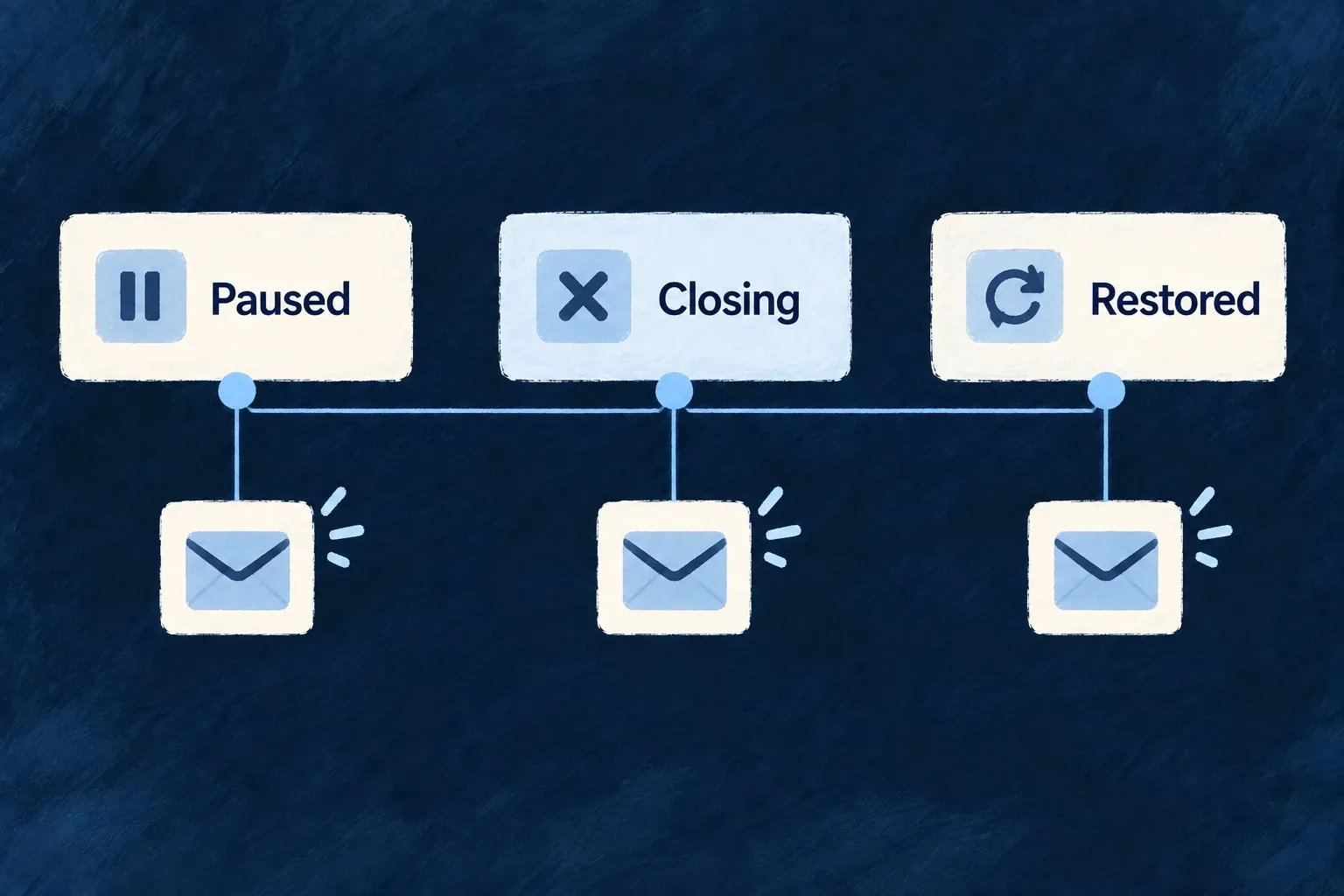
Organisation lifecycle actions can notify the people affected: creation, updates, suspension, activation, deletion requests and restoration. The notification is attached to the action rather than being a separate task the application must remember.
Deletion warnings belong to the request stage, while recovery is still possible. A suspension can be deliberately quiet when its authorised caller chooses not to notify members.
Example — Warn while recovery is still possible
A workspace is marked for deletion and its members receive the lifecycle warning. The message arrives during the recovery period, rather than after the organisation has already been purged.
For engineers
Connect operation, target and template
The restore declaration includes this actual notification definition:
userNotifications: [
  {
    target: CoreUserNotificationTarget.ORGANIZATION_USERS,
    channel: CoreUserNotificationChannel.EMAIL,
  }
]
It tells the notification pipeline whom the event is for and which channel to use. The application supplies the corresponding email template and delivery configuration. Wonder Todos keeps those templates under backend-api/src/engine/email/resources/organizations/, including separate templates where the administrator variant has a distinct reference.
Register the file under the reference the operation resolves
For restore, the operation identifier is Organization_Lifecycle_Operations.RESTORE (restore), the target is ORGANIZATION_USERS, and the resolved template reference is email.organizations.restore.organization-users. Wonder Todos supplies it from:
backend-api/src/engine/email/resources/organizations/
  restore.organization-users/
    template.tsx
    labels.en.ts
template.tsx default-exports an EmailTemplateDefinition; each locale file exports labels. The normal compiler must publish the corresponding JavaScript files before the startup scanner can load them. A source file alone is not a registered runtime template.
This is the resource-directory scan used by the existing email definitions module, with its shared options inlined:
import {
  scanEmailTemplateDirectory,
  type EmailTemplateDefinition,
} from '@wildo-ai/saas-backend-lib';

const resourceTemplates = await scanEmailTemplateDirectory<EmailTemplateDefinition>({
  importMetaUrl: import.meta.url,
  subdir: 'resources',
  keyFromPath: (relativePath) => `email.${relativePath.replace(/\//g, '.')}`,
});
Keep this scanner in backend-api/src/engine/email/email-template-definitions.ts, where resources is a sibling directory. Its map is merged into the existing emailTemplateDefinitions, alongside system templates. The engine backend module contributes that map through its emailTemplateDefinitions property; modules-registry.backend.ts collects those module maps as defaultEmailTemplateDefinitions for buildApplicationInitializationConfigFromModules. Extend this existing path rather than creating a second registry or importing the template directly in a sender.
| Lifecycle operation | Template reference in this application |
|---|---|
| Restore | email.organizations.restore.organization-users |
| Request deletion, tenant variant | email.organizations.request_deletion.organization-users |
| Request deletion, administrator variant | email.organizations.request_deletion.admin.organization-users |
The HTTP route uses request-deletion, but the template reference retains the internal request_deletion identifier. The variant segment also matters: a template for the tenant action does not satisfy the administrator action’s reference.
Match the message to the transition
Organization_Lifecycle_Operations.REQUEST_DELETION (request_deletion) carries the warning at the reversible mark. restore informs members when access returns. Suspension’s condition respects notifyMembers; activation targets the administrative audience. These audiences are intentional and should not all become the same generic broadcast.
Organisation category email routing can replace the member audience for mapped categories. An ORGANIZATION_USERS target remains a per-member audience, as described in workspace email settings.
Verify delivery prerequisites as well as the declaration
The startup validator reports unresolved template references and names the directory expected. That check does not itself prove an email was delivered. Exercise the operation with the configured email transport and inspect its delivery result, especially the quiet-suspension case and the deletion-request warning.