
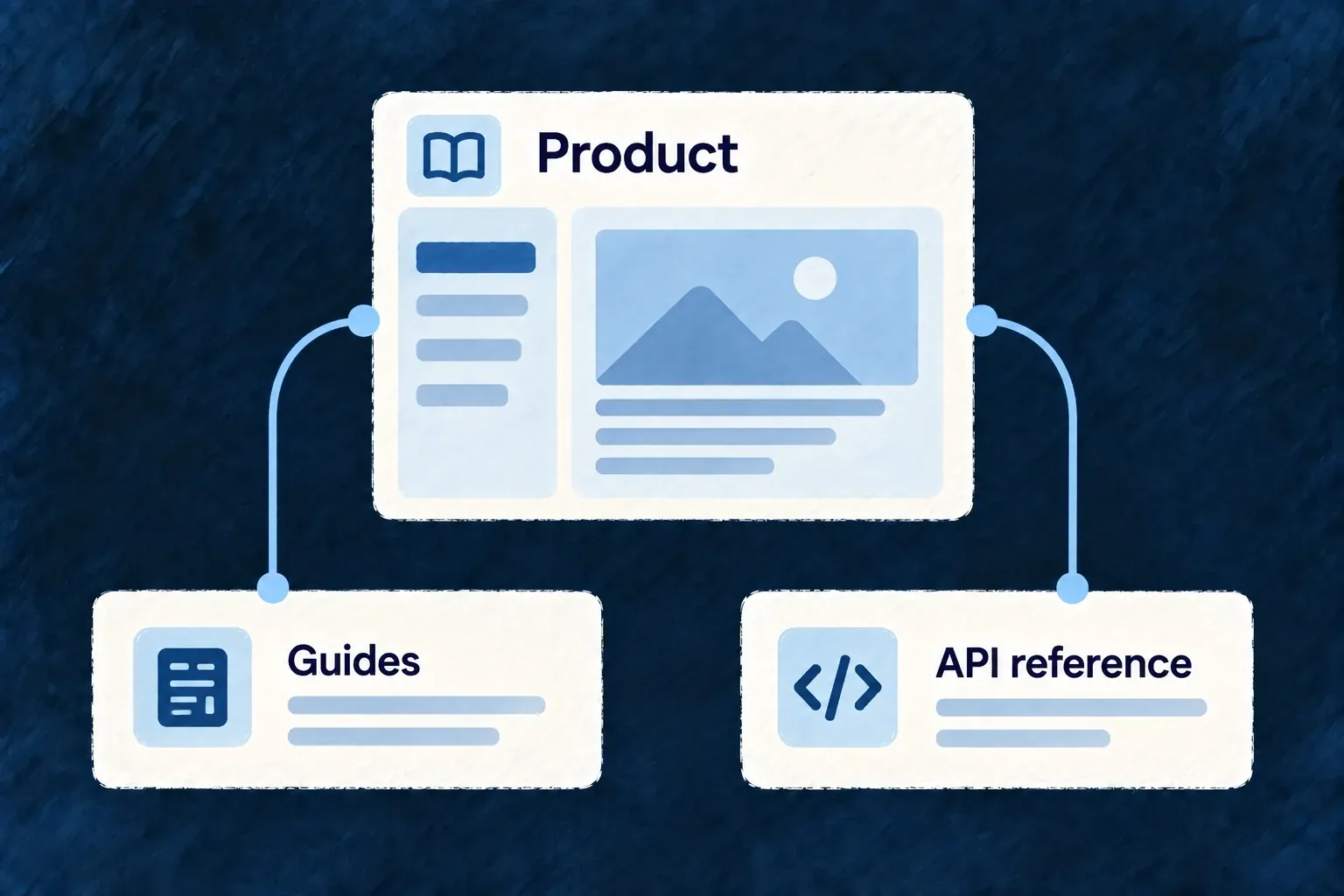
Give customers a place to understand the product
A documentation portal brings product guidance and an exact API reference together. Wildo derives the managed material from framework-authored guides and application declarations; your application owns the portal’s identity and published contract.
Example — From product orientation to a first integration
A customer first learns what the application manages, then follows a guide to make a request and opens the reference for the exact operation.
For engineers
The application declares a TECH_DOC service. At that service’s root, wildo.tech-doc.config.ts supplies the publication inputs. This illustrative minimal configuration uses the current public helper:
import { defineTechnicalDocConfig } from '@wildo-ai/saas-technical-doc';

export default defineTechnicalDocConfig({
  supportedApiVersion: '1.0.0',
  publicMarketingTitle: 'Northstar — Documentation',
  apiDocResources: 'all',
});
Choose a real supported API release, not a placeholder version. The schema requires it. The service’s configuration file is its enable signal; an absent required file fails discovery. The application installs and owns the Docusaurus shell; the engine supplies content models, projection and rendering.
Publish before serving the portal
The companion resolves application resources and documentation configuration, derives guide content and API contracts, applies publication policy and writes the managed tree. The Docusaurus consumer requires the generated manifest, documents and navigation; an unpopulated shell is not a published portal.
Review the generated changes and publish them with the application. A previously generated tree does not prove it reflects today’s source. The supported application inputs include API version, title, overview, server addresses and category assignments. Adding an arbitrary application-authored article is a separate authoring/publication concern, not an automatic consequence of declaring this service.