
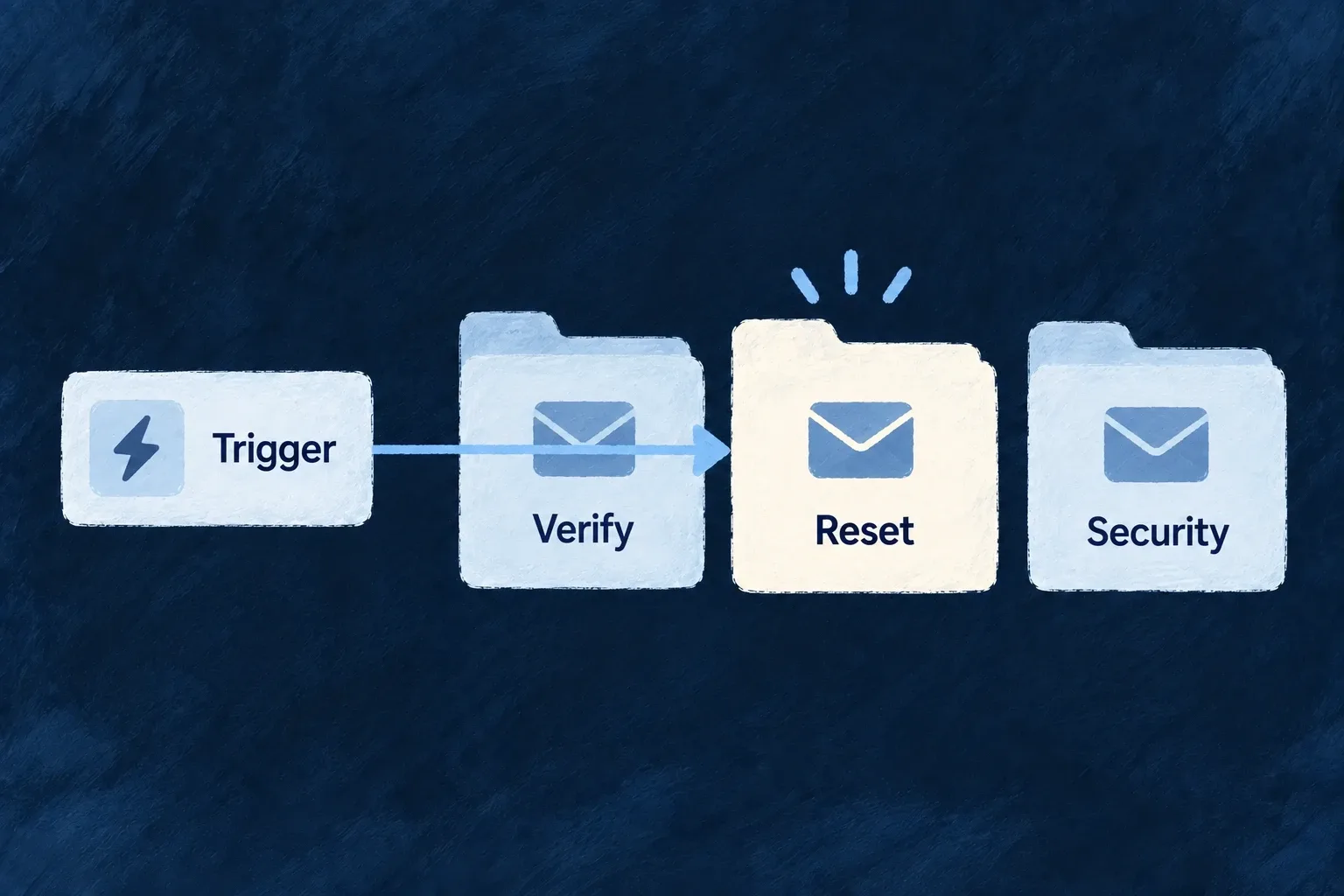
Start with the standard account messages
Wildo names recurring account and security messages and provides their template contracts. Your application can customize their wording and appearance without inventing a separate identity for every message.
A catalogue entry defines an email; the sending operation determines when it is used.
Example — Customize the recovery message
Keep the password-reset reference and required context while adapting its subject, button and safety wording to the product.
For engineers
Start with the stable contract
SystemEmailTemplateRegistry identifies the message, routing classification and expected event data. This complete password-reset entry is selected from the shared registry; imports and neighboring entries are omitted:
[SystemEmailTemplateRef.PASSWORD_RESET]: {
    templateRef: SystemEmailTemplateRef.PASSWORD_RESET,
    type: EmailTemplateType.TRANSACTIONAL,
    frequency: EmailTemplateFrequency.RECURRENT,
    scope: EmailTemplateScope.APPLICATION,
    eventDataSchema: z.object({
      resetUrl: z.url(),
      expiresInMinutes: z.number().int().positive(),
    }),
  },
The application supplies backend-api/src/engine/email/system/password-reset/template.tsx and its labels.<locale>.ts files. The scanner turns password-reset into system.password_reset; the backend module contributes the resulting emailTemplateDefinitions to initialization. The shared registry describes the expected payload; the send path does not automatically parse additionalContext against eventDataSchema, so caller and template must agree.
See where sending begins
The existing password-reset service creates the token and URL, resolves the recipient’s language, then calls EmailBackendService.send with SystemEmailTemplateRef.PASSWORD_RESET. Its supplied additionalContext contains resetUrl and expiresInMinutes. The complete sending example shows that call and its outcome handling.
The application template turns those values into an action. Selected from Wonder Todos’ password-reset body; the surrounding EmailLayout and other text are omitted:
<HeadingText brand={brand}>{labels.heading}</HeadingText>
<BodyText brand={brand}>{labels.body.replace('{appName}', appName)}</BodyText>
<PrimaryButton href={resetUrl} brand={brand}>
  {labels.button}
</PrimaryButton>
<BodyText brand={brand} muted style={{ marginTop: '24px' }}>
  {labels.expiry.replace('{expiresInMinutes}', String(expiresInMinutes))}
</BodyText>
Customize labels and shared presentation while preserving the context and reference. Trigger the local password-reset flow to inspect the generated message and link; a template preview alone only verifies rendering.
Keep contracts and active flows distinct
| Source | What it establishes |
|---|---|
| Shared system registry | Stable reference, routing type and documented payload shape |
| Application template map | The renderer can find the authored message and labels |
| Password-reset or email-verification service | A concrete authentication flow invokes a system reference |
systemEmailTemplateSpecifications | Authoring meaning and guidance, separate from runtime registration |
A catalogue entry does not create a trigger. Organization invitations, for example, use a resource-operation email reference. When adding a flow, name its producer and supplied context rather than assuming that registering a template schedules or sends it.