
Use Stripe for the payment work
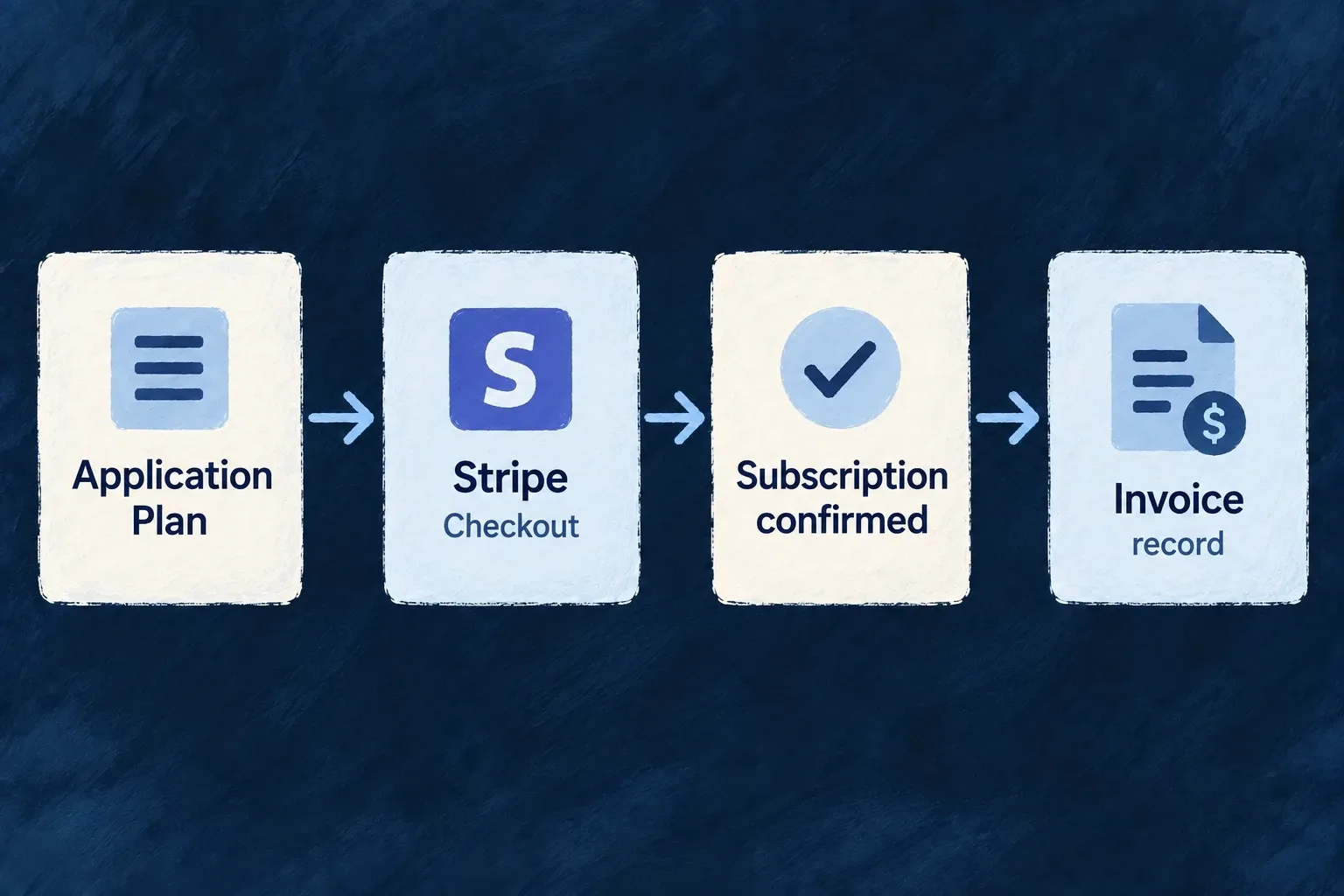
Wildo’s Stripe adapter connects application billing to provider customers, prices, checkout, subscriptions and invoices. Your application keeps its product definitions while Stripe handles the hosted payment experience.
Example — Buy a plan without building a card form
A customer selects a plan in the application and completes its hosted checkout. Provider events then update the application’s subscription and invoice records.
For engineers
Select stripe as the billing provider, enable billing, author the backend provider scope and install stripe in backend-api/package.json. The adapter loads the SDK on the backend. Keep its API secret and webhook signing secret in the environment’s provider configuration, regenerate with wildo config sync, and connect the webhook endpoint.
The adapter converts the shared checkout contract into a Stripe session. The complete createCheckoutSession method shows customer, prices, redirect destinations, tax and trial mapping:
The following selected excerpt is from stripe-standard-billing-provider.backend.service.ts; the surrounding module and explanatory source comments are omitted.
async createCheckoutSession(request: StandardBilling_CreateCheckoutSessionRequest): Promise<StandardBilling_CreateCheckoutSessionResponse> {
    const session = await this.getStripe().checkout.sessions.create({
      customer: request.providerCustomerId,
      line_items: request.lineItems.map((item) => ({ price: item.providerPriceId, quantity: item.quantity ?? 1 })),
      mode: request.mode,
      success_url: request.successUrl,
      cancel_url: request.cancelUrl,
      metadata: request.metadata,
      ...(request.allowPromotionCodes && { allow_promotion_codes: true }),
      ...(request.providerPromotionCodeId && { discounts: [{ promotion_code: request.providerPromotionCodeId }] }),
      ...(request.automaticTax && { automatic_tax: { enabled: true } }),
      ...(request.requirePaymentMethodForTrial && { payment_method_collection: 'always' as const }),
      ...(request.trialPeriodDays
        ? {
          subscription_data: {
            trial_period_days: request.trialPeriodDays,
            ...(request.requirePaymentMethodForTrial
              ? { trial_settings: { end_behavior: { missing_payment_method: 'cancel' as const } } }
              : {}),
          },
        }
        : {}),
    });
    return { url: session.url!, sessionId: session.id };
  }
The method composes trial settings and returns the session URL and ID. Use the application’s useBilling().openCheckout(...) action or standard billing components to reach it through the authorized resource operation; do not expose the SDK secret to a browser.
Keep provider configuration explicit
The adapter also supplies customer-portal sessions, subscription updates, cancellation, usage reporting and promotion operations. Those are connected contracts, not permission to assume every Stripe product is exposed by Wildo. Webhook verification uses the provider’s signing secret; event delivery must reach the application for local state to follow payment activity. Test keys and live keys belong to their corresponding deployment environments. Configure the provider’s own portal and payment behavior before offering them to customers.
Reuse prices only when their terms match
When a local price has no provider link, catalog synchronization can reuse an active Stripe price only when its commercial terms match: currency, amount or tiers, billing cadence, package size and tax behavior. A quarterly price is distinct from a monthly price, and graduated tiers are distinct from volume pricing. Missing tier or currency detail prevents reuse, and extra currency offers are treated as a different price; metadata alone never proves equality. Existing linked prices continue through their established synchronization path.