
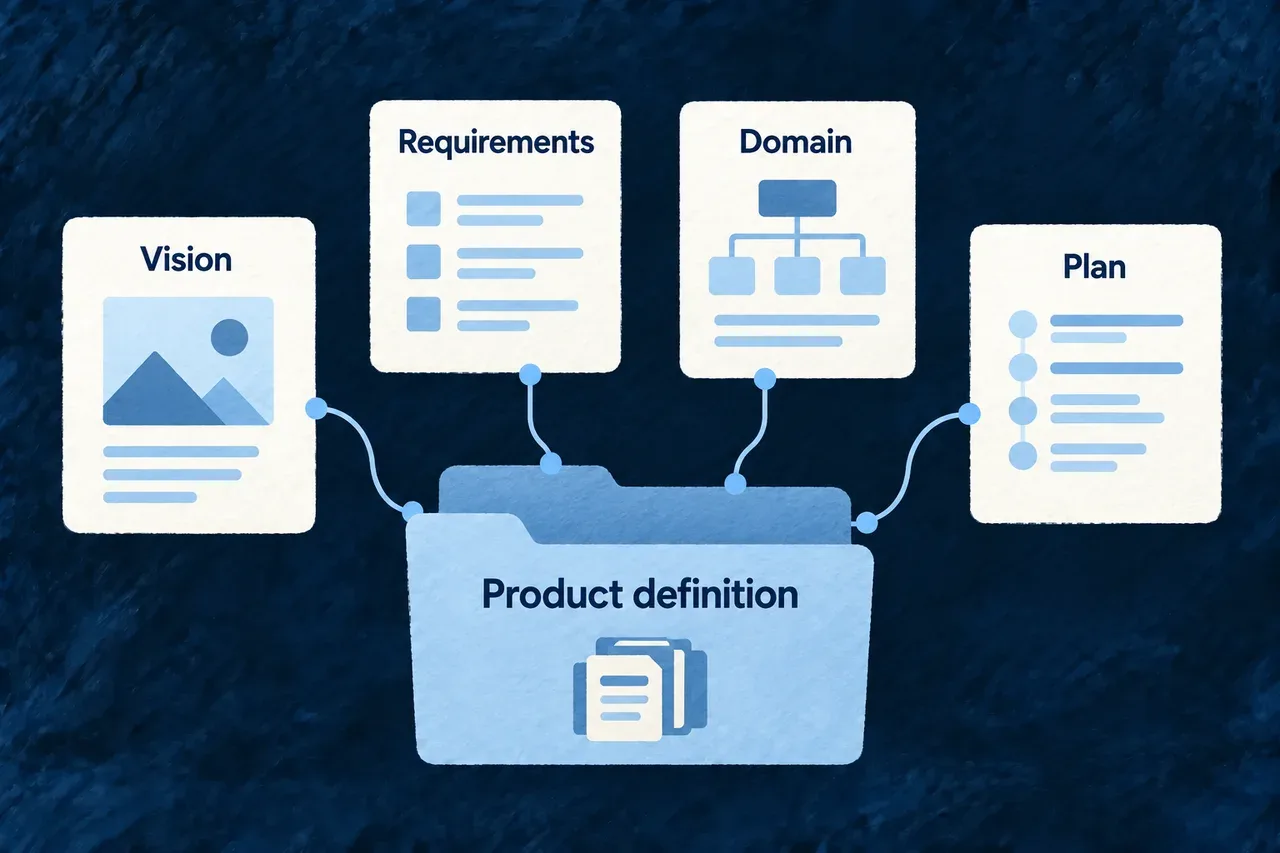
Keep product decisions in a shared model
A requirement, a module boundary and a document fact describe different things. Giving each an appropriate structure makes their relationships easier to inspect than a collection of disconnected notes.
Wildo keeps product definitions as typed files in the application repository. Stable identities connect the decisions, while readable descriptions preserve the reasoning behind them.
Example — Follow a requirement into a plan
A requirement has a reference that the roadmap and build tasks can cite. The team can inspect which work is intended to deliver it, and distinguish a missing reference from a decision that has not yet been scheduled.
For engineers
Separate the roles of schema, validation and projection
| Part | Responsibility |
|---|---|
| Landed schema | The supported shape of a stored family value |
| Generation contract | Additional shape or production requirements, where defined |
| Family validator | Supported consistency checks for that family |
| Aspect declaration | How items and references are projected for inspection |
| Landing placement | The known source destination and exported value |
Families need not have identical structures or generation paths. Human-authored fact sources have different production authority from generated proposals. Typed fields can contain substantial prose; structure makes their identities and connections explicit.
See how a collection becomes inspectable
This selected domain-plan aspect is one member of the family’s aspects array. The enclosing registry declaration is omitted:
{
  key: 'domain-plan.module',
  snapshotPath: 'modules',
  kind: FamilyAspectKind.COLLECTION,
  itemSchema: ModuleBusinessSemanticsSchema,
  businessKey: 'relatedModuleId',
  headlineField: 'relatedModuleId',
  edges: [],
}
The projection knows where to read the collection, how to identify an item and which field to present as its headline. An aspect’s edge declarations describe supported references; the family validator and cross-family report perform their own checks.
Make the family available to consumers
Author or produce the value in the specifications package and connect the corresponding companion export. Known landing profiles establish the destination for generated families rather than guessing a source path.
For example, Wonder Todos exports applicationPlacementPlan from its placement-plan module. These selected lines show the import and member of specifications/src/companion-exports.ts; the existing export object, type and other members remain in place:
import { applicationPlacementPlan } from './placement-plan';

// Inside the existing specificationsCompanionExports object:
placementPlanSpecification: applicationPlacementPlan,
The value is authored in specifications/src/placement-plan/index.ts. The named companion slot makes it available to the artifact projection after compilation. This is application registration; the earlier aspect declaration belongs to the framework’s projection machinery.
After compilation, inspect the available artifact view through wildo context info specification-artifacts. Use wildo context coherence for the supported cross-family relationships. A valid local value does not, on its own, establish every external reference or prove that the described behavior is implemented.