
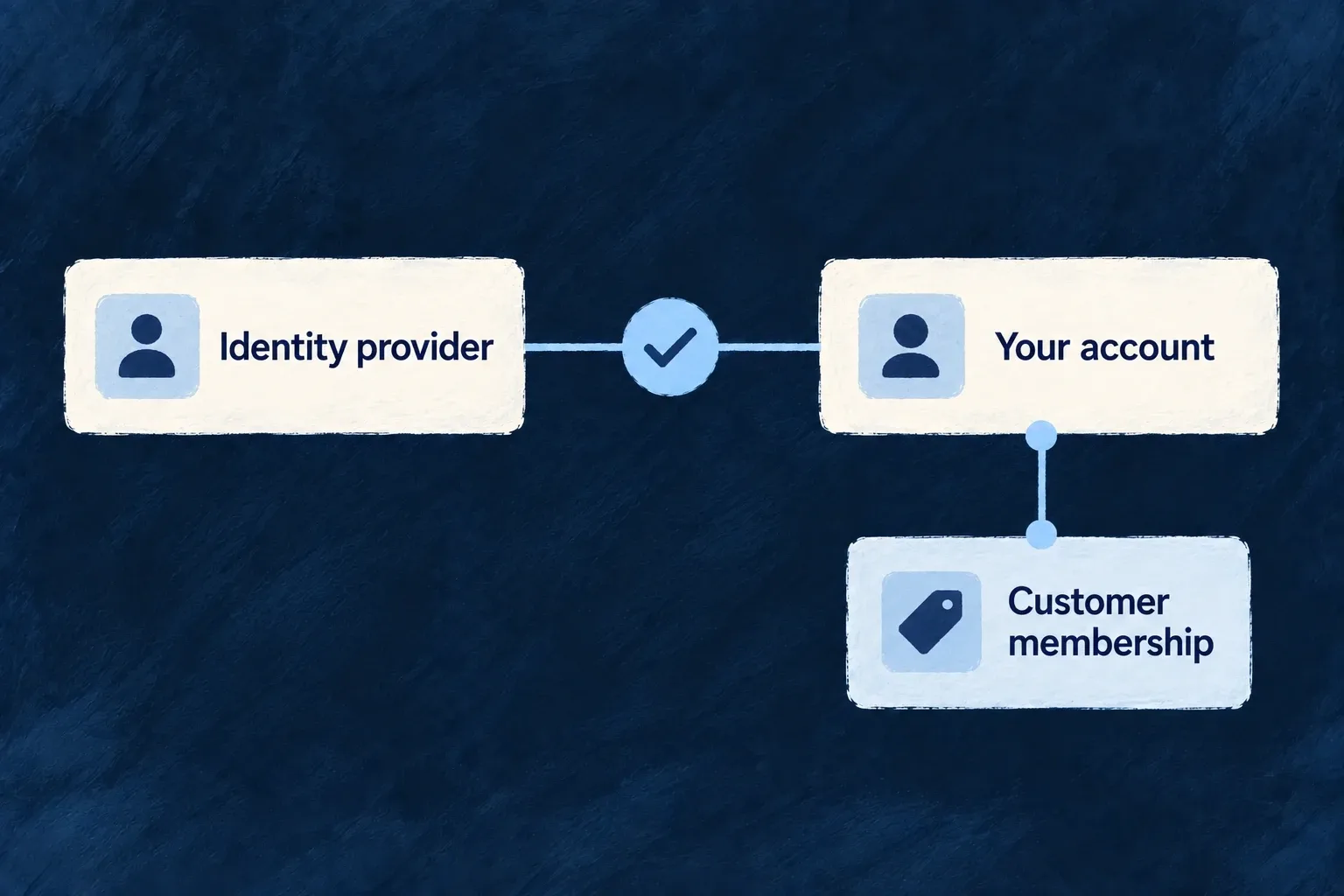
Let people use an existing sign-in identity
Offer an external provider as a way into the application. Wildo handles the redirect, callback and identity linking, while the application keeps its own account and membership model.
You choose the provider and account policy. A verified provider identity must still meet the application’s conditions for linking or creating an account.
Example — Join through a familiar provider
A person signs in through an enabled provider, proves their verified address and reaches their application account rather than receiving a duplicate account on every visit.
For engineers
Configure more than the button
Enable AuthMethod.EXTERNAL_OAUTH2 for the user type, supply the provider connection and credentials, and permit social registration separately if new accounts may be created. The provider’s declared scope and supported profile mapping determine which identity is returned.
The connected provider setup joins the backend login declaration, application client ID, server secret, per-user-type method and exact callback address. Use those prerequisites together; a provider button is only the visible entry to that flow.
Choose sign-in and registration separately
Example: allow an existing member to use a social provider, while keeping new-account registration closed. In backend-api/src/saas-config.backend.ts, merge this into the member’s existing auth policy. existingMemberAuth represents that full policy; retain its password, session, lockout and MFA settings. Import AuthMethod and RegistrationMode from @wildo-ai/saas-models.
const memberAuth = {
  ...existingMemberAuth,
  authMethodsEnabled: {
    ...existingMemberAuth.authMethodsEnabled,
    [AuthMethod.EXTERNAL_OAUTH2]: true,
  },
  registration: {
    ...existingMemberAuth.registration,
    mode: RegistrationMode.DISABLED,
    allowedMethods: [],
  },
  autoLinkByEmail: false,
};
This example also disables automatic email-based linking. Existing linked identities can sign in; a matching email alone cannot attach a new identity to the account. This posture is for accounts whose external identity is already linked; it does not establish that first link. If intentional verified-email linking is required, review and enable autoLinkByEmail across the target account’s held user types instead. Registration policy governs new accounts; it does not remove existing identity links.
The initiating frontend must also allow the same member type in frontendServices.<service>.usersManagement with auth: true. To offer public social registration instead, use RegistrationMode.OPEN, include AuthMethod.EXTERNAL_OAUTH2 in registration.allowedMethods, and enable register for that frontend/user-type pair. These are additional admissions, not consequences of displaying a provider button.
| Returning identity | What Wildo checks |
|---|---|
| Already linked subject | The linked local account and its applicable sign-in policy |
| New subject with an existing verified email | Email-linking policy across all held target account types; any explicit opt-out refuses linking |
| New subject and new email | Social registration policy, allowed method and frontend registration admission |
Let the standard flow carry the proof
The standard authentication flow stores one-time state and, where supported, a PKCE verifier before redirecting. OIDC requests also carry a nonce. On return, Wildo consumes the state, exchanges the authorization code and binds the verified identity to the request. A returned ID token must pass validation even when the profile also comes from a user-info endpoint.
A custom frontend should start and finish this flow through the authentication client. A browser-supplied profile, matching email or successful redirect is not authentication evidence.
Link only after identity has been established
The service first looks for the external subject’s existing link. Verified email is required for email-based linking and new social provisioning. Unverified provider email is not treated as account ownership. Existing-account linking and new-account registration are different decisions; configure both intentionally.
Profile and pending-invitation reconciliation run through the account/provisioning services. Enterprise SSO remains a separate tenant-owned connection model. A social provider button does not by itself satisfy a customer’s requirement to control its organization’s identity provider.