
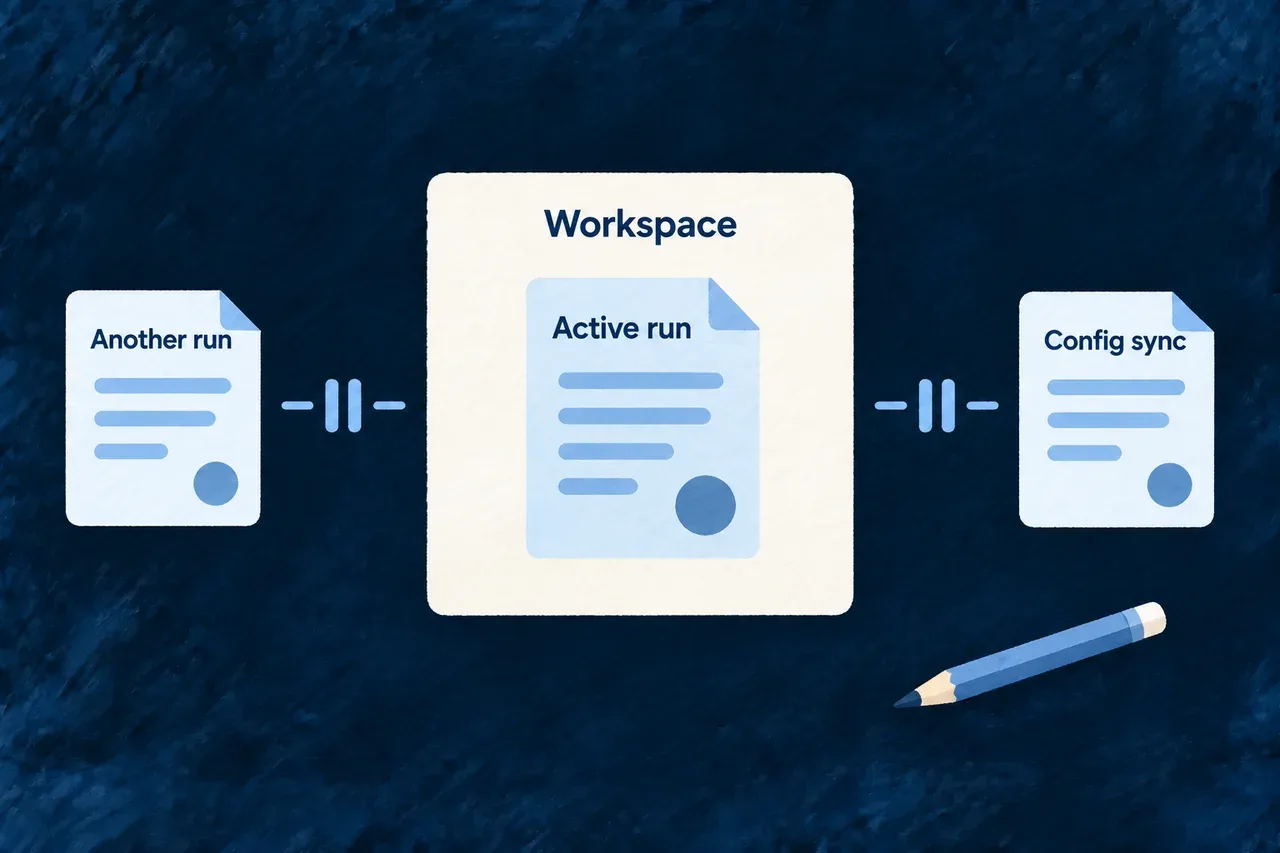
Keep coding runs from competing over the workspace
Two coding runs should not rewrite the same application while each assumes it is working alone. Wildo gives managed coding runs one shared turn to change the workspace, coordinating them with configuration sync from the command line.
Your own editor remains available. This coordination protects the managed execution lane while the change set helps you review work happening around it.
Example — Finish the schema update before syncing configuration
A coding run is changing a customer schema. A second coding request is refused while that run is active, and configuration sync cannot acquire the same workspace lock. After the run settles, you can review the result and start the next operation.
For engineers
Admission holds the lock through execution
The companion admits a typed application coding task, resolves its required checks, and takes the application’s workspace-mutation lock before capturing its baseline and creating the durable task. An in-memory active-run check provides a fast conflict response; the file lock coordinates separate processes.
The lock remains held while the managed execution runs and records its outcome. Resuming a suspended coding session reacquires the same lock. A new request is not queued as a future coding run.
| Operation | Coordination |
|---|---|
| Fresh managed coding task | Acquires the application lock with no contention retries |
| Resume after an operator answer | Acquires the same application lock |
wildo config sync | Uses the same lock with a small bounded retry policy |
| Another coding dispatch from inside a running agent | Encounters the lock already held by its own outer run |
| Manual editor or independent coding session | Does not participate in this lock |
| Research agent | Uses a separate execution lane and evidence store |
Why the command line participates
Configuration sync can rewrite generated application files from a different process. This selected fragment from the sync command shows it using the shared lock helper around its actual sync work:
try {
  return await withDedicatedFileLock(
    getWorkspaceMutationLockPath(saasRoot),
    runSyncDomains,
    { retries: { retries: 2 } },
  );
} catch (error) {
  if ((error as { code?: string })?.code === 'ELOCKED') {
    ctx.log.error(
      `The workspace-mutation lock is held (${getWorkspaceMutationLockPath(saasRoot)}) — `
      + 'an active coding-agent dispatch run or another worktree-writing command owns the '
      + 'application worktree right now. Retry after it completes.',
    );
    return { success: false };
  }
  throw error;
}
The highlighted call coordinates the real writer, rather than checking a flag and then writing later. Contention becomes an actionable command outcome. The companion maps its corresponding lock conflict to the conflict response vocabulary, rather than treating it as a successful admission.
Keep the unit of coordination clear
The lock applies to the application, not individual files or modules. Two managed coding tasks with disjoint declared scopes are still serialized. That same scope-independent exclusion prevents an active dispatched task from recursively starting another managed coding run.
A permission profile and a mutation scope answer different questions: what the agent may request, and where its task is intended to write. The shared lock answers when participating writers may proceed. It does not turn a shell into an isolated environment or stop an external editor.
Do not assume every companion generator participates in this coding lock. Schedule other file-producing work outside the capture window when it can change the application files being reviewed.
Review after the run settles
Wait for the active run to finish or use its supported cancellation flow before starting competing managed work. Do not remove a live lock to force a second writer through. Use the captured changes to inspect the outcome and any overlapping manual edits, then run the checks relevant to the change.