
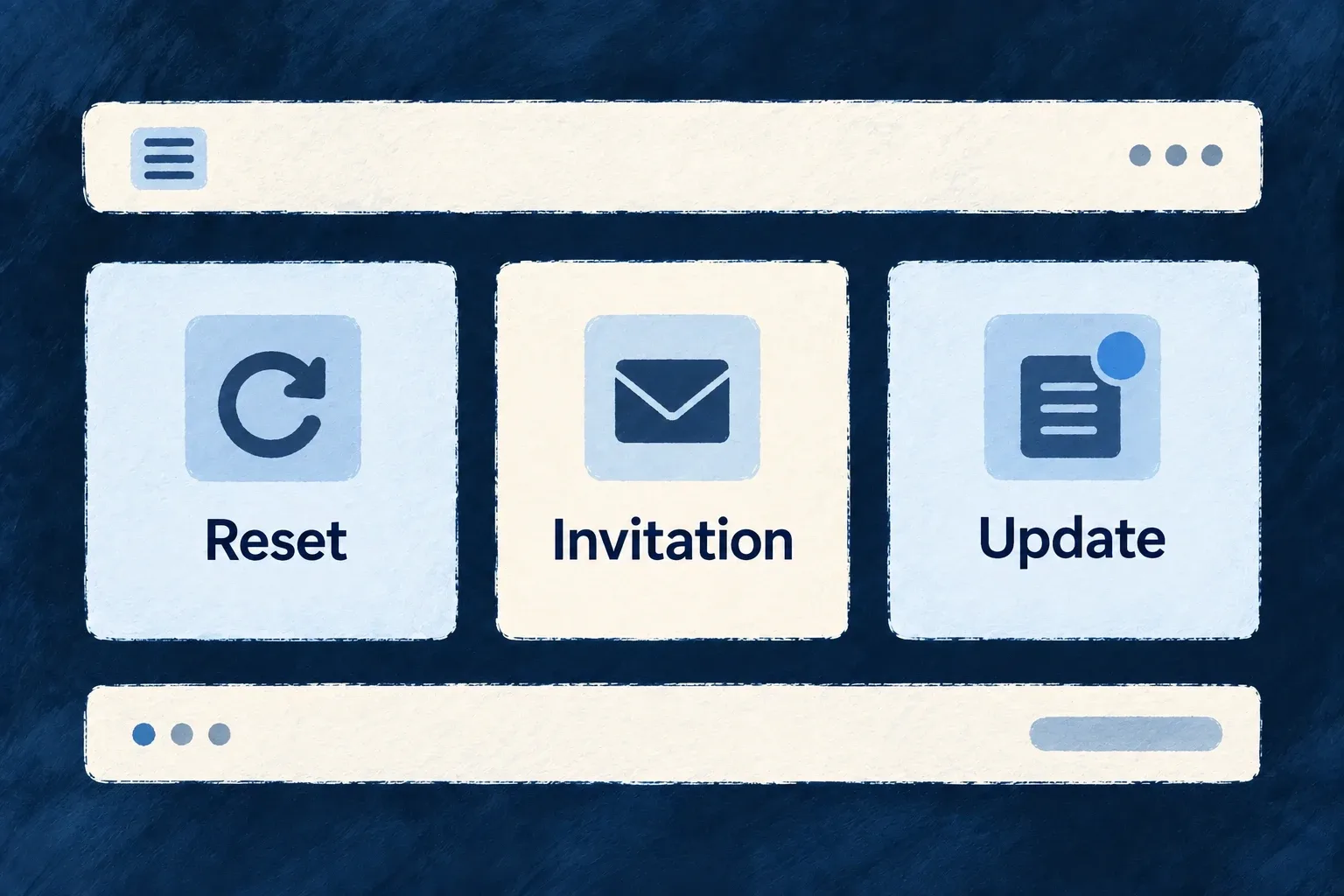
Keep email layouts consistent
Reuse headers, buttons, body text and footers across email templates. A shared layout gives messages a recognizable structure while each template keeps its own purpose and content.
Example — Update the shared footer once
An application changes its support footer component. Templates that import that layout inherit the change on their next render.
For engineers
Compose the layout inside each template
The application owns its email components. Wonder Todos’ EmailLayout passes brand values and the resolved logo to a header, wraps message-specific children and renders a shared footer:
Selected from EmailLayout.tsx; surrounding module configuration is omitted.
          <EmailHeader brand={brand} appName={appName} logoUrl={logoUrl} />
          <Section style={{ padding: '32px' }}>
            {children}
          </Section>
          <Section style={{ padding: '0 32px 32px 32px' }}>
            <EmailFooter brand={brand} appName={appName} supportEmail={supportEmail} />
          </Section>
A template imports this layout and supplies brand, appName, logoUrl and its child content. Password reset, verification and business notifications can then share spacing and styling without sharing the same words.
Keep the shared boundary useful
Put recurring presentation in components; keep the action URL, expiry and scenario-specific safety text in the template. The logo comes from context.objectContext.primaryScopeContext.logoUrl, not from an invented brand-token property. Email-safe HTML and inline styles are used because rendering happens outside the application’s browser interface.
Inspect several representative templates after changing shared components. A working reset email alone does not prove that a longer translated invoice or invitation still fits its layout.