
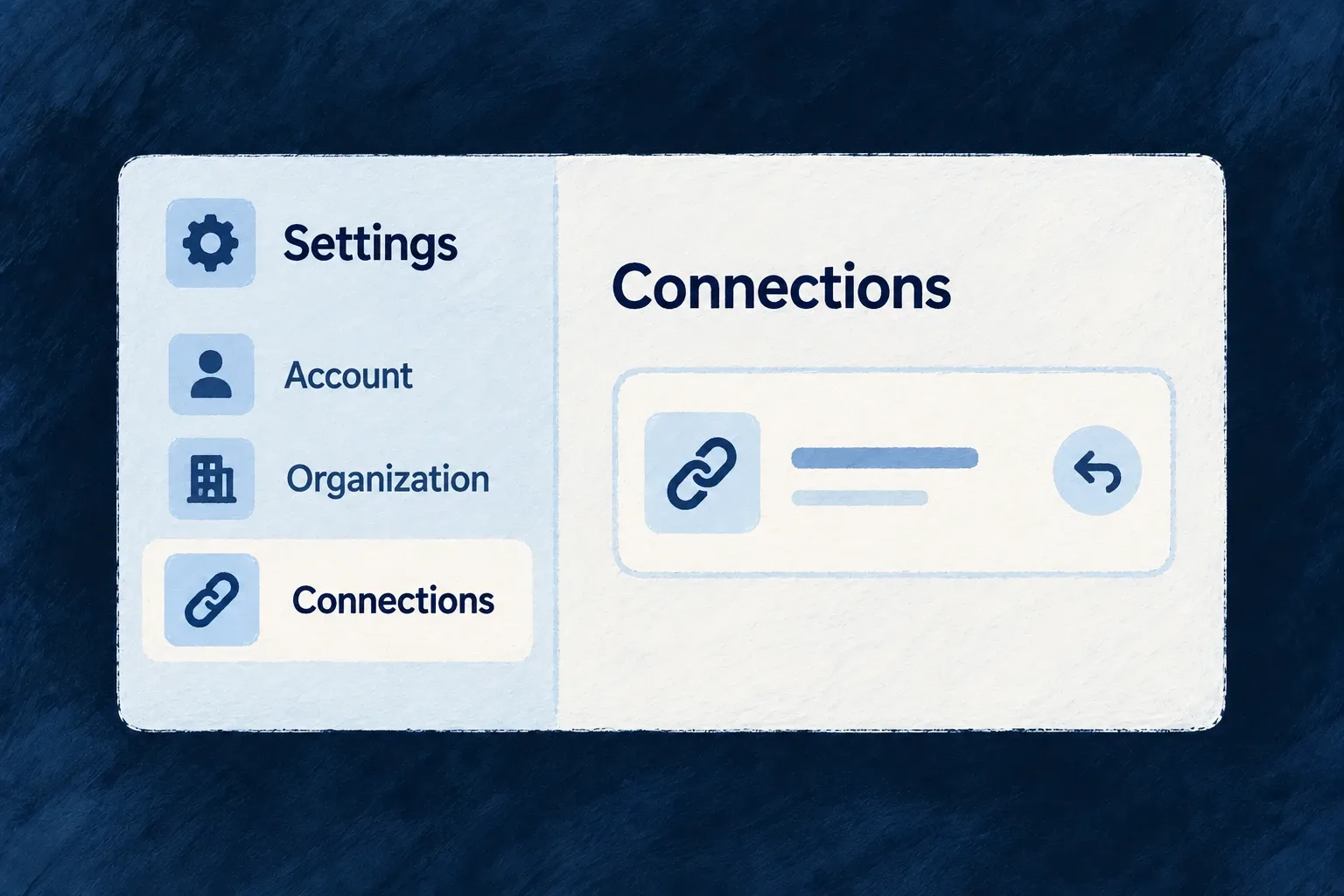
Put account and workspace settings in one place
People need a clear home for their account, organisation and administrative settings. Wildo supplies the settings destinations and their interaction surfaces; the application chooses their grouping, names and order.
The visible choices follow the active scope, roles, features and enabled capabilities. A section can open a related record within the hub, keeping the person inside the settings task.
Example — Keep personal and customer choices distinct
A person finds profile and appearance under Account, and customer members and billing under Organisation. An administrator can drill into a member from the relevant section without losing the settings navigation around it.
For engineers
ENGINE_SETTINGS_DESTINATIONS supplies destination definitions. SettingsHubConfig supplies their placement; there is no implicit fully populated hub added behind your configuration. An unplaced destination stays absent.
This is the actual Wonder Todos configuration from frontend/src/config/settings-hub.config.ts, with comments removed. ResourcePrimaryScope comes from @wildo-ai/saas-models, and SettingsHubConfig from @wildo-ai/saas-frontend-lib.
export const settingsHubConfig: SettingsHubConfig = {
  categories: [
    { ref: 'account', label: 'Account', scope: ResourcePrimaryScope.USER_SELF, order: 0 },
    { ref: 'organization', label: 'Organization', scope: ResourcePrimaryScope.ORGANIZATIONS, order: 1 },
  ],
  placements: [
    { destinationRef: 'profile', categoryRef: 'account', label: 'Profile', order: 0 },
    { destinationRef: 'security', categoryRef: 'account', label: 'Security', order: 1 },
    { destinationRef: 'appearance', categoryRef: 'account', label: 'Appearance', order: 2 },
    { destinationRef: 'preferences', categoryRef: 'account', label: 'Preferences', order: 3 },
    { destinationRef: 'my-invitations', categoryRef: 'account', label: 'Invitations', order: 4 },
    { destinationRef: 'my-provider-credentials', categoryRef: 'account', label: 'Connected accounts', order: 5 },
    { destinationRef: 'organization-general', categoryRef: 'organization', label: 'General', order: 0 },
    { destinationRef: 'members', categoryRef: 'organization', label: 'Members', order: 1 },
    { destinationRef: 'billing', categoryRef: 'organization', label: 'Billing', order: 3 },
    { destinationRef: 'api-keys', categoryRef: 'organization', label: 'API keys', order: 4 },
    { destinationRef: 'provider-credentials', categoryRef: 'organization', label: 'Connected accounts', order: 5 },
    { destinationRef: 'sso', categoryRef: 'organization', label: 'Single sign-on', order: 6 },
    { destinationRef: 'scim', categoryRef: 'organization', label: 'User provisioning', order: 7 },
    { destinationRef: 'siem', categoryRef: 'organization', label: 'Audit streaming', order: 8 },
    { destinationRef: 'webhooks', categoryRef: 'organization', label: 'Webhooks', order: 9 },
    { destinationRef: 'audit-logs', categoryRef: 'organization', label: 'Audit log', order: 10 },
  ],
  defaultSectionRef: 'profile',
};
The selected categories distinguish personal from organisation context. Each placement names an existing destinationRef; order sorts it inside the category. Keep authored labels: they express the wording intent used by label generation and act as runtime fallbacks, rather than being disposable once translations exist.
Wire the config and a launcher
Wonder Todos assigns settingsHub: settingsHubConfig in frontendBaseConfig, alongside its appComponentsConfiguration, and supplies that base config to the application provider. The shell opens it with LauncherItemTargetKind.SETTINGS_SECTION; omitting a specific section lets the hub select its default.
resolveSettingsHubConfig joins placements to engine destinations. Unknown references are skipped so one bad placement does not crash the hub; the development startup verifier reports them. Validate references when changing the catalogue or application placements.
Distinguish placement from access
useVisibleSettingsHubConfig filters the resolved sections using current scope IDs, effective roles, features and runtime capabilities. An application author decides whether a section belongs in the product at all; a person’s roles decide whether they can see a placed section. These are separate steps, and backend operations still enforce access when invoked.
The hub hosts the destination’s panel or resource surface. SettingsSectionNavigationHost gives resource drill-ins their own controller and stack, preventing local navigation from accidentally replacing the underlying application page. Use that host’s navigation seam in custom settings content rather than routing around it.