
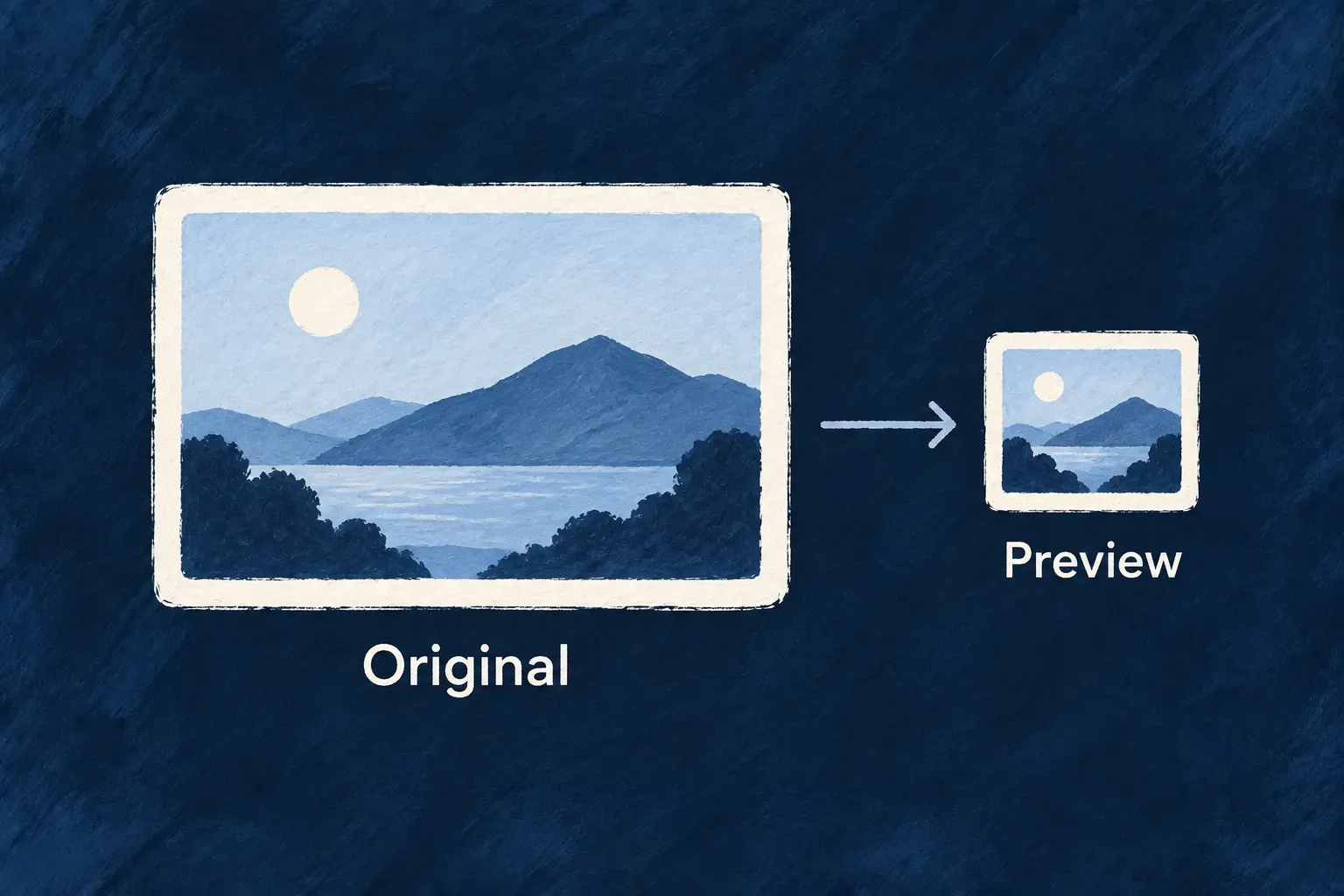
Show a lighter preview of the same image
A small avatar or attachment preview should not need a full-resolution image. Wildo can derive a smaller rendition when the file is requested, using the same authorized route as the original.
The original remains in storage. Supported images are resized without enlargement and returned as WebP, while the field can explicitly disable derived renditions.
Example — A photo stays full size when downloaded
An attachment card requests a thumbnail of a large photo. Opening the original still retrieves the uploaded image. The application does not need to keep a second file record or arrange deletion of a separate preview object.
For engineers
Request a rendition, not a different file
Use ?variant=thumbnail on the file serve URL. The standard preview surfaces use the file URL helpers; an original request stays on the original byte path. The service first respects imageConstraints.generateThumbnails: false, which refuses a thumbnail request rather than returning a larger original against the author’s choice.
Otherwise, recorded MIME type and size determine eligibility. The current transformation handles supported raster images up to a 25 MB source cap. SVG is excluded.
Understand the image transformation
generateImageThumbnail in image-thumbnail.backend.utils.ts loads Sharp lazily, applies orientation and fits the image inside a 512-pixel square without enlargement. The whole function is shown because its fallback is part of the contract.
export async function generateImageThumbnail(source: Buffer): Promise<GeneratedThumbnail | null> {
  const sharp = await loadSharpFactory();
  if (!sharp) return null; // sharp not available → caller serves the original bytes
  try {
    const data = await sharp(source, { failOn: 'none' })
      .rotate() // bake EXIF orientation into pixels; sharp then strips metadata by default
      .resize(THUMBNAIL_MAX_EDGE_PX, THUMBNAIL_MAX_EDGE_PX, {
        fit: 'inside',
        withoutEnlargement: true,
      })
      .webp({ quality: 80 })
      .toBuffer();
    return { data, contentType: THUMBNAIL_CONTENT_TYPE };
  } catch {
    return null;
  }
}
Keep fallback and caching expectations precise
Successful generation strips embedded metadata, including EXIF location data, from the derived WebP. If resizing is unavailable or fails, the service can return the original bytes with their original metadata. Non-images and oversized sources also use the original path. Storage failures and authorization refusals are not converted into a successful fallback.
Thumbnail responses use a private one-day cache policy and a versioned validator. Preview URL helpers carry the file version so a changed file can get a new cache identity. This reduces repeated transfers to a client; it does not create a shared derivative cache or guarantee that a browser’s already-cached image can be recalled immediately when access changes.
Declare the preview policy and use the URL helper
This illustrative field permits JPEG and PNG uploads and allows the standard derived preview:
import { z_file } from '@wildo-ai/zod-decorators';

const photo = z_file({
  multiple: false,
  allowedMimeTypes: ['image/jpeg', 'image/png'],
  imageConstraints: {
    generateThumbnails: true,
  },
});
After obtaining the authenticated serve URL for that record and file, select the rendition with the public helper. This example assumes serveBase is the resolved resource-derived base and fileId comes from the stored file reference:
import { buildFileServeThumbnailUrl } from '@wildo-ai/saas-frontend-lib';

const originalUrl = `${serveBase}/${encodeURIComponent(fileId)}`;
const previewUrl = buildFileServeThumbnailUrl(originalUrl);
// Adds ?variant=thumbnail, or &variant=thumbnail when a query already exists.
Fetch the preview through the same authenticated client as the original. The helper selects a rendition; it does not add authorization credentials or turn a protected resource route into a public image URL.
| Field choice | Result of requesting a thumbnail |
|---|---|
generateThumbnails: true, or omitted | Permits derivation; eligible raster images use the fixed 512-pixel maximum edge |
generateThumbnails: false | Refuses the thumbnail request; an explicit original request remains available under normal access checks |
generateThumbnails: { sizes: [...] } | Permits derivation, but the listed sizes do not control the current renderer |
| Permitted, but unsupported source or unavailable transformation | Uses the original byte path; do not rely on the preview request to strip metadata |
Keep the original URL for full-resolution viewing. This is serve-time derivation of the same stored file, not a second attachment or an author-defined set of pre-generated image sizes.