
Give stored files a place that reflects their owner
Storage becomes easier to operate when a file’s location reflects where it belongs. Wildo’s normal managed and local key layout includes the application, resource and ownership scope rather than placing every file in an undifferentiated bucket.
A field can customize the final folder and name while sharing the framework’s key composer. File authorization still comes from the application; a readable path is not a permission grant.
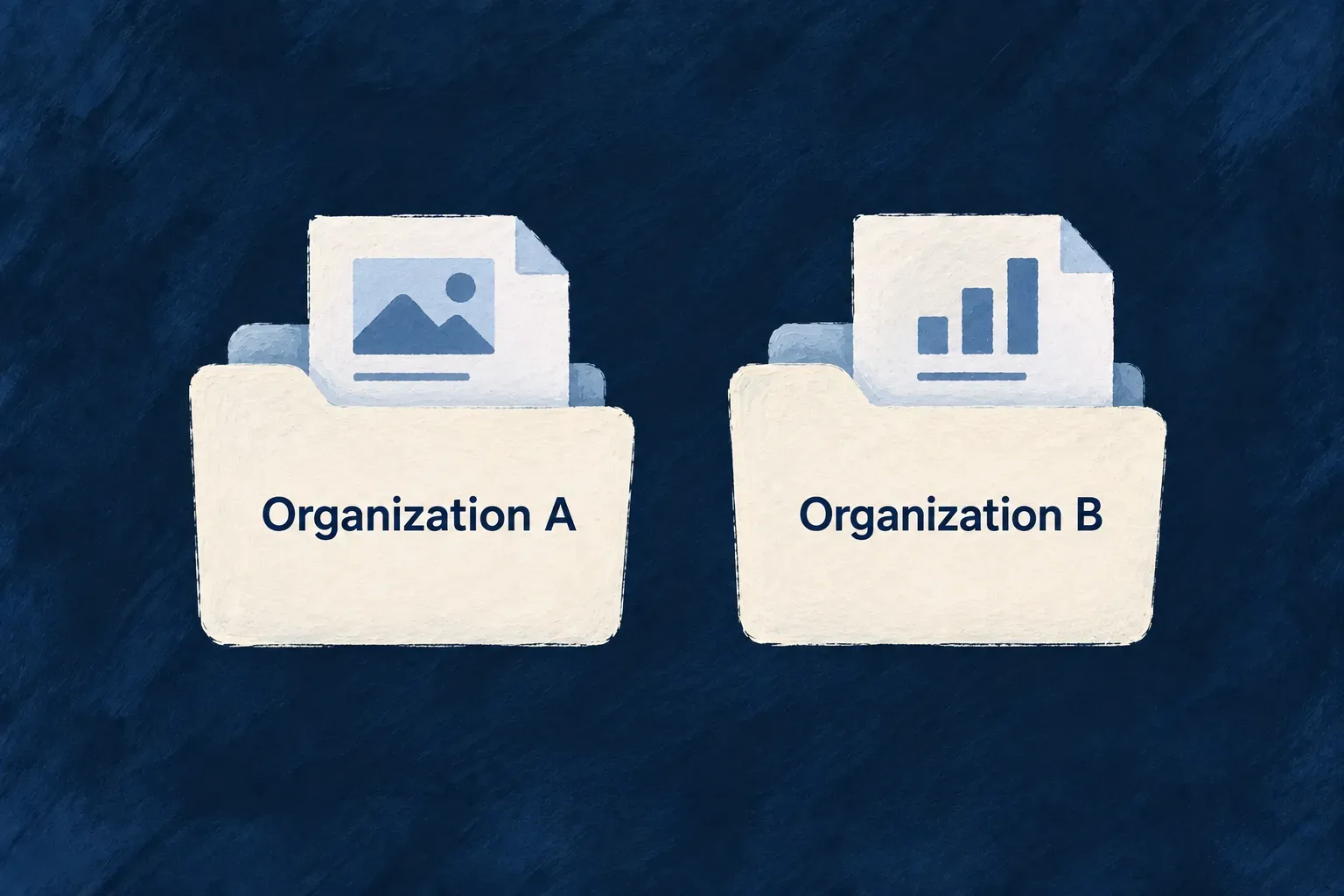
Example — Separate two organizations’ documents
Two organizations upload documents through the same resource type. Their normal storage keys contain different owner-scope segments, so an operator can distinguish the two subtrees without interpreting every original filename.
For engineers
Keep structural identity separate from the leaf
The shared composer chooses the resource’s storage name, or the explicit _unlinked segment, and then adds the owner scope. This is the implementation from application-storage-key.backend.utils.ts; it follows the typed argument declaration.
const storageName = args.linkedResourceType
  ? resolveSharedPersistenceCollectionName(args.linkedResourceType)
  : UNLINKED_STORAGE_SEGMENT;
const { scope, scopeId } = resolveStorageScopeSegments(args.scope, args.applicationId);
return API_ROUTES_BACKEND_DEFINITIONS.FILE_STORAGE.STORAGE_KEY_APPLICATION_FILE(
  args.applicationId,
  args.leafPath,
  storageName,
  scope,
  scopeId,
);
Declare naming where it belongs
filePathBinding supplies the optional folder and leaf file name. The path resolver can use available resource context, sanitizes path segments and provides distinct multi-file naming behavior. The managed provider may prepend its configured bucket prefix; the local provider resolves the relative key beneath its configured base directory.
The standard layout is applications/<applicationId>/files/<storageName>/<scope>/<scopeId>/<leaf>. The scope segments distinguish organization, user and application ownership. If a narrower scope ID is absent during composition, the key falls back to the application scope; access checks must still validate the file’s actual ownership.
Preserve the address chosen at upload
Resource upload already knows the resource type even if a new parent row does not exist yet. An internal writer that does not supply a resource type uses _unlinked. Later linking updates file metadata but does not move the stored bytes; the persisted storageRef remains the address used to read or delete them.
includeApplicationId: false deliberately selects the bare authored leaf instead of the normal application-prefixed layout. Do not use it for ordinary tenant uploads. It also cannot widen a managed session’s storage permissions, so the object store can refuse a leaf outside that session’s allowed prefix. Composed traversal segments are rejected, while provider-specific read guards and filesystem containment provide further checks.
See the same field under two owners
This illustrative field adds a briefs folder while leaving the leaf name to the unique file ID. It avoids making every upload use a fixed filename:
import { z_file } from '@wildo-ai/zod-decorators';

const attachment = z_file({
  multiple: false,
  filePathBinding: {
    folderPath: 'briefs',
  },
});
For application demo, a resource whose resolved storage name is inspections, and an organization-scoped upload, the normal composer produces these relative keys. The file IDs stand for separate uploads:
applications/demo/files/inspections/organizations/org-a/briefs/507f1f77bcf86cd799439011
applications/demo/files/inspections/organizations/org-b/briefs/507f1f77bcf86cd799439012
The field supplies briefs; trusted upload context supplies application, resource and owner identity. The client does not choose another organization by authoring a folder. Managed storage may prepend its configured bucket prefix, while local storage resolves this relative key beneath its volume root.
| Change | Effect on placement |
|---|---|
| Upload the same field for another organization | Uses that organization’s scope segment |
Omit fileName | Uses the upload’s file ID as the leaf |
| Link the upload to its parent later | Updates the file record; preserves its stored address |
| Change the field’s folder binding | Affects new uploads; does not relocate existing objects |
These prefixes organize storage and support confinement. They do not replace file authorization or make every access route inherit the parent record’s READ policy.