
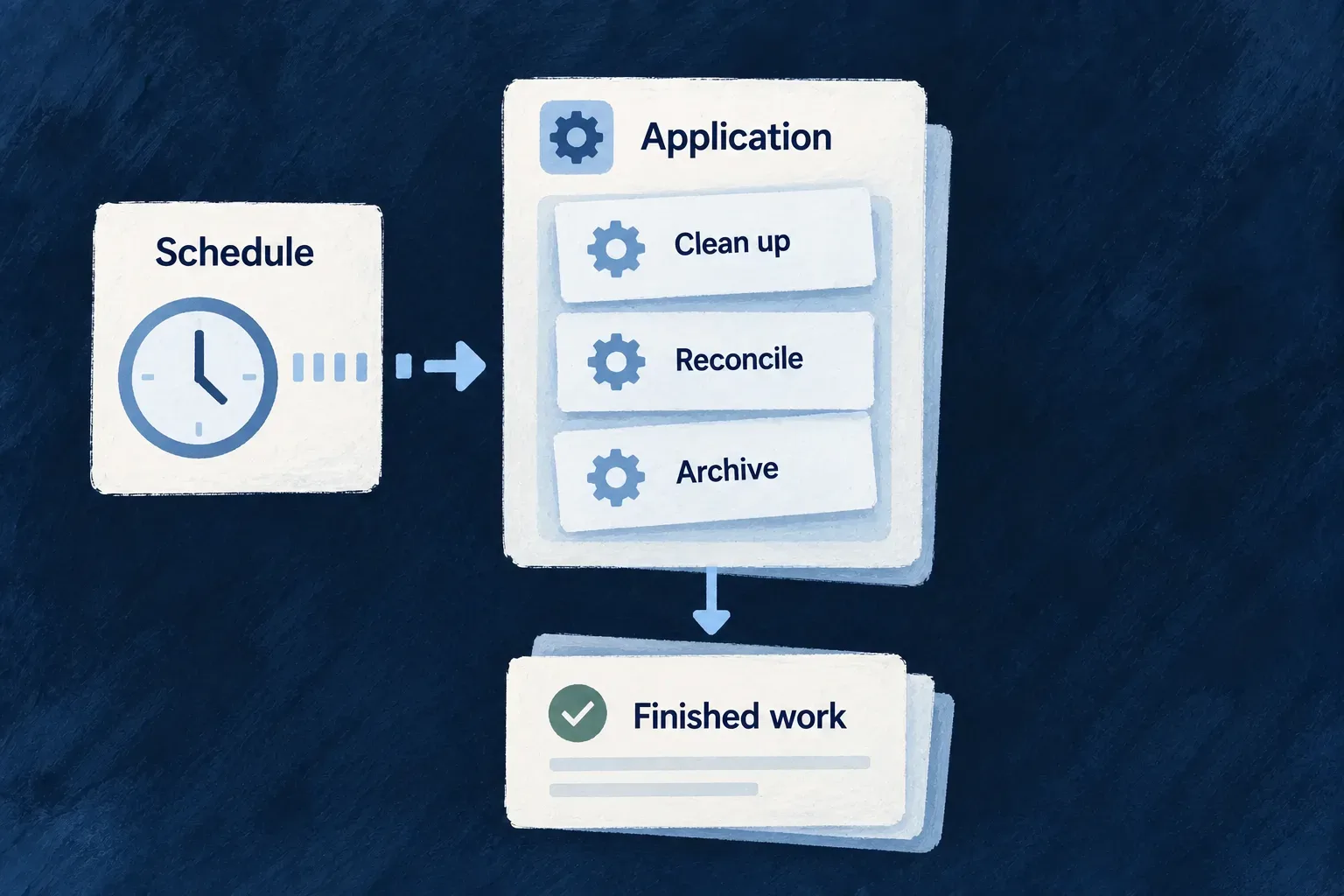
Run recurring work on a declared schedule
Recurring work keeps an application current: prepare upcoming records, sweep expired items or deliver accumulated messages. Declare the schedule with the operation or batch it runs; Wildo publishes that schedule to the platform and routes each trigger back to the application.
The application supplies the work and its input and output contracts. The platform supplies the clock. Updating the registered schedule set also removes schedules the application no longer declares.
Example — Prepare the next recurring tasks
An hourly operation finds recurring tasks and creates their due occurrences. Its result contract distinguishes scanned, created and skipped work.
For engineers
| Shape | Use it for | Declaration |
|---|---|---|
| Scheduled resource operation | Work with a named resource operation contract | CRON_JOB variant with cronExpression |
| Custom batch | Maintenance anchored to a resource or scope | Registered batch execution service and optional cron expression |
| Minion tick | A separate background process with declared access | The minion’s own configuration and tick handler |
These share schedule publication, but their execution contracts differ. An on-demand BATCH_JOB variant is not automatically a recurring operation.
Give the scheduled operation its own request and result
Wonder Todos declares this hourly operation on recurring occurrences. These are selected declarations from its resource configuration; imports and sibling operations are omitted.
export const RunRecurringGenerationResponseDto = z.object({
  scannedRecurringTodos: z.number().int().nonnegative(),
  generated: z.number().int().nonnegative(),
  skipped: z.number().int().nonnegative(),
  generatedAt: z.date(),
});

[TodoRecurringOccurrence_Operations.RUN_RECURRING_GENERATION]: {
  variants: [
    {
      variantType: ResourceOperationVariantType.CRON_JOB,
      cronExpression: '0 * * * *',
      roles: [CORE_ORG_ROLES.ORG_MEMBER],
      riskLevel: ResourceOperationRiskLevel.LOW,
      resourceOperationLike: CoreResourceOperation.UPDATE,
      requestDto: z.void(),
      customResponseDto: RunRecurringGenerationResponseDto,
      customServiceImplementationModes: [ResourceOperation_CustomServiceImplementationMode.OVERRIDE_ALL],
    },
  ],
},
The roles array describes the declared operation; it does not supply the scheduled caller’s identity. The resource batch executor creates an internal execution context with initiatorIds: null and initiatorRoles: []. This example’s cross-organization work explicitly uses the system-access service: the occurrence resource permits system list and create, and the other target resources must permit their corresponding operations. The schedule grants no tenant membership.
The clock supplies no occurrence-shaped request body, hence z.void(). The response is a run summary, not an updated occurrence. Both contracts matter: request parsing runs before the custom implementation and response parsing runs after it.
Identify the matching implementation
The application’s todo-recurring-occurrences.run-recurring-generation.operation.ts resolves those same schemas using this operation path:
const operationPath = {
  resourceIdentifier: TasksManager_ResourceType.TODOS_RECURRING_OCCURRENCES,
  operationIdentifier: TodoRecurringOccurrence_Operations.RUN_RECURRING_GENERATION,
  variantType: ResourceOperationVariantType.CRON_JOB,
  isOperationDefault: true,
};
const requestDtoSchema = resourcesRegistryService.getRequestDtoFromPath(operationPath);
const responseDtoSchema = resourcesRegistryService.getResponseDtoFromPath(operationPath);
This selected implementation fragment identifies the sole cron variant as the default, matching the runtime lookup key. The factory supplies an overrideAll handler and is registered with the application’s operations. In this example, the handler uses systemAccessService for cross-organization reads and creates; its target resources must allow those system operations. A scheduled identity does not create an arbitrary tenant membership.
Follow a custom batch into the runtime registry
The engine’s auditLogsArchiveBatchService is a real custom batch created with createCustomBatchExecutionService. Its input is AuditLogsArchiveBatchInputSchema (optional horizon, look-back and probe overrides); its output is AuditLogsArchiveBatchOutputSchema (enabled/storage flags, window and record counters, truncation and error). The factory also receives dependency resolution and the archival doHandle implementation.
These are the selected schema and anchor properties passed to that factory. This is an excerpt of its configuration object; the dependency resolver and handler are omitted here:
input: AuditLogsArchiveBatchInputSchema,
output: AuditLogsArchiveBatchOutputSchema,
batchCronjob_Context: {
  kind: ENGINE_AUDIT_LOGS_ARCHIVE_BATCH_MANIFEST.kind,
  operationIdentifier: ENGINE_AUDIT_LOGS_ARCHIVE_BATCH_MANIFEST.operationIdentifier,
  primaryScope: ENGINE_AUDIT_LOGS_ARCHIVE_BATCH_MANIFEST.primaryScope,
  cronJobExpression: ENGINE_AUDIT_LOGS_ARCHIVE_BATCH_MANIFEST.cronExpression,
},
Its manifest supplies a scope-anchored application operation and the cron expression. It supplies metadata, not an executable handler. Backend startup makes the implementation reachable by registering the actual service instance, then passes the assembled map to the executor. These selected lines come from the same initialization method; other batch registrations between them are omitted:
customBatches.set(AUDIT_LOGS_ARCHIVE_BATCH_REF, auditLogsArchiveBatchService);

await this.batchesExecutor.initialize(customBatches);
The executor resolves incoming batchRef values against that map and creates the batch’s internal context before calling its execute method. Schedule synchronization asks the same registry for cron-bearing batches. A manifest without this executable registration cannot make a batch run.
Supply scheduled input when the schema requires it
The archive batch’s input fields are optional, so its omitted cronJobInput becomes {} and passes validation. For a custom batch requiring a value, supply a matching cronJobInput in its batchCronjob_Context. This illustrative pair shows the requirement and its value; it is not part of the archive batch’s actual configuration:
const input = z.object({
  retentionDays: z.number().int().min(1),
});

// Inside this custom batch's otherwise complete batchCronjob_Context:
cronJobInput: {
  retentionDays: 30,
},
The factory’s input schema and configured value must agree. getCronJobInputData() parses cronJobInput ?? {} and requires the result to be a record. A missing required value fails schedule extraction; it is not replaced with a guessed value. The registry includes this validated record as inputData in the synchronized schedule. Valid input still does not guarantee successful business execution.
Publish the work that actually exists
Startup collects resource cron variants, cron-bearing custom batches that actually registered, and minion ticks. The full desired set is reconciled with the scheduler, including an empty set when all schedules have been removed. A capability-disabled batch contributes no registered schedule.
Custom batches use createCustomBatchExecutionService and declare their anchor and input schema. Required scheduled inputs must validate before schedule publication. For application batches, connect the factory to runtime registration as well as any descriptive manifest; a manifest alone does not execute work.
Inspect a completed run
After verifying a trigger, the application creates its execution record before running the batch. The signed job ID joins that record to the scheduled dispatch. Defined JSON results, including counters, are retained through the payload store for its 24-hour retention period; failures retain their error details in job history. A duplicate delivery of a recorded terminal run does not reset its history or execute it again. Concurrent deliveries and interrupted execution still require business-level idempotency.
Plan for the next trigger
The scheduler and broker must be configured and running. Schedule synchronization retries failures with capped backoff without failing application startup; this does not mean the schedules are already active.
Scheduled failures do not use ordinary job retry semantics: the next recurrence is the next opportunity to run. If the task needs an earlier retry, make the batch enqueue ordinary retryable work. Design repeated work around stable keys or explicit progress so a later run can safely revisit it. The platform’s manual-trigger surface is an operator control-plane path, not a new public application operation.