
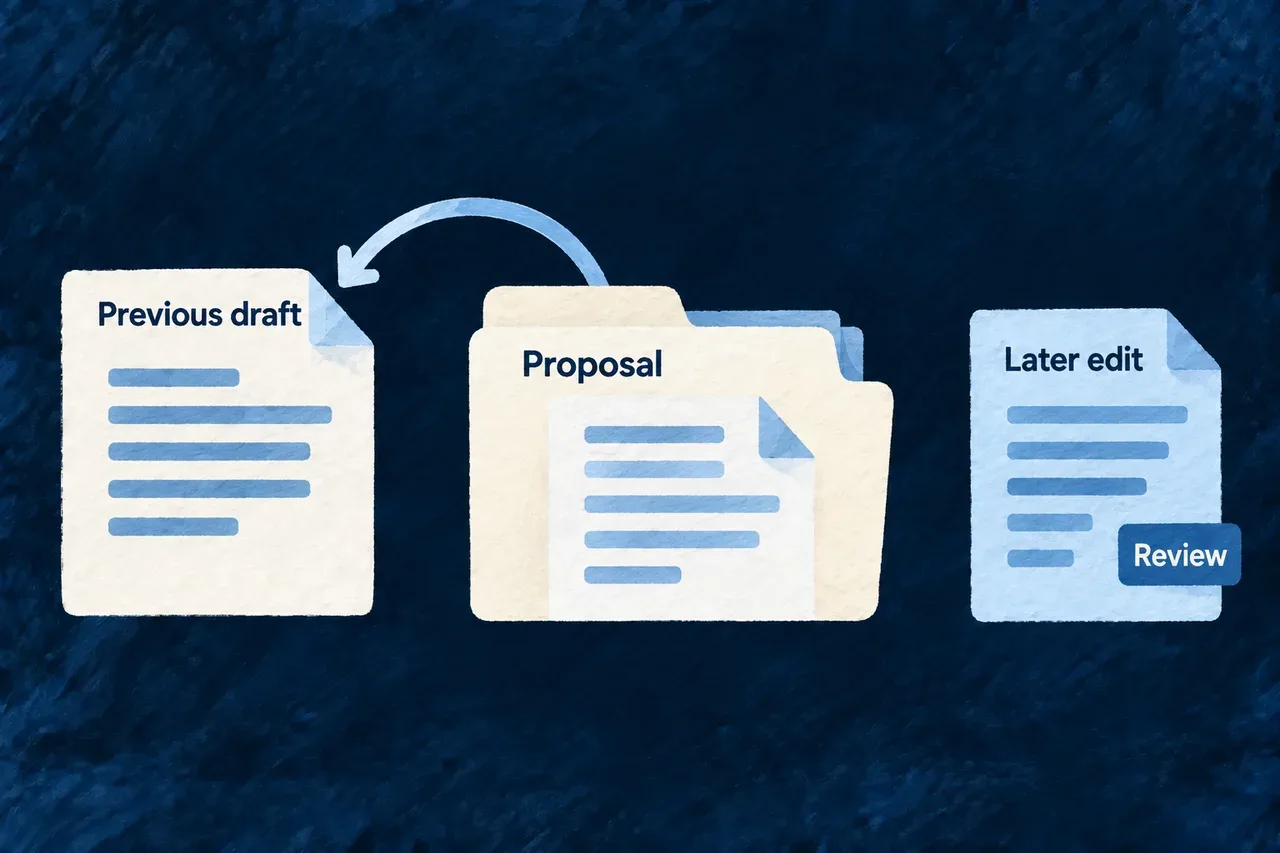
Undo a generated specification run
Trying a generated product definition should leave room to reconsider. Wildo records a playbook run’s specification files together with their previous contents, so you can undo that run from the workbench.
The record includes export wiring, the coherence report and generated review diagrams, keeping the plan and its picture together. Later edits or deletions of overwritten files are reported for review instead of silently replaced.
Example — Reconsider a proposed delivery scope
A playbook updates the requirements and the report that connects them to the rest of the product. You inspect the proposal and decide to undo it. The recorded files return to their previous state; a requirement file you edited afterwards is flagged separately.
For engineers
Recorded playbook output has its own recovery path
The playbook landing service records generated specification files, their export-wiring changes, the refreshed coherence report and generated review diagrams. For each file it keeps the path, whether it existed, its previous content and the content written by the run.
This is distinct from a coding agent’s observed change set. Arbitrary coding-agent edits do not enter this register; review and recover those through version control. A register write is best-effort after landing, so inspect the available run record before relying on its undo action.
Inspect the record before requesting a revert
The workbench exposes run-write records and a revert action. Its resource operation and the companion route reach the same service. The companion also provides GET /runs/writes, returning run identifiers, playbook references, timestamps and file summaries; previous file contents stay in the local register.
The following is an illustrative request sequence relative to the authenticated companion API mount. Substitute an actual listed run identifier; it is not a public application endpoint:
GET /runs/writes

POST /runs/writes/run-example/revert
Content-Type: application/json

{ "force": false }
The response separates reverted from refusedDiverged. A response with refused files means only part of the run was undone. Read those paths before taking another action.
How the content comparison protects an edited file
This selected service fragment shows the actual restore decision. The surrounding method loads the record and collects the outcome for every file:
const createdFileAlreadyAbsent = !file.existedBefore && current === undefined;
if (options.force !== true && !createdFileAlreadyAbsent && current !== file.writtenContent) {
  refusedDiverged.push(file.path);
  continue;
}
if (file.existedBefore && file.previousContent !== undefined) {
  await writeFile(absolutePath, file.previousContent, 'utf8');
} else {
  await unlink(absolutePath).catch((error: NodeJS.ErrnoException) => {
    if (error?.code !== 'ENOENT') throw error;
  });
}
reverted.push(file.path);
An overwritten file with different content—or one deleted afterwards—is refused unless force is explicitly true. A newly created file that is already absent is settled without recreating it.
| Current file state | Normal revert |
|---|---|
| Still contains the run’s output | Restore the previous content, or remove a newly created file |
| Exists with different content | Leave it unchanged and return its path in refusedDiverged |
| Overwritten file deleted afterwards | Keep it absent and report refusedDiverged |
| Newly created file already absent | Keep it absent and settle that entry |
| Explicit force requested | Restore the recorded prior state even when current content differs |
Treat partial undo as a review step
Files are processed individually, not in one atomic filesystem transaction. After a partial outcome, the register retains only refused paths and their saved contents. A retry acts on those remaining files; it does not revisit earlier restored files or overwrite later edits to them, even when the retry uses force.
Force is a deliberate replacement of current content, not a merge. Preserve any wanted changes before using it. The register is local development convenience in the companion’s ignored state directory; Git remains the record of accepted work.