
Keep links, history and context aligned
A useful address takes someone back to the same business context. Wildo derives resource routes from declared operations and relationships, then restores that context when a person follows a link or refreshes the page.
Breadcrumbs explain the parent records around the current work. Navigation distinguishes moving to another destination from changing filters or other view state, so the browser history does not have to be rebuilt separately for every screen.
Example — Return to the right parent
Someone follows a link to a task inside a list. The route identifies the task and its parent context; the breadcrumb provides a way back to an ancestor with a displayable read view. Opening a temporary action above that page leaves the underlying address intact.
For engineers
Register the shared resource configuration, relationships and frontend UI behavior through the application’s registries. An operation must be addressable in the current frontend app to receive a page route. Embedded operations belong in a host, and headless operations do not gain a screen merely because the API exposes them.
For example, the todo UI behavior declares READ as an addressable view and CREATE as embedded. This selected configuration keeps the resource’s existing custom read component:
views: [
  [CoreResourceOperation.CREATE, { surface: ResourceOperationFrontendSurface.EMBEDDED }],
  [CoreResourceOperation.READ, {
    surface: ResourceOperationFrontendSurface.ADDRESSABLE,
    customView: TodoReadCustomView,
  }],
  // Other operation views remain declared here.
],
These entries belong in the existing todo resourceUIBehavior(...); CoreResourceOperation and ResourceOperationFrontendSurface come from @wildo-ai/saas-models. Register that behavior on the frontend module alongside the shared resource configuration and relationships. Its owning parent requirements, resource identifiers and READ surface then reach route generation together.
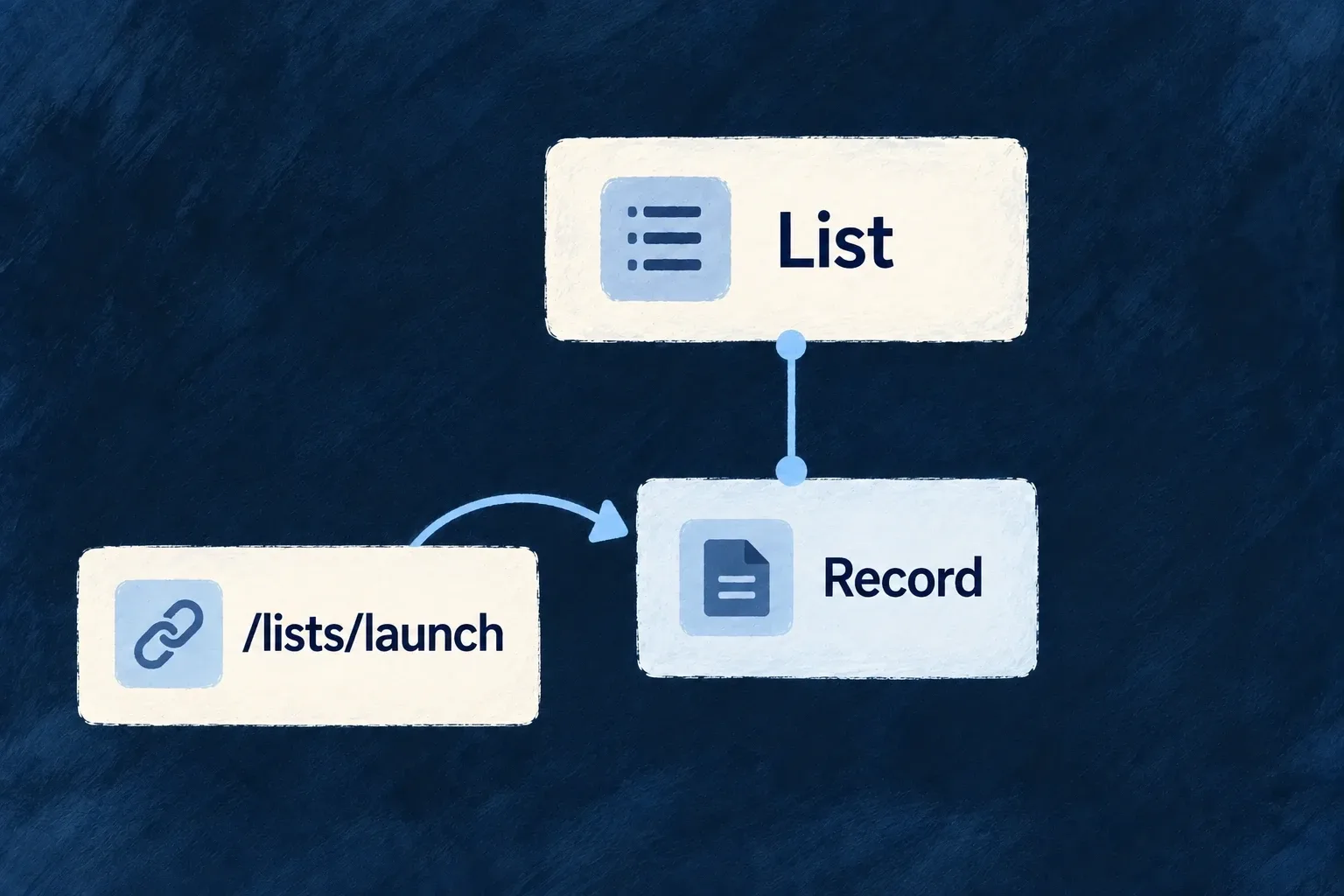
A launcher uses the operation identity instead of constructing a path:
const openTodos: CommandMenuCommand = {
  kind: LauncherItemTargetKind.RESOURCE_OPERATION,
  resourceType: TasksManager_ResourceType.TODOS,
  operation: CoreResourceOperation.LIST,
  category: 'navigation',
};
Add this command to the module’s commandMenuItems and include the module in the application registry. CommandMenuCommand and LauncherItemTargetKind are public companion exports; the resource enum is application-owned. The shell resolver adds the active scope. Opening a record from that list carries its record and parent context to READ; ResourcePageWrapper reconstructs those parameters on a direct load. CREATE instead opens in its host and does not acquire a second URL at the collection path.
The shared resource graph decides the parent segments. buildOperationFrontendRoutePaths derives routes from it; do not copy a guessed /parent/id/todos/id string into launchers. When you change ownership, keep the relationship declarations and actual operation context aligned, then verify a direct link and browser Back.
Keep address identity separate from view state
The navigation controller and URL reconcilers distinguish parameters that identify a destination from parameters that modify the view of it. Filters or a selected section should not become unrelated resource destinations. Structural zone stacks retain their mounted entries, allowing Back to reveal existing screen state rather than necessarily rebuilding it.
| Surface | Address behavior |
|---|---|
| Addressable resource page | Route identifies the operation and its required context |
| Transient overlay or in-place edit | Does not acquire an independent page URL |
| Resource pane beside a non-resource host | Hosted-pane serialization preserves the host and reconstructs the pane |
| Settings drill-in | Uses the settings section’s local navigation host |
Use the navigation controller for resource moves so zone, history and URL decisions stay together. A hand-written router navigation is not a substitute for a split, overlay or local settings transition.
Give breadcrumbs useful destinations
ResourceLayout_Breadcrumb derives its ancestor chain from parent requirements and resolves labels through the resource/i18n layer. It omits the primary-scope ancestor and the current leaf. An ancestor is clickable when it has a displayable read operation and enough context to open it. That includes both addressable pages and embedded read views. A headless read remains plain text.
Self-referencing ancestry is keyed by relationship field as well as resource identity, with a depth cap to prevent loops. Only an addressable read receives a browser URL; an embedded read opens through the navigation controller as zone or overlay content. A custom breadcrumb can change presentation, but should preserve the distinction between a label, a displayable view and an addressable route. Backend access checks remain authoritative when the destination is opened.