
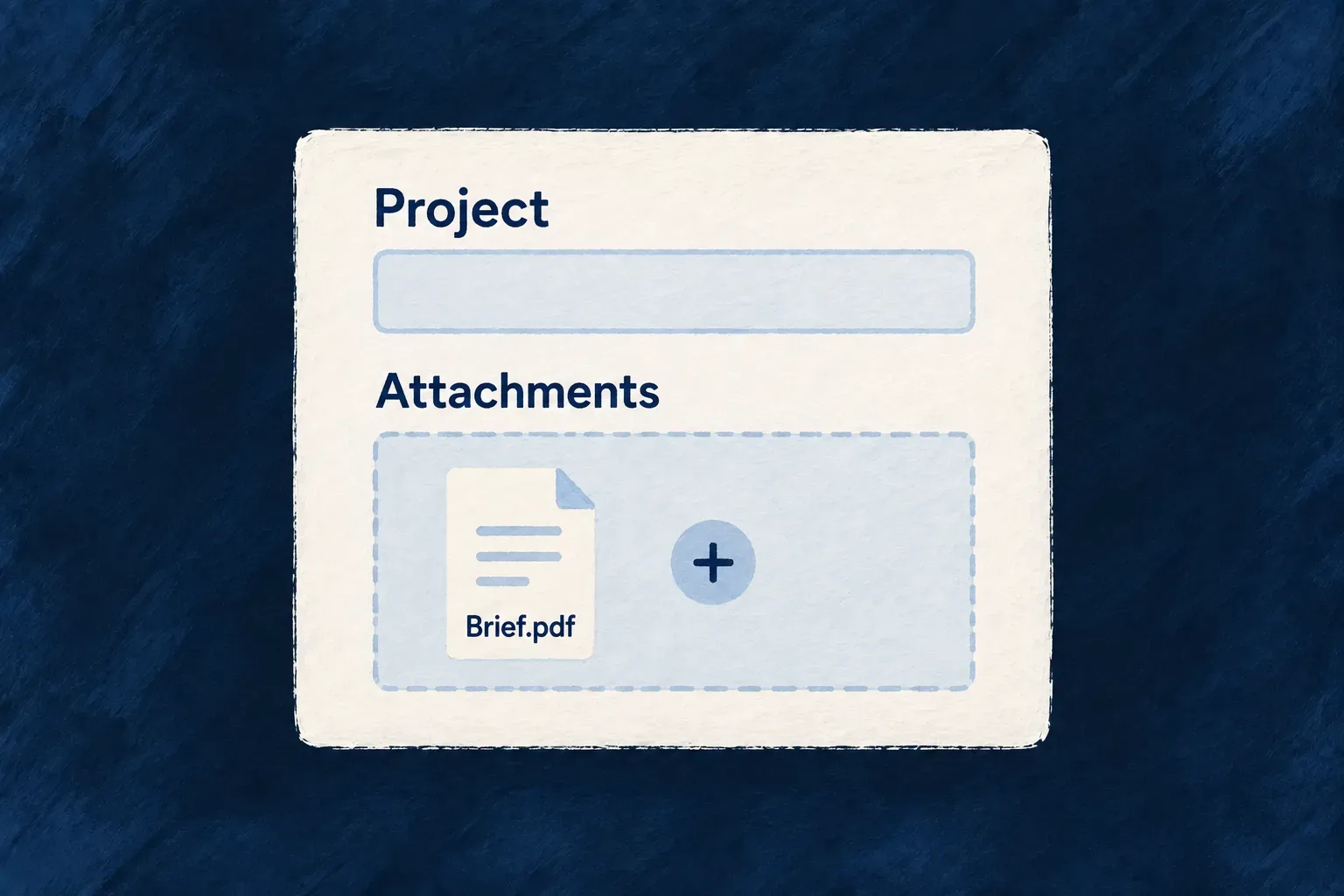
Make attachments part of the record
A file belongs to something: a profile, a request, an invoice. Wildo treats that relationship as part of the record definition, so adding an attachment does not create a separate permission model and storage workflow.
Declare a file field and expose it through the resource’s configured operations and views. The framework supplies the upload control, field-specific upload route, metadata and attachment lifecycle. Your application chooses the allowed files, storage and access rules.
Example — Attach documents while creating a list
A person adds several documents to a new task list. The form constructs file references from the upload responses; submitting it saves those references with the list. Later, its attachment links use the list’s read route, while files left behind by an abandoned form remain eligible for cleanup.
For engineers
Declare the attachment in the resource schema
The Todo Lists schema uses the same field system as its name, description and visibility. multiple changes the stored reference from one file ID to a collection. nature describes accepted content; UI presentation and operation exposure remain part of the resource’s separate configuration.
status: z.enum(TodoLists_Status).default(TodoLists_Status.ACTIVE).isSummaryField(),
name: z.string().min(1).max(100).isSummaryField(),
description: z.string().max(500).optional(),
attachments: z_file({
  multiple: true,
  nature: FileNature.ALL,
}).optional(),
isPublic: z.boolean().isDBIndexed().default(false),
Understand when a file becomes attached
The upload handler validates the bytes, resolves the field’s storage and creates a file row with ownership derived from the resource scope. The excerpt shows that creation before the later storage transfer; route validation and constraint checks are omitted.
const createdFile = await this.filesService.createFile(
  {
    filename: multerFile.originalname || multerFile.filename,
    originalFilename: multerFile.originalname,
    mimeType: multerFile.mimetype,
    size: multerFile.size,
    storageProvider: storageProvider.providerId,
    scope,
    uploadedBy: uploaderPrincipal?.uploadedBy,
    uploadedByEntityType: uploaderPrincipal?.uploadedByEntityType,
  },
  executionContext
);

fileRecord = { fileId: createdFile.fileId };
Carry the reference through the record write
Each upload returns a success envelope containing file metadata. The form constructs the field value from that response: { fileId, updatedAt } for one file, or an aggregate containing fileIds for multiple files. The create or update operation then reconciles those references through the file-operation handler. Uploading alone does not save the parent record.
Use the framework file field in configured forms and previews to keep those steps connected. Choose storage and operation permissions before exposing the form, and configure scanning, sharing and deletion policy when the application needs them. Unsubmitted uploads and files removed from a record are handled by the file lifecycle; a generated PDF field follows its generation path instead of accepting a user upload.
Follow an upload into the saved field
The upload route returns an envelope, not the value stored on the parent. For example, a completed, linkable upload can return these selected metadata fields; identifiers and names are illustrative:
{
  "success": true,
  "file": {
    "fileId": "507f1f77bcf86cd799439011",
    "filename": "launch-brief.pdf",
    "mimeType": "application/pdf",
    "size": 48210,
    "readiness": "ready"
  }
}
The framework upload adapter exposes the identifier and metadata to the file control. The standard control waits for readiness before emitting a value: an upload still being scanned is processing, not ready merely because the HTTP upload succeeded. Failed or cancelled candidates are not silently attached.
These excerpts from form-field-file.tsx show the values built after admission. They are component internals to explain the contract, not a replacement uploader to copy:
const newValue: FileValue = {
  fileId: result.fileId,
  updatedAt: new Date(),
};
onChange?.(newValue);

// Multiple-file path: preserve current IDs and append admitted new IDs.
const updatedFileIds = [...currentFileIdsRef.current, ...newFileIds];
const newValue: MultipleFileValue = {
  fileIds: updatedFileIds,
  updatedAt: new Date(),
};
onChange?.(newValue);
The snippets come from separate single-file and multiple-file handlers. The timestamp belongs to the field value; it is not a scanner verdict or the file’s original upload timestamp. Metadata such as the filename stays in the control’s cache and the file service, rather than being copied into the parent reference.
| Step | What exists |
|---|---|
| Upload succeeds but scanning continues. | A file row and stored bytes; the control waits for readiness. |
| Readiness is confirmed. | A field value such as { fileIds: ["507f1f77bcf86cd799439011"], updatedAt }. |
| The parent create/update succeeds. | The file reference is saved and the file is linked to its resource, record and field. |
| The form is abandoned before saving. | An unattached upload remains subject to cleanup eligibility. |
The parent write checks linkability and scope again. Client-side readiness helps the person using the form; it does not authorize the backend to accept a stale or invalid attachment.