
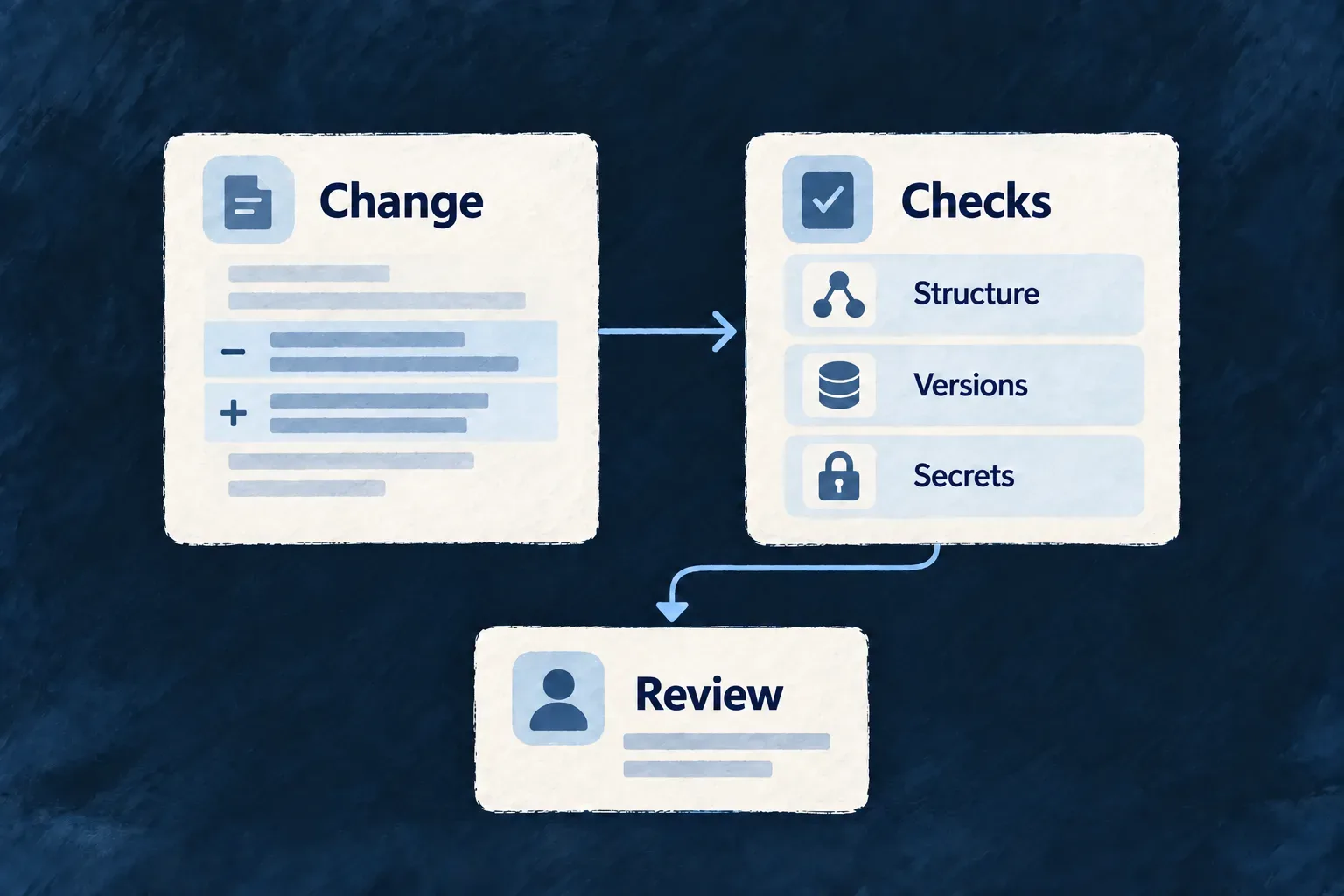
Check the rules that hold the framework together
Wildo’s own repository runs targeted checks for rules that ordinary typechecking cannot express: package boundaries, dependency coherence and unsafe patterns, among others. These checks help protect the common foundation that applications inherit.
Each workflow defines which changes trigger it. Application teams add their own behavior tests and release checks; a framework check does not establish that an application works correctly.
Example — Keep a database test portable
A test that reads MongoDB directly can silently exclude PostgreSQL applications. The store-neutrality checker identifies undeclared database-specific access, so an author uses the shared adapter or explicitly explains why that test targets one database.
For engineers
What runs, and where?
These are framework-repository workflows under .github/workflows/, not a deployment gate automatically installed in every application. Their path filters select relevant changes; each checker owns the property it recognizes. Application scaffolding separately installs wildo-config-validation.yml for application configuration.
The following selected steps are copied from .github/workflows/store-neutrality.yml:
- name: Validate the checker itself (and that no baseline row has gone stale)
  run: pnpm run check:store-neutrality -- --self-test

- name: Validate no e2e store access is store-coupled without a declaration
  run: pnpm run check:store-neutrality
The first step challenges the scanner with fixtures and verifies its baseline. The second scans the actual checkout. --self-test selects a different execution mode: it does not also run the repository check.
What does a passing result establish?
| Check | What it examines | What still needs a separate decision or test |
|---|---|---|
| Store neutrality | Recognized direct store access and declared exceptions | Whether a scenario correctly tests both stores |
| Dependency alignment | Derived version pins and required peer declarations | Whether the installed application behaves correctly |
| Secret scanning | Suspected exposed credentials in scanned content | Secret rotation and operational access control |
Secret scanning treats changed content as untrusted scan data and obtains scanner controls separately. Its pinned scanner and locally recorded checksums are managed by run-gitleaks.mjs.
Use the workflow log to distinguish a checker failure from an application failure. The purpose is to make recurring architectural mistakes visible while keeping behavior verification explicit.