
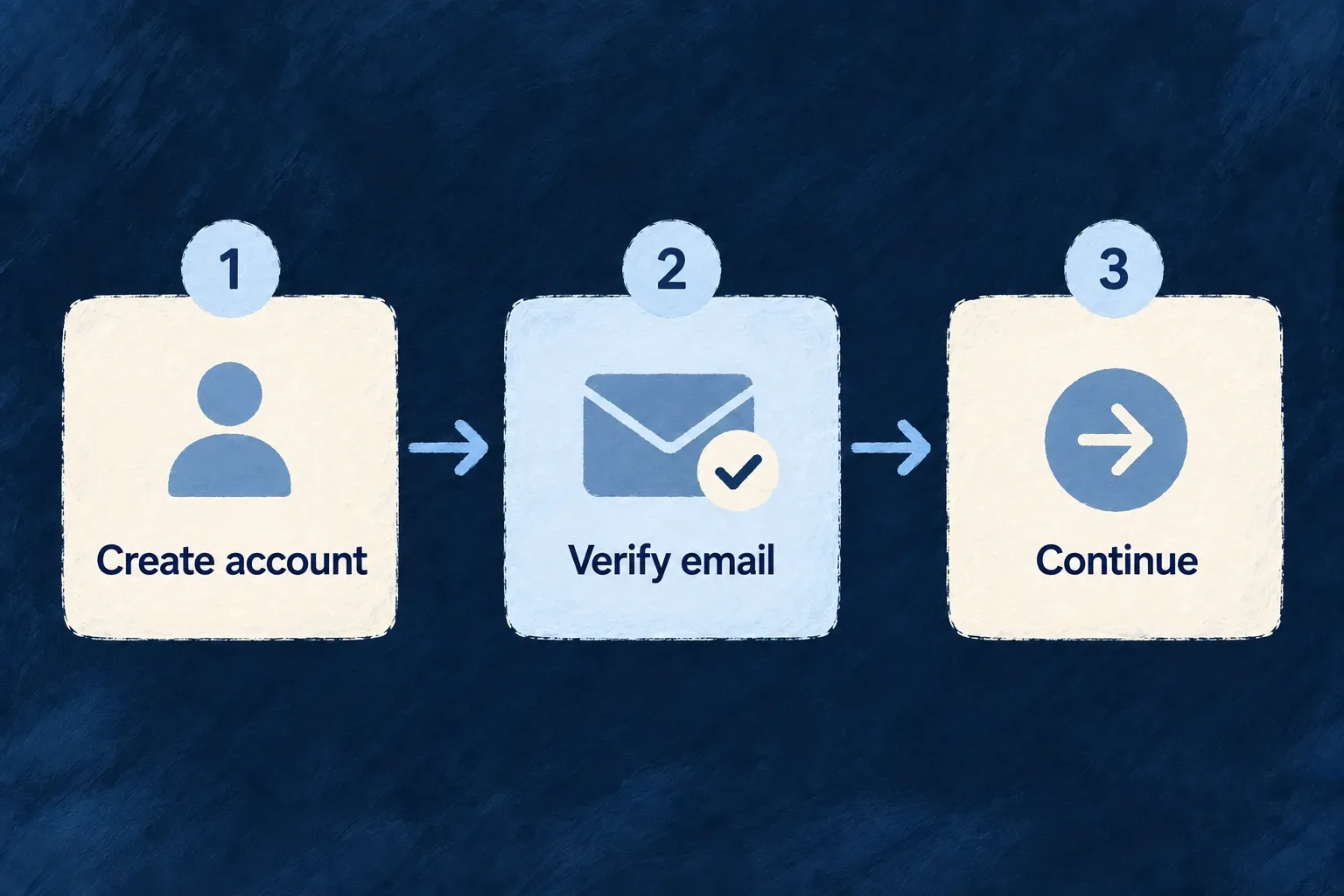
Welcome new users with a verified address
Choose who may create an account, which signup methods they can use and when email ownership must be proved. Wildo carries that policy through account creation and the next step into the application.
Registration can be open, invitation-led or administrator-controlled. Passwordless signup still proves the email address before it establishes access.
Example — Verify before entering the workspace
A new member submits registration, follows the verification email and continues into the application. An administrator account is created through an administrative process instead of public signup.
For engineers
Separate account creation from sign-in
This real member registration policy in Wonder Todos requires email verification before access:
registration: {
  mode: RegistrationMode.OPEN,
  allowedMethods: [AuthMethod.PASSWORD],
  emailVerification: EmailVerificationMode.REQUIRED_BEFORE_ACCESS,
  blockForSSODomains: false,
},
allowedMethods is the acquisition set. authMethodsEnabled is the sign-in set. The frontend’s usersManagement entry must also allow registration for this user type. A method being available to an existing member does not automatically make it a signup method.
Follow the selected method’s next step
| Signup method | How the account proves its address | What follows |
|---|---|---|
| Password | The configured email-verification flow | Continue authentication when its requirements are met |
| Magic link | The emailed link proves control of the inbox | Continue through the normal authentication policy |
| Passkey | Email proof comes before passkey enrollment | Enroll the authenticator for the account |
| Social identity | The provider must supply a verified email | Link or provision through the social callback |
The public registration service returns the appropriate next step. A passkey proves possession of an authenticator, not ownership of an email address, so passwordless public signup does not skip email proof even when deferred verification is selected for password registration.
Complete the surrounding onboarding
User-type roles and configured organization creation are separate parts of the signup result. Use the standard registration flow or follow its returned state with a custom interface; do not issue your own session immediately after creating a user row. Your application chooses the profile and onboarding information, while Wildo connects account status, verification and authentication.