
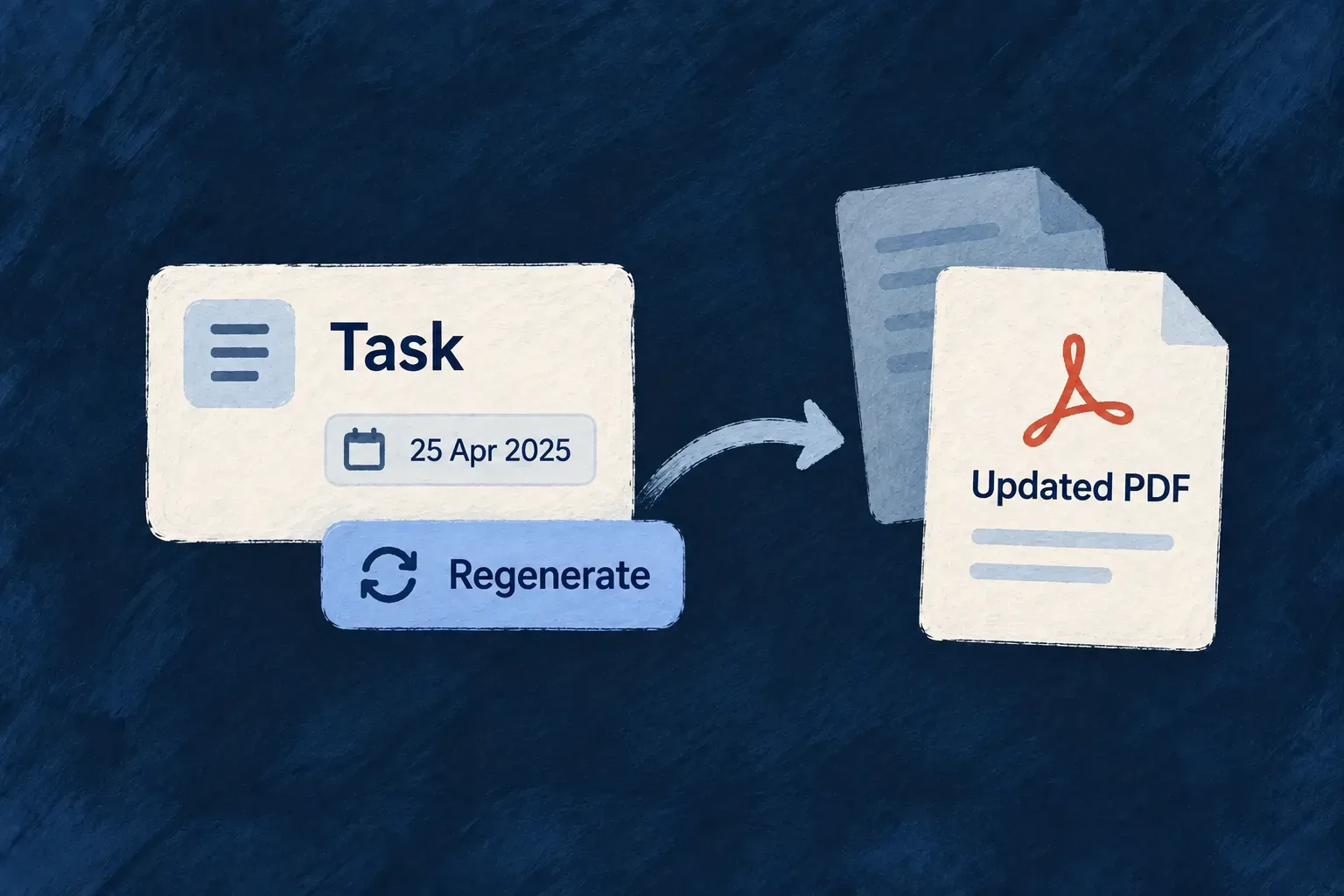
Refresh a document when the work is ready
Editing a record and publishing its document are different decisions. Keep the existing PDF while the information changes, then regenerate it when the new version is ready.
Wildo derives a refresh action for each generated document field. It renders from the record’s current data and replaces that field’s file reference, so people can deliberately choose when the attached document catches up with the work.
Example — Publish the revised task summary
Change a task’s due date and description while the team reviews the plan. When those details are ready to share, regenerate the attached summary. Ordinary edits leave the earlier PDF in place until that action runs.
For engineers
Use the operation derived from the declaration
The resource factory derives regeneration from the default, non-bulk, URL-bearing UPDATE operation. It gives the generated operation its own identifier and typed field marker. Selected operation properties from resources-config.shared.factory.ts:
...baseUpdateOperation,
operationIdentifier,
isDefault: false,
isOperationDefault: false,
isBulkOperation: false,
httpVerb: HttpMethod.POST,
resourceOperationLike: CoreResourceOperation.UPDATE,
generatedOperation: {
  kind: ResourceGeneratedOperationKind.GENERATED_FILE_REGENERATE,
  fieldName,
},
requestDto: z.object({}),
hasCustomRequestDto: true,
responseDto,
internalDto: responseDto,
hasCustomResponseDto: true,
The request body is intentionally empty: regeneration uses the persisted record, not a second editable payload. The response contains file and resource, giving consumers the replacement file value and updated record. The inherited operation settings supply the UPDATE access basis; the generated marker selects the dedicated PDF execution path.
Invoke regeneration for the existing record
Wonder Todos’ generated-file verification uses this request, where the organization and todo identifiers come from the current record context:
POST /organizations/{organizationId}/todos/{todoId}/files/generated-summary-pdf/regenerate
Content-Type: application/json

{}
The route is the generated URL for this particular field; use the operation’s URL builder in application code rather than inventing a path for another resource. The caller still supplies its normal authentication and must satisfy the inherited UPDATE access rules.
| Response member | What the consumer receives |
|---|---|
file | The replacement single-file value, including fileId and updatedAt. |
resource | The updated record, with its generated field pointing to that file. |
This is the operation response inside the application’s normal API envelope. After success, use the new reference and refresh the view. Do not keep displaying the previous file ID simply because the parent record ID is unchanged.
Render first, then replace the attachment
The service resolves the field’s template, loads the current record and generates a new PDF. It then updates the parent’s file reference and links the replacement file metadata within the resource transaction. The replaced generated file is retired through the file lifecycle machinery.
This is the replacement value prepared by services-registry-handler.backend.service.ts, after rendering succeeds:
const generatedFileValue = {
  fileId: generated.fileId,
  updatedAt: generated.updatedAt,
};
const updatePatch = this.buildGeneratedFileFieldPatch(fieldName, generatedFileValue);
const repositoryPatch = this.buildGeneratedFileRepositoryPatch(fieldName, generatedFileValue);
const previousGeneratedFileId = this.getGeneratedFileIdAtPath(currentObject, fieldName);
const processingOptions = this.buildGeneratedPdfProcessingOptions([{
  ...generated,
  resourceType,
  fieldName,
}]);
updatedAt travels with fileId. Frontend file readers use that freshness information when resolving previews, so a refreshed document is not confused with a previously cached version. Nested fields use the appropriate nested patch for file linking and dotted patch for repository updates.
Keep refresh behavior separate from editing
Ordinary UPDATE does not render the PDF again. The frontend recognizes regeneration as a direct action and refreshes the affected resource views after success. It uses the resource’s refresh mechanisms, including the local path when WebSocket refresh is unavailable.
Use this action when the current document should be replaced. If your product needs an immutable history of issued documents, model those separate issued records explicitly; this field represents the current attachment.