
Address people by their profile
Personalized messages can use the recipient’s name, email and language without repeating profile lookups in every template. Wildo assembles that context separately for each recipient.
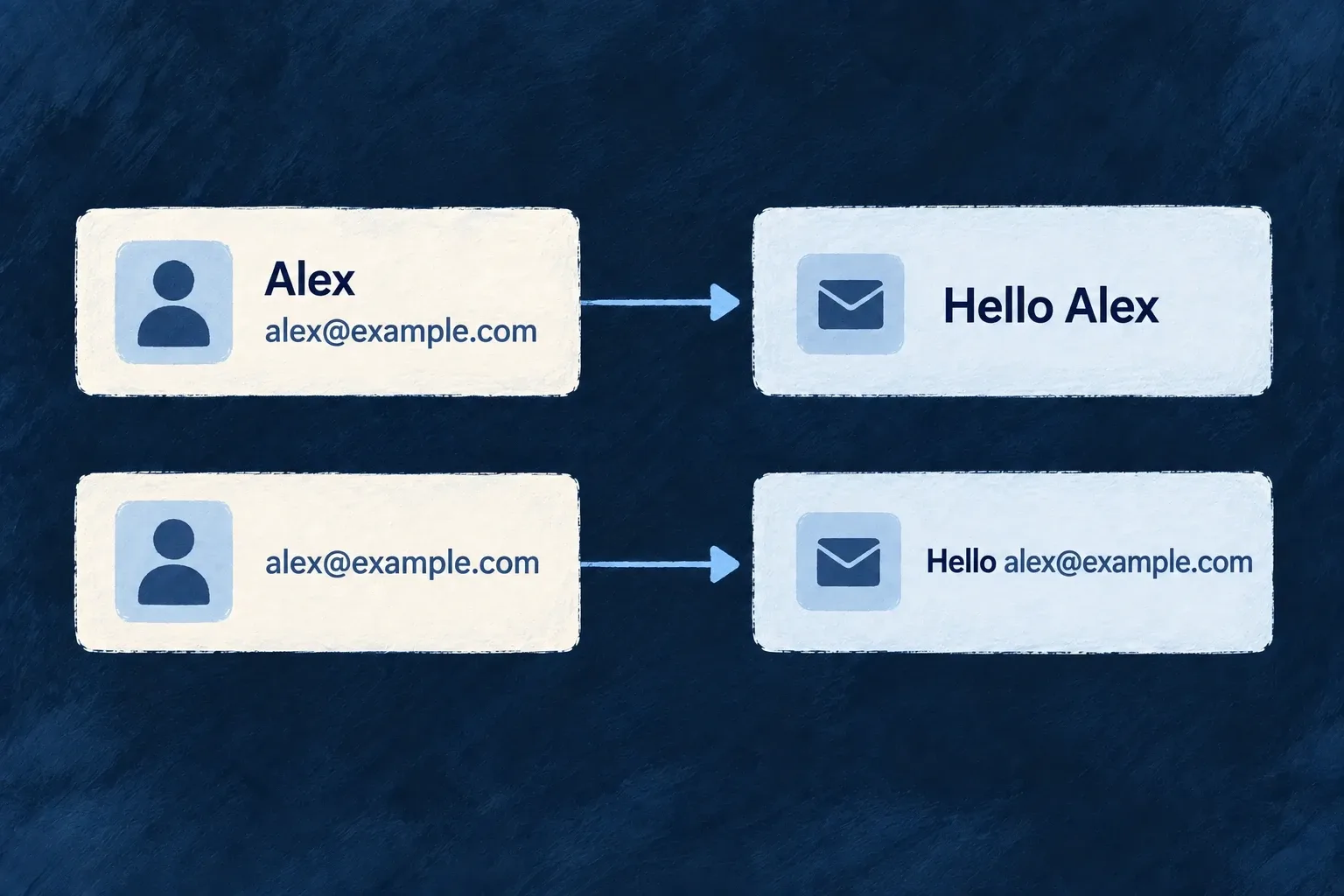
If a profile is not available yet, the email address provides a usable fallback.
Example — Welcome someone whose profile is not complete
An invited person has an email identity but no name fields. The message uses that address rather than leaving a blank greeting.
For engineers
Use user context instead of the initiating actor
Resource-operation notifications fetch the recipient’s user identity, profile and preferences. Name fields belong to the profile, while the user row supplies the email anchor. The dispatcher combines them as follows:
Selected from notifications-dispatcher.backend.service.ts; surrounding module configuration is omitted.
      const fullName = [profile?.firstName, profile?.lastName].filter(Boolean).join(' ') || undefined;
      const displayName = profile?.displayName ?? fullName ?? email;
      const firstName = profile?.firstName ?? email;

      const preferredLanguage = this.normalizeAvailableLanguage(preferences?.languagePreferences?.primaryLanguage)
        ?? this.normalizeAvailableLanguage(preferences?.regional?.locale);
Templates can read context.userContext.name or firstName; the selected recipient language is used when resolving labels. The operation’s author and its notification recipient may be different people, so do not substitute the initiator’s name.
Preserve a meaningful fallback
A newly provisioned or invited account may not have a profile. The dispatcher falls back from display name to full name to email; first name likewise falls back to email. Templates should not invent a name or leave an unresolved interpolation token.
For direct-by-address email, provide only the context that actually exists. That path has no member profile to consult. Keep the generic greeting suitable for a person who has not registered yet.