
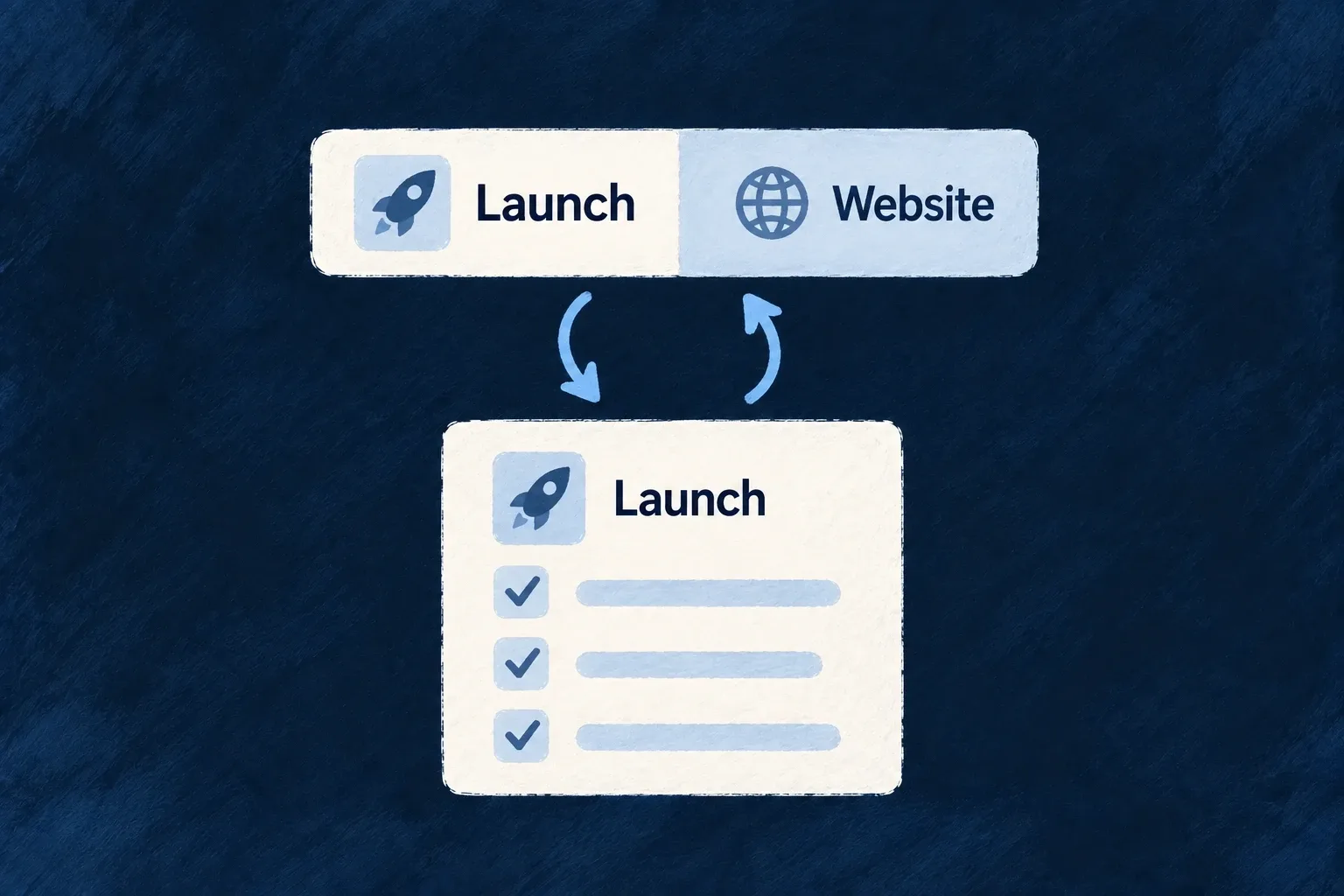
Keep the current workspace in view
When people work inside a project, list or other parent record, a selector can both show that context and change it. Wildo keeps the selector in step with navigation, including when someone reaches the record through a link.
Choosing another record updates the active context for the routes and lists that use it. This record selector is separate from switching customer organisations, which also changes the security and session context.
Example — Work inside one list
A person opens a todo list and sees it selected in the top bar. Choosing a different list moves the relevant view into that list’s context. Returning to the collection of lists clears the selection: the collection is where they choose a list, rather than work inside one.
For engineers
The task module in Wonder Todos contributes this real QuickSwitcherScopeField declaration. Comments and imports are omitted; it is exported from frontend/src/modules/tasks-manager/app-shell.module.frontend.ts.
export const moduleQuickSwitcherFields: QuickSwitcherScopeField[] = [
  {
    resourceType: TasksManager_ResourceType.TODO_LISTS,
    fieldIdentifier: 'todoListId',
    position: 0,
    persist: true,
    optionDisplayMode: ForeignKeyDisplayMode.SUMMARY,
    presentation: QuickSwitcherFieldPresentation.ICON_LED,
  },
];
resourceType identifies the resource to select. fieldIdentifier is the scope key carried into the application context. persist remembers the selection on this browser; it does not synchronize it to other devices. optionDisplayMode changes the dropdown rows, while presentation changes the control’s chrome. Summary cards in the options do not turn the closed trigger into a card.
Connect the module and its host
Export the fields as quickSwitcherFields in the module’s ShellModuleContributions, include that contribution in its FrontendModule, and aggregate the module with buildFrontendModuleConfigOverrides. Enable ApplicationLevelComponentType.QUICK_SWITCHER in the shell and place it through a hosted component in the menubar or sidebar. With no declared fields, there is nothing to render.
The shell has two separate requirements: enable the component and give it a host. These selected entries from Wonder Todos’ appShellConfig show both. Merge them into the existing configuration rather than replacing its other menubar controls:
// Inside appComponentsConfiguration:
[ApplicationLevelComponentType.MENUBAR]: {
  displayPolicy: "FIXED",
  hostedComponents: [
    // Retain the application's other hosted components.
    {
      componentType: ApplicationLevelComponentType.QUICK_SWITCHER,
      placement: HorizontalPlacement.END,
    },
  ],
},
[ApplicationLevelComponentType.QUICK_SWITCHER]: true,
Use ApplicationLevelComponentType and the AppConfiguration_Frontend type from @wildo-ai/saas-frontend-lib/companion; HorizontalPlacement comes from @wildo-ai/presets-components-models. Wonder Todos’ frontend/src/modules-registry.frontend.ts passes appShellConfig as frontendBaseConfig.appComponentsConfiguration and as baseAppComponentsConfiguration to buildFrontendModuleConfigOverrides. An existing host does not need to be added twice. The module-contributed fields above supply what this host renders; enabling an empty selector does not invent a scope field.
The control derives its field schema from the registered resource. When the declared field is not present there, the primary-key fallback retains resource-picker meaning rather than exposing a raw identifier input. Duplicate scope fields targeting the same resource are rejected by configuration parsing.
Understand both directions of the binding
useQuickSwitcherBehavior mirrors the current scope into the form and reports user changes with ScopeChangeInitiator.USER_SELECTION. AppScopeContext owns the shared value. Route-driven and filter-driven changes carry different initiators so they do not continually rewrite the address they were derived from.
| Interaction | Result for participating resource navigation |
|---|---|
| Open the selected resource’s read page | The selector reflects that record |
| Open its collection | The selector clears |
| Choose a value | Relevant destinations resolve against the new context |
| Clear or re-pick the selected value | The scope clears and a relevant nested route can demote |
The route bridge acts only when the current destination uses this scope. A selector does not impose its filter on arbitrary custom screens; custom data queries must consume the appropriate context. Test a deep link, selection, clearing and browser navigation as separate paths, rather than checking only the setter.