
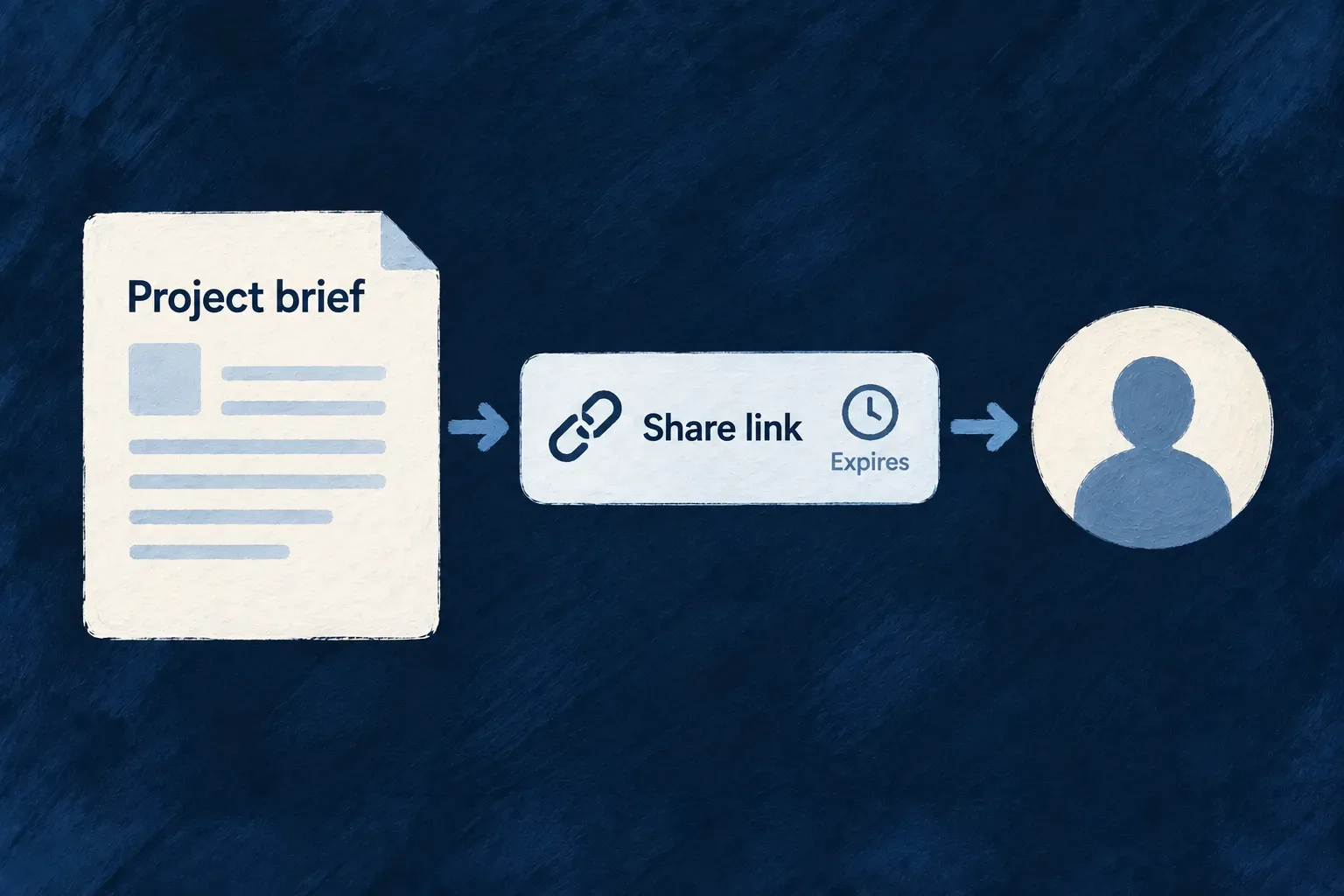
Share a file for a limited time
A person outside the application may need one document without receiving an account or access to the whole record. Wildo supports file-specific sharing when the field explicitly allows it.
An authorized caller mints a token with a lifetime and use policy. The recipient can fetch that file through the token, while the usual file-state and response protections remain in place.
Example — Send a completed document to a recipient
A team shares a final PDF from a shareable field. The recipient receives a token-bearing link that expires, without gaining access to the rest of the case. Anyone who receives that link can use it while it remains valid, so it should be handled as a credential.
For engineers
Allow sharing at the field boundary
Set sharable on a file field only when its content is suitable for this access path. sharableDefaults supplies expiry, single-use or bounded-reuse behavior, and a default maximum use count. The share route first checks authenticated file-read access, then resolves the owning field and refuses sharing if it is not enabled.
Understand how defaults become the token
The share handler in file.controller.ts resolves defaults and binds the token to one FILES row. Surrounding authorization, explanatory comments and response construction are omitted.
const defaults = fileFieldMetadata.sharableDefaults || {};

const expiresIn = requestBody.expiresIn ?? defaults.expiresIn ?? { value: 7, unit: DurationUnit.DAYS };
const consumptionMode = defaults.consumptionMode === 'SINGLE_USE'
  ? ConsumableToken_ConsumptionMode.SINGLE_USE
  : ConsumableToken_ConsumptionMode.BOUNDED_REUSE;
const maxUses = consumptionMode === ConsumableToken_ConsumptionMode.BOUNDED_REUSE
  ? (requestBody.maxUses || defaults.maxUses || 100)
  : undefined;

const result = await this.consumableTokenService.createToken({
  tokenType: CoreConsumableTokenTypes.FILE_PUBLIC_ACCESS,
  consumptionMode,
  resourceIdentifier: CoreResourceType.FILES,
  relatedId: fileId,
  organizationId: file.organizationId,
  expiresIn: expiresIn as DurationValue,
  roles: [],
  maxUses,
  metadata: {
    linkedResourceType: file.linkedResourceType,
    linkedFieldName: file.linkedFieldName,
    originalFilename: file.originalFilename,
  },
});
Treat the link as delegated access
The endpoint returns the token and expiry, plus the maximum count for bounded reuse. The default is seven days and 100 uses when the field and request supply neither. A request can override expiry and the bounded-reuse count; these defaults are not an immutable policy ceiling. The field’s consumption mode selects single use or bounded reuse.
Both download and metadata routes require the token’s file binding to match. Uses are counted after a successful response finishes, so an interrupted transfer does not consume a completed use. This is not recipient authentication or a strict reservation against simultaneous in-flight downloads. File deletion and non-downloadable states still prevent access; making a field unshareable later controls new minting, so existing tokens need their own expiry or revocation handling.
Declare sharing, mint a link, then hand it to the recipient
This illustrative declaration allows a PDF field to be shared. The default is one day and ten completed uses; these are defaults that the mint request can override, not upper bounds.
import { DurationUnit, z_file } from '@wildo-ai/zod-decorators';

const document = z_file({
  multiple: false,
  allowedMimeTypes: ['application/pdf'],
  sharable: true,
  sharableDefaults: {
    expiresIn: { value: 1, unit: DurationUnit.DAYS },
    consumptionMode: 'BOUNDED_REUSE',
    maxUses: 10,
  },
});
First upload and attach the file to this field. An authenticated caller with file-scope read access can then mint a share. This illustrative browser code requests twelve hours and three uses and turns the returned token into a recipient URL:
async function createRecipientLink({ apiBaseUrl, fileId, bearer }) {
  const fileUrl = `${apiBaseUrl}/api/v1/files/${encodeURIComponent(fileId)}`;
  const response = await fetch(`${fileUrl}/share`, {
    method: 'POST',
    headers: {
      authorization: `Bearer ${bearer}`,
      'content-type': 'application/json',
    },
    body: JSON.stringify({ expiresIn: { value: 12, unit: 'hours' }, maxUses: 3 }),
  });
  if (!response.ok) throw new Error(`Share refused: HTTP ${response.status}`);

  const share = await response.json();
  const recipientUrl = new URL(fileUrl);
  recipientUrl.searchParams.set('consumable_token', share.token);
  return { url: recipientUrl.toString(), expiresAt: share.expiresAt, maxUses: share.maxUses };
}
The controller returns HTTP 201 with { token, expiresAt, maxUses } directly, without a data wrapper; maxUses is omitted for single-use tokens. The recipient opens the constructed URL without the minter’s Bearer. The token itself supplies delegated authority, so share that URL only with the intended recipient and keep it out of public logs.
| Event | What happens |
|---|---|
Mint request for a field without sharable: true | Refused even if the caller can read the file |
| Mint request overrides expiry or bounded-use count | Request values take precedence over field defaults |
| Successful recipient download or metadata response completes | Counts a use after response completion |
| Transfer fails or is interrupted before successful completion | Does not count as a completed use |
| Several downloads start before a use is recorded | Completion accounting is not an exclusive in-flight reservation |
Minting checks the file’s scope, not every restriction on its owning record. A share link is a separate access decision from the record-derived preview route; it does not identify who received or opened it.