
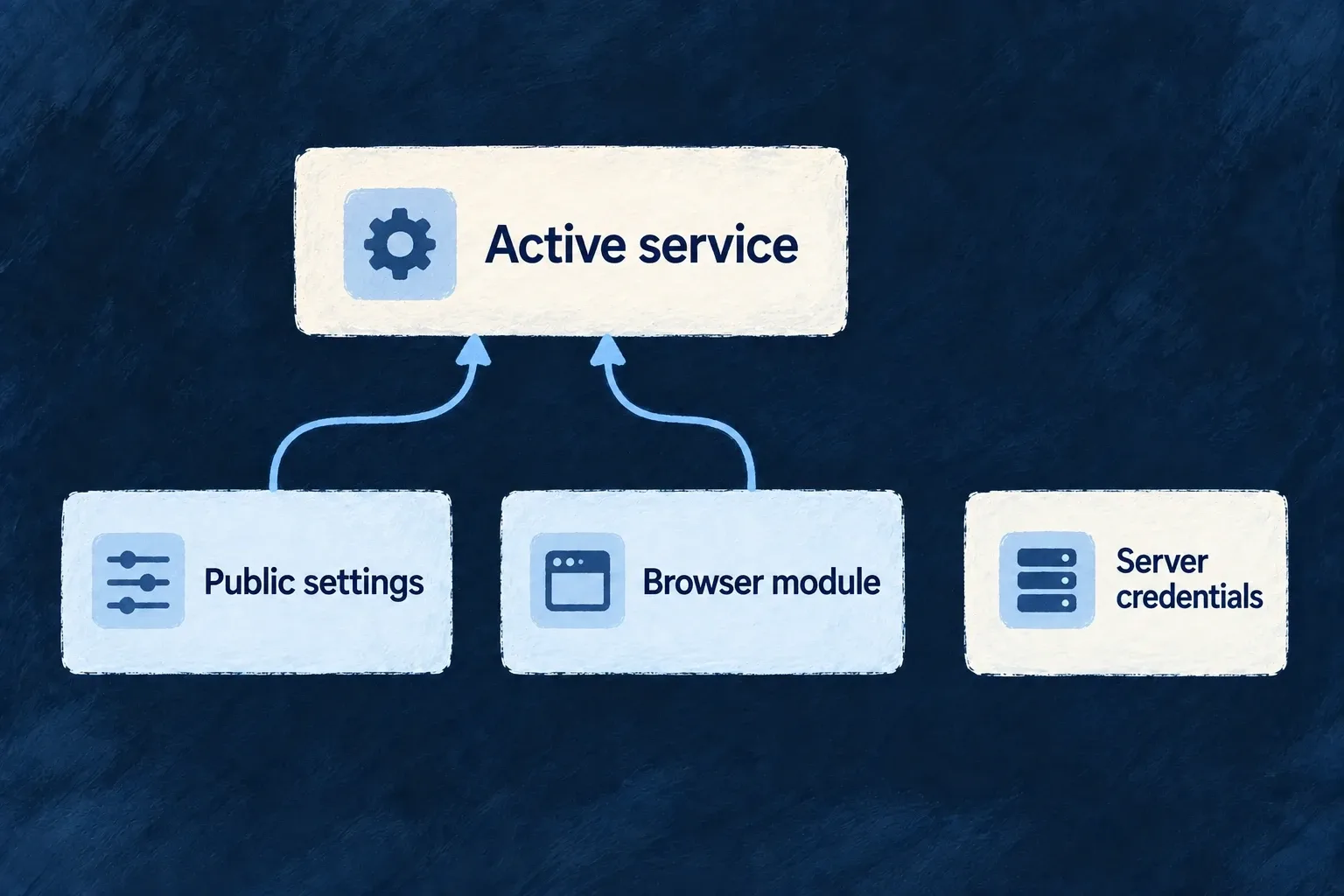
Connect browser services without exposing server secrets
Browser providers describe the public configuration and code a frontend service needs. Monitoring, analytics, sign-in and other integrations can be enabled for the product, website or documentation surface independently.
Their declared network origins contribute to the surface’s content security policy. Their activation code remains separate from the data sent by the server.
Example — Enable monitoring on one surface
A website selects an error-monitoring provider and supplies its public endpoint. That endpoint informs both SDK activation and the policy allowing the browser to connect to it.
For engineers
Frontend providers travel through two channels. Served entries contain identity, public configuration and descriptors; an explicit module map supplies the actual module functions. hydrateFrontendProviderModules joins them by provider identity. Data without matching code is diagnosed; code for an unselected provider stays inactive.
The application declares a provider on the intended frontend service and supplies its public configuration. It must also supply the browser module map to startup: wildo config sync currently synchronizes provider data but does not generate that frontend code map. A browser SDK must be installed where its module expects the optional peer. Selecting a provider does not supply a real account configuration.
Supply public data and browser code at their separate homes
For a SaaS app using Sentry, select sentry for its frontend service with FRONTEND_ERROR_MONITORING and FRONTEND_SDK. Install the module’s optional @sentry/browser peer in that frontend package. Configure the public DSN through the application’s provider configuration, separately from the provider selection block:
providerConfigurations: {
  sentry: {
    [ExternalProvider_ExchangeProtocol_Kind.FRONTEND_SDK]: {
      dsn: publicSentryDsn,
    },
  },
},
Import ExternalProvider_ExchangeProtocol_Kind from @wildo-ai/external-connectors-models; publicSentryDsn is the actual public DSN supplied for this deployment. Synchronization overlays this setting onto the contribution’s public configuration while retaining its SDK and CSP descriptors. It rejects keys outside a declared public-key contract and keys identified as secrets by the same provider’s server contributions.
This produces the served data. The browser startup separately needs executable code; the following uses the declared public app entrypoint, not a deep import of an engine file:
import { EngineFrontendAppProviderRegistryFragment } from '@wildo-ai/external-connectors-public/app';
import { startApplicationService } from '@wildo-ai/saas-frontend-lib';

const sentryModule = EngineFrontendAppProviderRegistryFragment.modules.get('sentry');
if (!sentryModule) throw new Error('The browser bundle has no Sentry app module');

await startApplicationService.initializeApplication({
  ...applicationStartupOptions,
  frontendProviderModules: {
    ...applicationStartupOptions.frontendProviderModules,
    sentry: sentryModule,
  },
});
applicationStartupOptions stands for the application’s existing startup arguments; preserve its other provider modules. Hydration joins this code with the served Sentry entry, and activation reads the DSN. A website uses its website facet and bridge registration instead of startApplicationService.initializeApplication; the app module above must not be substituted for that surface. See runtime separation.
Derive the network policy from the same setting
The Sentry website module declares where to find the connection origin and how to activate its SDK:
Selected from sentry.frontend-website.module.ts; surrounding declarations and imports are omitted.
csp: {
  derivedOrigins: [
    { publicConfigKey: 'dsn', bucket: ProviderFrontendCspOriginBucket.CONNECT },
  ],
},
sdk: {
  descriptor: { packageName: '@sentry/browser' },
  async activate({ providerRef, publicConfig }) {
    const dsn = publicConfig.dsn;
    if (typeof dsn !== 'string' || dsn.length === 0) {
      throw new Error(
        `Provider "${providerRef}" needs a Sentry DSN in its publicConfig.dsn. Without one the SDK starts `
        + 'and reports nothing, which is indistinguishable from a healthy site. Supply it by mapping this '
        + "provider's contribution in the application's own provider-contributions.",
      );
    }

    // DYNAMIC on purpose: `@sentry/browser` is a declared OPTIONAL peer of
    // this package, so it becomes its own chunk and only a surface that turns
    // Sentry on pays for it. A static import would land it in every page that
    // touches this closure and break outright wherever it is not installed.
    const Sentry = await import('@sentry/browser');
    const client = Sentry.init({ dsn });

    return {
      handle: client,
      deactivate: async () => {
        await client?.close();
      },
    };
  },
},
This activation validates a nonempty DSN, dynamically imports the SDK and returns a handle plus deactivation callback. The DSN here is public client configuration, not a backend API secret. Its origin is derived rather than hardcoded into a separate application list.
Hydration compares descriptors and CSP declarations so stale generated code/configuration does not silently masquerade as agreement. Activation failures name the provider and are isolated from other provider activations.
Use browser-safe entrypoints for the appropriate surface. The backend facet may share the vendor identity, but its secret-aware module does not belong in the browser bundle. Public configuration is visible to visitors by design; never use it to transport tenant or deployment credentials.