
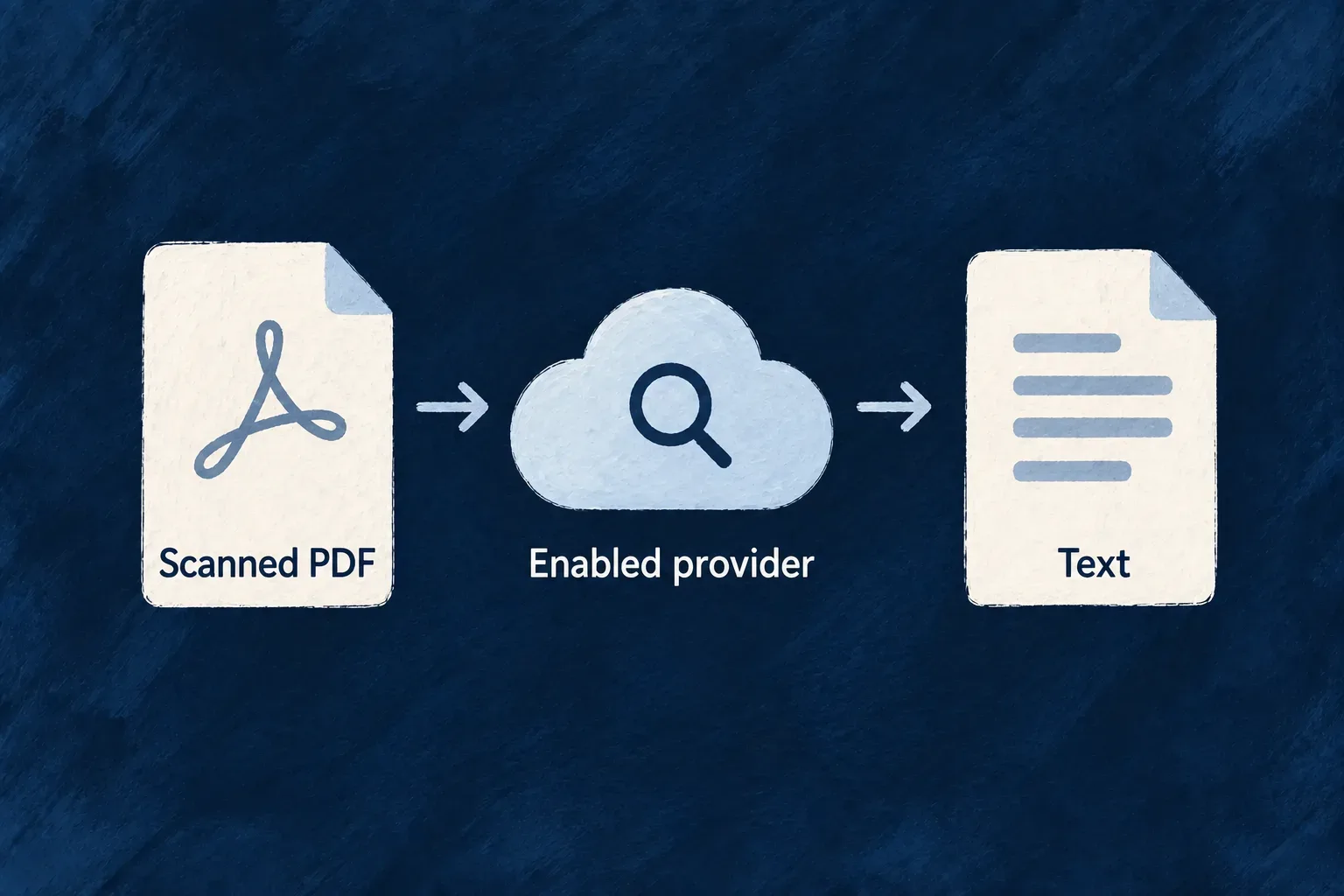
Turn scanned pages into usable text
A scan can look perfectly readable to a person while containing no text a parser can recover. Connect a document-recognition provider to turn those page images into text your application can use.
Choose the provider and the file fields allowed to use it. That lets a scanned-document workflow use external recognition while other documents continue to be read locally. The selected provider processes the document content, so this is also an explicit data-handling and usage-cost choice.
Example — Include a scanned brief in the knowledge base
A team uploads a scanned PDF containing project instructions. With recognition enabled for that field, extraction can recover the words and pass them to the same indexing process used for text-based documents.
For engineers
Select a provider and opt the field in
EngineCapability.AI_DOCUMENT_EXTRACTION is a separate selection from conversation and embeddings. Select an extraction provider for the application, then set textExtraction.ocr on the file fields whose contents may be sent to it. A ragSource declaration controls corpus membership; it does not grant that processing permission.
Declare the supplied Mistral provider in the backend scope and select its extraction capability independently from chat. This illustrative configuration belongs in wildo.saas.config.ts; it is not the development applications’ default selection:
import { defineSaaSProviders } from '@wildo-ai/platform-config-lib';
import { EngineCapability } from '@wildo-ai/saas-models';

const providers = defineSaaSProviders({
  scopes: {
    backend: {
      providers: {
        mistral: {
          engineCapabilities: [EngineCapability.AI_DOCUMENT_EXTRACTION],
          providerCapabilities: ['DOCUMENT_TEXT_EXTRACTION'],
          protocols: ['DOCUMENT_EXTRACTION_PROVIDER'],
        },
      },
      selection: {
        [EngineCapability.AI_DOCUMENT_EXTRACTION]: {
          primary: 'mistral',
          whenUnavailable: [],
        },
      },
    },
  },
});
Use this value as the application configuration’s providers property, merging it with the other provider scopes and selections the application needs. The installed backend provider package must expose the Mistral module to discovery, and the runtime must receive MISTRAL_API_KEY. The supplied runtime contract owns the document model and limits. Configuration alone does not supply credentials or prove that the external service is reachable.
The resource’s file field separately permits sending these documents for recognition:
document: z_file({
  allowedMimeTypes: ['application/pdf'],
  textExtraction: { ocr: true },
}).optional(),
This illustrative field admits PDFs and opts into provider reading. Add ragSource only if those documents should also become retrieval material. The file extraction service admits supported document formats; this setting does not turn it into an arbitrary image-recognition endpoint.
The extraction service resolves a provider only for an opted-in call. Its selection in file-text-extraction.backend.service.ts is:
const buffer = await this.collectStream(stream);
const binding = options?.allowProviderExtraction === true
  ? this.resolveUsableProviderBinding(fileId, mimeType, buffer.length)
  : undefined;
resolveUsableProviderBinding checks the configured model’s supported MIME types and effective document-size ceiling before sending bytes. A configured provider that cannot serve the document does not receive it. The provider service also applies its request time budget.
Prefer a useful result from either reader
For an opted-in document with a usable provider, external extraction is tried first. If it returns text, the service returns that text and extraction metadata. An empty response or unreadable-document response leads to the local reader where the format supports one.
Provider availability is handled separately. This excerpt shows the usable-local-result branch and the failure preserved when local reading cannot recover text. Diagnostic logging is omitted from file-text-extraction.backend.service.ts:
if (
  providerError instanceof DocumentExtractionError
  && providerError.failureClass === DocumentExtraction_FailureClass.PROVIDER_UNAVAILABLE
) {
  let localResult: FileTextExtractionResult | undefined;
  try {
    localResult = await this.extractLocally(buffer, fileId, mimeType, 'local-library (provider unavailable)');
  } catch {
    localResult = undefined;
  }

  if (localResult && localResult.text.trim().length > 0) {
    return localResult;
  }

  throw providerError;
}
The provider error remains an error when the local reader has no useful result. Ingestion can retry without treating a temporary outage as an empty replacement corpus. A scanned PDF and a legacy binary Office file cannot acquire a local text layer simply because the provider is unavailable.
Choose a provider for the documents you accept
Match accepted field formats and file sizes to the provider’s declared capabilities. Keep document recognition, chunking and embedding choices separate: recognition produces text, chunking selects passages, and embeddings support semantic retrieval. This lets each part change without redefining what the uploaded file means in the application.