
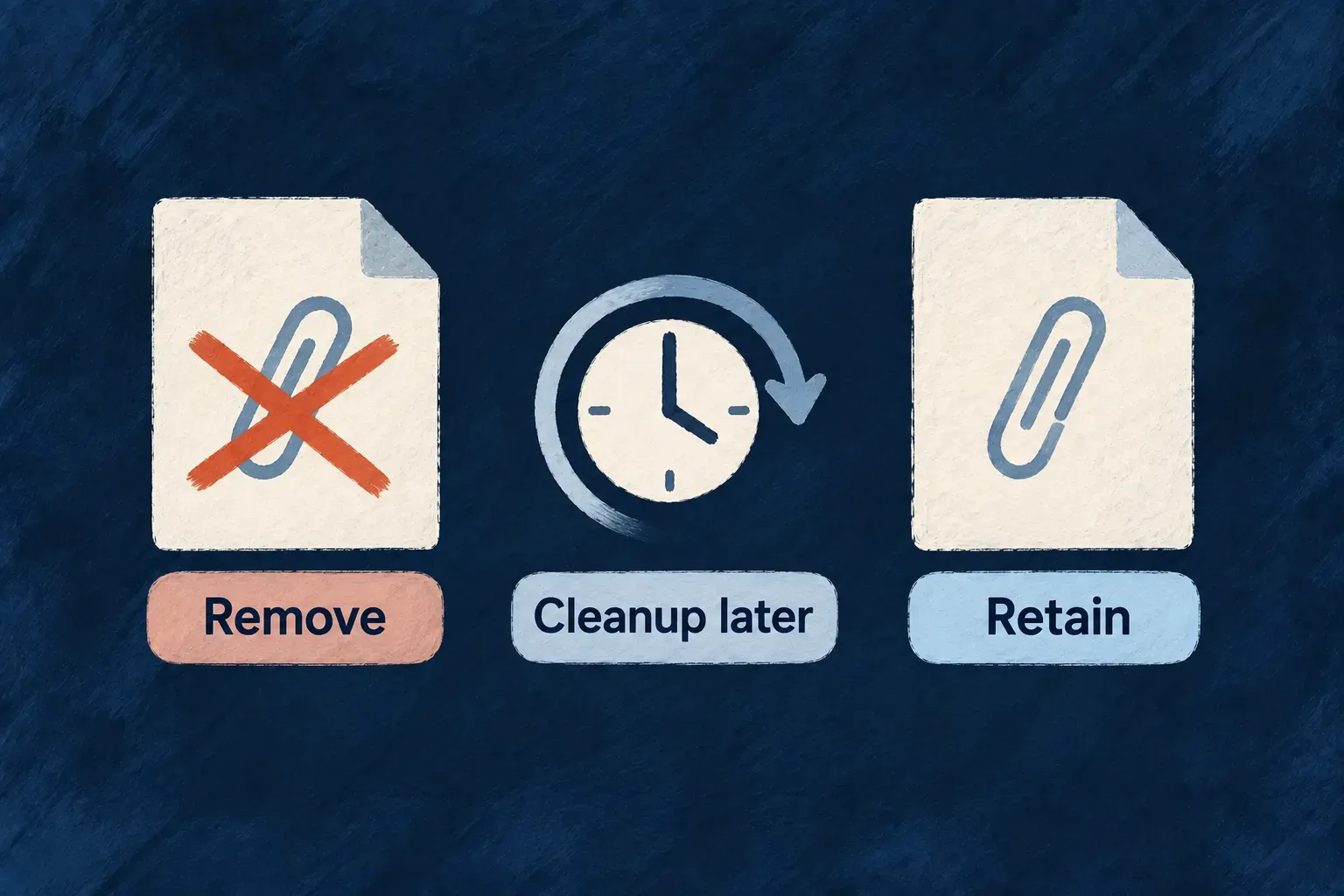
Erase personal attachments and their identifying metadata
A personal file can survive even after its database field is cleared. Wildo follows scrubbed file fields into the attachment lifecycle, withdrawing the file and removing identifying metadata such as its original filename.
Files deliberately retained by the application follow a different treatment, so keeping a required document is an explicit choice.
Example — Remove an identity attachment
A file field marked for removal points to an identity document. Erasure clears the reference, marks the file unavailable and replaces the identifying filename before storage cleanup removes the bytes.
For engineers
For a resource configured with ErasureRetentionMode.RETAIN_AND_IMPERSONALIZE, field declarations decide which attachments the scrub removes. This illustrative schema fragment keeps a required business document while removing a personal identity attachment:
import { z } from 'zod';
import { z_file } from '@wildo-ai/zod-decorators';
import { RedactionType } from '@wildo-ai/saas-models';

const attachmentFields = z.object({
  idDocument: z_file({ allowedMimeTypes: ['application/pdf'] })
    .nullish().impersonalizeWith(RedactionType.REMOVE),

  invoicePdf: z_file({ allowedMimeTypes: ['application/pdf'] })
    .nullish().impersonalizeWith(RedactionType.KEEP),
});
The fields belong in the resource’s schema; the resource’s retention policy and subject-erasure wiring select when this treatment runs. The fragment does not start erasure by itself. REMOVE writes null, so the personal attachment field must accept a cleared value.
For these declarations, buildImpersonalizeScrubPatch(attachmentFields) produces { idDocument: null }. The handler receives that field name and follows the existing file links before their attachment lifecycle is completed.
| Field | Record after the scrub | Attached file |
|---|---|---|
idDocument · REMOVE | Reference cleared to null. | Marked DELETED; filenames overwritten and uploader attribution removed. |
invoicePdf · KEEP | Reference unchanged. | Not erased by this treatment. Its existing file access rules still apply. |
| File field without a treatment | Reference unchanged. | Not erased by this treatment either; omission is not a privacy classification. |
Keeping the invoice is an application decision about that document’s contents and retention purpose. KEEP does not redact personal information inside a PDF. Nor does hiding the retained parent automatically block every file route: resource-scoped serving checks the parent, while global file serving checks the file’s own access scope.
Withdraw the file and scrub its own identifying values
processFileFieldsForImpersonalize invokes the privacy-specific eraseFile path for the scrubbed fields. This actual repository update shows why ordinary lifecycle deletion is not equivalent:
Source: files.backend.service.ts (selected excerpt).
    const erasedFile = await this.filesRepository.update<File>(
      internalContext,
      { _id: fileId },
      {
        status: FileStatus.DELETED,
        deletedAt: new Date(),
        updatedAt: new Date(),
        filename: ERASED_FILE_NAME_PLACEHOLDER,
        originalFilename: ERASED_FILE_NAME_PLACEHOLDER,
        uploadedBy: undefined,
        uploadedByEntityType: undefined,
      } as Partial<File>,
      options
    );
eraseFile marks DELETED and removes the file row’s filename/uploader attribution. Serving checks the downloadable status set; storage cleanup handles physical bytes through the normal cleanup lifecycle. Do not describe the soft-delete write as immediate destruction of every stored copy.
An untreated or KEEP field is not erased by this scrub path. That allows an intentionally preserved artifact to remain usable; it also means the application must classify personal file fields carefully. When at least one field is being scrubbed, a linked file without a usable linkedFieldName is also erased and a warning is logged. With no scrubbed fields, this handler returns without querying files.
Owner context is derived from the authoritative resource/file during internal cascade work, while normal requests retain their own authorization checks. Direct file erasure also removes associated extracted RAG content through the file-binding removal seam. Physical cleanup follows the configured soft-delete retention period (30 days by default). For remote references such as Google Drive, this does not promise deletion of the external original. Storage-provider deletion and backup retention remain separate from the file-row scrub.