
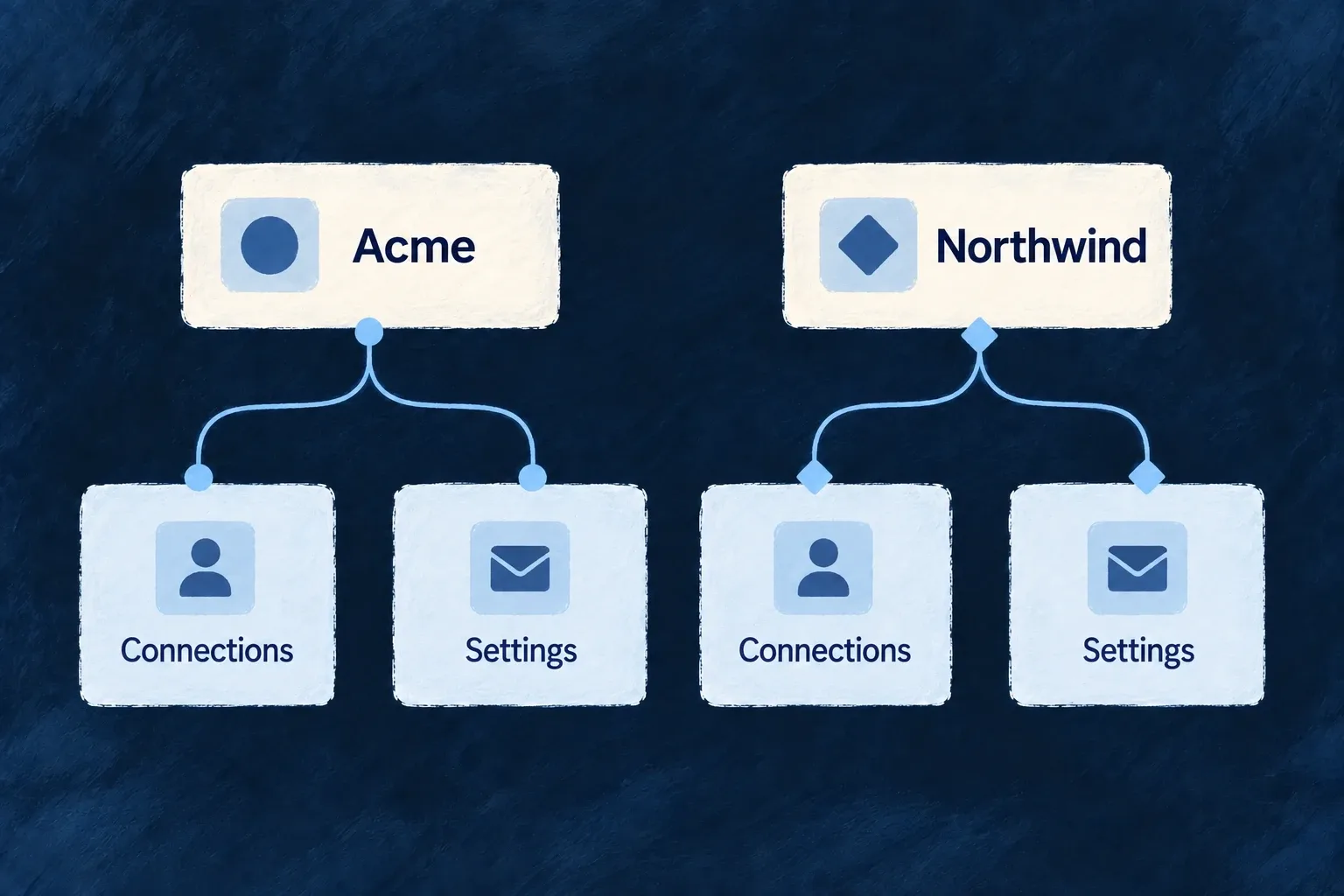
Let customers configure their own connections
Each customer can have its own supported identity, provisioning and audit connections. Wildo places those settings in organization-owned resources so one account’s configuration does not become the application-wide default.
The settings interface follows the enabled features, while the resource and credential paths retain the organization context.
Example — Two customers bring different identity providers
One account configures its single sign-on connection while another uses its own. Their administrators manage the relevant organization settings instead of sharing one deployment credential.
For engineers
The settings hub selects an organisation; its registered resource operations keep that owner in the request path and execution context. The backend validates who may use those operations. Selecting a customer in the interface does not itself grant authority over that customer’s resources.
For SSO, configuration and connections are separate resources under the same owner. Domain verification establishes who controls the sign-in domain; connection settings describe how the identity provider participates. Neither should be copied into an application-wide credential merely because the application hosts both customers.
Exercise an organization-owned configuration operation
For example, the SSO domain-claim operation lets the organization’s administrator begin proving a domain it controls. The organization already has its seeded SSO configuration; claiming a domain does not require creating a second configuration row.
This request follows sso-domain-ownership.e2e.ts. Set BACKEND_URL, ORGANIZATION_ID and the organization’s administrator ACCESS_TOKEN; replace the illustrative domain with one the customer controls.
curl -X PUT \
  "$BACKEND_URL/organizations/$ORGANIZATION_ID/organization-sso-config/claim-domain" \
  -H "Authorization: Bearer $ACCESS_TOKEN" \
  -H 'Content-Type: application/json' \
  --data '{"domain":"customer.example"}'
The claim response names the domain, reports pending and returns dnsName plus the one-time dnsRecordValue. Publish that exact value as a TXT record at the returned name. Do not invent the challenge value or assume that the domain’s presence in the stored list means it is verified.
After publishing the record, ask the same scoped operation family to verify it:
curl --fail-with-body -X PUT \
  "$BACKEND_URL/organizations/$ORGANIZATION_ID/organization-sso-config/verify-domain" \
  -H "Authorization: Bearer $ACCESS_TOKEN" \
  -H 'Content-Type: application/json' \
  --data '{"domain":"customer.example"}'
| Result | What the administrator should understand |
|---|---|
Claim returns pending | A challenge exists; publish its TXT record |
Verification returns failed | The challenge was not established; inspect DNS and retry verification |
Verification returns verified | The ownership check succeeded for this scope |
| The domain belongs to another verified scope | The operation rejects the competing ownership claim |
Read the response’s status, not only the HTTP status code. A completed verification request can return HTTP 200 with failed; --fail-with-body cannot detect that business result. The backend checks DNS and rechecks competing ownership at verification time, before granting routing authority. A claim alone does not authorize sign-on routing.
This illustrates the ownership contract: a public, named operation changes the selected organization’s configuration and returns the next action its administrator needs. Provider connection details and SSO enforcement remain separate settings; the general configuration update is an internal operation, not a public catch-all HTTP endpoint.
Configure the correct integration owner
| Surface | Organization-owned configuration |
|---|---|
| Single sign-on | SSO configuration and connections |
| Directory provisioning | SCIM provisioning configuration and tokens |
| Audit streaming | SIEM export configuration and delivery failures |
| Connected accounts | Provider credentials |
| API access | Organization API keys |
Enable the relevant feature and configure the provider through its declared resource. A page appearing in settings is a consumer of that configuration, not proof that a provider is already connected or operating.
Preserve the distinction between personal and organization connections
A person’s connected account and an organization-owned credential represent different authority. Use the appropriate resource and runtime context rather than copying credential material into generic application settings.
This capability describes the integrations with organization-owned configuration. It does not imply that every external provider supports every ownership mode. See the individual sign-on, provisioning and machine-access guides for their setup and operation contracts.