
Choose where each field keeps its files
Different documents can need different storage. Wildo lets a file field name the destinations it accepts, instead of forcing every attachment in the application into one place.
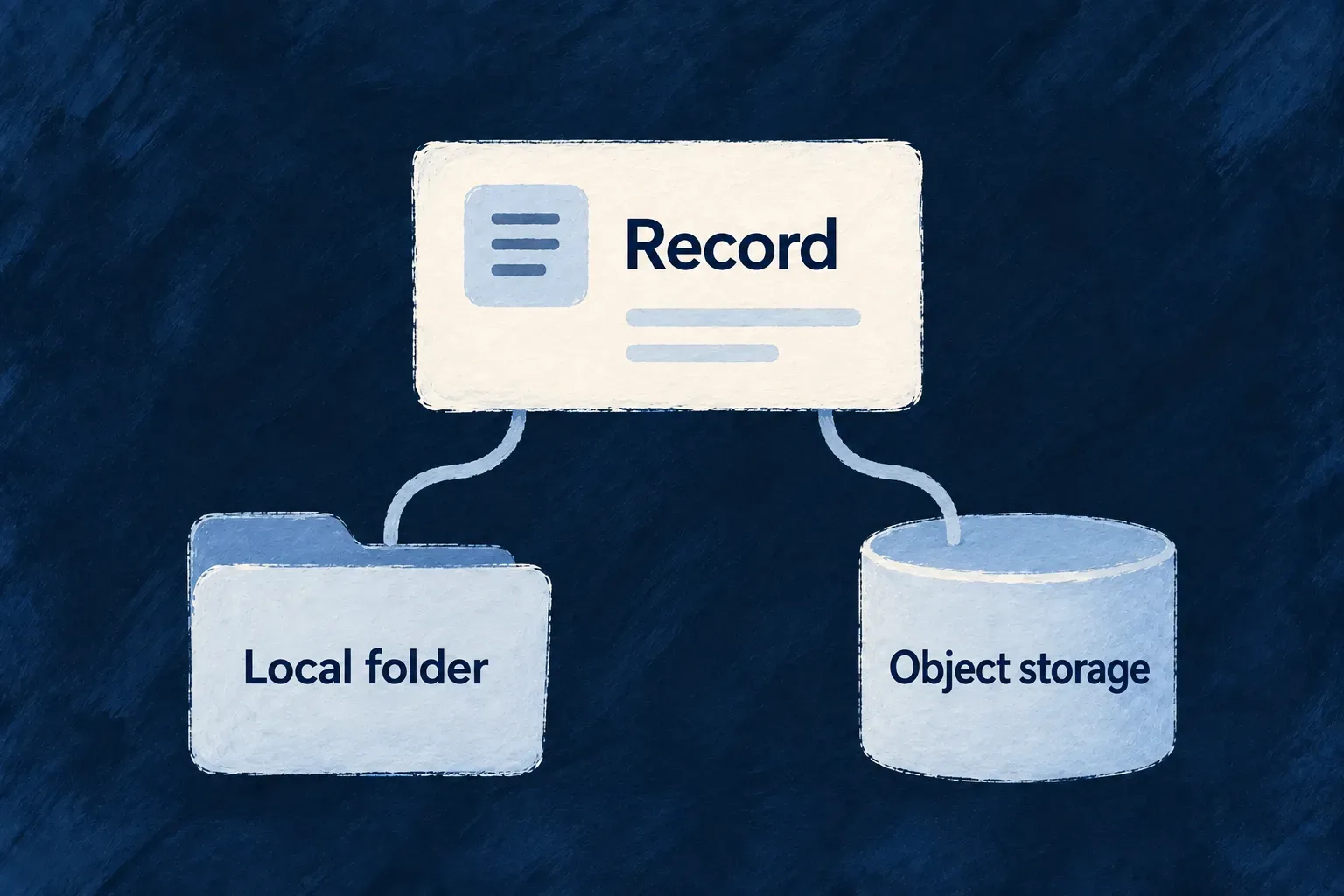
The router selects a configured destination from that list. Once a file is stored, its own metadata remembers the provider and reference needed to retrieve it.
Example — Keep one attachment type on a local volume
A deployment stores ordinary attachments in managed object storage but restricts a particular field to the local directory provider. If that directory is not configured, uploads to the field fail instead of quietly landing in the default object store.
For engineers
Use the field to state allowed destinations
Declare storageAccepted on z_file, using the FileStorageAccepted vocabulary. For byte uploads, list order is preference order. Omitting the list, or supplying an empty one, selects Wildo-managed storage and requires that provider to be configured.
The routing loop in file-storage-router.backend.service.ts selects only a registered, configured match. The earlier managed-default branch is omitted; the explicit-list failure is retained.
for (const preferred of storageAccepted) {
  const provider = this.providerMap.get(preferred);
  if (provider && provider.isConfigured()) {
    return provider;
  }
}

const configuredProviders = Array.from(this.providerMap.entries())
  .filter(([, p]) => p.isConfigured())
  .map(([id]) => id);

throw this.errorBuilder.buildError(
  ErrorType.CONFIGURATION,
  undefined,
  {
    customMessageReference: ErrorCustomMessageReference.CONFIGURATION,
    context: {
      message: 'None of the requested storage providers are configured. ' +
        'Ensure the corresponding environment variables are set for at least one of the declared providers.',
      requestedProviders: storageAccepted,
      configuredProviders,
    },
  }
);
Separate placement from naming
For managed and local storage, filePathBinding can shape a folder path and file name within the provider’s key composition. Values can be static or derived from the resource context available at upload time. Multi-file naming requires a policy that avoids every file choosing the same leaf; absent that policy, the file ID is used.
The resolver sanitizes authored path segments and warns when it changes them. Google Drive uses the requested file name but does not apply this composed folder layout. Choose storage first, then use only the naming behavior that destination implements.
Plan changes for existing files separately
A changed preference governs new uploads. Download and cleanup resolve the provider recorded on each existing file, so changing the field does not migrate its bytes. If none of the requested providers is configured, routing fails with a configuration error; it does not try an unlisted destination or recover a credential failure by writing somewhere else.
Remote picker references name their connected provider rather than following byte-upload preference order. The backend still checks that the field explicitly accepts the matching storage destination before retaining the reference.
Make placement a field choice and a deployment choice
These illustrative declarations distinguish a preference from a requirement. Both use the public FileStorageAccepted vocabulary:
import { FileStorageAccepted, z_file } from '@wildo-ai/zod-decorators';

const attachment = z_file({
  storageAccepted: [
    FileStorageAccepted.WILDO_MANAGED,
    FileStorageAccepted.LOCAL_DIRECTORY,
  ],
});

const localDocument = z_file({
  storageAccepted: [FileStorageAccepted.LOCAL_DIRECTORY],
});
The first field allows managed storage, then local storage if managed storage is not configured. The second permits only the configured local directory. Provision the destination through the application’s environment setup: managed storage uses STORAGE_ENDPOINT and its platform-issued credential path; local storage uses STORAGE_LOCAL_BASE_DIR, which must point to a volume the backend can actually read and write. A configured value is not a successful connectivity or filesystem-permission check.
| Configured deployment | Managed-first field | Local-only field |
|---|---|---|
| Managed and local | Managed storage | Local directory |
| Only local | Local directory | Local directory |
| Only managed | Managed storage | Configuration refusal |
| Neither | Configuration refusal | Configuration refusal |
An omitted or empty storageAccepted list means managed storage, not this two-destination fallback. If managed storage is configured but its write fails, the router does not retry that upload into local storage: preference selection happens before the write.
Existing files retain their recorded provider and storage handle. Changing this declaration affects future placement; it neither relocates earlier bytes nor changes the connected-provider matching used for remote picker references.