
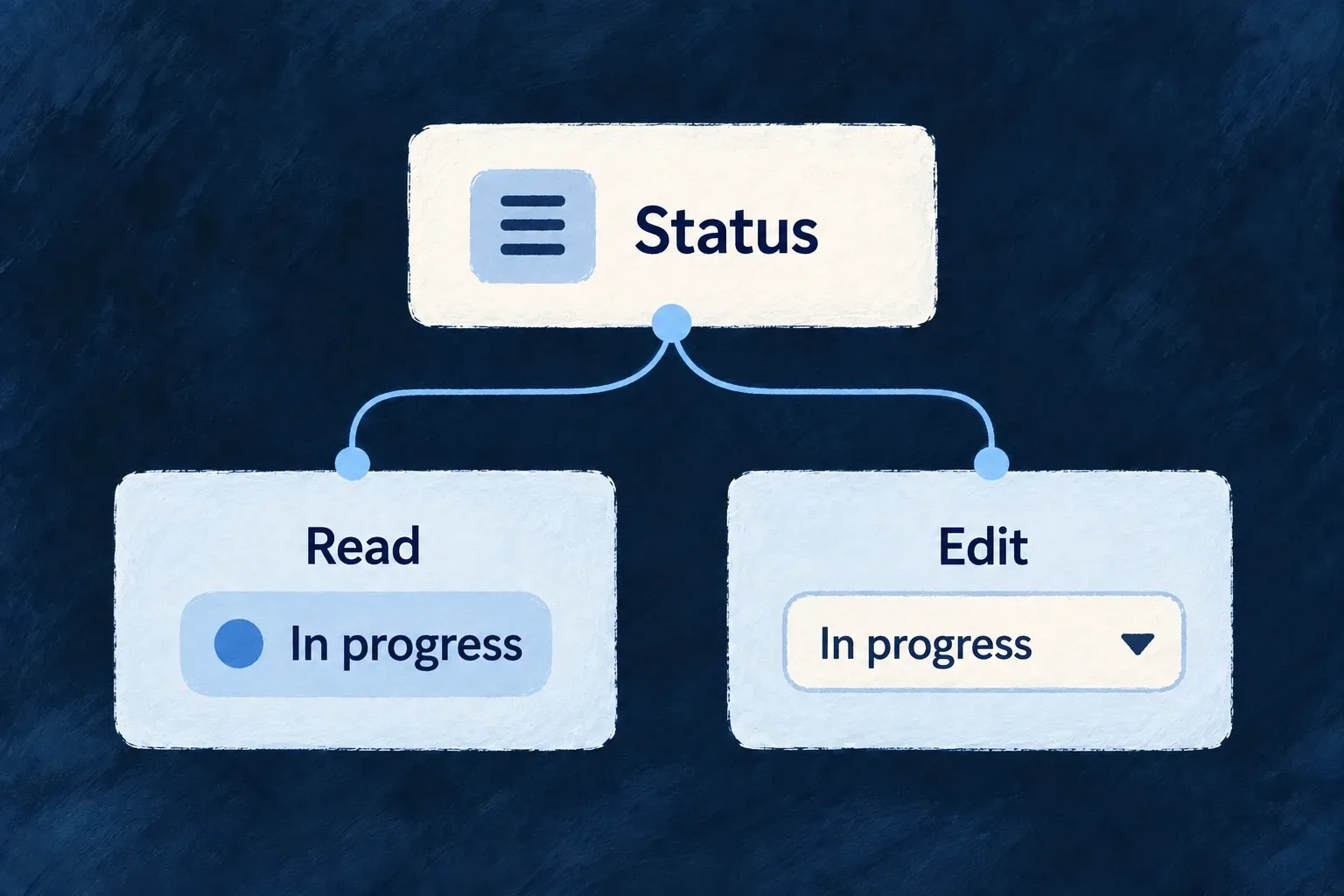
Show and edit each value appropriately
A status can read as a badge and edit as a choice. A description can display formatted text while exposing its source for editing. The same value can serve different moments in the interaction.
Declare those presentation choices beside the resource’s frontend behavior. Shared field types and business constraints remain in the data model.
Example — Read a status at a glance
The task status appears as an “In progress” badge on a detail screen. Editing selects another allowed status; changing the visual treatment does not change the allowed values.
For engineers
Keep storage and presentation separate
A resource’s fields map redecorates fields from schemaShape. It is a frontend presentation layer, not a place to change ownership, database indexes or operation exclusions.
This contiguous fragment from Wonder Todos pairs markdown display with source editing, then gives each status a semantic color:
description: sh.description.stringUI({
  // MARKDOWN (was MULTILINE, authored before the mode existed): renders
  // the description as themed rich text; editing stays markdown source.
  display: { displayMode: StringDisplayMode.MARKDOWN, showDescription: true },
  // `editMode` (not `component`) is the axis the string editor honors —
  // the earlier `component: FormFieldComponent.TEXTAREA` authored here
  // silently no-oped and the description edited as a single-line input.
  edit: { editMode: StringEditMode.TEXTAREA, textareaRows: 4, showDescription: true },
}),
status: sh.status.enumUI({
  display: { displayMode: EnumDisplayMode.BADGE, showDescription: true },
  edit: { showDescription: true },
  values: {
    [Todos_Status.PENDING]: { color: BadgeSemanticVariant.SECONDARY },
    [Todos_Status.IN_PROGRESS]: { color: BadgeSemanticVariant.INFO },
    [Todos_Status.COMPLETED]: { color: BadgeSemanticVariant.SUCCESS },
    [Todos_Status.CANCELLED]: { color: BadgeSemanticVariant.DESTRUCTIVE },
  },
}),
The description remains a string. StringDisplayMode.MARKDOWN changes its read renderer; StringEditMode.TEXTAREA presents plain source. A syntax-aware markdown editor is a separate edit-mode choice. The status colors come from BadgeSemanticVariant, so the theme resolves their appearance rather than receiving hardcoded colors.
Follow both consumers
FormField reads the edit configuration and chooses a control. DisplayValueDispatcher reads the display mode and selects the value renderer. Their shared field chrome handles labels and descriptions around those controls.
The redecorated frontend field can override presentation metadata inherited from the shared field. When a display change seems inert, inspect the frontend behavior as well as the schema; writing a second conflicting decorator is not additive configuration.
Keep labels and access independent
Enum value labels come from the application’s structured label tree. A color does not supply the value’s readable name. Conditional visibility and inline-edit choices shape the interface; backend roles, scopes and operation contracts still decide whether a change is allowed.