
Use the right provider for each environment
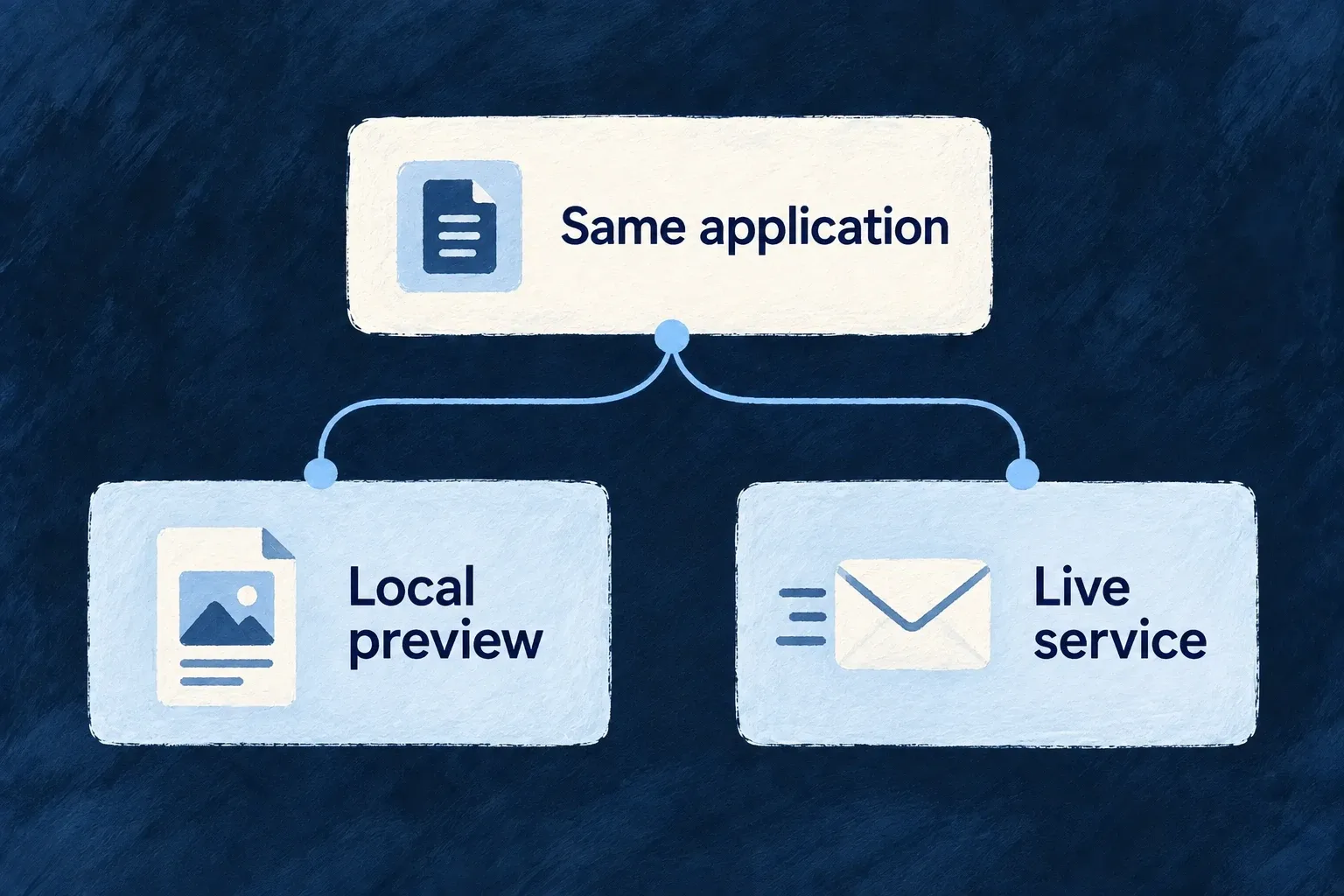
The application can keep one provider declaration while an environment selects a different primary. Local email can use a non-delivering preview service while the application’s default selects a sending provider.
Put that choice beside the environment’s other configuration, rather than adding environment branches to message code.
Example — Preview invitations locally
A developer tests an invitation with the local preview provider. The application declares both preview and sending providers; the local environment selects preview, while environments without that override retain the application selection.
For engineers
Declare the alternative in the application first
An override selects from the providers admitted by the application’s runtime scope. Wonder Todos declares email-preview alongside Resend in its backend providers:
'email-preview': {
  engineCapabilities: [EngineCapability.EMAIL_TRANSACTIONAL],
  providerCapabilities: ['EMAIL_TRANSACTIONAL'],
  protocols: ['EMAIL_PROVIDER'],
},
The application’s backend selection keeps resend primary. Its local infrastructure file, infrastructure/local/wildo.infra.local.config.ts, then contains:
providerSelection: {
  [EngineCapability.EMAIL_TRANSACTIONAL]: {
    primary: 'email-preview',
  },
},
These are actual configuration selections. The preview provider has a non-network delivery contract; it does not become a sending provider merely because it serves the transactional email capability.
Follow the environment choice into the process
The environment variable builder serializes the selection into WILDO_PROVIDER_SELECTION_OVERRIDES. The backend registry reads and caches that value, applying it ahead of the application selection for select-one capabilities. Use the normal configuration/environment synchronization and process startup path so the running process receives the intended environment.
Changing the infrastructure source is not a live mutation of an already initialized registry. Inspect the resolved runtime selection after restarting the relevant process with its updated configuration.
Keep the override’s authority narrow
The override cannot install a new provider or grant a provider to a scope where it was not declared. Resolution still filters eligible candidates, then applies selection ordering. Fan-out capabilities retain their additive destination set rather than treating an environment primary as a destination filter.
Malformed override data is ignored by the runtime’s defensive parser, so validate the actual selection rather than assuming a malformed local value guarantees non-delivery. whenUnavailable has the same selection-time meaning here as in application configuration; it is not retry-on-send-failure.
For a local non-delivery expectation, verify the intended preview provider is the resolved primary and observe the preview result before using real recipient addresses.