
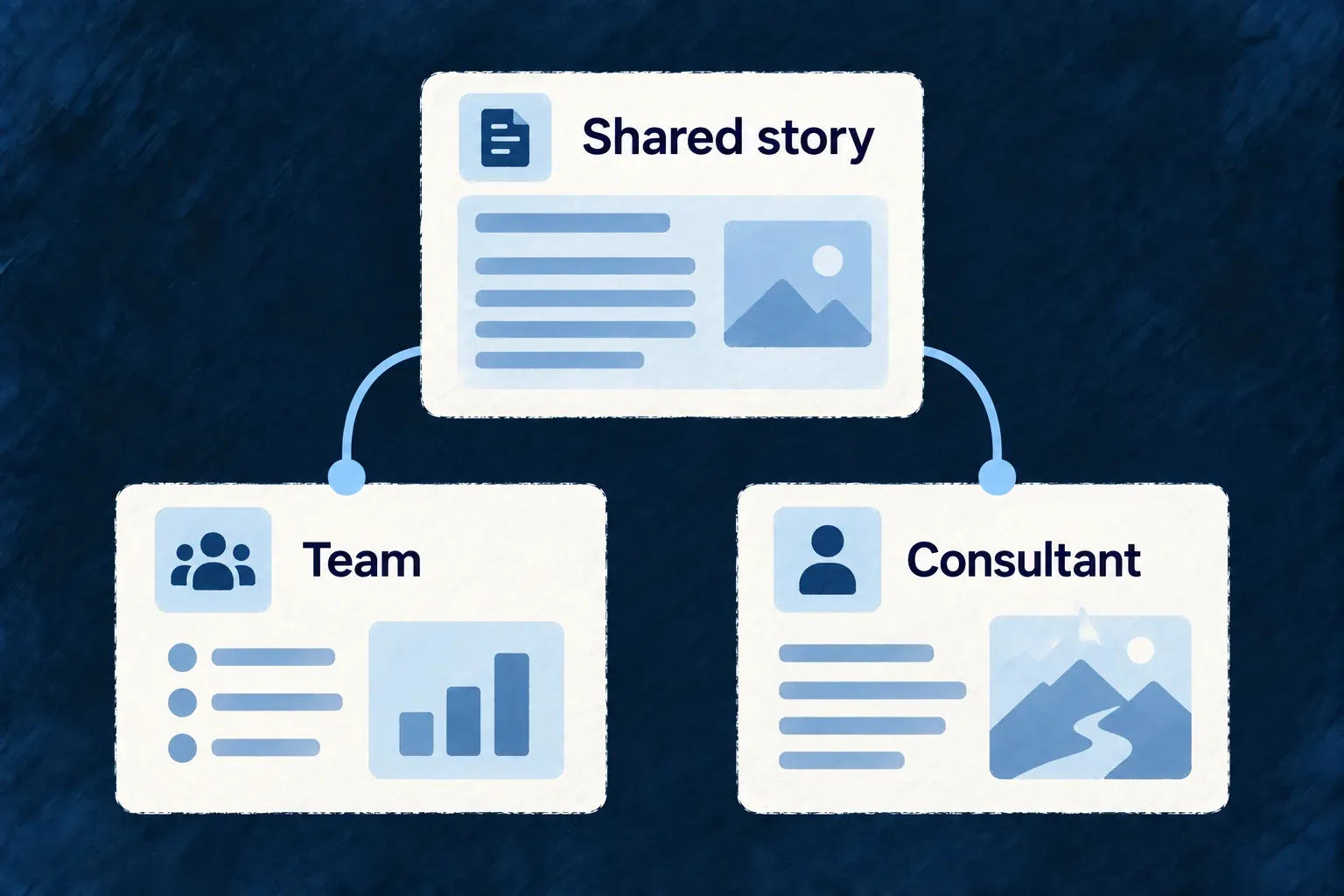
Adapt the story to the audience
A campaign or audience page can reuse the product’s shared story while changing the proof, language and call to action. Give that variation an explicit identity and a reason to exist.
Example — A page for consultants
The core product stays the same. A consultant-facing page changes the workflow example and contact invitation, with its own route and an agreed measure of useful enquiries.
For engineers
The framework’s page-variant skill describes an authoring practice, not a traffic-allocation engine. A variant is implemented through the ordinary page manifest. This is Wonder Todos’ existing base-page declaration, showing the contract a separately authored audience page also needs:
export const LANDING_PAGE_MANIFEST = defineWebsitePageManifest({
  ref: 'landing',
  routePath: '/',
  pageComponent: LandingPage,
  sectionRefs: [
    LANDING_HERO_SECTION.sectionRef,
    LANDING_FEATURES_SUMMARY_SECTION.sectionRef,
    LANDING_SOCIAL_PROOF_SECTION.sectionRef,
    LANDING_FINAL_CTA_SECTION.sectionRef,
  ],
  metaLabelKeys: {
    titleKey: WebsiteLabelKeySchema.parse('website.landing.meta.title'),
    descriptionKey: WebsiteLabelKeySchema.parse('website.landing.meta.description'),
  },
});
defineWebsitePageManifest and WebsiteLabelKeySchema come from the website package root. Use a distinct page ref, route, component and metadata keys for the audience page; register it in the root page map and add its actual locale routes. Share unchanged section implementations where their label contracts permit it.
Decide what the variation proves
Record the audience, changed claim, success measure and retirement condition in the authoring brief. The guide’s variantRef example is decision data, not a field accepted by the page-manifest schema. Analytics wiring and campaign allocation belong to the application. Review canonical URLs and crawler policy explicitly; a new page is not automatically an A/B test or a separately indexed campaign.