
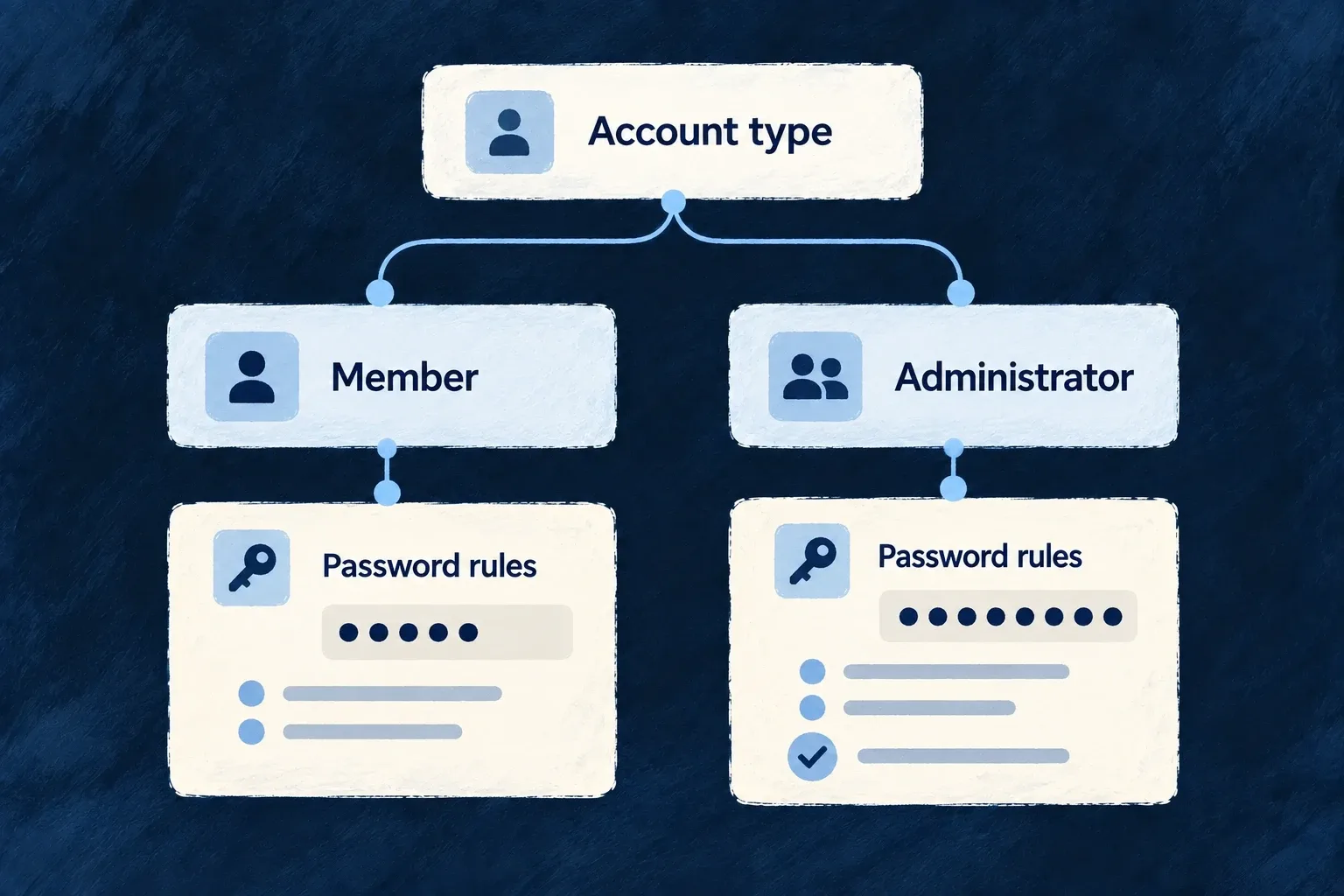
Set sign-in rules for each kind of account
Members and administrators do different work and carry different responsibility. Give each kind of account its own password requirements, failed-attempt policy and enabled sign-in methods.
Wildo applies those choices through the shared sign-in flow. Your application defines the policy; it does not need to implement a separate login system for every audience.
Example — Stronger requirements for administrators
Members can use the normal password policy, while administrators need a longer password and face a tighter failed-attempt limit. Both use the same application sign-in experience.
For engineers
Declare the policy where the user type is defined
saas-config.backend.ts owns application-authored identity behavior. In Wonder Todos, these are selected settings from the admin.auth object:
passwordPolicy: {
  minLength: 12,
  maxLength: 128,
  requireUppercase: true,
  requireLowercase: true,
  requireNumbers: true,
  requireSpecialChars: true,
  expiryDays: 90,
},
sessionDurationMinutes: 30,
maxConcurrentSessions: 3,
lockoutPolicy: {
  maxLoginAttempts: 3,
  lockoutDurationMinutes: 60,
  progressiveLockout: true,
  maxProgressiveLockoutHours: 24,
},
Password length, composition and expiry govern the credential. lockoutPolicy governs failed attempts. sessionDurationMinutes limits the temporary authentication episode in which sign-in steps are completed; it does not set the issued access token’s expiry. Registration and invitation episodes are created with a 24-hour expiry; idle timeout and subsequent session-store updates also affect how long they remain usable. maxConcurrentSessions limits authenticated sessions. JWT signing keys and access/refresh token lifetimes belong to deployment runtime configuration.
Make the user type available on the frontend
Enabling AuthMethod.PASSWORD is necessary, but the frontend must also admit the type. Wonder Todos declares:
frontendServices: {
  'wonder-todos-app': {
    usersManagement: {
      member: { register: true, auth: true, isDefault: true },
      admin: { register: false, auth: true },
    },
  },
},
An administrator can authenticate on this frontend but cannot register there. registration.allowedMethods separately controls account creation; the enabled sign-in set is not a signup policy.
Let the authentication flow finish
The standard interface identifies the account’s applicable methods and continues authentication. Password verification alone is not necessarily the final result: required email verification, MFA and account status still matter before a usable session is issued. Custom clients should follow the returned authentication state rather than assume that a successful first factor means access has been granted.