
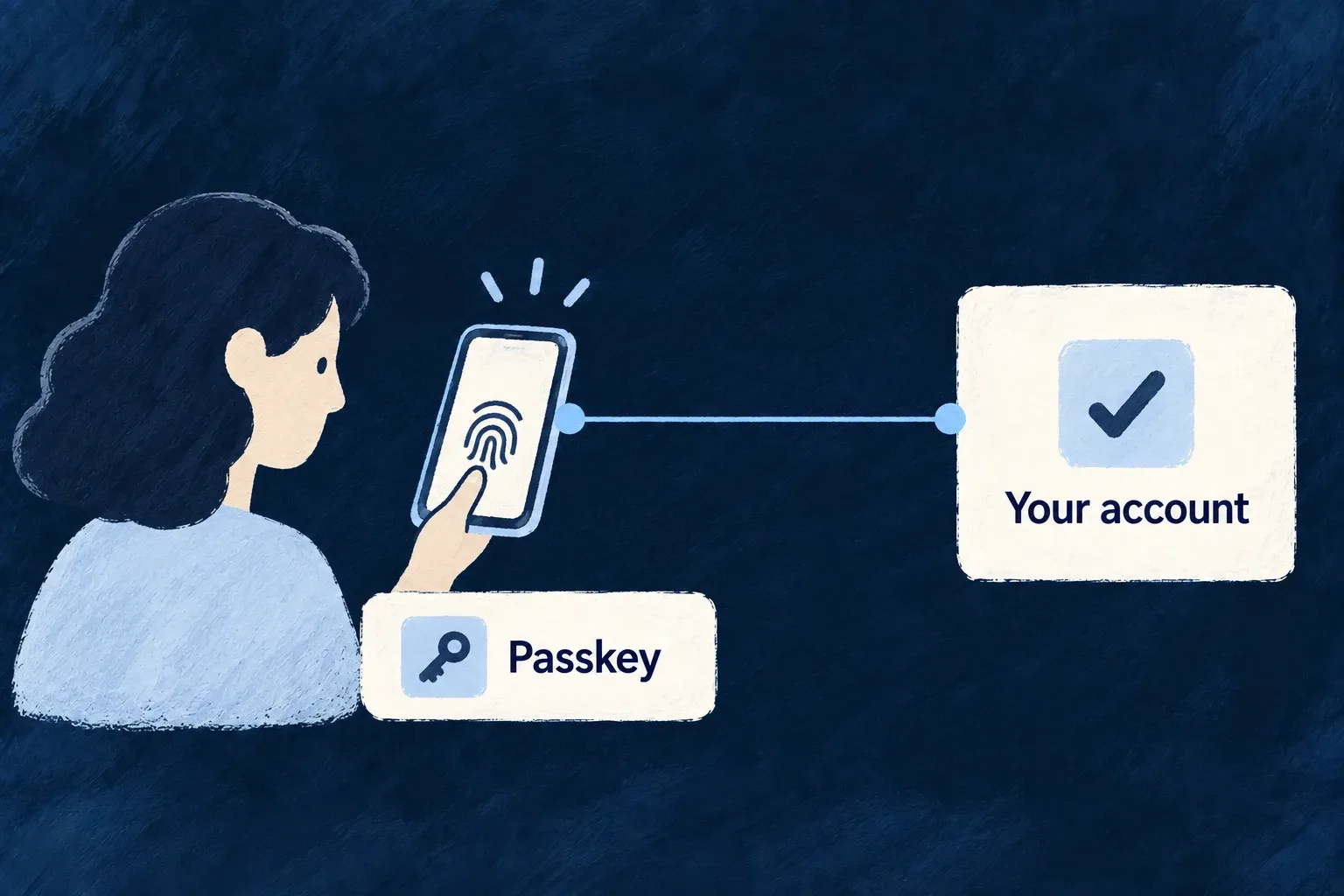
Sign in with a device you already trust
Let people use a passkey instead of remembering a password. Wildo handles the challenge, credential enrollment and sign-in verification, and keeps passkeys attached to the person’s existing account.
Your application enables the method and defines its relying-party settings. People can manage their enrolled credentials through the supplied account controls.
Example — Use a passkey on the next visit
A member enrolls a passkey while authenticated. On a later visit, their authenticator proves possession for this application and the normal account policy decides the remaining sign-in steps.
For engineers
Configure the application identity first
Enable AuthMethod.PASSKEY for the relevant user type and configure the passkey relying party and operational settings. Expected origins come from configured runtime public URLs. These values must match the deployed frontend; enabling the flag alone does not make a credential valid for an arbitrary hostname.
Enrollment proves the application’s challenge
The standard interface requests registration options, invokes the browser authenticator and submits its response. The backend consumes the stored registration challenge and verifies it against the relying party and expected origin. This is the verification call in webauthn.backend.service.ts:
const verification = await verifyRegistrationResponse({
  response,
  expectedChallenge,
  expectedOrigin: this.expectedOrigins,
  expectedRPID: this.rpId,
  requireUserVerification: this.passkeyOps.userVerification === 'required',
});
Successful verification stores the credential’s public key, identifier and authenticator metadata. The secret stays with the authenticator. Public signup still requires email proof before passkey enrollment; an authenticator is not proof of an inbox address.
Authentication has its own ceremony
A later sign-in creates a fresh authentication challenge. The backend consumes it once, verifies the assertion and updates the credential’s counter and last-used information. Synced passkeys with a zero counter are supported; a verified assertion whose nonzero counter regresses is refused and recorded as suspicious.
Sensitive-action reauthentication uses a separate passkey challenge and requires user verification. That distinction prevents a login response from being reused for a high-impact action. Enrollment, naming and removal are separate account operations; removing a credential remains subject to account method-management policy.